Building an AI-powered application is not just about getting a model to generate responses. You also need a reliable way to manage conversations, guide responses, and connect everything to your application. The OpenAI Chat Completions API makes this possible by giving developers control over how AI handles messages and generates answers. If you want to understand how it works and how to use it in your own projects, this article will walk you through everything you need to know.
What is the OpenAI Chat Completions API
The OpenAI Chat Completions API lets developers integrate OpenAI's language models into applications and services. It generates responses from a sequence of messages and supports tasks such as conversation, question answering, content generation, and text analysis.
Chat Completions remains supported. For new projects, OpenAI recommends the Responses API. This guide focuses on Chat Completions to explain its message format, request parameters, and use with compatible SDKs.
Unlike the legacy Completions endpoint (/v1/completions), which accepts a text prompt, Chat Completions accepts a structured list of messages. Each message has a role, such as developer, user, or assistant, that helps the model interpret instructions and conversation context. The supported roles and content types depend on the selected model.
Developers can use the API to build various AI-powered features, including:
Conversational applications: Create AI chatbots, virtual assistants, and customer support systems that respond to user messages.
Content generation: Generate articles, product descriptions, emails, summaries, and other written content.
Text analysis: Classify text, extract information, analyze sentiment, and identify key points in documents.
Coding assistance: Generate code snippets, explain programming concepts, and help developers troubleshoot errors.
Language processing: Translate, rewrite, simplify, and proofread text across different languages.
The API provides a flexible way to connect language models with existing software, allowing developers to incorporate AI-generated responses into their applications without building and hosting their own language models.
How does the OpenAI Chat Completions API work
The Chat Completions API follows a request-and-response workflow. An application sends a request containing a model identifier and a list of messages to the API endpoint. The selected model processes the input and returns a generated response.
The basic workflow includes the following steps:
Prepare the conversation: The application collects the user's input and organizes it into a list of messages. Previous conversation messages can also be included to provide context.
Send an API request: The application sends a POST request to
https://api.openai.com/v1/chat/completionswith the selected model and message list. Requests use anAuthorization: Bearer <API_KEY>header. The Python SDK'sclient.chat.completions.create()method handles this request structure and authentication.Process the input: The model interprets the messages, considers their roles and content, and generates a response based on the provided context and parameters.
Receive the response: A non-streaming request returns a JSON response containing the generated completion and metadata. With streaming enabled, the API sends a sequence of server-sent events (SSE), which the application processes as they arrive.
Display or process the output: The application extracts the generated message and displays it to the user or passes it to another application component.
The workflow is based on the OpenAI Chat Completions API request and response model.
Key components of the Chat Completions API
To use the Chat Completions API effectively, developers need to understand its main request parameters and how they affect model behavior.
Model
The model parameter specifies which language model processes the request. Different models may offer different capabilities, response speeds, reasoning performance, and pricing.
Developers should select a model according to the complexity of the task, expected response quality, latency requirements, and budget.
Messages
The messages parameter contains an array of conversation messages. Each message typically includes a role and content field.
Common roles include:
| Role | Description |
|---|---|
| system | Provides developer instructions on models that use the system role. For o1 and newer OpenAI models, use developer messages for this purpose. |
| developer | Provides application instructions and constraints on supported models, including o1 and newer OpenAI models. |
| user | Contains the user's questions, prompts, or other input. |
| assistant | Represents the assistant's previous responses or generated content. |
| tool | Contains the output returned by an external tool. |
Choose the instruction role supported by your model; you do not need to send both system and developer messages for the same instructions. To maintain context across turns, include the relevant conversation history in each request. Compatible providers may support different roles, so follow their own model documentation when adapting an integration.
Temperature
On models and configurations that support it, temperature controls sampling randomness. The API reference defines a range of 0 to 2, with a default of 1. Check the selected model's parameter support before setting a custom value.
Lower temperature: Produces more focused and predictable responses, making it useful for classification, information extraction, and structured tasks.
Higher temperature: Allows more variation in generated text, which can be useful for brainstorming and creative writing.
Some reasoning configurations do not accept custom temperature or top_p values. For those configurations, omit these sampling parameters and use supported controls such as reasoning effort and output limits instead.
Top_p
Where supported, top_p controls token selection through nucleus sampling. It sets the cumulative probability threshold used to choose candidate tokens.
For example, a value of 0.1 means the model considers tokens within the highest 10% of cumulative probability mass. Lower values generally produce more focused output, while higher values allow greater variation.
OpenAI recommends adjusting either temperature or top_p rather than changing both simultaneously.
Max completion tokens
The max_completion_tokens parameter sets the maximum number of tokens the model can generate in a response, including reasoning tokens where applicable.
Setting an appropriate limit helps developers control output length and manage token consumption. If the model reaches this limit before completing its response, the completion may end with a length finish reason.
Stream
The stream parameter determines whether the API returns the generated response all at once or progressively as it is produced.
false: Returns the complete response after generation finishes.true: Streams response data to the application through server-sent events (SSE).
Streaming is useful for chat interfaces and applications where users benefit from seeing responses appear progressively rather than waiting for the entire output.
Response format
The response_format parameter selects the output format on supported models. Text is the default. Setting type to json_object enables JSON mode, which produces valid JSON but does not enforce a particular schema. Include an instruction to return JSON in the messages.
For predictable fields and data types, use JSON Schema-based Structured Outputs with type: "json_schema" and strict: true on a compatible model. Only the supported subset of JSON Schema can be used in strict mode. Before processing the result, check for a refusal or a truncated response. See the Structured Outputs guide for configuration details.
Tool choice
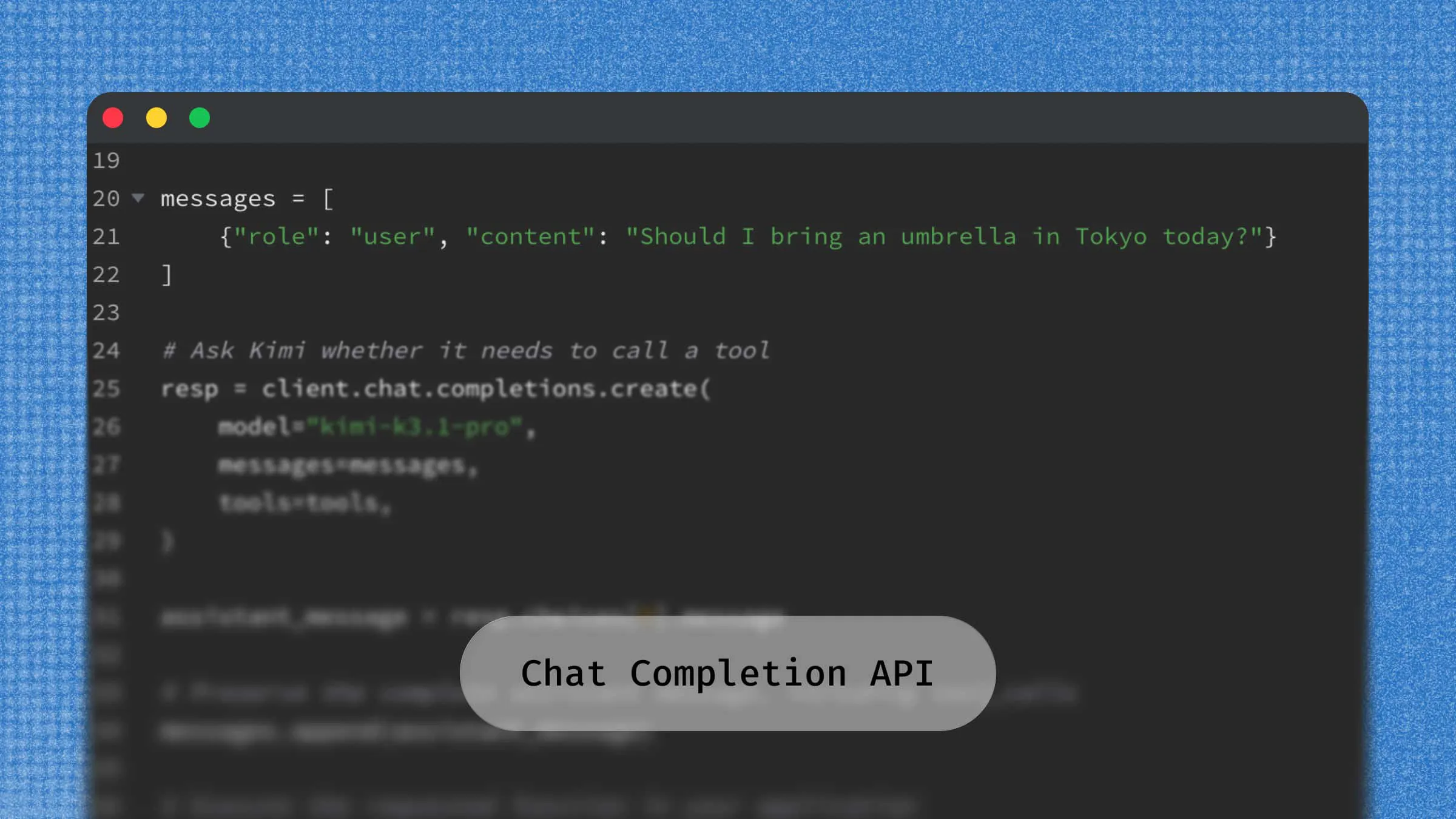
The tool_choice parameter controls tool selection when the model supports tool calling through Chat Completions. Support depends on both the model and its reasoning configuration; some newer models require the Responses API for tool use. Check these requirements before adding tools to a request.
Common settings include:
none: Prevents the model from calling tools.auto: Allows the model to decide whether to call an available tool.required: Requires the model to call one or more tools.
This capability supports function calling, allowing an application to connect model-generated decisions with external functions, databases, and services. The application is responsible for executing the requested function and returning its result to the model.
Use the Chat Completions API reference for parameter definitions and model compatibility requirements. The Python example below uses a basic text request without tools.
How to use the OpenAI Chat Completions API
Developers can access the Chat Completions API through HTTP requests or an official SDK. The following example uses Python to send a conversational request and retrieve the generated response.
Step 1. Get an API key
Create an API key in the OpenAI API platform and make sure your account has access to the selected model and sufficient API credits or billing capacity. Store the key in an environment variable instead of application source code. On macOS or Linux, run:
Replace YOUR_API_KEY with your own key. On Windows, set the same OPENAI_API_KEY variable in your shell or system environment.
Step 2. Install the OpenAI Python SDK
Install the official Python library using pip:
Step 3. Initialize the API client
Import the SDK and initialize the client. OpenAI() automatically reads the OPENAI_API_KEY environment variable set in Step 1.
Step 4. Send a chat completion request
Call client.chat.completions.create() with a model and a list of messages. This example uses gpt-6-astra with low reasoning effort and a total generation limit of 4,096 tokens. If this model is unavailable to your account, choose a model that supports Chat Completions and adjust the parameters to match its documentation.
In this example:
modelidentifies the language model used to generate the response.messagesprovide instructions and user input.reasoning_effortsets the reasoning effort for models that support this parameter.max_completion_tokenscaps generated tokens, including reasoning tokens. It does not guarantee a particular amount of visible text.response.choices[0].message.contentextracts the assistant's response.
Process the API response
For this non-streaming request, the API returns JSON containing the completion and request metadata. The Python SDK parses it into a ChatCompletion object, which is why the example accesses fields through attributes such as response.choices[0].message.content.
Important response fields include:
| Field | Description |
|---|---|
| id | A unique identifier for the chat completion. |
| model | The model used to generate the response. |
| choices | An array containing the generated completion options. |
| choices[].message | The assistant message, including its role and content. |
| choices[].finish_reason | Indicates why the model stopped generating the response. |
| usage | Provides token consumption information for the request. |
The finish_reason field can help developers understand how a generation ended. Common values include stop, length, and tool_calls.
Developers can also inspect the usage field to monitor input and output token consumption, which is useful for estimating API costs and optimizing application usage.
This example demonstrates a basic text response. When adding streaming, structured output, or tools, update both the request and response-handling logic to match the selected model and endpoint.
OpenAI Chat Completion API alternative: Use Kimi API with the OpenAI SDK
For developers exploring alternatives to the OpenAI Chat Completions API, Kimi API provides access to Moonshot AI's large language models through an OpenAI-compatible API format.
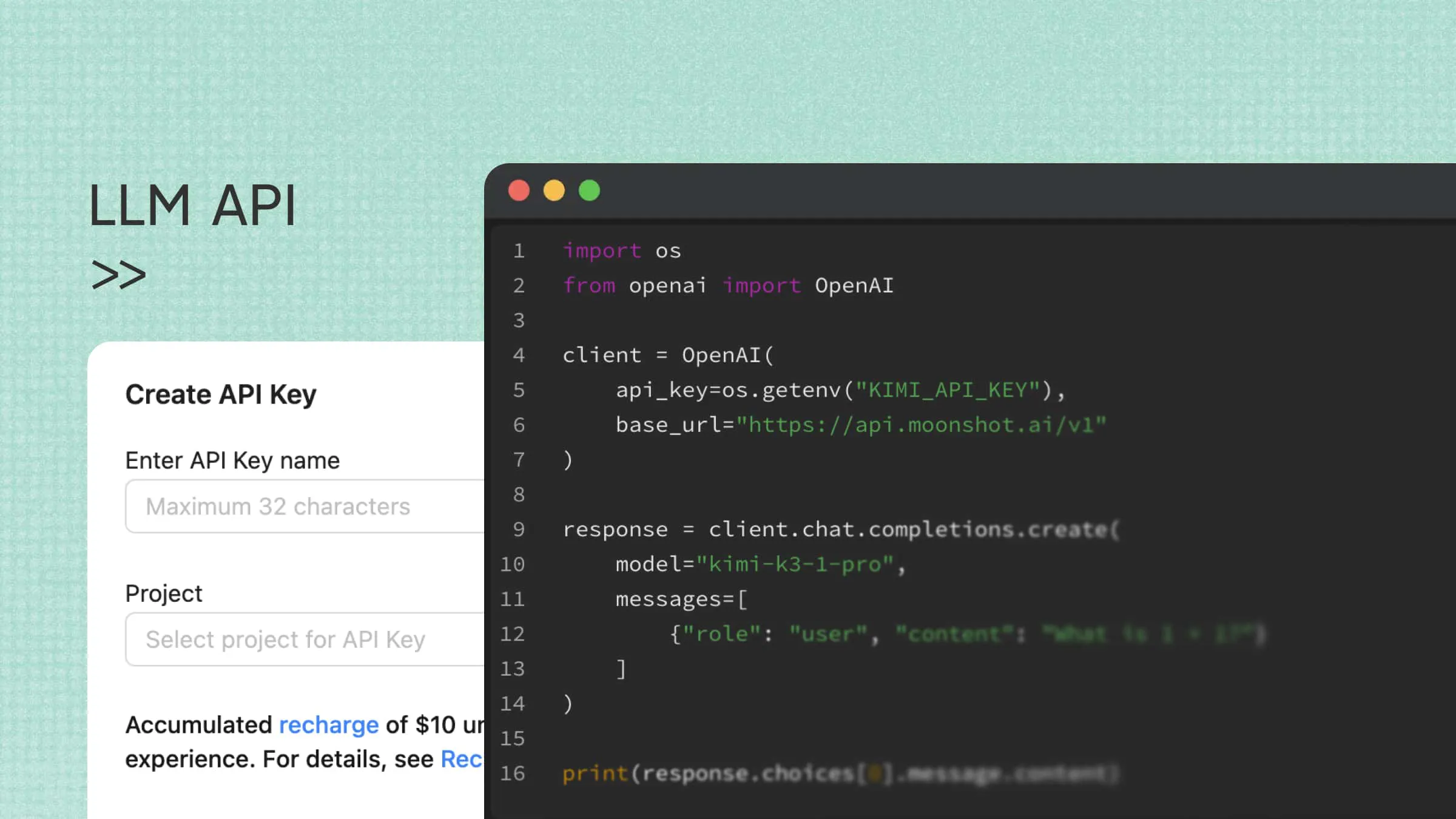
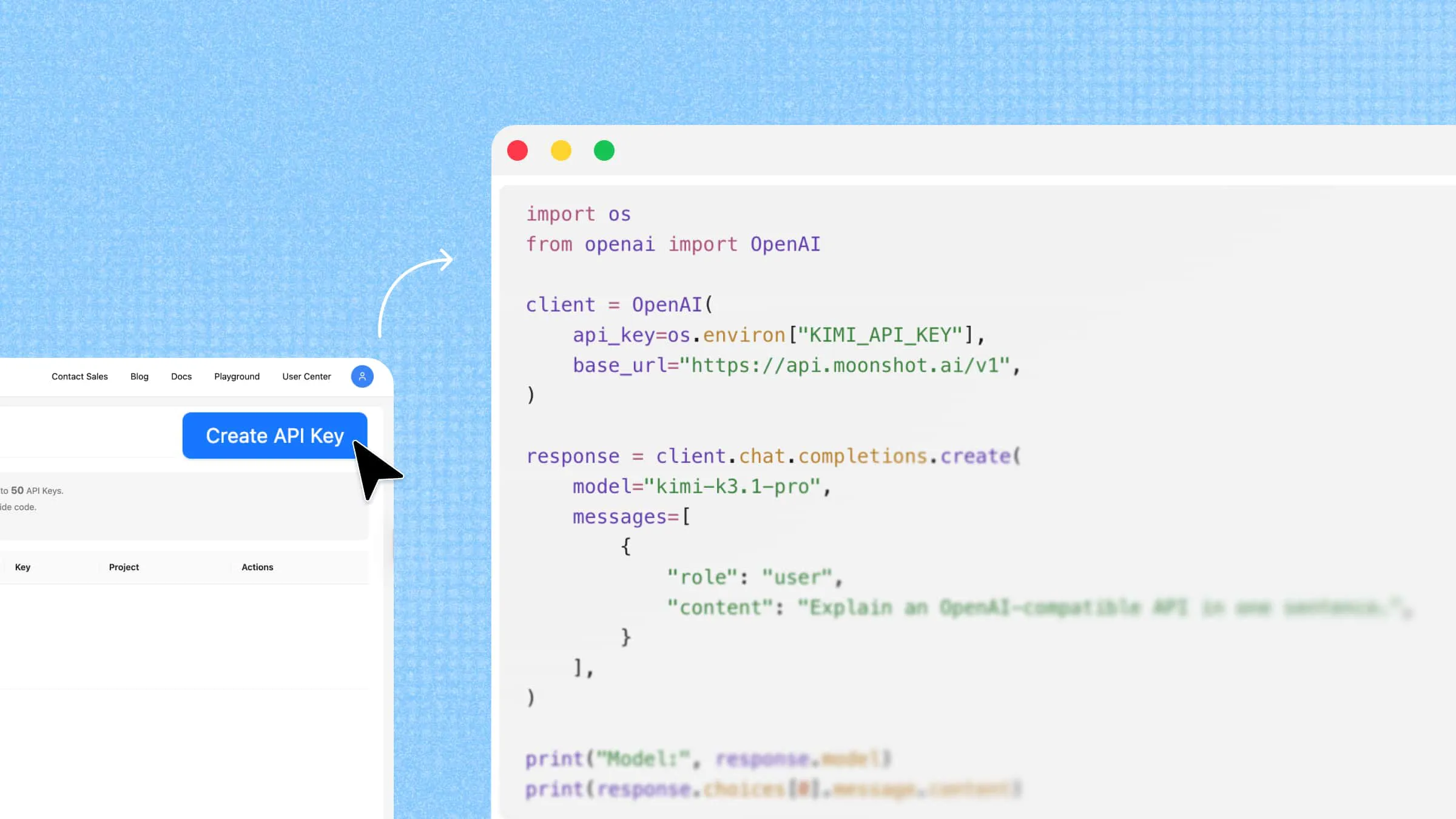
Kimi offers Chat Completions, Responses, and Messages interfaces. The example below uses its OpenAI-compatible Chat Completions endpoint so you can reuse the SDK workflow introduced above. Configure a Kimi API key, set the Kimi base URL, and select a supported model. Follow Kimi's own documentation for model parameters, message roles, and tool support.
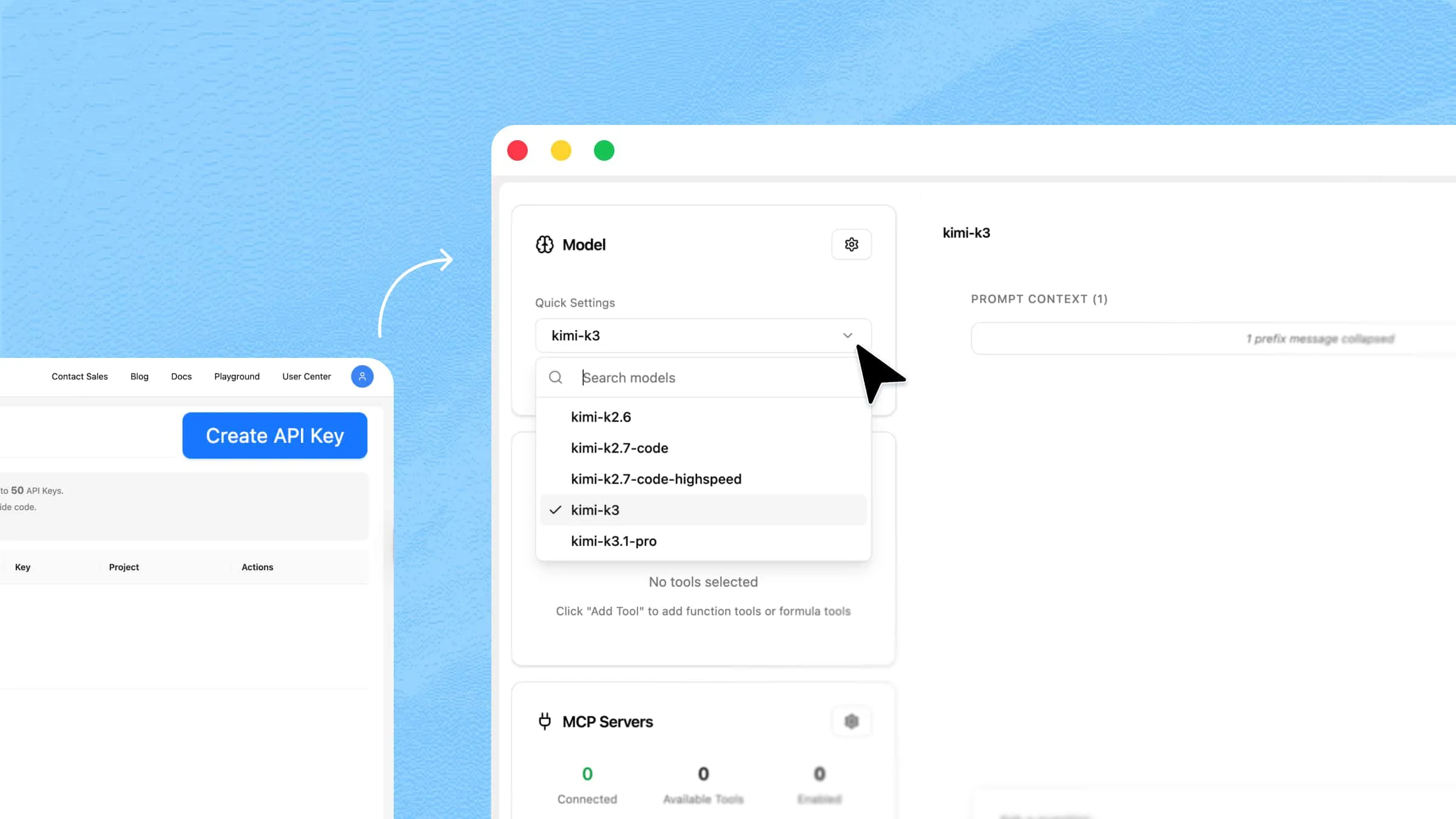
Step 1. Get a Kimi API key
Register on the Kimi API platform and create an API key in the developer console. Check your balance, model access, and account rate limits before making your first request.
Store the Kimi key in a separate environment variable. On macOS or Linux, run:
Replace YOUR_KIMI_API_KEY with your own Kimi key. On Windows, set the same KIMI_API_KEY variable in your environment.
Step 2. Install the OpenAI Python SDK
If the SDK is not already installed, run:
Step 3. Configure the Kimi API client
Create a separate kimi_client using the Kimi base URL and the KIMI_API_KEY variable set in Step 1. Reading the key with os.environ makes a missing environment variable immediately visible as an error.
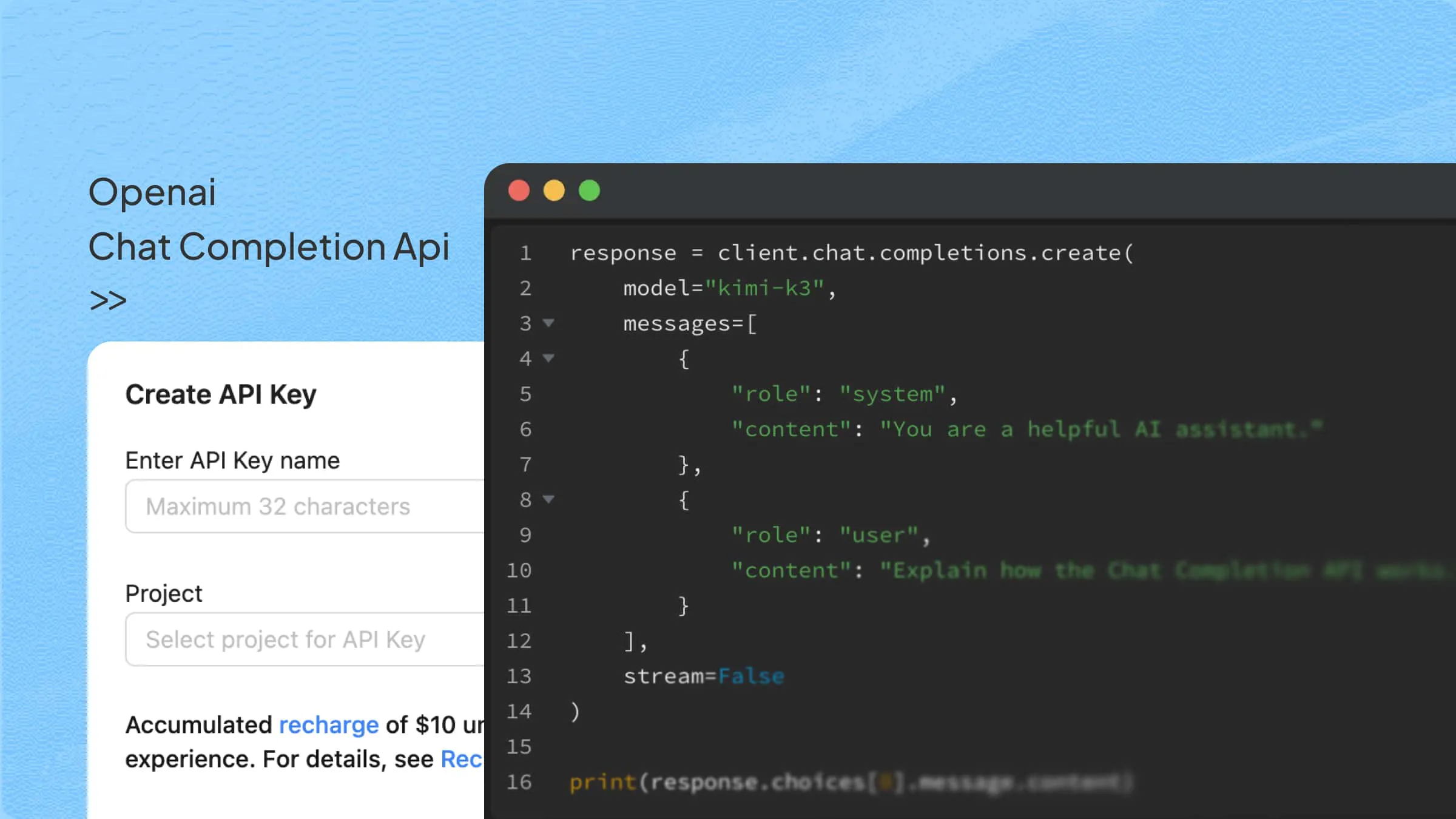
Step 4. Send a Chat Completions request
Use the same SDK method with the Kimi client. This request selects kimi-k3, uses Kimi's supported system role for instructions, and returns a non-streaming text response.
Key capabilities of Kimi API
Model options for different workloads: Kimi K3.1 Pro supports complex reasoning, long-horizon coding, and knowledge work. Its Highspeed variant offers faster output with the same model capabilities. The example above uses Kimi K3; check the current model list for availability and migration guidance.
OpenAI API compatibility: Developers familiar with the OpenAI Chat Completions format can reuse a similar request structure and supported SDK workflows when integrating Kimi models.
Multi-turn conversations: Developers can provide message histories to support context-aware conversations, virtual assistants, and interactive applications.
Streaming and function calling: The API supports streaming responses and tool-calling workflows, allowing developers to build more interactive applications and connect models with external functions.
Multimodal input: Supported Kimi models can process different input types, including text, images, and video, depending on the model's capabilities.
Common errors and debugging
When working with the Chat Completions API, developers may encounter errors related to authentication, API configuration, model availability, or request limits. Understanding these common issues can help you identify problems and get your integration running smoothly:
Invalid or missing API key: Authentication errors, such as HTTP 401, may occur when the API key is incorrect, expired, revoked, or not properly configured. Check that the key is valid, that the environment variable is loaded correctly, and that the request includes the appropriate authentication credentials.
Incorrect API base URL: Requests sent to an incorrect endpoint may return errors such as 404 or connection failures. Verify that the base URL matches the API provider's documentation and that the request uses the correct endpoint path. When switching between OpenAI and compatible providers, remember to update the base URL accordingly.
Invalid or unavailable model ID: A request may fail if the specified model name is incorrect, unavailable through your account, or unsupported by the selected endpoint. Check the provider's model documentation and confirm that the model ID matches the one available to your API account.
Context length exceeded: If the combined input messages and generated output exceed the model's context window, the API may reject the request. Reduce the input length, remove unnecessary conversation history, or summarize earlier messages before sending the request again.
Output truncated: A response may stop before completing the requested content if it reaches the
max_completion_tokenslimit. Increase the token limit when supported, or split a long-generation task into smaller requests. You can also inspectchoices[].finish_reasonto check whether the response ended because of thelengthlimit.Rate limit or quota exceeded: For OpenAI, HTTP 429 can indicate a request or token rate limit, a spending limit, or another usage restriction. Inspect the error type and code before retrying. For a temporary rate limit, reduce request frequency and follow
Retry-Afterwhen provided, or use exponential backoff.
If the error indicates depleted credits or a billing or spending limit, check the account's balance and billing settings; repeated retries will not restore access. When using Kimi or another compatible provider, follow that provider's error-code documentation, since status codes and quota rules may differ.
For more efficient debugging, check the HTTP status code and error message returned by the API before changing your request parameters. These details can help distinguish authentication issues, configuration errors, and usage limits.
Common use cases of the Chat Completions API
The Chat Completions API can support a wide range of application scenarios. Its structured message format and customizable generation parameters make it suitable for both simple text-based features and more complex AI workflows.
AI chatbots and virtual assistants: Developers can use the API to build conversational assistants for websites, mobile applications, and customer service platforms. By passing previous messages into subsequent requests, applications can maintain conversation context and provide more relevant responses.
Content creation and text editing: The API can generate and transform text based on user instructions. Applications can use it to draft blog posts, write marketing copy, summarize long content, rewrite paragraphs, and adjust writing styles for different audiences and purposes.
Text classification and information extraction: Businesses can integrate the API into workflows that process large volumes of text. For example, it can classify customer feedback, identify sentiment, extract important information from messages, and organize unstructured content into predefined categories.
Coding assistants: The API can support software development tools by generating code, explaining programming concepts, suggesting solutions, and helping developers identify errors. Applications can also connect the model to external development tools through function calling.
AI-powered business workflows: Developers can incorporate the API into business applications to automate repetitive language-related tasks. Examples include processing customer inquiries, generating reports, extracting information from documents, and preparing responses based on predefined instructions.
Conclusion
The OpenAI Chat Completions API gives developers a practical way to bring conversational AI into their applications and create more useful user experiences. Choosing the right model, understanding its parameters, and handling API responses carefully can make a real difference in how well an application performs. However, developers do not have to rely on a single provider when building AI-powered solutions. If you want to explore another option, give Kimi API a try and see how its OpenAI-compatible setup fits your development needs.
FAQ
model and messages. Optional controls include max_completion_tokens for the generation budget, stream for streaming, and response_format for output formatting. Supported models may also accept temperature, top_p, reasoning_effort, and tool-related parameters. Check the selected model and endpoint before using these options.pip install openai and set your API key as the OPENAI_API_KEY environment variable. Then, import the OpenAI library, initialize the client with client = OpenAI(), and call client.chat.completions.create() with a supported model and a list of messages. You can retrieve the generated text from response.choices[0].message.content.