Free usage of LLM APIs gives developers a way to test models and prototype AI features before committing to ongoing costs. However, free access comes in different forms, from recurring usage allowances to limited trial credits, each with its own restrictions. Choosing a provider means weighing these conditions alongside model capabilities and the cost of scaling beyond free usage. This guide compares 10 free and paid LLM API options, explaining what each offers, how access is priced, and which projects it suits.
Overview of 10 free and paid LLM APIs
The comparison below covers model providers, multi-provider platforms, and NVIDIA deployment tools. Input formats summarize platform capabilities and vary by model and endpoint; speech, embeddings, and image/video generation may use separate APIs. Access terms were checked on November 13, 2026. A recurring free allowance, an evaluation key, a recharge promotion, and free-to-download software offer different kinds of access.
| LLM API | Supported inputs | Key capabilities | Free access | Key limits | Paid access | Suitable for |
|---|---|---|---|---|---|---|
| Kimi API | Text, images, video, depending on model | Reasoning, coding, visual understanding, long-context processing | No permanent free tier; recharge voucher promotion | $1 minimum top-up; $5 voucher after $5 cumulative recharge; account rate limits apply | Usage-based API pricing | Long-document analysis, AI agents, coding assistants |
| Google Gemini API | Text, images, audio, video | Reasoning, coding, function calling, embeddings | Free tier on selected models | Model/project-specific RPM, TPM and daily limits | Pay-as-you-go usage | Multimodal apps, AI assistants, research tools |
| GroqCloud | Text, images, audio, depending on model | Fast inference, reasoning, coding, speech processing | Free developer tier | Model-specific RPM, RPD, TPM, and TPD limits | Higher limits on paid plans | Real-time chatbots, voice applications |
| OpenRouter | Text, images, depending on model | Model routing, reasoning, coding, provider switching | Selected free model variants | 20 requests/minute; 50/day, rising to 1,000/day after $10 cumulative credit purchases; failed attempts count | Pay-as-you-go for paid models | Multi-model applications, model testing |
| Cloudflare Workers AI | Text, images, audio, depending on model | LLM inference, embeddings, image generation, speech processing | 10,000 free Neurons per day for eligible models | Neurons measure compute consumption, not requests or tokens | Workers Paid required above the allowance; $0.011 per 1,000 Neurons for excess AI usage | Serverless AI apps, edge-based chatbots |
| Mistral AI API | Text, images, depending on model | Reasoning, coding, embeddings, structured outputs | Free mode for Vibe/Studio does not include API access | Billing activation and pay-as-you-go required; model and organization limits apply | Billing activation and pay-as-you-go usage | AI agents, RAG systems, business applications |
| NVIDIA API Catalog and NIM | Text and other model-dependent inputs | Hosted model APIs, self-hosted LLM inference, optimized model deployment | Hosted endpoints for prototyping; NIM and NIM Certified Feature Branch software available at no charge under applicable terms | Hosted rate limits vary; self-hosted use depends on model licenses and supported GPU hardware | GPU/cloud costs separate; AI Enterprise subscription for Certified Production Branch and enterprise support | Private AI deployment, enterprise applications, GPU-accelerated inference |
| Cohere API | Text and images on supported models; audio through a separate API | Text generation, embeddings, reranking, retrieval | Free evaluation key | 1,000 trial calls/month; endpoint limits and production approval vary by model | Paid production access; some newer models require sales approval | Enterprise search, RAG, knowledge management |
| Together AI API | Text, images, depending on model | LLM inference, fine-tuning, embeddings, image and video generation through separate APIs | No standard free API trial | Initial credit purchase required | Prepaid usage; $15 minimum first purchase, $5 subsequent top-ups | Custom AI models, model experimentation |
| Novita AI | Text and other model-dependent inputs | LLM inference, image generation, video generation through separate APIs | Previous referral campaign ended; no ongoing free allowance assumed | Current promotions, if any, must be confirmed in the console; ended referral offer is not a free tier | Model-based pricing | AI creative applications, multimodal platforms |
Note: This comparison is for general reference only. Pricing, free allowances, model availability, features, and usage limits may change and can vary by region, account, and selected model. For the latest information and applicable terms, consult each provider’s official website and documentation before signing up or using its services.
10 free and paid LLM APIs you need to try
With so many LLM API providers available, choosing the right one can take time. To make your search easier, here are 10 free and paid LLM APIs, along with their key features, pricing options, model capabilities, and what they offer for different AI projects and development needs:
Kimi API
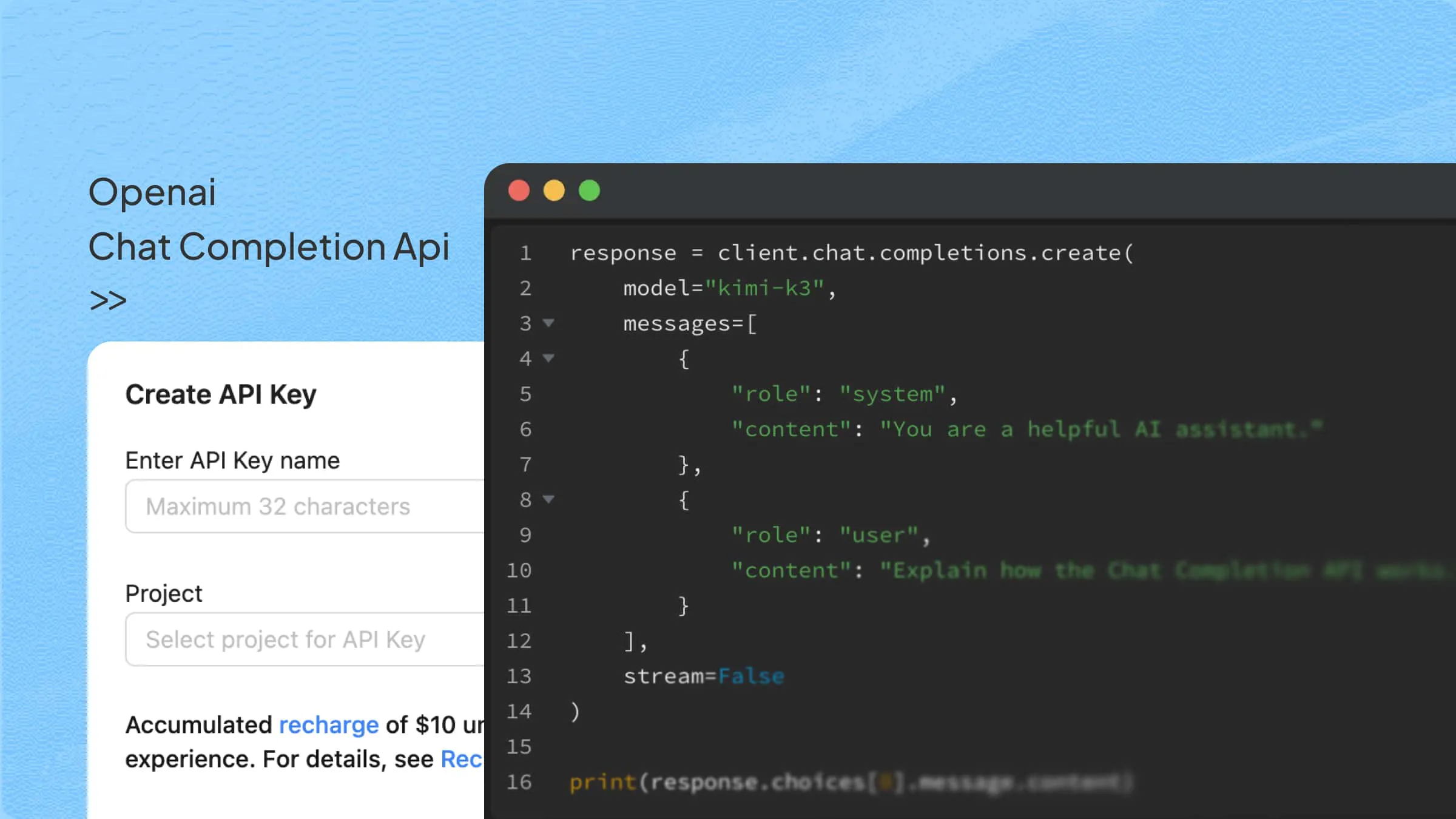
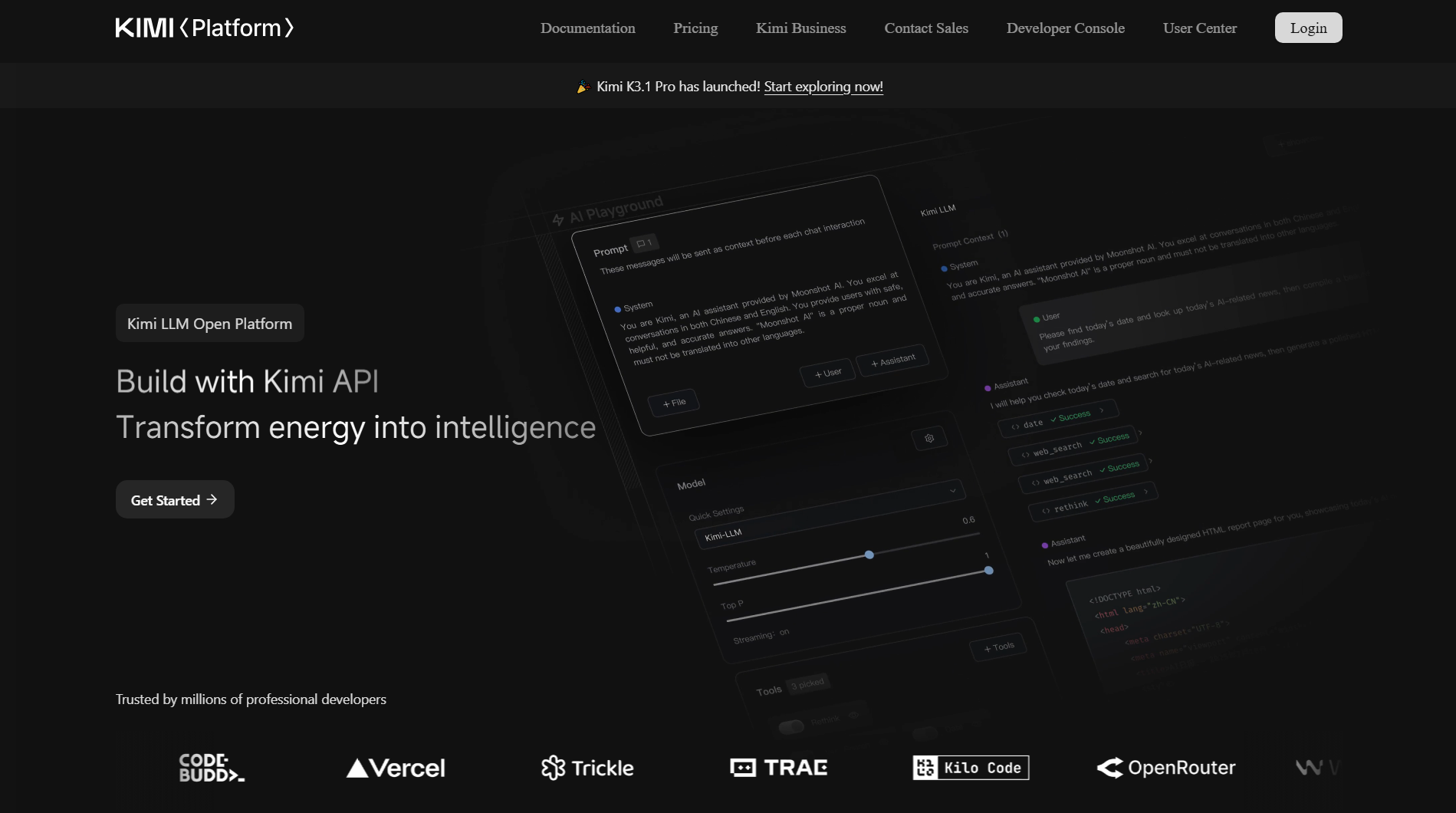
Kimi API gives developers access to AI models for advanced reasoning, coding, and long-context processing. It supports OpenAI-compatible API integration, making it easier to connect Kimi models with existing applications and development workflows. Currently, when cumulative top-ups reach $5, users receive a $5 voucher.
API cost: The international kimi-k3.1-pro rate is $2 per million uncached input tokens and $10 per million output tokens, excluding applicable taxes. Cache hits cost $0.20 per million tokens; cache writes cost $2 for a 5-minute TTL or $4 for a 1-hour TTL. These input categories are mutually exclusive. API usage is billed separately from Kimi product subscriptions. See API pricing and cache billing.
Key features
Advanced reasoning for complex tasks: Handles multi-step questions, analyzes complex information, and connects relevant details to generate well-structured responses. This makes it suitable for research, problem-solving, and applications that require more than basic text generation.
AI-powered coding assistance: Helps developers generate code, identify errors, debug issues, explain unfamiliar code, and refine existing implementations across programming languages. It can serve as the foundation for coding assistants and AI-powered development workflows.
Long-context understanding: Processes lengthy documents, extensive text, and large codebases while maintaining relevant context. Developers can build applications for document analysis, information extraction, summarization, and context-aware question answering.
Multimodal understanding: Supported Kimi models can process visual inputs alongside text, enabling applications to interpret images, screenshots, charts, and other visual information. This expands potential use cases beyond text-only AI applications.
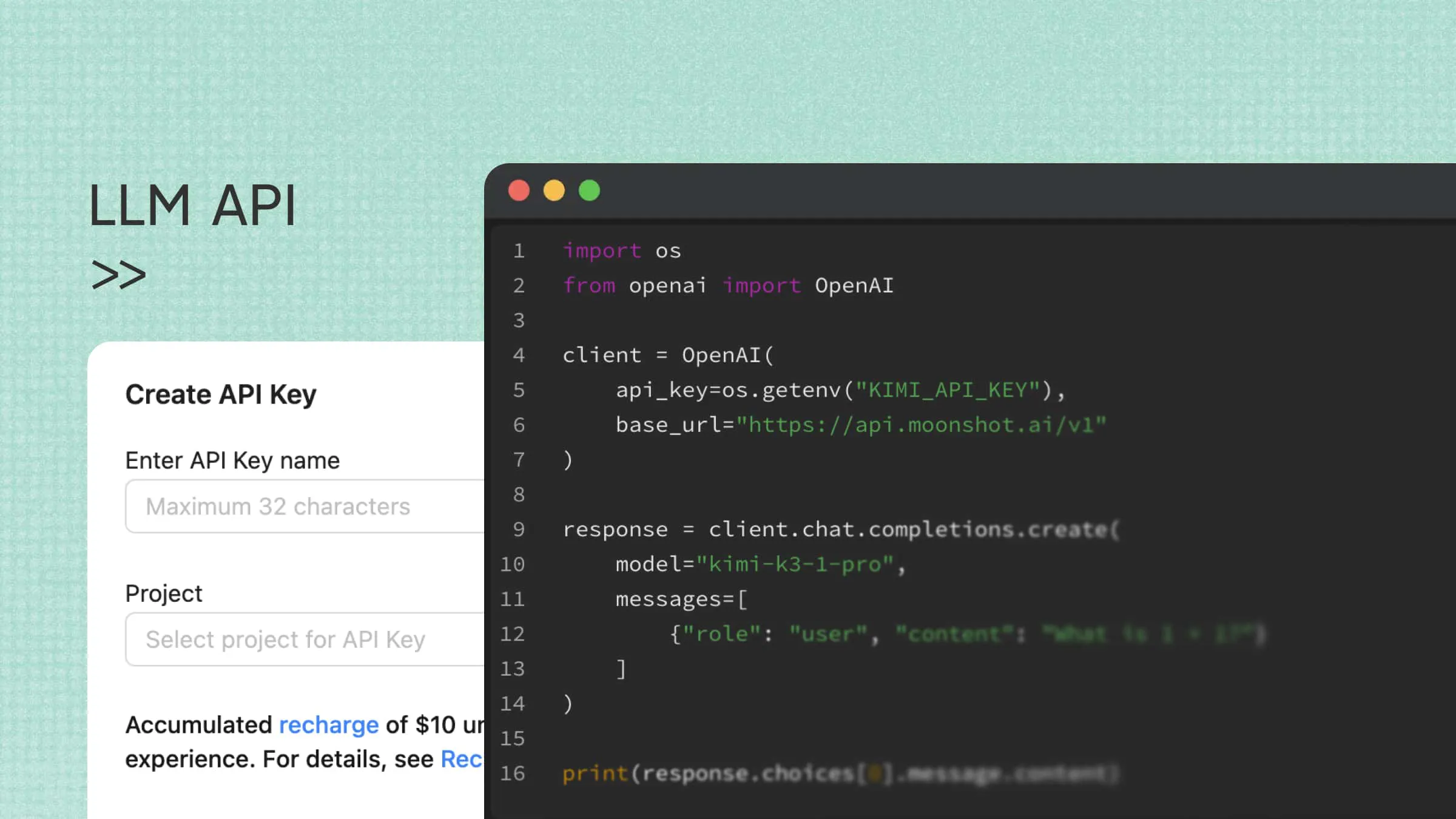
OpenAI-compatible API integration: Supports the OpenAI API format, allowing developers to use compatible SDKs and familiar integration workflows. This simplifies connecting Kimi models to existing applications and experimenting with different AI-powered features.
Ideal for
Building AI-powered applications and chatbots
Developing coding assistants and automation tools
Analyzing large documents and datasets
Creating AI agents that need reasoning and problem-solving capabilities
Get started with Kimi API
Follow these four steps to create a Kimi API account, fund it, configure access, and verify a first request. The example uses the international API platform and a sample return-policy question.
Step 1. Create a developer account
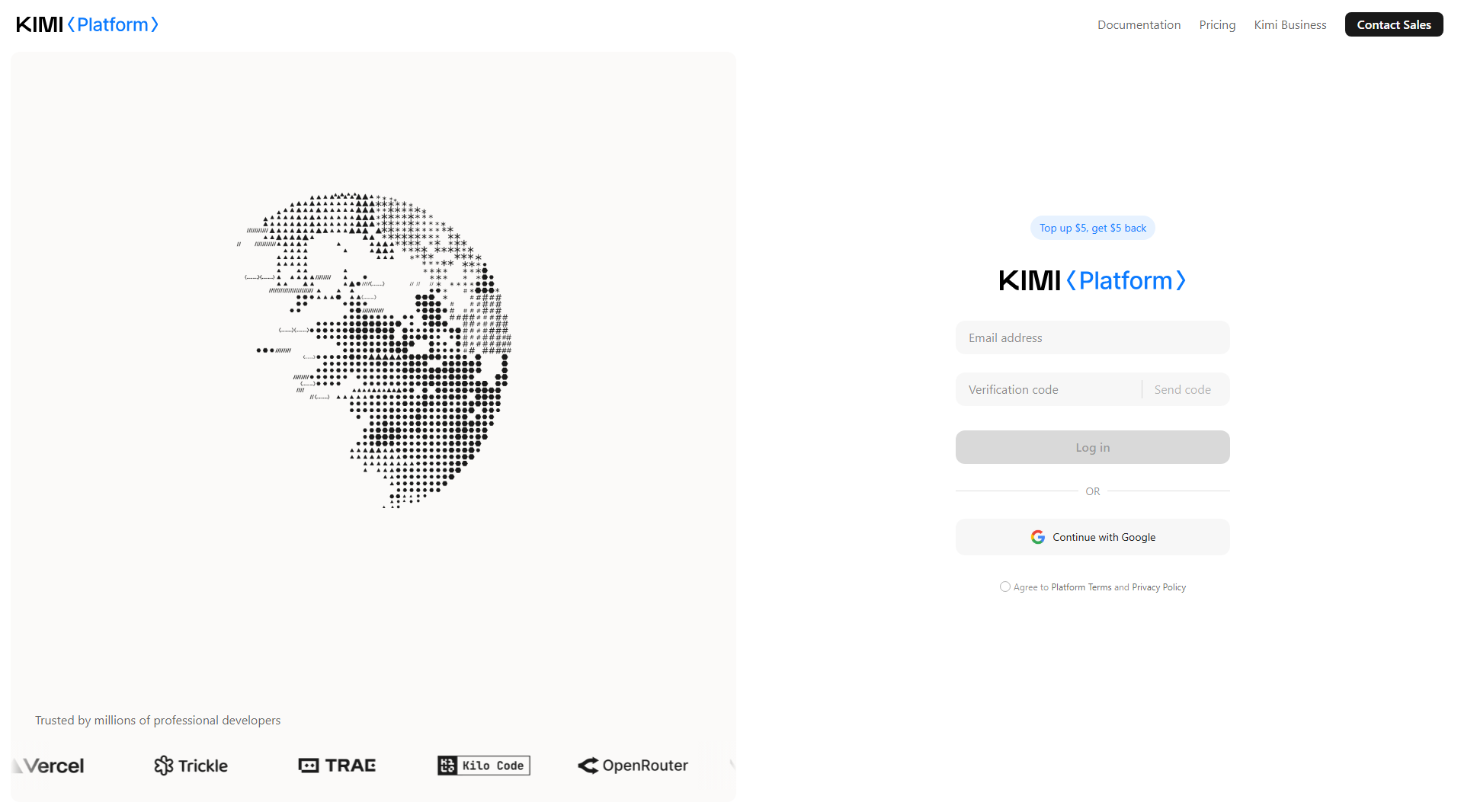
Visit the Kimi API platform and sign up for a developer account. Log in to access the API console, where you can manage your API keys, usage, and billing.
Step 2. Generate an API key
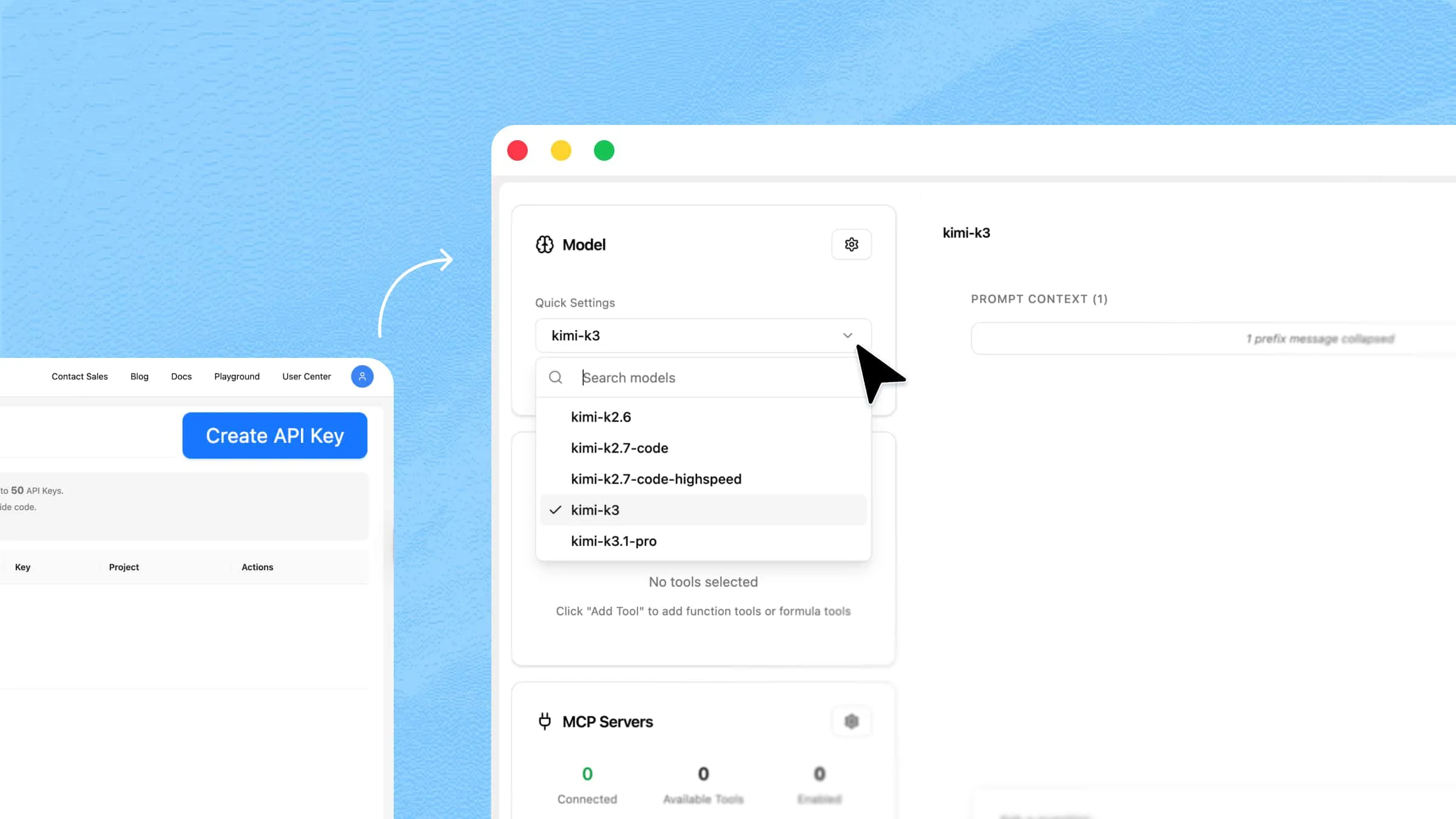
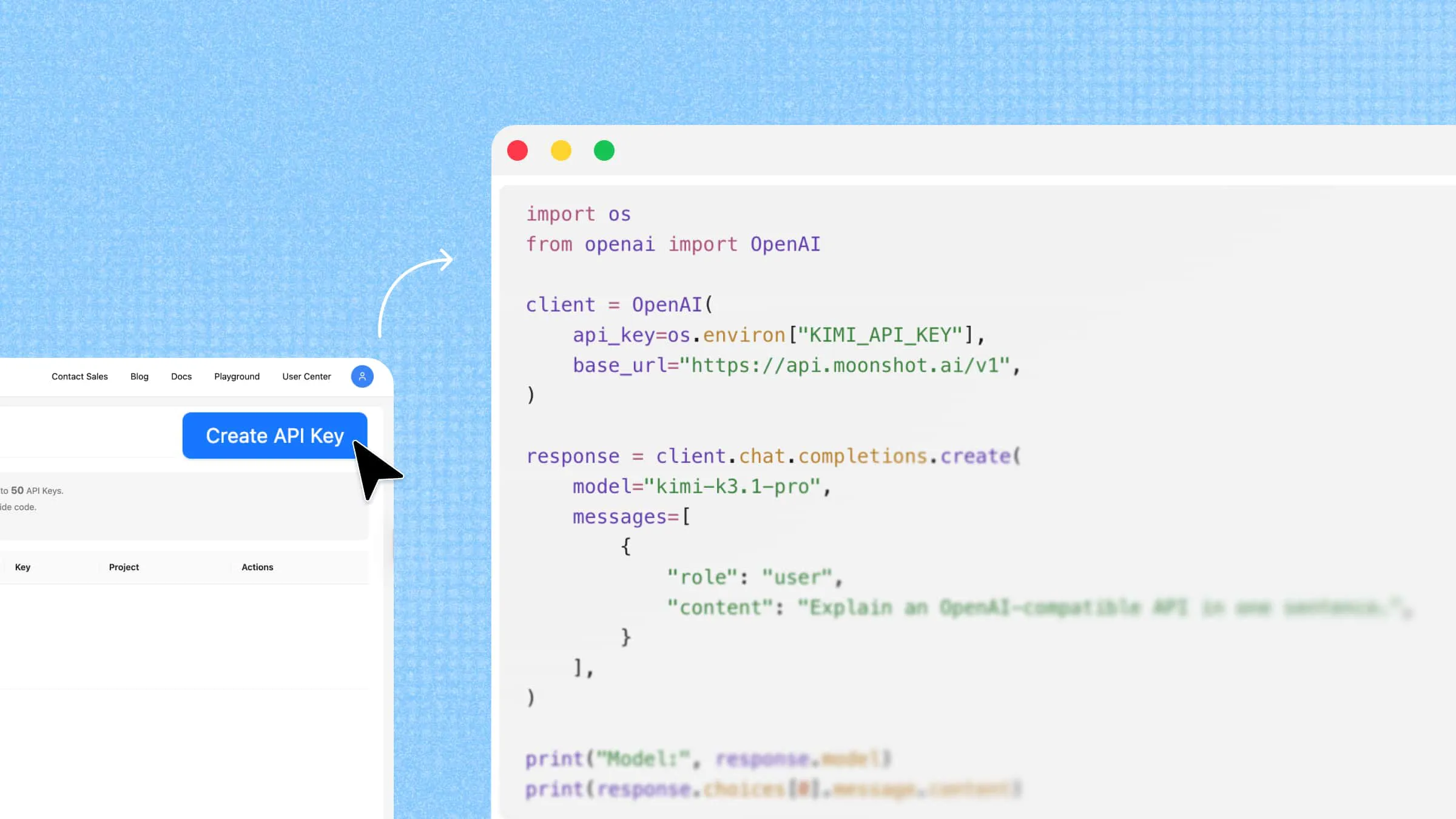
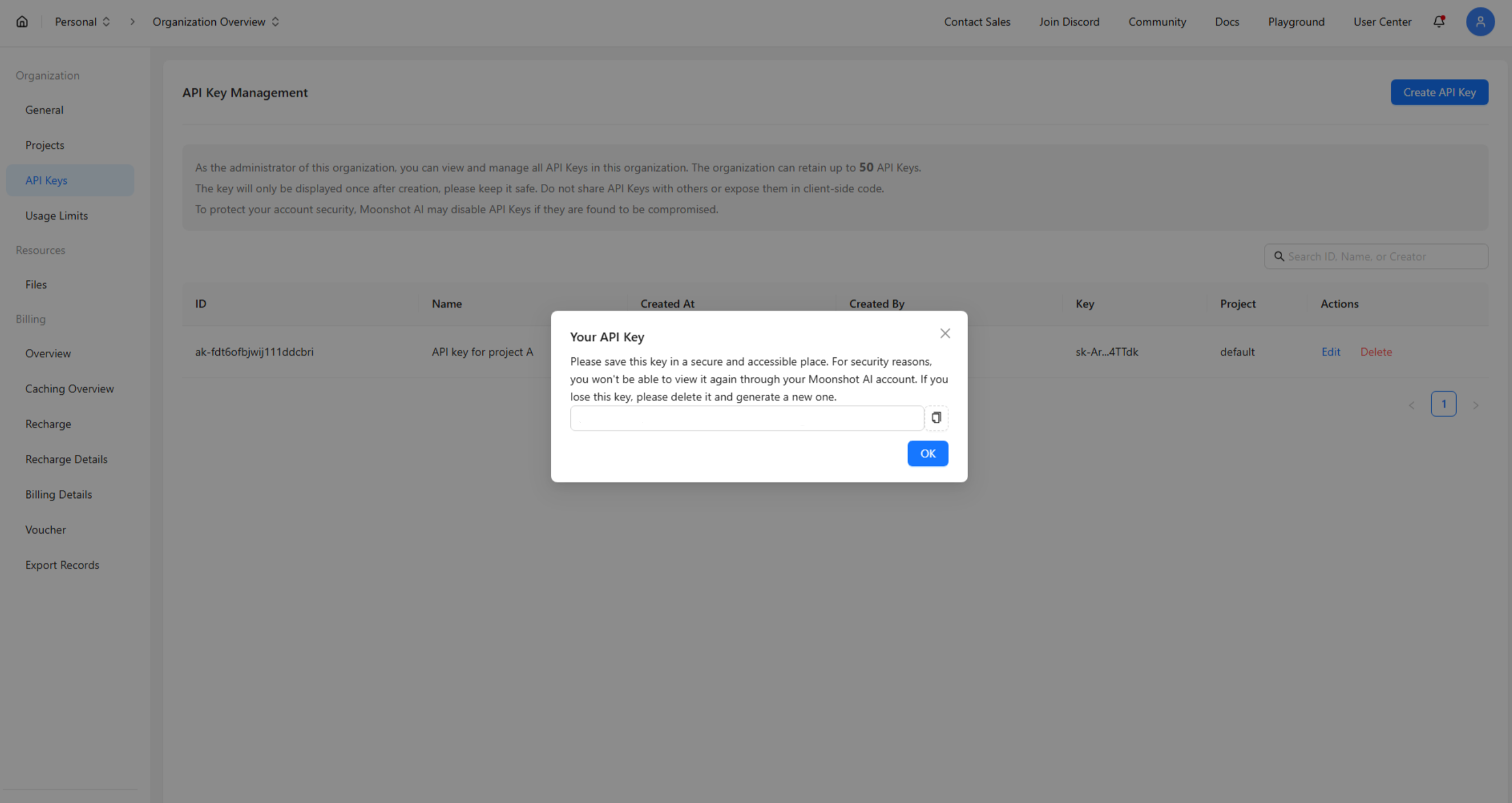
Open the API key management section in the console and click Create API Key. Enter a name to identify your key, confirm its creation, and copy the generated key.
Keep your API key secure. Store it in a server-side environment variable or secrets manager, and never expose it in public repositories or client-side code.
Step 3. Activate and configure your API access
Before making your first API call, add credits to your account. The minimum initial top-up is $1. Then check your account balance, available model access, and applicable rate limits in the console.
This example uses the international base URL https://api.moonshot.ai/v1 and model kimi-k3.1-pro. Use an API key from the matching platform account. Set the key in a Bash-compatible terminal on macOS or Linux; on Windows, use a Bash environment such as WSL for these commands:
Run the next request in the same terminal so it can read the environment variable. Never put a live API key in public examples or frontend code.
Step 4. Send your first API request
Once your account is funded and your API configuration is ready, send a test request to verify the connection. For example, you can use a customer service scenario to test how Kimi handles a simple question about a return policy.
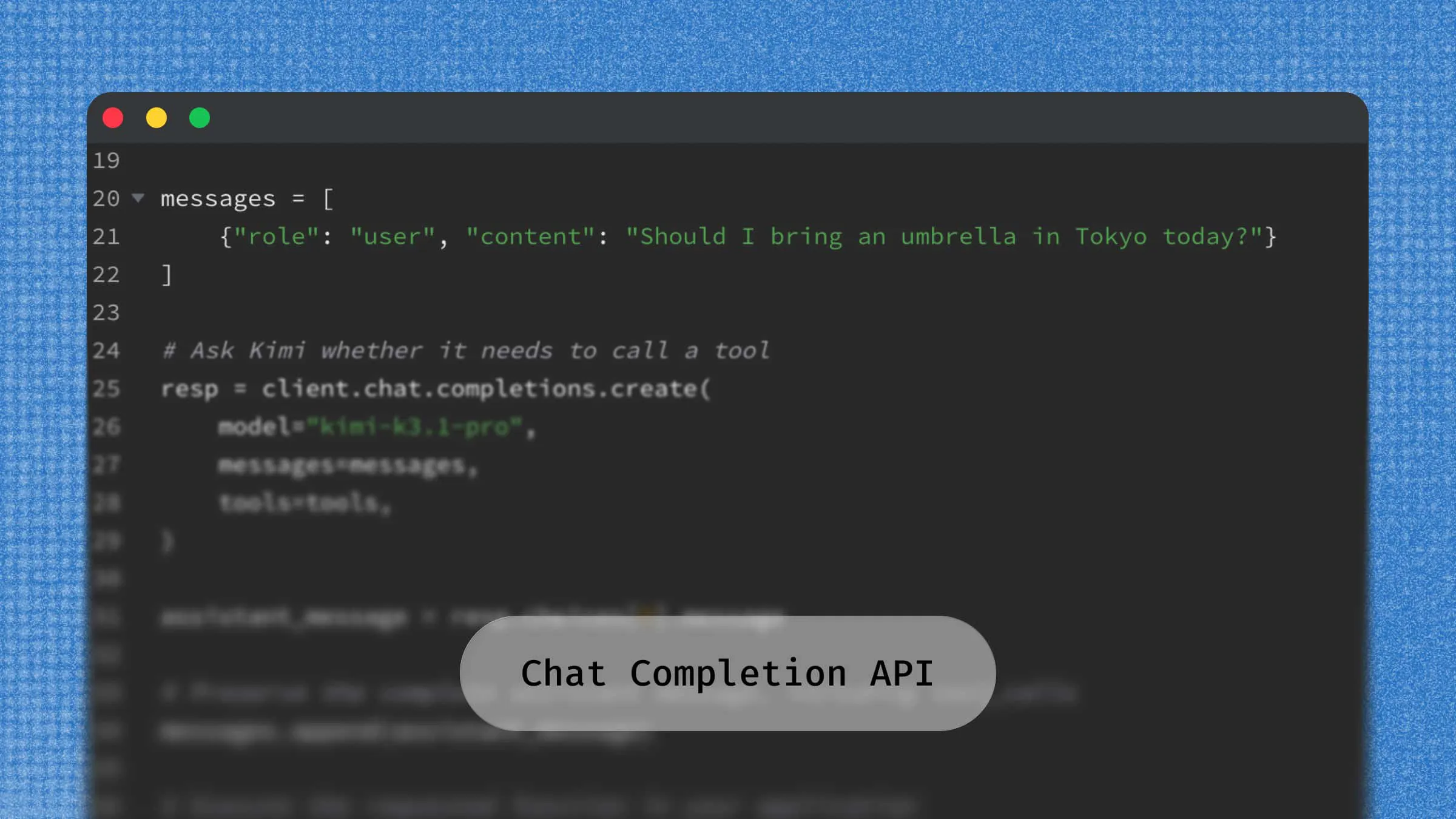
This Bash/cURL example sends the sample return policy and the customer's facts to Chat Completions. It uses reasoning_effort: "low" for this simple test:
The API returns a JSON response containing the model's answer in choices[0].message.content. A successful response confirms that your API key, endpoint, and model configuration work for this basic request. You can then adapt the example by replacing the test prompt with your own application instructions and customer data.
Google Gemini API
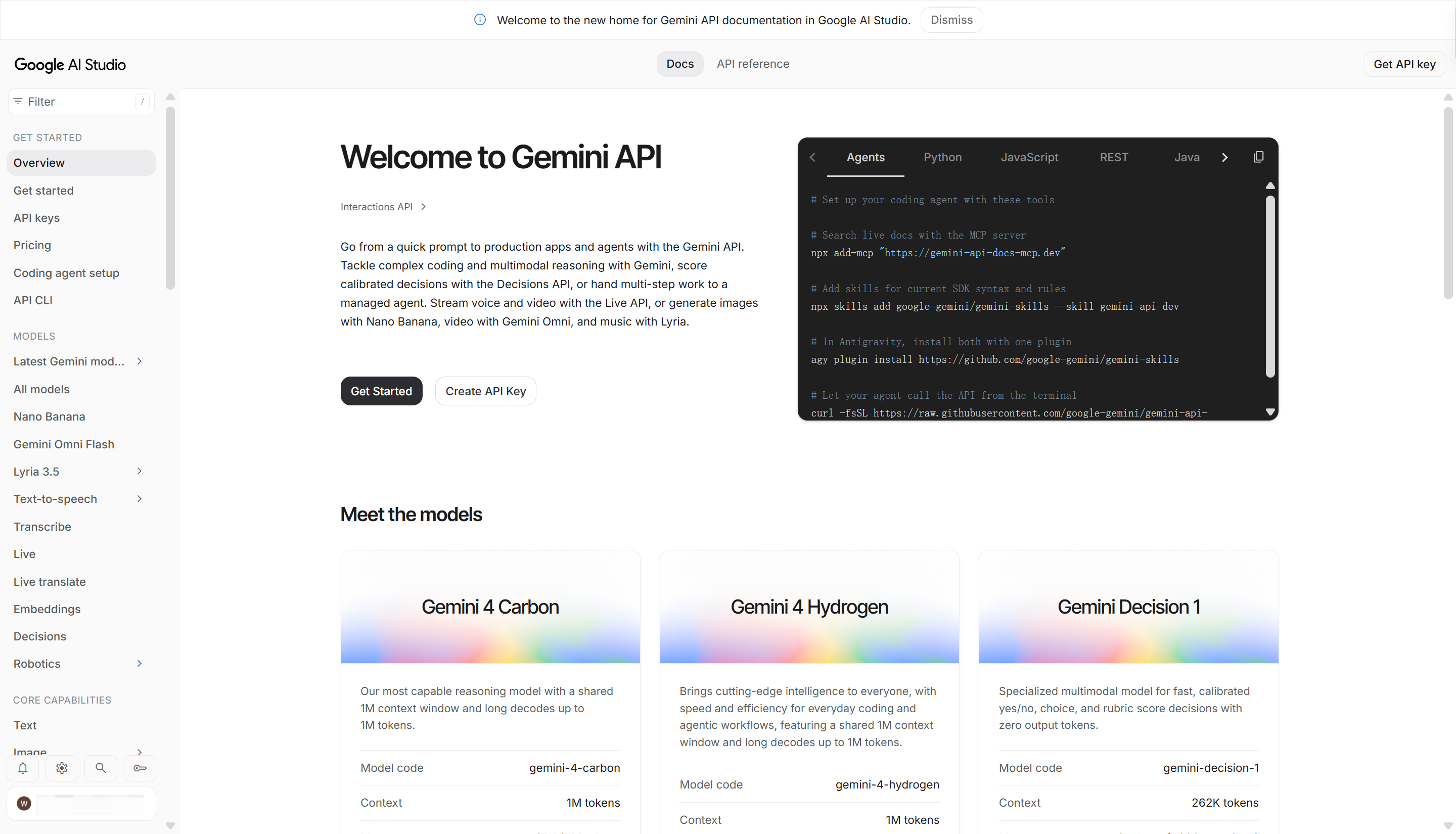
Google Gemini API allows developers to connect Google's AI models to their applications. It supports text, images, audio, and video, making it useful for building applications that work with different types of content. Developers can use it for content generation, data analysis, coding, and more. It also provides access to different Gemini models based on project requirements. The Gemini free tier covers selected models, with quotas shown in AI Studio.
Key features
Multimodal capabilities: Supports text, image, audio, and video inputs through compatible Gemini models, enabling applications to process different types of content.
Long context window: Handles large documents and lengthy conversations in a single request.
Function calling: Connects AI models with external tools, APIs, and application functions.
Structured outputs: Generates responses in formats such as JSON for easier application integration.
Ideal for
Building multimodal AI applications
Creating AI chatbots and virtual assistants
Analyzing documents, images, and videos
Developing AI-powered research and productivity tools
GroqCloud
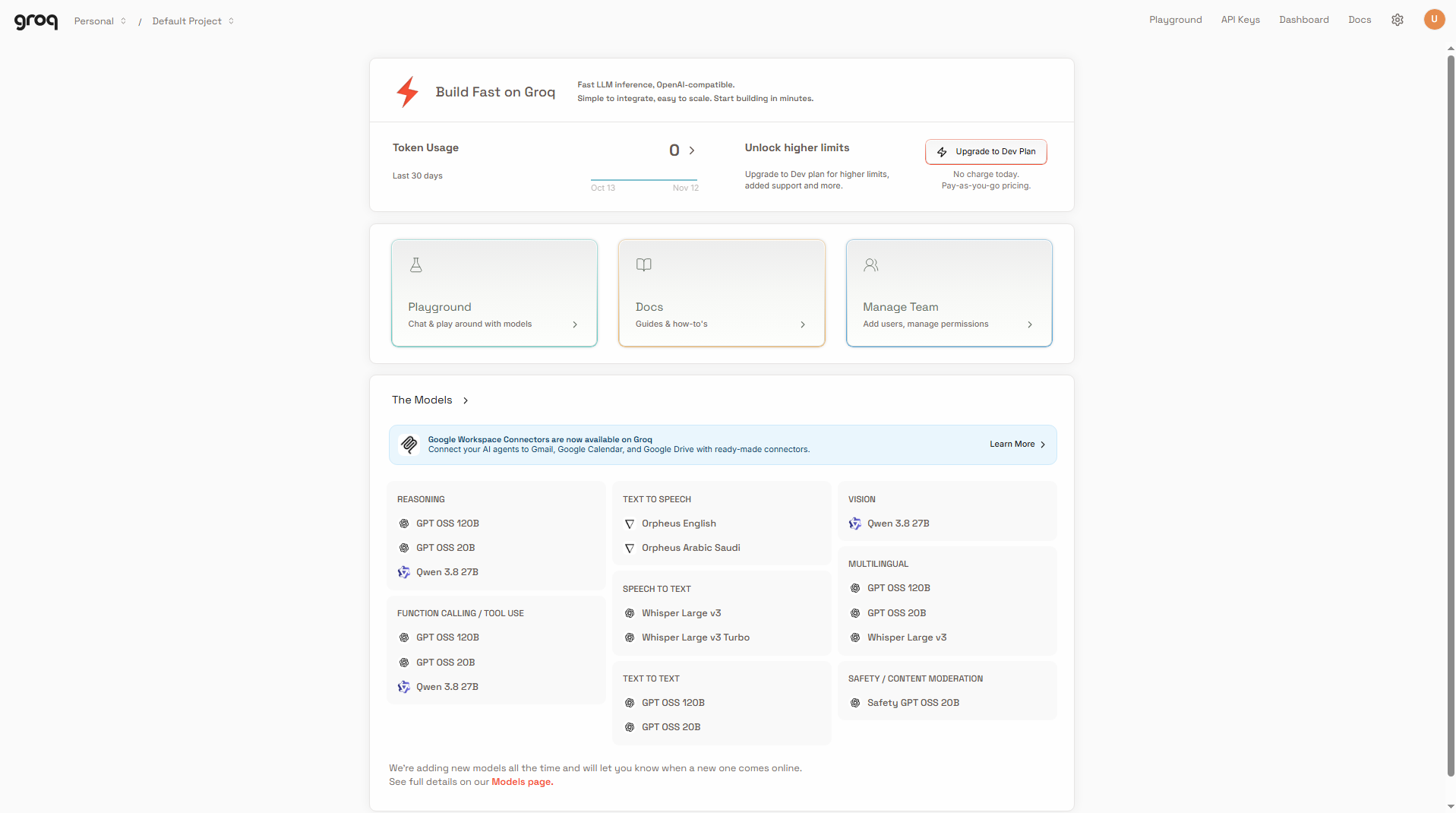
GroqCloud provides API access to language models running on Groq's specialized Language Processing Units (LPUs). Its inference infrastructure is designed for high-speed processing and low-latency responses. Developers can access multiple supported models through a unified API, with OpenAI-compatible endpoints that simplify integration into existing applications.
Free-tier limits: Groq’s free plan is subject to model-specific request and token usage limits.
Key features
Fast inference: Uses Groq's LPU-based infrastructure to deliver fast inference and low-latency responses.
OpenAI-compatible API: Supports familiar API interfaces, making it easier to migrate existing applications.
Model selection: Provides access to multiple supported open-weight models.
Streaming responses: Streams generated content as it becomes available, improving responsiveness in interactive applications.
Ideal for
Building real-time AI chatbots
Creating fast coding assistants
Developing voice-based AI applications
Running applications that need low-latency responses
OpenRouter
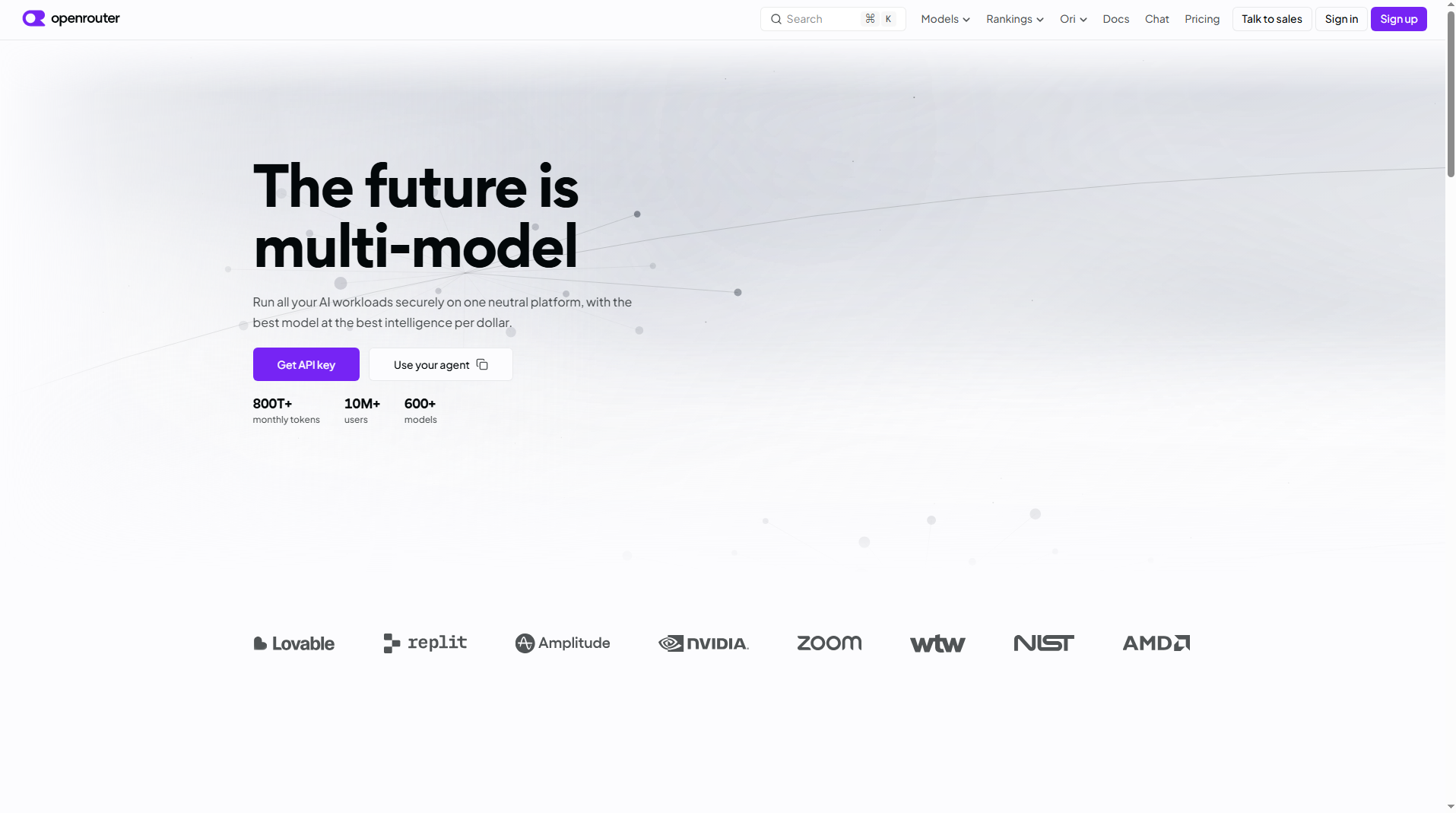
OpenRouter is an API platform that connects developers with models from multiple AI providers through a single endpoint. Instead of managing separate integrations for different services, developers can access various models using one API key. It makes comparing models and switching providers easier. This flexibility is useful when testing different models for the same application.
Key features
Unified API: Access models from multiple providers through one endpoint and API key.
Model selection: Compare and choose models based on performance, features, and pricing.
Provider routing and fallback: Supports provider routing and fallback options to improve request reliability when a provider encounters availability issues.
Usage tracking: Helps developers monitor API usage and spending across models.
Ideal for
Comparing different LLM providers
Building applications with multiple models
Testing models before choosing a provider
Managing AI API integrations from one platform
Cloudflare Workers AI
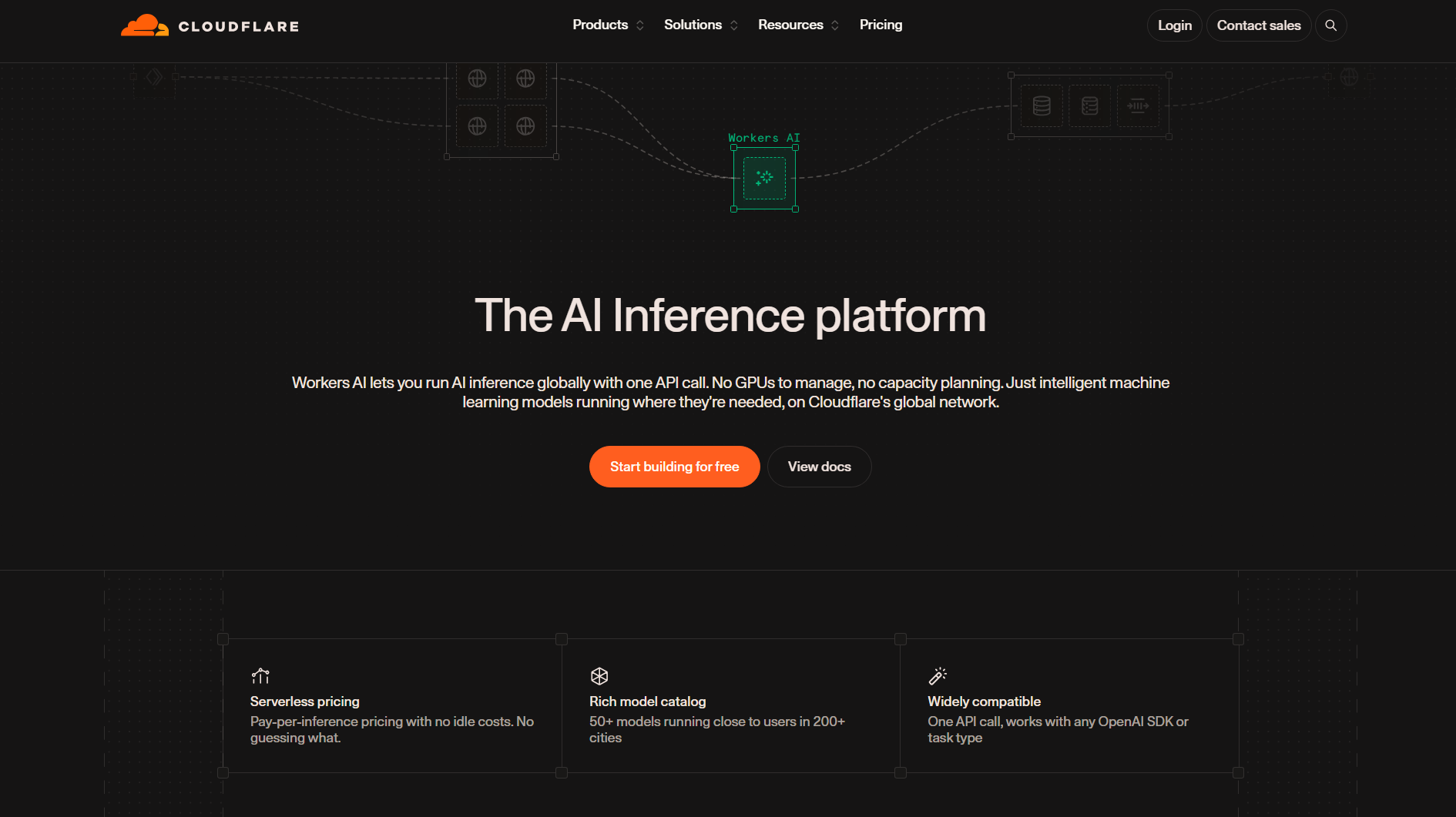
Cloudflare Workers AI provides serverless access to AI models through Cloudflare's global network. Developers can run inference workloads without managing dedicated GPU infrastructure and integrate AI capabilities directly into applications built with Cloudflare Workers. Its model catalog includes options for text generation, embeddings, image generation, and other AI tasks.
Key features
Edge-based inference: Runs supported AI models across Cloudflare's global network, bringing inference closer to applications and users.
Serverless deployment: Executes AI workloads without managing dedicated servers.
Multiple AI models: Supports models for text generation, embeddings, and image tasks.
Workers integration: Connects AI inference with serverless application logic.
Ideal for
Building serverless AI applications
Adding AI features to existing websites
Creating edge-based chatbots
Developing lightweight AI-powered tools
Mistral AI API
Mistral AI API provides developers with access to language models designed for text generation, reasoning, coding, and other AI tasks. Its model range includes both general-purpose and specialized options for different workloads. Developers can integrate these models into applications through API requests. It is also a useful choice for teams looking for flexible model deployment options.
Key features
Versatile model portfolio: Offers models for general-purpose language tasks, reasoning, coding, and specialized workloads.
Function calling: Allows models to interact with external tools and services.
JSON outputs: Supports structured responses for application workflows.
Embeddings: Provides text embeddings for search, retrieval, and semantic similarity tasks.
Agent capabilities: Provides an Agent API with built-in tools such as web search, code execution, and document libraries for building more capable AI workflows.
Ideal for
Building AI-powered business applications
Creating coding and reasoning assistants
Developing retrieval-augmented generation (RAG) systems
Automating text processing and content workflows
NVIDIA API Catalog and NIM
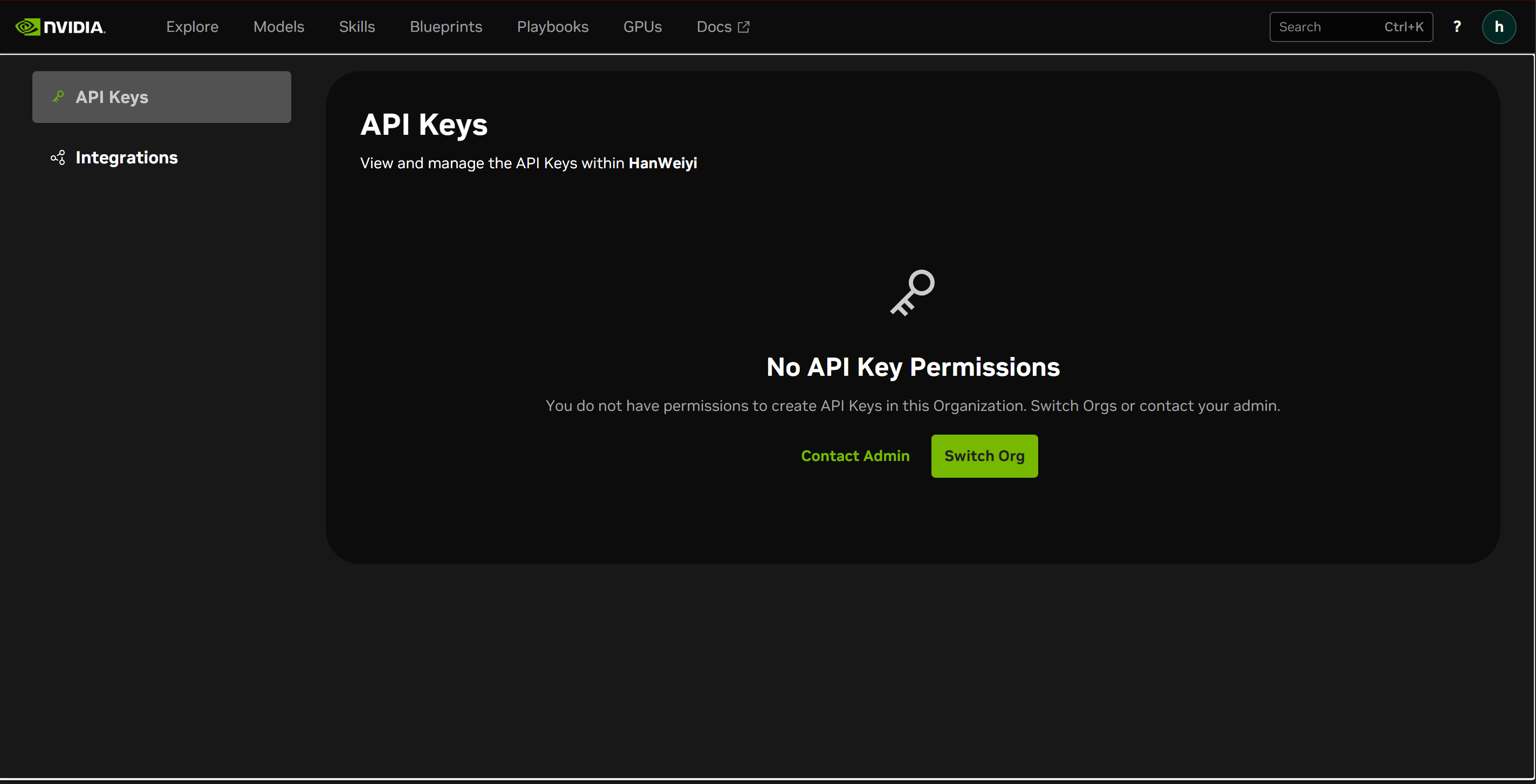
NVIDIA API Catalog and NIM offer two ways to access NVIDIA-optimized AI inference services. Developers can use hosted model endpoints in the API Catalog to prototype applications or download NIM containers to deploy supported models on their own GPU infrastructure, including cloud environments and data centers.
Software licensing and compute costs are separate. Current NIM offerings include NIM and NIM Certified Feature Branch at no software charge under applicable terms.
Key features
Optimized inference: Uses NVIDIA software and GPU technologies to optimize inference performance on supported hardware.
Prebuilt containers: Provides preconfigured inference microservices for supported AI models.
Standardized APIs: Offers consistent API interfaces for integrating deployed models into applications.
Flexible deployment: Supports deployment across cloud, data centers, and workstations.
Ideal for
Deploying AI models on GPU infrastructure
Building enterprise AI applications
Running private AI inference services
Integrating generative AI into existing systems
Cohere API
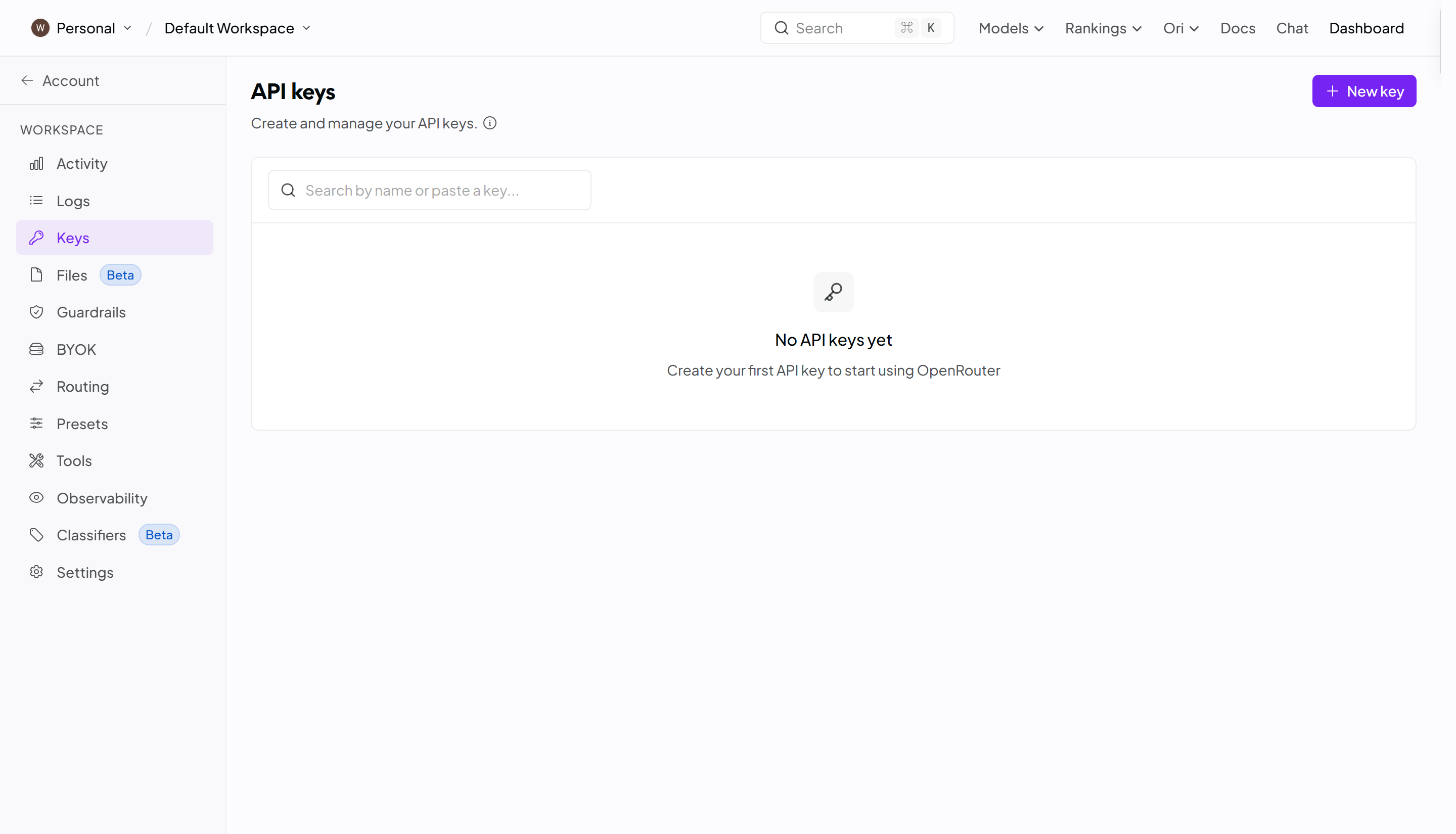
Cohere API focuses on language models and tools designed for business applications and enterprise workflows. It offers capabilities for text generation, semantic search, embeddings, and reranking. These capabilities help developers build enterprise search and retrieval-augmented generation (RAG) systems that retrieve relevant information from large collections of business data. Cohere offers a free evaluation key with a monthly cap and endpoint-specific rate limits.
Key features
Command models: Support text generation, reasoning, and business-focused language tasks.
Embed models: Convert text and supported image inputs into vector representations for semantic and multimodal search, depending on the selected model.
Rerank models: Improve search results by ranking documents based on relevance.
RAG support: Help connect language models with external knowledge sources.
Ideal for
Building enterprise search applications
Creating retrieval-augmented generation systems
Developing knowledge management tools
Improving document search and information retrieval
Together AI API
Together AI provides API access to a wide range of open-source and open-weight AI models. Developers can use its platform for text generation, image generation, embeddings, and other inference tasks. It also offers tools for fine-tuning and deploying models. This makes it a flexible option for developers who want more control over their AI model choices.
Key features
Extensive open-weight model catalog: Provides access to a broad selection of open-weight models for different AI applications.
Fast inference: Provides optimized infrastructure for running AI models.
Fine-tuning: Allows developers to customize supported models for specific tasks.
Dedicated endpoints: Offers deployment options for applications with specific performance needs.
Ideal for
Experimenting with open-source LLMs
Fine-tuning models for specific applications
Building custom AI chatbots
Deploying scalable generative AI services
Novita AI
Novita AI is an AI infrastructure platform that provides API access to a range of language models and generative AI models. Developers can integrate LLM capabilities into applications through hosted API services without managing their own inference infrastructure. In addition to language model access, the platform also offers image and video generation APIs, supporting applications that combine text-based AI with visual content generation.
Key features
LLM model access: Provides API access to multiple language models for text generation, reasoning, and other language-based tasks.
OpenAI-compatible API: Supports compatible interfaces for integrating supported models into existing applications.
Hosted inference infrastructure: Provides managed model inference, so developers do not need to operate their own model-serving infrastructure.
Additional generative AI APIs: Offers image and video generation models alongside its LLM services.
Ideal for
Building AI chatbots and conversational assistants
Developing coding assistants and other LLM-powered tools
Integrating language models into existing applications
Creating AI platforms that combine text, image, and video generation
Which LLM API should you use
Start by choosing the access model that fits your budget. For a prototype without an initial credit purchase, compare eligible Gemini models, Groq's free plan, OpenRouter's free variants, and Cloudflare's daily allowance. Cohere evaluation keys and NVIDIA's hosted catalog are useful for testing under their evaluation or prototyping terms. Kimi, Mistral, and Together require paid API access; Novita's former referral promotion has ended. Then compare the candidates on your own tasks using the factors below.
Model capabilities: Choose an API that provides the capabilities your application needs, such as reasoning, coding, text generation, or multimodal processing.
Free usage limits: Check the number of free requests, token quotas, rate limits, and whether free credits expire.
API compatibility: Look for OpenAI-compatible endpoints and SDK support to simplify integration with existing applications.
Response speed: Consider inference speed and latency, especially when building real-time chatbots or interactive applications.
Context window: Check the maximum input and output token limits if your application handles long documents or complex conversations.
Documentation and developer support: Choose providers with clear API documentation, code examples, SDKs, and troubleshooting resources.
Scalability and total cost: Estimate input, output and reasoning usage, cache fees, paid tools, platform charges, and any minimum purchase. For self-hosted NIM, include GPU and operations costs. Compare a complete workload rather than one provider's lowest advertised token rate.
Conclusion
The right API can make AI development easier, more flexible, and more affordable. With so many free and paid LLM APIs for developers, you have plenty of options to experiment with and build something useful. Start with the features that matter most to your project and test different models before making a decision. You can also try the Kimi API to explore its reasoning and coding capabilities.