Choosing an AI model is not just about performance. It is also about how easily it fits into your existing workflow. An OpenAI-compatible API makes this easier by letting developers connect models from different providers using a familiar request format. Read on to understand how it works, what to consider when choosing one, and how the Kimi API can support your AI development workflow.
What is an OpenAI-compatible API
An OpenAI-compatible API is an API interface that follows the request and response conventions of the OpenAI API, allowing developers to connect to different large language models (LLMs) through a familiar integration format.
Rather than requiring developers to learn a separate API structure for every model provider, compatible services support commonly used endpoints, request parameters, authentication methods, and response formats. This allows applications built with an OpenAI-compatible SDK or client library to communicate with other model services by changing configuration settings such as the API base URL, API key, and model ID.
For example, a developer can use an OpenAI-compatible client to access models hosted by vLLM, Ollama, or a third-party cloud API provider. The underlying models and infrastructure may differ, but the application can use a similar request structure to interact with them.
It is important to distinguish between API compatibility and model identity. An API service does not need to use OpenAI models to support the OpenAI API format. Likewise, compatibility does not guarantee that every endpoint, parameter, or advanced feature behaves identically across providers.
How does an OpenAI-compatible API work
An OpenAI-compatible API provides a consistent communication interface between an application and an AI model service. An API key is used to authenticate requests when required by the provider. Instead of integrating each provider's proprietary API separately, developers can use a compatible client to send requests and receive model responses.
A typical request follows this process:
Configure the API connection: Set the provider's base URL, API key, and model ID in the application.
Send a request: The application sends an HTTP request containing messages, model parameters, and other supported settings to a compatible endpoint.
Process the request: The provider authenticates the request, processes the input through the selected model, and generates a response.
Return the response: The service returns data in a compatible response format, which the application parses and displays.
Some compatible services also support streaming responses, which allow applications to display generated text incrementally rather than waiting for the entire response. Other capabilities, such as function calling, structured outputs, and multimodal inputs, depend on the provider and model.
Why use an OpenAI-compatible API
OpenAI-compatible APIs simplify AI model integration by allowing developers to reuse familiar SDKs and request formats across different providers.
Simplify AI model integration: Developers can often reuse existing OpenAI Python or Node.js SDK code and change the API configuration to connect to another provider. Frameworks like LangChain and LlamaIndex also support OpenAI-compatible integrations.
Switch between different AI models: Developers can switch between compatible providers by updating the base URL, API key, and model ID, without rebuilding the entire application. This makes it easier to test different models based on performance, quality, and cost.
Reduce development and maintenance work: A shared API interface reduces the need to implement separate authentication, request formatting, and response handling for each provider. Developers can reuse more code and simplify ongoing maintenance across multiple AI-powered applications and services.
Support different deployment environments: OpenAI-compatible APIs work with both cloud-hosted and self-hosted models. Tools such as vLLM, Ollama, llama.cpp, and LocalAI provide compatible endpoints, giving teams more flexibility over infrastructure, privacy, and performance.
Enable multi-model workflows: Developers can connect multiple models through a consistent interface and route requests based on specific tasks. For example, an application can use different models for coding, document summarization, and privacy-sensitive tasks. Separate routing and fallback logic may still be required.
How to choose an OpenAI-compatible API service
Choosing an OpenAI-compatible API server and key involves more than checking whether it supports the OpenAI SDK. Developers should evaluate its compatibility, model capabilities, performance, pricing, and security to ensure it meets their application requirements.
Check API compatibility: Verify which OpenAI-compatible API endpoints, request parameters, and response formats the service supports. Some providers only implement core Chat Completions functionality, while others support additional features such as streaming and function calling.
Check whether the service works with your existing OpenAI SDK version and whether you need to modify request formats or application logic. Don't assume that OpenAI-compatible means full compatibility with every OpenAI API feature.
Evaluate available models and capabilities: Check which AI models the provider offers and whether they support your intended tasks, such as text generation, coding, reasoning, or multimodal processing. Also consider their performance, available features, pricing, and context window limits.
Also consider model-specific capabilities, including context window size, input and output limits, tool calling, and structured output. If your application relies on a particular feature, verify that the selected model supports it through the provider's API.
Assess performance and reliability: API response speed and service availability directly affect application performance and user experience. Look for published uptime information, service status updates, and performance benchmarks to ensure consistent and reliable operation.
For interactive applications, pay attention to time to first token (TTFT), overall response latency, and streaming stability. If you expect high request volumes, check rate limits, concurrency support, timeout behavior, and retry mechanisms.
Compare pricing and billing transparency: Review how the provider calculates API usage costs. Many services charge based on input and output tokens, but rates can vary by model and usage type depending on the provider, selected service plan, and specific features included in each pricing tier.
Check for additional charges, context caching discounts, free credits, and usage limits. A clear pricing page and detailed usage records make it easier to estimate costs and manage API spending as your application scales without unexpected expenses or interruptions to your development workflow.
Review documentation and developer support: Clear documentation can significantly reduce integration and troubleshooting time. Look for setup instructions, SDK examples, API references, model lists, and explanations of error codes to make the development process smoother and easier to manage.
It's also useful to check whether the provider offers SDK compatibility guidance, integration examples for frameworks such as LangChain or LlamaIndex, and support channels for technical issues so you can resolve problems quickly and avoid unnecessary development delays.
Kimi API: An OpenAI-compatible API for AI development
If you want to integrate AI models through an OpenAI-compatible interface, Kimi API is one option to consider. Developed by Moonshot AI, Kimi API provides access to its self-developed language models through an API format compatible with the OpenAI API.
This lets developers use familiar SDKs and request structures to integrate Kimi models into existing applications. Rather than building a completely separate client implementation, developers can configure the Kimi API endpoint and credentials in an OpenAI-compatible client.
Key features of Kimi API
OpenAI-compatible API integration: Kimi API supports the OpenAI API format, including Chat Completions and Responses APIs. Developers can use the OpenAI Python or Node.js SDK to access Kimi models by configuring the API base URL, API key, and model ID. It also supports the Anthropic Messages API format for applications using compatible Anthropic SDKs.
Long-context processing: Kimi models support long-context tasks, allowing applications to process extensive input and maintain context across complex workflows. For example, Kimi K3.1 Pro supports a 1-million-token context window, making it suitable for analyzing large codebases, lengthy documents, and extensive knowledge resources.
Multimodal input: Supported Kimi models can process text, images, and video through API requests. Developers can build applications that analyze visual content, interpret video information, and combine text and visual inputs in a single workflow. Supported input types vary by model.
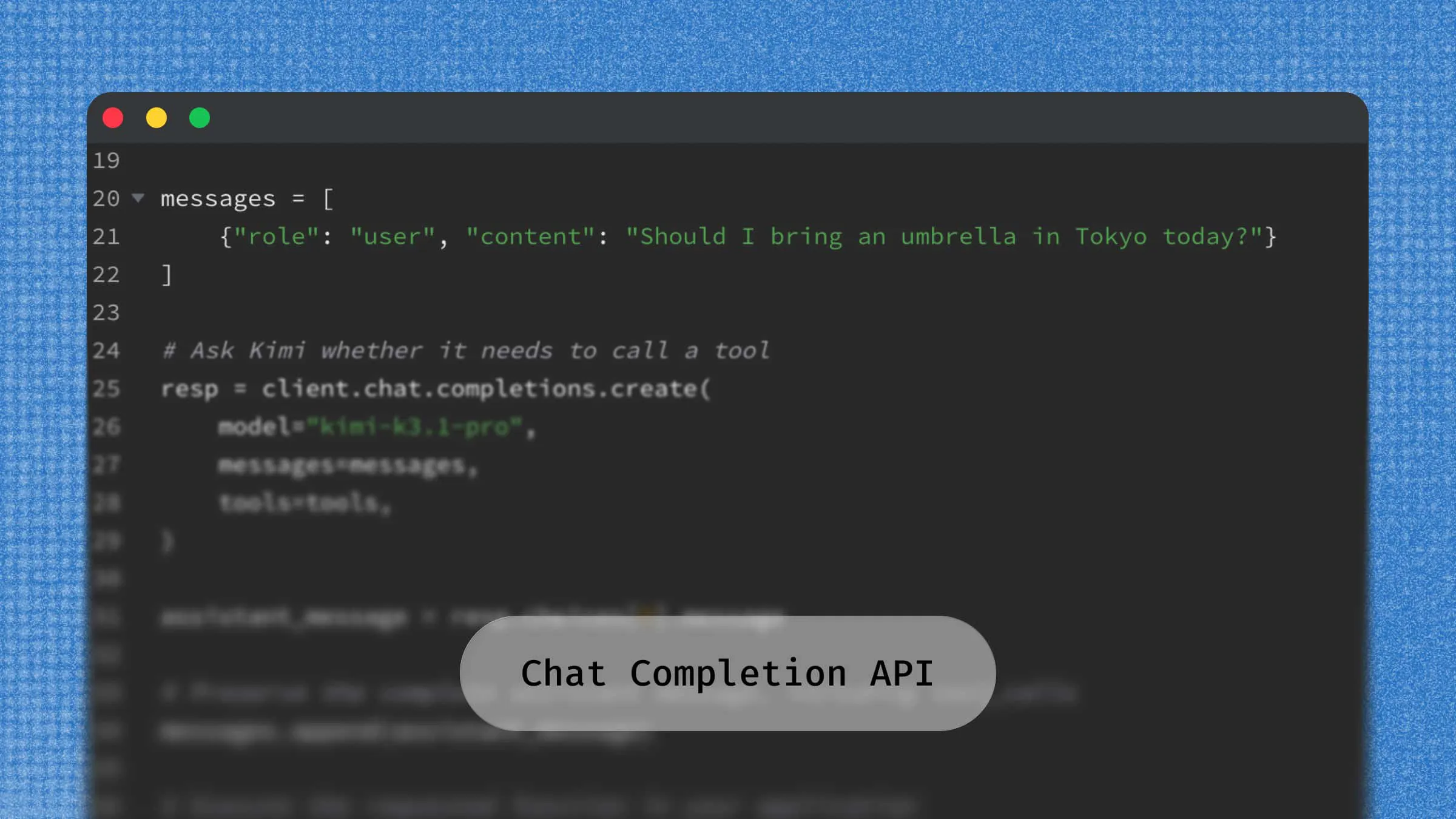
Function calling and tool integration: Kimi API supports function calling, allowing models to select tools and generate arguments for external functions or APIs. Your application executes these calls and returns the results to the model. Developers can connect models to databases, search services, and other application tools to build AI agents and automated workflows.
Streaming and structured output: Kimi API supports streaming responses, allowing applications to display generated content incrementally. It also provides JSON Mode for generating JSON-formatted responses, which applications can parse and validate for information extraction and data processing.
Multi-turn conversations: Developers can maintain conversation context by passing previous messages in the
messagesarray. This allows applications to build chatbots and virtual assistants that respond based on earlier interactions rather than treating every request as an isolated conversation.
How to integrate Kimi API using the OpenAI SDK
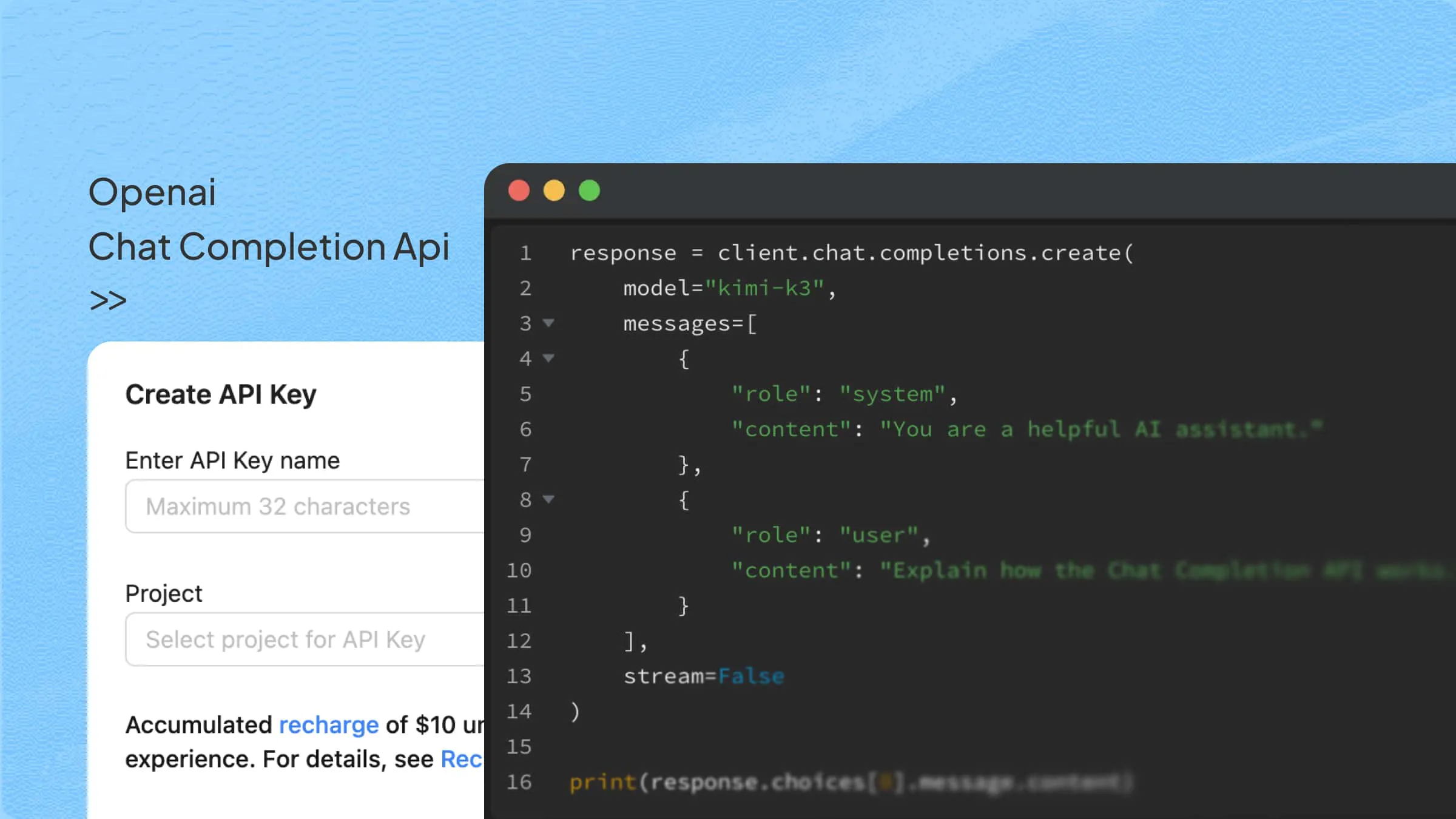
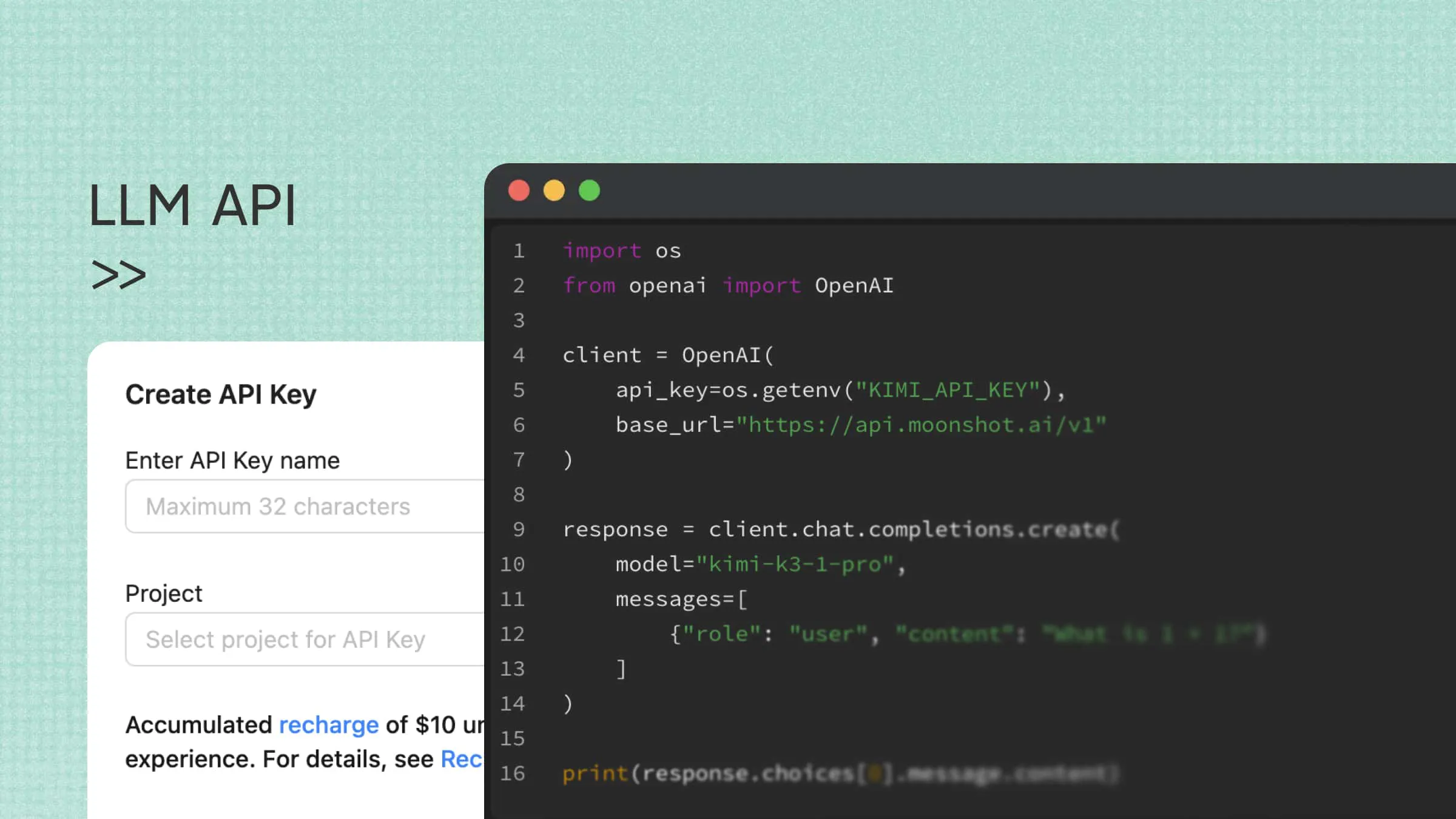
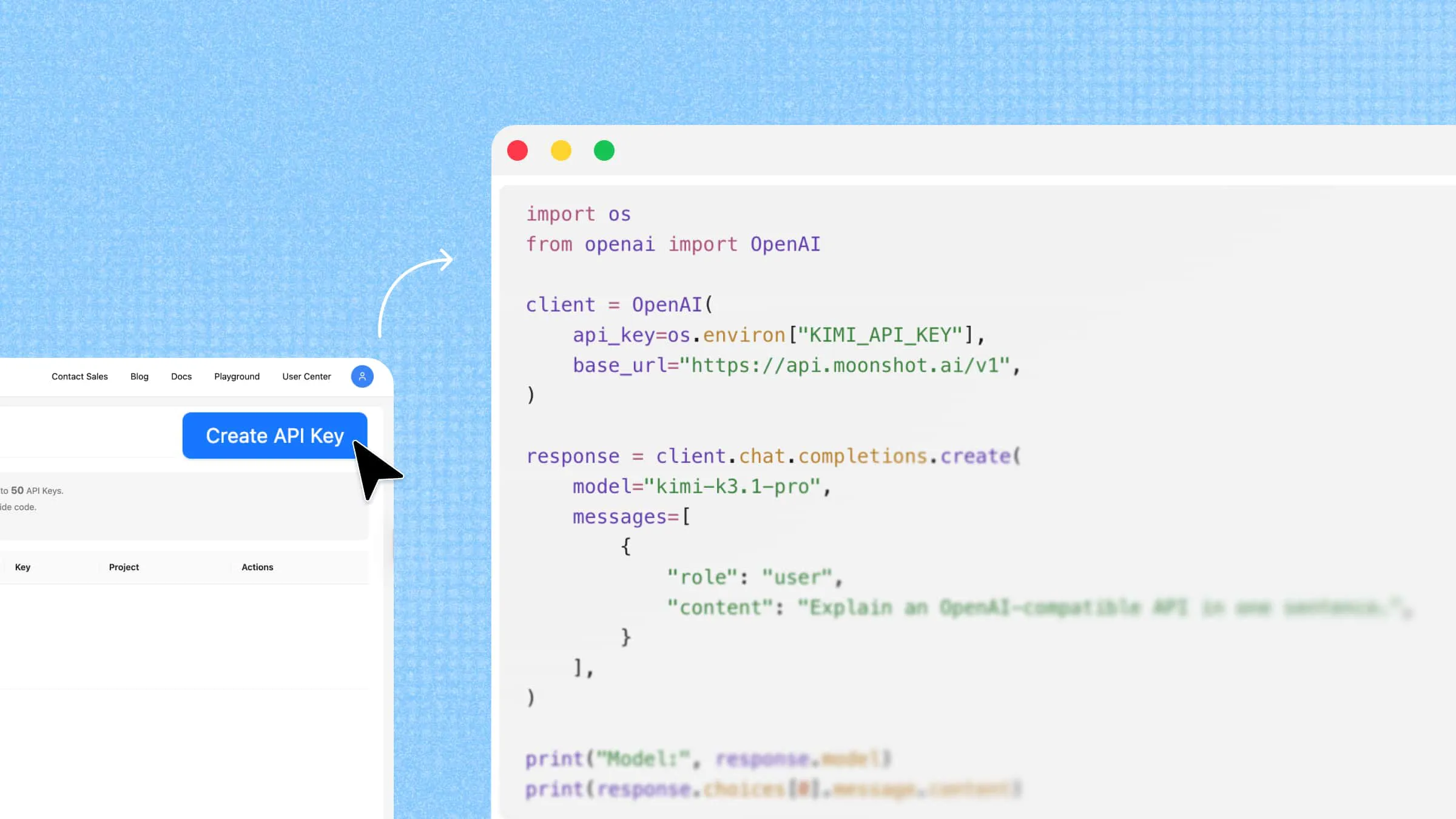
Kimi API supports the OpenAI Chat Completions format, allowing developers to use the official OpenAI SDK to access Kimi models. Instead of rewriting the entire integration, you can reuse much of your existing code by changing the API key, base URL, and model name.
Follow the steps below to connect the Kimi API using the OpenAI SDK and start making requests:
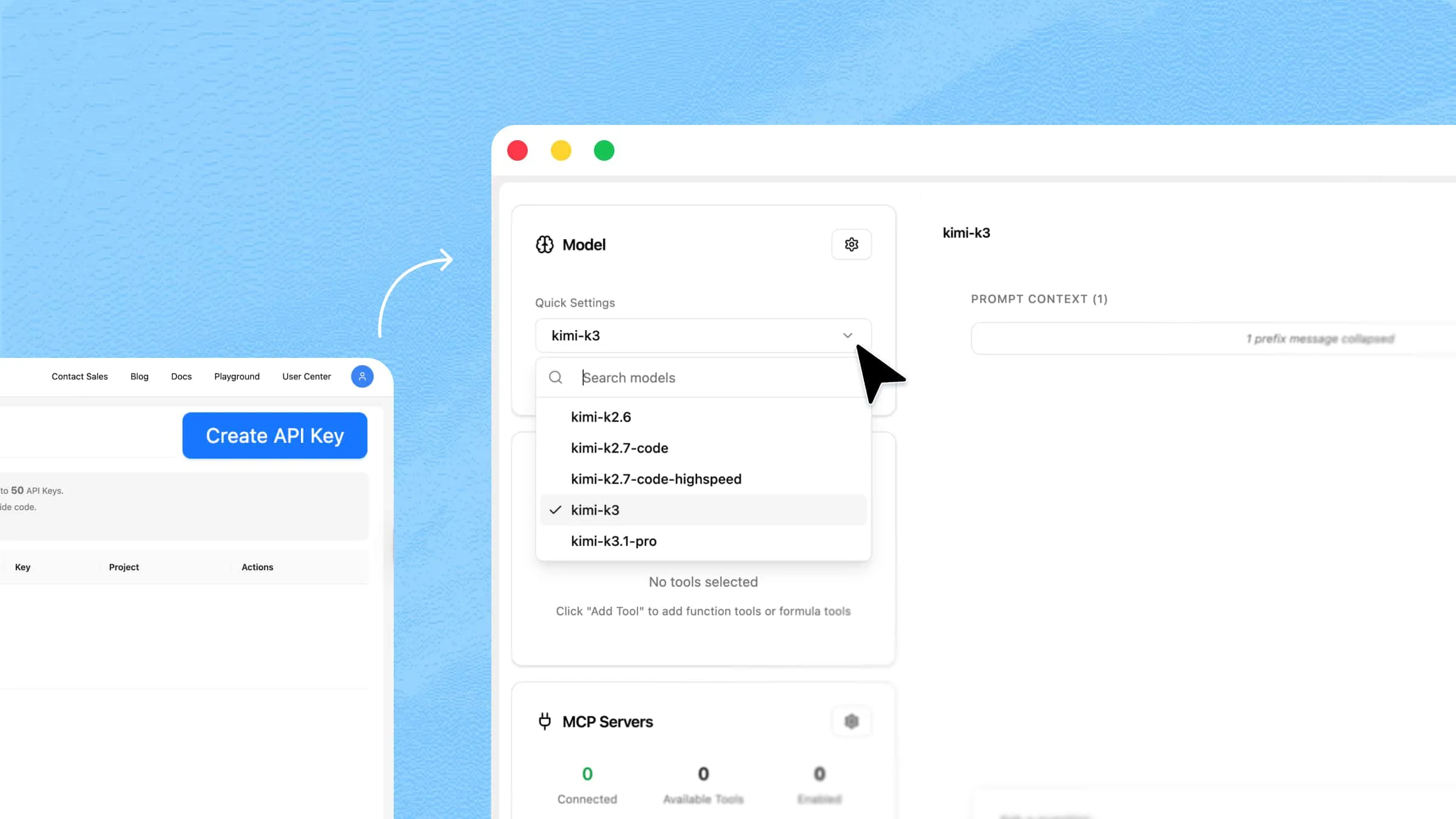
Step 1: Get an API Key
First, sign up or log in to the Kimi API platform. Navigate to the API key management section and create a new API key.
Keep your API key secure. Avoid hardcoding it in your source code or exposing it in public repositories. You can store it as an environment variable for authentication.
Step 2: Install the OpenAI SDK
If you haven't installed the OpenAI Python SDK, run the following command in your terminal:
Step 3: Set the environment variable and configure the client
Set your API key as an environment variable before running your Python script.
For macOS or Linux:
For Windows PowerShell:
Initialize the client (pick the base_url that matches your account region):
Step 4: Send a request (non-streaming)
Once the client is configured, use the familiar chat.completions.create() method to send a request. Specify the Kimi model you want to use and provide your input through the messages array.
Step 5: Streaming output (recommended, with safeguards)
For applications that need to display generated text as it arrives, you can enable streaming by setting stream=True. The SDK then returns response chunks that you can process incrementally.
Multi-turn conversations (bonus)
Kimi's reasoning models return reasoning_content. For multi-turn conversations, append the full returned message object back into messages verbatim to preserve context:
Common use cases for OpenAI-compatible APIs
OpenAI-compatible APIs can support various AI development scenarios, from conversational applications to automated workflows. They are particularly useful when developers want to integrate different models into existing software.
AI chatbots and virtual assistants: Developers can connect compatible APIs to customer support chatbots, virtual assistants, and conversational applications. The application sends user messages and conversation history to the model, then displays the generated responses.
Depending on the provider's capabilities, developers can also implement streaming responses, tool calling, and multi-turn conversations.
AI-powered development tools: Code assistants, programming tools, and AI-powered IDE extensions can use compatible APIs to access language models for code generation, debugging, and code explanation.
Developers can test different models or switch providers without completely changing the application's existing API integration.
Document processing and knowledge management: AI applications can use compatible model endpoints for document summarization, information extraction, content classification, and question answering.
These workflows can also combine language models with retrieval systems, file-processing tools, and internal knowledge bases. File upload and long-context capabilities depend on the selected provider and model.
AI agents and automated workflows: AI agent frameworks can connect to compatible model services to support reasoning, task planning, and tool selection. Developers can use these integrations to build workflows involving online research, data processing, content generation, and other automated tasks.
The exact agent capabilities depend on the model, framework, and available tools rather than API compatibility alone.
Local and private AI deployment: Organizations that want more control over their model infrastructure can deploy open-source models using inference servers such as vLLM, Ollama, and LM Studio.
These services can expose compatible API endpoints, allowing existing applications to connect to locally hosted models through familiar SDKs. This can help teams manage deployment environments and data-processing requirements, although privacy still depends on how the infrastructure is configured.
Conclusion
An OpenAI compatible API gives developers more freedom when choosing AI models and building applications. However, the best option depends on the features, performance, and support your project requires. Kimi API offers another option for developers looking to expand their AI workflows. Explore its capabilities and see what you can create with it.