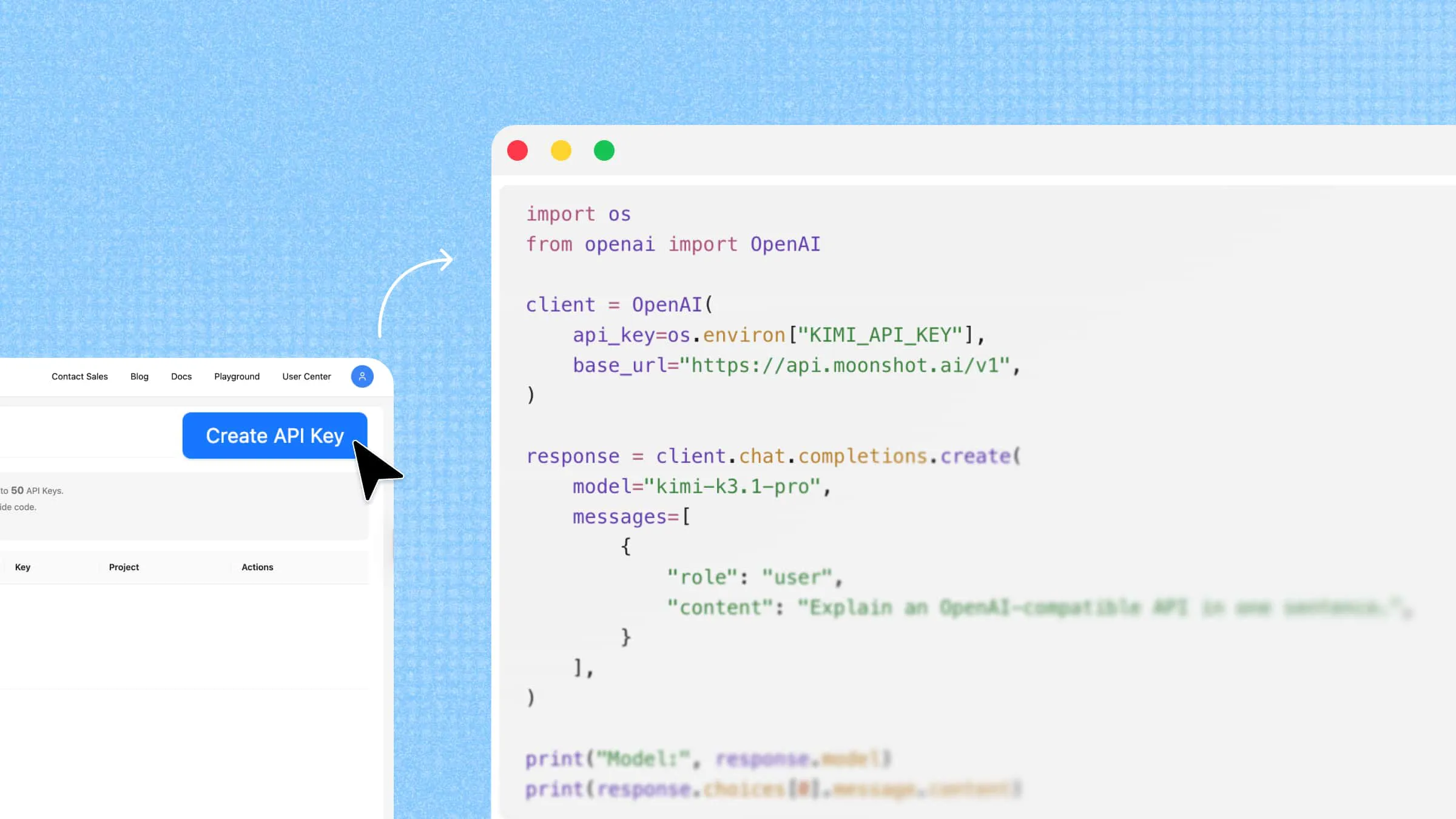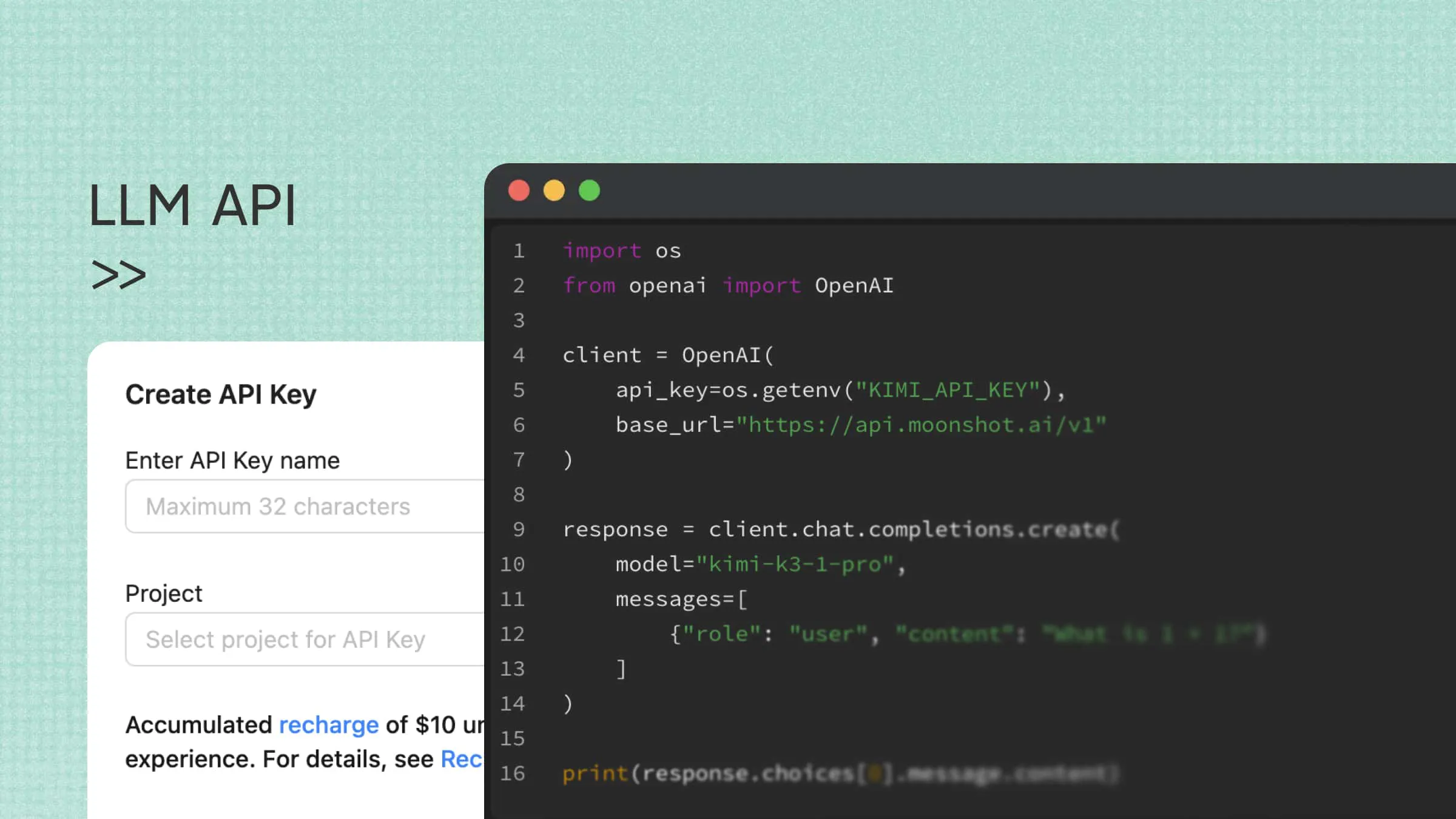
Large language models can help applications answer questions, summarize documents, generate content, and assist with coding. An LLM API gives developers a programmatic way to access these capabilities and incorporate them into their software workflows. This guide explains how LLM APIs work, what to consider when choosing one, and how the Kimi API can support your application.
What is an LLM API
An LLM API (Large Language Model API) is an interface that allows applications to access large language model capabilities programmatically. It acts as a bridge between an application and an AI model, enabling developers to send prompts, configure supported parameters, and receive model-generated responses.
For example, a customer support platform can use an LLM API to answer customer questions, while a content management system can integrate it to summarize articles or generate product descriptions.
Depending on the model, an LLM API can support text generation, question answering, summarization, translation, code generation, document analysis, and multi-turn conversations. Some services also support multimodal inputs, such as images. An LLM API key authenticates requests to the provider's service.
Core concepts of an LLM API
When working with an LLM API, you'll encounter four basic concepts: requests, responses, endpoints, and authentication. Understanding how they work helps you get started with API integration.
An LLM API gateway sits between an application and model services and can provide features such as routing, logging, rate limiting, caching, and fallback.
Request: A request is the message your application sends to the LLM service. It typically contains a prompt, along with parameters that control how the model generates its response, such as the model selection or maximum output length.
Response: A response is the data returned by the LLM service after processing a request. It usually includes the generated text, as well as information such as the request status, token usage, or other metadata.
Endpoint: An endpoint is the specific URL your application sends API requests to. LLM providers may offer different endpoints for tasks such as text generation, embeddings, or other model capabilities.
Authentication: Authentication verifies that your application is authorized to access the API. Most LLM services use an API key, a unique credential that identifies your application and helps the provider manage access and track usage. You typically obtain this key through the provider's developer platform.
These four concepts work together in a typical API interaction: your application authenticates with an API key, sends a request to the appropriate endpoint, and receives a response from the LLM service. This basic process forms the foundation for integrating language models into applications.
How does an LLM API work
An LLM API connects an application to a language model through a request-response process. The application sends input to an API endpoint, the model processes the request, and the API returns the generated response.
The process typically involves five steps:
Obtain API access: Register with an API provider and generate an API key. This key authenticates requests and should be stored securely on the server side.
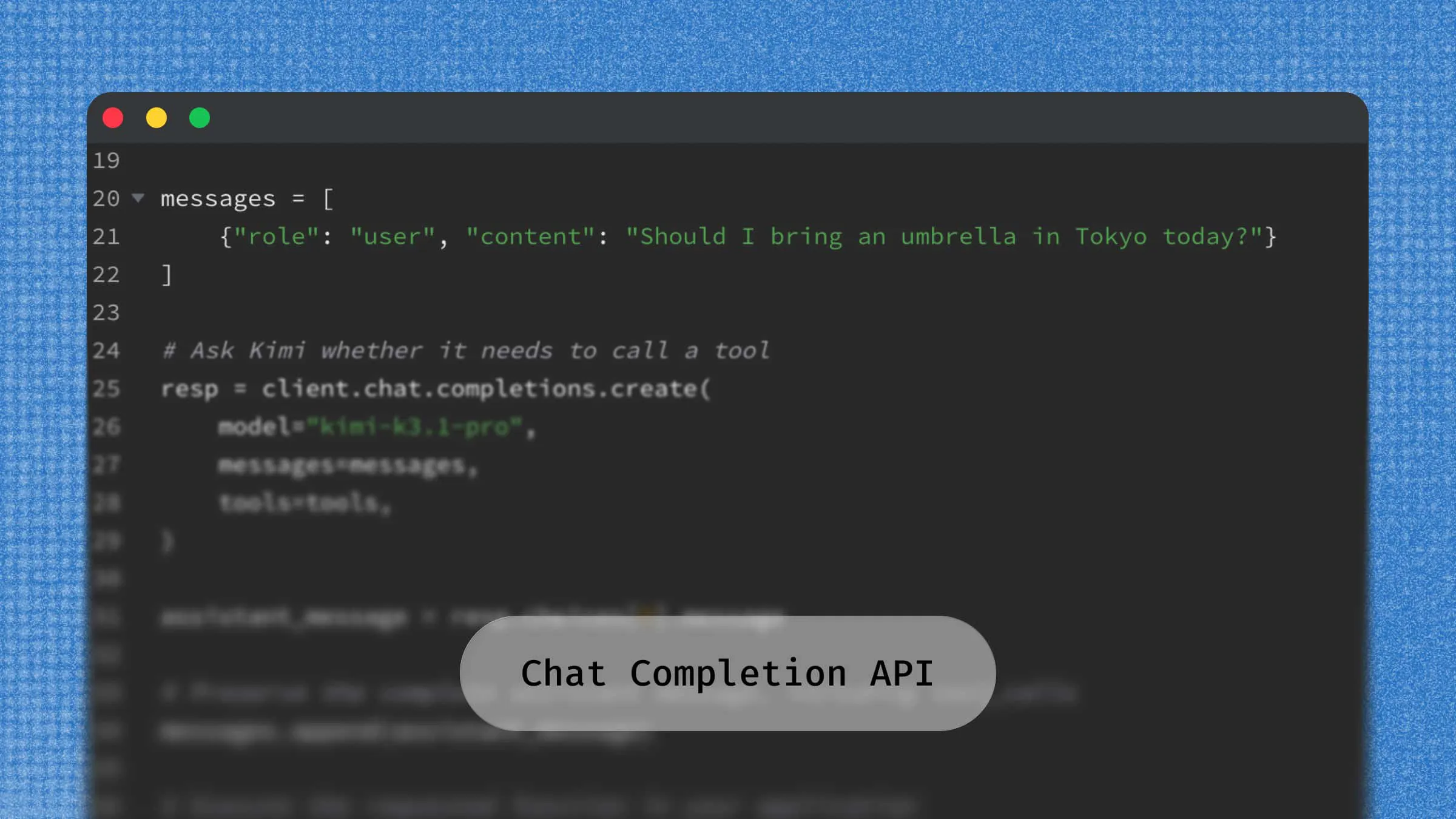
Prepare and send a request: The application sends a request to the API endpoint, usually using HTTP and JSON. It typically includes the selected model, user prompt or conversation messages, and optional parameters such as temperature and maximum output tokens.
Process the input: The API validates the request and forwards it to the selected LLM. The model interprets the prompt and uses the provided context to generate a relevant response.
Generate and return the response: The API returns the model's output, typically in JSON format. Responses can be delivered all at once or streamed incrementally as the model generates content.
Use the output: The application extracts the generated content and uses it according to its purpose, such as displaying chatbot answers, summarizing documents, or storing extracted information.
Why use an LLM API
An LLM API gives developers a consistent way to connect language models to application workflows, making it easier to build features such as chatbots, summarization tools, and coding assistants.
Integrate AI into existing applications: Connect language models to websites, mobile apps, and business systems to add features such as chatbots, intelligent search, and content generation.
Automate repetitive tasks: Automate tasks such as answering common questions, summarizing documents, extracting information, and classifying customer feedback.
Customize AI interactions: Use prompts, context, and generation parameters to control response tone, format, and content based on application requirements.
Support application growth: Integrate AI capabilities across different workflows and adjust API usage as application demands change, subject to provider limits and capacity.
Reduce infrastructure requirements: Access hosted language models without managing model training, specialized hardware, or underlying inference infrastructure.
Access LLM capabilities for your applications: Kimi API
If you are looking for an LLM API to integrate language model capabilities into your application, Kimi API provides a developer-oriented platform based on Moonshot AI's self-developed large language models, offering flexible options for building AI-powered tools, applications, and workflows with ease.
It offers a range of capabilities for building AI-powered applications, including text generation, multi-turn conversations, file parsing, and web search. The platform also supports the OpenAI API format, helping developers integrate Kimi models into existing applications with less migration effort.
Key features
Multiple models for different development needs: Kimi API offers multiple language models with different capabilities and performance profiles, allowing developers to choose based on their application requirements. Whether building AI assistants, coding tools, or document processing applications, developers can select a suitable model for their workloads. For example, Kimi K3 supports complex reasoning, long-horizon coding, and knowledge work.
Long-context processing for complex tasks: Kimi K3 supports a million-token-scale context window, allowing applications to process extensive documents, lengthy conversations, and large volumes of reference information. This capability is useful for document analysis, knowledge-intensive workflows, and tasks that require maintaining context across multiple steps.
OpenAI API format compatibility: Kimi API supports the OpenAI API format, making it easier for developers to integrate Kimi models into existing applications. Developers familiar with OpenAI-compatible request structures can adapt their existing API integrations with fewer code changes, while checking model-specific parameters and feature support.
Streaming and non-streaming responses: Kimi API supports both streaming and non-streaming responses through its Chat Completions interface. Streaming delivers generated content incrementally, making it suitable for interactive applications such as chatbots. Non-streaming returns the complete response at once, which works well for tasks such as content generation and document summarization.
Usage-based pricing and context caching: Kimi API uses usage-based pricing, with model inference charges varying by model and including input tokens, output tokens, and applicable cache-write fees. Context caching can reduce input costs when repeated request prefixes are reused within the cache's validity period. Actual savings depend on the amount of repeated content, cache hits, and cache duration. Web search and other tools may incur separate charges. Check the official pricing documentation for current rates and billing details.
How to get a Kimi API key
Getting started with the Kimi API is simple, and the first thing you need is an API key to connect your application to Moonshot AI's models. Follow the steps below to create your account and get your Kimi API key:
Step 1. Create a developer account
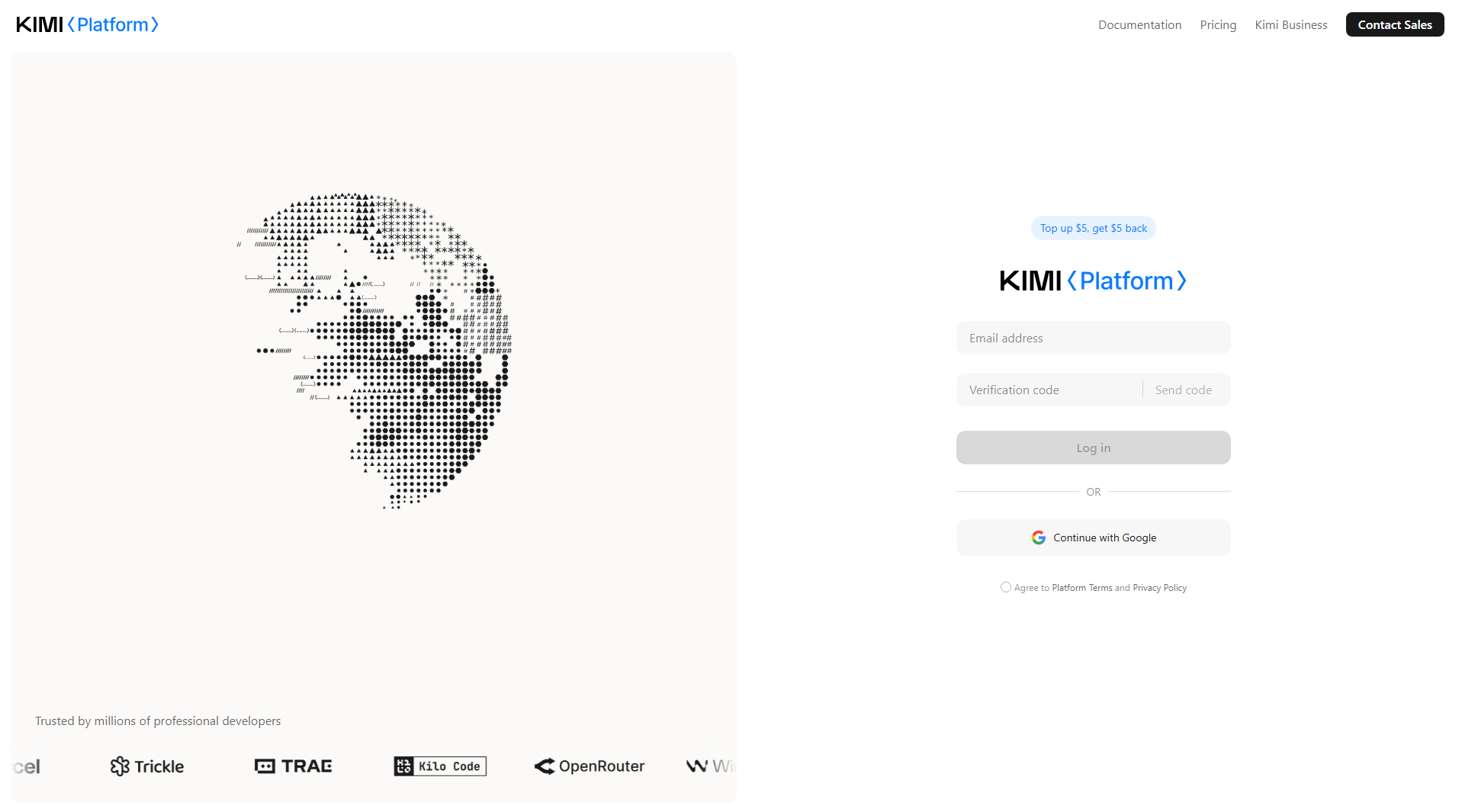
Visit the Kimi API platform and sign up for a developer account. Log in to access the API console, where you can manage your API keys, usage, and billing.
Step 2. Generate an API key
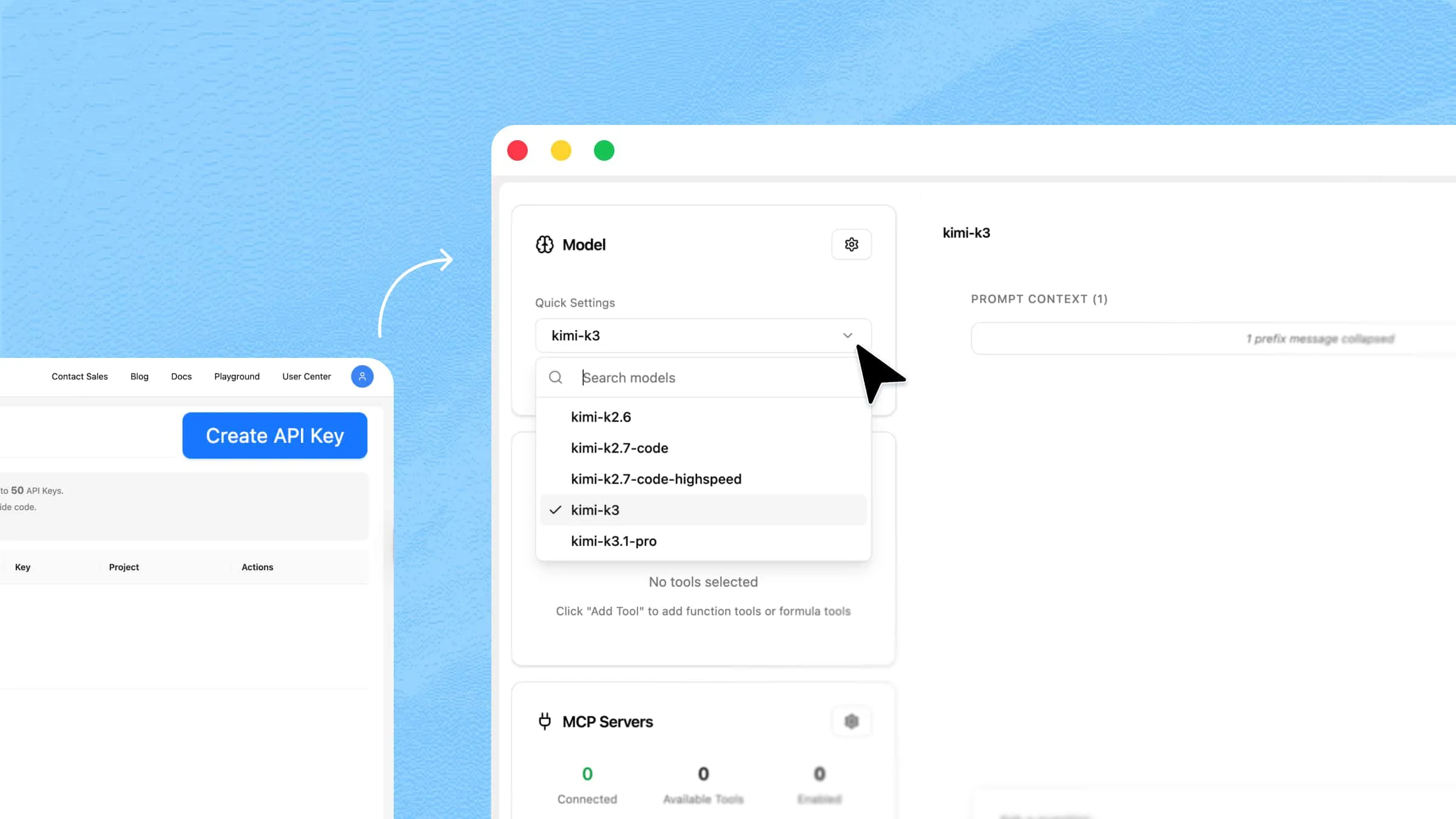
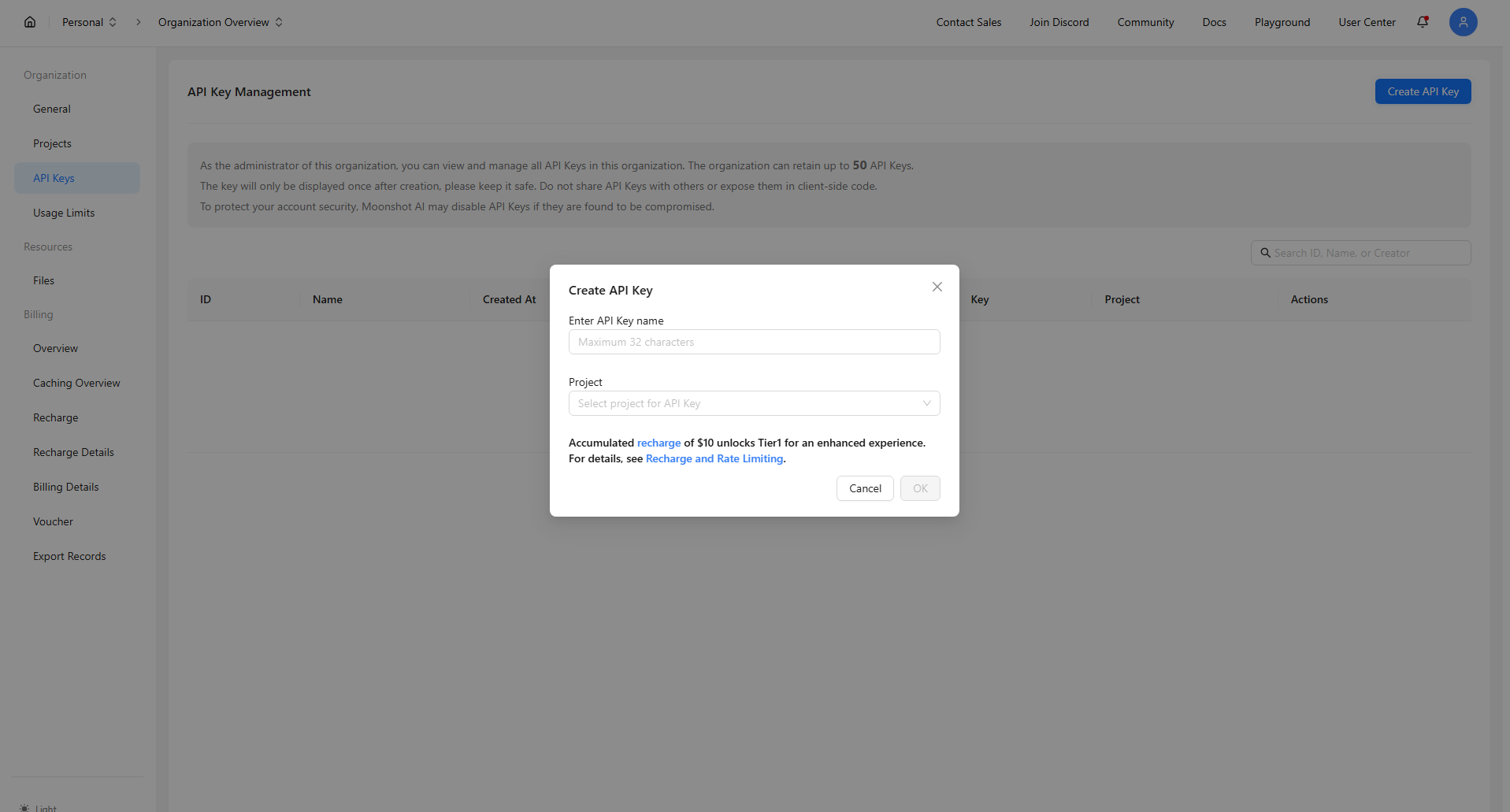
Open the API key management section in the console and click "Create API Key". Enter a name to identify your key, confirm its creation, and copy the generated key. Store it securely, as you may not be able to view the full key again.
Keep your API key secure. Store it in a server-side environment variable or secrets manager, and never expose it in public repositories or client-side code.
Step 3. Prepare your API configuration
Before making an API call, prepare the following details:
API key: The key generated in Step 2.
Base URL:
https://api.moonshot.ai/v1Model: The Kimi model ID you want to use.
Kimi API supports the OpenAI-compatible Chat Completions format, so you can use compatible SDKs to send requests.
Step 4. Make your first API call
Install the OpenAI Python SDK:
Set your Kimi API key as the KIMI_API_KEY environment variable. For example, use the following command in your terminal:
For macOS or Linux
For Windows PowerShell
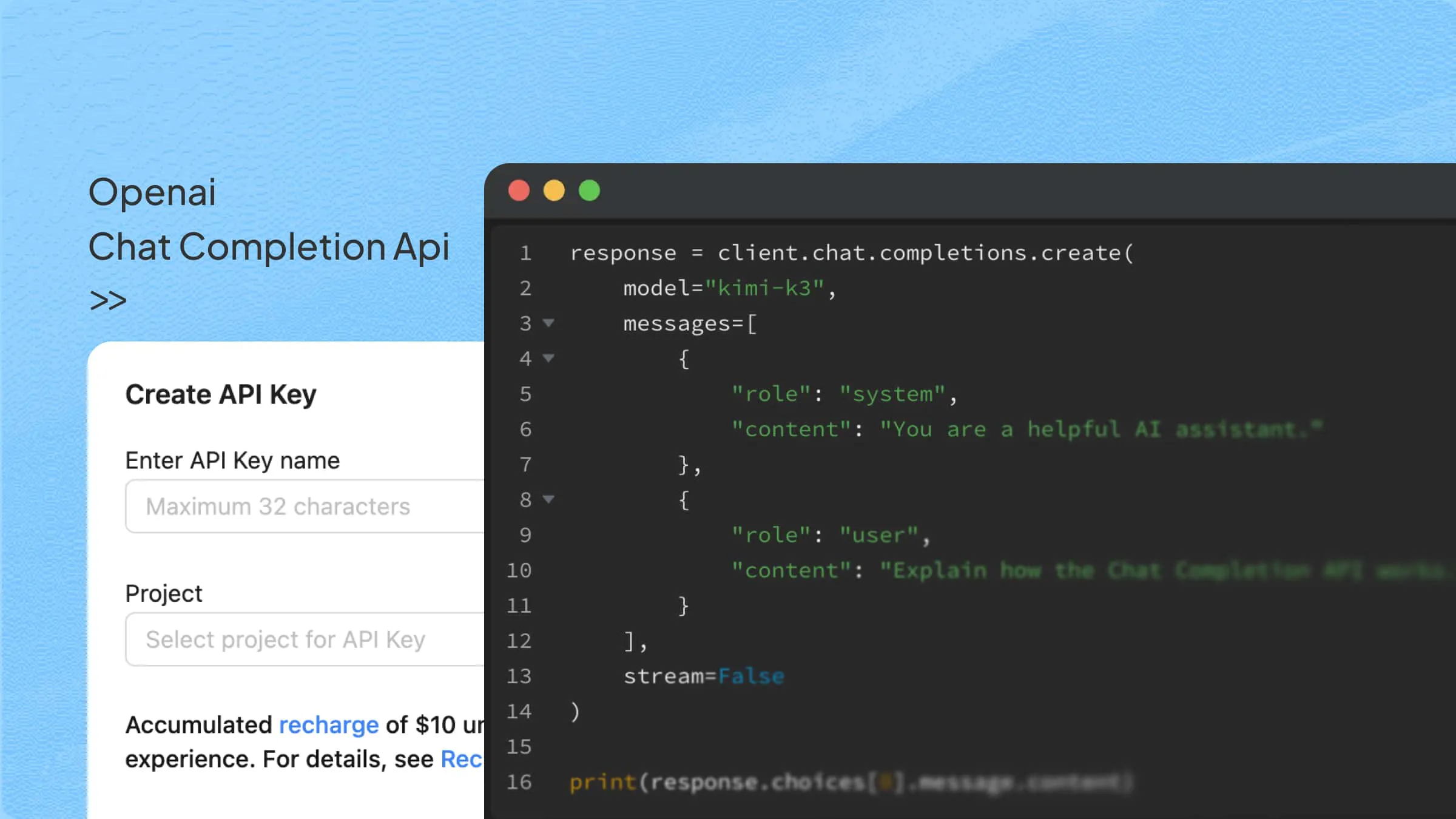
Next, create a Python script named first_kimi_call.py with the following code:
Replace kimi-k3-1-pro with a valid Kimi model ID. Then, run the script:
The script sends a chat completion request to the Kimi API. If the request succeeds and returns a response, your Kimi API integration is working. You can now modify the prompt, switch models, and build API-powered features into your application.
What to look for in a unified LLM API provider
A unified LLM API provider can simplify model integration by offering a consistent interface for accessing AI models. However, API compatibility alone does not determine whether a provider is suitable for your application. When evaluating an LLM API provider, consider the following factors:
OpenAI SDK compatibility: An OpenAI-compatible interface allows developers to reuse familiar SDKs and integration patterns by configuring the provider's API endpoint and model ID. Check which endpoints, parameters, and features are supported to understand the extent of compatibility.
Model and provider coverage: Consider the range of available models and providers. A broader model selection gives developers more flexibility to test different capabilities, compare performance, and choose models for specific workloads.
Usage and cost visibility: Look for ways to monitor API requests, token consumption, and usage costs. Per-model or per-request tracking can help developers understand spending patterns and manage application budgets.
Caching and performance: Response caching can reduce repeated requests and improve response times for recurring inputs. Also consider streaming support, latency, and rate limits when evaluating API performance.
Reliability and fallback options: Check how the provider handles errors, temporary service interruptions, and rate limits. Retry mechanisms and fallback options can help maintain application availability when a model or endpoint becomes unavailable.
Observability and deployment control: Request logs, performance metrics, and tracing can help developers troubleshoot API issues and evaluate model behavior. For applications with specific infrastructure or data requirements, also consider deployment options and data management policies.
The right provider depends on your application's technical requirements, expected usage, and operational priorities. For developers who already plan to use Kimi models, Kimi API offers an OpenAI-compatible interface for integrating supported models into existing applications. You can configure the API endpoint and model ID to get started.
Common use cases of LLM APIs
LLM APIs support a wide range of applications by enabling software to understand, generate, and process natural language. Common use cases include:
AI chatbots and customer support: Integrate LLMs into chatbots to understand customer questions and generate relevant responses. Businesses can use them to answer frequently asked questions, provide product information, assist with troubleshooting, and support customer inquiries.
Content generation and writing assistance: Use LLM APIs to generate product descriptions, marketing copy, email campaigns, and social media posts. Writing applications can also integrate them to rewrite paragraphs, correct grammar, adjust tone, and summarize long-form content.
Document processing and data extraction: Process unstructured information from contracts, reports, and business documents. LLM APIs can help extract key details, identify important clauses, categorize content, and generate concise summaries, reducing manual document review.
AI coding assistants: Integrate language models into development tools to generate code from natural language instructions, explain existing code, identify potential bugs, and suggest fixes. They can also assist with writing unit tests and technical documentation.
Semantic search and knowledge retrieval: Build search applications that understand the meaning and context of user queries rather than relying only on exact keyword matches. Combined with embeddings and retrieval systems, LLM APIs can help users find relevant information across company documents and knowledge bases.
Language translation and localization: Integrate LLM APIs into translation workflows to process website content, product descriptions, and business communications across multiple languages. Contextual instructions and terminology guidelines can help maintain consistent messaging for different markets.
Conclusion
Choosing the right LLM API depends on your application's needs, the complexity of your tasks, and your budget. A good API should make AI integration easier while giving you enough flexibility to build and improve your application over time. Kimi API is worth exploring if you want a flexible platform with different models and developer-friendly features.