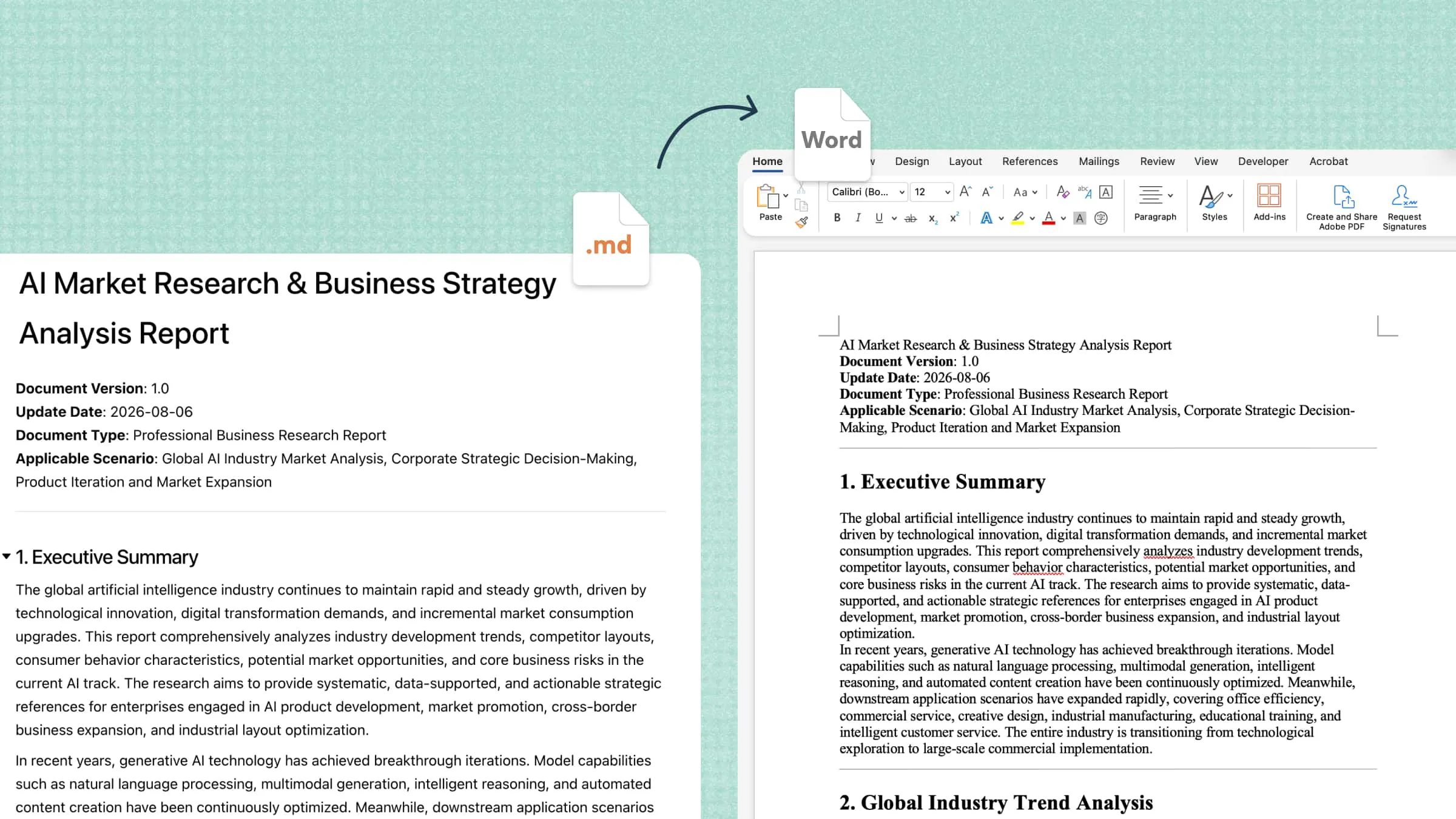
Manual document handling can slow down workflows, especially when teams need to extract information, organize files, and process large volumes of paperwork. AI document processing addresses these challenges by using artificial intelligence to extract data, classify documents, and automate repetitive tasks. This guide explains how the technology works, its key benefits, and how businesses can use it to improve accuracy and efficiency.
What is AI document processing
AI document processing uses artificial intelligence to extract, interpret, organize, and manage information from digital documents and scanned files. It combines technologies such as optical character recognition (OCR), natural language processing (NLP), and machine learning to understand both text and document structure. This allows systems to identify key details, classify files, summarize content, and transfer data into other applications. Unlike manual processing, AI can handle repetitive document tasks at scale, helping organizations save time and reduce errors.
AI document processing vs. traditional OCR
Traditional OCR converts text from scanned documents and images into machine-readable text, while AI document processing goes further by interpreting and organizing the extracted information. Understanding the differences helps you choose the right approach for your document workflow.
| Aspect | Traditional OCR | AI document processing |
|---|---|---|
| Primary purpose | Recognize text in images or scanned documents | Interpret, extract, classify, and organize document information |
| Output | Machine-readable text | Text, structured fields, classifications, summaries, or other task-specific outputs |
| Context understanding | Limited on its own | Can use AI models to interpret meaning and relationships |
| Handling different layouts | Depends on OCR capabilities and templates | Can use document structure and context to handle varied layouts |
| Validation | May require separate rules or manual checks | Can combine extraction with validation rules and human review |
| Common applications | Digitizing printed pages and searchable PDFs | Invoice processing, contract analysis, document classification, and knowledge extraction |
How AI document processing works
AI document processing follows a series of steps to convert raw files into organized, usable information. Although the exact workflow varies by tool, most systems collect documents, interpret their content, extract relevant data, validate the results, and deliver the processed information.
Collect and prepare documents: The process starts with documents from shared folders, email attachments, scanned files, or business applications. These may include PDFs, Word files, spreadsheets, images, and presentations.
Before analysis, files may need checks for readability, page orientation, and missing content. OCR can convert text in scanned documents and images into machine-readable text for further AI document processing.
Recognize and interpret document content: AI models analyze the extracted text and document structure to identify headings, paragraphs, tables, form fields, and relationships between information. This helps the system understand not just individual words but also their context.
For example, an invoice-processing system can identify the supplier's name, billing address, invoice date, tax amount, and total due. Correctly distinguishing these fields helps produce accurate, useful results.
Extract and classify information: The system identifies relevant details and organizes them into predefined fields or document categories. For example, it may classify files as invoices, purchase orders, contracts, or receipts, then extract payment terms or contract renewal dates.
Depending on the task, AI document processing can also summarize lengthy files, identify key arguments, or gather relevant information from multiple documents.
Validate the results: Extracted information should be checked before it enters business systems or informs important decisions. Validation can include checking required fields, comparing totals, confirming dates, and flagging uncertain results for human review.
This step is especially important for handwritten text, complex tables, and legal or financial documents, where extraction errors can have significant consequences.
Export and use processed information: After validation, the extracted data can move to spreadsheets, databases, document management platforms, or other business applications. The final output may be a structured dataset, searchable document collection, summary report, or categorized set of files.
Depending on the workflow, processed information can also support automated approvals, business reporting, and analytics, reducing repetitive manual work and improving access to important information.
Simplify everyday document processing with Kimi Docs
Kimi Docs, an AI document agent, simplifies everyday document tasks by helping users create, analyze, summarize, and refine content with AI. You can provide prompts or upload reference materials to organize information, improve text, and prepare structured documents. For routine workflows, Kimi Docs can reduce manual effort and make document handling more efficient, although complex data extraction and automated enterprise processing may require specialized tools.
Main features of Kimi Docs
Kimi Docs supports everyday AI document processing by helping users create, summarize, edit, and organize content with less manual effort. Its AI-powered tools make common document tasks easier and more efficient. The following are some of the main features of Kimi Docs.
Transform content across file formats: Convert content between Word, PDF, PowerPoint, and Excel formats. Turn spreadsheet data into structured reports or reorganize presentation content into Word lesson plans, reducing manual copying and reformatting.
Turn different types of information into structured documents: Convert scattered information from text, images, scanned files, and other source materials into organized documents. With OCR capabilities, Kimi Docs can recognize and extract text from images and scanned documents, then help arrange the extracted information into readable reports, summaries, and tables.
Review documents with contextual comments: Use AI to review Word documents and add comments or revision suggestions to relevant sections. Identify passages that need clarification and make document review more manageable for academic, business, and other professional tasks.
Compare document versions: Generate side-by-side comparisons of Word documents to identify differences between revisions. Review changes in wording and content to help maintain consistency across updated reports, proposals, and policies.
Translate documents into multiple languages: Translate document content into different languages and export the result as Word or PDF. Choose single-language or line-by-line bilingual layouts to make translated files easier to review and reuse.
Improve document formatting and readability: Organize text, images, tables, and charts into clearer layouts. Add AI-generated illustrations and professional cover designs to create polished documents. For more specialized layout needs, explore the AI document formatter to improve document structure and presentation.
How to process documents with Kimi Docs
Kimi Docs can help simplify everyday AI document processing by turning source materials into organized, readable content. Follow these steps to process your documents and prepare the results for further use.
Step 1: Upload your source files and describe the task
Upload relevant documents to Kimi Docs and explain what you want to achieve. Specify the information to extract, the desired structure, and the intended output.
Step 2: Process and organize the information
Let Kimi Docs analyze your instructions and source materials to generate the requested content. Review the extracted details, summaries, and section structure to ensure the output meets your needs.
Step 3: Review and export the processed document
Check the results for missing information, inaccurate details, and formatting issues. Request revisions where necessary, then use the available export or download options to save the document in a suitable format.
Benefits of AI document processing
AI document processing offers several advantages for organizations that manage large volumes of files and information. By automating routine tasks and making document content easier to access, it can improve efficiency, consistency, and information management.
Reduced manual work: AI can automate repetitive tasks such as document classification, text extraction, and data entry. This reduces manual effort and allows employees to focus on work that requires human judgment.
More accessible information: AI document processing can extract relevant details and convert unstructured content into searchable, organized information. This makes it easier to find specific facts, dates, names, and figures without reviewing entire documents manually.
Improved consistency: AI tools can apply consistent extraction rules and document categories across similar files. This helps standardize document handling, although accuracy still depends on document quality and system configuration.
Faster document review: AI can summarize lengthy documents and highlight important sections, key findings, or relevant details. This helps users review contracts, reports, and other files more efficiently while reducing the time spent searching for information.
Better downstream analysis: Extracted document data can be organized into structured formats for spreadsheets, reports, and analytics systems. This makes it easier to compare information, identify patterns, and support data-informed decisions.
More connected workflows: AI document processing tools can integrate with supported business applications and document management platforms. These connections can transfer extracted information into workflows such as reporting, approvals, and record management, reducing manual intervention.
Common use cases for AI document processing
AI document processing is useful across industries where teams need to extract, organize, and review information from large numbers of files. The following use cases show how it can simplify routine tasks and improve document management.
Invoice and receipt processing: AI can extract details such as invoice numbers, supplier names, dates, tax amounts, and totals from invoices and receipts. This reduces manual data entry and helps finance teams organize records for accounting and payment workflows.
Contract analysis and review: AI tools can identify important contract details, including renewal dates, payment terms, obligations, and key clauses. They can also summarize lengthy agreements and flag sections for further review, although legal decisions still require qualified human oversight.
Research and academic document management: Researchers and students can use AI document processing to organize papers, extract relevant information, and summarize lengthy research materials. These capabilities make it easier to write literature reviews and locate important findings, while citations and source accuracy should always be checked.
Business reports and data extraction: AI can extract figures, dates, key findings, and other relevant details from business reports and structured documents. The information can then be organized into tables or summaries, helping teams compare results and prepare reports with less manual effort.
Employee records and administrative documents: HR teams can use AI to classify employee forms, extract relevant details, and organize administrative records. This can simplify tasks such as onboarding paperwork and record management, provided that sensitive employee information is handled securely and access controls are maintained.
Conclusion
AI document processing helps businesses and individuals extract, organize, and manage information more efficiently. It reduces repetitive tasks, improves access to important details, and supports faster document review across different workflows. From invoice handling to contract analysis, technology offers practical benefits across industries. Choosing the right tools and verifying extracted information helps ensure accurate, reliable results.