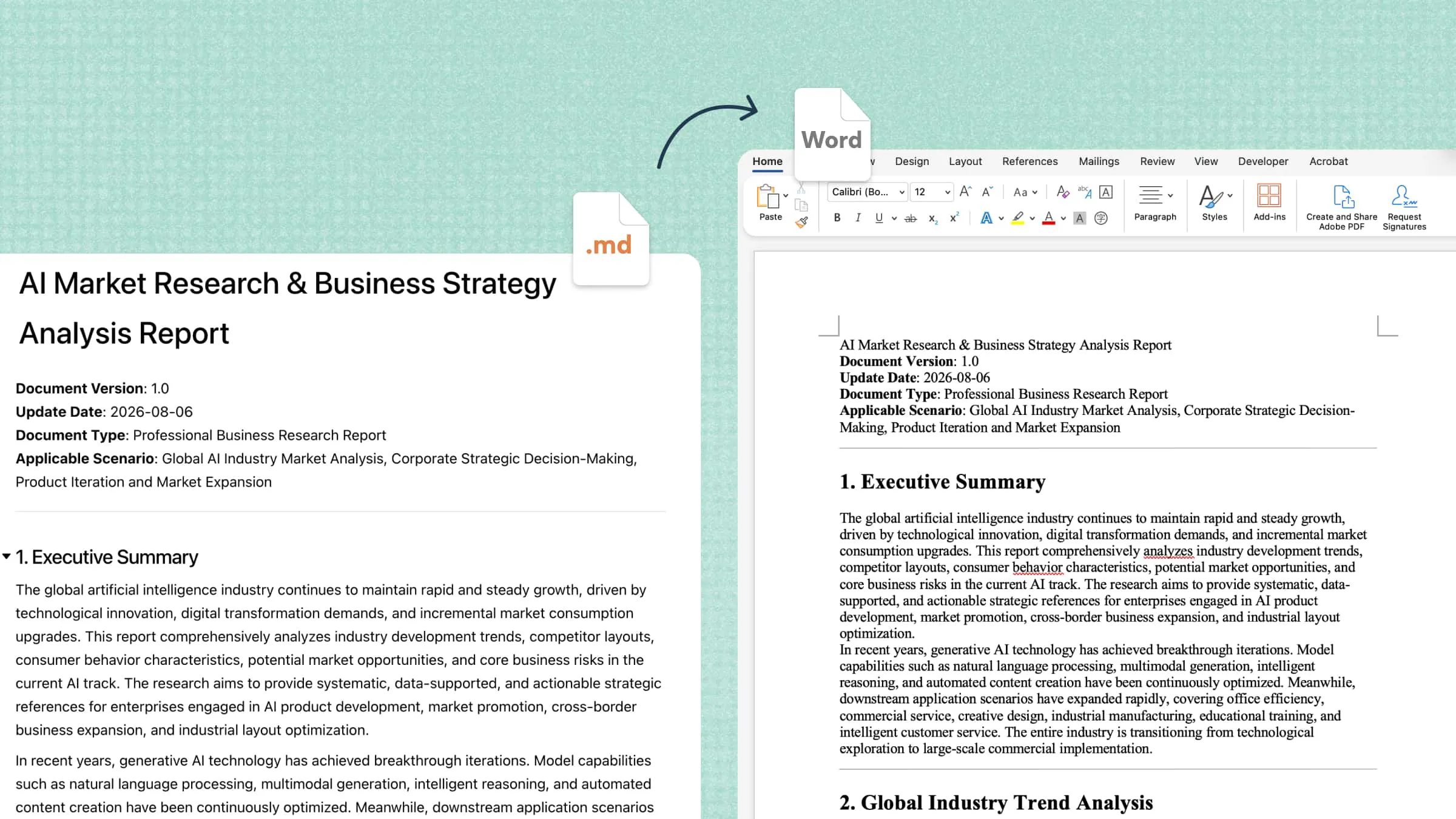
Managing documents manually can take hours, especially when you need to create files, organize information, correct errors, and maintain consistent formatting. Document AI offers a smarter approach by using artificial intelligence to automate routine tasks, improve content quality, and simplify document management. This guide explores its key features, benefits, and practical use cases to help you understand how AI can make everyday document workflows more efficient.
What is document AI
Document AI is a technology that uses artificial intelligence to read, interpret, extract, and organize information from digital documents and scanned files. It combines techniques such as optical character recognition (OCR), natural language processing, and machine learning to understand document content and structure. These capabilities help automate tasks such as data extraction, document classification, summarization, and information retrieval. From business invoices to research papers, document AI reduces manual effort and makes document workflows more efficient.
How does document AI work
Document AI converts documents into structured, usable information through a series of automated steps. Each stage helps the system recognize content, identify relevant details, and prepare the results for further use.
Document input: The process begins when users upload files such as PDFs, scanned images, invoices, forms, or business reports. The system receives these files for analysis and prepares them for the next stage.
Text recognition: Optical character recognition (OCR) extracts text from scanned documents and images. For digital files, the system can access existing text and identify document elements such as paragraphs, tables, and headings.
Content understanding: AI models use techniques such as natural language processing and machine learning to interpret the document's meaning. They identify important details, categories, and relationships between different pieces of information.
Data extraction and organization: The system extracts relevant information, such as names, dates, invoice totals, and key phrases, and organizes it into structured fields. This makes the data easier to search, analyze, and transfer to other applications.
Validation and output: The extracted results are checked for missing details, inconsistencies, or possible errors, with uncertain information flagged for human review. The verified data can then be exported or transferred to spreadsheets, databases, and other connected systems.
Core capabilities of document AI
Document AI offers a range of capabilities that help users extract information, understand document content, and automate routine tasks. The following features show how these tools support different document processing needs, from simple data extraction to advanced business workflows.
Data extraction: Document AI identifies specific fields and values and organizes them into structured records. This document extraction AI capability is useful for invoices, receipts, application forms, and other documents with repeated information.
Document classification and splitting: AI can identify document types and, when supported, separate combined files into individual documents. This helps organizations categorize incoming paperwork and manage large collections of records more efficiently.
Document understanding and summarization: AI models analyze document content to identify key points, answer questions, and summarize lengthy materials. Some tools also support searches across multiple documents and help identify relationships between records.
Table and layout recognition: Document AI can recognize tables, headings, form fields, and other structural elements within a file. Preserving these relationships makes extracted information easier to interpret and more useful for reporting and analysis.
Translation and content transformation: Some AI document tools can translate text, reorganize information, and transform content into supported formats. These capabilities help users adapt existing documents for different languages, audiences, or purposes without rebuilding everything from scratch.
Workflow automation and integration: Enterprise document AI solutions can connect document processing with storage systems, databases, and business applications. This allows extracted information to flow into established workflows with fewer manual steps and handoffs.
Not every document AI tool offers all these capabilities. Before choosing a solution, check its supported file types, extraction accuracy, integration options, and available output formats.
Simplify AI document processing with Kimi Docs
Document AI tools can automate complex extraction workflows, while everyday document tasks often require a simpler way to create, review, and organize content. Kimi Docs, an AI document agent, helps users work with documents through AI-powered writing, summarization, and editing features. It can support routine document workflows by turning prompts and reference materials into structured content, making information easier to manage with less manual effort.
Main features
Kimi Docs offers AI-powered tools that support everyday document creation, editing, and content organization. These features can help users simplify routine tasks, improve readability, and work more efficiently with reference materials. The following are some of its main features.
Make document AI work for your everyday documents: From scattered information to polished documents, Kimi Docs helps you create, convert, review, and format files with AI. Describe what you need, let AI handle the document work, and refine the result before downloading.
Turn raw information into insightful reports: Transform information from spreadsheets, images, scanned files, and other sources into structured Word or PDF reports. Kimi Docs uses OCR to recognize and extract text from images and scanned documents, then organizes the information into readable sections, tables, and summaries that are easier to review and share.
Transform files without starting over: Move content between Word, PDF, PowerPoint, and Excel formats while adapting it to its new purpose. Turn presentation slides into structured lesson plans or convert spreadsheet data into a report, reducing the need to rebuild documents manually.
Review documents and pinpoint revisions: Get contextual comments and revision suggestions directly within Word documents. You can also compare old and new document versions side by side, making it easier to identify changes and review important details.
Translate documents for global collaboration: Translate documents into other languages and export the results as Word or PDF files. Choose a single-language layout or a sentence-by-sentence bilingual format to make reviewing translated content more convenient.
Turn long documents into professional deliverables: Create lengthy Word or PDF documents with organized headings, tables, academic citations, LaTeX formulas, and clickable tables of contents. Kimi Docs can also enhance layouts with images, cover designs, and data visualizations, helping make complex information easier to navigate.
How to use Kimi Docs for document processing
Kimi Docs can help simplify everyday document processing by turning prompts and reference materials into organized, readable content. Follow these steps to process information, refine the results, and prepare your document for use.
Step 1: Provide your source files and task requirements
Upload the relevant documents to Kimi Docs and describe what you want to achieve. Specify the information to extract, the preferred structure, and the type of output you need.
Step 2: Let AI transform the content
Allow Kimi Docs to process your instructions and source materials to generate the requested content. Review the extracted details, summaries, and organization to ensure the results meet your requirements.
Step 3: Review and export the result
Check the final content for missing information, inaccurate details, and formatting issues. Request revisions where necessary, then use the available export or download options to save the document in a suitable format.
Common document AI use cases
Document AI supports a wide range of industries by automating repetitive tasks, extracting important information, and improving document accuracy. Here are some common use cases where document extraction AI helps teams manage information more efficiently.
Finance and accounting: Document AI extracts invoice numbers, payment dates, tax amounts, and totals from invoices, receipts, and financial statements. It helps automate data entry, organize expense records, and speed up invoice processing.
Healthcare administration: Healthcare organizations use document AI tools to process patient forms, medical records, insurance documents, and billing information. It helps organize records and retrieve relevant details while supporting administrative workflows.
Legal and contract review: Legal teams use document AI tools to identify key clauses, contract dates, obligations, and renewal terms in lengthy documents. AI-powered analysis helps summarize agreements and highlight sections that may require closer review.
Insurance and claims processing: Document AI can extract policy details, claim numbers, incident dates, and supporting information from submitted forms and reports. This helps insurers organize claims, identify missing documents, and reduce manual processing.
Human resources: HR teams use document AI to process résumés, job applications, employee forms, and onboarding documents. It can extract candidate details, classify files, and organize employee information for easier retrieval.
Research and business reporting: Researchers and business teams use document AI to summarize reports, extract data from tables, and identify recurring themes across multiple files. These capabilities help organize findings, compare information, and prepare reports with less manual effort.
Benefits and challenges of Document AI
Document AI can make document workflows faster, more organized, and easier to scale, but its effectiveness depends on data quality, system capabilities, and proper oversight. Understanding the key benefits and challenges helps businesses decide where document extraction AI can add the most value.
Benefits
Less manual data entry: Document AI automates repetitive tasks such as extracting information, classifying files, and organizing records. This reduces routine work and frees employees to focus on higher-value tasks.
Faster processing: AI tools can process large volumes of documents more efficiently than manual workflows. This helps teams handle invoices, forms, reports, and other records with less delay.
More consistent data: Document AI can standardize extracted fields and output formats when appropriate rules are in place. This makes records easier to compare, review, and manage across different workflows.
Better searchability: AI can make information from scanned files and unstructured documents easier to locate and reuse. Teams can find relevant details without manually reviewing every page.
Improved scalability: Automated workflows can handle growing document volumes without requiring the same increase in manual effort. This makes it easier for organizations to expand document processing as their needs change.
More useful business data: Document AI converts document content into structured information for reporting and analysis. These insights can support operational planning, performance tracking, and informed business decisions.
Challenges
Poor-quality source documents: Blurry scans, faded text, skewed pages, and difficult handwriting can reduce extraction accuracy. Improving image quality and checking uncertain results can help limit errors.
Inconsistent document formats: Tools that work well with standard templates may struggle with unfamiliar layouts or specialized terminology. Some workflows require custom extraction rules, sample documents, or model adjustments.
Incorrect or unsupported interpretations: AI may misread details, confuse similar fields, or generate information that the source does not support. Important results should be checked against the original documents before use.
Integration and maintenance: Integrating document AI with existing databases and business applications can require technical expertise and ongoing maintenance. Teams should account for system updates, error handling, and regular accuracy checks.
Conclusion
To sum up, document AI helps businesses simplify document management by automating data extraction, improving searchability, and reducing repetitive manual work. Although accuracy, privacy, and integration require careful consideration, the right tools can make document workflows more efficient and scalable. For everyday document creation, summarization, and editing, Kimi Docs offers a practical way to get started with AI-powered document workflows.