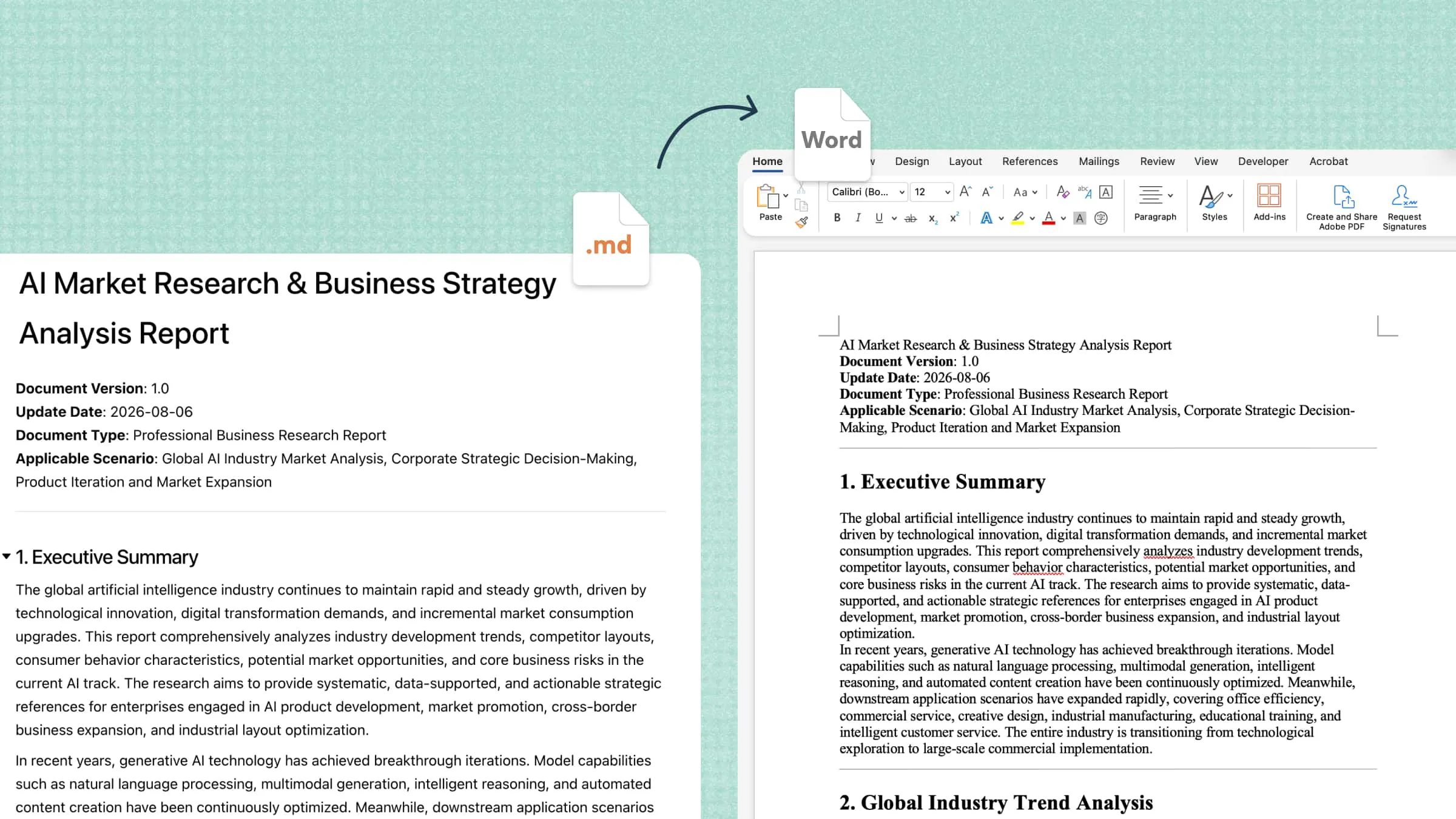
Managing documents across different tasks can be challenging when information requires frequent updates and organization. A documentation assistant simplifies this process by supporting content creation, editing, and information management. It helps users handle documentation more efficiently across various professional and academic settings. This guide explores its key features, practical applications, and effective usage tips, along with tools that can streamline document workflows.
What is a documentation assistant
A documentation assistant is a digital tool designed to streamline the creation, organization, and maintenance of technical or business documents. It helps users generate structured content, retrieve relevant information, and maintain consistency across reports, manuals, and knowledge bases. By automating repetitive writing tasks and simplifying information management, it reduces administrative workload and minimizes documentation errors. These capabilities enable teams to preserve institutional knowledge, improve collaboration, and keep essential records accurate and accessible.
How does a documentation assistant work
A documentation assistant uses AI to understand instructions, process information, and generate structured documents. Users start by entering prompts, uploading files, or providing raw content. The assistant then analyzes the input, extracts relevant details, and organizes information into coherent sections with headings, paragraphs, lists, or tables.
Once the content is generated, users can request edits, refine specific sections, and adjust the wording or structure. The assistant can also apply formatting and export the finished document into supported file formats for sharing or further use.
Key features of an AI documentation assistant
An AI documentation assistant simplifies the process of creating, organizing, updating, and retrieving information. Its core features help individuals and teams maintain clear documentation, reduce repetitive work, and make knowledge easier to access.
Document creation and content structuring: Creating documentation from scattered notes can be time-consuming. An AI document assistant transforms prompts, source files, and rough notes into structured reports, manuals, user guides, and standard operating procedures.
Document search and AI-powered Q&A: Finding specific details across multiple files can slow down daily tasks. AI-powered search helps users retrieve relevant information by asking natural-language questions, reducing the need to review documents manually.
Automated documentation from videos and recordings: Meetings, tutorials, and training sessions often contain useful information that is difficult to revisit. Some documentation assistants can transcribe supported recordings, summarize discussions, extract action items, and turn instructions into written guides.
Document editing, summarization, and conversion: AI-powered tools improve readability, refine grammar, and summarize lengthy materials while preserving key information. Supported conversion features also help users adapt documents for different purposes and file formats.
Collaboration and knowledge management: Teams need a reliable way to store, update, and share documentation. A documentation assistant can help organize resources, improve information retrieval, and maintain a more accessible knowledge base for everyday work.
Kimi Docs: An AI assistant for document creation and editing
Kimi Docs is an AI document agent that helps users create, edit, and organize documents more efficiently. It can turn prompts and reference materials into structured reports, summarize lengthy content, and refine existing drafts. As an AI document assistant, it supports tasks such as research writing, business proposals, and information management. Its writing and editing capabilities help users improve clarity, maintain logical structure, and adapt content to different professional needs.
Benefits of using Kimi Docs
Kimi Docs helps simplify document-heavy workflows by combining AI-assisted writing, content transformation, review, and formatting. Here are the key benefits and how they support different professional tasks.
Long-form documentation for complex context: Develop comprehensive business reports, proposals, white papers, and research papers from extensive source material. Kimi Docs structures information with headings, tables, and citations to improve coherence and readability.
Cross-format document transformation: Rework content across supported Word, PDF, PowerPoint, and Excel workflows to suit different purposes. Convert spreadsheet findings into written reports or turn presentation material into detailed training guides.
Batch generation for repetitive documentation: Produce multiple documents from structured datasets, reducing the effort required for recurring administrative tasks. Generate individual payslips from payroll records or create personalized documents using shared source information.
Contextual reviews and document feedback: Examine Word documents and provide targeted comments or suggestions linked to relevant passages. This supports research evaluations, assignment feedback, and contract reviews by highlighting areas that may need clarification or revision.
Document comparison and revision management: Compare different versions of a document to identify changes in wording, organization, and content. This makes it easier to verify revisions, track editorial adjustments, and maintain consistency throughout review cycles.
Structured layouts and professional formatting: Arrange content using headings, cover pages, images, charts, tables, and LaTeX equations where supported. These elements improve information hierarchy and help present technical findings or business insights in a polished format.
How to use Kimi Docs for creating an AI document
Kimi Docs makes it easier to turn ideas, prompts, and reference materials into well-structured documents. Follow these steps to create, refine, and prepare your AI-generated document for use.
Step 1: Enter a clear prompt
Open Kimi Docs and describe the document you want to create, including its purpose, audience, structure, and key requirements. Specific instructions help the AI generate relevant content with an appropriate level of detail.
Step 2: Let AI process and generate results
Submit your prompt and allow Kimi Docs to interpret the instructions, organize the information, and generate the document. Depending on your requirements, it can structure the content with headings, tables, and other suitable formatting elements.
Step 3: Review and download the file
Examine the generated document for factual accuracy, completeness, formatting issues, and alignment with your original instructions. Make any necessary revisions, then export or download the finished file in a supported format for sharing or further editing.
Common use cases for documentation assistants
An AI document assistant supports a wide range of professional tasks by transforming scattered information into structured, accessible resources. From technical writing to academic research, these tools help individuals and teams maintain clarity, improve information retrieval, and streamline knowledge-sharing practices.
Creating technical documentation: Generate software manuals, API references, configuration guides, and troubleshooting instructions for developers and IT teams. Structured explanations make technical requirements easier to understand, implement, and maintain.
Building internal knowledge bases: Consolidate company policies, training materials, operational guidelines, and frequently asked questions into a centralized repository. Employees can retrieve institutional knowledge more efficiently without relying solely on colleagues for routine inquiries.
Improving customer support: Develop response templates, troubleshooting resources, and product-specific help articles using existing support information. This enables service teams to address recurring customer concerns with greater consistency and reduced response times.
Documenting business processes: Convert workflows, operational procedures, and departmental requirements into standardized process documents. Clear instructions help organizations establish accountability, reduce procedural ambiguity, and support employee onboarding.
Supporting research and academic documentation: Organize literature reviews, research notes, experimental observations, and scholarly references into coherent academic materials. Researchers can use AI assistance to improve document structure while retaining responsibility for source verification and intellectual accuracy.
Tips for using an AI documentation assistant
Getting reliable results from an AI documentation assistant requires more than submitting a prompt and accepting the output. Clear objectives, credible source material, and systematic quality checks help produce documentation that remains accurate, useful, and aligned with its intended purpose.
Define your documentation goals clearly: Specify the document's purpose, intended audience, and expected outcome before beginning. A well-defined brief helps the assistant determine the appropriate level of detail, terminology, and organizational structure.
Provide well-organized source materials: Supply relevant files with descriptive names, consistent terminology, and clearly labeled sections whenever possible. High-quality reference material helps the assistant interpret context accurately and reduces ambiguity during content generation.
Use specific prompts and follow-up questions: Include precise instructions about scope, tone, formatting, and required information rather than relying on broad requests. Follow-up prompts can address missing details, clarify technical explanations, and refine sections that need further development.
Verify answers against the original sources: Cross-check factual claims, numerical values, citations, and procedural instructions against authoritative references. This review helps identify unsupported statements, outdated details, or AI-generated inaccuracies before publication.
Create reusable documentation workflows: Develop standardized prompts, templates, and review criteria for recurring document types. Reusable processes improve consistency across deliverables and reduce the effort required to complete similar assignments.
Review and update documentation regularly: Establish a maintenance schedule to reassess content after product changes, policy revisions, or workflow updates. Assigning ownership and recording revision dates helps prevent outdated guidance from circulating across teams.
Conclusion
A documentation assistant simplifies the process of creating, editing, and organizing information, helping professionals manage documentation more efficiently. From drafting detailed reports to transforming existing files, AI-powered tools can support a wide range of business and research requirements. Achieving reliable results still depends on clear instructions, credible source materials, and careful review. Contrastingly, Kimi Docs brings these capabilities together to help you develop structured documents, refine content, and adapt information for different purposes.