AI tools for data analysis are changing how businesses and individuals approach information, but finding a platform that matches your technical skills, data requirements, and budget can be overwhelming. With options ranging from conversational assistants to advanced enterprise platforms, understanding their distinct features is essential before making a choice. This guide introduces 10 tools worth exploring, highlighting what differentiates each one and how to assess their suitability for your analytical needs.
Overview of 10 advanced AI data analysis tools
Each tool provides a different approach to AI data analysis, from working with spreadsheets to creating dashboards and analyzing complex datasets. The table below compares their key features and practical uses to help you understand what each tool can do.
| Tool | Data analysis focus | Key features | Suitable users |
|---|---|---|---|
| Kimi Work | Multi-step data tasks and workflow automation | Cross-source information gathering, task planning, report and spreadsheet generation, scheduled workflows | Business professionals, consultants, research teams |
| Kimi AI Agent | Conversational research and information synthesis | Web research, follow-up prompts, information organization, structured summaries | Market researchers, business analysts, content teams |
| Kimi Sheets | Spreadsheet analysis and data preparation | Formula generation, data cleaning, chart creation, pivot tables, cross-sheet analysis | Spreadsheet users, finance teams, data analysts |
| ChatGPT | General-purpose data analysis and visualization | File analysis, statistical calculations, pattern detection, code generation, insight summaries | Data analysts, researchers, business professionals |
| Julius AI | Conversational data exploration | Dataset analysis, statistical testing, data transformation, forecasting, visualization | Research analysts, students, BI teams |
| Microsoft Copilot | Excel-based data analysis | Formula assistance, trend identification, data summaries, chart creation, routine task support | Excel users, finance professionals, operations teams |
| Google Gemini | Data tasks within Google Workspace | Spreadsheet assistance, formula suggestions, data interpretation, summaries, report drafting | Google Workspace users, researchers, business teams |
| ThoughtSpot | Enterprise business intelligence | Natural-language queries, AI-powered insights, live data connections, interactive dashboards | BI teams, business decision-makers |
| Databricks | Large-scale analytics and machine learning | Distributed data processing, collaborative notebooks, ML development, AI applications, data governance | Data scientists, ML engineers, enterprise teams |
| Snowflake Cortex | AI-powered analysis within cloud data platforms | SQL-based AI functions, document extraction, semantic search, sentiment analysis, AI agents | Data engineers, enterprise analytics teams |
10 AI tools for data analysis to try this year
With the key selection criteria in mind, let's examine 10 AI tools for data analysis, starting with solutions that assist with everyday tasks and progressing to platforms built for specialized analytics and enterprise-level applications. Consider using these 10 AI tools for data analysis this year:
Kimi Work
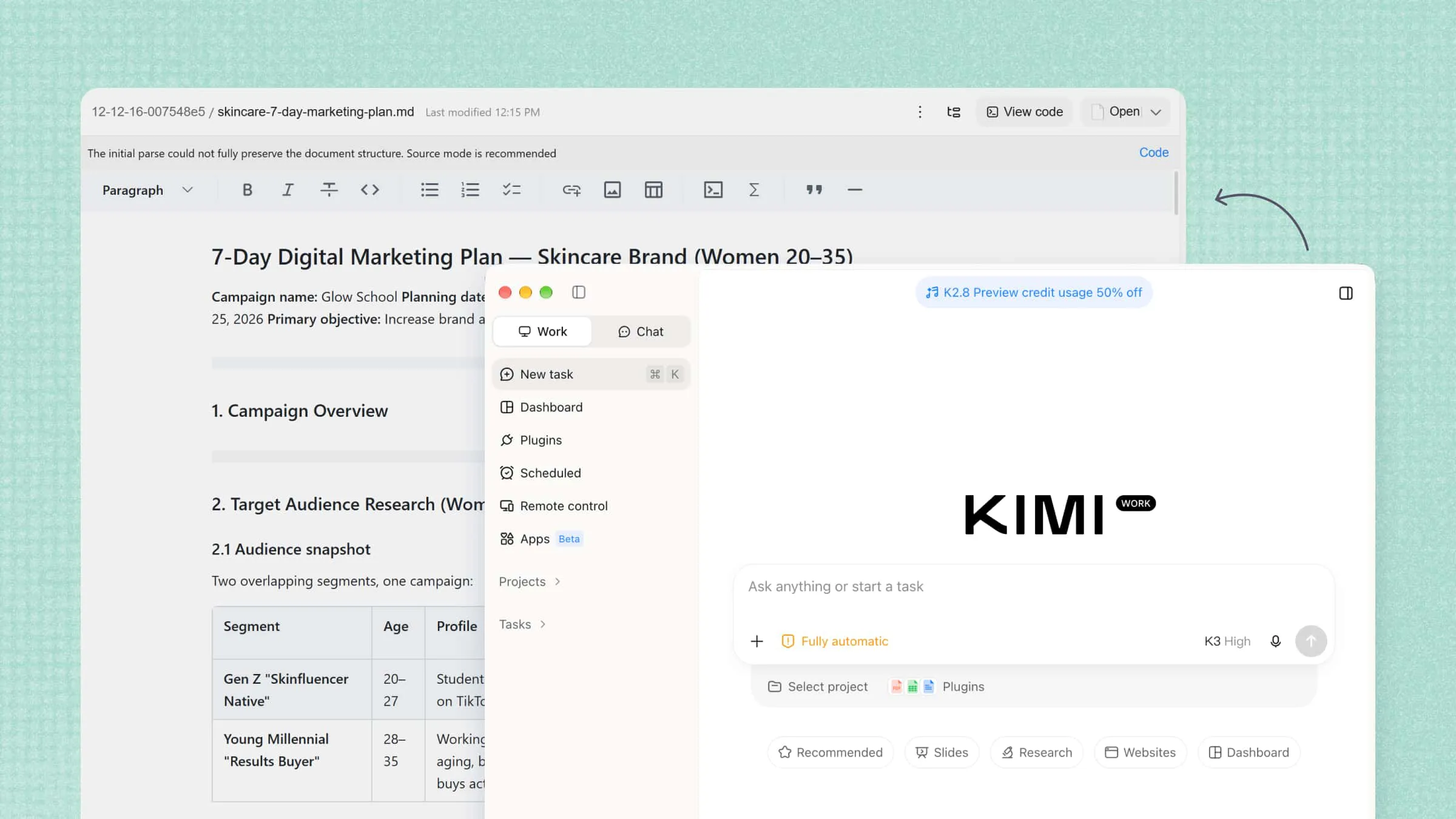
Data analysis often involves more than interpreting figures; it can also require collecting files, coordinating tasks, and preparing reports. Kimi Work addresses these operational demands through desktop-based AI task execution.
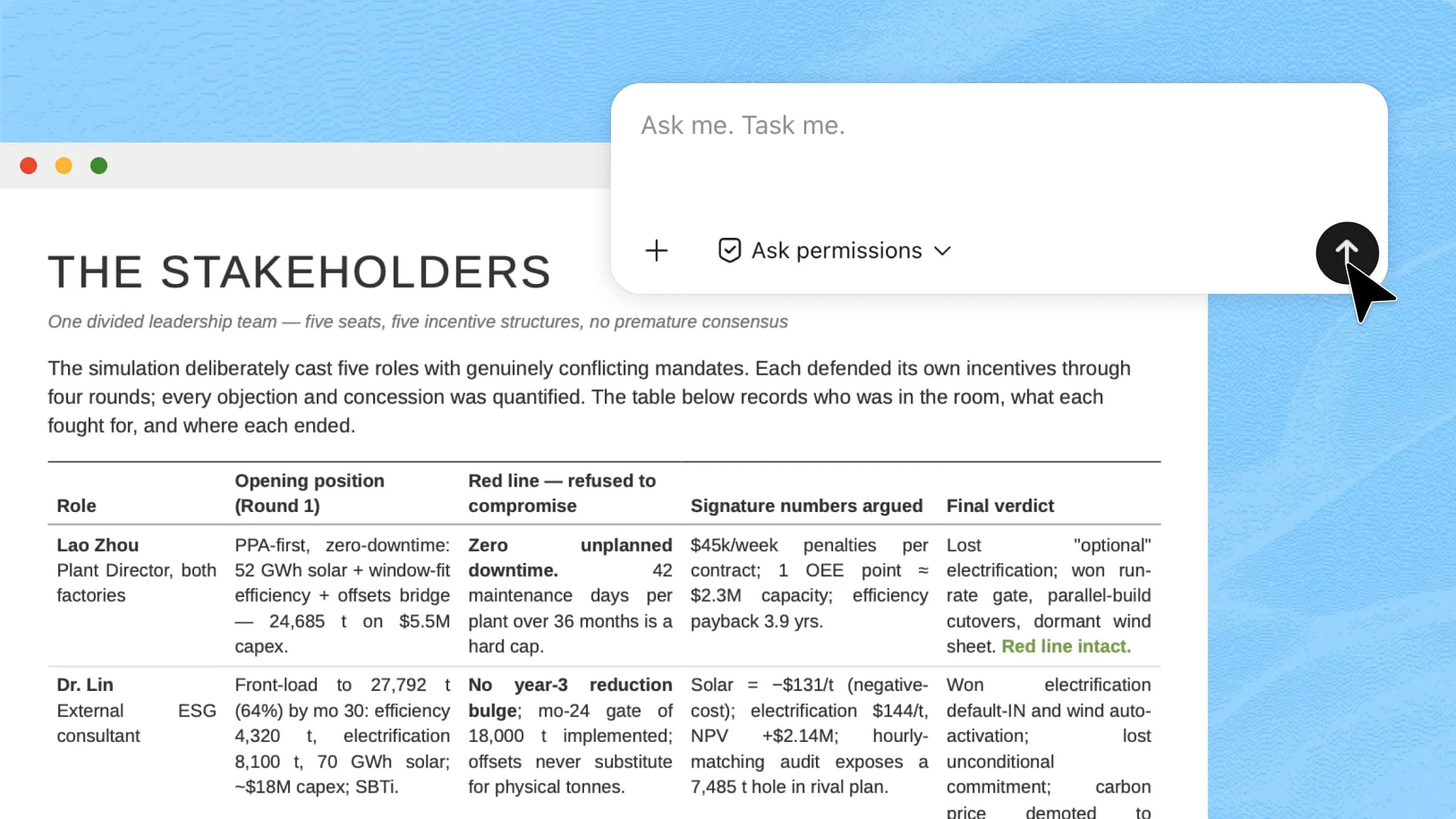
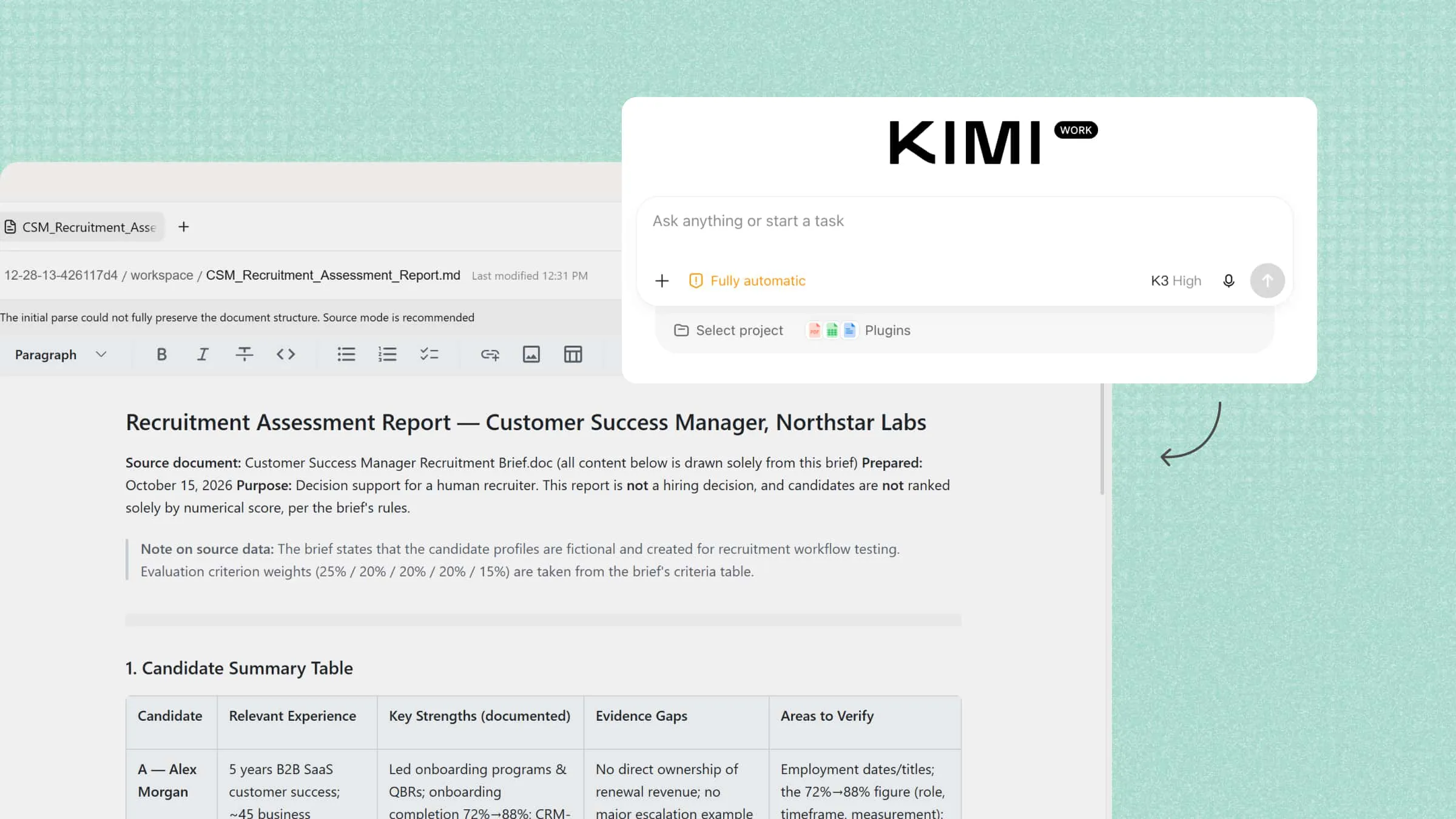
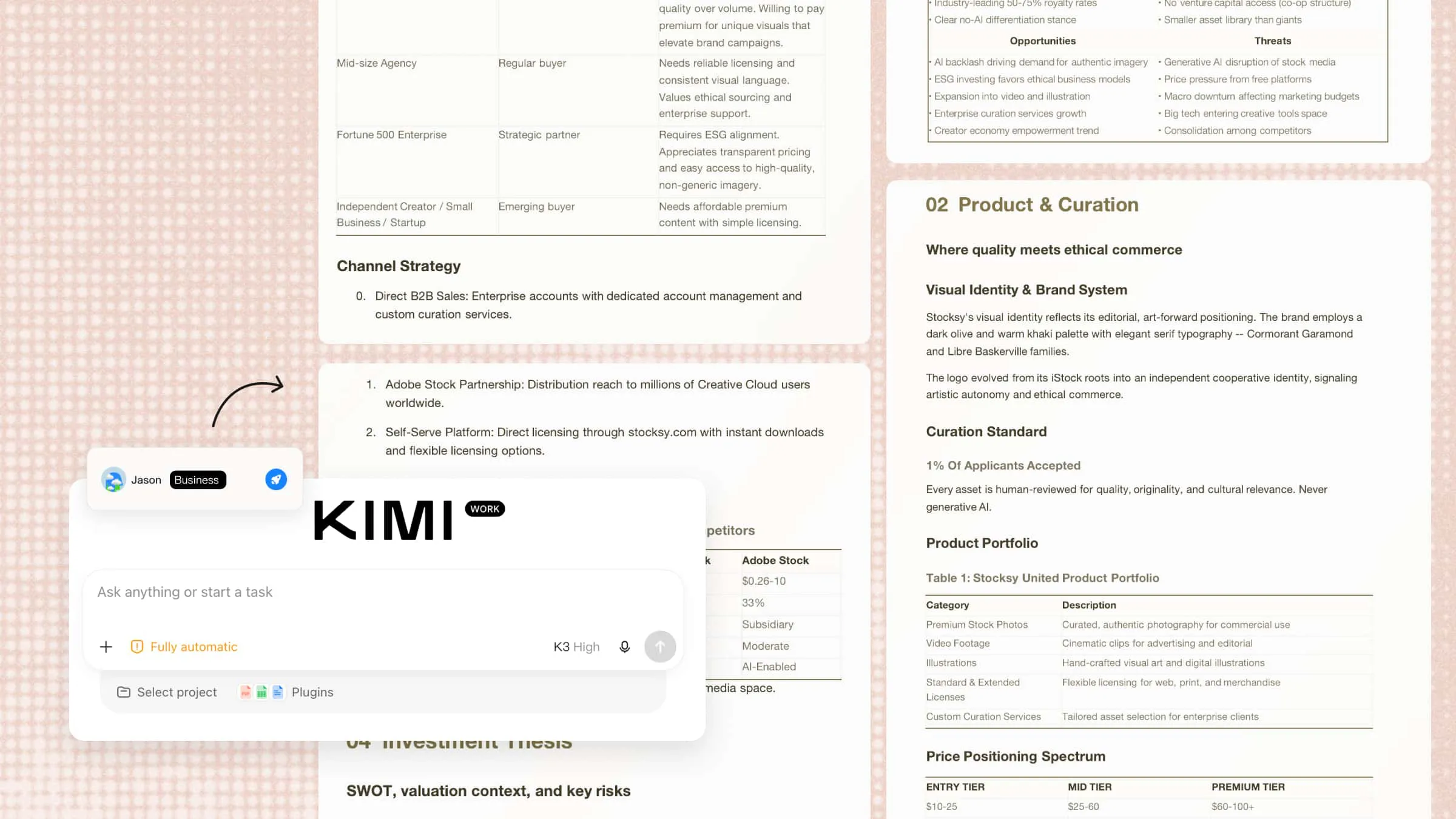
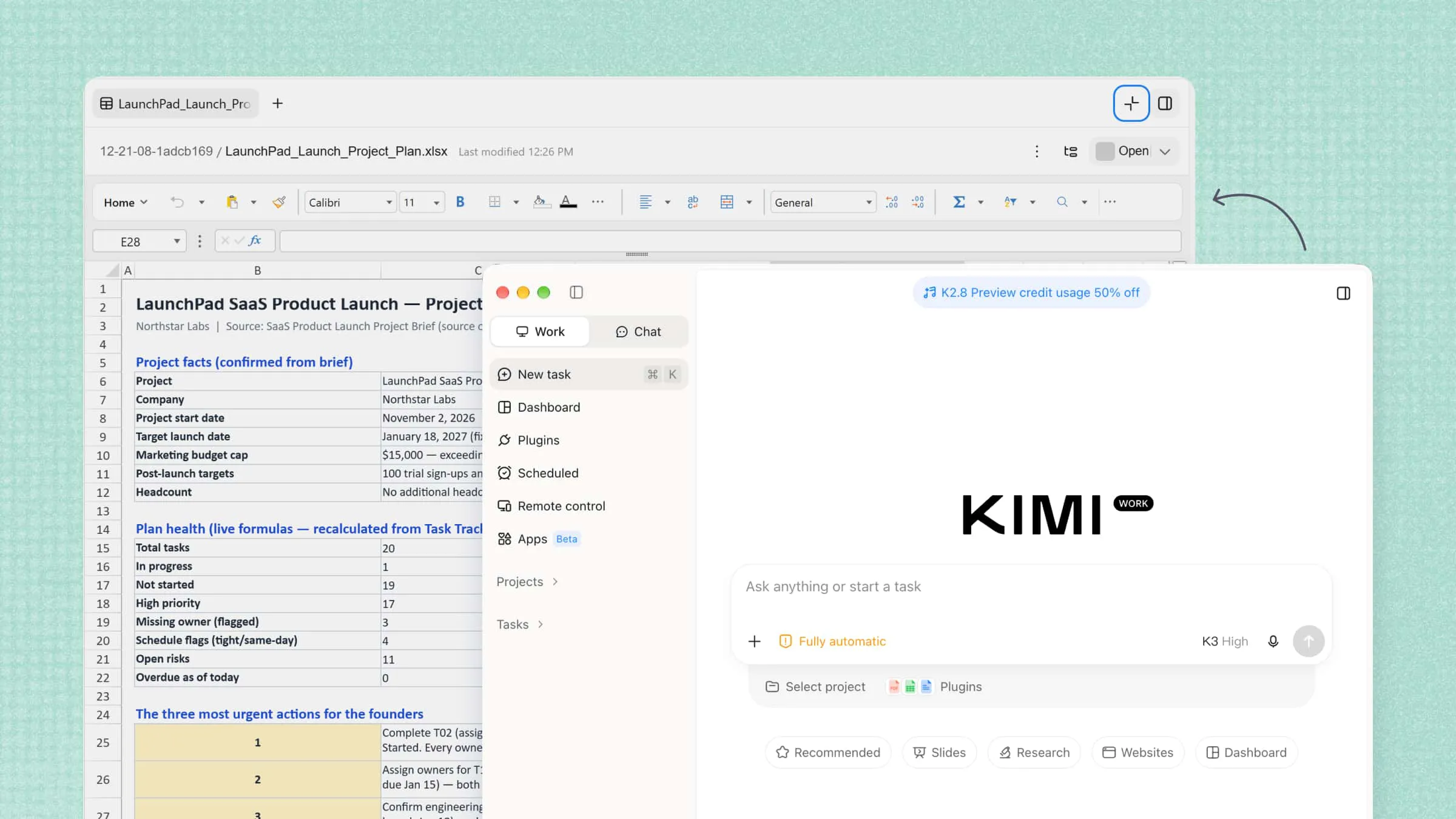
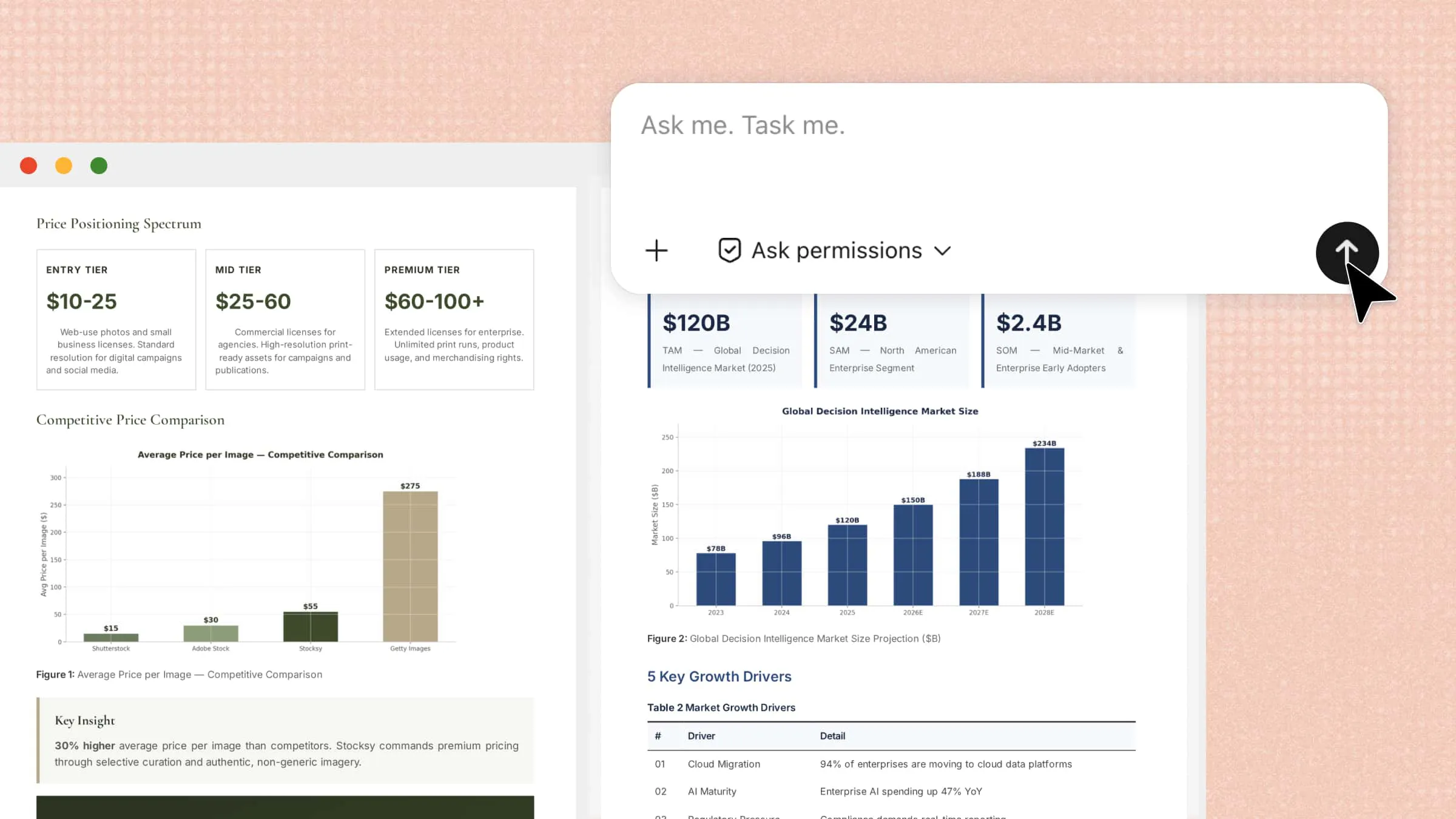
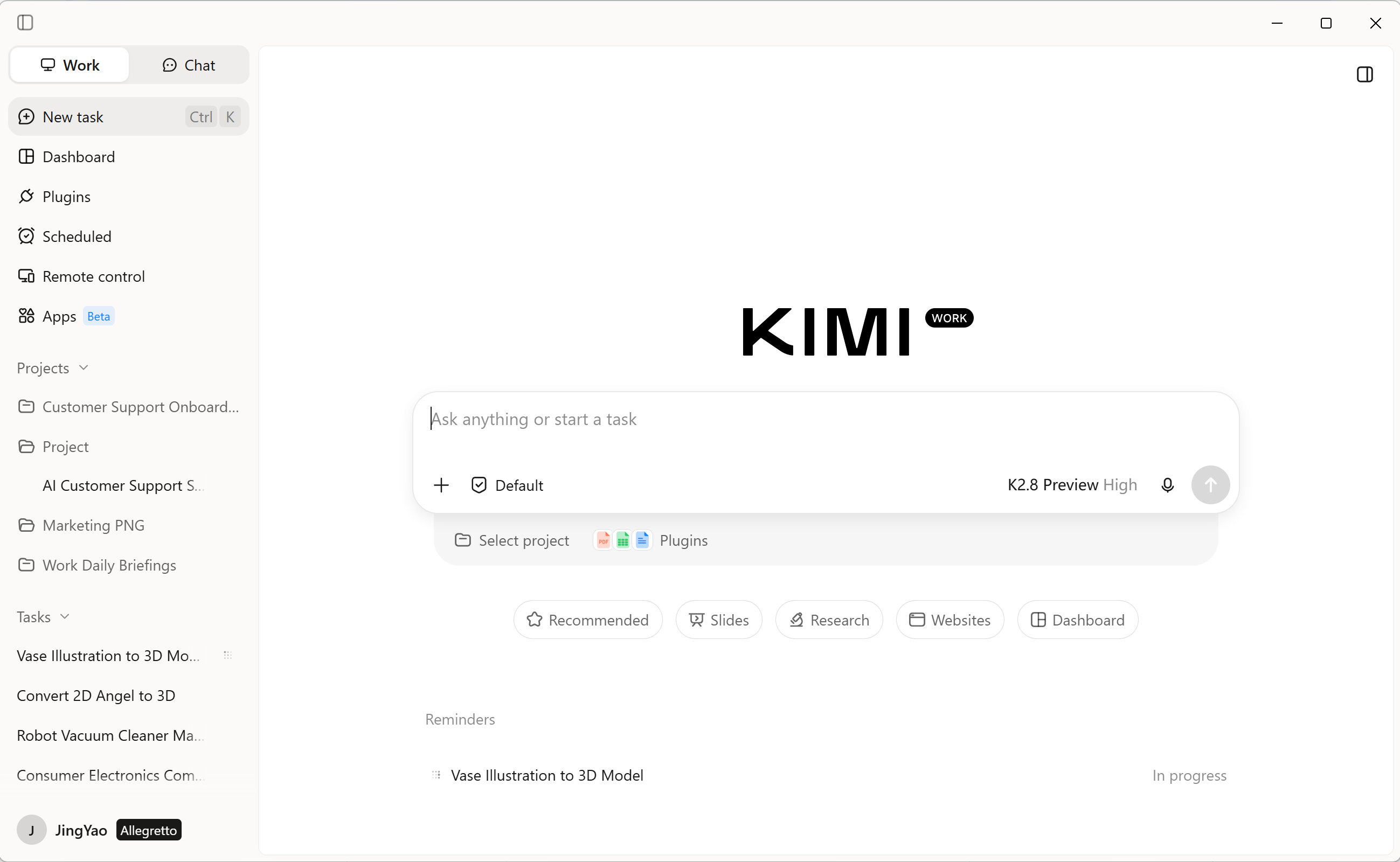
Kimi Work is an AI desktop assistant designed to carry out multi-step tasks across local files, browsers, and other tools. Users can describe an objective in natural language, allowing the agent to plan actions, retrieve information, organize materials, and produce deliverables such as spreadsheets and reports. Its automated workflow makes it a noteworthy option among AI data analytics tools, particularly for professionals seeking to reduce repetitive desktop work.
Main features
Bring data and context together: Consolidate information from local files, browser tabs, and professional databases to establish a more complete foundation for business analysis. By bringing relevant data and contextual information into one workflow, Kimi Work helps users examine business questions from multiple perspectives and reduce the effort spent gathering scattered information.
Perform calculations and uncover data patterns: Work with structured datasets, perform calculations, and examine numerical relationships to identify trends, evaluate business metrics, and investigate potential anomalies. By combining quantitative analysis with contextual research, Kimi Work helps users move beyond collecting information to develop more evidence-based interpretations of business performance.
Break down complex analytical questions: Use Goal Mode to define analytical objectives, specify requirements, and organize multi-step investigations. Agent Swarm can coordinate parallel research tasks to examine different variables, such as market dynamics, competitive positioning, and consumer behavior, helping users explore complex questions more systematically.
Turn analytical findings into practical deliverables: Transform research results and data-driven findings into structured reports, executive presentations, and spreadsheets tailored to different business needs. These outputs help teams communicate key metrics, explain emerging trends, and present supporting evidence in a format that is easier to review and use for decision-making.
Keep recurring analysis up to date: Schedule recurring tasks to monitor business indicators, track market developments, and revisit important analytical questions over time. By automating routine information gathering and report preparation, Kimi Work can reduce repetitive work and help users maintain a more consistent view of changing business conditions.
Suitable for
Multi-step task automation
Cross-source data analysis
Business report generation
Kimi AI Agent
When analysis depends on information scattered across online sources, gathering relevant evidence is an important first step. Conversational Kimi AI Agent can help streamline this research process.
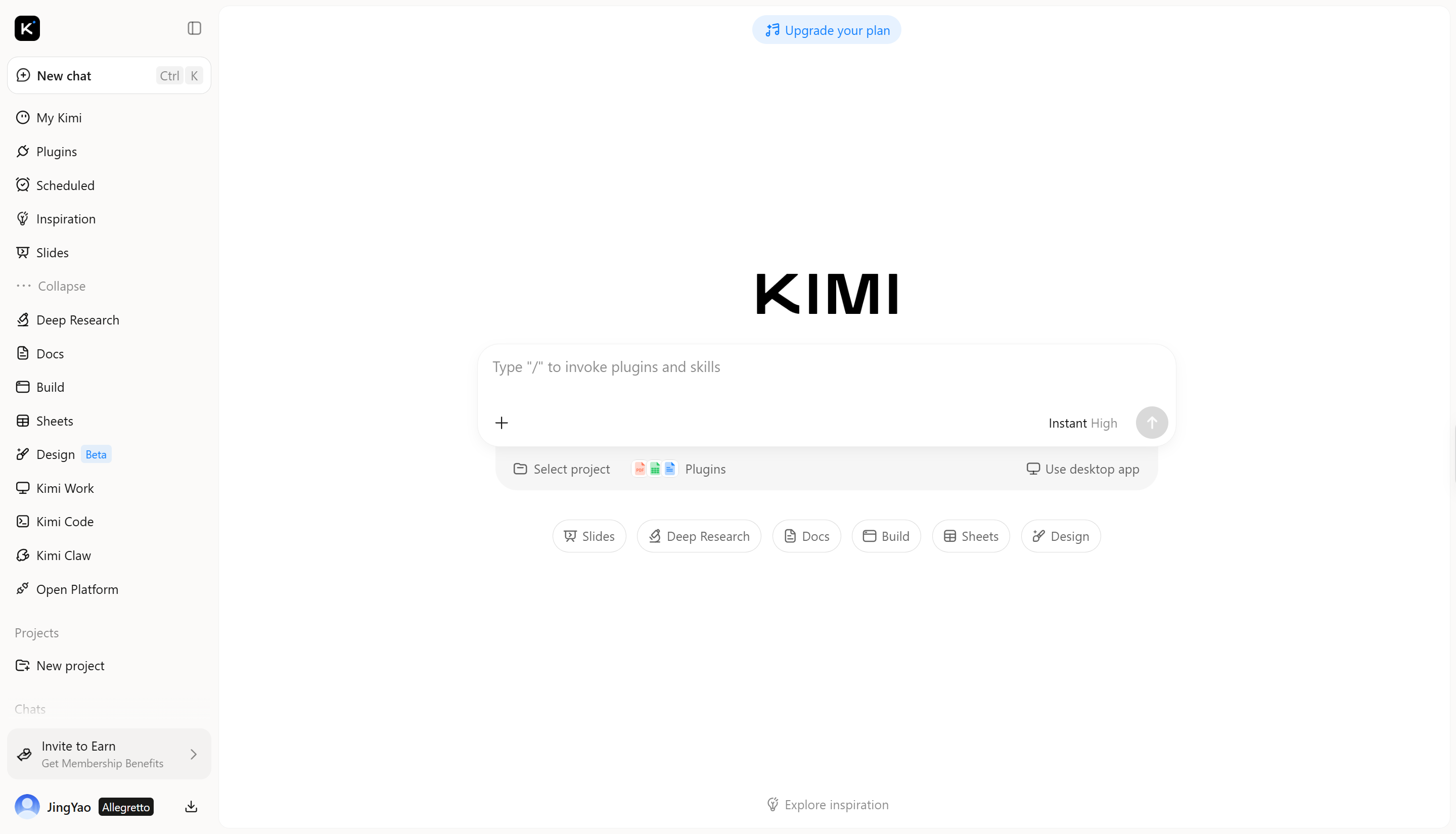
Kimi AI Agent supports interactive, prompt-based assistance for researching questions and working with gathered information. Users can describe what they need in a conversation, refine their requests through follow-up prompts, and ask the agent to organize findings into a more structured form. For people exploring data analysis tools, this type of workflow can help with preliminary research and information synthesis, although availability and usage limits may vary by plan.
Main features
Gather data through conversational research: Interprets natural-language queries to retrieve relevant online information, enabling targeted research into market conditions, customer preferences, and competitor developments.
Organize scattered information: Synthesizes fragmented information from multiple sources into coherent summaries, comparative tables, and systematically organized datasets.
Process data based on your questions: Applies task-specific analytical instructions to extract critical metrics, identify emerging patterns, and evaluate relationships across collected information.
Turn research into structured insights: Distills research outcomes into concise, evidence-oriented conclusions, translating disparate findings into actionable intelligence that supports business planning.
Suitable for
Conversational market research
Competitive intelligence analysis
Research insight synthesis
Kimi Sheets
Once information has been collected, spreadsheets provide a practical environment for organizing records, calculating results, and examining relationships between variables.
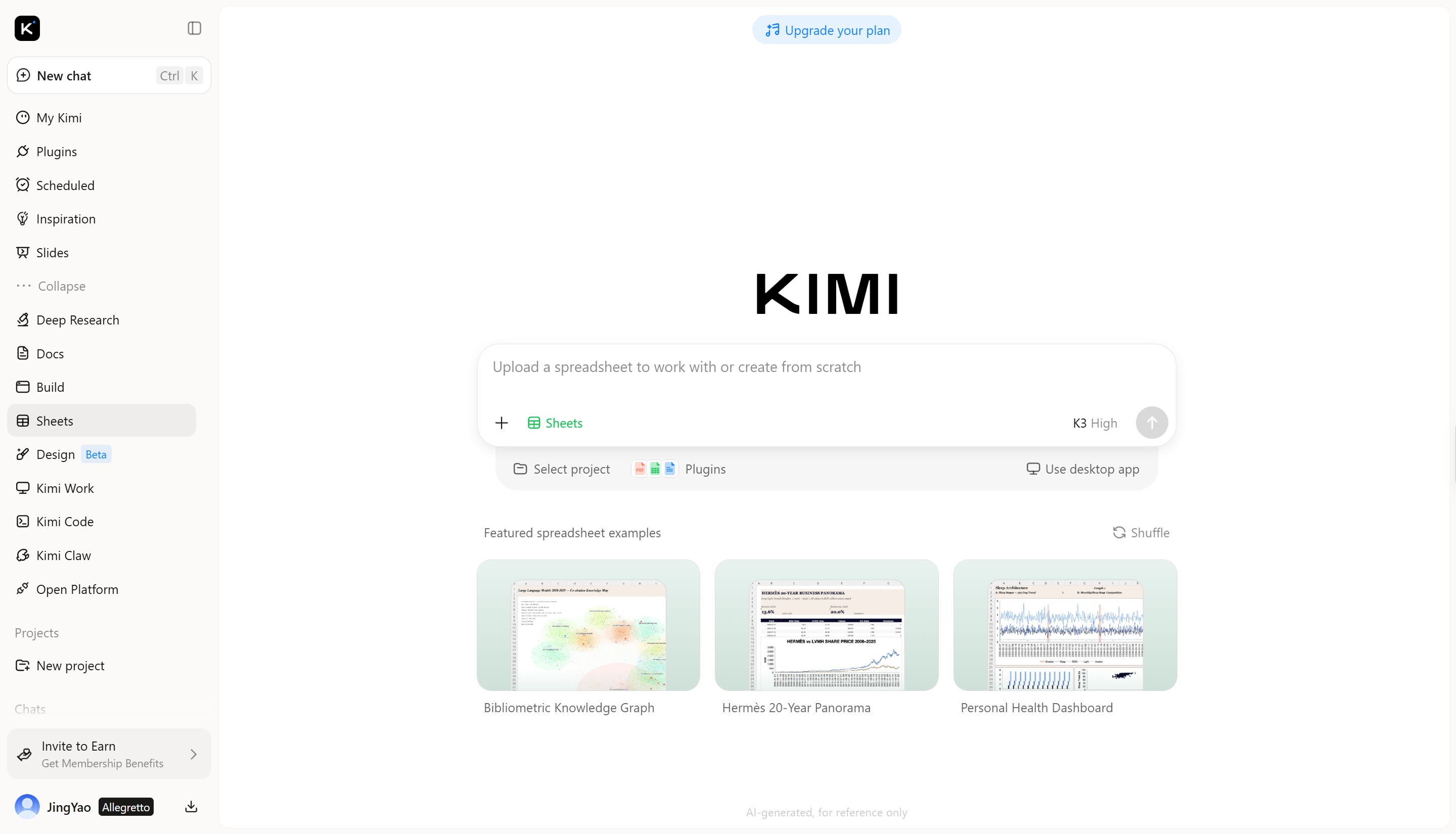
Kimi Sheets is an AI for Excel that converts natural-language instructions into structured workbooks and analytical outputs. It can generate formulas, organize data, connect multiple worksheets, create pivot tables, and produce charts based on supplied information. These capabilities make it useful for a broad range of spreadsheet tasks, from routine data preparation to more involved financial modeling, and position it among the online AI tools for data analysis worth exploring.
Main features
Create formulas from natural-language instructions: Describe the calculation or data task you need, and Kimi Sheets can generate formulas ranging from common functions such as VLOOKUP to more advanced nested formulas. This helps you work with spreadsheets without manually writing or troubleshooting complex syntax.
Turn data into visualizations: Kimi Sheets can transform spreadsheet data into bar charts, line charts, pie charts, and other visual formats. The generated charts are structured for clear presentation, making it easier to communicate key findings.
Clean and organize raw data: Kimi Sheets can help prepare unstructured or inconsistent data for analysis by organizing it into tables, removing duplicate entries, and addressing formatting problems. This reduces repetitive spreadsheet work before analysis begins.
Analyze data across spreadsheets: Kimi Sheets can examine information across multiple sheets to surface patterns, summarize findings, and build pivot tables or connected models. It can also link related data and update linked values when changes occur, helping reduce inconsistencies and keep analysis based on up-to-date information.
Suitable for
Data cleaning and preparation
Interactive chart creation
Cross-sheet data analysis
ChatGPT
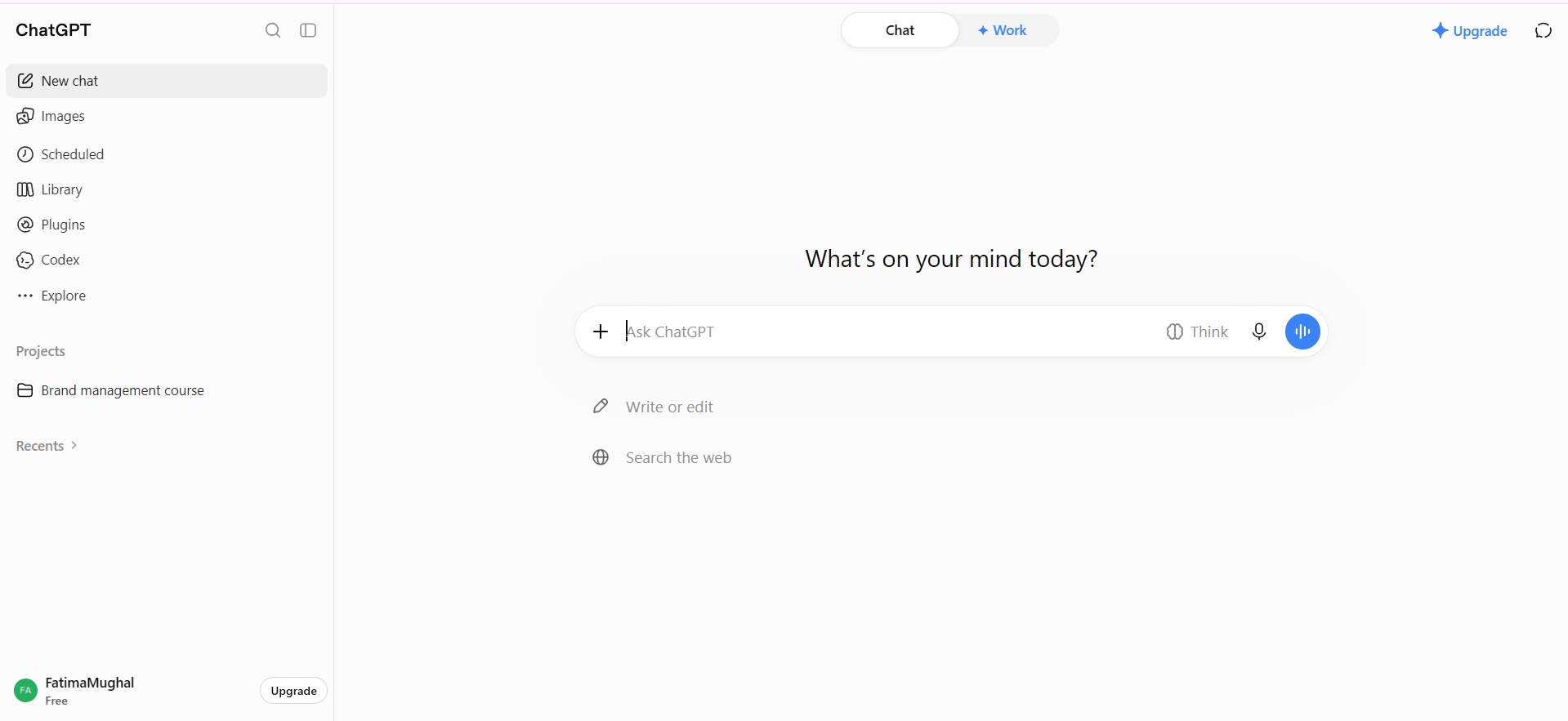
ChatGPT provides a flexible environment for investigating datasets, testing analytical assumptions, and interpreting numerical findings. Users can upload supported files, request calculations, and explore visual patterns through conversational prompts, making AI for data analysis and visualization more accessible to people without extensive programming experience.
Main features
Analyzes uploaded datasets and spreadsheets
Performs statistical calculations and comparisons
Identifies trends and unusual data patterns
Writes and explains analytical code
Summarizes findings into actionable insights
Suitable for
Data Analysts
Academic Researchers
Business Professionals
Julius AI
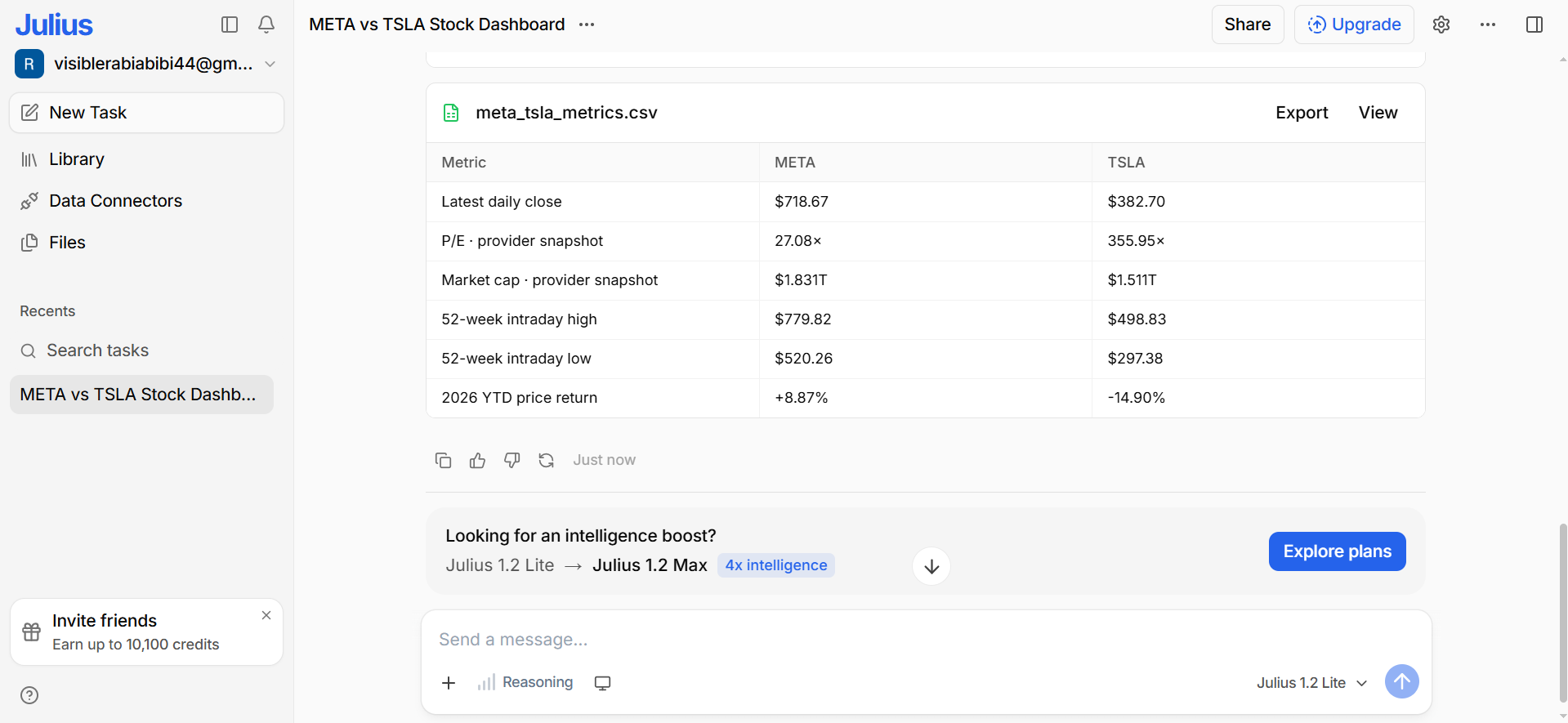
Julius AI emphasizes conversational data exploration, allowing users to investigate datasets by asking direct questions instead of manually performing every analytical step. It can help transform raw information into charts, statistical summaries, and interpretable findings. Users seeking AI for data analysis for free can explore its free-access offering, subject to the platform's current usage limits.
Main features
Analyzes datasets through conversational prompts
Performs statistical tests and calculations
Cleans and transforms raw data
Supports forecasting and predictive modeling
Explains analytical findings in plain language
Suitable for
Research Analysts
Data Science Students
Business Intelligence Teams
Copilot
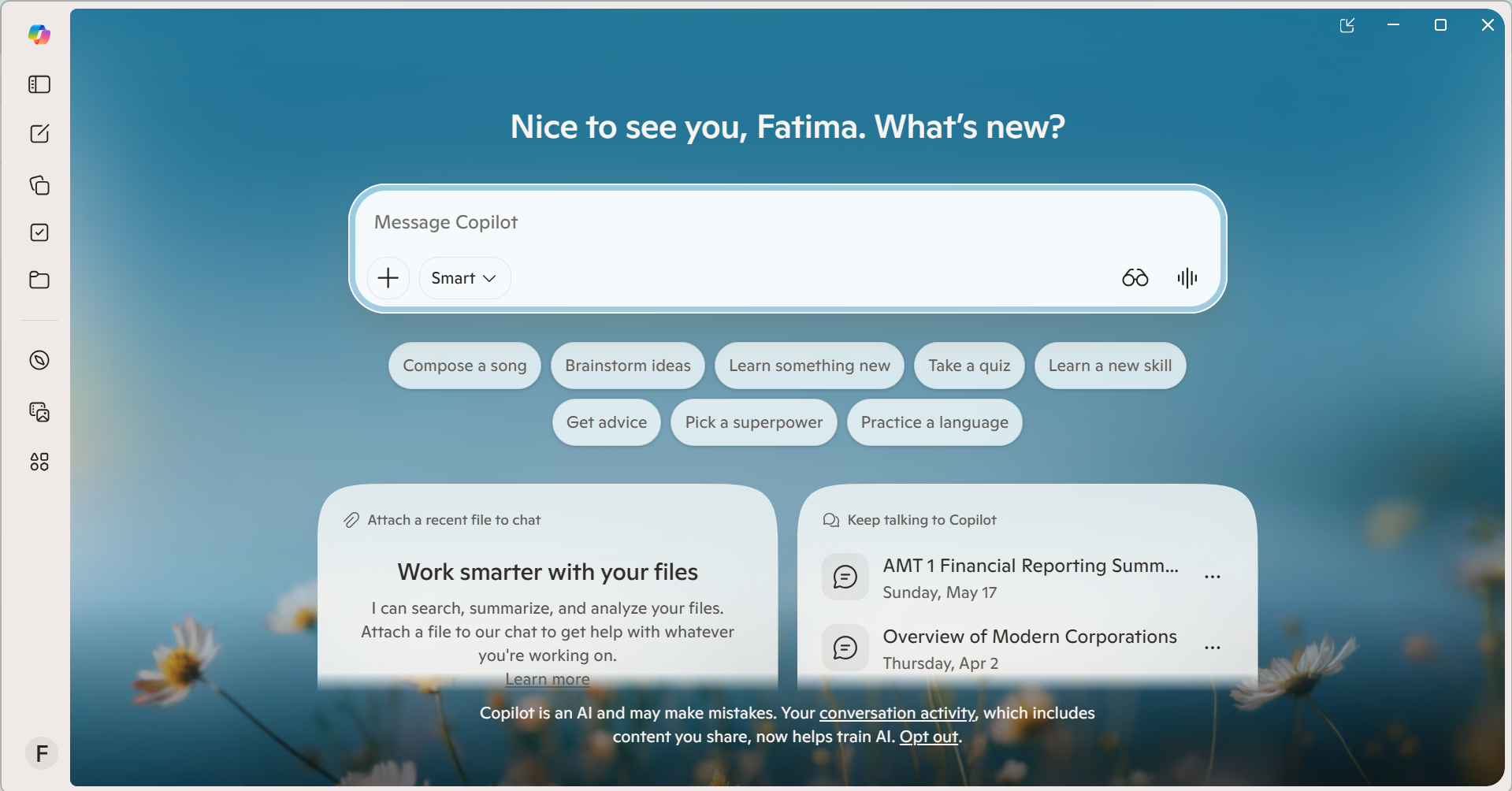
For organizations that already rely on Microsoft Excel, Copilot brings AI assistance into a familiar spreadsheet environment. It can help users interpret tabular information, develop formulas, and identify changes without requiring them to construct every calculation manually. Its integration with Microsoft's productivity ecosystem makes it particularly relevant to spreadsheet-centered business analysis.
Main features
Summarizes information within Excel spreadsheets
Identifies patterns across structured datasets
Highlights trends and potential anomalies
Creates charts and spreadsheet visualizations
Automates routine spreadsheet analysis tasks
Suitable for
Excel Users
Finance Professionals
Operations Managers
Gemini
Gemini is Google's AI assistant, making it a relevant option for users whose work revolves around Google Workspace and its associated productivity tools. It can help interpret information, develop spreadsheet formulas, summarize findings, and clarify analytical concepts. Rather than serving exclusively as a dedicated analytics platform, Gemini offers broader AI assistance that can complement data-related work.

Main features
Summarizes information from supported sources
Assists with spreadsheet formulas and calculations
Explains analytical concepts and methodologies
Helps identify patterns in numerical data
Supports report drafting and data interpretation
Suitable for
Google Workspace Users
Academic Researchers
Business Professionals
ThoughtSpot
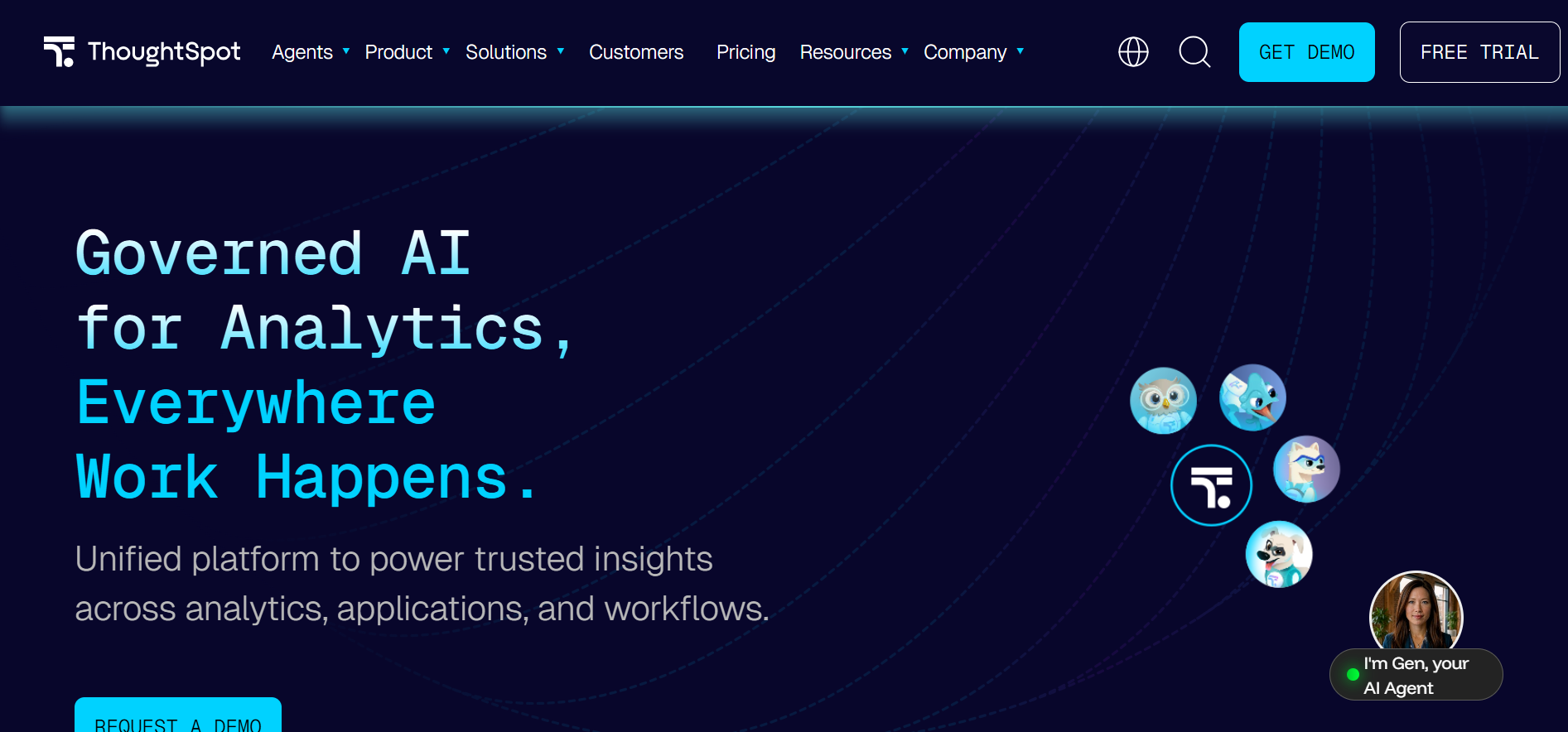
ThoughtSpot is an AI-powered analytics platform that enables users to explore enterprise data through natural-language queries and interactive dashboards. Among modern AI tools for free data analysis, it stands out for translating business questions into actionable insights, helping teams investigate performance metrics, identify trends, and make evidence-based decisions without relying exclusively on traditional business intelligence workflows.
Main features
Natural-language search across business datasets
AI-powered insights and trend identification
Automated analytics through Spotter AI
Live connections to enterprise data sources
Personalized metrics and contextual visualizations
Suitable for
Business intelligence and reporting
Natural-language data exploration
Interactive performance monitoring
Databricks
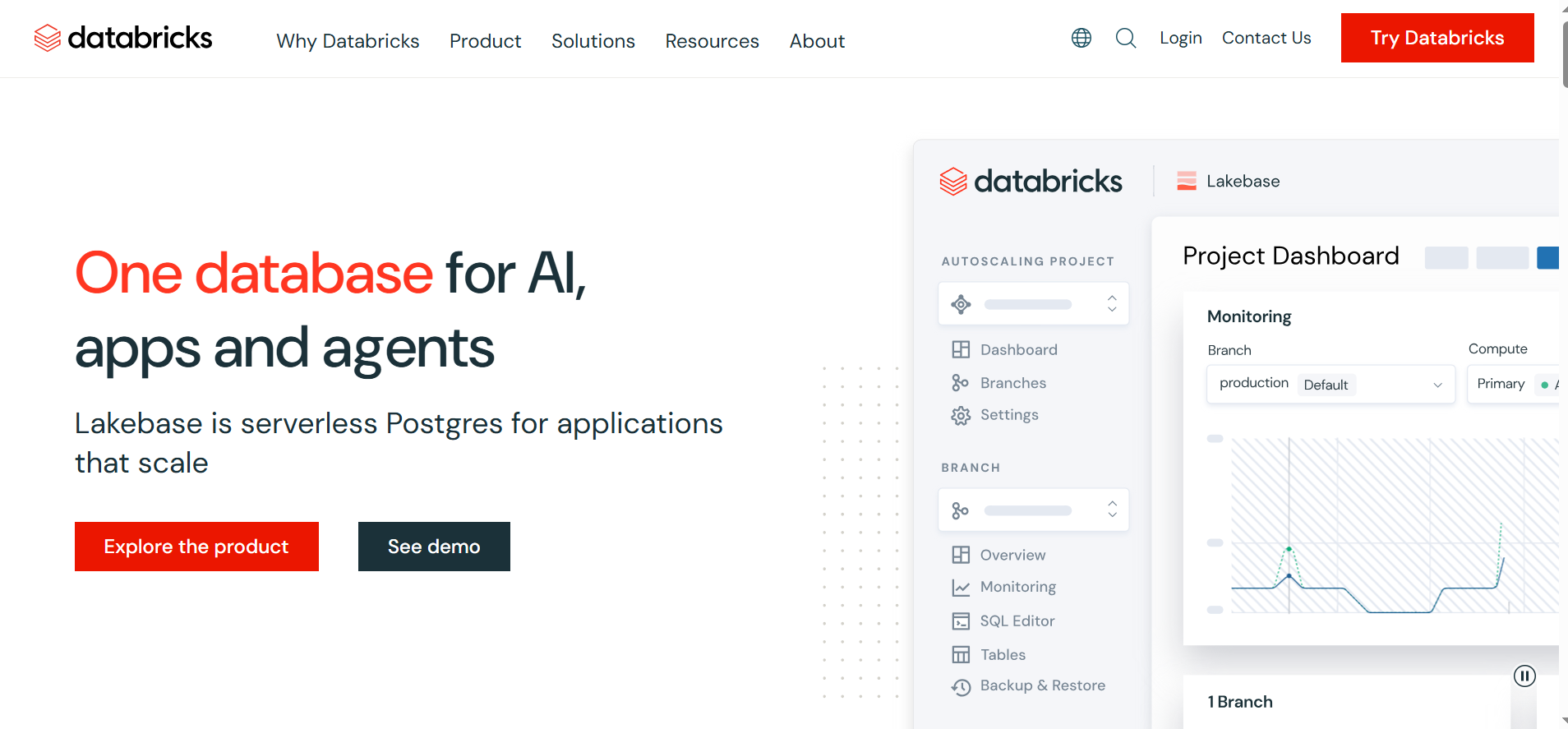
Databricks is a unified data intelligence platform designed to support large-scale data engineering, advanced analytics, and machine learning within a collaborative environment. Its AI/BI capabilities, including Genie Agents and intelligent dashboards, enable organizations to investigate complex datasets, automate analytical workflows, and derive context-aware insights while maintaining centralized governance over enterprise information.
Main features
Distributed processing of large datasets
Collaborative notebooks for data science
Automated machine learning model development
Generative AI applications using enterprise data
Data governance and access management
Suitable for
Machine learning development teams
Enterprise data science projects
Complex analytical pipeline management
Snowflake Cortex
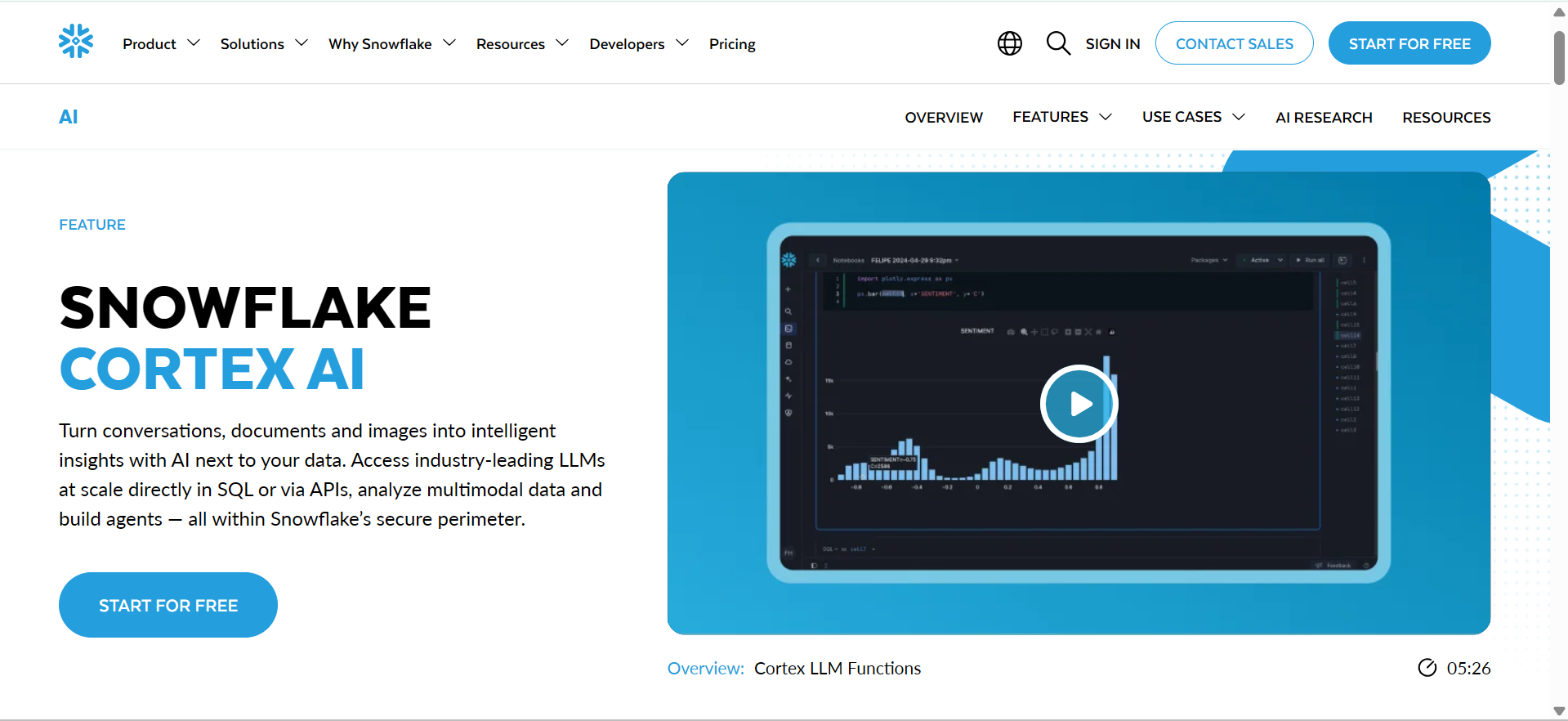
Snowflake Cortex is an integrated AI capability within Snowflake's data platform that enables organizations to analyze structured and unstructured information using managed language models, SQL functions, and intelligent agents. It supports applications ranging from natural-language data querying to document extraction and sentiment analysis, allowing businesses to operationalize AI-driven insights.
Main features
Built-in large language model capabilities
AI-powered document extraction and summarization
Serverless machine learning inference services
Semantic search across unstructured information
Governed AI workflows within Snowflake
Suitable for
Cloud-based enterprise data analytics
Unstructured document intelligence
Secure AI application development
Tips to pick a suitable AI tool for data analytics
Choosing the right AI tool for data analytics requires evaluating your goals, data requirements, accuracy, and budget. Consider these factors to find a solution that fits your workflow and delivers reliable insights.
Define your analysis goals: Identify whether you need to analyze customer feedback, detect trends, or forecast business performance. Your goals will help determine which qualitative or quantitative analysis features in free AI tools for qualitative data analysis you need.
Check supported data formats: Ensure the tool supports your regular file types, such as Excel, CSV, and PDF. For example, Kimi Work supports Excel plugins and access to various data sources, helping streamline data analysis.
Test output accuracy and clarity: Check calculations and interpretations against known results to assess reliability. A suitable tool should provide clear explanations and distinguish evidence-based findings from assumptions.
Confirm integration with existing tools: Choose a platform that works with your spreadsheets, reporting systems, and data repositories to reduce manual transfers and simplify your workflow.
Evaluate ease of use: Look for a user-friendly interface, clear instructions, and customizable outputs. An intuitive tool helps users analyze data efficiently without requiring extensive technical expertise.
Conclusion
In conclusion, choosing the right AI tools for data analysis depends on your objectives, data complexity, budget, and preferred workflow. While specialized platforms excel at visualization, statistical modeling, or enterprise analytics, the most effective solution is one that simplifies your entire analytical process. For professionals seeking to streamline research and data handling, Kimi offers an integrated ecosystem through Kimi Work, Kimi AI Agent, and Kimi Sheets.