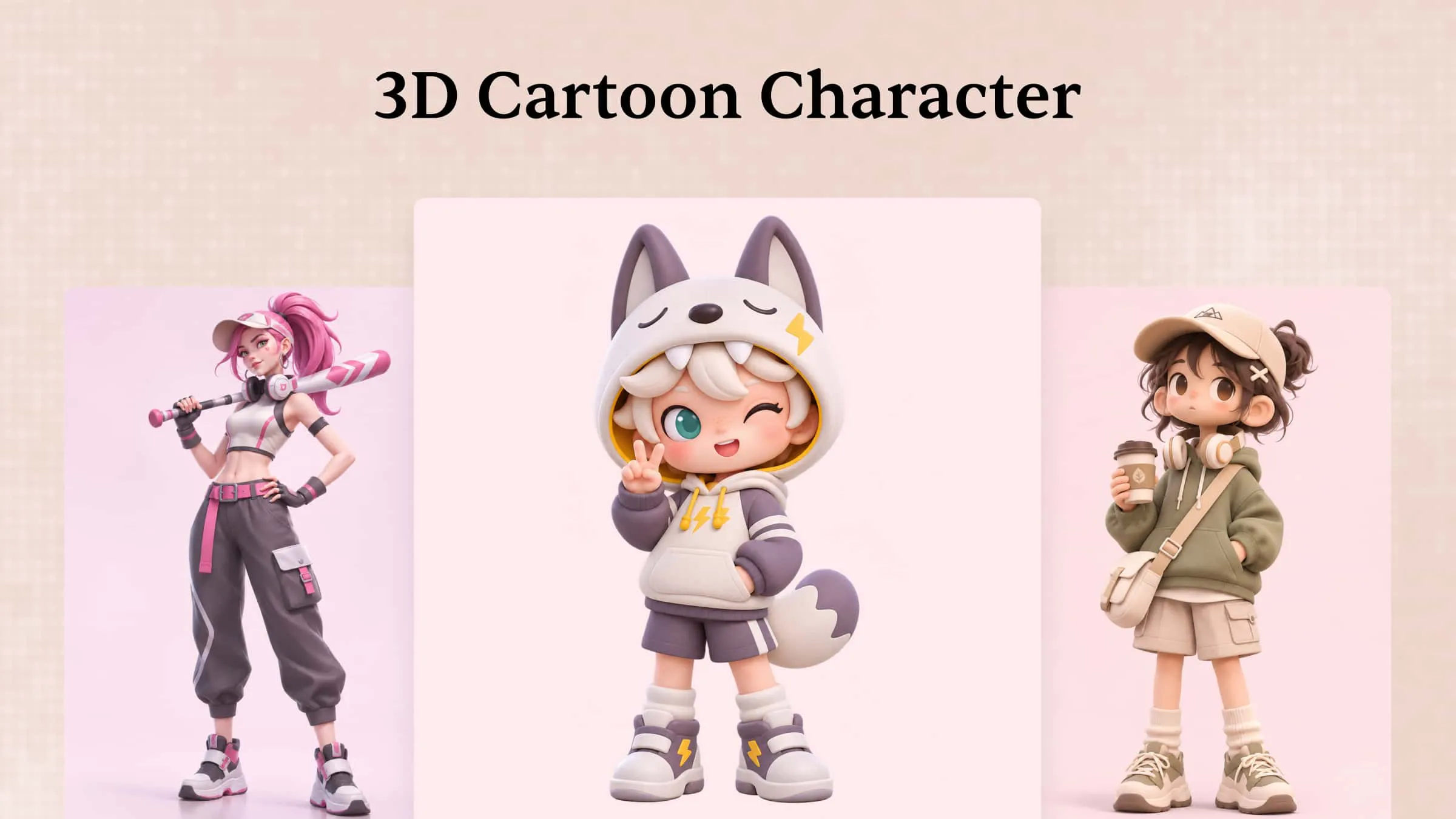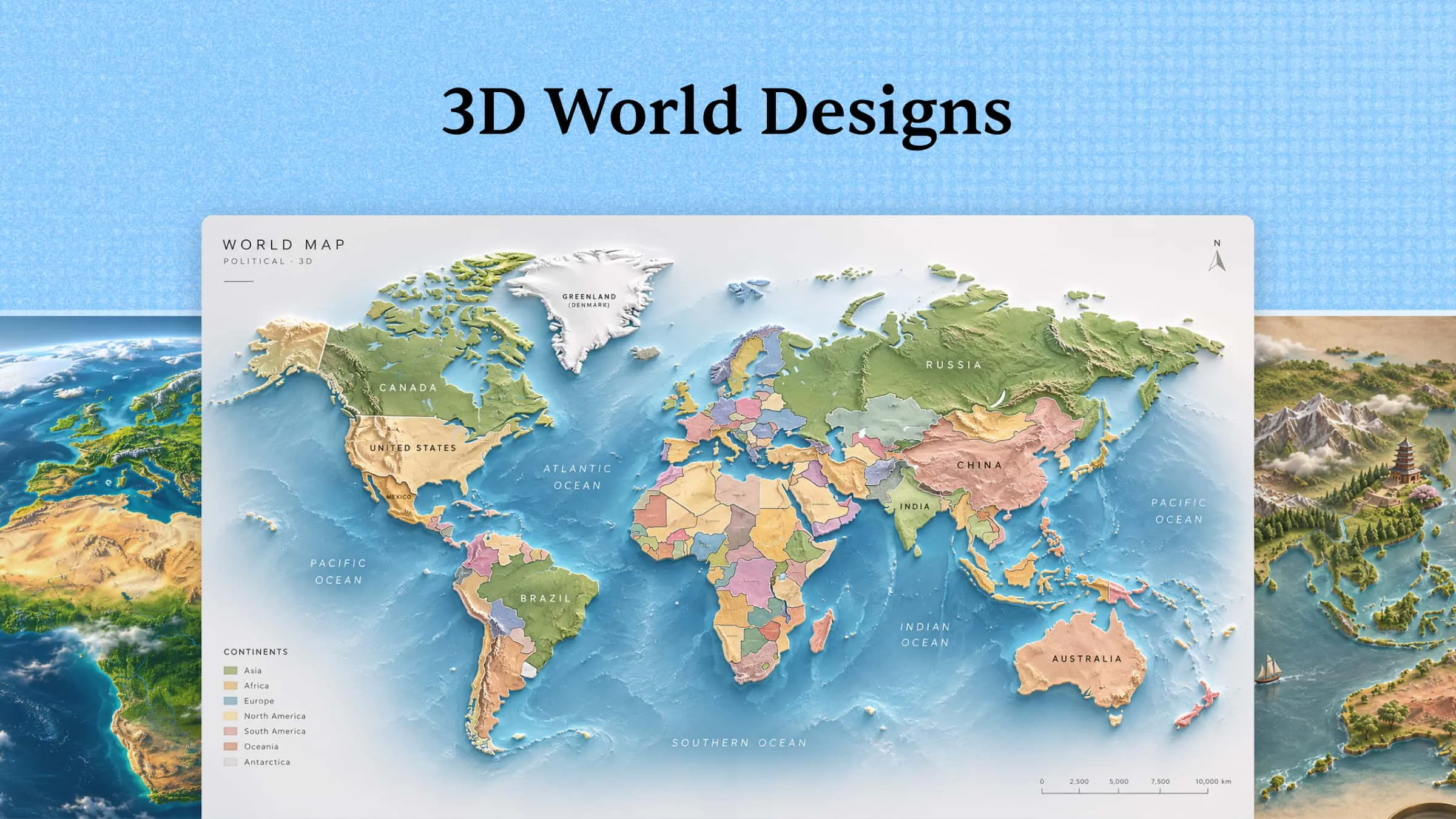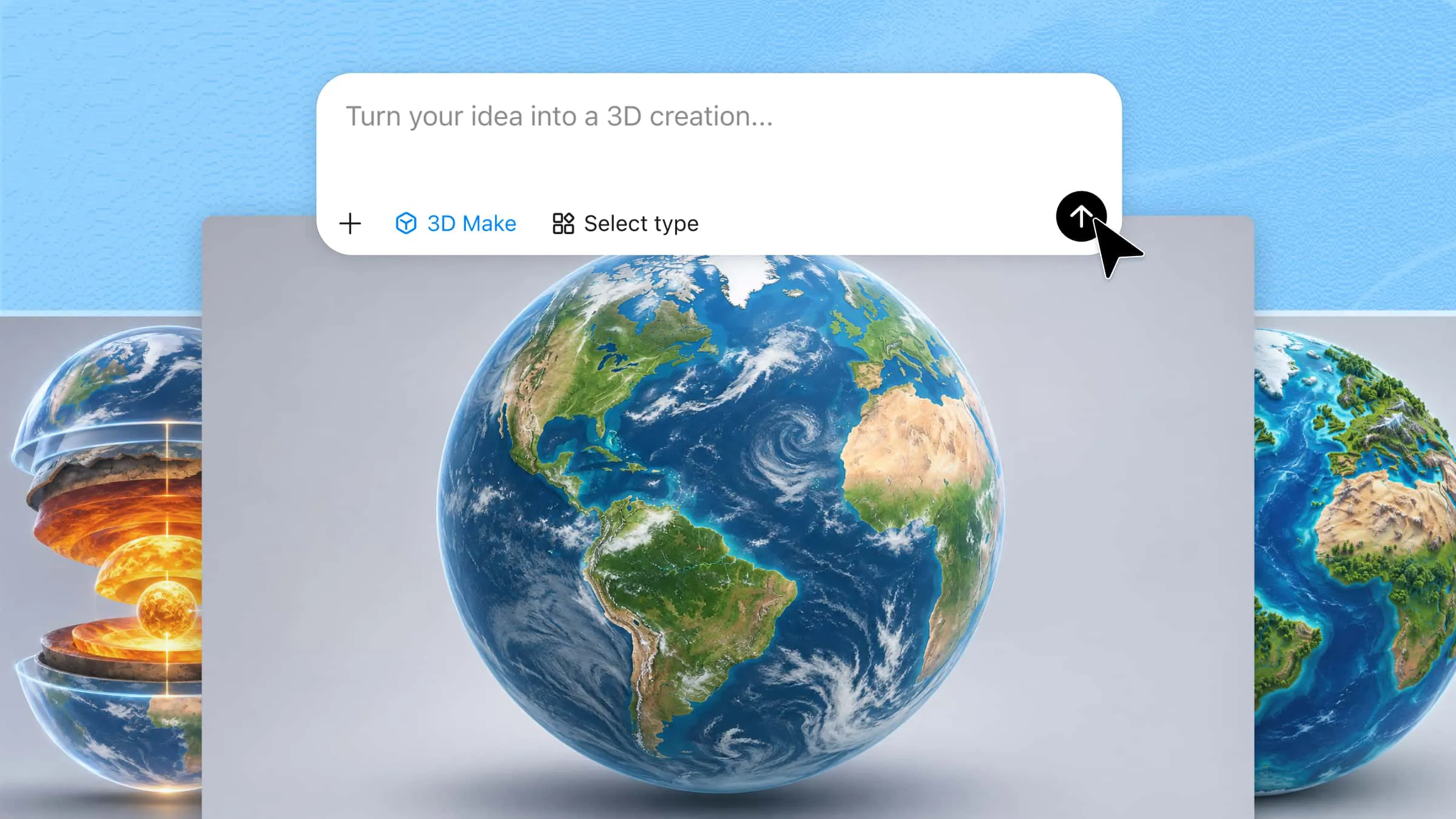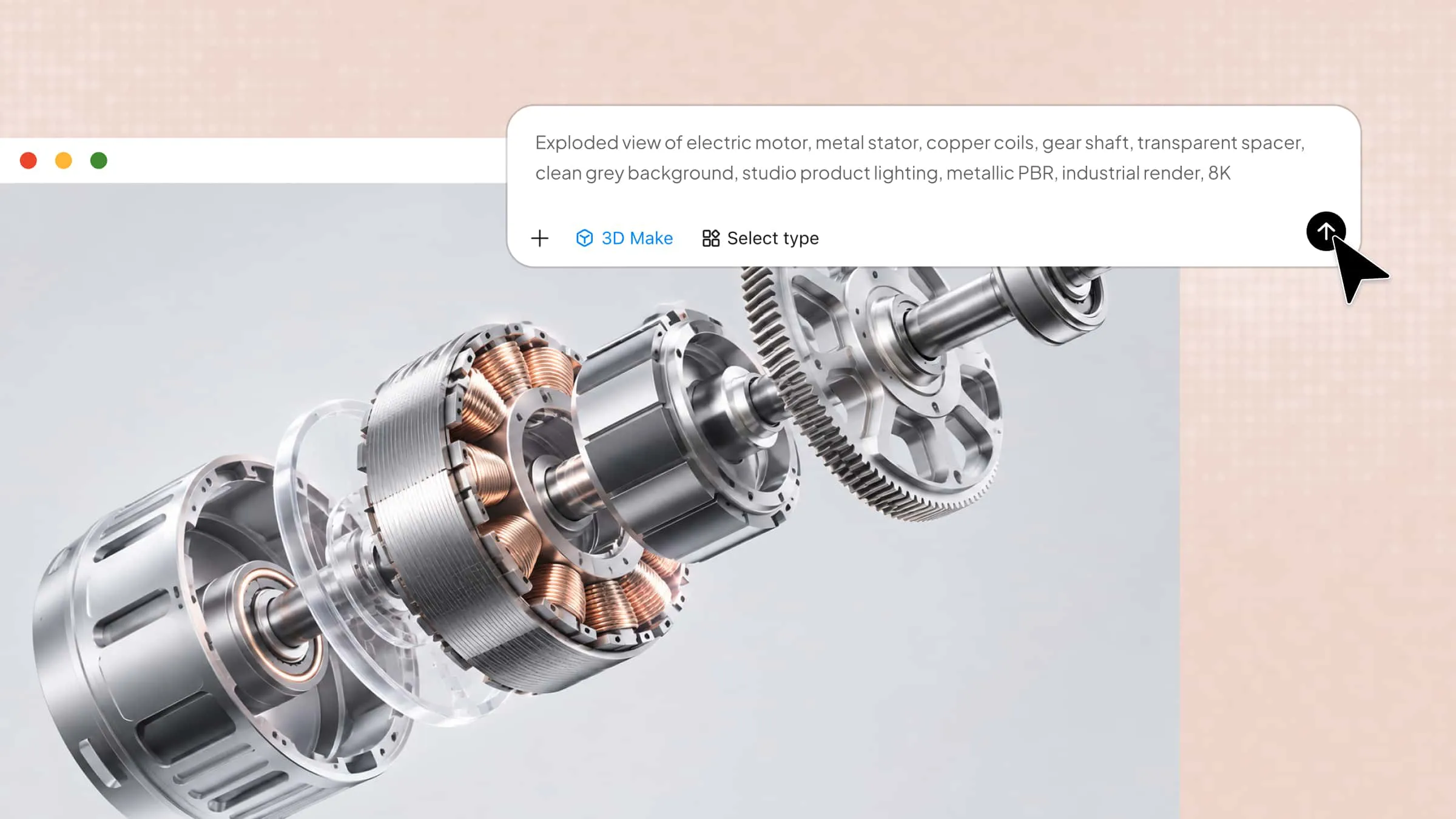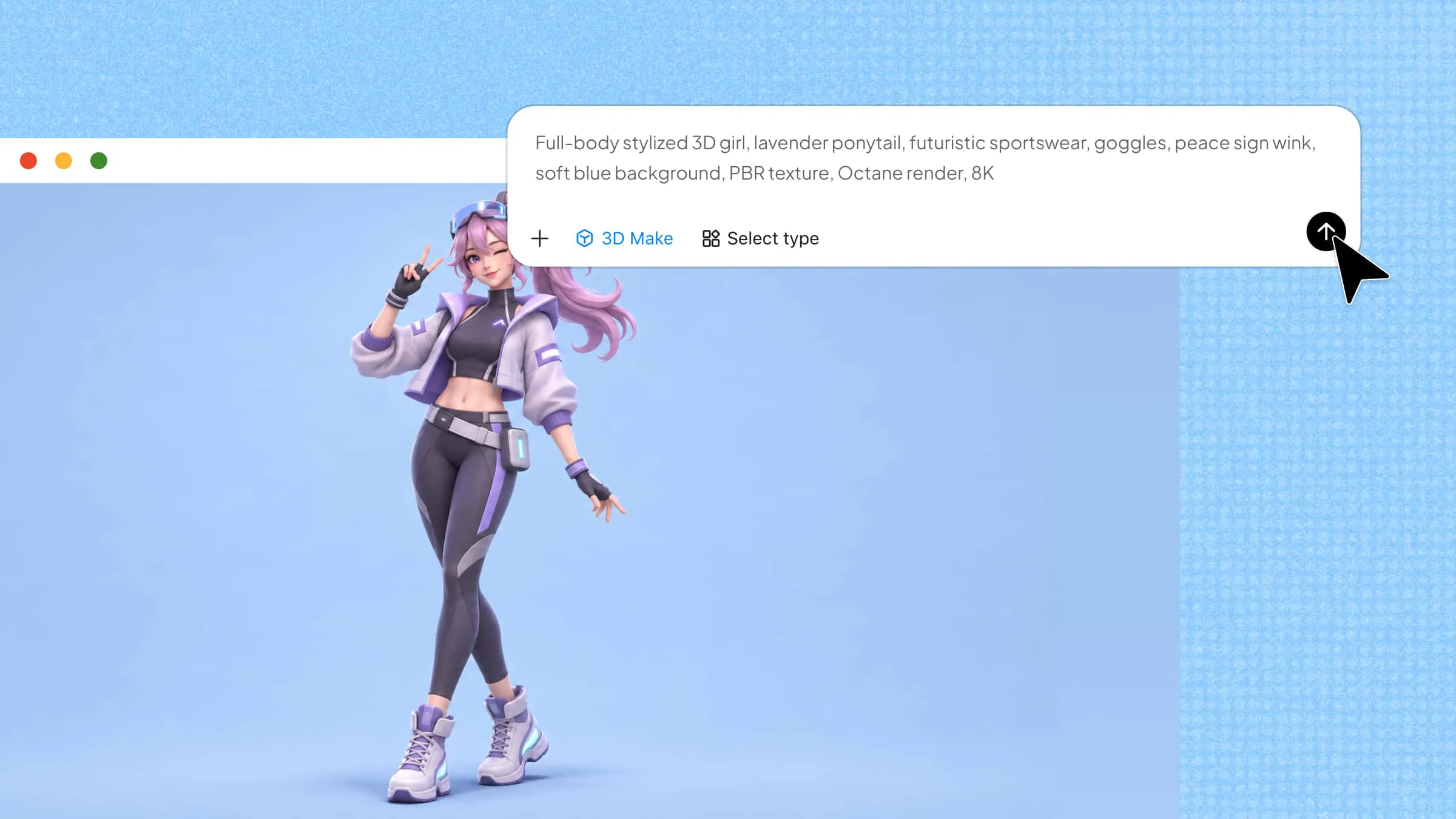
Turning an idea into a 3D model often requires time, technical skills, and the right software. AI 3D model generators offer a simpler way to get started by creating models from text prompts or reference images. Depending on the tool, you can generate anything from character designs to product concepts with less manual work. In this article, we explore 10 AI 3D model generators and their features to help you choose the right option for your project.
Overview of 10 AI 3D model generators
The 10 AI 3D model generators below offer different ways to create and customize 3D assets, from text-to-3D and image-to-3D conversion to texture editing and animation support. Explore their key features and ideal use cases to find a tool that fits your project.
| Tool | Editing and customization | Standout feature | Suitable for |
|---|---|---|---|
| Kimi 3D Make | Chat-based instructions, element comments, manual editing | Reference-guided model creation and iterative refinement | Beginners, product designers, digital artists, web creators |
| Meshy AI | AI texturing | Rigging and animation tools for 3D characters | Game developers, animators, content creators |
| Tripo AI | Texturing, mesh editing | Automatic rigging and animation support | Game developers, 3D printing enthusiasts, animators |
| 3D AI Studio | Texturing, mesh editing, polygon reduction | Multiple export formats, including GLB, FBX, OBJ, STL, and BLEND | Game developers, product designers, 3D artists |
| Rodin AI | Geometry, polygon count, textures | Detailed, textured 3D asset generation | Game developers, product designers, digital artists |
| TRELLIS.2 | Depends on implementation | Open-source model with high-resolution geometry and PBR materials | 3D artists, studios, AI researchers |
| Tencent Hunyuan3D | Geometry and texture refinement | Multi-view image reconstruction | Game developers, e-commerce teams, 3D printing enthusiasts |
| Sloyd | Editable templates, geometry, topology, retexturing | Customizable assets with geometry controls | Game developers, interior designers, product designers |
| Kivicube | Material editing and scene editing | AR scene creation and a library of 600+ animations | E-commerce teams, AR developers, marketing teams |
| Modly | Mesh smoothing and simplification | Free, open-source local generation | Beginners, developers, users who prefer local AI tools |
10 powerful AI 3D model generators worth trying
Each AI 3D model generator offers different features, from creating models with simple text prompts to turning images into detailed 3D assets. Let's explore 10 powerful tools and see what makes each one useful for different creative projects.
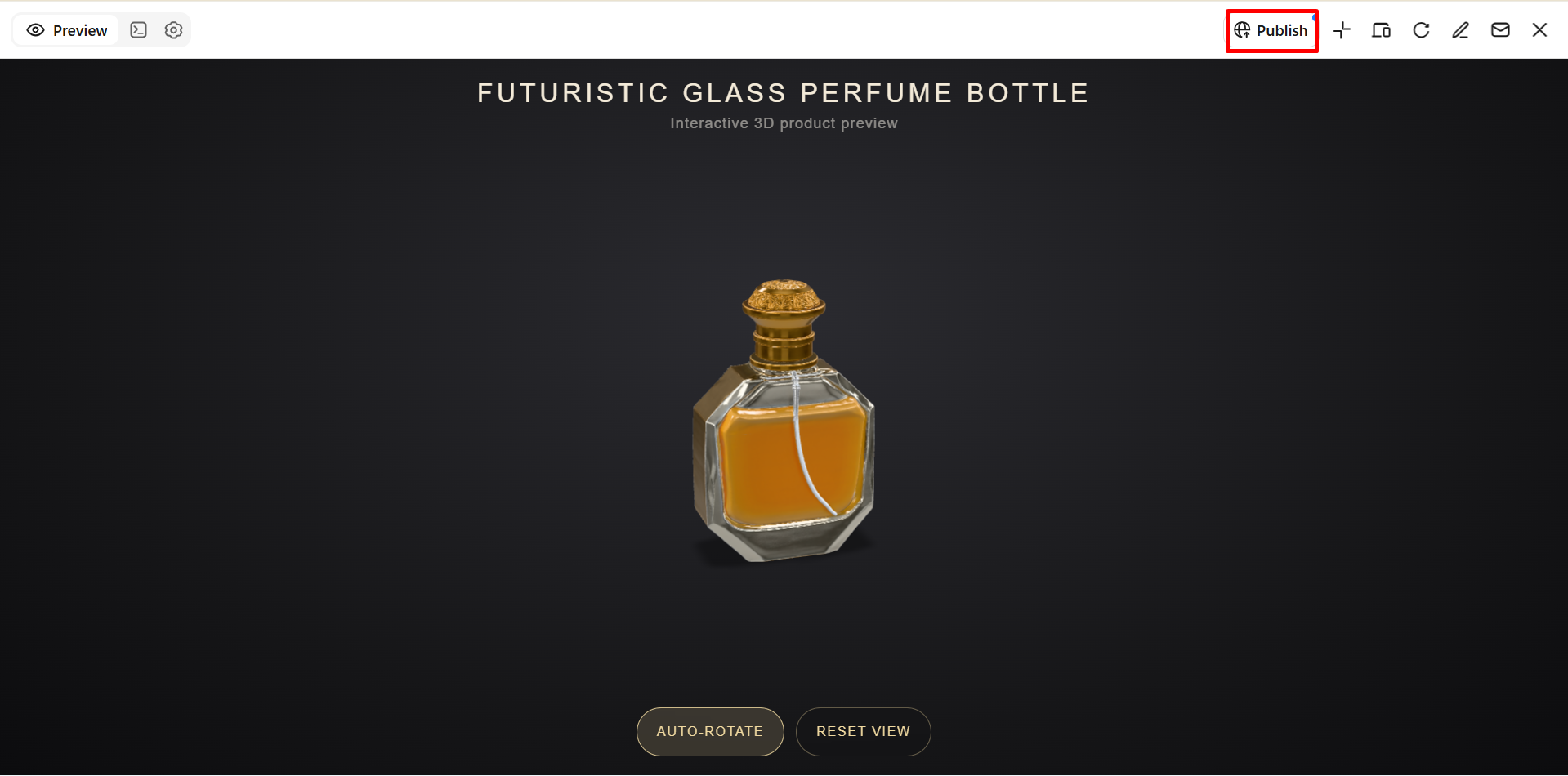
Kimi 3D Make
Kimi 3D Make is an AI-powered tool that helps you turn ideas and reference images into 3D models without complex modeling software. You can upload an image of a product, character, or object, or describe what you want using a text prompt. It also lets you refine the generated model with simple instructions and export it in formats such as GLB, glTF, and OBJ.
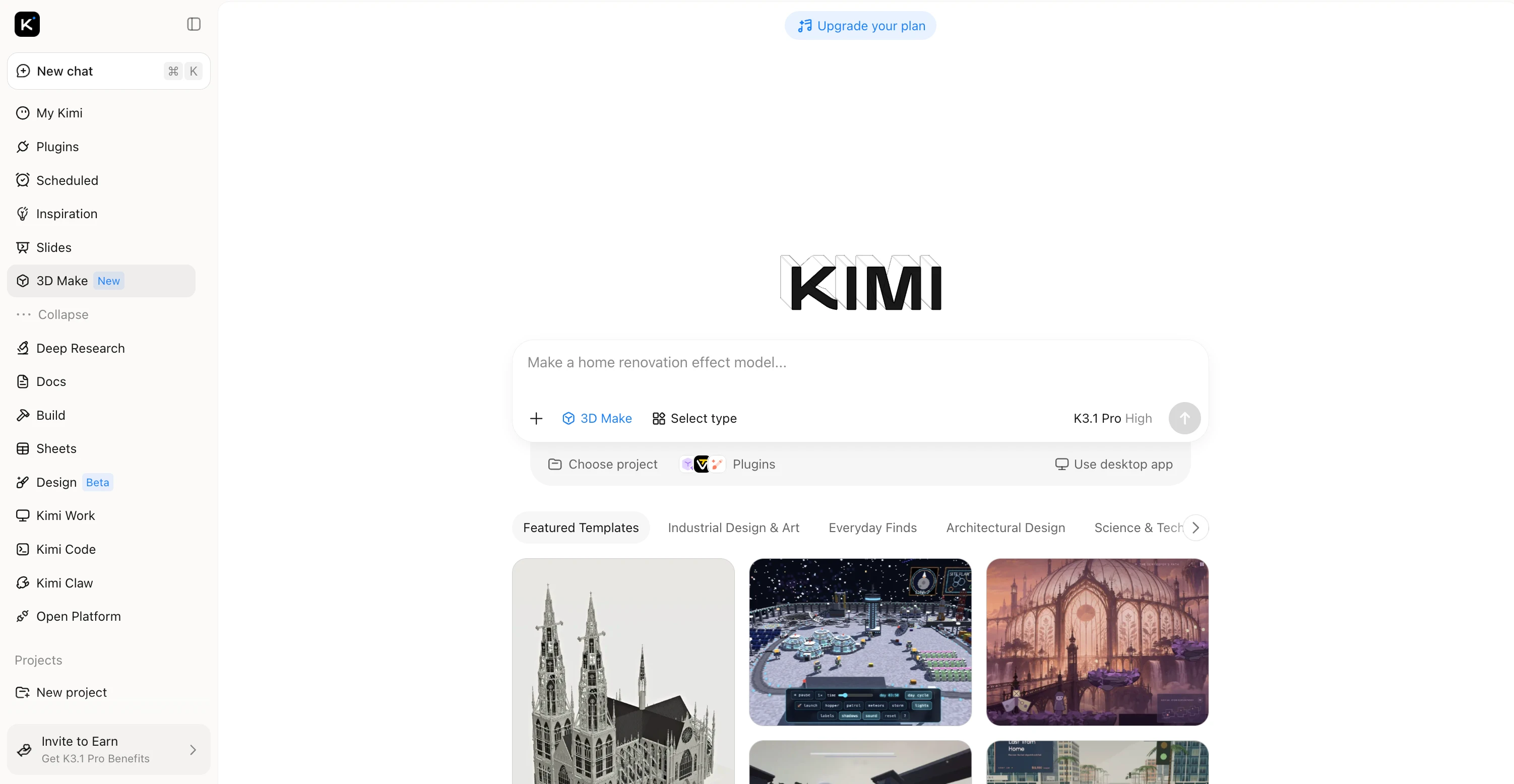
Main features
Turn ideas into 3D models for rendering: Transform text prompts and visual references into 3D models with Kimi 3D Make. Use reference images to recreate designs with high visual fidelity, preserving key shapes, proportions, and stylistic details. Create assets for product visualization, digital scenes, and creative projects.
Enhance models with detailed textures: Add visual depth through textures, colors, and surface details that help define a model's materials and appearance. Create more polished visuals for product concepts, digital environments, and presentations.
Refine designs with flexible editing tools: Describe changes in the chat, comment on specific elements for targeted adjustments, or edit details manually. Refine individual components and the overall design through an iterative workflow.
Expand your workflow with specialized 3D tools: Use Kimi Work plugins such as Blender and Tripo 3D for more advanced modeling and rendering tasks. Blender supports detailed scene creation and rendering, while Tripo 3D generates models from text and images. Depending on the tool and workflow, formats such as FBX, STL, USDZ, BLEND, GLB, glTF, and OBJ support further editing and development.
Suitable for
Game developers who create characters, props, and environmental assets.
Product designers who turn reference images into 3D concepts.
Digital artists who explore shapes, materials, and model designs.
Web creators who need 3D assets for interactive product showcases.
How to create a 3D model with Kimi 3D Make
Follow these simple steps to create a 3D model with Kimi 3D Make.
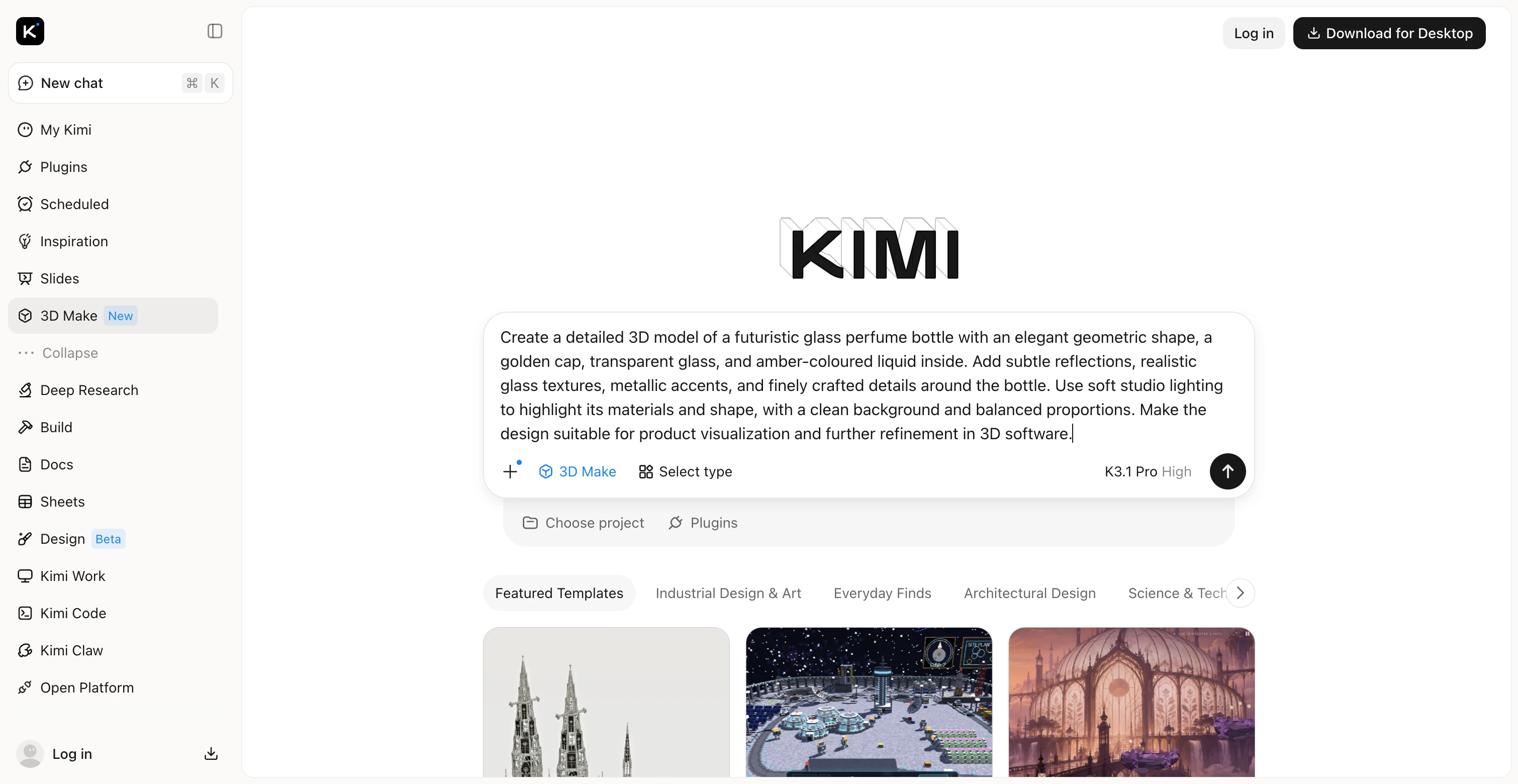
Step 1: Describe your 3D model
Describe the object you want to create, including its shape, colors, materials, and distinctive details. You can also upload a reference image to help Kimi 3D Make match your intended design more closely.
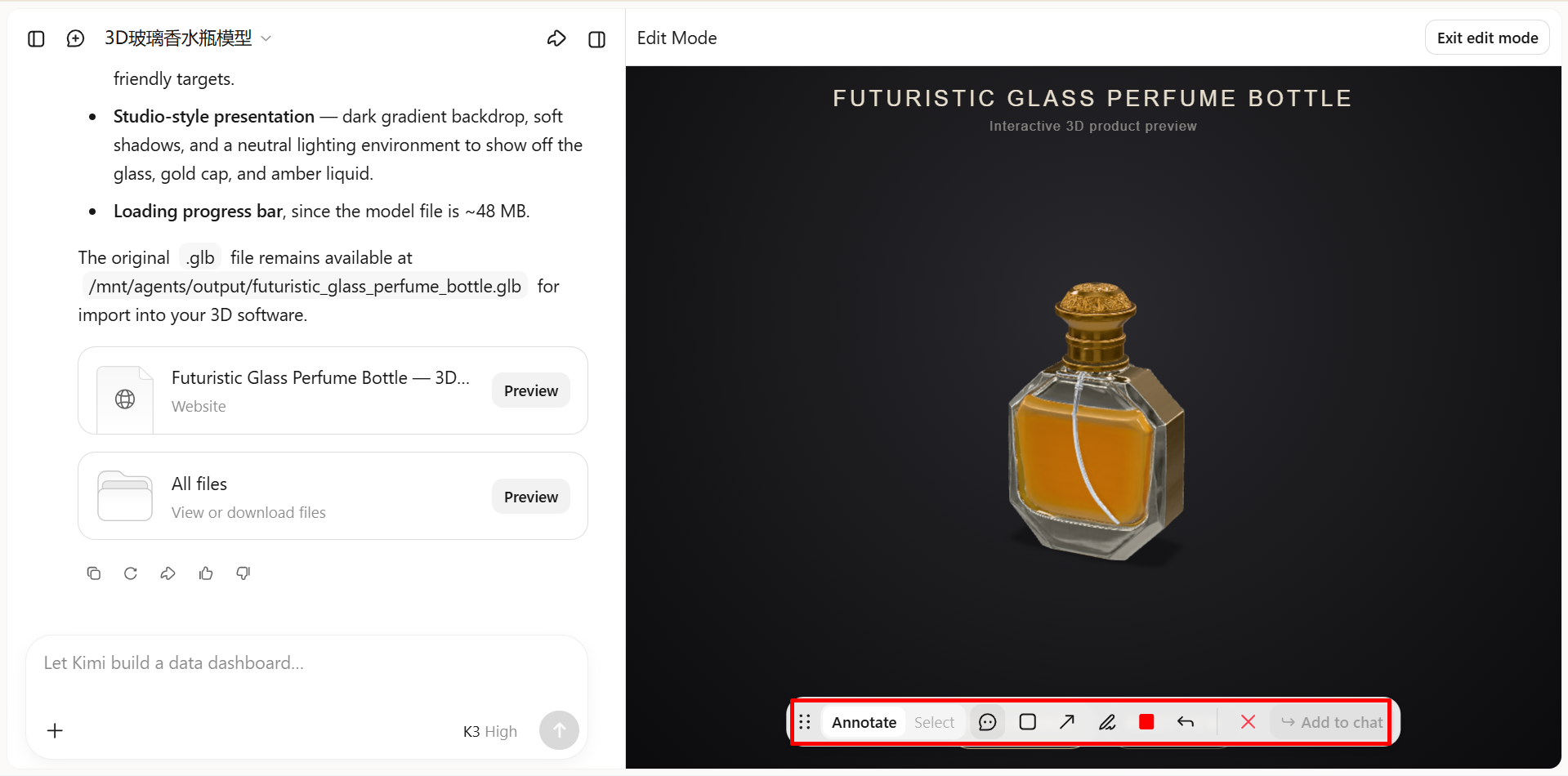
Step 2: Generate and refine the model
Once the model is generated, review its shape, proportions, and textures. To make adjustments, leave a comment on a specific element and describe the change you want, or enter a prompt in the chat box to refine the model through natural-language instructions.
Step 3: Export your 3D creation
When you're satisfied with the result, export your model for use in other 3D design tools or web projects. Choose a supported file format that suits your workflow, then download the model for further editing or integration.
Meshy AI
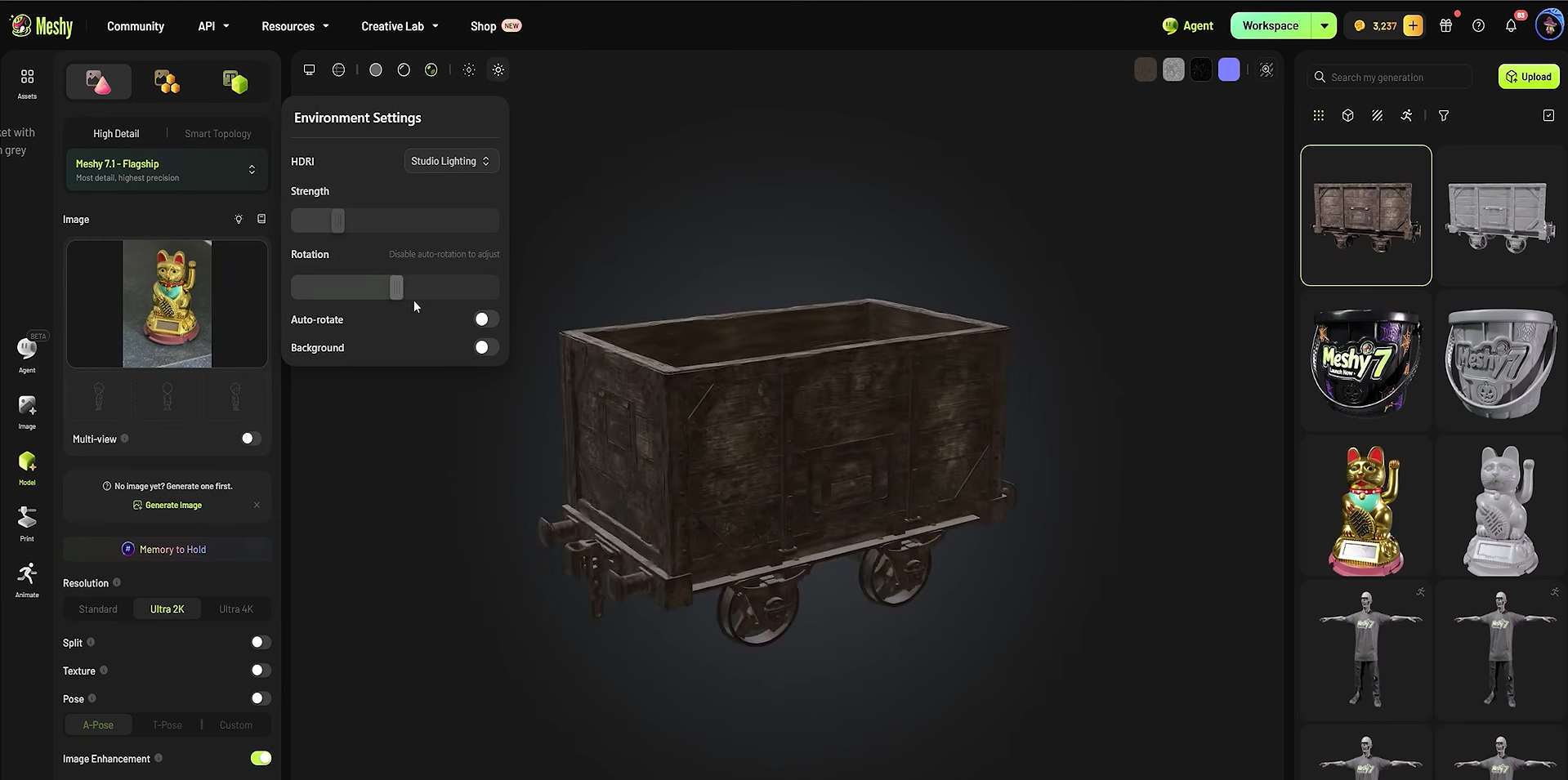
Meshy AI is one of the versatile AI tools for 3D modeling, with options to create 3D assets from text prompts and reference images. It also offers AI texturing, rigging, and animation features to support different stages of asset creation. These capabilities make it a practical choice for game developers, digital artists, and creators who need 3D models for interactive projects.
Main features
Text-to-3D generation: Creates 3D models from written prompts, making it easier to bring ideas to life without manual modeling.
Image-to-3D conversion: Turns reference images into 3D assets for product concepts, characters, and other creative projects.
AI texturing: Adds colors, materials, and surface details to models using text prompts or reference images.
Animation and rigging: Provides tools to prepare suitable 3D characters for movement and animation in digital projects.
Suitable for
Game developers who create characters, props, and environments.
Digital artists who turn concepts into 3D models.
Product designers who develop visual prototypes.
Content creators who need 3D assets for videos and animations.
Tripo AI
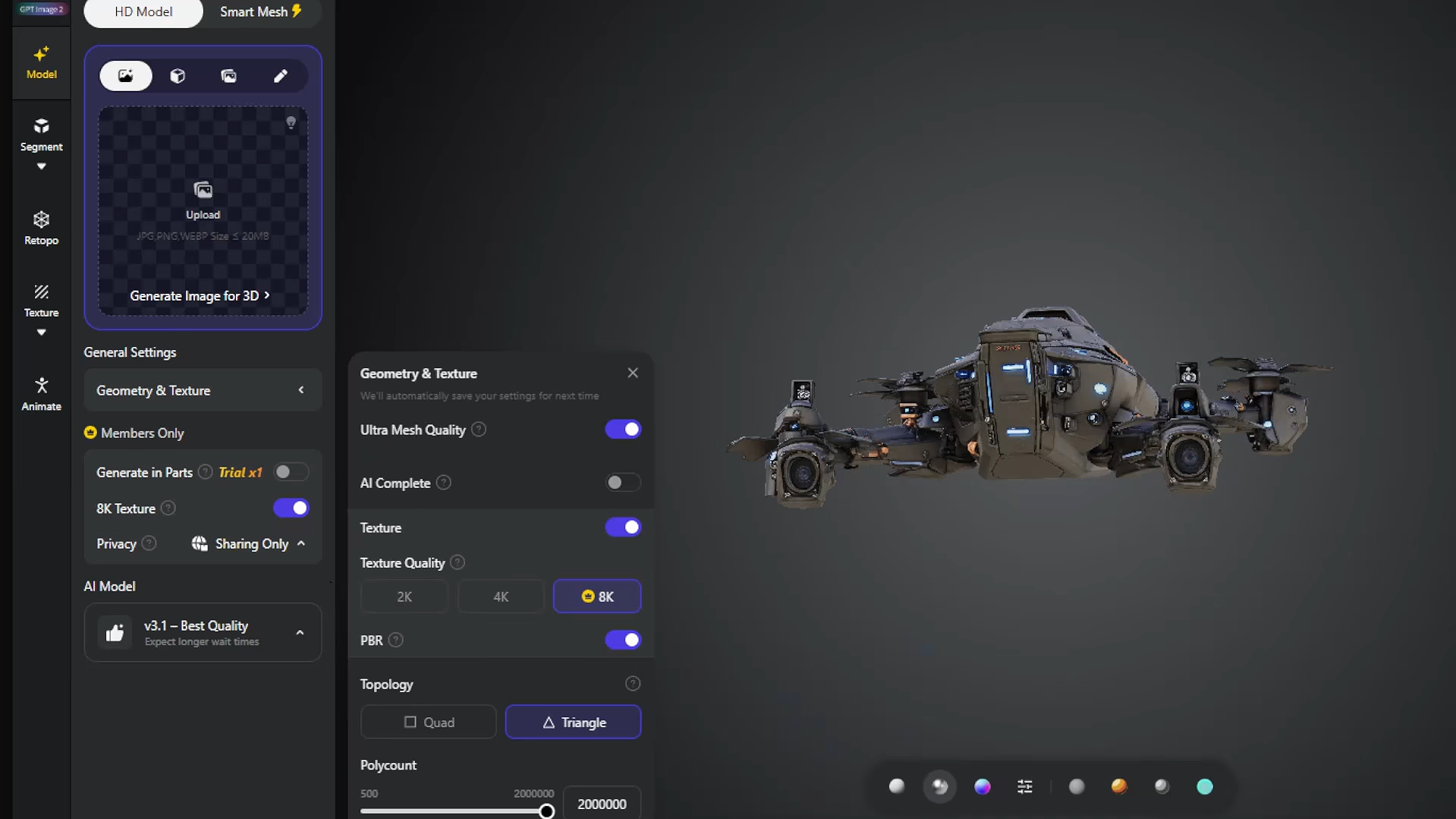
Tripo AI is an AI 3D model generator that converts text prompts, photos, and sketches into 3D assets. Its tools for texturing, mesh editing, and automatic rigging help simplify the creation process for different skill levels. You can use it to create models for games, digital art, product visualization, and 3D printing, with further refinement as needed.
Main features
Text-to-3D and image-to-3D: Generates 3D models from written descriptions, photos, sketches, or multiple reference images.
AI texturing: Applies colors, surface details, and realistic materials to give models a finished appearance.
Smart mesh generation: Creates organized geometry that makes models easier to edit and prepare for games or animation.
Automatic rigging and animation: Adds a skeleton to suitable character models, helping you prepare them for movement and animation.
Suitable for
Game developers who create characters, props, and environments.
3D printing enthusiasts creating printable models.
Digital artists and animators who develop characters and scenes.
Product designers who create prototypes and product concepts.
3D AI Studio
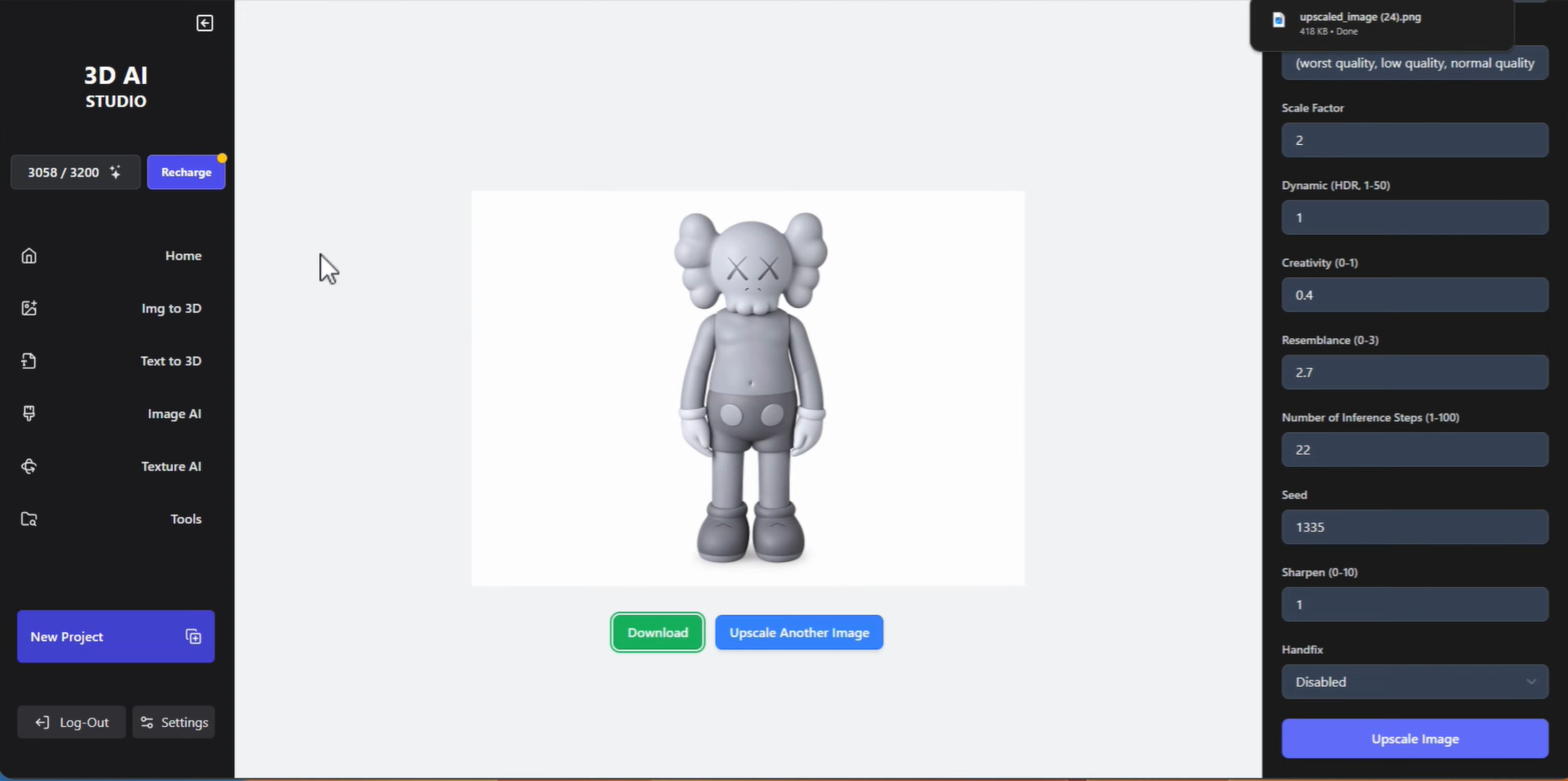
3D AI Studio is an AI 3D modeling tool that creates 3D assets from text prompts, images, and sketches. Its built-in editing features let you refine generated models without relying entirely on complex modeling software. With support for different AI models and export formats, it suits creators who need flexibility when developing assets for games, product concepts, and other 3D projects.
Main features
Text-to-3D generation: Turns written descriptions into 3D assets, helping you create objects without designing them from scratch.
Image-to-3D conversion: Transforms photos, illustrations, and sketches into 3D models for different creative projects.
AI texturing and mesh editing: Adds surface details and materials while allowing you to improve the model's geometry and reduce unnecessary polygons.
Multiple export formats: Lets you download models in formats such as GLB, FBX, OBJ, STL, and BLEND for use in other applications.
Suitable for
Game developers who create assets for Unity and Unreal Engine.
Product designers who develop concepts and prototypes.
3D printing enthusiasts who prepare models for printing.
Digital artists and animators who create and refine 3D assets.
Rodin AI
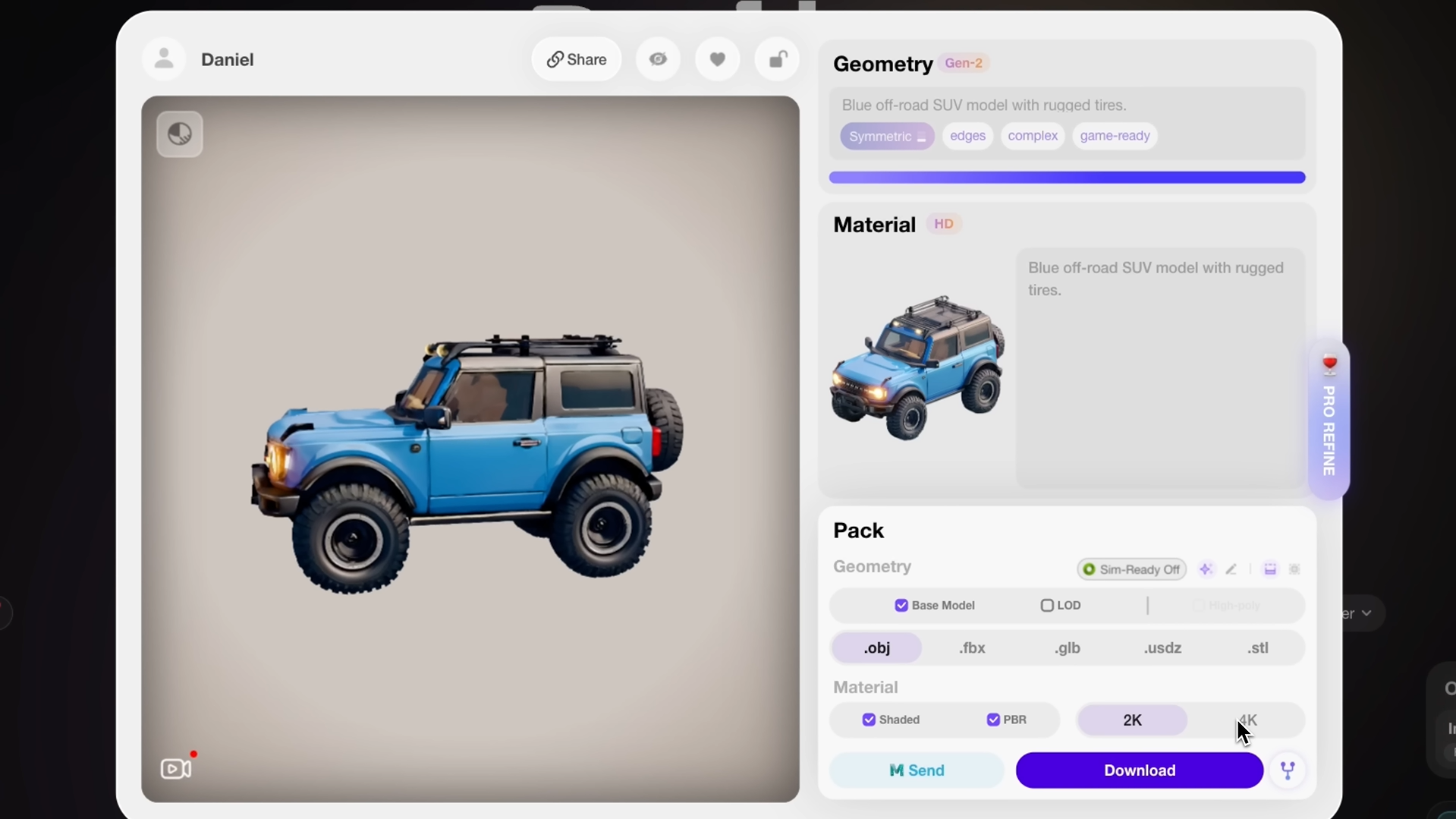
Rodin AI is an AI 3D model generator designed to create detailed, textured 3D assets from text prompts and reference images. Developed by Hyper3D, it helps reduce manual modeling effort while maintaining visual detail. Its model refinement options and export formats make it useful for digital art, game development, and product visualization.
Main features
Text-to-3D generation: Creates detailed 3D assets from written descriptions, allowing you to explore ideas without needing reference images.
Image-to-3D conversion: Transforms photos, sketches, and multiple reference views into 3D models with matching shapes and surface details.
Custom geometry and textures: Offers control over mesh structure, polygon count, and realistic materials to suit different project requirements.
Multiple export formats: Supports formats such as GLB, FBX, OBJ, STL, and USDZ for use in design software, games, and 3D printing.
Suitable for
Game developers who create detailed characters, props, and environments.
Product designers who develop prototypes and product previews.
3D printing enthusiasts who turn concepts into physical objects.
Digital artists who create assets for animations and virtual scenes.
TRELLIS 2
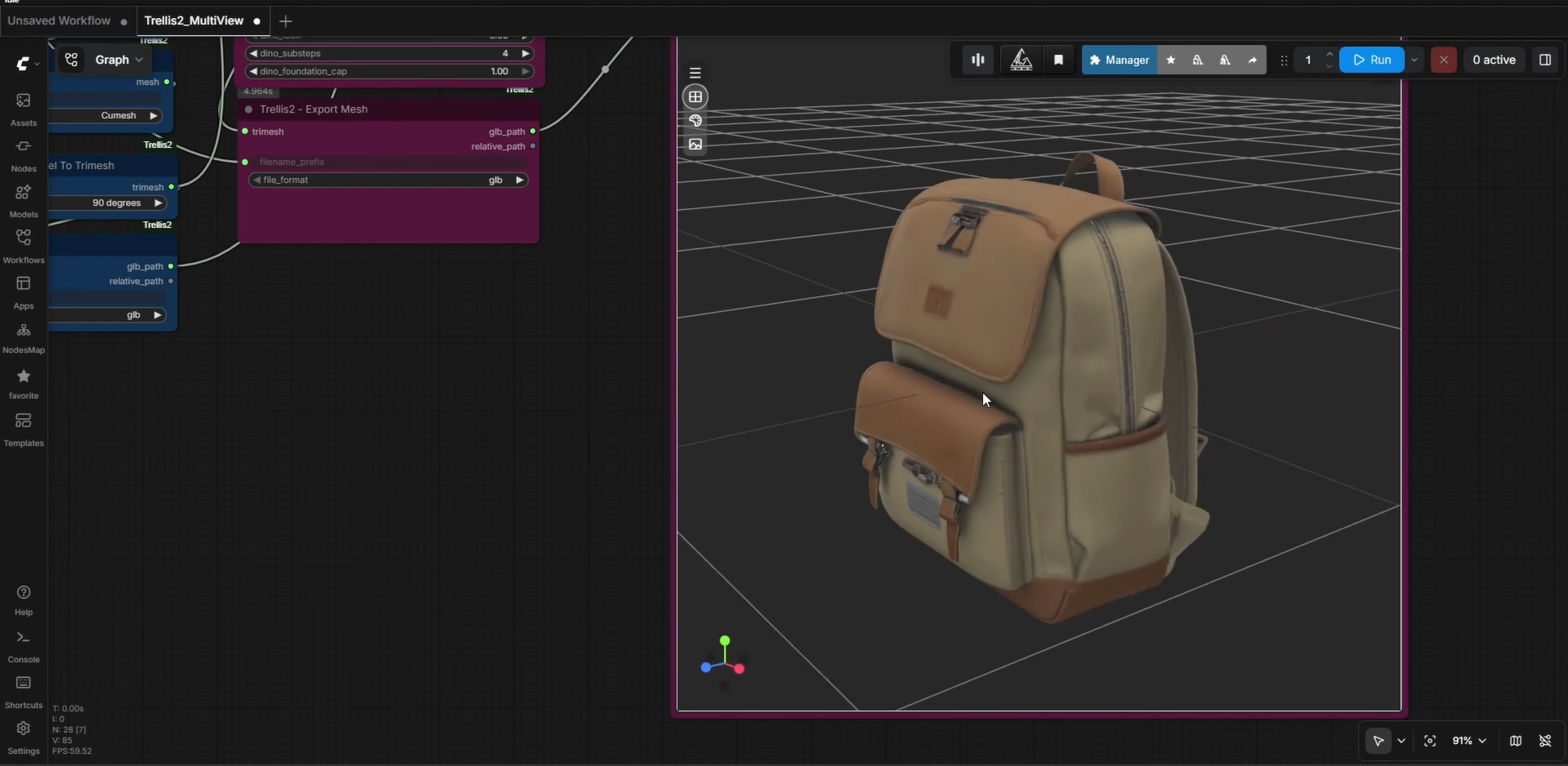
TRELLIS.2 is an open-source AI model from Microsoft Research that converts a single image into a detailed 3D asset. It can generate complex geometry and realistic materials, making it a useful option for creators who need a reliable open-source AI 3D model generator for image-based workflows. However, running it locally may require a compatible GPU and technical setup, so it is better suited to users who are comfortable with configuring AI tools.
Main features
Single-image-to-3D conversion: Reconstructs a 3D object from one photograph, making it easier to create digital assets from existing images.
High-resolution modeling: Generates detailed shapes at resolutions of up to 1536^3 voxels, helping capture small features and complex structures.
Realistic material generation: Supports physically based rendering (PBR) materials, including color, metallic properties, roughness, and transparency.
Flexible 3D output: Produces textured meshes and supports other 3D representations, giving creators options for different rendering and editing workflows.
Suitable for
3D artists who create detailed assets for digital scenes.
Game and film studios that develop production-ready props.
Product designers who convert photos into 3D concepts.
AI researchers who experiment with open-source 3D models.
Tencent Hunyuan3D
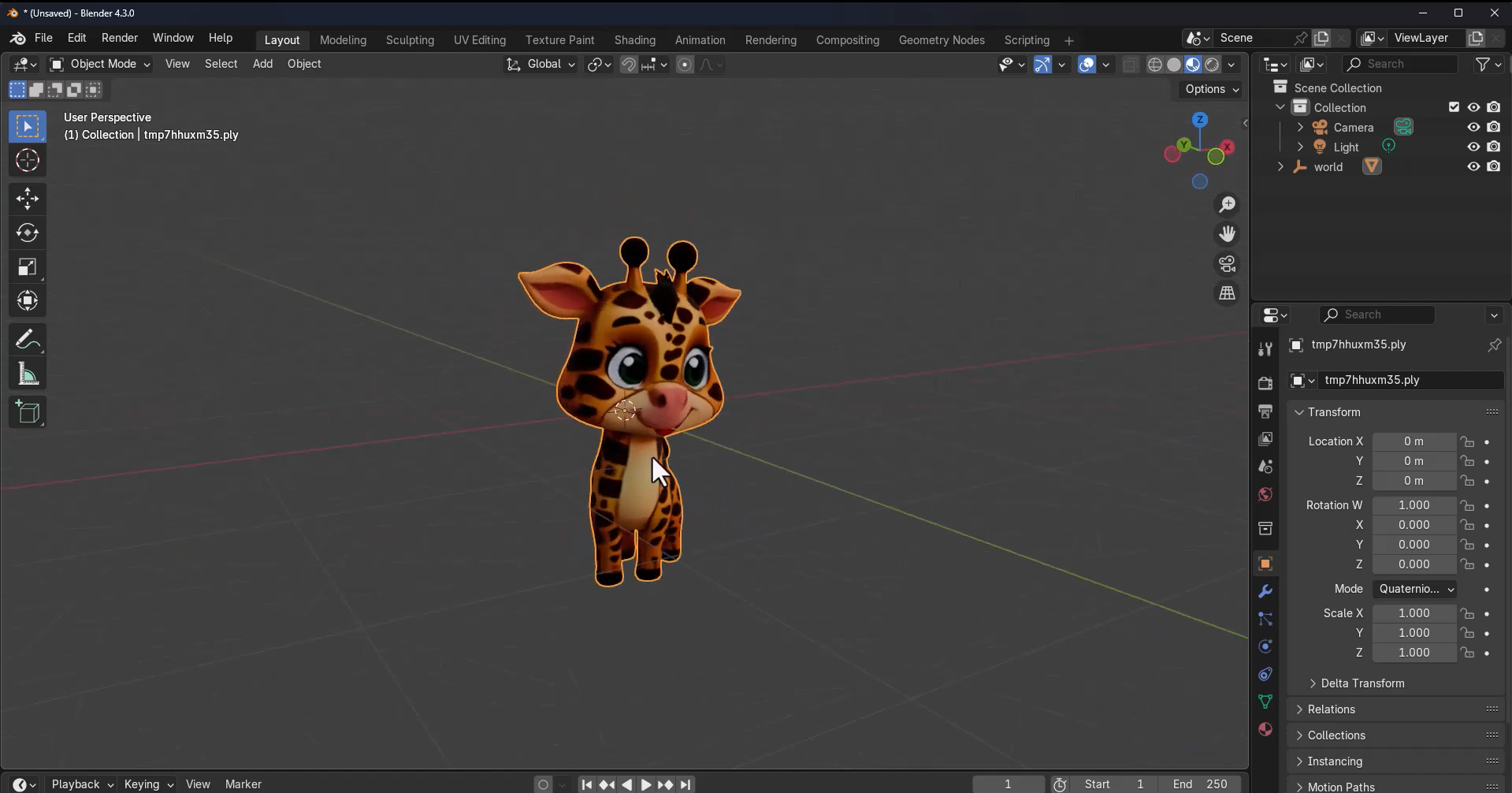
Tencent Hunyuan3D is an AI-powered tool that transforms text prompts and images into detailed 3D assets. It supports multi-view image inputs and provides options to refine model geometry and textures for better results. These features make it useful for creators who need AI 3D modeling tools for digital artwork, game development, and product visualization without relying entirely on manual modeling.
Main features
Text and image-to-3D generation: Creates 3D assets from written prompts or reference images, helping you bring product ideas and digital concepts to life.
Multi-view reconstruction: Uses images taken from different angles to capture an object's shape and appearance more accurately.
Detailed texture creation: Generates surface colors, materials, and realistic finishes to give models a more complete look.
Mesh optimization: Improves the structure of 3D models to support smoother editing and integration into other 3D workflows.
Suitable for
Game developers who create objects and props for virtual worlds.
E-commerce businesses that create product visuals for online stores.
Film and animation teams that develop assets for scenes and visual effects.
3D printing enthusiasts who turn digital concepts into physical models.
Sloyd
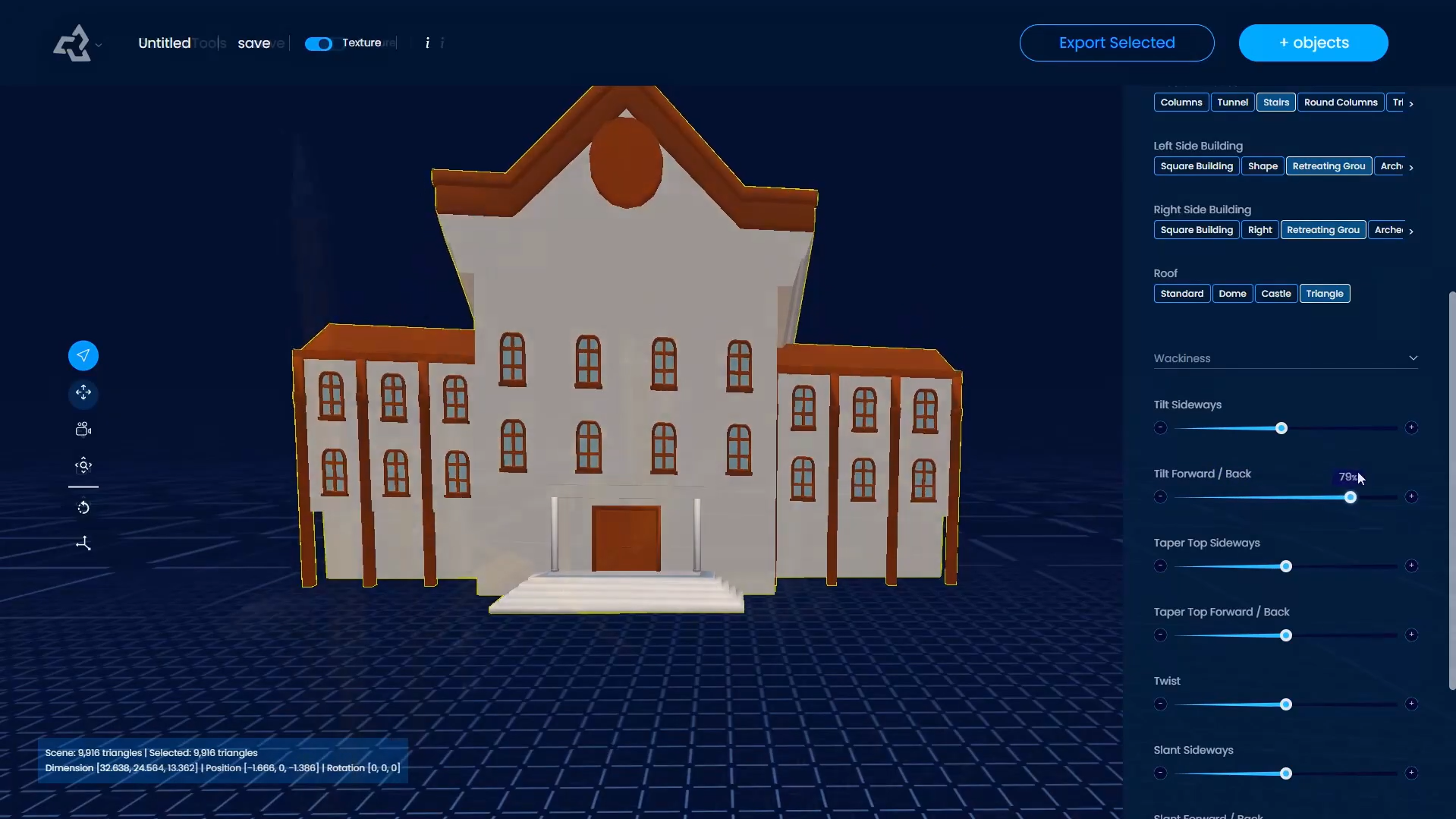
Sloyd is an AI 3D model generator that creates customizable assets from text prompts and editable templates. Its geometry and style controls let you adjust models without building every detail from scratch. You can also export assets for compatible game engines and 3D applications, making it a useful option for game developers and creators who need flexible, ready-to-edit models.
Main features
Text and image-to-3D generation: Converts written descriptions and reference images into 3D models for different creative uses.
Customizable 3D templates: Lets you adjust existing objects using controls and prompts, making it easier to create variations of buildings, vehicles, furniture, and props.
Geometry and topology control: Allows you to set polygon counts and choose mesh structures to suit different performance and editing needs.
AI texturing and retexturing: Adds materials and surface details to new or existing models, helping you achieve a different look without rebuilding the asset.
Suitable for
Game development, including props, buildings, and environment assets.
Interior design, furniture layouts, and room visualization.
3D printing projects, including objects and decorative models.
Product design, concept development, and visual presentations.
Kivicube
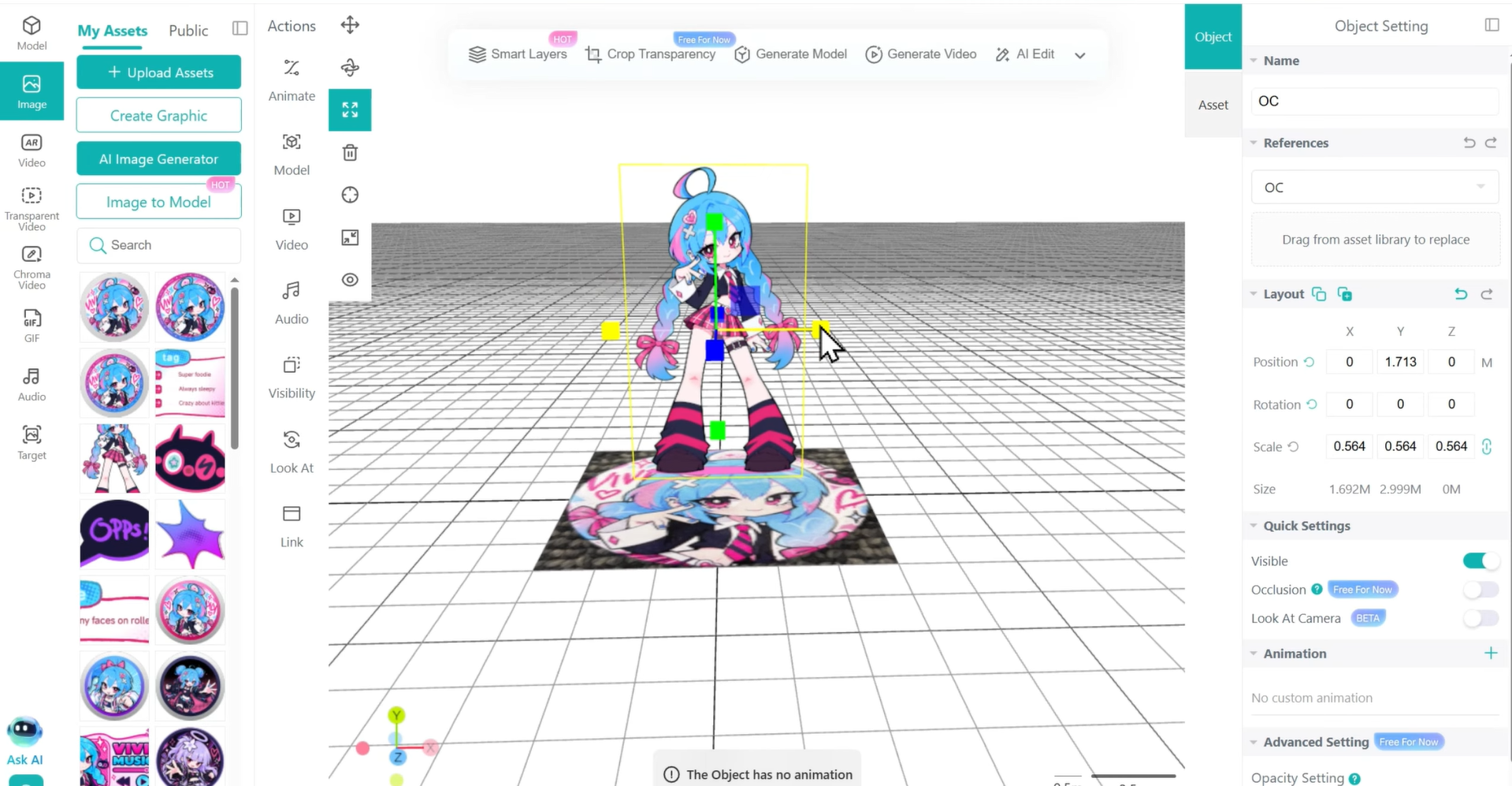
Kivicube is a 3D creation platform designed for interactive content and augmented reality (AR) experiences. It helps creators incorporate 3D assets into product showcases, virtual scenes, and immersive presentations. Its scene editing, material customization, and animation features make it useful for businesses and creators who need engaging visual experiences beyond basic 3D modeling.
Main features
Image-to-3D generation: Converts single or multiple reference images into 3D models for digital projects.
Material editing: Lets you adjust the appearance and surface materials of generated assets to match your design requirements.
AI character animation: Provides access to a library of more than 600 animations, allowing you to animate compatible 3D characters with a few clicks.
AR scene creation: Helps you place 3D assets into interactive augmented reality experiences for product displays and digital presentations.
Suitable for
E-commerce product displays and interactive showcases.
AR development for websites and mobile apps.
Marketing campaigns and interactive product demonstrations.
Educational content and immersive digital scenes.
Modly
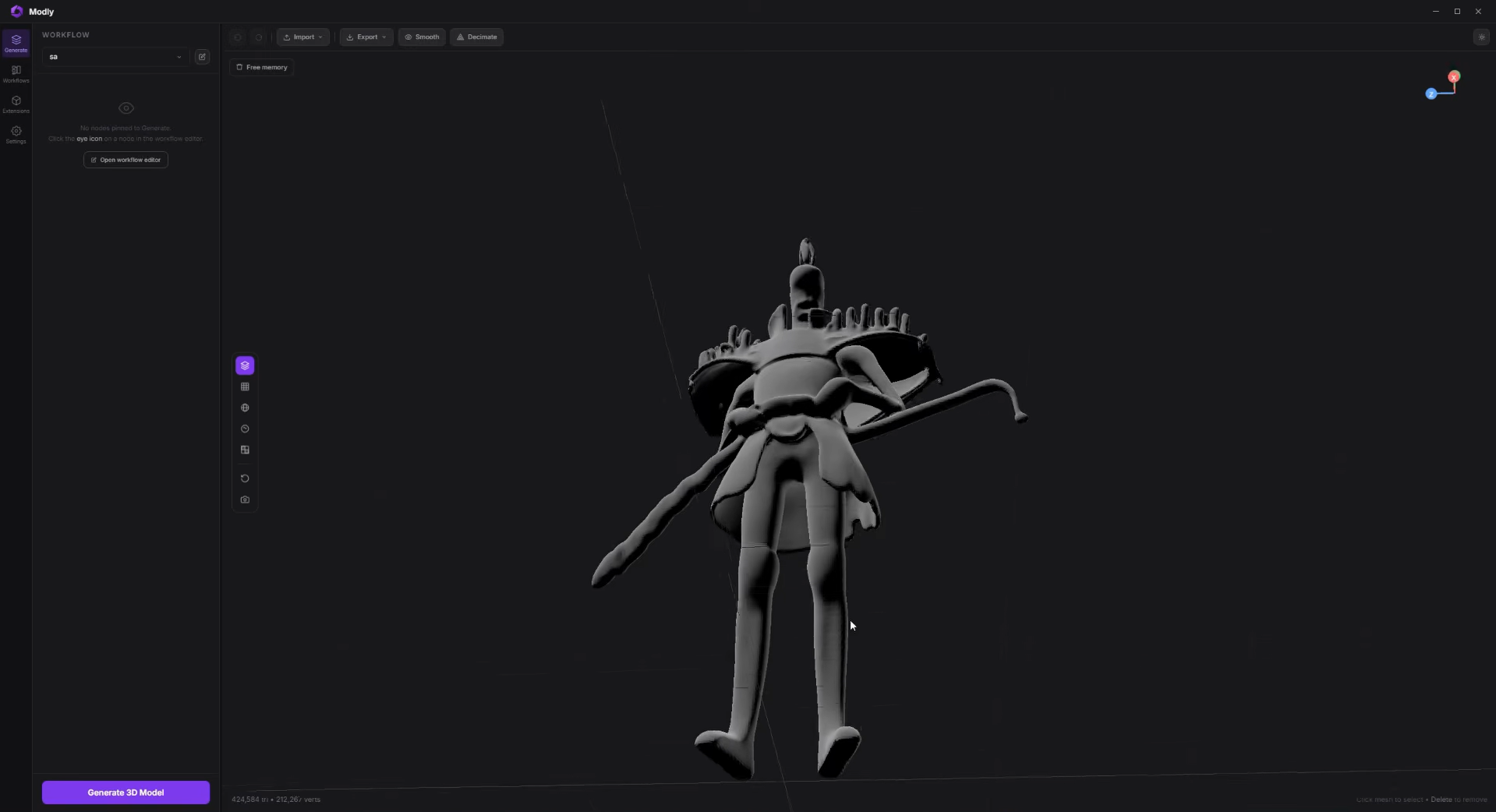
Modly is a free, open-source desktop application that uses AI models to turn text prompts and reference images into 3D models. It runs locally on your computer rather than relying on a cloud-based generation service. Users can preview, refine, and export generated meshes for further editing in compatible 3D software.
Main features
Text and image to 3D: Creates 3D models from text prompts or reference images, helping users turn ideas into digital assets.
Local AI generation: Runs supported AI models on your computer, offering more control over the generation process without relying entirely on cloud services.
Mesh refinement: Provides options to smooth and simplify generated geometry, making models easier to prepare for further editing.
Flexible model export: Supports formats such as GLB, OBJ, STL, and PLY for transferring models to compatible 3D software or preparing them for 3D printing.
Suitable for
Creators looking for free, open-source AI tools for 3D modeling.
Beginners exploring image-to-3D and text-to-3D workflows.
Developers create assets for games and digital projects.
Users who prefer local generation over cloud-based tools.
How to choose the right AI 3D model generator
The right AI 3D model generator depends on your project, the quality you expect, and how you plan to use the finished model. Consider these factors to find a tool that suits your creative needs and technical requirements.
Identify your project requirements
Decide whether you need characters for games, product concepts, architectural designs, or models for 3D printing. Different tools specialize in different tasks, so choose one that matches your intended output.
Check input options
Consider how you want to create your model. Text prompts are useful for exploring new ideas, while image-to-3D tools can turn reference pictures into digital assets. Choose a platform that supports your preferred input method.
Assess model quality and detail
Review sample outputs for clean geometry, accurate proportions, and realistic textures. The most useful AI 3D model generator should produce results that meet your project's requirements, although complex designs may need further editing.
Compare editing capabilities
Check whether the tool lets you adjust geometry, refine textures, change materials, or simplify meshes. These features give you more control over the final model and reduce the need to start over when the generated result needs improvement.
Verify export formats and compatibility
Make sure the tool supports suitable formats, such as GLB, OBJ, FBX, or STL. Compatibility with Blender and game engines such as Unity or Unreal Engine makes it easier to refine models, prepare game assets, or develop printable objects.
Consider ease of use and hardware requirements
Browser-based tools are often easier to access, while locally hosted models may require a compatible GPU and technical setup. Choose an option that fits your experience, available hardware, and budget.
Conclusion
The right AI 3D model generator depends on your creative goals, technical skills, and project requirements. Consider how each tool handles model generation, customization, and export options to find a workflow that suits your needs. If you want a straightforward way to turn text prompts or reference images into 3D models and refine them with natural-language instructions, give Kimi 3D Make a try.