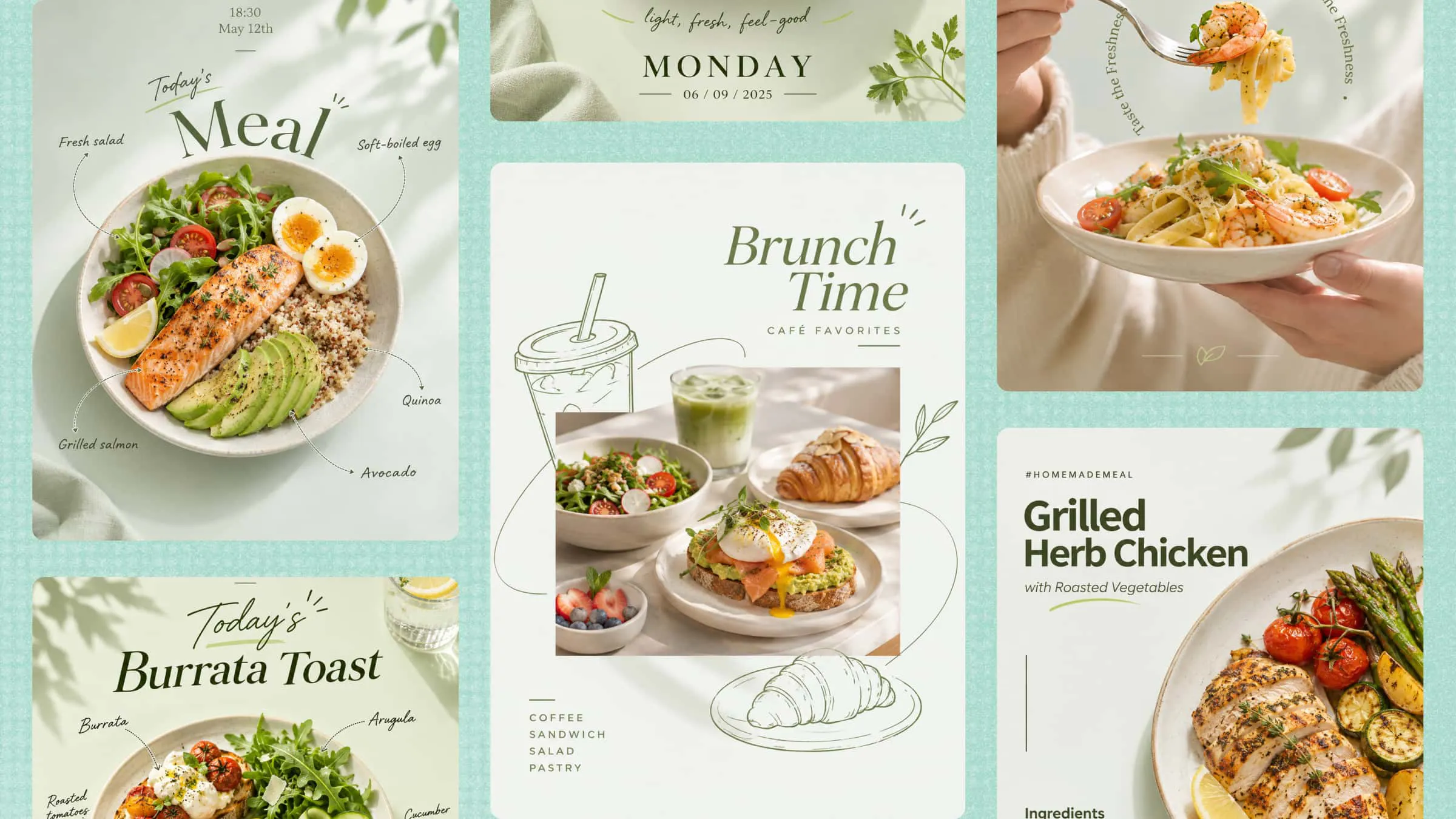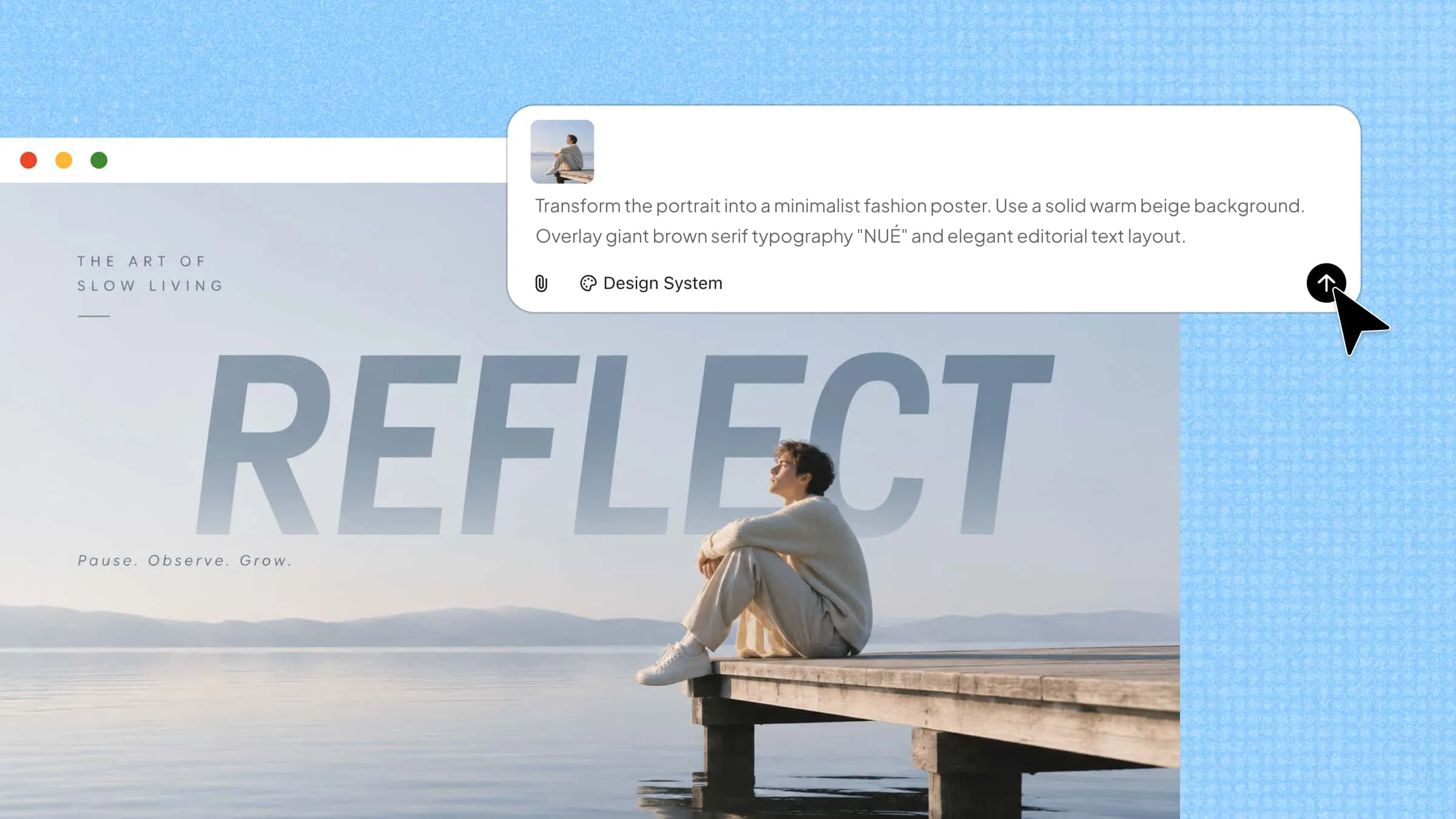
An image-to-image AI generator makes it easier to give existing images a fresh look, but getting the right result is not always simple. Some tools change details you want to keep, while others offer limited control over the final design. To help you find a better fit, this guide explores 10 image generators, what they do well, and where each one can be useful in visual design.
Overview of 10 AI image-to-image generators
Before comparing each tool in detail, here's a quick overview of these 10 AI image-to-image generators. The table highlights what each tool does best and its main feature, helping you find the right options for your needs.
| AI tool | Key capabilities | Editing options | Common use cases |
|---|---|---|---|
| Kimi Design | Generates complete visual layouts from text prompts, documents, and reference images | Adjust text, colors, images, icons, backgrounds, and layouts | Marketing materials, presentations, infographics, and creative projects |
| Getimg.ai | Offers multiple AI models and image generation workflows | Modify images, explore styles, and create variations | Concept development, digital artwork, and creative experiments |
| Fotor | Combines AI image generation with photo enhancement tools | Apply effects, remove backgrounds, and adjust image details | Social media graphics, photo editing, and promotional visuals |
| Google Gemini | Generates and modifies images through written instructions | Add or remove objects, change backgrounds, and refine details | Product visuals, creative edits, and everyday image generation |
| Adobe Firefly | Offers AI image generation and integration with Adobe applications | Edit images, apply visual effects, and refine compositions | Advertising, product visuals, and marketing campaigns |
| Midjourney | Produces detailed visuals across a wide range of artistic styles | Generate variations and refine image composition | Concept art, illustrations, and creative projects |
| Leonardo AI | Provides image generation, model options, and style controls | Refine generated images and maintain visual consistency | Character design, game environments, and digital assets |
| Canva | Combines AI image tools with templates and graphic design features | Edit images, add text, adjust layouts, and apply brand elements | Social media posts, presentations, and promotional graphics |
| FLUX | Offers advanced image generation with strong visual detail and text rendering | Refine image outputs through supported interfaces and workflows | Product visuals, realistic scenes, and advertising concepts |
| Stable Diffusion | Supports open-source models, extensions, and customizable generation workflows | Adjust prompts, parameters, models, and image-to-image settings | Digital artwork, detailed image edits, and custom creative workflows |
10 AI image-to-image generators to upgrade your images
Editing an existing image can involve more than changing its colors or adding a few details. Some tools help you reshape the original picture, while others turn it into a complete design. The following image-to-image generator tools provide different ways to work with your images, starting with Kimi Design.
Kimi Design
Kimi Design, an AI design generator, helps turn reference images into complete designs while keeping the original idea at the center. Rather than creating a single image, it builds editable layouts that combine text, images, and design elements. This makes it useful for creating posters, social media graphics, and other creative materials that need more than a simple photo edit.
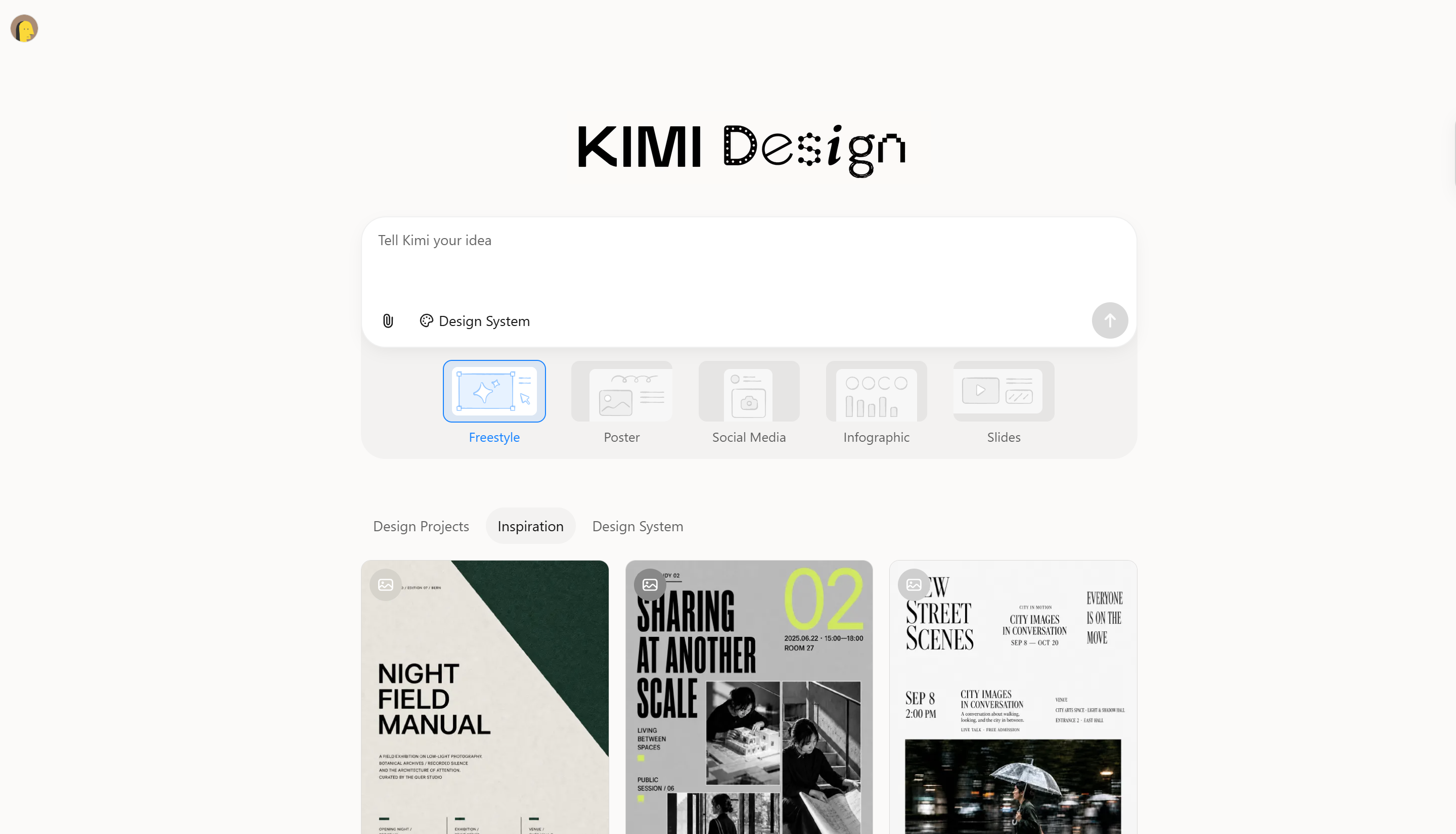
Main features
Create new designs from image references and text prompts
Upload a reference image and describe the changes you want to make. Kimi Design combines your visual reference with your text instructions to generate a new design, helping you build on the original subject, composition, or visual style while exploring new creative directions.
Refine generated designs with flexible editing options
Adjust your design by updating prompts, commenting on specific elements, or manually editing text, images, shapes, and other components on the canvas. These options help you fine-tune the result while keeping the design elements editable.
Explore visual styles without losing your previous versions
Generate multiple design variations from a reference image by exploring different color palettes, layouts, and visual styles. Use version history to revisit earlier results and roll back to previous versions as you refine your ideas, helping you find the final design that best matches your vision.
Create complete designs, not just images
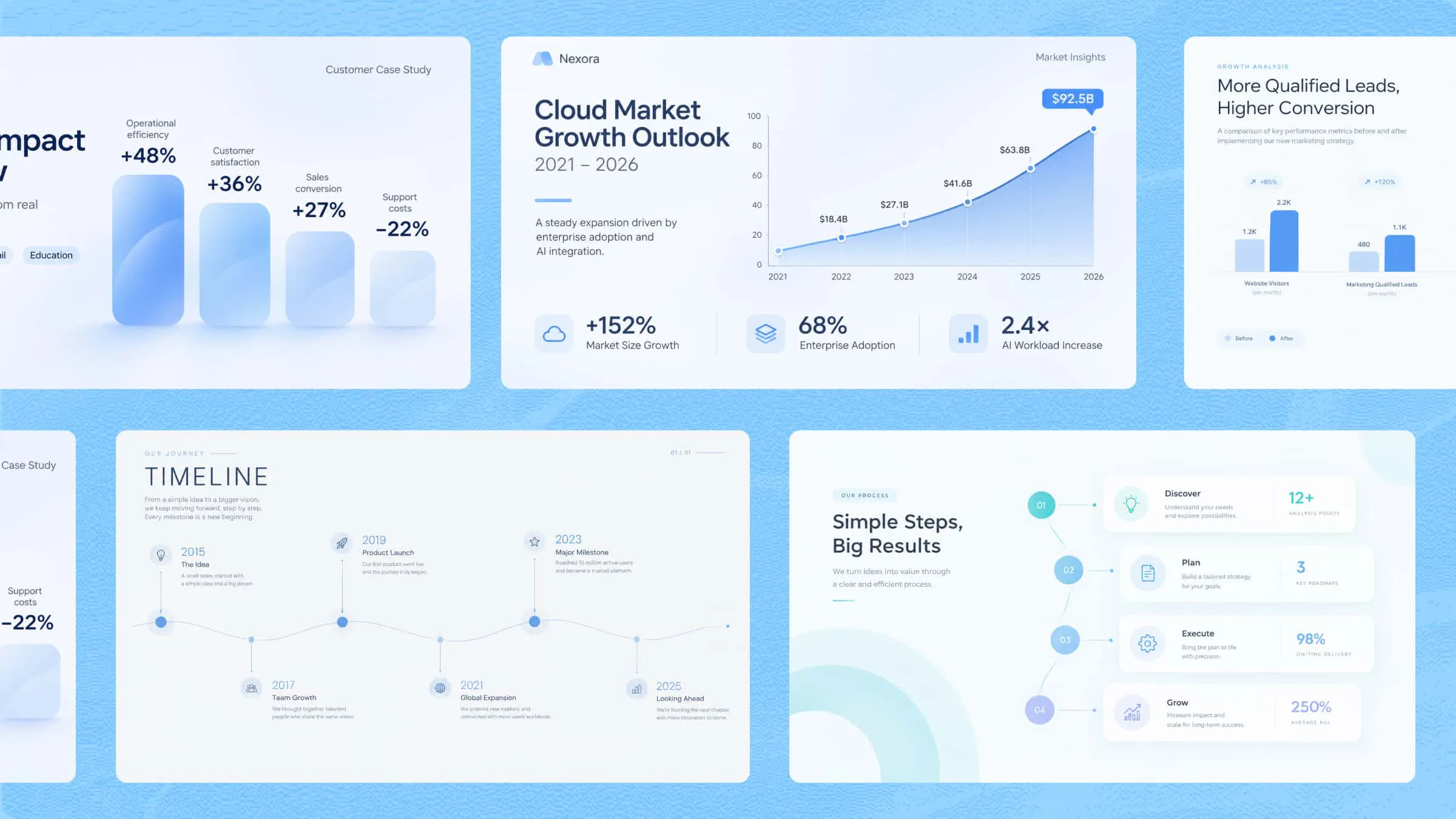
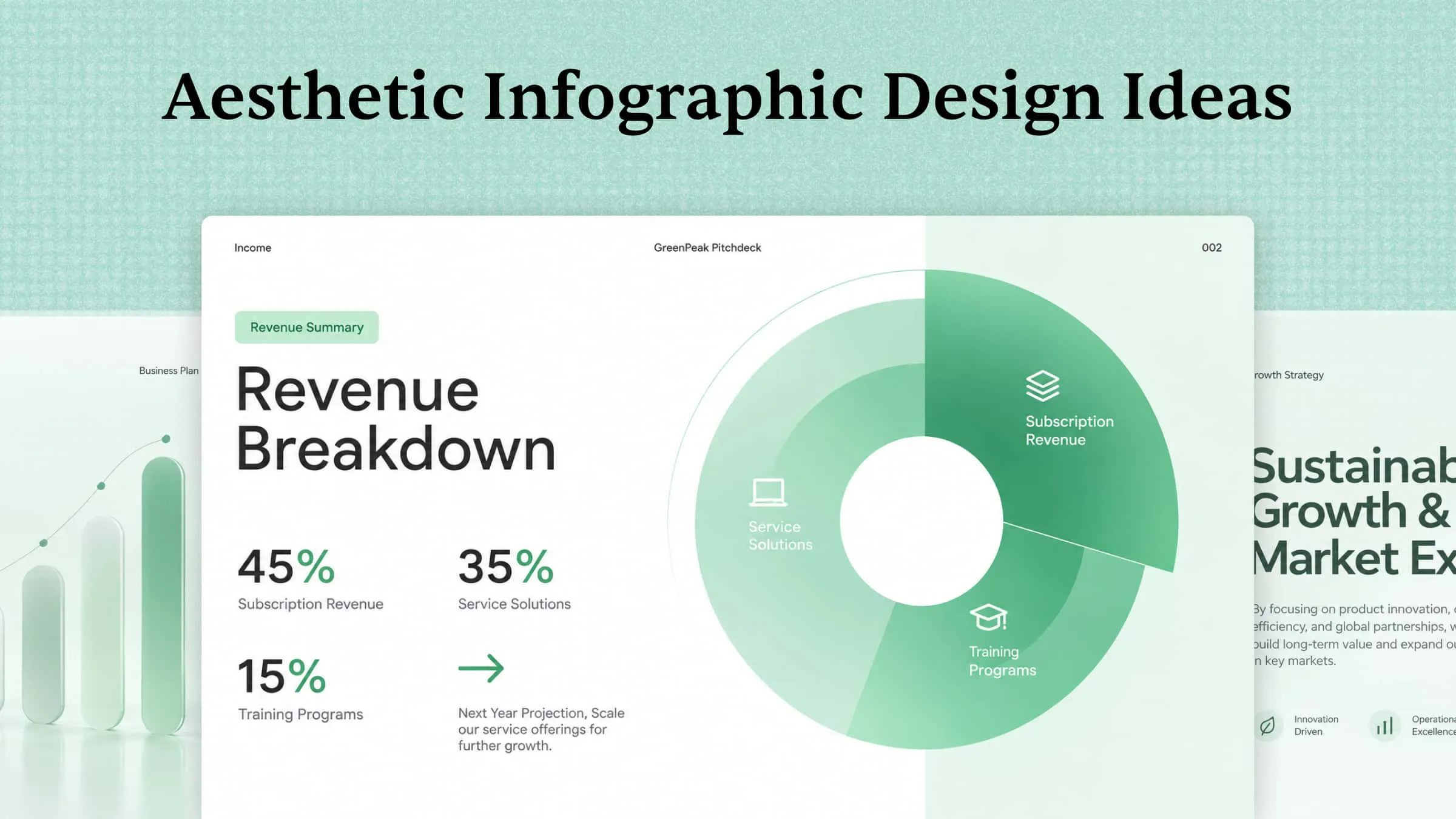
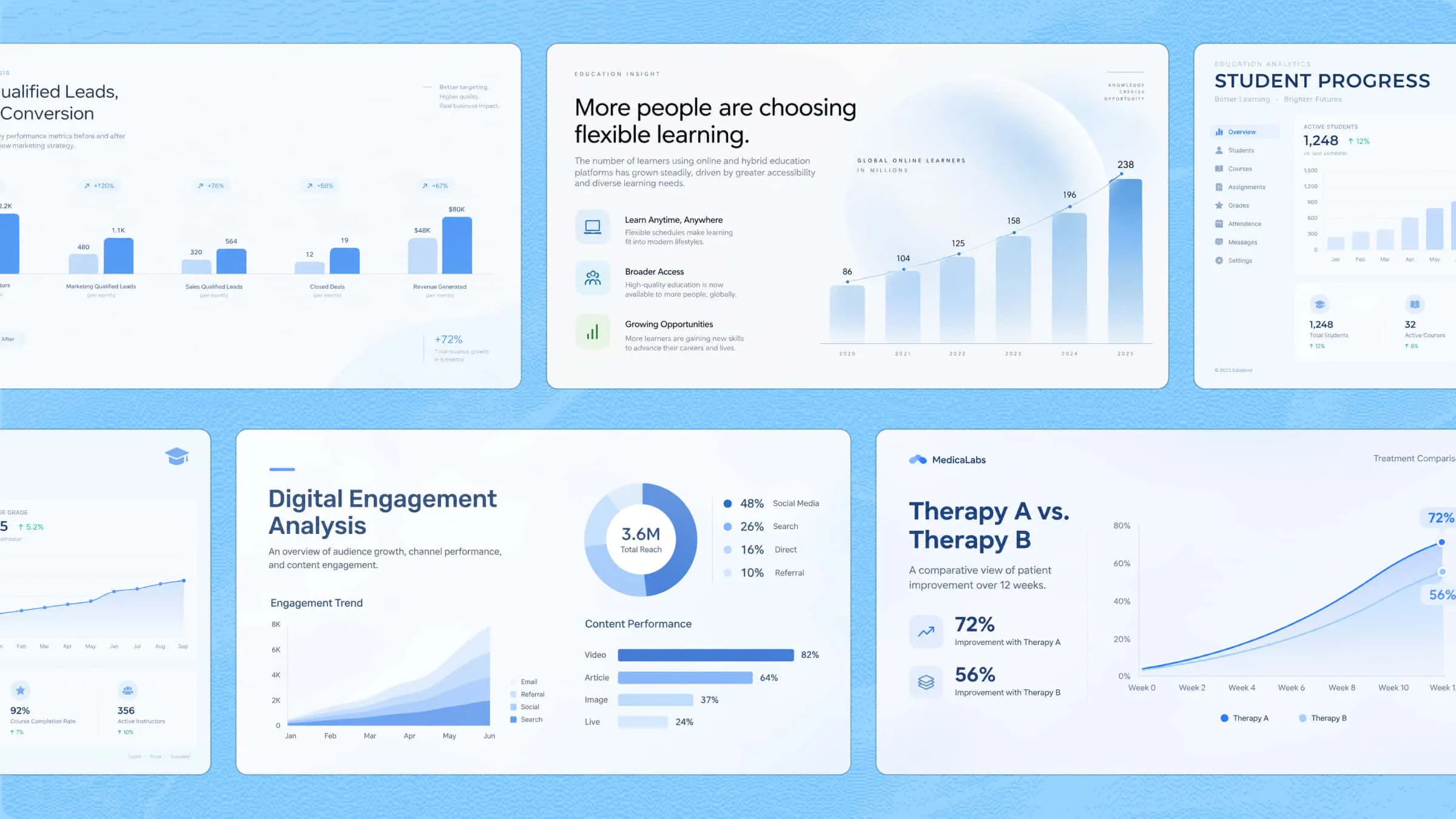
Turn a reference image into a range of visual assets, including posters, social media graphics, product visuals, infographics, and invitations. Kimi Design brings together layout, typography, color, and visual hierarchy to create cohesive designs tailored to different creative needs.
Export designs for different applications
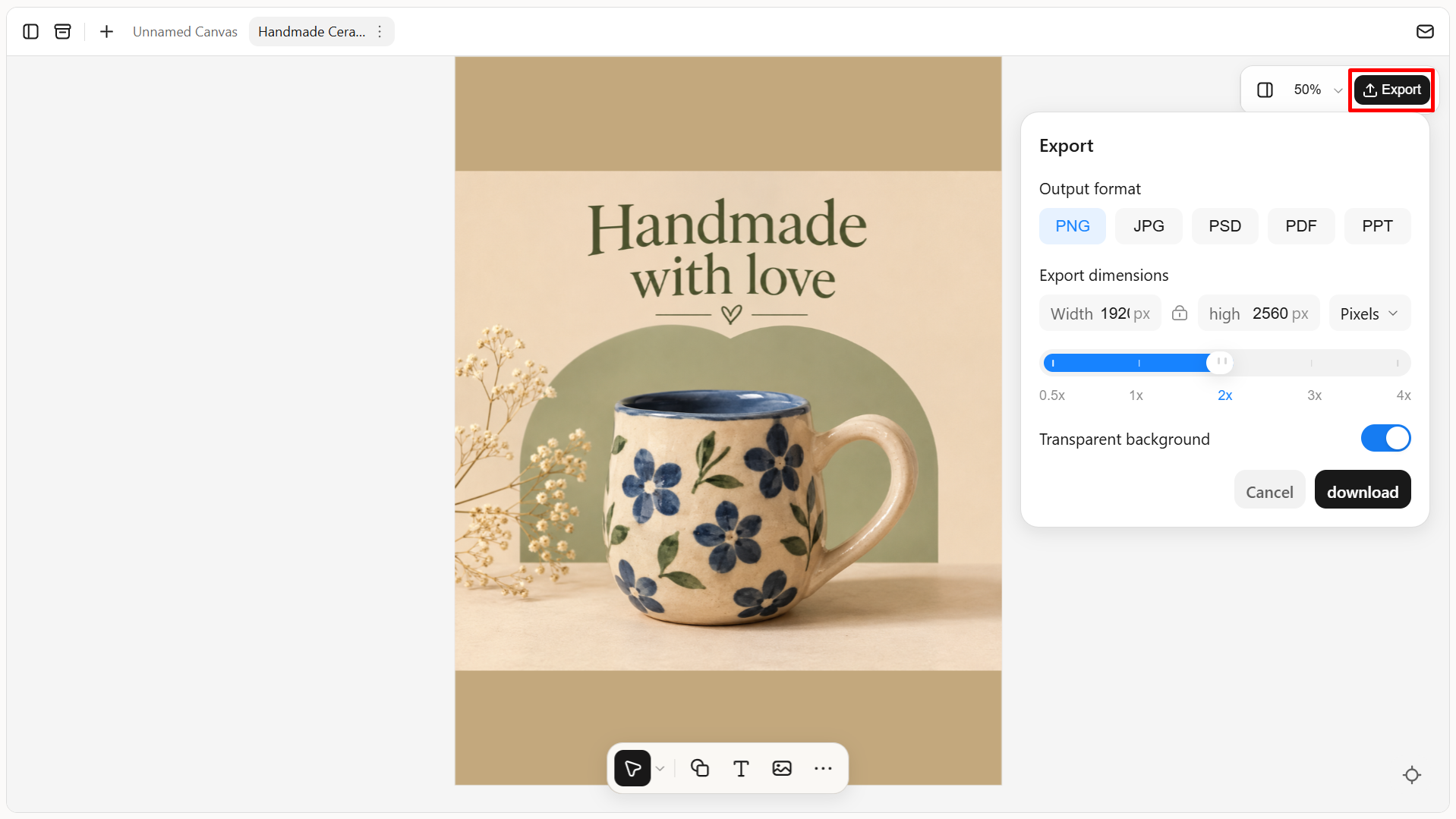
Export your designs in PNG, JPG, PSD, PDF, or Slides format for use in digital content, marketing materials, presentations, and print projects. PNG and JPG support custom export sizes in pixels or centimeters, while PNG also offers transparent backgrounds. PSD preserves editing states and layer data, making it easier to share designs and continue editing them later.
Suitable for
Creating social media posts and promotional graphics
Turning reference images into editable designs
Developing posters, banners, and marketing materials
Exploring design ideas for creative projects
How to create an AI image from a reference image
You can turn an existing image into a fresh design with Kimi Design by following these steps.
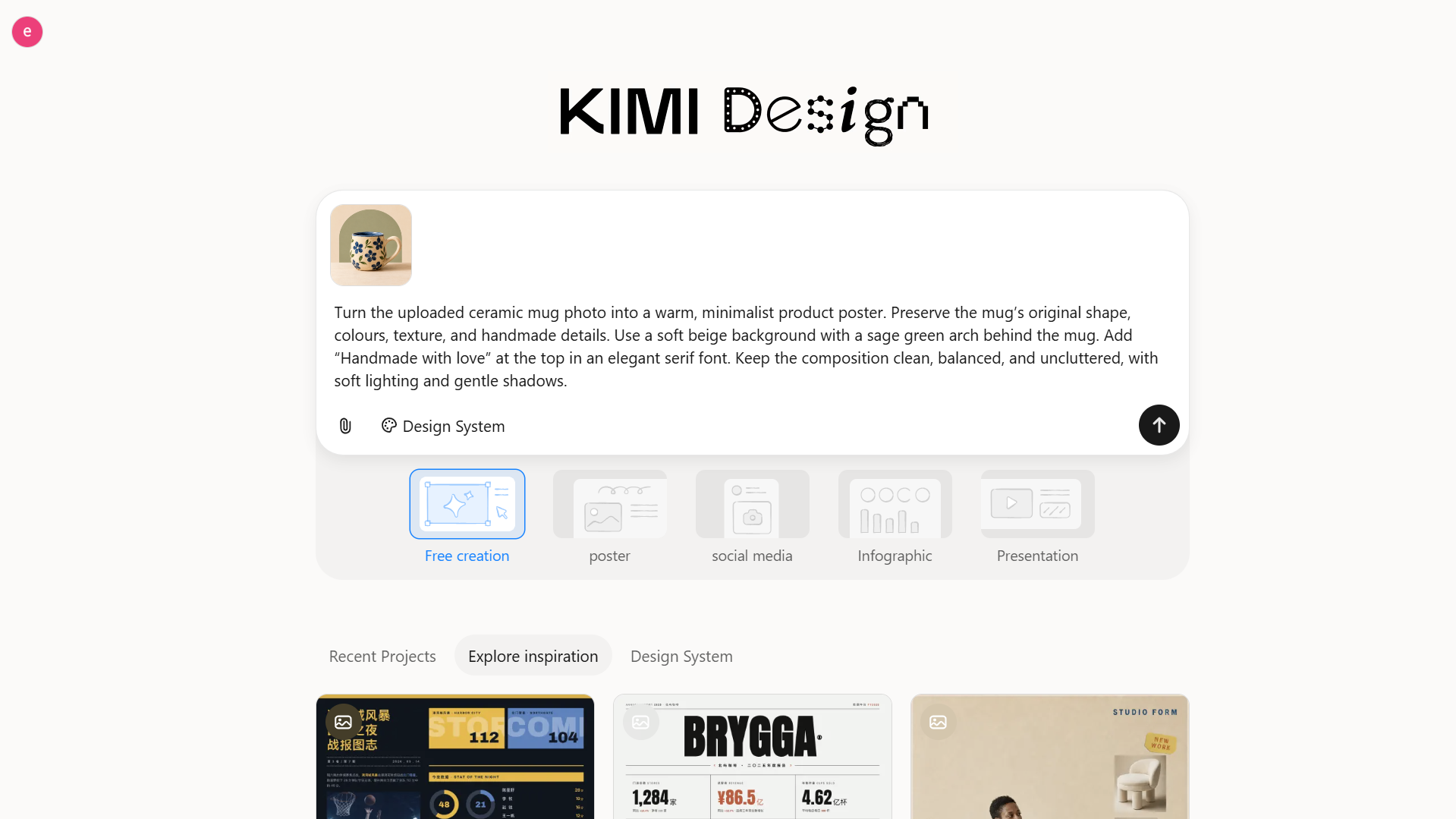
Step 1: Upload your image and write a prompt
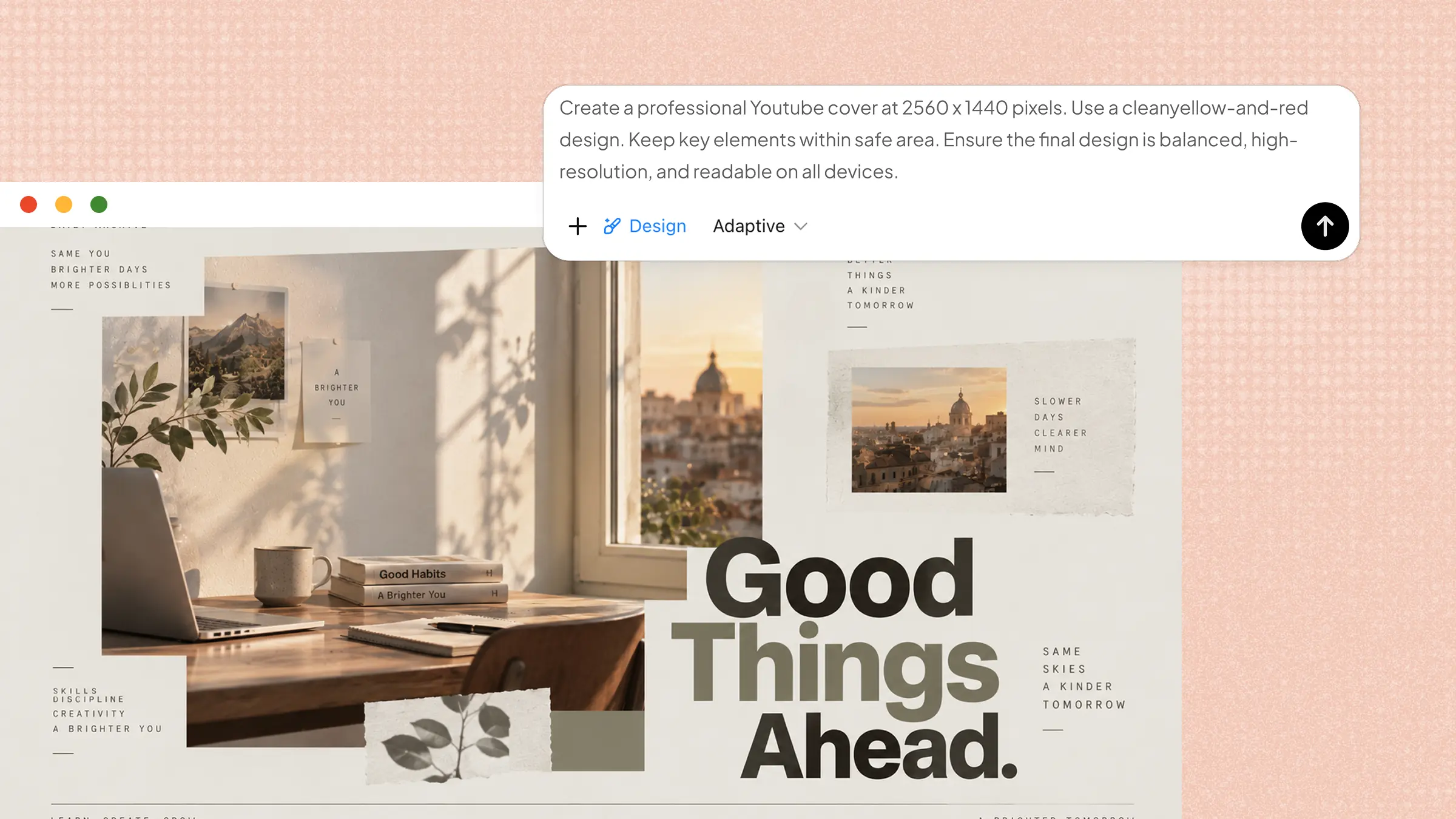
Upload your reference image and describe the changes you want. Include details about the background, colors, text, and style.
Example Prompt
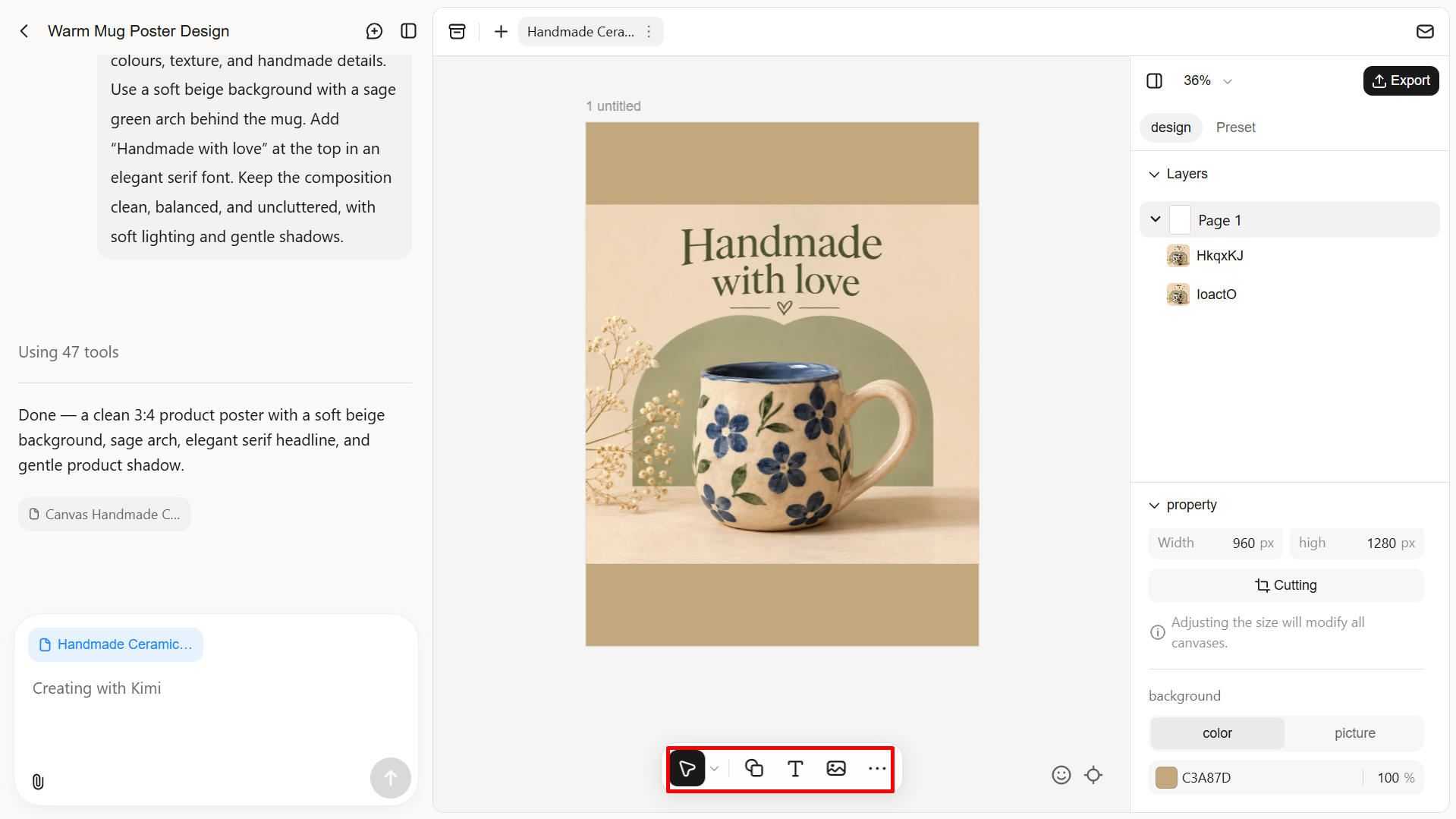
Step 2: Edit the generated image
Check the generated design and make any needed changes. Update the prompt, adjust text or images, and edit shapes to bring the final result closer to your original idea.
Step 3: Review and export your final image
Review the final layout, text, and spacing to make sure everything looks right. Once you're satisfied, export your design as PNG, JPG, PSD, PDF, or PPT for use in social media posts, presentations, or print materials.
Getimg.ai
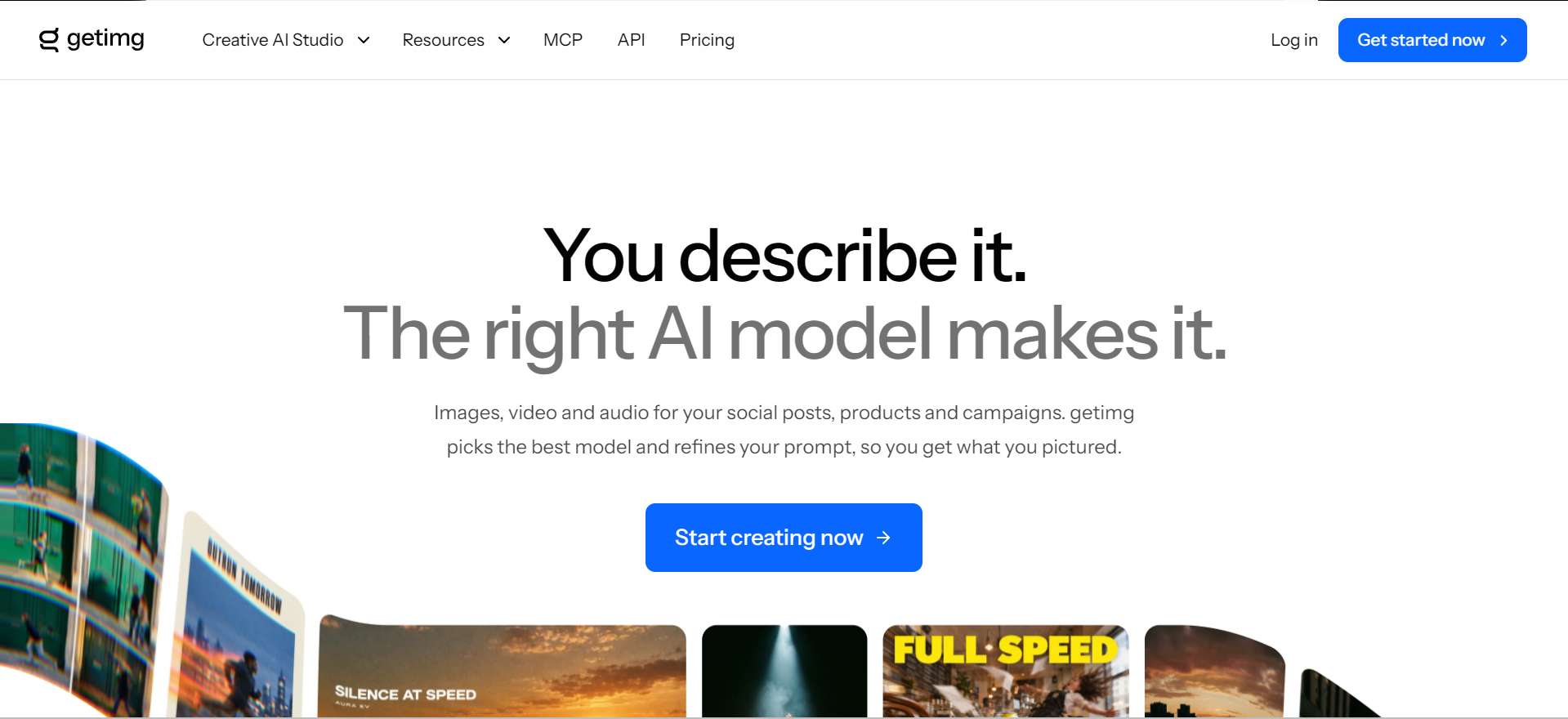
Getimg.ai is an online image editor that turns existing pictures into new versions based on your creative direction. It gives you room to explore different looks while keeping the original image as a reference. You can use it to develop fresh image concepts, adjust the appearance of existing pictures, and create variations for different projects.
Main features
AI Image Generation: Create images from simple text descriptions by explaining what you want to see.
Image Editing: Add, remove, or replace objects, change backgrounds, and adjust image styles using text instructions.
Image Upscaling: Improve image quality and increase resolution to get clearer, sharper results.
Reference Images: Upload an existing image to guide the AI and help it match a particular style, person, color scheme, or mood.
Suitable for
Content creators who need visuals for social media and blogs.
Graphic designers who want to create and edit images.
Digital marketers who need visuals for ads and campaigns.
Online store owners who want attractive product images.
Fotor
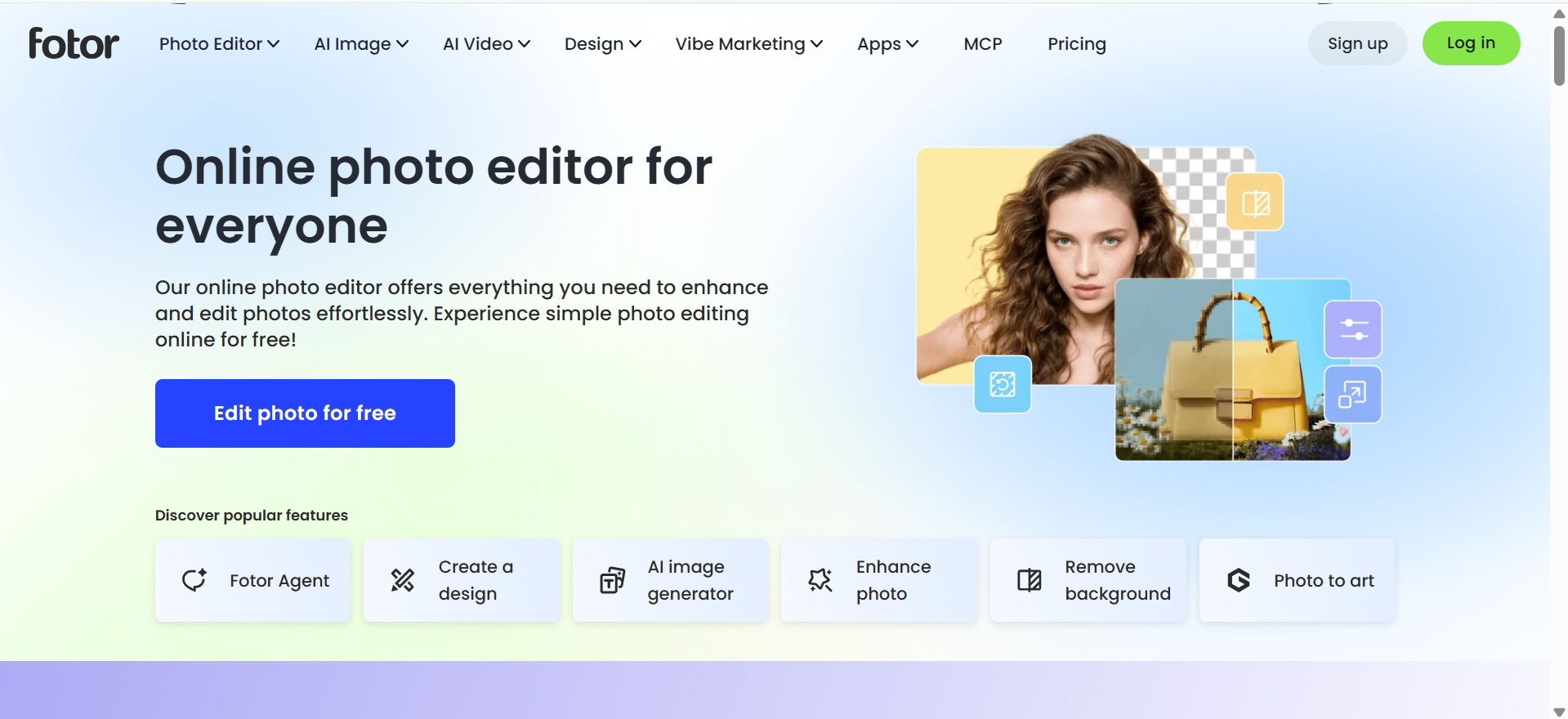
Fotor is an online photo editor that helps transform existing images into different styles and designs. It combines photo editing and image generation in one workspace, which allows you to change the appearance of a picture while keeping its main subject. You can also improve image quality, remove unwanted backgrounds, and adjust colors to create a cleaner result. Its straightforward interface makes the editing process easy to follow, even for beginners.
Main features
Photo Enhancement: Automatically improves image colors, lighting, and sharpness to make photos look clearer.
Portrait Retouching: Removes skin blemishes, smooths wrinkles, and improves facial details.
Background and Object Removal: Removes unwanted objects or backgrounds and allows you to replace them with new ones.
Collage and Design Templates: Offers ready-made layouts for collages, posters, book covers, banners, and other designs.
Suitable for
Personal photo editors
Professional profile creators
E-commerce product sellers
Collage design lovers
Google Gemini
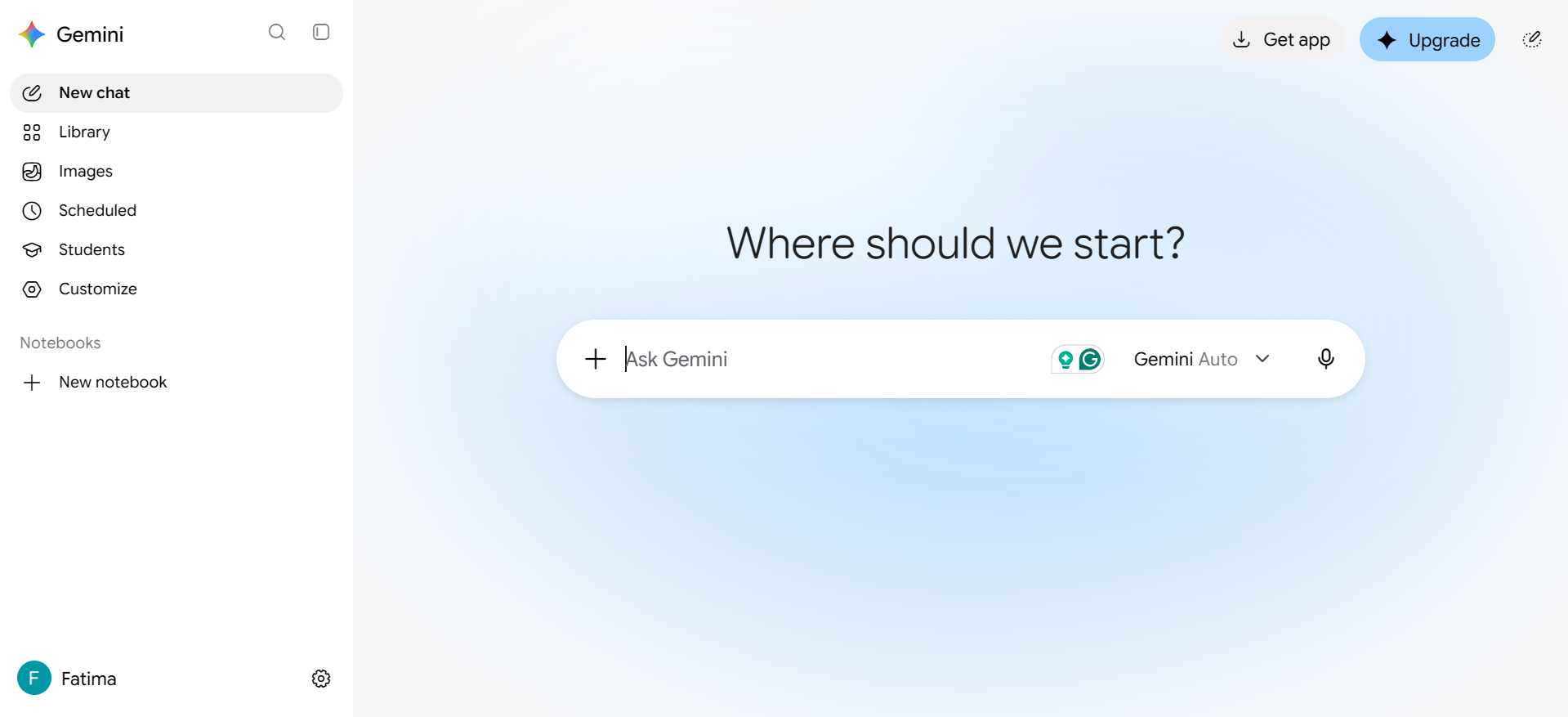
Google Gemini allows you to make changes to existing images using simple written instructions. You can upload a picture and explain what you want to change, such as the background, objects, colors, or overall style. It then creates an updated version based on your description. Its connection with other Google services also makes it convenient to use alongside everyday tasks, from preparing content to developing creative ideas.
Main features
Image Creation: Turns written descriptions into images with different styles and visual details.
Conversational Editing: Allows you to edit an image by giving follow-up instructions in everyday language.
Multiple Image Mixing: Combines different uploaded pictures to create a new image based on their elements.
Character Consistency: Helps maintain the same character's appearance across multiple generated images. It also offers improved text rendering.
Suitable for
Beginner AI creators
Students making visuals
Character-based storytellers
Creative content makers
Adobe Firefly
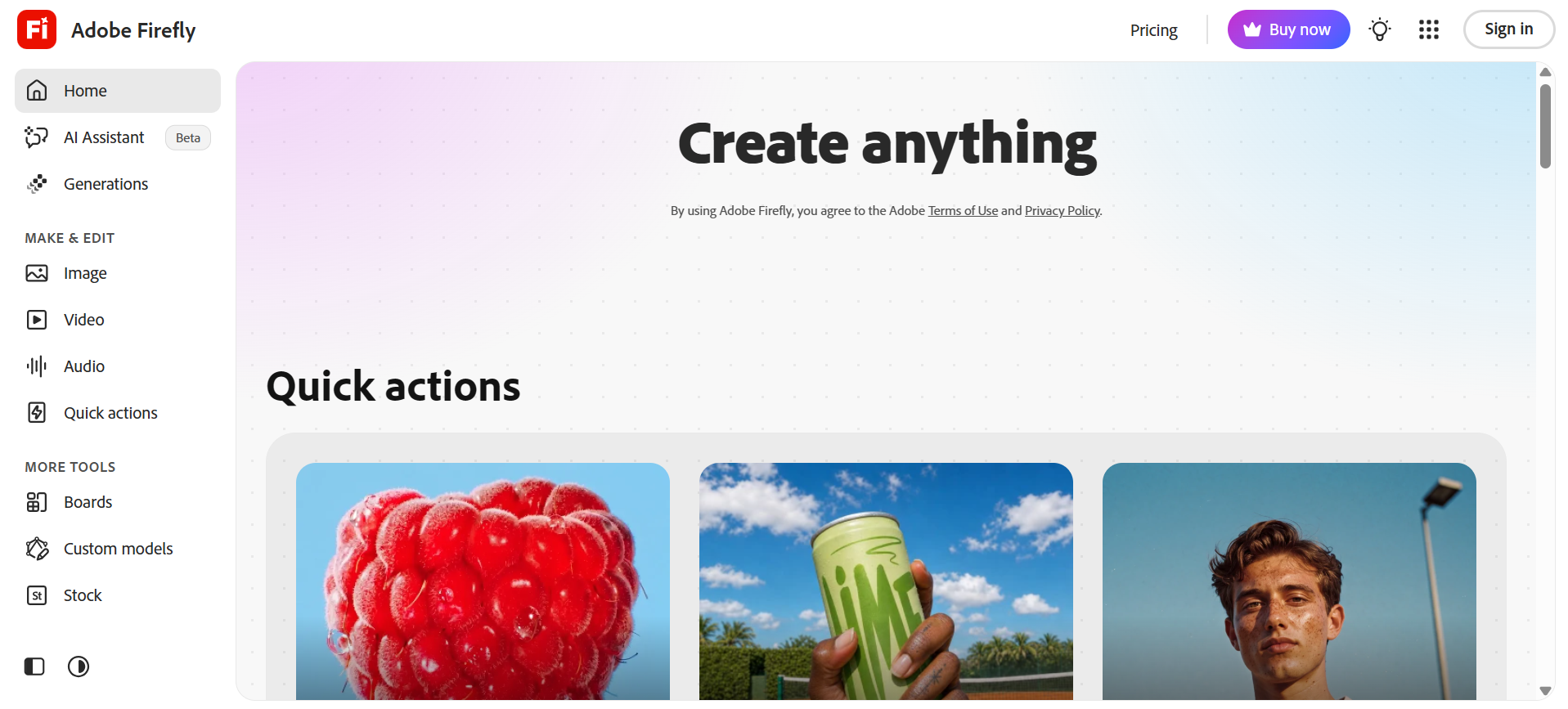
Adobe Firefly is an image-to-image generator for professional design work. It allows you to add new objects, remove unwanted elements, or extend an image using simple text instructions. Its connection with Photoshop also gives you more control over detailed adjustments. Since Firefly is trained on licensed content, it is also worth considering for projects that require commercially usable images.
Main features
Text-to-Image: Creates images from written prompts, allowing users to explore different creative ideas.
Generative Fill: Adds, removes, or replaces selected parts of an image using text instructions.
Style and Structure References: Uses reference images to guide the appearance and layout of new designs.
AI Video Creation: Generates video clips from text descriptions or existing images.
Suitable for
Adobe Creative Cloud users
Advertising campaign designers
Video content creators
Creative design teams
Midjourney
Midjourney is an AI image-to-image generator known for its artistic results and distinctive styles. It can turn reference images into creative illustrations, cinematic scenes, and detailed artwork while following your text instructions. Its range of visual styles makes it easy to explore different moods, colors, and compositions. However, getting precise details in the final image may require some prompt adjustments.
Main features
Artistic Image Creation: Generates detailed images with different artistic styles, lighting, and compositions.
Style References: Uses an existing image to guide the colors, textures, and overall look of a new design.
Image References: Uses multiple reference images to guide the content and composition of a new image.
Image Editing: Allows users to modify selected areas, change image details, and extend designs beyond their original borders.
Suitable for
Digital illustration artists
Book cover designers
Game concept artists
Art direction teams
Leonardo AI
Leonardo AI is an image editing and creation platform that gives you more control over the final result. As an image-to-image AI tool, it uses reference pictures to create new versions while keeping important details and styles consistent. You can use it to develop characters, game assets, textures, and concept artwork. It also supports realistic image creation, making it useful for projects that need detailed and well-defined results.
Main features
Text and Image Generation: Creates visuals from written prompts or transforms existing pictures into new designs.
Omni Editing: Allows users to make specific changes to images through simple text instructions.
Image-to-Video: Turns still images into short animated video clips.
Image Upscaling: Improves image resolution and sharpness while keeping important details clear.
Suitable for
Game asset creators
Product image creators
AI video creators
Digital artists
Canva
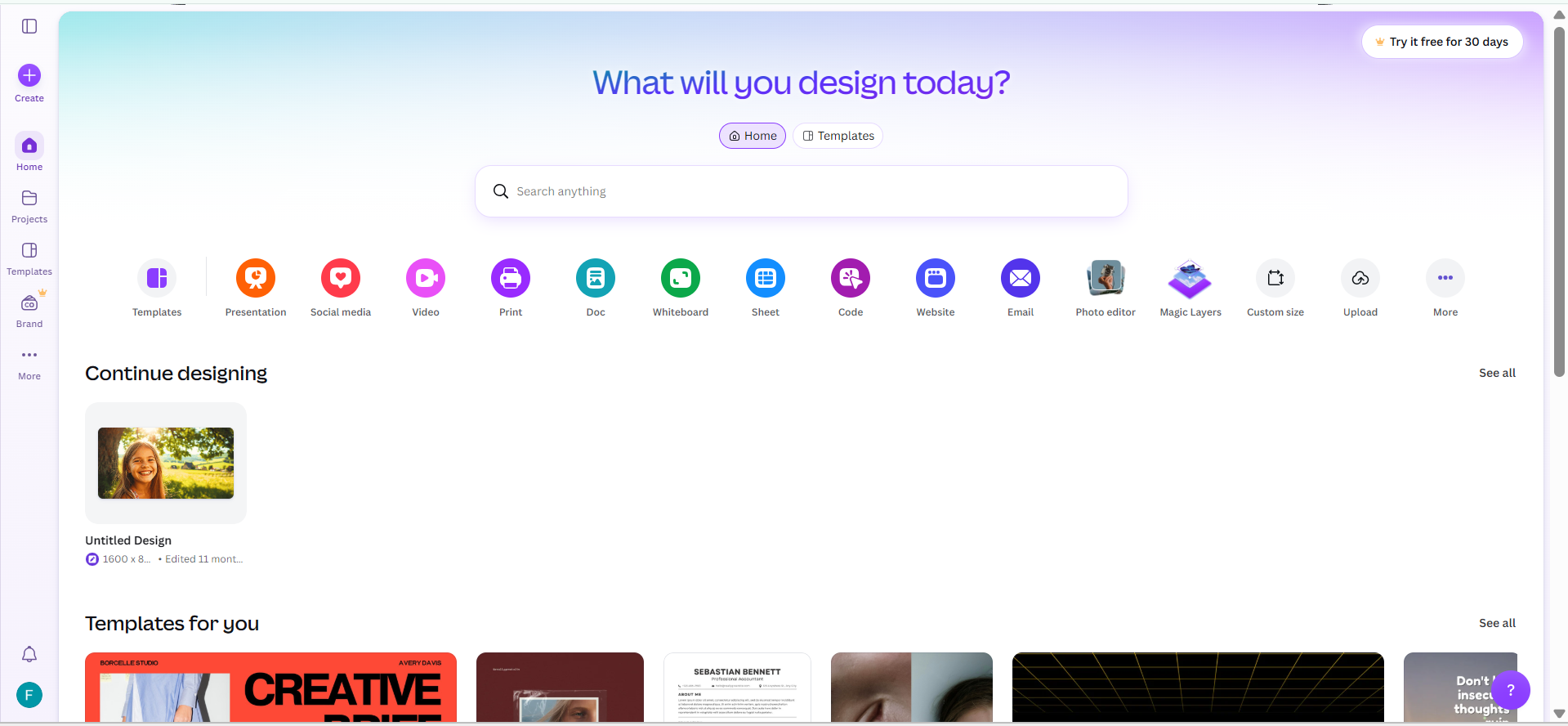
Canva brings image editing and graphic design together in one platform. You can change existing pictures, try different styles, and add the results to ready-made layouts for social media posts, flyers, and presentations. Its Magic Studio tools also help you make image adjustments without switching between different applications. This makes it easier to move from editing a picture to creating a complete design in the same workspace.
Main features
Magic Design: Creates design suggestions from a written prompt or uploaded media.
Magic Edit: Adds, replaces, or changes selected objects in an image using text instructions.
Magic Grab: Separates objects from an image so users can move, resize, or edit them individually.
Magic Expand: Extends an image beyond its original edges to adjust its size and framing.
Suitable for
Social media managers
Teachers and educators
Small business owners
Presentation design teams
FLUX
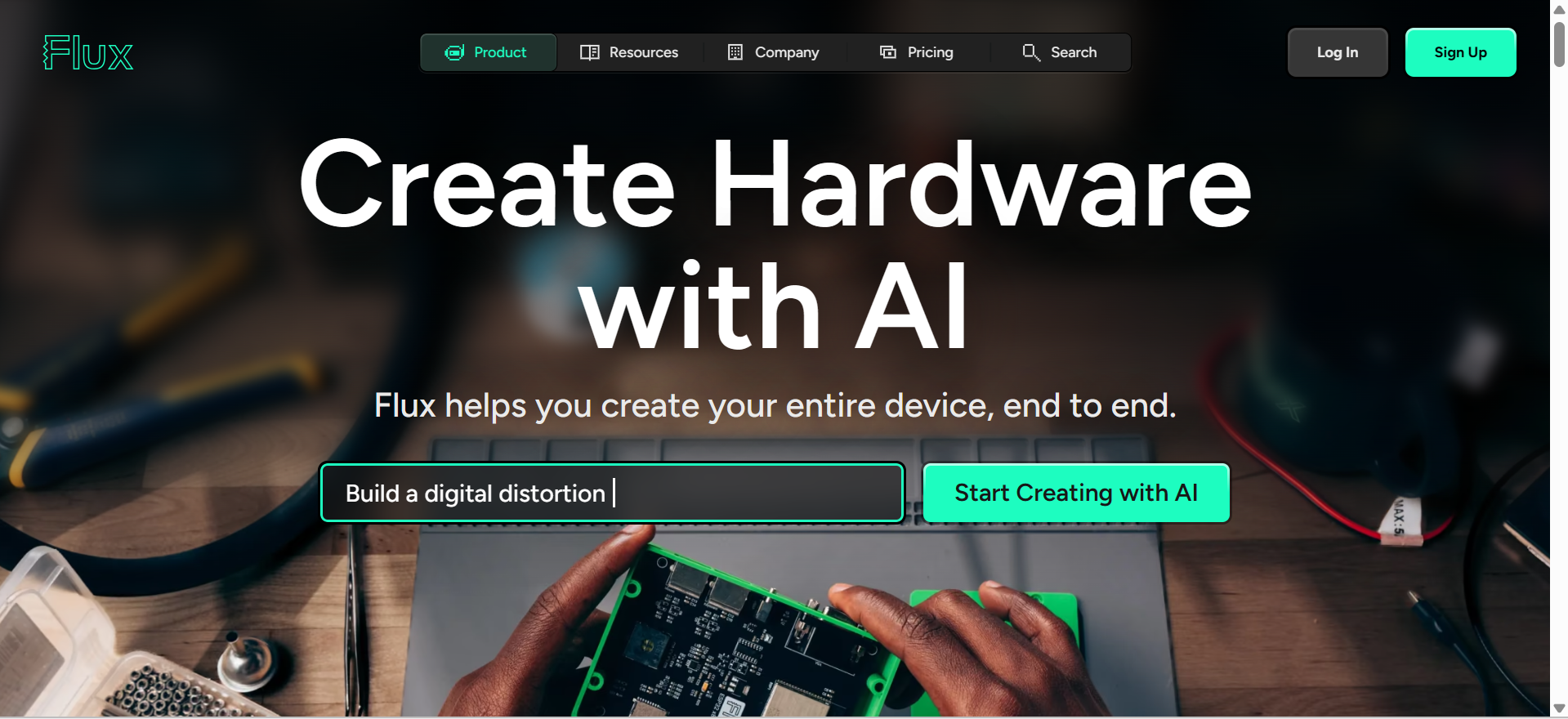
FLUX is an AI image-to-image generator that creates detailed and realistic results from reference images and written prompts. It allows you to change an existing picture while keeping its key elements consistent. The model also handles lighting, textures, facial details, and text within images, making it useful for product photography, realistic scenes, and other creative projects.
Main features
High-Resolution Images: Supports image creation and editing at resolutions of up to 4 megapixels with FLUX.2 models.
Multiple Image References: Uses several reference images together to guide a new design or edit.
Precise Image Editing: Allows users to change specific parts of an image while keeping the surrounding content consistent.
Text and Color Control: Supports clearer text in images and allows users to specify exact color codes for more accurate results.
Suitable for
Packaging design professionals
Brand design teams
Visual content creators
AI application developers
Stable Diffusion
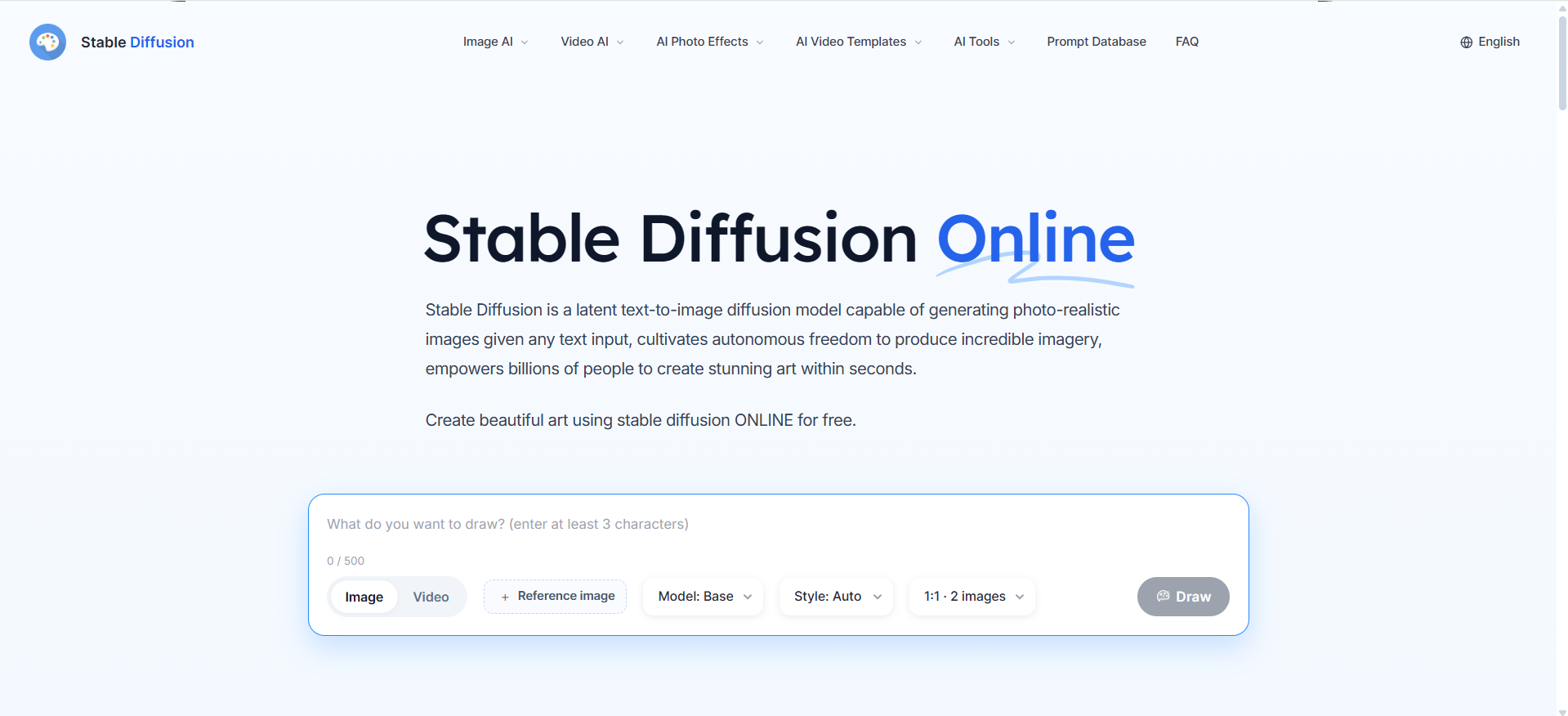
Stable Diffusion is an open-source image generation tool that gives you greater control over how your images look. You can run it on your own computer, explore models created by the community, and use tools such as ControlNet to guide image changes through reference pictures, sketches, or outlines. It supports a wide range of styles and editing options, making it useful for custom artwork, realistic images, and detailed design projects. However, setting it up may take more time and technical knowledge than using online generators.
Main features
Different Image Styles: Creates a wide range of visuals, including realistic photos, 3D artwork, paintings, and illustrations.
Custom Model Training: Allows users to fine-tune models and adapt them to their own styles or creative needs.
Local Installation: Supports running compatible models on your own computer or server instead of depending entirely on an online editor.
Advanced Image Editing: Supports tools such as inpainting, outpainting, background removal, and image upscaling through compatible Stability AI services.
Suitable for
AI application developers
Custom style designers
Independent AI creators
AI research enthusiasts
How to choose an AI image-to-image generator
Not every image generator handles editing in the same way. Some focus on artistic changes, while others give you more control over specific details or help turn reference photos into finished designs. Before choosing an image-to-image tool, consider these four factors to find one that fits your creative needs.
Check how well it follows reference images
Compare how different tools handle the same source photo, particularly its subject, proportions, composition, and finer details. Some generators preserve the overall look but alter important elements, which can be a problem for product photography or consistent character designs.
Check the available editing controls
Look for features such as inpainting, background replacement, object removal, image strength adjustment, and area selection. These controls let you target specific elements, guide transformations with sketches or masks, and refine unwanted changes while preserving the parts of the original image that already work.
Match the tool to your project
Identify the type of image you want to create and the level of detail it requires. For example, concept art may call for creative style options, while product photography depends on accurate shapes, textures, and colors. Choose a generator whose strengths align with your intended results.
Check output quality and export formats
Examine the maximum resolution, supported file types, and licensing conditions before committing to a platform. High-resolution downloads and suitable usage rights are important when images are intended for client work, advertising, or print.
Conclusion
Image-to-image AI generators provide a practical way to update existing visuals while maintaining important elements of the original image. The quality of the results depends on factors such as reference image quality, prompt clarity, and available editing features. Tools like Kimi Design can also help turn reference images into new, editable designs. Before choosing a platform, consider its output resolution, free usage limits, and commercial usage rights to find the option that best suits your creative needs.