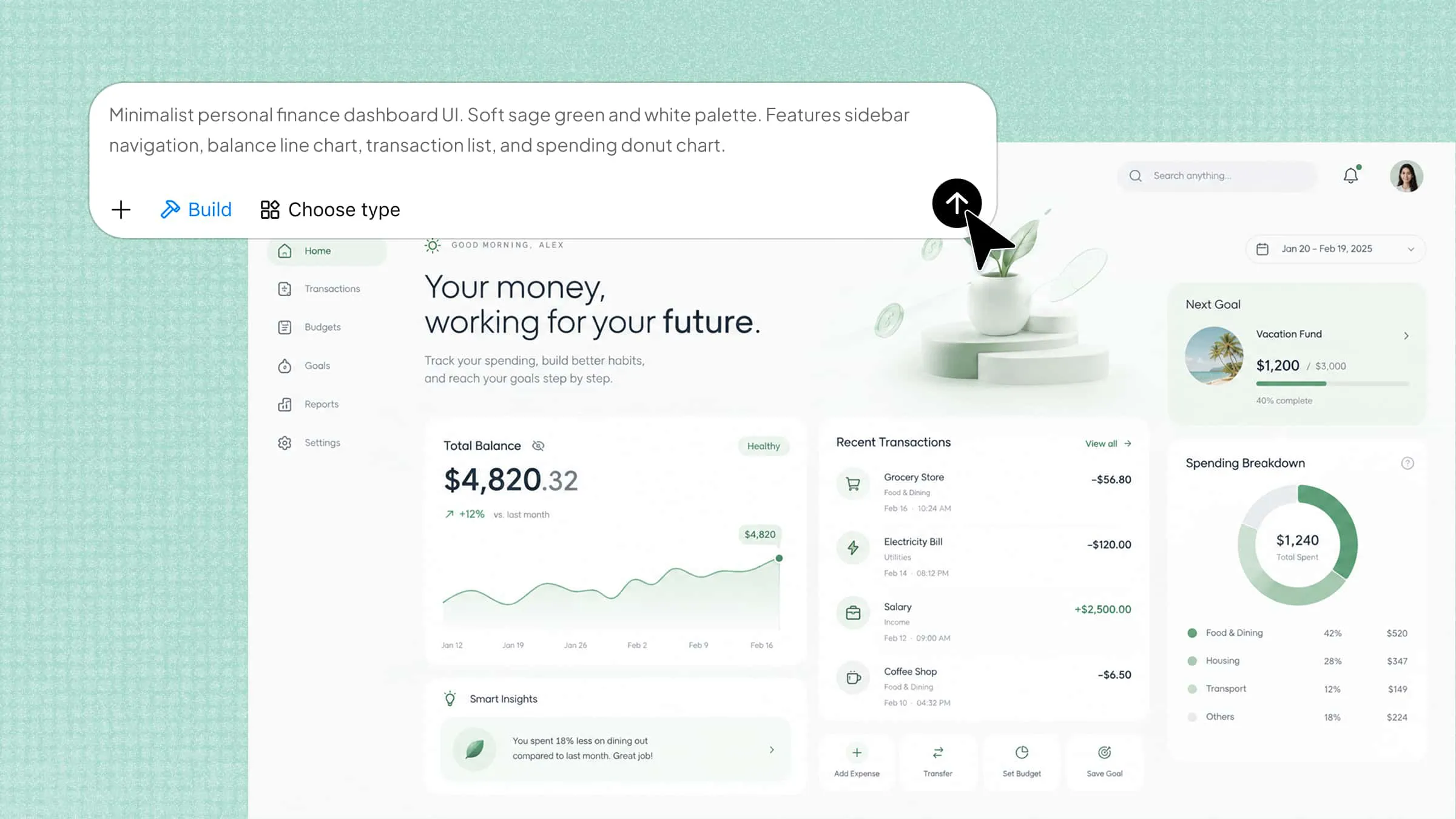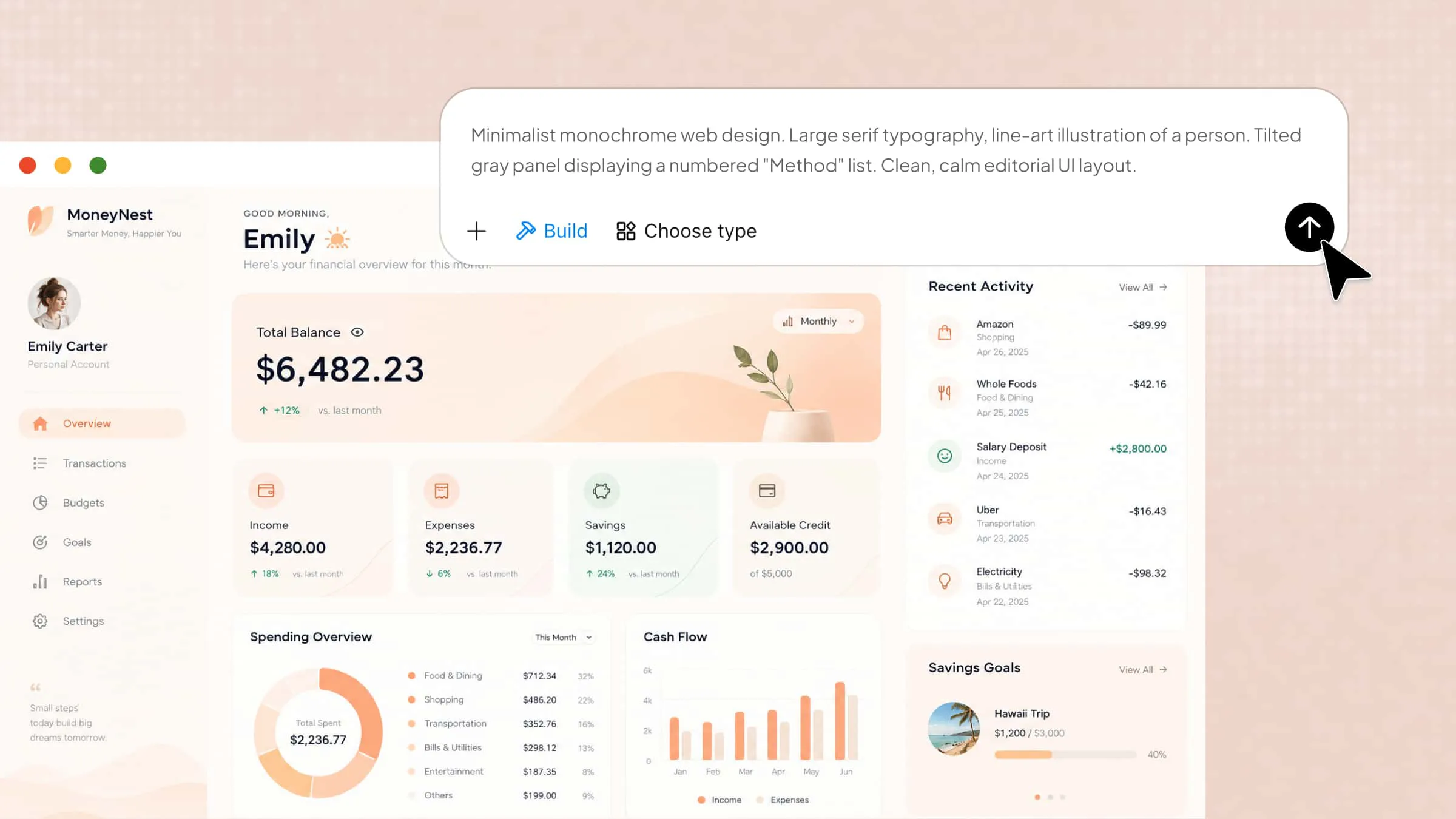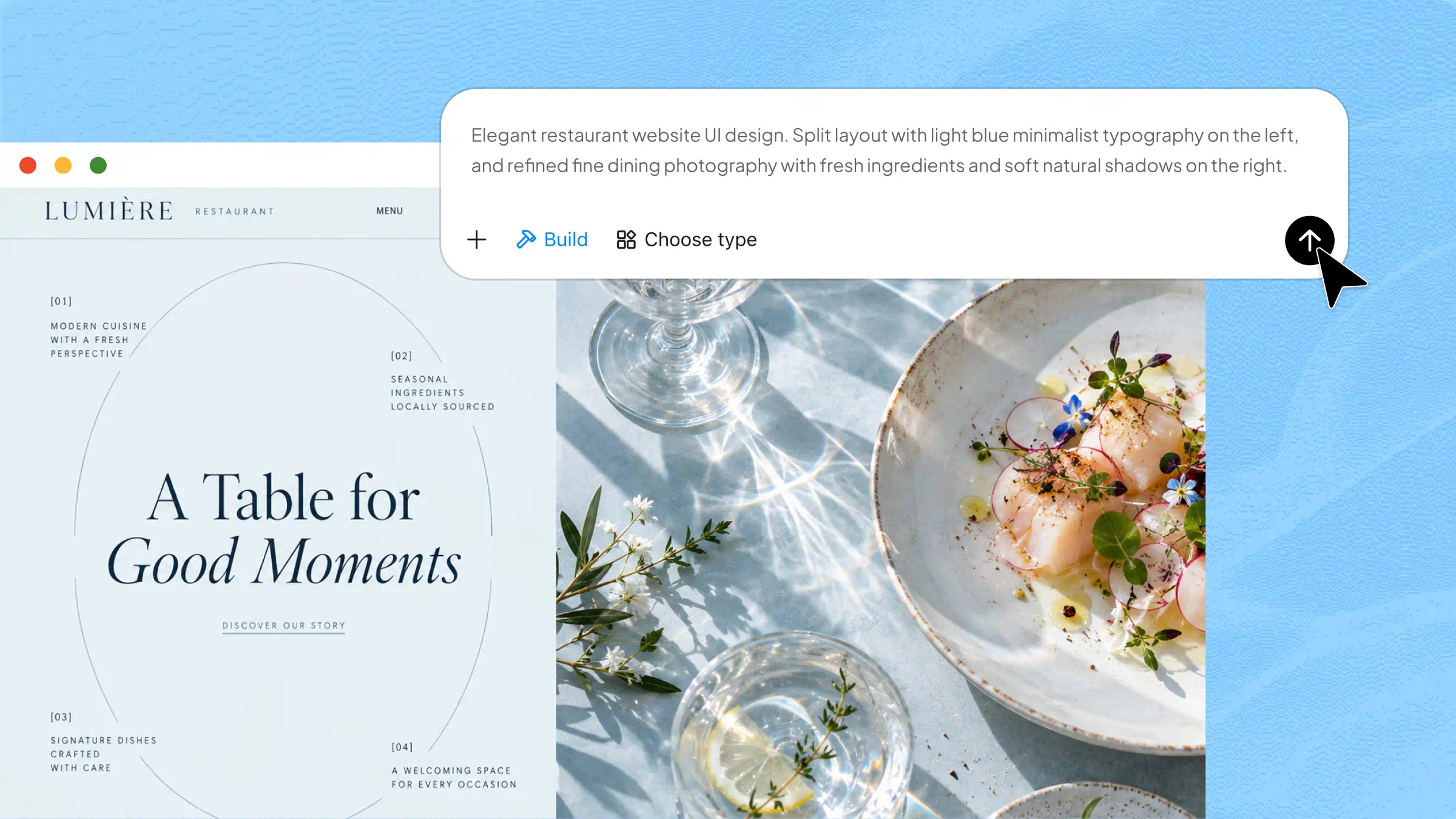
A restaurant website helps customers explore your menu, discover your location, and make reservations, but building one can feel challenging without technical skills or a big budget. The right Restaurant Website Builders make the process easier with ready-made templates, simple editing tools, and features designed to showcase your business. In this guide, we'll explore 10 options to help you create a professional website and attract more customers.
Overview of 10 efficient website builders for restaurants
Website builders for restaurants vary in their design options, built-in tools, and support for everyday business needs. The table below lists 10 platforms by their key features and suitability to help you evaluate each option.
| Website builder | Website creation method | Design and customization | Content management | Suitable for |
|---|---|---|---|---|
| Kimi Build | AI-generated websites from prompts and concepts | Custom layouts, natural-language edits, element-level comments | Multi-page website content | Restaurants seeking tailored websites without coding |
| Wix | Drag-and-drop editor and templates | Flexible visual editing | Menu and page updates | Small restaurants needing ordering and booking tools |
| Squarespace | Template-based website builder | Design-focused layouts, typography, and photography | Website pages and promotional content | Fine-dining restaurants and visually focused brands |
| WordPress.com | CMS with customizable themes | Theme customization and extensibility | Categories, scheduled posts, recipes, and updates | Restaurants with frequent content updates |
| Webflow | Visual website editor | Detailed control over layouts, spacing, typography, and interactions | CMS collections and publishing workflows | Design-focused brands needing detailed customization |
| Hostinger | AI website builder and templates | Editable layouts and contact sections | Website content management | Restaurants and food businesses create a professional online presence |
| GoDaddy | AI-assisted website builder | Initial design with more limited design controls | Website content and business information | Restaurants needing a quick launch and basic marketing tools |
| Shopify | E-commerce website builder | Customizable online storefront | Product catalog and inventory | Restaurants selling food products and merchandise |
| Weebly | Straightforward website editor | Basic page and section editing | Separate business pages | Small cafés and food trucks with basic website needs |
| Duda | Centralized website-building and management platform | Reusable design sections and dynamic content | Structured, reusable content | Restaurant franchises, agencies, and multi-location businesses |
10 restaurant website builders for stunning sites
A well-designed restaurant website helps customers explore food options, check practical details, and decide where to dine. Choosing the right platform depends on your budget, design preferences, and business goals. Here are the 10 website builders for restaurants worth considering, each with different features and capabilities.
Kimi Build
Kimi Build is an AI website builder that helps restaurant owners establish an online presence without hiring a developer. It focuses on turning restaurant concepts into tailored website designs, with content and layouts that reflect the business's identity. This makes it a useful option for cafés, family restaurants, and fine-dining establishments that need a professional website to present their menus, share business details, and introduce their services to potential customers.
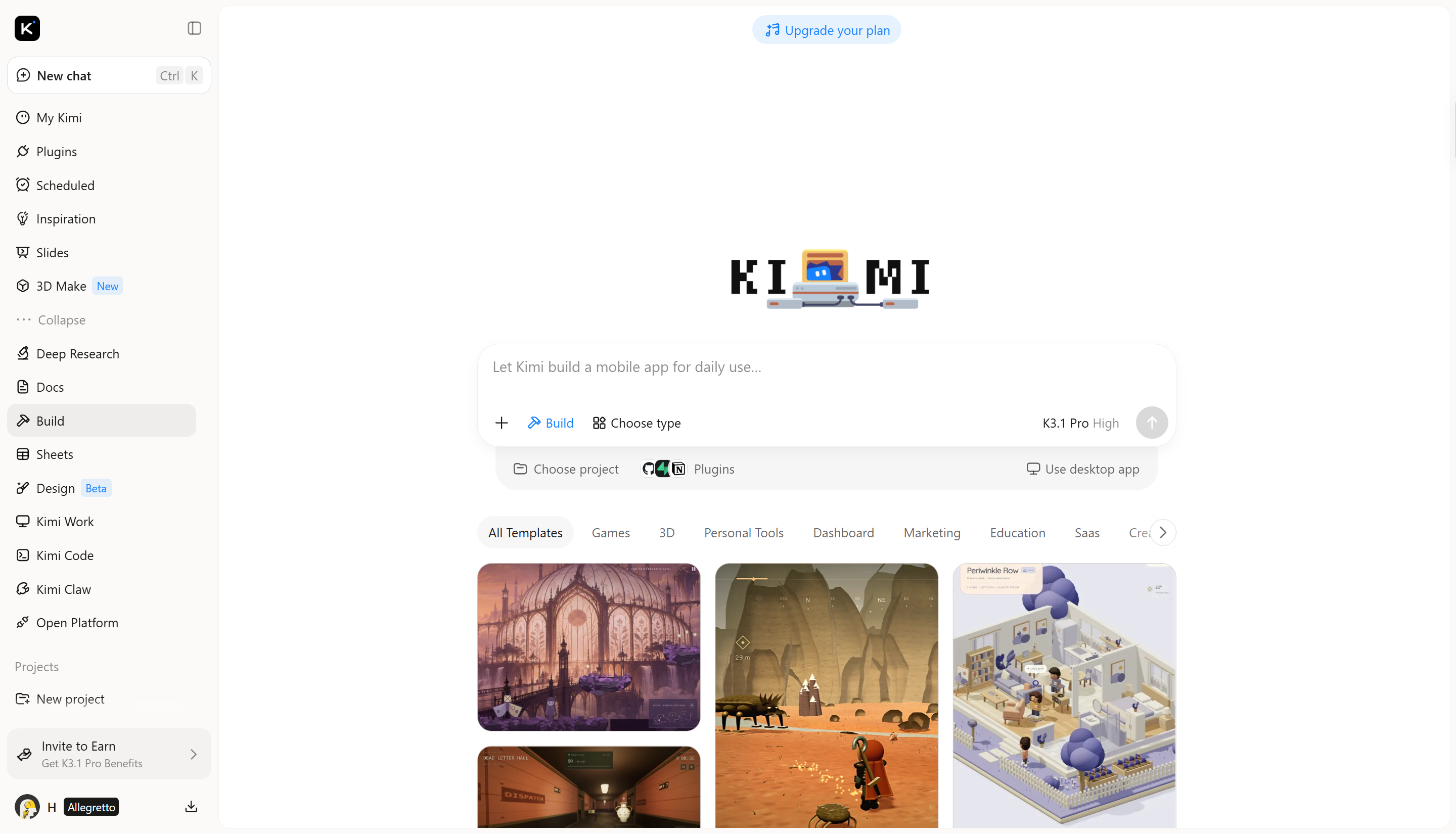
Main features
Generate restaurant websites from prompts and reference images: Describe your restaurant's cuisine, atmosphere, brand identity, and website requirements in natural language, or upload reference images to guide the design. Kimi Build turns your input into a tailored website with custom page layouts, image galleries, menu displays, location information, and brand storytelling.
Complete websites for different restaurant needs: From a neighborhood café to a fine-dining establishment or a multi-location business, Kimi Build supports multi-page websites and custom functionality. Build around your restaurant's specific requirements instead of relying on a fixed layout.
Flexible design updates through natural language: Website changes do not have to mean rebuilding every page. Use natural-language instructions to revise menu sections, adjust colors and typography, reorganize content, or refine individual elements while preserving the overall design direction.
Responsive layouts, export, and publishing: Kimi Build creates responsive websites that adapt page layouts, images, text, and navigation to desktop, tablet, and mobile screens. Preview your website before publishing it with a shareable link, and export the project or access the generated source code for static websites and full-stack applications to support further development.
Suitable for
Independent cafés and coffee shops
Family-owned restaurants
Upscale dining venues
Restaurant chains and franchises
How to create a restaurant site with Kimi Build
Creating a restaurant website with Kimi Build involves a few simple steps, from defining your site's purpose to reviewing the final design. Follow the steps below to turn your restaurant concept into a website that suits your business needs.
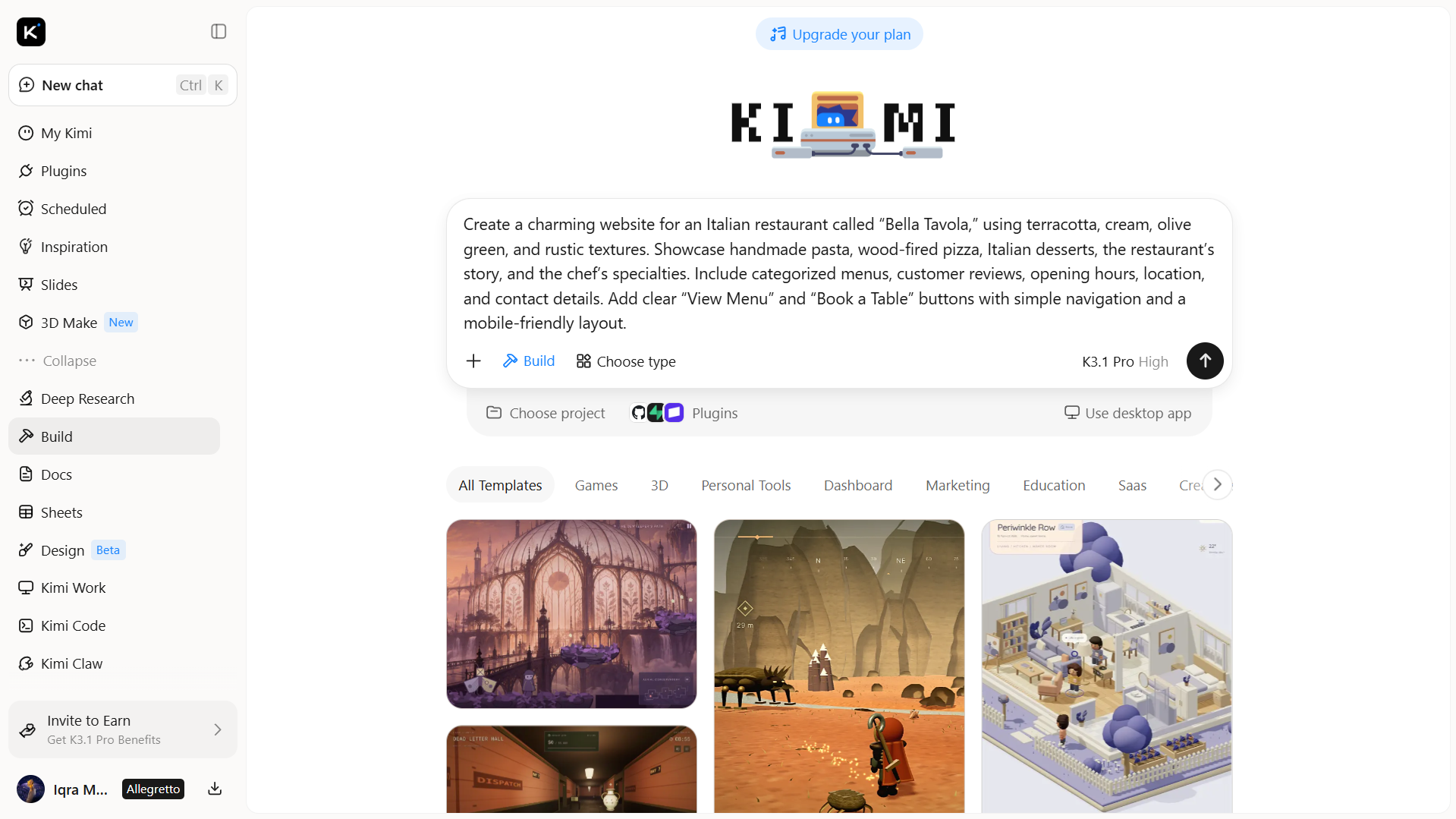
Step 1: Define your restaurant website concept and style
Define your restaurant's cuisine, brand style, and essential pages, such as the homepage, menu, reservations, and contact details. A clear brief helps Kimi Build create a design that suits your business.
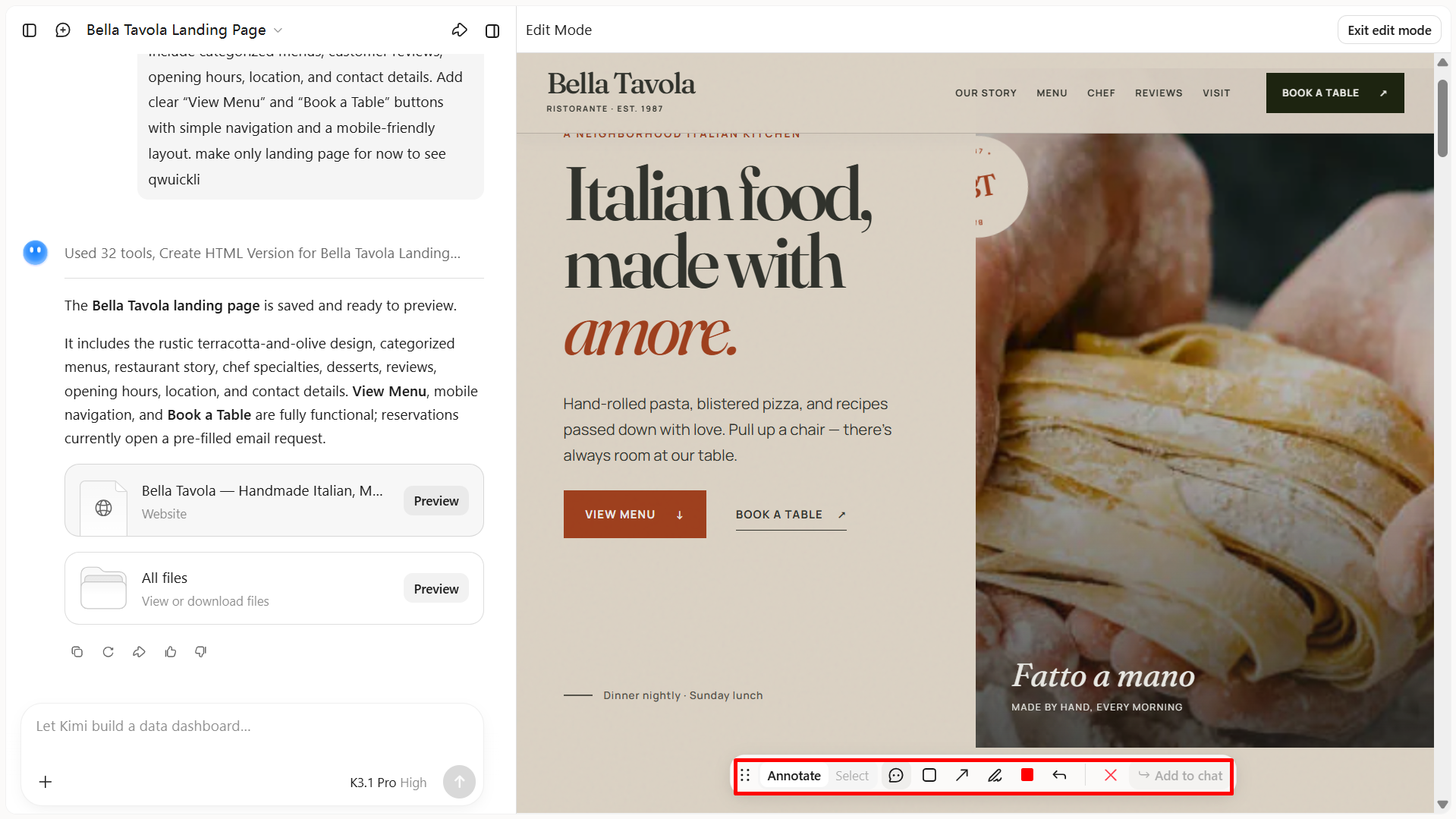
Step 2: Generate and customize your website
Kimi Build generates an initial website based on your requirements. Click "Edit" to manually adjust the layout and elements, leave comments on specific elements to request changes, or enter prompts in the chat box to refine the text, images, colors, and overall design to match your restaurant's identity.
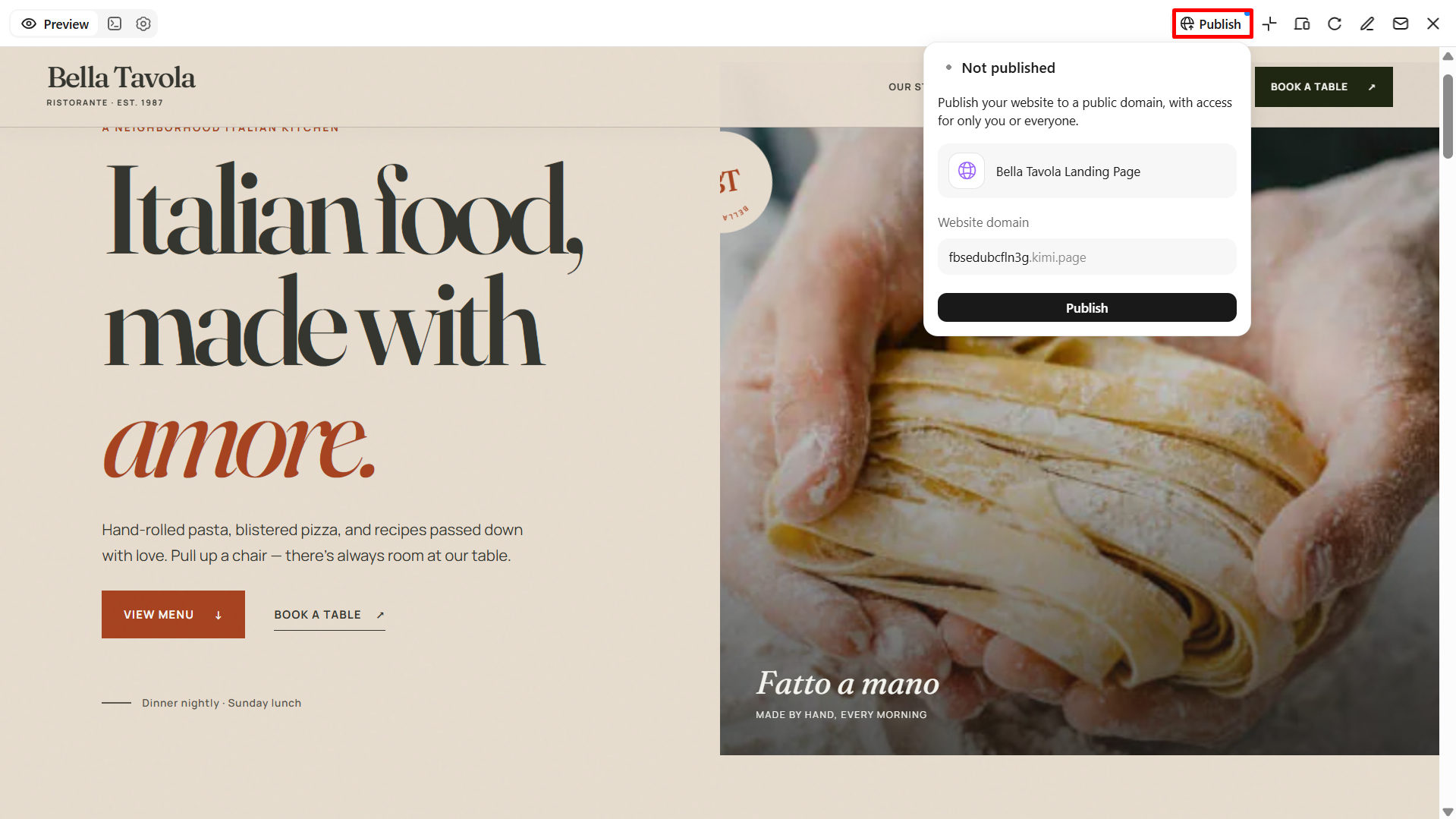
Step 3: Preview and publish your restaurant website
Preview the finished site on desktop and mobile to check its layout, menu details, and contact information. Once everything is ready, publish the website and share it across your restaurant's online channels.
Wix
Wix combines an easy drag-and-drop restaurant website builder with a wide range of templates. Its restaurant features support online ordering and reservations, while built-in SEO tools help improve your website's visibility in search results. The flexible editor also makes it easier to match the site to your restaurant's style.
Main features
Commission-free online ordering: Accept pickup, delivery, and dine-in orders directly through your website.
Table reservation management: Let customers book tables online and manage availability, seating, and booking rules.
Customizable digital menus: Add dish options, dietary labels, prices, and multiple menu languages.
Restaurant performance analytics: Track popular dishes, peak ordering times, and visitor-to-order conversions
Suitable for
Small restaurants and cafés
Businesses that need online bookings or food orders
Owners who prefer managing their own website
Restaurants with changing menus or multiple locations
Squarespace
Squarespace is a website builder for restaurants that places strong emphasis on layout, typography, and food photography. Its templates create a consistent look across menu pages, galleries, and business information, which helps restaurants communicate their brand through design. Reservation integrations add functionality, although advanced food-ordering requirements may call for third-party services.

Main features
Built-in email campaigns: Promote new menu launches, special dining events, and seasonal offers through email marketing tools available with supported Squarespace plans.
Brand consistency: Maintain a consistent style across pages using shared design settings.
Promotional content: Create landing pages for seasonal menus, special events, and limited-time offers.
Reservation integrations: Connect supported booking services to help customers reserve tables.
Suitable for
Fine-dining restaurants
Wine bars and brunch cafés
Restaurants that rely on strong food photography
Restaurants that want to promote their menus and events through email campaigns.
WordPress.com
WordPress.com combines content management tools, customizable themes, and publishing features to help restaurants build and manage their websites. Restaurants can showcase menus, share recipes, announce events, and post seasonal updates alongside essential pages. Supported plugins and e-commerce integrations offer additional ways to expand website functionality, depending on the plan and setup.
Main features
Content organization: Categorize recipes, announcements, and restaurant stories for easier browsing.
Content scheduling: Prepare posts in advance and schedule their publication.
Website extensibility: Expand functionality through supported third-party services and plugins, depending on the plan.
SEO customization: Edit page titles, meta descriptions, and URL slugs where supported by your plan and setup to help search engines understand your restaurant's pages and improve their visibility in search results.
Suitable for
Restaurants that publish blogs or recipes
Businesses with frequent menu and news updates
Owners planning to expand their website over time
Restaurants that want greater control over on-page SEO as their website and content grow.
Webflow
Webflow is a website builder for restaurants that provides detailed control over website structure and design through a visual editing interface. Users can adjust layouts, typography, spacing, and interactive elements to create a distinctive brand experience. Its content management tools also support updates to menus and other information, while responsive design controls help the site adapt to different screen sizes.
Main features
CMS collections: Store and organize repeatable content, such as menu items, chef profiles, and restaurant locations.
Reusable components: Apply the same design elements across multiple pages.
Content publishing workflow: Organize content updates before publishing changes to the live website.
Responsive design control: Customize layouts for desktop, tablet, and mobile screens.
Suitable for
Design-focused restaurant brands
Businesses with specific branding requirements
Agencies creating custom restaurant websites
Restaurants that need a consistent website experience across devices.
Hostinger
Hostinger brings website building, hosting, and domain-related services together on one platform. Its AI builder can generate an initial website layout from business details, which users can then edit to suit their needs. Templates, contact sections, and basic SEO settings cover common website requirements, while the included hosting reduces the need to arrange separate services.
Main features
AI writing assistance: Generate or refine website copy for restaurant pages.
Website heatmaps: Understand how visitors interact with supported website elements through available analytics features or integrations.
Business email options: Connect a professional email address to your restaurant's domain through eligible services.
Built-in hosting: Manage website hosting and site content through one platform.
Suitable for
Independent restaurants with limited budgets
Small cafés and takeaway businesses
Owners who need a simple website
Restaurants that need a low-maintenance website.
GoDaddy
GoDaddy combines website creation with tools for managing a business's online presence. Its AI-assisted builder prepares an initial design, while marketing features support email campaigns and customer outreach. Domain services are also available through the platform, making it easier to manage key website essentials in one place, although its design controls are less extensive than those of some competitors.
Main features
Appointment management: Support bookings for catering consultations or private dining inquiries through available tools.
Social media connections: Link website content with supported social channels.
Promotional campaigns: Create marketing content to announce offers, events, and new services.
Domain management: Register and manage your restaurant's domain alongside website services
Suitable for
Busy restaurant owners
New businesses that need a quick launch
Restaurants with straightforward website requirements
Restaurants promoting catering and private events
Shopify
Shopify centers on online store management, with tools for product listings, inventory, payments, and order processing. Restaurants can use these features to sell packaged foods, sauces, gift cards, and branded merchandise through a dedicated storefront. Its point-of-sale system connects online and in-person sales, while additional apps can extend the store's capabilities.
Main features
Product variants: Offer different sizes, flavors, or package options.
Discount management: Apply promotional codes and product-specific offers.
Order tracking: Monitor order status and fulfillment through the store dashboard.
Inventory management: Track stock levels and update product availability to help prevent overselling.
Suitable for
Restaurants selling packaged food or sauces
Businesses offering meal kits and merchandise
Restaurants that manage both online and in-person sales
Restaurants building recurring revenue through food subscriptions.
Weebly
Weebly provides a straightforward editor for arranging website sections, adding text and images, and creating essential business pages. Its connection with Square supports payment-related workflows for businesses already using that ecosystem. This website builder for restaurants focuses on basic site creation rather than advanced design controls, so its capabilities may feel limited to more complex website requirements.
Main features
Page-level organization: Arrange basic business information into separate, easy-to-navigate pages.
Embedded content: Add maps, videos, and other supported external content.
Custom forms: Collect catering inquiries, customer questions, or event requests.
Mobile-responsive themes: Ensure restaurant pages adapt to different screen sizes.
Suitable for
Small cafés and food trucks
Restaurants already using Square
Owners who prefer a straightforward website setup
Restaurants offering gift cards and takeaway orders
Duda
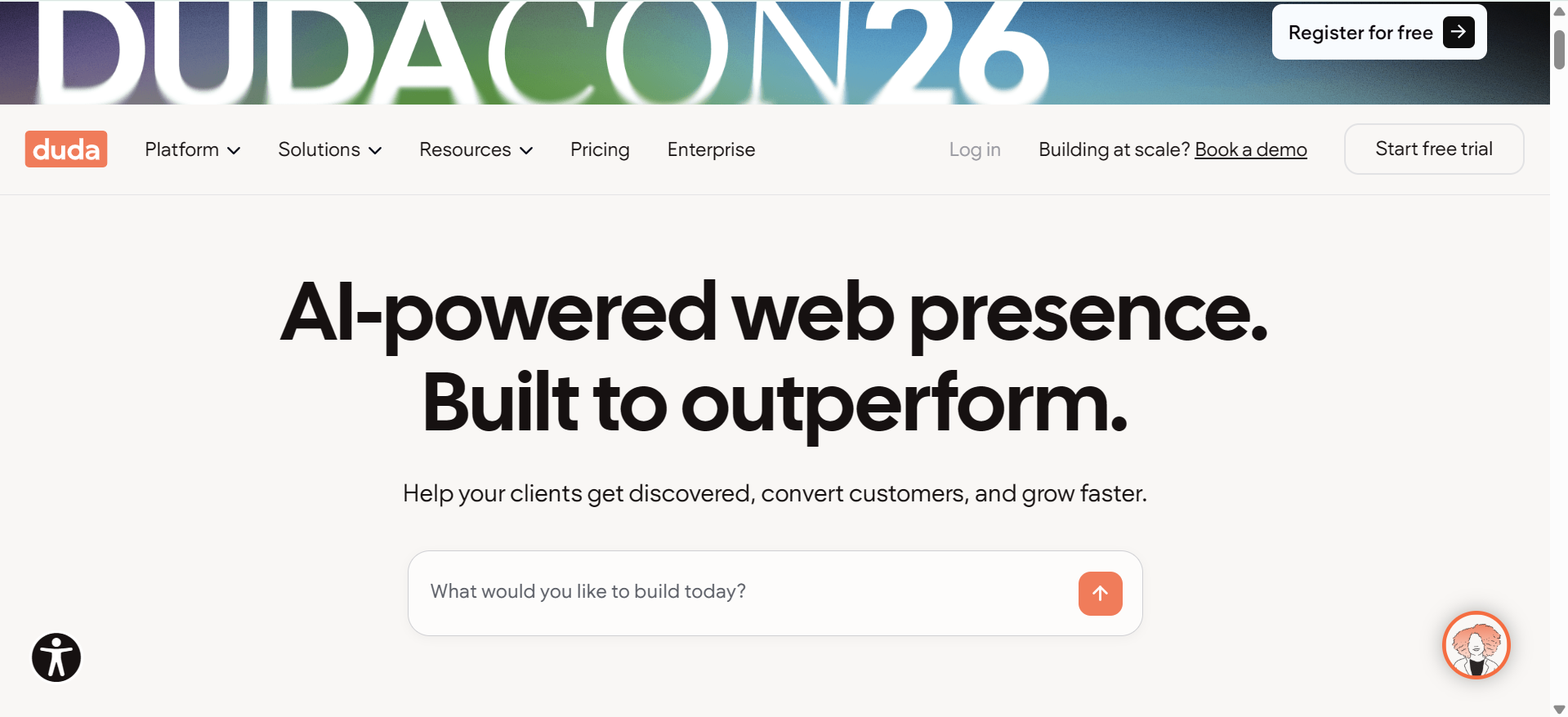
Duda includes tools for building and managing multiple websites from a centralized workspace. Its reusable design sections help maintain consistent branding, while team permissions and collaboration features support shared website management. Location-specific content can be organized across separate sites using this website builder for restaurants to reduce repeated work when business details or brand elements need updating.
Main features
Dynamic content: Reuse structured information across pages to simplify updates.
Client review links: Share website previews for feedback before publication.
Automated content updates: Use supported integrations to reduce repetitive website maintenance.
AI-powered SEO: Generate page titles, meta descriptions, and image alt text automatically.
Suitable for
Agencies managing restaurant websites for multiple clients
Franchise owners coordinating website updates across branches
Restaurant teams requiring shared access with different permissions
Businesses seeking efficient website maintenance workflows
How to choose the right restaurant website builder
A restaurant website should be easy to manage and able to meet your business needs as they change. Before selecting a website builder for a restaurant, review its editing tools, integrations, pricing, and customization options. These details will help you find a solution that works well for your restaurant.
Pick restaurant-specific templates
Look for templates with menu sections, food photos, opening hours, and contact details. These ready-made layouts provide a useful starting point and save time when building your website.
Check ordering and reservation tools
Check whether the platform supports online food orders and table bookings if your restaurant needs them. Review payment options, booking features, and extra charges before selecting a plan.
Choose a no-code editor
A no-code restaurant website builder lets you update menu prices, replace photos, and edit page content without hiring a developer. This gives you more control over routine website changes.
Ensure a mobile-friendly design
Many customers browse restaurant websites on their phones to check menus or find directions. Choose a builder that keeps text readable, buttons accessible, and important details easy to find on smaller screens.
Compare pricing and hidden fees
Look beyond the advertised subscription price and check for hosting costs, paid add-ons, and transaction fees. Knowing the total expense helps you choose a plan that fits your budget.
Look for SEO and domain support
SEO settings help search engines understand your website and its content. Look for editable page titles, descriptions, and image text, along with custom domain support to give your restaurant a recognizable web address.
Test with a free trial first
Use a free trial or plan to explore the editor and test its main features. Try creating a sample menu page and making a few changes to see whether the platform meets your needs before you pay.
Conclusion
A strong online presence helps restaurants build credibility and attract more diners. The right restaurant website builder depends on your business goals and growth plans. Consider how well each platform supports your daily operations, from showcasing menus to sharing updates. Kimi Build offers a no-code approach to creating restaurant websites, while other platforms provide different tools and customization options to suit your needs.