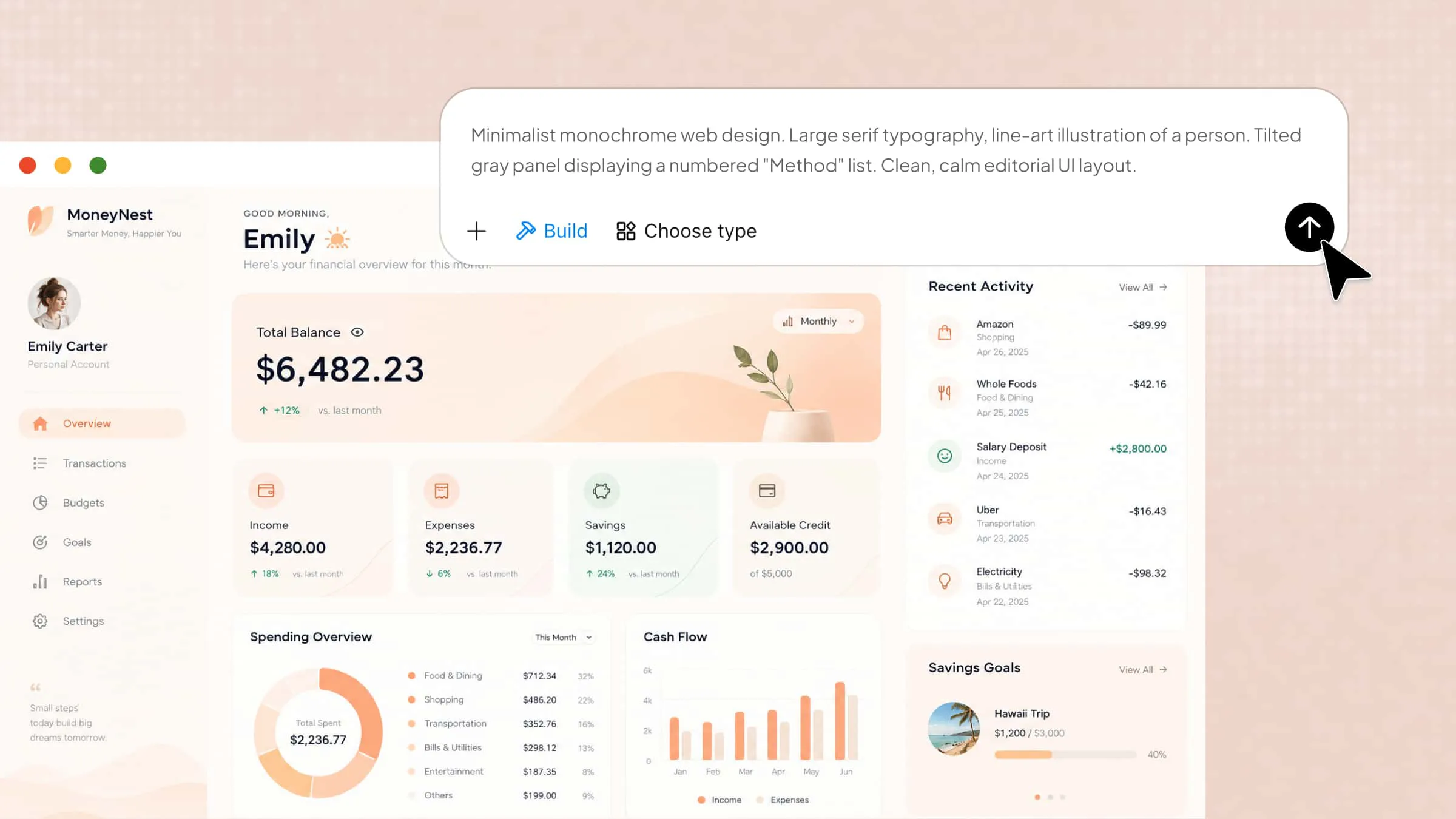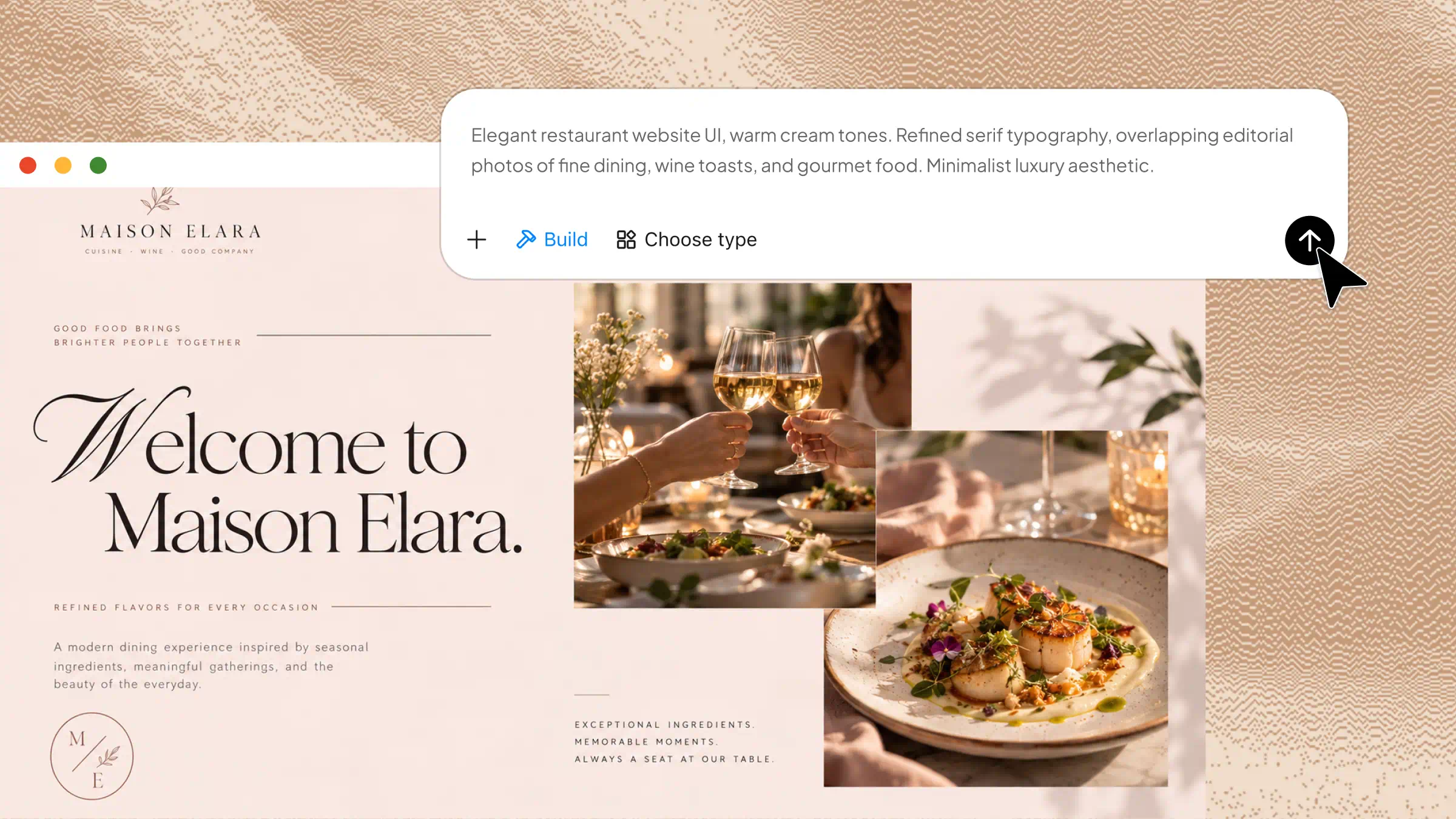
Many restaurant owners struggle to create a professional website because they lack coding skills or have limited budgets for developers. Fortunately, you can build a website for restaurants without writing a single line of code. This guide walks you through the essential steps, from choosing a website builder to showcasing your menu, accepting reservations, and attracting more customers online.
What are the essential elements of an engaging restaurant website
Before you build a website for a restaurant, focus on the elements that help visitors understand your offerings, explore your menu, and decide to visit or order. A well-designed website makes it easier to attract customers and create a strong online presence.
Clear restaurant branding
Your restaurant website should reflect your brand through its logo, colors, fonts, and overall style. Consistent branding helps customers recognize your business and understand the dining experience you offer. Choose a design that matches your restaurant's personality, whether it is casual, family-friendly, or upscale.
An appealing menu display
A well-organized menu allows visitors to browse dishes, prices, descriptions, and dietary options without confusion. Use clear categories such as appetizers, main courses, desserts, and beverages to make choices easier. If you make a website for restaurant visitors, ensure the menu is easy to read on both desktop and mobile devices.
High-quality food photography
Attractive food images help visitors visualize your dishes and encourage them to visit your restaurant or place an order. Use clear, high-resolution photos of signature meals, drinks, and the dining area to make your website more inviting. Good photography is also an important part of learning how to design a restaurant website that captures attention.
Essential business information
Display your restaurant's address, opening hours, phone number, and location map in an easy-to-find place. Include links for reservations, online ordering, or delivery services if available. These details help potential customers find your restaurant and take action without searching elsewhere.
Intuitive navigation and responsive design
Keep your website navigation simple, with clear links to the homepage, menu, about section, contact details, and reservations. A responsive design ensures that pages, images, and buttons adapt smoothly to smartphones, tablets, and computers, making it easy for visitors to browse your menu, find essential information, and book a table from any device.
Customer reviews and restaurant stories
Customer testimonials, ratings, and authentic restaurant stories help build trust with new visitors. Share your restaurant's background, chef highlights, signature dishes, or approach to food to give customers a reason to connect with your brand. These details make your website more memorable and encourage repeat visits.
How to make a website for a restaurant with AI
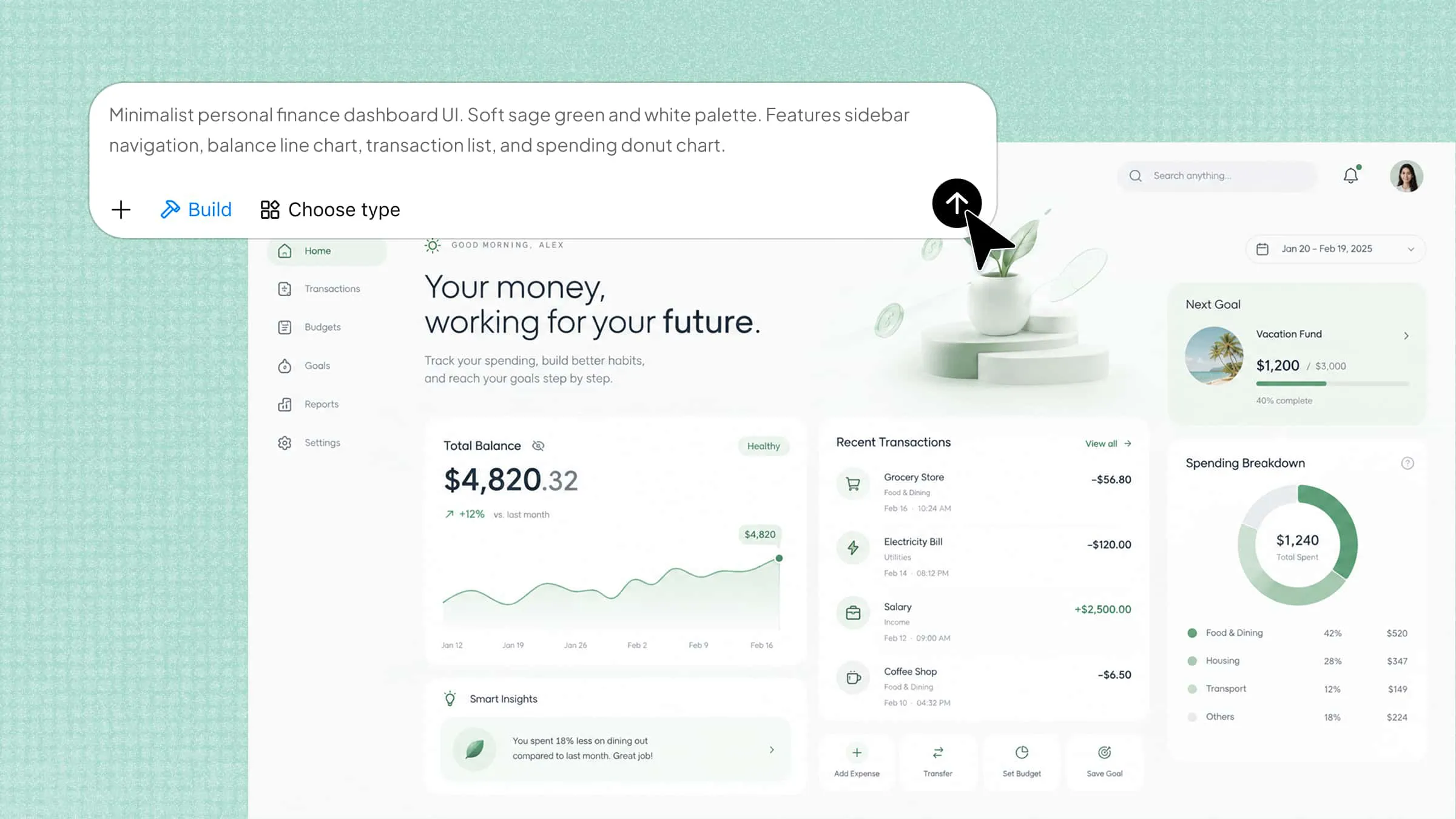
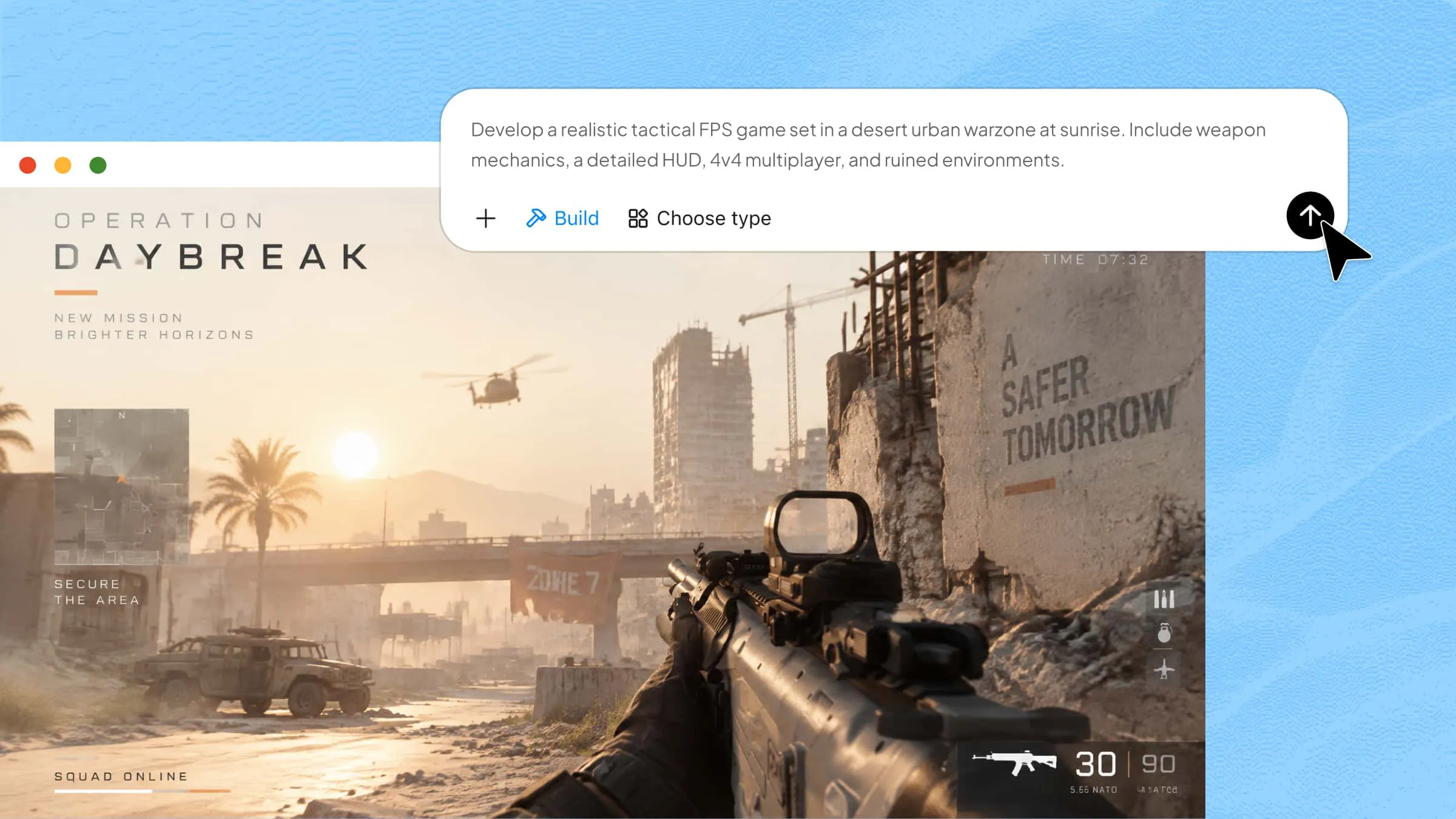
You can create a restaurant website without coding by using Kimi Build, an AI website builder that turns text prompts into website designs. Follow these steps to plan your website, generate its layout, refine the design, and prepare it for publishing.
Step 1: Define your restaurant website requirements
Start by outlining your restaurant's name, cuisine, target audience, menu, brand colors, and essential features. A clear prompt helps AI generate a website that matches your business needs.
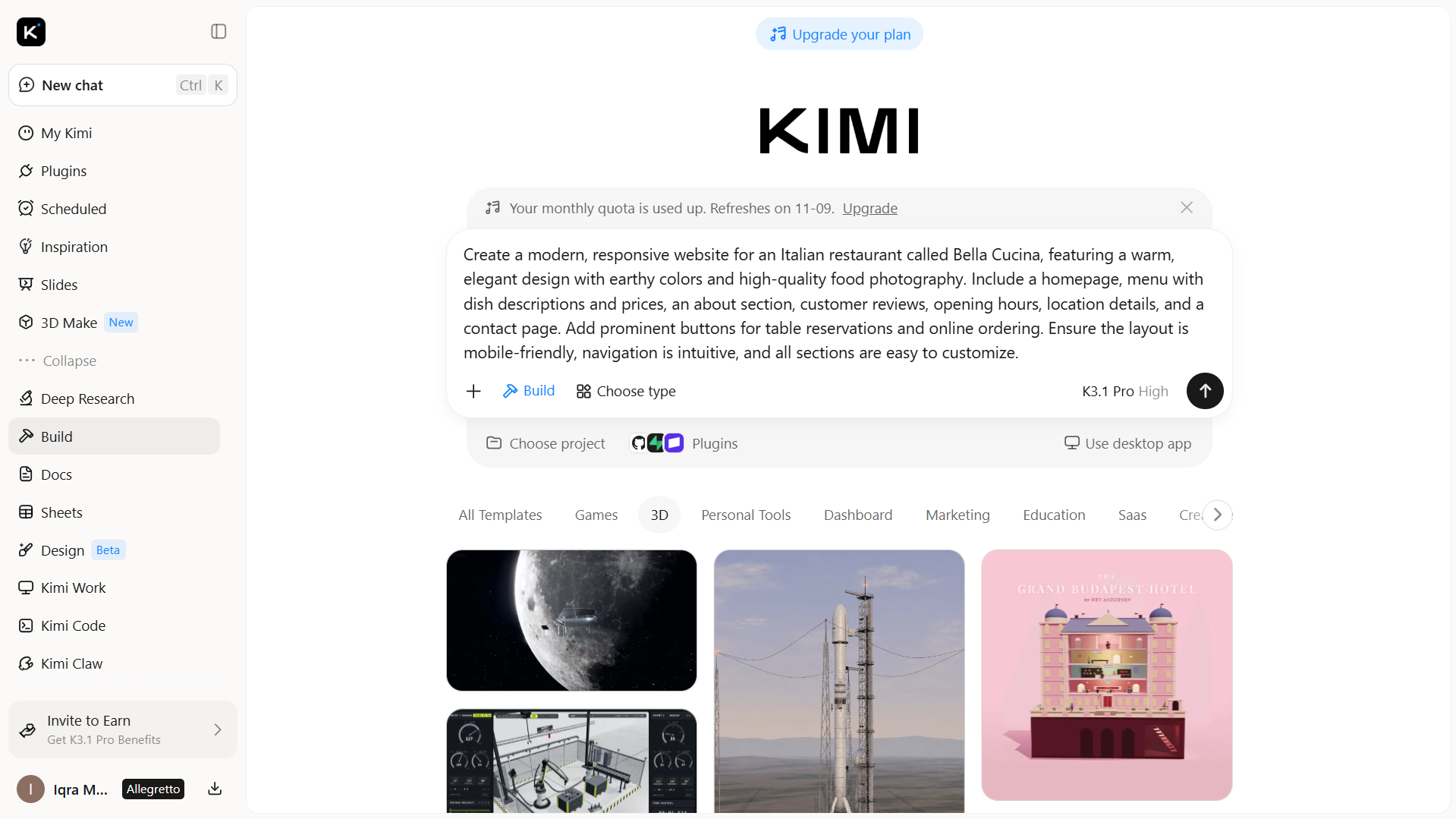
Step 2: Generate your website with Kimi Build
Enter your prompt into Kimi Build and let the AI generate an initial website design based on your requirements. Review the page structure, menu layout, colors, typography, and placement of key elements to ensure they suit your restaurant's brand.
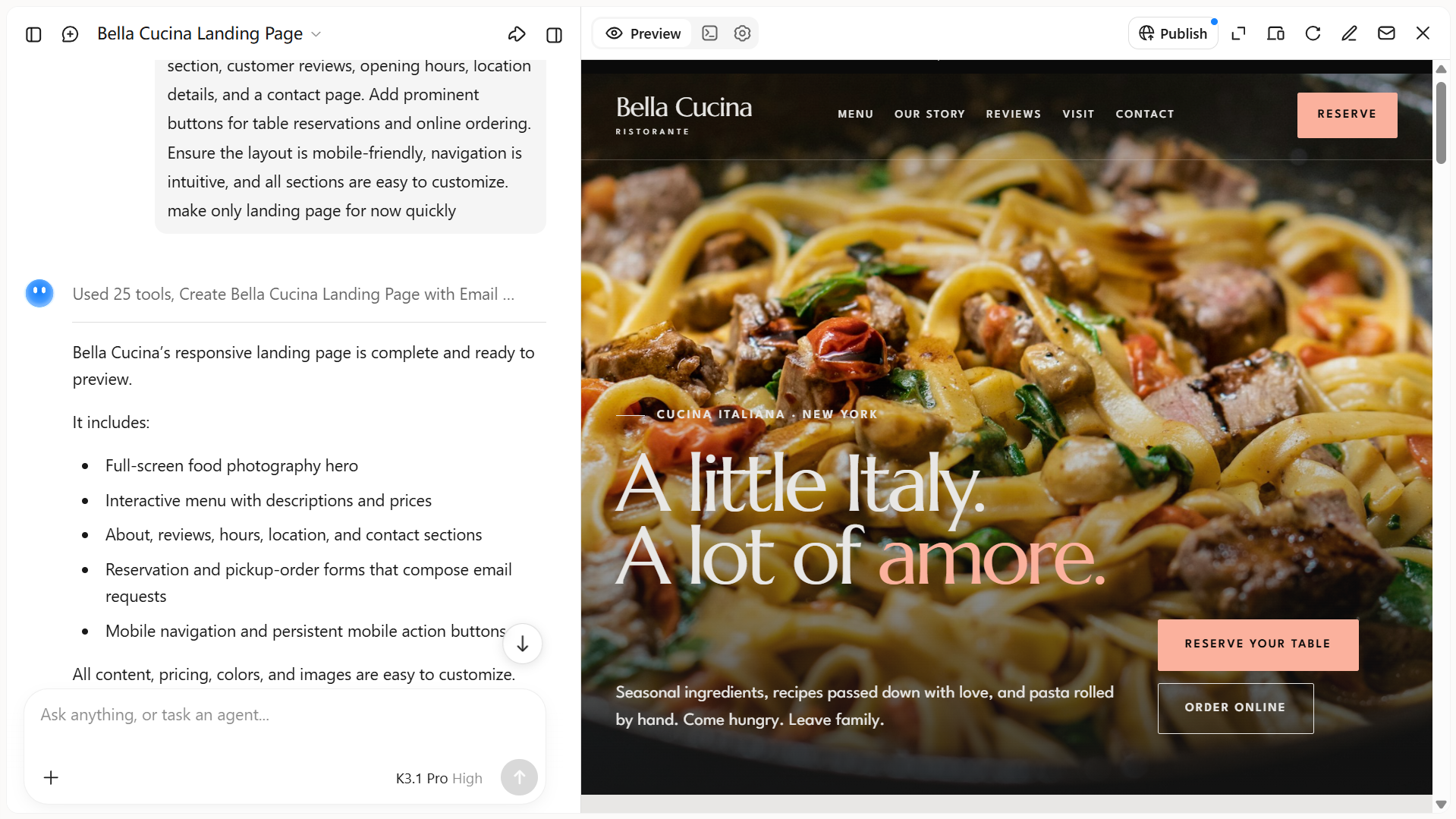
Step 3: Preview and refine the website design
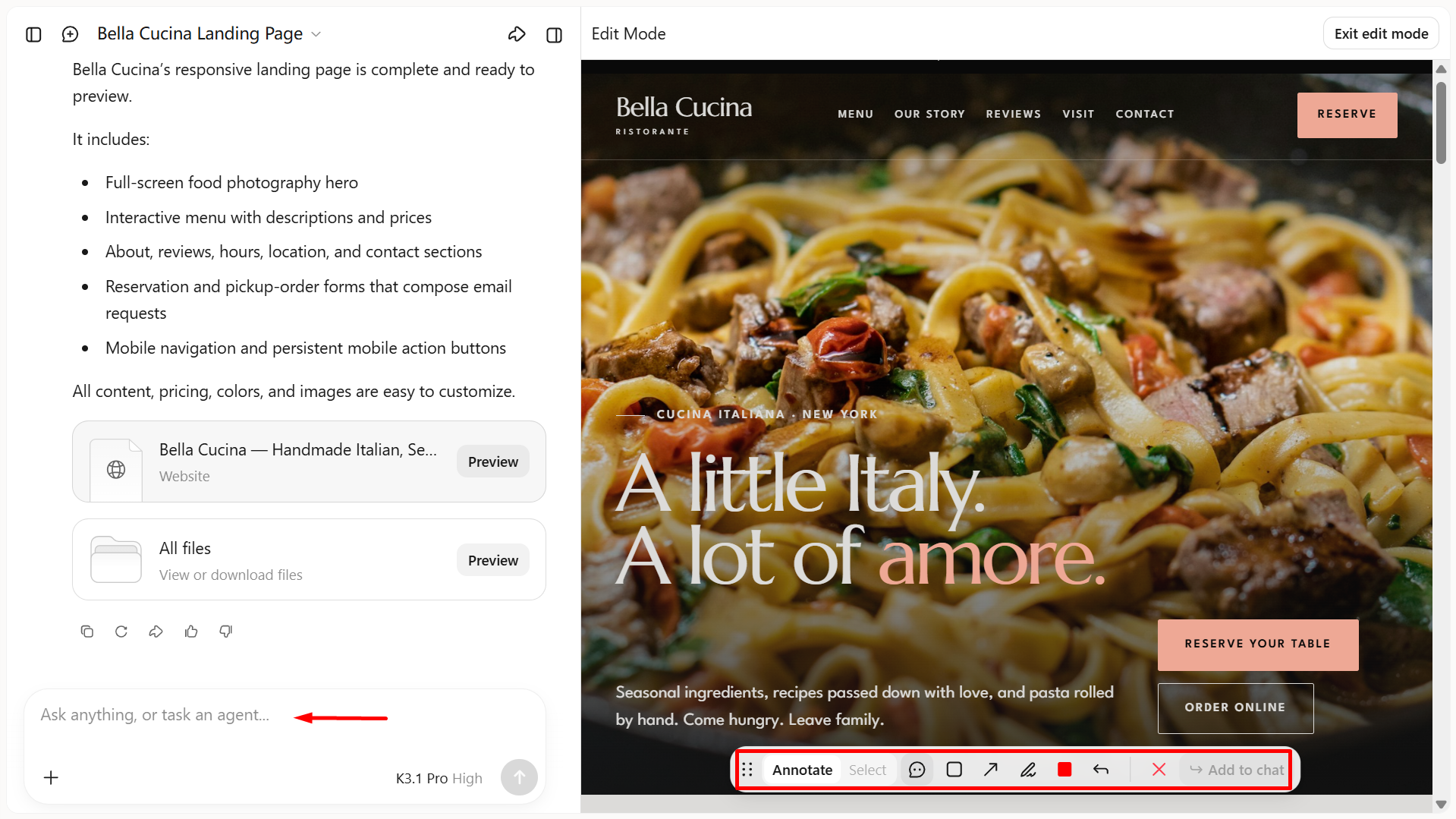
Preview your website on desktop and mobile screens to check its layout and readability. Click "Edit" to manually adjust page elements, leave comments on specific elements to request changes, or enter prompts in the chat box to refine the layout, food images, text, and reservation or ordering buttons. Continue refining the design until it matches your restaurant's needs.
Step 4: Publish your website
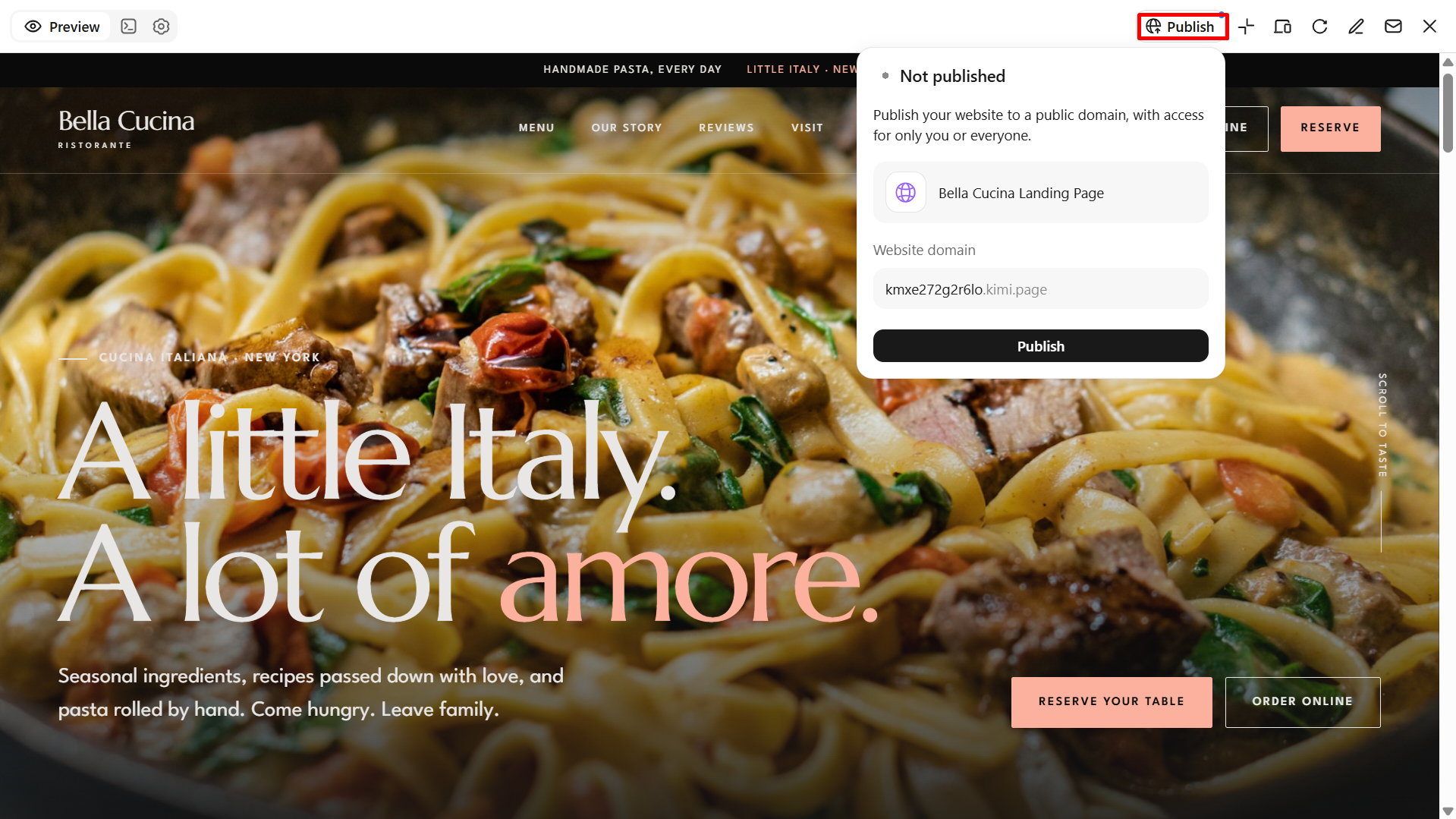
Once you are satisfied with the design, use Kimi Build's publishing options to make your restaurant website available online. Choose a suitable domain, review the final website, and ensure all links, menu details, reservation buttons, and contact information work correctly. After publishing, share your website on social media and restaurant listings to help customers discover your business.
Why choose Kimi Build to create a restaurant website
Kimi Build makes it easier to build a website for restaurants without coding or hiring a developer. Its AI-powered workflow helps you create a professional design from a text prompt and refine it to match your restaurant's needs. The following are some of the key benefits of using Kimi Build for your restaurant website.
Create a restaurant website from prompts and visual references
Describe your restaurant's brand, cuisine, atmosphere, and website requirements in natural-language prompts, or upload reference images to guide the design. Kimi Build turns your input into a tailored website with a cohesive visual identity across menu pages, food photography, restaurant introductions, chef profiles, and other brand-focused sections.
Multi-page structures with room to grow
A restaurant website can do more than introduce a business. Kimi Build supports multiple pages and custom functionality for showcasing menus, highlighting signature dishes, sharing restaurant stories, introducing locations, and presenting other relevant information as your business develops.
Natural-language editing for ongoing improvements
From changing the visual style to restructuring a page, Kimi Build lets you describe the changes you want in plain language. Refine content, spacing, colors, typography, and individual components without manually rewriting the entire website.
Consistent experiences across desktop and mobile
Responsive design helps your restaurant website adapt to different screen sizes. Kimi Build supports layouts that adjust to mobile devices and larger screens, keeping key information and visual content accessible to visitors.
A published website with accessible code
Once the design is ready, preview and publish your website through a shareable link. Kimi Build also supports access to the generated code, with the output depending on whether the project uses a static website or a full-stack application.
Pro tips for building a restaurant website
A well-designed restaurant website should do more than display your menu. These practical tips can help you improve visibility, attract local customers, and create a smooth experience for visitors.
Optimize pages for local search
Include your restaurant's city, neighborhood, and location naturally in page titles, headings, and descriptions. Keep your address, phone number, and opening hours accurate, and link your website to your Google Business Profile. These steps help local customers find your restaurant when searching for nearby dining options.
Design landing pages for seasonal campaigns
Create dedicated landing pages for special offers, holiday menus, seasonal dishes, or upcoming events. Use appealing food photos, concise descriptions, and clear booking or ordering buttons to encourage visitors to take action. If you make a website for a restaurant with seasonal promotions, update these pages regularly to keep offers relevant.
Connect your website to social media
Add links to your restaurant's active social media profiles, such as Instagram and Facebook, so visitors can explore more food photos, updates, and customer experiences. Share your website link in social media bios and promotional posts to direct followers to your menu or reservation page. This helps connect your online channels and makes it easier for customers to discover your offerings.
Use clear calls to action
Include visible buttons such as "View Menu," "Book a Table," "Order Online," or "Contact Us" throughout relevant pages. Use straightforward wording and place these buttons where visitors can easily find them, especially on mobile devices. When learning how to make a website for a restaurant, prioritize actions that align with your business goals.
Keep website content easy to maintain
Choose a website builder that allows you to update menu items, prices, opening hours, photos, and promotions without coding. Review your content regularly to remove outdated offers and correct inaccurate information. Easy maintenance helps keep your restaurant website useful for both new and returning customers.
Monitor website performance regularly
Use analytics tools to track website visits, popular menu pages, reservation clicks, and online orders. Check loading speed and mobile usability to identify issues that could discourage potential customers. Reviewing these metrics helps you understand visitor behavior and make informed improvements to your website over time.
Conclusion
To sum up, creating a restaurant website no longer requires coding skills. With Kimi Build, you can design a professional website, showcase your menu, and help customers discover your restaurant online. To build your own restaurant website, start with a clear plan, choose an appealing design, and include essential features such as contact details and reservation options. Keep your content updated to provide a better customer experience and support your restaurant's growth.