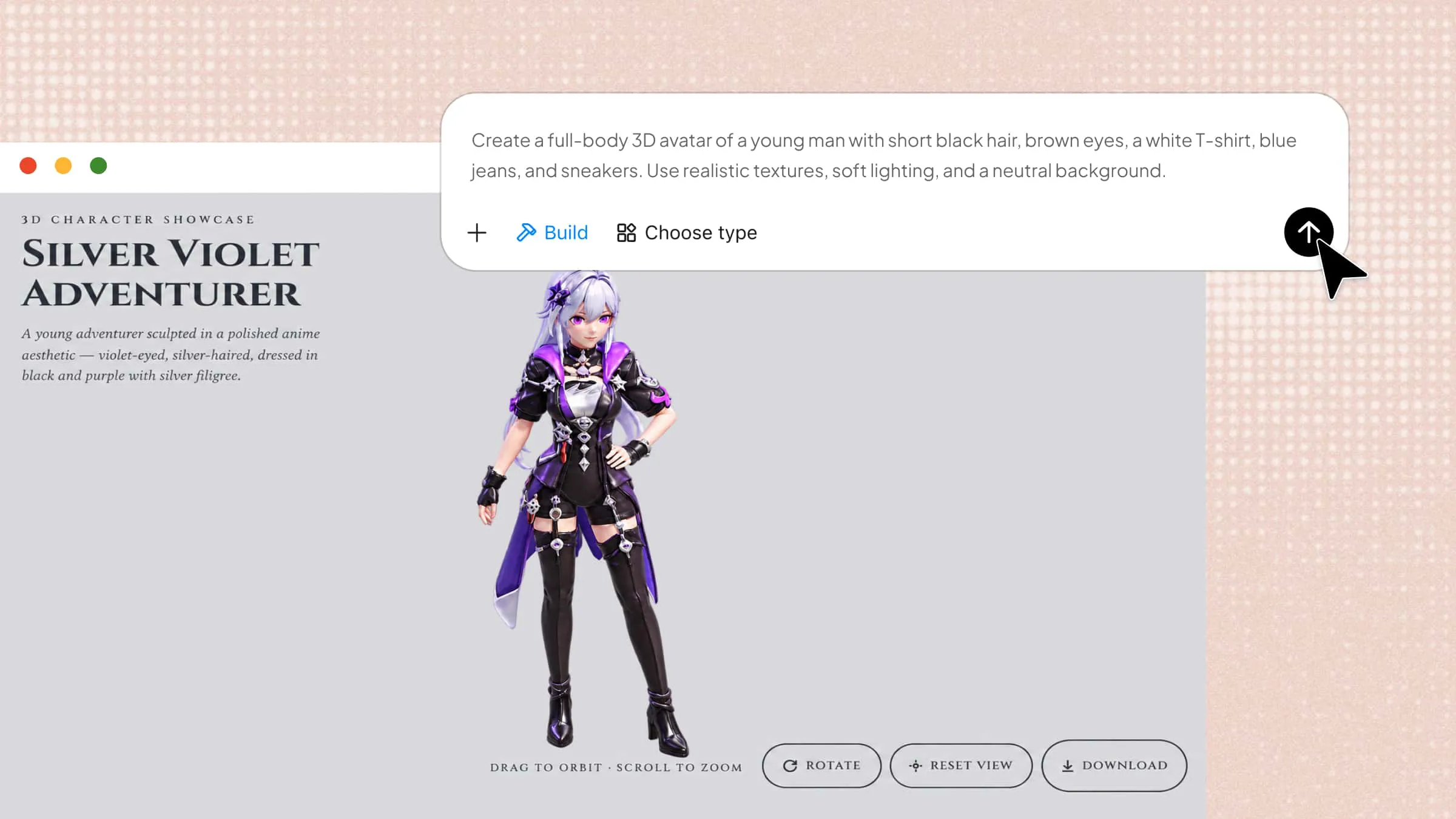
Creating anime characters in 3D can be difficult when you lack modeling skills or experience with complex design software. Getting the hairstyles, facial features, and signature anime style right takes time and patience. AI tools offer a simpler way to bring your ideas to life without building every detail manually. This guide shows you how to create 3D anime characters step by step, even if you're a complete beginner.
How to create 3D anime characters with AI
Creating 3D anime characters from scratch can be challenging, especially when you want to capture the distinctive eyes, hairstyles, outfits, and proportions of anime art. Kimi 3D Make offers an AI-powered approach that helps you turn written descriptions into character designs without requiring advanced modeling skills. You can describe your preferred anime style and character details, then refine the results to match your vision. Follow the steps below to create 3D anime characters with Kimi 3D Make.
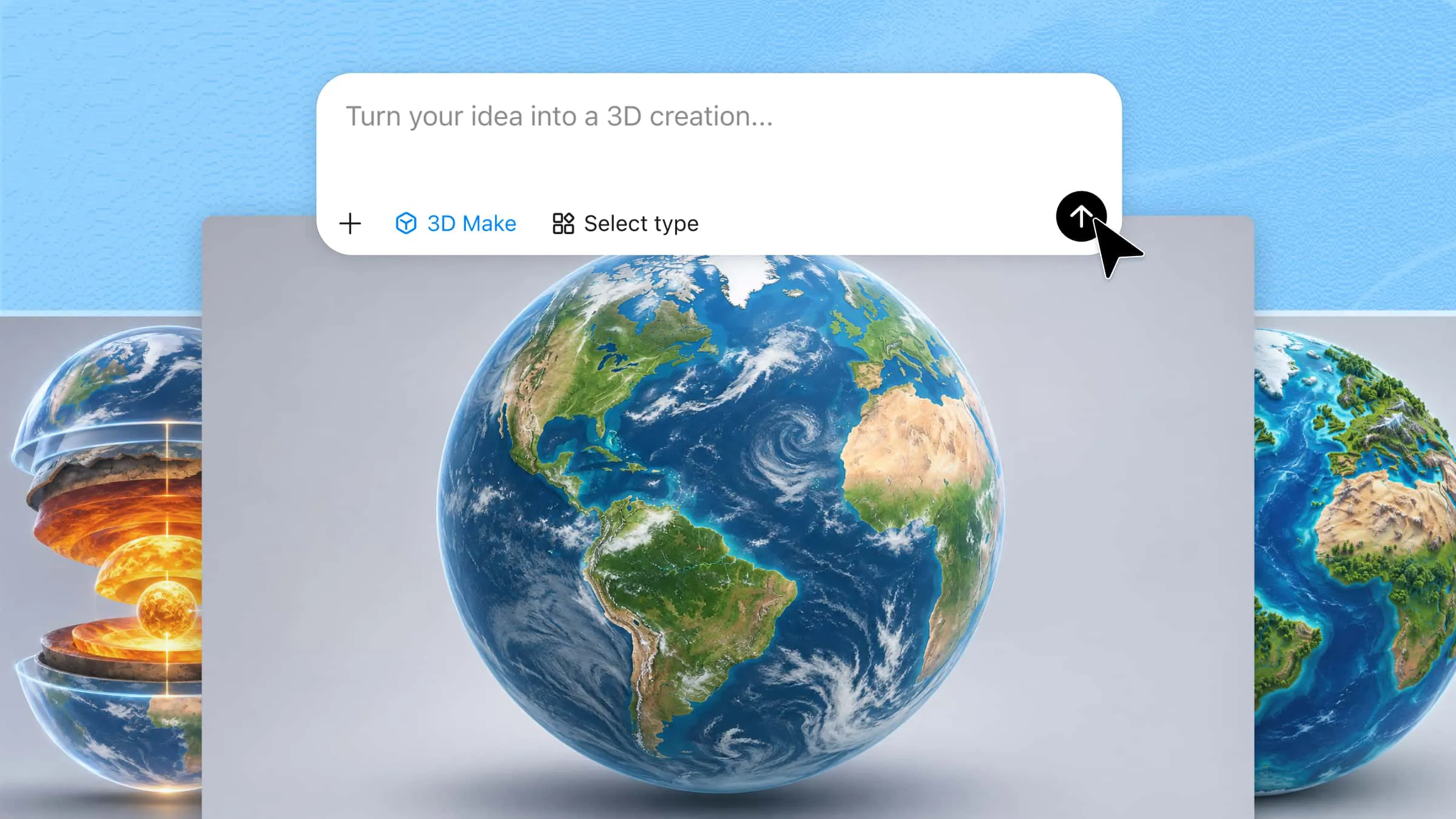
Step 1: Describe your desired 3D anime character
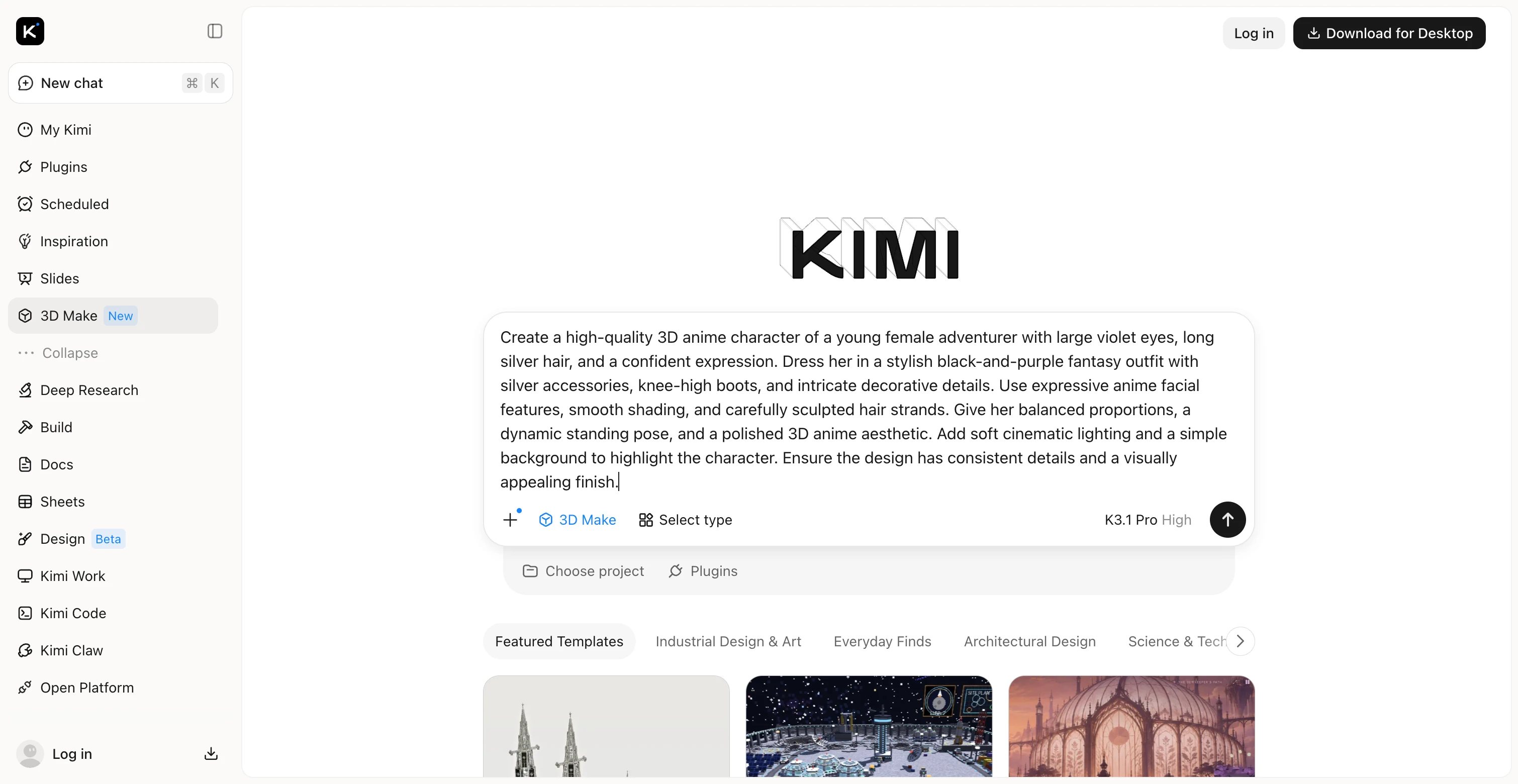
Start by describing the anime character you want to create, including their hairstyle, eye color, outfit, expression, pose, and overall art style. Specific details help the AI understand your vision and generate a character that matches your idea.
Example prompt:
Step 2: Let AI generate your 3D anime character
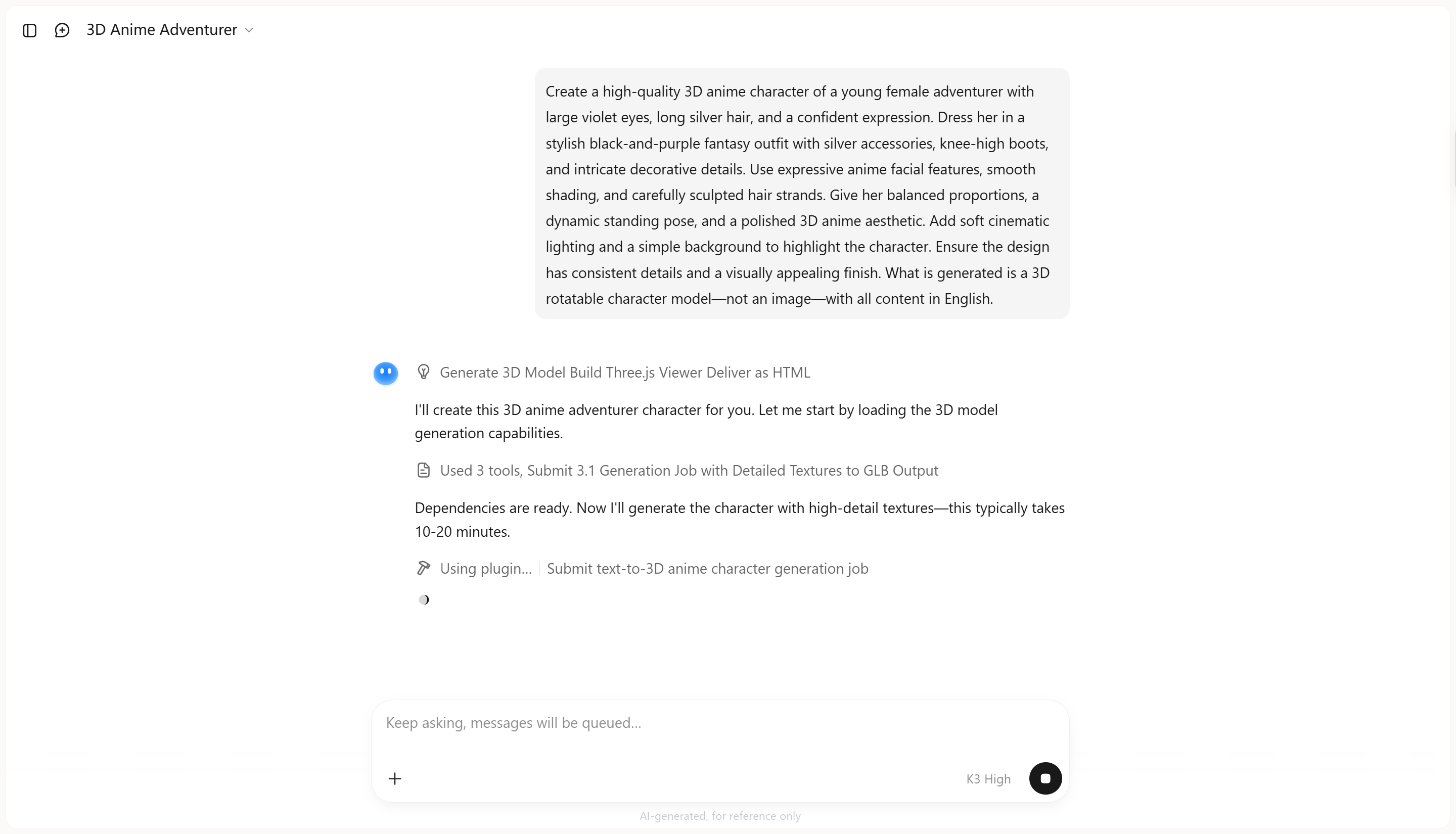
Kimi 3D Make processes your description and generates a 3D anime character based on the specified features and visual style. It translates your ideas into a 3D model, bringing together the character's appearance, clothing, and anime-inspired design.
Step 3: Refine anime features and styling with AI
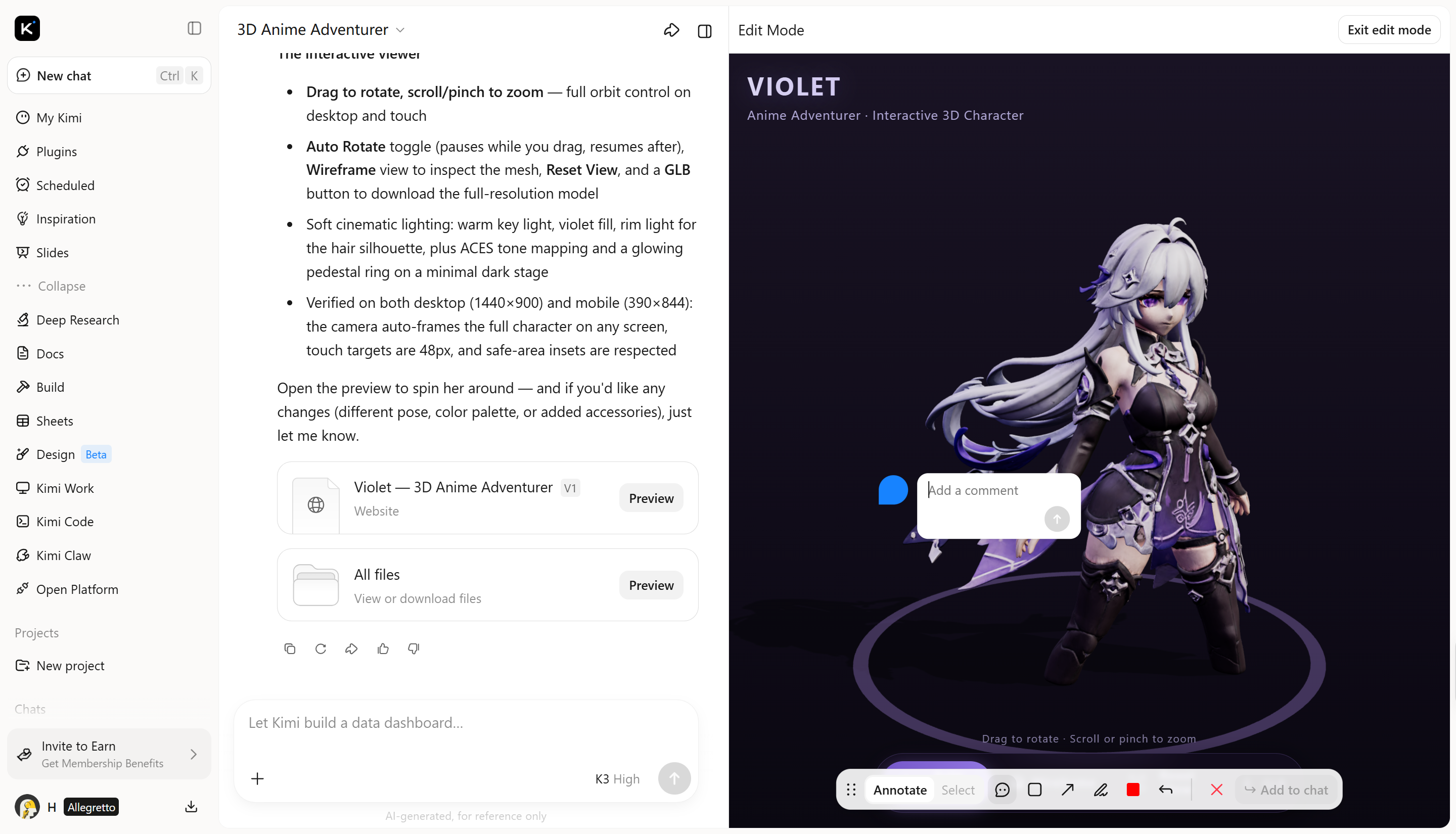
Improve the design by asking the AI to adjust specific features, such as eye shape, hair color, clothing details, or facial expressions. You can also use manual edits or comments, where supported, to guide changes and create a more distinctive anime character.
Step 4: Preview and export your finished 3D anime character
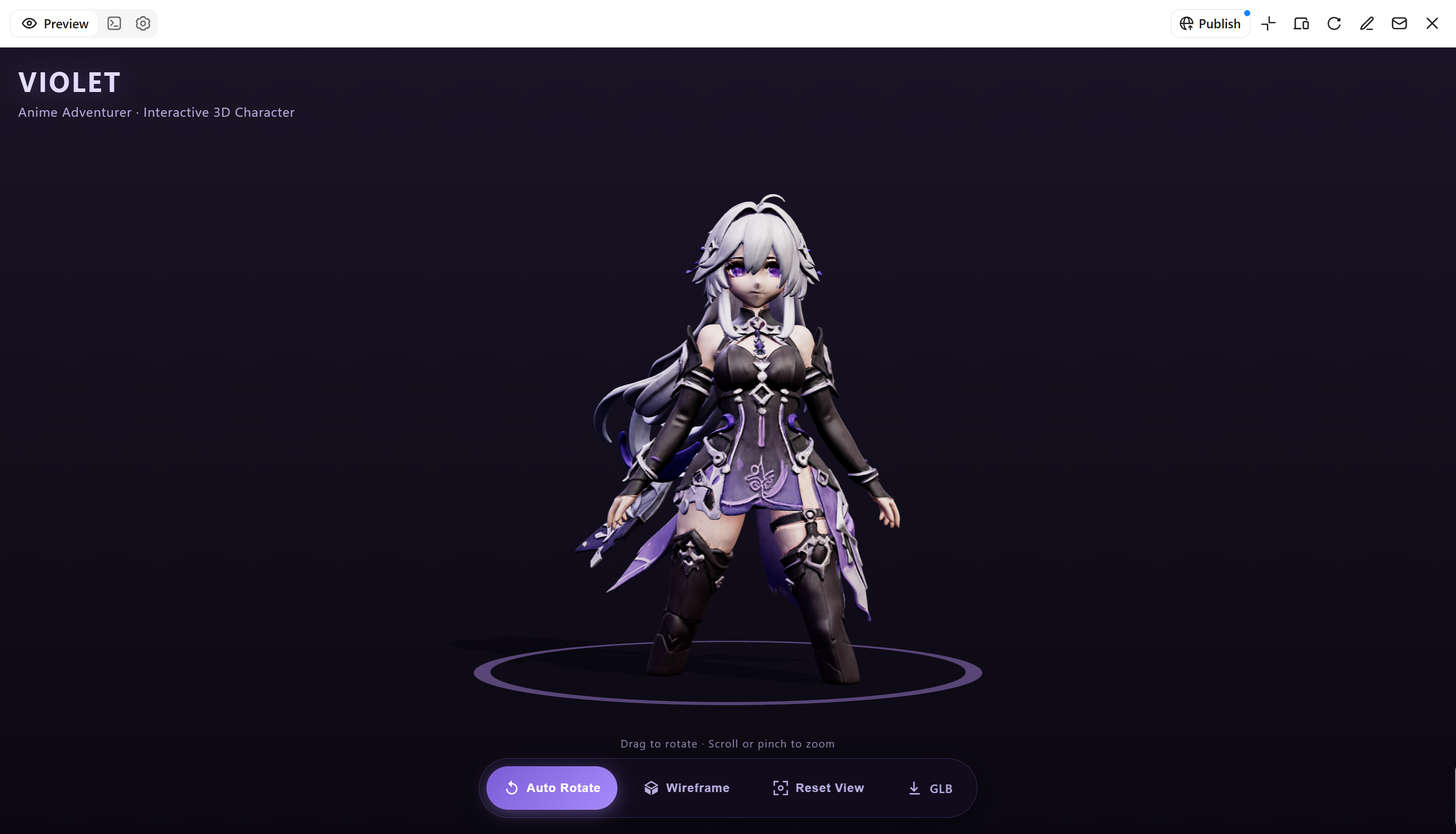
Preview your 3D anime character from different angles and refine its proportions, facial features, and overall style. When you're satisfied with the result, prompt Kimi 3D Make to generate a supported format such as GLB, glTF, or OBJ. You can also publish the character online for web-based viewing or export it for use in compatible 3D software, game development, animation, and other creative projects.
Why choose Kimi 3D Make to create 3D anime characters
Creating 3D anime characters traditionally requires time, modeling skills, and attention to small details like facial features and hairstyles. Kimi 3D Make simplifies the process with AI, helping you turn written ideas into character designs without complex modeling workflows. Here's why it's worth considering when you want to create 3D anime characters with less effort.
Turn anime concepts into 3D character designs
Describe an anime character's appearance, hairstyle, outfit, personality, and art style, or upload a visual reference. Kimi 3D Make helps transform your ideas into 3D character designs without requiring you to model every feature from scratch.
Customize anime characters with flexible editing
Refine facial features, hairstyles, clothing, colors, and accessories through natural-language prompts, comments on specific elements, or manual edits. Make targeted adjustments while preserving the character's overall visual direction.
Explore distinctive anime styles and personalities
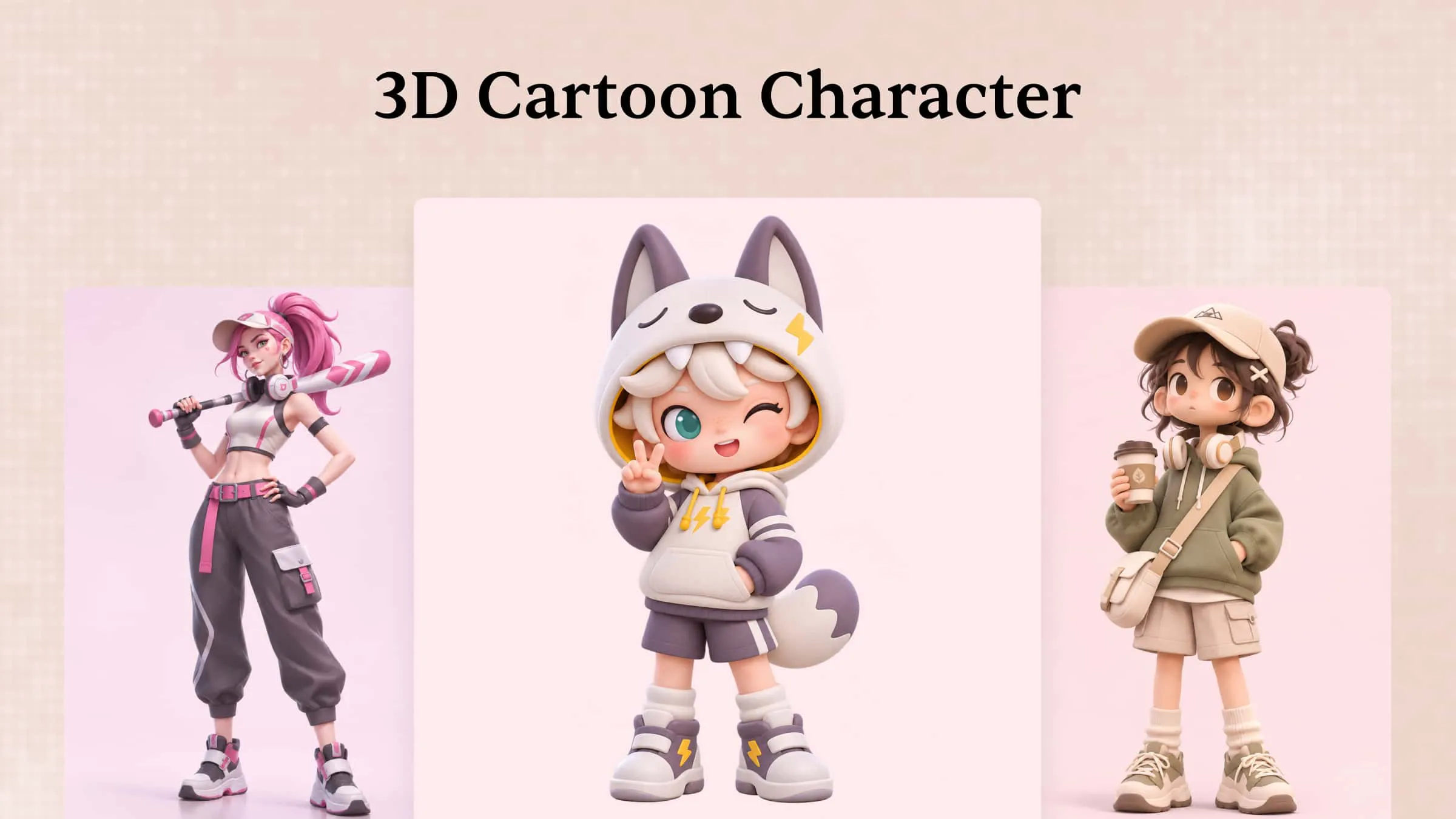
Kimi 3D Make supports the creation of diverse 3D anime characters, from fantasy heroes and futuristic warriors to cute mascots and imaginative creatures. Develop distinctive silhouettes, expressive features, and cohesive visual styles to bring different character concepts to life.
Create anime characters for diverse creative projects
Bring anime-inspired characters into game concepts, digital storytelling, virtual avatars, and original worldbuilding with Kimi 3D Make. Develop distinctive 3D assets that fit your project's visual direction and support further creative development.
Extend anime character creation with specialized 3D tools
Use Kimi Work plugins such as Blender and Tripo 3D for additional modeling capabilities. Tripo 3D can generate 3D models from text and images, while Blender supports detailed mesh editing, rigging, and animation for more advanced character workflows.
Tips for creating 3D anime characters
Designing a memorable anime character involves more than recreating familiar eyes, hairstyles, and outfits. A consistent visual style and attention to detail can help your design stand out. Keep these tips in mind when you create 3D anime characters with AI or other design tools.
Define the character's personality before designing
Decide whether your character is playful, mysterious, brave, or reserved before choosing its appearance. Use facial expressions, clothing, and posture to communicate these traits and give your character a distinct identity.
Balance anime features with 3D proportions
Large eyes, expressive faces, and stylized body proportions are central to anime aesthetics, but they should work well in a three-dimensional design. Maintain visual consistency between the character's face, head, and body to create a balanced result.
Design hairstyles and outfits with recognizable shapes
Choose distinctive hairstyles and clothing that make your character easy to recognize at a glance. Layered hair, unusual accessories, and carefully designed outfits can add personality without making the model unnecessarily complicated.
Choose colors that reinforce the character's identity
Select a color palette that complements your character's personality and role. For example, pastel shades can create a soft, friendly appearance, while bold contrasts can give an action-oriented character a more dramatic look.
Use reference images to guide the visual style
Collect reference images of anime characters, hairstyles, clothing, and poses that match your creative vision. Use them to guide your prompts and maintain a consistent style, rather than combining unrelated visual elements.
Consider how the character will be used
Think about whether your character is intended for animation, game development, storytelling, or visual artwork. If you plan to make your own 3D anime character, consider movement, joint placement, and model compatibility with your chosen game engine.
Conclusion
Creating anime characters in 3D doesn't have to require advanced modeling skills or complicated software. With Kimi 3D Make, you can turn your ideas into character designs, experiment with different hairstyles and outfits, and refine details using AI prompts or manual edits. If you're exploring how to make 3D anime characters, start with a simple design and gradually develop it into a unique character for your creative projects.