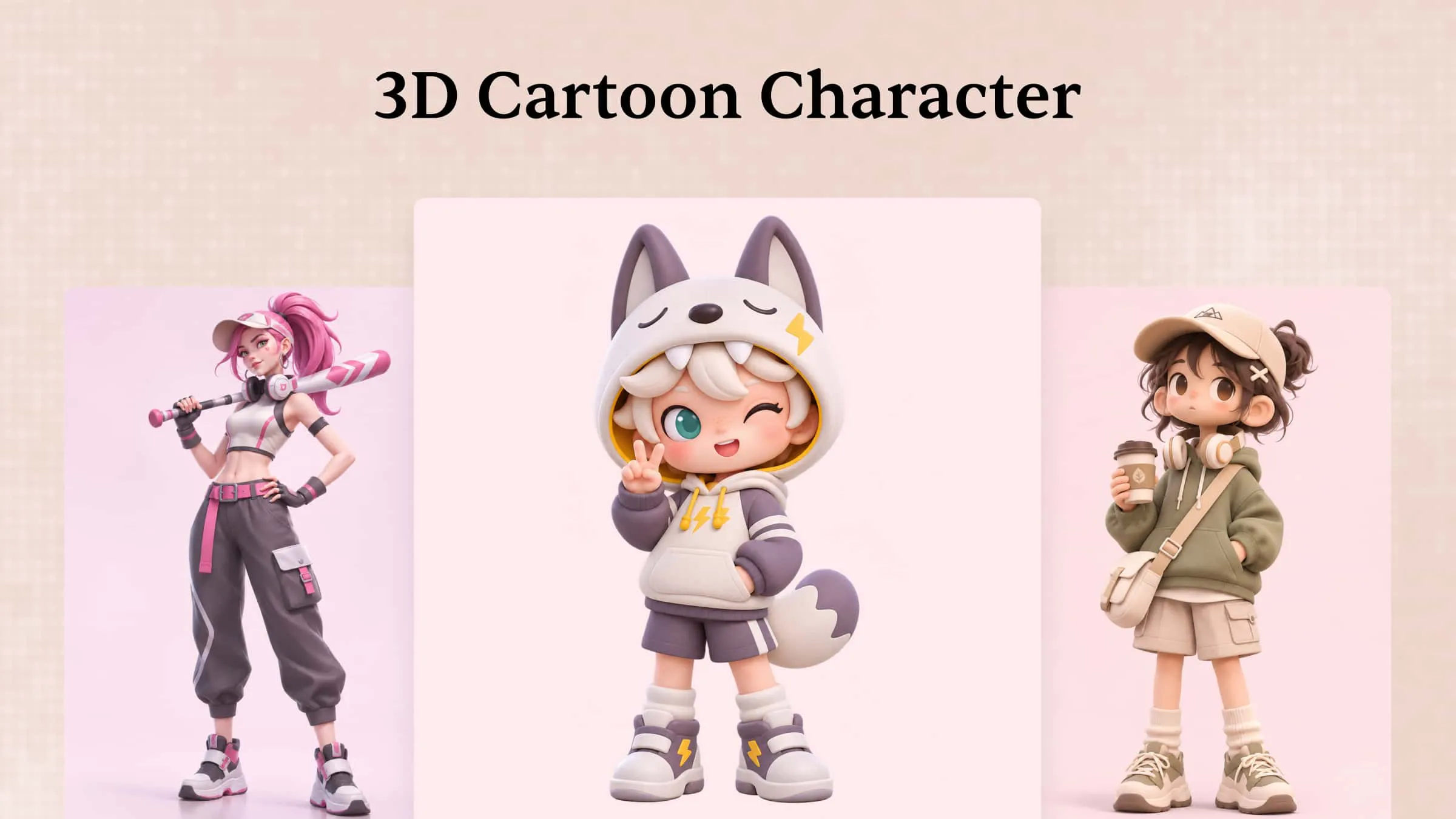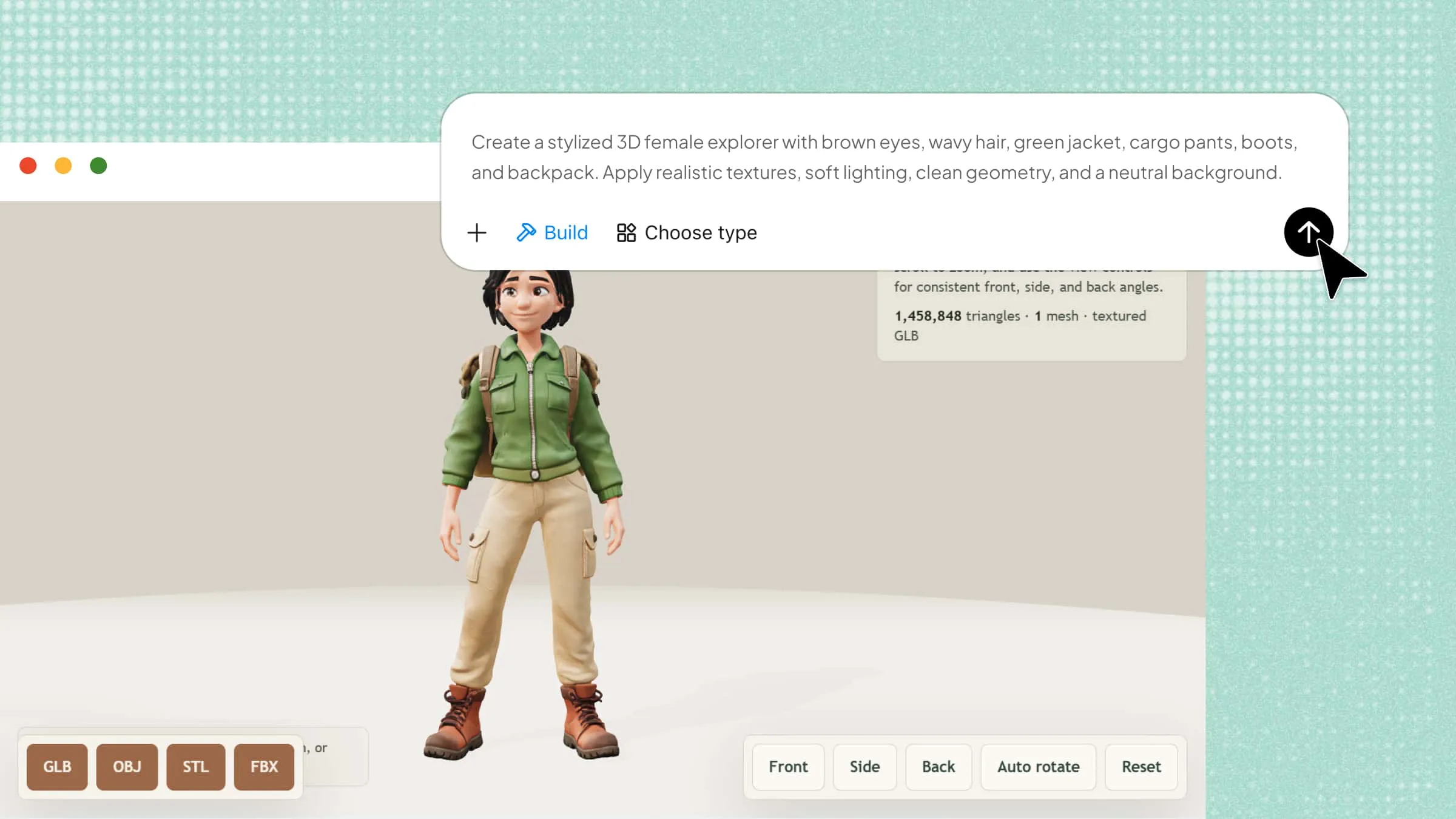
Creating a 3D character can feel overwhelming when you're unfamiliar with modeling tools, shapes, and textures. Even a simple character requires the right approach to bring its appearance and personality to life. Learning how to create 3D characters becomes easier with the right tools and a clear process. This guide walks you through the essential steps to design your first 3D character, even if you're a beginner.
How to create a 3D character with AI
Designing a 3D character requires attention to facial features, body proportions, clothing, and overall appearance. For beginners, creating these details manually can take time and require specialized skills. Kimi 3D Make simplifies the process by helping you turn a written description into a character design with AI. You can describe the character's appearance, outfit, personality, and artistic style to guide the result. Follow these steps to create a 3D character online with Kimi 3D Make.
Step 1: Describe your desired 3D character
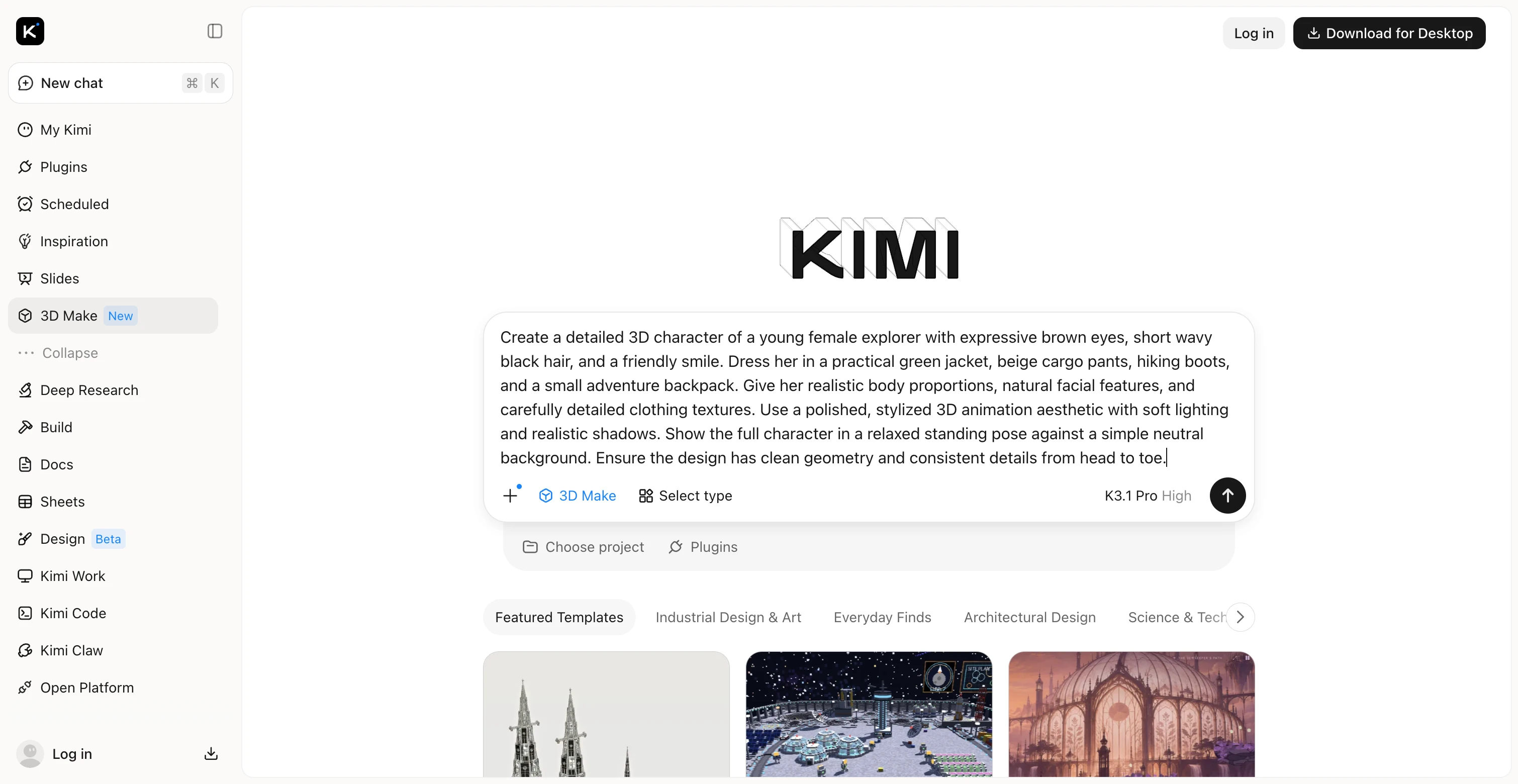
Start by describing the character you want to create, including its appearance, clothing, body proportions, facial features, and artistic style. The more specific your prompt is, the easier it is to communicate your creative vision to the AI.
Example prompt:
Step 2: Let Kimi 3D Make generate your 3D character
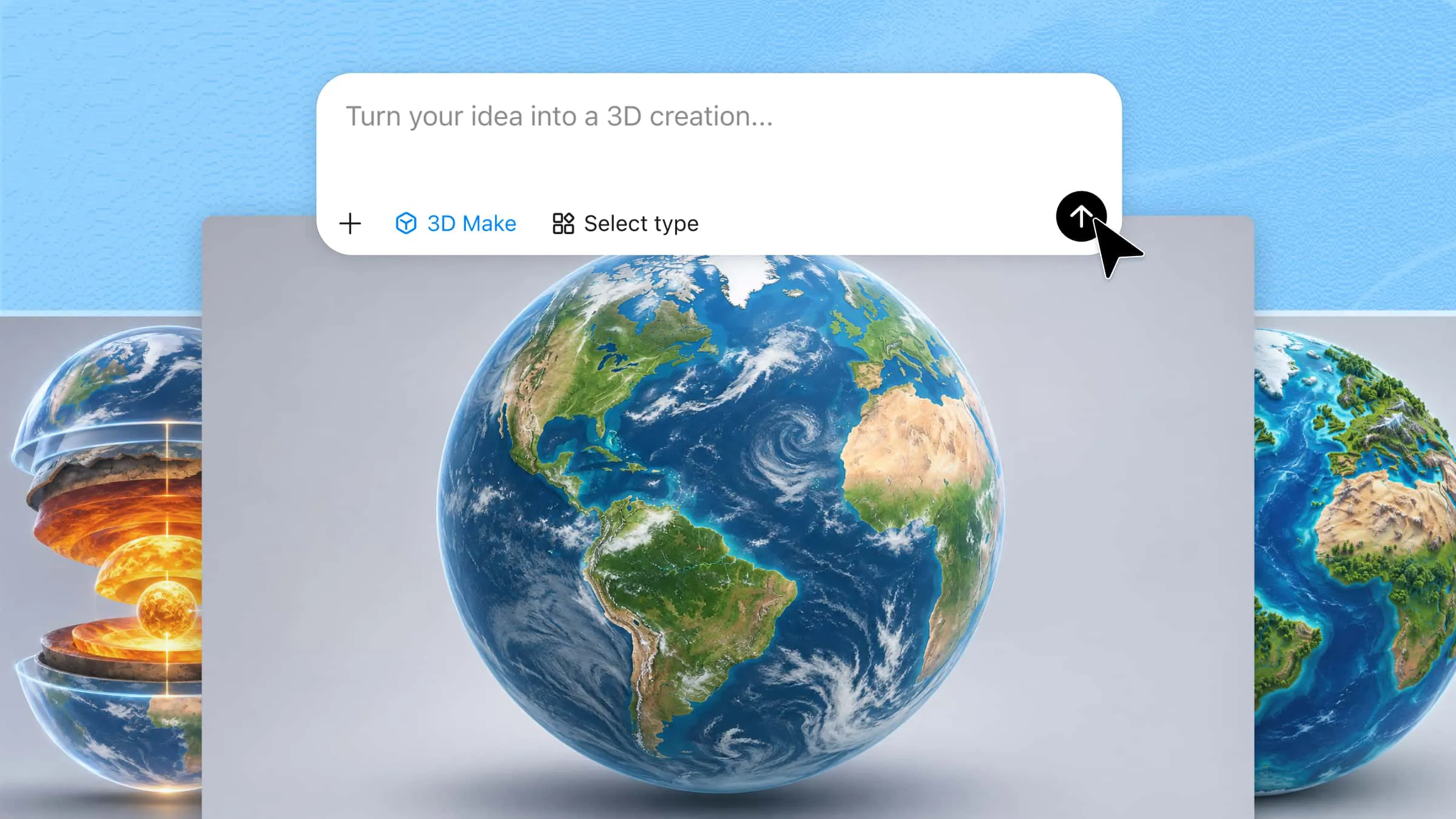
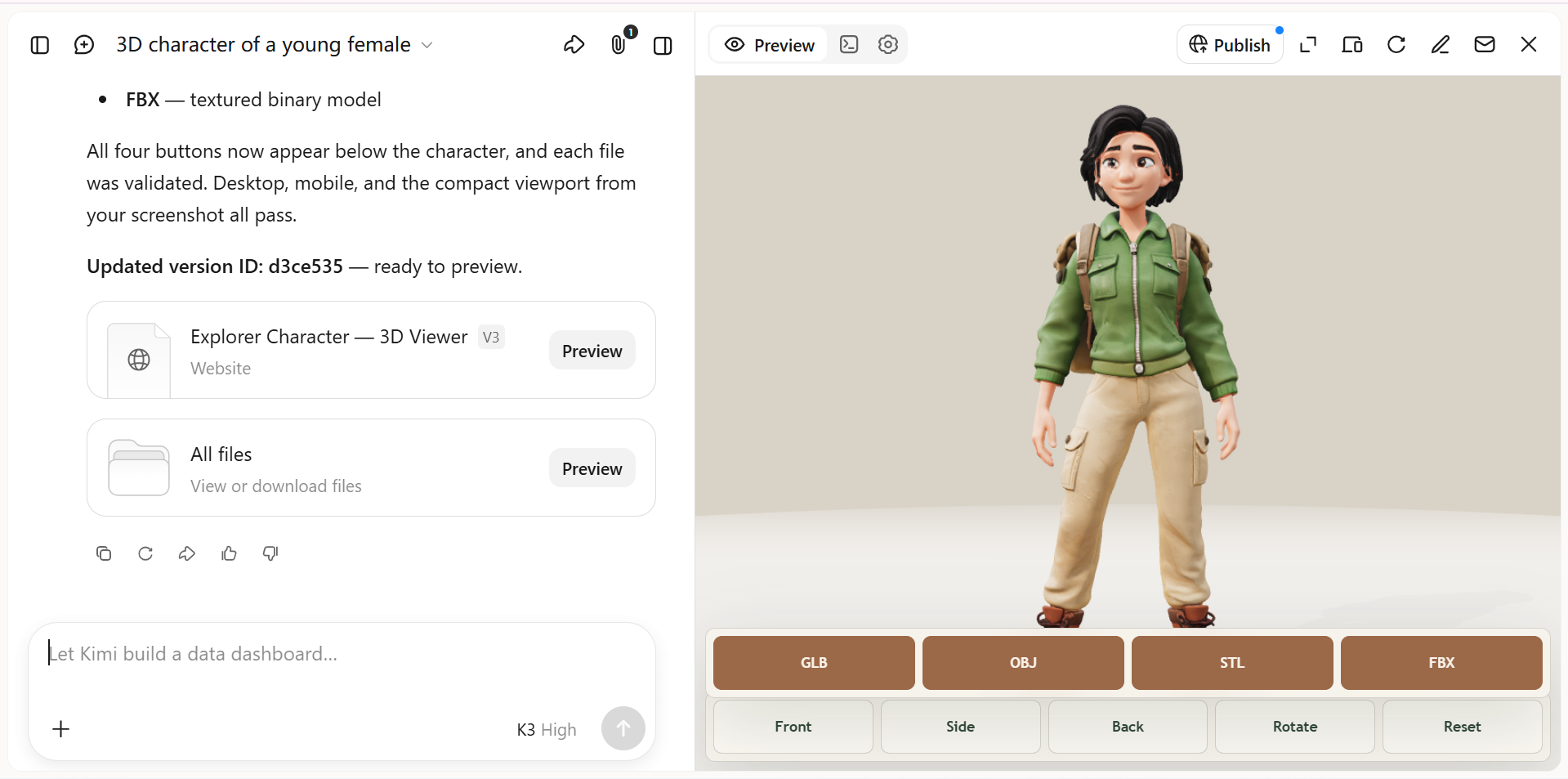
Enter your prompt into Kimi 3D Make and let the AI interpret your description to generate the character. Review the result to see how well it captures the appearance, clothing, and style you requested.
Step 3: Refine the character's appearance with AI
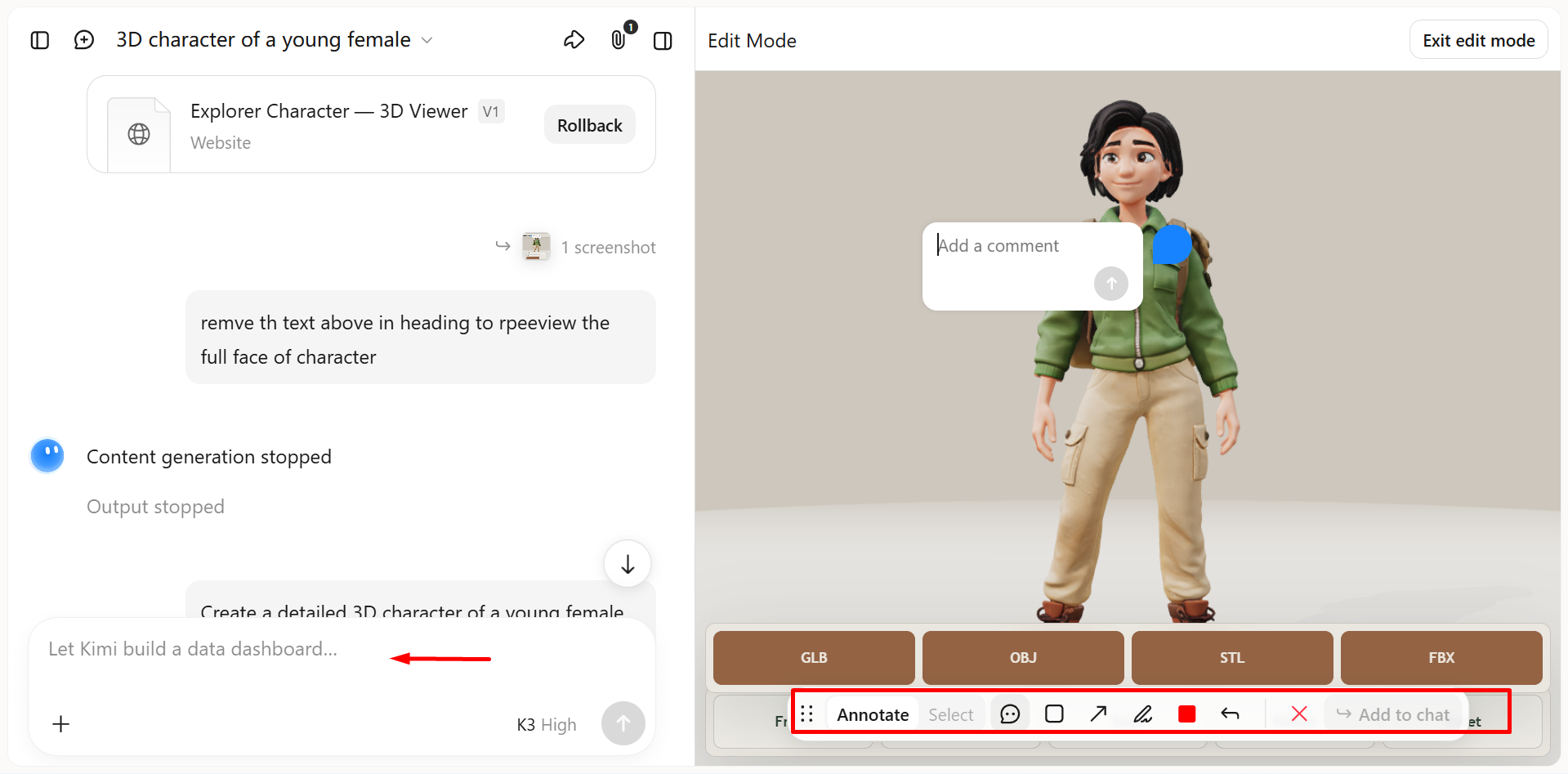
If the character needs adjustments, describe the changes you want in a follow-up prompt. You can also use manual editing or comments, where supported, to improve facial features, clothing details, proportions, or other elements without redesigning the entire character.
Step 4: Preview and export your finished 3D character
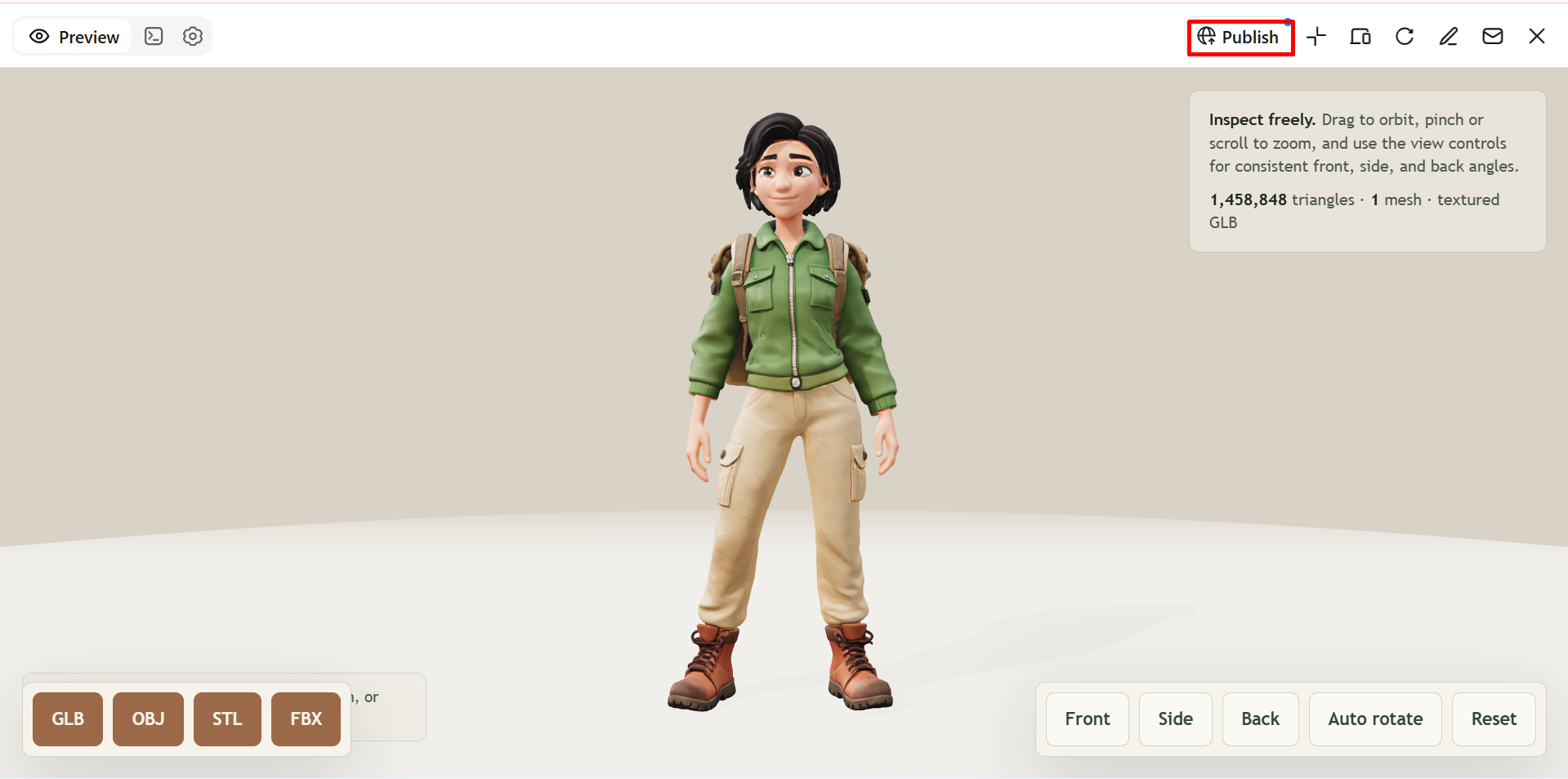
Preview your 3D character from different angles and refine any remaining details. Then, prompt Kimi 3D Make to generate a supported format such as GLB, glTF, or OBJ. You can also publish your character online for web-based viewing or export the model for use in other 3D tools, game development, and visualization projects.
Why choose Kimi 3D Make to create 3D characters
Creating character designs from scratch can be challenging, especially when you need to get the details and proportions right. Kimi 3D Make simplifies the process with AI-assisted design, making it easier to make 3D characters online from simple text descriptions. Here are the key benefits of using Kimi 3D Make for your character design projects.
Generate 3D characters from prompts and references
Turn text descriptions and reference images into 3D character designs with Kimi 3D Make. Define appearance, clothing, proportions, and visual style to explore character concepts without building every detail from scratch.
Customize character designs through flexible editing
Describe changes in chat, comment on specific elements, or edit details manually. Refine facial features, outfits, colors, and other visual elements through iterative adjustments.
Refine character details and visual style
Adjust shapes, colors, and surface details to develop a cohesive look. Create distinctive characters for game concepts, digital scenes, virtual avatars, and creative presentations.
Expand character workflows with specialized 3D tools
Use Kimi Work plugins such as Blender and Tripo 3D for additional modeling capabilities. Blender supports detailed mesh editing, rigging, and animation, while Tripo 3D can generate models from text and images. Export formats such as FBX, GLB, glTF, and OBJ are available depending on the tool and workflow.
Tips for designing creative 3D characters
Creating a memorable character takes more than choosing an appearance or outfit. Small design decisions can help communicate personality, make the character recognizable, and improve its overall look. Use these tips to design your own 3D character with a clear style and purpose.
Build a character around a defining trait
Give your character one distinctive quality, such as curiosity, confidence, or mystery, to guide its overall design. Reflect this trait through facial expressions, posture, clothing, and other visual details to create a recognizable personality.
Let the silhouette tell the story
Focus on the character's overall outline before adding smaller details. Distinctive hairstyles, body shapes, and clothing can make your design recognizable even when viewed from a distance, which is especially useful for game and animation characters.
Make clothing and accessories meaningful
Choose outfits and accessories that reflect the character's background, role, or environment. For example, a futuristic explorer might wear a utility suit with technological gadgets, while a fantasy character could carry a distinctive staff or protective armor.
Use color to establish mood and identity
Choose a color palette that supports your character's personality and setting. Bright colors can suggest energy and playfulness, while darker tones may communicate mystery or seriousness, helping your 3D character model develop a consistent visual identity.
Balance imagination with practical details
Creative designs can include unusual proportions, fantasy features, or imaginative materials, but consider how the character will be used. If you're learning how to make 3D characters for games, pay attention to movement, joint placement, and manageable geometric complexity.
Iterate with a clear creative direction
Review your initial design and identify specific areas that need improvement instead of changing everything at once. Use reference images, manual adjustments, or AI prompts to test variations while keeping the character's core identity consistent.
Conclusion
Creating a memorable 3D character becomes easier when you have a clear vision and the right tools. Kimi 3D Make helps simplify the design process by turning text descriptions into character concepts that you can refine with AI prompts or manual edits. If you want to create 3D characters online, start with a simple idea, experiment with different styles, and gradually develop your design into a character that fits your creative project.