A fax cover sheet is a simple but useful part of sending documents by fax. It introduces the material that follows and gives the recipient a quick idea of what the transmission contains. While its basic purpose remains the same, the information and presentation can vary depending on the situation. Here, we'll look at 10 templates designed for a range of everyday and professional uses.
Overview of 10 fax cover sheet templates
With the individual template types established, the comparison below brings their distinct purposes into one place. It highlights the intended use, the information each format emphasizes, and the type of professional setting where it is most relevant.
| Fax cover sheet template | Primary purpose | Key information | Distinctive focus | Suitable for |
|---|---|---|---|---|
| Business communication | Routine business exchanges | Company, recipient, subject, message | Professional presentation | Businesses and clients |
| Corporate document submission | Formal organizational submissions | Department, report, reference, pages | Structured documentation | Corporate teams |
| Legal document transfer | Sending legal materials | Case number, matter, document type | Precision and confidentiality | Law firms and attorneys |
| Medical record sharing | Exchanging healthcare records | Patient reference, provider, record type | Privacy-conscious handling | Healthcare organizations |
| Financial document exchange | Transmitting financial paperwork | Account reference, document type, action | Transaction clarity | Financial institutions |
| Confidential information | Protecting restricted material | Privacy warning, recipient, handling details | Confidentiality | Organizations handling sensitive data |
| Internal team communication | Sharing workplace materials | Department, project, status, comments | Quick information scanning | Internal teams |
| Executive communication | High-level business communication | Executive details, priority, subject | Refined presentation | Senior management |
| Client document delivery | Delivering completed client documents | Client, document, purpose, action | Client-facing clarity | Service providers and businesses |
| School administration | Managing educational paperwork | School, student reference, record type | Administrative organization | Schools and district offices |
10 fax cover sheet templates for everyday and professional uses
With document transmission used across everyday and professional scenarios, choosing the right cover sheet helps keep communication clear, organized, and easy to manage. Different scenarios call for different layouts and details, so having a suitable template can save time and ensure a professional presentation. Below are 10 fax cover sheet templates for different professional needs. You can also use Kimi Docs, an AI document agent, to customize these templates and create polished fax materials with simple instructions.
Business communication fax cover sheet
Routine business exchanges benefit from a cover page that feels professional without being overly formal. This format works well for proposals, quotations, correspondence, and client-facing materials, giving recipients immediate context about who sent the fax and what it contains.
How to use
Here is how to use Kimi Docs to generate a fax cover sheet Word template.
Step 1: Enter your prompt
Describe the purpose of the fax, recipient details, company information, and the type of material being sent.
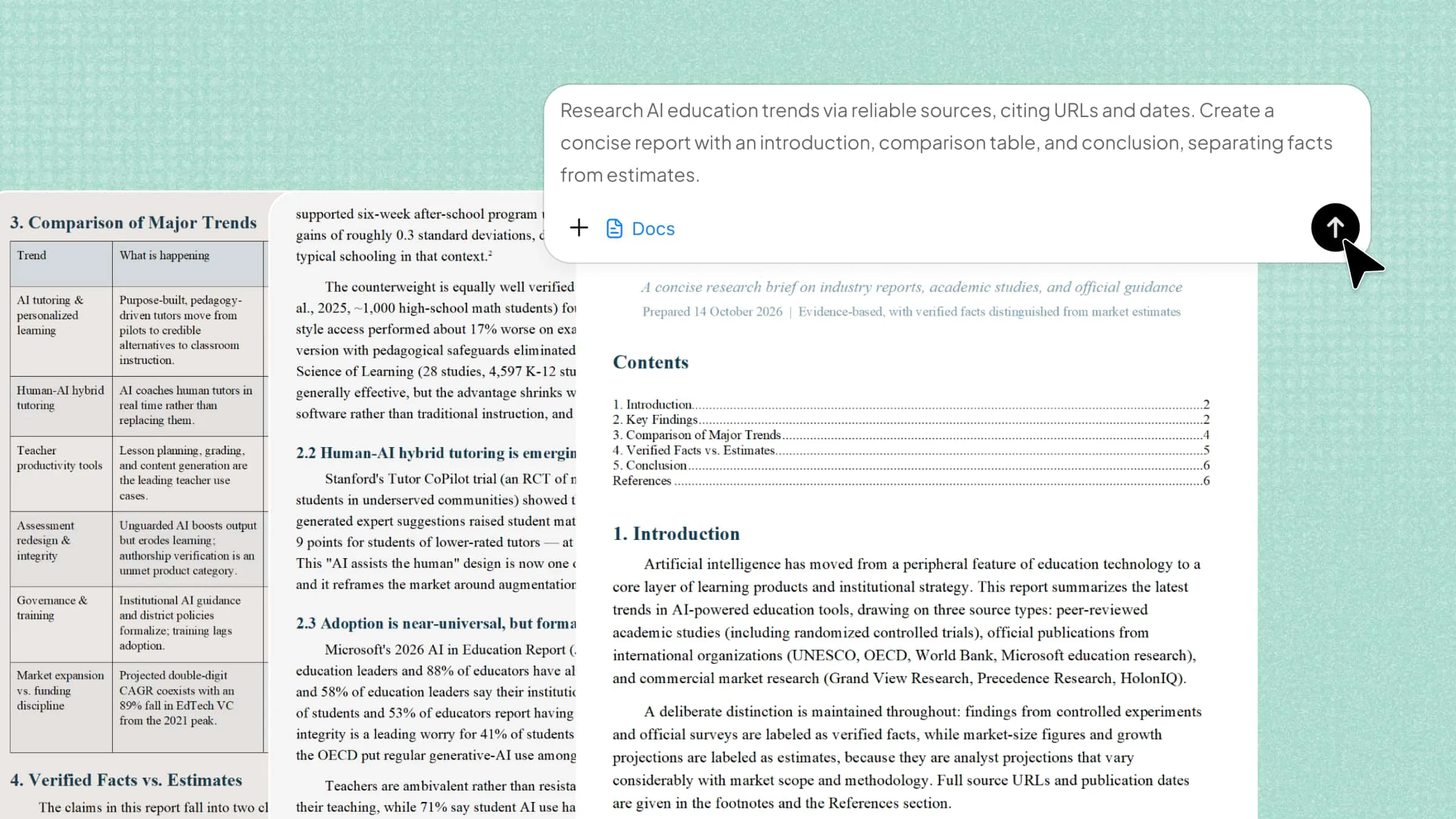
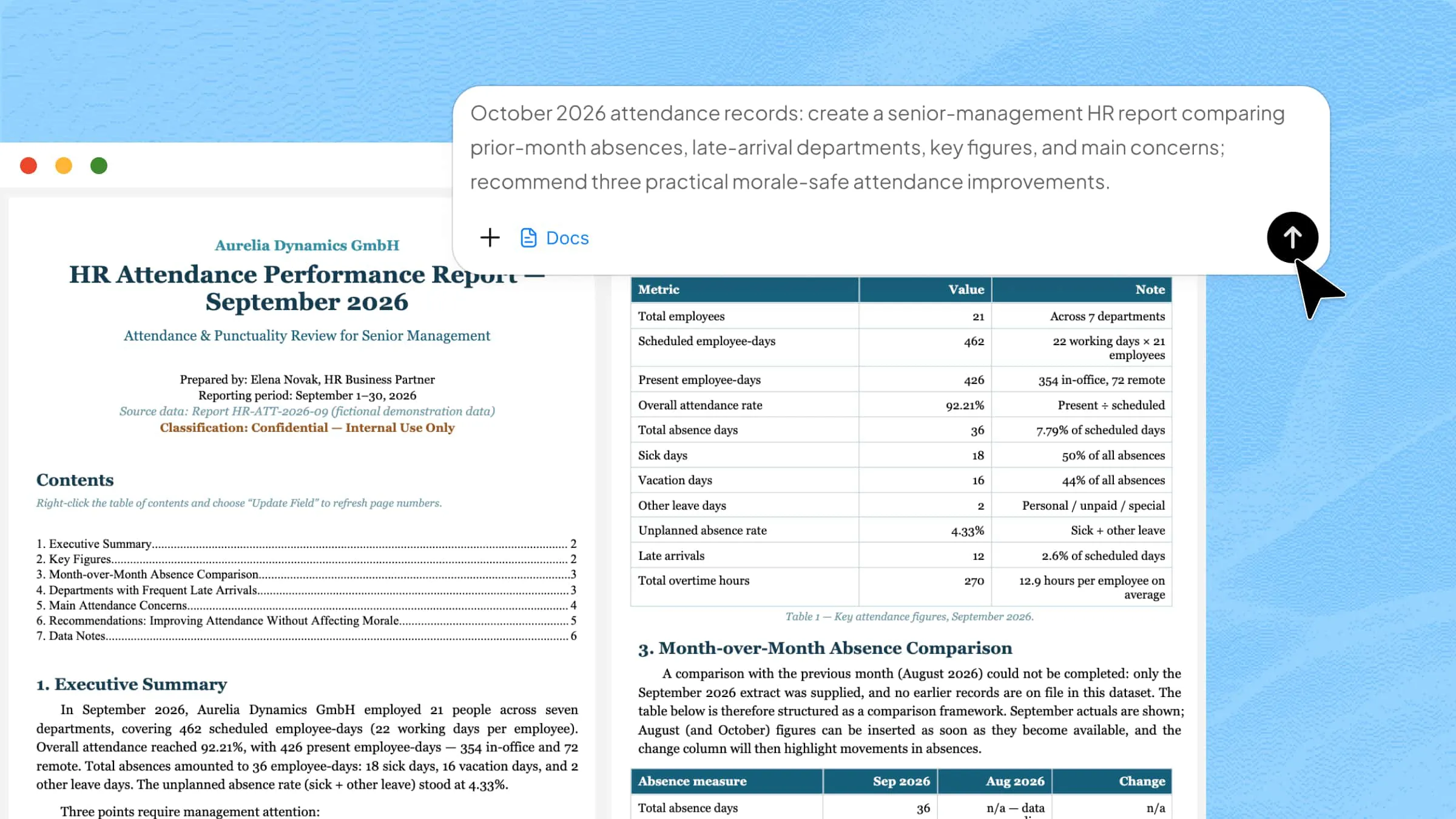
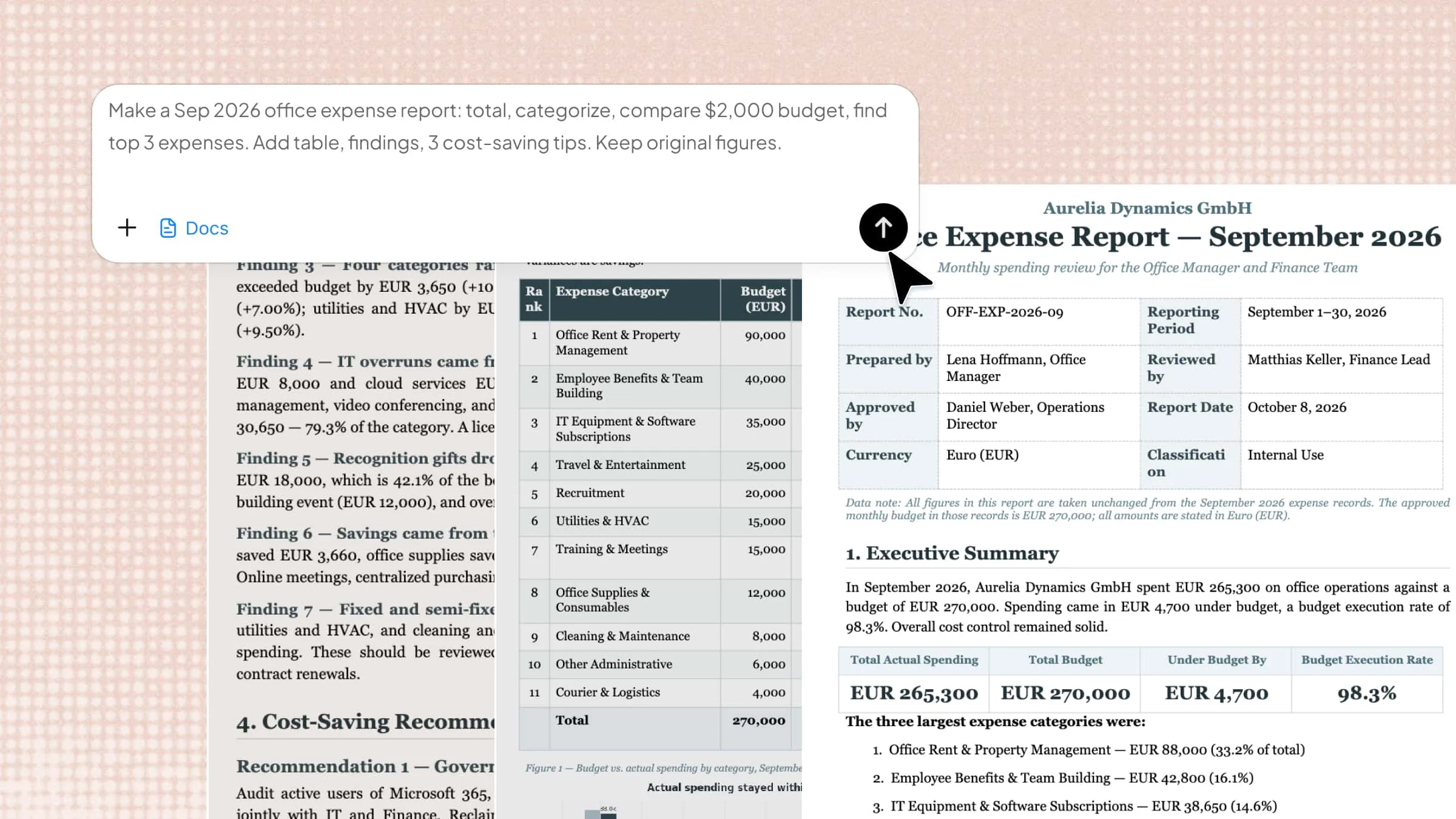
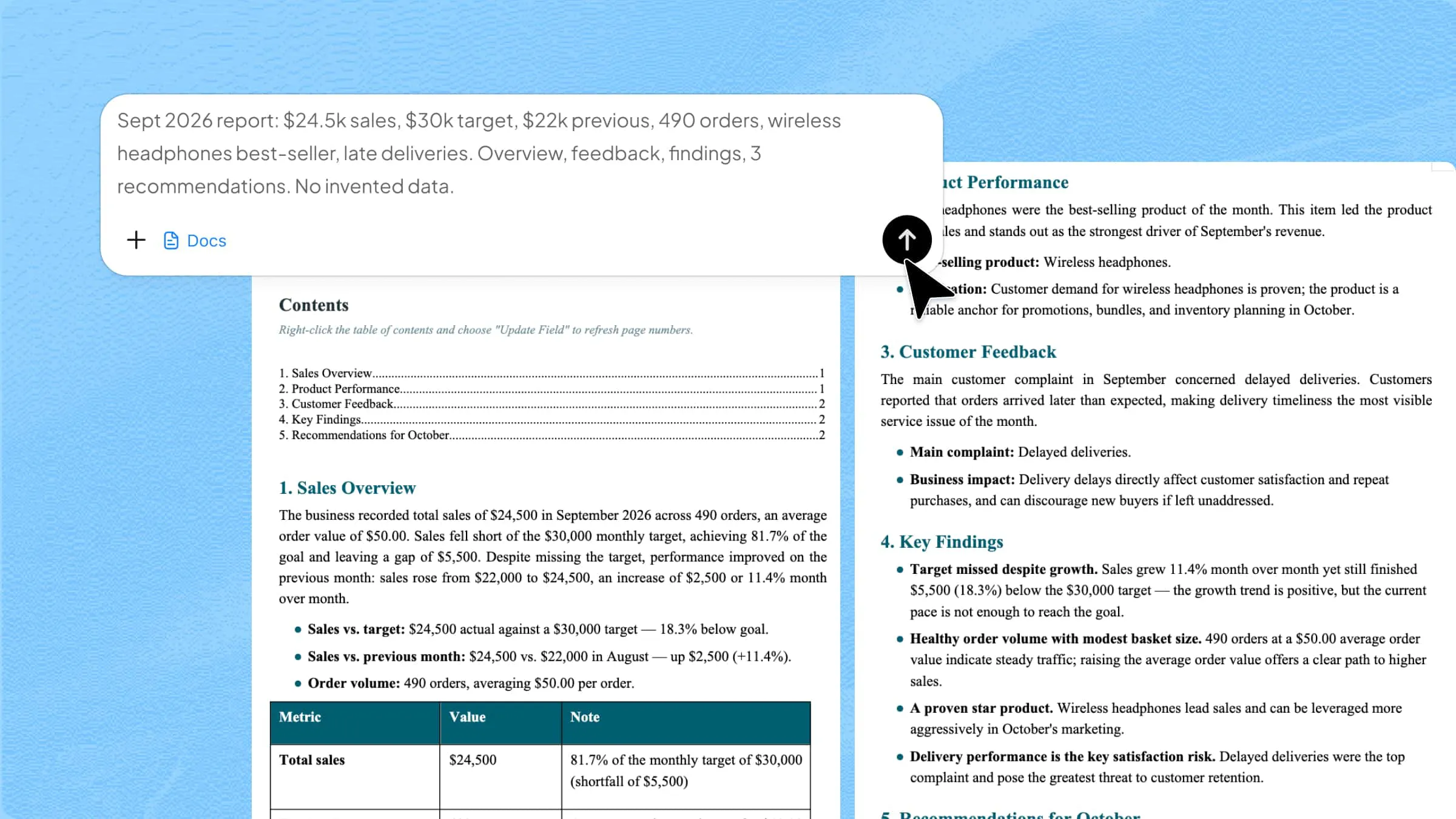
Prompt:
Step 2: Let AI generate your Word
The AI organizes those details into a professional cover sheet suited to routine business communication.
Step 3: Review and export the Word
Verify names, contact information, subject details, and page count before exporting the finished Word document.
Corporate document submission fax cover sheet
Corporate exchanges frequently involve proposals, reports, agreements, or internal paperwork that require a more formal presentation. A fax cover sheet template can provide designated areas for organizational details, recipient information, submission purpose, page totals, and a concise accompanying message.
How to use
Follow these steps to let AI generate fax cover sheets for Corporate document submission.
Step 1: Enter your prompt
Mention the departments or organizations involved, document category, submission purpose, and any relevant reference information.
Prompt:
Step 2: Let AI generate your Word
Your input is arranged into a formal layout that gives the recipient immediate context about the accompanying corporate material.
Step 3: Review and export the Word
Inspect the formatting, adjust any wording that needs refinement, and export the completed file in Word format.
Legal document transfer fax cover sheet
Legal correspondence calls for precision because even minor ambiguity can complicate document handling. A blank fax cover sheet offers a clean framework for case references, recipient information, confidentiality notices, and other transmission-specific details without imposing an unsuitable format.
How to use
The steps given below will help you to create a legal fax cover sheet in Word.
Step 1: Enter your prompt
Provide details such as the case reference, recipient, sender, document type, confidentiality requirements, and transmission date.
Prompt:
Step 2: Let AI generate your Word
The generated page brings the essential legal references together without unnecessarily crowding the front sheet.
Step 3: Review and export the Word
Pay particular attention to names, case identifiers, and privacy-related wording before saving the final Word file.
Medical record sharing fax cover sheet
Healthcare-related faxes require a more privacy-conscious presentation than ordinary business correspondence. A suitable cover page can separate essential routing information from sensitive medical material, helping staff identify the intended recipient and nature of the records while reinforcing appropriate confidentiality expectations.
How to use
Here is how to generate a fax cover sheet in Microsoft Word for medical purposes.
Step 1: Enter your prompt
Enter the relevant recipient information, healthcare organization, record category, patient reference, and other necessary transmission details.
Prompt:
Step 2: Let AI generate your Word
AI transforms the supplied details into a structured cover page appropriate for medical documentation.
Step 3: Review and export the Word
Check that identifying information is accurate and that the finished document contains only the details required for the intended transfer.
Financial document exchange fax cover sheet
Financial paperwork often travels alongside invoices, statements, applications, or transaction-related records that need clear identification. A fax sheet cover letter can provide a straightforward front page for clarifying the purpose of the exchange, referencing the relevant account or transaction, and indicating the accompanying documentation.
How to use
Follow these steps to generate a fax cover sheet template in Word.
Step 1: Enter your prompt
State whether you are sending statements, invoices, applications, transaction records, or another type of financial document.
Prompt:
Step 2: Let AI generate your Word
AI uses your description to arrange financial references, sender information, recipient details, and transmission context.
Step 3: Review and export the Word
Double-check account or transaction references, then export the document once every important detail is accurate.
Confidential information fax cover sheet
Privacy comes first when sensitive material travels by fax. A fax cover sheet printable format can clearly flag restricted content, identify the intended recipient, and reinforce handling expectations before the accompanying pages reach the wrong hands.
How to use
Here is how Kimi can organize sensitive information and convert it into fax Word template.
Step 1: Enter your prompt
Explain that the transmission contains restricted material and identifies the authorized recipient, sender, and relevant document information.
Prompt:
Step 2: Let AI generate your Word
The tool can organize the supplied information while giving appropriate prominence to the confidential nature of the material.
Step 3: Review and export the Word
Make sure the warning, recipient details, and accompanying information are accurate before generating the final Word document.
Internal team communication fax cover sheet
Keep routine departmental exchanges uncomplicated. A printable fax cover page works well for memos, reports, meeting documents, and internal notices, giving colleagues the essential context without turning a quick office transmission into formal correspondence.
How to use
The detailed steps given below show the generation of fax sheets for internal communication.
Step 1: Enter your prompt
Mention the department, colleague, subject, and type of material being shared so the purpose remains immediately clear.
Prompt:
Step 2: Let AI generate your Word
AI converts your short description into a straightforward format suitable for internal office use.
Step 3: Review and export the Word
Review the wording and organizational details, make any necessary changes, and export the ready-to-use Word version.
Executive communication fax cover sheet
Senior-level correspondence calls for understatement rather than visual clutter. With a fax cover page template, executive communications can maintain a refined hierarchy around leadership details, subject information, and the accompanying message while preserving an authoritative corporate aesthetic.
How to use
Here is the procedure for executive communication fax cover sheet.
Step 1: Enter your prompt
Provide the executive's name, organization, recipient information, subject, and the nature of the material accompanying the fax.
Prompt:
Step 2: Let AI generate your Word
Based on your input, AI can arrange the information into a refined format that suits high-level business communication.
Step 3: Review and export the Word
Look over the hierarchy, wording, and identifying details to ensure the document conveys the intended level of professionalism.
Client document delivery fax cover sheet
A client should not have to decipher a stack of incoming pages to understand its purpose. Use a fax forms template to introduce contracts, or other deliverables with enough context to make the handoff feel deliberate and professionally managed.
How to use
Follow these steps to generate client document delivery fax sheets.
Step 1: Enter your prompt
Identify the customer, document category, purpose of delivery, sender details, and any message the recipient should see first.
Prompt:
Step 2: Let AI generate your Word
The AI turns your prompt into an introductory sheet that gives the recipient useful context before they review the enclosed pages.
Step 3: Review and export the Word
Check that the wording is clear, the recipient information is correct, and the finished Word document is ready for delivery.
School administration fax cover sheet
From enrollment paperwork to departmental correspondence, educational offices deal with documentation that moves between numerous parties. A school-oriented cover sheet accommodates this institutional setting by bringing office identification, recipient information, document subject, and transmission details into one readily scannable reference.
How to use
Below steps guide you in developing fax sheets for school purposes.
Step 1: Enter your prompt
Specify the school or office, intended recipient, subject matter, document type, and any relevant student or departmental reference.
Prompt:
Step 2: Let AI generate your Word
AI organizes the supplied details into a practical format suitable for administrative document handling.
Step 3: Review and export the Word
Review names, references, dates, and page information carefully, then save the completed Word document for use.
Why use Kimi Docs for creating fax cover sheets?
A fax cover sheet does more than introduce the pages that follow; it needs to present the right information in a logical, professional format. Kimi Docs can support that process from the initial description through document refinement and final export, giving you greater control over how the finished sheet is prepared.
Create fax cover sheets from simple prompts
Instead of building the document field by field, describe what the fax is for and what information it should contain. Kimi Docs can interpret those instructions and organize relevant details into a structured cover sheet.
Generate professional document layouts
The platform can establish a coherent visual hierarchy through headings, tables, spacing, and clearly defined sections. This is particularly useful when a fax needs to look formal and remain easy to scan.
Customize fax templates for different needs
A single format may not suit every transmission, so you can adapt the document to different industries, purposes, or organizational identities. Content, section arrangement, terminology, and branding can be modified to suit the intended context.
Improve fax documents with AI editing
Once the initial version exists, natural-language commands can be used to rewrite wording, replace information, reorganize sections, or refine formatting. This lets you make targeted revisions without reconstructing the entire document manually.
Convert and export documents in multiple formats
After finalizing the fax cover sheet, simply specify the format you need, such as Word or PDF, and Kimi Docs can prepare the document accordingly. The exported file can then be edited further, shared digitally, printed, or used for transmission.
Main components of a fax cover letter template
A well-constructed fax cover letter should make the transmission understandable before the recipient reaches the attached pages. The components given below serve a specific purpose, from establishing the parties involved to clarifying what the transmission contains.
Sender information
This section identifies who initiated the fax, typically including the sender's name, organization, telephone number, and other relevant contact details. Clear identification gives the recipient an immediate point of reference if clarification is needed.
Recipient information
Provide the intended recipient's name, organization, department, and fax number where appropriate. Accurate routing details reduce ambiguity and help ensure the material reaches the correct person or office.
Fax details
Information such as the transmission date, total number of pages, and sender or recipient fax numbers helps establish a concise record of the exchange. These details can also make it easier to identify missing pages or transmission discrepancies.
Subject or reference line
A focused subject line tells the recipient what the fax concerns without requiring them to inspect the attached material first. For ongoing matters, a reference number or document identifier can provide additional context.
Message or comments section
Use this space for a brief explanation, accompanying note, request, or relevant instruction connected to the enclosed pages. Keeping the message focused prevents the cover sheet from becoming unnecessarily dense.
Confidentiality notice (optional)
When the transmission contains sensitive material, a confidentiality statement can alert the recipient to its restricted nature and appropriate handling. Its wording should reflect the type of information being transmitted rather than relying on a generic warning.
Conclusion
In conclusion, a fax cover sheet template may be a small part of document transmission, but it helps keep communication clear, organized, and professional. Choosing a suitable template ensures the format matches the purpose of the message. With Kimi Docs, you can customize documents based on specific needs instead of relying on fixed layouts.