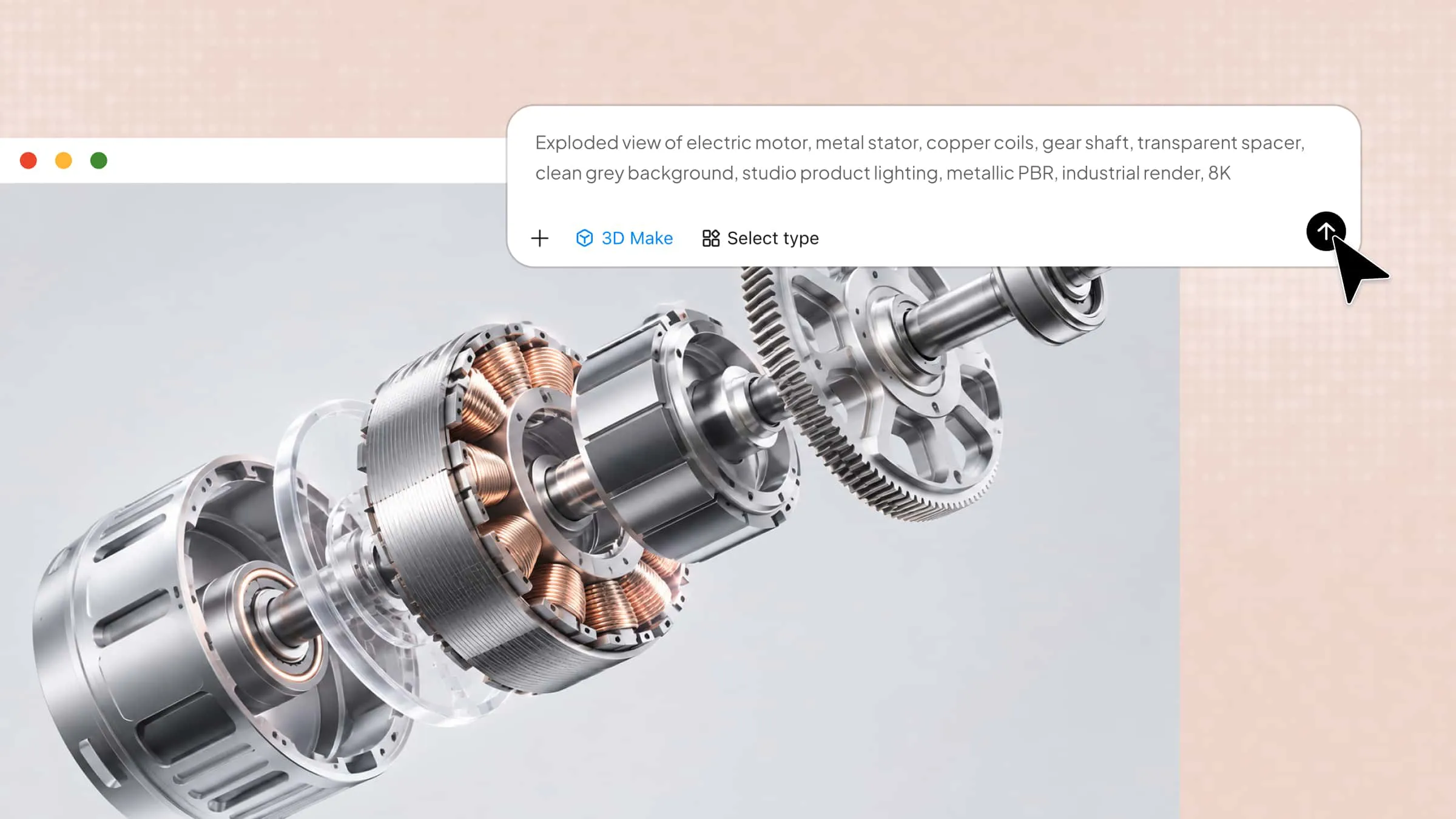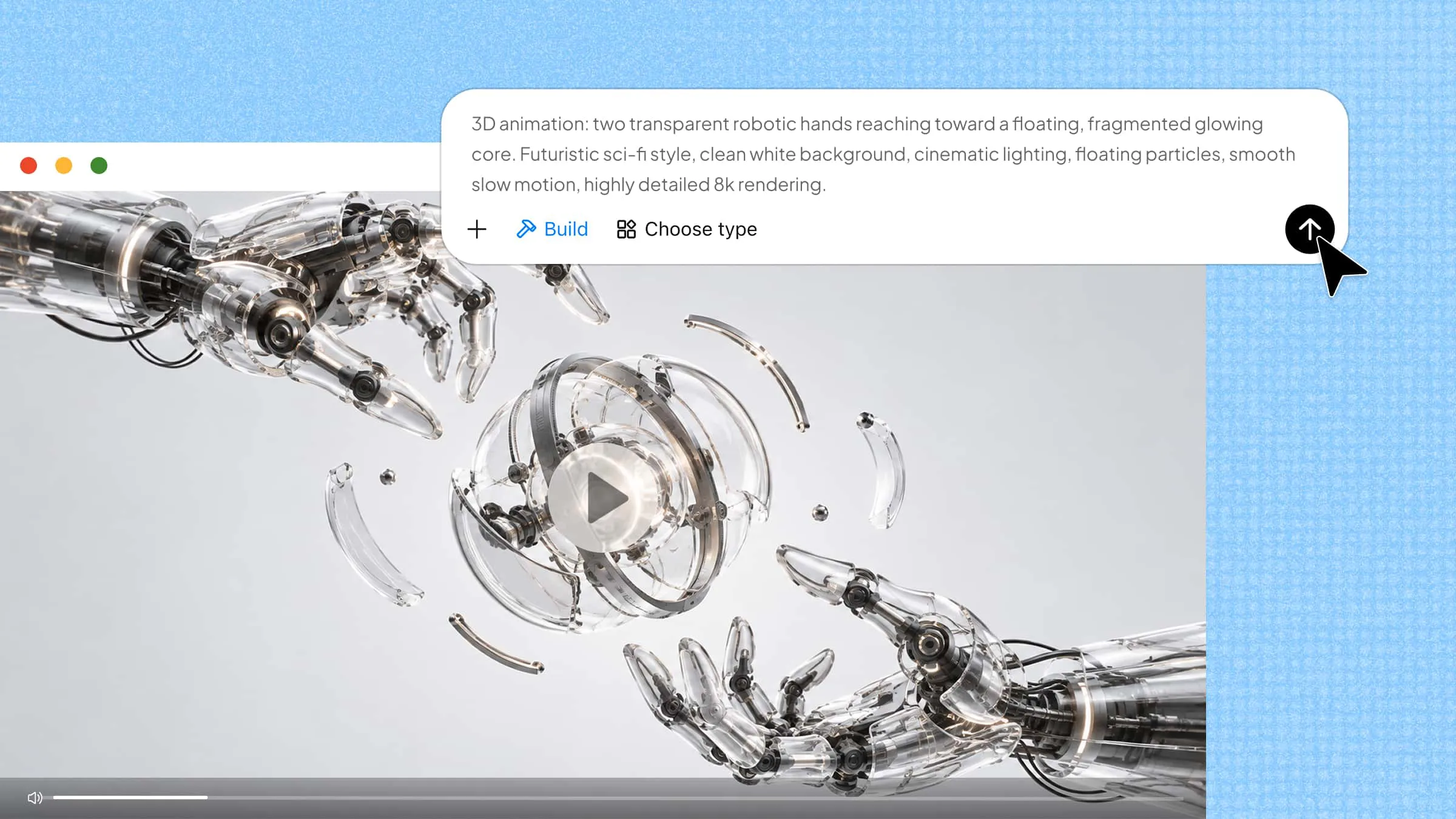
Creating 3D animations can be challenging without technical skills or expensive software. However, free and paid AI 3D animation tools make it easier to turn text prompts and images into engaging visuals with less manual effort. The challenge is finding a tool that fits your creative needs, budget, and experience level. This guide explores 10 AI 3D animation tools, their key features, and use cases to help you choose the right option.
Overview of 10 free and paid text-to-3D animation tools
The 10 tools below cover different stages of 3D animation, from generating models with text prompts and images to rigging characters, capturing real-world movements, and creating animated videos. Explore their key features, animation workflows, and ideal use cases to find the right tool for your project.
| Tool | Main capabilities | Animation workflow | Suitable for |
|---|---|---|---|
| Kimi 3D Make | Text/image-to-3D, prompt-based editing | Generate and refine 3D assets; extend workflows with Blender or Tripo 3D via Kimi Work | Beginners, 3D designers, game developers, and digital artists |
| 3D AI Studio | Text/image-to-3D, texturing, mesh editing | Generate and prepare 3D models | Beginners, 3D designers, game developers, and digital artists |
| Tripo AI | 3D generation, texturing, rigging, animation | Generate, rig, and animate 3D models | 3D artists, game developers, character designers, and animators |
| Mixamo | Auto-rigging, animation library | Rig humanoid models and apply preset motions | Beginner animators, game developers, character artists, and 3D hobbyists |
| DeepMotion | Video-based motion capture, body and gesture tracking | Convert recorded movements into 3D animation | Character animators, game developers, filmmakers, and motion designers |
| Move AI | Single- and multi-camera motion capture | Capture performances and transfer motion to 3D characters | Professional animators, motion-capture specialists, game developers, and VFX artists |
| Rokoko Vision | Video motion capture, motion editing | Extract, refine, and retarget motion data | Independent animators, game developers, motion designers, and 3D artists |
| Cascadeur | AI-assisted posing, inbetweening, physics tools | Create and refine keyframe animations | Character animators, game developers, action animators, and 3D artists |
| Runway | Text-to-video, image-to-video, AI video editing | Generate and edit animated video clips | Video creators, social media marketers, filmmakers, and digital artists |
| Vidu | Text-to-video, image-to-video, motion controls | Animate images and generate video scenes | Video creators, social media managers, marketers, and digital storytellers |
10 free and paid text-to-3D animation tools
Here is a breakdown of 10 free and paid AI 3D animation generators, including their key features, pricing options, and ideal use cases to help you choose the right tool for your project.
Kimi 3D Make
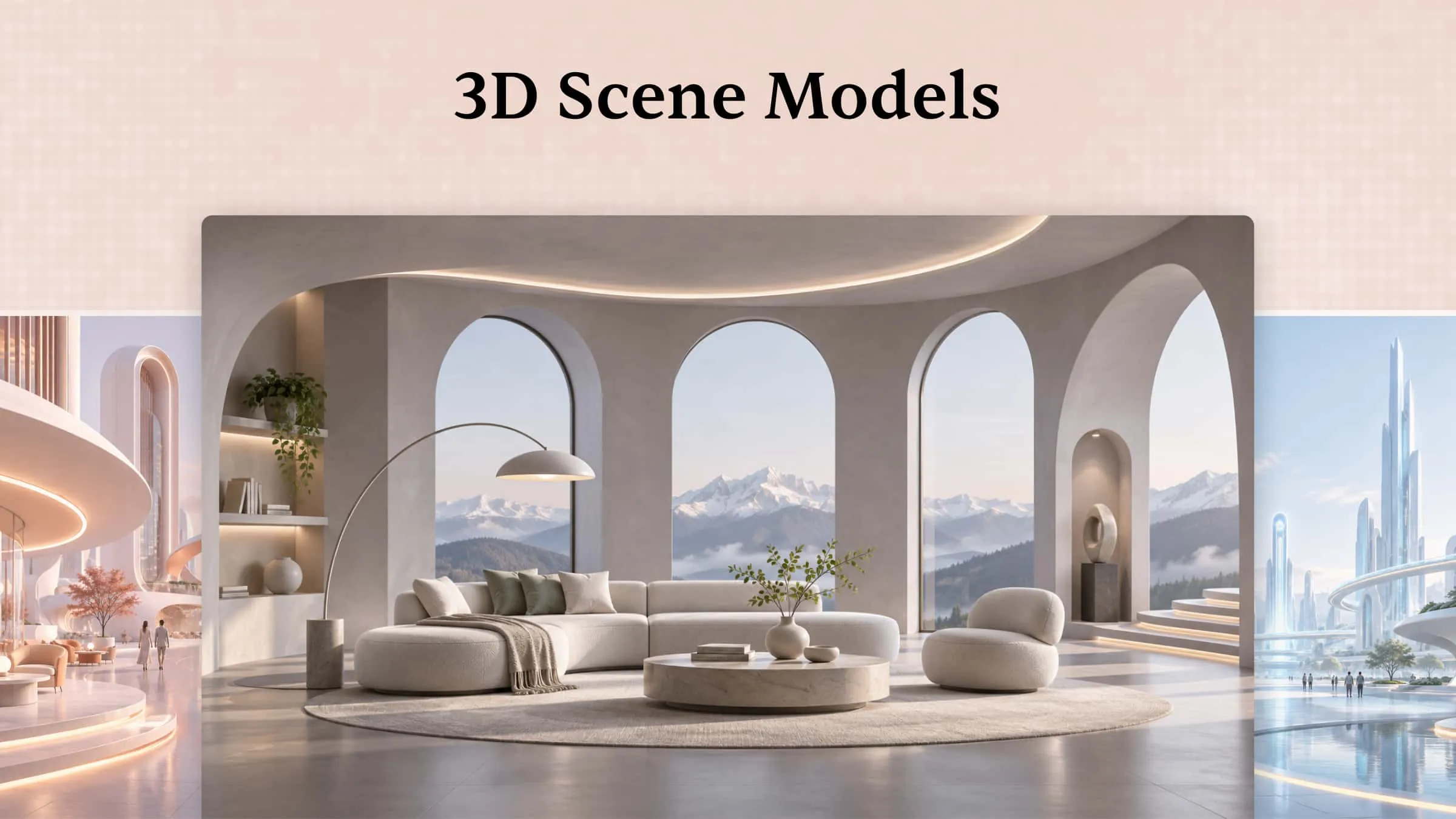
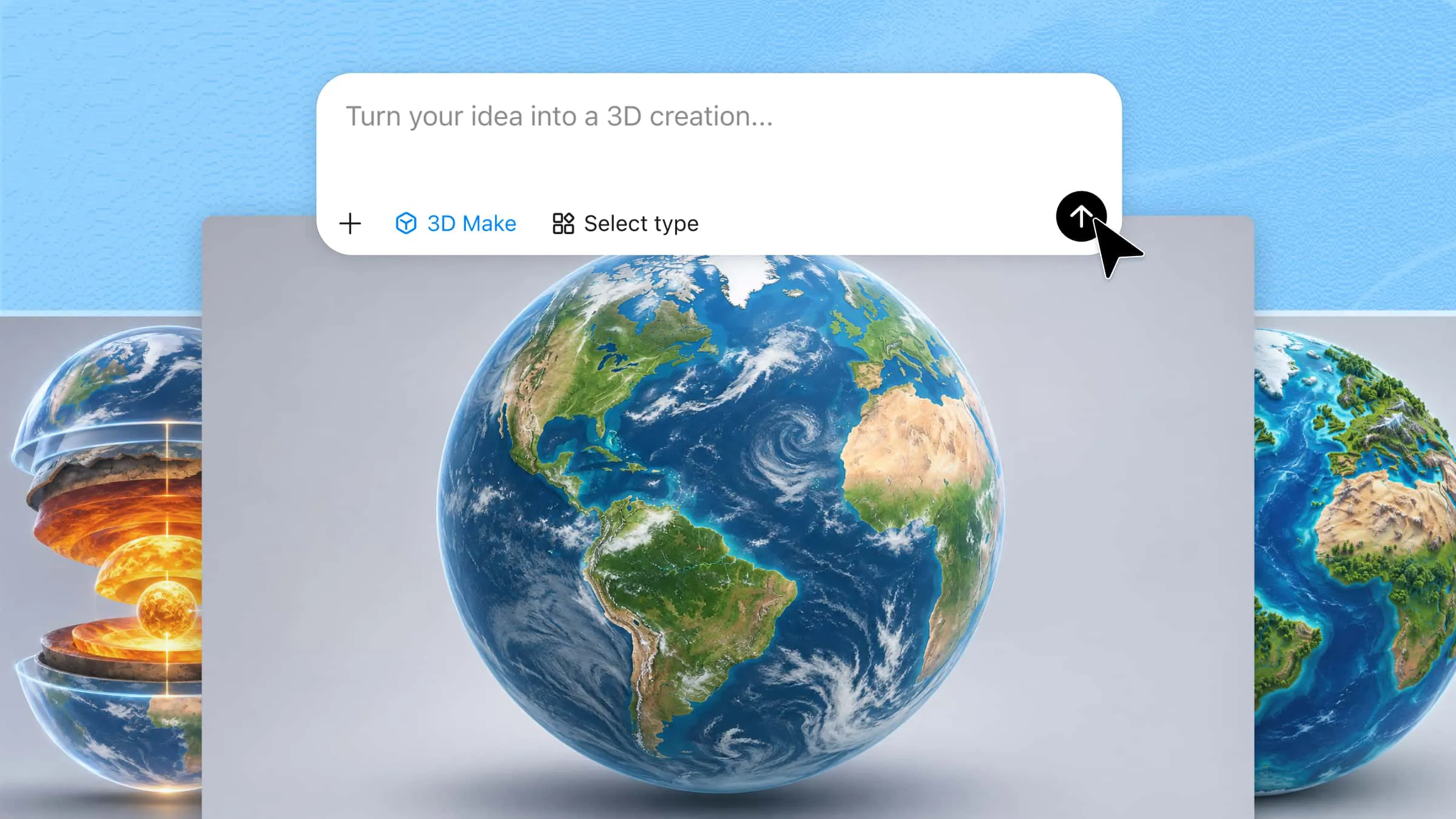
Kimi 3D Make is an AI-powered tool that transforms text prompts, reference images, or both into 3D models. You can refine the generated asset using natural-language instructions to adjust its shape, materials, and visual details. It supports GLB, glTF, and OBJ exports for use in compatible 3D applications and web projects. Beyond 3D asset generation, it can help create interactive games, websites, and other digital projects.
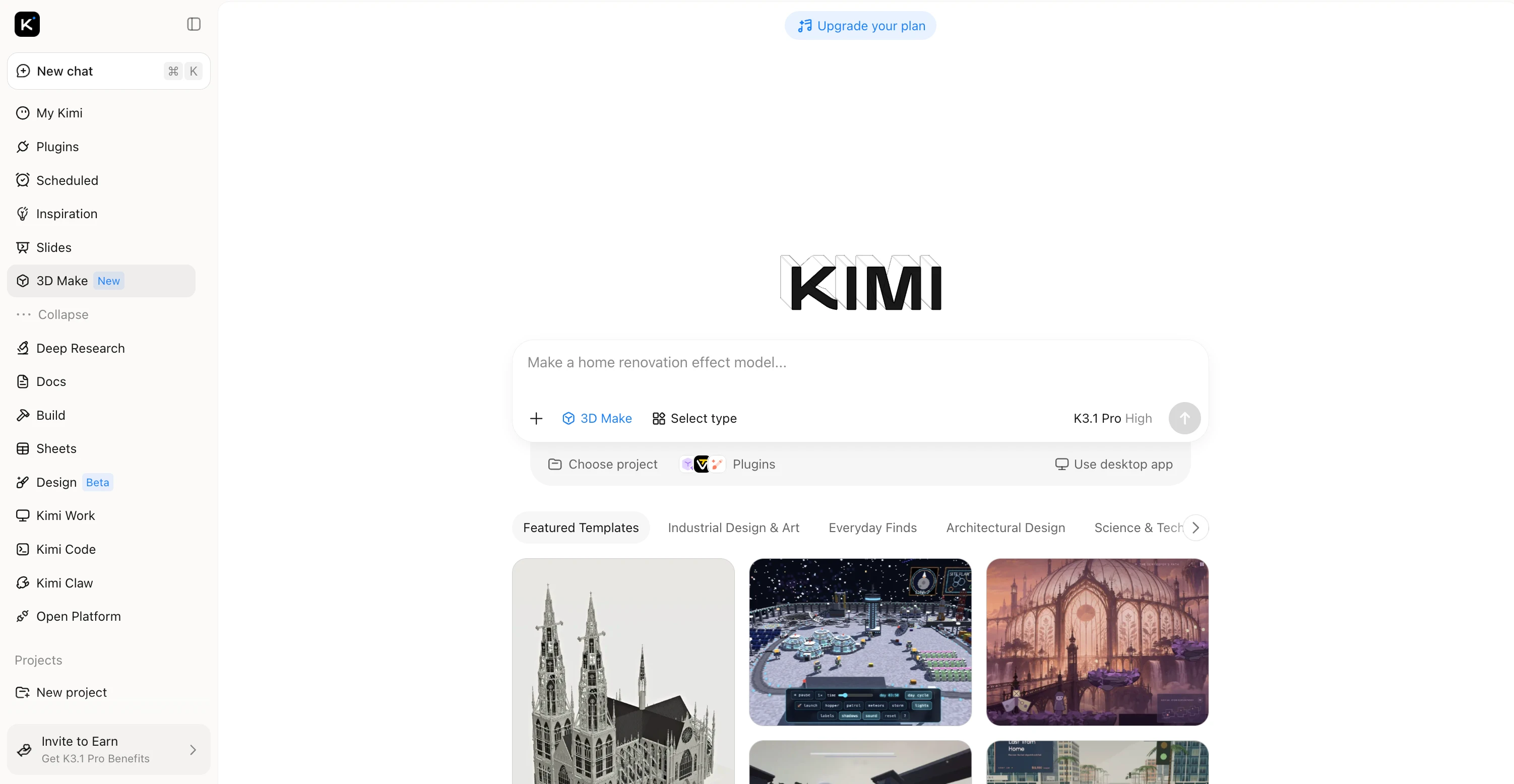
Main features
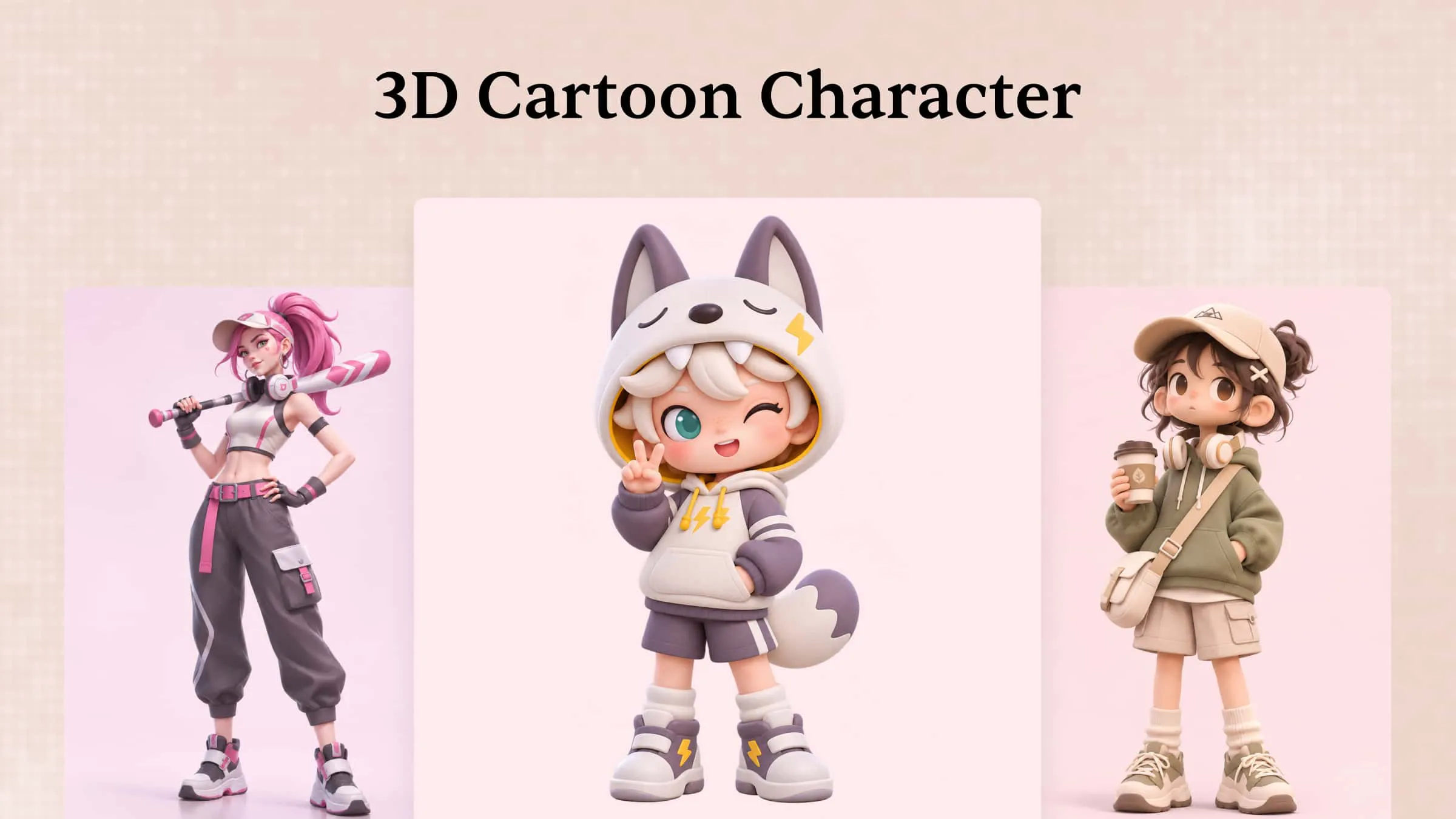
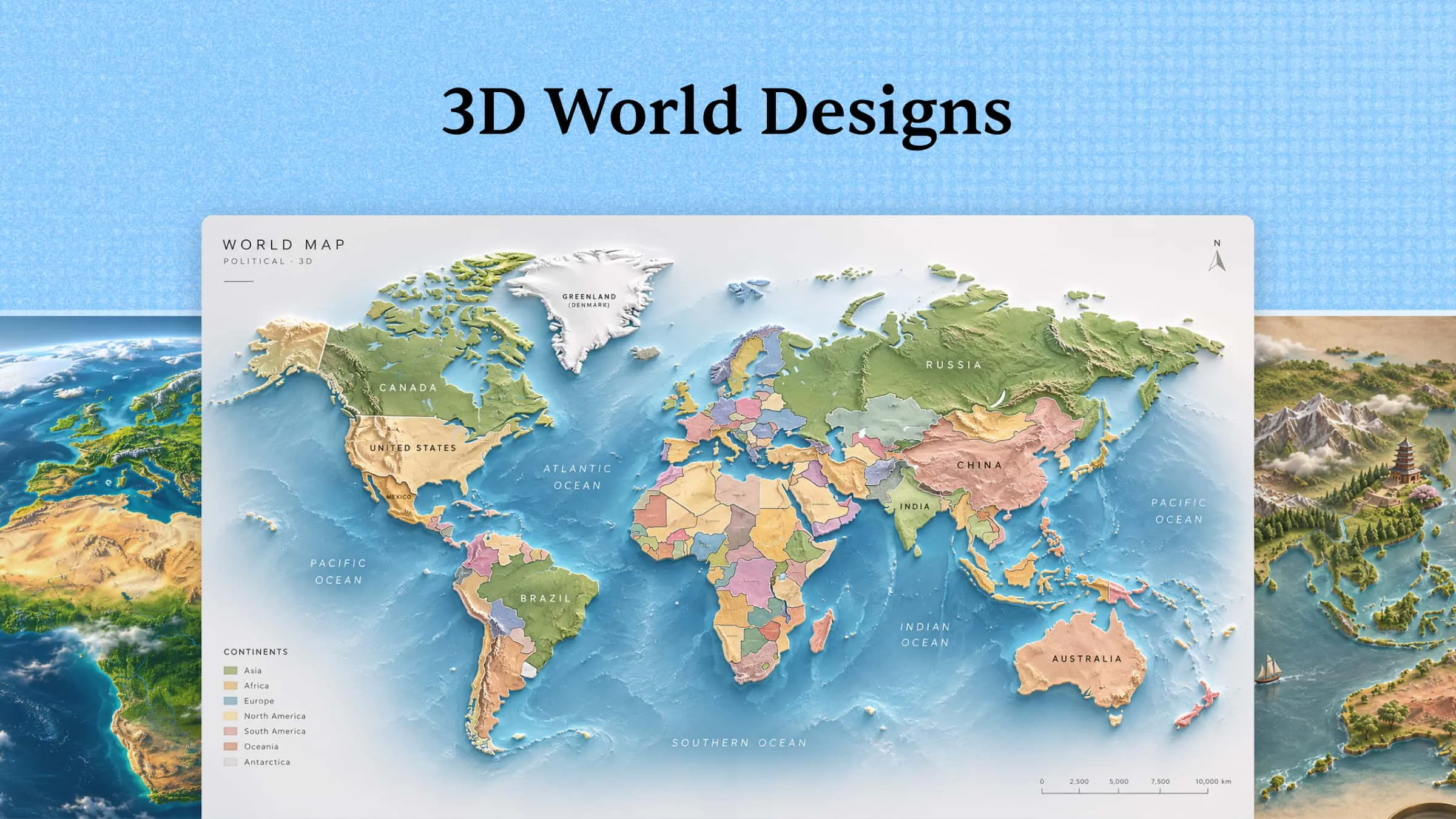
Turn creative ideas into animated 3D visuals: Use text prompts and visual references to develop 3D designs for characters, objects, and scenes. Explore different compositions and visual directions for animation concepts, product visuals, and digital storytelling.
Recreate reference designs with high visual fidelity: Upload a reference image to guide the appearance of your 3D design. Preserve distinctive shapes, proportions, colors, and stylistic details to create visuals that closely follow your intended direction.
Refine 3D designs through prompt-based editing: Describe the changes you want in natural language, comment on specific elements, or make manual edits. Fine-tune shapes, materials, and scene details through iterative adjustments as your creative ideas develop.
Extend 3D projects with specialized animation tools: Use Kimi Work plugins to access Blender for detailed modeling, rigging, animation, and rendering, or Tripo 3D for text-to-3D and image-to-3D generation. Depending on the workflow, formats such as FBX, STL, USDZ, BLEND, GLB, glTF, and OBJ support further editing and integration into animation and game development projects.
Suitable for
Beginners creating 3D models from text or images.
Designers developing product visuals and creative concepts.
Game developers creating 3D assets.
Animators preparing models for external animation software.
How to turn text/image into 3D animation with Kimi 3D Make
Follow the steps below to turn text/image into 3D animation with Kimi 3D Make.
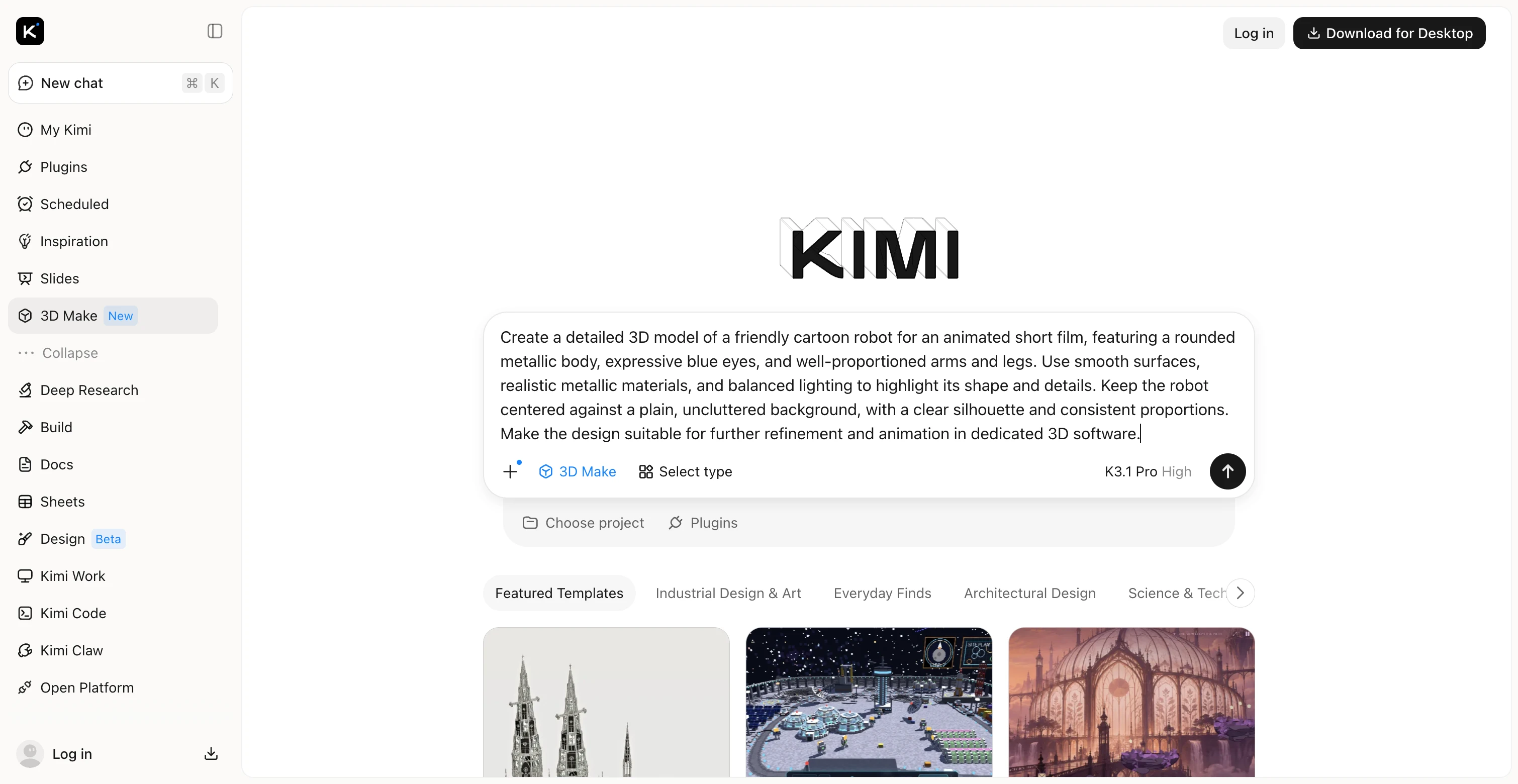
Step 1: Enter a prompt or upload a reference image
Visit Kimi 3D Make and describe the 3D object you want to create. You can also upload a reference image to guide the model's appearance. Include details about the object's shape, colors, materials, proportions, and intended use.
Example prompt:
Step 2: Generate and refine your 3D animation
Submit your prompt and review the generated model. If the result does not match your idea, use additional instructions to adjust its proportions, surface details, colors, or materials. You can refine the asset through several iterations instead of starting over each time.
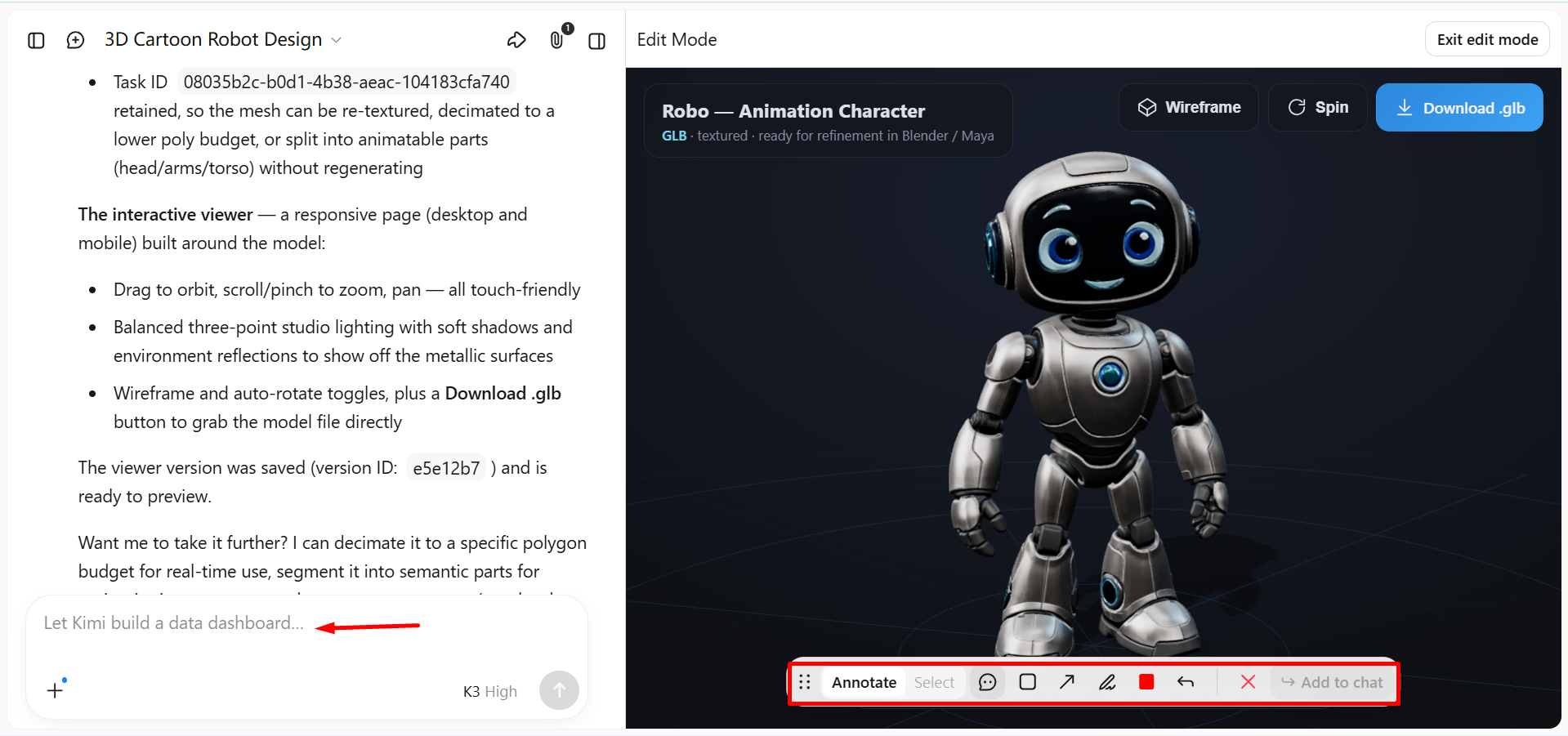
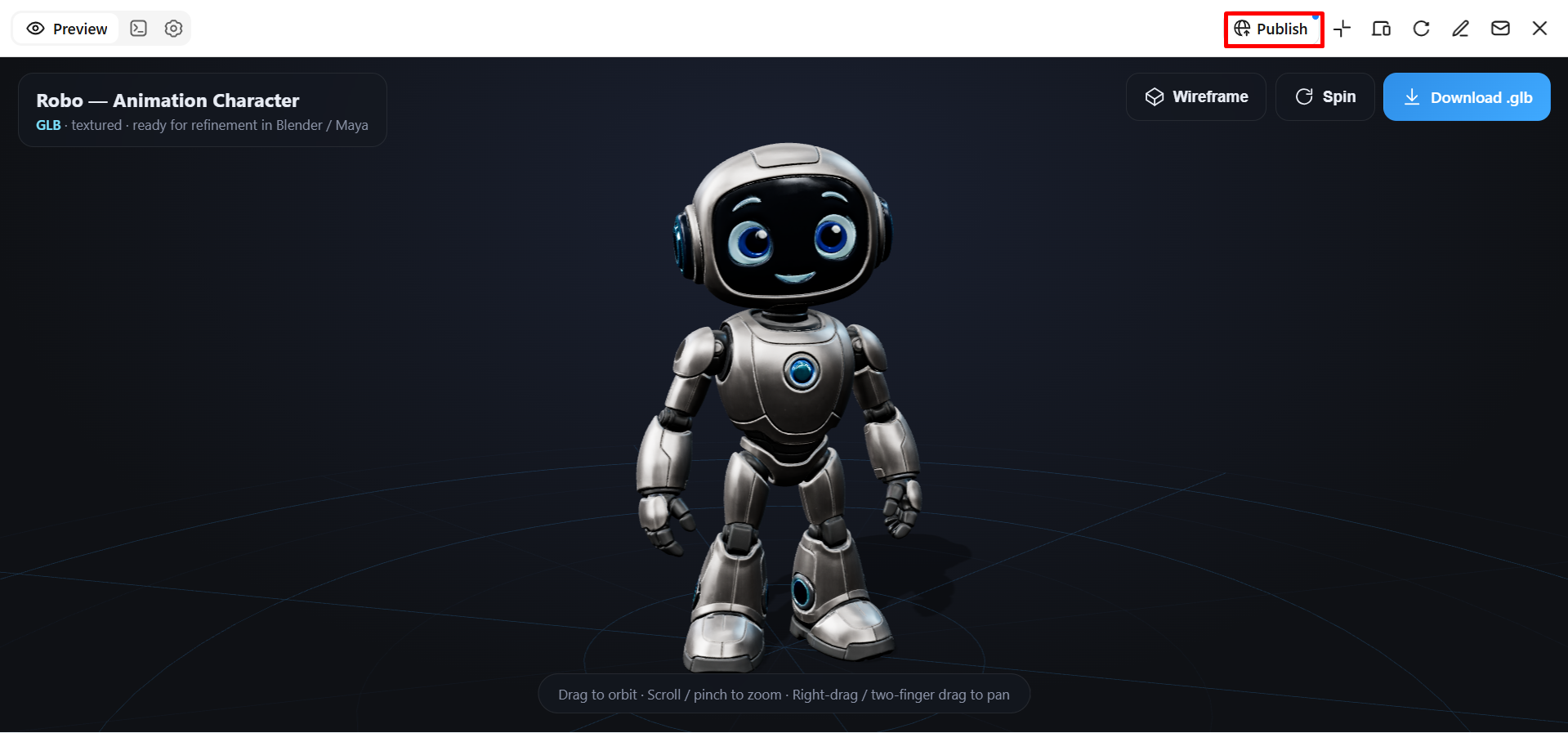
Step 3: Export your 3D asset for animation workflows
Once you're satisfied with the model, export it from Kimi 3D Make and save it to your device. You can then import the asset into compatible 3D software to continue refining the model, rigging characters, or creating animations.
3D AI Studio
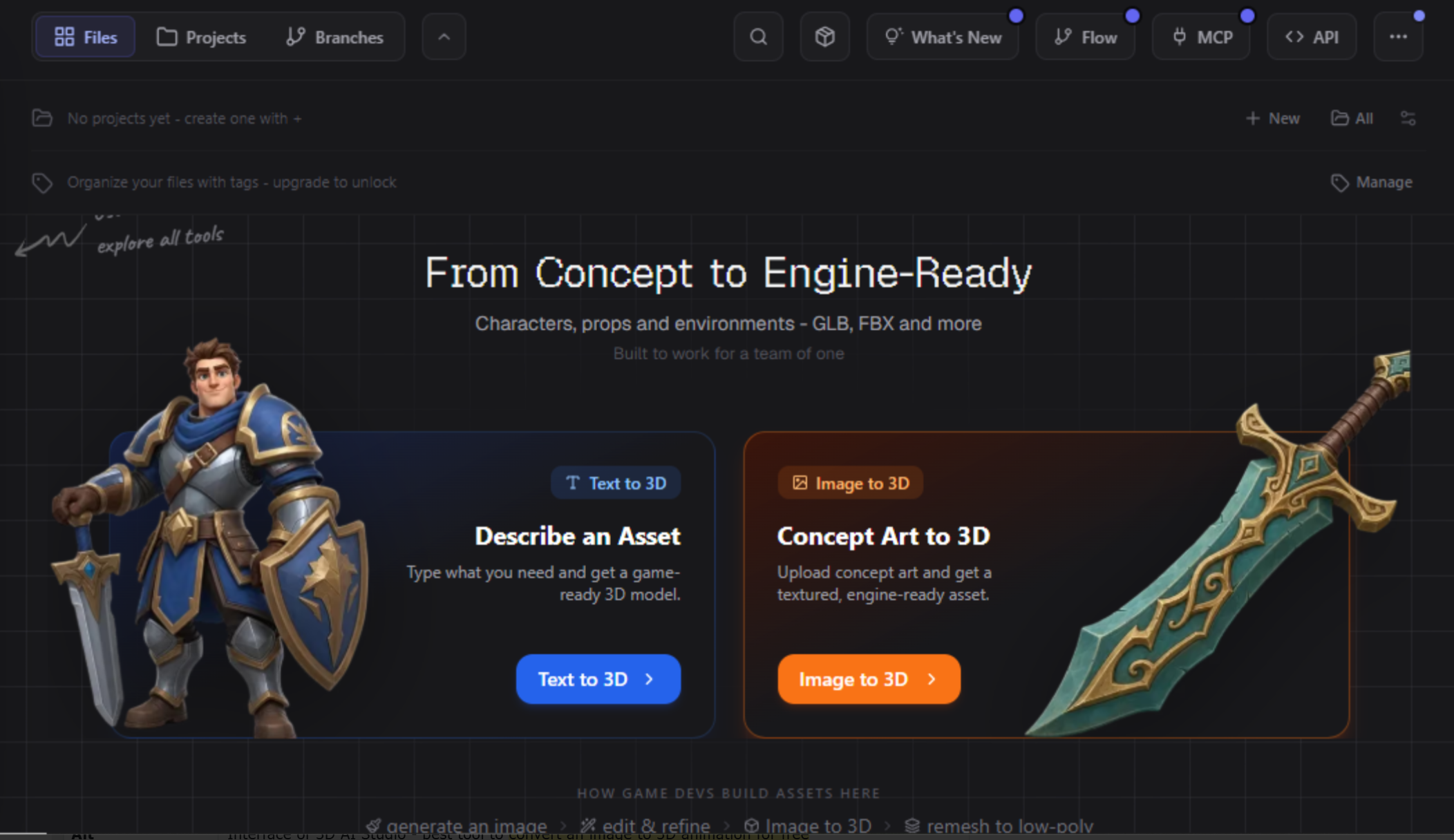
3D AI Studio is an AI-powered platform for creating 3D models from text prompts and reference images. It also provides tools for texturing, mesh editing, and preparing assets for different creative projects. Its range of generation and editing features helps users move from an initial concept to a usable 3D asset without building every detail manually.
Main features
Text-to-3D generation: Create 3D models by describing your ideas in a text prompt. Include the object's shape, style, and key details to guide the design.
Image-to-3D conversion: Upload a reference image to guide the creation of a 3D model. This helps translate visual concepts into three-dimensional assets.
AI texturing and mesh editing: Apply materials and textures to enhance the model's appearance. Refine its geometry and simplify unnecessary polygons for easier editing.
Multiple export formats: Export models in formats such as GLB, FBX, OBJ, STL, and USDZ for compatible 3D workflows. Available formats depend on the tool's export capabilities.
Suitable for
Beginners creating 3D assets from simple ideas.
Designers developing product models and visual concepts.
Game creators preparing objects for 3D environments.
Artists who need model generation and editing tools in one platform.
Tripo AI
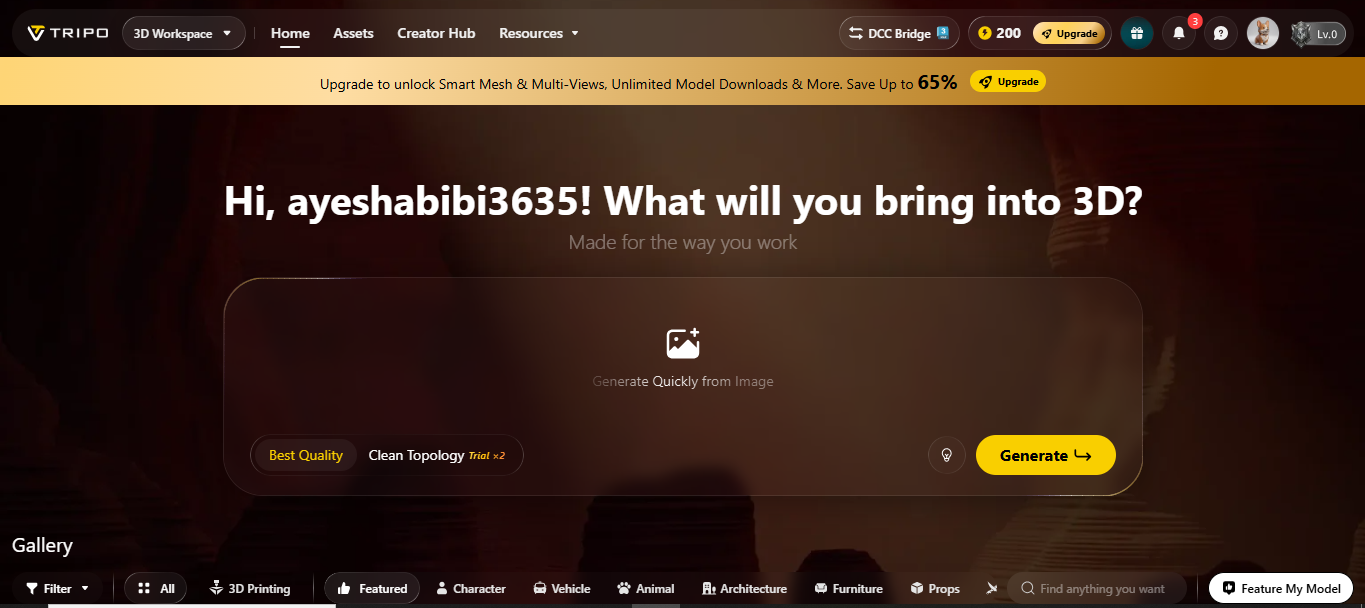
Tripo AI helps users generate 3D models from text descriptions, images, and multiple reference views. Beyond model creation, it offers tools for texturing, retopology, segmentation, rigging, and animation. It can be useful for turning images into 3D animated assets online, with additional tools to refine models and prepare them for different creative projects.
Main features
Text and image-to-3D generation: Create 3D models from text prompts, photos, sketches, or reference images to turn ideas into three-dimensional assets.
AI texturing: Apply realistic materials, colors, and surface details to enhance the model's appearance and visual quality.
Automatic rigging: Add skeleton structures to compatible character models, making them easier to pose and prepare for animation.
Animation and export: Apply available motion presets to bring characters to life, then export assets in supported formats such as FBX, GLB, and OBJ for compatible workflows.
Suitable for
Beginners who want to create 3D assets with AI.
Game developers preparing characters and props.
Animators who need generated models with rigging options.
Designers creating assets for interactive and visual projects.
Mixamo
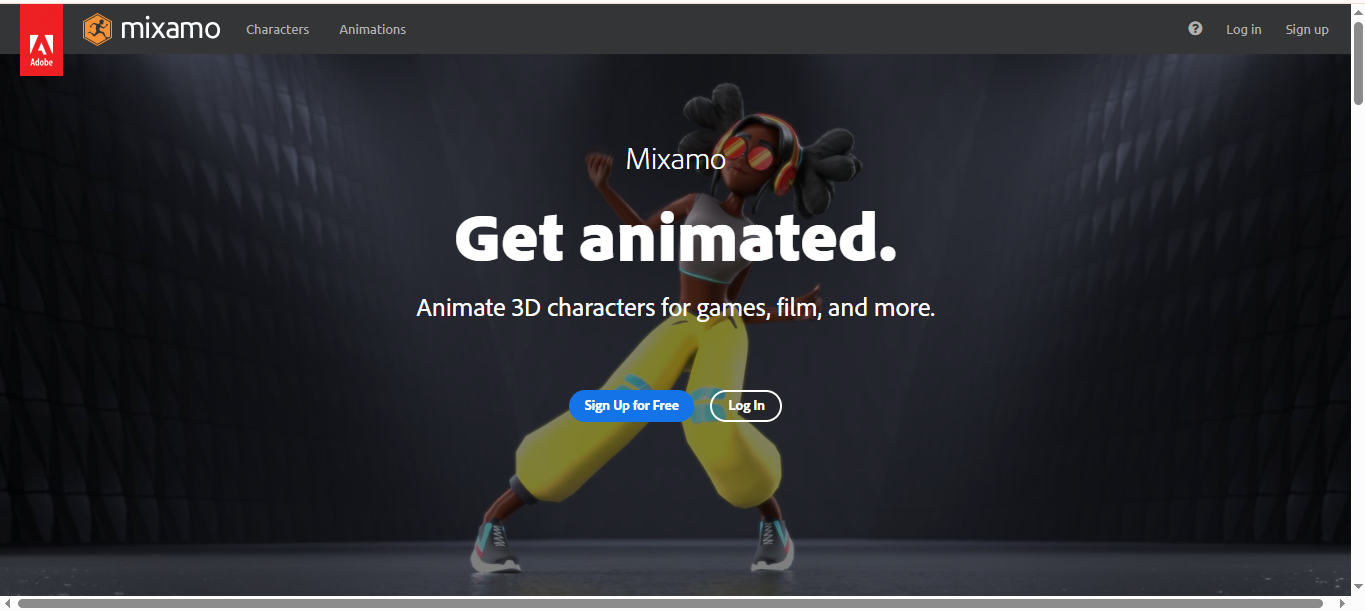
Mixamo is a browser-based 3D animation generator from Adobe that helps users rig and animate 3D human characters. It includes a library of ready-made characters and motion-captured animations that users can apply to compatible character models. Its automatic rigging process makes it easier to prepare a humanoid character for animation without creating a skeleton manually.
Main features
Automatic character rigging: Automatically adds a humanoid skeleton to compatible 3D characters, making them ready for animation with less manual setup.
Animation library: Offers ready-made animations, including walking, running, and jumping, so users can quickly bring their characters to life.
Animation preview and adjustment: Allows users to preview animations and make adjustments to achieve the desired movements before downloading.
Character and animation export: Lets users download rigged characters and animated assets for further editing and use in compatible 3D software.
Suitable for
Beginners learning character animation.
Game developers who need animated humanoid characters.
Creators producing short films and animated scenes.
3D artists who want to rig characters without building skeletons manually.
DeepMotion
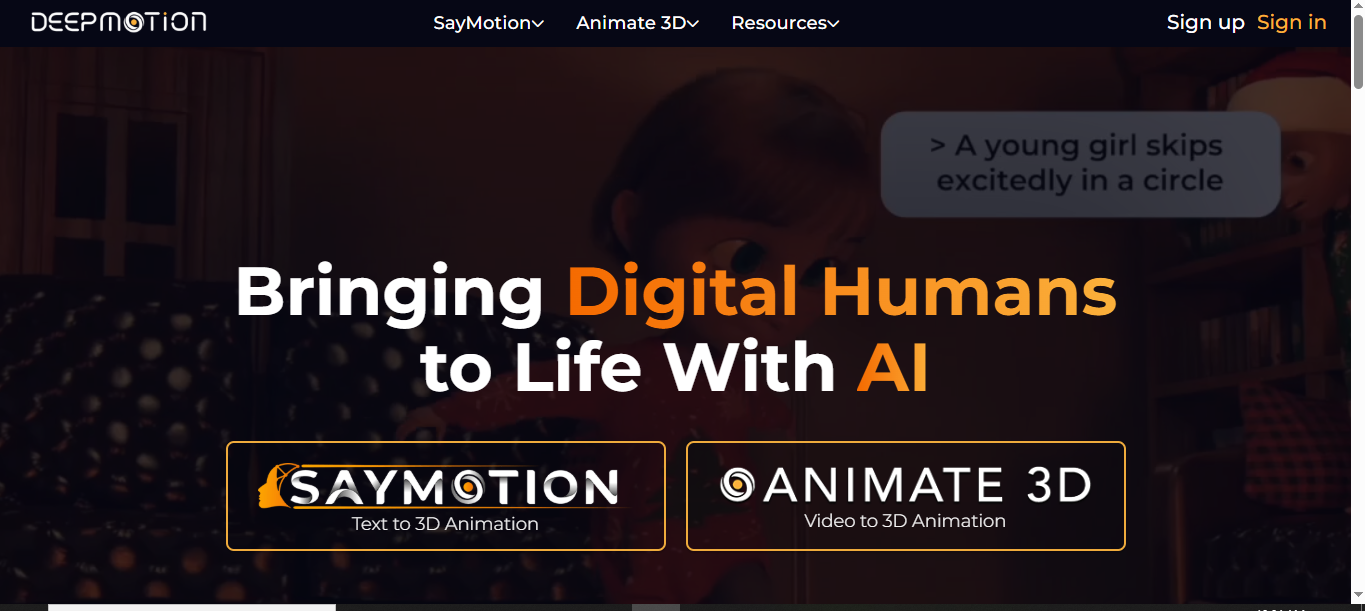
DeepMotion's Animate 3D uses AI-powered motion capture to turn ordinary video footage into 3D character animation. It tracks body movements and can capture additional details such as facial expressions and hand gestures. The resulting animation data can be exported for use in compatible 3D software, making it useful for creators who want to animate characters using recorded human movement.
Main features
Video-to-3D animation: Converts recorded videos of human movement into 3D animation data, helping users animate digital characters based on real actions.
Markerless motion capture: Tracks body movements directly from video without requiring special motion-capture suits or physical markers.
Body and gesture tracking: Captures full-body movements, hand gestures, and facial expressions to create more natural and expressive character animations.
Multiple export formats: Supports formats such as FBX, BVH, GLB, and MP4, allowing users to export animation data and videos for use in compatible tools and workflows.
Suitable for
Animators creating realistic character movements.
Game developers producing character motion.
Filmmakers working on animated scenes.
Creators who want to turn recorded performances into 3D animation.
Move AI
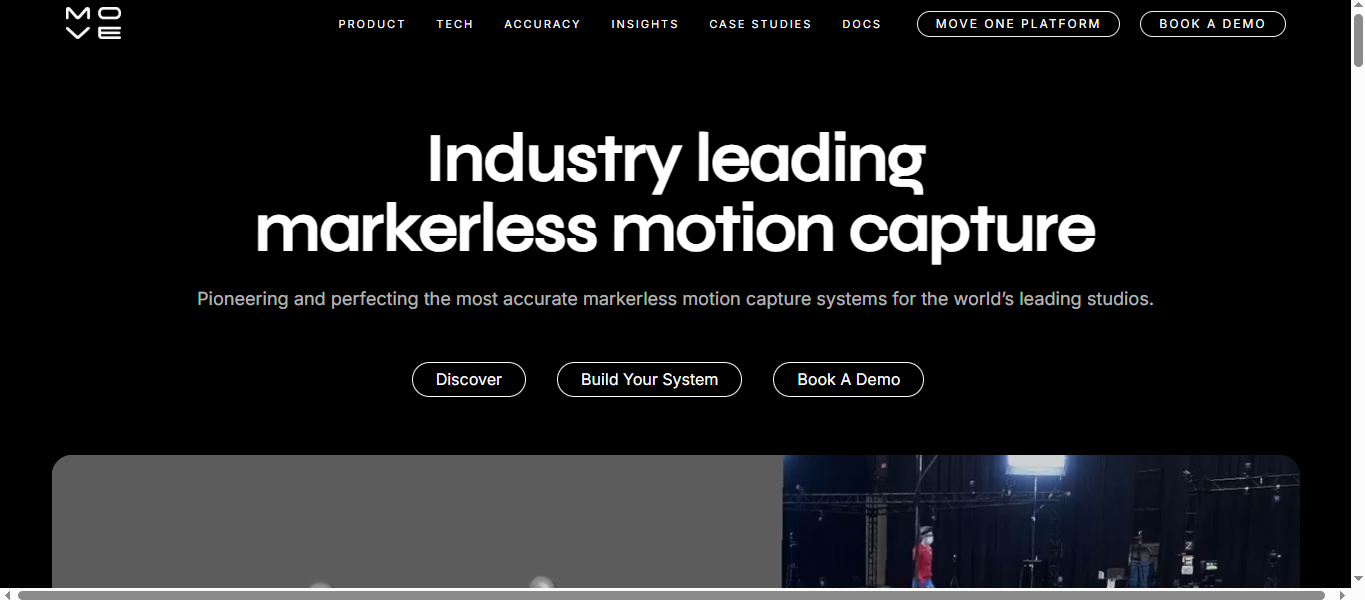
Move AI specializes in markerless motion capture, using AI to extract human movement from video footage. Its Move One workflow supports single-camera capture, while its professional Genesis system is designed for multi-camera production environments. The captured motion can be transferred to compatible 3D characters and used in animation, game development, and visual effects.
Main features
Video-based motion capture: Converts recorded human performances into 3D motion data, helping creators animate digital characters using real movements.
Single-camera workflow: Move One allows users to capture human motion with a single camera, making animation more accessible without complex equipment.
Professional multi-camera capture: Genesis supports advanced motion-capture setups with multiple cameras and performers for more demanding production workflows.
Animation integration: Enables users to export and retarget captured motion data in compatible 3D software for further editing and character animation.
Suitable for
Animators who want to reproduce real human movements.
Game studios creating realistic character animations.
Film and visual-effects teams working with motion capture.
Production studios that need scalable motion-capture workflows.
Rokoko Vision
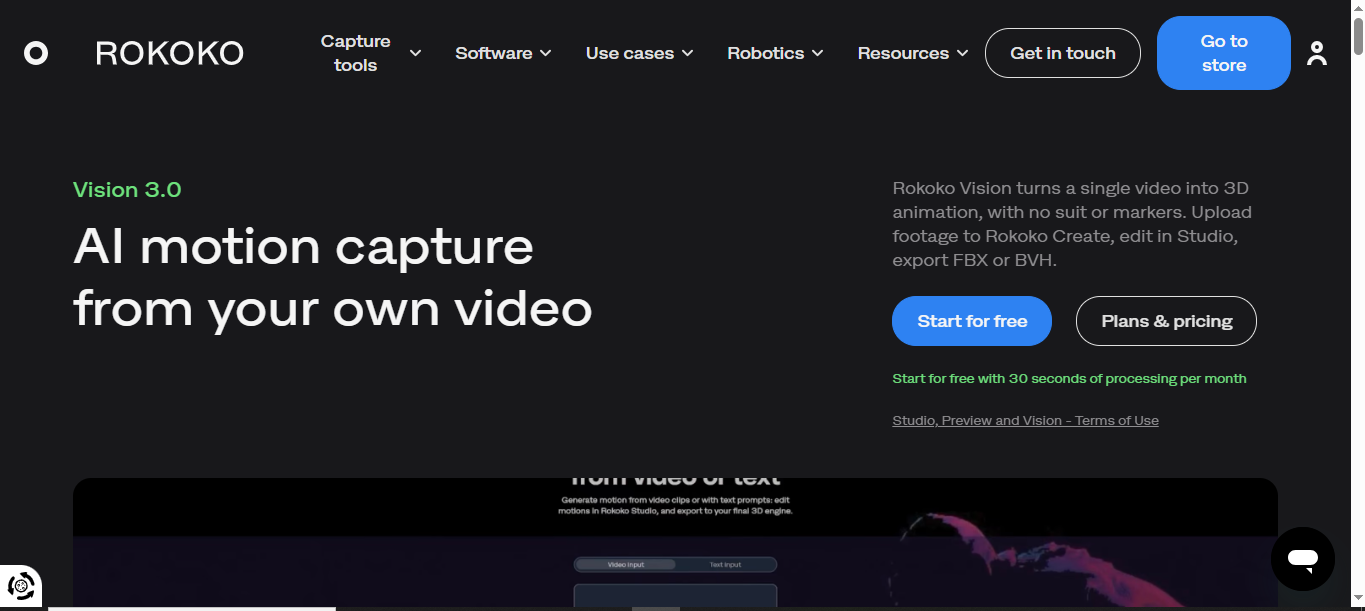
Rokoko Vision is an AI motion-capture solution that converts video footage into 3D character movement. Its current workflow is integrated into Rokoko Create, where users upload video for processing and refine the captured motion in Rokoko Studio. The tool offers an accessible way to create motion data without investing in a traditional motion-capture suit.
Main features
Video-to-motion capture: Converts recorded human performances into 3D animation data, helping users create realistic character movements from video footage.
Markerless tracking: Captures human movement directly from video without requiring specialized motion-capture suits or physical markers.
Motion editing and retargeting: Lets users refine captured movements and apply them to their own 3D characters for customized animations.
Animation export: Supports FBX and BVH exports through compatible Rokoko workflows, allowing users to transfer motion data into supported 3D software.
Suitable for
Independent animators working on character movement.
Game developers who need motion-capture data.
Creators making animated scenes from recorded performances.
Studios looking for a video-based motion-capture workflow.
Cascadeur
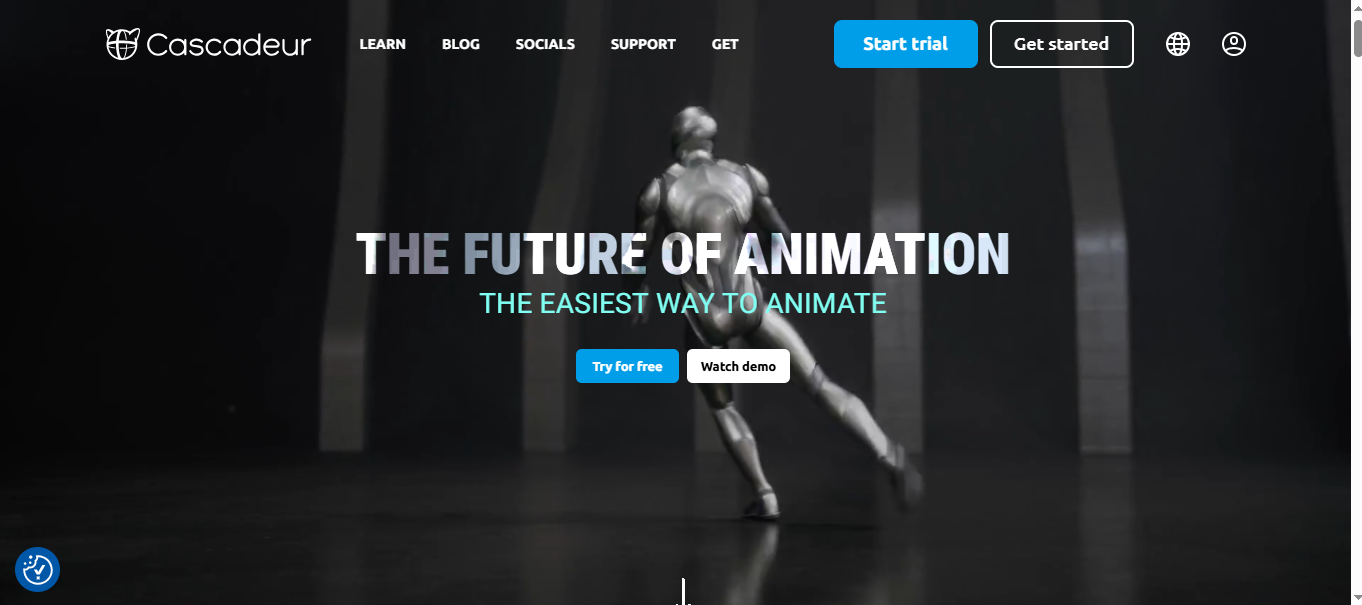
Cascadeur is a 3D character animation application that uses AI-assisted tools and physics-based techniques to help create convincing movement. Rather than focusing on generating a complete 3D model from text, it helps animators pose characters, refine keyframes, and improve motion. Its tools are especially useful when characters perform actions that require believable weight, balance, and physical reactions.
Main features
AI-assisted posing: Simplifies character posing by allowing users to adjust a few control points instead of manually positioning every part of the body.
AI inbetweening: Automatically generates intermediate frames between selected keyframes to create smoother transitions and more fluid character movements.
AutoPhysics: Refines animated movements by adding more realistic physical behavior, helping characters move with better balance and natural motion.
Animation editing: Provides tools to create, adjust, and refine character animations for use in games, films, and other 3D projects.
Suitable for
3D animators creating action sequences.
Game developers refining character movement.
Artists working on jumps, fights, and acrobatic actions.
Animators who want greater control over the physical feel of a scene.
Runway
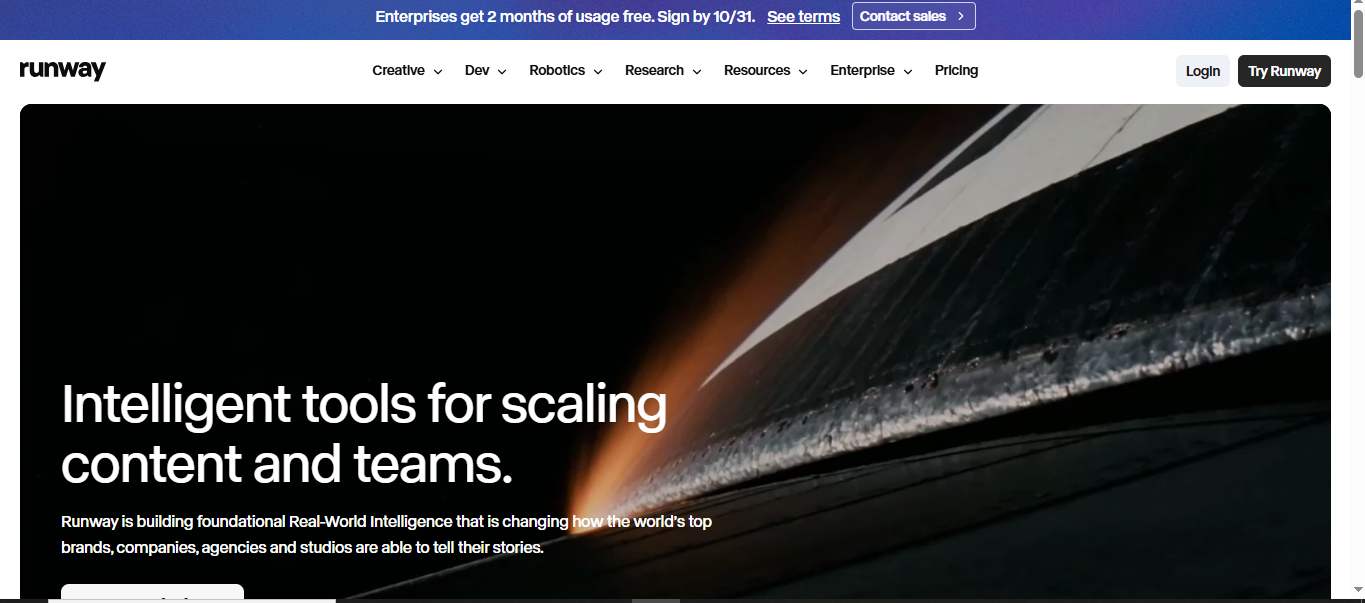
Runway is an AI video creation and editing platform that generates moving visuals from text prompts, images, and existing video clips. Its tools help users create scenes, modify footage, extend clips, and adjust visual elements using AI. Although it is not a dedicated 3D modeling or character-rigging application, it can be useful for creating animated-style videos and visual concepts.
Main features
Text-to-video generation: Turns written prompts into video clips, allowing users to create scenes by describing the subjects, actions, and visual style they want.
Image-to-video animation: Animates still images by adding movement, helping users transform static visuals into engaging video clips.
AI video editing: Provides tools to modify video elements, change backgrounds, remove unwanted objects, and adjust visual details with AI assistance.
Clip extension and upscaling: Extends existing clips to create longer sequences and improves video resolution to produce clearer visuals for different creative projects.
Suitable for
Content creators producing short AI-generated videos.
Marketers developing animated promotional visuals.
Filmmakers exploring scene concepts and visual effects.
Designers who want to animate images without building a 3D scene manually.
Vidu
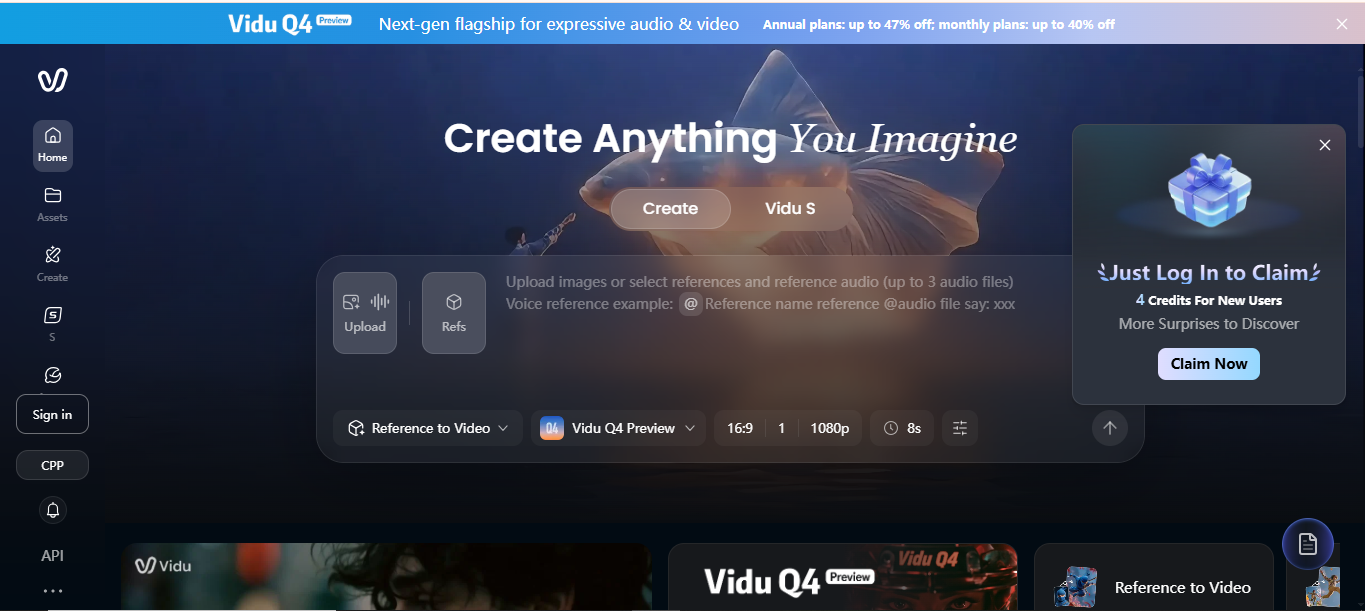
Vidu is an AI video generation platform that creates clips from text prompts and images. Users can describe a scene, upload a visual reference, and generate moving content with different styles and camera movements. Its tools are suited to animated storytelling and short-form video creation, although the generated output is a video rather than an editable, rigged 3D character model.
Main features
Text-to-video generation: Converts written descriptions into video scenes, allowing users to create visuals by specifying subjects, actions, and environments.
Image-to-video generation: Transforms static images into short video clips by adding movement and creating dynamic visual sequences.
Motion and visual controls: Provides settings to adjust movement intensity, video duration, and resolution to better match specific creative requirements.
Animated visual styles: Supports stylized video generation, including 2D animation-inspired visuals for cartoons, illustrations, and creative storytelling.
Suitable for
Creators making short animated videos from prompts.
Social media managers producing visual content.
Marketers creating promotional clips and story concepts.
Storytellers who want to turn images or written ideas into moving scenes.
How to select an AI 3D animation tool
Choosing the right AI 3D animation generator depends on your project goals, budget, and experience level. Some tools focus on generating 3D models, while others offer animation, rigging, and editing features. Compare the following factors to find a tool that suits your needs.
Define your goal and use case
Start by deciding what you want to create, such as an animated character, a product demonstration, or a 3D scene. Some tools work best for creating models from images, while others specialize in text-to-3D generation or character animation. Choose a tool that supports your specific project.
Check ease of use for beginners
Look for a tool with a simple interface, clear instructions, and easy-to-use controls. Beginners may prefer platforms that generate models automatically without requiring advanced 3D modeling skills. Tutorials and built-in editing features can also make the learning process easier.
Compare free and paid plans
Check what each tool offers in its free version before paying for a subscription. Some platforms limit generation credits, downloads, or access to advanced animation features. Compare these restrictions with paid plans to determine whether the tool fits your budget and project requirements.
Review output quality and realism
Examine sample models and animations to assess their detail, textures, lighting, and movement. A good tool should produce results that match your intended style, whether you need realistic characters or stylized animations. Test a few generations to see how consistently it delivers satisfactory results.
Look for text and image input options
Choose a tool based on how you want to create your 3D content. Text-to-3D features let you describe an object in words, while image-to-3D tools generate models from uploaded pictures. Some platforms also accept multiple reference images, which can help capture an object's shape from different angles.
Confirm export formats you need
Check which file formats the tool supports before creating your model or animation. Formats such as GLB, glTF, and OBJ are useful for different 3D workflows, while FBX is commonly used for animated characters and game assets. Make sure the exported files are compatible with your intended software or platform.
Test editing and refinement controls
AI-generated models may need adjustments before they are ready for use. Look for features that let you modify textures, refine geometry, adjust materials, or improve the model's structure. If you plan to animate characters, check whether the tool also supports rigging, motion editing, and other controls that help you polish the final result.
Conclusion
Now you have a list of the free and paid AI 3D animation generators from text and images. Before making your choice, consider your skill level, project requirements, and the amount of editing you are comfortable doing. Start with a free plan or trial to test the results before committing to a paid subscription. If you want to create and refine 3D assets using text prompts and reference images, Kimi 3D Make is worth exploring.