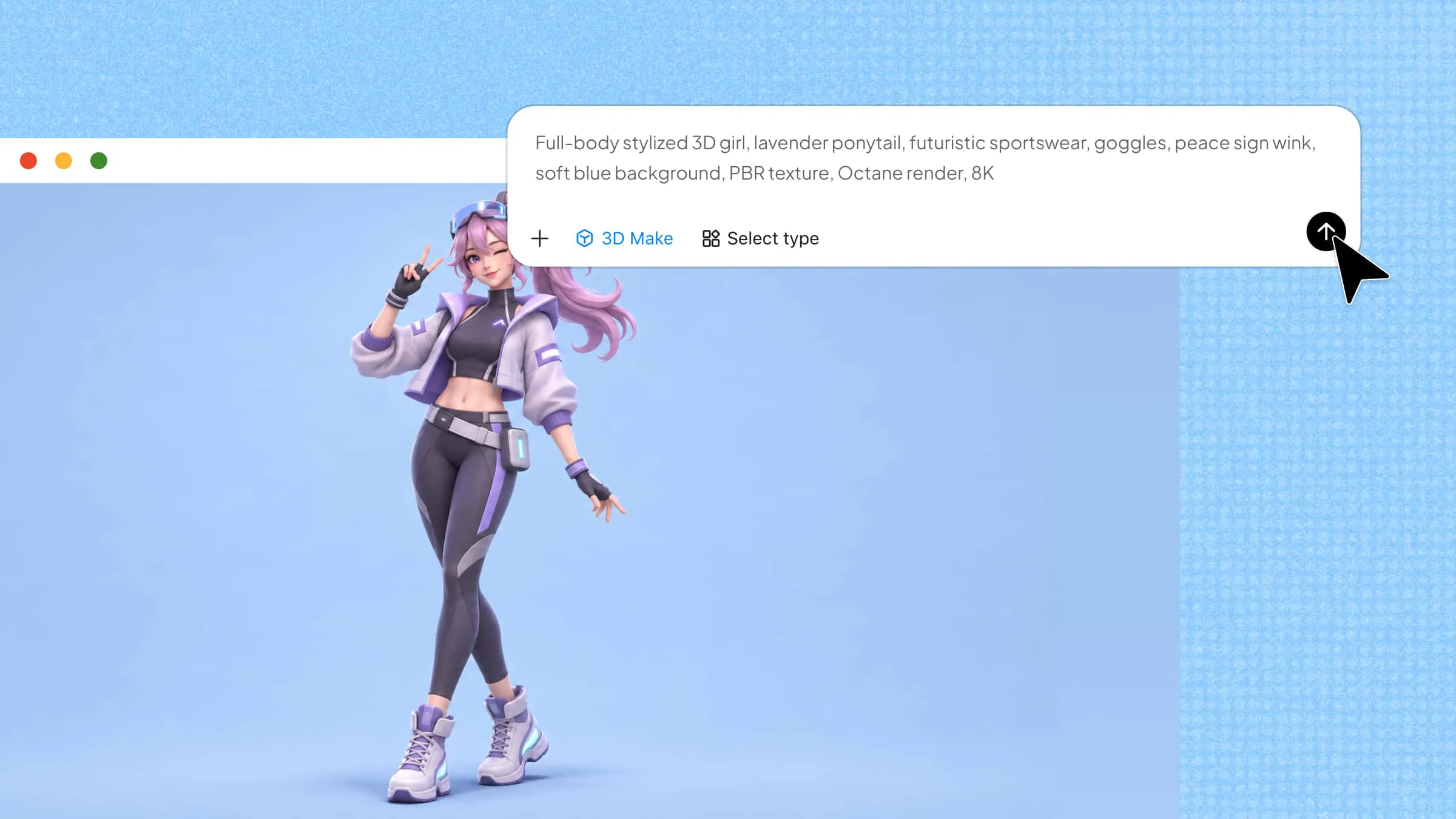
What if you could turn a simple text idea into a 3D model without spending hours learning complex design software? With the right tools, you can create 3D assets for games, product designs, and even 3D printing by simply describing what you want. However, finding the right free and paid text-to-3D model tools can be tricky when features, prices, and output quality vary. Read on to explore 10 tools and find one that fits your needs and budget.
Overview of 10 text-to-3D model tools
Choosing the right AI 3D modeling tool depends on your input method, editing needs, and intended use. Some tools focus on generating models from text or images, while others offer more control over geometry, textures, or interactive scenes. Compare these 10 tools to find one that fits your 3D creation workflow.
| Product | Core features | Input methods | Editing and customization | Suitable for |
|---|---|---|---|---|
| Kimi 3D Make | Text-to-3D generation, structural detail creation, selective model editing | Text prompts | Select specific model areas and refine them with prompts | Beginners, game designers, product designers, 3D artists |
| Hunyuan3D | 3D shape generation, texture synthesis, high-detail outputs | Text prompts, reference images | Separate geometry and texture generation stages | Game developers, artists, researchers, product designers |
| Meshy AI | 3D generation, AI texturing, mesh refinement, rigging and animation | Text prompts, images | Refine geometry, materials, and compatible character assets | Game developers, beginners, hobbyists, animators |
| Tripo AI | Multi-view generation, quad-based mesh creation, texturing, rigging and animation | Text prompts, images, multi-view references | Refine model details and prepare compatible characters for animation | Game artists, character artists, product visualization teams |
| Hyper3D Rodin | Configurable generation, mesh topology options, PBR materials, multiple exports | Text prompts, images | Adjust supported mesh structures and quality settings | 3D artists, studios, developers, designers |
| Luma Genie | Prompt-based modeling, creative shape generation, rapid concept exploration | Text prompts | Explore alternative shapes and styles through prompts | Beginners, hobbyists, concept designers |
| Sloyd | Game-ready geometry, UV mapping, texturing, asset generation | Text prompts | Prepare geometry and textures for real-time applications | Indie developers, game artists, interactive scene designers |
| 3D AI Studio | Text-to-3D conversion, image-based generation, rapid prototyping | Text prompts, visual references | Develop generated assets further in 3D software | Product designers, small teams, beginners, 3D artists |
| Spline AI | AI 3D generation, interactive scene design, web-based presentations | Text prompts, images, combined image and text instructions | Combine generated models with scene objects and interactive elements | Web designers, UI designers, product presentation teams |
| Trellis 3D | Open-source generation, multiple 3D representations, custom workflows | Text prompts, images | Explore model variations and modify assets through supported workflows | AI researchers, developers, technical artists |
10 AI text-to-3D model generators: free and paid options
From turning a rough idea into a 3D object to creating assets for games or design projects, each tool offers a different way to work. Here are 10 AI prompt-to-3D model generators worth exploring, with options for different needs and budgets.
Kimi 3D Make
Kimi 3D Make is an AI-powered 3D modeling tool that turns text prompts into 3D assets without requiring you to build every shape manually. You can describe an object, its structure, materials, and visual details, then refine the result by adjusting your instructions. It supports actual 3D geometry and exports models in formats such as GLB, glTF, and OBJ for use in web-based and 3D design workflows.
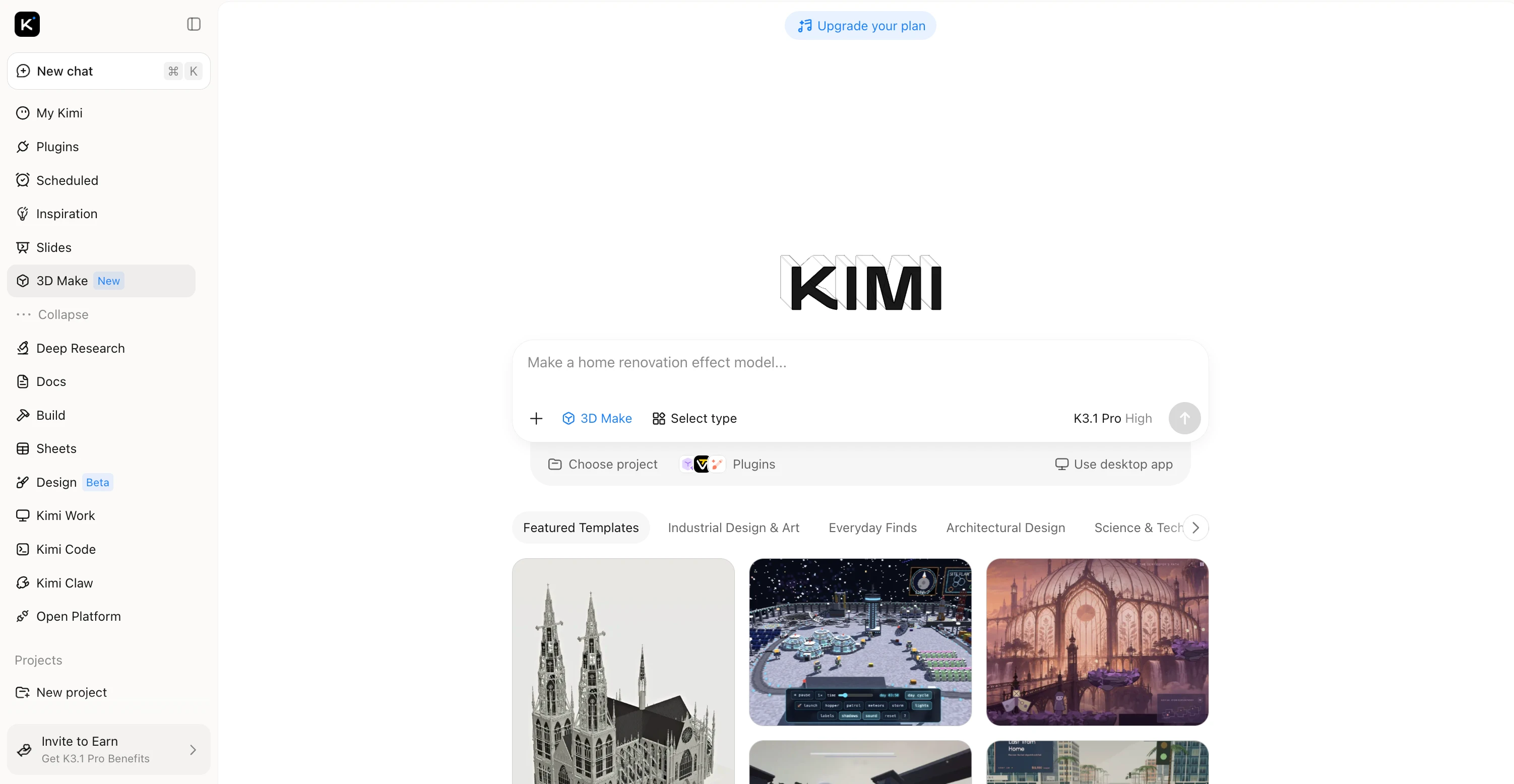
Main features
Generate 3D models from text descriptions
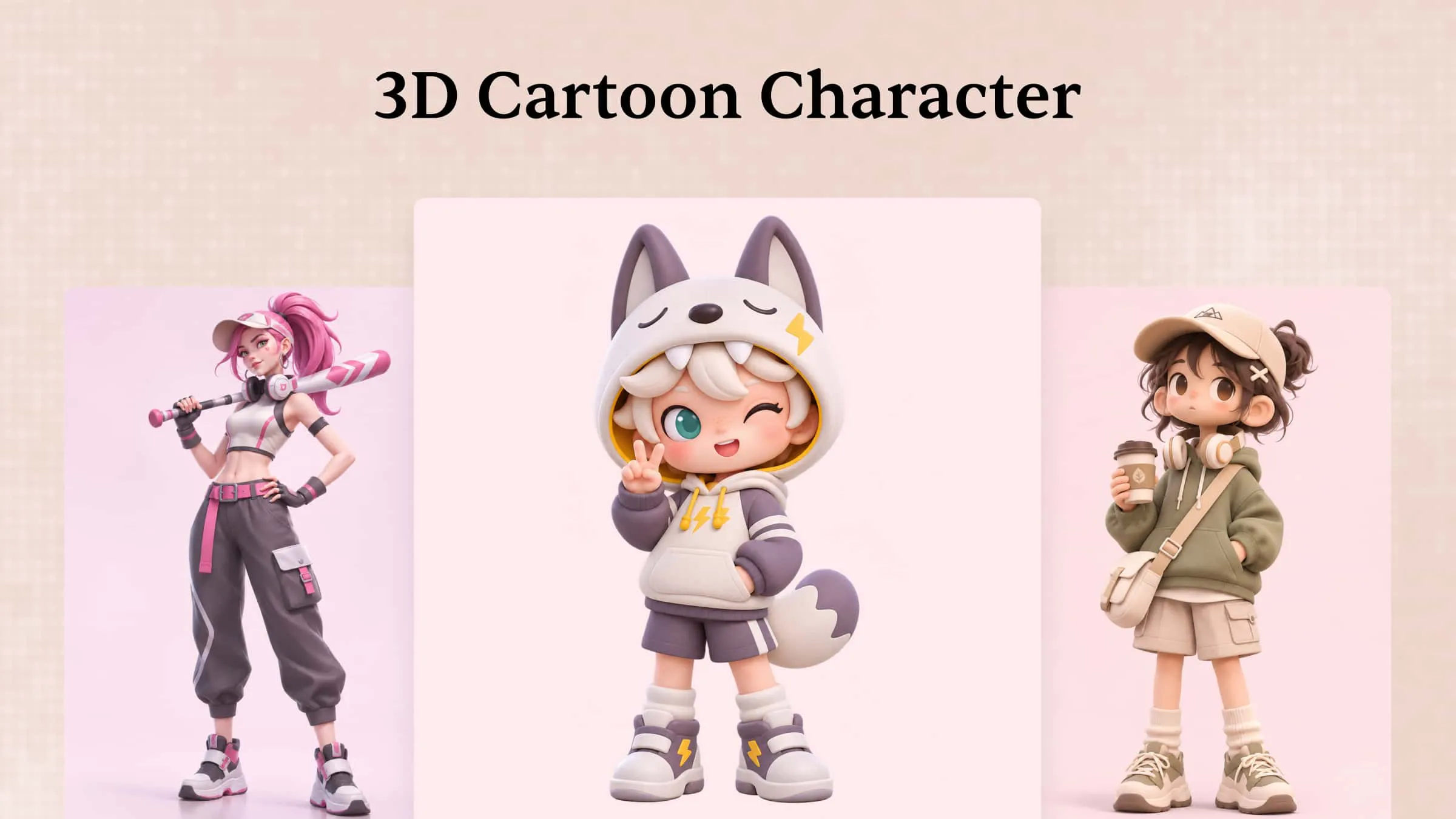
Turn written prompts into 3D model concepts by describing the object, its shape, proportions, and defining features. Provide specific details about the design to guide the model toward your intended result, from simple geometric objects to more elaborate creative assets.
Create distinctive 3D shapes and structures
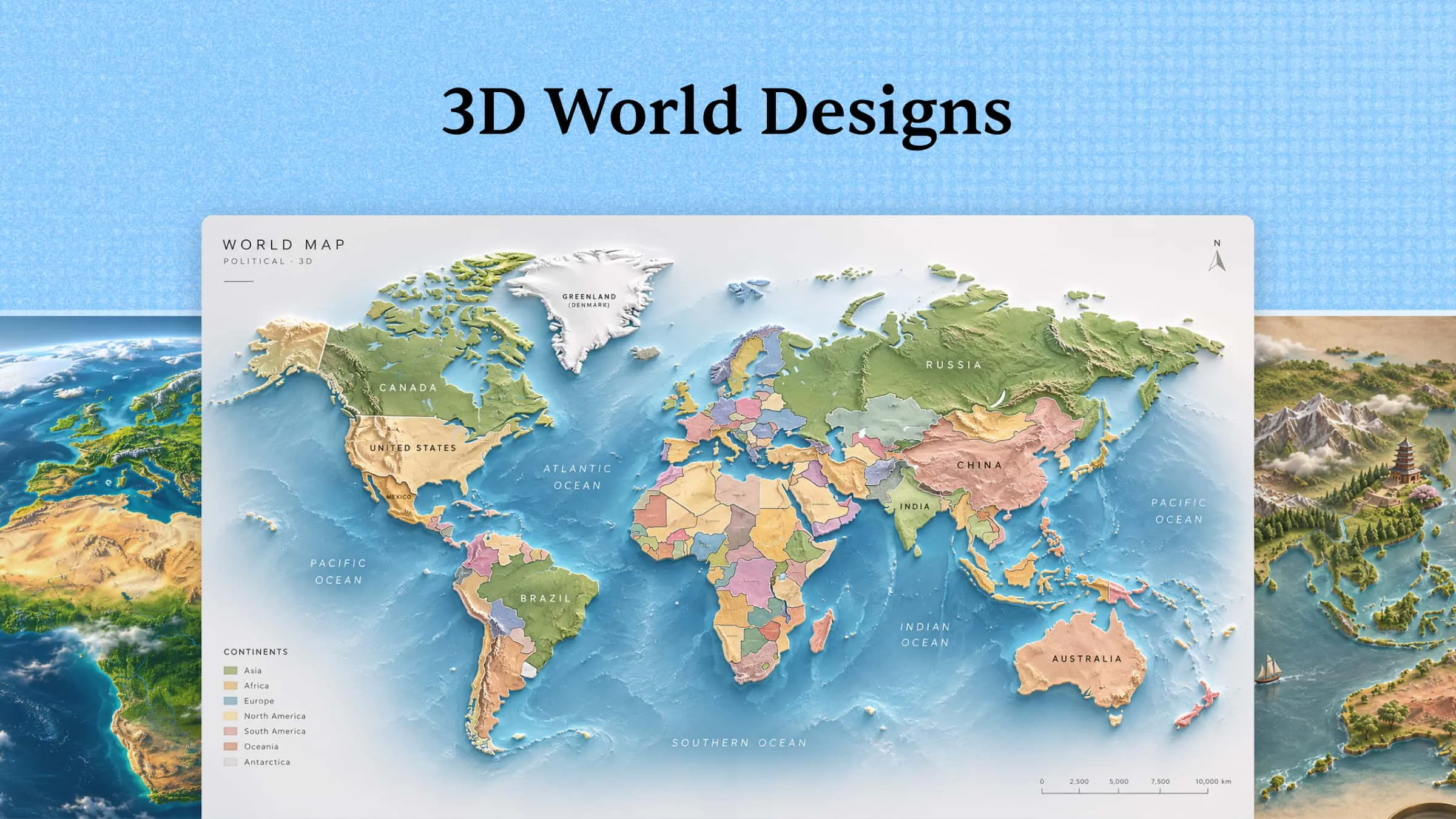
Kimi 3D Make supports generating 3D models with a range of shapes, structural elements, and decorative details. From curved surfaces and angular forms to layered components and intricate features, create models that capture the defining characteristics of your design concept.
Iterate on model designs through prompt adjustments
Enter prompts in the chat to refine the overall 3D model, or leave comments on specific elements to request targeted changes. Adjust individual details and selected parts through natural language instructions while preserving the rest of your design.
Create 3D assets for different creative workflows
Generate model concepts for game assets, character designs, product prototypes, and other 3D projects. Consider the intended application when writing prompts, since different uses may call for different levels of detail, shapes, and structural complexity.
Extend text-to-3D workflows with specialized tools
For projects that require further modeling or production-ready assets, use Kimi Work with Blender or Tripo 3D to continue developing your 3D models. Export options such as FBX, STL, USDZ, BLEND, GLB, glTF, and OBJ can support different downstream workflows, depending on the model and application requirements.
Suitable for
Beginners who want to create 3D models from text prompts without manual modeling
Game designers who need quick 3D asset concepts for their projects
Product designers exploring shapes, proportions, and prototype ideas
3D artists who want to refine selected model details before further editing in Blender
How to convert text-to-3D models with Kimi 3D Make
Creating a 3D model with Kimi 3D Make starts with a clear description of what you want to create. Follow these steps to turn a text prompt into a 3D model, refine its details, and prepare it for your project.
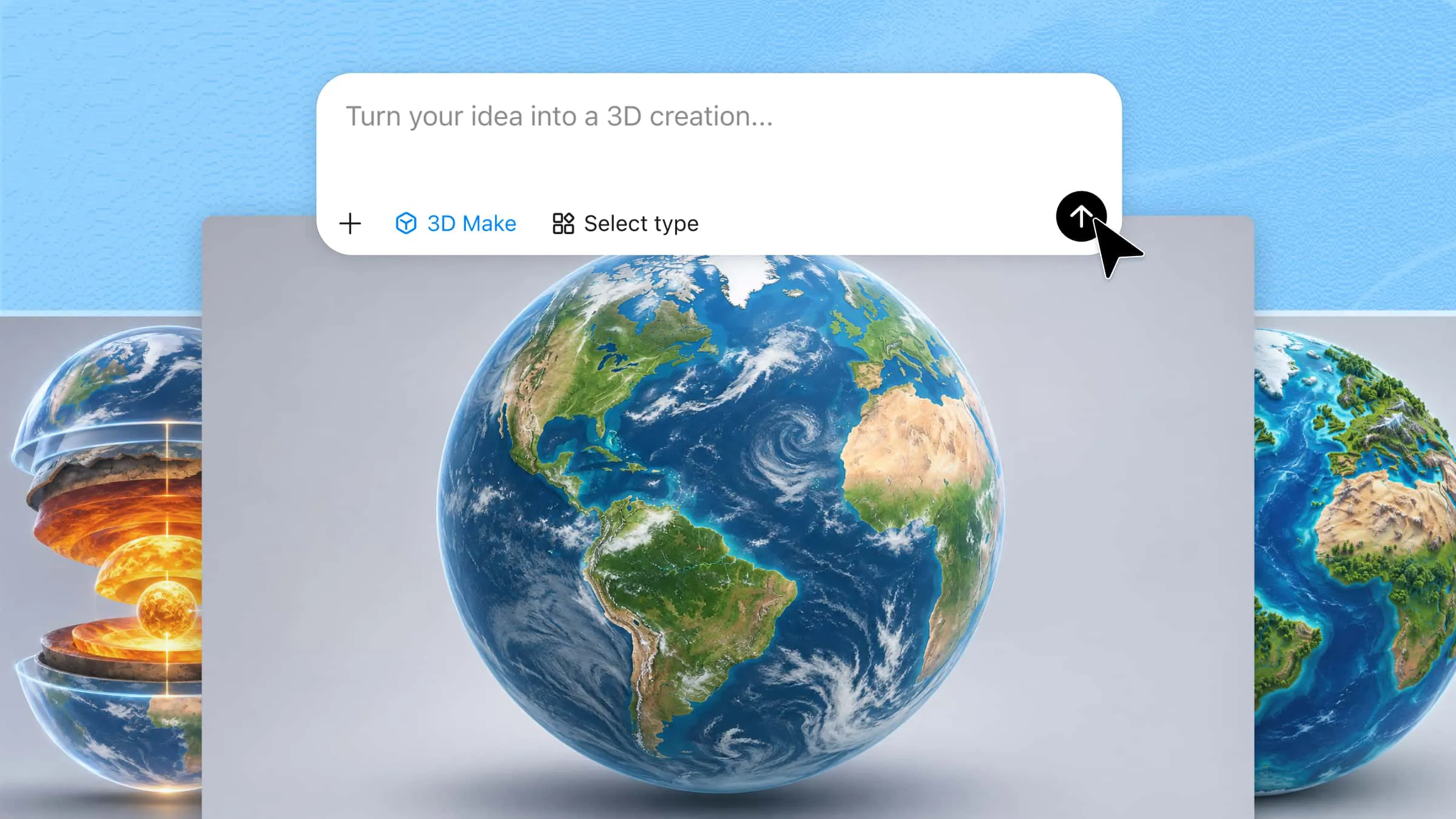
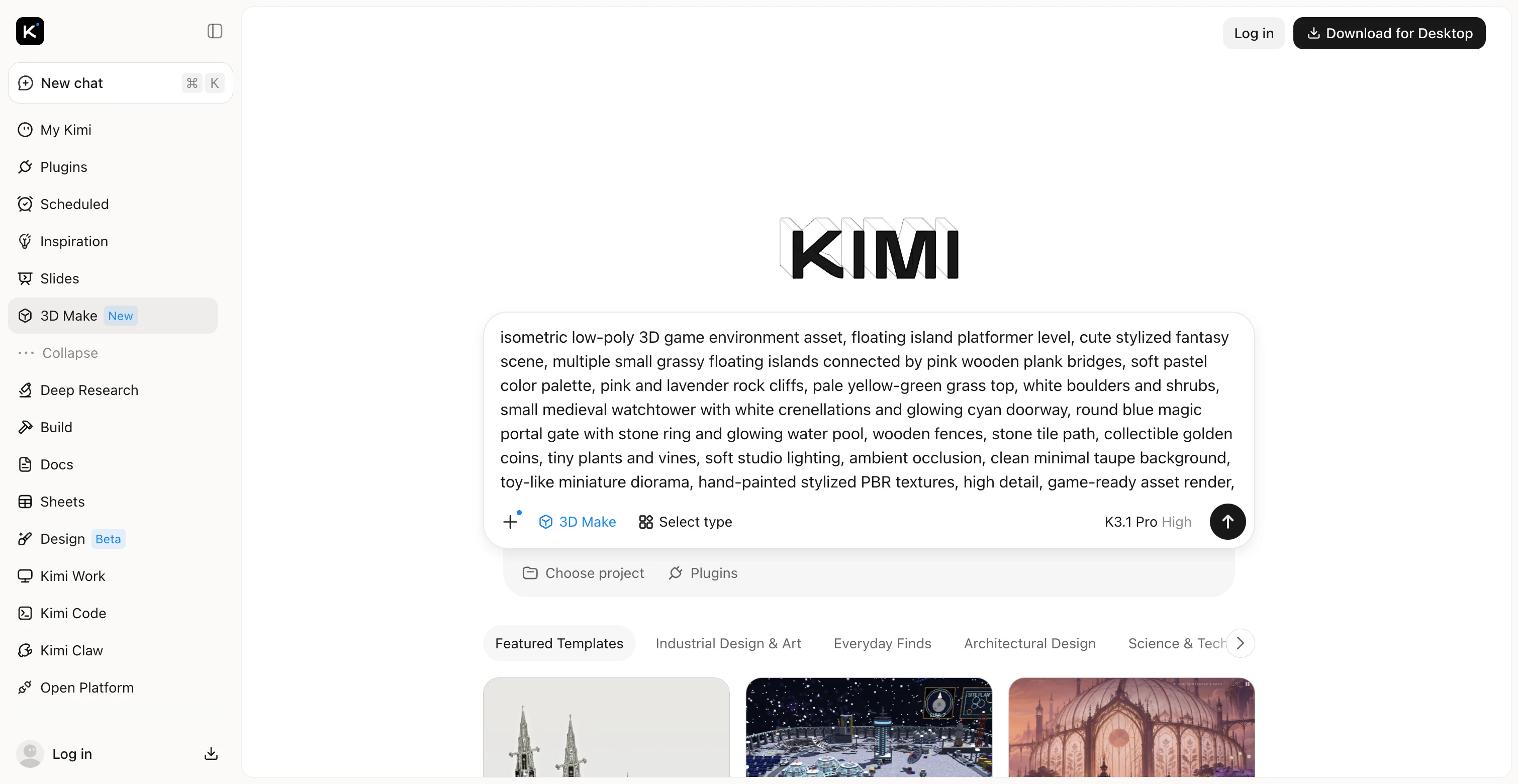
Step 1: Enter your prompt
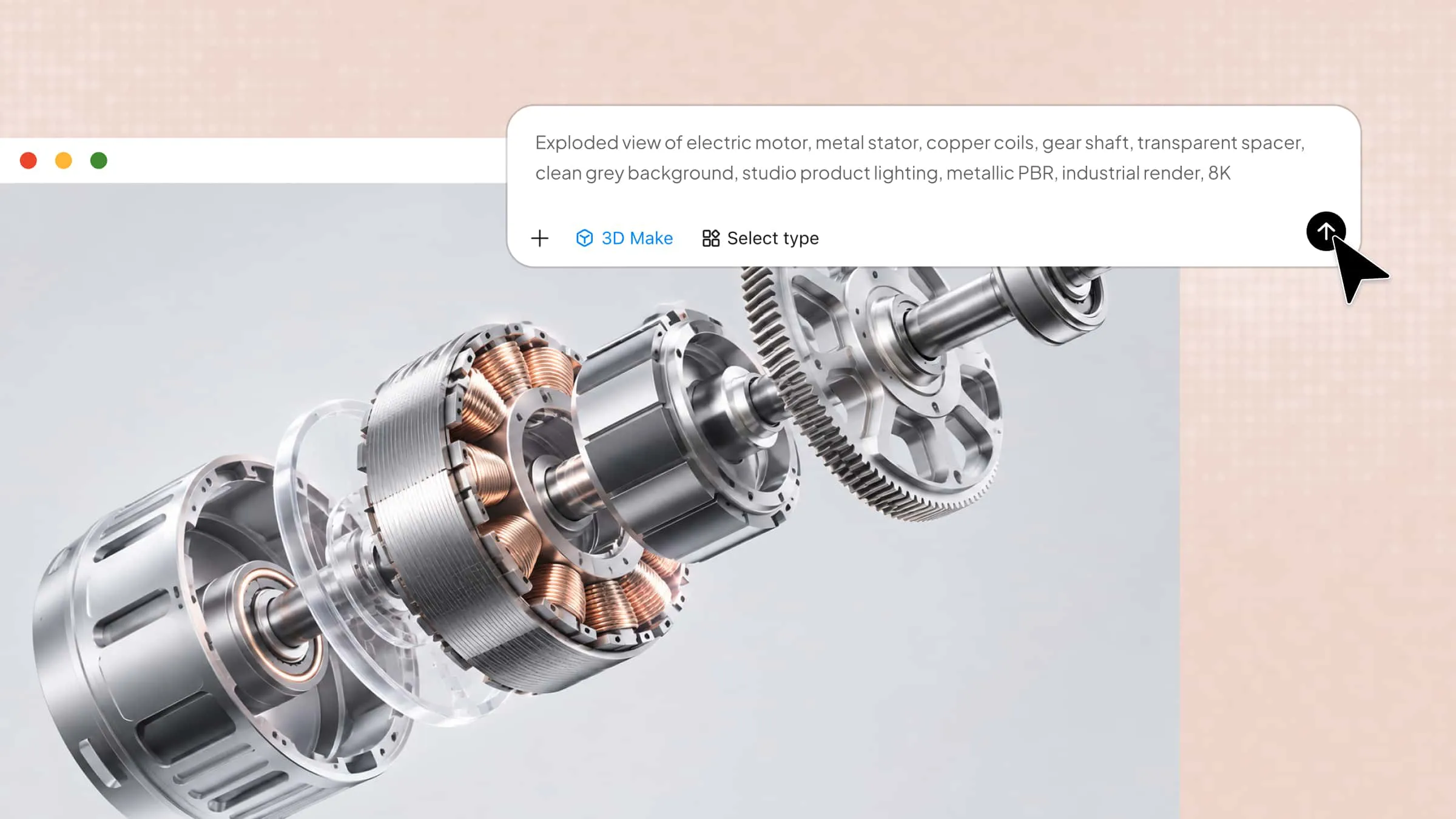
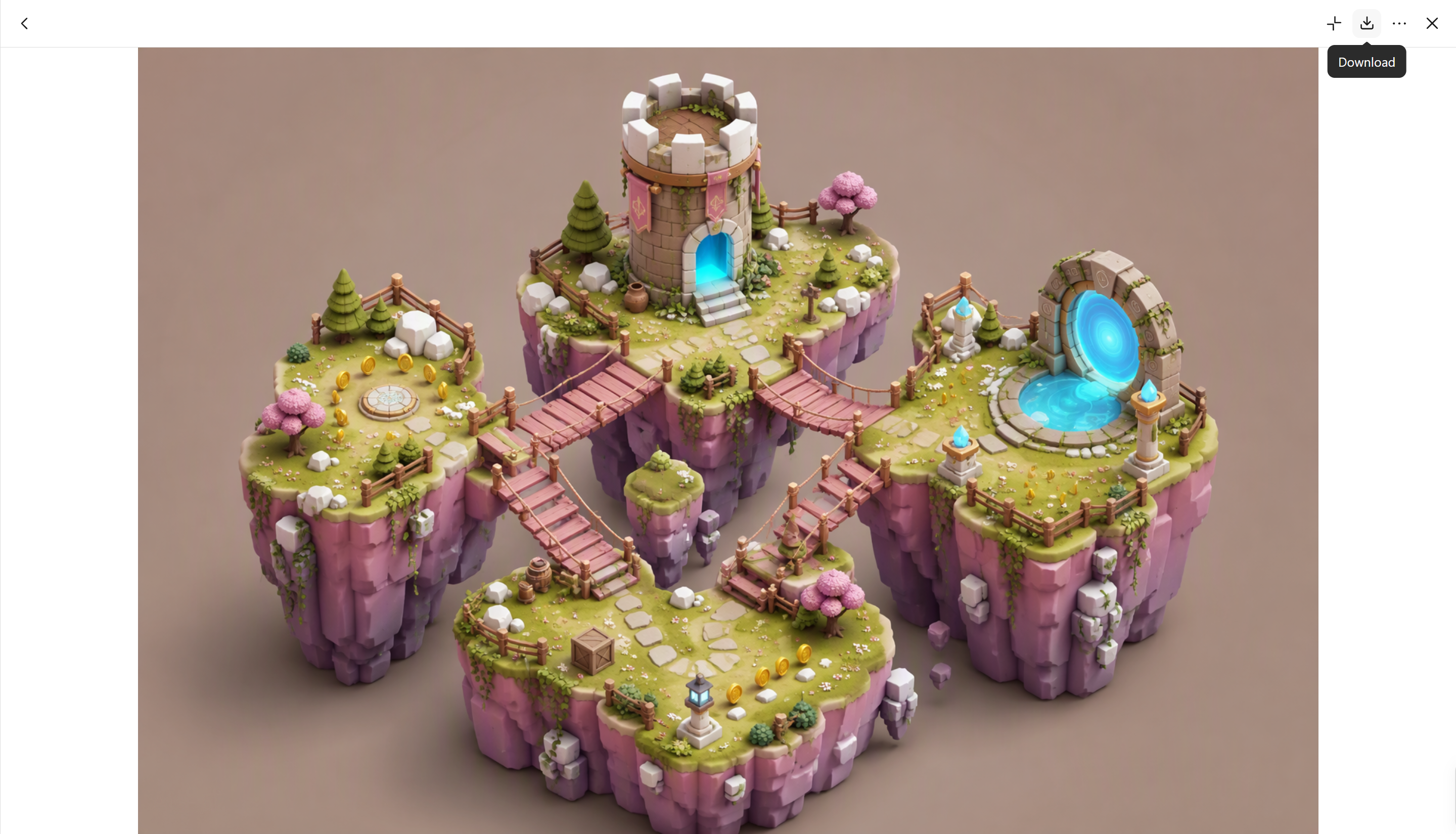
Describe the 3D model you want to generate, including its subject, shape, visual style, colors, materials, and distinctive features. For more specific results, include details about the scene's composition and overall appearance. For example, you can describe a low-poly fantasy game environment with floating islands, wooden bridges, colorful rock cliffs, and glowing portals.
Example prompt:
Step 2: Edit and refine your 3D model
Review the generated model to see how well it matches your description. If certain elements need adjustment, enter a prompt in the chat to refine the overall design, or use the circle selection tool to select a specific area and describe the changes you want. For example, you could request brighter portal lighting, more detailed grassy surfaces, or a different bridge color without redesigning the entire scene.
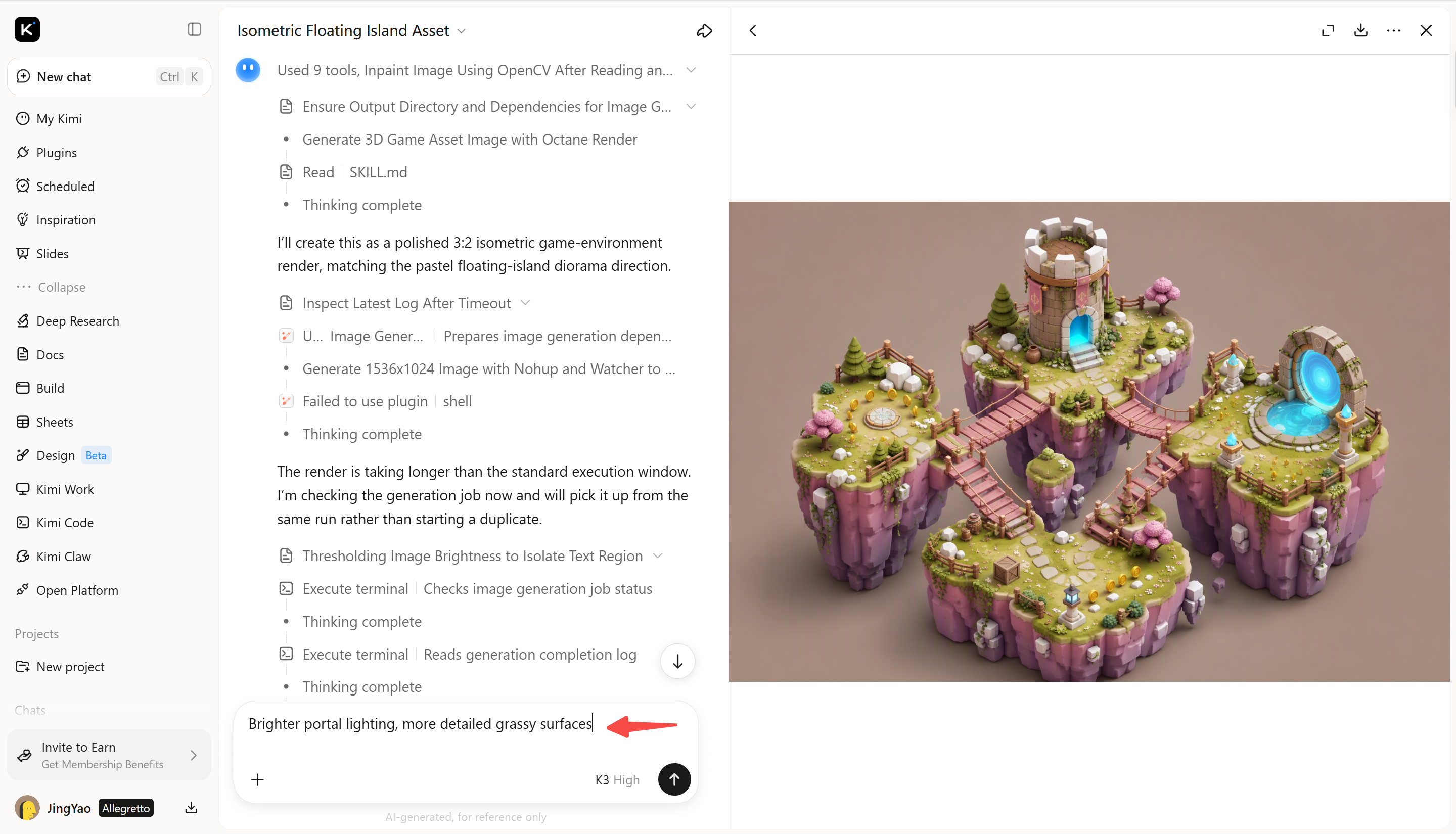
Step 3: Check your completed workflow output
Inspect the refined model from different angles and check whether its key elements, colors, proportions, and visual style match your original prompt. Make any final adjustments needed to improve consistency across the scene. Once the model is ready, you can use it in your 3D project or continue refining it with compatible tools, depending on your workflow and export options.
Hunyuan3D
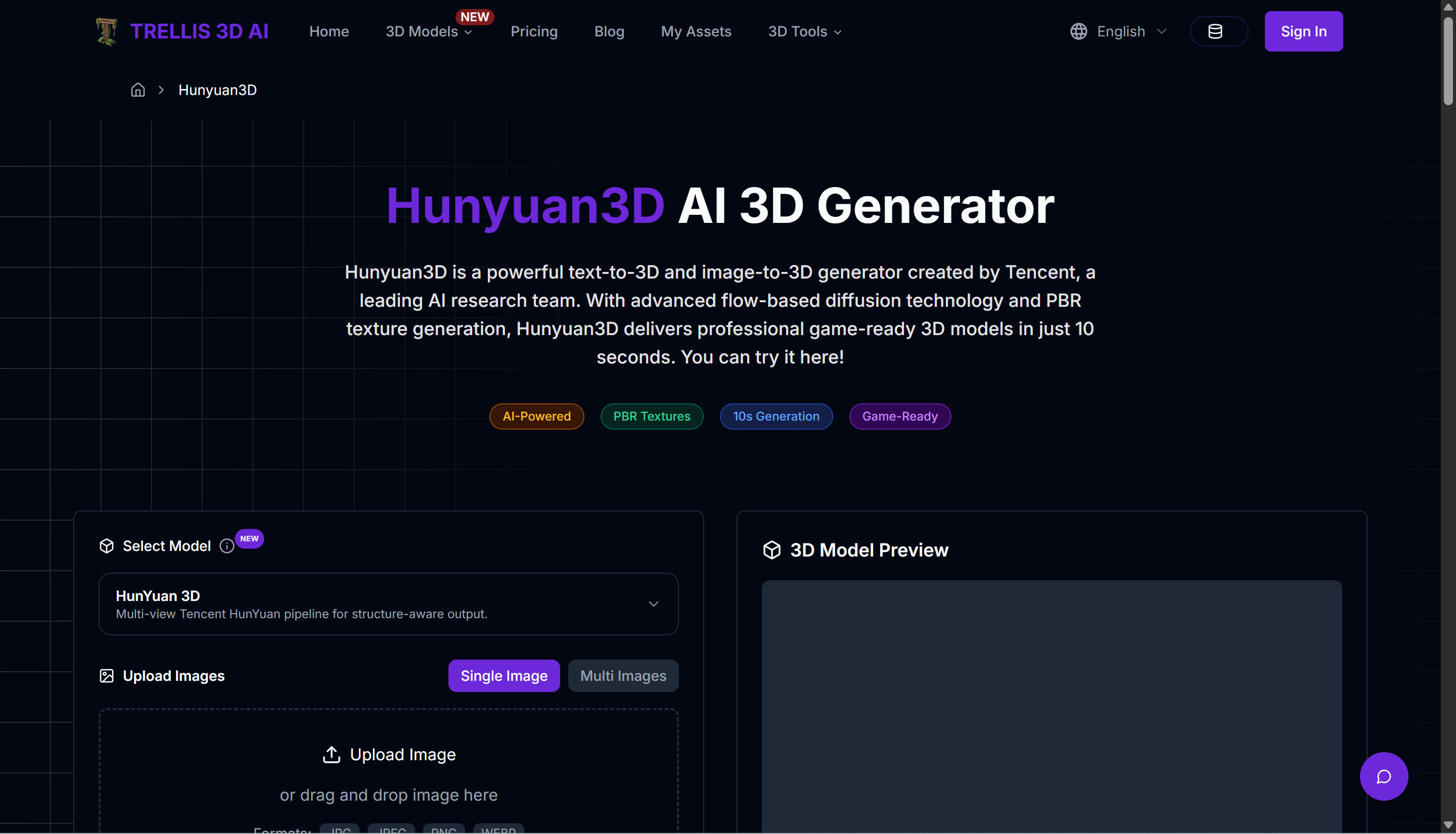
Hunyuan3D is an AI 3D generation model developed by Tencent that creates 3D assets from text prompts or reference images. It combines shape generation with texture synthesis to produce three-dimensional objects. Different model versions offer varying levels of detail and generation speed. It is useful for creating assets without manually building every part.
Main features
Text-to-3D generation: Describe an object in a prompt, and the model generates a corresponding 3D asset with defined shapes and details.
Image-to-3D conversion: Use a reference image to guide the object's shape, proportions, and overall visual appearance.
Shape and texture generation: Generate geometry and surface textures through separate stages of the workflow for greater flexibility.
High-detail outputs: Choose supported model versions to balance visual detail, output quality, and generation speed.
Suitable for
Game developers creating 3D props
Artists converting images into 3D models
Researchers exploring AI 3D generation
Designers testing product concepts
Meshy AI
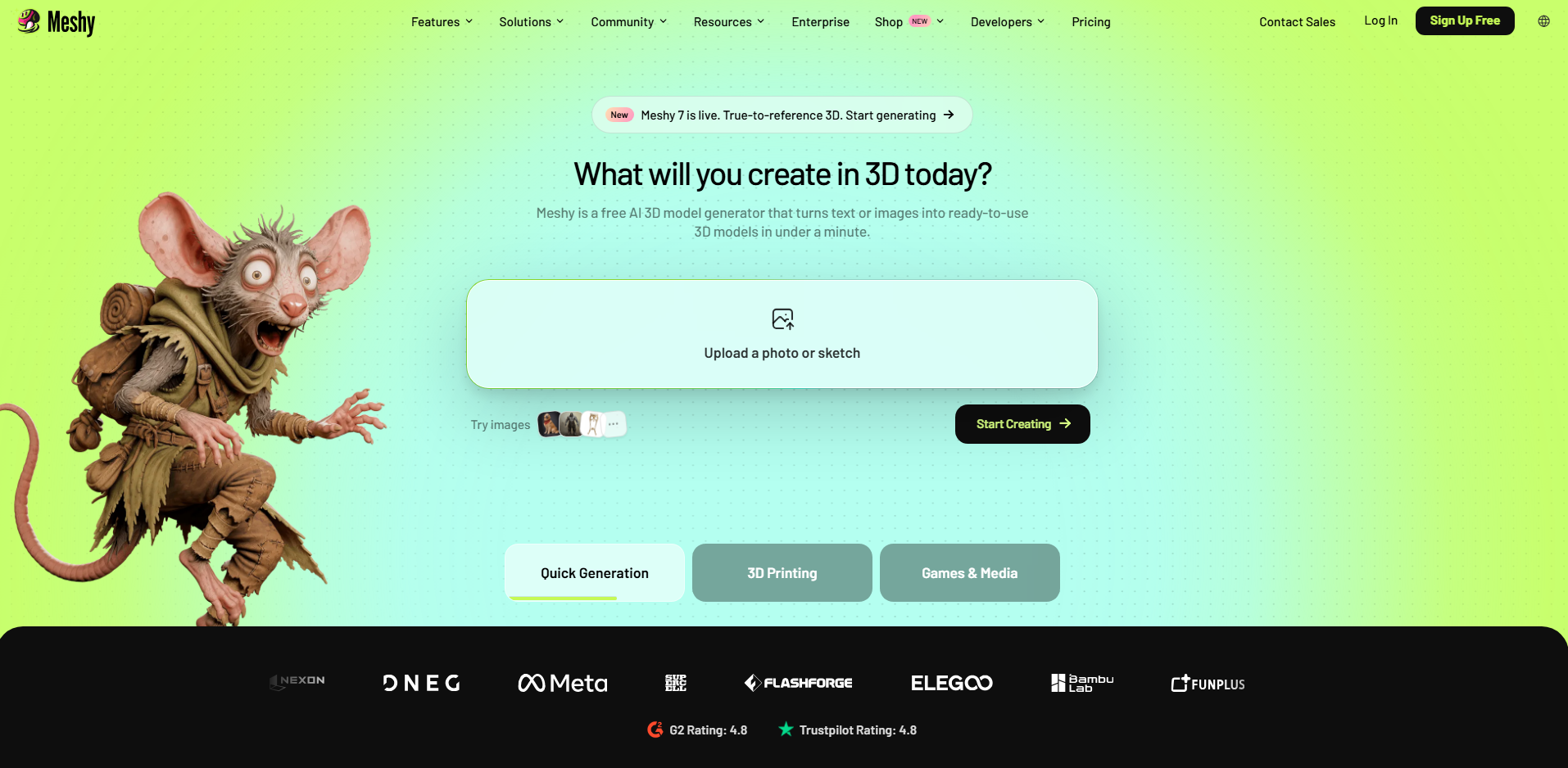
Meshy AI is a 3D creation platform that converts text prompts and images into textured models. It combines generation, texturing, and asset preparation in one workflow. Users can export models for applications such as Blender, Unity, and Unreal Engine. Its additional rigging and animation tools also support character creation.
Main features
Text-to-3D and image-to-3D: Generate models from written descriptions or visual references for different creative projects.
AI texturing: Add colors, surface details, and materials using text or image guidance for a more finished appearance.
Mesh refinement: Inspect and refine generated geometry before using it in other applications or production workflows.
Rigging and animation: Prepare compatible characters for animation using supported rigging tools and motion features.
Suitable for
Game developers creating props and characters
Beginners generating 3D assets
Hobbyists preparing models for 3D printing
Animators working with digital characters
Tripo AI
Tripo AI generates 3D models from text prompts, images, and supported multi-view references. It offers different generation approaches for visual detail and mesh structure. Its workflow includes features for texturing, rigging, animation, and model refinement. This makes it useful for creating assets for games, animation, and product visualization.
Main features
Multiple input options: Create models from text, images, or multiple reference views to communicate shapes more clearly.
Smart Mesh generation: Generate quad-based meshes that can be easier to edit in professional 3D software.
Detailed model creation: Produce visually rich assets for rendering, presentations, and further refinement.
Character tools: Use supported rigging and animation features to prepare compatible models for movement and interactive projects.
Suitable for
Game artists creating 3D assets
Designers working from reference images
Character artists preparing models for animation
Teams producing product visualizations
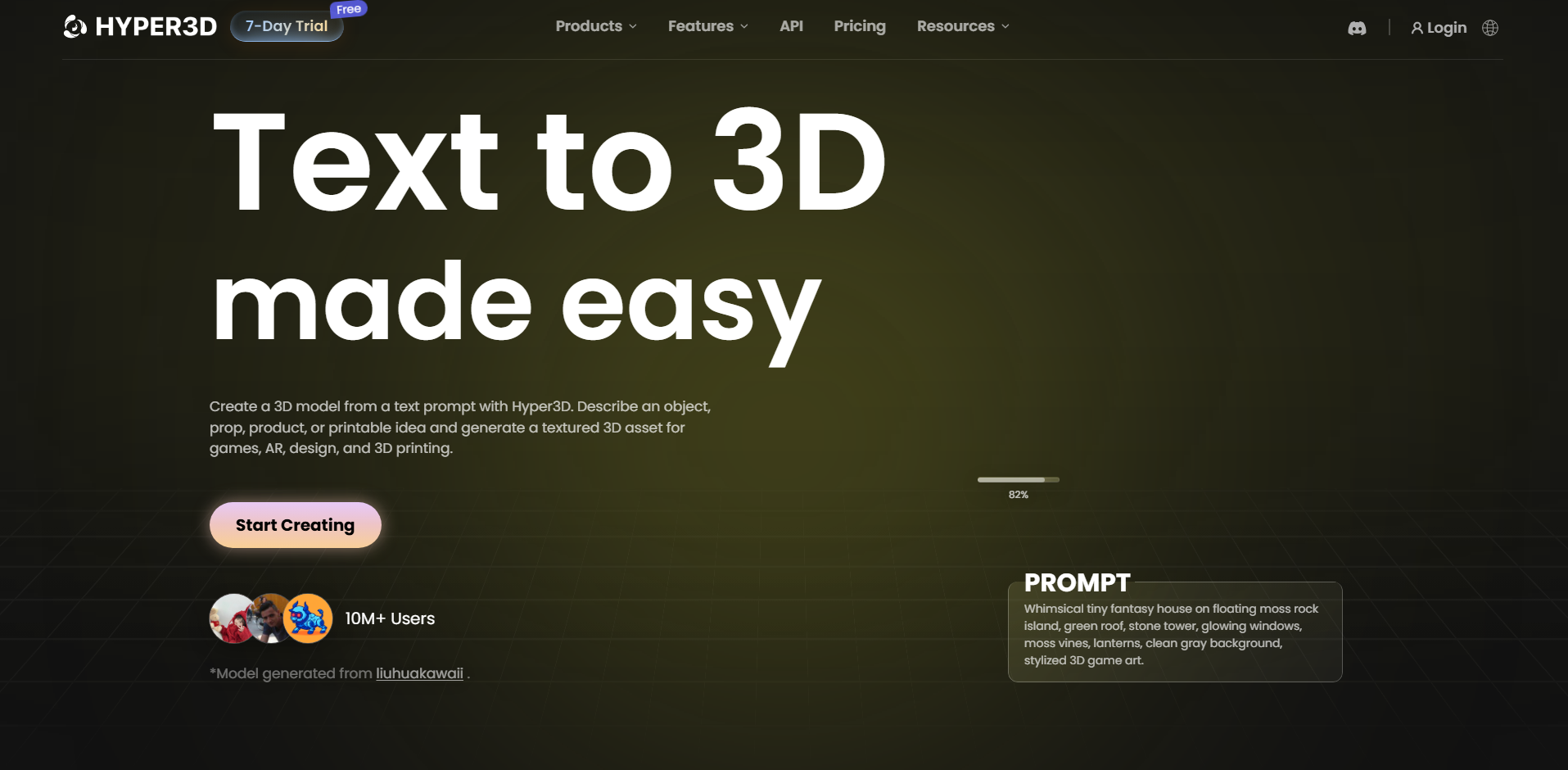
Hyper3D Rodin
Hyper3D Rodin is an AI-powered 3D generation system that creates assets from text and images. It offers controls for mesh structure, generation quality, and materials. Its outputs can be exported in formats such as GLB, FBX, OBJ, USDZ, and STL, depending on the available workflow. It suits creators who need more control over generated assets.
Main features
Configurable generation: Adjust available quality settings to balance detail, processing time, and generation speed.
Mesh topology options: Choose supported triangle or quad meshes for different editing and modeling requirements.
PBR materials: Generate material maps for realistic surface responses under different lighting conditions.
Multiple export formats: Download models for use in compatible 3D applications and downstream creative workflows.
Suitable for
Artists who need control over mesh structure
Studios creating detailed 3D assets
Developers integrating generation into applications
Designers preparing models for further editing
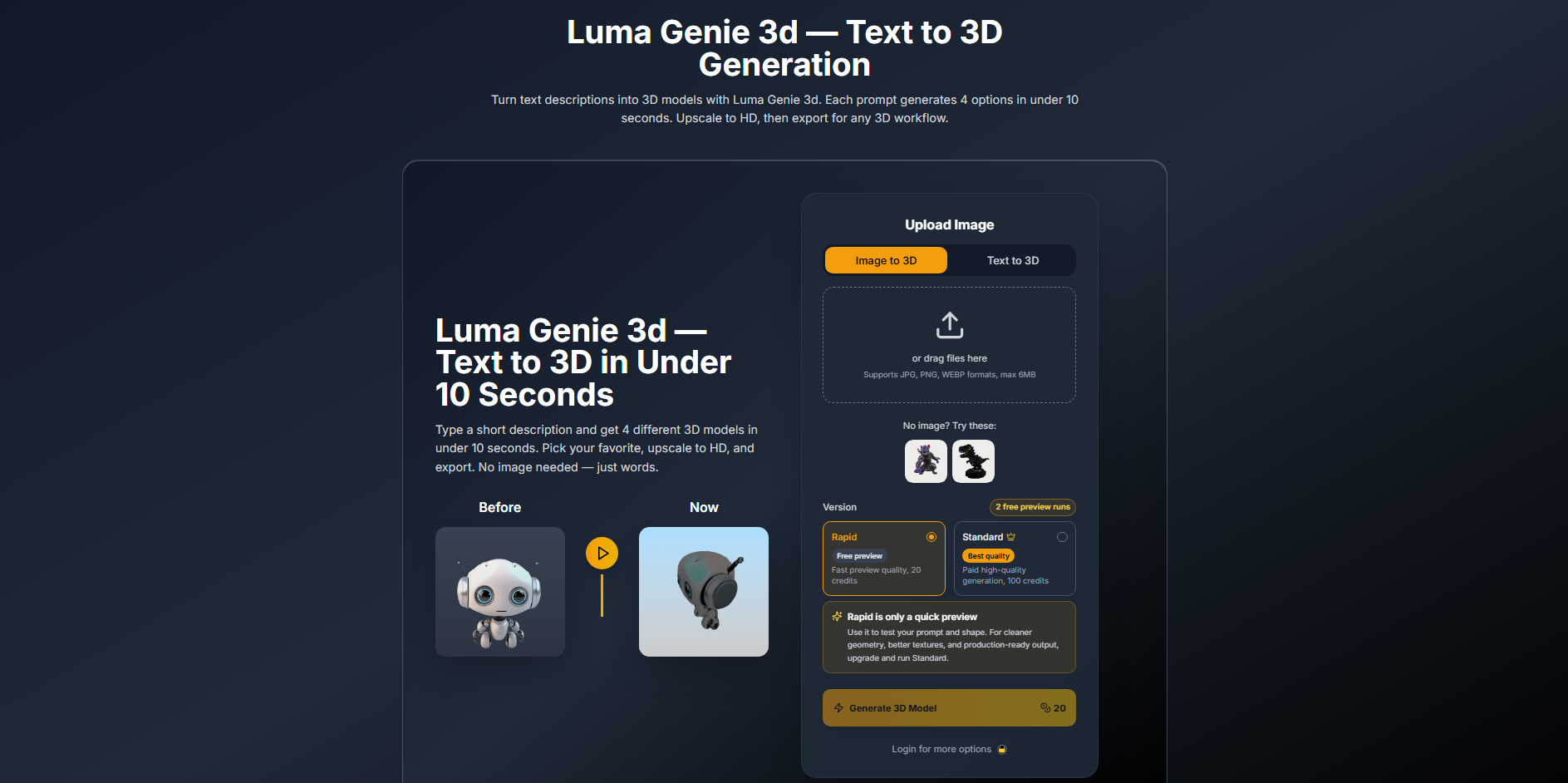
Luma Genie
Luma Genie was an experimental 3D generation tool from Luma AI that turned text prompts into 3D objects. It aimed to make model creation accessible without traditional modeling skills. Users could describe an object's shape and style to explore different concepts. However, its current availability and support should be checked before choosing it for a new project.
Main features
Prompt-based modeling: Describe an object in everyday language to generate a 3D concept without manual modeling.
Quick concept exploration: Create initial models without manually building geometry from scratch.
Creative shape generation: Explore stylized objects and unusual forms using text prompts and creative descriptions.
Beginner-friendly workflow: Start creating 3D concepts without learning a full modeling interface or complex controls.
Suitable for
Beginners exploring AI-generated models
Designers testing early concepts
Artists seeking shape inspiration
Hobbyists learning about 3D generation
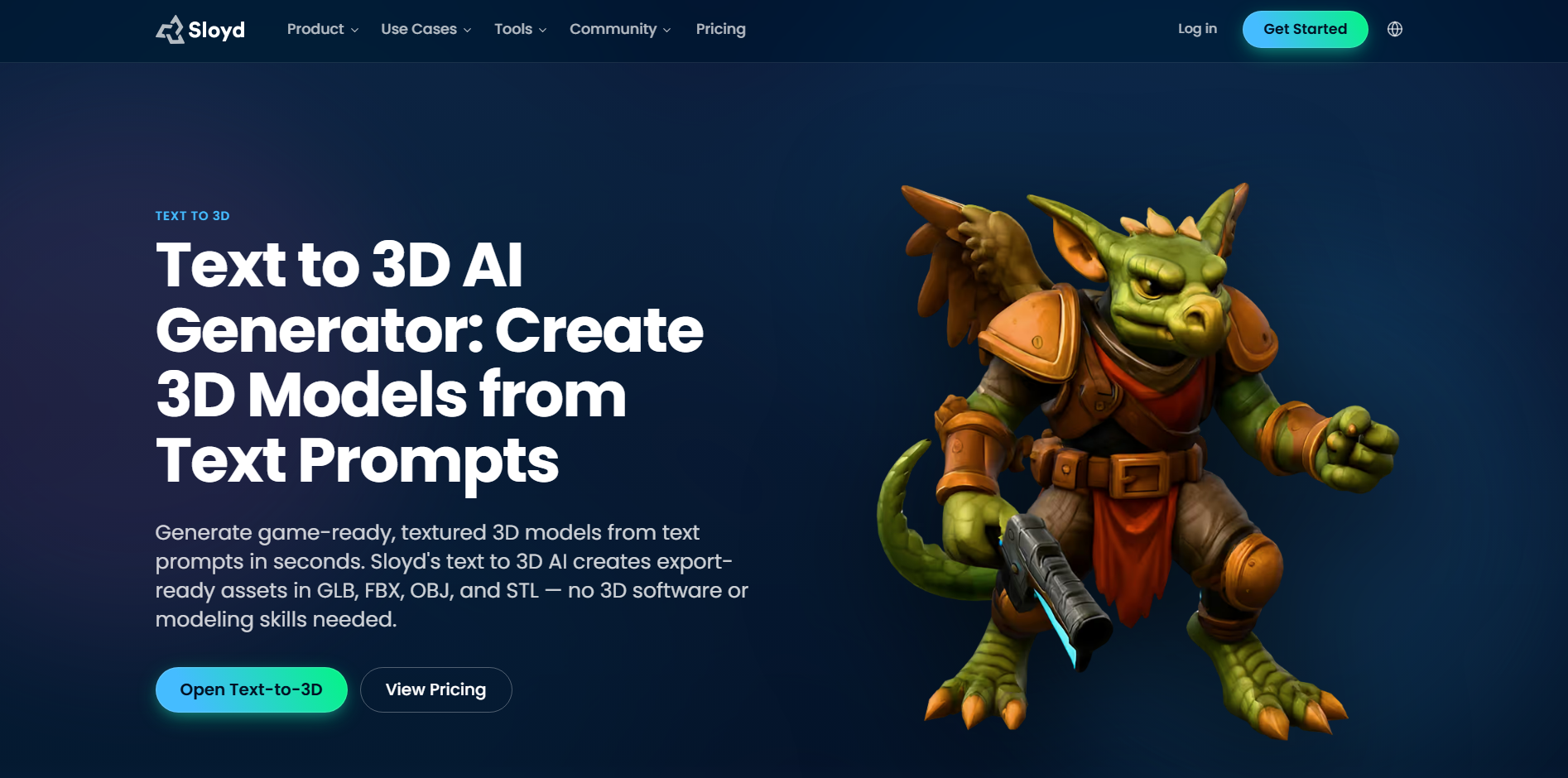
Sloyd
Sloyd is an AI-powered 3D asset creation tool focused on models for real-time applications. It combines text-based generation with workflows for geometry, UV mapping, and textures. Its emphasis on optimized assets makes it particularly relevant to game development. Supported export formats vary by workflow and can include GLB, FBX, OBJ, and STL.
Main features
Text-to-3D generation: Describe a prop or object to generate a starting model for your project.
Game-ready geometry: Create assets designed for real-time workflows and easier integration into game engines.
UV mapping and texturing: Reduce manual work by preparing UVs and surface textures for downstream use.
Flexible exports: Move supported models into compatible design and development tools for additional editing.
Suitable for
Indie developers creating game props
Artists building real-time environments
Designers making interactive scenes
Creators reducing manual UV work
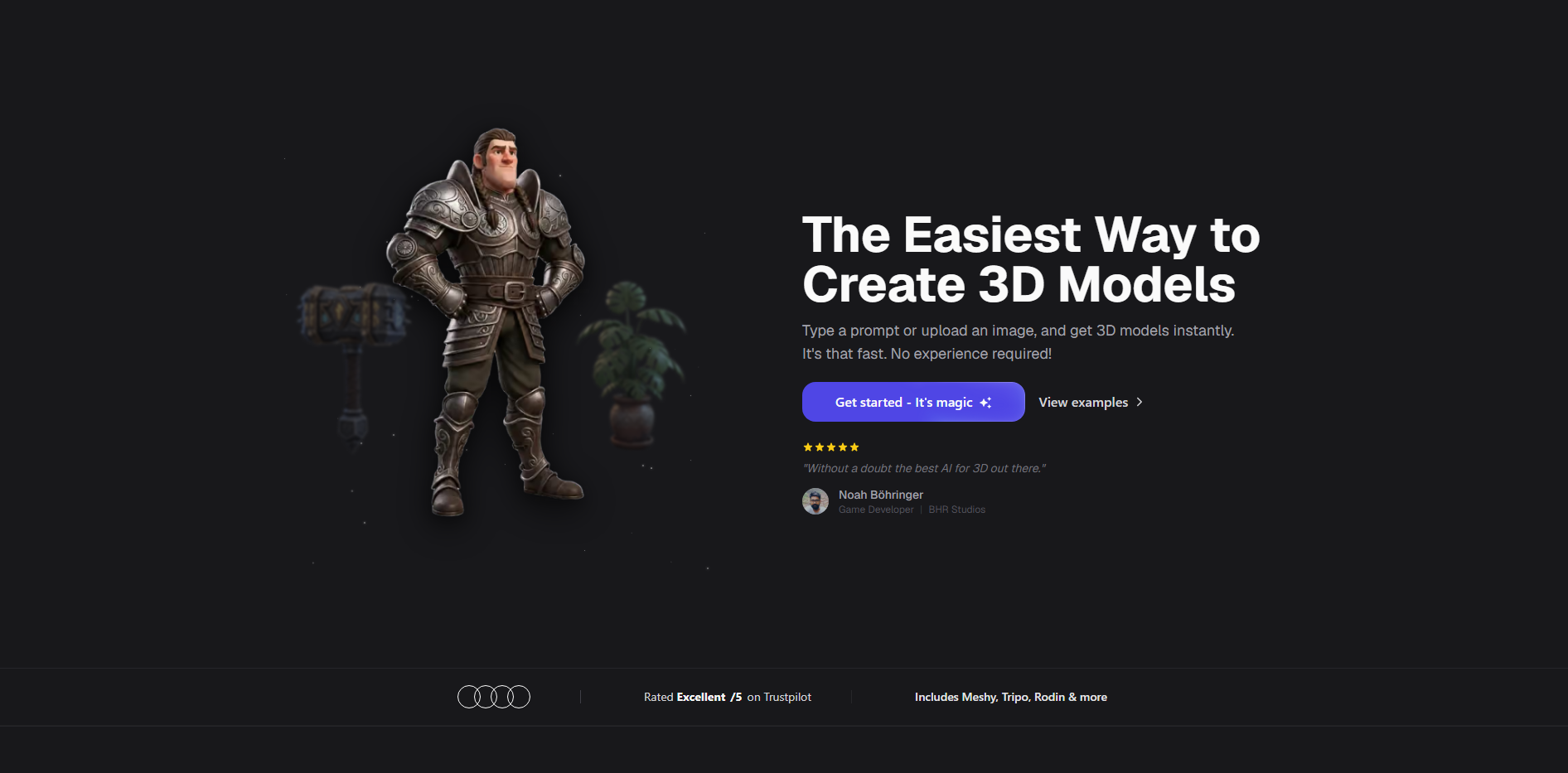
3D AI Studio
3D AI Studio is an AI-powered platform for generating 3D assets from text prompts and visual references. Its browser-based workflow helps users move from an initial idea to a downloadable model. Different generation options support a range of objects and visual styles. Generated assets may still need cleanup before production use.
Main features
Text-to-3D conversion: Describe an object's shape and style to generate a model for further development.
Image-based generation: Use reference images to guide the model's appearance, proportions, and overall form.
Rapid prototyping: Create initial assets for mockups, concept testing, and early design reviews.
Model export: Download supported outputs for additional editing in your preferred 3D software.
Suitable for
Product designers testing concepts
Small teams creating visual mockups
Beginners exploring browser-based tools
Artists refining generated models
Spline AI
Spline combines AI-powered 3D generation with an interactive scene editor. Its AI tools can generate models from text prompts and images within the broader Spline workflow. Users can combine these assets with other objects and interactive elements. This makes it particularly useful for web-based 3D design and product presentations.
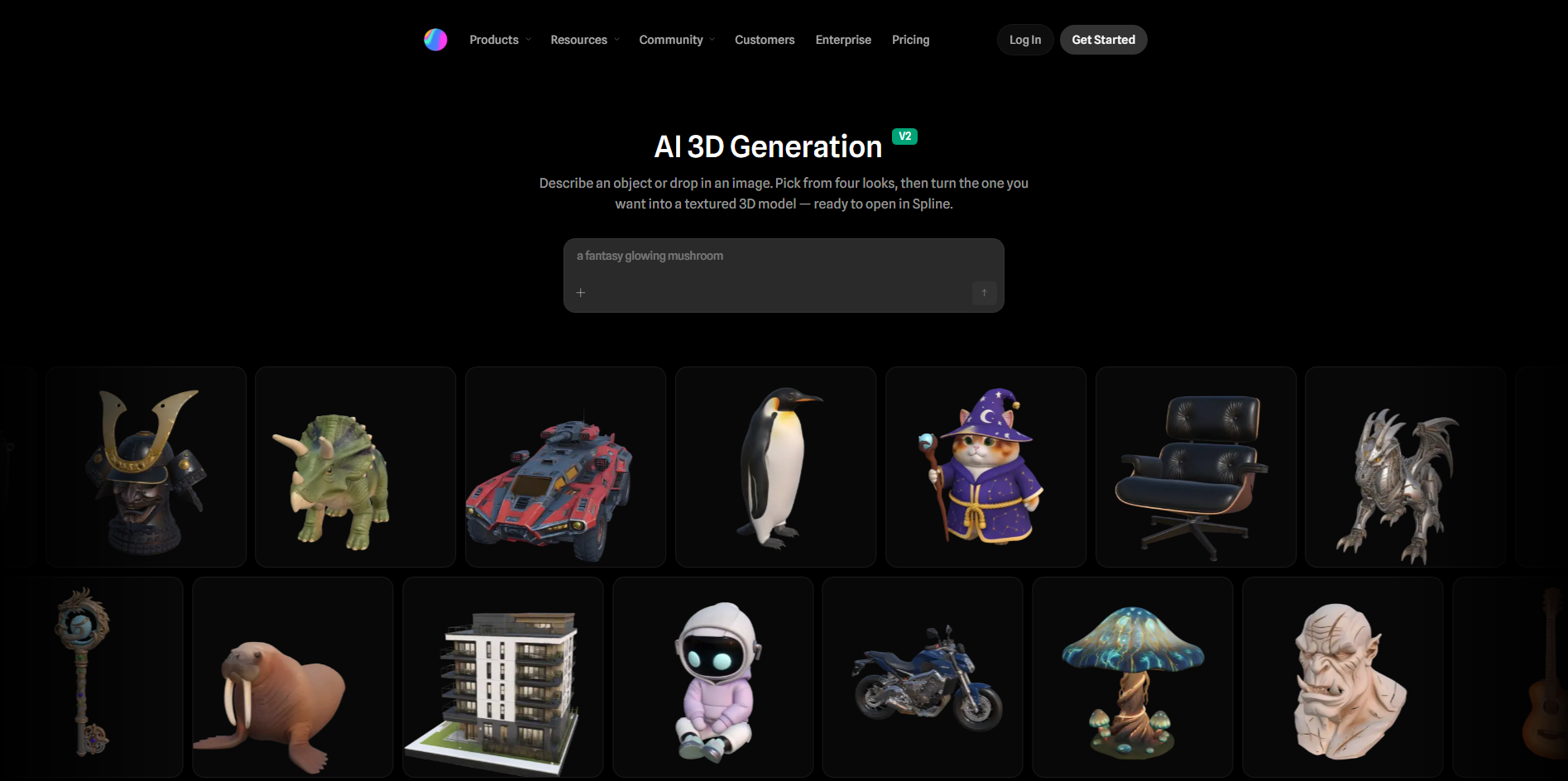
Main features
Text-to-3D generation: Turn written descriptions into models for use in interactive 3D scenes and presentations.
Image-to-3D conversion: Use visual references to guide model creation and communicate your intended design.
Combined prompts: Pair images with text instructions for more specific visual guidance and design control.
Interactive scene design: Combine generated models with interactive elements for engaging web experiences and product showcases.
Suitable for
Web designers creating 3D landing pages
UI designers developing visual elements
Teams building interactive product showcases
Creators designing browser-based 3D experiences
Trellis 3D
TRELLIS is an open-source 3D generation model developed by Microsoft Research that creates assets from text or image inputs. It uses a structured latent representation to capture geometry and appearance. The model can produce different output types, including meshes, 3D Gaussians, and radiance fields. Its open-source resources make it useful for developers and researchers exploring custom 3D generation workflows.
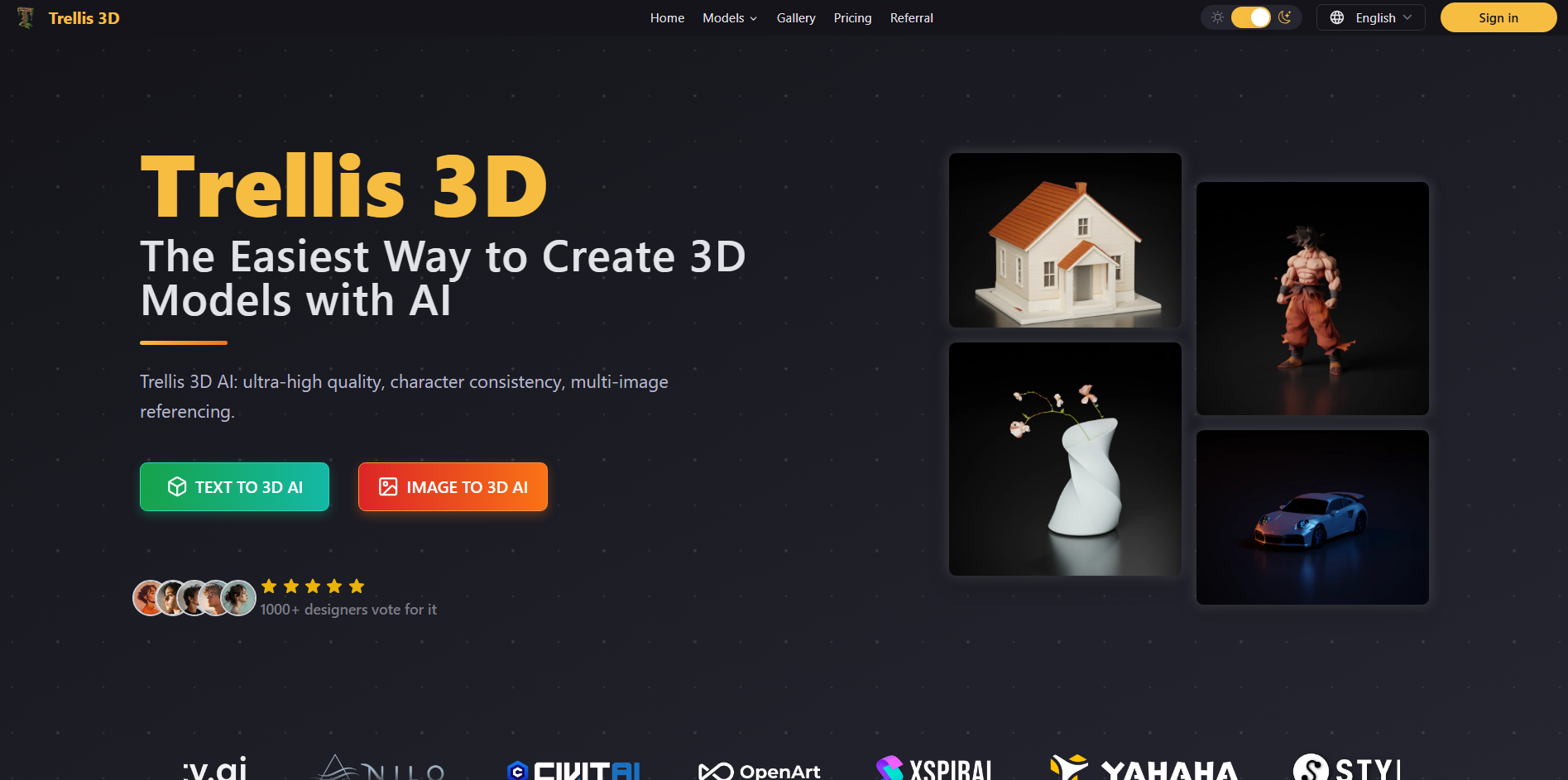
Main features
Text- and image-conditioned generation: Generate 3D assets from written descriptions or reference images using supported model variants.
Multiple 3D representations: Produce meshes, 3D Gaussians, or radiance fields for different rendering and viewing needs.
Asset variations and editing: Explore supported variations or modify generated assets to test alternative design directions.
Open-source research workflow: Access project code and model resources to experiment with 3D generation locally.
Suitable for
AI researchers experimenting with 3D generation
Developers building custom 3D creation pipelines
Technical artists testing different 3D representations
Users adapting open-source models
Tips to pick the right text-to-3D model tool
Choosing a suitable tool involves more than turning a written prompt into a 3D object. You need to consider how well it handles details, whether its output fits your workflow, and what you can do with the finished model. Keep these factors in mind when comparing each AI text-to-3D model tool.
Define your use case first
Decide whether you need a game asset, product prototype, character, or 3D-printable object. Different tools serve different purposes, so choose a text-to-3D model tool that matches your project requirements.
Check mesh and texture quality
Look for clean geometry, smooth surfaces, and properly aligned textures. High-quality outputs require less manual cleanup and are easier to use in your intended application.
Test prompt accuracy across multiple angles
Generate a model with specific details and inspect it from the front, back, and sides. This helps you see whether the AI text-to-3D model tool follows your instructions consistently.
Compare results across several generators
Test the same prompt in a few tools and compare their detail, accuracy, and editing flexibility. This helps you identify which text-to-3D model tool produces the most useful results for your needs.
Confirm needed export format support
Check whether the tool supports formats such as OBJ, FBX, GLB, or STL. Choose one that works with your 3D software, game engine, or 3D printer.
Conclusion
Getting started with 3D modeling can be as simple as describing what you want to create. Take time to explore the available free and paid text-to-3D model tools and choose one that fits your goals. You can begin with a small project before moving on to more detailed designs. Kimi 3D Make offers a way to explore prompt-based model creation.