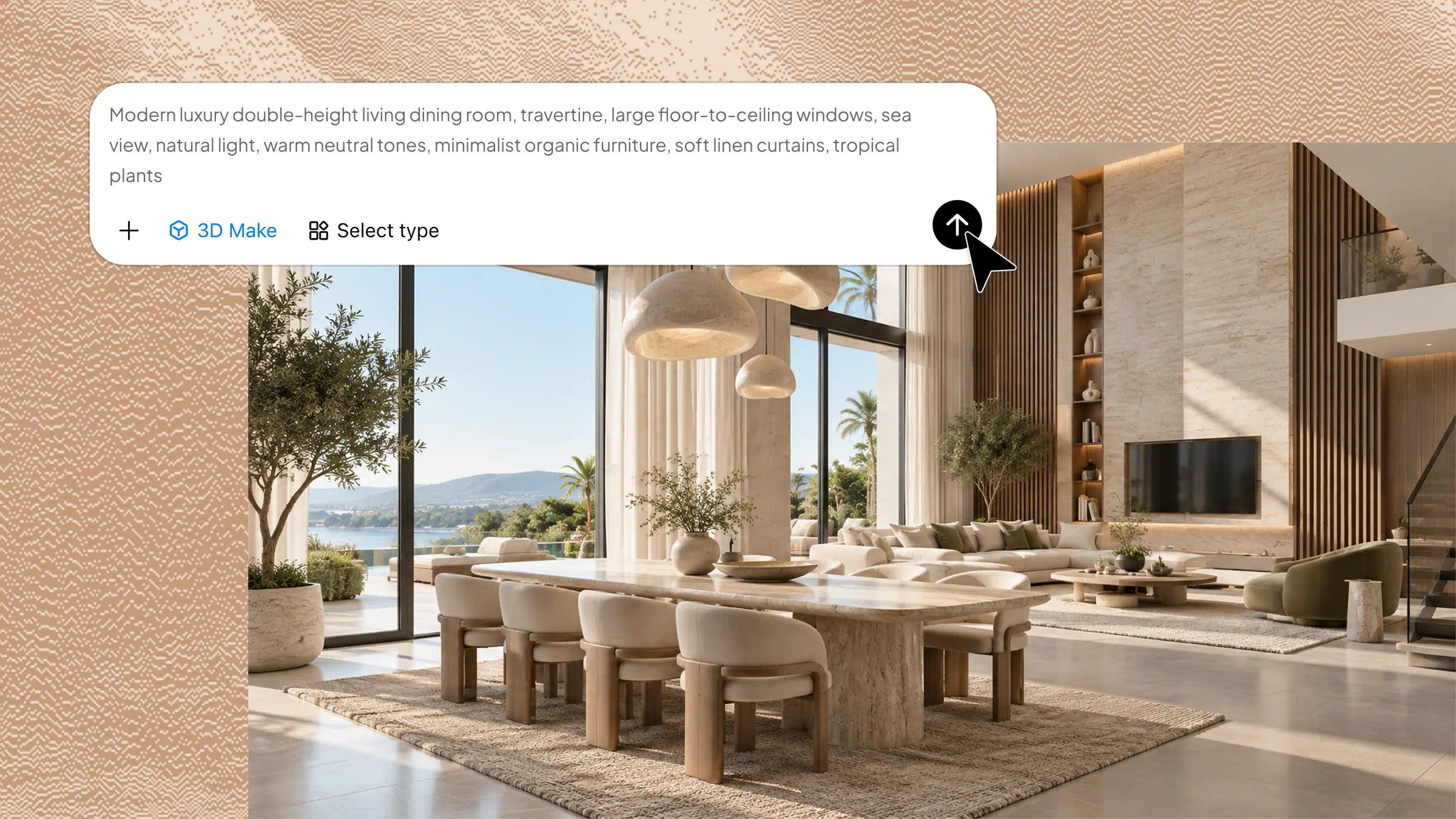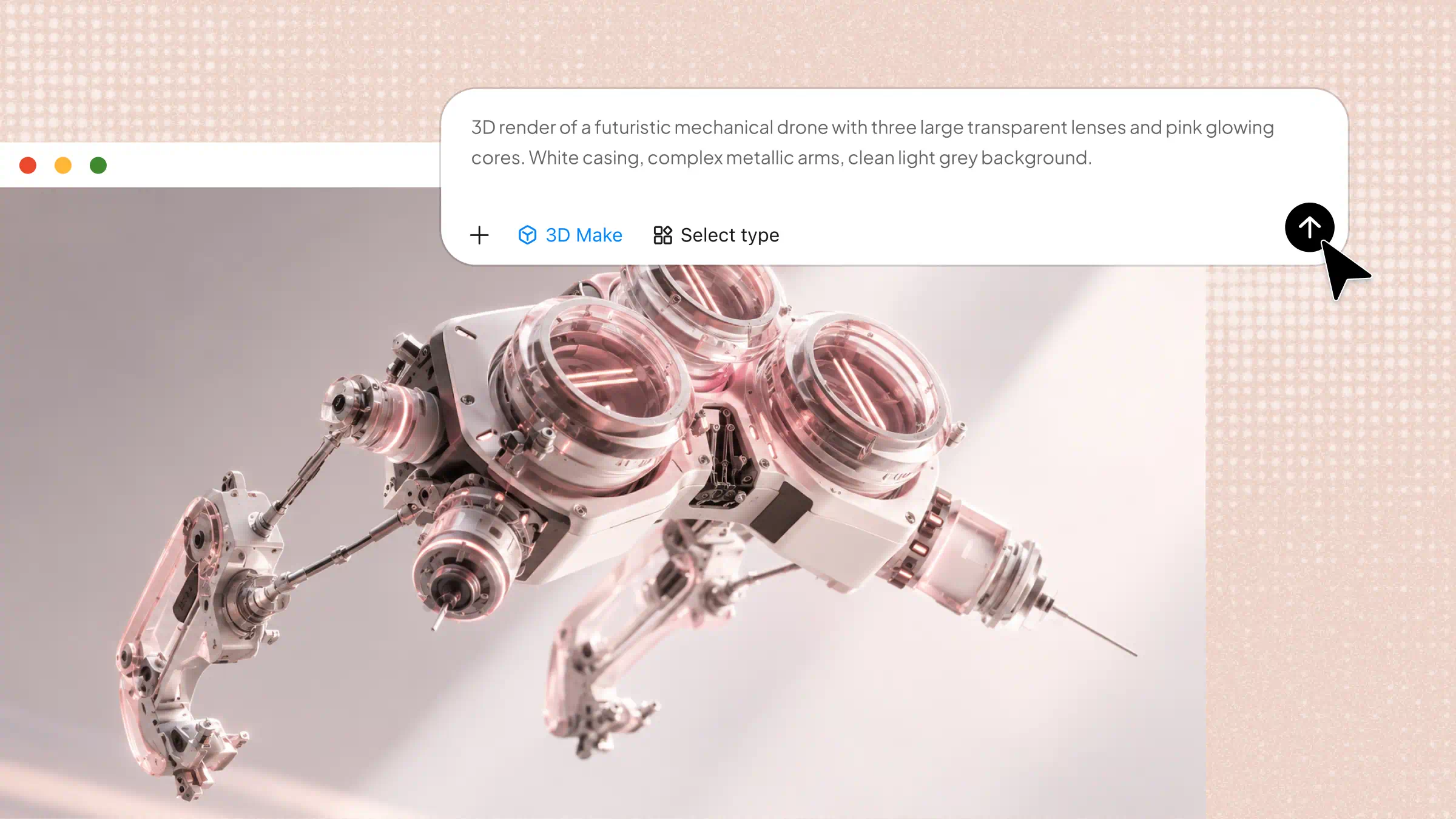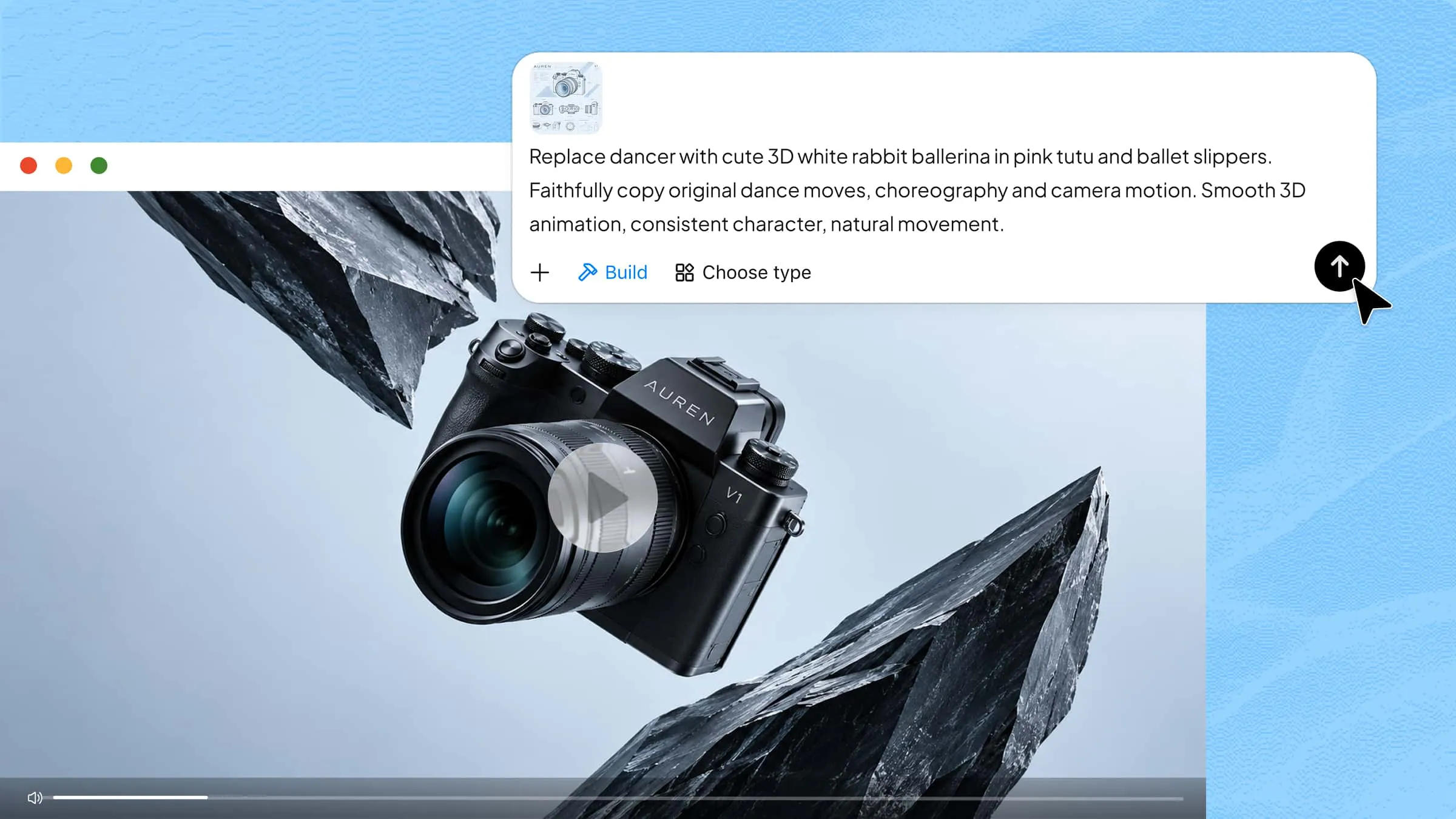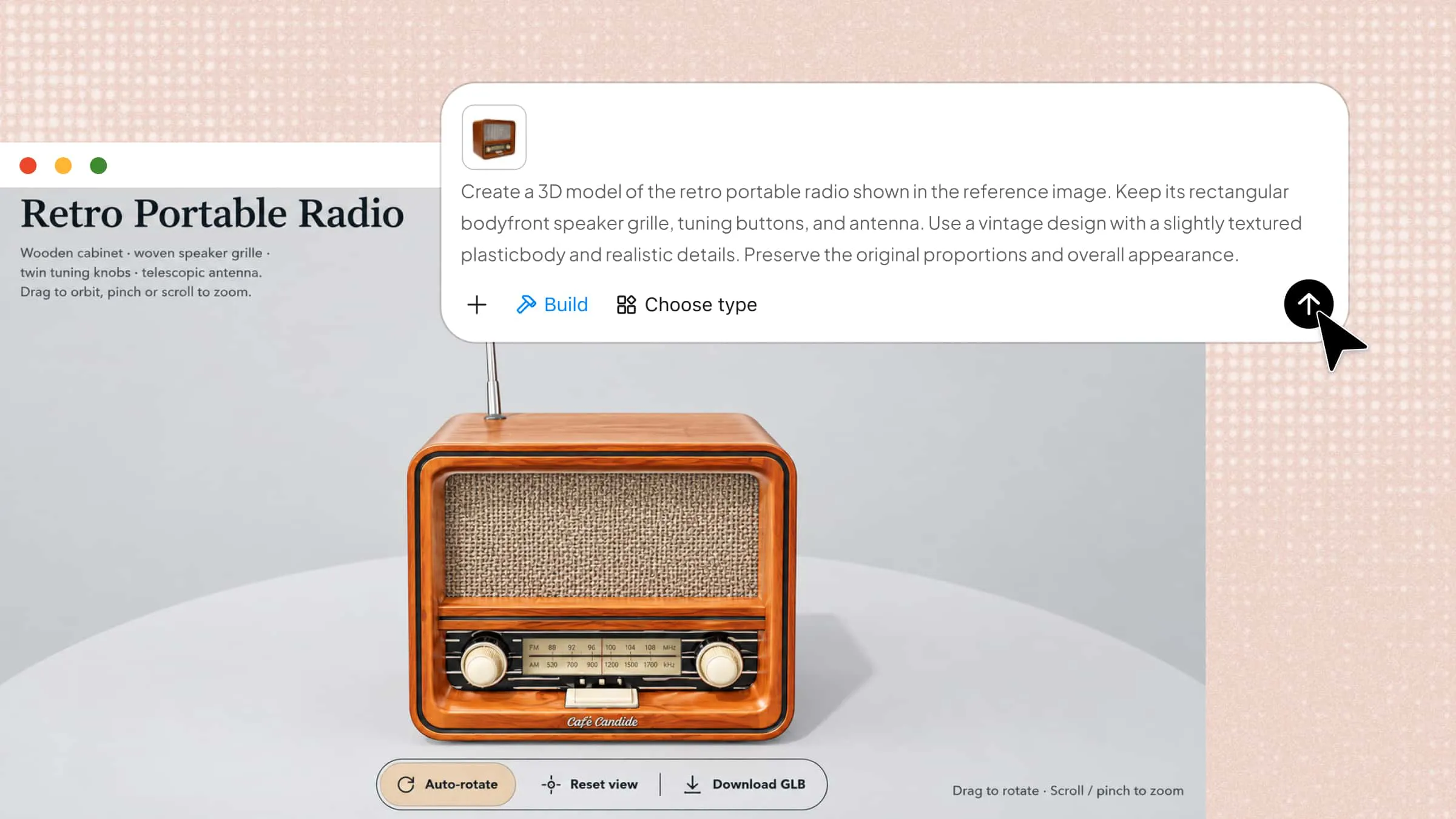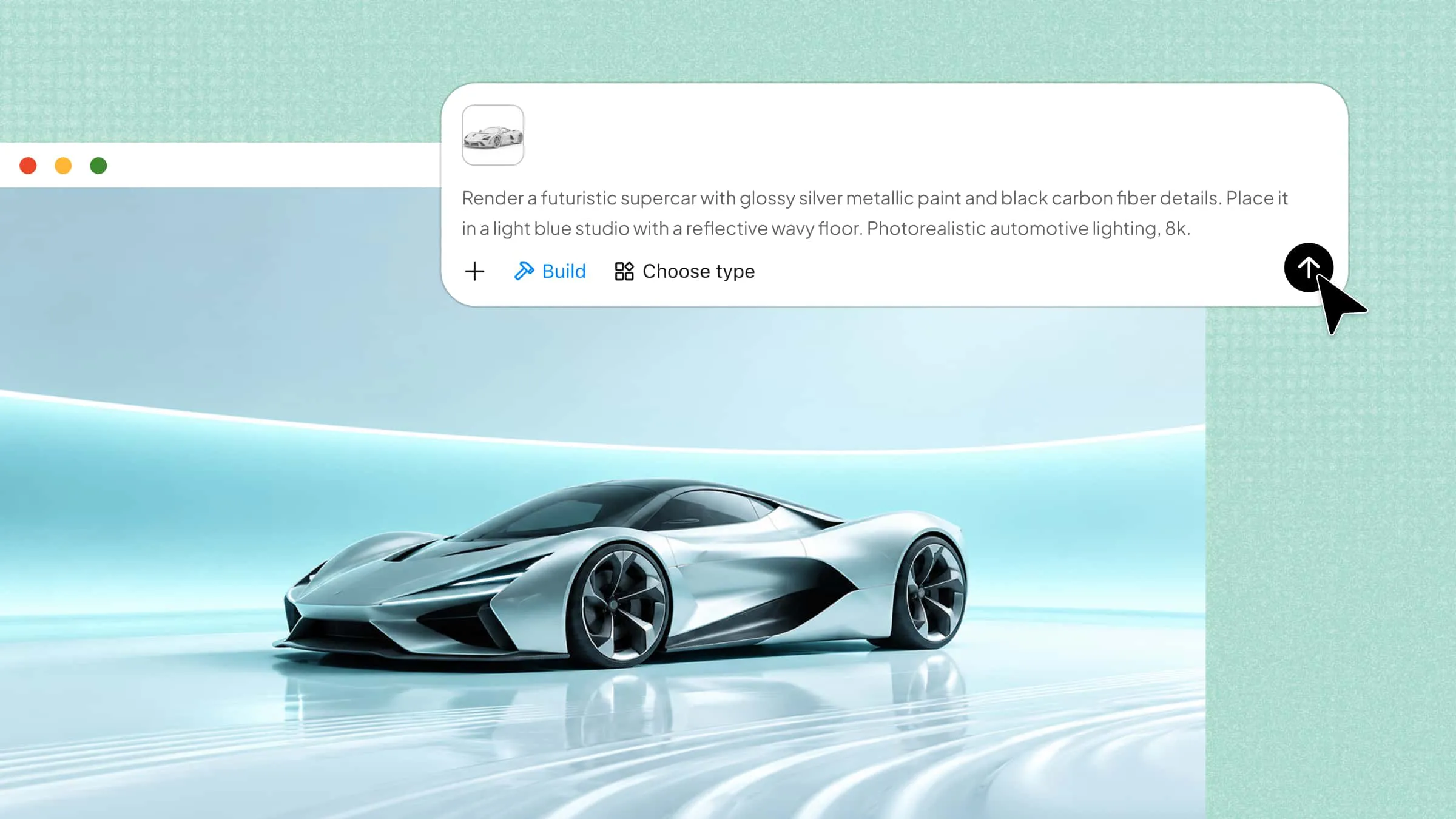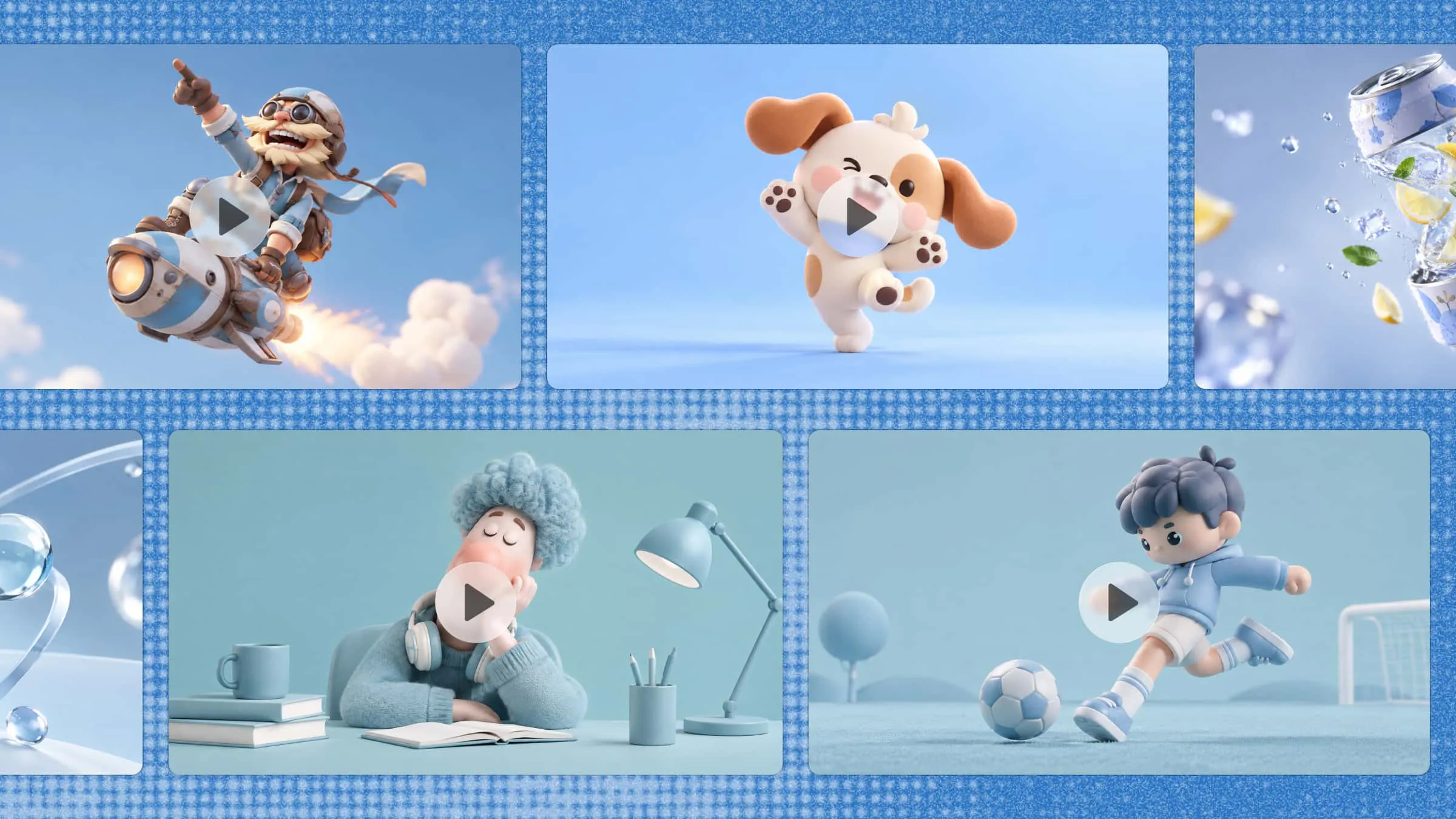
Imagine turning a simple idea into a 3D video without spending hours learning complicated software. You could bring a product to life, show how an object works, or create a scene that feels more real and engaging. With AI tools like Kimi 3D Make, you can start with a prompt and shape the result as your idea takes form. In this article, you will learn how to create 3D videos step by step and turn your ideas into moving visuals.
How to make 3D videos with AI
Kimi 3D Make offers a simple way to explore your ideas in 3D without getting caught up in complex workflows. You can start by describing what you want to create, use reference materials to guide the result, and make changes as your concept develops. This gives you room to try different ideas and find a look that works for your project. Here's how to create a 3D video with Kimi 3D Make.
Step 1: Enter your video concept and details
Start by opening Kimi 3D Make and describing the 3D video you want to create. Include the main subject, setting, movement, camera angle, lighting, and visual style to help shape the result.
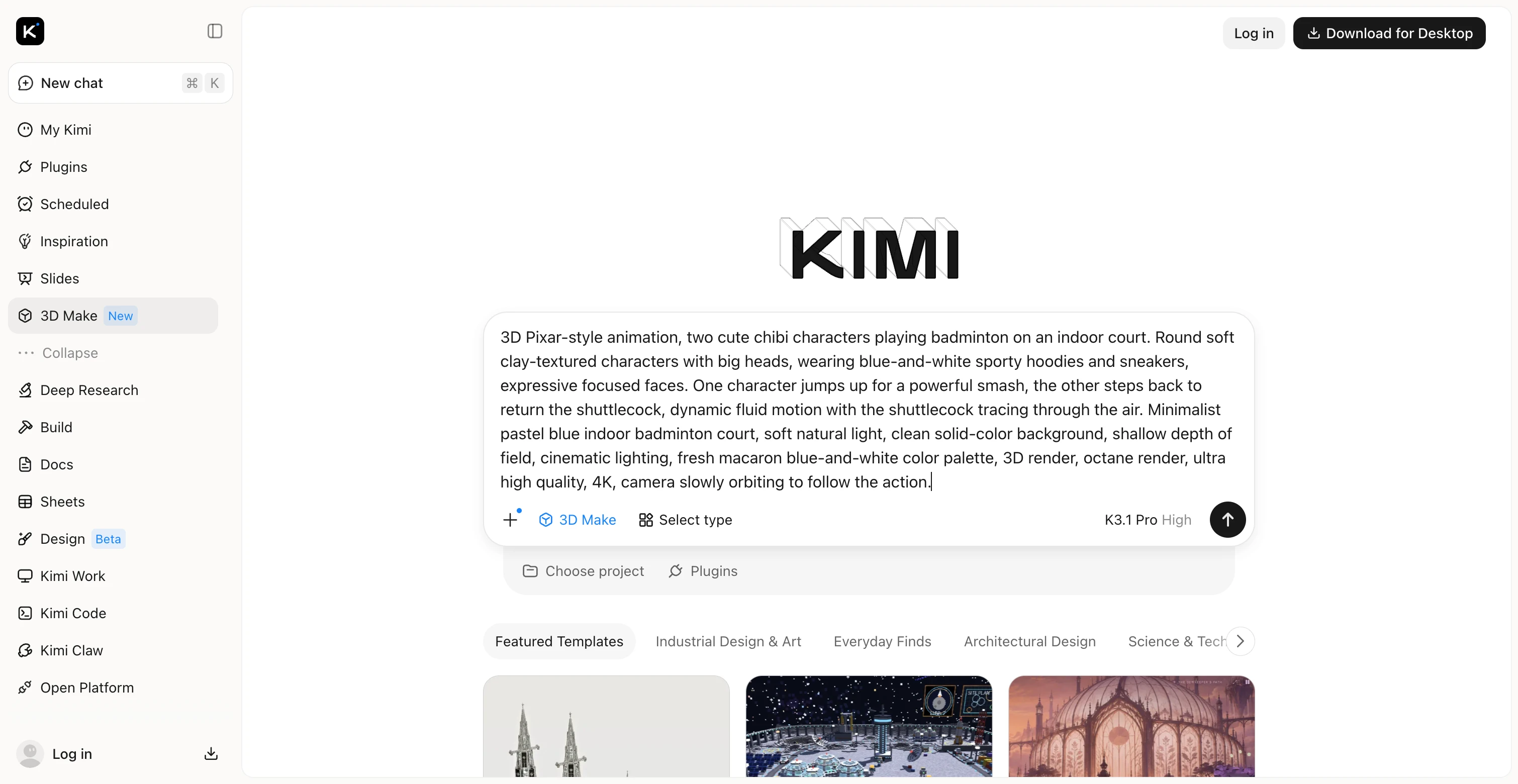
Step 2: Let Kimi 3D Make create your 3D video
Once you submit the prompt, Kimi 3D Make uses AI to generate the scene, characters, lighting, and movement based on your description. When generation is complete, preview the 3D video to see how your idea looks in motion.
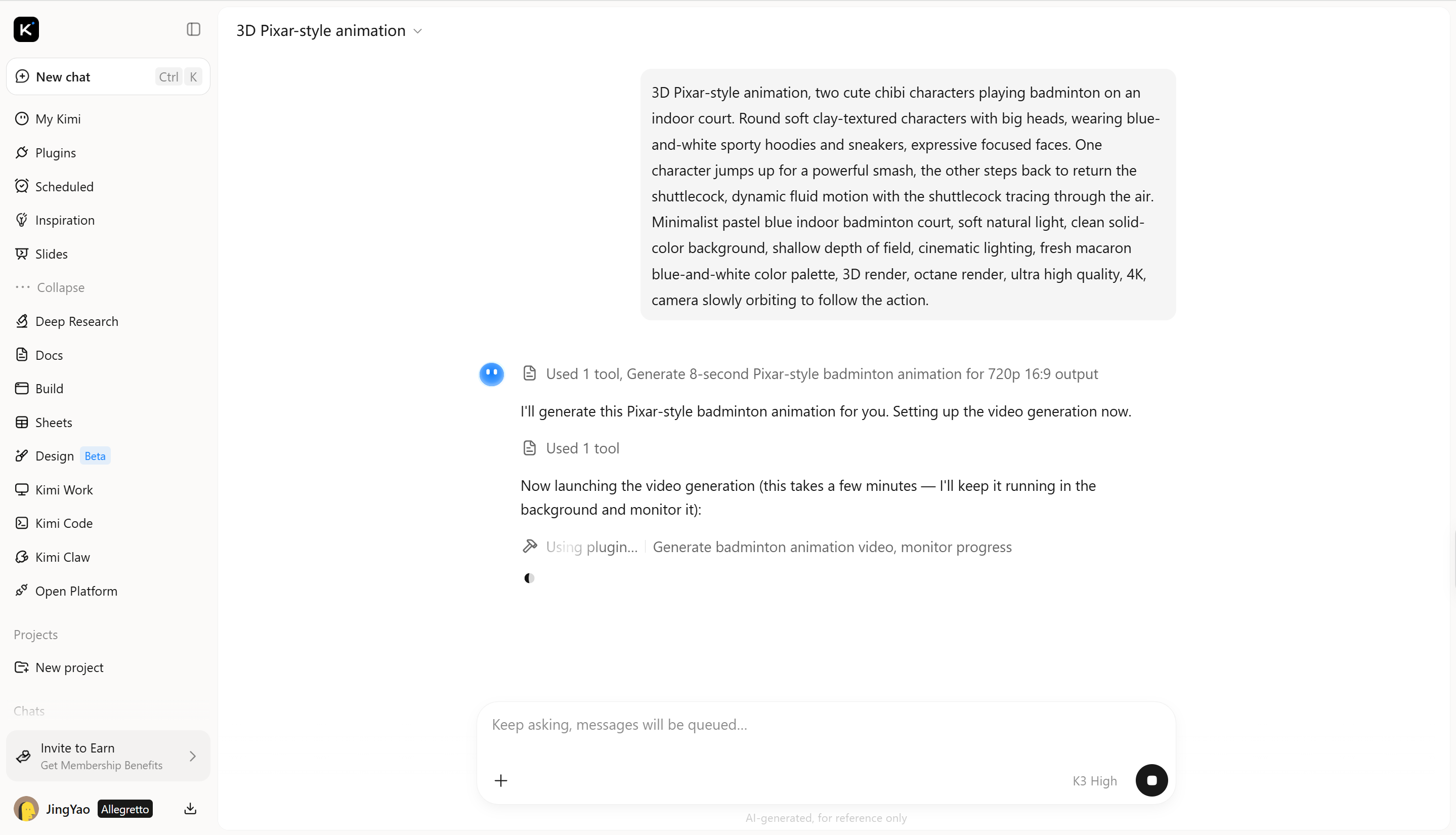
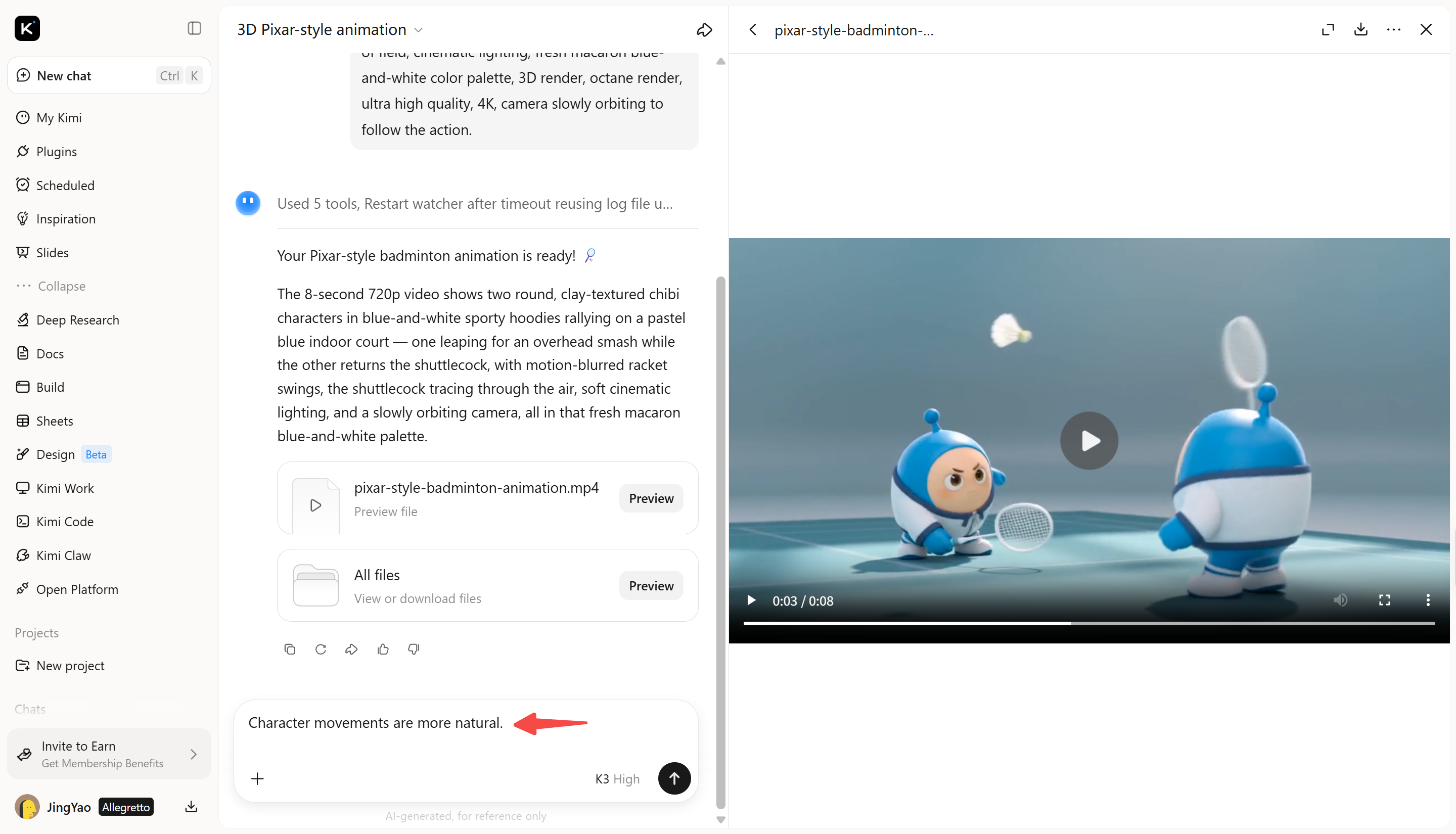
Step 3: Edit and refine a 3D video
Review the generated video and identify any details you want to improve, such as character appearance, movement, lighting, or scene composition. Enter a follow-up prompt in the chat box describing the changes you want, then review the updated result and repeat the process until it matches your vision.
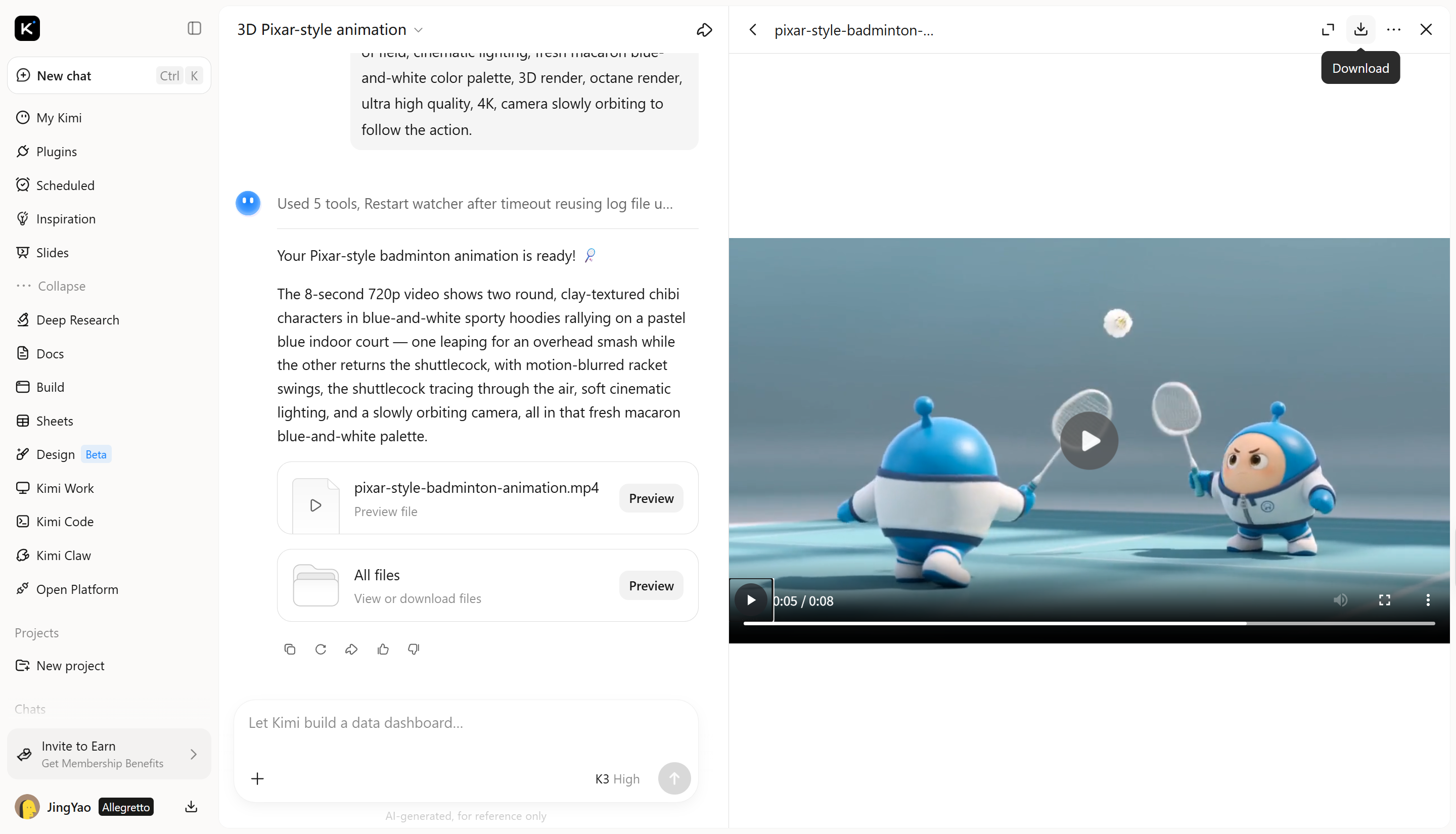
Step 4: Review and export the final video
Preview the complete video to check the animation, movement, and visual consistency. Once you're satisfied with the result, export the final video as an MP4 file for use in social media posts, presentations, or other creative projects.
Why choose Kimi 3D Make to create a 3D video
Kimi 3D Make offers a practical way to explore AI-powered 3D video creation without building every scene manually. Its prompt-based workflow helps you develop visual concepts and refine the generated results. Here are the key features that make Kimi 3D Make useful for creating 3D videos.
Turn creative concepts into AI-generated videos
Kimi 3D Make transforms creative concepts into visually engaging 3D video content, bringing subjects, scenes, and motion together in a cohesive visual presentation. Its generation capabilities help turn initial ideas into compelling results, making it easier to explore creative directions and develop distinctive video concepts.
Create visually appealing designs with AI
Kimi 3D Make helps bring stronger visual expression to 3D videos through thoughtful composition, color combinations, lighting, and stylistic details. From polished product visuals to imaginative animated scenes, it helps create content with a more cohesive look and a clearer visual focus.
Customize and refine generated results easily
Kimi 3D Make supports conversational editing, allowing you to request changes using natural-language instructions. Refine visual elements, adjust scene details, and explore alternative creative directions through follow-up conversations, giving you more flexibility to shape the final result around your vision.
Develop 3D videos for different creative projects
Kimi 3D Make supports a range of creative applications, including product showcases, promotional videos, social media content, and visual storytelling. Its flexible generation workflow helps you explore different subjects, styles, and scene concepts for projects with different communication goals.
Extend 3D video projects with advanced modeling workflows
Kimi Work lets you take 3D concepts further by working with Blender or Tripo 3D to develop detailed models and production-ready assets. Export formats such as FBX, STL, USDZ, BLEND, GLB, glTF, and OBJ support different downstream workflows, depending on the model and application requirements. This makes it easier to move from initial visual concepts to more advanced 3D production.
Tips for creating stunning 3D AI videos
AI can help bring your ideas to life, but the right approach makes a difference in the final output. Clear prompts, consistent visuals, and suitable video settings help you achieve better results. Here are some practical tips to help you create more effective 3D videos.
Use clear, high-quality reference images
Reference images help AI understand your subject's appearance, colors, and details. Choose sharp images with good lighting and simple backgrounds. When you make a 3D video online, relevant references can help guide the output toward your intended style.
Keep prompts focused and refine iteratively
Describe the subject, setting, actions, and camera movement clearly. Avoid adding too many unrelated details to a single prompt. Generate a first version, identify what needs improvement, and adjust your instructions gradually to achieve a more polished result.
Create depth with lighting and composition
Lighting, shadows, and object placement help a 3D scene look more natural. Describe the light source and the arrangement of foreground and background elements. These details can make it easier to create a 3D video online with a clear sense of depth and realistic visual balance.
Maintain consistency across scenes
Keep character features, clothing, colors, and visual styles consistent throughout your video. Repeat important details in prompts for different scenes and reuse reference images when possible. This helps prevent noticeable changes between shots and keeps the overall video visually connected.
Match video formats to your intended use
Choose an aspect ratio that suits your target platform. Vertical videos are useful for short-form mobile content, while horizontal videos often work better for YouTube and presentations. Plan the format early to make 3D video content that needs less cropping or editing before publishing.
Conclusion
AI has made 3D video creation more accessible, giving you new ways to present ideas and bring creative projects to life. The best results come from experimenting with different approaches and refining your work as you go. If you want to create a 3D video with AI, Kimi 3D Make is a useful place to start. Try Kimi 3D Make and see how your ideas take shape. Start creating your first 3D video today.