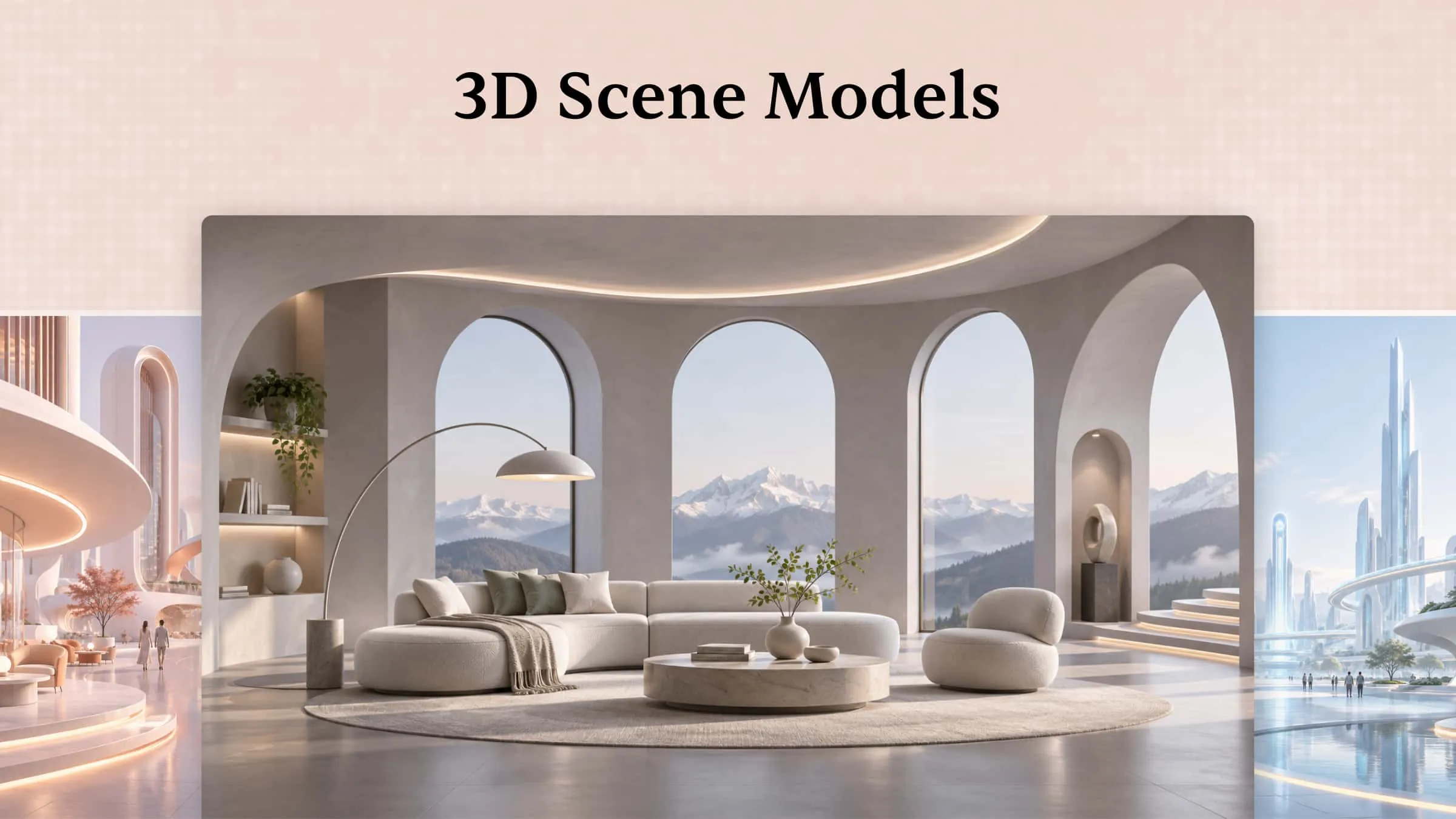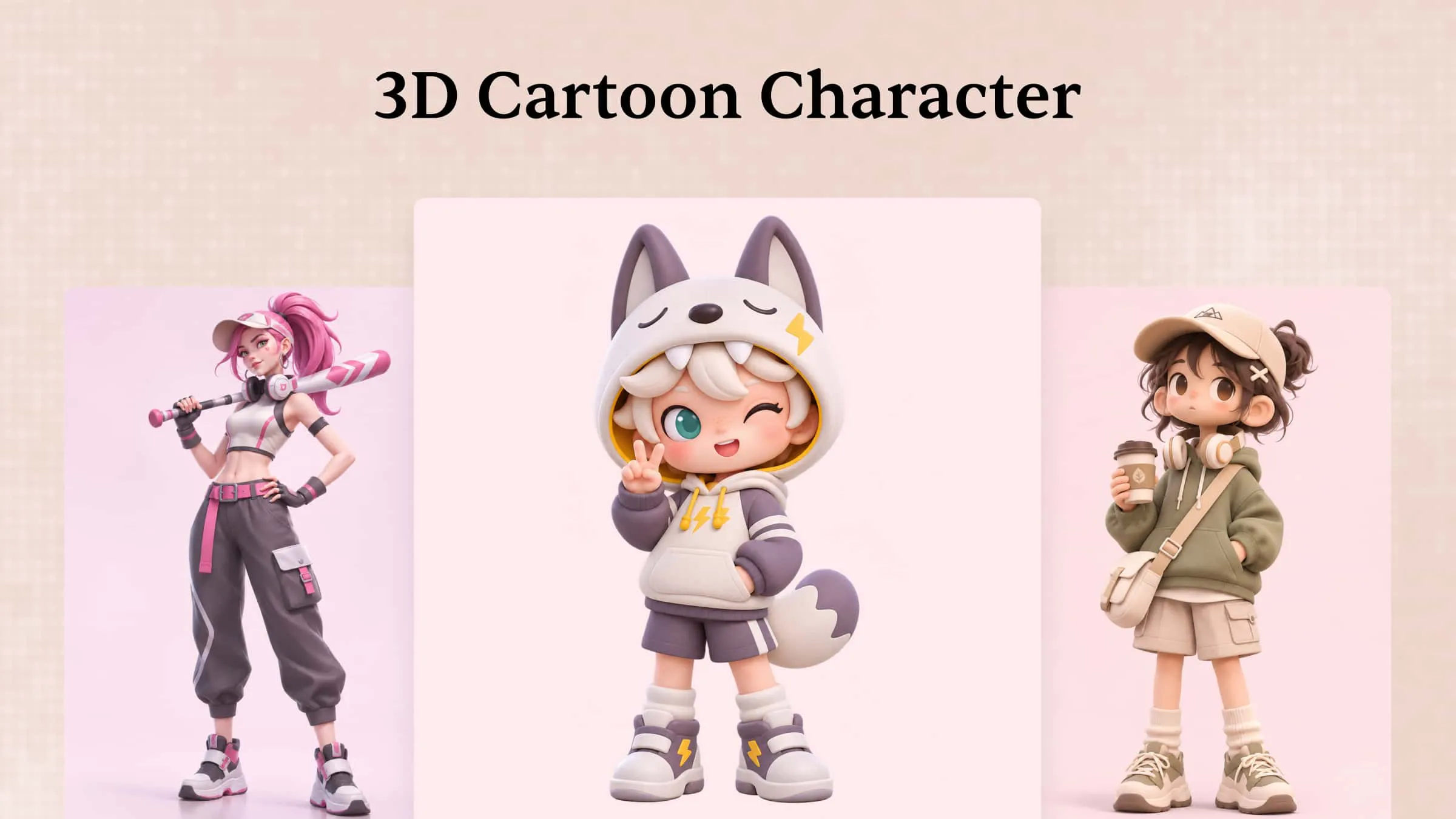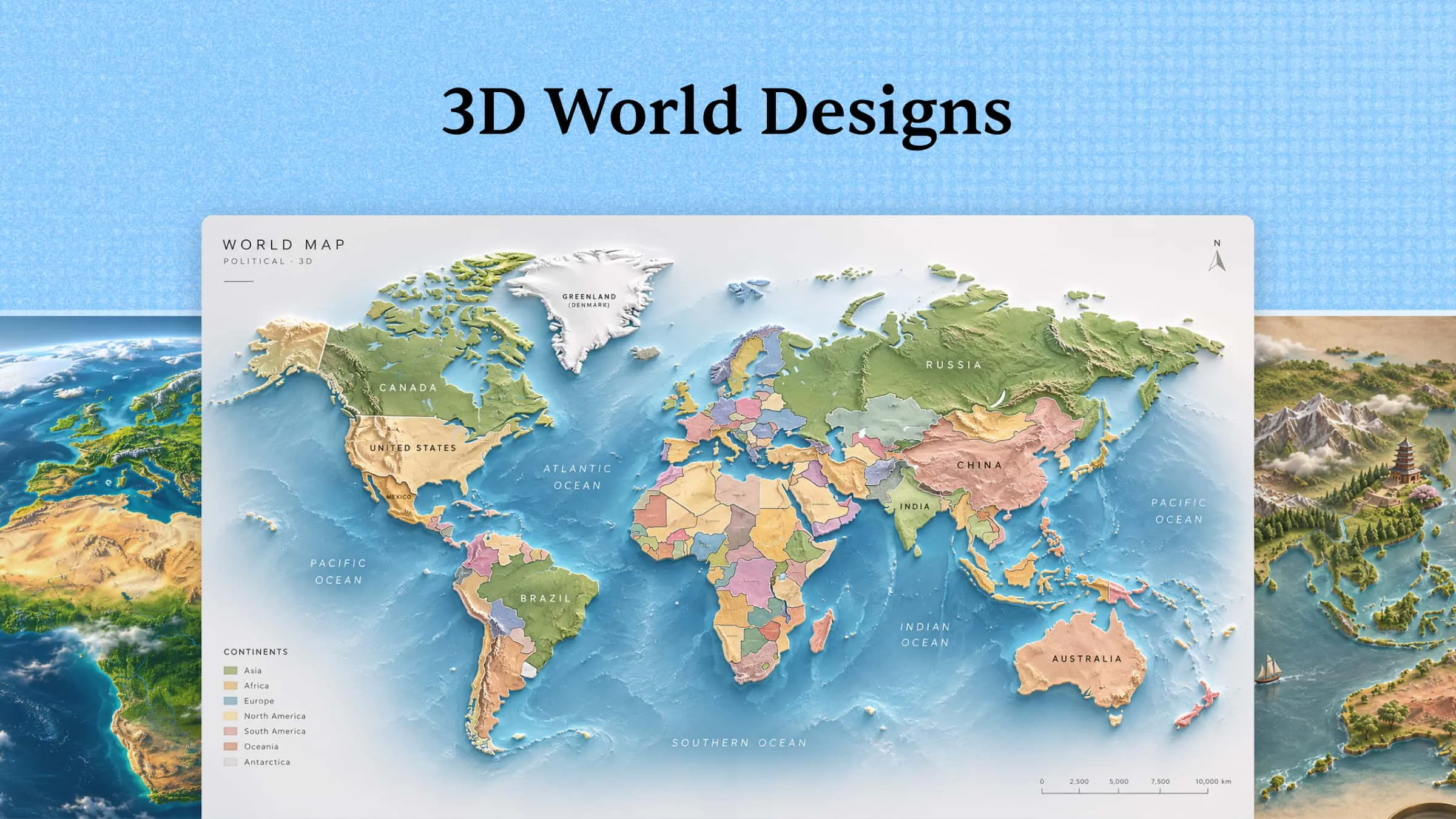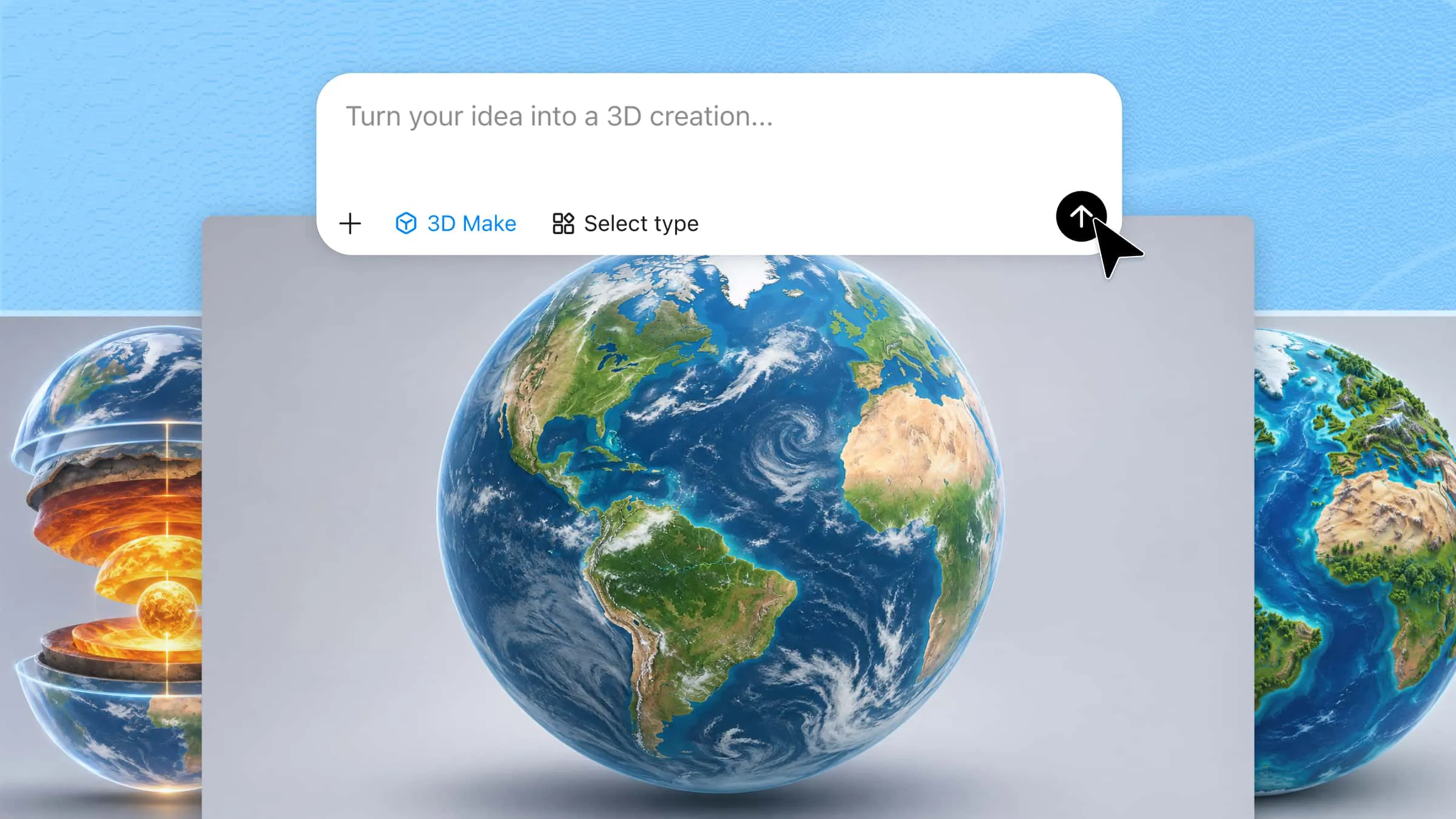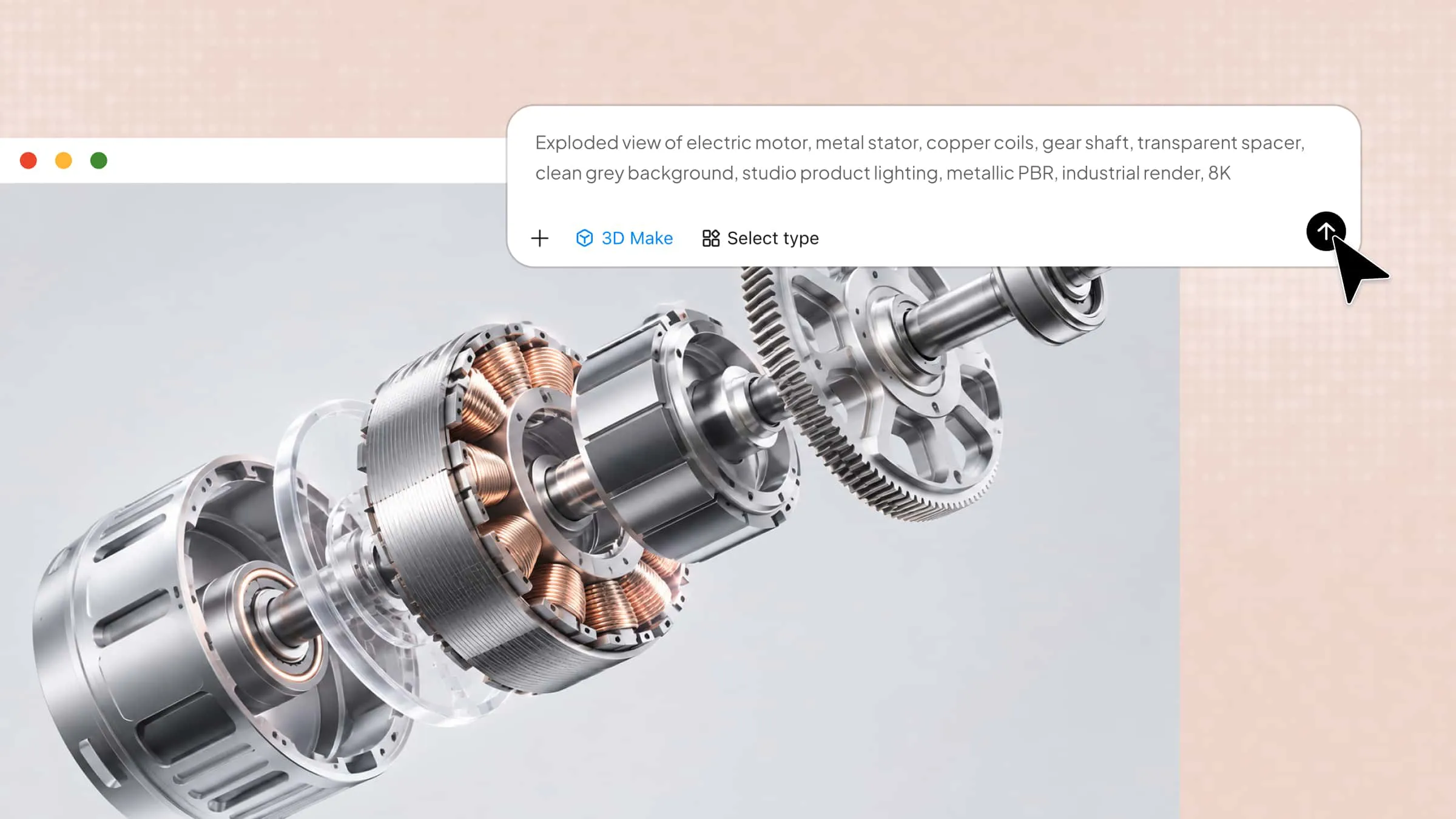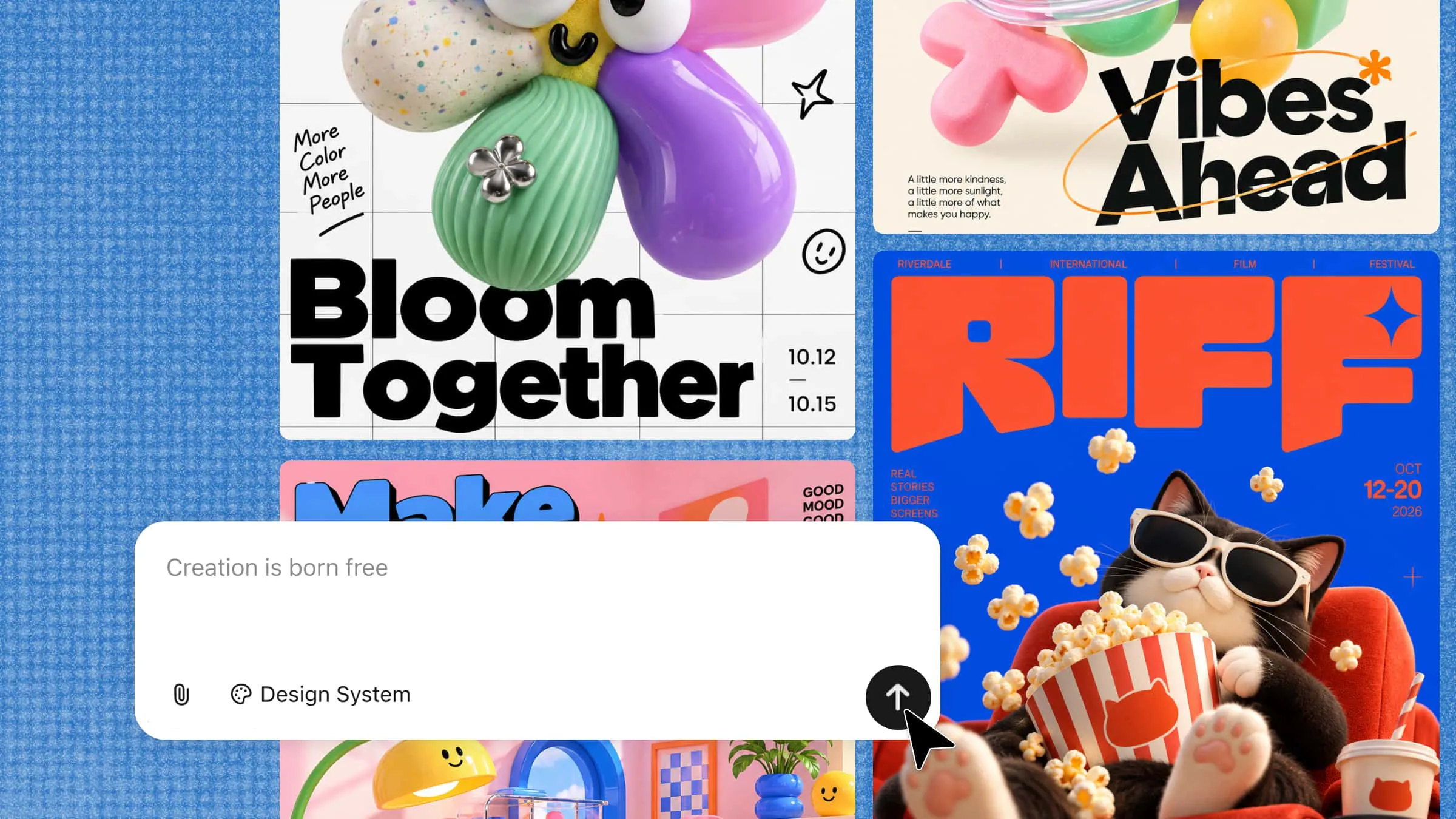
A poster has only seconds to capture attention, and flat visuals can easily get lost among competing designs. Adding depth, realistic textures, and bold visual effects can make your poster feel more immersive and memorable. However, creating these effects from scratch can be difficult without design experience or the right tools. Learning how to make 3D poster designs helps you turn simple concepts into striking visuals that stand out. In this guide, you'll discover how to create eye-catching 3D posters with creative effects, balanced layouts, and engaging details.
How to create 3D posters using AI
Creating 3D posters doesn't have to require advanced design skills or complicated software. Kimi 3D Make helps you turn your ideas into visually engaging designs using simple text prompts and creative direction. You can describe your concept, explore different visual styles, and refine the results to match your needs. From bold typography to realistic depth and layered effects, AI can help bring your poster ideas to life. Here's how to make a poster 3D using Kimi 3D Make step by step.
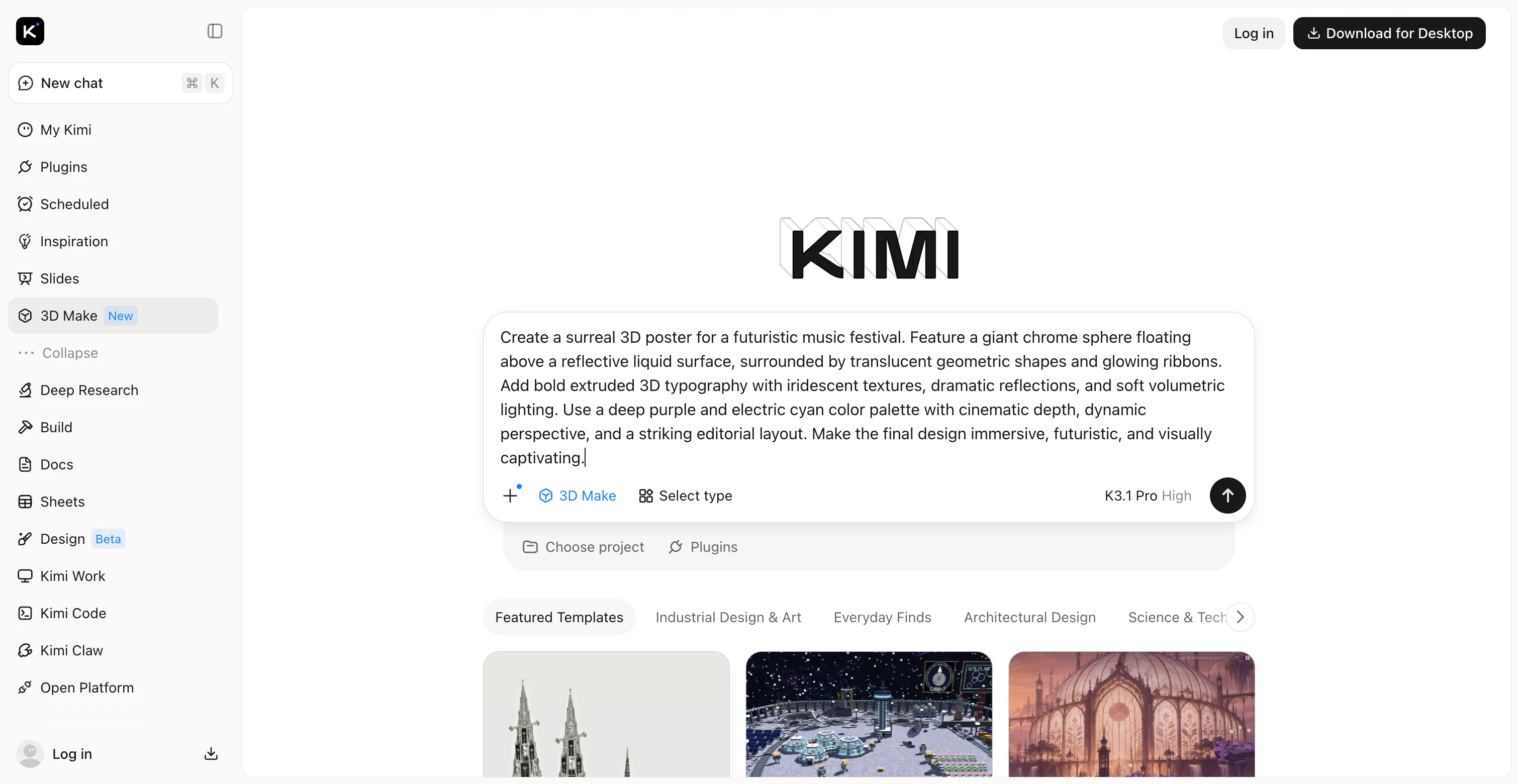
Step 1: Enter a detailed 3D poster prompt
Start by describing the poster's purpose, main subject, visual style, and intended audience. Specify details such as 3D typography, realistic textures, lighting, shadows, background elements, and color combinations to guide Kimi 3D Make toward your desired result.
Step 2: Generate your 3D poster design
Submit your prompt to Kimi 3D Make and let it transform your idea into a poster. Review the generated design to see how well it represents your concept and whether the overall composition suits your intended purpose.
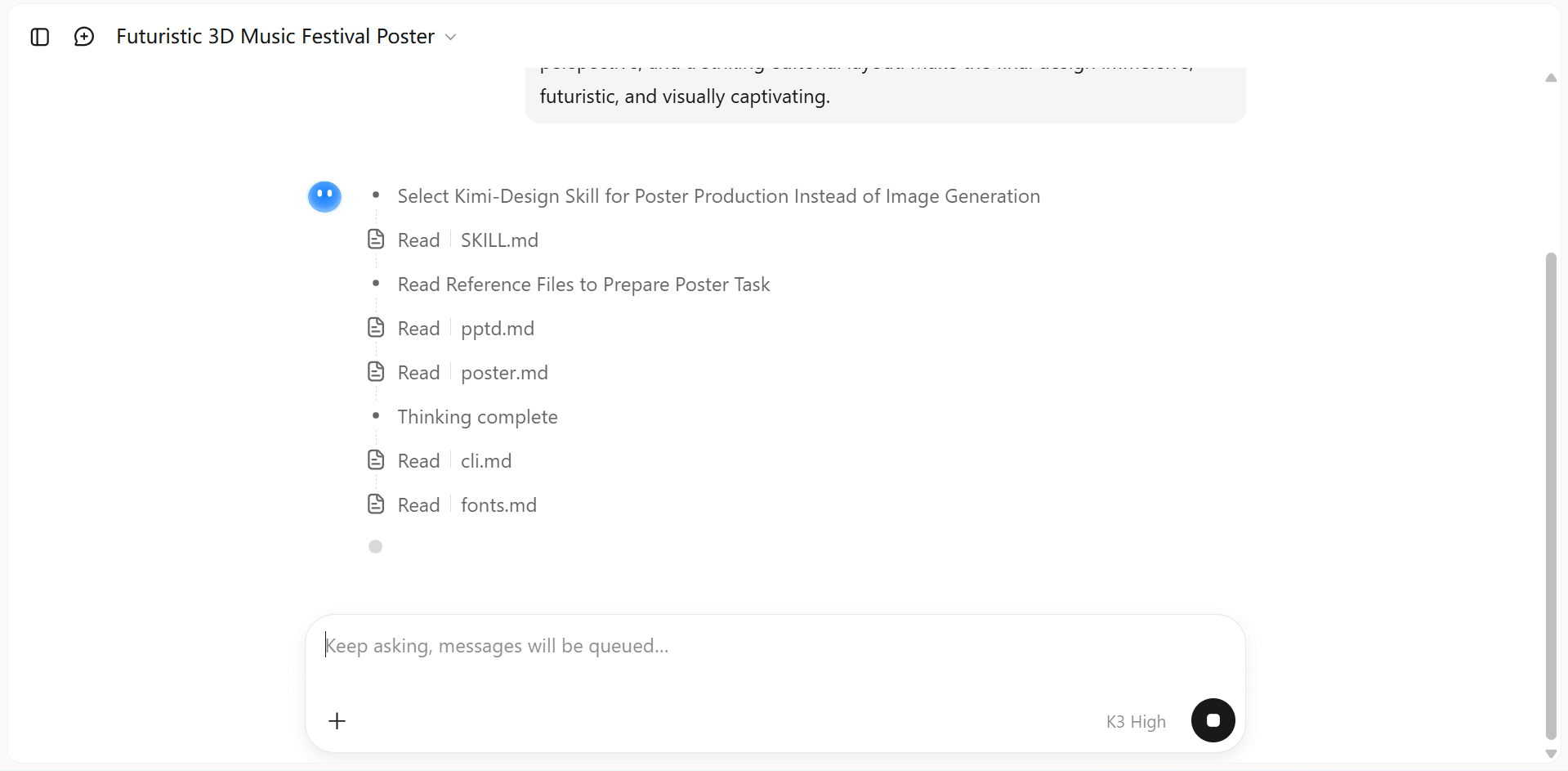
Step 3: Refine the 3D effects and poster layout
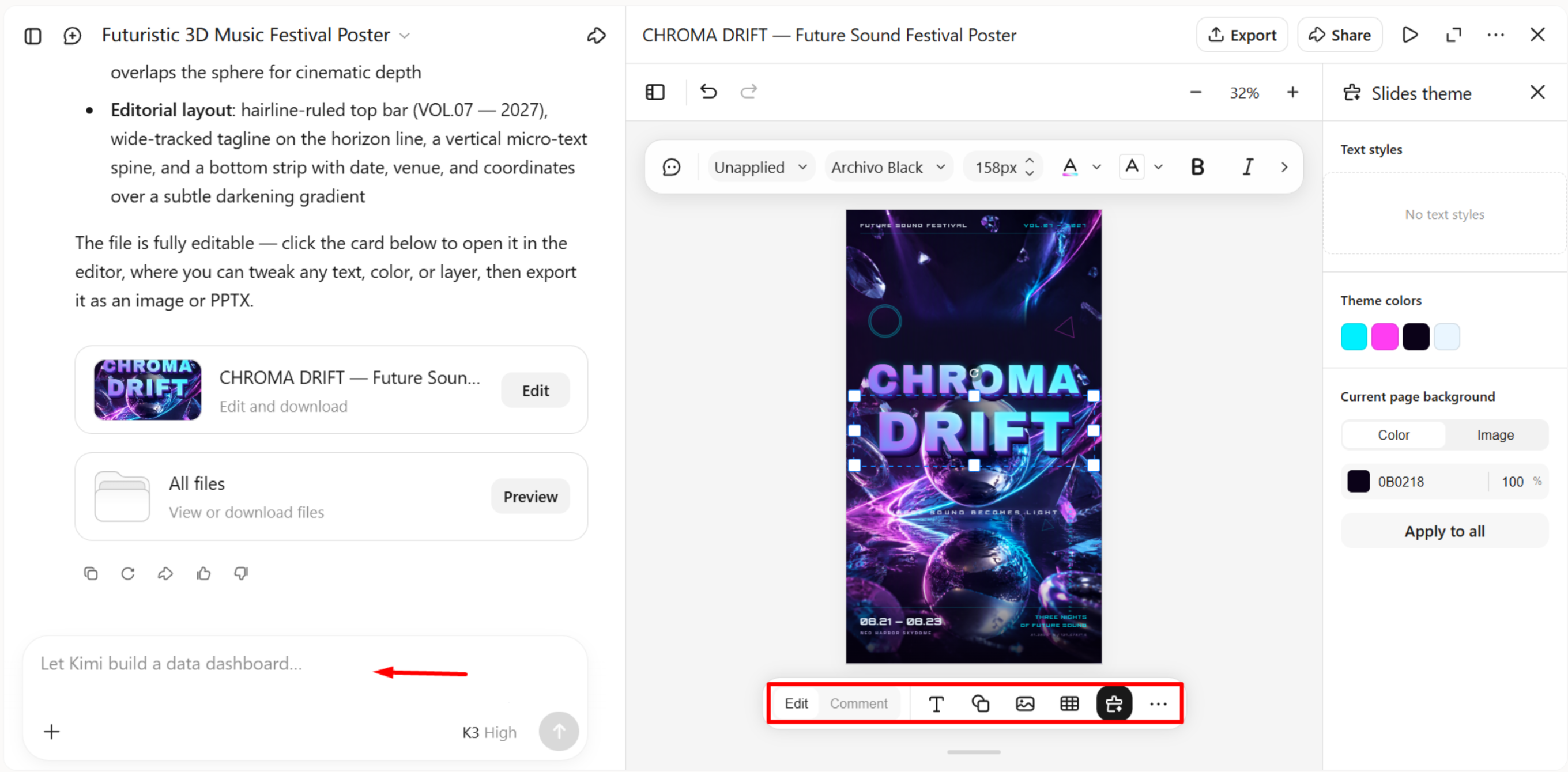
Use the chat box to enter prompts that refine your 3D poster, such as increasing depth, adjusting lighting, changing font styles, or repositioning elements. For more targeted edits, leave comments on specific elements to request changes, or adjust the design manually. These options help you fine-tune the layout, strengthen visual hierarchy, and achieve the desired 3D effects.
Step 4: Preview and export your finished 3D poster
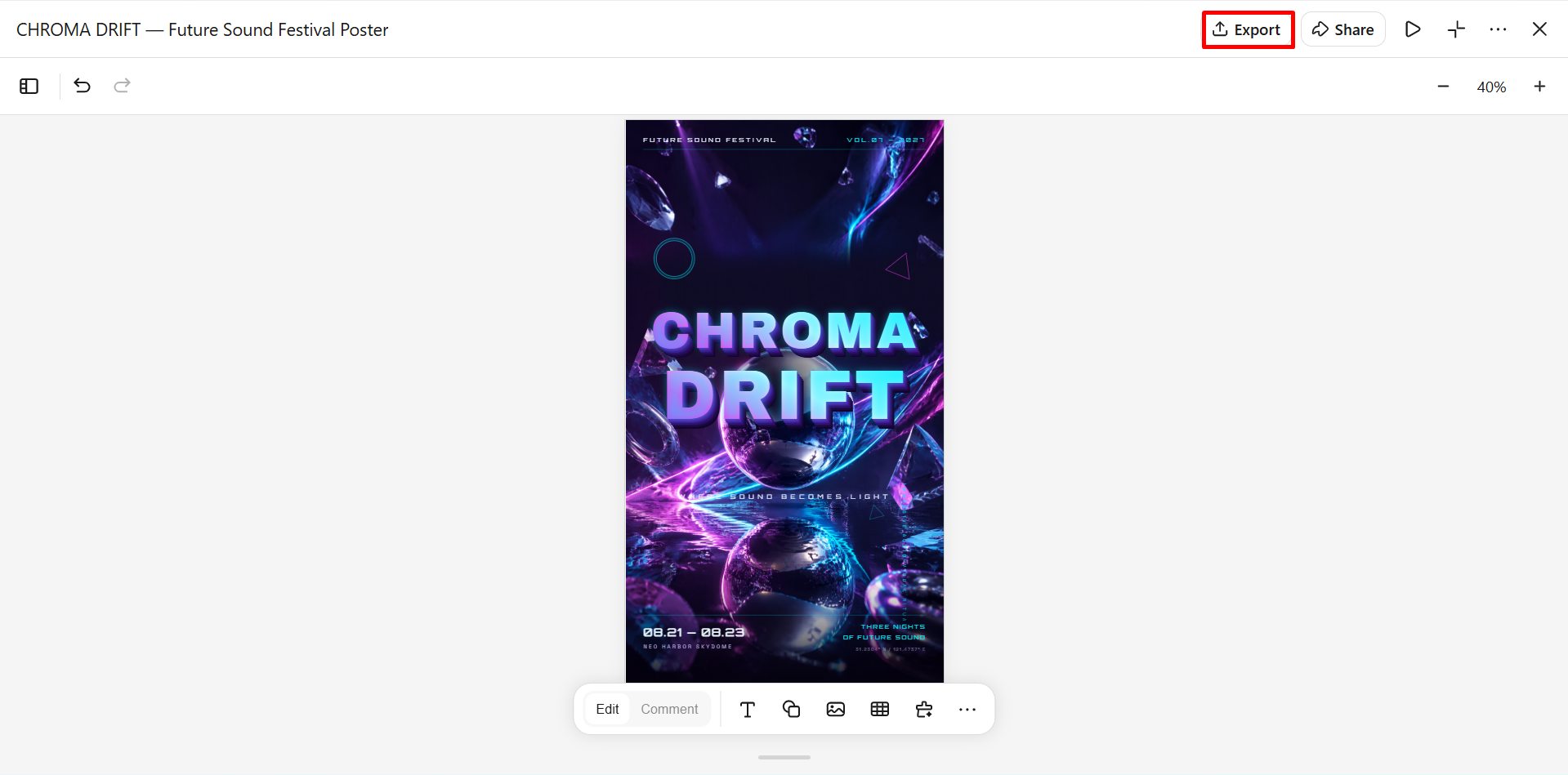
Check the final design for text readability, visual balance, and consistency across all elements. Make sure the main subject stands out, and the poster suits its intended purpose, whether for social media, event promotion, or printing. Once you're satisfied, export the design in a suitable available format and resolution.
Why choose Kimi 3D Make to create 3D posters
Creating dimensional designs can be challenging when you want realistic effects without spending hours on manual editing. Kimi 3D Make helps simplify the process, making it easier to create a 3D poster with bold typography, layered visuals, and striking effects. Here are the key benefits of using Kimi 3D Make for your poster designs.
Shape poster ideas into polished visual concepts
Start with a written description or reference image and develop poster designs around your creative direction. From concert announcements and event promotions to product campaigns and brand visuals, build compositions that combine expressive typography, dimensional subjects, and memorable layouts.
Create a convincing sense of depth and dimension
Give flat compositions a more immersive look through sculpted forms, layered elements, textured surfaces, and carefully balanced lighting. Explore chrome finishes, translucent materials, dramatic shadows, and floating objects to make your 3D posters more dynamic and visually engaging.
Fine-tune every element as your concept evolves
Adjust your poster without rebuilding the entire design. Use natural-language instructions to request changes, comment on specific areas for targeted edits, or make manual refinements to typography, colors, positioning, lighting, and composition.
Take finished designs from screen to publication
Prepare your posters for different creative workflows with export options including PNG, JPG, PDF, and PPTX. Use the resulting designs in digital campaigns, social media content, event materials, presentations, and creative portfolios.
Unlock more possibilities with Kimi Work
Take your 3D projects further with Kimi Work, a downloadable workspace that supports Blender, Tripo 3D, and other plugins. Export your assets in GLB, glTF, OBJ, FBX, STL, USDZ, and BLEND formats for use in games, 3D printing preparation, Apple AR projects, or continued work in Blender.
Tips for creating stunning 3D posters
A compelling 3D poster combines creative visuals with clear messaging and realistic dimensional effects. These practical tips can help you improve your design and create a 3D poster online that captures attention without making the layout feel cluttered.
Start with a strong focal point
Build your poster around one standout subject, such as dimensional typography, a sculptural object, or a product image. Keep the main message clear and use scale and placement to guide the viewer's attention when you make a 3D poster.
Use lighting, shadows, and textures to add depth
Combine realistic shadows, directional lighting, reflections, and surface materials to make 3D elements more convincing. Choose finishes such as chrome, glass, or matte textures that complement your poster's theme.
Make 3D typography both bold and readable
Experiment with extrusion, bevels, and dimensional shadows to give headlines more visual impact. Keep text concise, maintain strong contrast with the background, and leave enough space around letters to avoid a crowded layout.
Build a balanced composition with perspective
Arrange elements across the foreground, middle ground, and background to create a sense of space. Vary object sizes and use overlapping shapes or perspective effects to give your 3D poster design a dynamic appearance without overwhelming the main subject.
Maintain a consistent visual style
Choose a focused color palette and coordinate the lighting, materials, and effects. For example, neon colors and metallic surfaces suit futuristic posters, while warm tones and softer textures create a more organic feel.
Refine details and check the final output
Use targeted edits to adjust typography, colors, object placement, and visual effects without rebuilding the entire design. Before exporting, preview your 3D poster at its intended size to check readability, composition, and image quality.
Conclusion
Creating eye-catching 3D posters becomes easier when you combine a clear concept with the right visual effects, typography, and composition. With Kimi 3D Make, you can turn your ideas into engaging designs, experiment with different styles, and refine details through simple prompts. Whether you want to make a 3D poster for an event, a product, or social media, start with a strong concept and use these tips to bring your design to life.