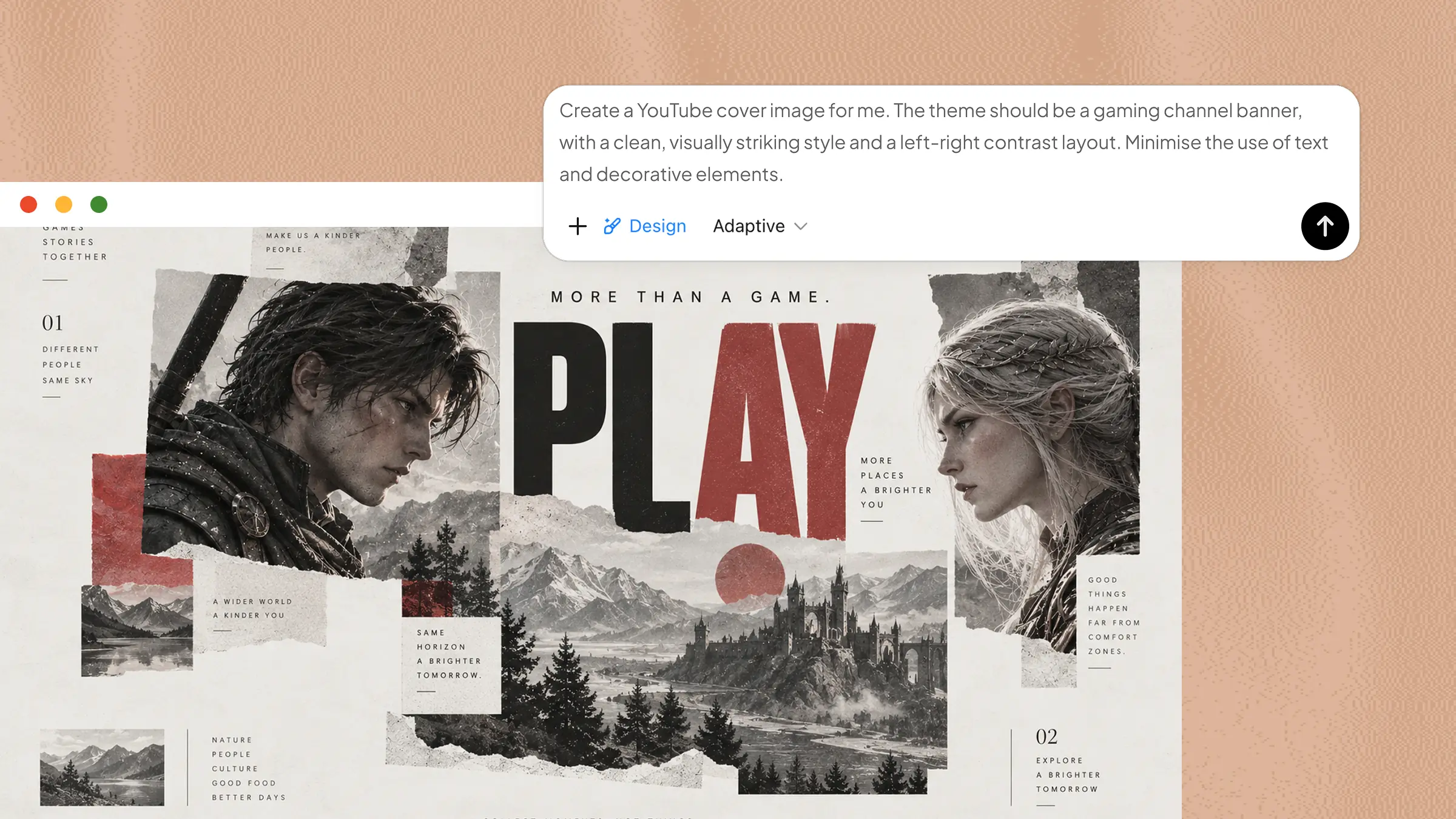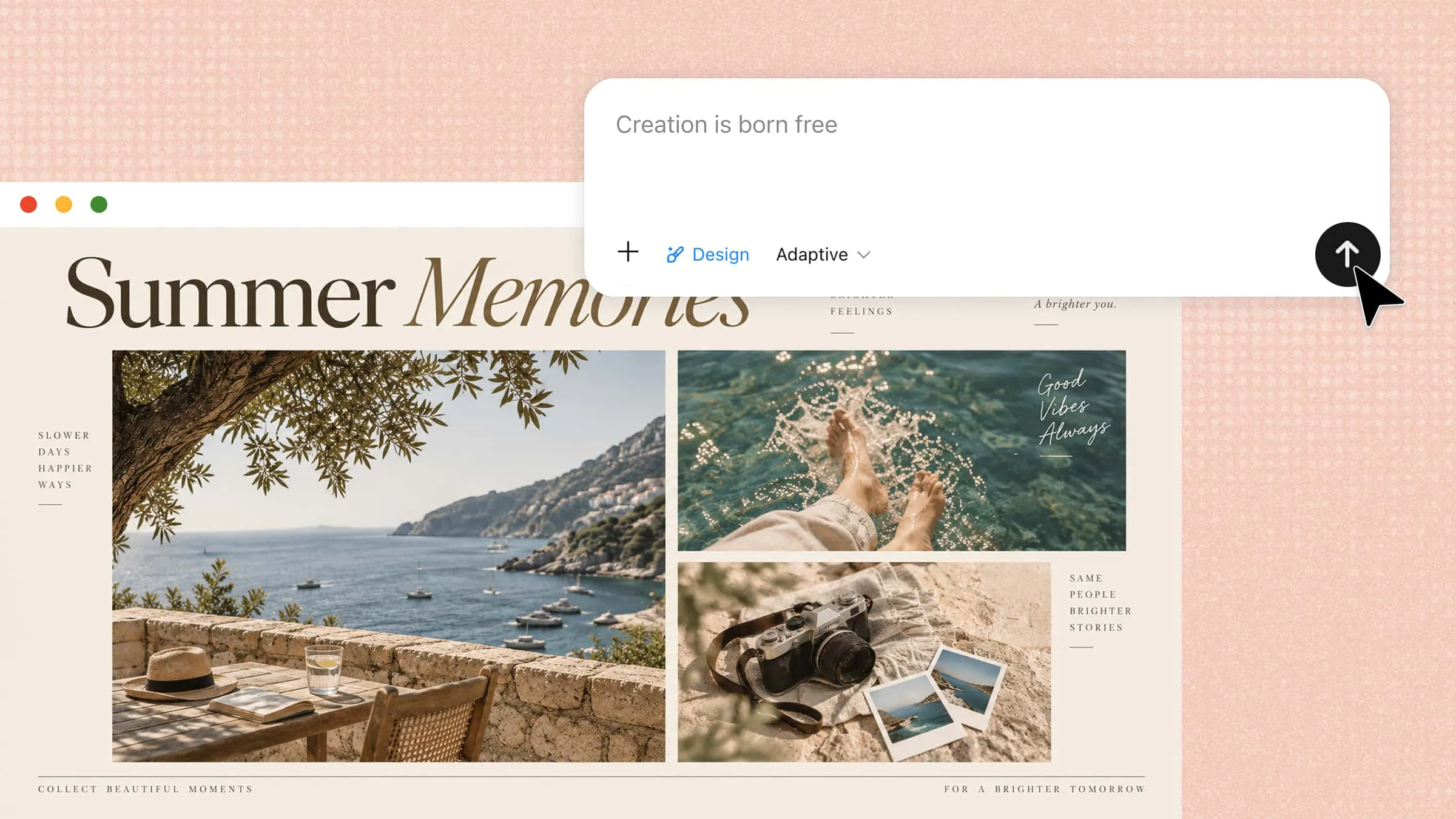
Sharing multiple photos on Instagram is a fun way to tell a story, but arranging them into one attractive design can be tricky. You may spend more time moving images around than actually creating your post. With Instagram collage templates, you can start with a clear layout and quickly make it your own. Take a look at the ideas in this article for designs you can create and customize.
Overview of 10 Instagram collage templates
These aesthetic Instagram collage templates cover a wide range of content, from personal memories and celebrations to product promotions. Each template has a different purpose, making it easier to choose a layout based on the type of photos or story you want to share. Here's a quick overview of all 10 ideas at a glance:
| Template | Main focus | Visual style | Ideal content | Suitable for |
|---|---|---|---|---|
| Travel memories | Places and experiences | Postcard-inspired | Destinations, food, landmarks | Trips and vacations |
| Birthday celebration | Party moments | Fun and festive | Cake, gifts, friends | Birthday posts |
| Product showcase | Features and details | Clean and professional | Products, close-ups, benefits | Product promotion |
| Fashion lookbook | Outfits and styling | Editorial and modern | Looks, accessories, details | Fashion content |
| Food & recipe | Recipe journey | Warm and appetizing | Ingredients, cooking, final dish | Food content |
| Seasonal moments | Mood and atmosphere | Cozy and thematic | Nature, outfits, seasonal moments | Seasonal posts |
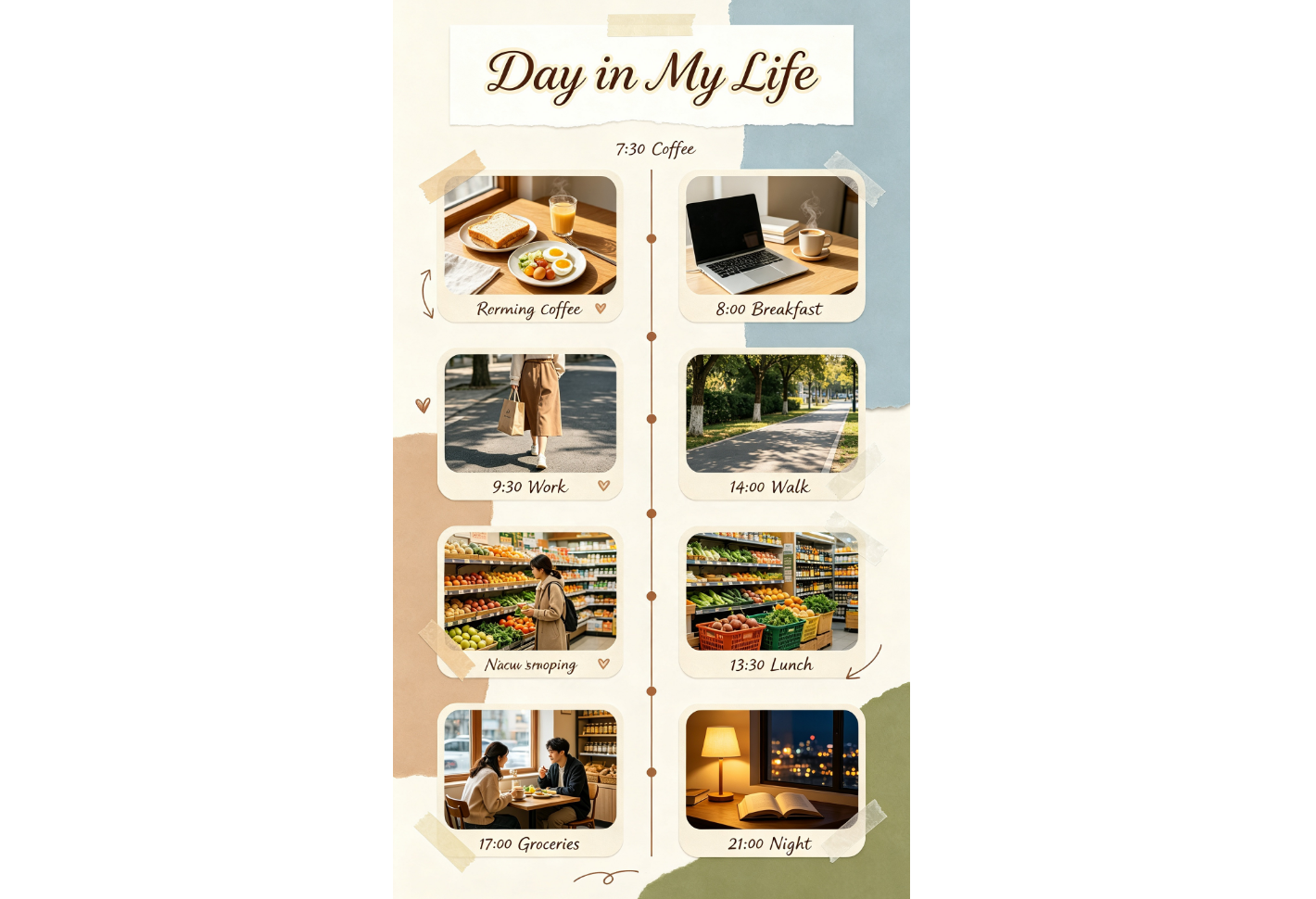
| Daily photo diary | Daily routine | Timeline-based | Morning-to-night moments | Lifestyle posts |
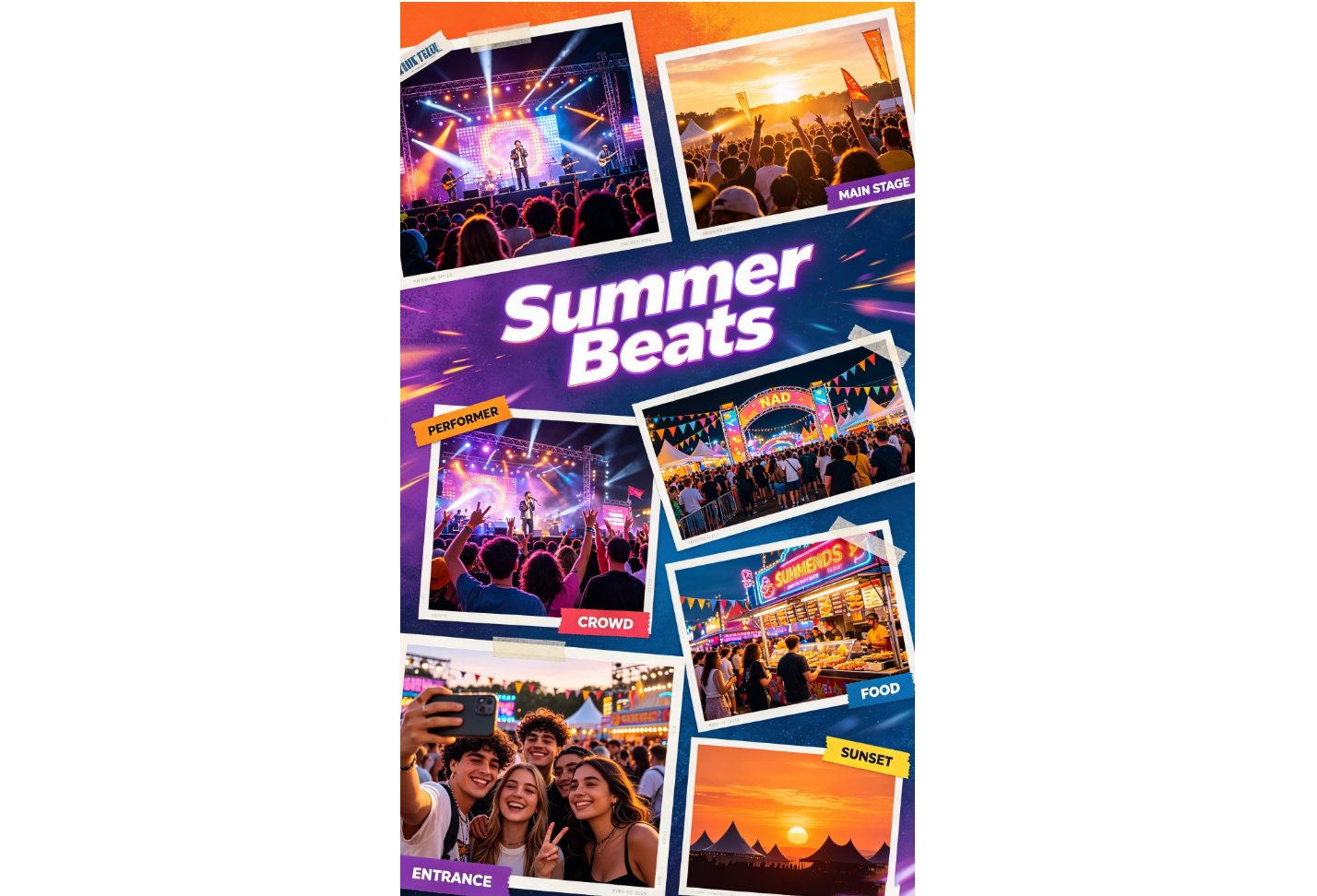
| Event highlights | Key moments | Energetic and dynamic | Performances, guests, venue | Event recaps |
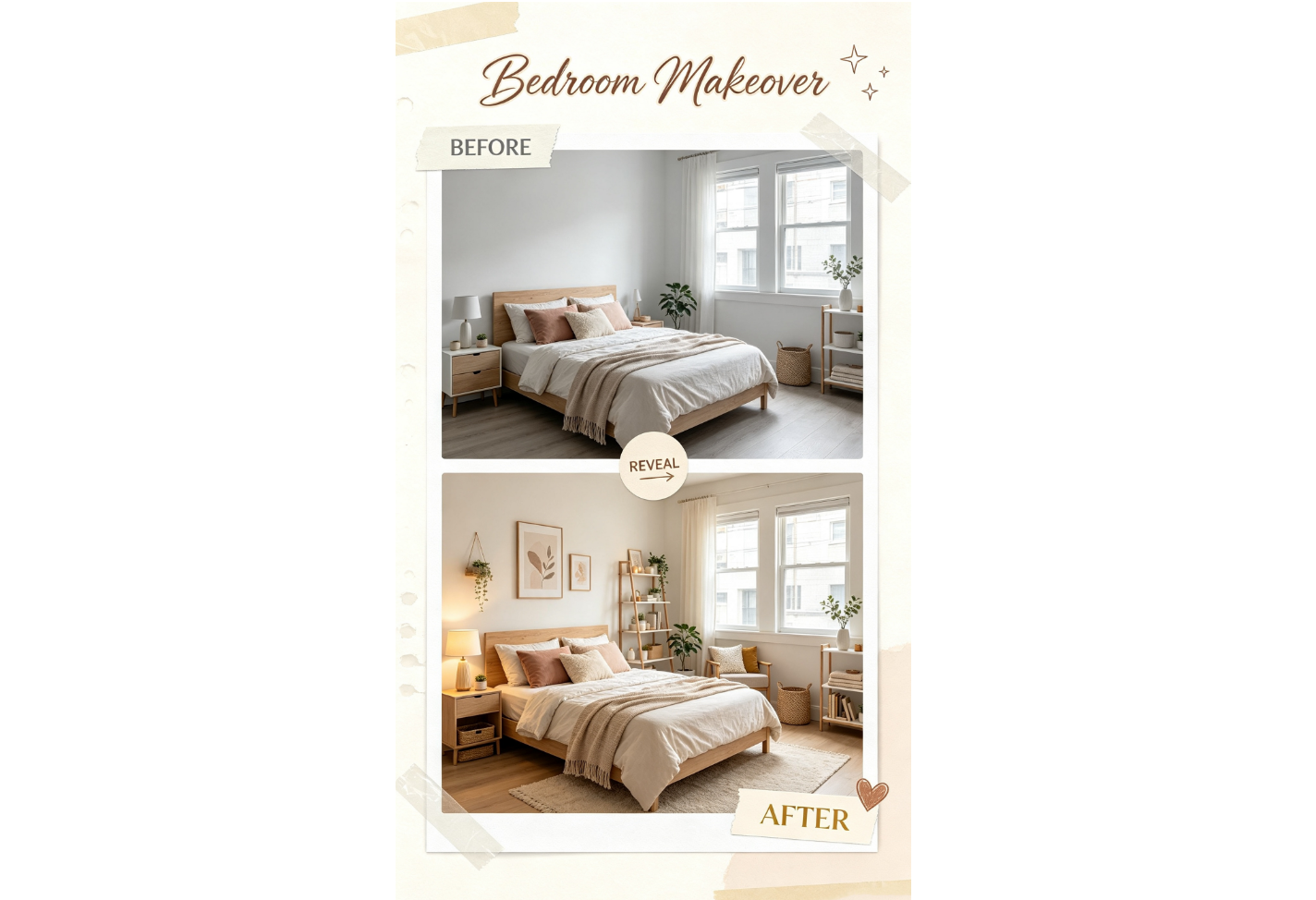
| Before-and-after | Visible change | Split-screen | Makeovers, renovations, results | Transformations |
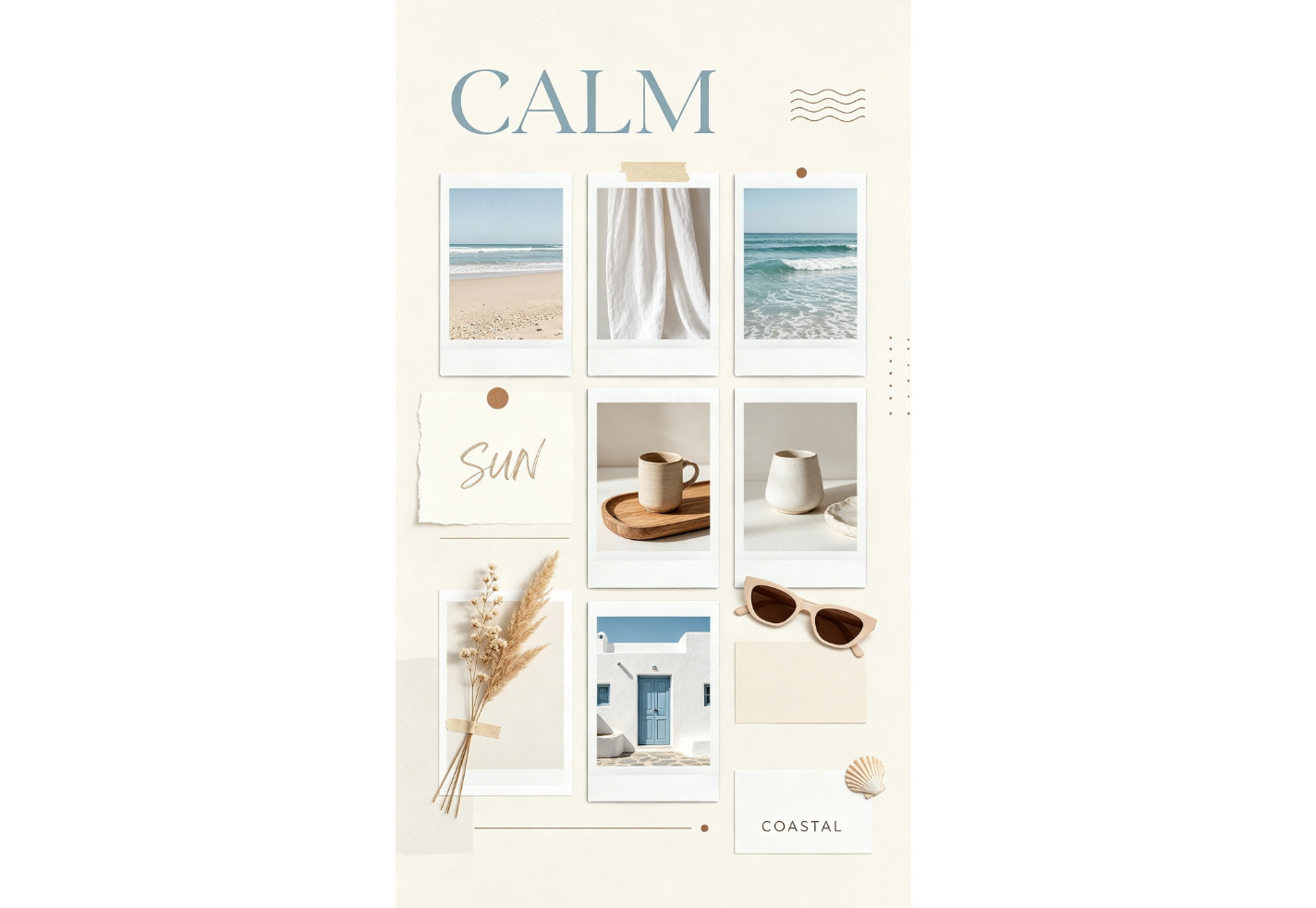
| Moodboard | Aesthetic direction | Artistic and layered | Colors, textures, references | Creative inspiration |
10 Instagram collage templates for every occasion
From travel memories to special events and product posts, the right collage can make your photos stand out. Here are 10 simple and creative Instagram post collage templates to inspire your next design.
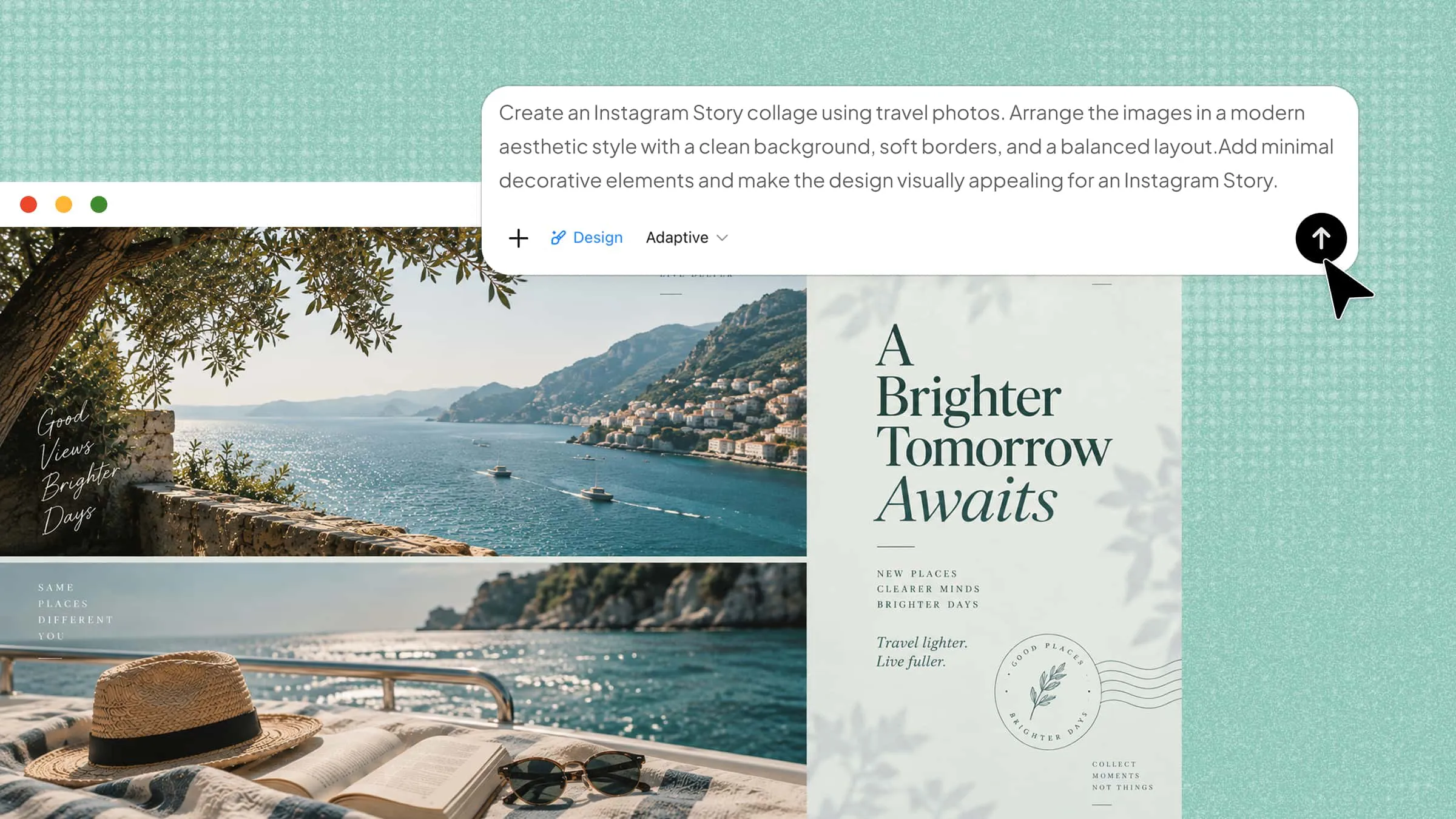
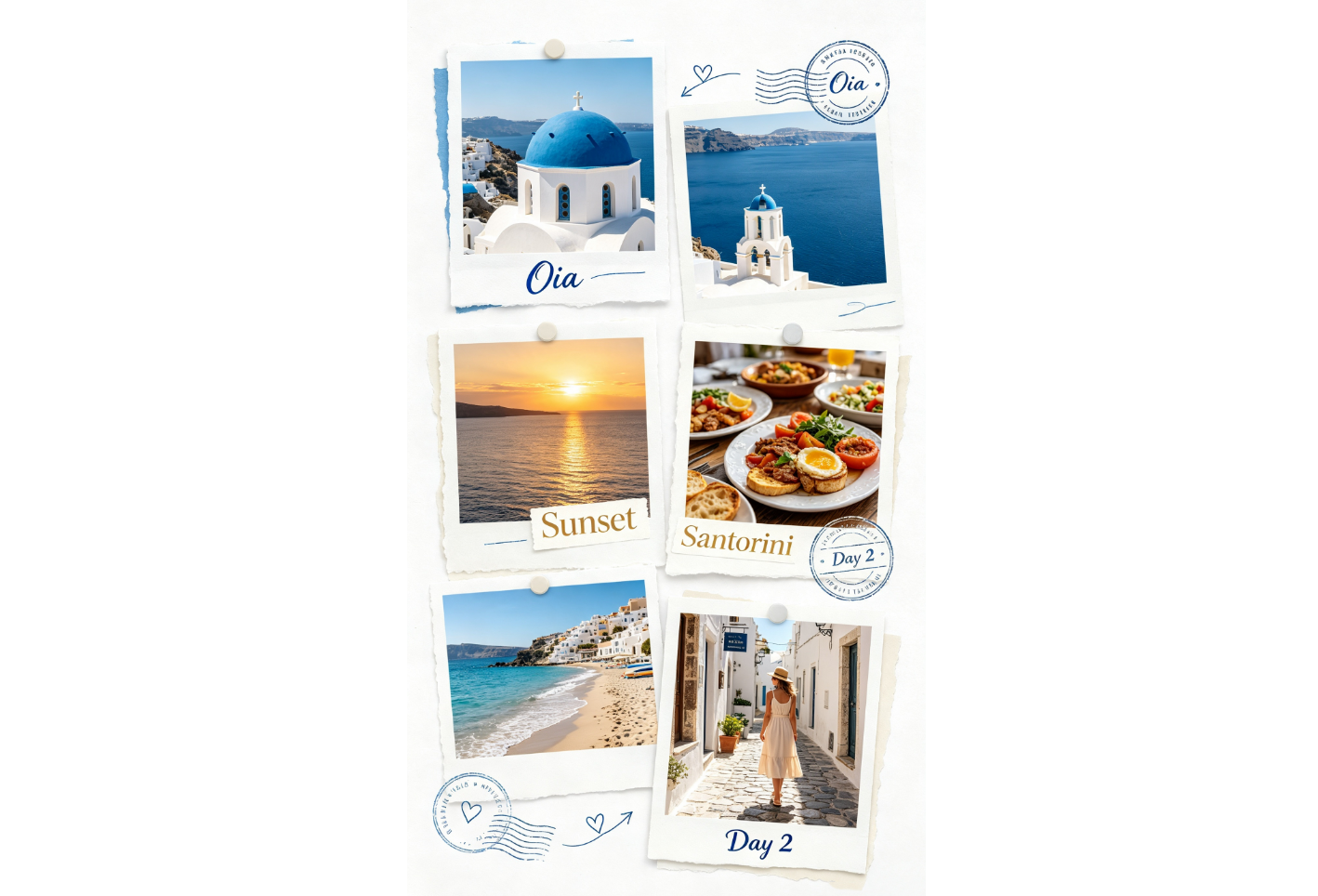
Travel memories collage
A travel memories collage brings photos from a trip together to tell a visual story. It can include landmarks, food, landscapes, and personal moments. Use this Instagram collage template for vacation recaps, travel diaries, and memorable destination posts that bring your favorite experiences together.
How to use
Step 1: Enter your prompt
Open Kimi Design and enter a prompt that describes the destination, photos, layout, and travel style you want. The more specific your prompt is, the easier it is to create a collage that matches your trip and captures its atmosphere.
Prompt:
Step 2: Let AI generate your collage
Kimi Design will arrange the travel moments into a cohesive layout. Check that the photos flow naturally and that the destination details are easy to notice.
Step 3: Review and export the collage
Replace any sample images with your own travel photos and adjust the labels or colors. Preview the finished design before exporting it for Instagram.
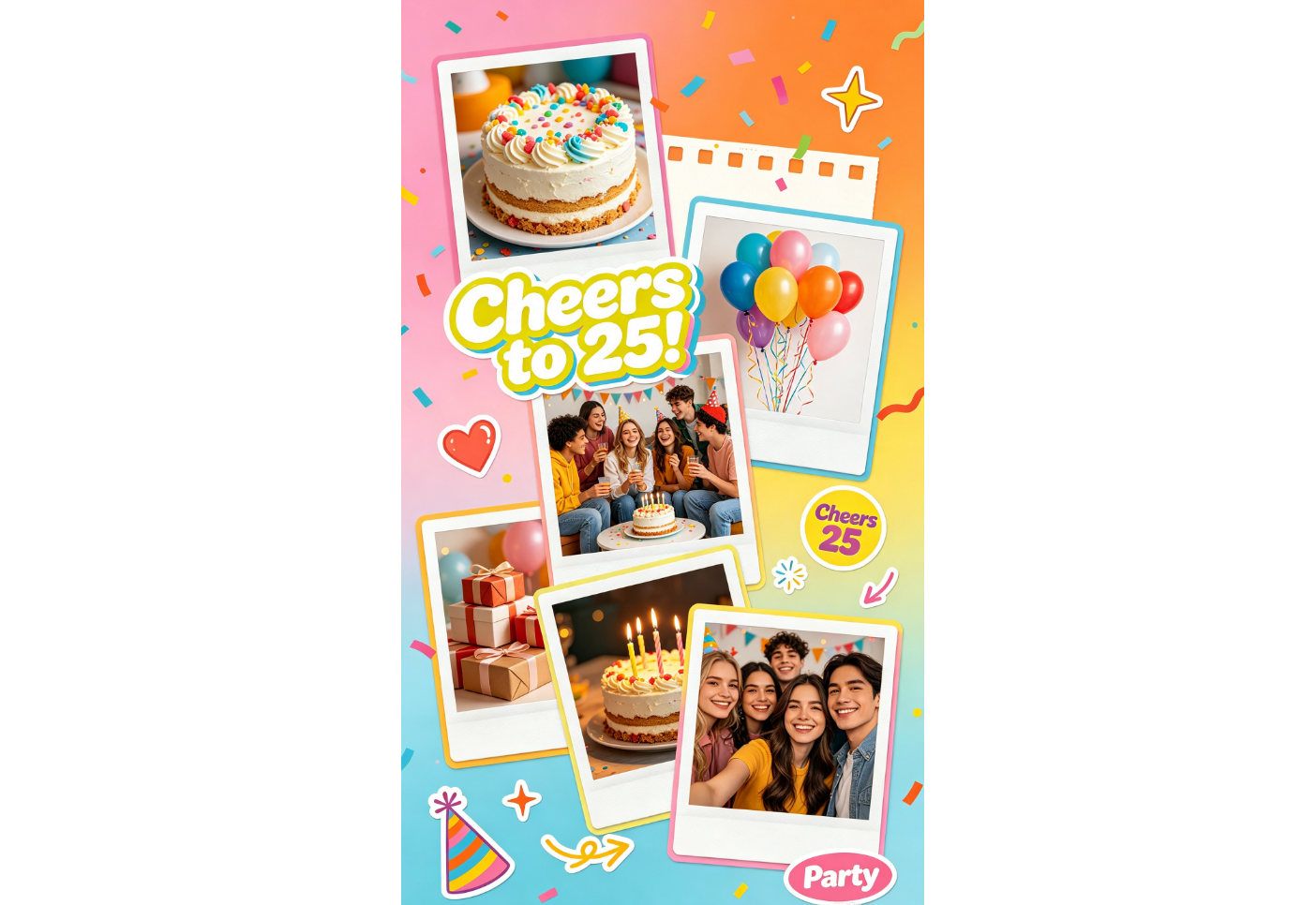
Birthday celebration collage
A birthday collage brings the best moments from a celebration into a fun visual layout. It can feature the cake, decorations, gifts, friends, and the birthday person. Use it for birthday posts, party memories, and special celebration greetings shared with friends and family.
How to use
Step 1: Enter your prompt
In Kimi Design, enter a prompt describing the birthday theme, photos, colors, and decorations you want. Include the age or message you want displayed to give the design a personal touch and make the celebration feel more memorable.
Prompt:
Step 2: Let AI generate your collage
Kimi Design will bring the birthday photos and festive elements together. Check that the main celebration photo stands out without making the layout feel crowded.
Step 3: Review and export the collage
Add your own birthday photos and change the age or greeting if needed. Preview the design and export it when the layout looks balanced.
Product showcase collage
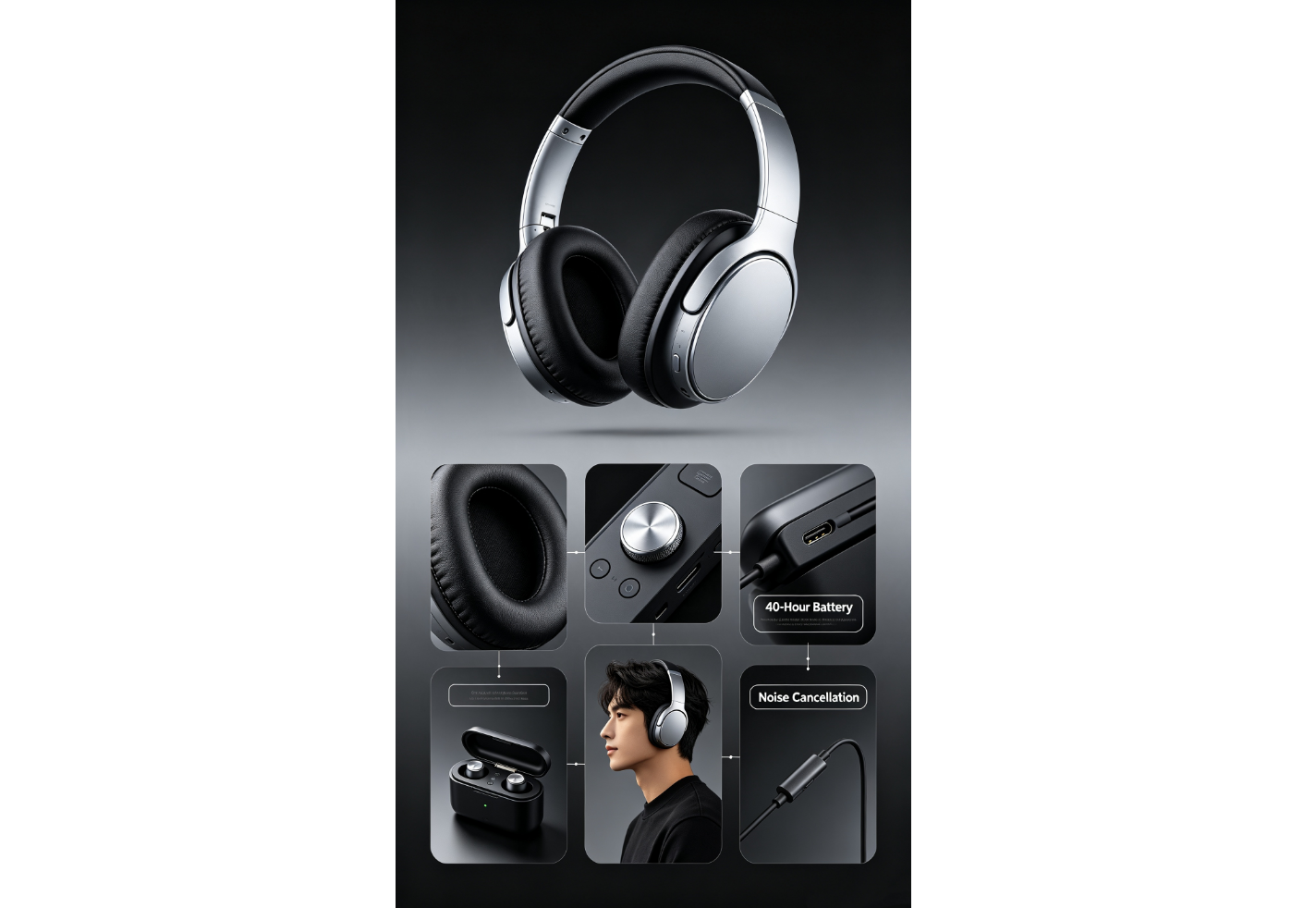
A product showcase collage displays different views and features of a product in one design. It helps viewers see the product from multiple angles while highlighting its key benefits. This Instagram photo collage template is useful for brands, launches, promotions, and social media campaigns.
How to use
Step 1: Enter your prompt
Open Kimi Design and enter a detailed prompt describing the product, supporting images, important features, and visual style. Mention which product details should receive the most attention in the layout for a clearer presentation.
Prompt:
Step 2: Let AI generate your collage
The AI will arrange the product images and feature details into a promotional layout. Check that each label matches the correct part of the product.
Step 3: Review and export the collage
Replace the sample images and update the feature information with accurate details. Make final spacing or text changes before exporting.
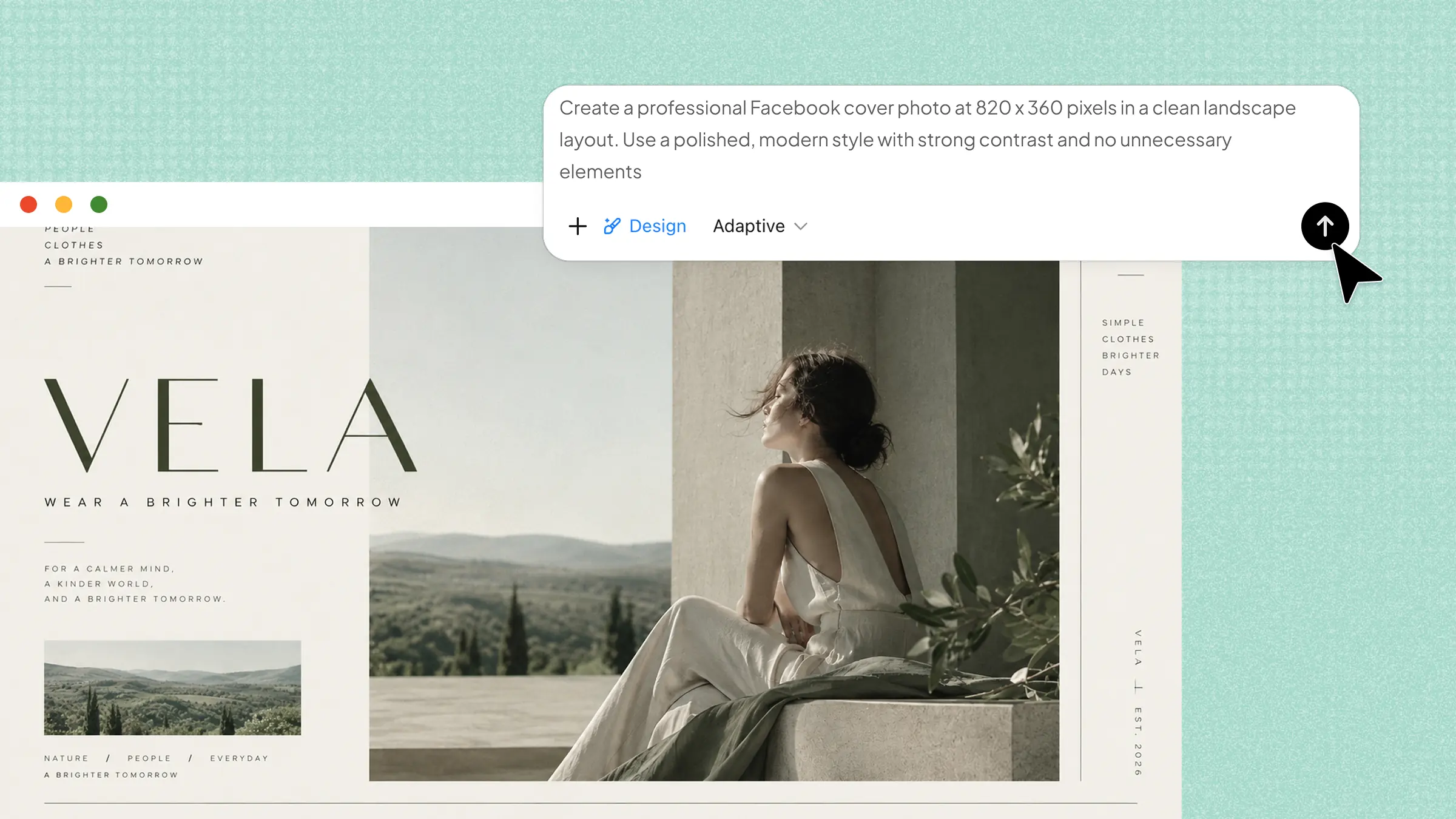
Fashion lookbook collage
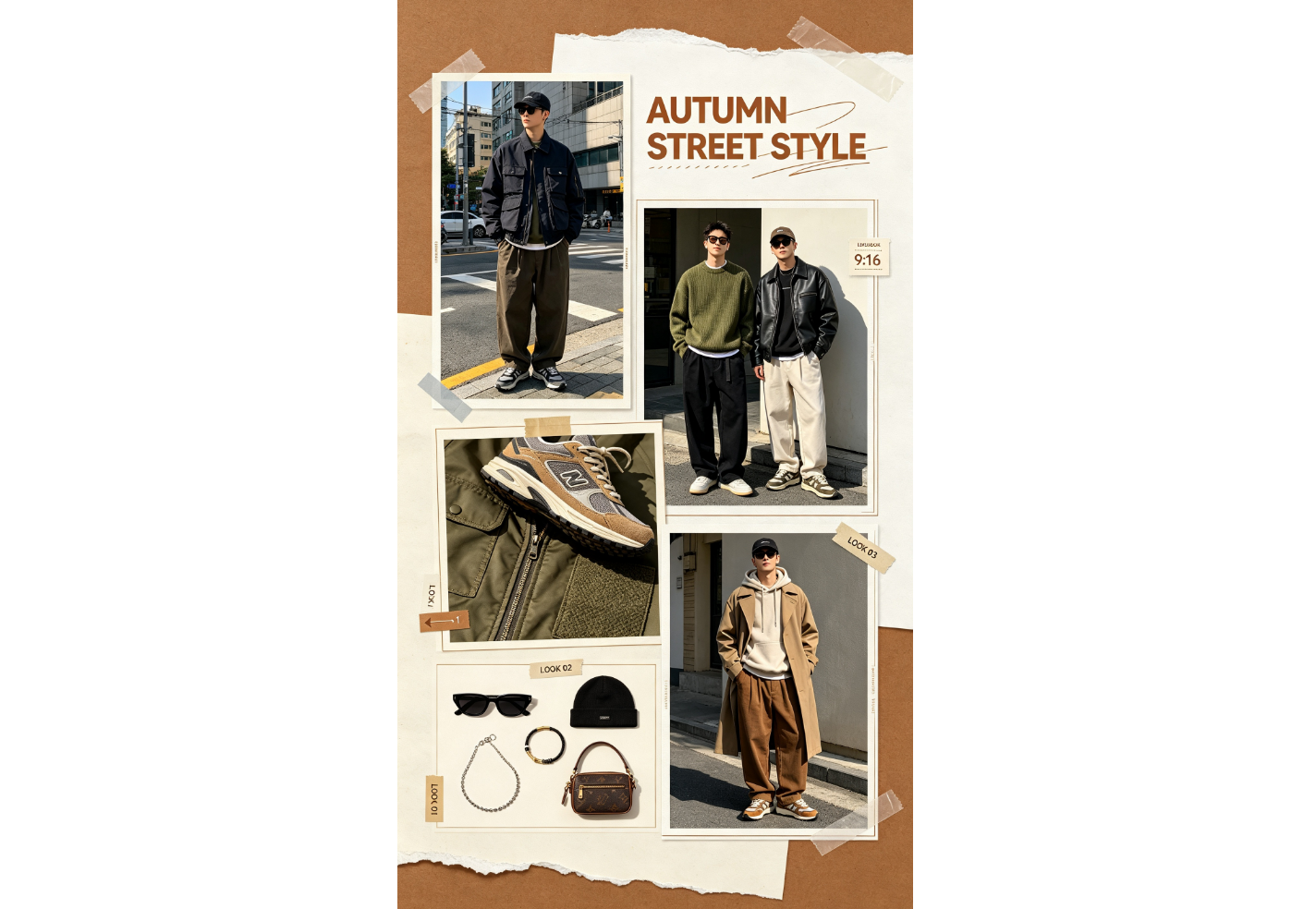
A fashion lookbook collage brings different outfits and clothing details into a magazine-style design. It can show complete looks alongside accessories, fabrics, and close-up shots. Use it for outfit inspiration, seasonal collections, fashion campaigns, and style posts that need a polished editorial feel.
How to use
Step 1: Enter your prompt
Type a prompt into Kimi Design that describes the outfits, fashion details, composition, and editorial style you want. Mention the season or aesthetic to make the lookbook feel more consistent and visually connected.
Prompt:
Step 2: Let AI generate your collage
Kimi Design will arrange the outfits and details into an editorial-style composition. Make sure the main looks remain easy to see and visually balanced.
Step 3: Review and export the collage
Replace the sample fashion photos with your own and adjust the look labels or typography. Preview the final layout before exporting.
Food & recipe collage
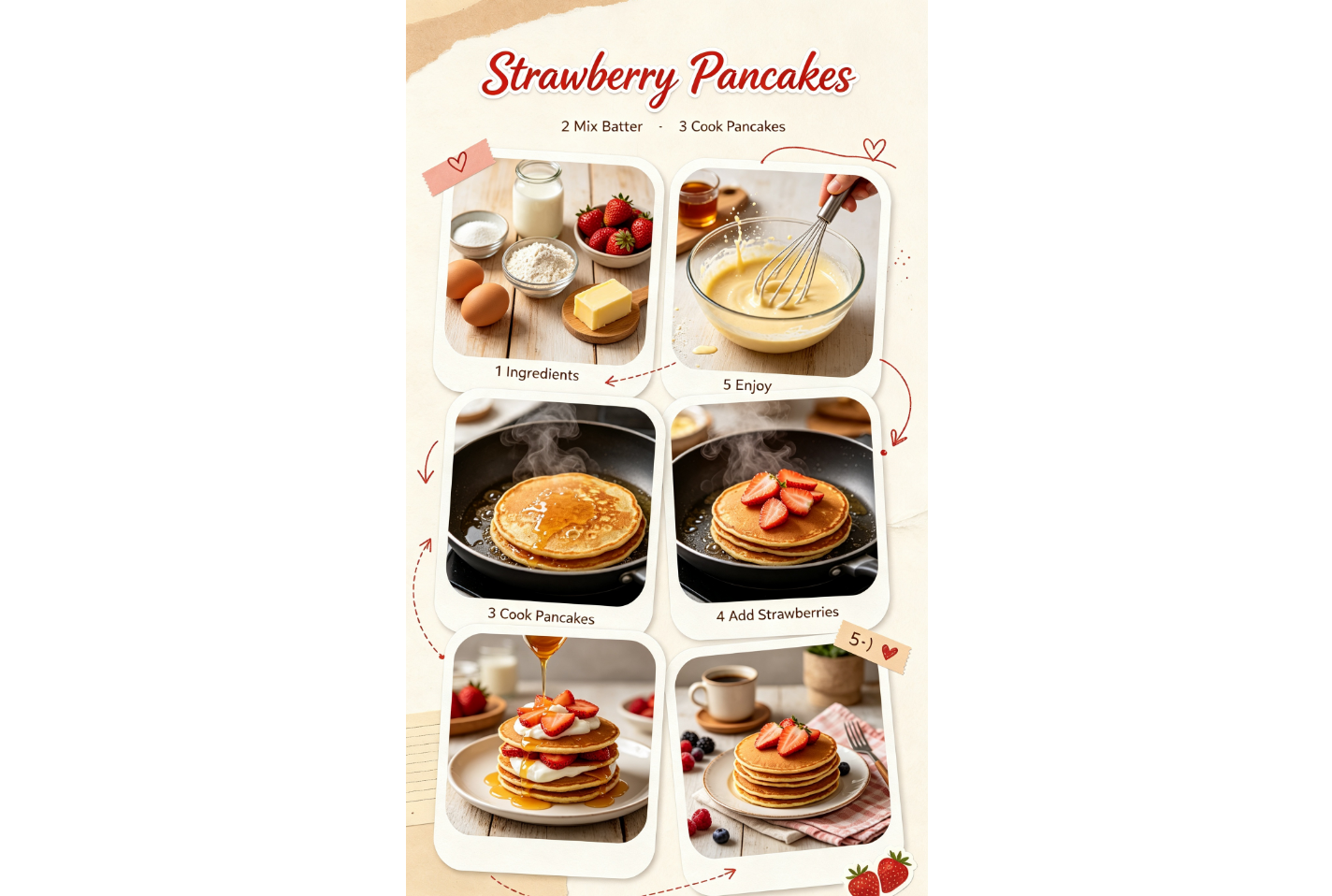
A food collage can show a dish from its ingredients to the finished plate. It makes recipes more visual by bringing preparation stages into the same design. It is useful for food creators, recipe posts, cooking pages, and restaurant content that needs an appetizing presentation.
How to use
Step 1: Enter your prompt
Enter a prompt in Kimi Design describing the recipe, ingredients, preparation stages, and final dish you want featured. Mention the mood and layout so the finished collage feels appetizing and easy to follow from start to finish.
Prompt:
Step 2: Let AI generate your collage
The AI will organize the recipe stages into a visual sequence. Check that the numbers follow the correct order and the finished dish gets enough attention.
Step 3: Review and export the collage
Replace the example food photos with your own recipe images and update the step labels. Preview the sequence before exporting.
Seasonal moments collage
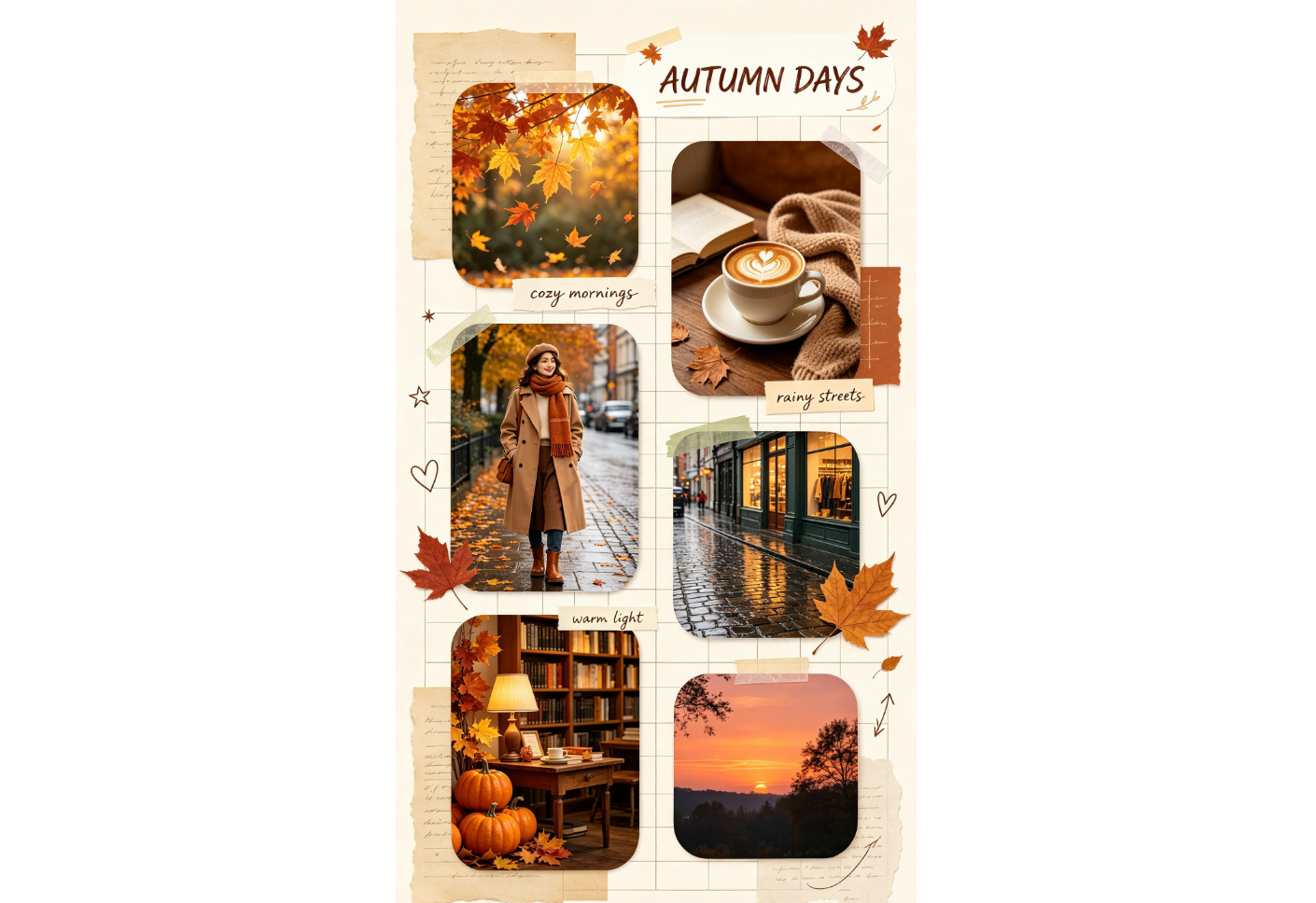
A seasonal collage captures the colors, activities, and atmosphere of a particular time of year. It can include nature, food, outfits, weather, and everyday moments. Use it for seasonal recaps, holiday content, monthly memories, and themed Instagram posts with a strong visual mood.
How to use
Step 1: Enter your prompt
Open Kimi Design and enter a prompt describing the season, mood, photos, colors, and decorative elements you want. Adding specific seasonal details helps create a stronger visual theme that feels consistent throughout the collage.
Prompt:
Step 2: Let AI generate your collage
Kimi Design will combine the seasonal photos and decorative elements into a unified design. Check that the colors and effects support the autumn mood.
Step 3: Review and export the collage
Replace the sample photos with your own seasonal memories and edit the text as needed. Preview the design and export the finished collage.
Daily photo diary collage
A daily photo diary turns ordinary moments into a visual timeline. It can include everything from breakfast and work to evening activities. This format works well for personal recaps, lifestyle content, and "day in my life" Instagram posts that showcase everyday routines.
How to use
Step 1: Enter your prompt
In Kimi Design, enter a prompt describing the different moments from your day and how you want them arranged. Include approximate times, captions, and a visual style to make the timeline more personal and easy to follow.
Prompt:
Step 2: Let AI generate your collage
The AI will organize the photos from morning to night. Check that the order is clear and each time label matches its photo.
Step 3: Review and export the collage
Replace the sample moments with your own daily photos and update the times. Preview the full timeline before exporting.
Event highlights collage
An event highlights collage gathers the most memorable moments from a special occasion. It can feature performers, guests, decorations, food, and the venue. It is suitable for concerts, weddings, parties, conferences, and other memorable gatherings that deserve a lively visual recap.
How to use
Step 1: Enter your prompt
Enter a prompt into Kimi Design describing the event, key moments, photos, text, and atmosphere you want. Mention the main highlight so the design gives it enough visual attention and creates a strong focal point.
Prompt:
Step 2: Let AI generate your collage
Kimi Design will arrange the highlights into a dynamic event layout. Check that the main moment gets the strongest visual focus.
Step 3: Review and export the collage
Add your actual event photos and update the event name or date. Make any final adjustments before exporting.
Before-and-after collage
A before-and-after collage makes a transformation easy to see by showing two stages together. It works especially well for room makeovers, designs, renovations, and other visual changes. The matching composition helps viewers notice the difference quickly and clearly without comparing separate posts.
How to use
Step 1: Enter your prompt
Open Kimi Design and enter a prompt explaining what is changing, how the before-and-after photos should appear, and what labels or effects to include. Matching angles and clear instructions help create a stronger comparison.
Prompt:
Step 2: Let AI generate your collage
Kimi Design will place the two stages side by side for easy comparison. Check that the divider and labels clearly separate both versions.
Step 3: Review and export the collage
Replace the sample images with your transformation photos and adjust the labels if needed. Preview the reveal before exporting the final design.
Moodboard collage
A moodboard collage combines photos, colors, textures, and words around a shared visual idea. It is useful for expressing an aesthetic, planning a project, or creating an inspiring social post. The goal is to make different elements feel like part of the same mood while creating a visually interesting composition.
How to use
Step 1: Enter your prompt
Type a prompt into Kimi Design describing the mood, visual references, colors, textures, and words you want included. Be specific about the aesthetic so the different elements feel connected and create a polished visual direction.
Prompt:
Step 2: Let AI generate your collage
Kimi Design will combine the visual references into a cohesive moodboard. Check that the colors, images, and typography all support the same aesthetic.
Step 3: Review and export the collage
Replace the sample references with images that match your own concept. Adjust the words or color palette, then preview and export the finished moodboard.
What makes Kimi Design ideal for Instagram collages
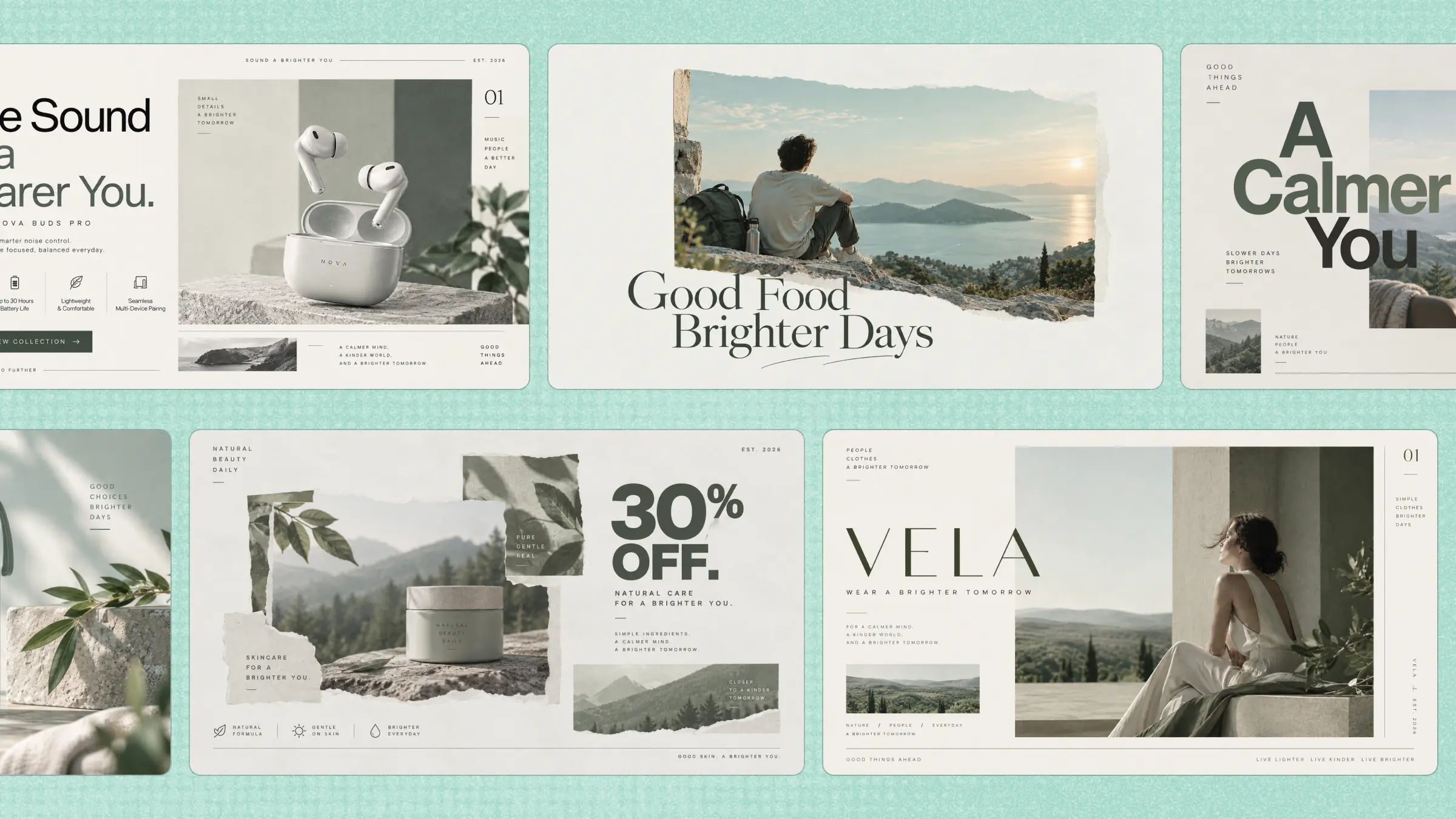
Kimi Design combines simple inputs with creative controls, helping you arrange photos, add visual elements, and customize layouts based on your needs. Let's look at the features that make it useful for creating Instagram collages.
Turn a collection of photos into a polished collage
Start with a description of the collage you want, upload your photos, or provide a visual reference. Kimi Design can arrange your images into a cohesive composition, making creative decisions around layout, spacing, typography, colors, and decorative elements.
Create collages for different occasions
Design collages for different Instagram formats and purposes, from travel recaps and birthday memories to product showcases and daily photo diaries. Adjust the composition and visual direction to suit the content rather than relying on a one-size-fits-all layout.
Explore different collage styles with AI
Describe the aesthetic you want, such as a clean photo grid, scrapbook layout, editorial collage, or playful composition. Kimi Design can help translate your visual direction into a cohesive design and explore different creative approaches.
Refine your collage easily through conversation or direct editing
Ask Kimi Design to rearrange photos, change the layout, adjust colors, replace images, or modify text through conversation. You can also comment directly on the canvas or manually edit text, images, shapes, colors, and positions for more precise control.
Keep experimenting without losing your previous designs
Try different layouts and visual directions while using version history to return to earlier iterations when needed. Once your collage is ready, export it as PNG or JPG for sharing or further editing.
Tips for making an attractive Instagram collage
Creating an eye-catching collage requires more than simply combining several photos in one frame. Small design decisions, from choosing the right images to balancing different elements, can greatly improve the final result. These tips will help you create a more appealing Instagram collage.
Start with a clear theme
A clear theme helps your collage feel organized and gives viewers a better idea of what your post represents. Decide whether you want to highlight travel memories, products, events, or everyday moments before arranging your photos in a meaningful way.
Select photos that work well together
Choose images that share a similar mood, color style, or story so they appear connected and visually balanced. Avoid adding too many unrelated photos, as this can make the collage feel crowded, distracting, and difficult to follow.
Choose a layout that fits your content
The layout should match the type of photos you are sharing and the message you want to create. A simple grid may work for product images, while a layered or creative layout can suit personal memories and storytelling posts.
Create a clear focal point
A strong focal point helps viewers notice the most important part of your collage first. Place your main photo, message, or product in a prominent position and arrange supporting elements around it to guide attention naturally throughout the complete design.
Keep the visual elements consistent
Matching fonts, colors, spacing, and design elements can make your collage look more professional and polished. Consistency helps different photos feel like part of the same visual story instead of separate images placed together.
Check the format before posting
Before sharing your collage, make sure the size and quality are suitable for Instagram. Review the cropping, text placement, and overall appearance to ensure everything looks clear and attractive across different screens and devices before publishing.
Conclusion
A well-made collage can bring several photos together without making your post feel overwhelming. Instagram collage templates give you a useful starting point while still leaving space to add your own style. Whether you are sharing memories or promoting something, the right design can make your photos more enjoyable to view. Kimi Design makes it easier to explore ideas and shape them into finished visuals.