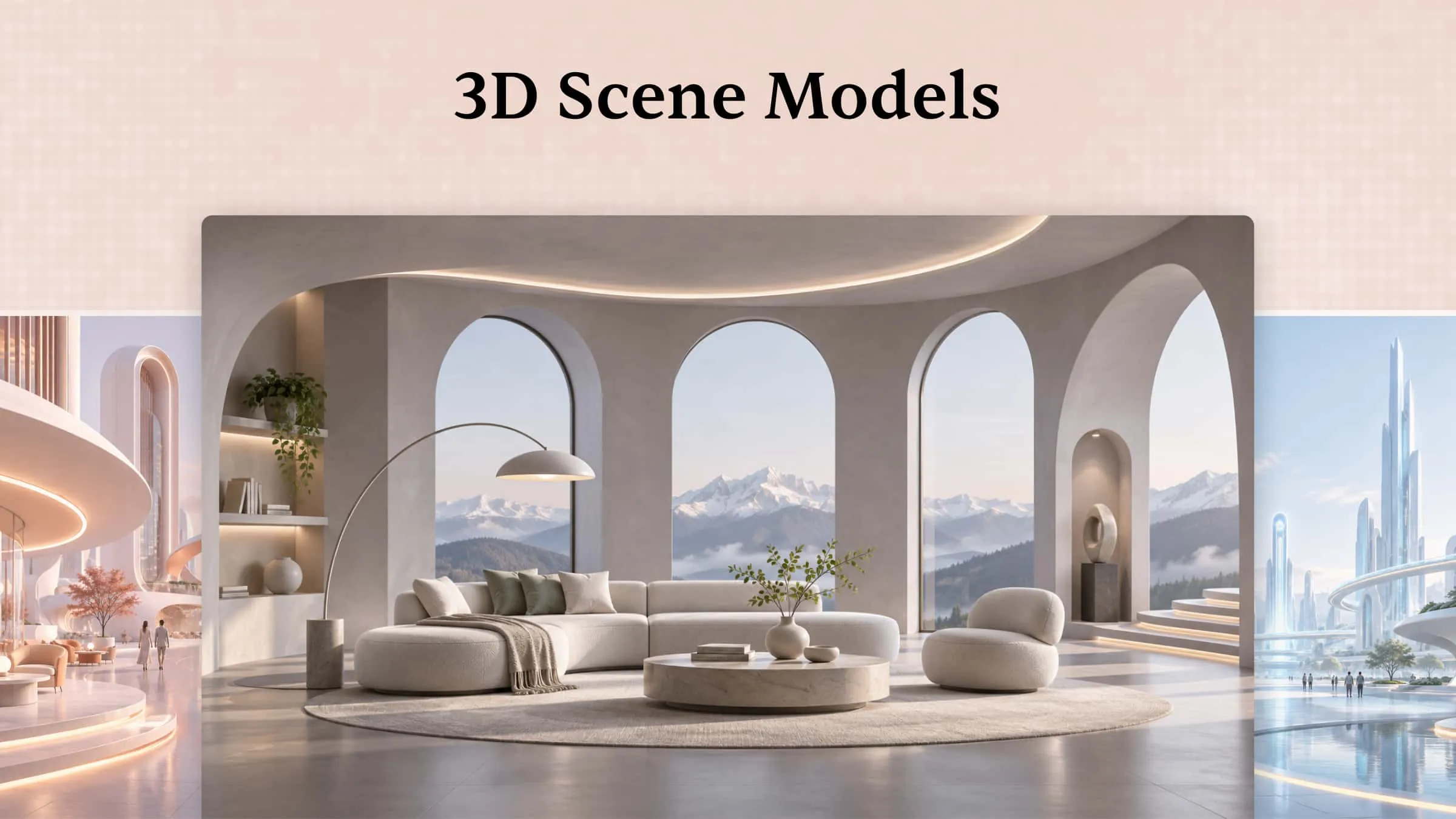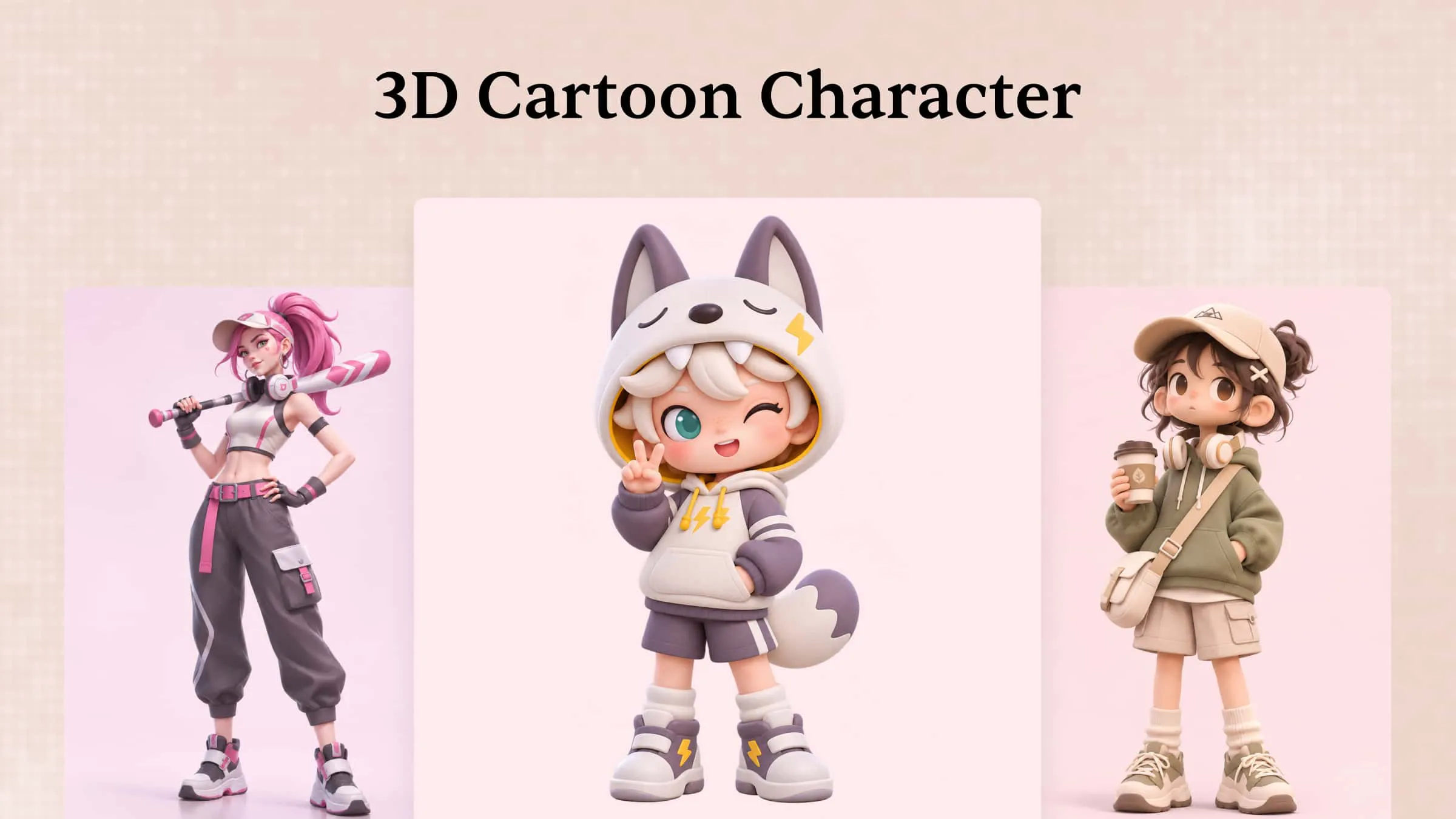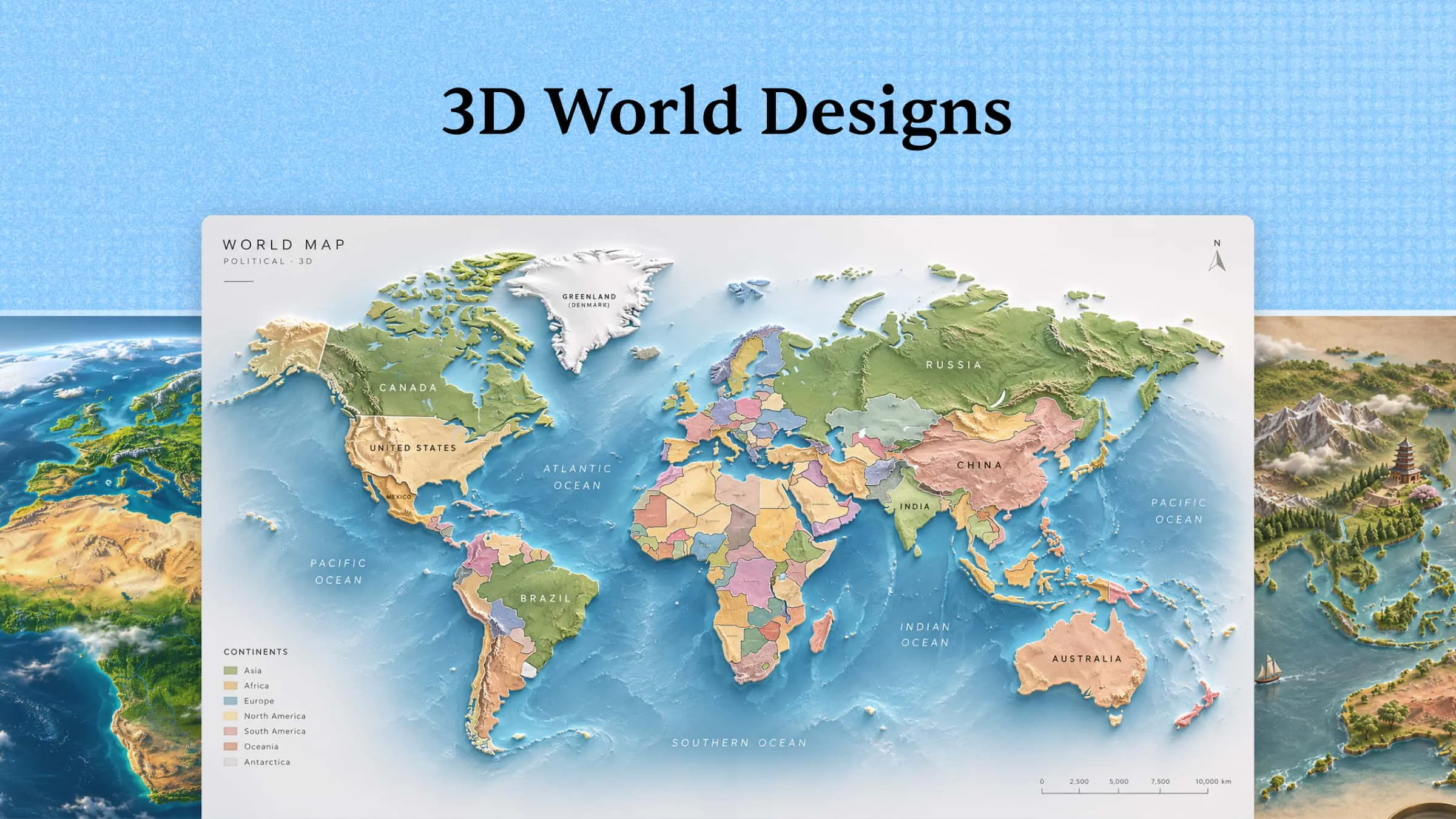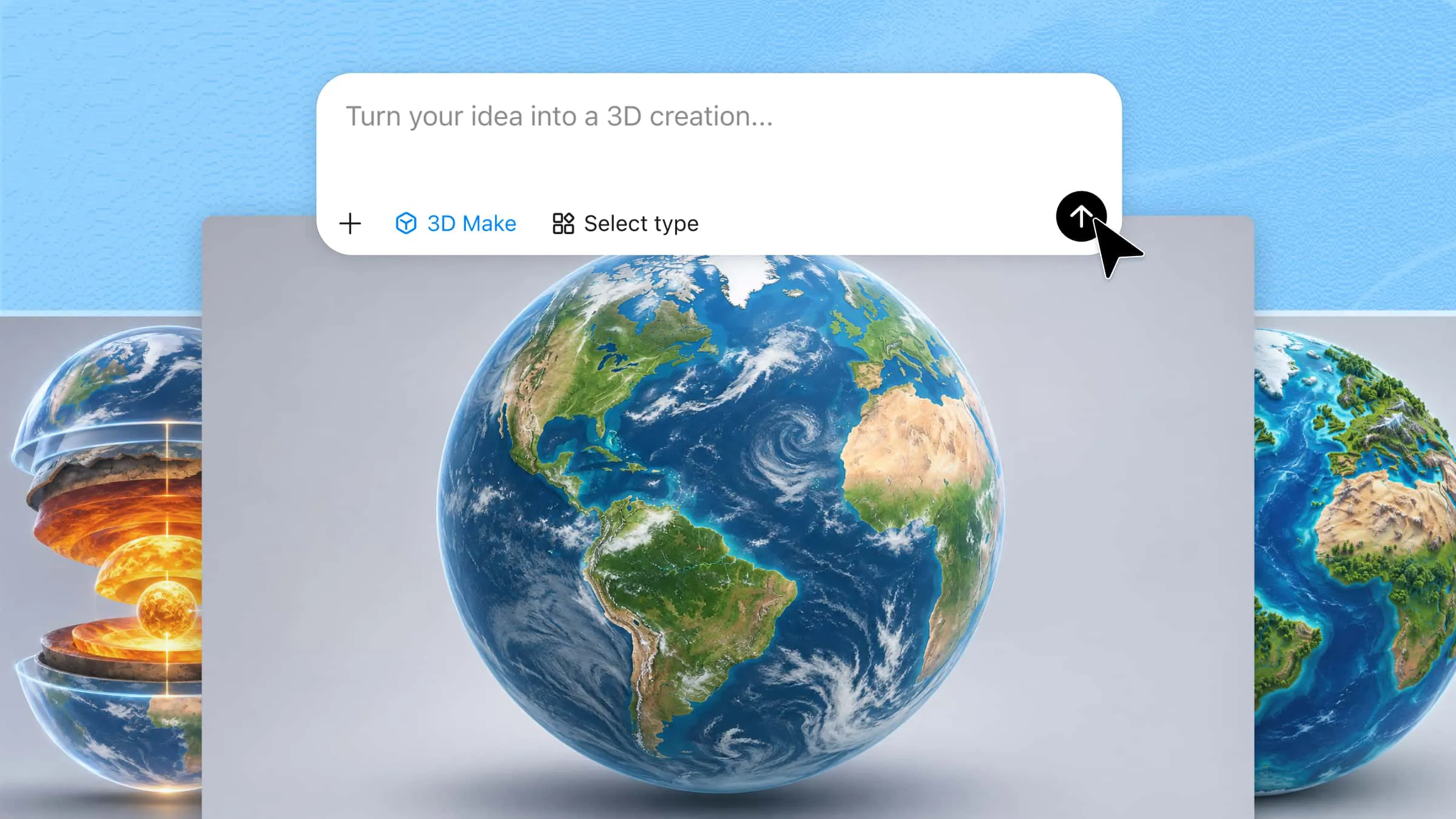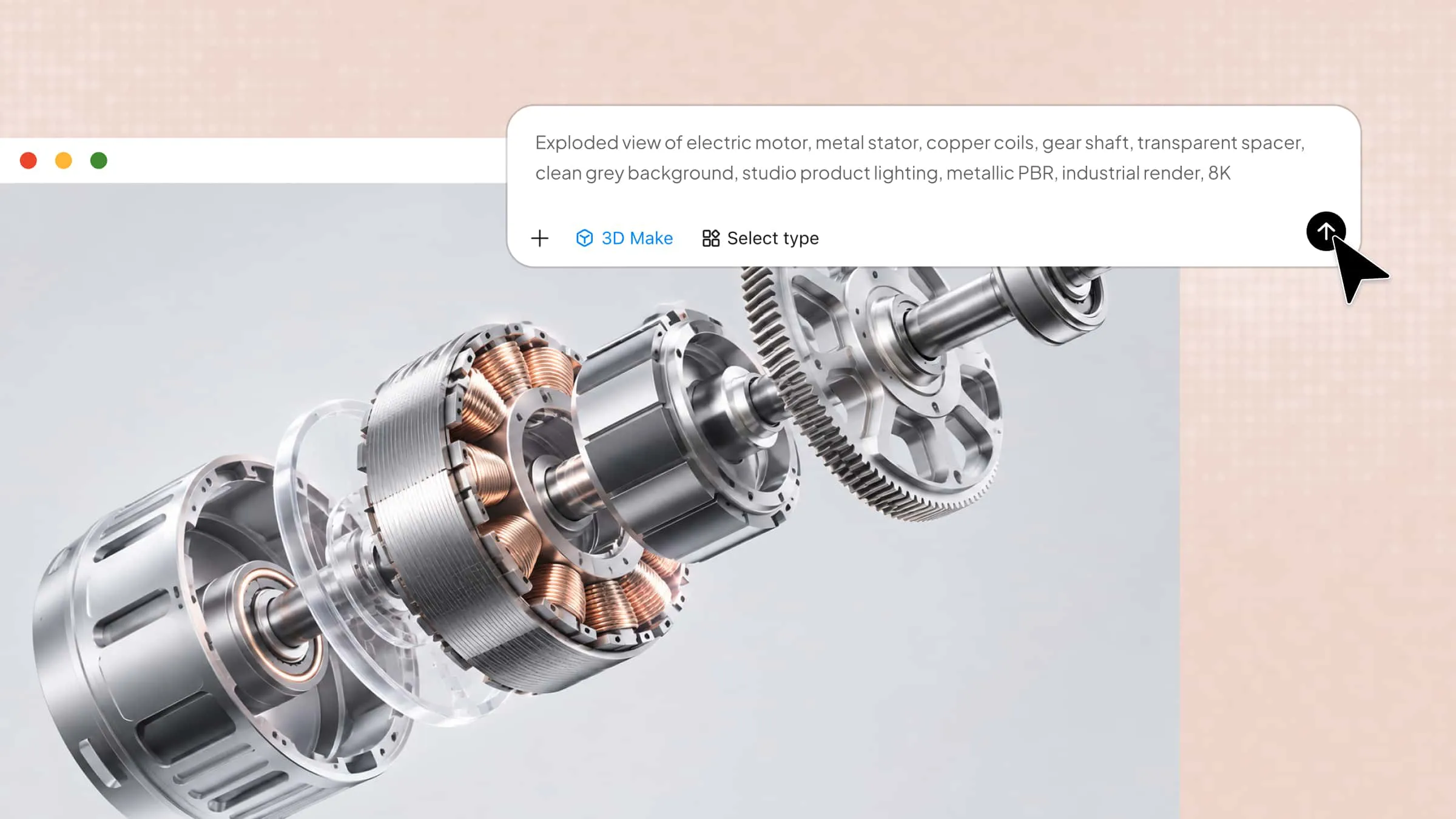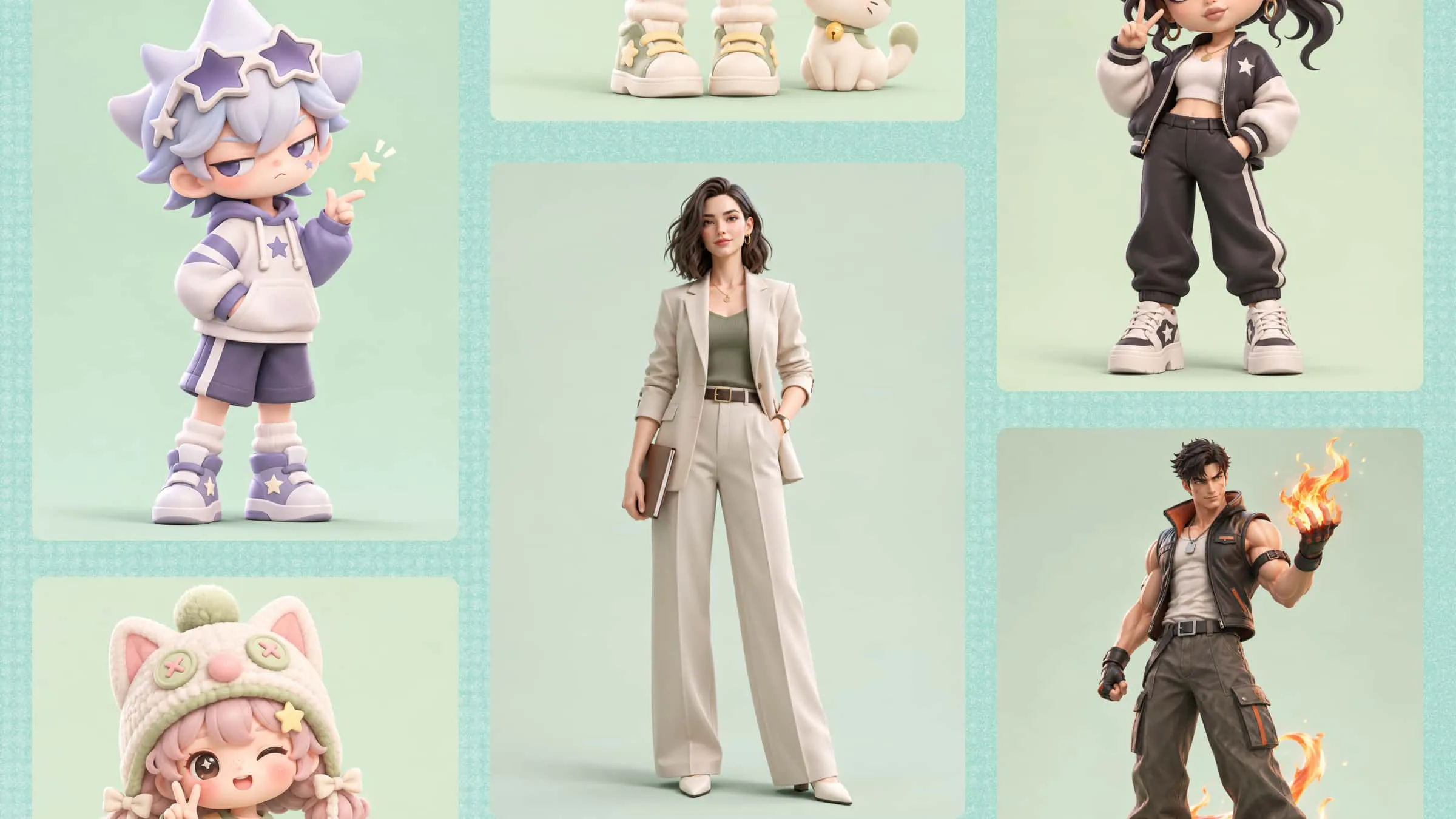
Whether you want to create a detailed miniature, a collectible figurine, or a unique 3D character, the right prompt can bring your idea to life. New trends in 3D model prompts offer new ways to transform simple descriptions and reference images into detailed, customizable designs. From playful characters to realistic miniature scenes, these creative ideas make 3D modeling more accessible and inspiring. Explore the latest trends, discover creative prompt ideas, and learn how to bring your concepts to life with editable 3D models.
What are 3D model prompts
3D model prompts are text instructions that describe the object, character, or scene you want an AI tool to create in 3D. They tell the tool what the model should look like, including its shape, style, colors, details, and materials. You can also add reference images to help the AI understand your idea more clearly. The tool then uses these details to generate a 3D model that you can view, edit, or use in your projects.
Overview of new trends in 3D model prompts
Recent 3D model prompt trends focus on personalized figurines, toy-inspired designs, miniature environments, and themed characters. Each trend uses different visual elements, materials, proportions, and scene details to create distinctive 3D-style results. Explore the overview below to discover these trends and the creative possibilities they offer.
| Trend | Key characteristics | Common visual elements | Creative possibilities |
|---|---|---|---|
| AI collectible figurine prompts | Transform people or original characters into detailed collectible figures while preserving recognizable features and personal style. | Realistic facial details, carefully sculpted outfits, 1/6 or 1/7 scale, resin or vinyl textures, display bases. | Personalized collectibles, character merchandise, profile-inspired figures, limited-edition designs. |
| Action figure packaging prompts | Present characters as retail-ready action figures, with packaging that resembles real commercial toys. | Transparent display windows, branded boxes, accessory compartments, product labels, themed color schemes. | Custom toy packaging, fictional product concepts, character collections, gift designs. |
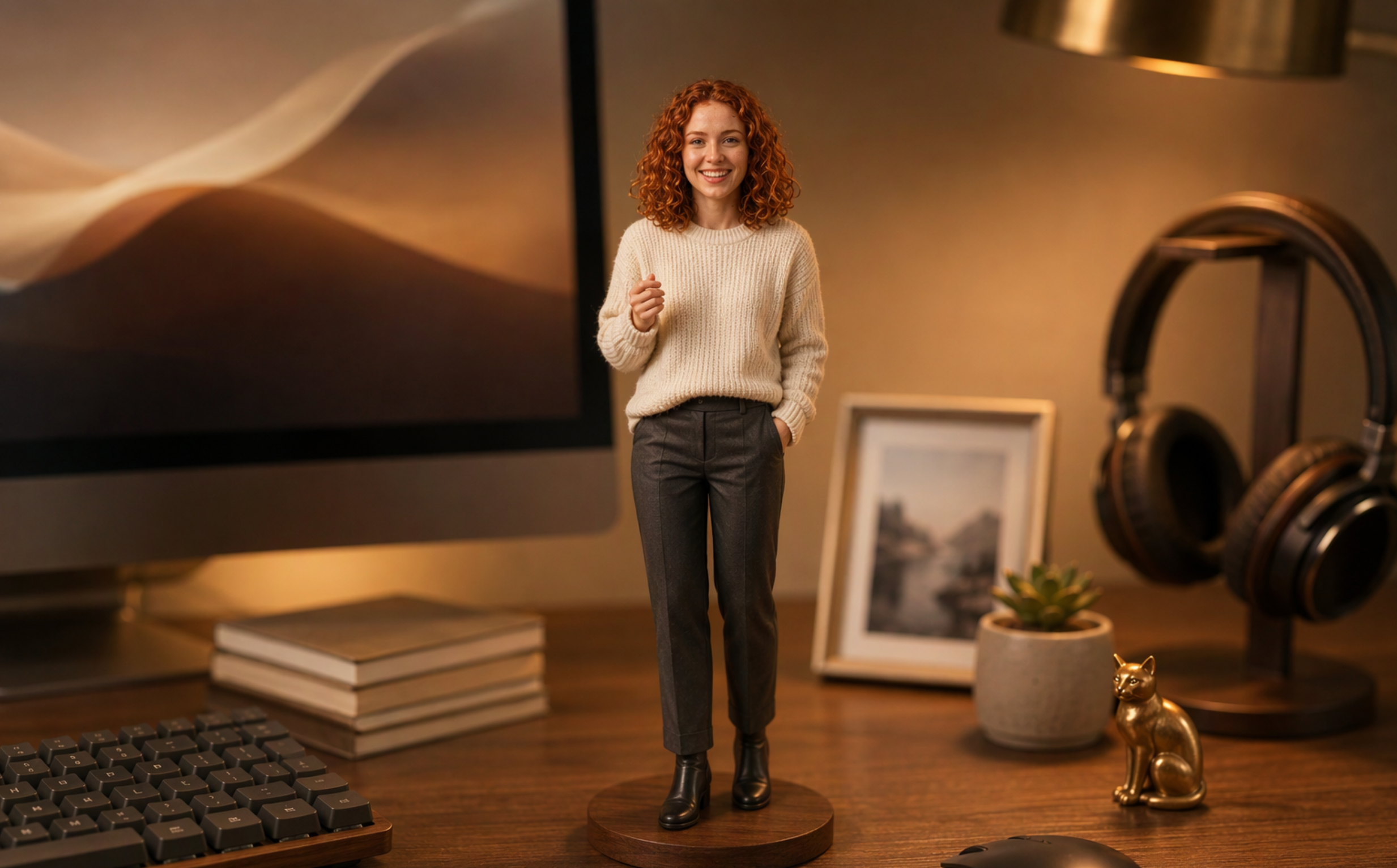
| Miniature desk setup prompts | Place small character figures in detailed desktop or workspace environments to create a miniature world. | Computer monitors, keyboards, books, office supplies, headphones, desk decorations, miniature furniture. | Personalized desk collectibles, workspace-themed scenes, social media visuals, miniature dioramas. |
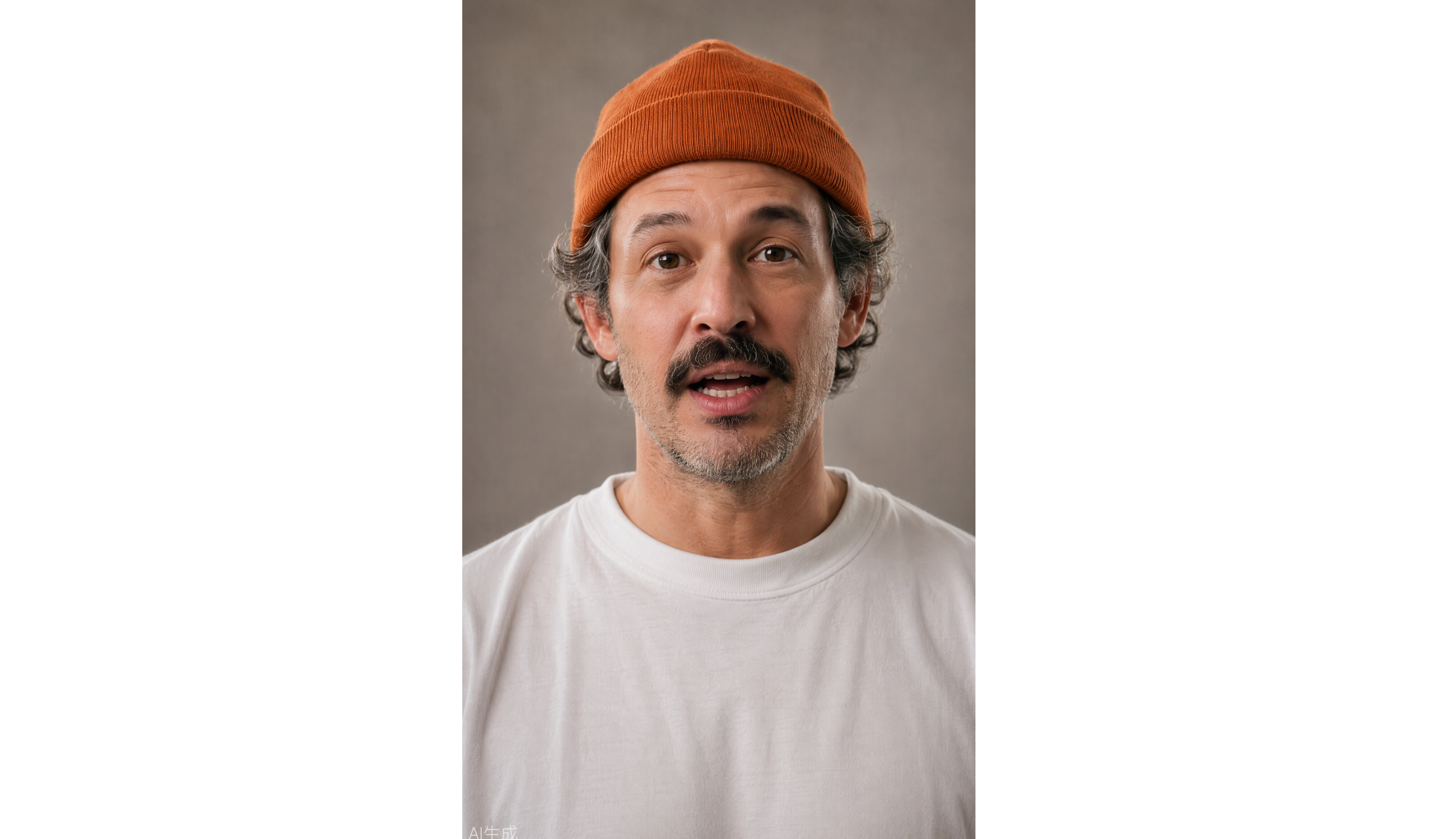
| Hyper-realistic 3D portrait prompts | Recreate people as lifelike 3D-style characters, emphasizing facial accuracy and realistic surface details. | Natural skin texture, detailed hair, realistic eyes, fabric textures, studio lighting, subtle shadows. | Digital avatars, character portraits, professional profile visuals, realistic character concepts. |
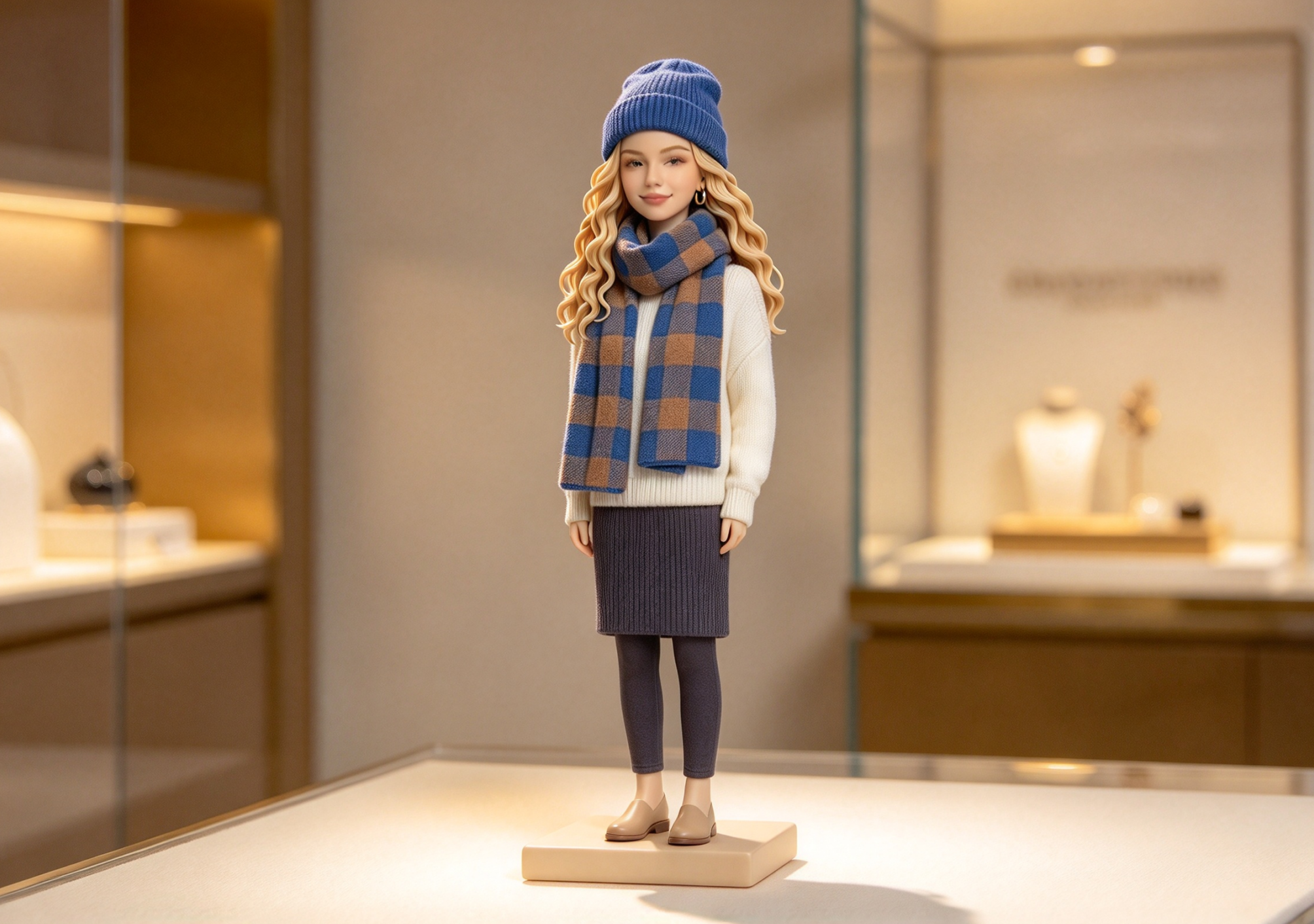
| Chibi and cartoon figurine prompts | Turn people or characters into cute, stylized figures with exaggerated proportions and expressive features. | Oversized heads, small bodies, large eyes, rounded shapes, bright colors, smooth toy-like finishes. | Cute character collections, cartoon avatars, stickers and merchandise concepts, playful gifts. |
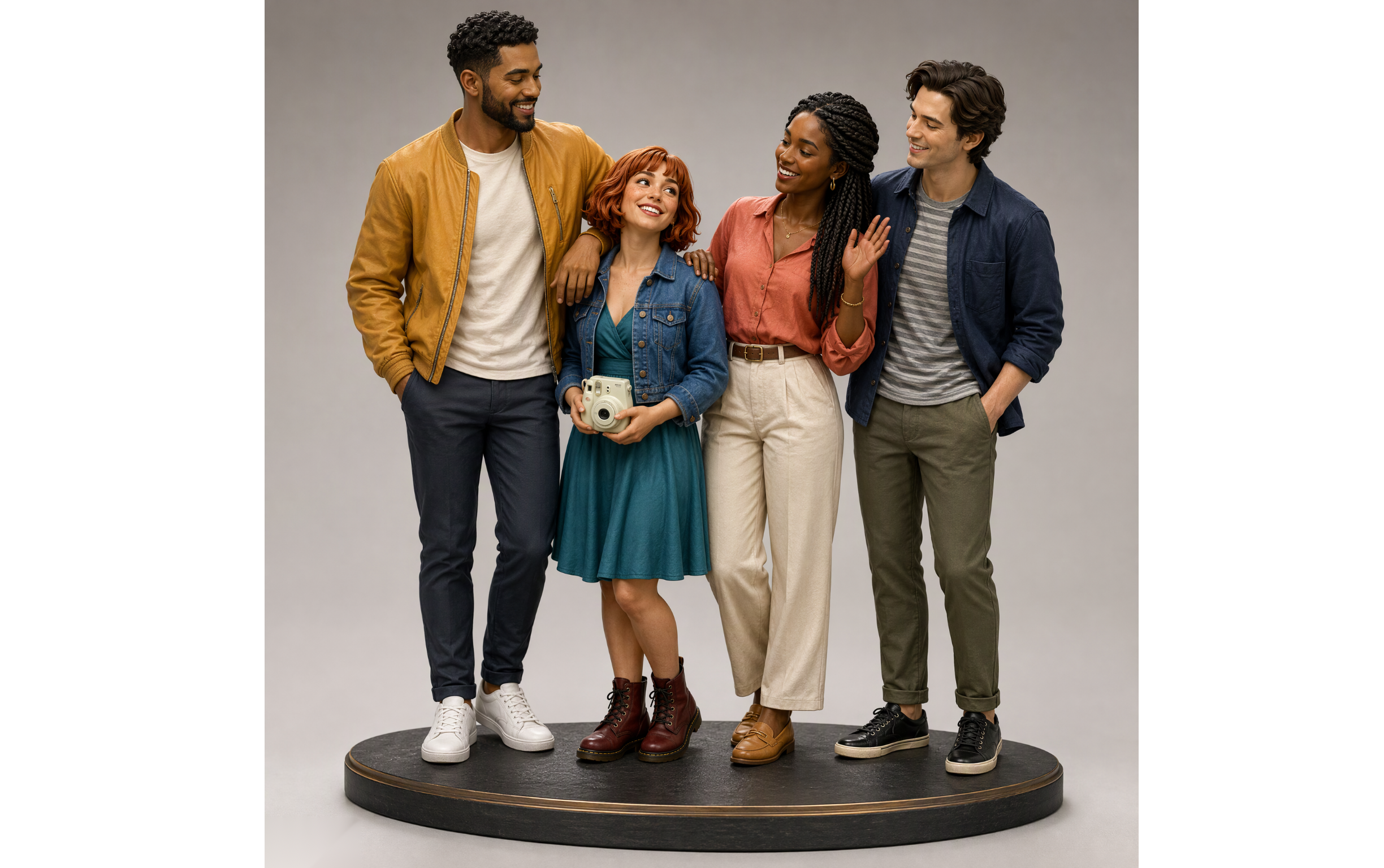
| Couple and group figurine prompts | Convert multiple people into coordinated figures while maintaining their individual appearances and relationships. | Matching display bases, different heights, recognizable outfits, shared poses, interaction details. | Couple collectibles, family keepsakes, friendship figures, group-themed gifts. |
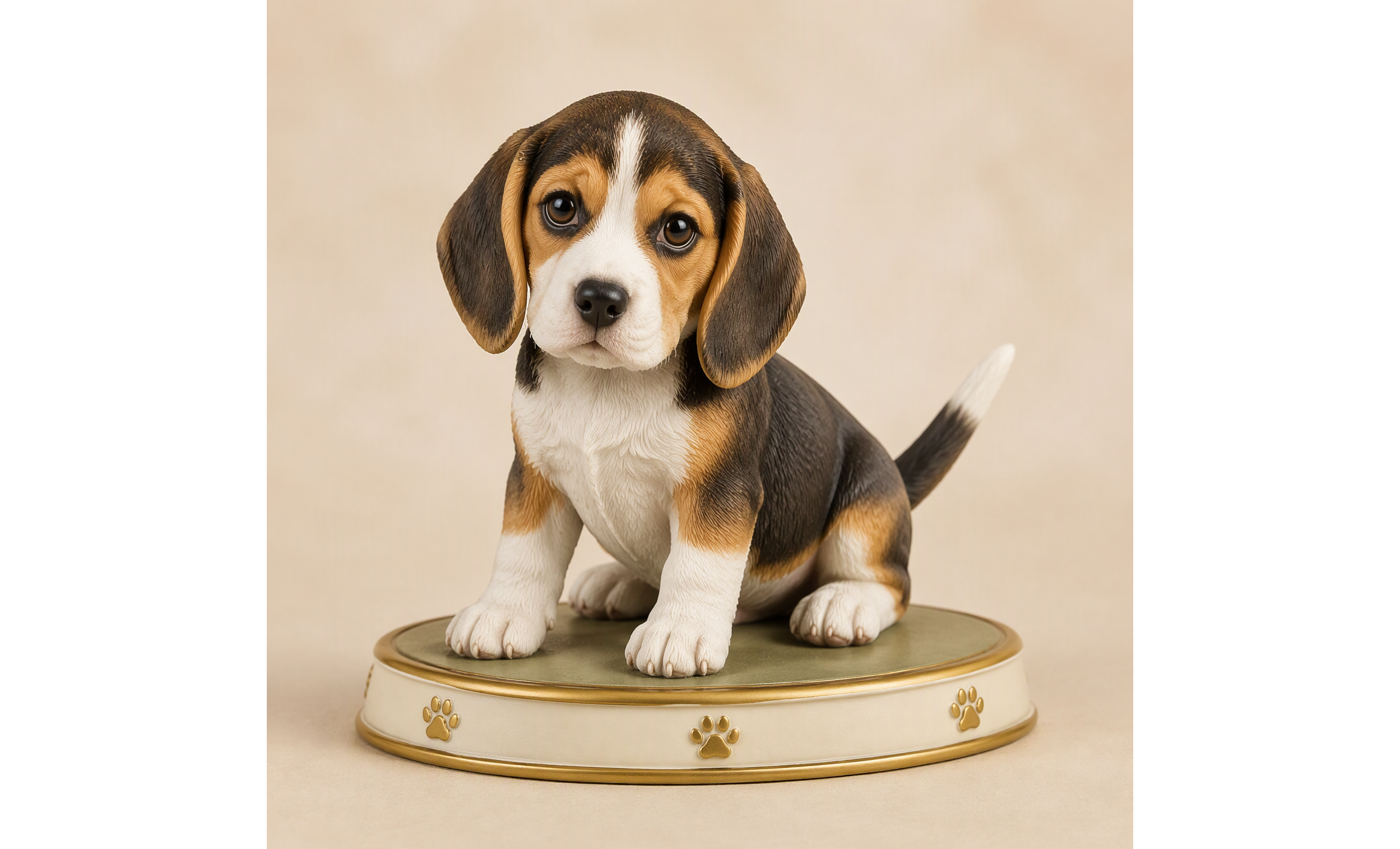
| Pet figurine prompts | Transform pet photos into miniature figures that capture each animal's distinctive appearance and personality. | Fur colors and patterns, recognizable markings, body proportions, facial expressions, signature poses. | Personalized pet collectibles, animal-themed merchandise, decorative miniatures, pet memorial designs. |
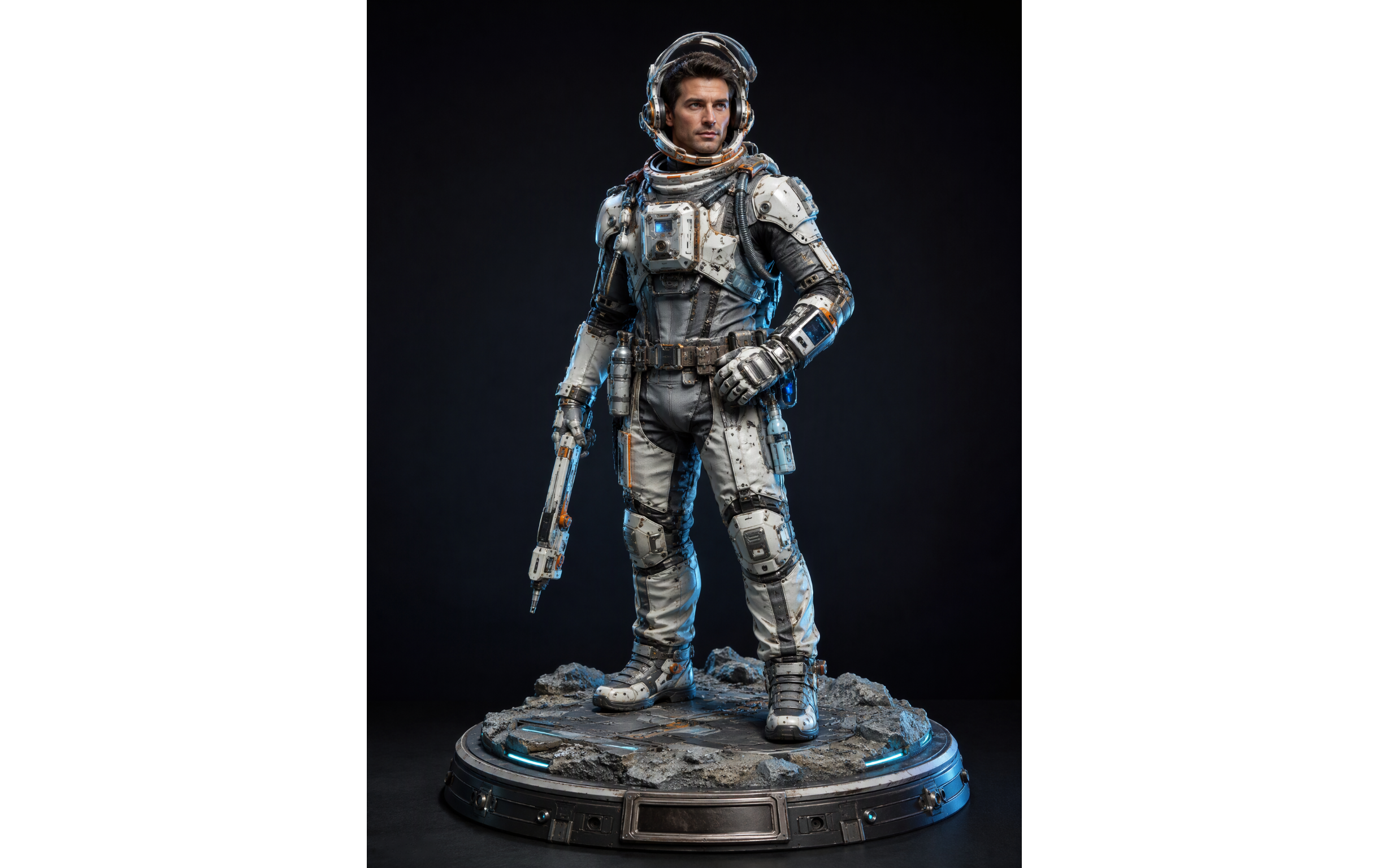
| Themed character prompts | Reimagine people or original characters in specific fictional, professional, or seasonal themes. | Space suits, fantasy armor, occupational outfits, themed props, specialized accessories, scene-specific bases. | Fantasy character collections, sci-fi figures, career-themed toys, holiday editions, game character concepts. |
New trends in 3D model prompts worth trying
There are many creative ways to experiment with AI 3D creation, depending on the style and look you want. Some prompts focus on realistic details, while others explore playful shapes and imaginative designs. Let's look at some interesting trends you can try.
AI collectible figurine prompts
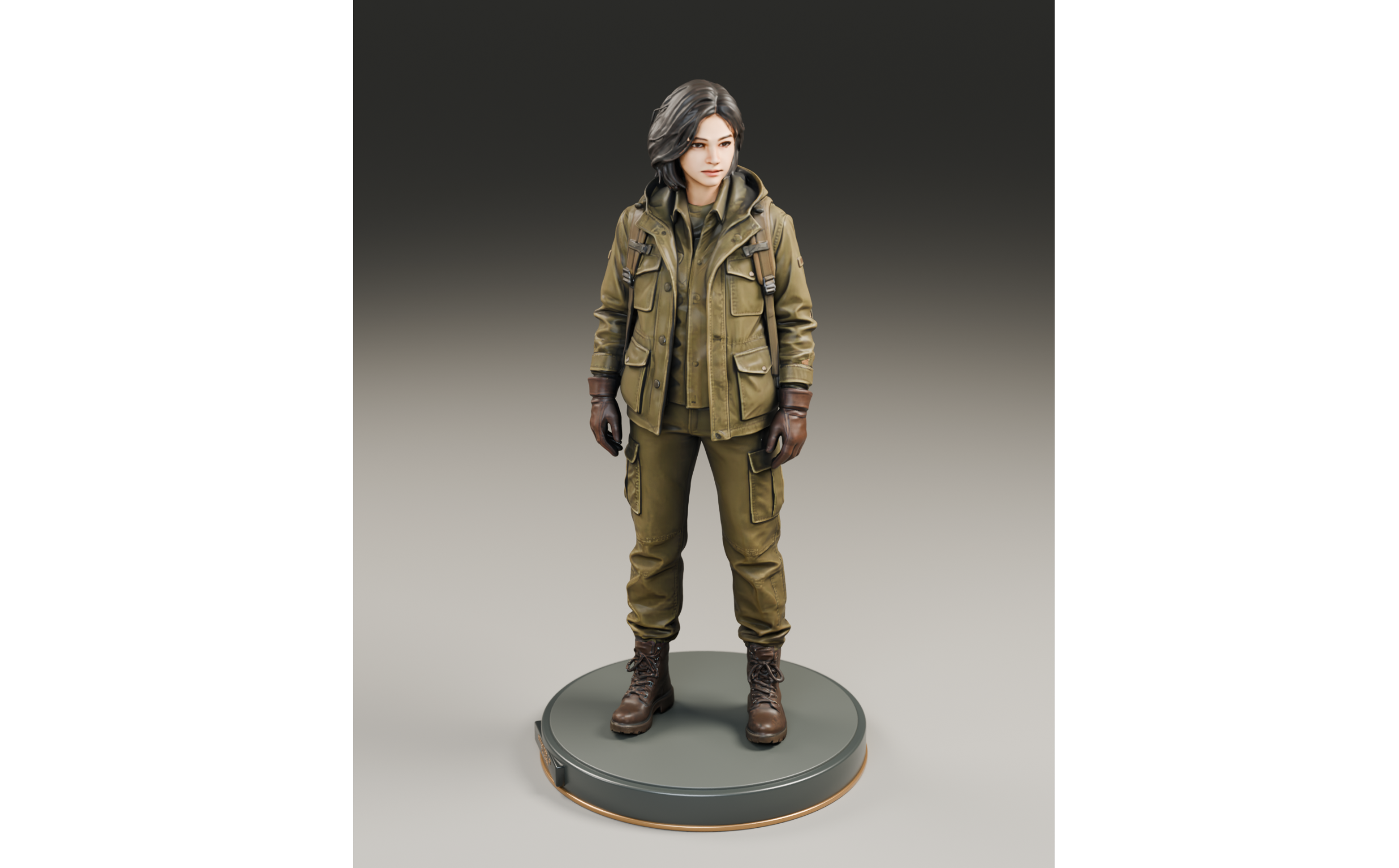
AI collectible figurine prompts turn people or original characters into detailed miniature figures. The goal is to preserve recognizable features while giving the subject the appearance of a professionally crafted collectible. Important details include facial features, hairstyles, clothing, body proportions, display bases, and materials such as resin or vinyl.
How to use
Step 1: Enter your prompt
Upload a clear photo of the person or character you want to turn into a collectible. Then, describe the figure's appearance, scale, materials, and display base to help the AI create a recognizable design.
Prompt:
Step 2: Let AI generate your 3D model
Let the AI process your reference image and prompt to create the miniature figure. Check whether the facial features, clothing, proportions, and display base match your description.
Step 3: Review and export
Inspect the figure from different angles and check its small details. Make any necessary adjustments to its appearance, materials, or proportions before exporting the finished 3D model.
Action figure packaging prompts
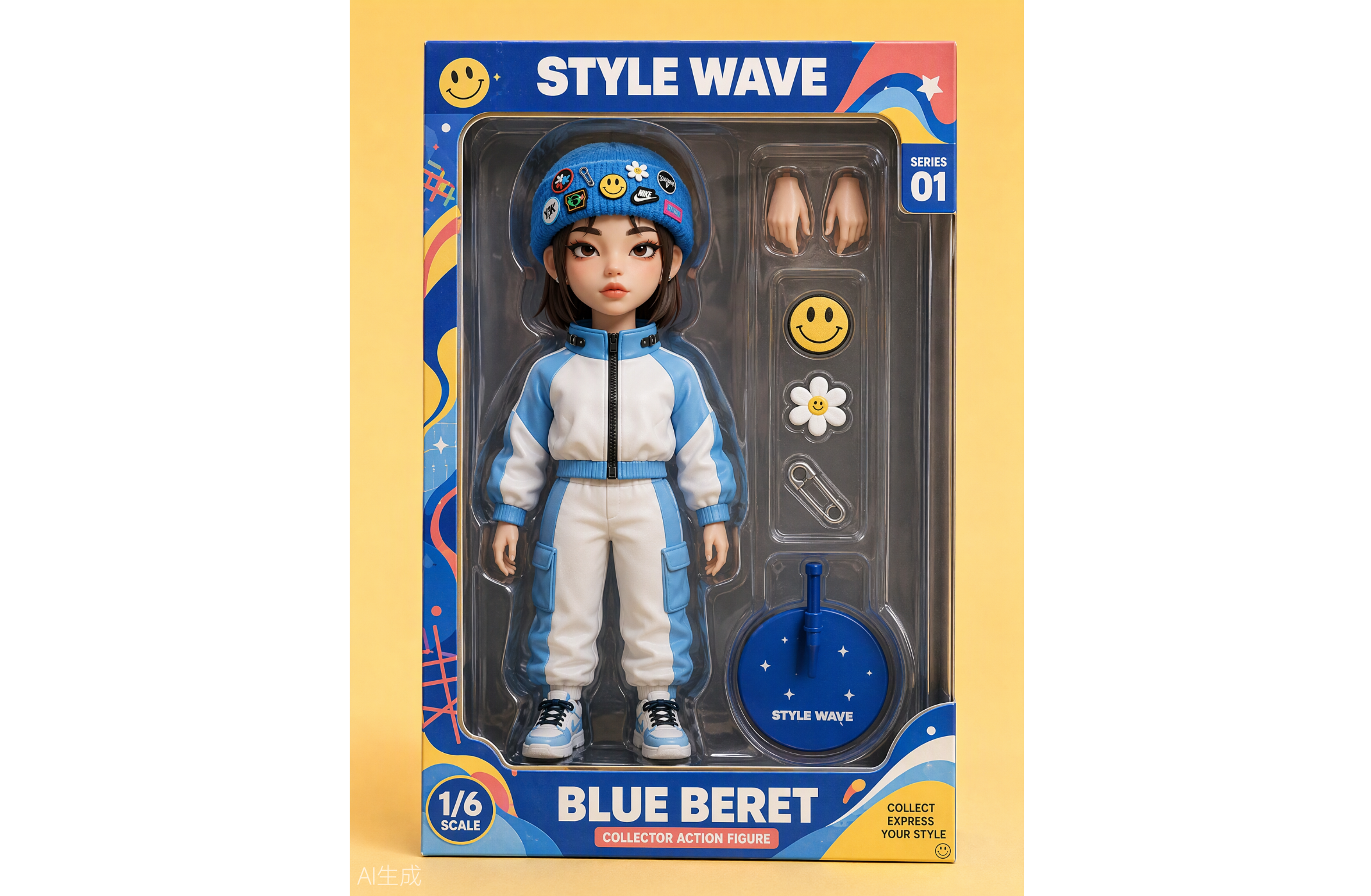
Action figure packaging prompts present a person or character as a toy displayed inside a retail-style box. Instead of focusing only on the figure, these prompts describe the entire product presentation, including transparent windows, accessory compartments, packaging graphics, and product labels. The result resembles a commercial toy package and is particularly popular for fictional product concepts.
How to use
Step 1: Enter your prompt
Choose a person or character and upload a reference photo. Include details about the box shape, packaging colors, accessories, product labels, and how the figure should appear inside the package.
Prompt:
Step 2: Let AI generate your 3D model
Allow the AI to create the figure and its retail packaging together. Check the placement of the character, visibility of accessories, box design, and overall product presentation.
Step 3: Review and export
Review the transparent window, accessory compartments, labels, and figure placement. Refine any missing or poorly shaped elements before exporting the final model.
Miniature desk setup prompts
Miniature desk setup prompts place a small version of a person or character in a detailed workspace. The surrounding environment is just as important as the figure itself. Computers, keyboards, books, headphones, and personal decorations help create a miniature world with a sense of scale and personality. This style is popular for personalized desktop collectibles and social media visuals.
How to use
Step 1: Enter your prompt
Upload a photo of the person you want to include in the scene. Describe the type of desk, computer equipment, decorations, lighting, and other objects you want around the miniature figure.
Prompt:
Step 2: Let AI generate your 3D model
Let the AI combine the character and workspace elements into one 3D scene. Check that the desk accessories are properly positioned and that the figure fits naturally into the miniature environment.
Step 3: Review and export
Look closely at the furniture, computer equipment, decorations, and figure details. Adjust the layout or materials if needed, then export the completed miniature workspace.
Hyper-realistic 3D portrait prompts
Hyper-realistic 3D portrait prompts focus on creating lifelike digital representations of real people. They emphasize accurate facial structures, natural skin textures, detailed hair, realistic eyes, and clothing materials. Professional portrait lighting and carefully controlled backgrounds further enhance the visual quality. This direction is suitable for digital character portraits, avatar concepts, and realistic character design.
How to use
Step 1: Enter your prompt
Choose a well-lit reference photo where the person's face is clearly visible. Specify the facial details, skin texture, hairstyle, clothing, expression, and lighting you want the AI to recreate.
Prompt:
Step 2: Let AI generate your 3D model
Allow the AI to build the portrait using the facial and material details in your prompt. Examine the eyes, skin texture, hair, and facial proportions to see how closely the result matches the reference.
Step 3: Review and export
Check the portrait from different viewing angles and refine any features that look unnatural. Once the facial details and textures look right, export your finished 3D character model.
Chibi and cartoon figurine prompts
Chibi and cartoon figurine prompts turn people or characters into playful, stylized figures. The most recognizable features are oversized heads, small bodies, large expressive eyes, and rounded shapes. Bright colors and smooth vinyl-like materials give the figures a cute toy appearance. Creators often use this style for cartoon avatars, character collections, and personalized gifts.
How to use
Step 1: Enter your prompt
Upload a reference image and decide how exaggerated or playful you want the character to look. Mention its head-to-body ratio, eye shape, expression, outfit, colors, and toy-like material.
Prompt:
Step 2: Let AI generate your 3D model
Let the AI transform the reference into a stylized miniature figure. Check the head size, facial expression, body proportions, and outfit to make sure the character has the intended cute appearance.
Step 3: Review and export
Review the colors, rounded shapes, accessories, and surface finish. Make any final changes to the character's expression or proportions before exporting the model.
Couple and group figurine prompts
Couple and group figurine prompts transform photos of couples, friends, or families into coordinated collectible figures. Unlike single-character designs, these prompts need to preserve the relationships and interactions between multiple subjects. Relative heights, individual outfits, facial features, and original poses help make each figure recognizable while maintaining a consistent overall style.
How to use
Step 1: Enter your prompt
Choose a clear photo that shows everyone you want to include in the model. Explain the number of people, their positions, outfits, relative heights, and interactions so the AI can distinguish each individual.
Prompt:
Step 2: Let AI generate your 3D model
Let the AI create all the figures together on one shared base. Check that each person has the correct appearance, position, clothing, and height without blending their individual features.
Step 3: Review and export
Inspect each figure separately and then look at the complete arrangement. Refine facial details, poses, or spacing where necessary before exporting the group model.
Pet figurine prompts
Pet figurine prompts turn photos of dogs, cats, and other animals into miniature collectible designs. The key is to capture the animal's distinctive appearance rather than simply creating a generic cartoon pet. Fur colors, markings, body shape, facial features, and signature poses all contribute to a recognizable result. Small decorative bases and realistic painted finishes can make the figures look like personalized collectibles.
How to use
Step 1: Enter your prompt
Choose a clear picture that shows your pet's face, body, and natural appearance. Mention its breed if known, fur patterns, eye color, favorite pose, and any accessories you want to include.
Prompt:
Step 2: Let AI generate your 3D model
Let the AI turn the pet's photo into a 3D collectible. Check whether its fur patterns, face, body shape, and pose accurately reflect the original animal.
Step 3: Review and export
Review the fur details, paws, collar, and display base. Make any necessary changes to improve the resemblance before exporting your personalized pet figurine.
Themed character prompts
Themed character prompts reimagine people or original characters in fictional, professional, or seasonal settings. Popular ideas include space explorers, fantasy warriors, superheroes, and holiday characters. Their clothing, accessories, and surroundings reflect the chosen theme, helping creators develop unique character designs and collections.
How to use
Step 1: Enter your prompt
Decide what role or fictional world you want your character to represent. Upload a reference image if you want to preserve someone's appearance, then describe their costume, accessories, environment, and overall visual style.
Prompt:
Step 2: Let AI generate your 3D model
Let the AI build the character using the selected theme and visual details. Check whether the costume, accessories, and display base work together to create the intended concept.
Step 3: Review and export
Inspect the costume textures, props, facial details, and themed environment. Adjust any missing elements or design details before exporting the completed character.
Why use Kimi 3D Make for creating 3D models
Trying different 3D styles becomes more exciting when you have a tool that can turn your ideas into actual models. Kimi 3D Make simplifies this process by letting you create designs from text descriptions and reference images. Let's look at what makes it useful for 3D creation.
Turn your ideas and images into 3D models
Kimi 3D Make supports prompt-based generation and reference image uploads, giving you more flexibility to describe your ideas and guide the model's visual design. Combine text descriptions with visual references to communicate the desired appearance, shapes, and details.
Generate 3D models in diverse styles with refined designs
Create 3D assets in a variety of visual styles, from realistic characters and lifelike creatures to playful cartoon figures and imaginative stylized designs. Kimi 3D Make produces visually appealing models with realistic proportions, well-defined shapes, and intricate details, bringing each design to life with a polished, high-quality appearance.
Refine model details with flexible editing
Use chat instructions to describe design changes, comment on specific elements for targeted adjustments, or edit details manually. Fine-tune character features, accessories, shapes, and other components until the model better matches your creative vision.
Export 3D models for creative projects
Export your finished models in formats such as GLB and BLEND for further editing, rendering, and scene creation. You can also export models as 3MF or STL files for 3D printing, making it easier to bring digital designs into physical projects.
How to write a good 3D model prompt
Getting a good result from AI 3D creation starts with describing your idea clearly. A well-written prompt helps the tool understand what you want to create and which details matter most. Keep the following tips in mind when writing an AI 3D model prompt to get more accurate and detailed results.
Define the subject and its key features
Start by clearly naming the object, character, or scene you want to create. Describe its main features, such as its shape, appearance, facial details, and purpose. Avoid vague descriptions so the AI can understand exactly what your model should look like.
Choose a specific visual style
Decide whether you want a realistic figurine, cartoon character, miniature scene, or stylized collectible. Mention the visual style directly in your prompt instead of relying on the AI to guess. You can also include references such as chibi, low-poly, or hyper-realistic designs to guide the final appearance.
Describe proportions and dimensions
Include details about the model's height, width, body proportions, and overall shape. For example, mention an oversized head for a chibi character or realistic body proportions for a collectible figurine. These instructions help the AI create a more balanced model that matches your idea.
Specify materials, colors, and textures
Mention the materials you want, such as resin, vinyl, wood, metal, or plastic. Also describe specific colors, surface finishes, and textures to make the model more detailed. For example, you can request a glossy vinyl finish, matte clothing, or realistic metallic surfaces.
Add poses, accessories, and scene details
Describe how you want the character or object to be positioned. Include relevant accessories, clothing, display bases, and surrounding elements to make the design more complete. For example, a miniature desk figurine could include a computer, keyboard, headphones, and books.
Use reference images and refine the results
Upload clear reference images to help the AI preserve specific facial features, clothing, or object details. Combine them with a detailed text description for better results. If the first model needs improvement, refine your instructions and try different new trend 3D model prompts to explore other styles.
Conclusion
Exploring the new trends in 3D model prompts gives you more ways to experiment with creative ideas and bring unique designs to life. The best results come from clear instructions, thoughtful details, and a little experimentation. You don't need to get every detail right on your first try. Give Kimi 3D Make a try and turn your creative ideas into editable 3D models. Start creating and see what you can bring to life!