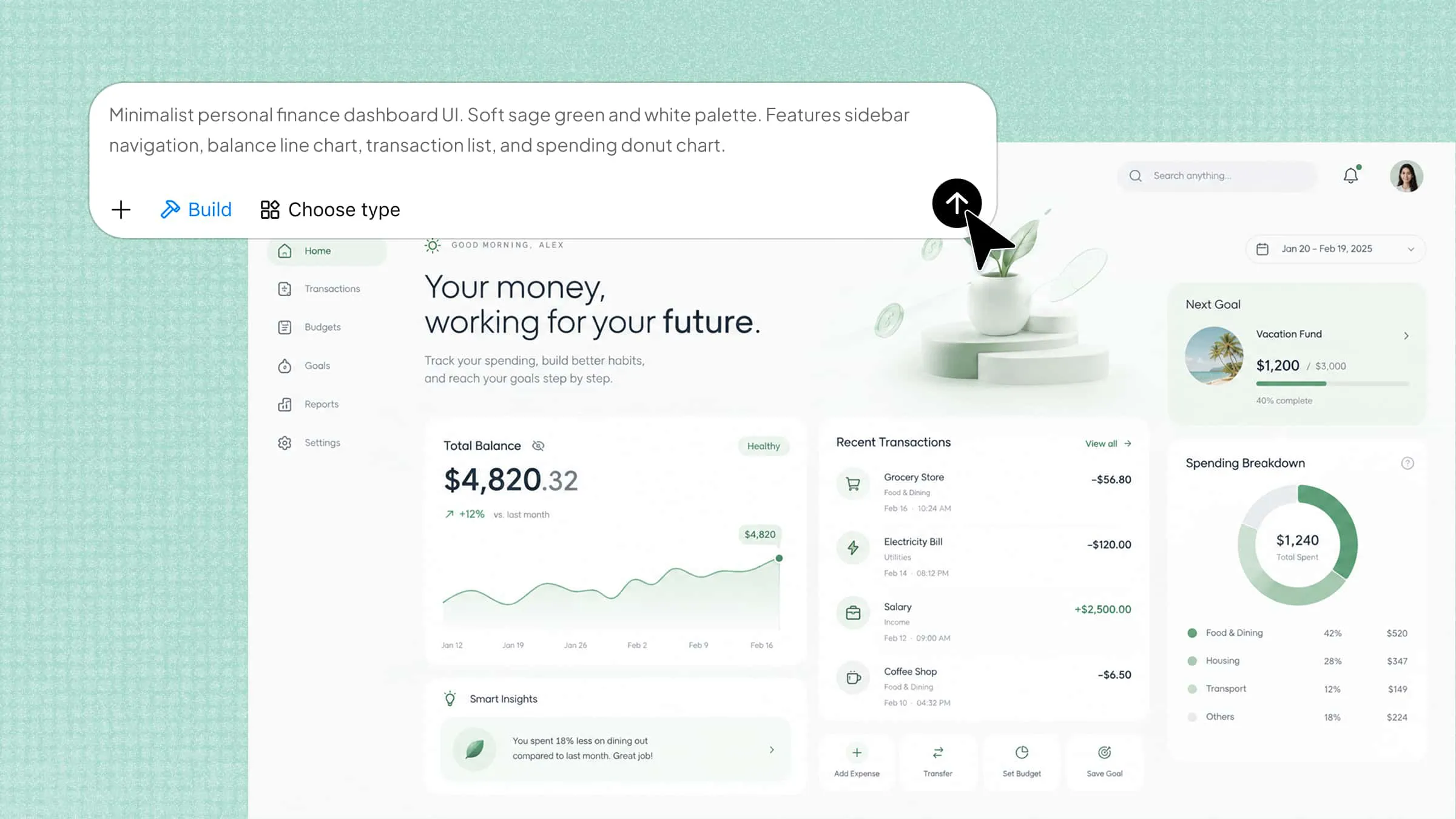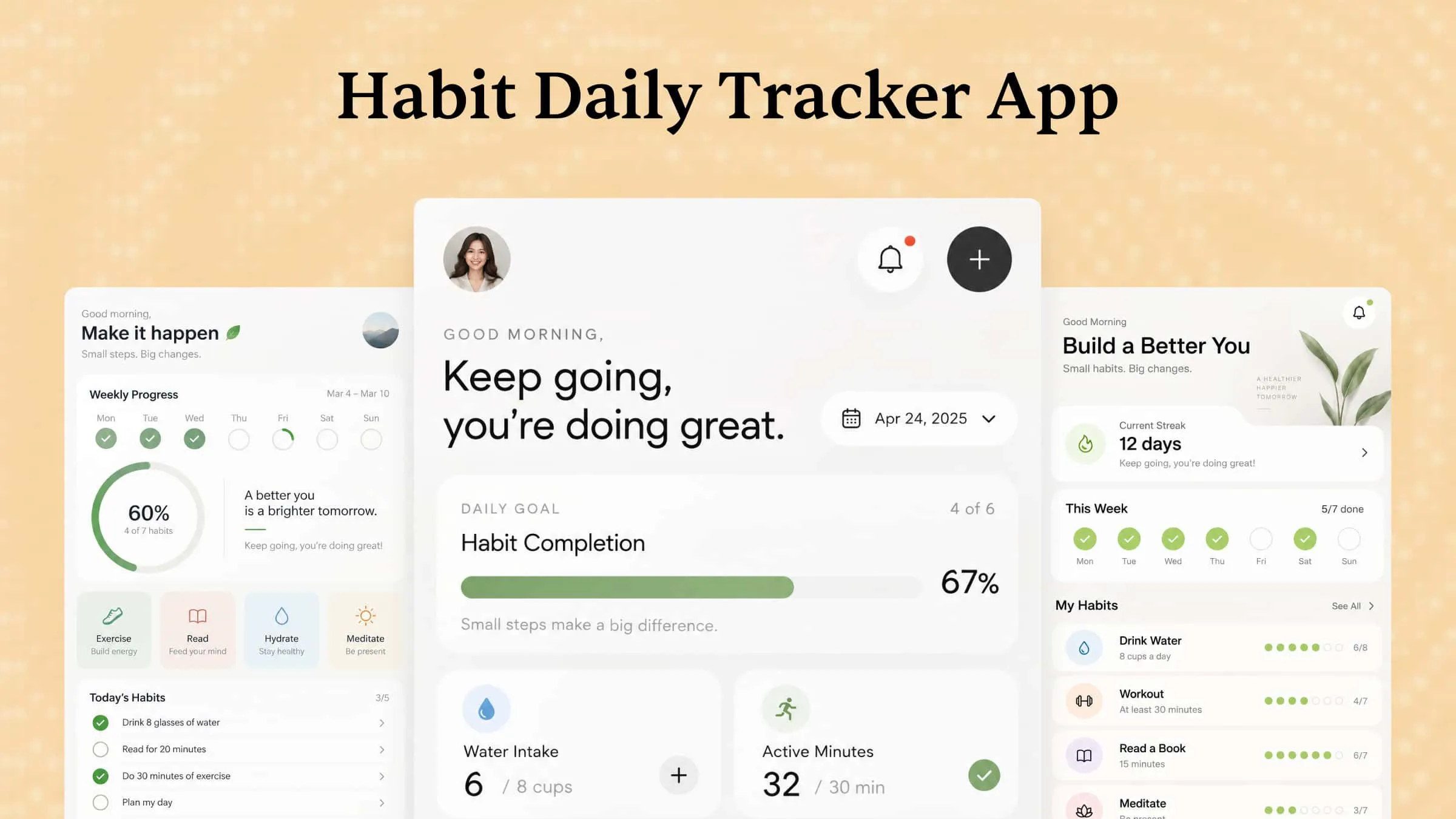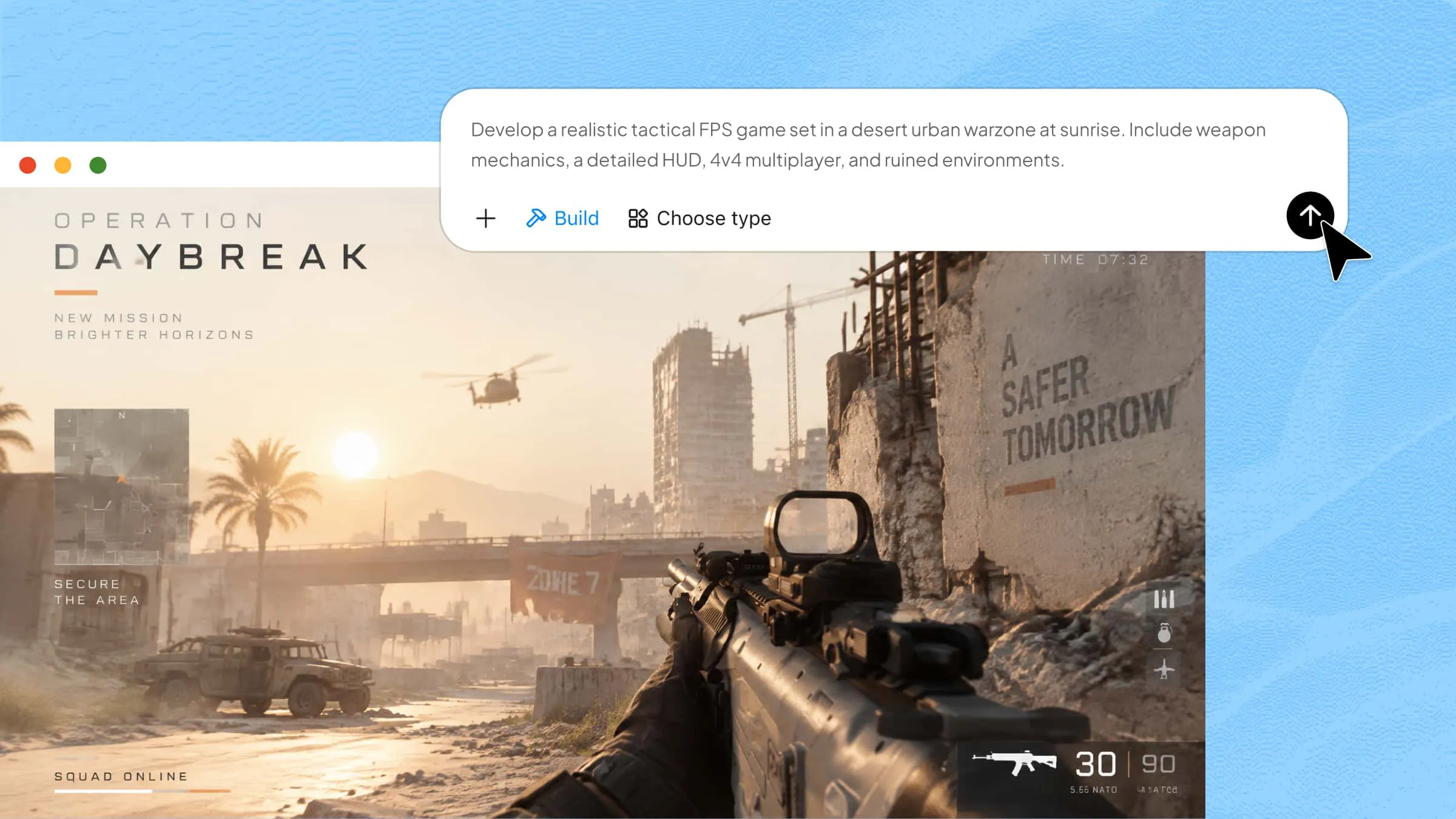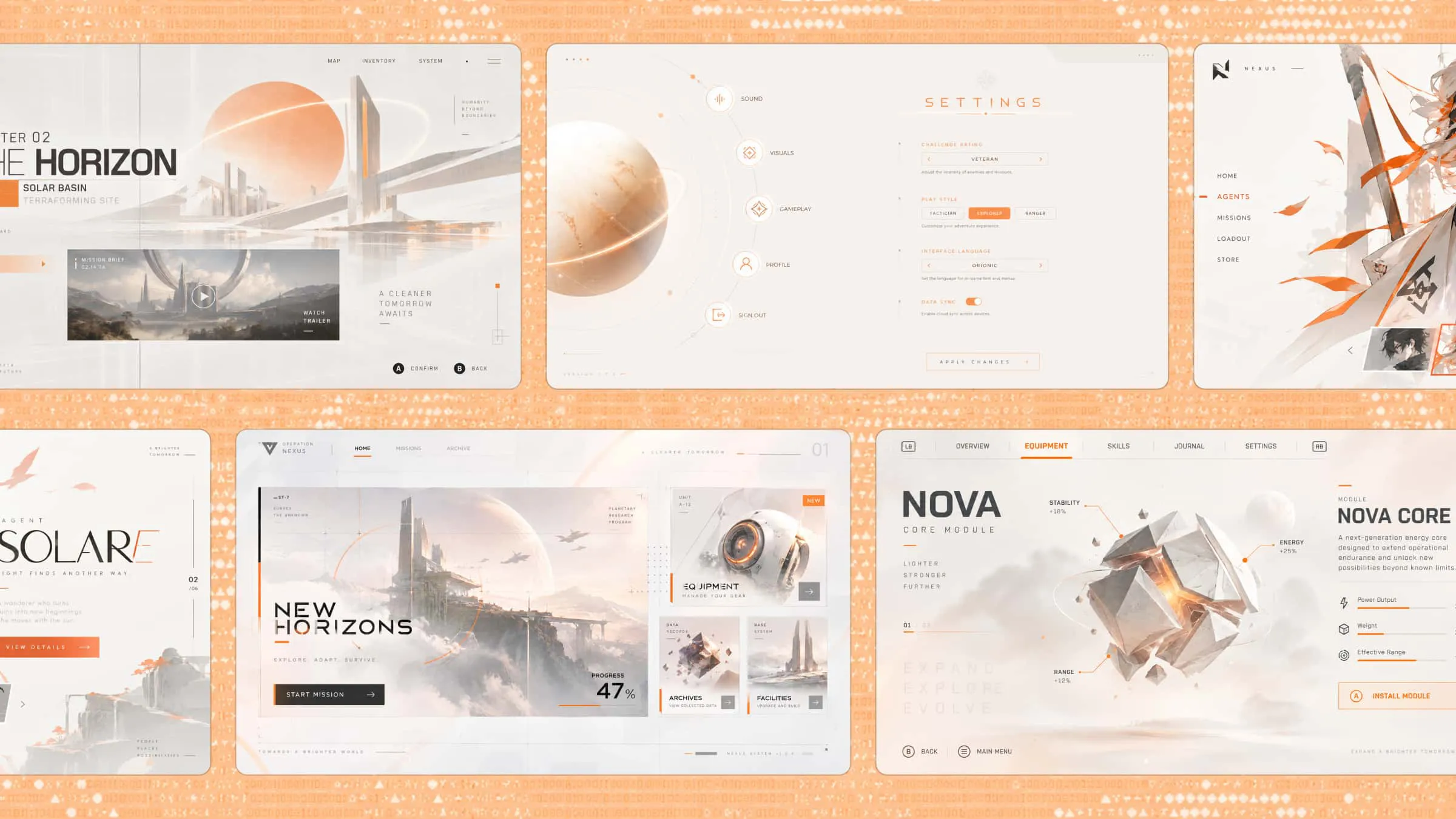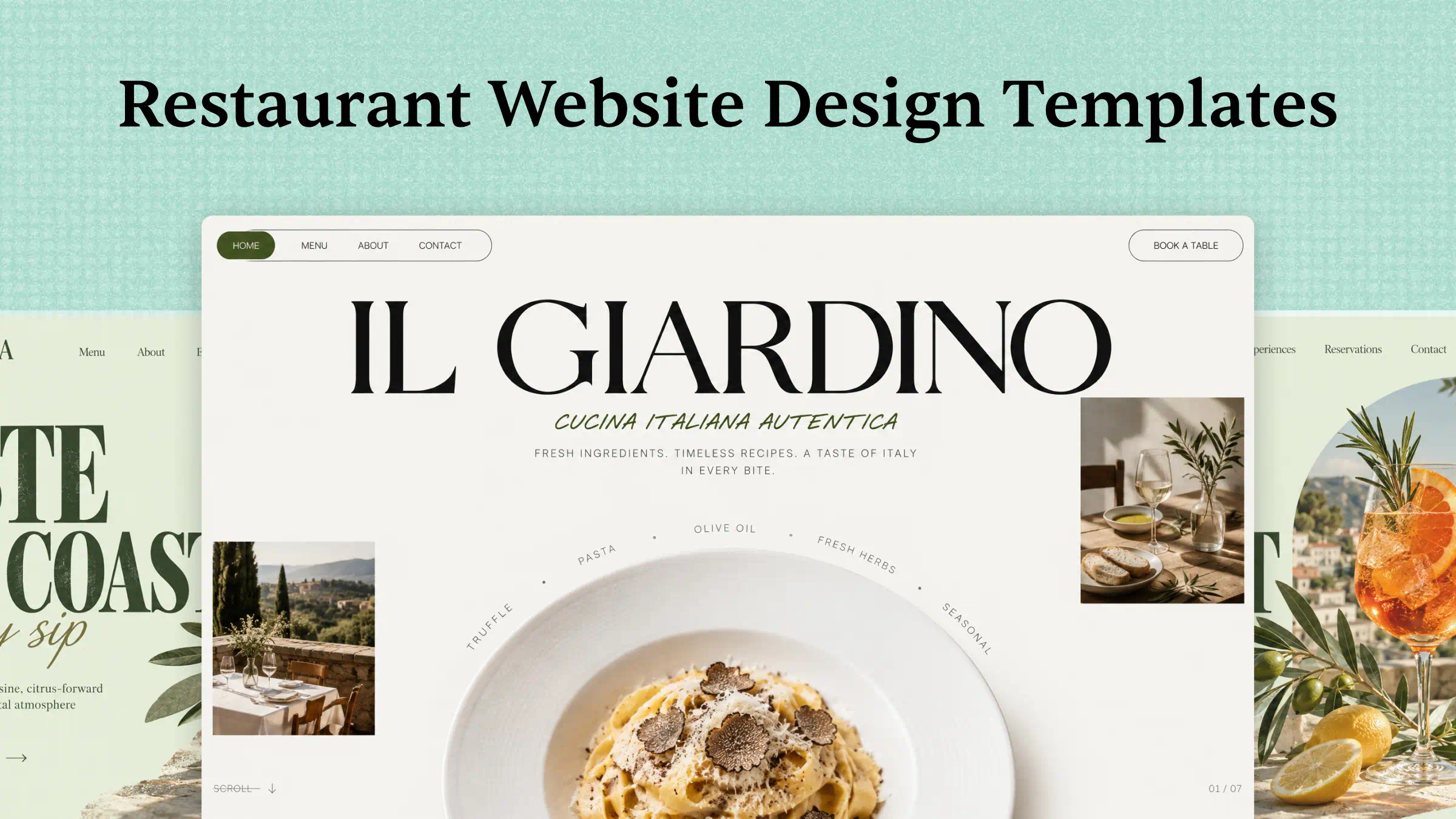
A restaurant's website often gives customers their first impression of the food, atmosphere, and service they can expect. A poor layout or outdated design can make it harder for visitors to explore the menu or book a table. The right restaurant website template helps you create an attractive, user-friendly website that reflects your dining style and encourages customers to visit. In this article, we'll explore 10 restaurant website templates for different cuisines and dining experiences.
Overview of 10 restaurant website templates
Restaurant website templates vary in design, features, and customization options, depending on the type of dining business. The table below summarizes 10 popular restaurant website styles, their key features, design style, ideal use cases, and useful functionality to help readers compare options.
| Restaurant website template | Key features | Design style | Suitable for | Useful functionality |
|---|---|---|---|---|
| Fine dining | Signature dishes, chef's story, reservations | Elegant, luxurious | Upscale restaurants | Table booking |
| Café and coffee shop | Coffee menu, pastry photos, opening hours | Warm, cozy | Cafés and coffee shops | Location and contact details |
| Italian restaurant | Pizza and pasta menus, chef's specialties | Rustic, Mediterranean | Italian restaurants | Online menu and reservations |
| Japanese restaurant | Sushi and ramen menus, food gallery | Minimalist, refined | Japanese restaurants | Reservation form |
| Burger and fast-casual | Combo meals, special offers, food photos | Bold, energetic | Burger shops and fast-food outlets | Online ordering |
| Vegan and plant-based | Plant-based menu, fresh ingredients | Natural, clean | Vegan restaurants | Menu categories and dietary details |
| Seafood restaurant | Seafood gallery, seasonal dishes | Coastal, sophisticated | Seafood restaurants | Table reservations |
| Family restaurant | Kids' menu, family meals, group dining | Friendly, colorful | Family dining businesses | Menu and location information |
| Food truck and street food | Compact menu, location updates, schedule | Vibrant, casual | Food trucks and street vendors | Location and schedule updates |
| Restaurant group | Multiple restaurant pages, menus, locations | Professional, consistent | Restaurant chains and groups | Location directory and booking links |
10 restaurant website templates to attract more customers
Explore these 10 restaurant website templates designed for different dining styles, helping you showcase menus, highlight your atmosphere, and attract customers.
Kimi Build, an AI website builder, makes it easier to create a restaurant website. Describe your restaurant type, preferred style, menu, and essential pages in a text prompt. The AI generates a tailored website layout based on your requirements. You can customize colors, images, menu sections, and reservation features to suit your brand. Review the design and make any necessary adjustments before publishing.
Fine dining restaurant template
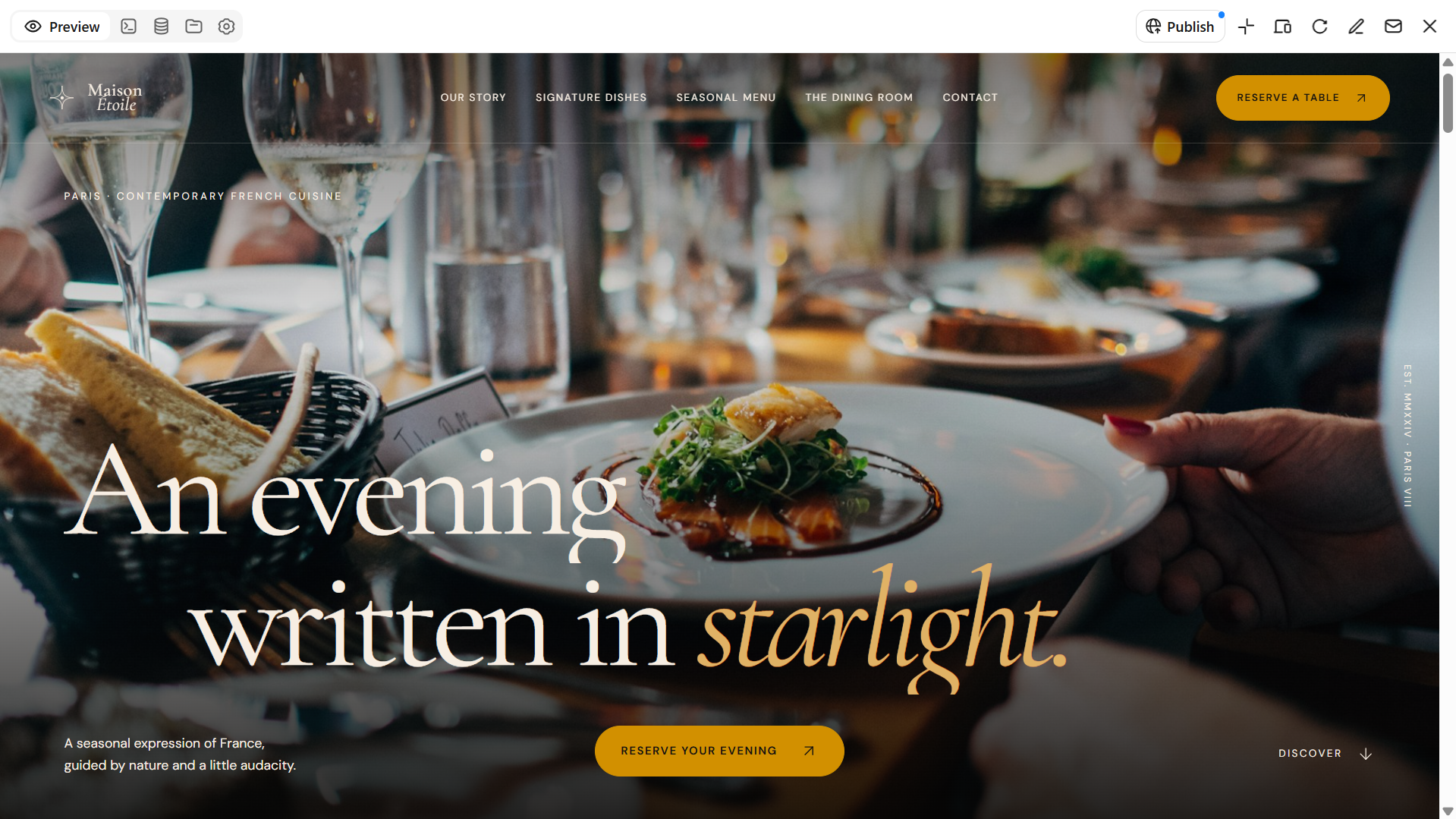
A premium restaurant website template helps upscale restaurants showcase their food and dining experience in an elegant way. Refined typography, spacious layouts, and high-quality food photography create a luxurious impression. The design can feature signature dishes, chef introductions, seasonal menus, and reservation options. These templates work well for restaurants that want to communicate quality and exclusivity.
How to use
Step 1: Enter your prompt
Open Kimi Build and enter a clear, detailed prompt describing your website requirements.
Prompt:
Step 2: Let AI generate your website
Kimi Build will generate a website based on your prompt, including the requested layout, visual style, and content sections.
Step 3: Review and publish
Review the homepage, menu, and reservation options to ensure they are easy to find. Preview the website on different screen sizes before publishing it.
Café and coffee shop template
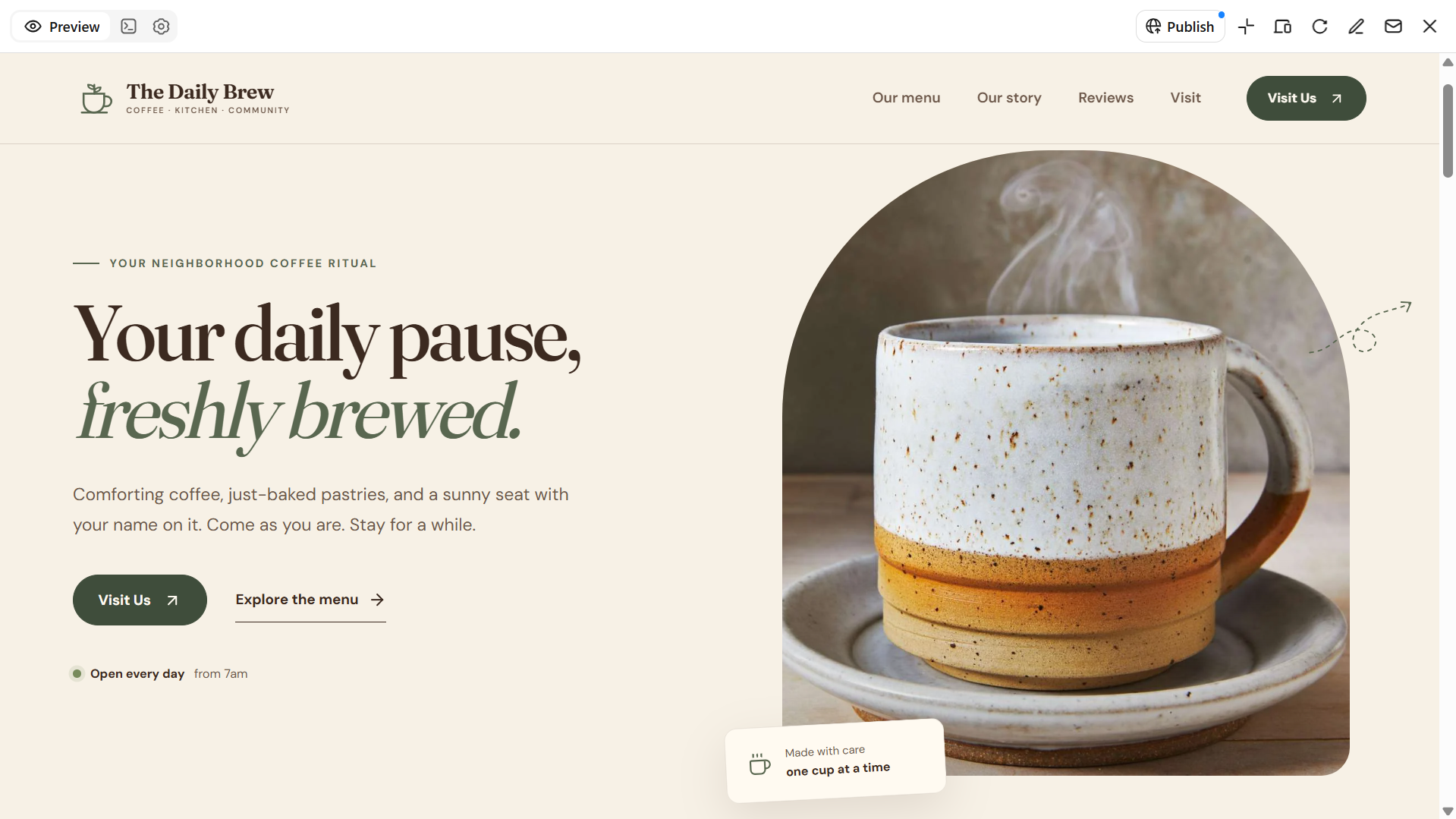
A café and coffee shop website template helps businesses showcase their drinks, snacks, and welcoming atmosphere. These food restaurant website templates can include a coffee menu, pastry photos, popular beverages, and the café's story. Opening hours, location details, and contact information help customers plan their visits. Warm colors and inviting images give the website a friendly appearance.
How to use
Step 1: Enter your prompt
Launch Kimi Build and type a prompt explaining the website you want to create.
Prompt:
Step 2: Let AI generate your website
Kimi Build will create the café website using the visual direction and sections described in your prompt.
Step 3: Review and publish
Replace sample images and text with your café's actual menu and details. Check the mobile layout and navigation, then publish the finished website.
Italian restaurant template
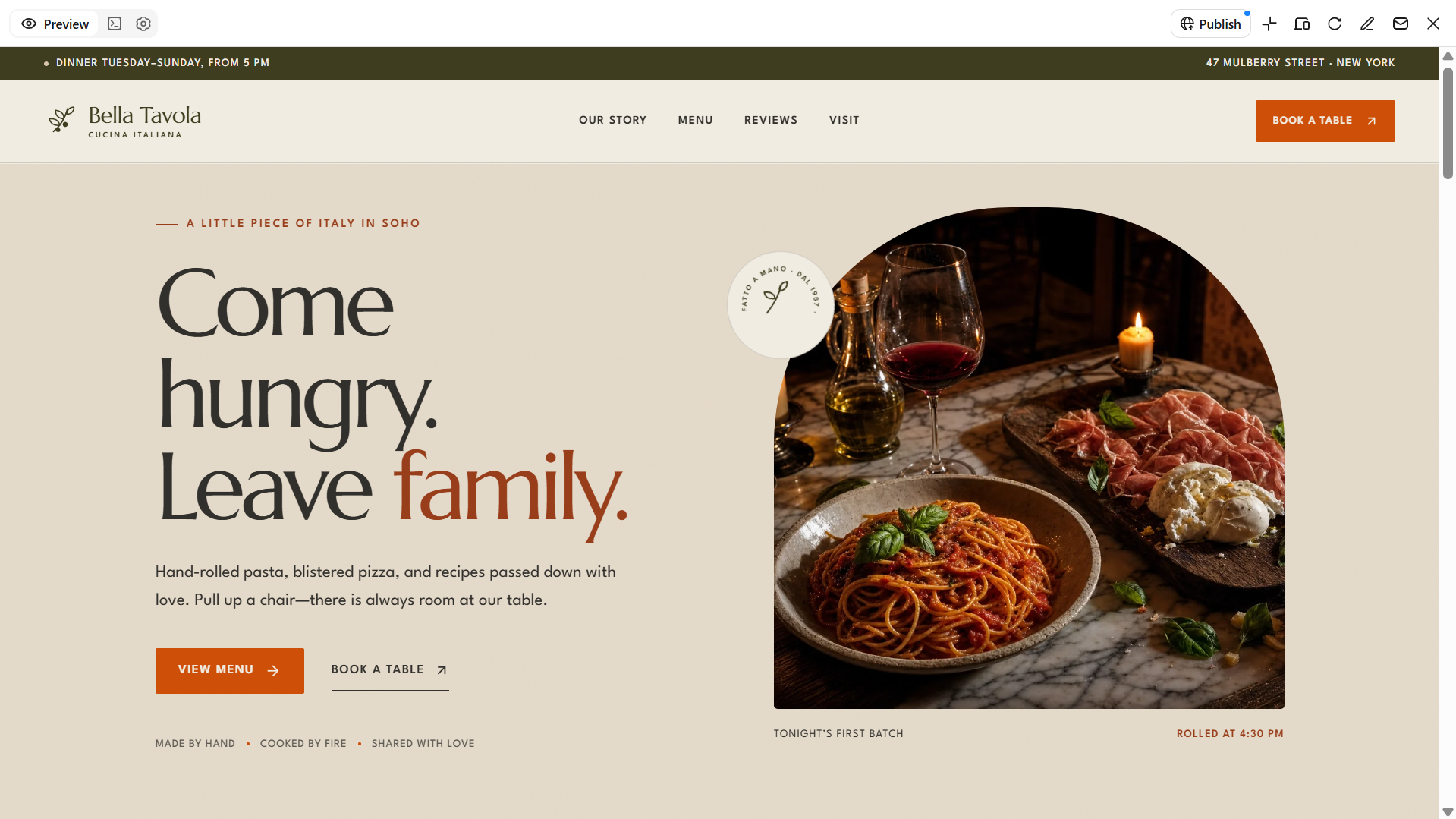
An Italian restaurant website template helps restaurants present traditional dishes and their unique dining style. It can feature pizza, pasta, desserts, chef's specialties, and a categorized food menu. Restaurant photos and customer reviews give visitors a better idea of the dining experience. This type of restaurant website template can also include clear reservation options to help customers plan a meal.
How to use
Step 1: Enter your prompt
Open Kimi Build and provide a prompt outlining your website's design, content, and features.
Prompt:
Step 2: Let AI generate your website
Kimi Build will generate the website with the Italian-inspired style and requested content.
Step 3: Review and publish
Customize the photos, menu descriptions, colors, and reservation details to fit the restaurant. Preview the website on desktop and mobile before publishing.
Japanese restaurant template
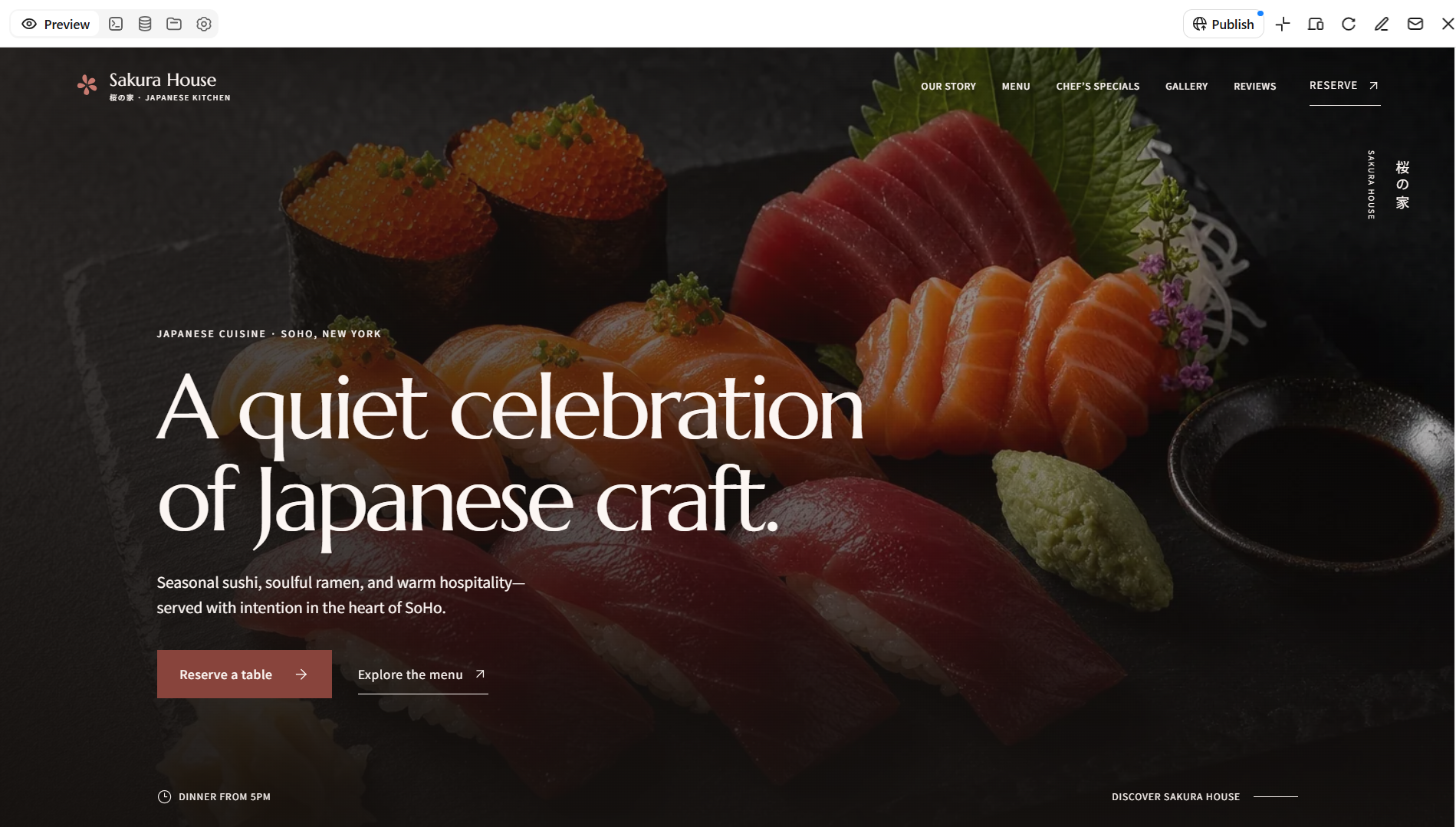
A Japanese restaurant website template provides a clean and organized way to showcase Japanese cuisine. It can display sushi, ramen, signature dishes, and menu categories alongside high-quality food photography. Minimalist layouts and subtle colors help reflect the restaurant's style. These online restaurant website templates can also include reservation options and contact details to make planning a visit easier.
How to use
Step 1: Enter your prompt
Start by opening Kimi Build and entering a prompt that describes your desired website.
Prompt:
Step 2: Let AI generate your website
Wait for Kimi Build to generate your website layout based on the instructions you provided.
Step 3: Review and publish
Refine the colors, photographs, menu categories, and restaurant details. Check the website across screen sizes and publish it when the design is ready.
Burger and fast-casual restaurant template
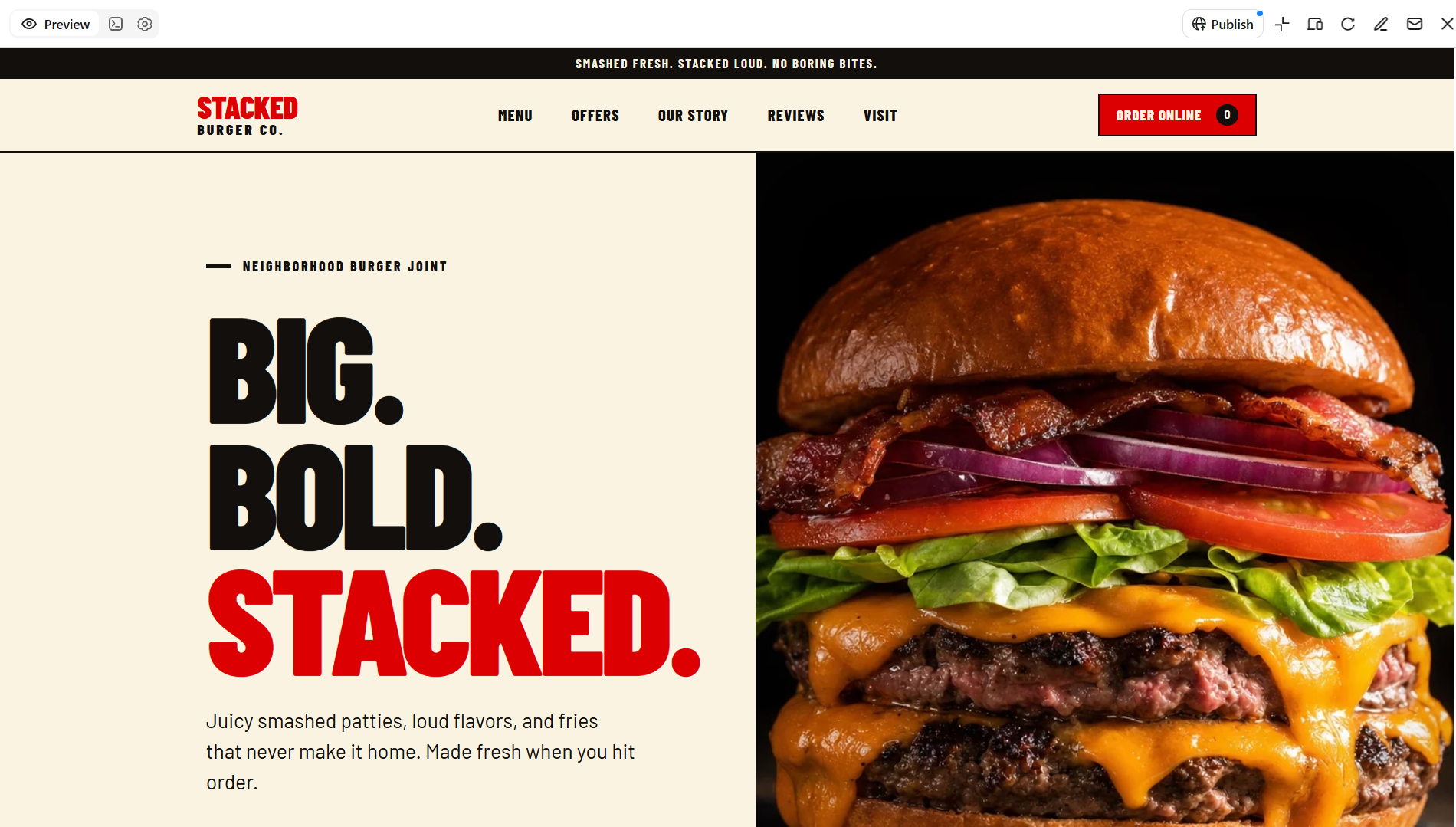
A burger and fast-casual restaurant website template puts menu highlights and ordering options front and center. Showcase signature burgers, fries, combo meals, and special offers with appetizing food photography and clear menu categories. For restaurants offering online ordering, a prominent order button and easy-to-browse meal deals help customers find their favorites and decide what to order.
How to use
Step 1: Enter your prompt
Access Kimi Build and submit a prompt with your website goals and essential requirements.
Prompt:
Step 2: Let AI generate your website
Kimi takes a few seconds and creates the website using your requested fast-casual style and content.
Step 3: Review and publish
Update the food photos, prices, menu descriptions, and ordering links. Preview the website on mobile and desktop before publishing the final version.
Vegan and plant-based restaurant template
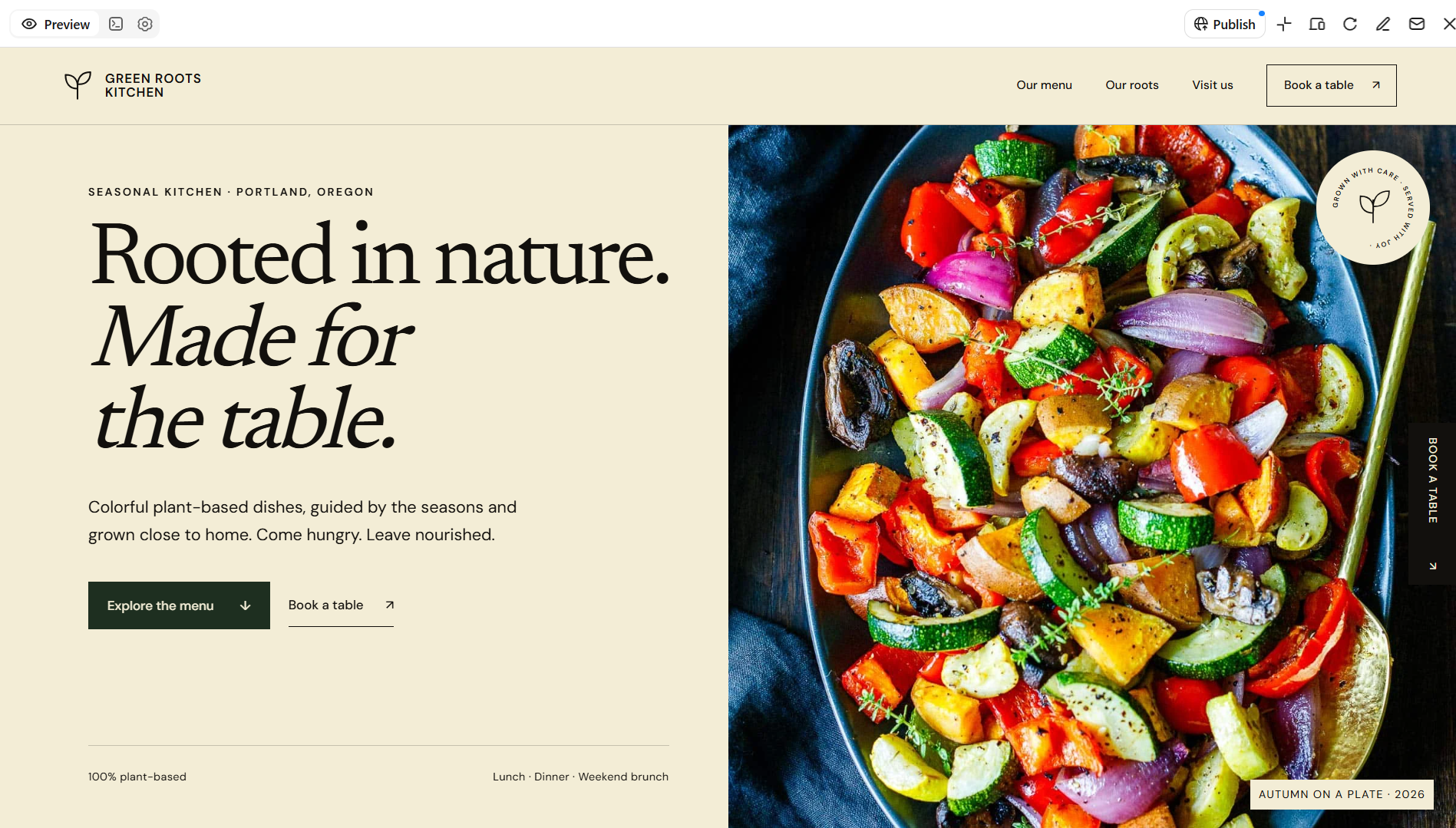
A vegan and plant-based restaurant website template helps businesses showcase meals made with plant-based ingredients. It can feature seasonal dishes, fresh ingredients, menu categories, and the restaurant's approach to sustainable dining. Bright food photography and natural colors create a fresh visual style. These restaurant website templates help vegan restaurants present their menu and brand identity clearly.
How to use
Step 1: Enter your prompt
Open Kimi Build, then enter a prompt specifying your preferred layout, style, and functionality.
Prompt:
Step 2: Let AI generate your website
Allow Kimi Build to turn your website idea into a structured design with the essential pages and features.
Step 3: Review and publish
Replace sample content with actual dishes, photos, and business information. Check the mobile experience and refine the layout before publishing.
Seafood restaurant template
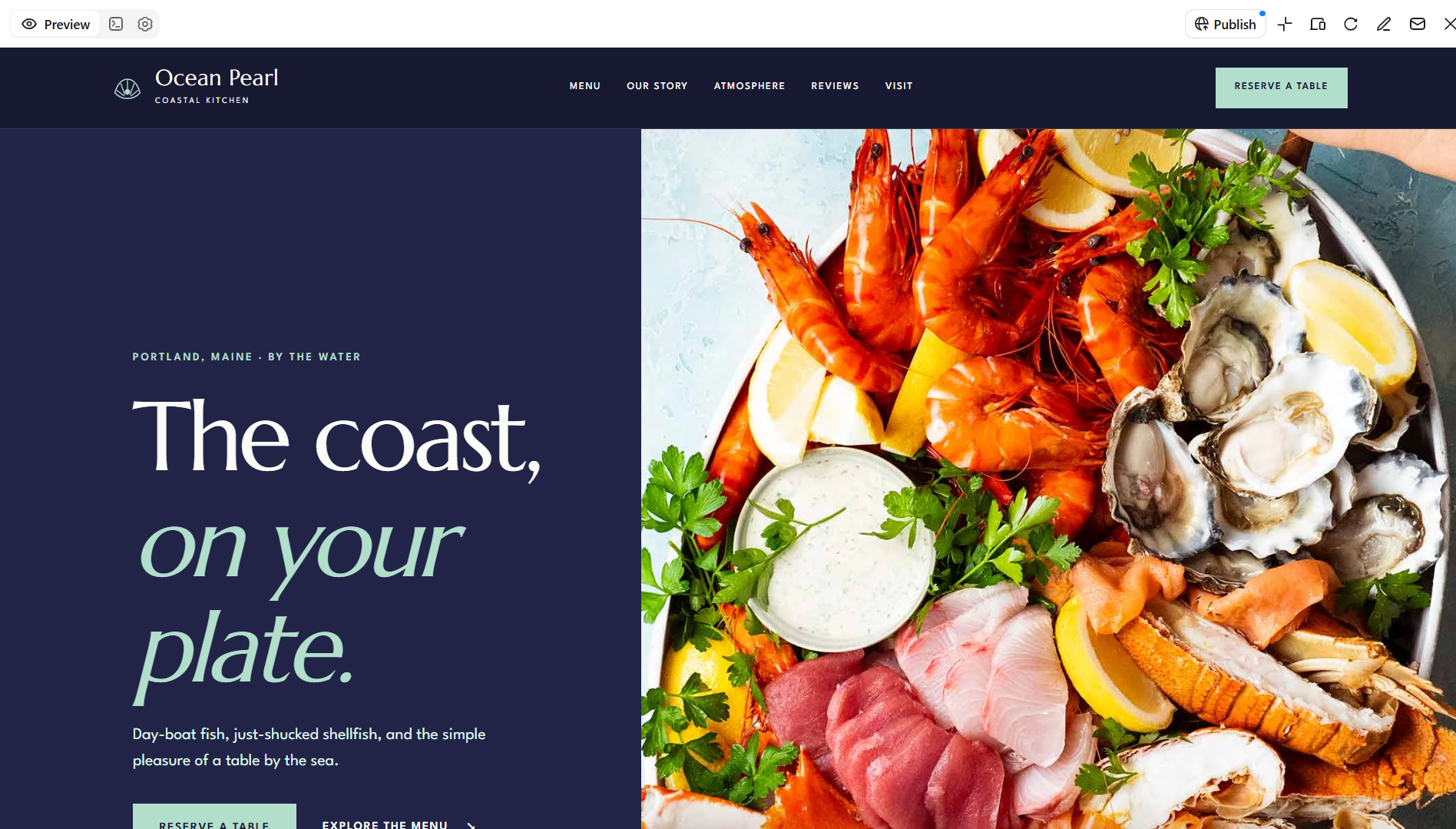
A seafood restaurant website helps showcase signature dishes, fresh ingredients, and the dining atmosphere through appealing food photography. The right seafood restaurant website template also makes it easy for visitors to browse the menu, explore seasonal specials, and learn about the restaurant's specialties. Clear reservation links, opening hours, and location details help customers plan their visit and enjoy a smooth booking experience.
How to use
Step 1: Enter your prompt
Begin by entering a detailed website prompt into Kimi Build to guide the AI generation process.
Prompt:
Step 2: Let AI generate your website
Once you submit the prompt, Kimi Build will automatically generate your initial website design.
Step 3: Review and publish
Add the restaurant's actual menu, images, prices, and contact information. Check the layout across devices and publish the website when everything is ready.
Family restaurant website template
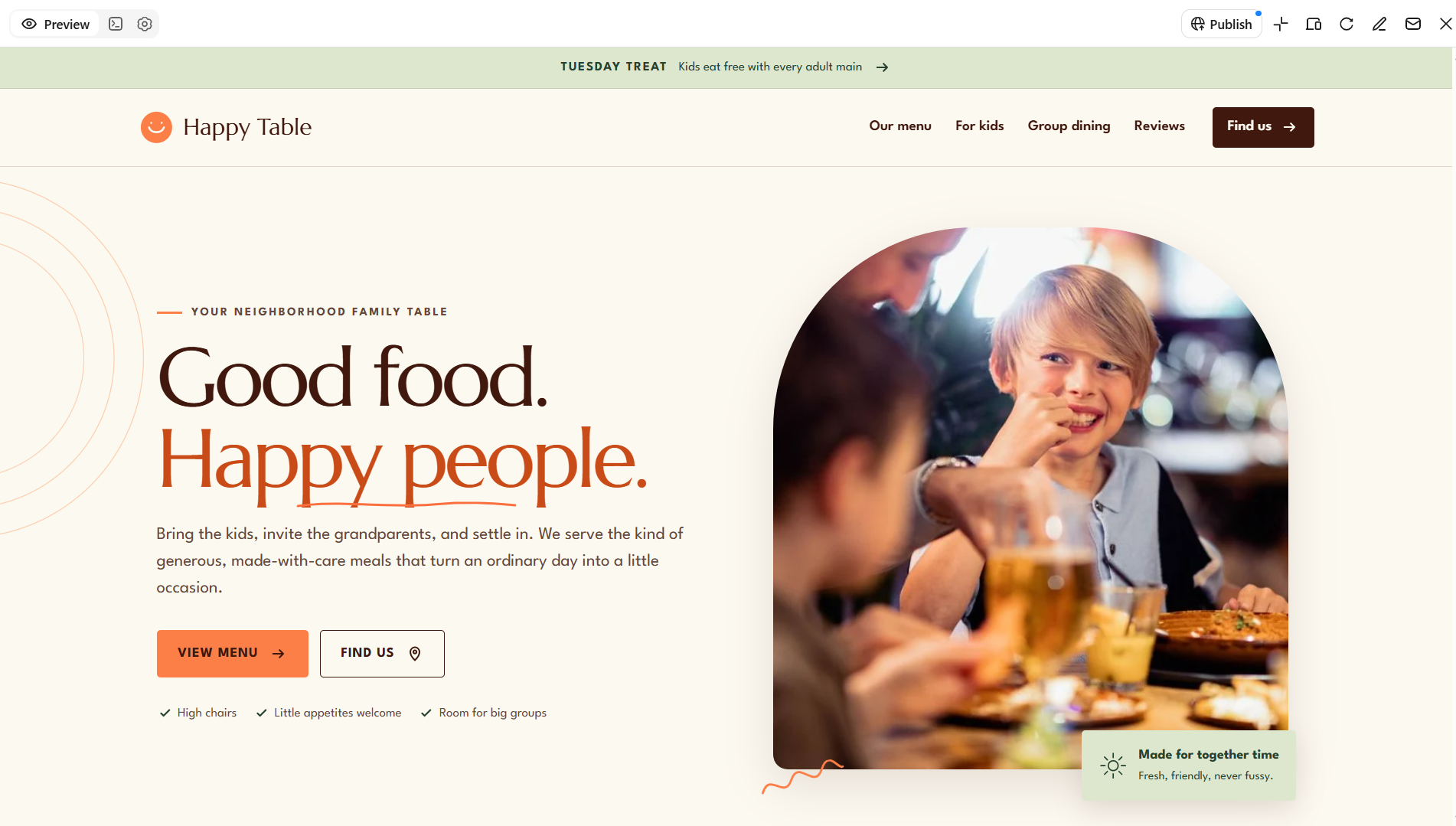
A family restaurant website template helps businesses present a welcoming dining experience for guests of all ages. It can feature family meals, kids' menu options, group dining, and special offers. Photos of the dining area and popular dishes help visitors understand what the restaurant offers. Clear contact details and opening hours help families plan their meals.
How to use
Step 1: Enter your prompt
Visit Kimi Build and describe your website idea in a prompt, including its key pages and features.
Prompt:
Step 2: Let AI generate your website
Kimi Build will generate the website with the requested family-friendly look and content sections.
Step 3: Review and publish
Customize the photos, menu, offers, and text to reflect the restaurant. Test the website on mobile and desktop, then publish it when ready.
Food truck and street food template
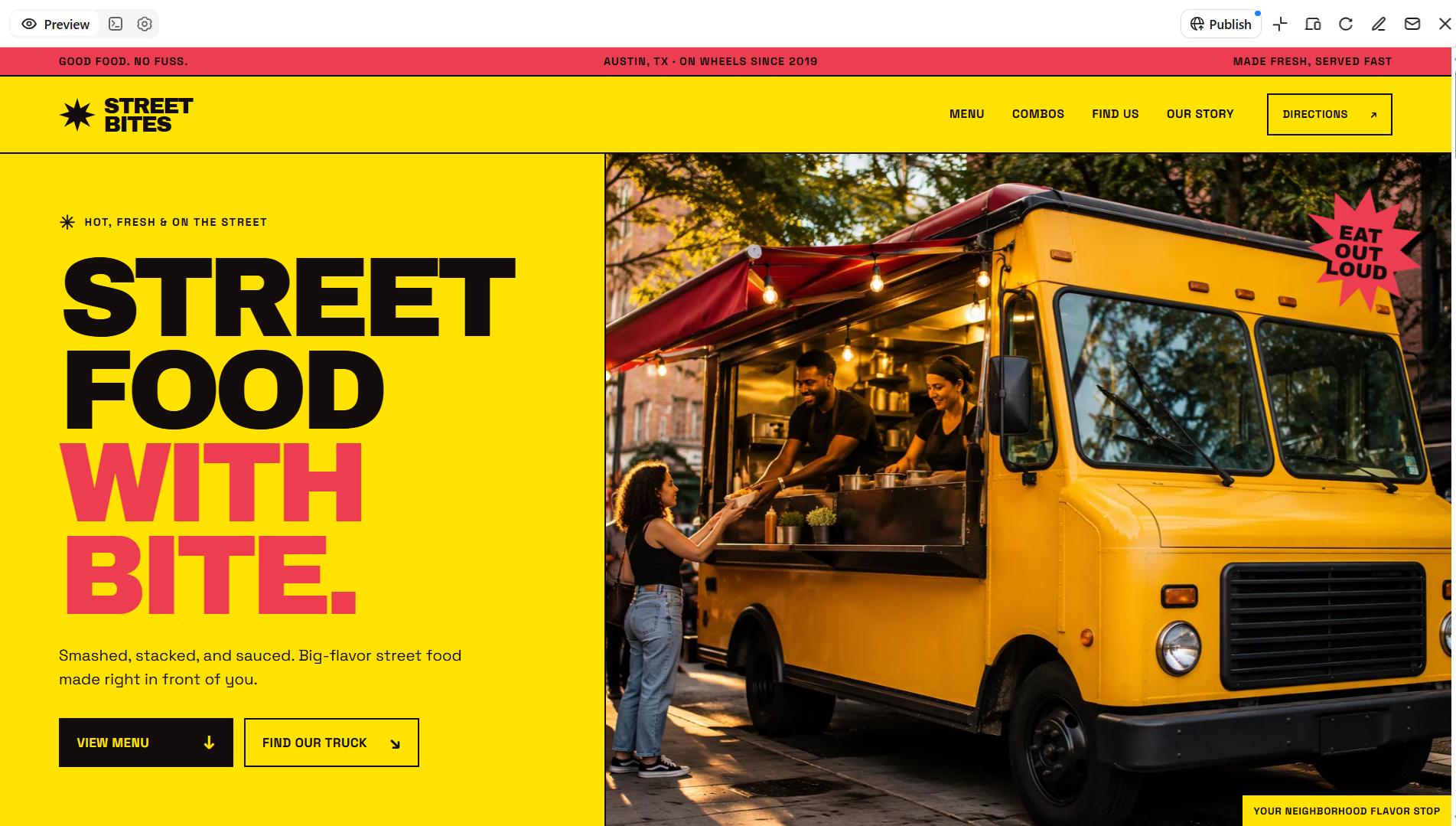
A food truck and street food website template helps mobile food businesses promote their menus and share their locations. It can feature popular street food, combo meals, operating schedules, and upcoming events. A dedicated location section helps customers find the truck more easily. Mobile-friendly restaurant website design templates are particularly useful for visitors checking schedules and menus while on the go.
How to use
Step 1: Enter your prompt
Start Kimi Build and provide a prompt outlining the website's purpose, appearance, and content.
Prompt:
Step 2: Let AI generate your website
Let Kimi Build transform your prompt into a website with your requested layout and features.
Step 3: Review and publish
Add the correct menu, operating schedule, location updates, and social links. Review the mobile layout and publish the website once the information is accurate.
Restaurant group template
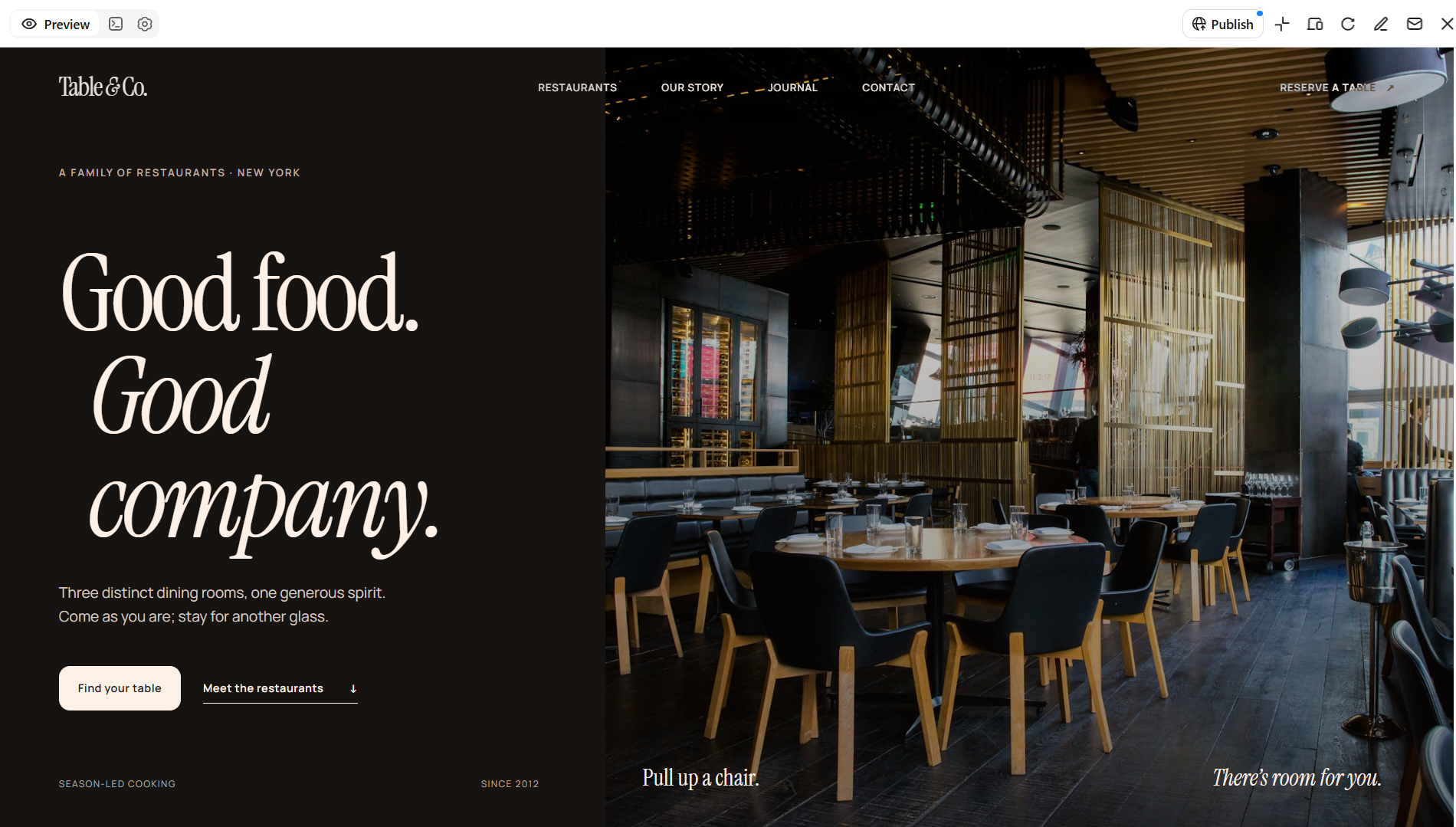
A restaurant group website template helps businesses manage the online presence of multiple restaurants under one brand or organization. It can introduce each restaurant, display individual menus, and provide location and reservation information. Consistent branding connects the different venues while allowing each one to stand out. These restaurant website templates are useful for groups that need a clear, organized online presence across multiple locations.
How to use
Step 1: Enter your prompt
Open Kimi Build and write a prompt explaining what kind of website you want the AI to generate.
Prompt:
Step 2: Let AI generate your website
Submit your prompt and let Kimi Build generate a website based on your requirements.
Step 3: Review and publish
Add the actual restaurant names, menus, locations, photos, and reservation links. Refine the navigation and branding, preview the website on different devices, and publish the finished site.
Why Kimi Build is a good choice for restaurant website design
Kimi Build is an AI-powered website creation tool that turns text prompts into customized website designs. It helps users create restaurant websites with tailored layouts, food photography, menu sections, and essential business information without needing advanced coding skills. Here are the key reasons why it can be a useful option for restaurant web design.
Custom website layouts for restaurant businesses
Describe your restaurant's business type, brand identity, and design preferences using natural-language prompts, or upload reference images to guide website creation. Kimi Build generates tailored layouts that bring together menu sections, food imagery, location details, brand information, and other content to match your restaurant's needs.
More flexibility than a single landing page
Multi-page websites and custom functionality allow restaurants to organize information across dedicated pages. Kimi Build supports both static websites and full-stack applications, providing options for projects with different levels of complexity.
Website refinement without starting over
Natural-language editing makes it possible to update specific parts of a restaurant website as needs change. Adjust page structures, rewrite descriptions, refine visual elements, and modify layouts while retaining the parts of the design that already work.
Responsive presentation across devices
Kimi Build supports websites that adapt to desktop, tablet, and mobile screens. Layouts and content can adjust to different viewing dimensions, helping maintain a consistent presentation for visitors using different devices.
Publishing and source code for further development
Kimi Build supports website preview and publishing through a shareable link. Access to generated source code, including HTML, React-based static sites, or full-stack applications depending on the project, also provides a foundation for further development.
Key practices for creating user-friendly restaurant sites
A well-designed restaurant website helps visitors find essential information and take action without unnecessary effort. Whether you choose restaurant website templates or build a custom site, these practices can make browsing easier and encourage customers to place an order.
Keep the menu easy to find and read
Place the menu in a prominent section so visitors can access it without searching through multiple pages. Organize dishes into clear categories, include prices and short descriptions, and use readable fonts to make choices easier.
Make booking and ordering buttons stand out
Use clear labels such as "Book a Table" or "Order Online" so visitors know what to do next. Place these buttons in visible locations, such as near the menu or restaurant details. You can also choose online restaurant website templates that support your required booking or ordering features.
Design for mobile screens first
Many customers visit restaurant websites on their phones while deciding where to eat or what to order. Ensure the menu, booking forms, and buttons adapt to smaller screens and remain easy to use without zooming or excessive scrolling
Show hours, location, and contact details clearly
Display opening hours, the restaurant's address, and contact information in an easy-to-find section. A map or directions link can also help visitors plan their journey and check whether the restaurant is open.
Use sharp photos that load quickly
Include appealing images of popular dishes, the dining area, and the restaurant's atmosphere to give visitors a better sense of the experience. Optimize image sizes so the photos look clear without slowing down the website.
Keep navigation simple and consistent
Use familiar menu labels such as Home, Menu, About, Reservations, and Contact to help visitors move between sections. Keep the navigation structure consistent across pages so customers can find information without getting lost
Make every page fast and easy to scan
Break information into short paragraphs, clear headings, and well-organized sections so visitors can quickly find what matters. Avoid unnecessary animations and oversized elements that may slow down the site or distract customers.
Conclusion
To sum up, A well-designed restaurant website showcases your menu, reflects your brand, and helps customers make reservations or place orders. Choosing the right restaurant website template makes it easier to create a site that matches your dining style and business needs. With Kimi Build, you can turn your ideas into a customized website and adjust its design and content to suit your restaurant.