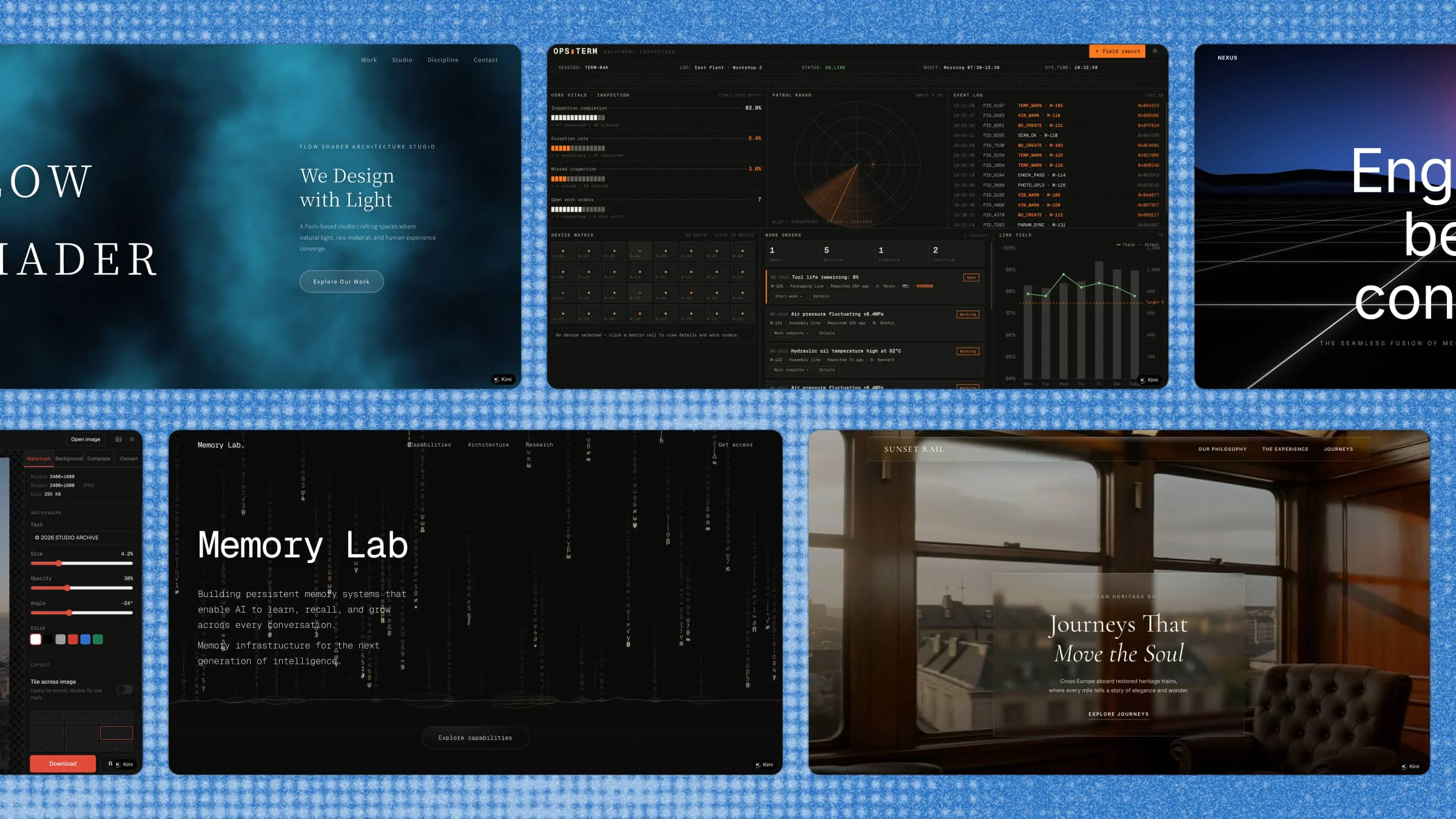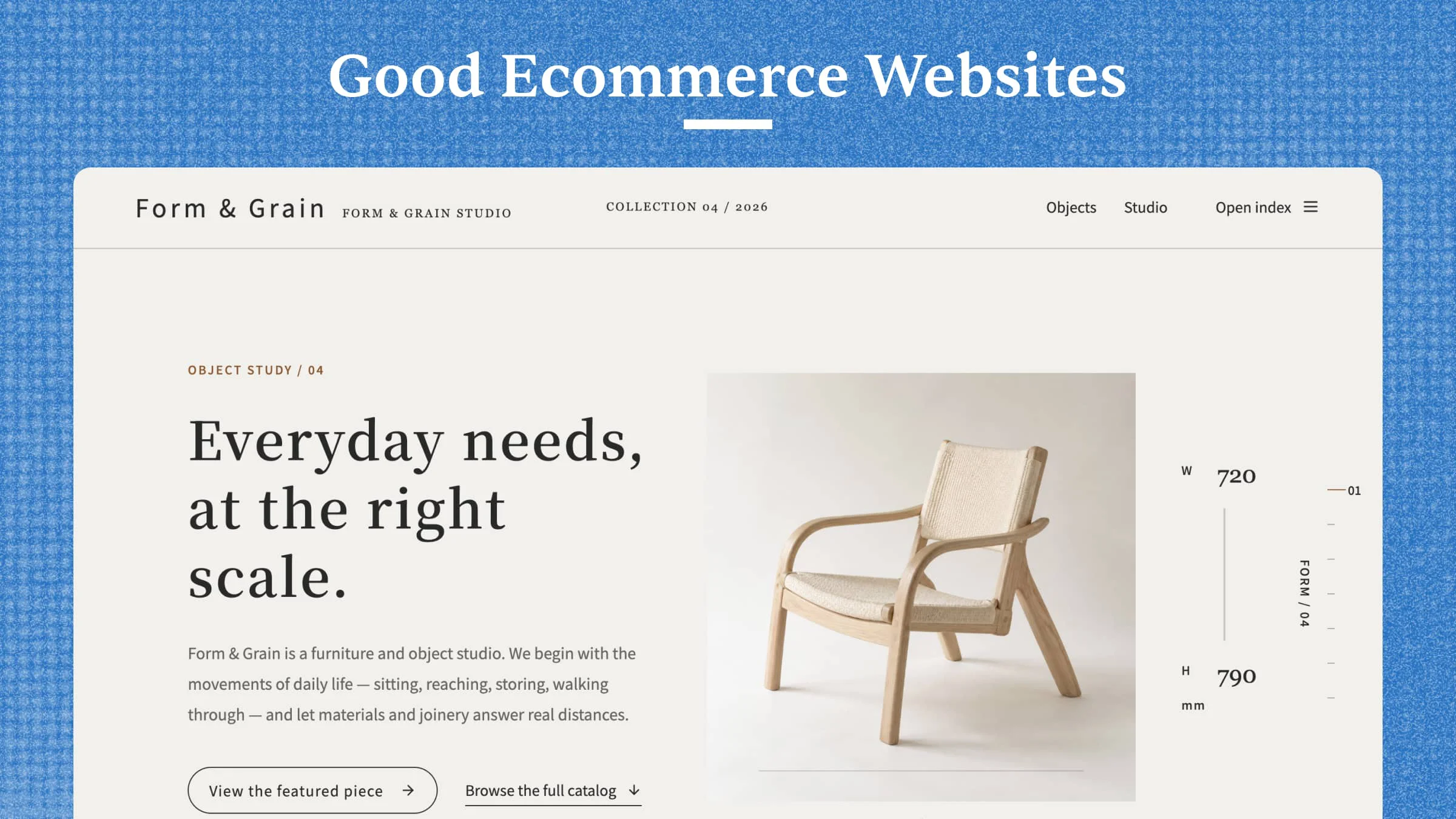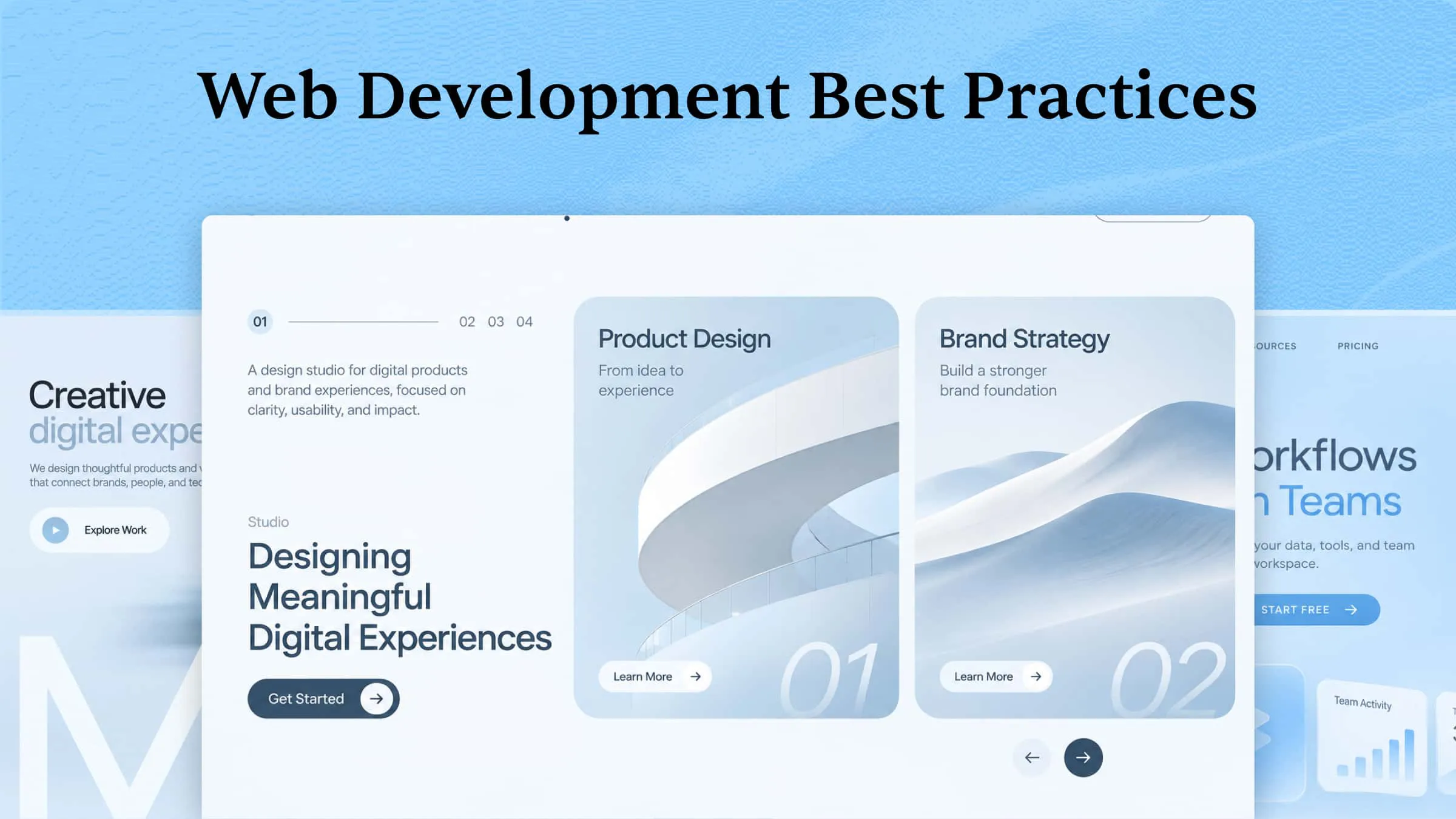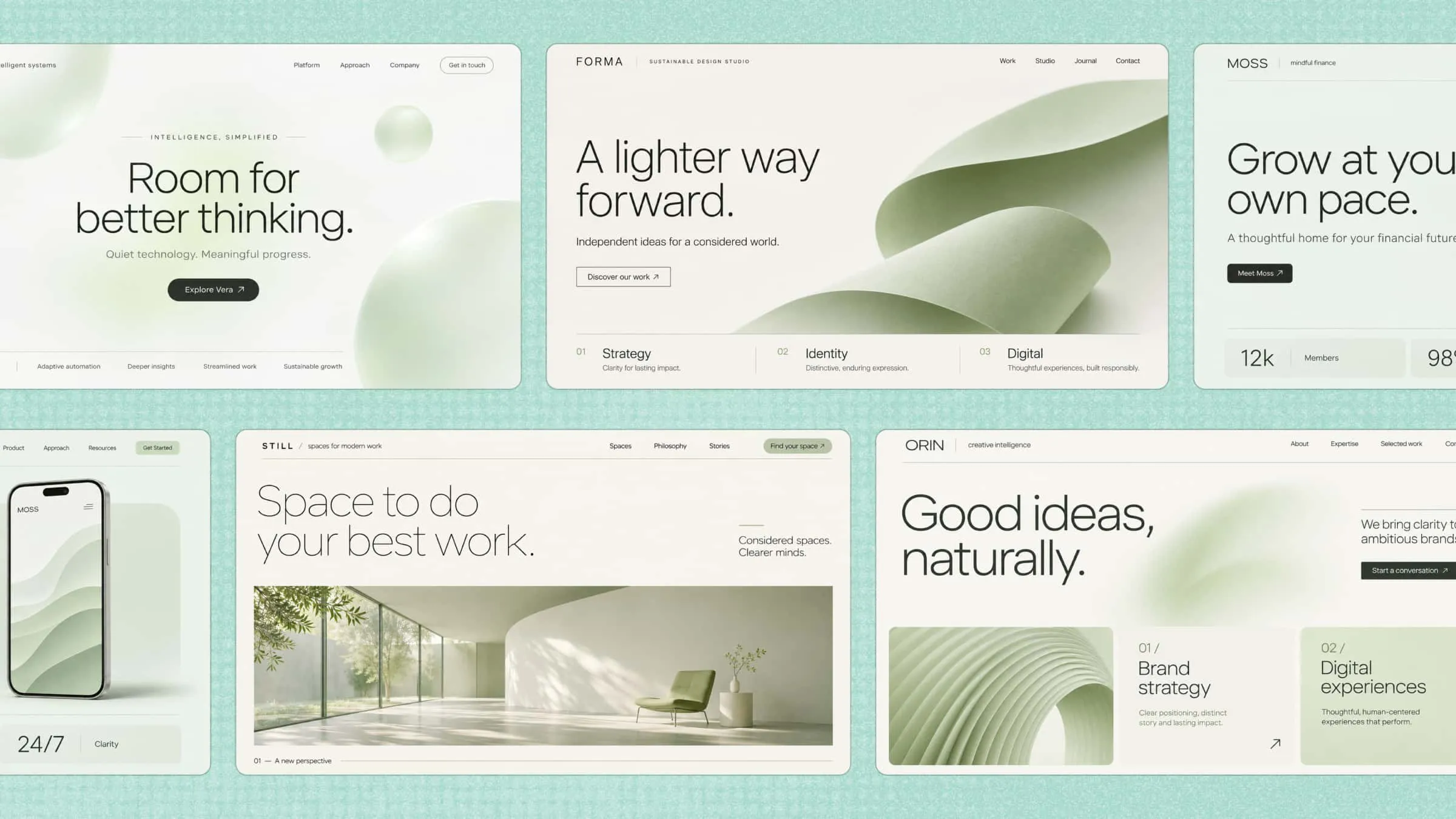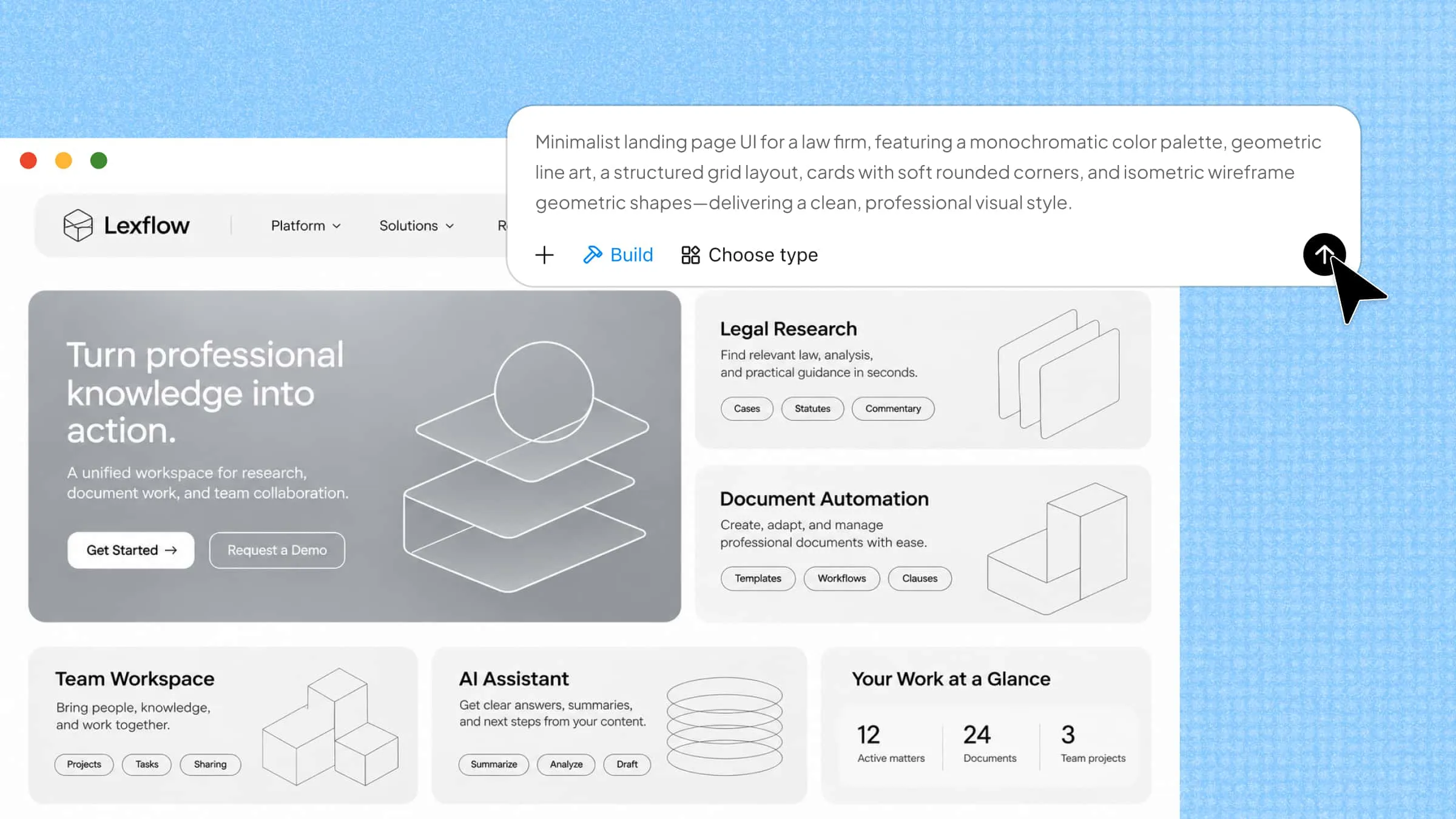
Building a web app involves more than just writing code, especially when you want to bring an idea to life without spending hours on setup and development. Web app development tools can make the process easier, whether you're designing pages, writing code, testing features, or launching your app. Some tools also use AI to speed up development and help you get more done with less effort. In this article, explore 10 smart tools that can help you build better web apps and find the right fit for your next project.
Overview of 10 web application development tools
Web application development tools vary in how they support the building process, from visual interfaces and low-code workflows to AI-assisted creation and traditional coding environments. The overview below highlights 10 tools, their core capabilities, development styles, and suitable project types to help you identify options that align with your needs.
| Tool | Core strength | Development style | Standout capability | Ideal project type |
|---|---|---|---|---|
| Kimi Build | AI-powered app creation | Natural-language prompts | Visual references and iterative editing | Interactive web app prototypes |
| Bubble | Visual app building | No-code | Built-in database and workflows | Marketplaces and business apps |
| WeWeb | Frontend development | Low-code | External backend connectivity | Customer portals and dashboards |
| Lovable | AI app generation | Prompt-based | AI-generated frontend and backend integrations | MVPs and prototypes |
| Replit | Cloud-based coding | Code + AI | AI Agent and integrated deployment | Full-stack applications |
| FlutterFlow | Cross-platform development | Low-code | Visual Flutter development | Mobile and web apps |
| React | Interactive interfaces | Component-based coding | Reusable UI components and Hooks | Single-page applications |
| Angular | Structured development | Framework-based coding | Built-in routing and dependency injection | Enterprise applications |
| Django | Backend development | Python-based coding | ORM and built-in authentication | Database-driven applications |
| Bolt.new | AI-assisted coding | Prompt-based | Browser-based code generation and preview | Rapid web app prototypes |
10 powerful web development tools you need to try
Choosing the right tool can make a big difference in how easily you build, manage, and launch a web app. Some tools focus on coding and debugging, while others help with design, collaboration, and deployment. Here's a list of 10 web development tools and what each one can bring to your workflow.
Kimi Build
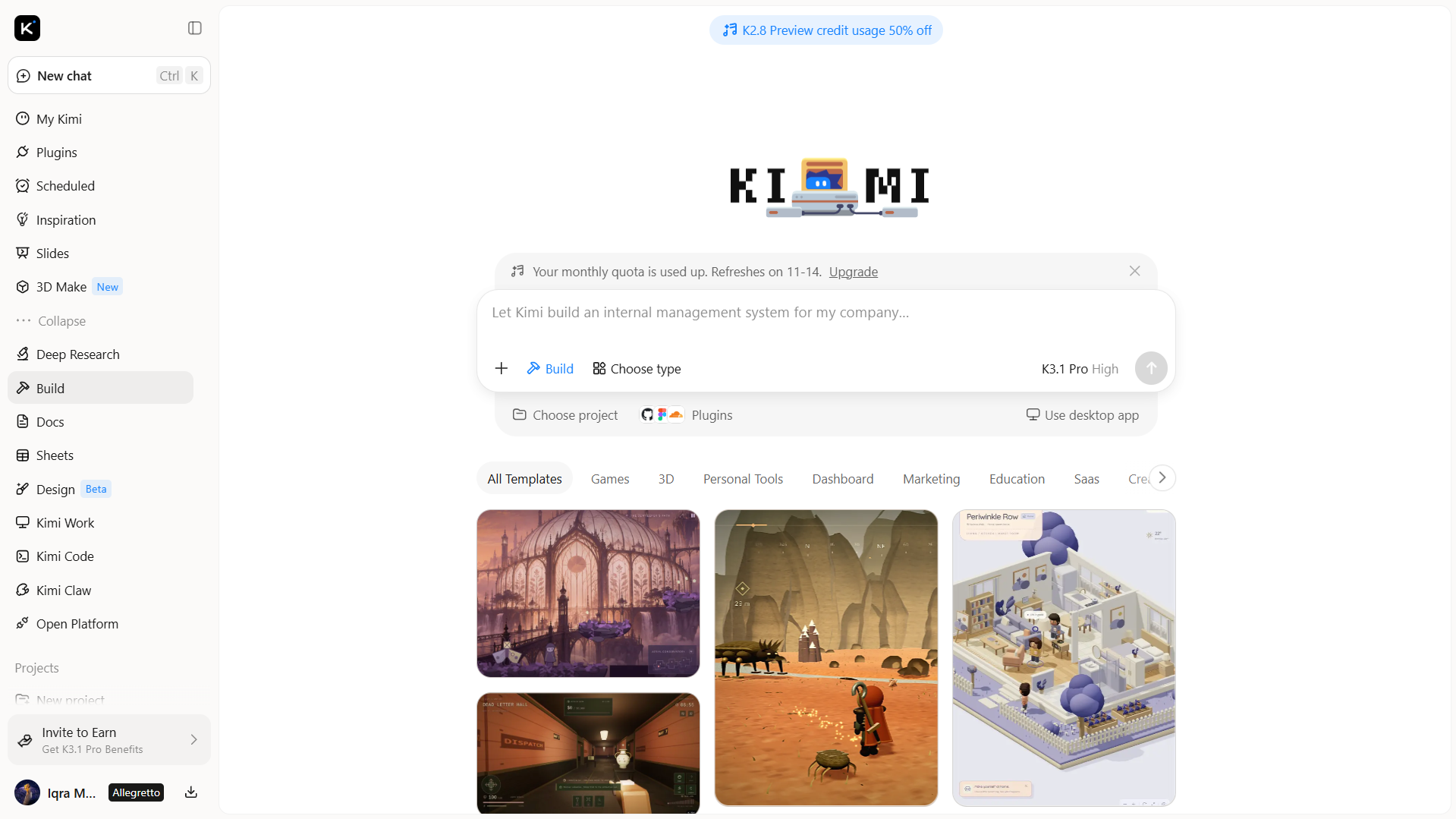
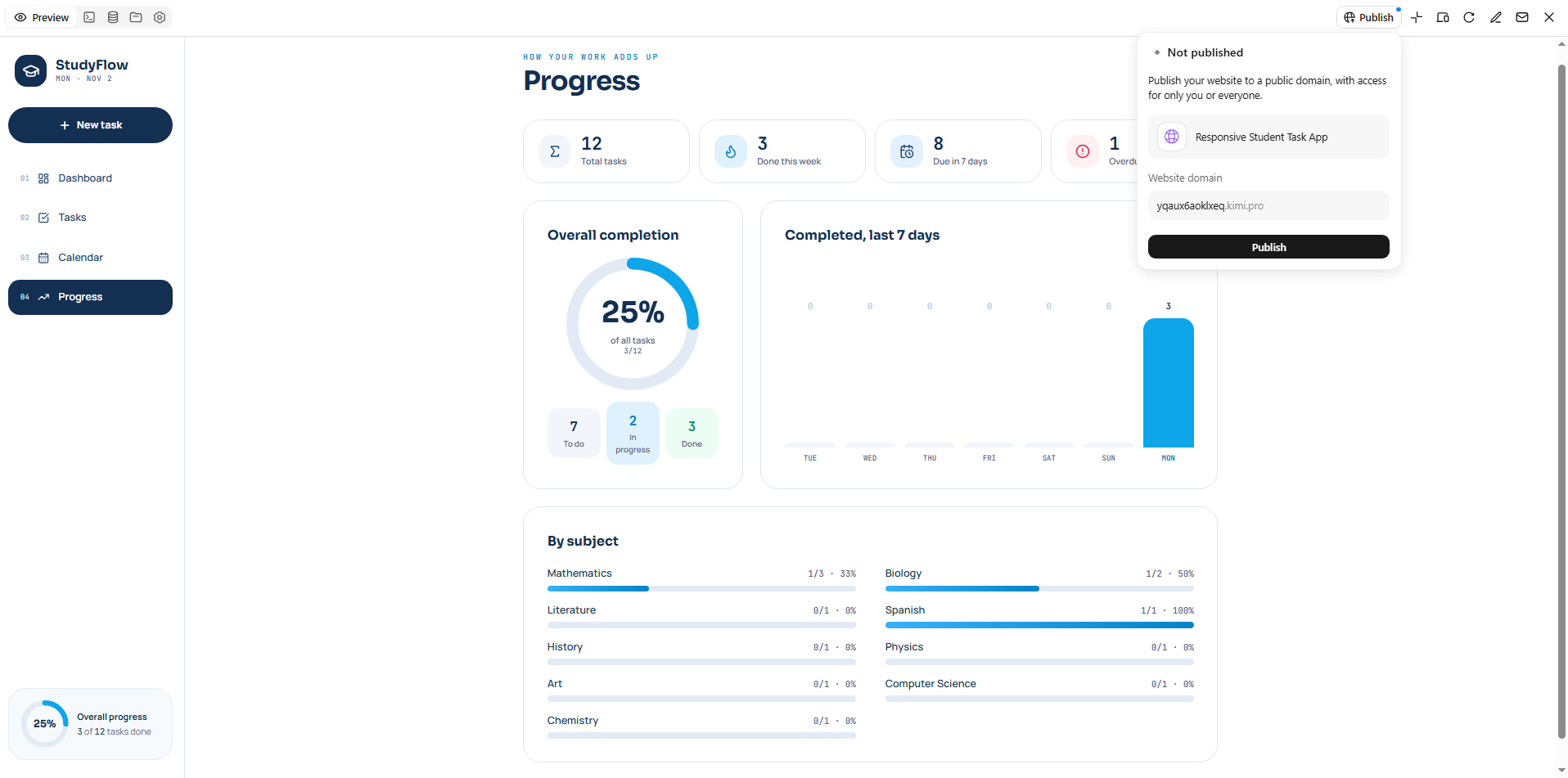
Kimi Build is an AI website builder that turns natural language prompts into functional web applications. Instead of building everything manually, you can describe your idea, and Kimi Build generates the structure, layout, and code needed to bring it to life. It also lets you refine designs, add features, and make changes through simple prompts, making it easier to move from an initial idea to a working web app.
Main features
Turn web app ideas into interactive prototypes: Describe your application requirements in natural language, including its purpose, target users, page structure, and core features. Kimi Build generates a corresponding web interface, helping you turn concepts into interactive browser-based prototypes without manually writing every line of code.
Generate web interfaces from visual references: Upload design mockups, webpage screenshots, or screen recordings to guide the layout and visual direction. Kimi Build interprets these references to generate corresponding web pages, helping translate existing design concepts into browser-based experiences.
Build interactive application interfaces: Use AI to transform natural-language prompts into interactive web interfaces featuring navigation, forms, buttons, filters, animations, and other elements. AI generates interface components based on your descriptions, which you can further refine through prompts to shape the layout, interactions, and overall user experience.
Customize applications through iterative editing: Review the generated application and request changes using natural-language prompts. You can also comment on specific interface elements or make manual adjustments to refine text, images, layouts, colors, and other design details. Version history lets you revisit earlier iterations when needed.
Publish and export web projects: Publish supported projects online and share them through a public link. You can also access or download project source files for further development, giving you flexibility to continue customizing the application or manage deployment through your own workflow.
Suitable for
Creating interactive web app prototypes from ideas and natural-language prompts
Turning design mockups and visual references into functional web interfaces
Building dashboards, landing pages, and applications with interactive features
Customizing, testing, and publishing web projects without extensive manual coding
How to develop a web app using AI
You don't need to write every line of code to build a web app with AI. With Kimi Build, you can start with a simple idea and turn it into a working application. Here's how to get started:
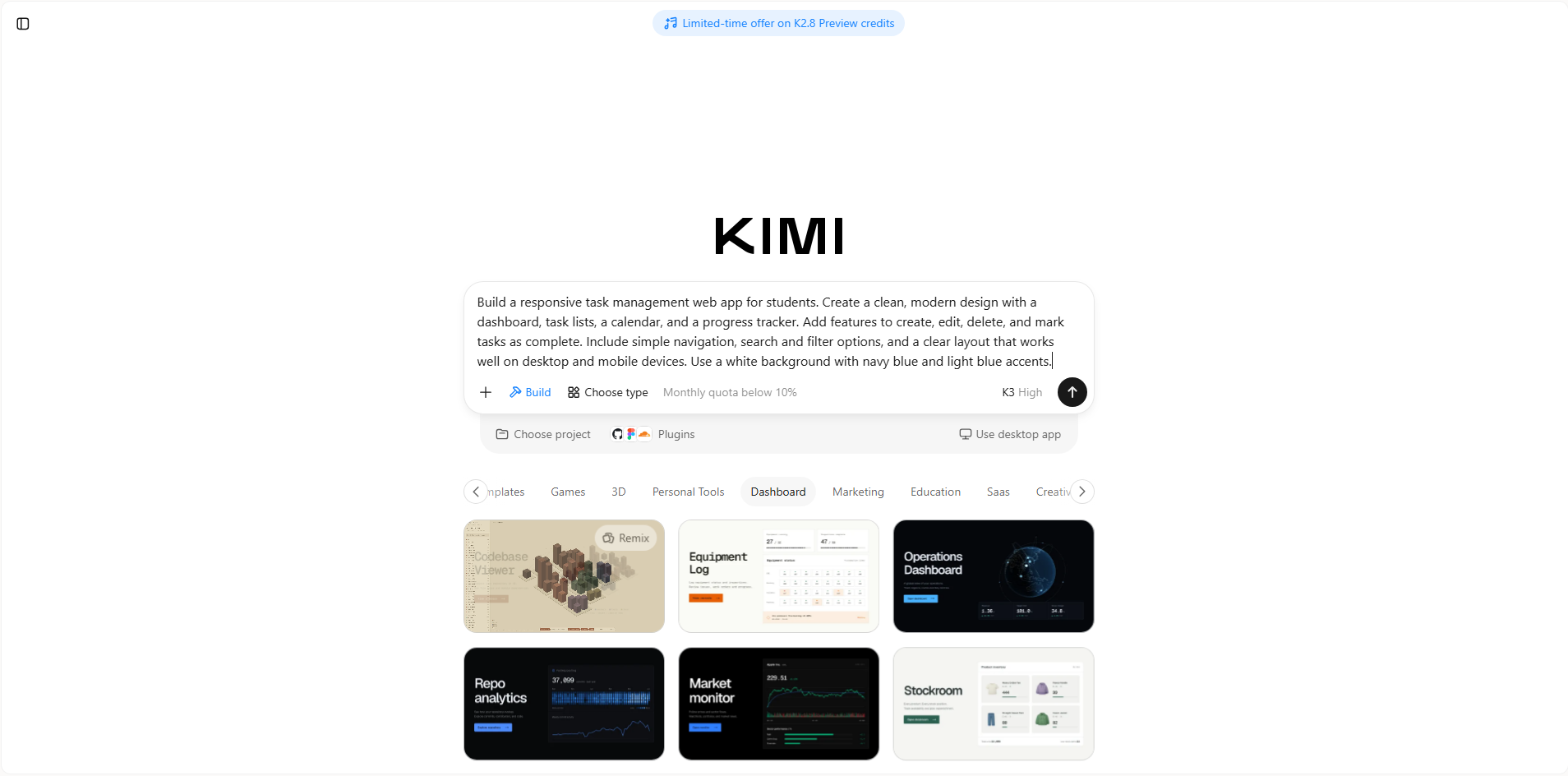
Step 1: Enter your web app requirements
Open Kimi Build and describe the web app you want to create. Include its purpose, target audience, preferred design, page structure, and key features, so the tool can generate an application that matches your idea.
Example prompt:
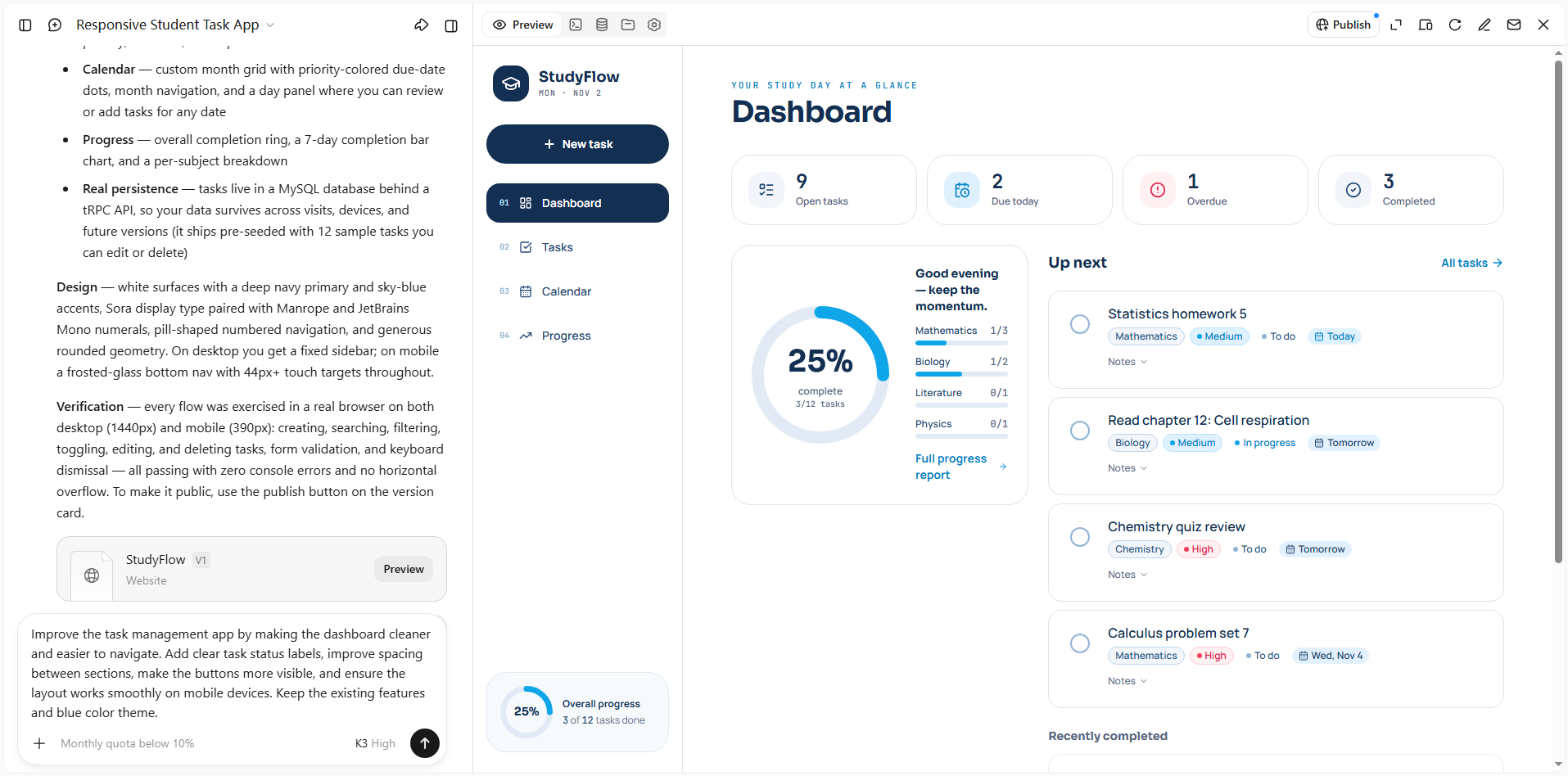
Step 2: Edit and refine the web app
Once Kimi Build generates the initial version, preview the application and check its layout and content. Identify anything that needs improvement and use natural-language prompts to adjust colors, spacing, buttons, navigation, or functionality. Repeat this process until the app works and looks the way you want.
Step 3: Export and publish your web app
When your web app is ready, review its pages and test the main features to make sure everything works properly. Use Kimi Build's publishing option to make the supported project available online and share it through a public link.
Bubble
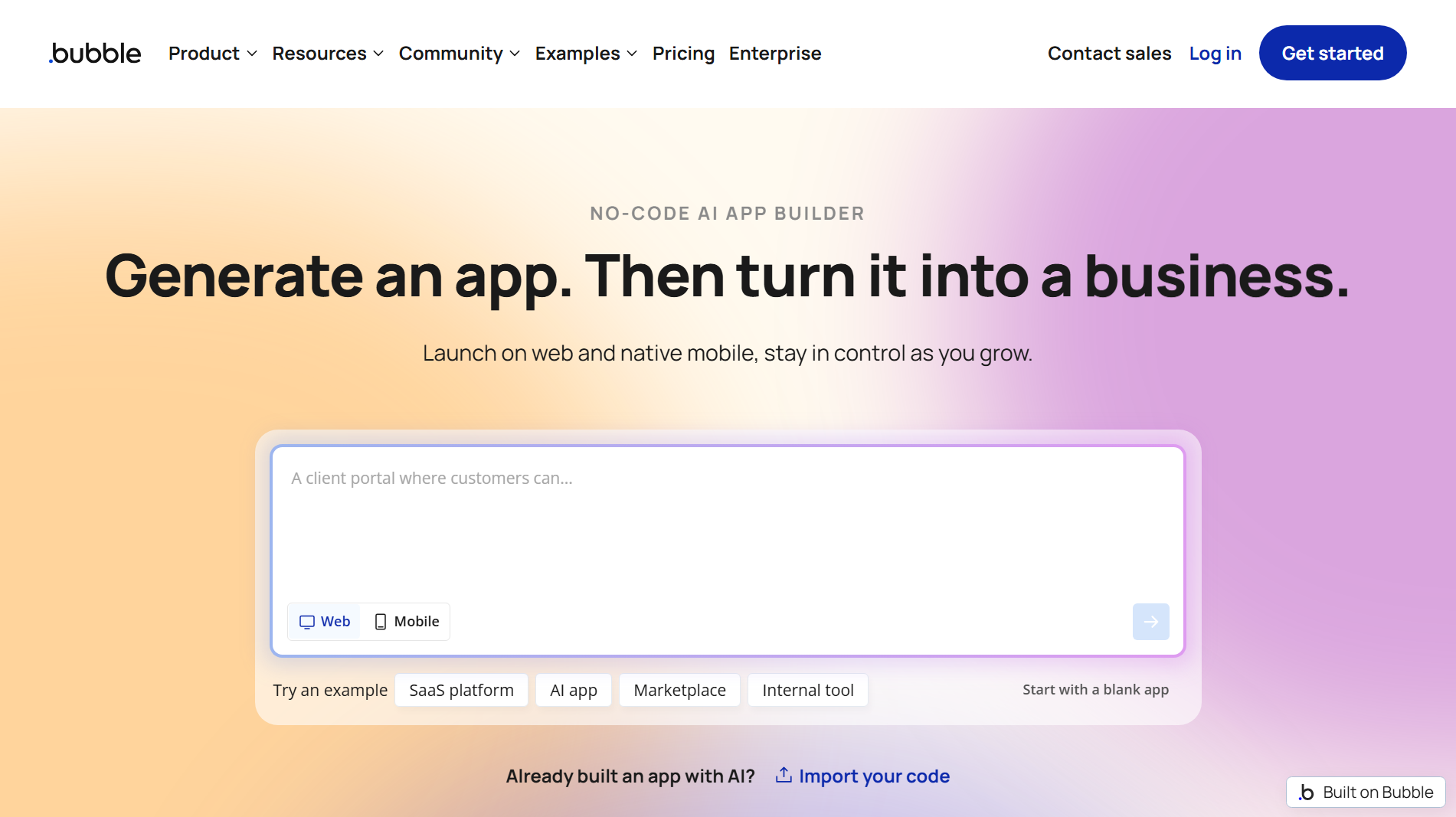
Bubble is a no-code development platform for building web applications without writing traditional code. It provides a visual editor where you can design pages, manage databases, and define application workflows. You can connect APIs, add user accounts, and create interactive features. It is useful for developing complete web apps through a single visual development environment.
Main features
Visual application editor: Design web pages using drag-and-drop elements. Customize layouts, buttons, forms, and other components without coding.
Built-in database management: Create and manage databases to store user information, application content, and other records. Set data types and relationships to organize information.
Workflow automation: Define how your application responds to user actions. Create workflows for form submissions, account registration, payments, and other processes.
API integrations: Connect external services and third-party APIs to extend application functionality. Exchange data between Bubble and other platforms.
Suitable for
Building customer portals and membership platforms
Creating marketplaces and booking applications
Developing internal business management tools
Launching MVPs without traditional coding
WeWeb
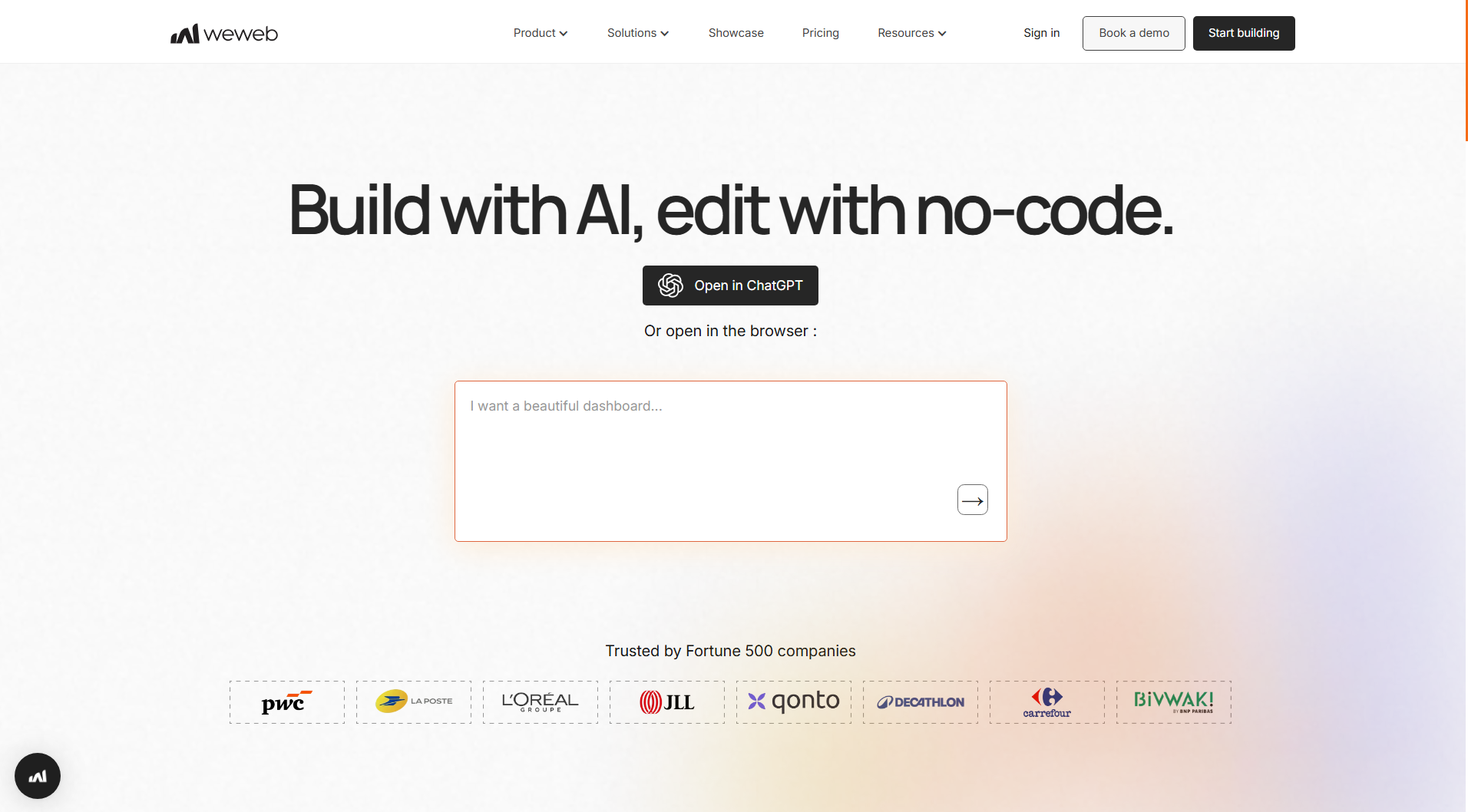
WeWeb is a visual development platform for building responsive web applications with a low-code approach. It combines a drag-and-drop editor with frontend development capabilities, allowing you to create application interfaces without writing everything from scratch. You can connect external databases and backend services to manage application data.
Main features
Visual frontend builder: Create application layouts using reusable components and drag-and-drop controls. Adjust page structures, styling, and responsive behavior.
Backend integrations: Connect databases and backend services to retrieve and manage application data. Work with external APIs to support different application functions.
Dynamic data binding: Display information from connected data sources in your application. Use variables and collections to create data-driven pages.
Custom code support: Add JavaScript and custom CSS when built-in options are not enough. This provides greater flexibility for advanced interface requirements.
Suitable for
Building responsive business web applications
Creating customer-facing portals and dashboards
Developing data-driven applications connected to external backends
Designing internal tools and administrative interfaces
Lovable
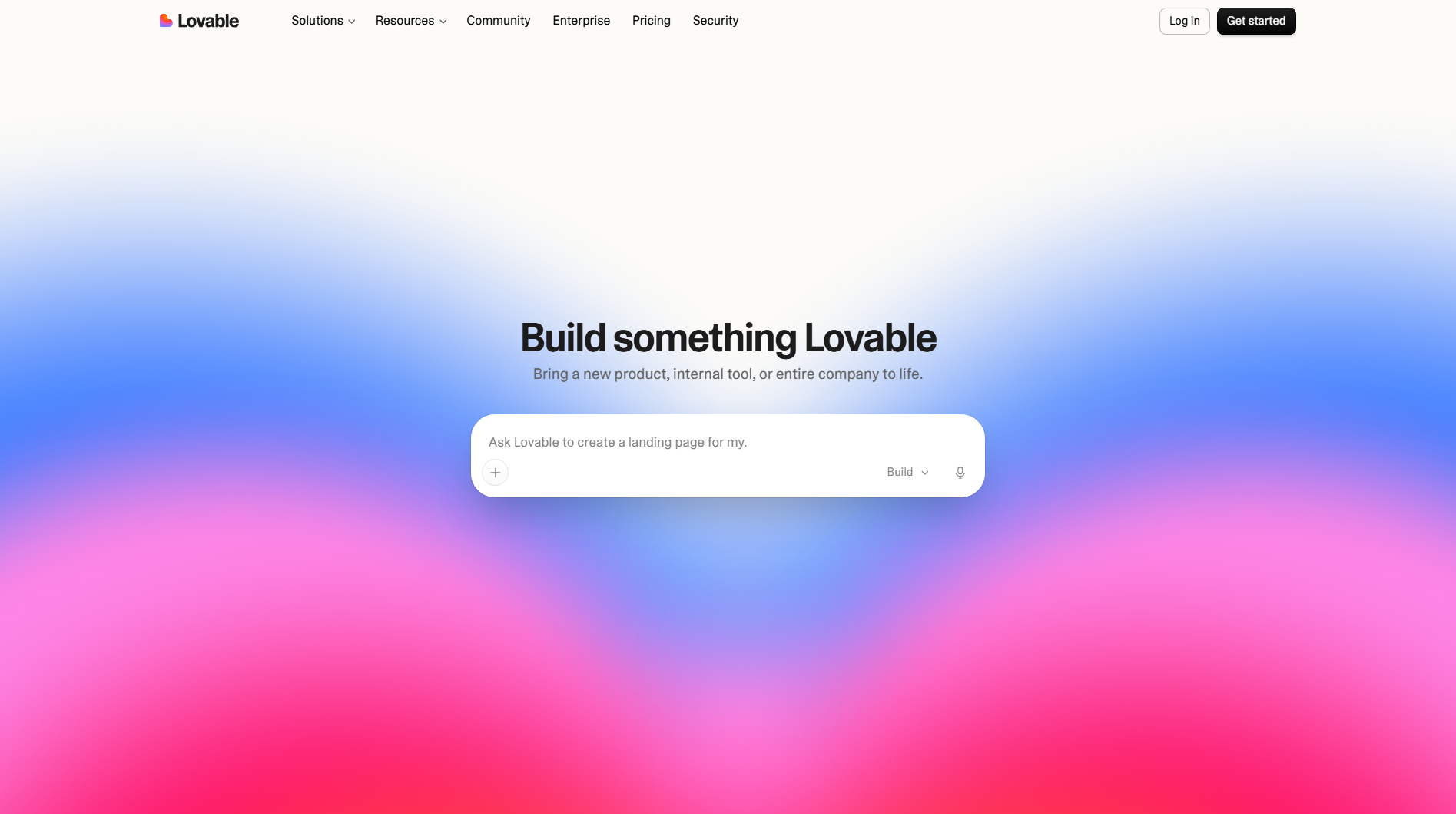
Lovable is an AI-powered development platform that generates web applications from natural-language descriptions. You can explain your project requirements, and it creates the frontend and application structure based on your instructions. It supports integrations with services such as Supabase for database and authentication functionality.
Main features
Prompt-based app generation: Describe your application idea, features, and preferred design in natural language. Lovable uses your instructions to generate an initial working application.
Frontend development: Generate page layouts, navigation, forms, and interactive components. Refine the interface through additional prompts.
Database and authentication integration: Connect Supabase to manage application data and user accounts. Add backend functionality without building every service manually.
Code access and editing: Review and modify the generated source code. Continue development outside the platform when you need additional customization.
Suitable for
Turning ideas into functional web app prototypes
Building MVPs for startups and small businesses
Creating dashboards and customer-facing applications
Developing applications with AI-assisted coding
Replit
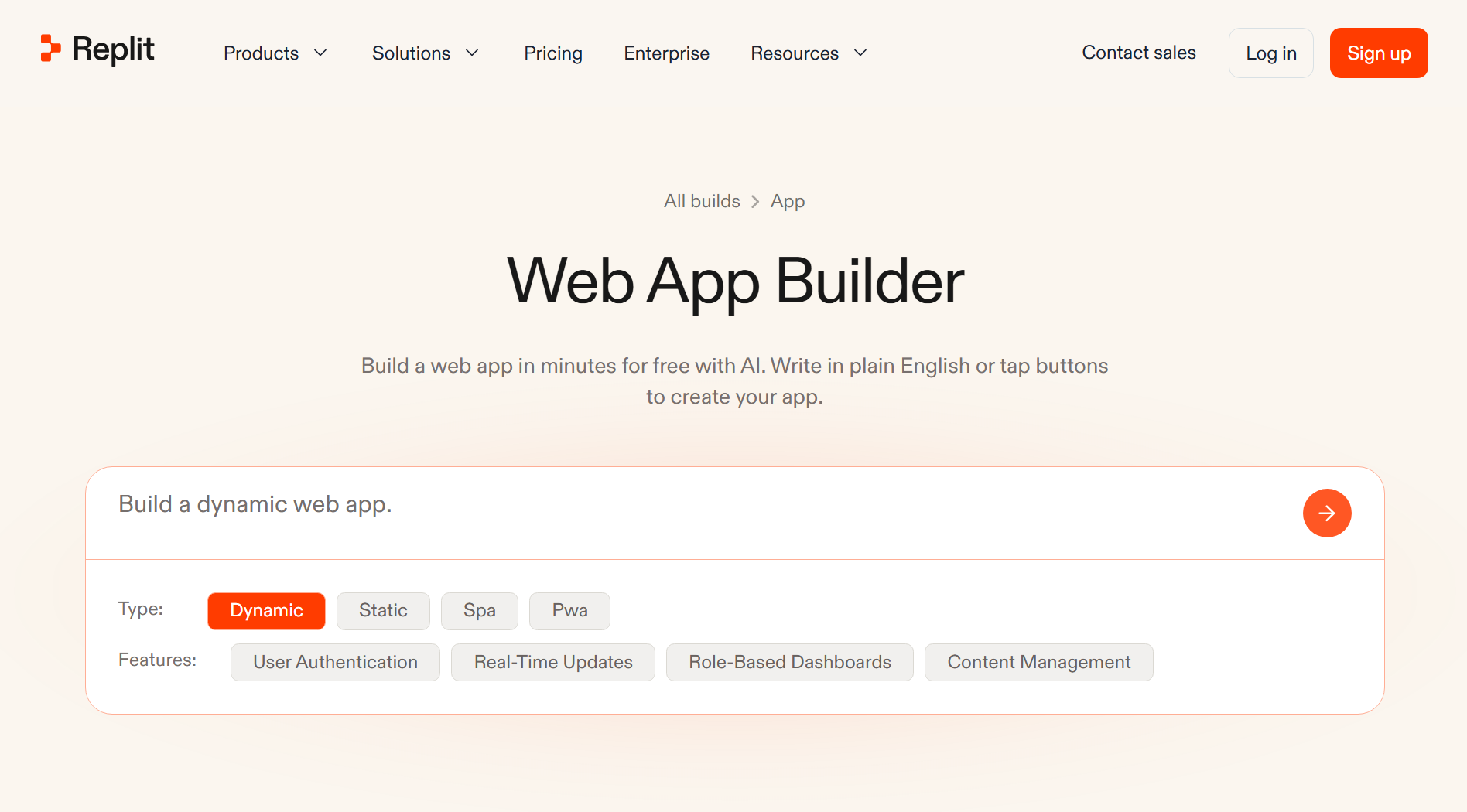
Replit is a cloud-based development environment that lets you write, run, test, and deploy applications from a browser. It supports multiple programming languages and provides an integrated workspace for managing project files and dependencies. Its AI-powered Agent can help generate code, troubleshoot errors, and build application features from instructions.
Main features
Browser-based coding environment: Write and manage code without installing a local development environment. Access your projects from different devices through a browser.
AI Agent: Describe what you want to build and let the Agent help create application files and features. It can also assist with debugging and code improvements.
Integrated testing and debugging: Run applications, inspect errors, and test changes within the same workspace. This helps identify problems during development.
Application deployment: Publish supported projects online directly from Replit. Manage hosting and deployment without setting up a separate environment.
Suitable for
Building full-stack web applications
Creating and testing coding projects in the browser
Developing AI-powered application prototypes
Learning programming through practical projects
FlutterFlow
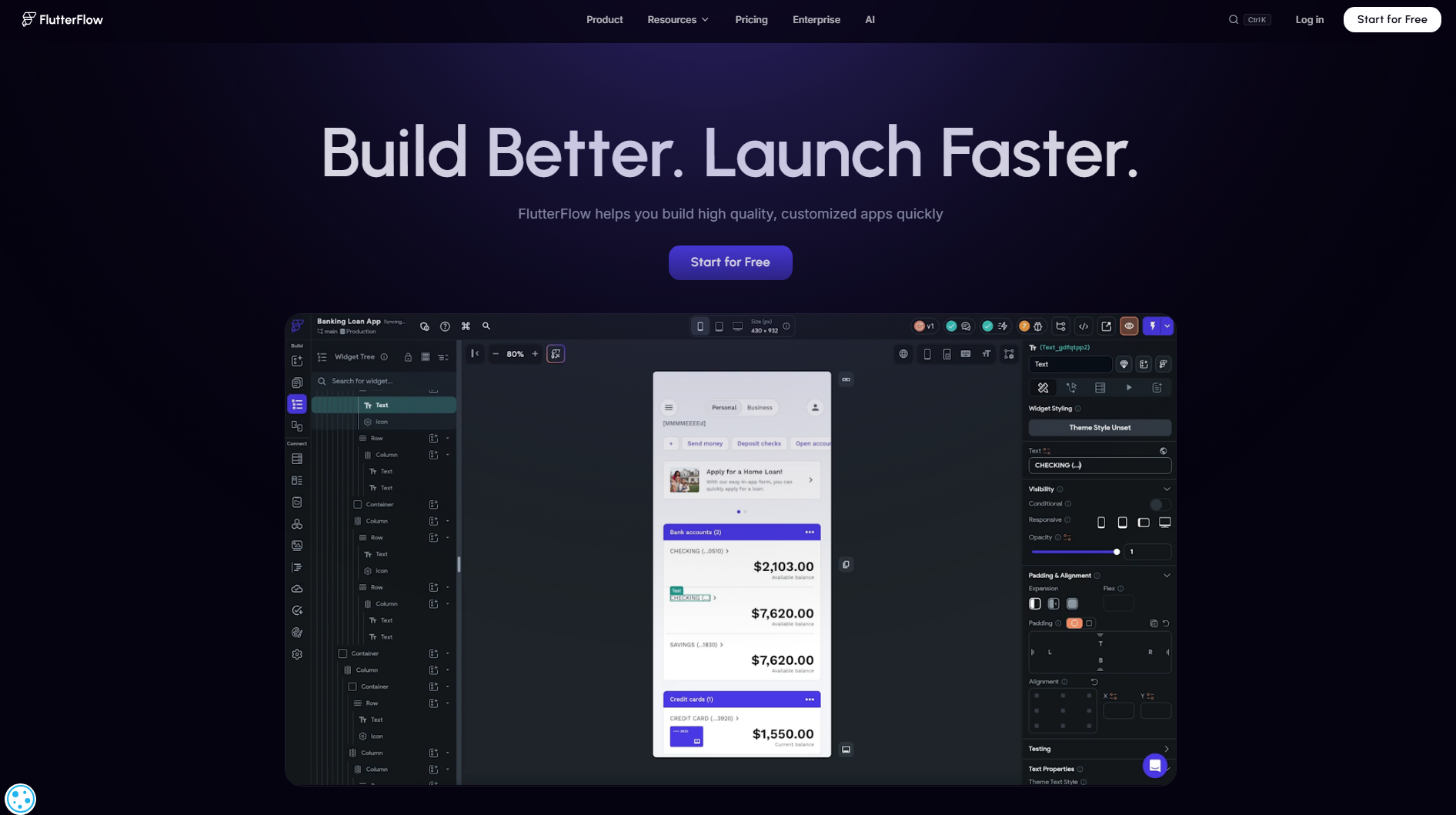
FlutterFlow is a low-code development platform for creating applications using a visual interface and Flutter technology. It allows you to design screens, connect application logic, and integrate backend services through visual controls. You can also add custom Dart code when your project needs functionality beyond the built-in components.
Main features
Visual UI builder: Design application screens using drag-and-drop widgets. Customize layouts, navigation, and responsive elements.
Visual application logic: Connect user actions with different functions and workflows. Define how buttons, forms, and other components behave.
Backend connectivity: Integrate services such as Firebase and Supabase. Manage authentication, databases, and application data.
Code export: Export Flutter source code for further development. Customize the project using Dart and Flutter outside the platform.
Suitable for
Building cross-platform mobile and web applications
Creating applications with user authentication
Developing interactive business and customer portals
Prototyping applications with visual development tools
React
React is an open-source JavaScript library used to build interactive user interfaces for web applications. It uses a component-based structure, allowing developers to divide pages into smaller, reusable parts. Its virtual DOM helps update specific parts of a page when data changes. React also supports a large ecosystem of libraries for routing, state management, and other development tasks.
Main features
Reusable components: Build interfaces using independent components that can be reused across different pages. This makes application development easier to manage.
Virtual DOM: Update specific interface elements when application data changes. This helps maintain smooth interactions without refreshing the entire page.
State management: Manage changing application data using built-in Hooks and external libraries. Keep interface elements updated based on user actions.
Large developer ecosystem: Use third-party libraries and tools to add features such as routing, animations, and form validation. Access extensive documentation and community support.
Suitable for
Building interactive single-page applications
Creating dynamic dashboards and admin panels
Developing reusable user interface components
Building data-driven websites and web applications
Angular
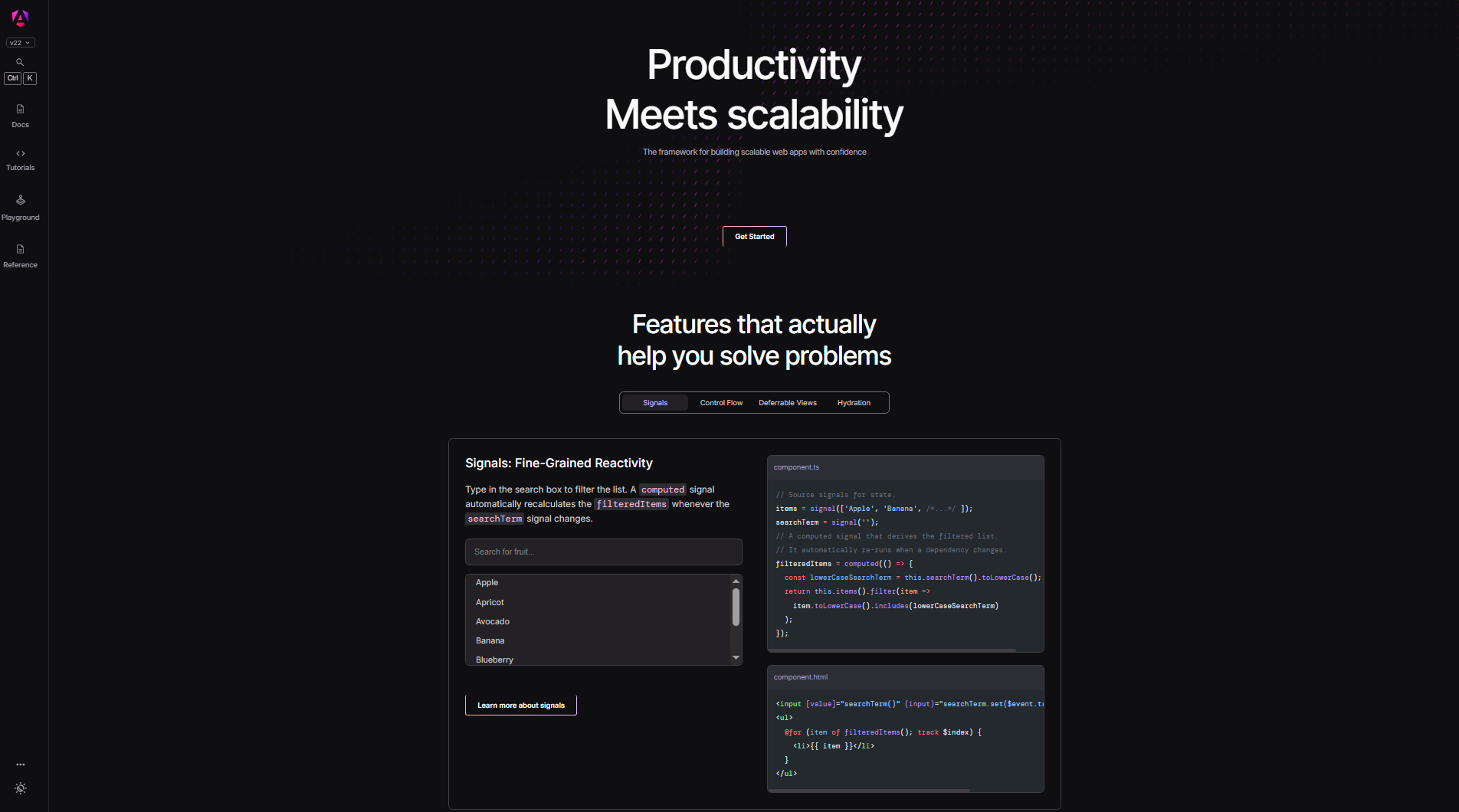
Angular is an open-source web development framework maintained by Google. It uses TypeScript and provides a structured approach to building large-scale web applications. The framework includes built-in features for routing, forms, data handling, and dependency injection. These tools help developers manage complex projects without relying heavily on separate libraries.
Main features
Component-based architecture: Divide applications into reusable components with their own templates and logic. Organize large projects into manageable sections.
Built-in routing: Create navigation between different application views. Support page transitions and route protection within the same project.
Dependency injection: Manage services and share functionality across different components. This makes application code easier to maintain and test.
Reactive forms: Build forms with built-in validation and data handling. Track user input and display validation messages when needed.
Suitable for
Developing large-scale enterprise applications
Building complex dashboards and management systems
Creating applications with multiple pages and forms
Developing structured business applications with TypeScript
Django
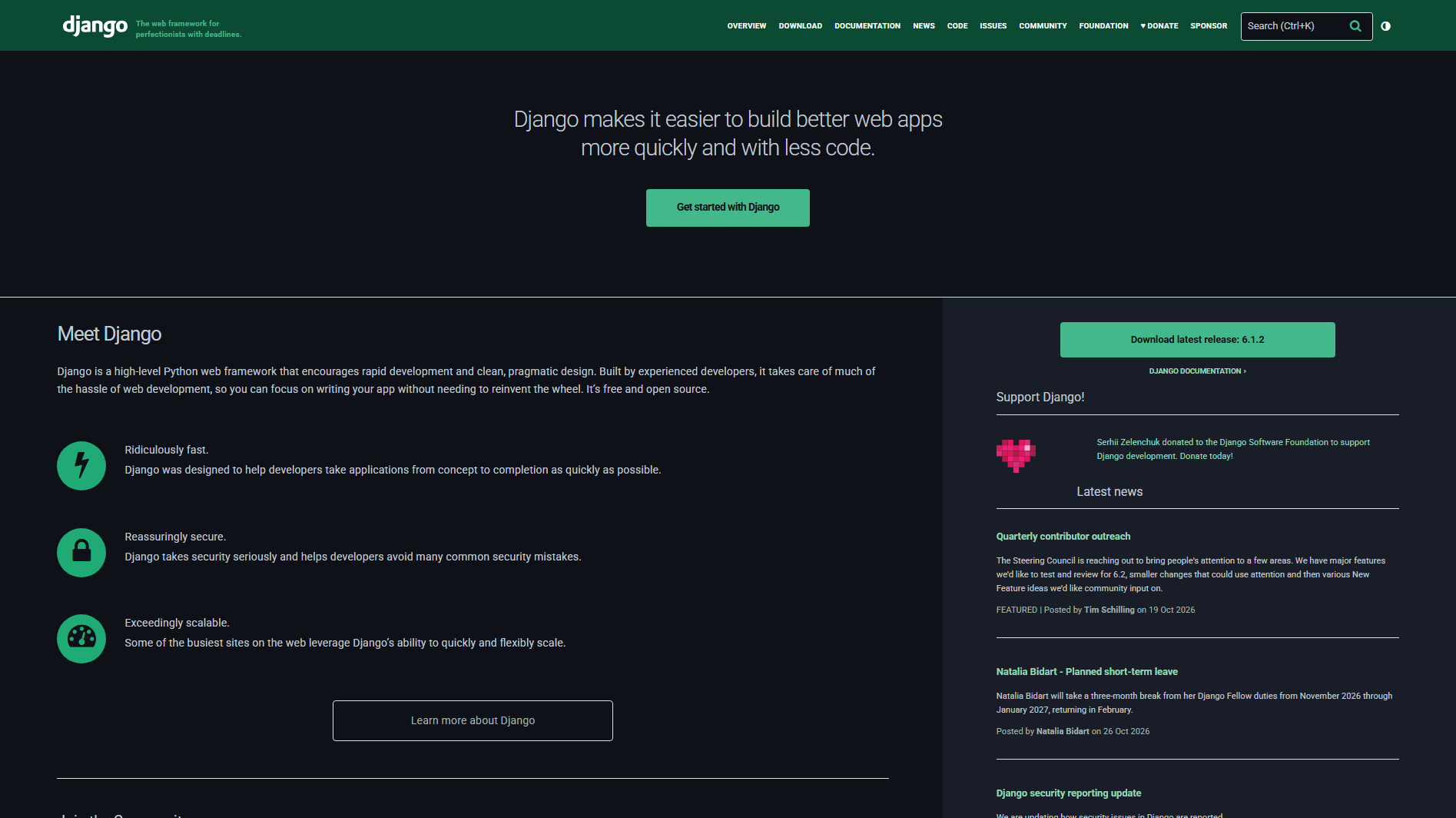
Django is a high-level Python web framework designed for building secure and scalable web applications. It follows the Model-Template-View (MTV) architectural pattern to organize application logic, data, and presentation. It includes built-in tools for database management, user authentication, and administrative tasks.
Main features
Object-relational mapper (ORM): Work with databases using Python objects instead of writing SQL queries for every operation. Manage records and database relationships through models.
Built-in authentication: Handle user registration, login, permissions, and account management. Use its authentication system to protect application resources.
Automatic admin panel: Manage application data through a ready-made administrative interface. Add, edit, and delete database records without building a separate dashboard.
Security features: Use built-in protections against common web vulnerabilities, including cross-site scripting and cross-site request forgery. Configure secure authentication and application settings.
Suitable for
Building database-driven web applications
Developing content management systems
Creating secure user accounts and business portals
Building backend systems and REST APIs
Bolt.new
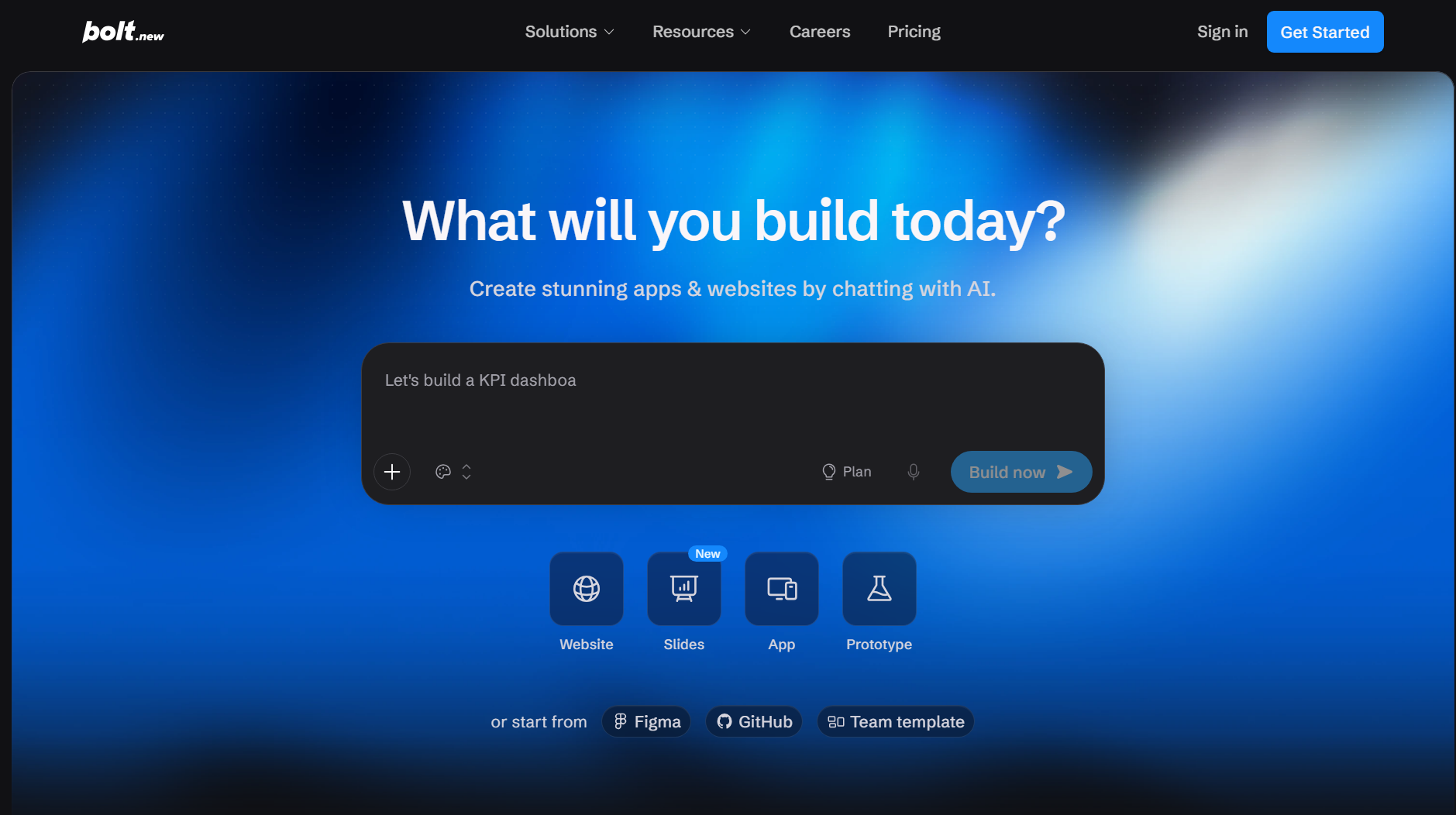
Bolt.new is an AI-powered development platform that helps create web applications through natural-language prompts. It uses browser-based development environments to generate and modify application code. You can describe your requirements, review the generated project, and request changes without manually handling every coding task. It also provides tools for running and previewing applications during development.
Main features
AI-powered code generation: Describe your application requirements in natural language. Bolt.new generates project files and code based on your instructions.
Browser-based development: Create and manage applications directly in your browser. Work with project files and development tools without a traditional local setup.
Live application preview: View your application as it develops and check how changes affect its appearance. Identify design or functionality issues during the process.
Prompt-based editing: Request changes to layouts, components, and application features. Refine the generated code through an iterative development process.
Suitable for
Building web app prototypes from simple ideas
Creating MVPs for startups and new projects
Developing interactive websites and dashboards
Testing application concepts with AI-assisted coding
How to choose a web app development tool
Not every development tool offers the same features, flexibility, or level of control. The right choice depends on your project goals, technical skills, budget, and plans for future growth. Before selecting from the available rapid web application development tools, consider the following factors to find one that fits your needs.
Define your project requirements
Start by deciding what you want your web application to do and who will use it. List essential features such as user accounts, payment processing, dashboards, or data management. Clear requirements will help you choose a tool without paying for unnecessary features.
Evaluate coding requirements
Consider your coding skills and whether you prefer a visual editor, AI assistance, or traditional programming. No-code platforms suit beginners, while frameworks offer more control to experienced developers. If you want to use AI for web app development, look for tools that generate code and support prompt-based editing.
Check frontend and backend capabilities
Check whether the tool supports interface design, database management, authentication, and API connections. Some platforms provide both frontend and backend features, while others focus on one area. Choose an option that covers your application's technical requirements.
Consider customization and scalability
Choose a tool that lets you adjust layouts, add features, and customize application behavior. Check for custom code support, third-party integrations, and reusable components. These features become important as your application grows and attracts more users.
Review testing and deployment options
Look for features that let you preview, test, and debug your application before launch. Check whether the tool supports responsive testing, error detection, hosting, and source code export. These options can make rapid web application development tools more practical for your workflow.
Conclusion
From a simple prototype to a feature-rich application, every project needs an approach that makes development manageable. With so many web application development tools available, you have more ways to create, test, and launch your ideas. You don't always need to start with complex coding or a lengthy setup. Give Kimi Build a try and see how easily you can turn a simple prompt into a web app.