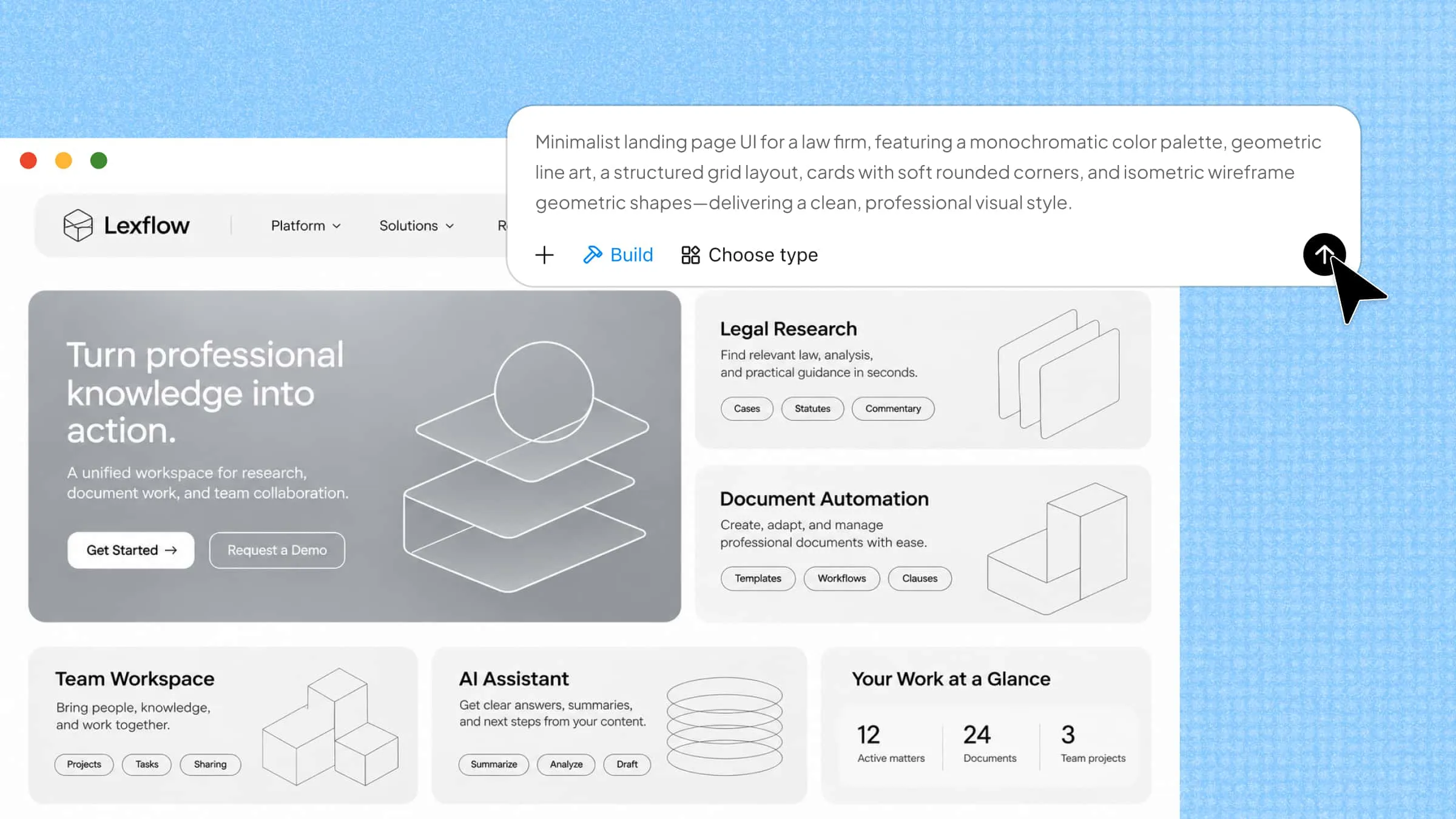
A slow website can quickly frustrate visitors, affect search rankings, and make even a great product harder to sell. The good news is that small improvements in how a website is built can make a big difference in its speed, security, and overall performance. Following web development best practices also makes websites easier to update, manage, and use across different devices. Read on to explore the best practices that can help you build faster, safer, and more reliable websites.
Overview of website development best practices
Building a successful website involves more than writing code or choosing the right design. You need to consider everything from user experience and loading speed to security and long-term maintenance. The following table covers web development best practices and what each one helps you achieve:
| Web development best practice | Key focus |
|---|---|
| Define project goals and requirements | Clarify project objectives, target users, scope, and technical requirements. |
| Improve user experience and navigation | Create clear navigation, consistent layouts, and user-friendly interactions. |
| Build responsive, mobile-first layouts | Ensure layouts and features work across mobile, tablet, and desktop screens. |
| Ensure accessibility and compliance | Use semantic HTML, alt text, keyboard navigation, and sufficient color contrast. |
| Keep code clean and maintainable | Build reusable components and follow consistent coding conventions. |
| Improve loading speed and performance | Improve loading speed through image compression, caching, and efficient resource loading. |
| Protect data and application security | Validate inputs, use HTTPS, manage access controls, and update dependencies. |
| Make your web app SEO-friendly | Optimize page titles, metadata, URLs, heading structures, and crawlability. |
| Test across browsers and devices | Check functionality, compatibility, and error handling through manual and automated testing. |
| Manage versions and maintain your app | Track code changes, fix bugs, update dependencies, and monitor application performance. |
10 best practices for web app development in 2026
A good website should do more than look appealing. It should load quickly, work smoothly on different devices, keep user data safe, and be easy to maintain as your needs grow. Let's look at 10 practical web application development best practices that can help you achieve these goals:
Define project goals and requirements
Start by identifying the website's or application's purpose, target audience, core features, and expected outcomes. Establish the project scope, priorities, timeline, and technical requirements before development begins. A clear plan helps prevent unnecessary changes, scope creep, and repeated development work while keeping the team focused on shared goals.
Improve user experience and navigation
Design the interface around how users interact with the website or application. Use clear navigation menus, consistent page layouts, recognizable buttons, and descriptive calls to action. Organize content logically so users can find information and complete tasks without unnecessary steps, confusion, or delays, creating a smoother overall experience.
Build responsive, mobile-first layouts
Build layouts that adapt to different screen sizes, starting with mobile devices and then expanding to tablets and desktops. Use flexible layouts, responsive images, and appropriate breakpoints to maintain readable content and functional interactions across devices. Test key features on different screen sizes rather than relying on desktop previews alone.
Ensure accessibility and compliance
Make your website usable by people with different abilities and browsing needs. Use semantic HTML elements, descriptive image alt text, sufficient color contrast, keyboard-accessible controls, and visible focus indicators. Following established accessibility guidelines, such as WCAG, helps create more inclusive and consistent web experiences.
Keep code clean and maintainable
Organize code into clear, reusable components and modules instead of relying on overly complex or duplicated code. Follow consistent naming conventions, formatting rules, and coding standards. Add comments and documentation where they clarify important logic. This makes the codebase easier to review, debug, update, and extend as project requirements change.
Improve loading speed and performance
Improve loading speed and responsiveness by compressing images, reducing unnecessary JavaScript and CSS, enabling resource compression, and using browser caching or a content delivery network (CDN) where appropriate. Consider lazy loading for off-screen media and avoid scripts that block page rendering. Monitor performance using tools such as Lighthouse and PageSpeed Insights.
Protect data and application security
Treat security as an ongoing requirement rather than a final pre-launch check. Validate and sanitize user inputs, use HTTPS, apply appropriate authentication and access controls, and keep software dependencies updated. Follow established security guidance, such as the OWASP recommendations, to reduce risks including cross-site scripting (XSS), SQL injection, and unauthorized access.
Make your web app SEO-friendly
Make it easier for search engines to discover, crawl, and understand your content. Use descriptive page titles and meta descriptions, logical heading structures, semantic HTML, clean URLs, and meaningful internal links. Ensure important content can be accessed by search engine crawlers, especially when using JavaScript to render pages. Optimize page speed and mobile usability as part of the process.
Test across browsers and devices
Test the website or application throughout development, not just before launch. Check functionality, navigation, forms, interactive elements, and error handling across major browsers and devices. Combine manual testing with automated tests to identify issues early and verify that updates do not break existing features. CI/CD pipelines can help automate checks before code reaches production.
Manage versions and maintain your app
Use version control systems such as Git to track code changes, collaborate with other developers, and restore earlier versions when necessary. After deployment, continue monitoring performance, fixing bugs, updating dependencies, applying security patches, and reviewing user feedback. Regular maintenance helps keep the application stable and aligned with changing requirements.
Create responsive and functional web pages with AI
Creating responsive web pages requires careful planning, coding, and testing across different screen sizes. Kimi Build, an AI website builder, speeds up this process by turning written prompts into functional web pages with responsive layouts and reusable elements. You can describe your design and required features in natural language, then refine the generated pages to match your needs.
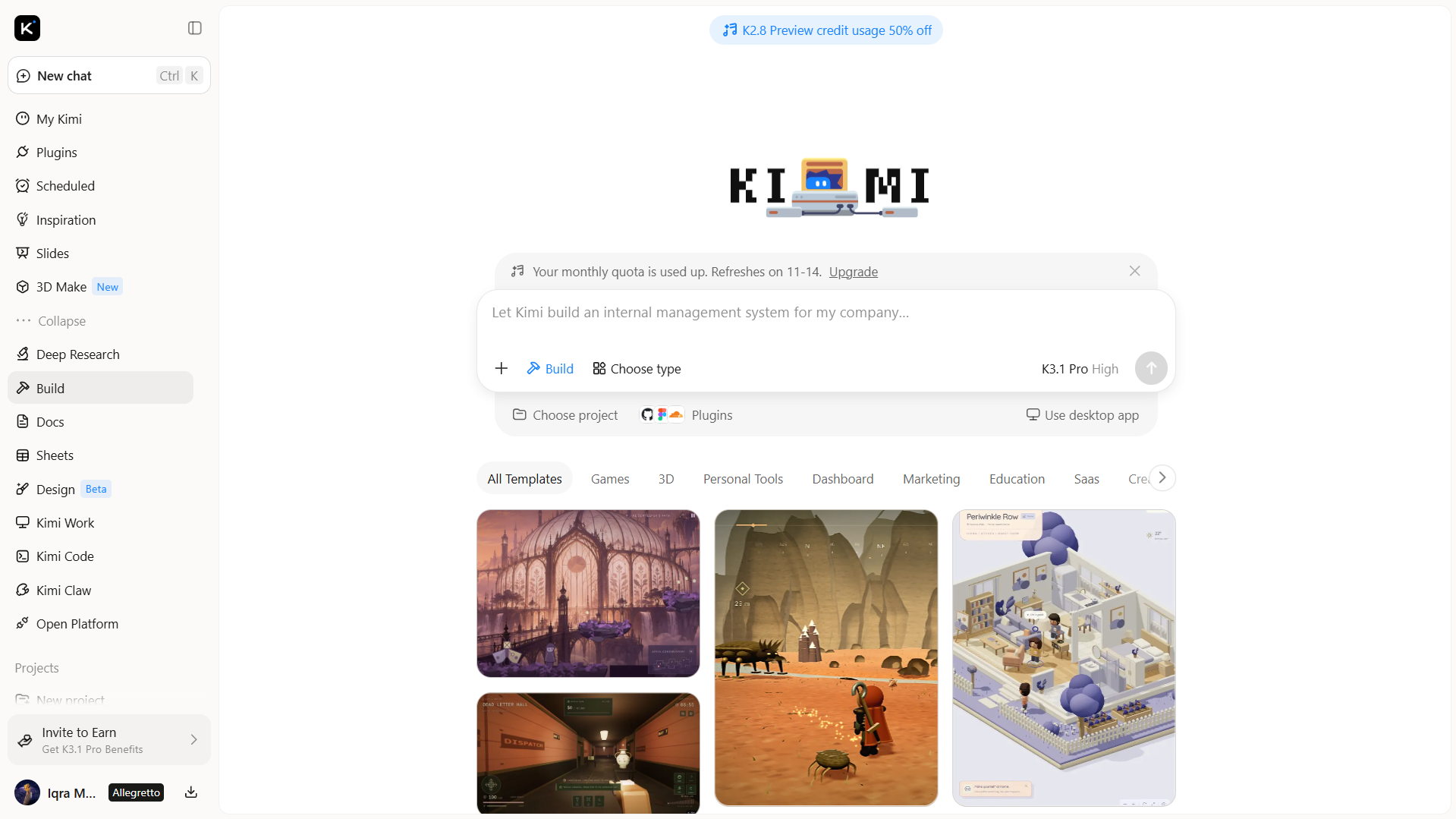
Kimi Build features for web development
Generate websites from natural-language prompts: Describe your website's purpose, target audience, page structure, and desired features in natural language. Kimi Build turns these requirements into a website, helping you move from an initial idea to a working web experience without manually coding every element.
Create web pages from visual references: Upload website screenshots, design mockups, or screen recordings to provide visual guidance. Kimi Build can interpret reference materials and generate corresponding page layouts, helping translate design concepts into functional web interfaces.
Build interactive website elements with AI: Use natural-language prompts to describe the website elements you need, such as navigation menus, buttons, forms, filters, animations, and other interactive components. AI generates the corresponding elements based on your instructions, allowing you to refine their appearance and behavior to create a more engaging browsing experience.
Customize layouts and website content: Use natural-language prompts to revise generated pages, or select individual elements for targeted comments and adjustments. You can also manually edit text, images, shapes, colors, layouts, backgrounds, and other visual elements to align the website with your requirements.
Track changes and revisit previous versions: Refine your website through multiple editing rounds while keeping track of earlier iterations. Version history allows you to revisit previous designs and restore an earlier version when a change does not meet your expectations.
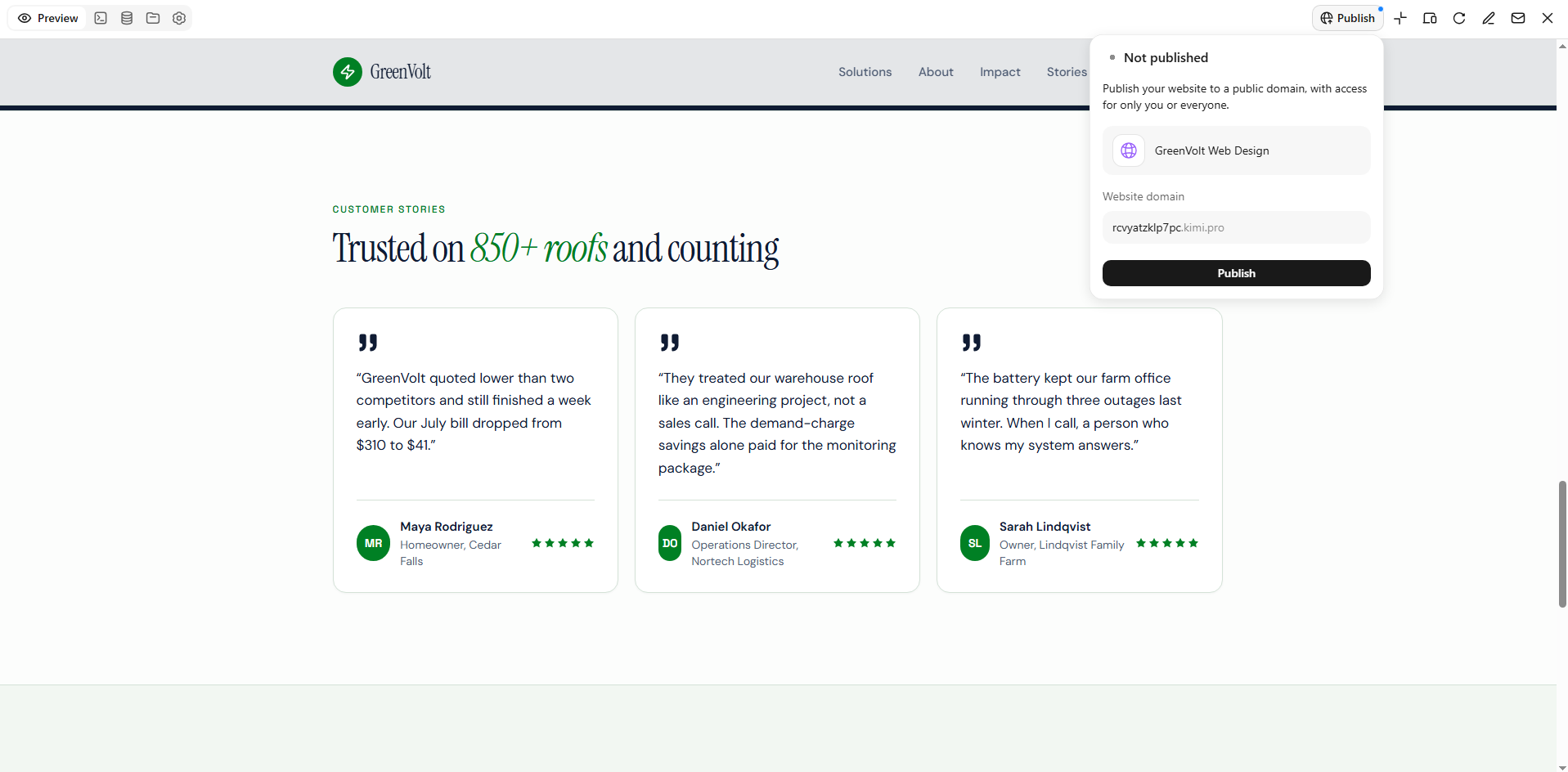
Publish and share website projects: Publish supported projects online and share them through a public link. You can also access or download project source files for further development, giving you more flexibility to continue working on your website after generation.
How to develop a website using AI
AI tools can make website development faster by helping you plan layouts, generate code, and bring your ideas to life with less manual work. You don't need to start from scratch or handle every technical detail yourself. Follow these simple steps to build a website using AI.
Step 1: Enter your website requirements
Start by describing the website you want to create, including its purpose, target audience, design, and key features. Be specific, so Kimi Build can better understand your idea and generate a suitable layout.
Example prompt:

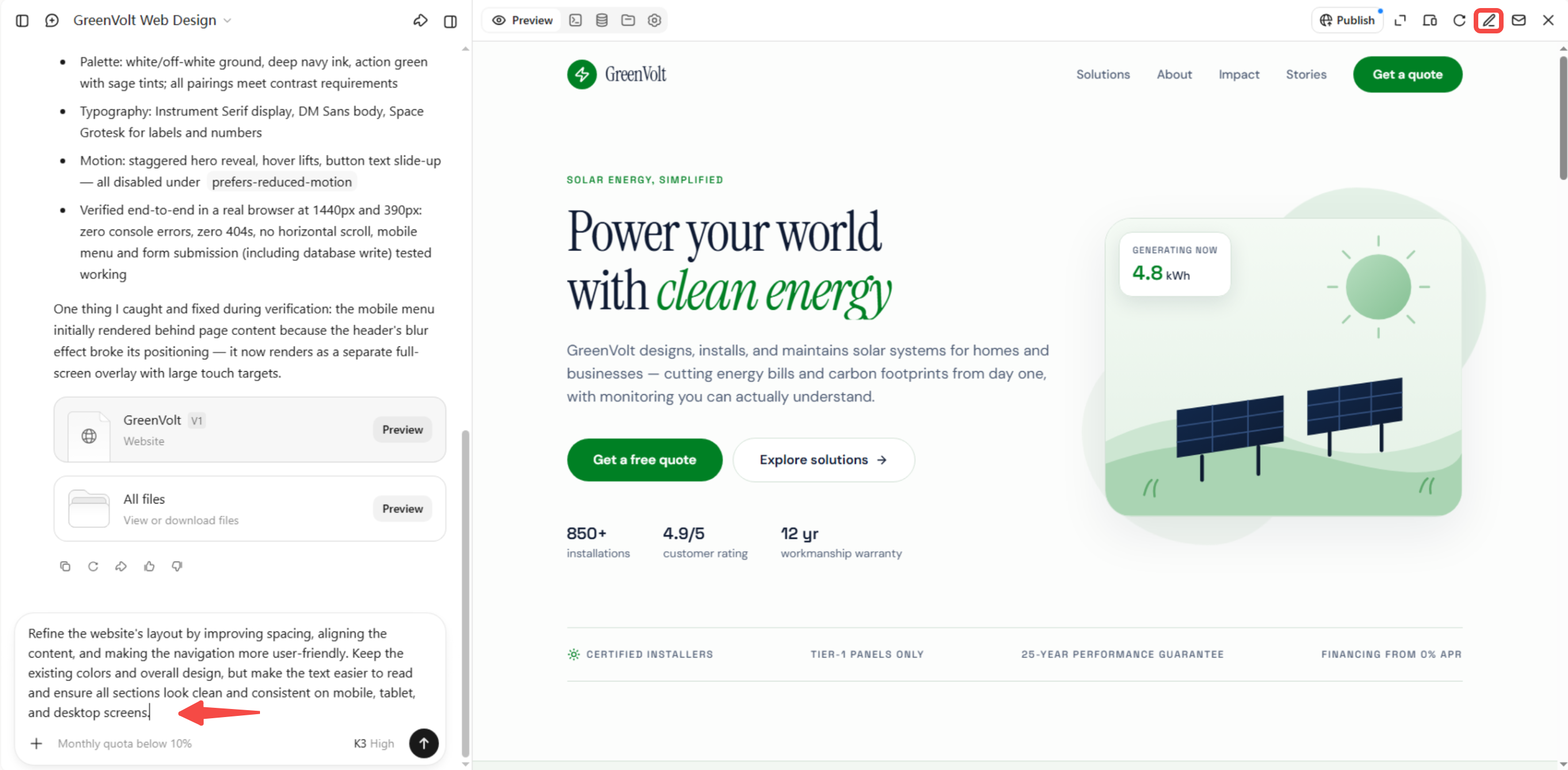
Step 2: Edit and customize your website
Enter prompts in the chat box to adjust colors, layouts, spacing, content, or features. You can also click "Edit" to comment on specific elements and request targeted changes, or manually modify website components directly. Refine the design and interactions until they meet your requirements.
Step 3: Export and publish your website
Preview your website on different devices and test its links, buttons, and forms. Once everything works as expected, export the website files and publish them using your preferred hosting platform.
Common mistakes to avoid in web development
Even a well-designed website can run into problems when important development details are overlooked. Small mistakes can affect loading speed, user experience, security, and long-term maintenance. Understanding these issues can help you follow better web development best practices and build websites that work reliably:
Poor planning and unclear project goals
Starting development without clear goals can lead to confusion, unnecessary features, and wasted time. Before writing code, define the website's purpose, target audience, main features, and expected results. Set clear priorities and project requirements so everyone understands what needs to be built.
Overlooking mobile responsiveness
A website that works well on desktops may become difficult to use on smaller screens. Ignoring mobile responsiveness can lead to broken layouts, unreadable text, and poorly placed buttons. Use flexible layouts, responsive images, and suitable breakpoints, and test your website on different screen sizes.
Neglecting website performance optimization
Large images, unnecessary scripts, and poorly optimized code can make pages load slowly. This can frustrate visitors and increase the chances of them leaving your website. Compress images, reduce unused code, enable caching, and optimize resource loading to improve performance.
Ignoring essential security practices
Weak passwords, outdated software, and unprotected user inputs can expose websites to security risks. These issues may lead to data leaks, unauthorized access, or other attacks. Use HTTPS, validate user inputs, apply proper access controls, and regularly update software and dependencies.
Skipping regular development testing
Assuming that a website works correctly without testing can allow errors to reach visitors. Broken links, faulty forms, and unexpected behavior can affect the overall experience. Test important features regularly, check different user scenarios, and use automated testing to catch problems early.
Overlooking cross-browser compatibility
A website may look and behave differently across browsers because of differences in how they handle certain features. This can cause layout issues, missing elements, or broken interactions for some visitors. Test your website on popular browsers, use standard web technologies, and fix compatibility issues before publishing.
Failing to maintain and update websites
Launching a website doesn't mean the development work is finished. Outdated dependencies, unresolved bugs, and old content can affect its security and performance over time. Schedule regular updates, monitor website performance, fix reported issues, and review content to keep everything working properly.
Conclusion
Building a successful website is an ongoing process that requires thoughtful decisions, regular improvements, and attention to detail. Following web development best practices helps you create websites that meet user needs and remain reliable as they grow. You don't have to handle every step manually. Try Kimi Build to turn your ideas into responsive web pages and bring your next website project to life with less effort.