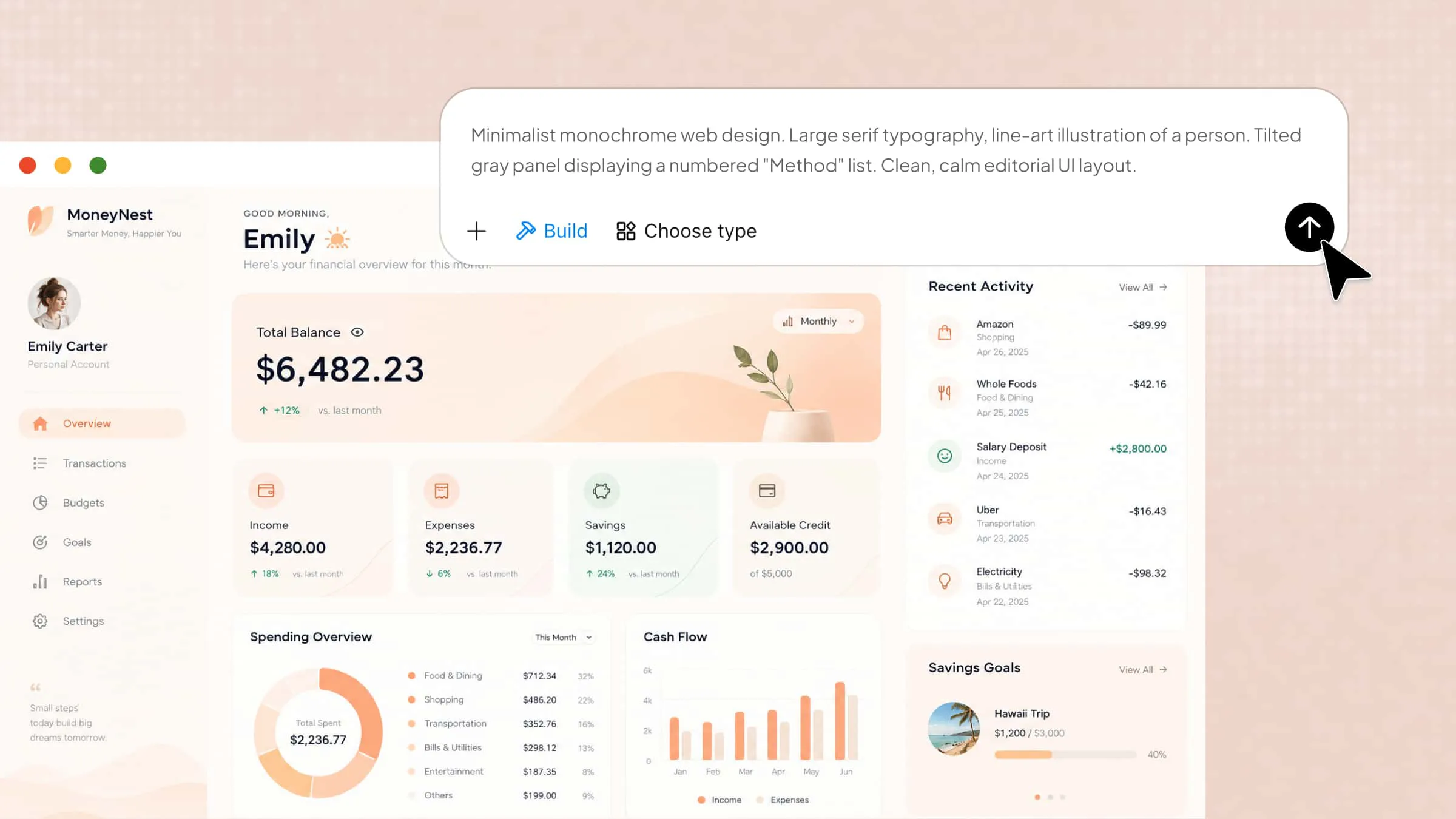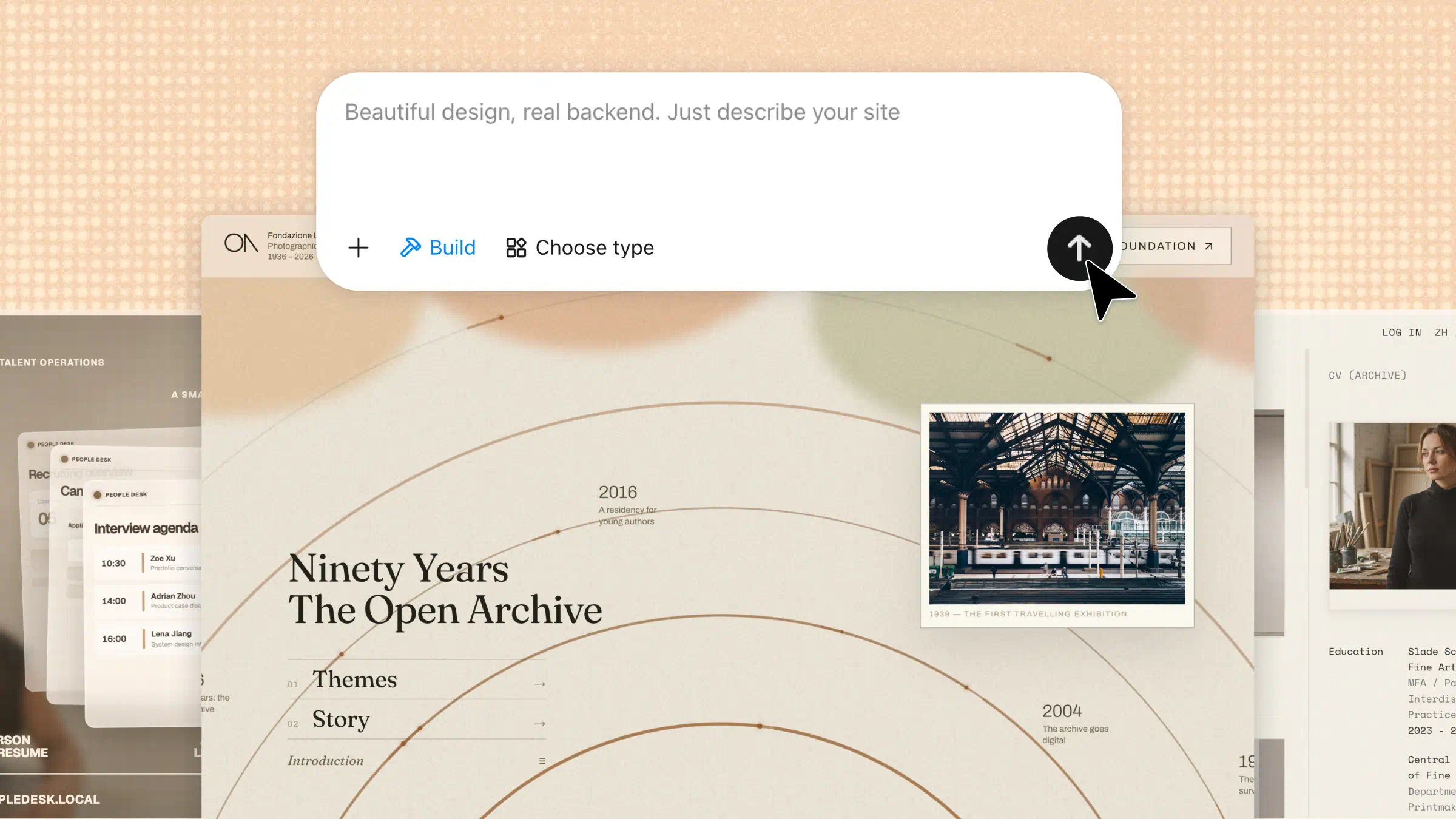
Developing a web application can seem complicated for beginners unfamiliar with coding, frameworks, and web technologies. Understanding the core concepts and development process makes it easier to get started. This guide explains web application development step by step, from understanding how web apps work to choosing tools and building your first application.
What is web application development
Web application development is the process of building interactive applications that run in a web browser. These applications help users perform tasks such as shopping online, managing data, and booking appointments. The process involves designing interfaces, writing code, connecting databases, and testing functionality. Web app development combines front-end and back-end technologies to create responsive and user-friendly applications.
What are the different types of web applications
Web applications come in different forms depending on their purpose, features, and how users interact with them. Understanding these types helps beginners choose the right approach for their web application development projects.
Static and dynamic web applications
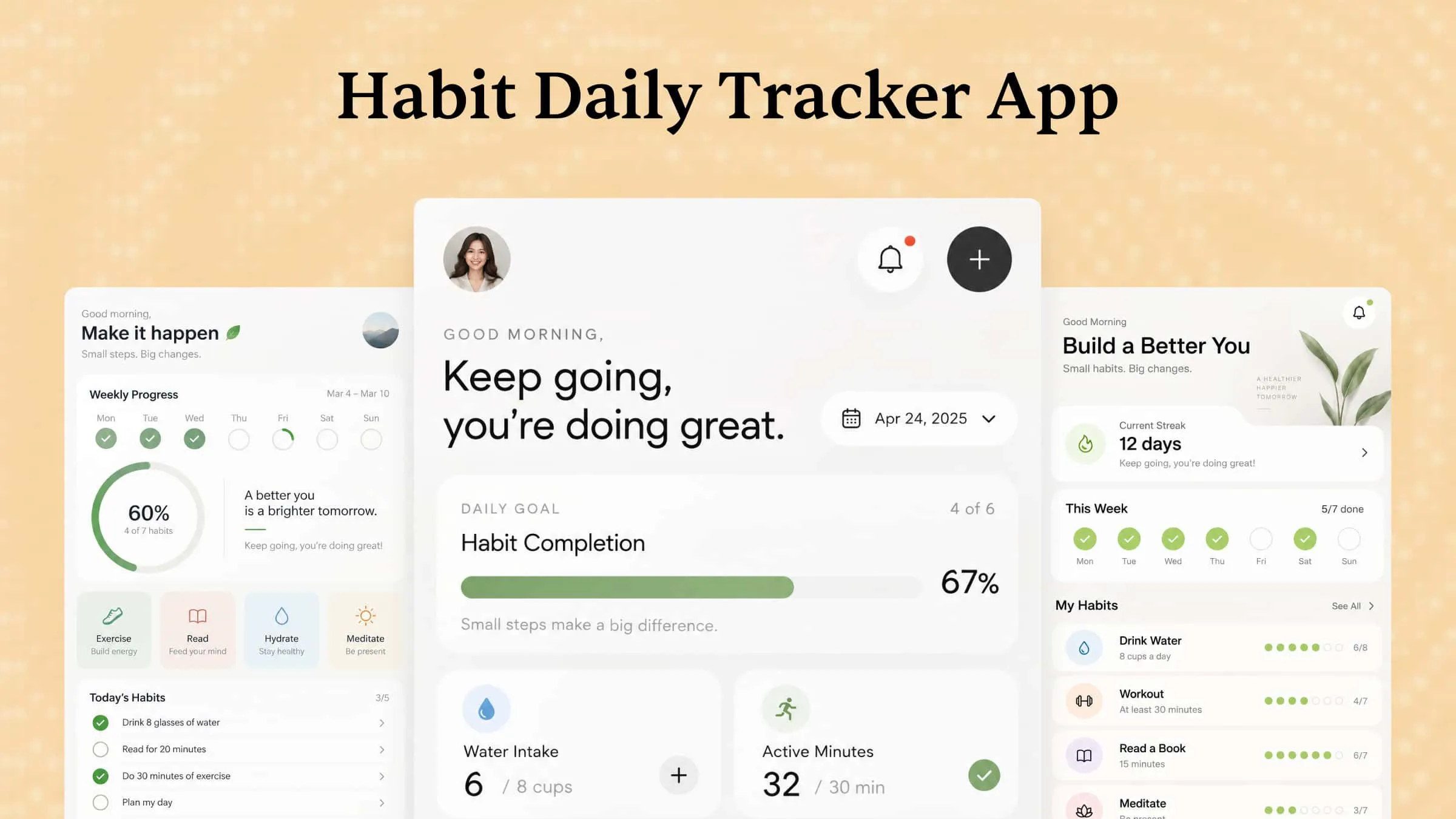
Static web applications display fixed content, while dynamic applications update content based on user actions, preferences, or database information. Static sites suit simple informational pages, whereas dynamic applications support features such as user accounts, dashboards, and personalized content.
Single-page applications (SPAs)
Single-page applications load a main page and update its content as users interact with the interface, often without reloading the entire page. They are commonly used for email platforms, project management tools, and interactive dashboards, making them a popular approach to web app development.
Multi-page applications (MPAs)
Multi-page applications use separate pages for different sections or functions, with navigation typically loading a new page. They are useful for large websites with extensive content, such as news platforms, educational portals, and business websites.
Progressive web applications (PWAs)
Progressive web applications combine web technologies with features commonly associated with mobile apps, such as installation on supported devices and offline access when configured. In modern web app development, PWAs can help businesses deliver accessible experiences across different devices without building separate native apps for every platform.
E-commerce and business web applications
These applications support specific business activities, including online shopping, payment processing, inventory management, and customer relationship management. They often include user accounts, databases, and secure transaction features to help organizations manage operations and serve customers efficiently.
How to develop a web application with AI
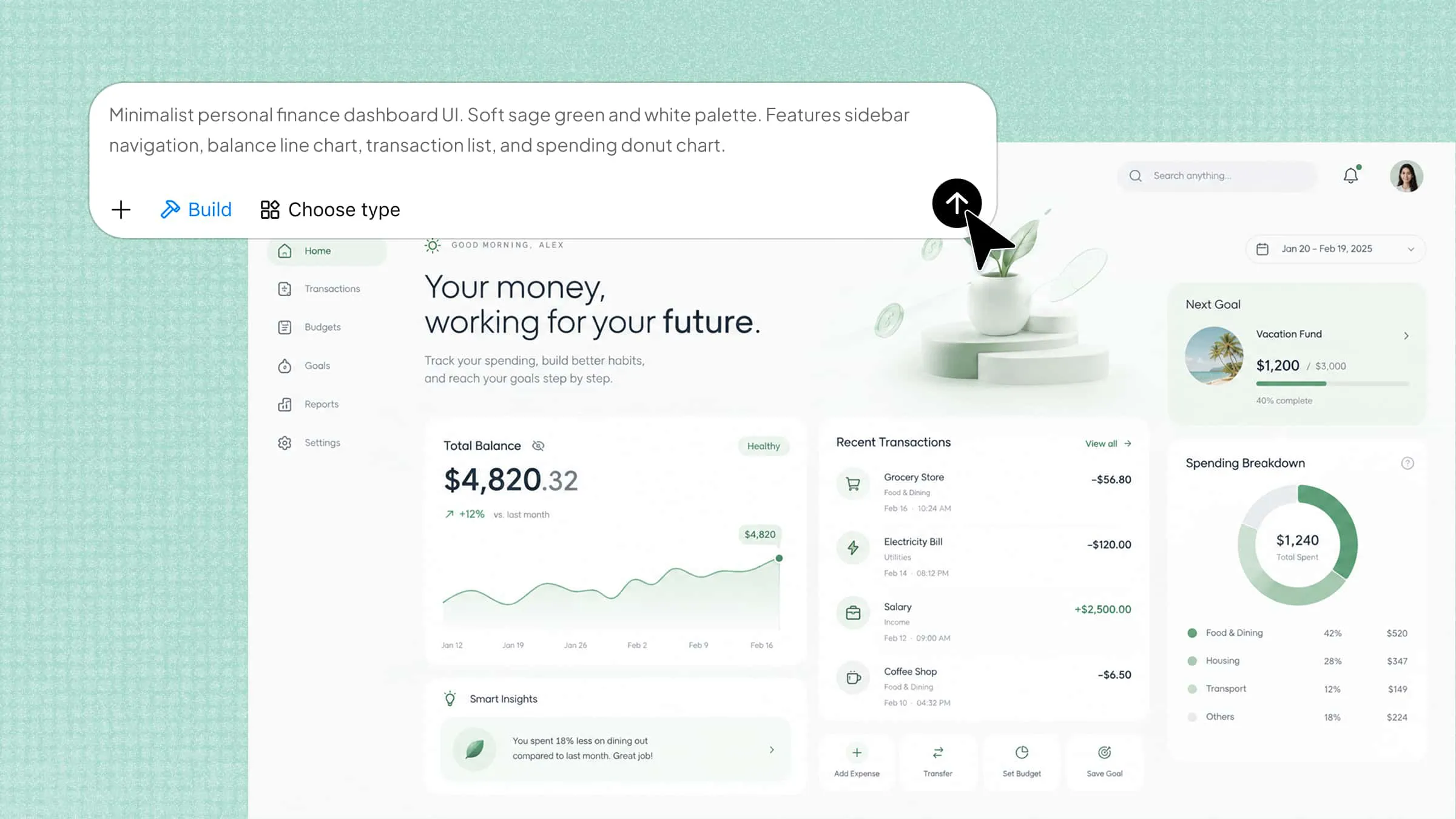
Building a web application can be challenging for beginners with limited coding experience. AI tools simplify the process by turning written prompts into application layouts and features. Kimi Build, an AI website builder, helps you create web applications by describing your idea, preferred design, and required functionality. You can generate an initial version and refine it with follow-up prompts. Review the final result and test its features before publishing.
Step 1: Describe your web application idea
Start by explaining what your application should do, who will use it, and which features it needs. Include details about the interface, navigation, data storage, and user interactions to guide the generation process.
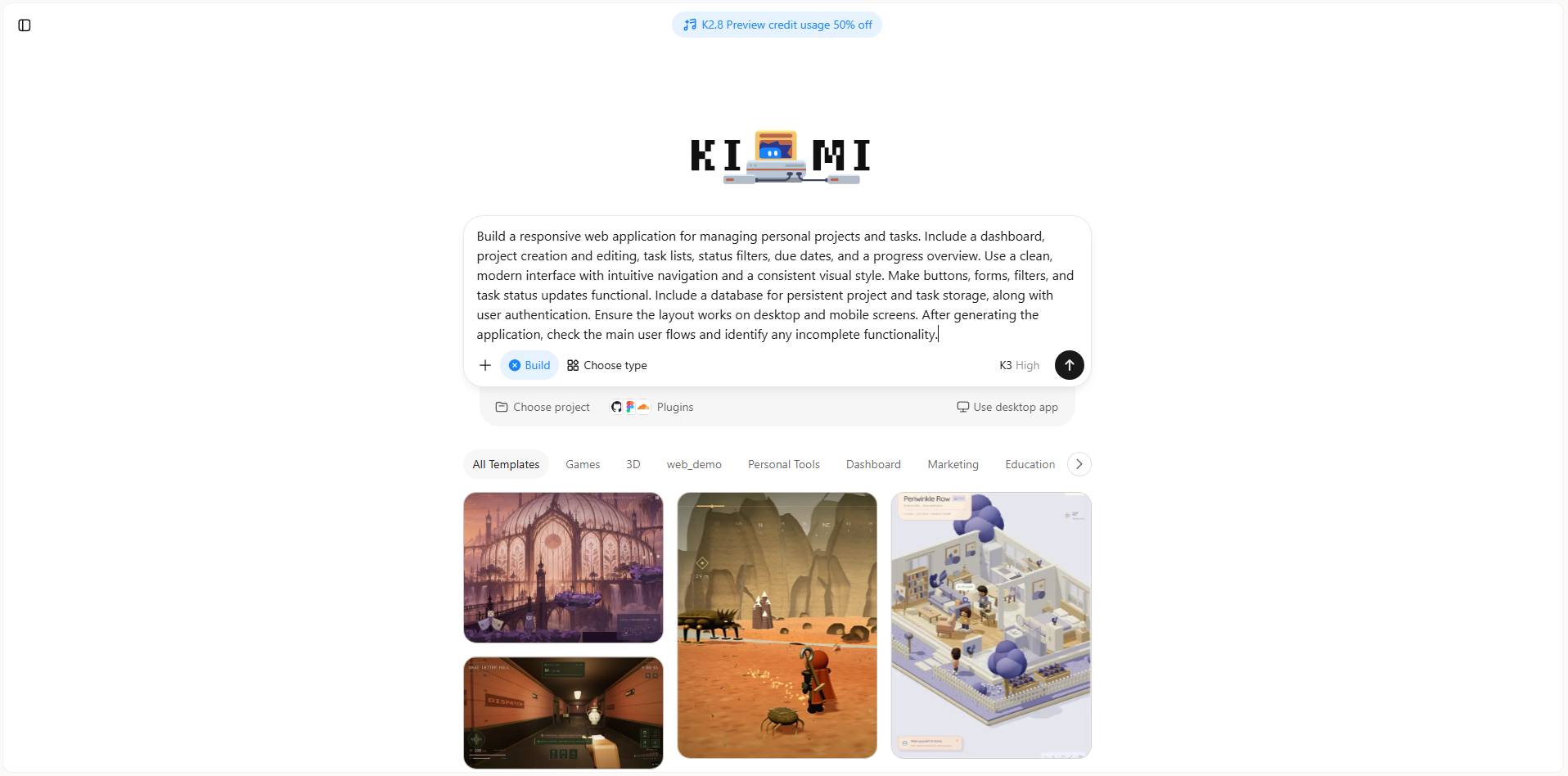
Step 2: Generate the application with Kimi Build
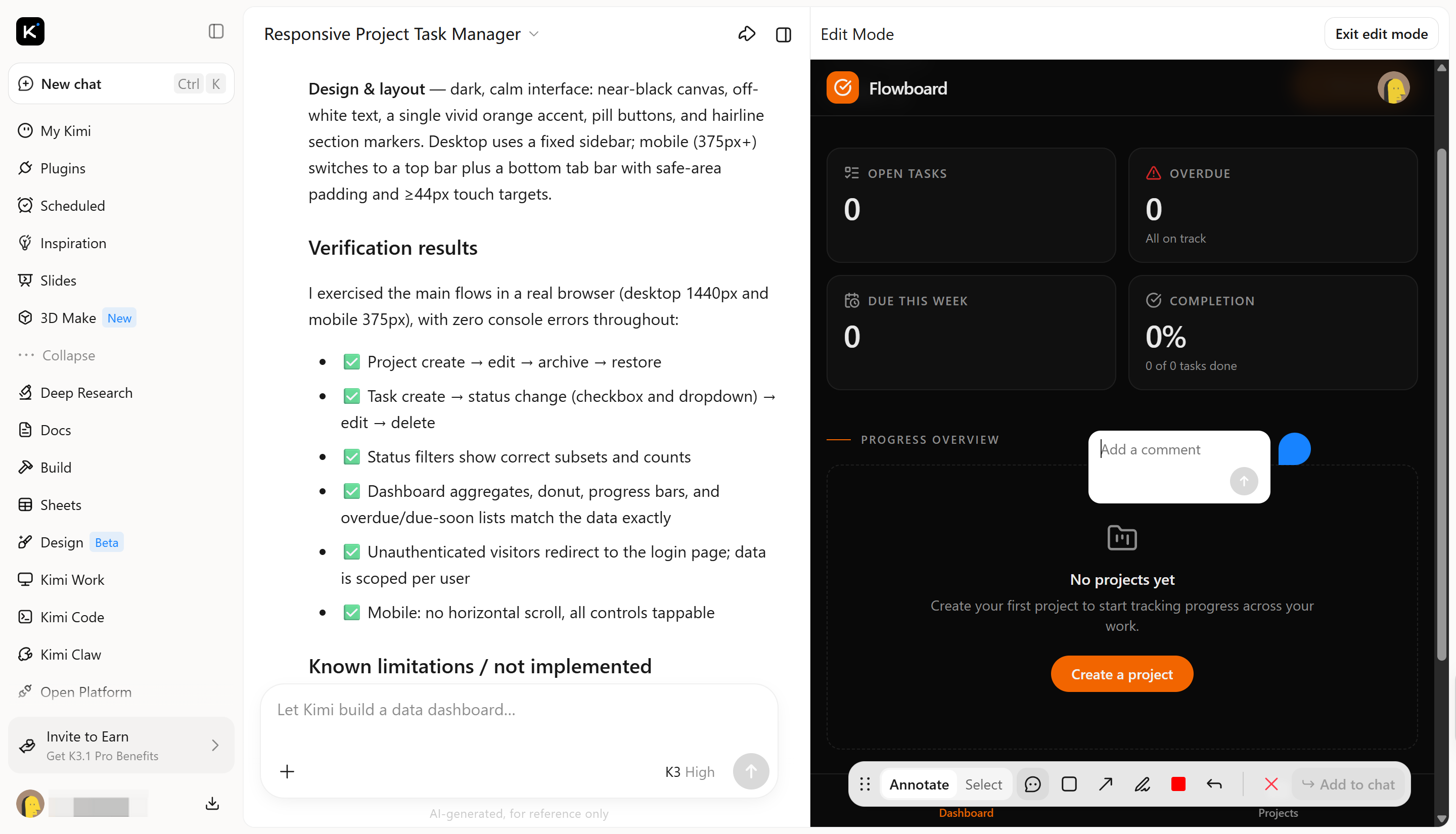
Enter your prompt into Kimi Build and let it generate the initial application. Review the layout, dashboard, navigation, and main features to check whether they match your requirements.
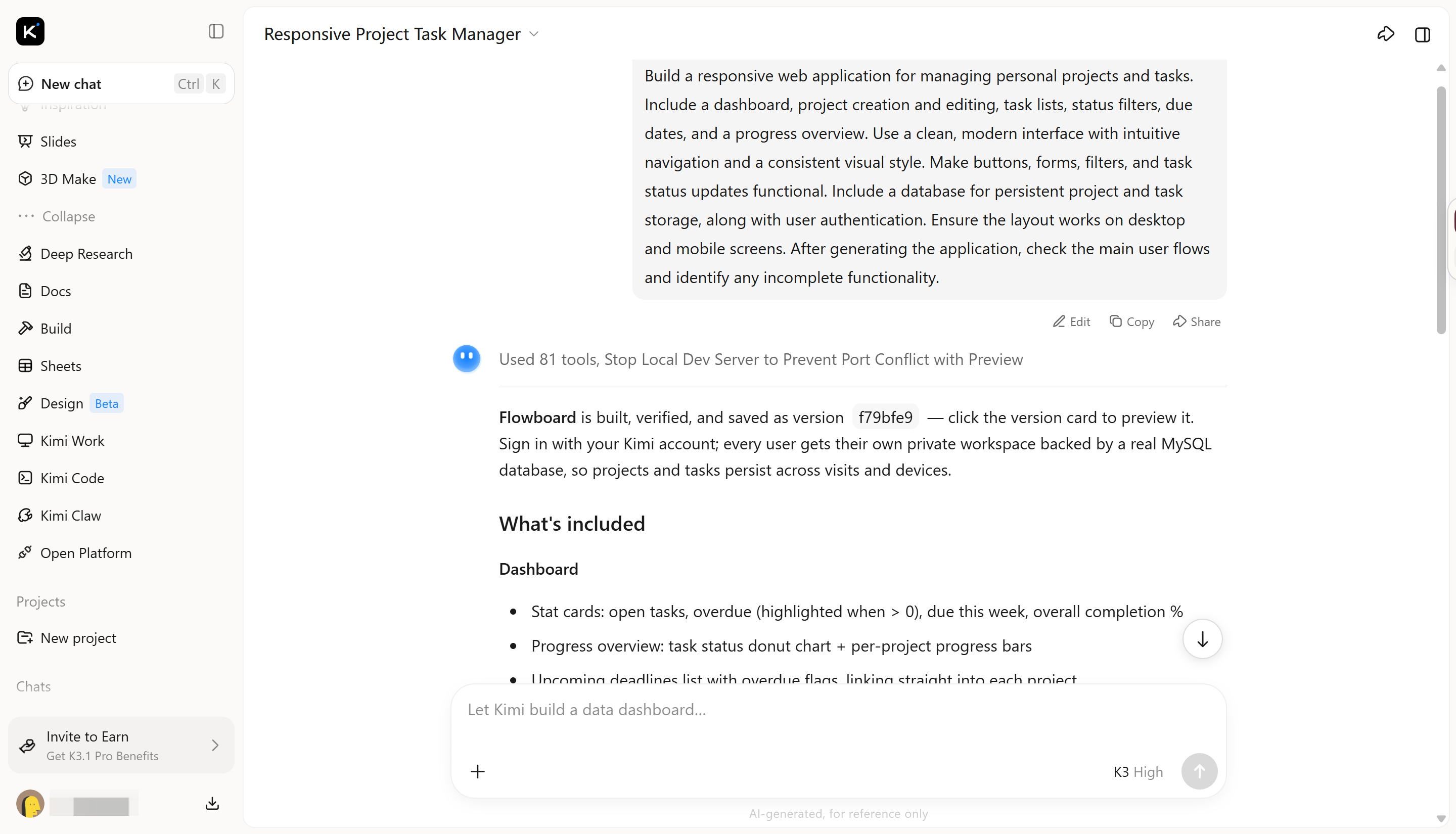
Step 3: Refine the application with prompts
Use follow-up prompts to improve the design, fix issues, and adjust individual features. For example, ask for clearer status indicators, better mobile navigation, improved form validation, or additional filtering options. This iterative process can make web app development more accessible without requiring you to rewrite everything manually.
Step 4: Publish and maintain the application
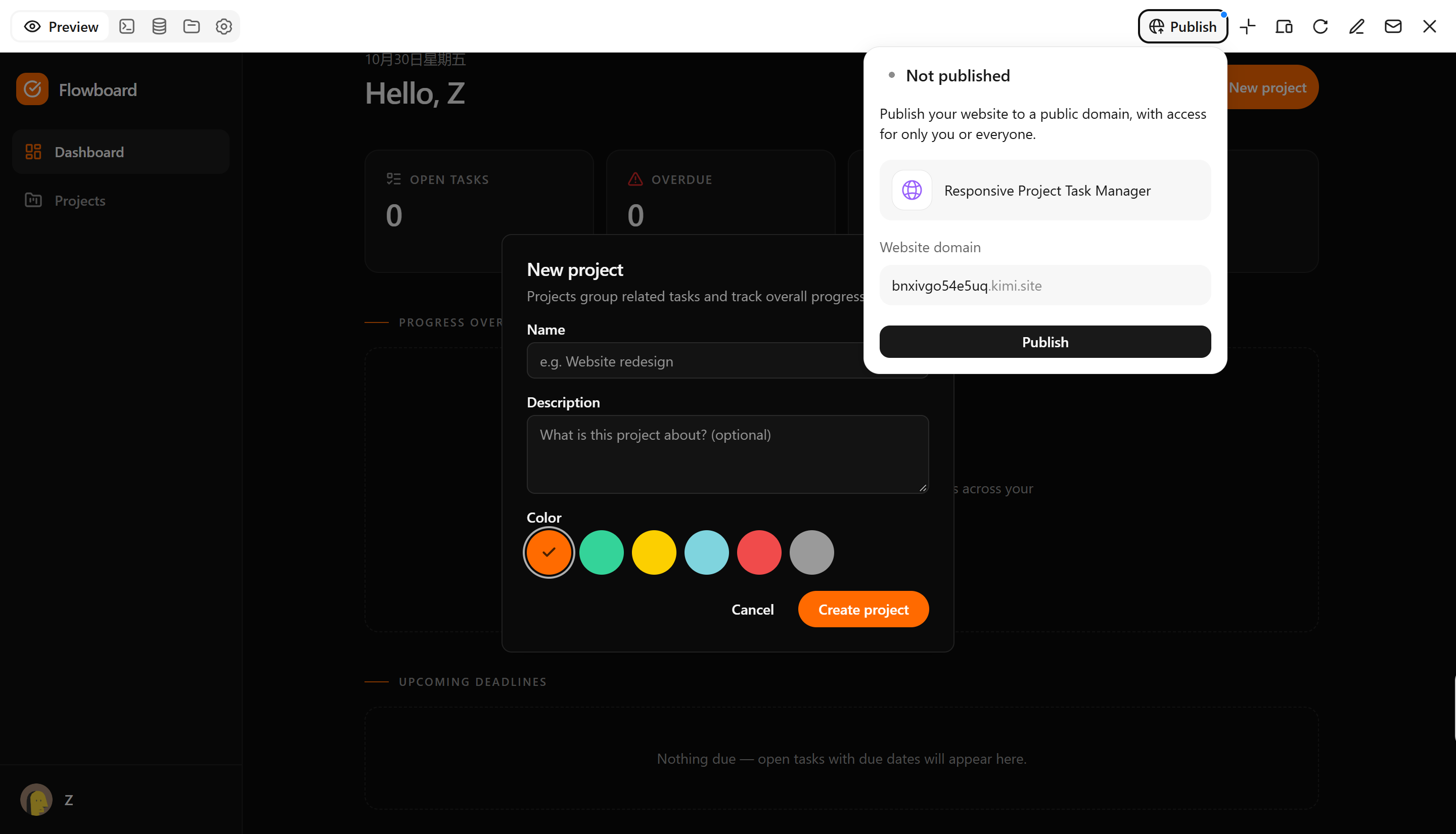
Test the application's main features, forms, security, and data storage before deployment. Use the available publishing options, then monitor performance and update features as needed.
Key features of Kimi Build
Kimi Build offers several capabilities that simplify the process of creating and customizing web applications. Its AI-powered features help turn written ideas into application layouts, refine designs, and support different stages of web application development. The following are some of its key features.
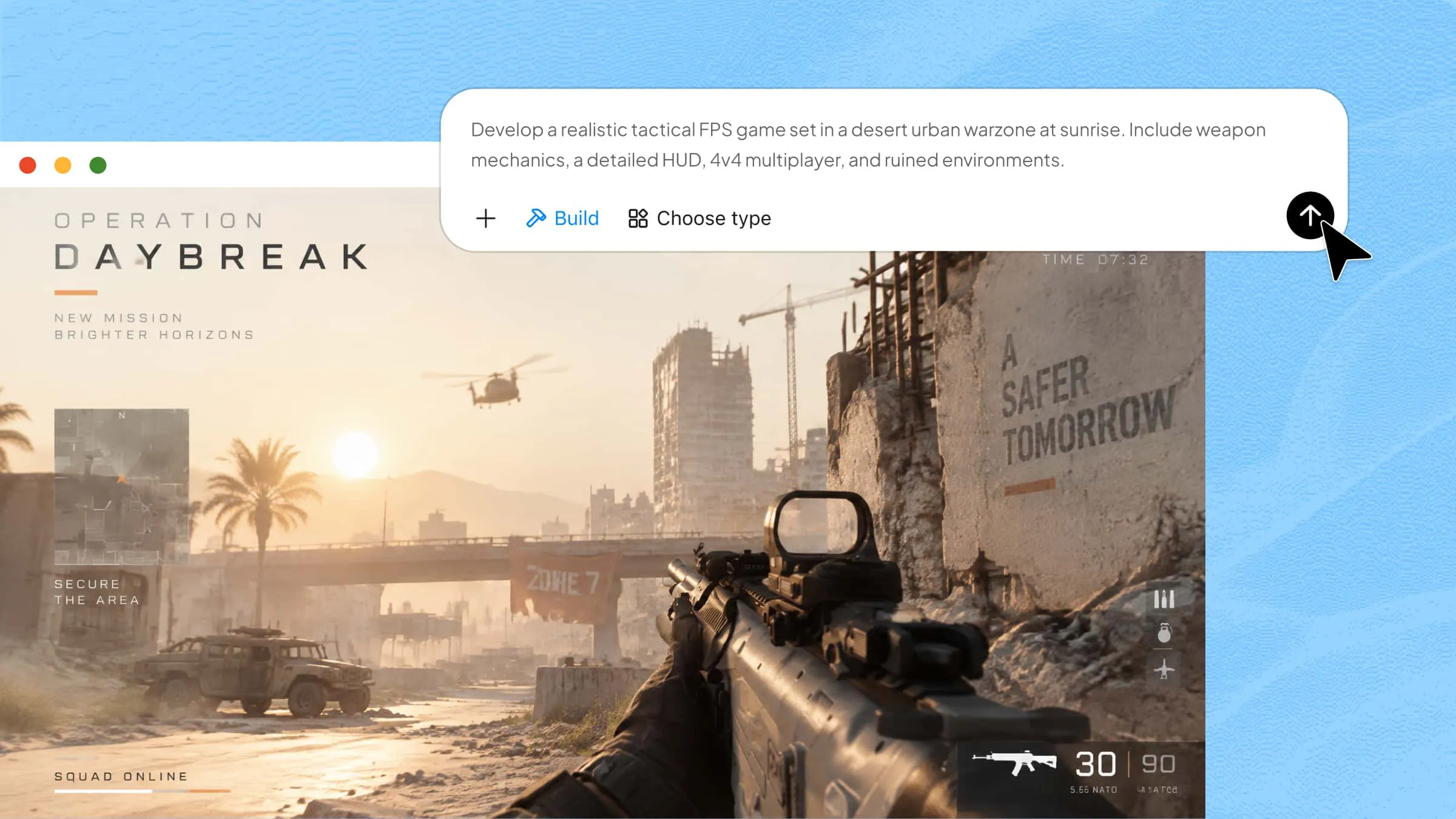
Generate full-stack web applications from prompts: Describe your application’s purpose, target users, required features, and technical requirements in natural language. Kimi Build can generate the frontend, interactive elements, and supported backend functionality to help turn an idea into a working application prototype.
Build from visual references: Upload a UI mockup, webpage screenshot, or screen recording to guide the application’s layout and appearance. Kimi Build can interpret these references and generate corresponding webpages, helping translate design concepts into interactive experiences.
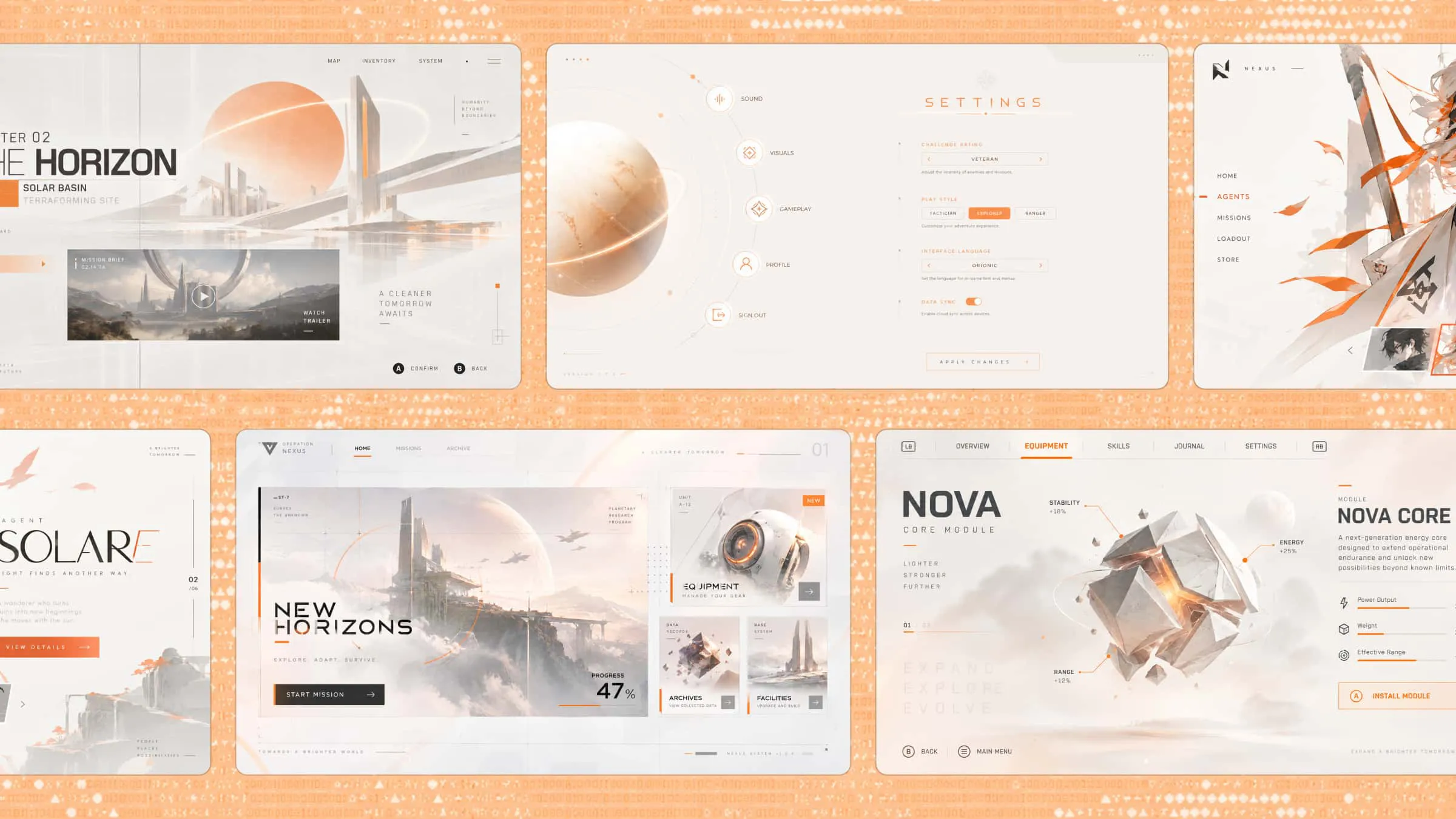
Create interactive user interfaces: Generate page layouts, navigation, forms, buttons, filters, and other JavaScript-based interactions according to your requirements. Refine the interface to support workflows such as task management, dashboards, calculators, and product demos.
Test and refine through visual previews: Preview the frontend and backend, inspect how features behave, and request changes through natural-language instructions. You can also select or annotate specific page elements to communicate targeted adjustments, then review different versions as the application evolves.
Publish and export your application: Publish supported applications to the web for sharing and testing, customize the available subdomain, or download the project files for further development and self-managed deployment. This provides a path from an initial prototype to a project that can be extended as requirements grow.
What are the latest trends in web application development
Web application development continues to evolve with new tools and technologies that make applications faster, more flexible, and easier to build. The following are some important trends shaping modern web application development.
AI-assisted and prompt-based development
AI tools help developers generate code, create interfaces, and troubleshoot errors using natural language prompts. This approach makes AI-powered web application development more accessible and speeds up the initial development process.
Low-code and visual development
Low-code platforms allow users to build applications through visual editors, drag-and-drop components, and prebuilt templates. They reduce the need for extensive coding and help beginners create applications more quickly.
Progressive web application
Progressive web apps combine website accessibility with app-like features, including installation on supported devices and offline access when configured. They help businesses deliver consistent experiences across desktop and mobile devices.
Cloud-native architectures and serverless computing
Cloud-native applications use cloud infrastructure to improve scalability, flexibility, and deployment. Serverless computing allows developers to run backend functions without managing traditional servers, making application maintenance more efficient.
API integrations and workflow automation
APIs allow web applications to connect with external services such as payment gateways, maps, and customer management platforms. Workflow automation reduces repetitive tasks and helps applications exchange information more efficiently.
Benefits of web application development
Web app development offers several advantages for businesses, developers, and everyday users. It simplifies application access, reduces maintenance efforts, and supports efficient digital workflows.
Cross-platform accessibility
Web applications run through browsers, allowing users to access them on desktops, laptops, tablets, and smartphones. This makes web-based application development a practical choice for reaching users across different devices without building separate applications for each platform.
Simplified updates and maintenance
Developers can update applications on the server without requiring users to download new versions manually. This makes maintenance easier and helps ensure users access the latest features and improvements.
Cost-effective development
Building one web application for multiple platforms can reduce development and maintenance costs. Businesses can also use existing frameworks, reusable components, and cloud services to make web app development more affordable.
Real-time data access and collaboration
Web applications can connect users to shared data and update information as changes occur. This supports teamwork through shared dashboards, online documents, project management tools, and communication platforms.
Scalability and flexibility
Web applications can be expanded with additional features, users, and integrations as business requirements change. Cloud-based infrastructure also helps applications handle growing traffic and changing workloads.
Workflow automation and productivity
Web applications can automate repetitive tasks such as data entry, report generation, notifications, and order processing. These capabilities reduce manual work, improve efficiency, and help teams focus on more important activities.
Pro tips for successful web app development
Successful web application development requires more than writing code and adding features. Following the right practices helps you build applications that are reliable, secure, and easy to use.
Prioritize user needs and usability
Understand your target audience and the problems your application should solve before starting development. Keep navigation simple, organize features logically, and make important actions easy to find. If you are following a web application development tutorial, focus on building features that provide practical value to users.
Build responsive and accessible interfaces
Design your application to work smoothly across desktops, tablets, and smartphones. Use readable typography, clear navigation, appropriate color contrast, and accessible form controls. A responsive interface improves usability and makes your application accessible to a wider audience.
Protect user data and authentication flows
Use secure authentication methods, encrypted connections, and appropriate access controls to protect user information. Validate inputs and keep sensitive data secure throughout the application. If you use AI tools for web app development, review the generated code for security issues rather than relying on automatic output.
Optimize performance and scalability
Improve loading speed by optimizing images, reducing unnecessary scripts, and using efficient database queries. Choose technologies that can support increasing traffic and additional features as your application grows. These practices are particularly important when planning website application development for long-term use.
Test continuously and monitor after launch
Test forms, navigation, integrations, and important user actions throughout the development process. Check how the application performs on different browsers and devices, and fix issues before release. After launch, monitor errors, loading times, and user feedback to identify areas for improvement.
Conclusion
To sum up, web application development allows you to build interactive, accessible, and scalable applications for different user needs. Understanding the development process, choosing suitable tools, and following good practices can help you get started. AI tools like Kimi Build can also simplify the process by turning ideas into application layouts with simple prompts.