Businesses and beginners often struggle to decide whether to build a website or a mobile app for their projects. Choosing the wrong approach can lead to unnecessary development costs, limited functionality, or poor user experience. Understanding web development vs app development helps you compare their features, costs, and benefits. In this guide, we explore the key differences to help you choose the right approach for your project.
What is web development
Web development is the process of creating and maintaining websites that users access through web browsers. It involves designing layouts, writing code, managing databases, and adding interactive features. Developers use technologies such as HTML, CSS, and JavaScript to build functional and responsive websites. Web development can range from simple informational pages to complex platforms with advanced features.
What is app development
App development is the process of creating software applications for mobile devices, desktops, or other digital platforms. It involves designing user interfaces, writing code, integrating features, and testing performance. Developers use programming languages and frameworks to build applications that perform specific tasks. Mobile app development commonly focuses on Android and iOS devices, offering features such as notifications, camera access, and offline functionality.
Web vs. app development: 6 key differences
Web development and app development both involve creating digital products, but they differ in how users access and interact with them. Understanding web development vs. app development helps you compare their technologies, costs, features, and development requirements.
| Comparison factor | Web development | App development (mobile) |
|---|---|---|
| Platform and accessibility | Runs in web browsers and is accessible through a URL on supported devices. | Installed on mobile devices through app stores or other distribution methods. |
| Programming languages and frameworks | Commonly uses HTML, CSS, JavaScript, and frameworks such as React, Angular, and Vue.js. | Native apps use Swift for iOS and Kotlin for Android; Cross-platform apps may use Flutter or React Native. |
| Development process and complexity | Often uses a shared codebase across browsers, though compatibility and backend complexity vary. | Native development may require separate implementations for iOS and Android. Cross-platform frameworks can share much of the codebase. |
| User experience and device capabilities | Supports responsive interfaces and browser-enabled device features, subject to permissions and platform limitations. | Can provide platform-specific interfaces and deeper access to device features, such as sensors and background services. |
| Deployment and updates | Published to a web server; Updates are generally available to users immediately after deployment. | Distributed through app stores or other channels; Updates may require users to download a new version and may involve store review. |
| Maintenance and scalability | Centralized updates simplify maintenance. Scalability depends on application architecture, hosting, and infrastructure. | Requires consideration of operating system versions, device compatibility, app releases, and backend infrastructure where applicable. |
| Development costs | Often more cost-effective for products that primarily need browser access, especially when one codebase serves multiple platforms. | Costs vary by platform, feature complexity, and development approach. Separate native apps may require more resources than a shared cross-platform codebase. |
Common use cases for web and app development
Web development is particularly useful for businesses that want to reach users through browsers without requiring app installation. From informational websites to online stores and business platforms, it supports different digital needs. Here are some common web development vs app development use cases where web-based solutions are a practical choice.
Use cases of web development
Service and informational websites
Businesses use websites to showcase their services, share company information, display contact details, and attract potential customers. They are suitable for service providers, educational institutions, agencies, and local businesses that need an accessible online presence.
News, blog, and media platforms
Websites are ideal for publishing articles, news updates, tutorials, and multimedia content. Their browser accessibility and search engine visibility help publishers reach readers without requiring them to download an application.
SaaS tools and web dashboards
Web development supports browser-based software such as project management tools, CRM platforms, analytics dashboards, and collaboration systems. Users can access these services from different devices and manage their work through a centralized platform.
E-commerce for first-time buyers
Online stores allow customers to browse products, compare prices, and complete purchases directly through a browser. This approach makes website development vs app development a practical consideration for businesses that want to attract new customers through search engines.
Low-budget startup validation
Startups can use websites or simple web applications to introduce a product idea and test market interest before investing in a full mobile application. This approach helps validate demand, collect user feedback, and make improvements with a relatively smaller initial investment.
Use cases of app development
Real-time chat and games
Mobile applications support instant messaging, push notifications, multiplayer interactions, and real-time updates. They are useful for communication platforms and games that require frequent engagement and responsive performance.
GPS, camera, and sensor apps
Apps can use built-in device features such as GPS, cameras, microphones, and motion sensors. This makes mobile app development vs. web development particularly relevant for navigation, fitness tracking, photography, and location-based services.
Repeat-customer e-commerce brands
Businesses with loyal customers can use mobile apps to offer personalized recommendations, saved preferences, loyalty rewards, and faster checkout. These features encourage repeat purchases and create a more convenient shopping experience.
Offline business tools
Mobile apps can store selected information locally, allowing users to access important features without an active internet connection. They are useful for field workers, inventory management, note-taking, and other business tasks performed in areas with limited connectivity.
High-engagement media apps
Streaming, social networking, and content platforms use mobile apps to deliver personalized feeds, notifications, and interactive experiences. These applications help users access content regularly and stay connected with their favorite services.
Benefits and limitations of web and app development
Web development and app development offer different advantages depending on your project goals, budget, and target audience. Comparing their strengths and limitations can help you understand which approach is more practical for your needs.
| Development type | Pros | Cons |
|---|---|---|
| Web development | • Easy accessibility: Users can access websites and web apps through a browser without downloading software. • Cross-platform compatibility: A shared codebase can support desktops, tablets, and smartphones. • Lower initial costs: Browser-based products often require fewer platform-specific development resources. • Simplified updates: Developers can deploy changes centrally without requiring users to install new versions. • Search engine visibility: Public webpages can be indexed by search engines, helping users discover content.- • Flexible distribution: Developers can share a URL to reach users across supported devices. • Easier maintenance: Centralized deployment can simplify bug fixes and feature updates. | • Internet dependency: Many web applications require an active connection, although offline functionality can be implemented. • Browser limitations: Access to device hardware and operating system features depends on browser support and permissions • Variable performance: Performance can be affected by network conditions, browser capabilities, and application architecture. • Compatibility challenges: Developers need to test layouts and functionality across browsers and screen sizes. • Limited background operations: Some background tasks and system-level integrations are more restricted than in native apps. • Less persistent engagement: Users may be less likely to return regularly without app-like features such as supported push notifications. |
| Mobile app development | • Native user experience: Interfaces and interactions can be tailored to iOS or Android conventions. • Device integration: Apps can access supported features such as cameras, GPS, biometrics, and motion sensors. • Offline functionality: Apps can store data locally and support selected features without an internet connection. • Performance optimization: Native apps can be optimized for demanding graphics, animations, and device-specific tasks. • User engagement: Push notifications and home-screen access can encourage repeat usage. • Personalization: Apps can tailor experiences using user preferences and permitted device capabilities. • App store distribution: App marketplaces provide an additional discovery and distribution channel. | • Higher development costs: Building separate native apps for iOS and Android can require additional time and resources. • Longer development cycles: Platform-specific implementation, testing, and release processes can extend delivery timelines. • Installation requirements: Users generally need to download and install an app before using it. • Update friction: Users may need to install updates to access new features or fixes, depending on the distribution method. • Platform restrictions: App store policies and review processes can affect release schedules and functionality. • Ongoing maintenance: Developers must account for operating system updates, device differences, and app compatibility. • Storage requirements: Apps occupy device storage and may compete with other installed applications for resources. |
Choosing the right development approach for your project
The right development approach depends on your business goals, audience, budget, and the features you want to offer. Both options can support successful digital products, but each serves different needs.
Web development is often a practical choice for projects that need broad browser access, lower development costs, and easier maintenance. In contrast, app development is better suited to products that require frequent interaction, offline access, push notifications, or device-specific features. When considering web development vs app development, which is better, choose the option that best matches your users' needs and long-term project goals.
Explore AI-powered web application development with AI
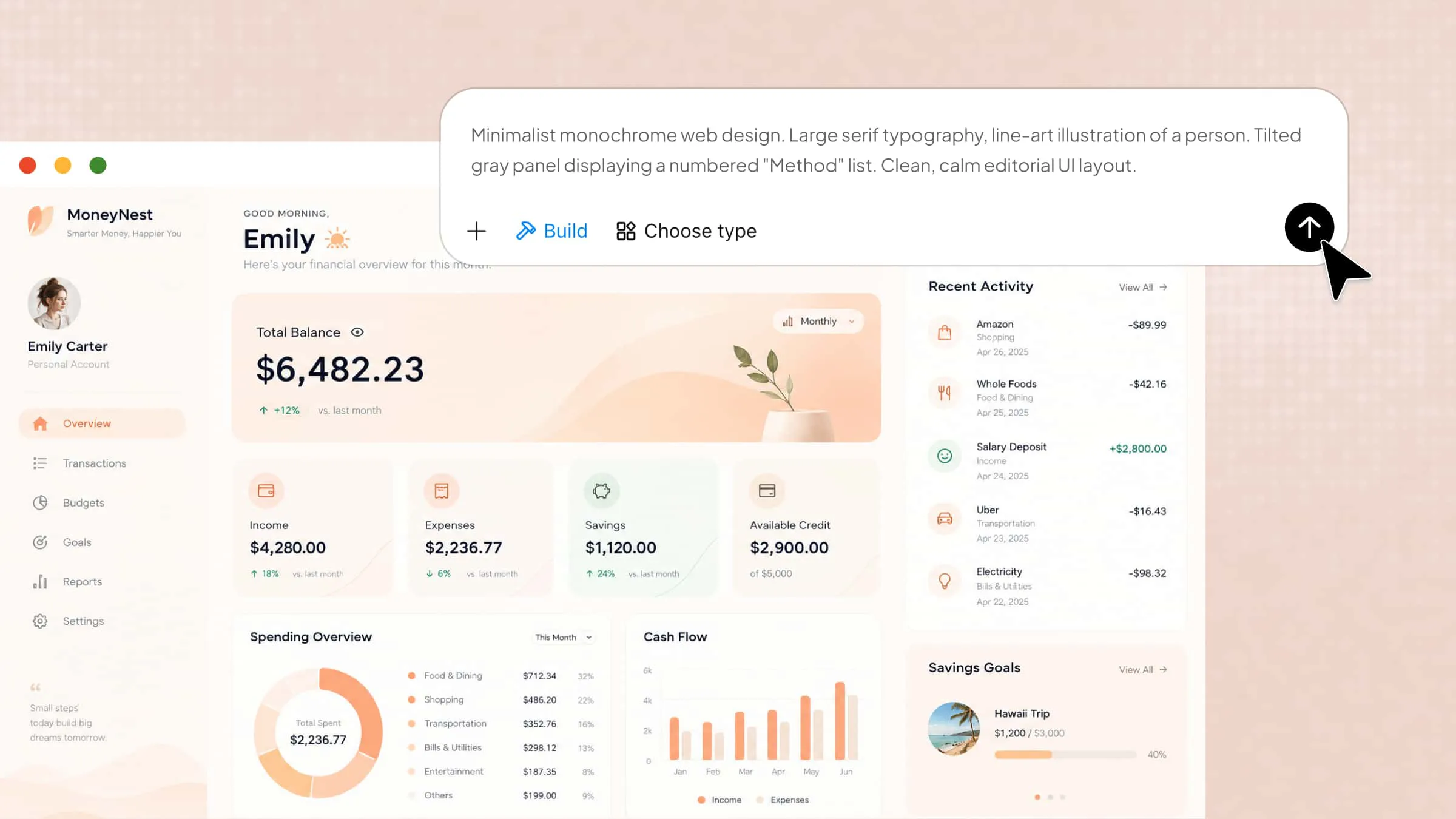
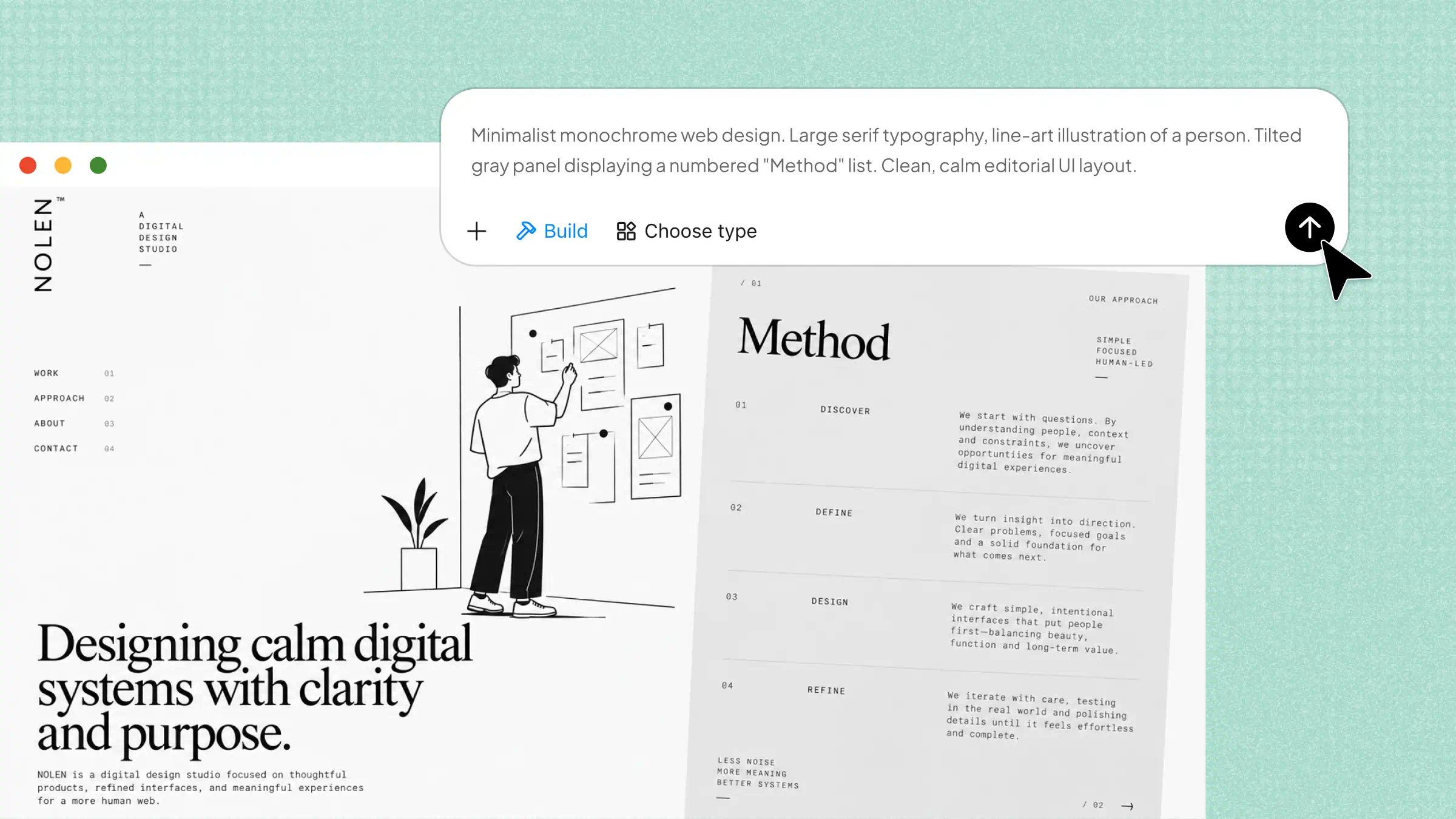
AI-powered tools are making web application development more accessible by helping users turn ideas into functional digital products. Kimi Build, an AI website builder, lets you create web applications through natural-language prompts, describe the features and layout you need, and refine the results with additional instructions. It can help simplify the development process, especially when you want to build and customize an application without starting entirely from scratch.
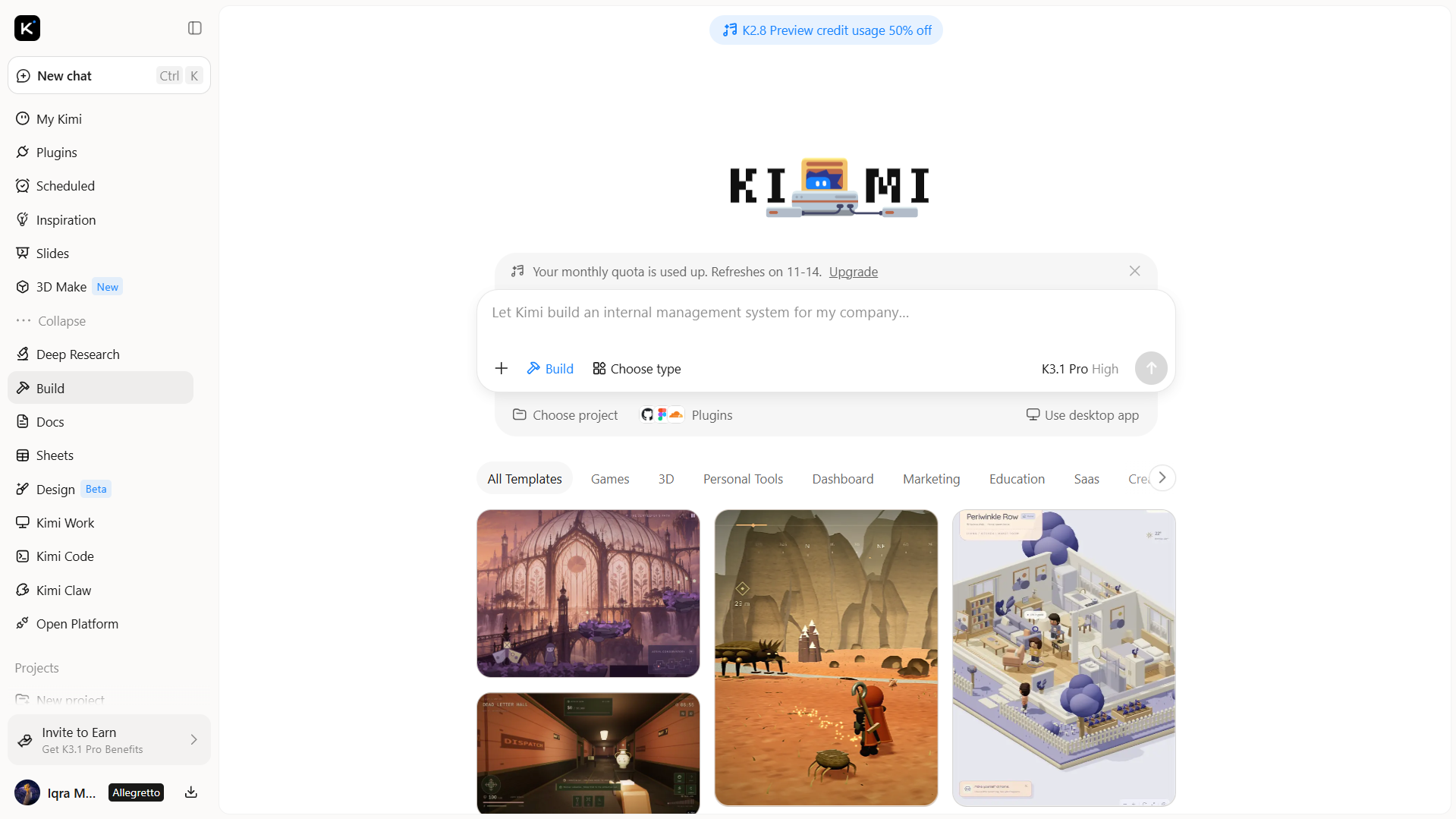
Main features
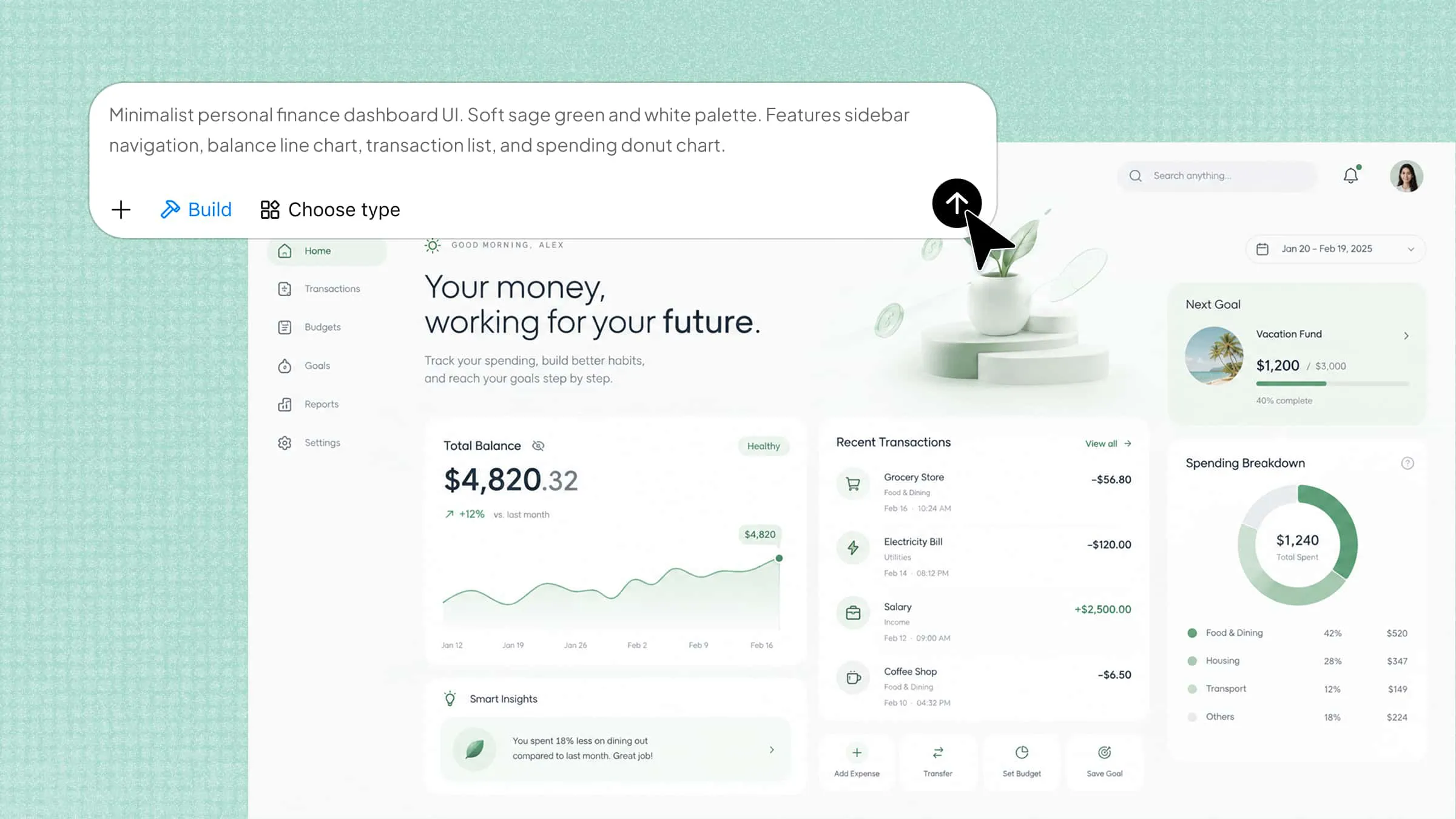
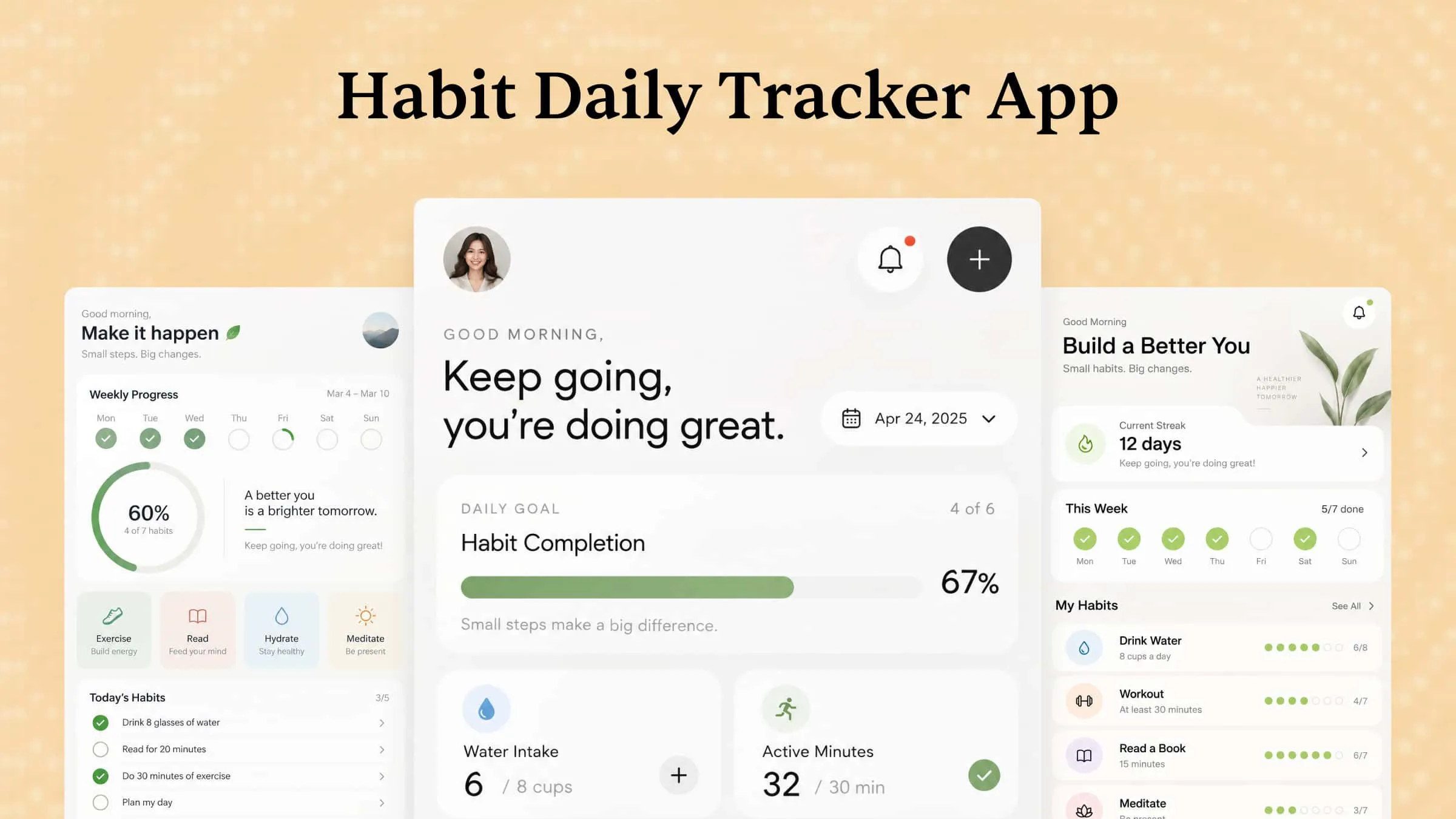
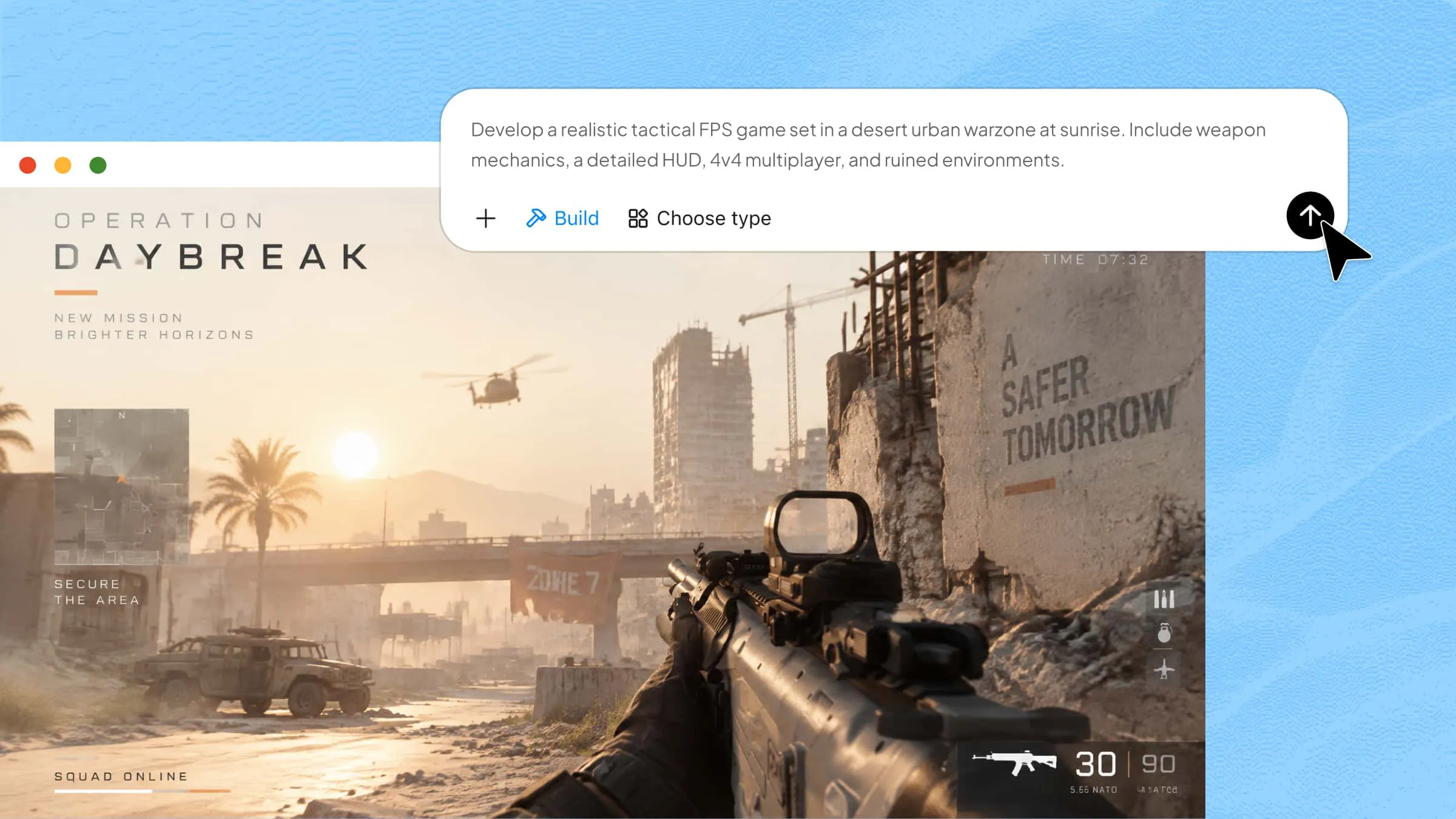
Turn web app ideas into working applications: Describe your application requirements in natural language, including its purpose, target users, pages, and core features. Kimi Build generates the corresponding web interface and supports backend functionality, helping you turn an idea into an interactive prototype without writing every line of code manually.
Generate web pages from visual references: Upload a design mockup, webpage screenshot, or screen recording to guide the layout and visual style. Kimi Build can interpret these references and generate corresponding webpages, making it easier to translate design concepts into browser-based experiences.
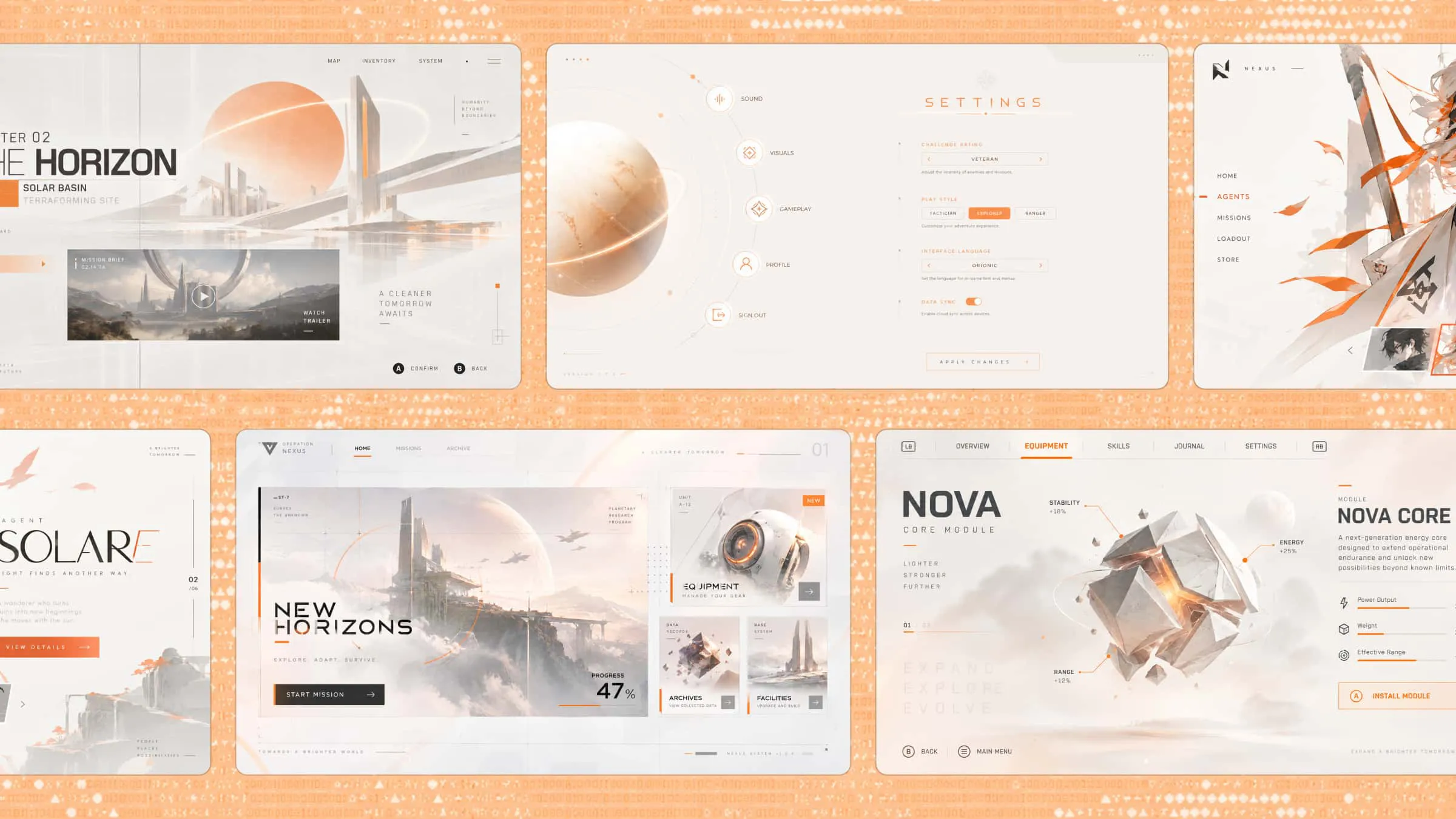
Create interactive user experiences: Build interfaces with navigation, forms, buttons, filters, animations, and other interactive elements. Describe how users should move through the application and what each component should do, then refine the generated experience to suit your requirements.
Refine applications through iterative editing: Preview the generated application, identify issues, and request changes through natural-language prompts. You can also select or annotate specific interface elements to provide targeted feedback, while version management lets you revisit earlier iterations.
Publish and export web applications: Publish supported projects online and share them through a public link. You can also download the complete project files for further development or self-managed deployment, providing flexibility as your application requirements evolve.
How to develop and launch a website with AI
Kimi Build simplifies the website creation process by turning written instructions into website layouts and content. Follow these steps to generate, customize, and launch your website with AI.
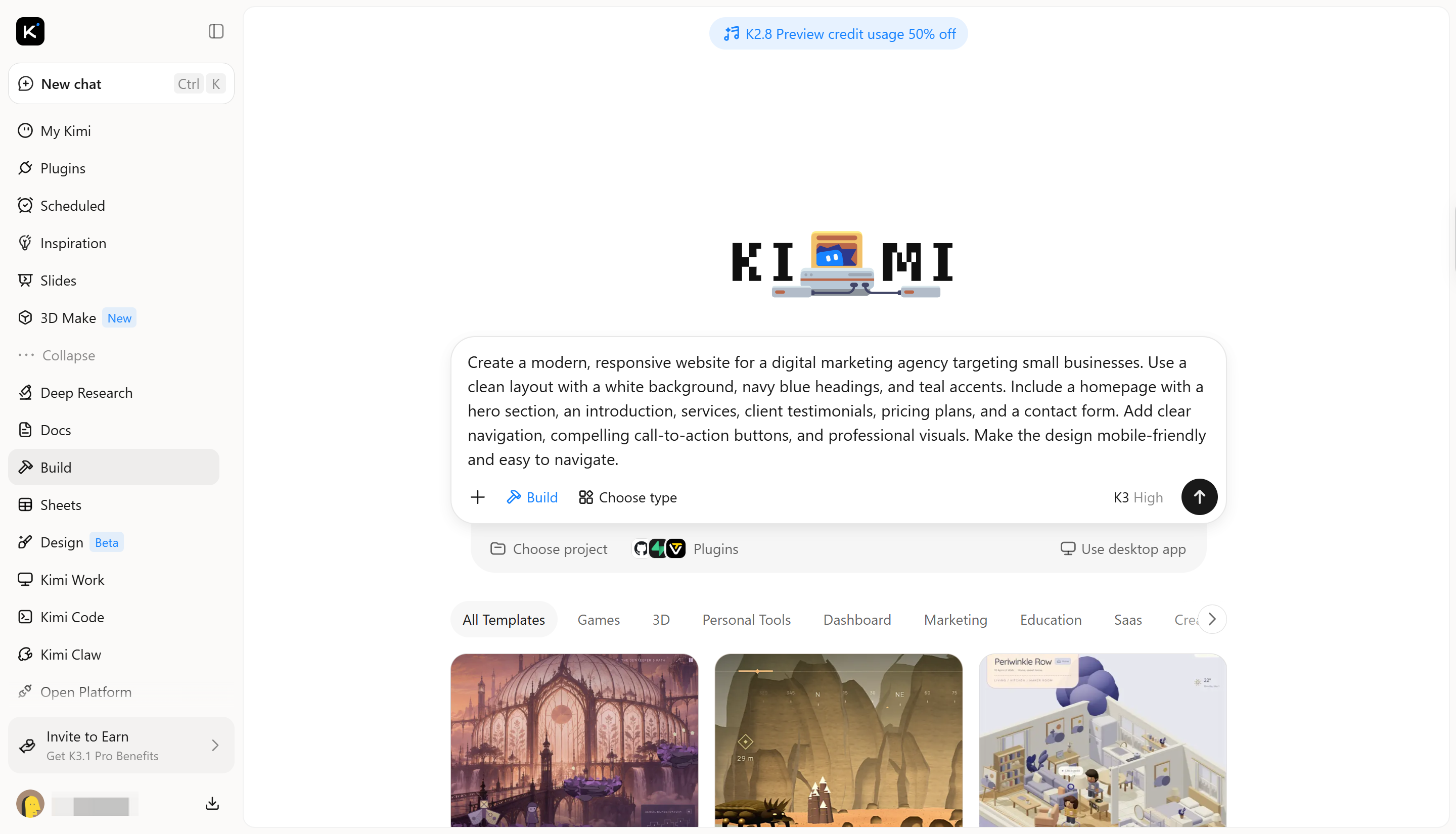
Step 1: Enter your prompt and generate a website
Start by describing the website you want to create. Include its purpose, target audience, preferred layout, color scheme, and essential sections to help Kimi generate a design that matches your requirements.
Step 2: Edit the design and refine website features
Review the generated website and identify any sections that need improvement. Use additional prompts to adjust colors, typography, layouts, images, and content. You can also refine navigation, buttons, forms, and other features to make the website more useful and consistent with your goals.
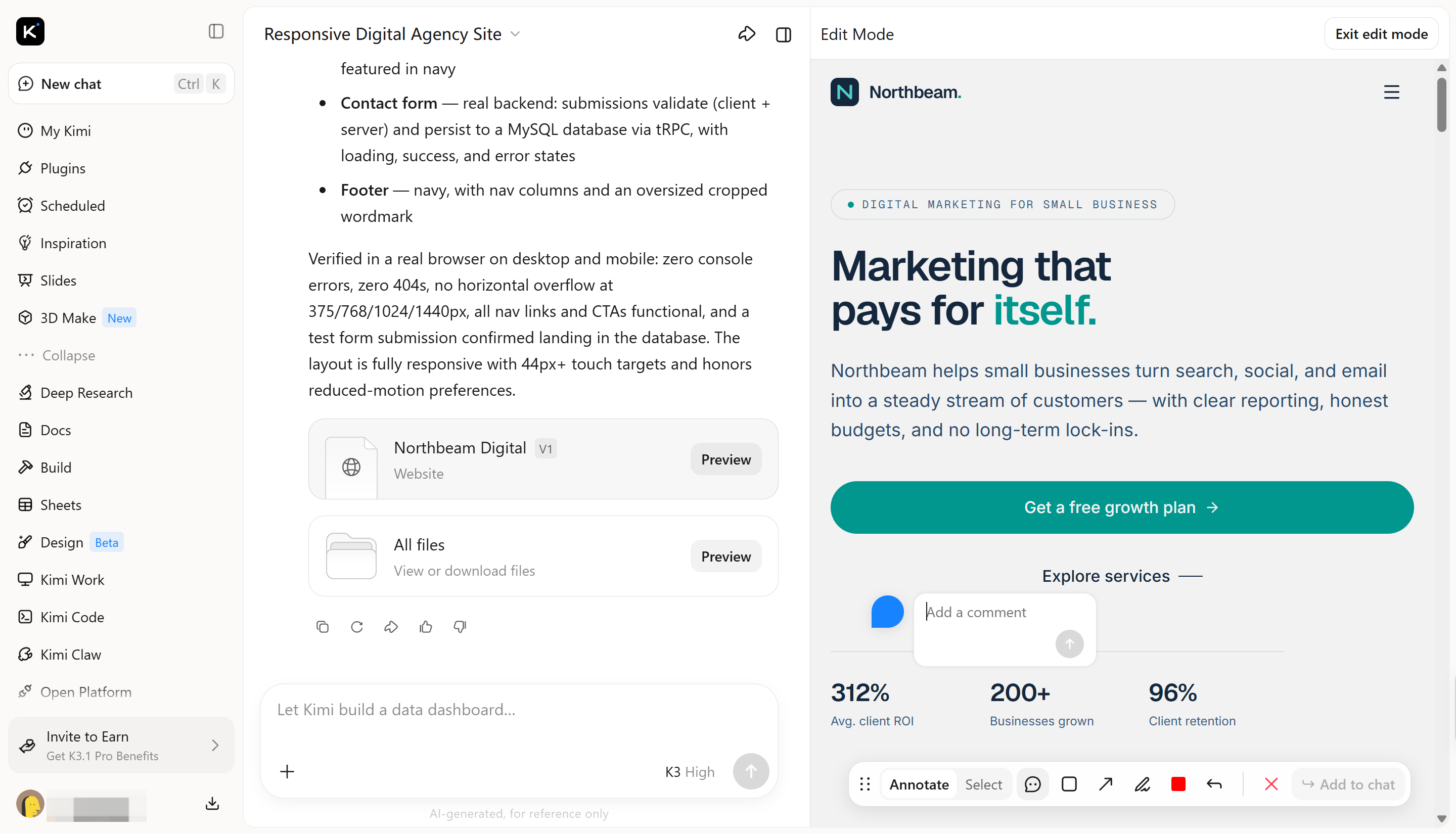
Step 3: Preview and publish your website
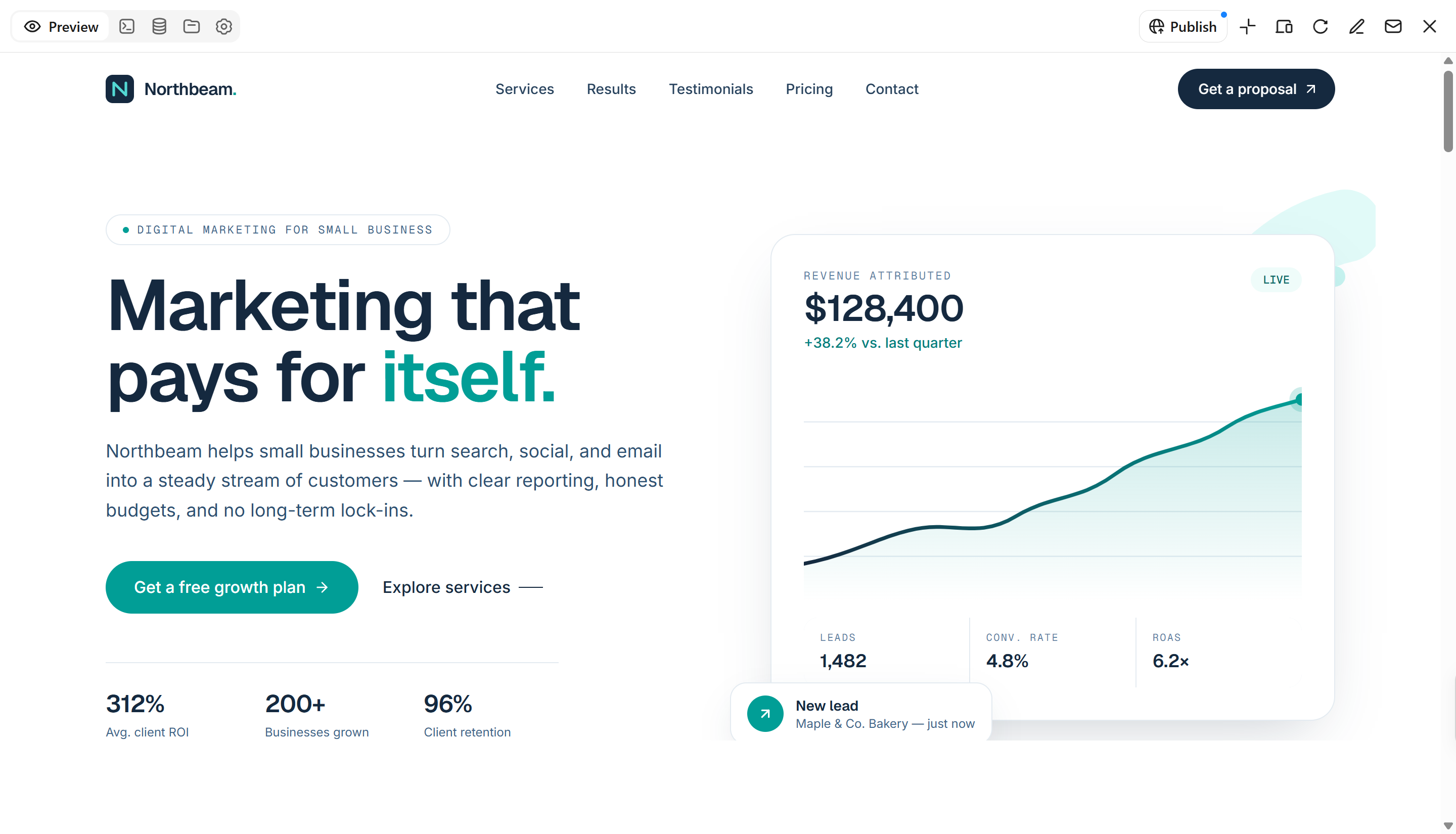
Preview the website to check its appearance and functionality across desktop and mobile screens. Test navigation links, buttons, forms, and other interactive elements. Make any final adjustments, then use the available publishing options to launch your website and share it with your audience.
Conclusion
To sum up, choosing between web and app development depends on your project goals, budget, and target audience. Web development offers wider accessibility and easier maintenance, while app development provides dedicated features and deeper device integration. Understanding web development vs. app development helps you choose the right approach for your needs. Consider your users' expectations and the features your project requires before making a decision. You can also use Kimi Build to create websites and web applications with AI-powered tools.