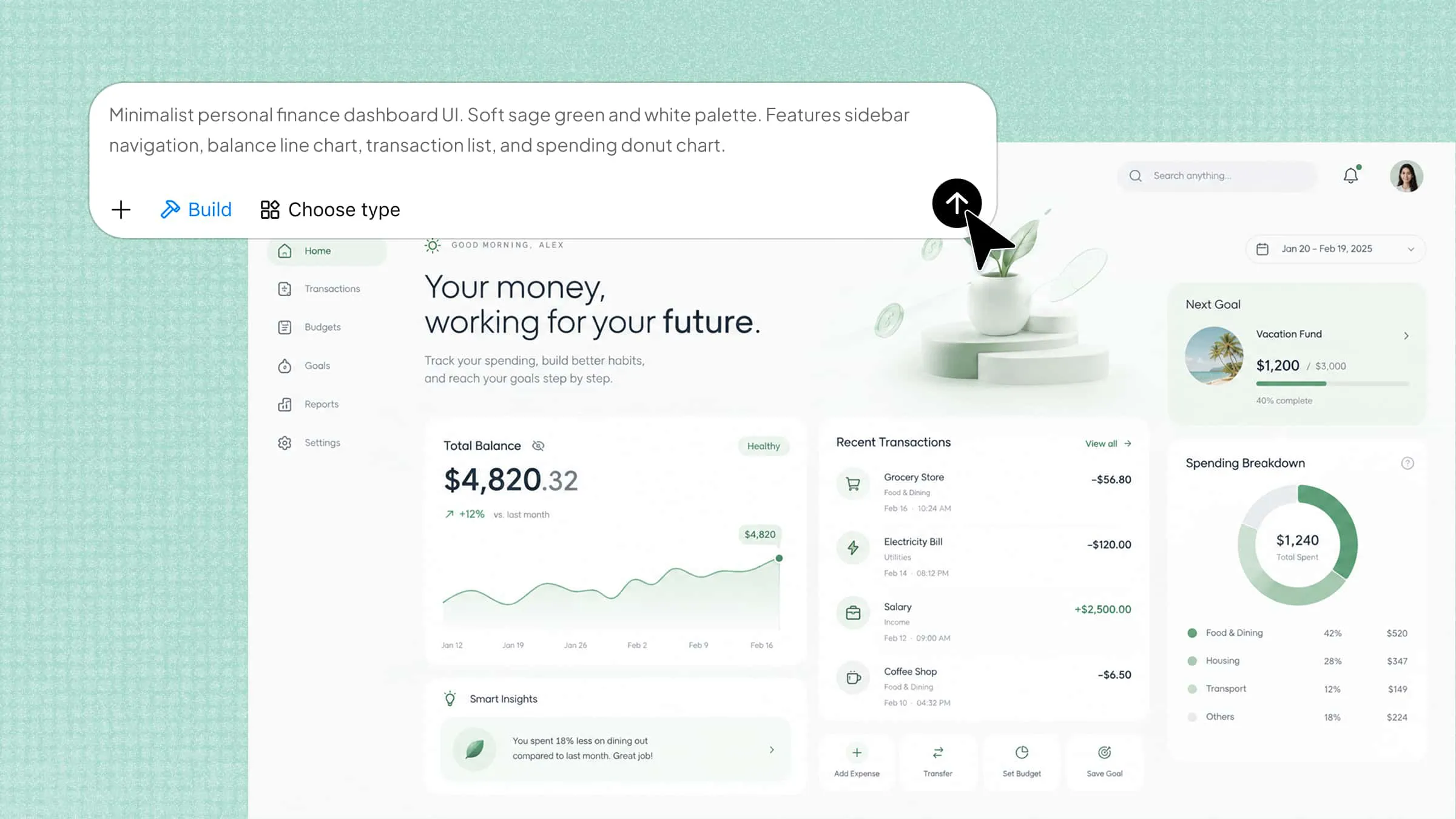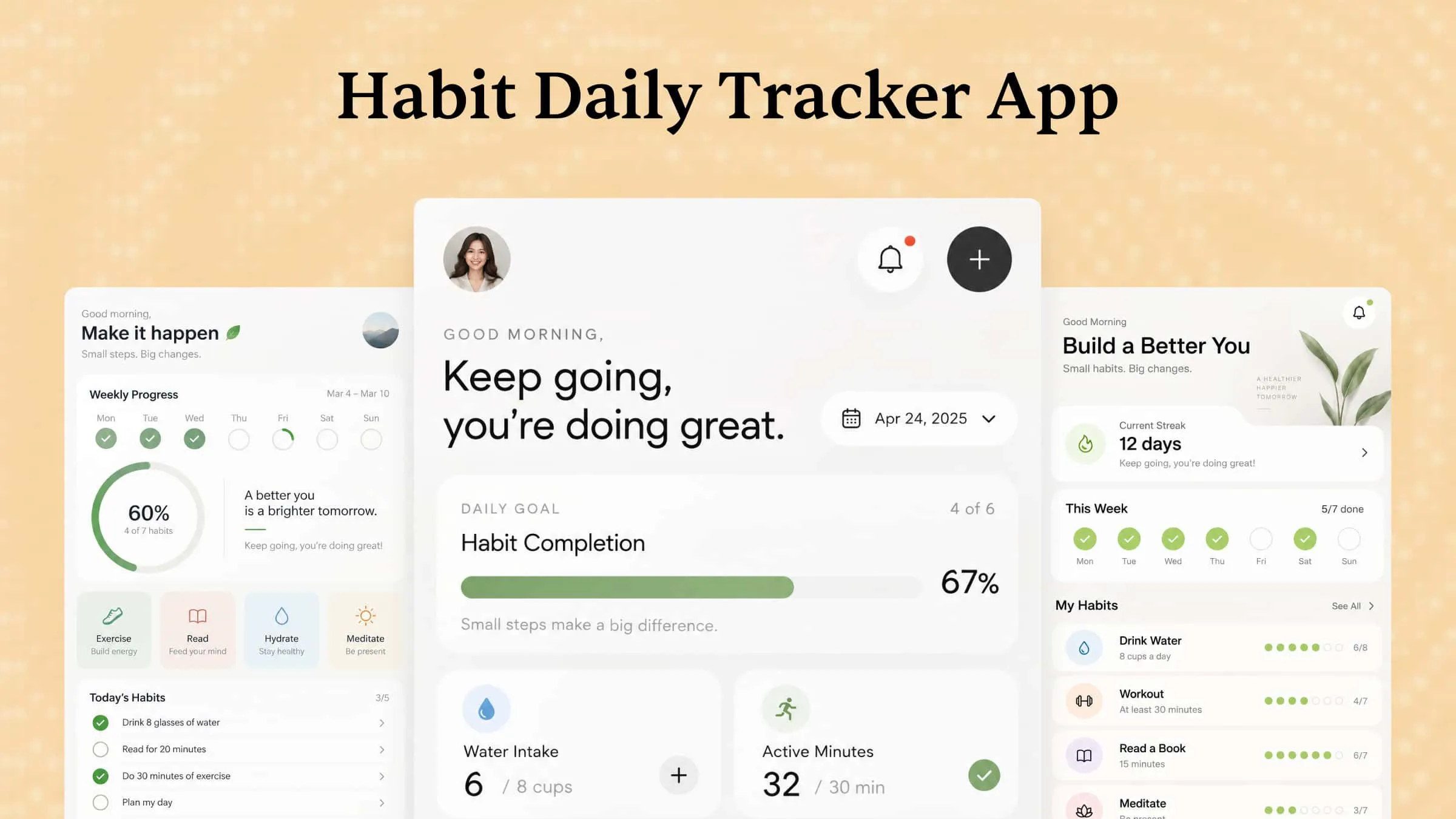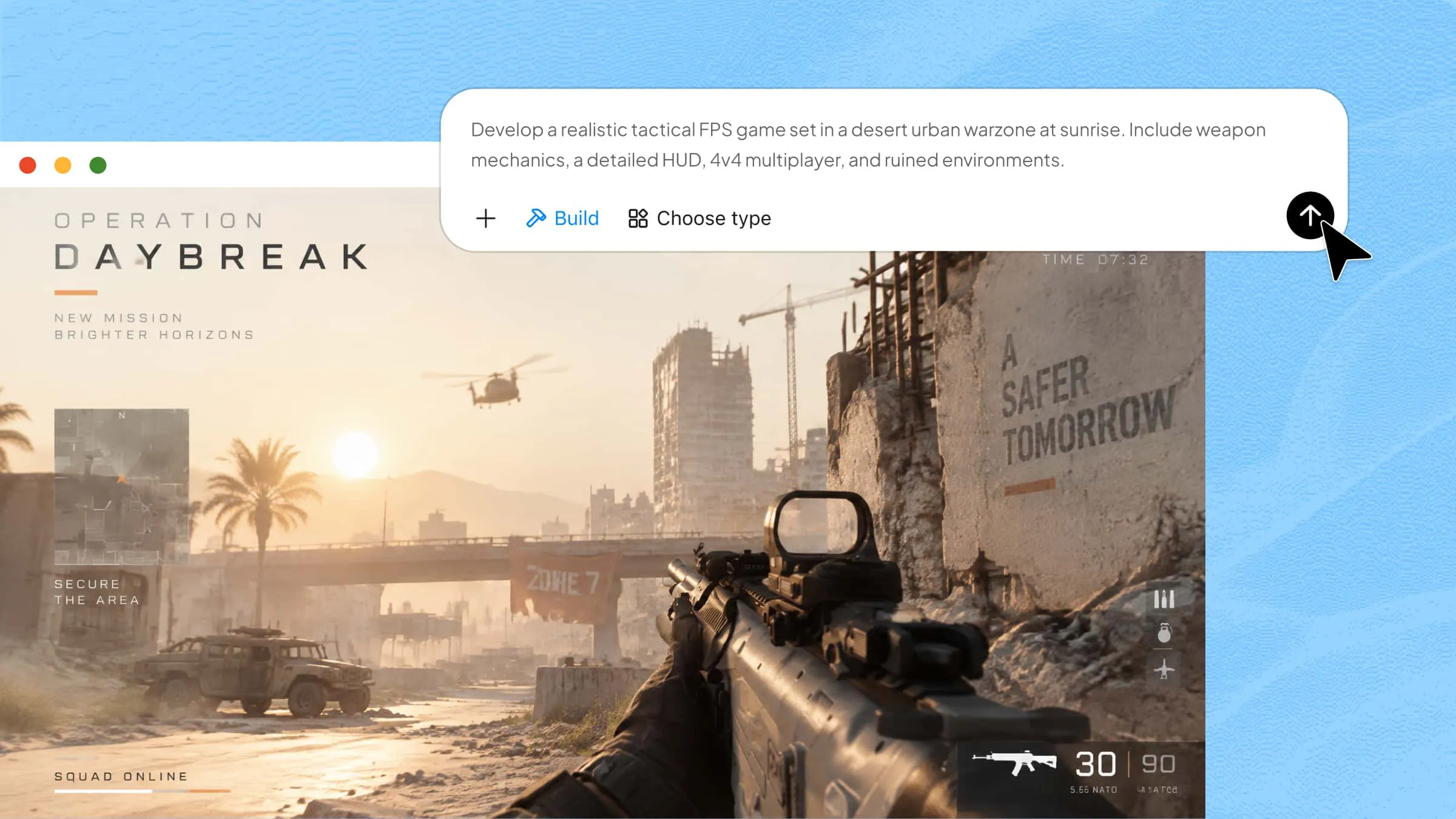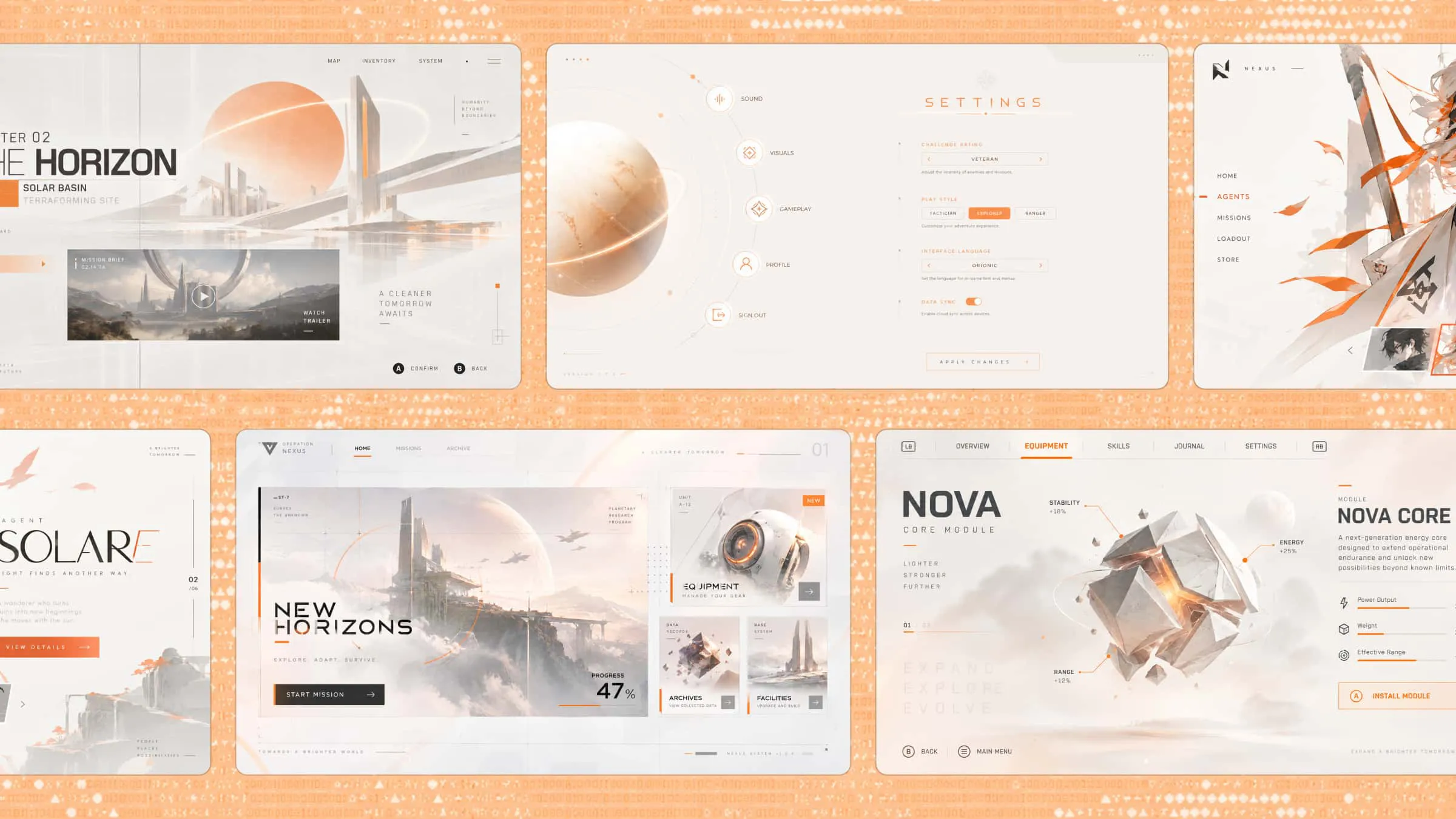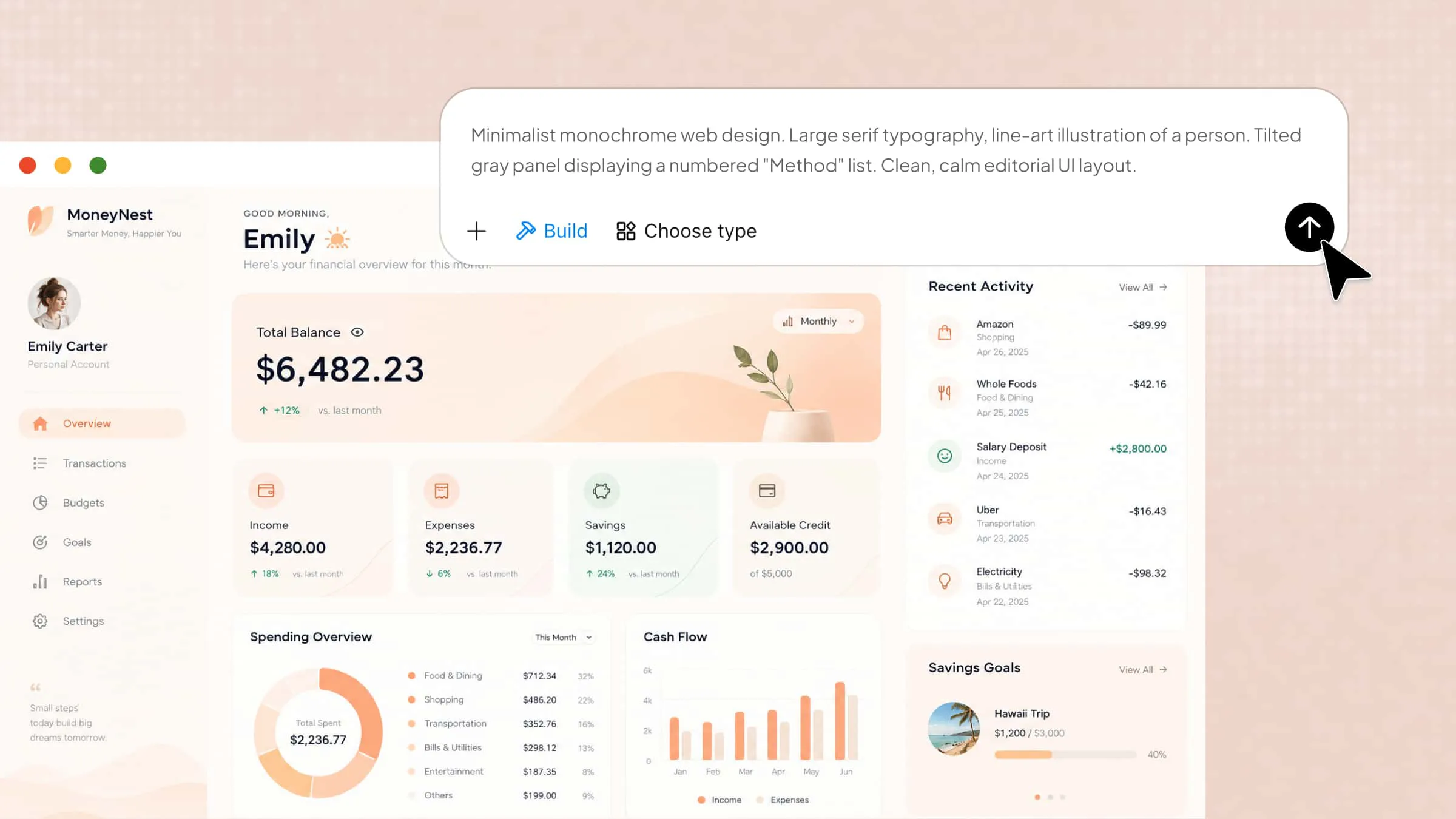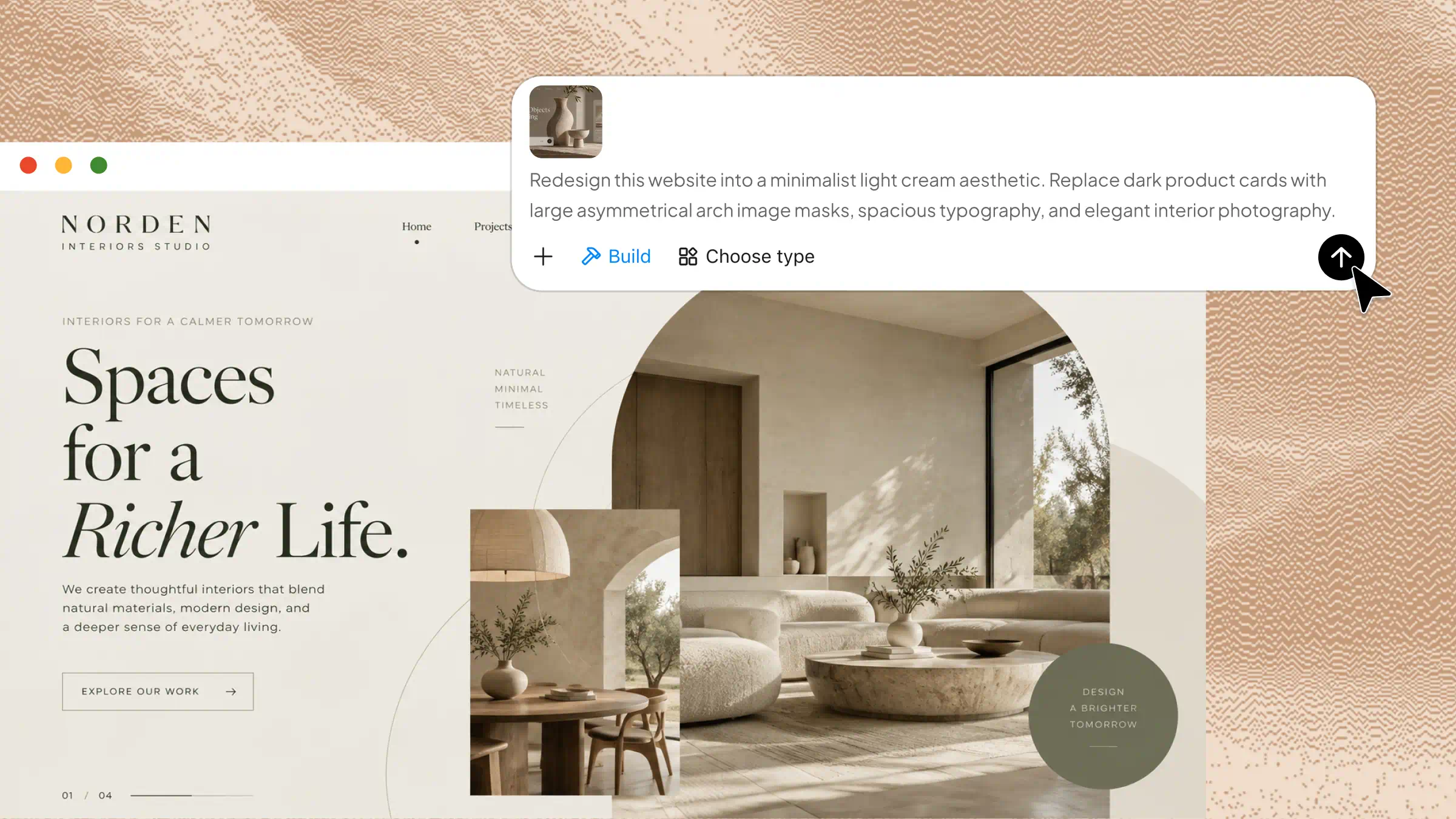
A website may look good at first, but slow pages, confusing menus, or outdated layouts can drive visitors away. A website redesign helps address these issues, improve usability, and make it easier for visitors to find what they need. Whether you're refreshing the visual design, improving navigation, or updating site functionality, a well-planned redesign can help your website better serve its audience. Read on to explore the key benefits of website redesign and how to get started.
What is website redesign
A website redesign is the process of updating a website's look, layout, content, and features to make it work better for visitors. It can include improving page speed, making navigation easier, updating old content, and ensuring the site works well on mobile devices. The goal is to create a better user experience while supporting business needs, such as attracting more visitors or increasing sales.
When should you redesign your website
You need a website redesign when your site no longer meets your visitors' needs or supports your business goals. Small issues can build up over time and affect how people use your website and whether they trust your brand. Here are some common signs that it may be time to start redesigning a website redesign project.
Outdated visuals and branding
Your website should reflect your brand's current style and values. Old layouts, dated fonts, and mismatched colors can make your business look less professional and reduce visitors' trust. A redesign helps you create a fresh, consistent look that matches your brand and appeals to your target audience.
Poor mobile experience
Many people browse websites on their phones, so your site needs to work well on smaller screens. If text is difficult to read or pages require constant zooming, visitors may leave without taking action. You can use AI tools to redesign websites and create mobile-friendly layouts that adapt to different screen sizes.
Slow page loading and usability issues
Visitors expect pages to load quickly and information to be easy to find. Slow loading, broken links, and confusing menus can drive people away. A website redesign process helps fix these issues, improve navigation, and create a smoother experience.
Declining traffic or conversions
If traffic is falling or visitors aren't signing up, contacting you, or making purchases, your website may need attention. Check analytics to identify pages with high exit rates or low conversions. These insights help you focus your redesign on the areas that need the most improvement.
Changing business goals or audience needs
Your website should adapt as your business and customers' needs change. You may need new landing pages, updated service details, or easier ways for customers to contact you. When planning a redesign project, focus on your current goals and audience needs to keep your site relevant.
How to plan a website redesign
A successful website redesign starts with a clear plan rather than jumping straight into new layouts and colors. Taking time to review your current website, understand your audience, and set realistic goals helps you avoid unnecessary changes. Follow these steps to plan a redesign that meets your business needs.
Audit your existing website
Start by reviewing your current website to identify what works and what needs improvement. Check page speed, navigation, mobile usability, broken links, and visitor behavior. This audit helps you focus on the issues that matter most instead of changing everything without a clear reason.
Define redesign goals and KPIs
Decide what you want your redesigned website to achieve, such as more sales, better engagement, or more inquiries. Set measurable key performance indicators (KPIs), including conversion rates, page load times, and bounce rates. These targets help you track progress and determine whether the redesign delivers results.
Research your audience and competitors
Understand what your visitors expect from your website and what makes them stay or leave. Review customer feedback, common questions, and browsing habits to identify areas for improvement. Looking at competitor websites can also give you useful ideas for improving navigation, content, and overall user experience.
Review website content and structure
Check your existing pages to see which content should stay, be updated, or be removed. Make sure important information is easy to find and that your menus follow a clear, logical structure. Organizing your content before redesigning saves time and helps visitors move through your website more easily.
Establish a design direction and budget
Choose a design style that matches your brand and supports your goals. Consider your required features, development costs, timeline, and available resources before starting work. Setting a clear budget and design direction helps you make practical decisions and avoid unexpected expenses during the redesign.
How to redesign a website step by step with AI
Redesigning a website doesn't have to mean starting from scratch or spending hours on design and coding. AI tools can help you turn your ideas into a fresh layout, update existing pages, and create a better experience with less effort. Kimi Build, an AI website builder, makes this process easier by letting you generate website designs from a simple text prompt or screenshot. Follow these steps to redesign websites with AI using Kimi Build.
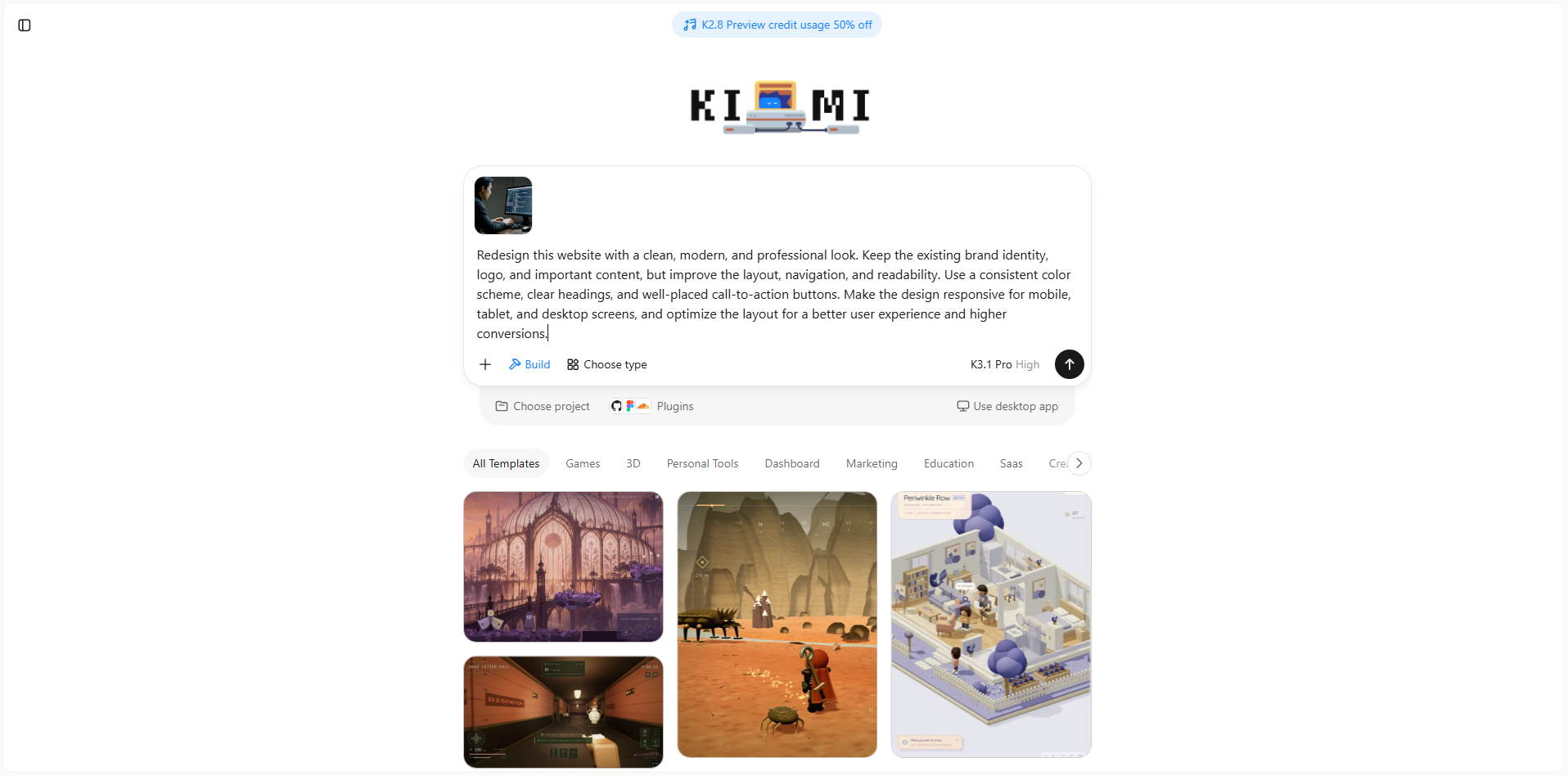
Step 1: Upload materials and write a prompt
Upload a screenshot of your existing website to Kimi Build, along with your logo, brand colors, product images, and any content you want to keep. These materials help the AI understand your current design and requirements.
Example prompt:
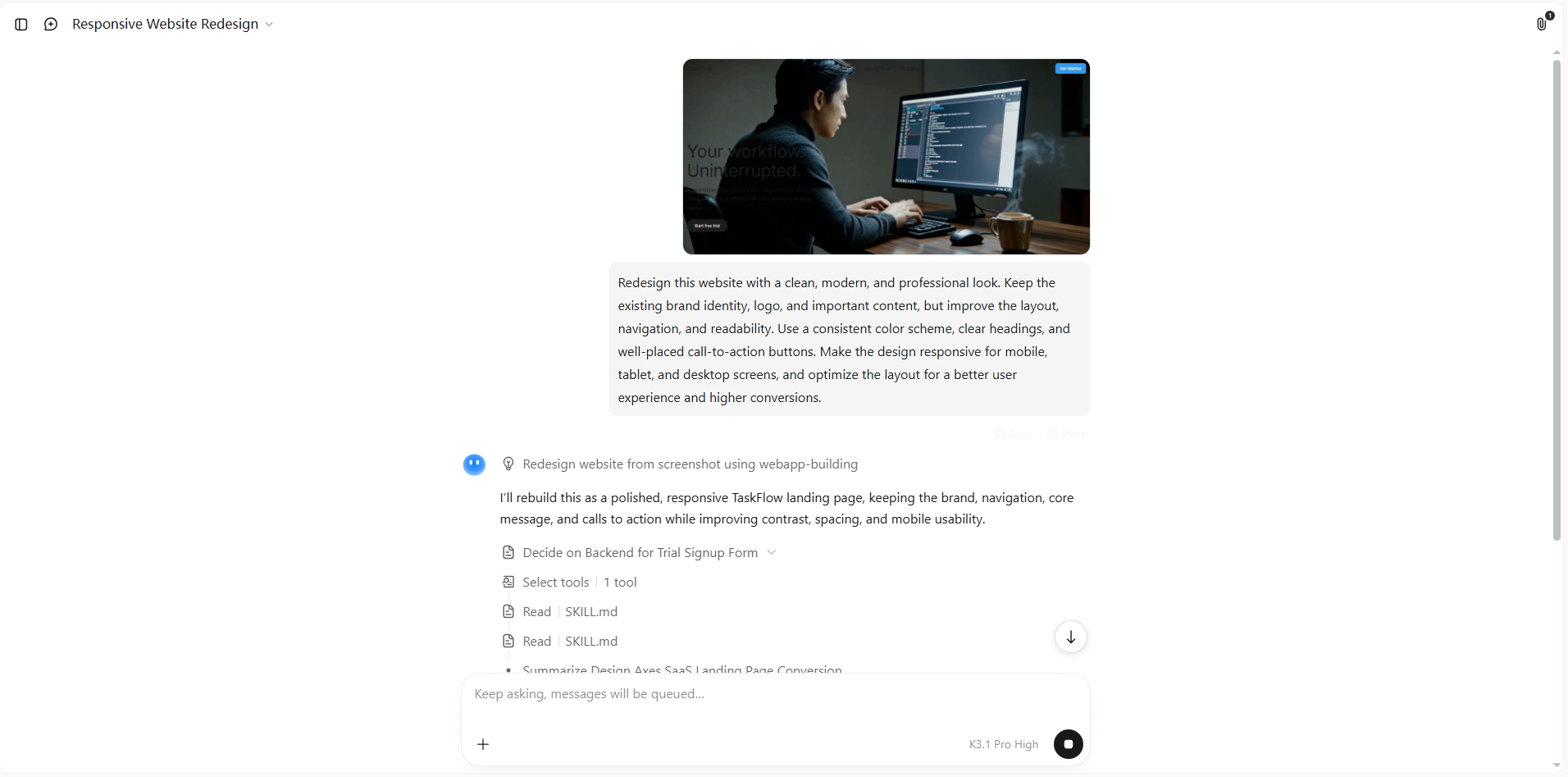
Step 2: Let AI generate the results
Submit your prompt and let Kimi Build generate a redesigned layout based on your instructions.
Step 3: Refine and edit your websites
Click "Edit" to customize the generated website. You can select specific elements and leave comments to request targeted changes, make manual adjustments directly, or enter prompts in the chat to modify headings, images, colors, layouts, and page sections. Review the updated design across different screen sizes and check that navigation, links, and buttons work as expected.
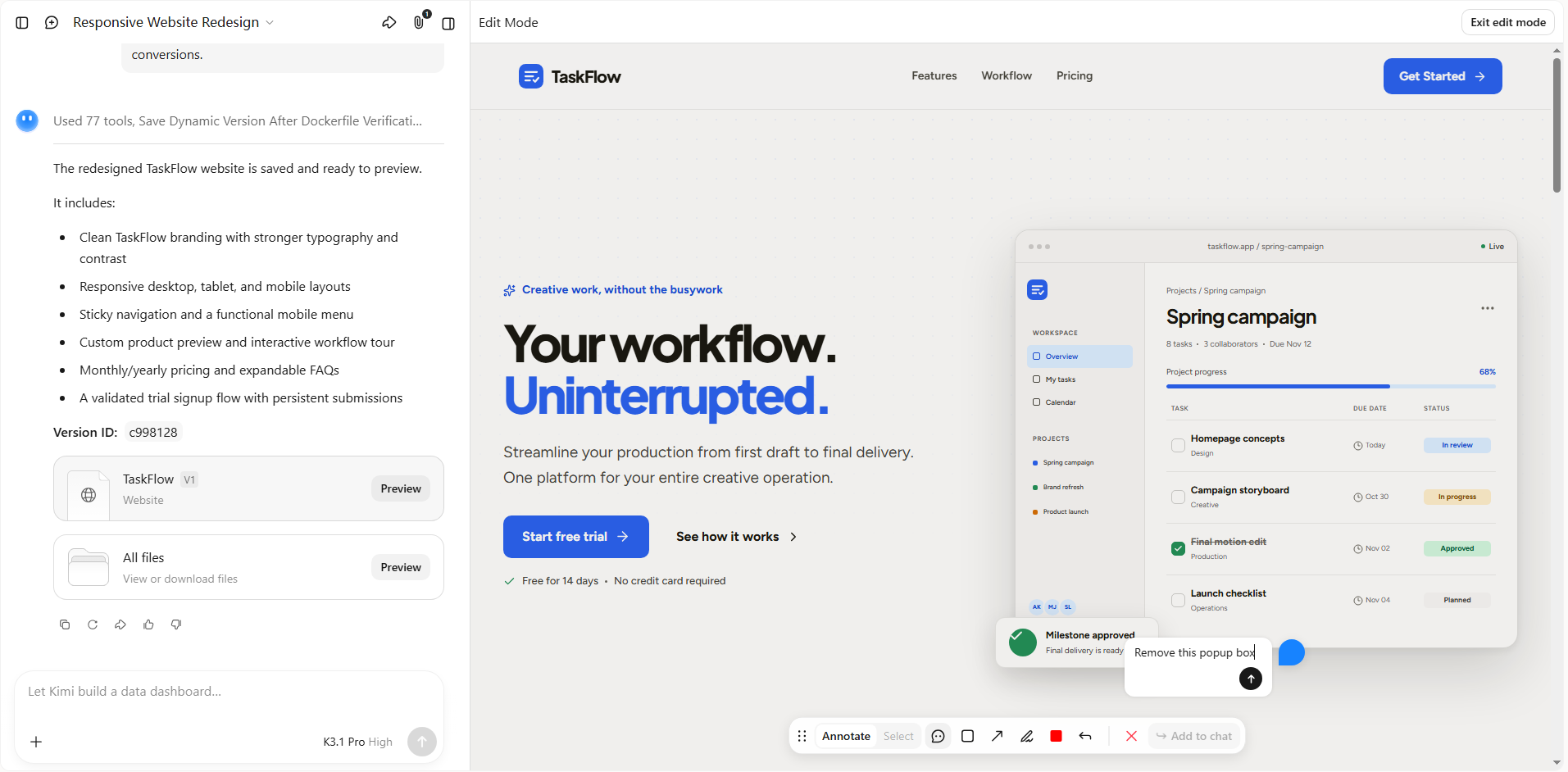
Step 4: Launch and monitor performance
Once you're satisfied with the redesign, publish your website using the available publishing options. Monitor page speed, traffic, visitor behavior, and conversions to measure its performance. Use these insights to make further improvements when needed.
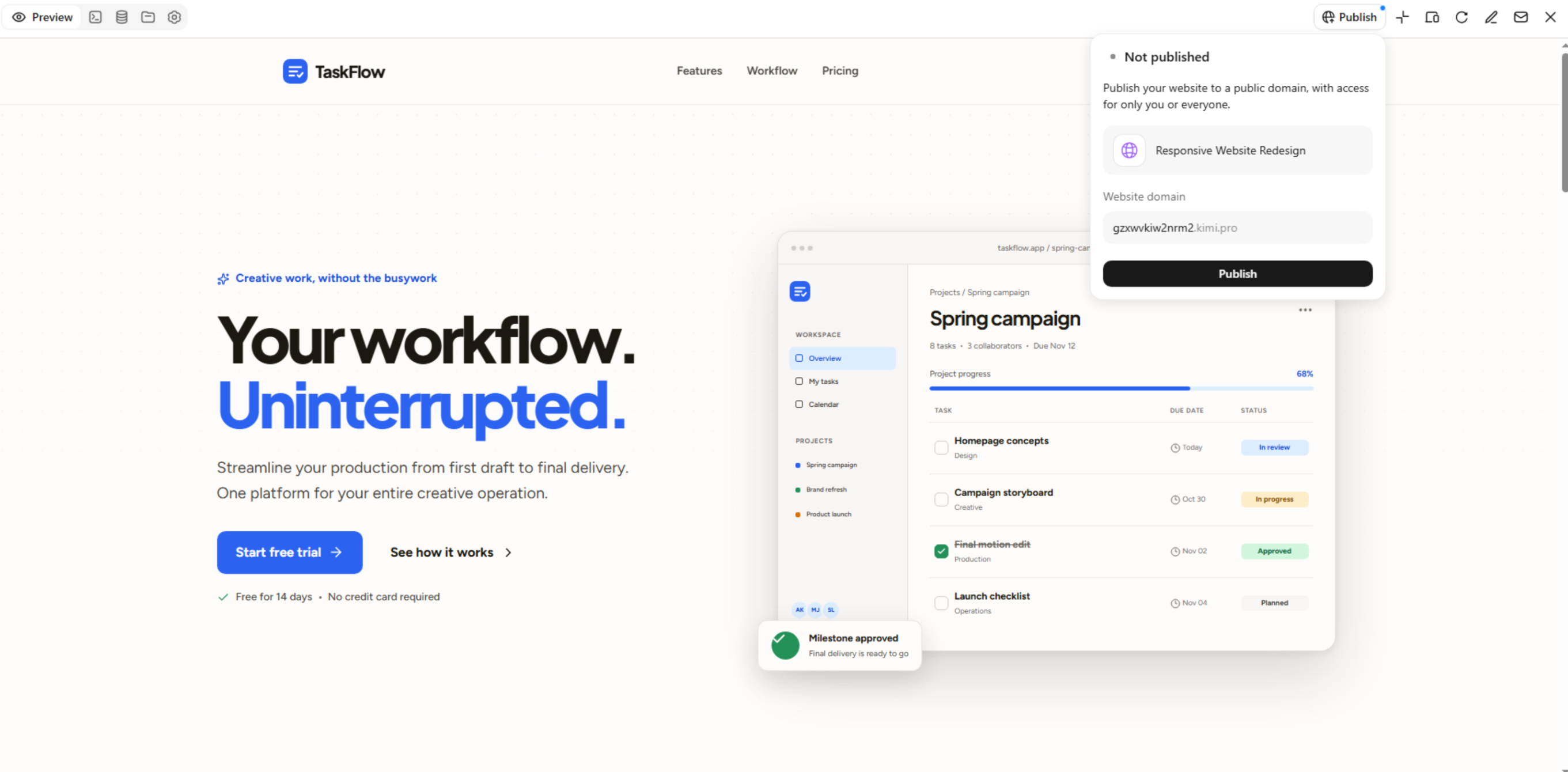
What makes Kimi Build useful for website redesign
Redesigning a website is easier when you can turn your ideas into changes without starting from scratch. Kimi Build offers simple tools that help you update layouts and improve your website with less effort. Here's what makes it useful.
Redesign website pages from natural language prompts
Describe your desired layout, visual style, content structure, and functionality. Kimi Build turns your requirements into website designs that reflect your redesign goals, helping you explore a new direction for an existing site.
Use visual references to guide the redesign
Upload reference images or videos to communicate your preferred colors, layouts, and visual elements. Kimi Build uses these materials to guide the design, helping align the new website with your brand identity and creative direction.
Refine layouts and visual elements iteratively
Adjust page structures, typography, colors, images, and other design details through follow-up prompts, comments, or manual edits. This lets you fine-tune the redesigned website as your requirements evolve.
Create cohesive designs across website pages
Develop page layouts with consistent visual styling and a clear content hierarchy. This helps maintain a unified look across key pages while giving each page a structure suited to its purpose.
Preview website designs across screen sizes
Explore responsive website layouts for different screen sizes and refine elements that affect readability, spacing, and navigation. Review the resulting experience to help ensure the design works well on desktop and mobile devices.
Iterate on website concepts before finalizing the design
Explore alternative layouts and visual directions, then make further changes based on your feedback. Kimi Build supports an iterative approach to website redesign, helping you develop a design that better fits your goals before moving forward with launch preparations.
Tips for redesigning your website
Your website should make it easy for visitors to find information, trust your brand, and take action. A few thoughtful changes to the design, content, and navigation can make a real difference. Keep these practical tips in mind as you plan your redesign.
Set clear redesign goals
Before making changes, decide what you want your website to achieve. You might want to increase sales, improve navigation, or encourage more visitors to contact your business. Clear goals help you prioritize changes and measure the success of your site redesign.
Understand your target audience
Think about who visits your website and what they expect to find. Review customer feedback, common questions, and visitor behavior to understand their needs. This helps you redesign site pages that make information easier to find and encourage visitors to take action.
Refresh the visual design and UI
Update outdated colors, fonts, images, and buttons to give your website a consistent, modern look. Keep the design simple so visitors can focus on important information without distractions. A clean user interface also helps build trust and makes your website easier to use.
Restructure website content and navigation
Organize your pages into clear categories and use simple menu labels that visitors can understand quickly. Place important information where people naturally expect to find it. A well-planned structure makes browsing easier and helps visitors reach the right pages with fewer clicks.
Create and refine page layouts
Arrange headings, images, text, and call-to-action buttons in logical order. Give each section enough space so the page feels clear rather than crowded. During the website redesign process, review each layout to ensure it supports your goals and guides visitors toward the next step.
Optimize content and responsive layouts
Update outdated text, remove unnecessary information, and make sure your content is easy to scan. Check that images, buttons, and text adjust properly across mobile phones, tablets, and desktops. A responsive layout provides a consistent experience, whatever device your visitors use.
Test, launch, and measure performance
Before publishing, test your links, forms, buttons, page speed, and mobile layouts to catch any problems. After launch, monitor traffic, conversions, and user engagement to see how the redesign performs. Use these results to make further improvements and keep your website useful over time.
Conclusion
Keeping your website useful means being willing to improve it as expectations change. A well-planned website redesign can help your business present itself more clearly and create a better experience for visitors. Focus on what matters most to your audience and build from there. If you're ready to explore a fresh design, try Kimi Build to get started with your next website project.