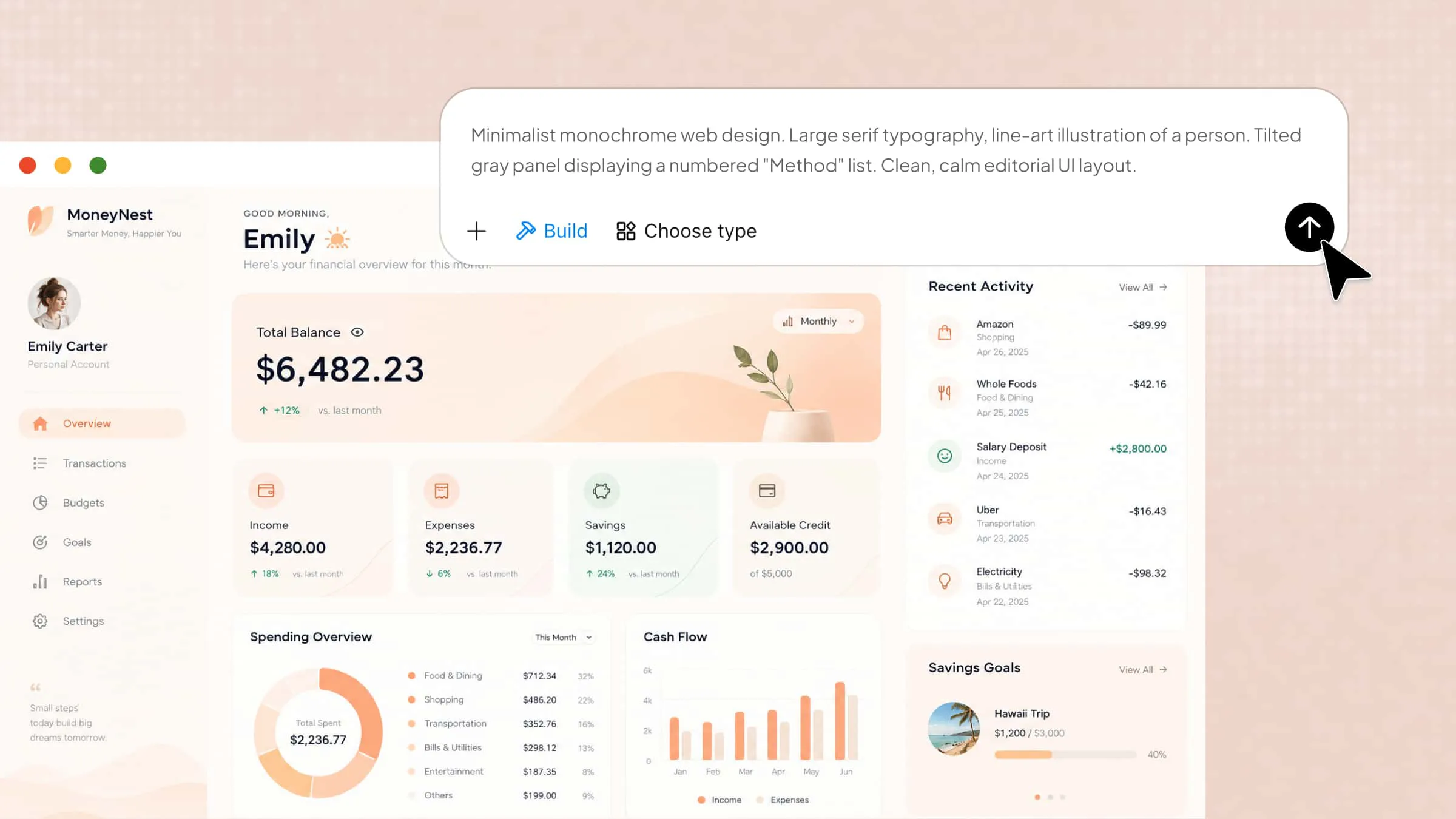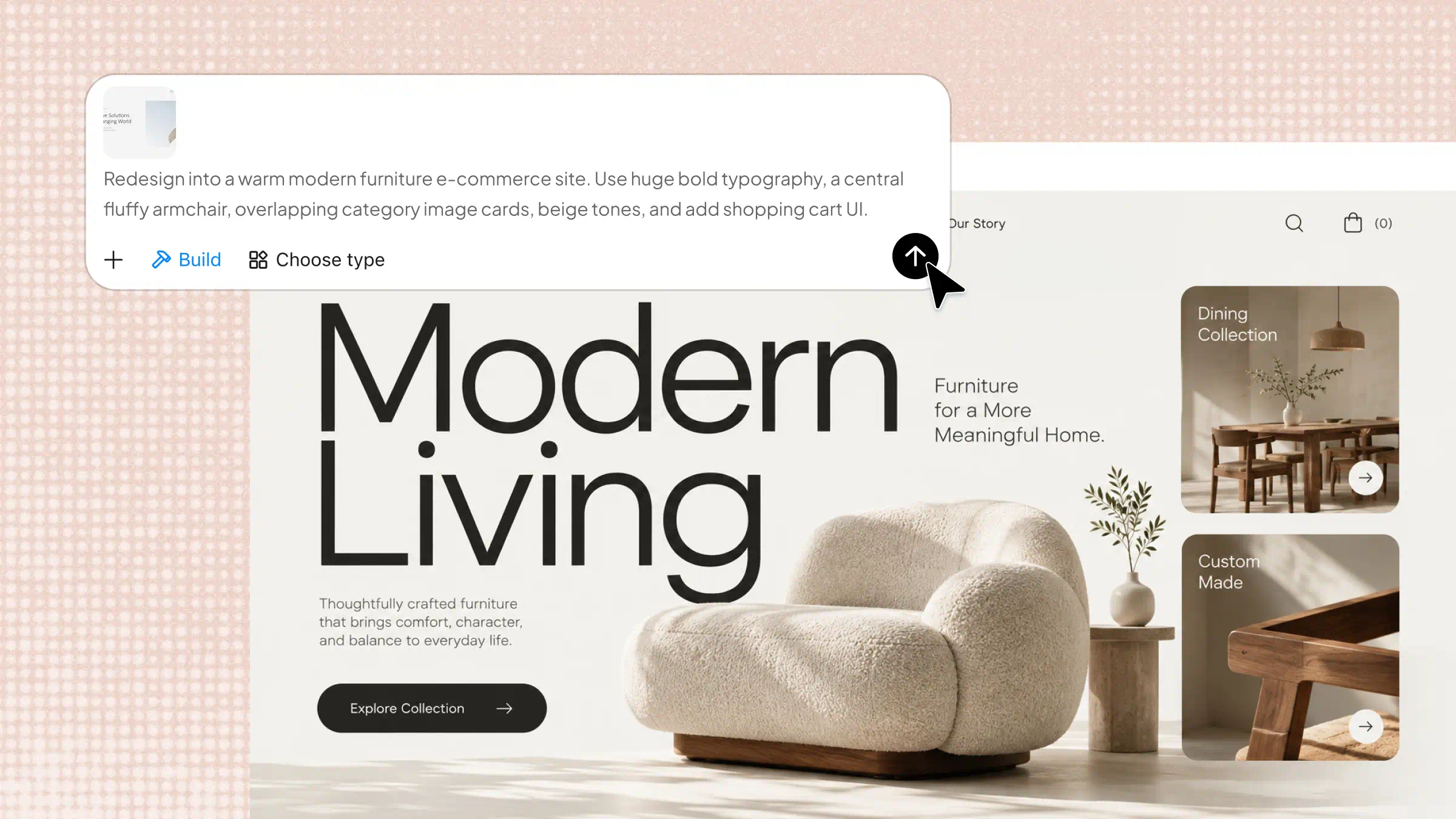
Whether your website looks outdated, feels hard to use, or fails to turn visitors into customers, the right changes can make a real difference. Website redesign tools help you improve your layout, fix design issues, and create a smoother experience without starting from scratch. With AI-powered options like Kimi Websites, you can also build new pages faster while keeping your brand consistent. Read on to explore 10 website redesign tools that can help you refresh your site and get better results.
Overview of 10 website redesign tools
Website redesign tools vary in their features, workflows, and levels of customization. Some focus on AI-powered design generation, while others specialize in visual editing, website development, or wireframing. The following table lists 10 popular tools to help you understand their key features and find an option that fits your redesign needs.
| Tool | Tool type | Key features | Suitable for |
|---|---|---|---|
| Kimi Build | AI website builder | Redesign from screenshots and prompts, visual editing, responsive layouts, interactive features, version history, website publishing | Modernizing business websites, redesigning landing pages, recreating website designs |
| Repaint | AI website design tool | Prompt-based redesign, visual style exploration, layout improvements, AI design suggestions | Refreshing outdated websites, exploring new design directions |
| Figr | AI product design tool | Interface generation, user journey mapping, design alternatives, usability analysis | Redesigning web applications, improving navigation and onboarding |
| Lovable | Full-stack development platform | Prompt-based website generation, interactive interfaces, database connections, code customization | Rebuilding interactive websites, modernizing SaaS websites |
| Replit | AI-assisted development platform | AI code generation, cloud development, website testing and debugging, deployment | Redesigning code-based websites, updating React applications |
| Base44 | AI web application builder | Prompt-based application generation, interactive features, layout customization, data and workflow management | Building business portals, interactive forms, and business applications |
| Framer | Visual website design and publishing platform | AI layout generation, responsive design, animations, visual editing, website publishing | Redesigning portfolios, marketing websites, and landing pages |
| Wix AI | AI website builder | Business website generation, visual editing, booking and store integrations, SEO and analytics tools | Redesigning small business websites, online stores, and service websites |
| Webflow | Visual web development platform | Visual layout controls, responsive design, CMS, interactive elements, custom styling | Redesigning corporate websites, content-rich websites, and marketing pages |
| Relume | AI website planning and wireframing tool | Sitemap generation, AI wireframes, reusable components, Figma and Webflow exports | Planning large website redesigns, structuring multi-page websites |
10 website redesign tools for better design
Redesigning a website doesn't have to mean rebuilding every page from the ground up. Some tools help you rethink your design, while others let you create new pages with less effort. Here are 10 website redesign tools worth exploring for your next website update:
Kimi Build
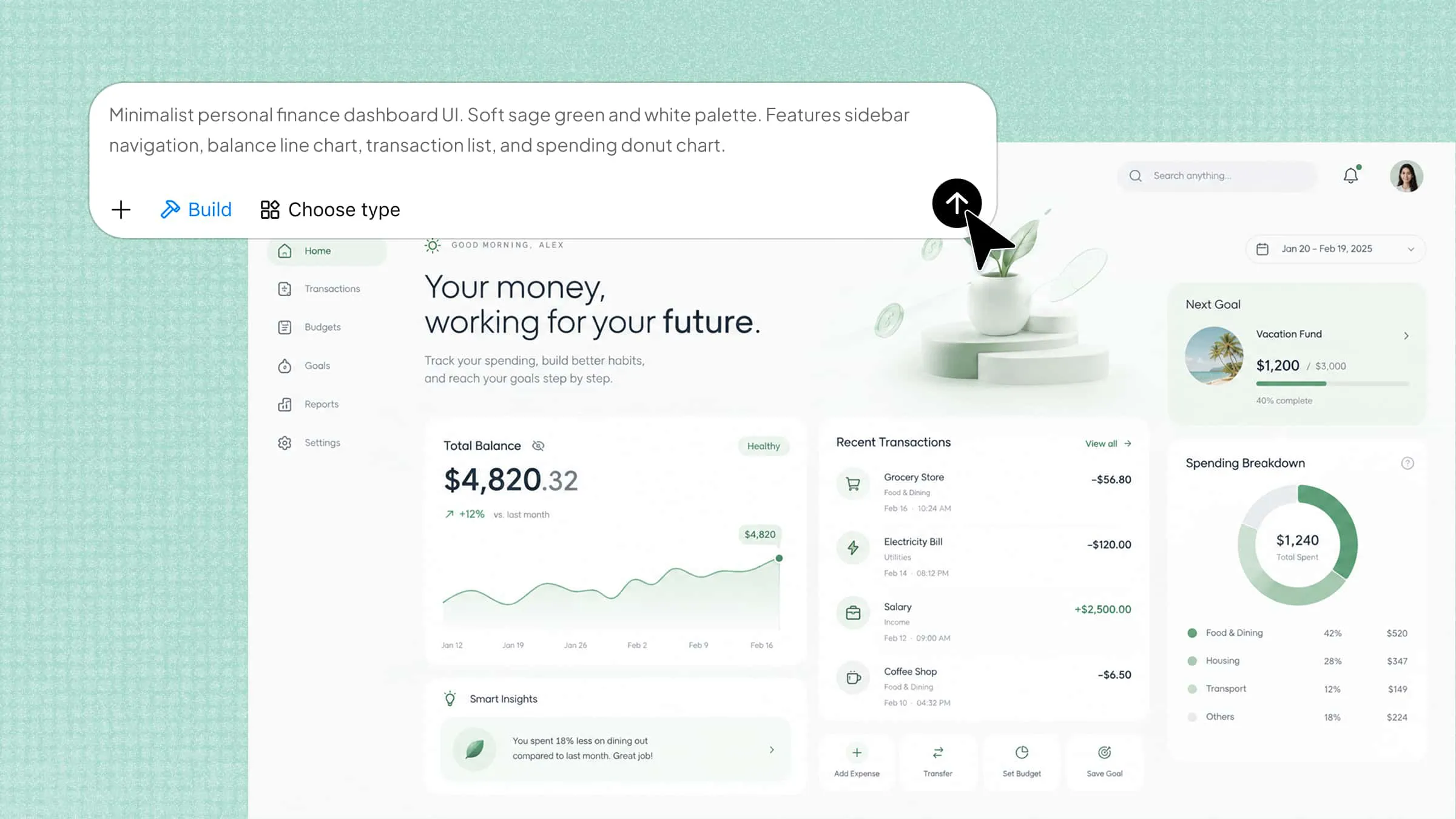
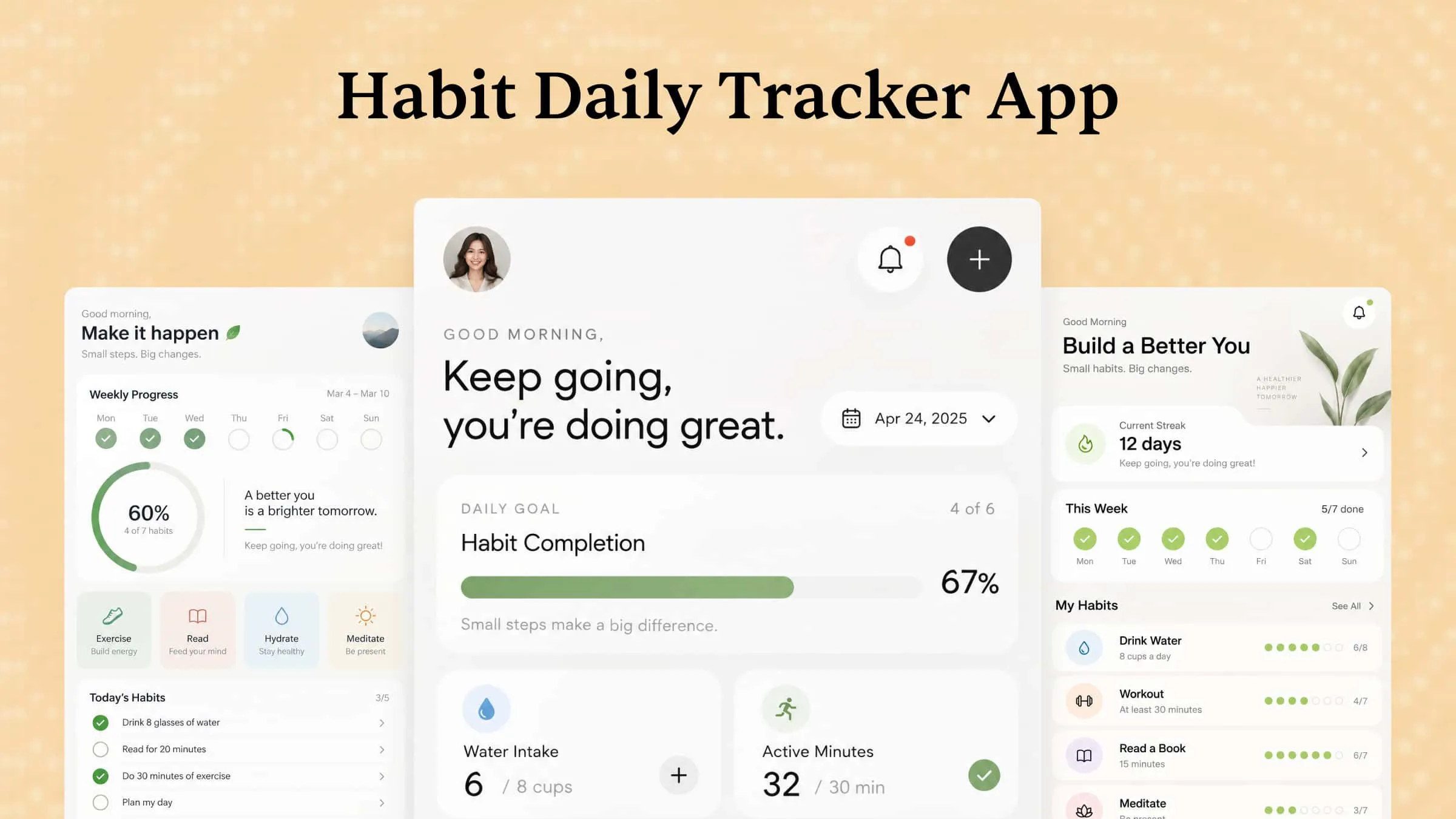
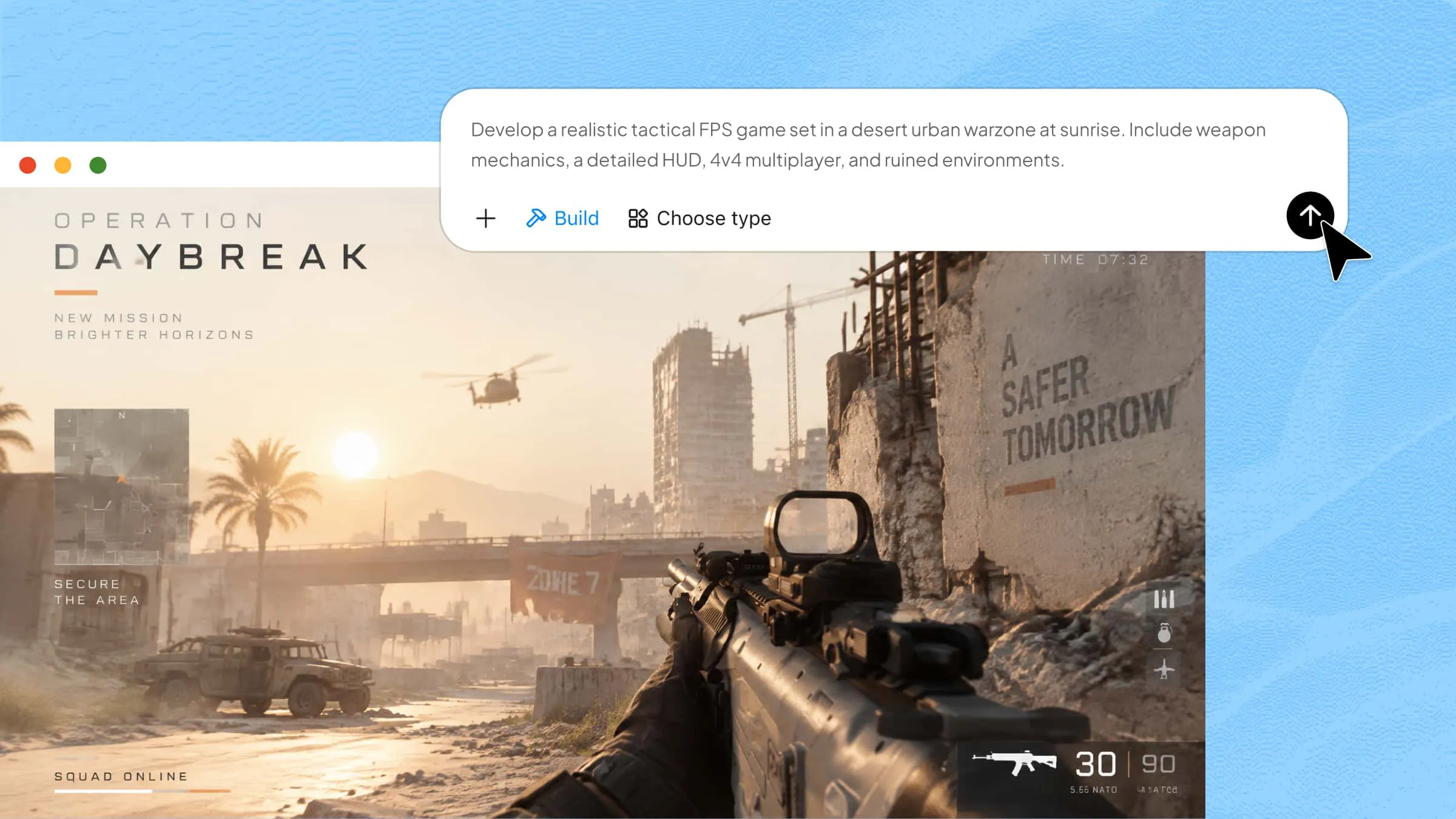
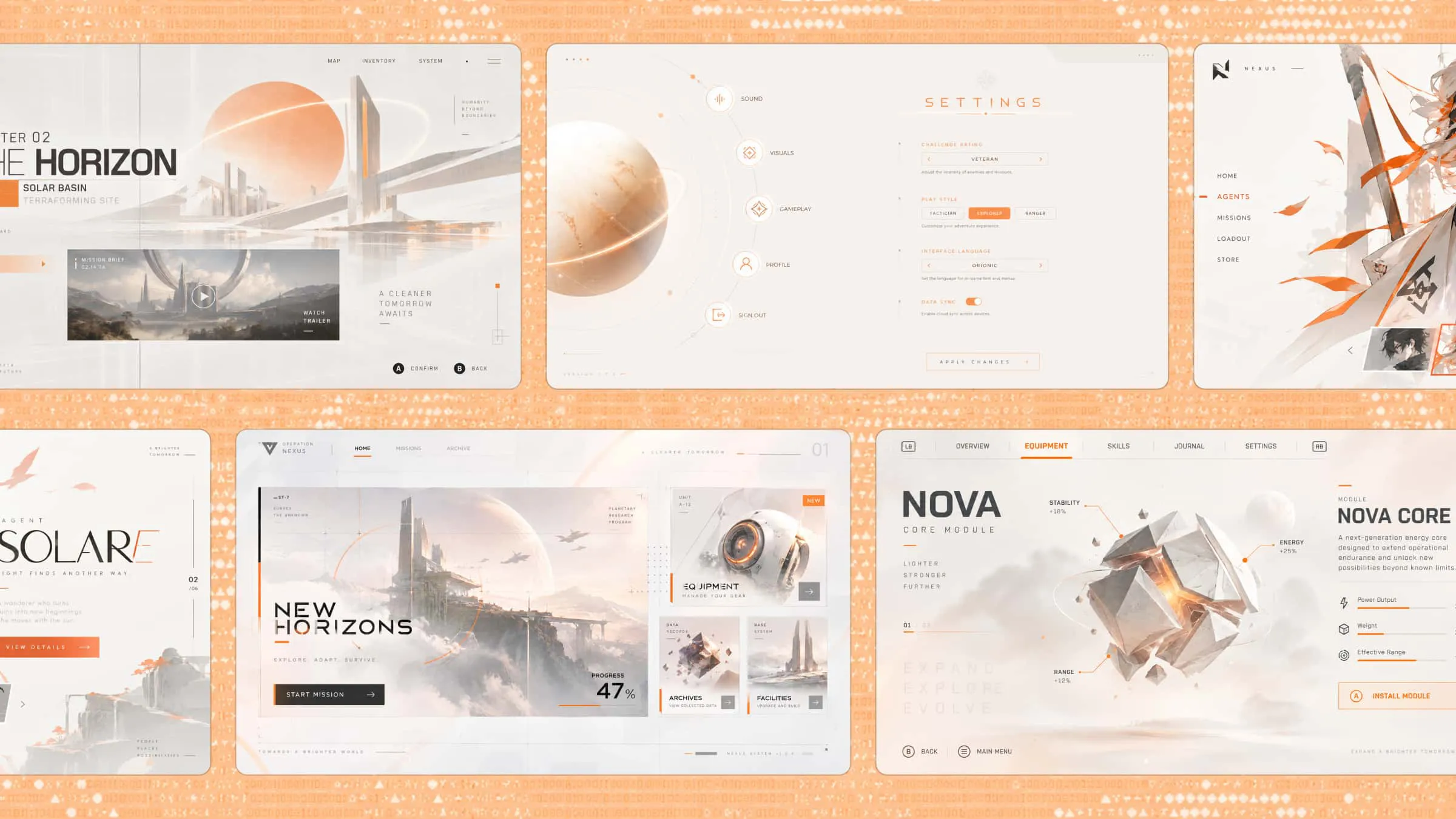
Kimi Build is an AI website builder that transforms text prompts and visual references into interactive websites. Describe your website concept, desired layout, features, and design direction to generate a tailored experience. You can then refine individual elements through comments, chat prompts, or manual edits to better match your needs.
Main features
Redesign websites from screenshots and visual references: Upload screenshots, design mockups, or screen recordings of an existing website to guide the redesign. Kimi Build can interpret page layouts, visual styles, and interface elements, then generate a functional website based on your references.
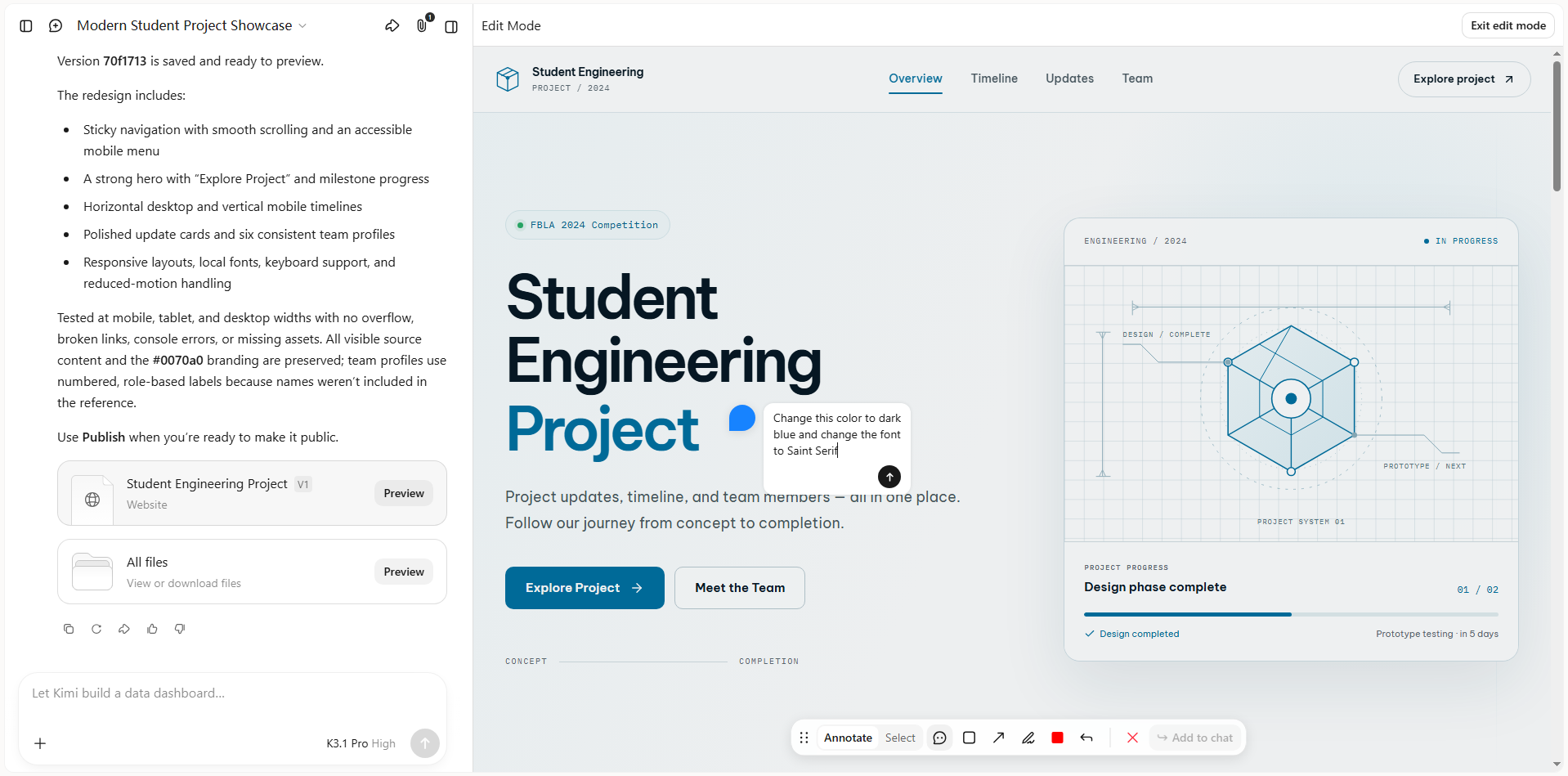
Flexible website redesign with prompt-based and visual editing: Kimi Build supports natural-language instructions and element-level comments to refine website layouts and individual components. Update color palettes, restructure page sections, adjust typography, or select specific areas in the preview to modify navigation bars, buttons, text blocks, and other design elements.
Improve responsive layouts across devices: Generate responsive website designs and preview them in desktop and mobile views. Review how page sections, text, and interactive elements appear on different screen sizes before publishing the redesigned site.
Track design history and restore previous versions: Keep a record of website design iterations and revisit earlier versions as your redesign progresses. If a recent change does not meet your expectations, restore a previous version to recover an earlier layout or design direction without starting the project over.
Preview and publish the redesigned website: Review the generated website before launch, then publish it to create a shareable link. You can also download the project files for further development and deployment.
Suitable for
Modernizing outdated business websites
Recreating designs from screenshots
Improving mobile layouts and navigation
Building redesigned product and landing pages
How to redesign a website using Kimi Build
Redesigning a website with Kimi is straightforward, even if you don't have coding experience. Follow these steps to turn your existing design into a more modern, user-friendly website.
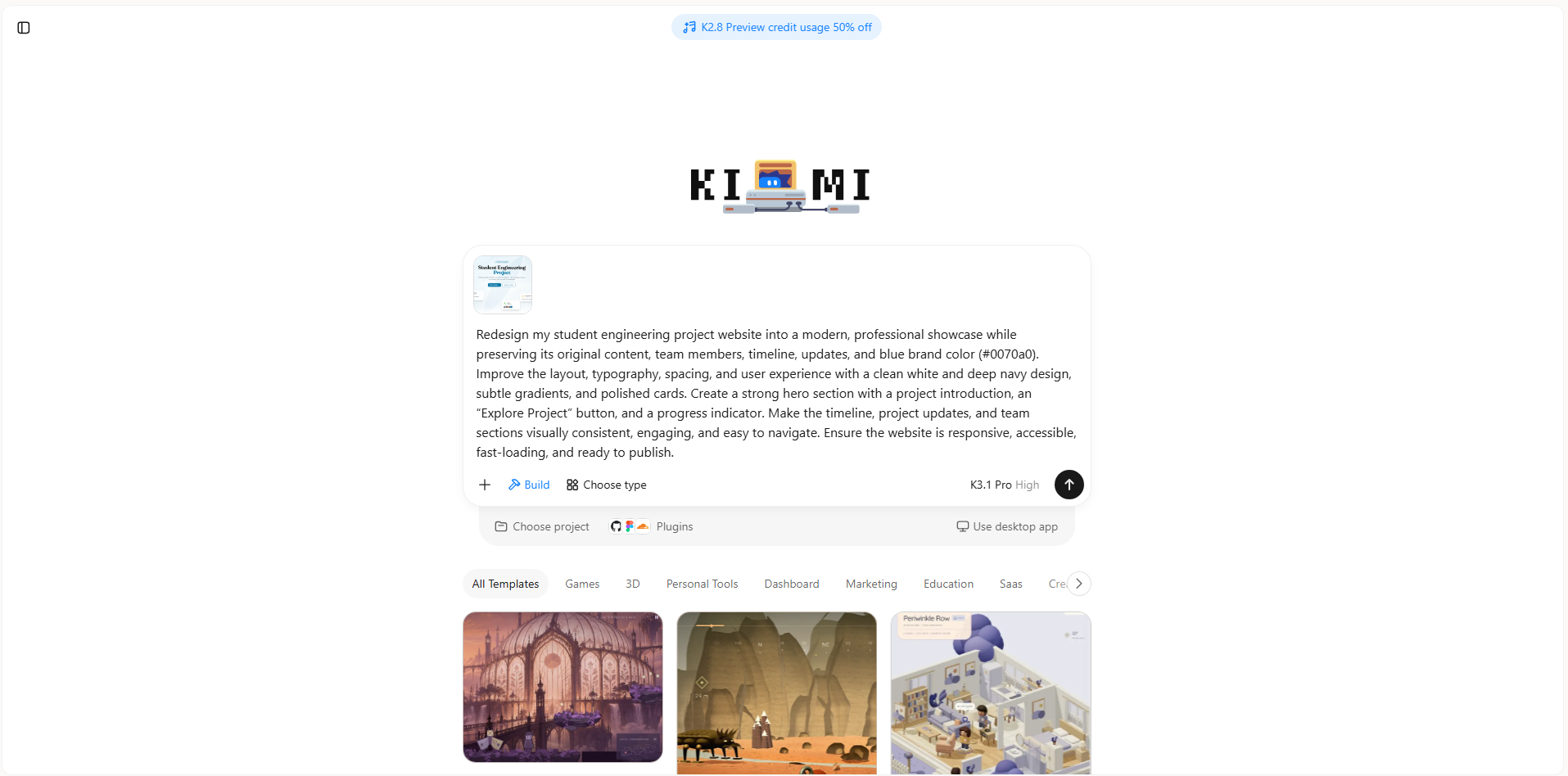
Step 1: Upload materials and write a prompt
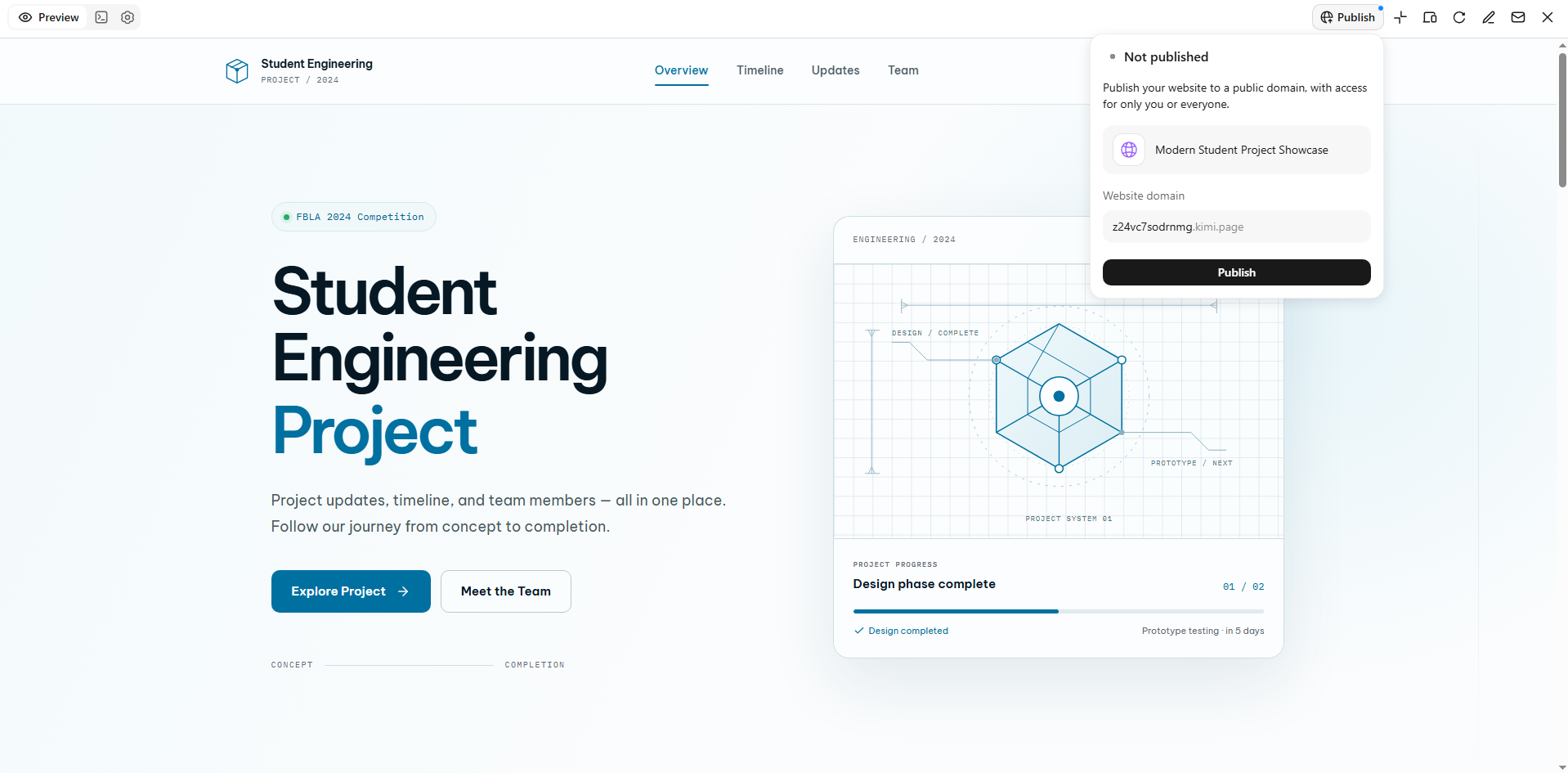
Open Kimi Build and upload screenshots of your existing website, along with any logo, images, or visual references you want to keep. Describe the changes you want and explain which elements should stay consistent, including your branding, project information, and blue color scheme.
Example prompt:
Step 2: Refine and edit your websites
Once Kimi Build generates the first version, preview it and review each section. Use its visual editing features to select individual elements and describe the adjustments you want. You can also upload screenshots of specific areas to guide further changes.
Step 3: Review and launch
Before publishing, test the redesigned website on desktop and mobile. Check that the navigation, project updates, timeline, team profiles, buttons, and links work correctly. Confirm that the original project details are intact and that text remains readable across screen sizes.
Repaint
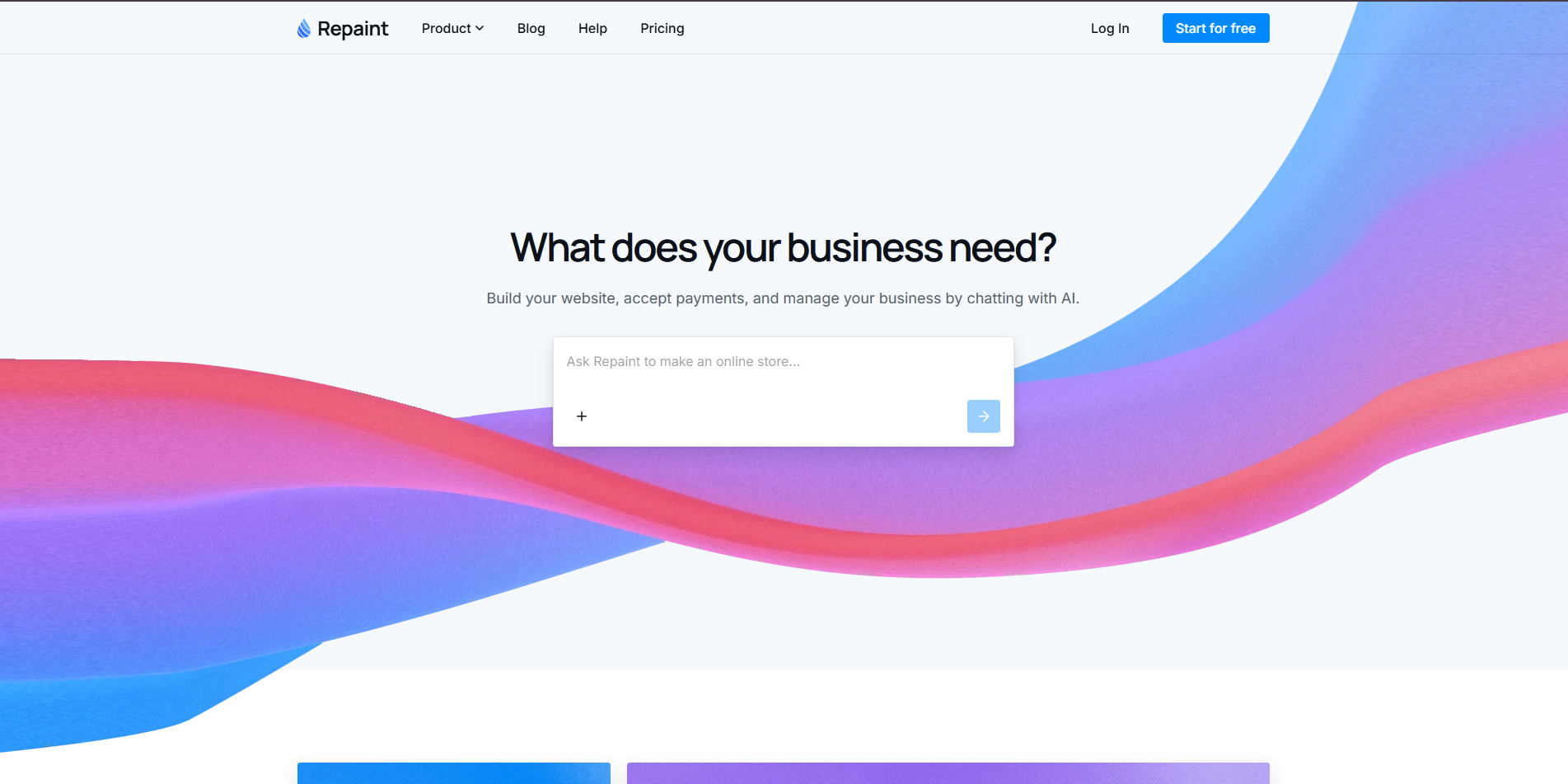
Repaint is an AI-powered website design tool that helps users refresh existing websites using natural-language prompts. It focuses on generating polished layouts based on your design instructions. You can explore different visual styles and refine page structures without extensive manual work. It is useful for updating a website's appearance while maintaining a consistent brand identity.
Main features
Redesign websites using prompts: Describe changes such as better spacing, updated colors, or a cleaner homepage. AI generates a revised design based on your instructions.
Explore visual styles: Experiment with different colors, typography, and layouts. Compare design directions before choosing one.
Improve page layouts: Reorganize website sections to make content easier to scan. Help visitors find important information more quickly.
Speed up design work: Use AI-generated suggestions to reduce manual design tasks. Spend more time refining the overall look.
Suitable for
Refreshing outdated business websites
Exploring new design directions
Improving homepage layouts
Creating consistent landing pages
Figr
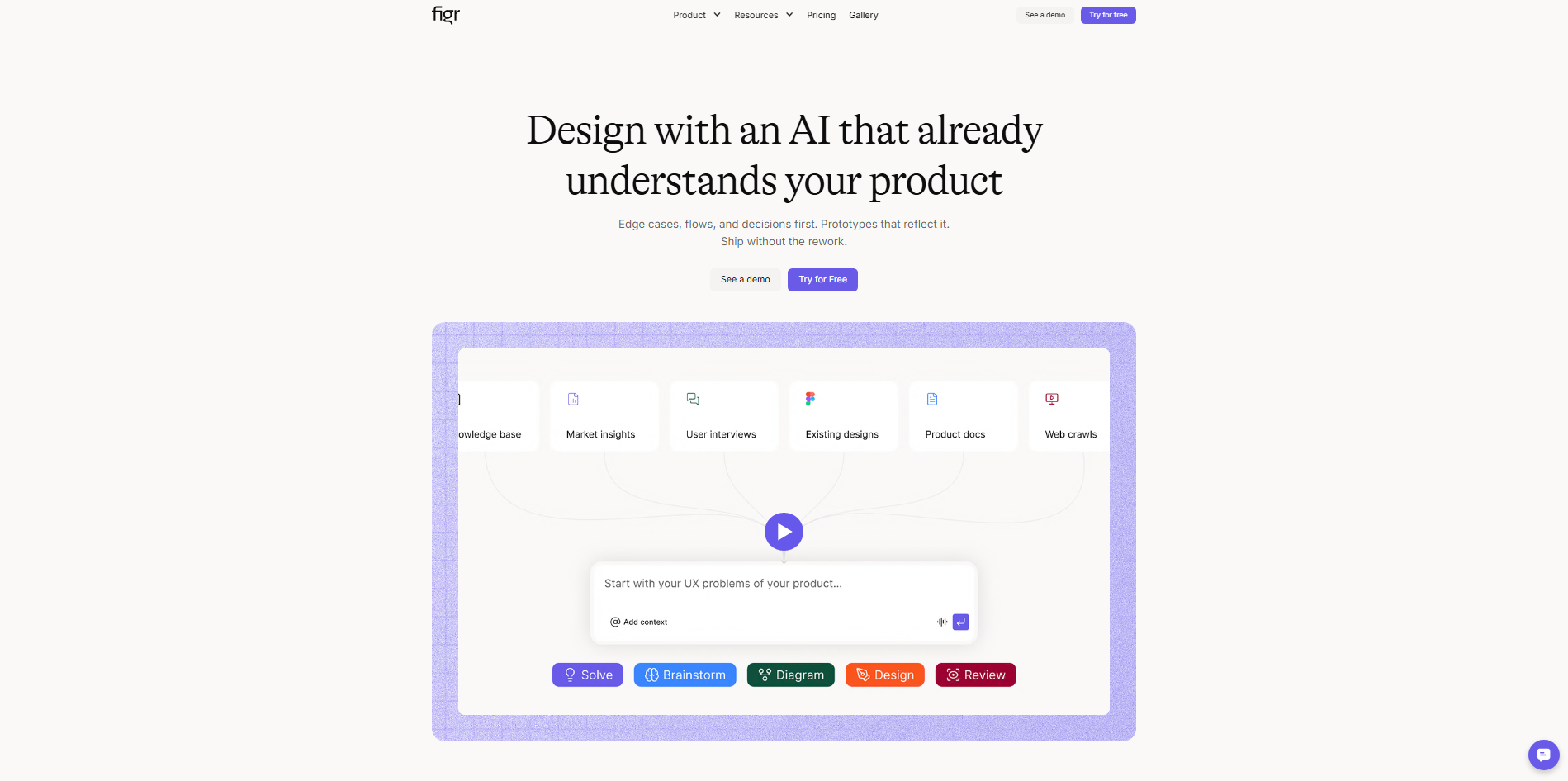
Figr is an AI-powered product design tool focused on user flows and interface planning. It helps teams turn product requirements into interface concepts. Rather than focusing only on visual styling, it emphasizes usability and user journeys. It is useful for redesigning websites and applications with a focus on better user experiences.
Main features
Generate interface designs: Describe product requirements to explore possible interface layouts. Refine the designs to match user needs.
Map user journeys: Outline the steps users take to complete tasks. Identify confusing navigation and unnecessary steps.
Explore design alternatives: Compare different interface structures and screen layouts. Choose the approach that best supports user goals.
Identify usability improvements: Review interface flows to find potential friction points. Prioritize changes that make tasks easier.
Suitable for
Redesigning complex web applications
Improving registration and onboarding
Simplifying website navigation
Planning user-focused interfaces
Lovable
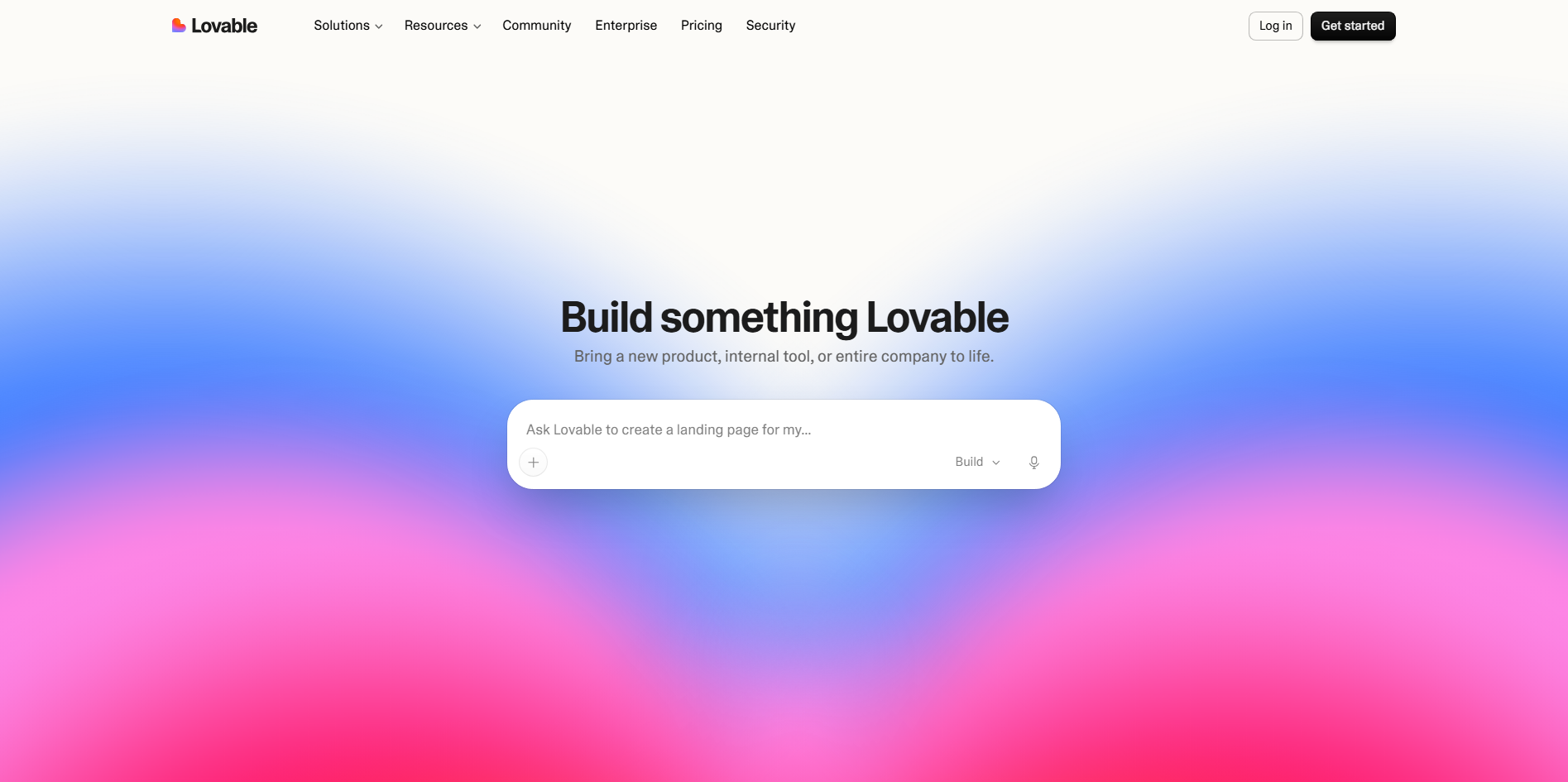
Lovable is a full-stack development platform that builds web applications from natural-language prompts. It generates frontend interfaces and supports backend functionality and integrations. Users can refine layouts and features through conversational instructions. It is useful when a website redesign requires both visual improvements and working functionality.
Main features
Generate websites from prompts: Describe your desired design and features to create an initial website. Refine the result with follow-up instructions.
Build interactive interfaces: Create forms, dashboards, and navigation elements. Turn static designs into usable web experiences.
Connect databases and services: Integrate supported services for authentication and data storage. Add functionality beyond basic web pages.
Customize generated code: Review and refine the generated project code. Extend components when more specific customization is needed.
Suitable for
Rebuilding interactive websites
Creating customer dashboards
Modernizing SaaS websites
Developing full-stack applications
Replit
Replit is a cloud-based development platform with AI-assisted coding and application building. Its AI agent helps generate, modify, and debug websites from written instructions. Users can work with code and test applications in a browser-based workspace. It is suitable for redesign projects that need technical flexibility and control over implementation.
Main features
Generate and modify code: Describe the changes you need, and AI can help implement them. Update layouts and components through iterative prompts.
Develop in the cloud: Edit and run projects in a browser-based workspace. Avoid setting up a complete local development environment.
Test and debug websites: Run your application and investigate errors during development. Fix broken components before publishing.
Deploy web applications: Publish supported projects using Replit's deployment tools. Move from development to a live website more easily.
Suitable for
Redesigning code-based websites
Updating React applications
Fixing layout and functionality issues
Building and deploying web apps
Base44
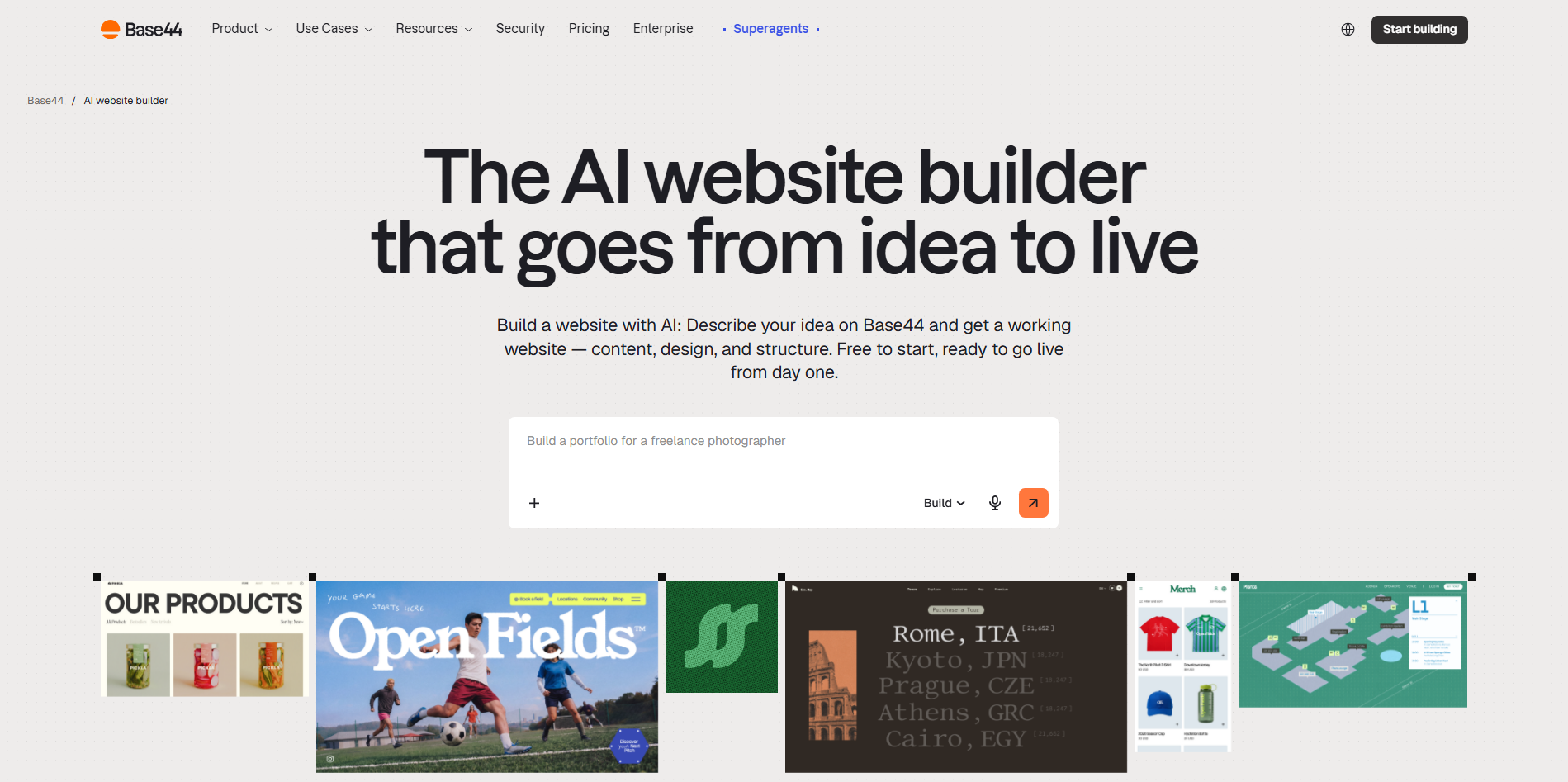
Base44 is an AI-powered platform that builds web applications from natural-language descriptions. It generates interfaces and supporting functionality with minimal manual setup. Users can customize layouts and add features based on their requirements. It is useful when redesigning a website also involves adding interactive business capabilities.
Main features
Generate applications from prompts: Describe your website's purpose and features to create an initial application. Refine its pages and workflows afterward.
Add application functionality: Build supported features such as forms and user authentication. Make the website more useful for visitors.
Customize layouts: Describe changes to colors, page sections, and content organization. Adjust the interface as requirements change.
Manage data and workflows: Use supported backend features and integrations to handle information. Connect website interfaces with relevant business processes.
Suitable for
Building business portals
Creating interactive forms and accounts
Replacing basic websites with applications
Prototyping digital business services
Framer
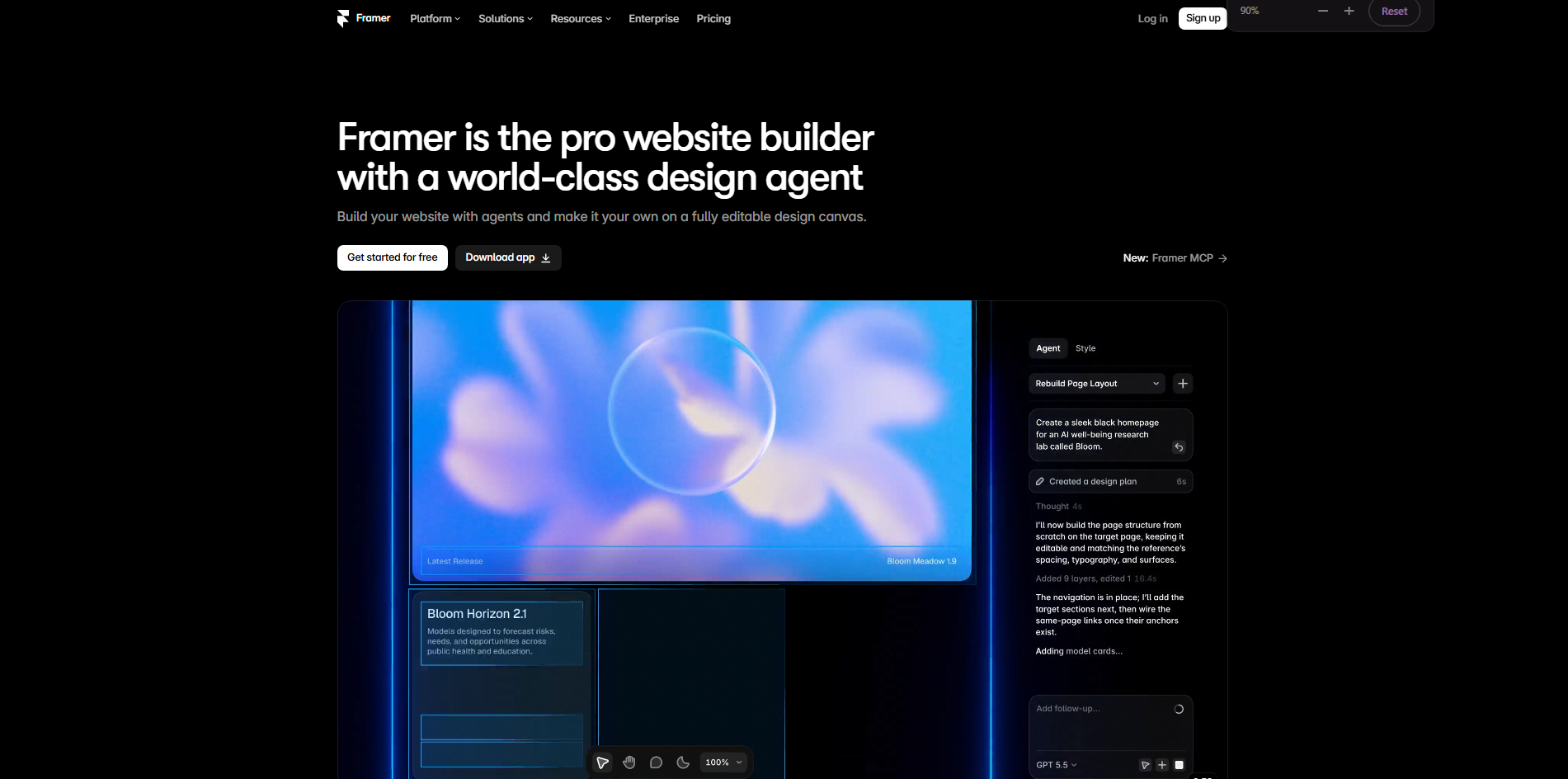
Framer is a visual website design and publishing platform built for creating polished, responsive websites. Its AI features help generate initial layouts and page content. The visual editor provides control over styling, animations, and responsive behavior. It is particularly useful for marketing websites and portfolios where visual quality matters.
Main features
Generate layouts with AI: Describe your website to create an initial page structure. Customize the generated sections to match your brand.
Design responsive pages: Adjust layouts, spacing, and typography for different screens. Keep the design consistent across devices.
Add animations: Create scrolling effects, hover states, and transitions visually. Make pages more engaging without extensive coding.
Publish websites: Publish designs directly through Framer. Use its content management features to maintain supported pages.
Suitable for
Redesigning creative portfolios
Building marketing websites
Creating animated landing pages
Updating startup and agency websites
Wix AI
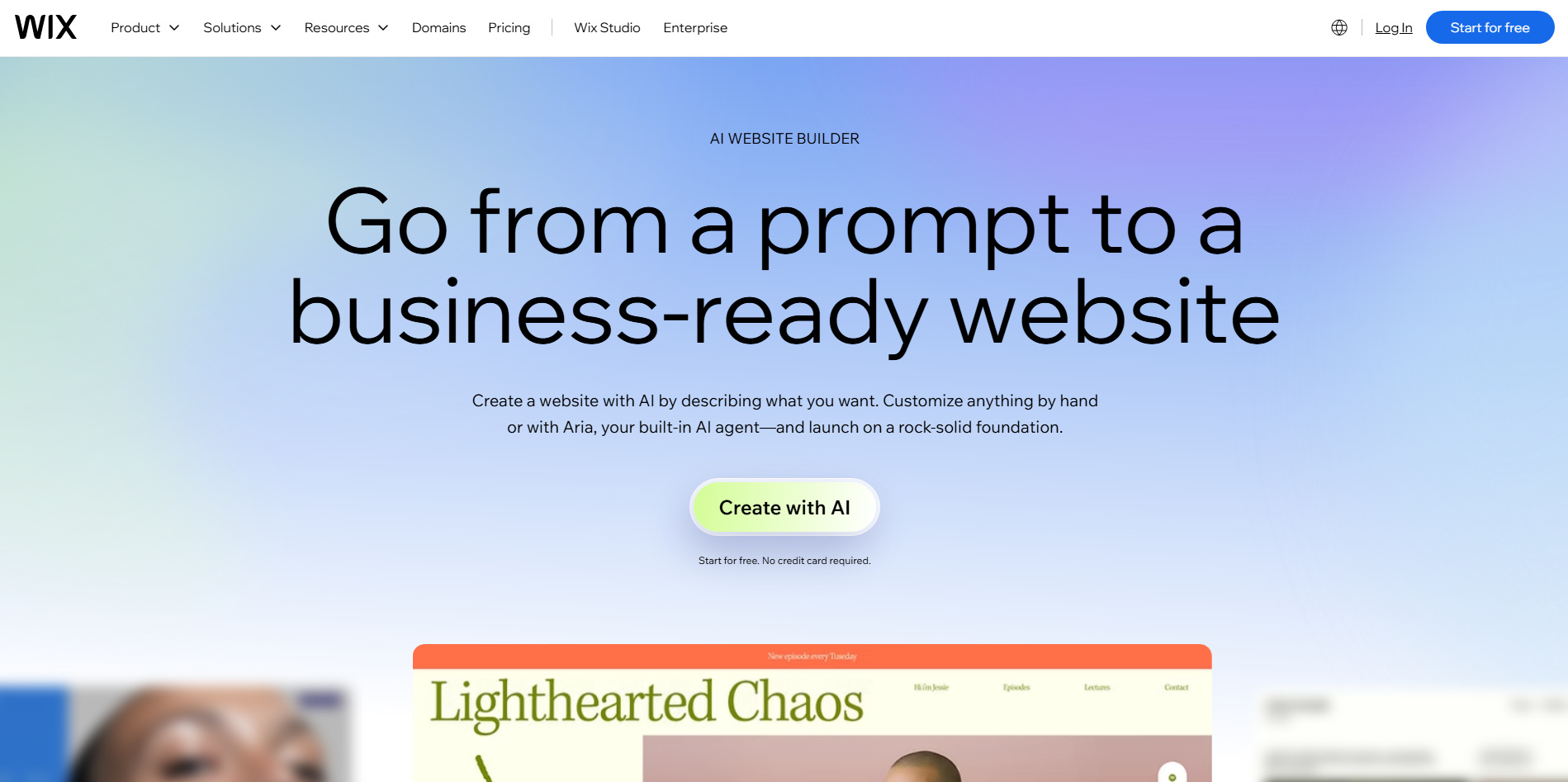
Wix AI combines AI-assisted website creation with a visual editor and business management tools. Users describe their business and goals to generate a starting website. They can customize its design, content, and functionality through the Wix platform. It is especially useful for small businesses that want to redesign and manage their websites in one place.
Main features
Generate business websites: Answer questions about your business and website goals. Wix AI creates a starting design tailored to your needs.
Customize page designs: Edit layouts, colors, text, and images using the visual editor. Adjust pages to reflect your brand.
Add business tools: Integrate supported features such as bookings, forms, and online stores. Manage key customer activities through your website.
Optimize website performance: Use available SEO and analytics tools to improve your site's visibility. Monitor performance and identify areas for improvement.
Suitable for
Redesigning small business websites
Updating online stores
Building booking and service websites
Managing business websites without coding
Webflow
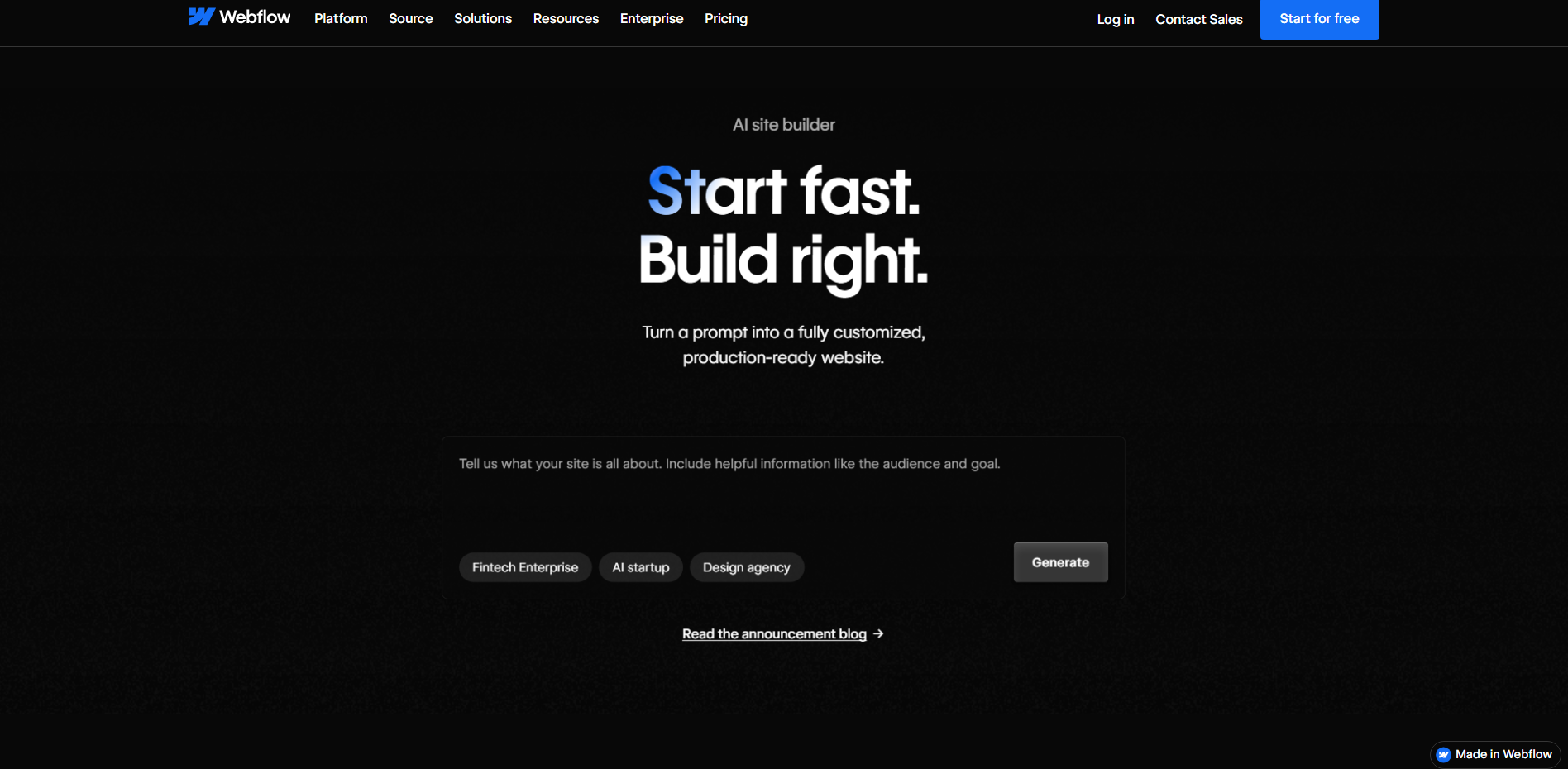
Webflow is a visual web development platform that combines design controls with HTML, CSS, and JavaScript-based website output. It gives users detailed control over page structure, styling, and responsive behavior. Its CMS supports websites with regularly updated content, while its publishing tools help teams launch and maintain sites. It is well suited to redesigns that require precise styling and structured content management.
Main features
Control layouts visually: Adjust page structures, spacing, and typography with detailed design controls. Create layouts that closely match your intended design.
Build responsive websites: Customize how elements behave across screen sizes. Ensure pages work well on mobile and desktop.
Manage dynamic content: Use CMS collections to organize blogs, projects, and other repeatable content. Update multiple pages more efficiently.
Add interactions: Create animations and interactive elements using built-in tools. Improve engagement while keeping the design consistent.
Suitable for
Redesigning corporate websites
Building content-rich websites
Creating responsive marketing pages
Managing agency and portfolio websites
Relume
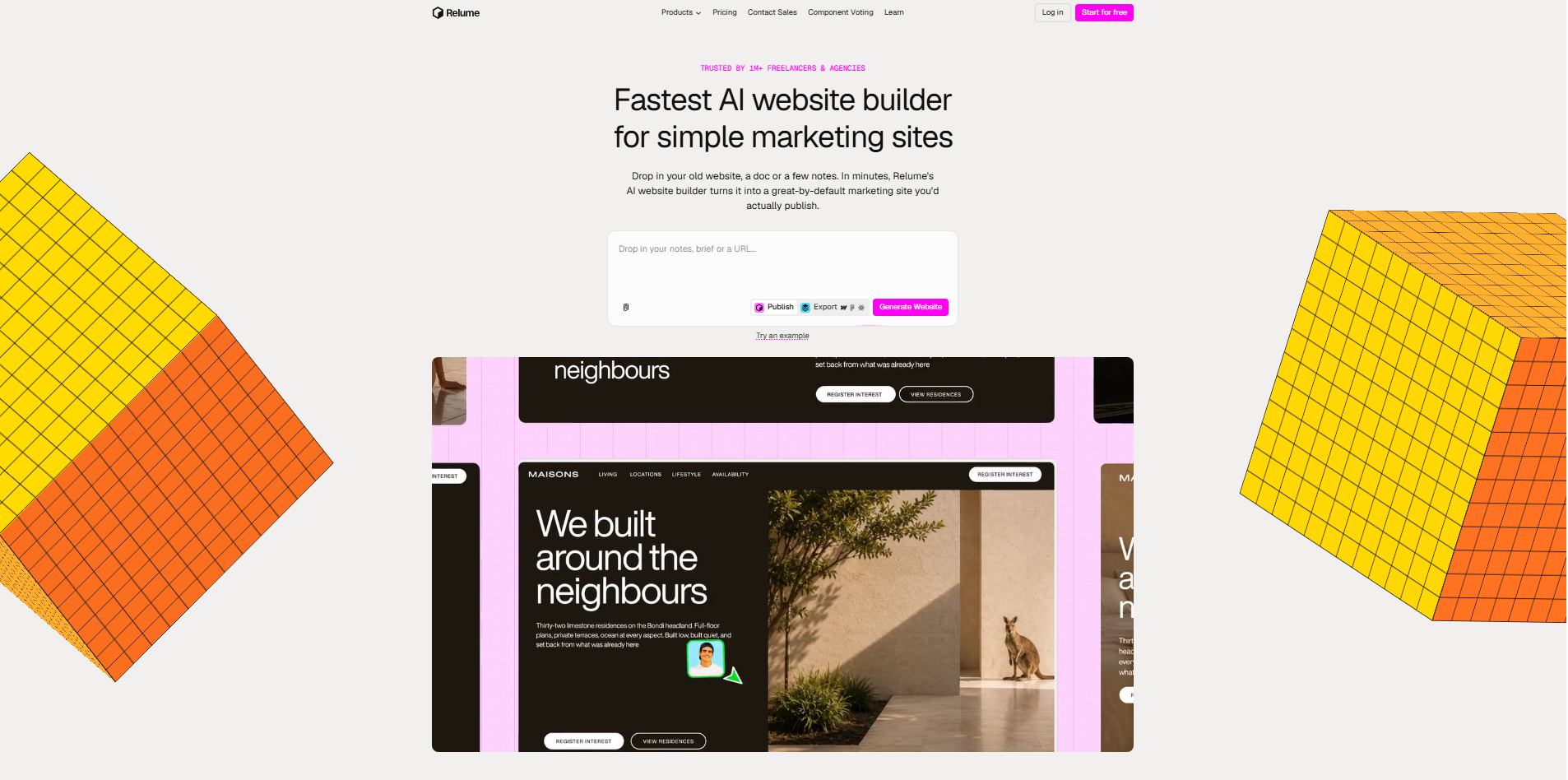
Relume is a website planning and design tool that uses AI to help teams generate sitemaps, wireframes, and website components. It focuses on organizing page structures before detailed visual design begins. Its component library supports workflows with tools such as Figma and Webflow. It is useful for planning large redesigns and establishing a consistent structure across multiple pages.
Main features
Generate website sitemaps: Describe your business and website goals to create a suggested page structure. Organize the site's information before designing individual pages.
Create wireframes with AI: Generate initial page layouts from your sitemap. Review the structure before investing time in visual styling.
Use reusable components: Build pages with a library of ready-made website sections. Maintain consistent layouts across the project.
Export design work: Transfer supported designs into tools such as Figma and Webflow. Continue refining and developing the website in your preferred workflow.
Suitable for
Planning large website redesigns
Structuring multi-page business websites
Creating wireframes before development
Maintaining consistency across website pages
How to choose a suitable website redesign tool
Choosing the right website redesign tool involves more than finding one with attractive templates. You need a tool that fits your workflow, supports your website's goals, and makes updates easier to manage. Consider these key features before making your choice.
Easy-to-use interface
A website redesign tool should be easy to navigate, even without coding or design experience. Clear controls and visual editors make updating pages simpler and help you avoid unnecessary technical challenges. This saves time and lets you focus on improving your website.
Mobile responsive design support
Your website should work well on smartphones, tablets, and desktops. Look for tools that automatically adjust layouts or let you customize designs for different screen sizes. This helps visitors browse comfortably on any device and improves accessibility for everyone.
Customizable templates and layouts
Templates offer a useful starting point, but you should be able to adapt them to your brand. Choose tools that let you change layouts, colors, fonts, images, and sections. This helps your website stand out instead of looking generic and gives you more creative freedom.
Fast page loading performance
A redesigned website should look better without becoming slower. Choose tools that support optimized images, clean code, and efficient page loading. Faster pages improve the browsing experience, reduce visitor frustration, and can support SEO and user engagement.
Brand consistency controls
Your website should maintain consistent colors, fonts, buttons, and visual elements across all pages. Features such as reusable styles and shared components make this easier. They also help new pages match your existing brand identity and create a more professional appearance.
Smooth integration with your tools
Your redesign tool should connect with platforms you already use, such as analytics, content management systems, CRM software, and payment services. Check which integrations are available before choosing a tool. Smooth connections reduce manual work, simplify your workflow, and help your systems work together.
Conclusion
Updating your website is an opportunity to improve how people experience your brand online. The right website redesign tools can help you make meaningful changes while saving time and effort. Start with your main goals and choose features that support them. If you want to create a fresh design using simple prompts, give Kimi Build a try.