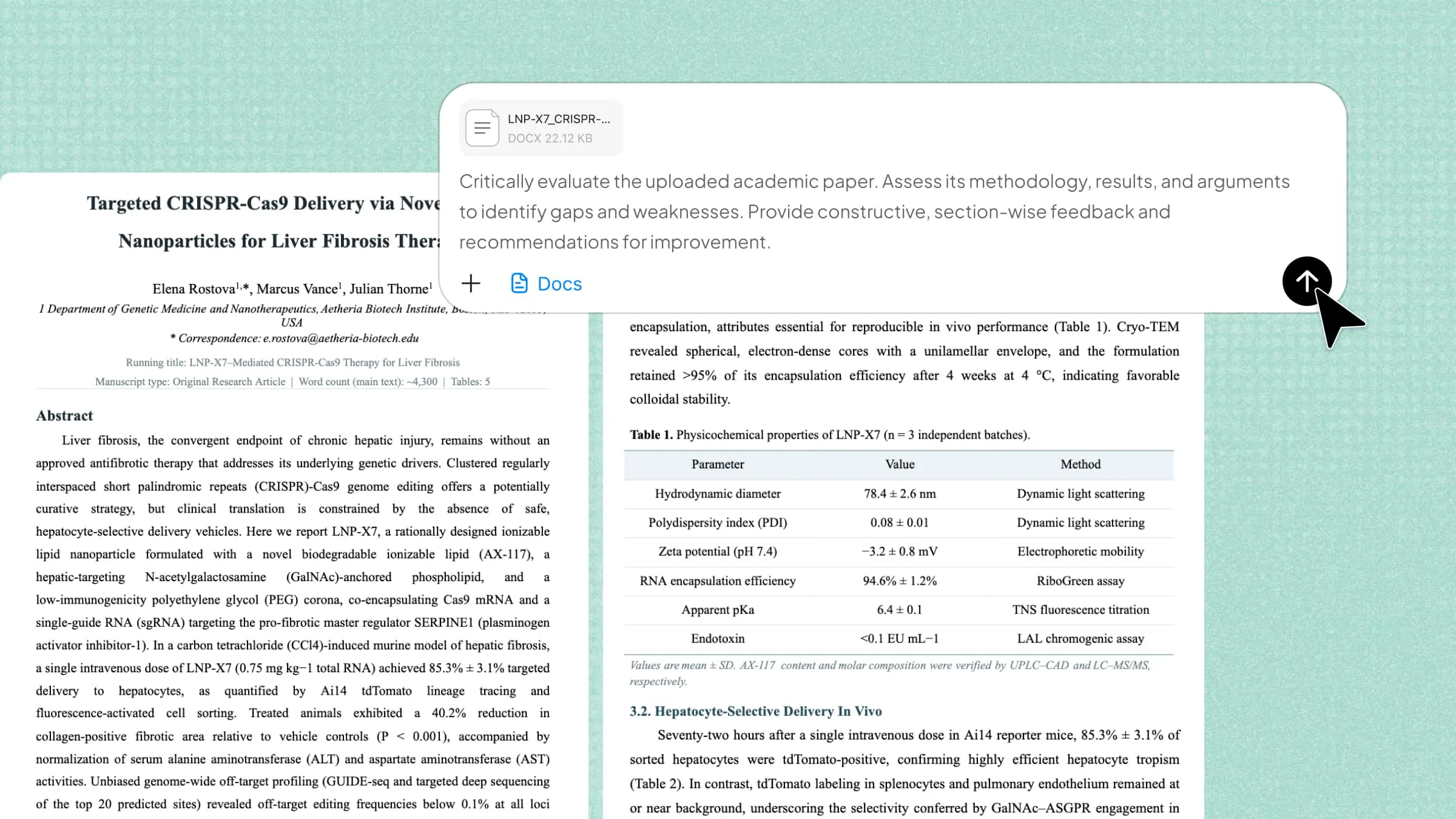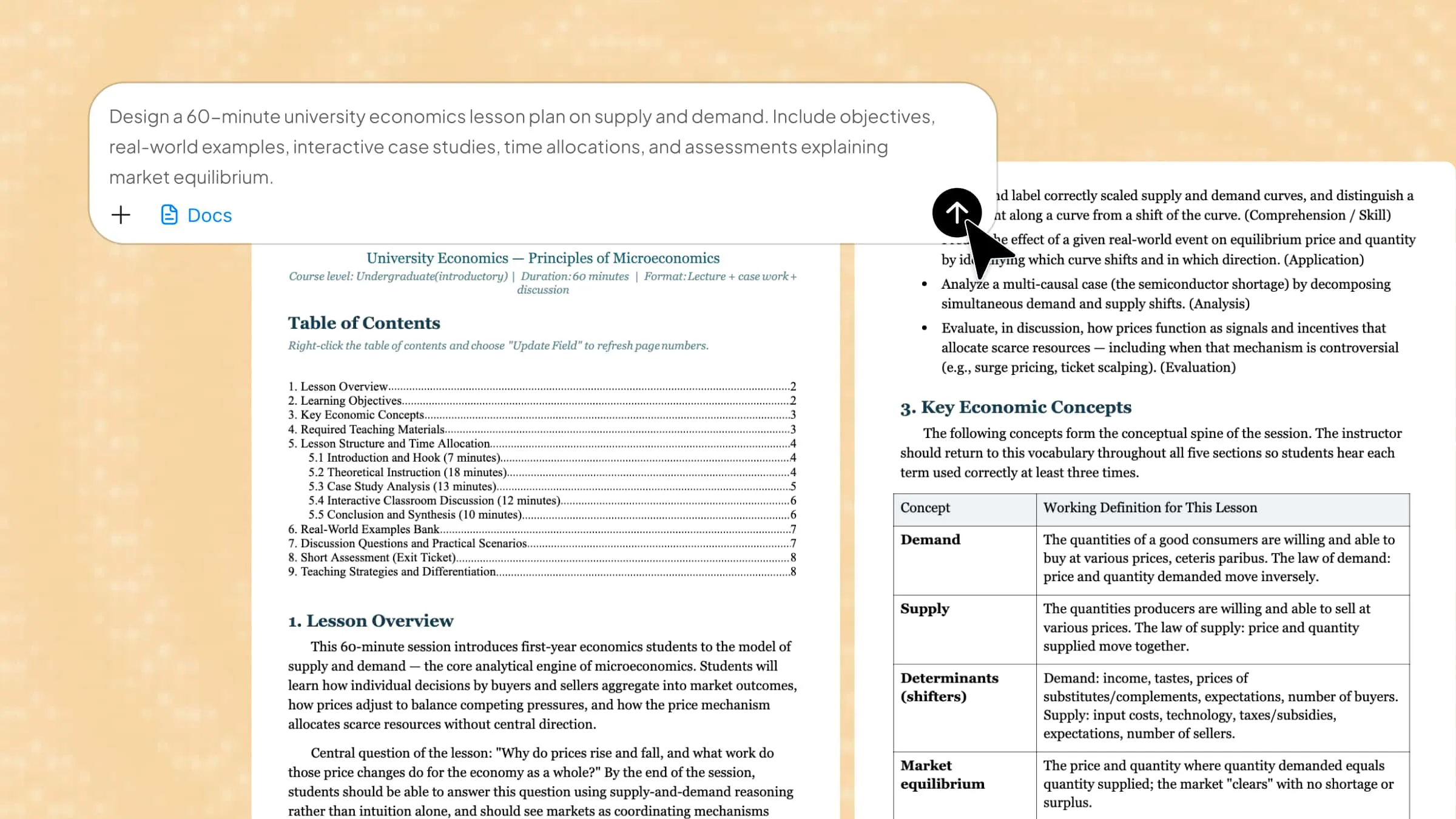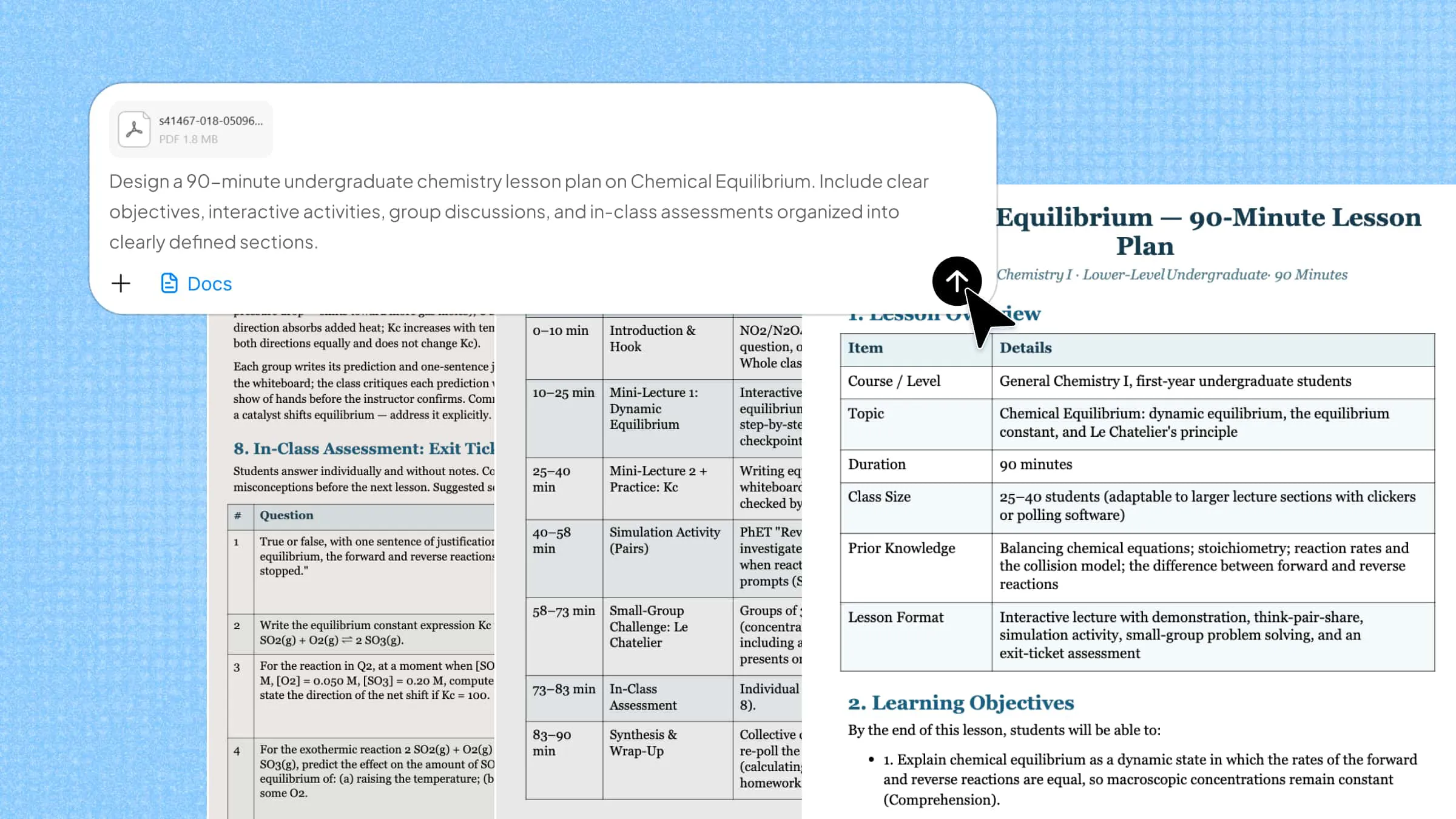
An AI lesson plan generator can help teachers reduce the time spent planning lessons, but choosing the right tool is not always easy. Some platforms focus on creating structured lesson plans, while others offer additional features for assessments, differentiated instruction, and classroom activities. The challenge is finding a tool that matches your teaching goals, curriculum, and budget. This guide explores 10 free and paid AI lesson plan generators, compares their key features, and explains what each one offers to help you choose the right option.
Overview of 10 free and paid AI lesson plan generators
AI lesson plan generators vary in features, pricing, and customization options. Some offer free basic tools, while others provide advanced planning features through paid subscriptions. The following table compares 10 options to help you find a tool that fits your teaching needs.
| AI tool | Core functionality | Customization | Suitable for |
|---|---|---|---|
| Kimi Docs | Lesson plans, teaching documents, online research, document conversion | Conversational editing, reference-based generation, formatting adjustments | Teachers create structured lesson plans from prompts and existing materials |
| MagicSchool AI | Lesson planning, assessments, rubrics, differentiated instruction | Grade-level adaptation, standards alignment, reading-level adjustments | K–12 teachers manage everyday teaching tasks |
| Eduaide.AI | Lesson plans, worksheets, graphic organizers, instructional activities | 5E, Backward Design, UDL, reading-level adjustments | Teachers follow specific instructional frameworks |
| Brisk Teaching | Lesson planning, unit plans, worksheets, presentations, assessments | Grade-level and standards alignment, multilingual content | Teachers working with diverse and multilingual classrooms |
| Diffit | Reading materials, comprehension questions, vocabulary exercises, worksheets | Reading-level adjustment, translation, content adaptation | Teachers prepare differentiated learning materials |
| Curipod | Interactive lessons, presentations, polls, quizzes, student activities | Editable slides, multimedia, translated content, activity adjustments | Teachers create interactive classroom experiences |
| Twee | Language exercises, reading passages, grammar tasks, listening activities | CEFR levels A1–C2, language skills, exercise difficulty | English and foreign language teachers |
| Khanmigo | Lesson planning, assessments, rubrics, differentiated instruction | Learning-level adaptation, IEP support, text leveling | Teachers using Khan Academy for instructional support |
| LessonPlans.ai | Lesson plan generation, editing, document storage | Editable lesson sections and teaching activities | Teachers who prefer simple, form-based lesson creation |
| TeachMateAI | Lesson planning, structured activities, differentiation, worksheets | Foundation, core, extension, SEND and EAL support | UK teachers who need curriculum-focused lesson planning |
Explore 10 useful AI lesson plan generators
AI lesson plan generators offer different features for creating structured lessons, designing classroom activities, and adapting materials to students' needs. The following 10 tools provide a range of options to help teachers simplify lesson planning and save preparation time.
Kimi Docs
Kimi Docs is an AI document agent that helps teachers prepare lesson plans, create tests, and organize educational materials. You can describe your lesson requirements in a prompt or upload reference documents to guide content creation. It can turn presentations into structured lesson plans, generate well-organized Word and PDF documents, and apply professional formatting. Teachers can also use it to check grammar, review assignments, and prepare feedback.
Main features
Generate structured lesson plans from prompts: Describe your subject, lesson topic, target grade level, and learning objectives. Kimi Docs can organize your requirements into structured teaching documents with lesson introductions, key concepts, learning activities, and follow-up assignments.
Turn existing teaching materials into lesson plans: Transform existing PDFs, Word documents, PowerPoint presentations, or spreadsheets into structured lesson plans. Kimi Docs can also follow the format, structure, and teaching style of existing lesson plans to create new ones with consistent standards and layouts.
Research and enrich lesson content: Use online search and uploaded references to gather relevant information, explore subject-specific topics, and add supporting explanations to lesson materials. This helps teachers develop more informative lessons based on relevant sources.
Customize lesson content for different teaching needs: Refine lesson objectives, explanations, activity instructions, and content organization through conversational editing. Teachers can adjust the generated documents to accommodate different subjects, student levels, and classroom requirements.
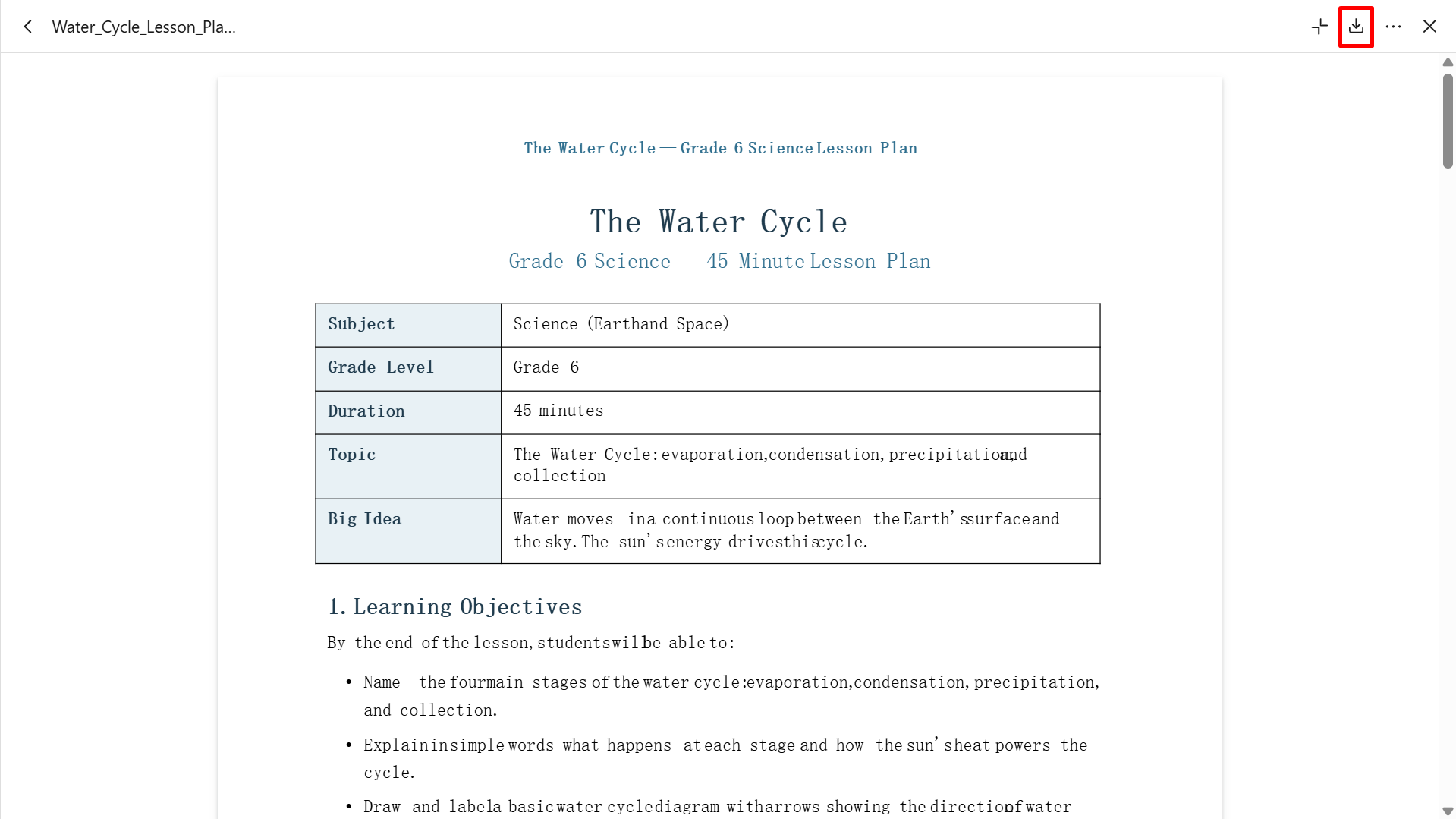
Export lesson plans in convenient formats: Download completed teaching documents in Word or PDF formats for further editing, printing, sharing, and classroom preparation.
Suitable for
Teachers who want to create structured lesson plans from simple instructions.
Educators preparing worksheets, quizzes, and other classroom documents.
Teachers who need to turn existing presentations or reference materials into lesson plans.
Academic professionals who want editable Word or PDF documents for classroom use.
How to generate AI lesson plans with Kimi
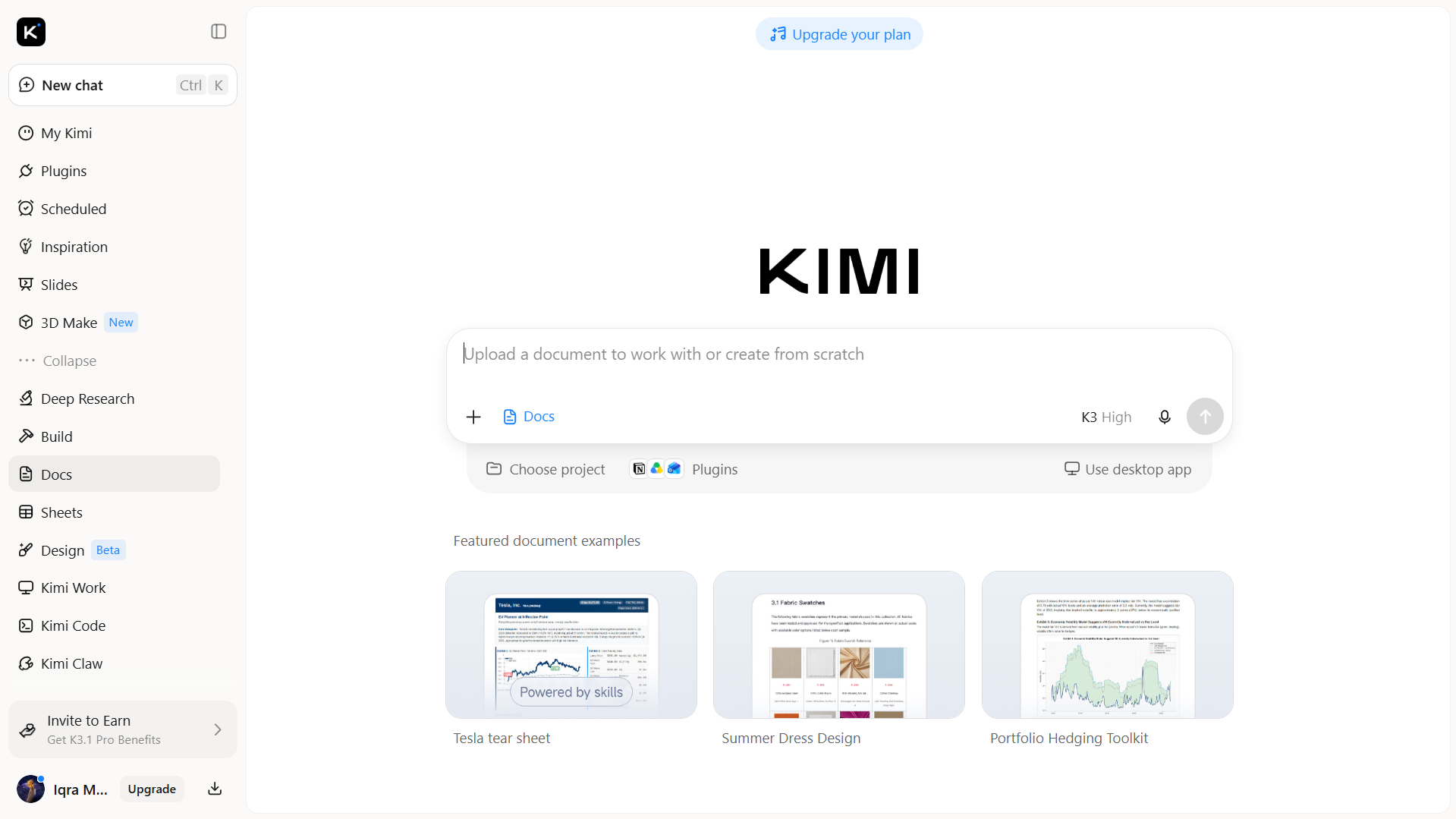
Follow these steps to generate lesson plans with Kimi:
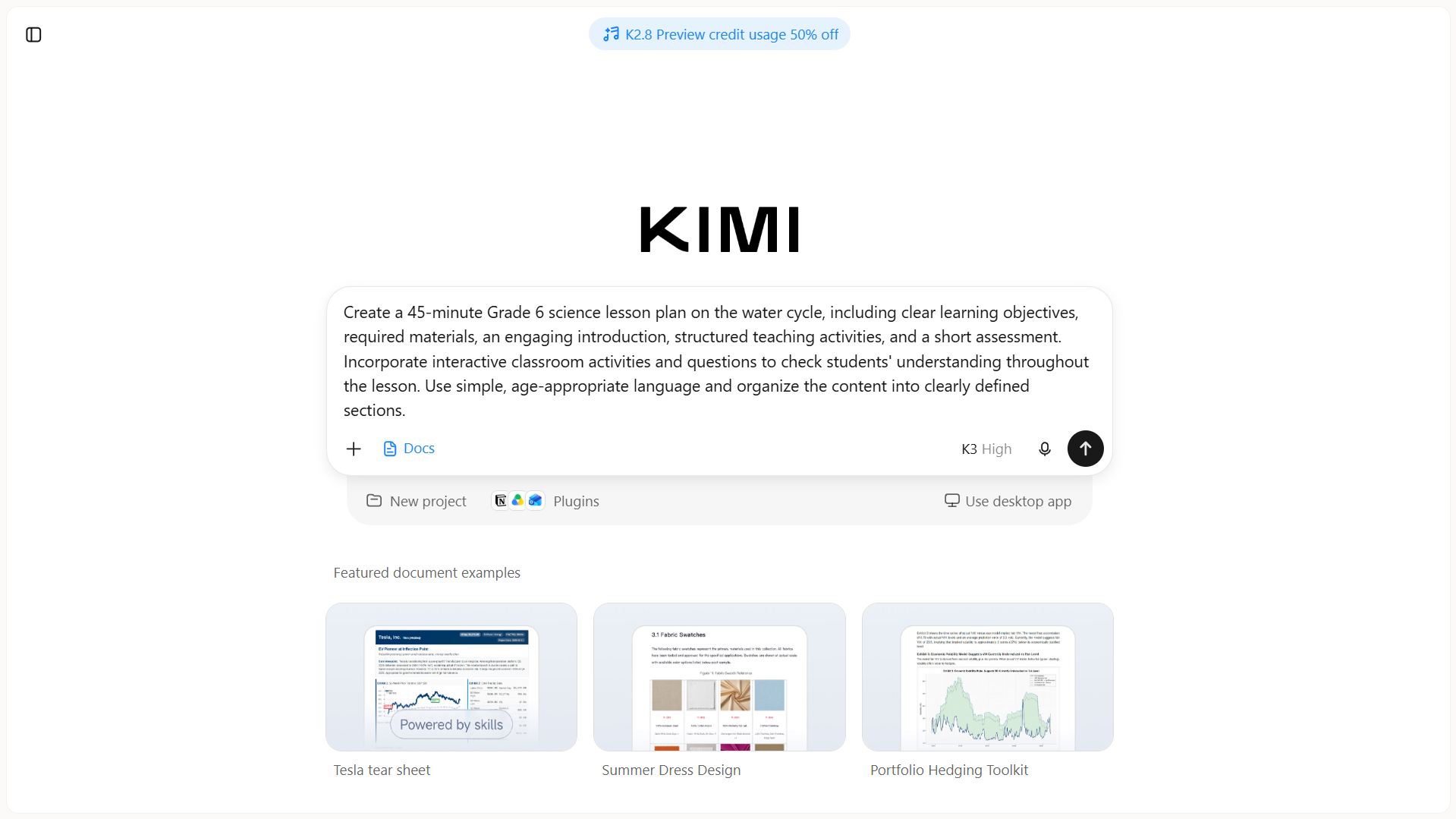
Step 1: Write a clear prompt
Open Kimi Docs and describe the lesson plan you want to create. Include the subject, grade level, topic, learning objectives, lesson duration, and preferred structure.
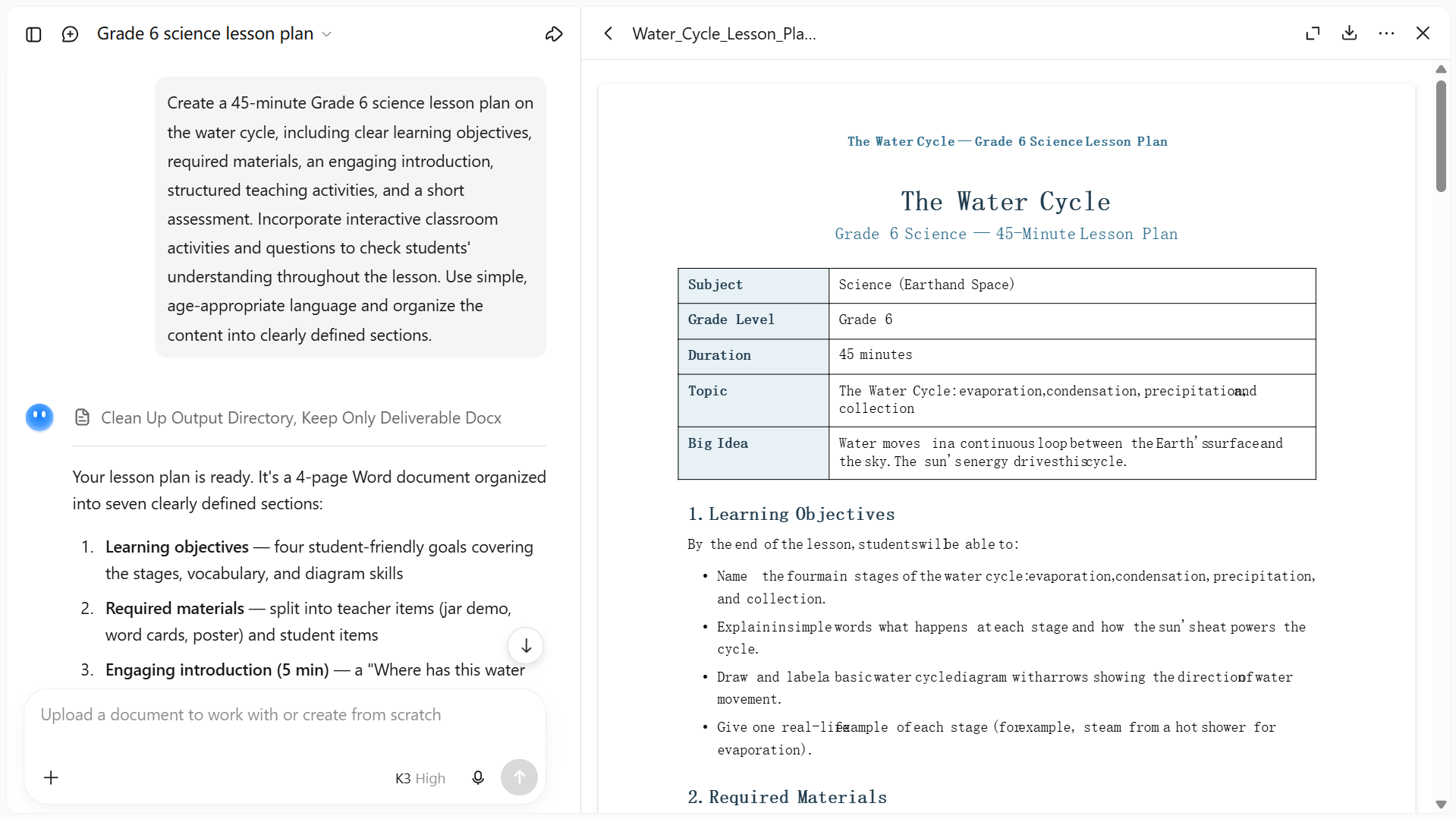
Step 2: Refine the results with follow-up instructions
Review the generated lesson plan and identify areas that need improvement. Give Kimi additional instructions to adjust the activities, simplify explanations, add assessment questions, or change the lesson structure.
Step 3: Review and export your document
Check the final lesson plan for accuracy, clear instructions, and alignment with your learning objectives. Make any necessary changes, then preview and download the document in a supported format, such as Word or PDF.
MagicSchool AI
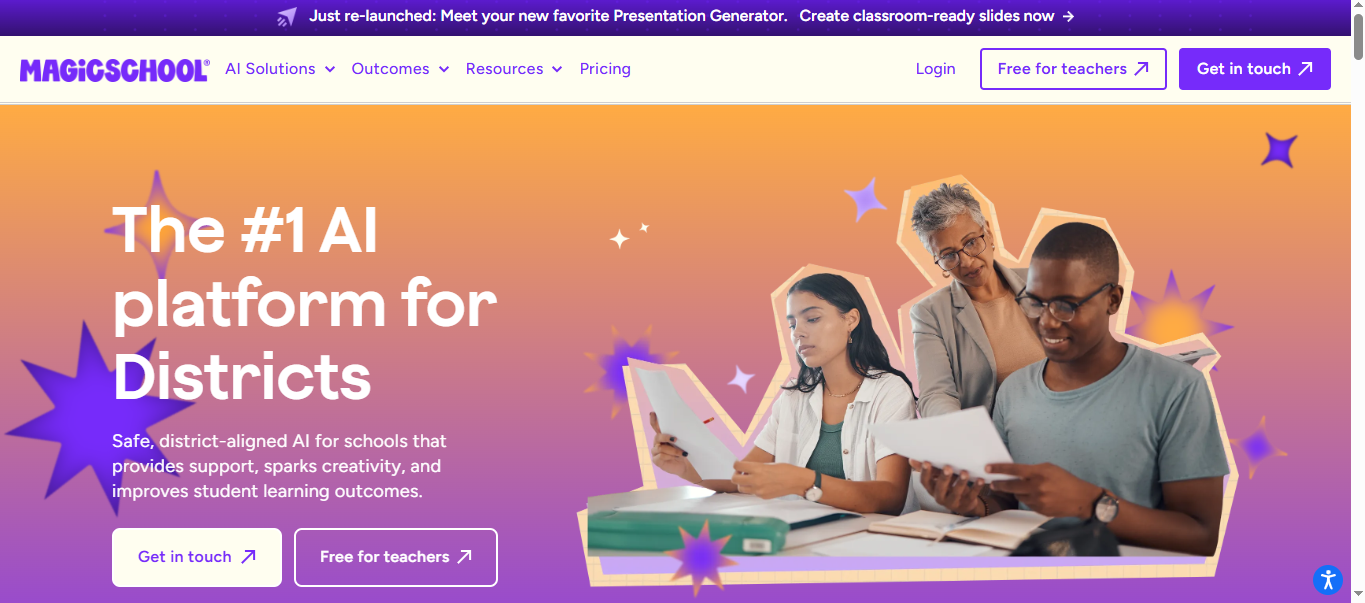
MagicSchool AI is an AI-powered teaching platform designed to help educators simplify lesson preparation and everyday classroom tasks. Its Lesson Plan Generator creates structured lesson plans based on grade level, subject, learning objectives, and academic standards. Teachers can customize the generated plans to align with their instructional goals and classroom needs. Beyond lesson planning, the platform also provides tools for creating assessments, adapting learning materials, and improving classroom communication.
Main features
Standards-aligned lesson plans: Generate lesson plans based on grade level, subject, learning objectives, and academic standards. Customize the content to match your requirements.
Lesson differentiation: Adapt lesson content to different reading levels and student abilities. Create learning activities that address varied classroom needs.
Assessment and rubric creation: Generate quizzes, multiple-choice questions, rubrics, and other assessment materials. Use these resources to evaluate students' understanding and learning progress.
Additional teaching tools: Access AI tools for instructional planning, feedback, and classroom communication. Create supporting materials for different teaching tasks in one place.
Suitable for
K–12 teachers who need support with everyday lesson preparation.
Educators who want to align lesson plans with academic standards.
Teachers working with students at different reading and learning levels.
Schools looking for a collection of AI tools for planning and assessment.
Eduaide.AI
Eduaide.AI helps teachers turn curriculum goals and learning objectives into lesson plans and classroom materials. Educators can provide a topic, academic standards, or reference materials to generate instructional content tailored to their lessons. It also supports established teaching approaches, including the 5E model, Backward Design, and Universal Design for Learning (UDL), giving teachers different ways to structure lessons and address diverse learning needs.
Main features
Multiple instructional models: Create lesson plans using frameworks such as 5E, Backward Design, and Universal Design for Learning. Choose an approach that matches your teaching objectives.
AI teaching resources: Generate worksheets, graphic organizers, instructional games, and discussion activities. Use these materials to support different stages of your lessons.
Editing and evaluation workspace: Review generated documents, adjust their content, and check aspects such as reading level. Refine each resource before sharing it with students.
Export and differentiation: Adapt learning materials for students with different abilities and requirements. Export completed resources to supported formats such as Google Docs or Microsoft Word.
Suitable for
Teachers who follow specific instructional frameworks when planning lessons.
Educators who need lesson plans and supporting classroom materials.
Teachers preparing differentiated resources for students with varied learning needs.
Teaching teams that want consistent instructional materials and planning workflows.
Brisk Teaching
Brisk Teaching helps educators develop lesson plans from a topic, learning objectives, or existing teaching materials. Its AI lesson planning tools organize key components such as instructional goals, classroom activities, lesson timings, and assessment methods into a coherent plan. Teachers can adapt the generated content to different subjects, grade levels, and academic standards to suit their classroom requirements.
Main features
AI lesson plan generation: Create structured lesson plans with learning objectives, classroom activities, timings, and assessments. Use the generated outline as a starting point for your teaching.
Standards and grade-level alignment: Customize lesson content according to subject, grade level, academic standards, and lesson duration. Keep your teaching activities relevant to curriculum requirements.
Multilingual lesson creation: Generate lesson content in more than 50 languages. Prepare resources that support students from different language backgrounds.
Teaching resource creation: Create unit plans, substitute teacher plans, worksheets, presentations, and other classroom materials. Adapt existing resources instead of preparing every document from scratch.
Suitable for
Teachers who want to create lesson plans from topics or existing teaching materials.
Educators who need standards-aligned plans for different subjects and grade levels.
Teachers working in multilingual classrooms.
Educators who prefer editing and organizing lesson plans in Google Docs or Microsoft Word.
Diffit
Diffit is an AI-powered educational platform that helps teachers create and adapt learning materials for students with different abilities. Although it is not primarily a dedicated online lesson plan maker, it supports lesson preparation by generating reading passages, comprehension questions, vocabulary activities, and worksheets. Teachers can enter a topic or upload existing content, including text, PDFs, and video transcripts.
Main features
Content generation and adaptation: Create teaching materials from topics, academic standards, text, PDFs, and URLs. Turn different information sources into resources for classroom instruction.
Reading-level adjustment: Adapt educational texts to different reading levels while retaining their main ideas. Make complex topics easier for students to understand.
Classroom activity creation: Generate worksheets, comprehension questions, vocabulary exercises, and other learning activities. Use these resources to support reading practice and classroom discussions.
Editing and export options: Refine generated materials, add visual support, and translate content. Export resources in supported formats for printing, sharing, or classroom use.
Suitable for
Teachers who need to adapt learning materials for mixed-ability classrooms.
Educators who want to simplify complex reading materials without changing the core topic.
Teachers preparing worksheets, comprehension exercises, and classroom activities.
Schools that want to make curriculum content more accessible to diverse learners.
Curipod
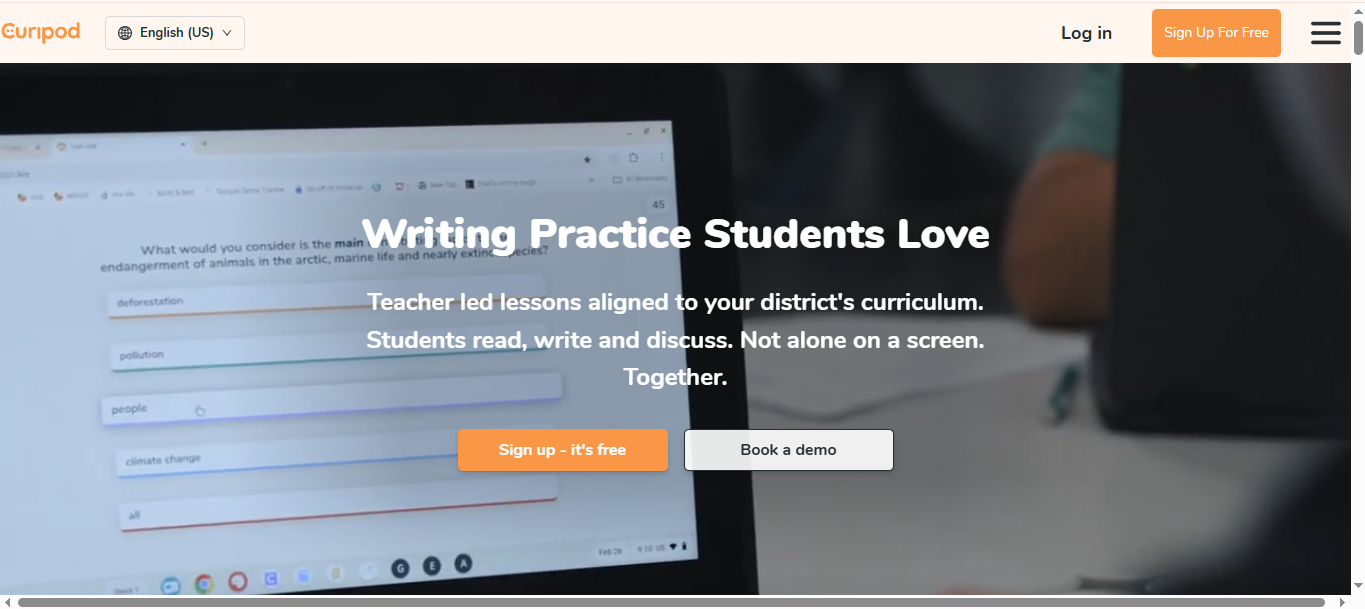
Curipod turns lesson topics into interactive classroom presentations featuring polls, open-ended questions, writing exercises, and other student activities. Rather than focusing solely on lesson outlines, it helps teachers build participation into the learning process. Educators can use the generated materials to introduce topics, encourage discussion, and check students' understanding during class.
Main features
AI-generated lessons and slides: Create slide-based lessons using your subject, grade level, topic, and learning objectives. Customize the generated presentation to match your teaching requirements.
Interactive classroom activities: Add polls, word clouds, multiple-choice questions, short answers, and drawing activities. Encourage students to participate and share their understanding during lessons.
AI-powered feedback: Provide students with feedback on their written responses and selected activities. Review their answers to identify learning gaps and areas that need attention.
Lesson customization: Edit slides, add images and videos, and include reference materials. Adjust the presentation and translate its content to suit different classroom needs.
Suitable for
Teachers who want to create interactive, presentation-based lessons.
Educators who use polls, quizzes, and discussions to encourage participation.
Teachers who want feedback on students' understanding and written responses.
Schools looking to make classroom lessons more collaborative and engaging.
Twee
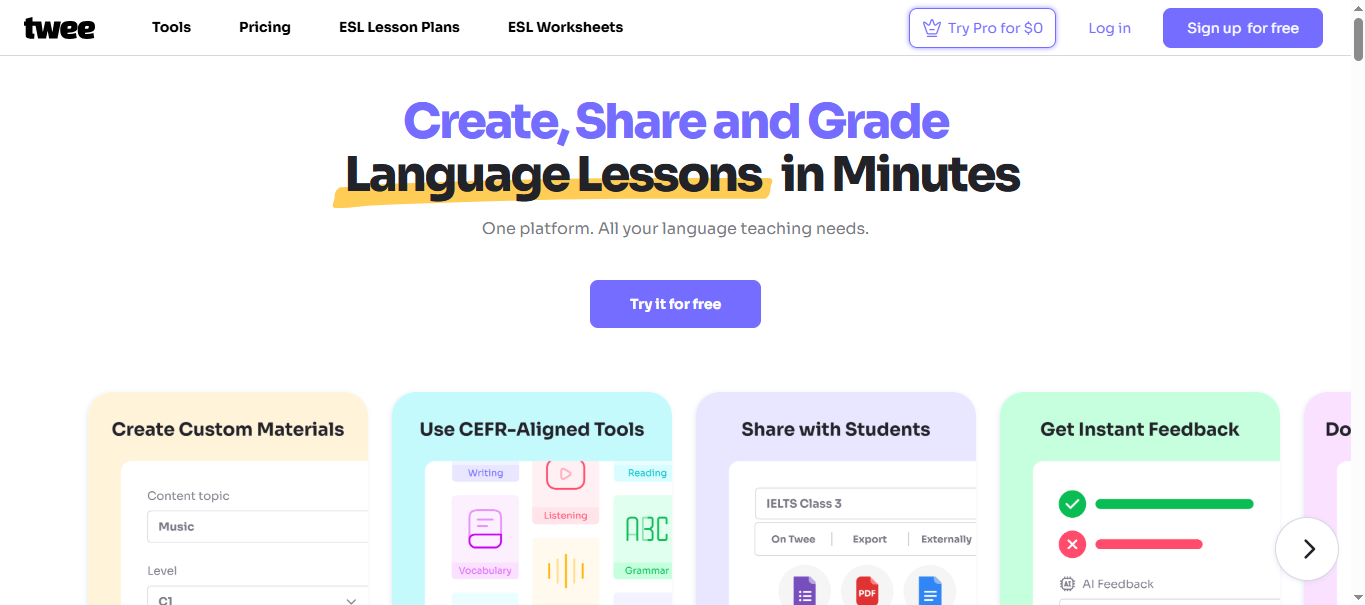
Twee focuses on language teaching, giving English and other language teachers practical ways to prepare classroom materials. It can generate reading passages, sample dialogues, vocabulary exercises, grammar tasks, and discussion questions around a chosen topic. These resources help teachers build lessons around specific language skills, adapt activities to students' proficiency levels, and reduce time spent preparing practice materials.
Main features
CEFR-aligned content generation: Create language-learning materials for proficiency levels from A1 to C2. Match reading passages and exercises to your students' language abilities.
Language exercise creation: Generate reading passages, dialogues, vocabulary activities, grammar exercises, and writing prompts. Use these resources to practice different language skills.
Audio and video activities: Create questions from audio and video content for listening comprehension. Add discussion tasks to help students understand and respond to what they hear.
Assessment and sharing: Prepare exercises and assess student responses using available AI tools. Share activities through supported links or export them in formats such as PDF and Word.
Suitable for
English language teachers preparing ESL and EFL lessons.
Educators who teach students at different CEFR proficiency levels.
Teachers who need grammar, vocabulary, reading, and listening activities.
Language instructors who want to create and assess interactive student exercises.
Khanmigo
Khanmigo, developed by Khan Academy, brings AI assistance into lesson preparation and classroom instruction. Its teacher tools help educators plan lessons, build assessments, and create learning materials around specific teaching objectives. Teachers can also use it to support classroom activities and adapt instruction to students' learning needs. Availability and access requirements depend on the user's region and account type.
Main features
Lesson plan generation: Create customized lesson plans based on teaching goals, curriculum requirements, and student needs. Review the generated outline and adjust it before teaching.
Assessment creation: Generate multiple-choice quizzes, exit tickets, rubrics, and other assessment materials. Use these activities to check students' understanding throughout a lesson.
Differentiation support: Use tools such as the IEP Assistant and text-leveling features to adapt instructional materials. Address different learning abilities and individual student requirements.
Teacher resource management: Save generated documents and revisit previously created materials. Use Khan Academy's educational resources to support lesson preparation and classroom assignments.
Suitable for
Teachers who want AI assistance with lesson planning and classroom preparation.
Educators who need quizzes, rubrics, exit tickets, and assessment resources.
Teachers who want to adapt instruction to students' individual learning needs.
Educators who already use Khan Academy resources and want connected teaching support.
LessonPlans.ai
LessonPlans.ai focuses on turning teachers' instructional ideas into ready-to-use lesson plans. Educators can enter details such as grade level, subject, lesson title, and topic description to generate content tailored to their classes. The generated plans can be reviewed and edited before being downloaded for classroom use or saved as references for future lessons.
Main features
Custom lesson plan generation: Create lesson plans by entering the grade level, subject, lesson title, and topic description. Generate a draft that reflects your teaching requirements.
Editable generated content: Review the AI-generated lesson plan and modify its sections. Adjust the activities and explanations to suit your classroom needs.
Document downloads: Download completed lesson plans for printing, sharing, or future reference. Keep a copy of your teaching materials outside the platform.
Saved documents: Access previously generated lesson plans through the document section. Revisit your work when preparing similar lessons or planning future classes.
Suitable for
Teachers who want a dedicated tool for generating lesson plans.
Educators who prefer a simple form-based approach instead of writing detailed prompts.
Teachers preparing lesson plans for different subjects and grade levels.
Educators who want to edit, download, and keep lesson plans for future use.
TeachMateAI
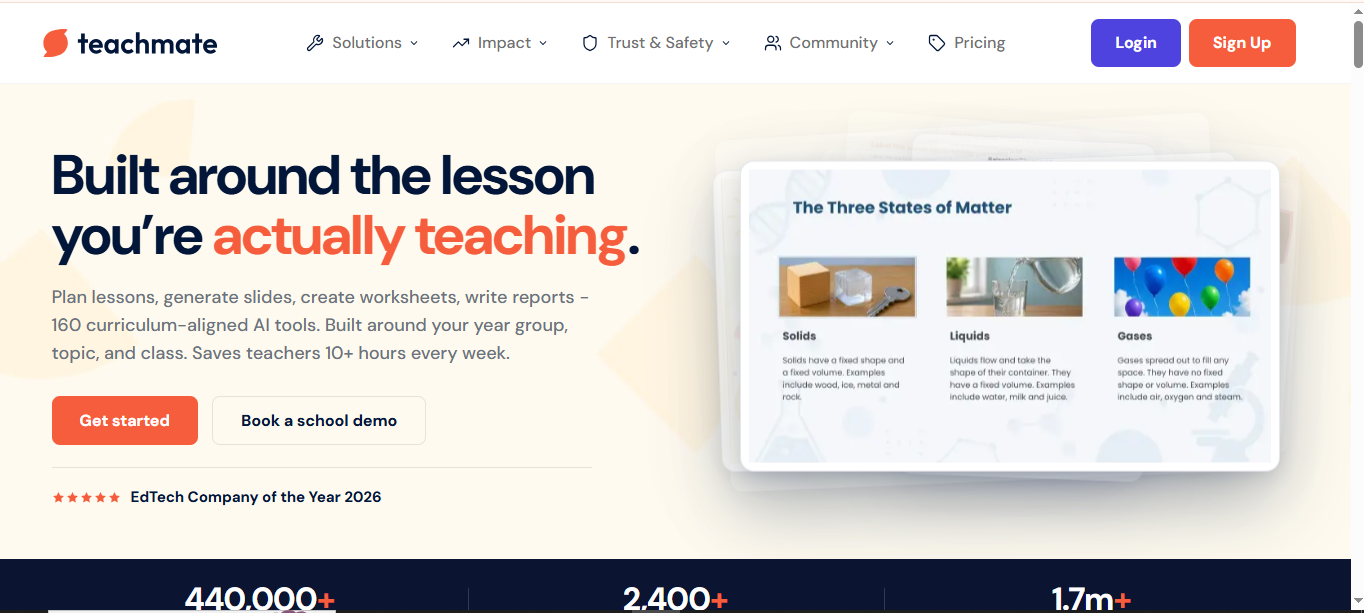
TeachMateAI offers a collection of AI tools designed to reduce teachers' workload and support classroom planning. Its lesson planner generates structured lessons using details such as year group, subject, curriculum, topic, and learning objectives. The platform also supports teaching approaches such as starters, teacher modeling, guided practice, assessment, and plenary activities.
Main features
Curriculum-aware lesson planning: Generate lesson plans using year groups, subjects, learning objectives, and curriculum requirements. Include relevant specifications to guide the generated content.
Structured lesson sequences: Organize lessons into starters, teacher modeling, guided practice, independent tasks, and plenary activities. Follow a clear sequence when delivering classroom instruction.
Built-in differentiation: Include foundation, core, and extension activities, along with SEND and EAL support. Adapt learning tasks to accommodate students with different abilities and needs.
Editable teaching resources: Refine lesson sections, save plans, and create supporting worksheets and slides. Prepare additional classroom materials without developing each resource separately.
Suitable for
Teachers who follow UK curriculum frameworks and examination specifications.
Educators who want structured lesson plans with clear teaching stages.
Teachers who need differentiated activities and support for SEND and EAL learners.
Schools and teachers looking for a wider collection of AI tools for planning, assessment, and resource creation.
What makes a good AI lesson plan tool & how to choose
A good AI lesson plan tool should do more than generate a lesson outline. It should help teachers create engaging, well-organized lessons that meet curriculum requirements and address students' different learning needs. Before choosing a tool, consider the following features.
Curriculum and learning objective alignment
Choose a tool that creates lessons according to your curriculum, subject, and students' grade levels. It should also help you define clear learning objectives for each lesson. This ensures that the generated content supports your teaching goals and covers the topics students need to learn.
Flexible customization options
Every classroom has different requirements, so a lesson plan should not follow a fixed format. Look for tools that let you adjust topics, lesson duration, difficulty levels, and teaching activities. This flexibility helps you tailor each plan to your teaching style and classroom needs.
Structured lesson plan generation
A good AI tool should organize lesson content into clear and practical sections. These may include learning objectives, required materials, lesson introductions, classroom activities, assessments, and conclusions. A well-organized plan makes it easier to follow each teaching stage.
Support for diverse teaching materials
Lessons become more engaging when teachers use different types of learning resources. Look for tools that can suggest or help create worksheets, presentations, quizzes, reading materials, and interactive activities. Having these options makes it easier to present topics in different ways.
Differentiated instruction capabilities
Students learn at different speeds and have varying abilities, so one teaching approach may not work for everyone. An AI lesson plan tool should help adapt activities, explanations, and assignments to different learning levels. This allows teachers to address individual needs while keeping the whole class involved.
Time efficiency and ease of use
Lesson preparation can take considerable time, especially when teachers handle multiple subjects or classes. A simple tool with an intuitive interface and quick generation features can make the process easier. It should save preparation time without requiring complicated steps or technical skills.
Exporting and sharing options
Teachers may need to print lesson plans, keep them for future reference, or share them with colleagues. Check whether the tool supports useful export formats, such as PDF and DOCX, or offers direct sharing options. These features make lesson plans easier to access, reuse, and collaborate on.
Accuracy and teacher control
AI-generated lesson plans should contain relevant information, clear explanations, and appropriate activities. However, teachers should always have the option to review and edit the generated content. Check whether the tool allows you to make changes, so the final plan meets curriculum requirements and classroom expectations.
Conclusion
To sum up, the right AI lesson plan generator can make lesson preparation easier by helping you organize teaching activities, create assessments, and address different learning needs. Each tool offers a different set of features, so consider your curriculum, classroom requirements, and budget before choosing one. If you need an AI assistant for creating and refining structured lesson documents, Kimi Docs is worth exploring.