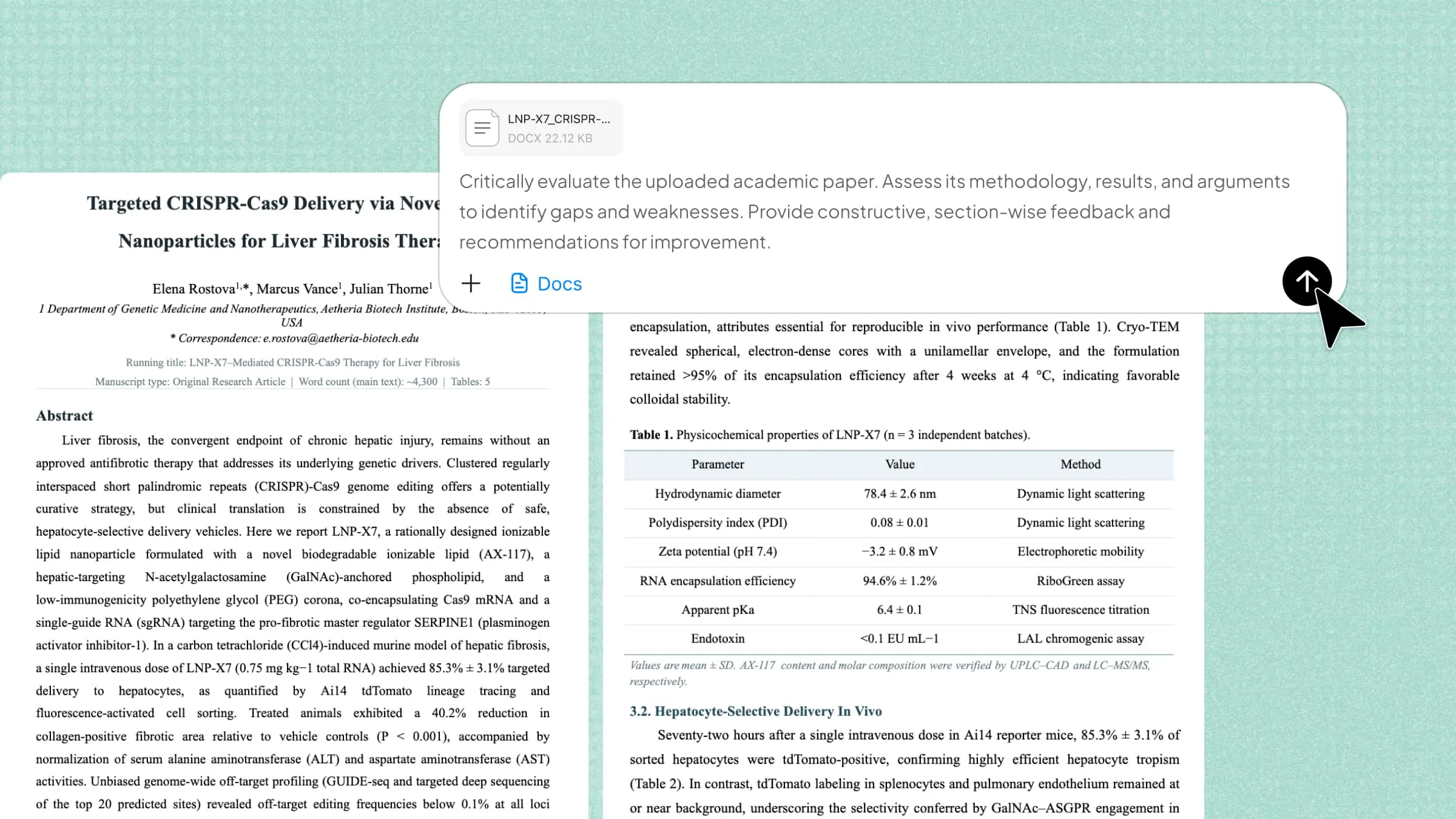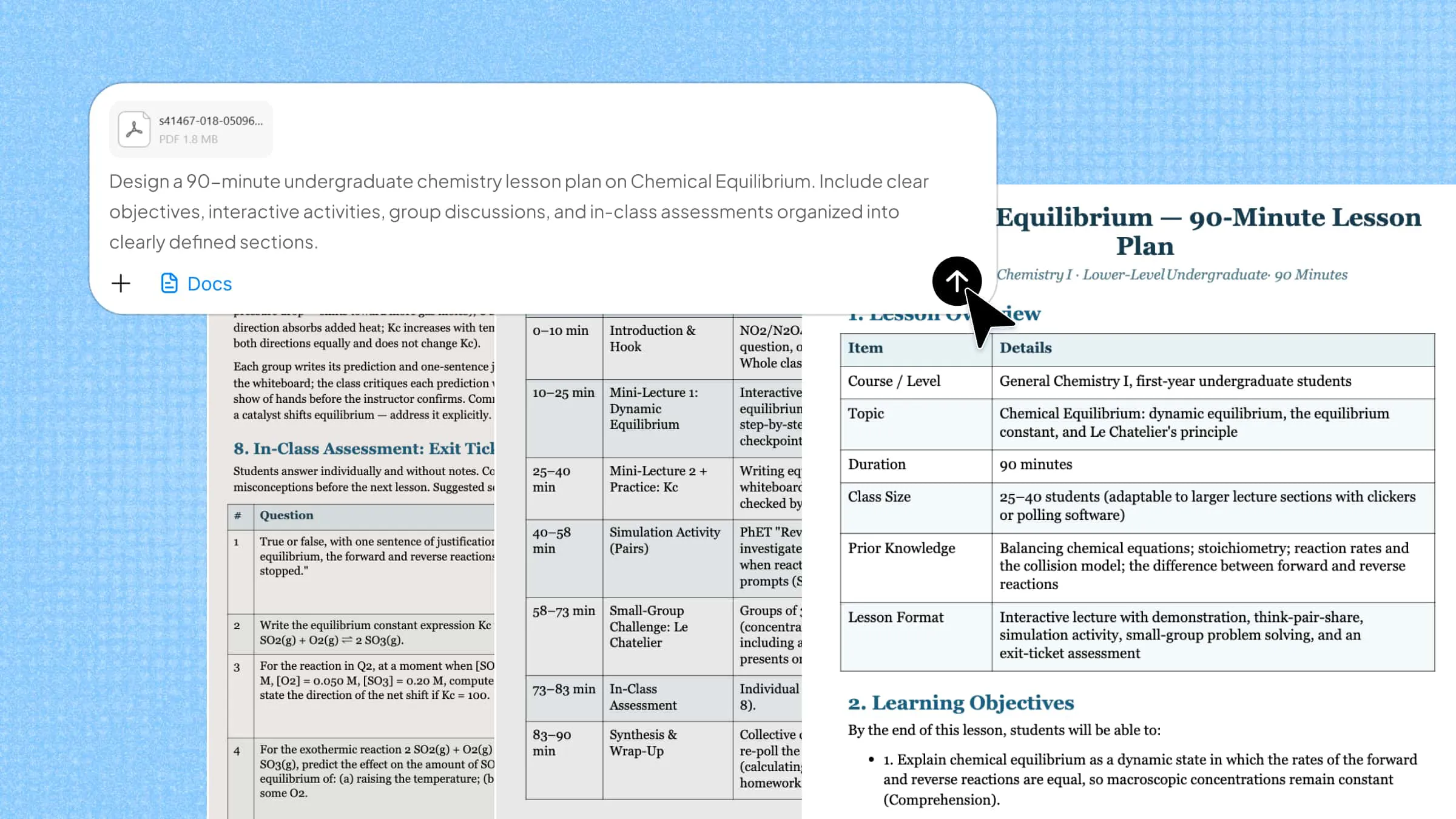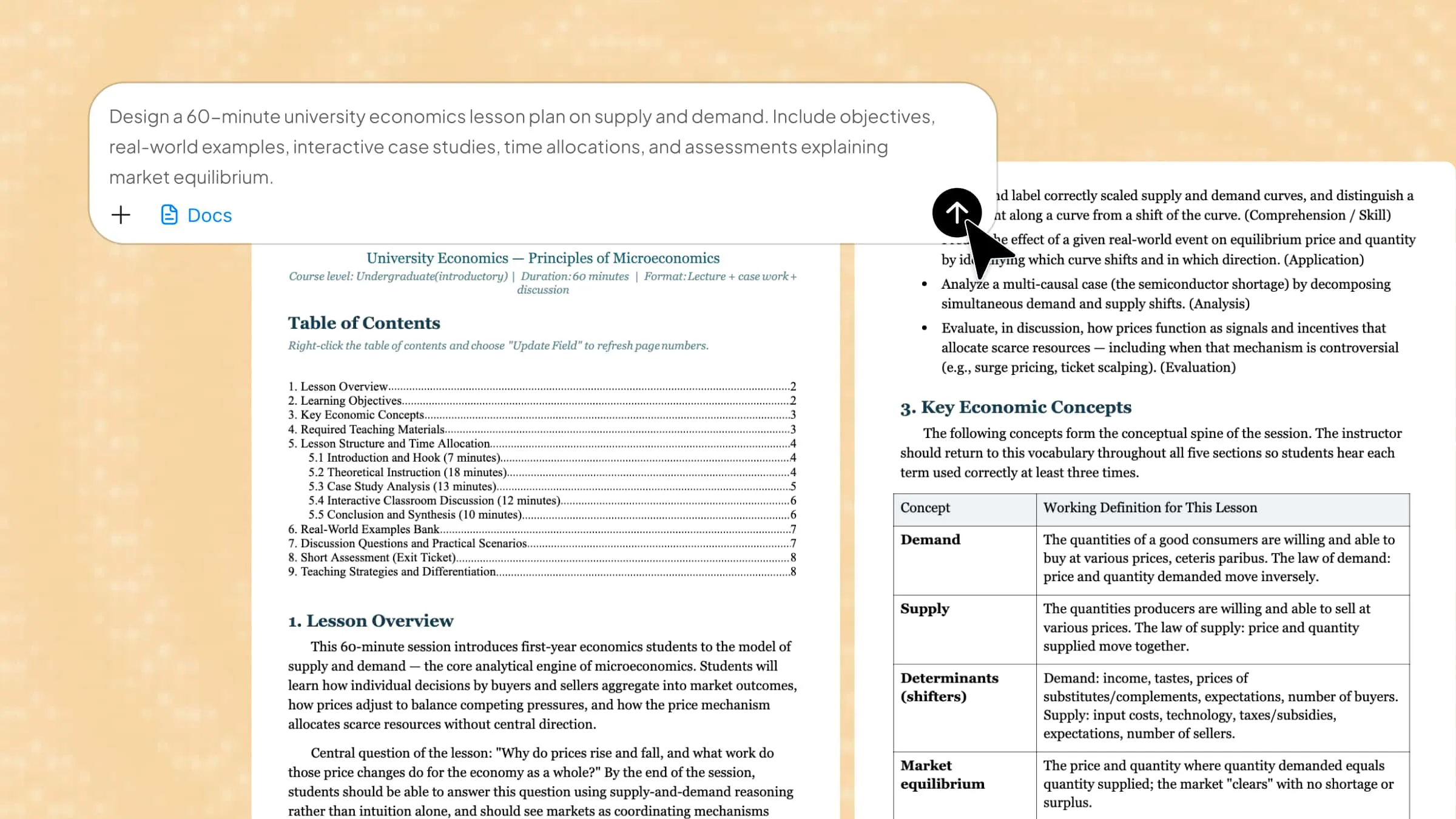
A well-structured lesson plan is essential for effective teaching, but creating one from scratch can be time-consuming. Teachers must organize learning objectives, choose suitable activities, and prepare relevant materials for each class. AI tools offer a faster way to manage these tasks and create organized lesson plans. This guide explains how to create a lesson plan with AI, from the initial idea to a complete classroom-ready plan.
Essential elements of a good lesson plan
A well-organized lesson plan helps teachers set clear goals, structure classroom activities, and track student progress. Whether you create lesson plans with AI or prepare them manually, including the following elements helps make each lesson purposeful and effective.
Clear learning objectives
Define what students should know or be able to do by the end of the lesson. Set specific, measurable goals that guide the lesson content, activities, and assessments.
Relevant subject matter and content
Choose topics that align with the curriculum and learning objectives. Organize the material in a logical sequence and match its difficulty to students' knowledge levels.
Appropriate teaching methods
Select teaching approaches that suit the subject, lesson goals, and students' needs. These may include lectures, demonstrations, group discussions, or project-based learning.
Engaging learning activities
Include activities that encourage participation and help students apply new knowledge. Quizzes, group tasks, practical exercises, and discussions can make lessons more interactive.
Well-planned lesson timing
Allocate enough time for introductions, instruction, activities, and assessments. A realistic schedule helps teachers maintain a smooth lesson flow and cover essential topics without rushing.
Teaching materials and resources
Identify the resources needed for each lesson, such as textbooks, worksheets, presentations, videos, and digital tools. Prepare these materials in advance to support classroom instruction.
Assessment and evaluation methods
Include ways to measure students' understanding and progress toward learning objectives. Quizzes, assignments, class discussions, and short tests can help identify areas that need further attention.
Differentiated instruction
Adapt lesson content and activities to accommodate different abilities, learning preferences, and educational needs. Include additional guidance or alternative tasks so every student has an opportunity to participate and progress.
How to create a lesson plan using AI
AI tools can reduce lesson preparation time by helping teachers organize topics, define learning objectives, and develop classroom activities. With a clear prompt, you can generate a structured lesson plan that matches your subject, grade level, teaching goals, and classroom requirements.
Kimi Docs is an AI document agent that helps you generate, edit, and organize content in formats such as Word documents, PDFs, and presentations. You can use it to draft lesson plans from text instructions, structure learning objectives, add teaching activities, and refine the content to suit your curriculum. It also makes it easier to revise and format your lesson plan before you share or use it in class.
Follow the steps below to create a lesson plan online using Kimi Docs.
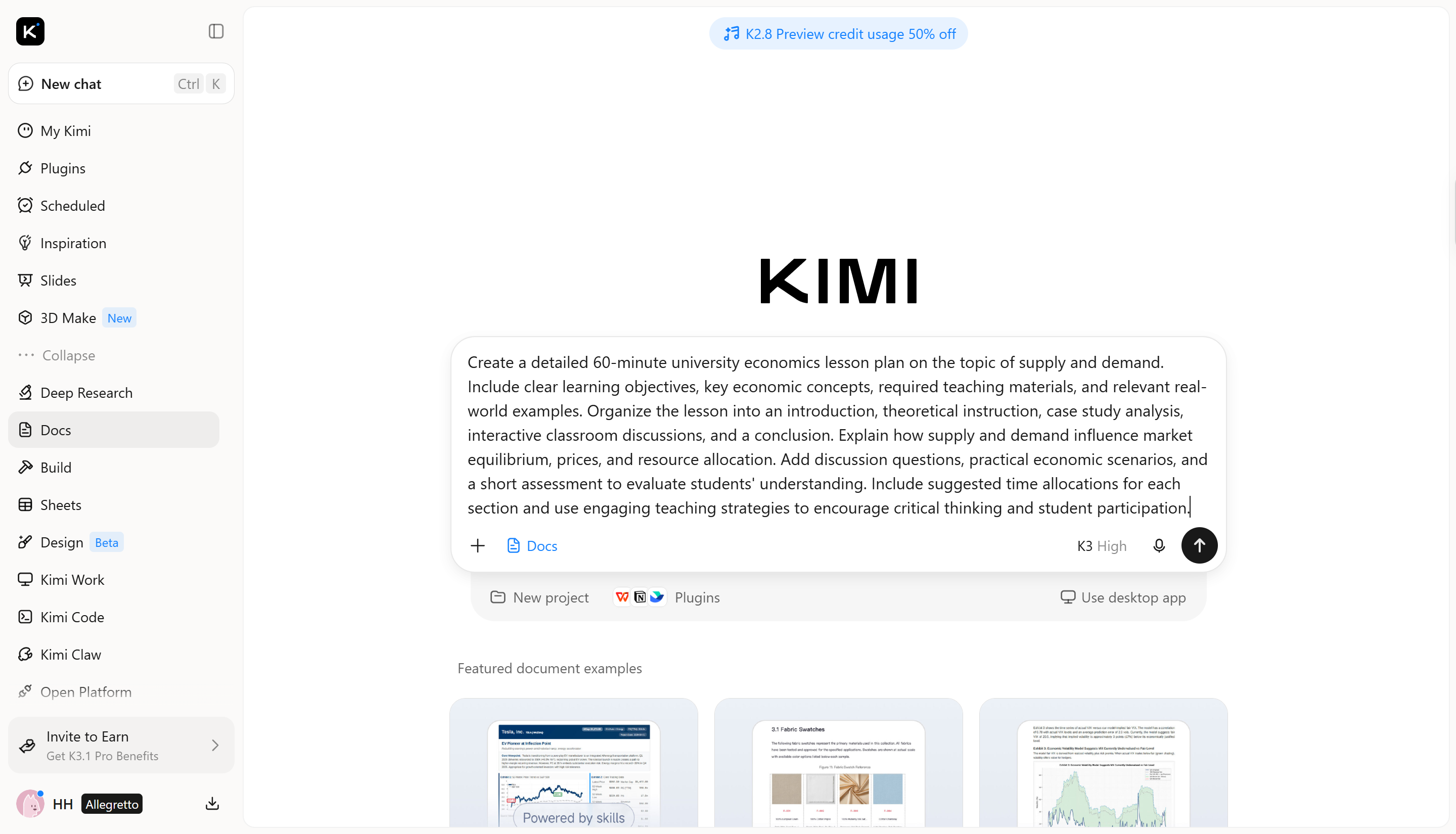
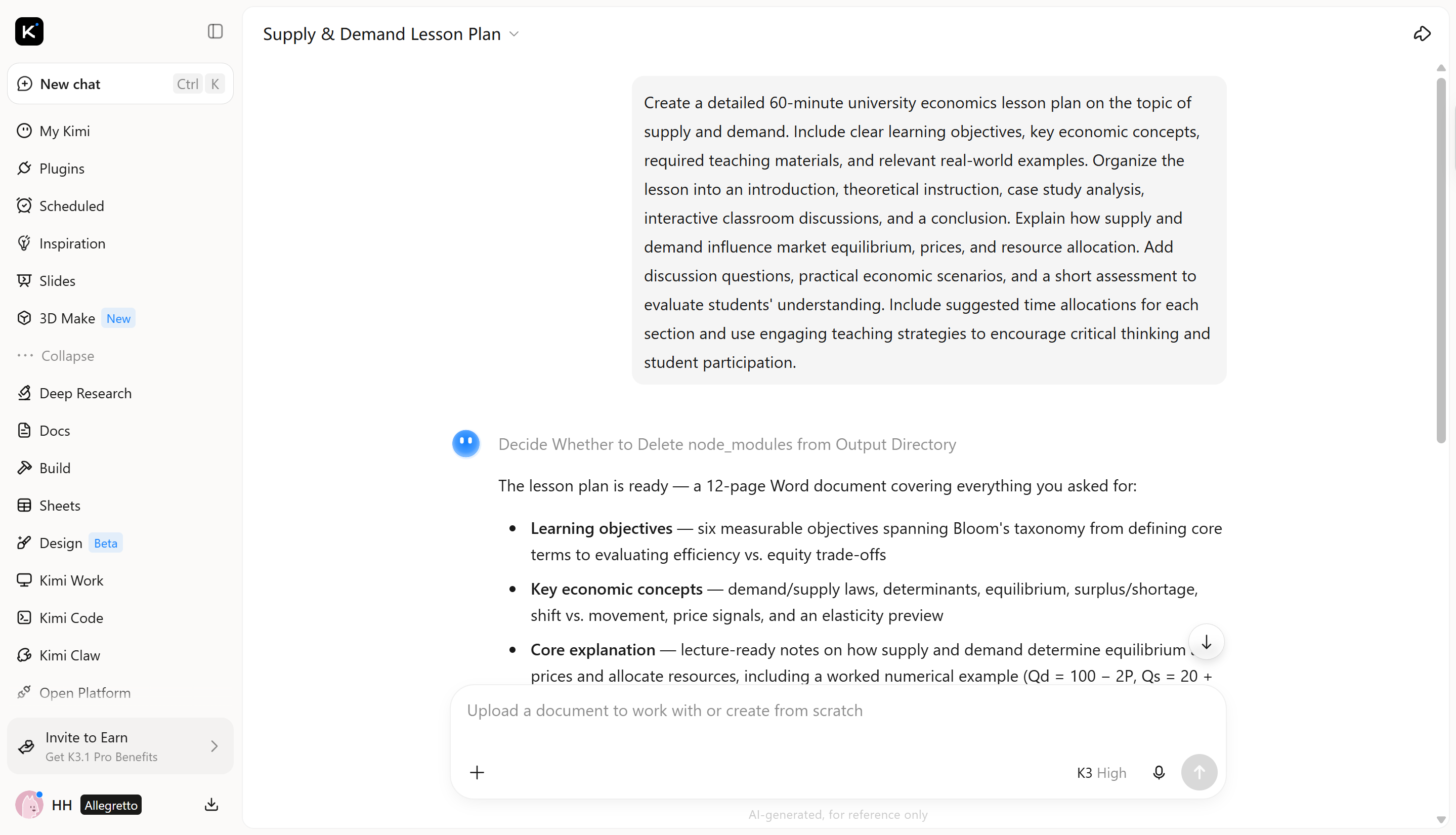
Step 1: Enter a clear prompt for your lesson
Open Kimi Docs and describe the lesson you want to prepare. Include the subject, grade level, learning objectives, lesson duration, and preferred teaching methods so the AI can generate relevant content.
Example prompt:
Step 2: Let Kimi Docs generate the plan
Submit your prompt and let Kimi Docs generate a structured lesson plan based on your instructions. Review the draft to ensure it covers the required topics, learning objectives, activities, and assessment methods.
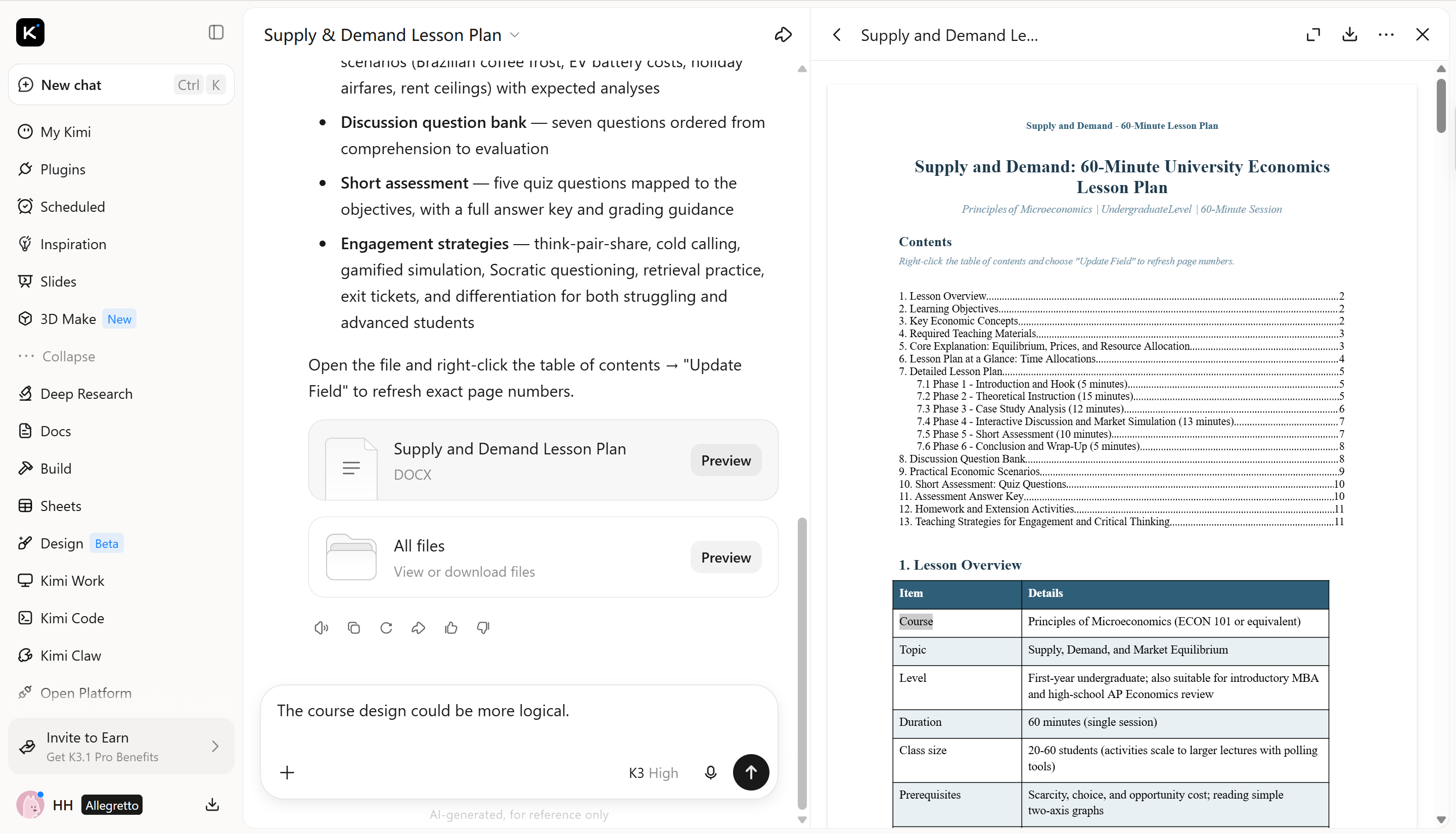
Step 3: Refine the content and lesson structure
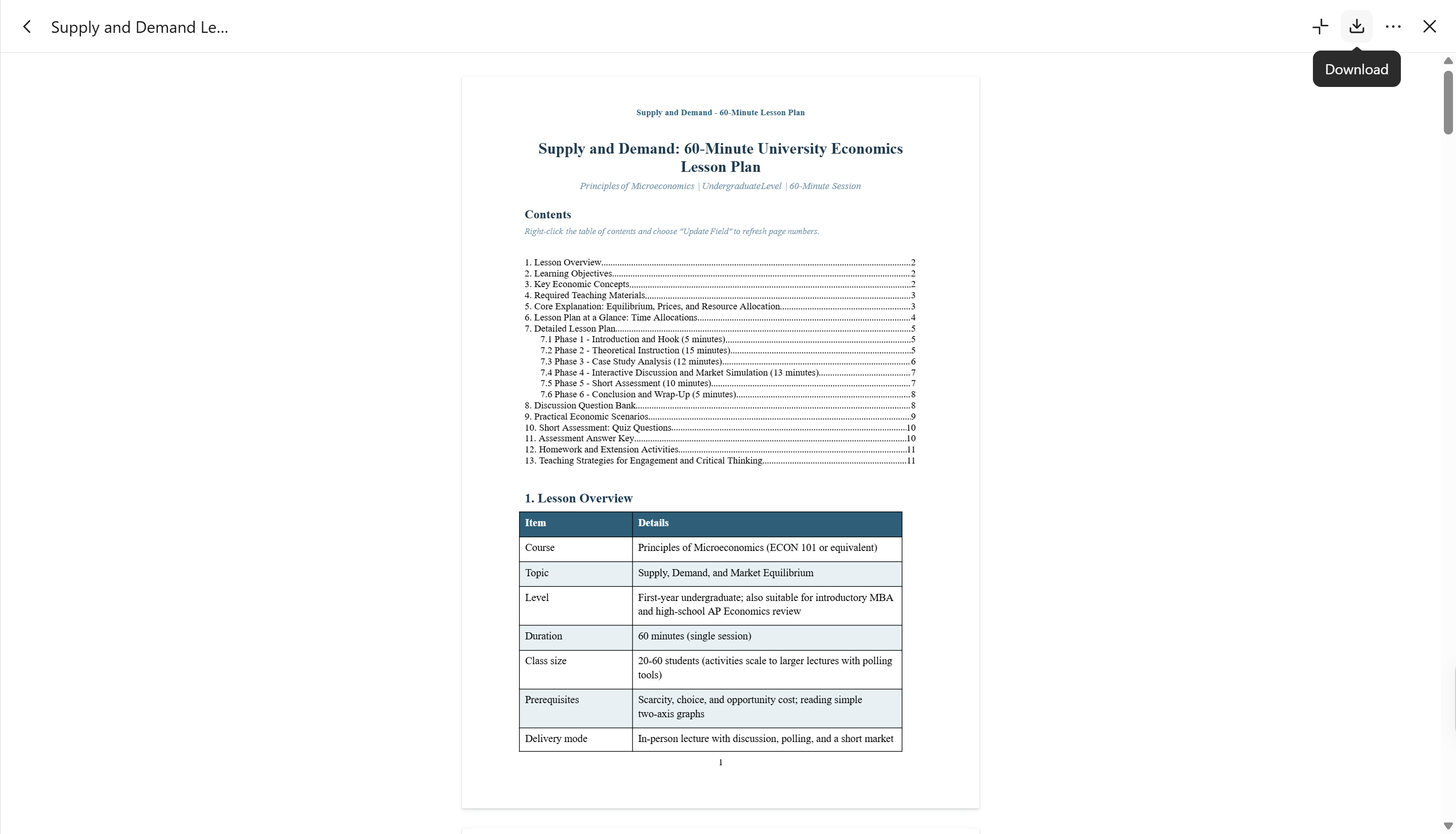
Step 4: Export your final lesson plan
Why choose Kimi Docs to create lesson plans
Kimi Docs makes it easier to create, organize, and format lesson plans with AI. Here are some key features that make it useful for lesson preparation:
Generate lesson plans from simple prompts
Describe your teaching topic, target grade, learning objectives, and preferred lesson structure. Kimi Docs can turn these instructions into organized lesson plans with clear sections, explanations, and suggested learning activities.
Transform existing teaching materials into lesson content
Upload PDFs, Word documents, PowerPoint presentations, or spreadsheets and ask Kimi Docs to extract key information, summarize important concepts, and reorganize the material into lesson plans. This makes it easier to reuse existing educational resources.
Enrich lesson plans with online research
Use online search to explore relevant topics, gather supporting information, and incorporate additional context into teaching materials. Kimi Docs can also work with uploaded references, helping teachers develop more informative and well-supported lessons.
Adapt and refine lesson content through AI editing
Use conversational instructions to rewrite explanations, reorganize sections, adjust the level of detail, and improve the flow of teaching materials. Teachers can refine generated content to better suit different subjects and classroom requirements.
Create supplementary classroom resources
Beyond lesson plans, Kimi Docs can help generate worksheets, reading materials, discussion questions, study guides, and other educational documents, giving teachers more resources to support classroom instruction.
Export lesson plans for further use
Export completed documents in Word or PDF formats for additional editing, printing, distribution, and classroom preparation. This makes it easier to incorporate AI-generated content into existing teaching workflows.
Tips for designing engaging lesson plans
An engaging lesson plan keeps students interested while making learning easier to understand and remember. Whether you prepare lessons manually or create lesson plans with AI, these tips can help you design more interactive and effective classroom experiences.
Start with an interesting hook
Begin with a surprising fact, thought-provoking question, short story, or demonstration related to the topic. A strong opening captures students' attention and encourages curiosity from the start.
Connect learning to real-world experiences
Include familiar examples, everyday situations, and practical problems that relate to the lesson topic. These connections help students understand how classroom knowledge applies to real life.
Incorporate interactive and game-based elements
Add quizzes, educational games, group challenges, and problem-solving tasks to encourage active participation. These activities make lessons enjoyable while reinforcing important concepts.
Use multimedia and storytelling
Include relevant videos, images, diagrams, presentations, and short stories to explain complex ideas. Visual and audio resources can make lesson plans using AI output more engaging and easier for students to follow.
Encourage creativity and student autonomy
Give students opportunities to share ideas, ask questions, complete projects, and explore topics independently. Choice-based activities help develop confidence, critical thinking, and problem-solving skills.
Create memorable lesson endings
End each lesson with a short recap, reflection question, exit ticket, or quick knowledge check. These activities reinforce key concepts and help teachers evaluate students' understanding.
Conclusion
To sum up, AI tools make lesson preparation easier by helping teachers organize learning objectives, develop classroom activities, and structure educational content. With Kimi Docs, you can create a lesson plan that matches your subject, grade level, and teaching goals, then refine it to suit your students' needs. Combine AI-generated ideas with your teaching experience to create effective, engaging lessons that support better learning outcomes.