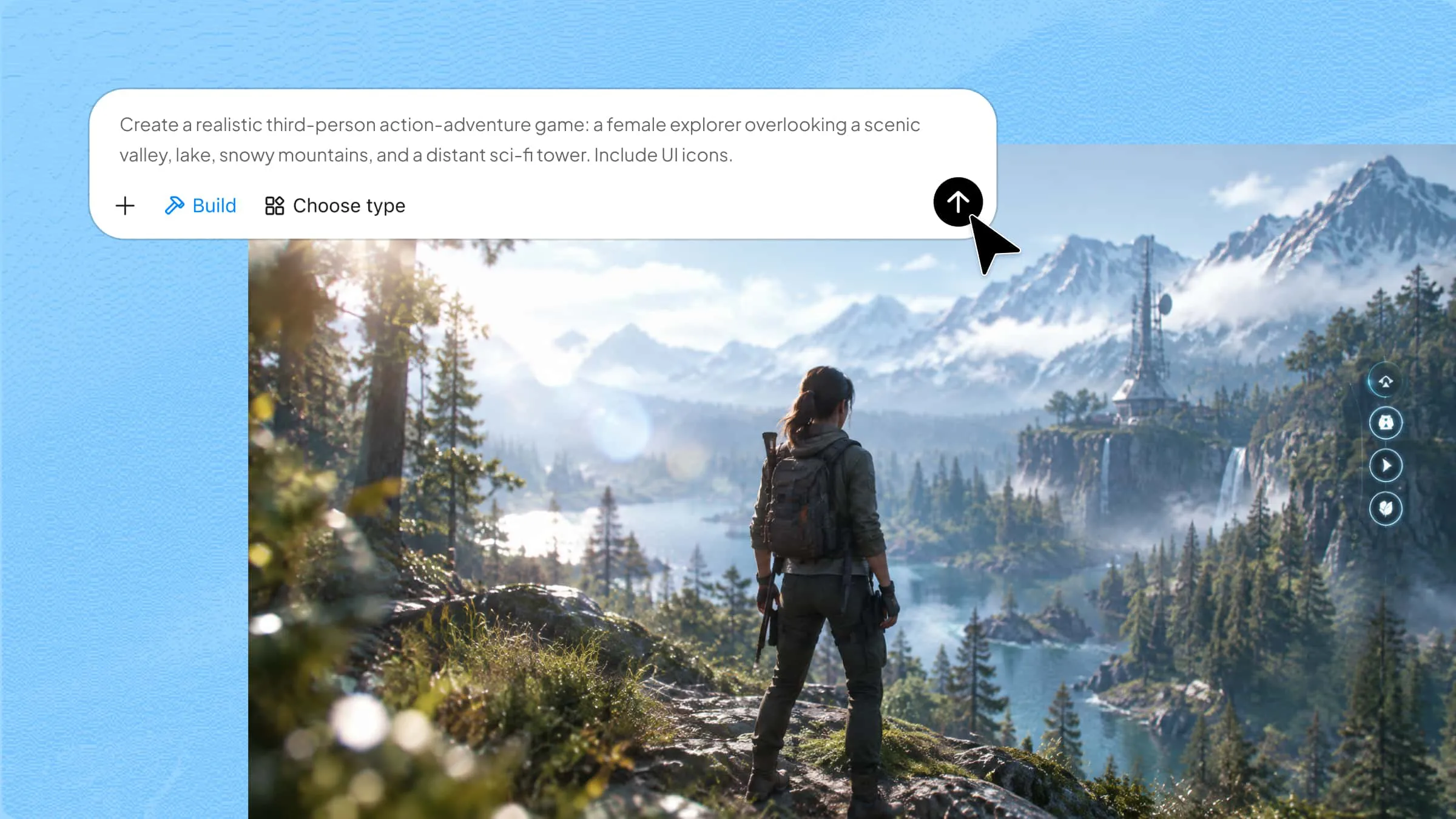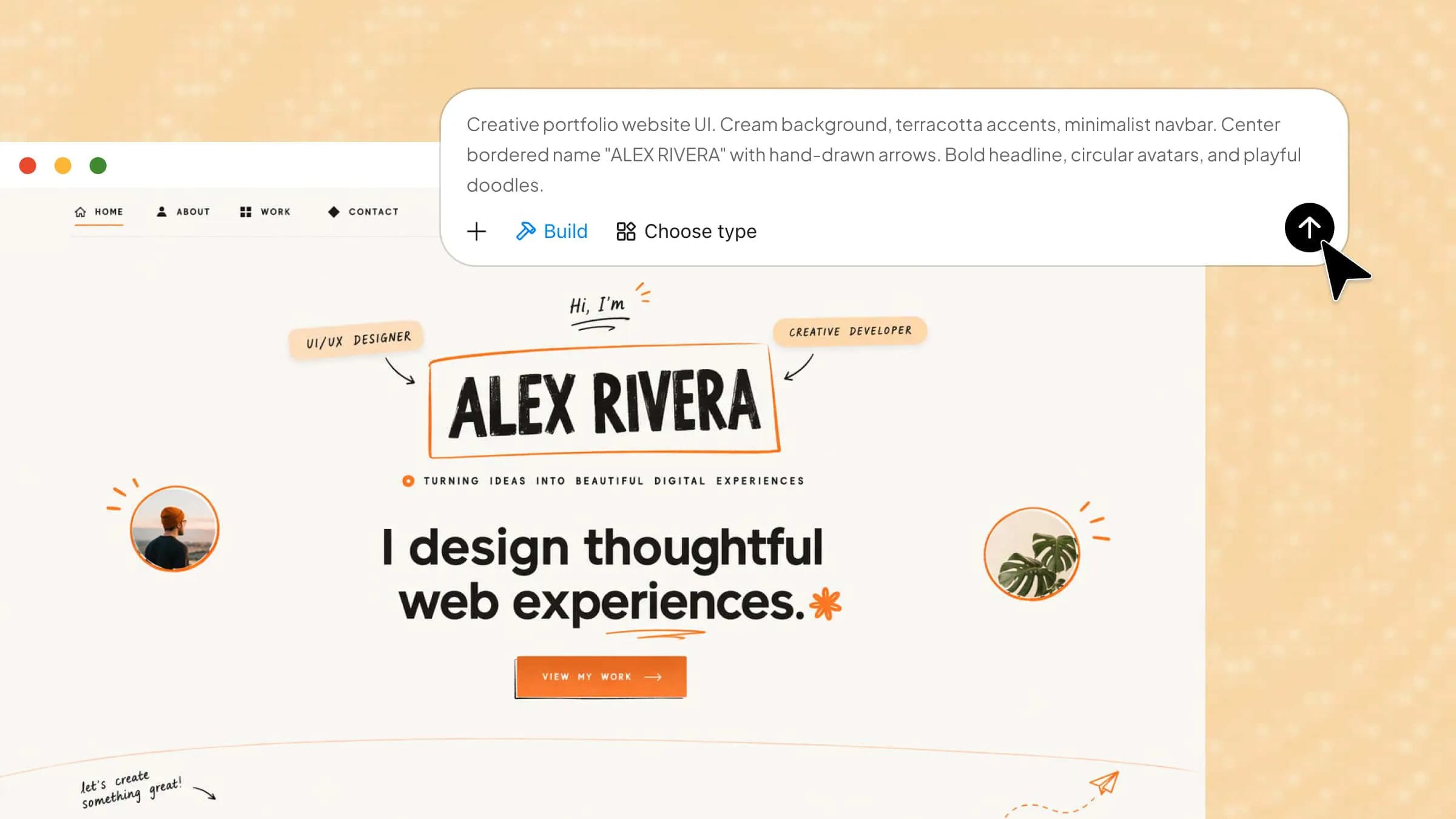
If you're ready to take your freelance work beyond social media, a personal website is a great place to start. It gives you room to share your best projects, explain what you do, and let clients reach you directly. With the right website builders for freelancers, you can put everything together without spending hours learning web design. This article lists the most efficient website builders to help you create a professional online presence and attract potential clients.
Overview of 10 advanced website makers for freelancers
The 10 website builders below offer different approaches to website creation, from AI-powered generation and visual editing to content management and specialized portfolio tools. Explore their core features, customization options, and ideal use cases to find a platform that fits your freelance business.
| Website builder | Website creation method | Key features | Ideal website types |
|---|---|---|---|
| Kimi Build | Text prompts and uploaded images, screenshots, or references | AI website generation, interactive designs, chat-based editing, element-level customization, version history, responsive previews, and publishing | Freelance portfolios, service websites, business websites |
| Squarespace | Professional templates and Fluid Engine visual editor | Flexible grid-based layouts, built-in SEO, analytics, scheduling, and payment integrations | Creative portfolios, consulting websites, personal brands |
| Wix | AI website generation and drag-and-drop editing | Wix AI, App Market, CMS, dynamic pages, and Velo development tools | Service websites, lead-generation pages, booking websites |
| Webflow | Visual web design editor | CSS-based design controls, visual CMS, animations, responsive layouts, and custom code integration | Design portfolios, interactive showcases, case study websites |
| Framer | Canvas-based visual editor and AI generation | Responsive layouts, reusable components, built-in CMS, localization, and interactive elements | UI/UX portfolios, creative websites, multilingual websites |
| WordPress | Block editor, themes, and plugins | Gutenberg editor, extensive plugin ecosystem, custom post types, and flexible content management | Blogs, resource websites, client portals |
| Carrd | Visual editor and pre-built elements | Single-page layouts, custom domains, contact forms, and embedded widgets | Personal landing pages, online resumes, service introductions |
| Hostinger Website Builder | AI generation and drag-and-drop editing | AI content and image tools, e-commerce, analytics, SEO settings, and managed hosting | Freelance business websites, online stores, service pages |
| Format | Portfolio templates and gallery editor | Image galleries, client proofing, photography e-commerce, and client management | Photography portfolios, visual art showcases |
| Dorik | AI generation and visual page editing | Pre-built UI components, CMS collections, membership features, and integrations | Resource hubs, membership websites, business websites |
10 smart website builders for freelancers in 2026
Finding a website builder that fits your work, budget, and design needs can make the whole process much easier and help you stand out online. Here are 10 options to consider, each offering a different way to build and customize your freelance website.
Kimi Build
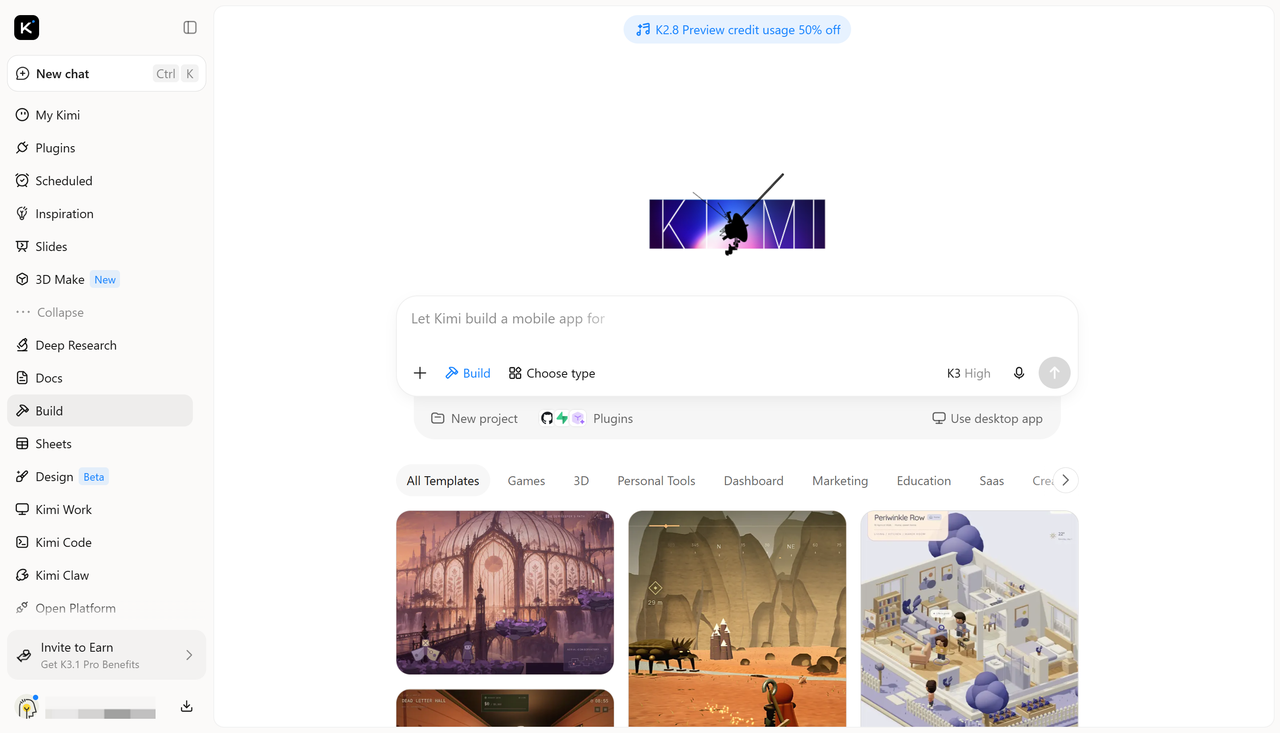
Kimi Build is an AI website builder that turns text prompts, images, and screenshots into functional websites. Freelancers can create portfolios, service pages, and business websites without coding. It also supports responsive designs, interactive elements, and chat-based editing, making it easy to customize and publish websites.
Main features
Create a freelancer website from prompts and references: Describe your website ideas in natural language and upload portfolio images, design references, screenshots, or other materials. Kimi Build uses your prompts and visual references to generate a customized website that reflects your professional identity and freelance niche, with no coding skills required.
Showcase your work with polished, interactive designs: Present your services, completed projects, professional background, and client testimonials in well-structured sections. Add interactive elements and engaging visual details to make your portfolio more dynamic and help potential clients explore your work. Version history also lets you revisit previous designs and restore earlier versions when needed.
Refine your website with AI-powered editing: Use natural-language prompts to adjust page layouts, update text, modify visual elements, or add new sections. You can also comment on specific elements to make targeted changes or manually fine-tune details, giving you flexibility throughout the design process.
Preview, publish, and share your portfolio: Switch between desktop and mobile previews to check your website across different screen sizes. Once you're satisfied with the design, publish it and share the website link with potential clients, making it easier for them to explore your work and services.
Suitable for
Building freelance portfolio websites
Creating service and pricing pages
Showcasing client projects and testimonials
Designing responsive business websites
How to create a website for freelancers with AI
You don't need coding skills or a lengthy setup to get started. With an AI website builder, you can turn your ideas into a professional freelance website in just a few steps. Here's how to do it with Kimi Build.
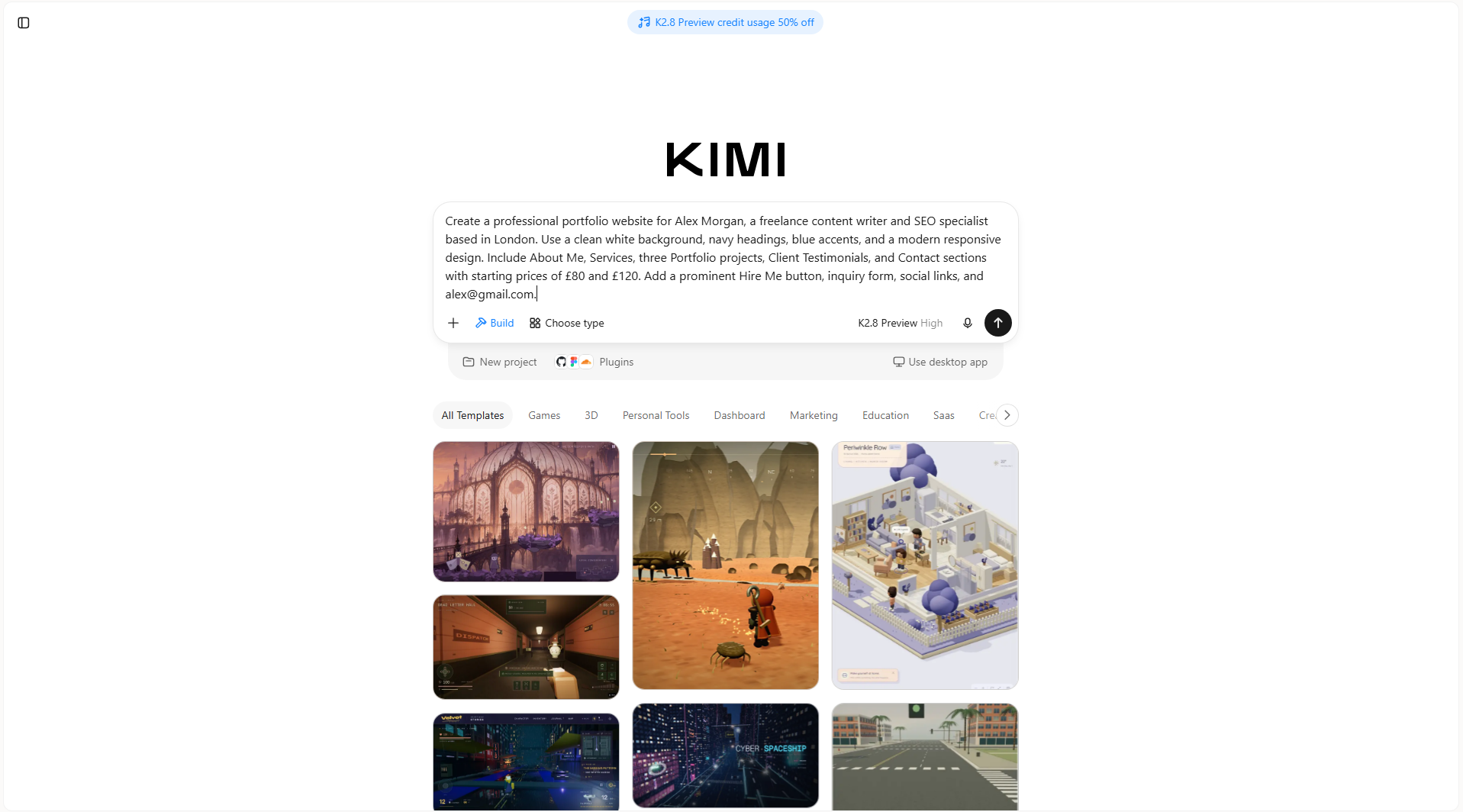
Step 1: Write a clear prompt
Start by describing the type of freelance website you want, including its layout, sections, colors, and purpose.
Example prompt:
Step 2: Edit your website
Once Kimi Build generates the website, review its sections and make changes through chat prompts. For example, ask it to replace placeholder text, add more writing samples, adjust service pricing, or change the color scheme. You can also refine individual sections to better match your professional style.
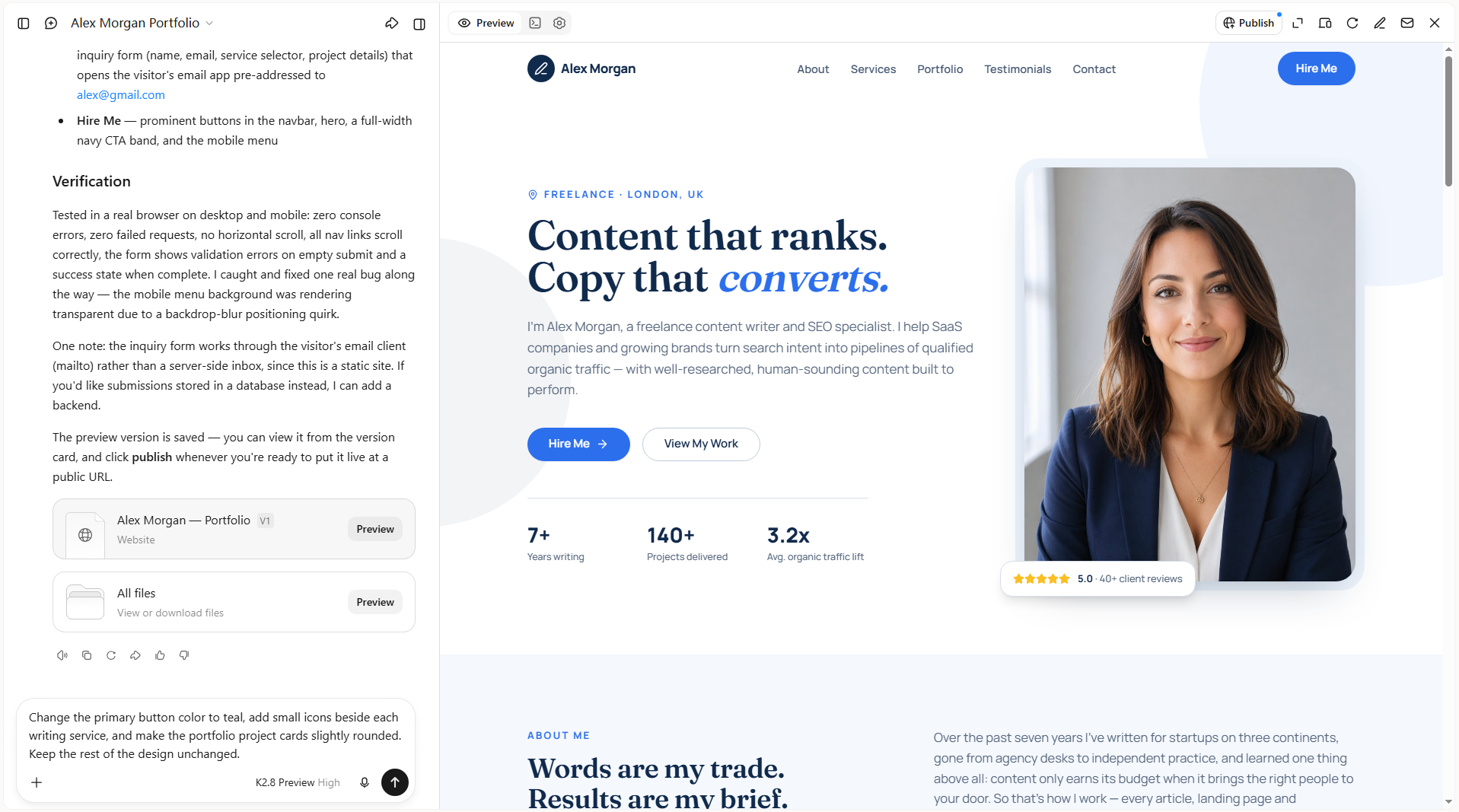
Step 3: Review and publish
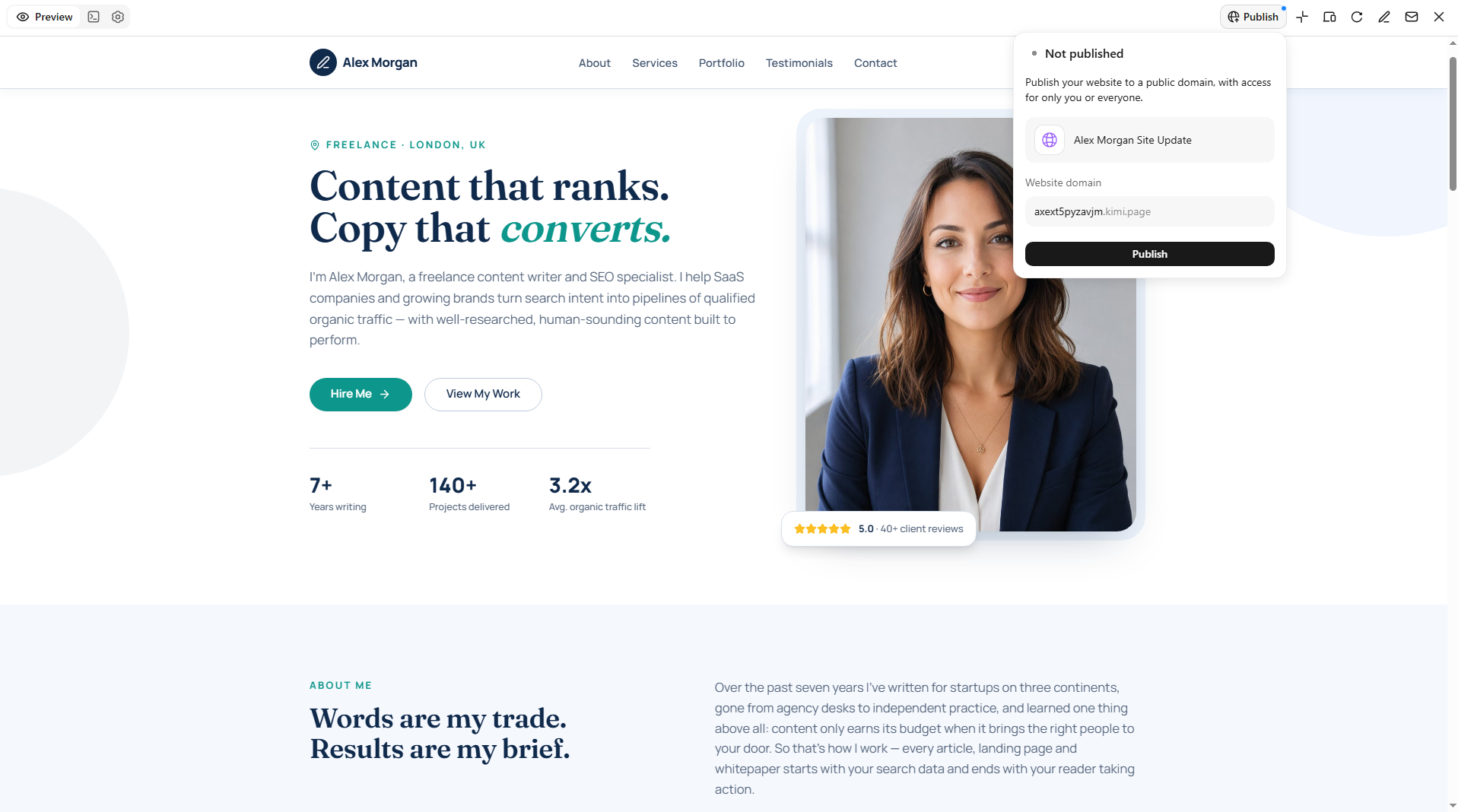
Preview the website on desktop and mobile to check its appearance, navigation, and content. Test the contact form, email links, and portfolio buttons to ensure everything works properly. Once you're happy with the result, publish the website and share its link with potential clients.
Squarespace
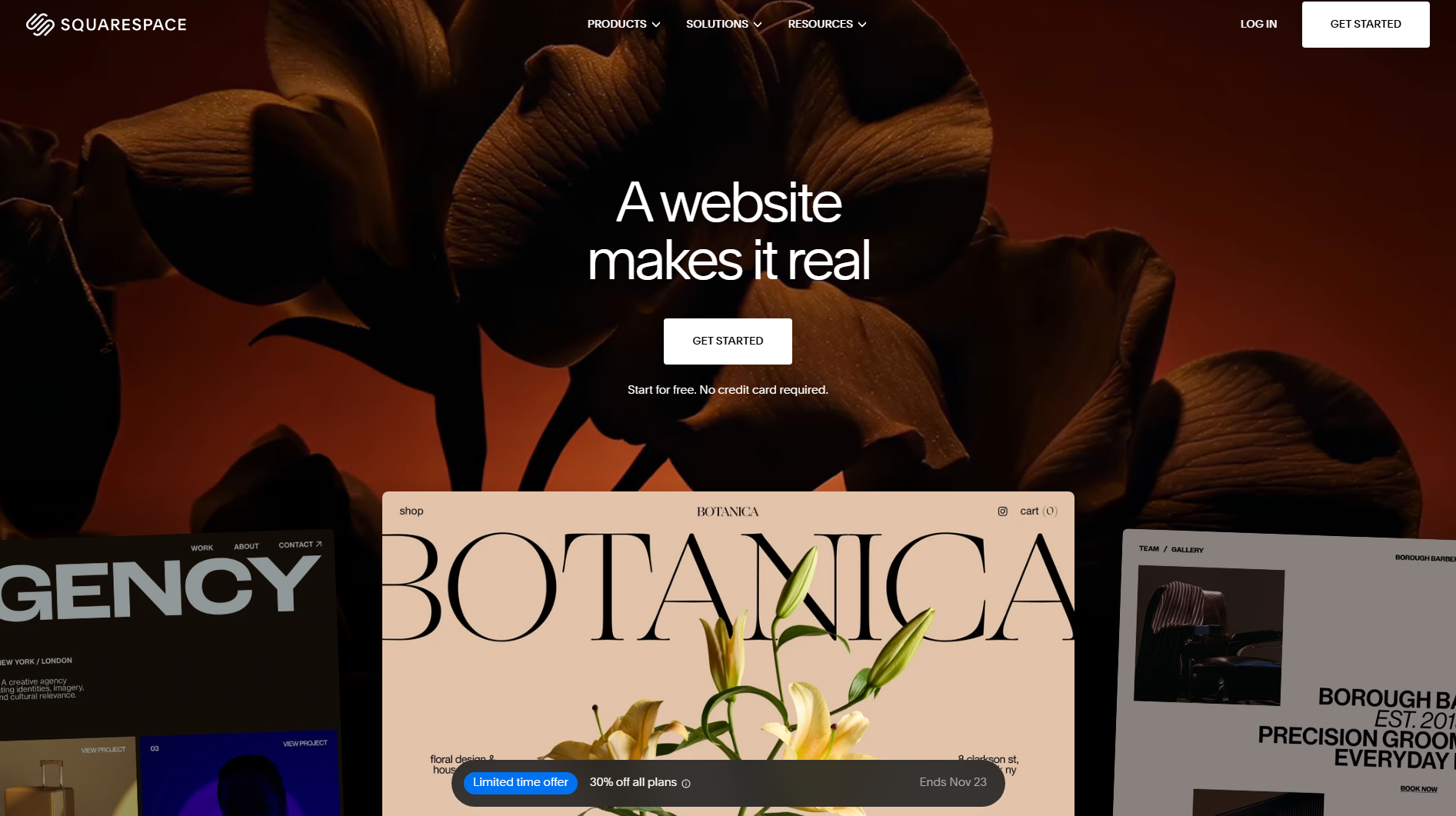
Squarespace is a hosted website builder that combines visual editing, built-in hosting, and content management in one platform. Freelancers can use its professionally designed templates to create portfolio websites, service pages, and personal brands. Its Fluid Engine editor allows you to arrange content using a flexible grid system, while built-in SEO and analytics tools help manage website performance.
Main features
Fluid Engine drag-and-drop editor: Arrange text, images, buttons, and other elements on a flexible grid. Resize and reposition blocks to create custom portfolio layouts without coding.
Professional website templates: Choose from professionally designed layouts for different creative fields. Customize typography, colors, page sections, and navigation to match your freelance brand.
Built-in SEO tools: Edit page titles, meta descriptions, image alt text, and URL slugs. Generate XML sitemaps and manage redirects to support search engine visibility.
Scheduling and payment integrations: Use Acuity Scheduling to manage client appointments and accept bookings. Add payment options for consultations, services, and digital products.
Suitable for
Independent consultants offering paid appointments
Copywriters publishing long-form articles
Personal brands selling digital downloads
Creative professionals building polished service websites
Wix
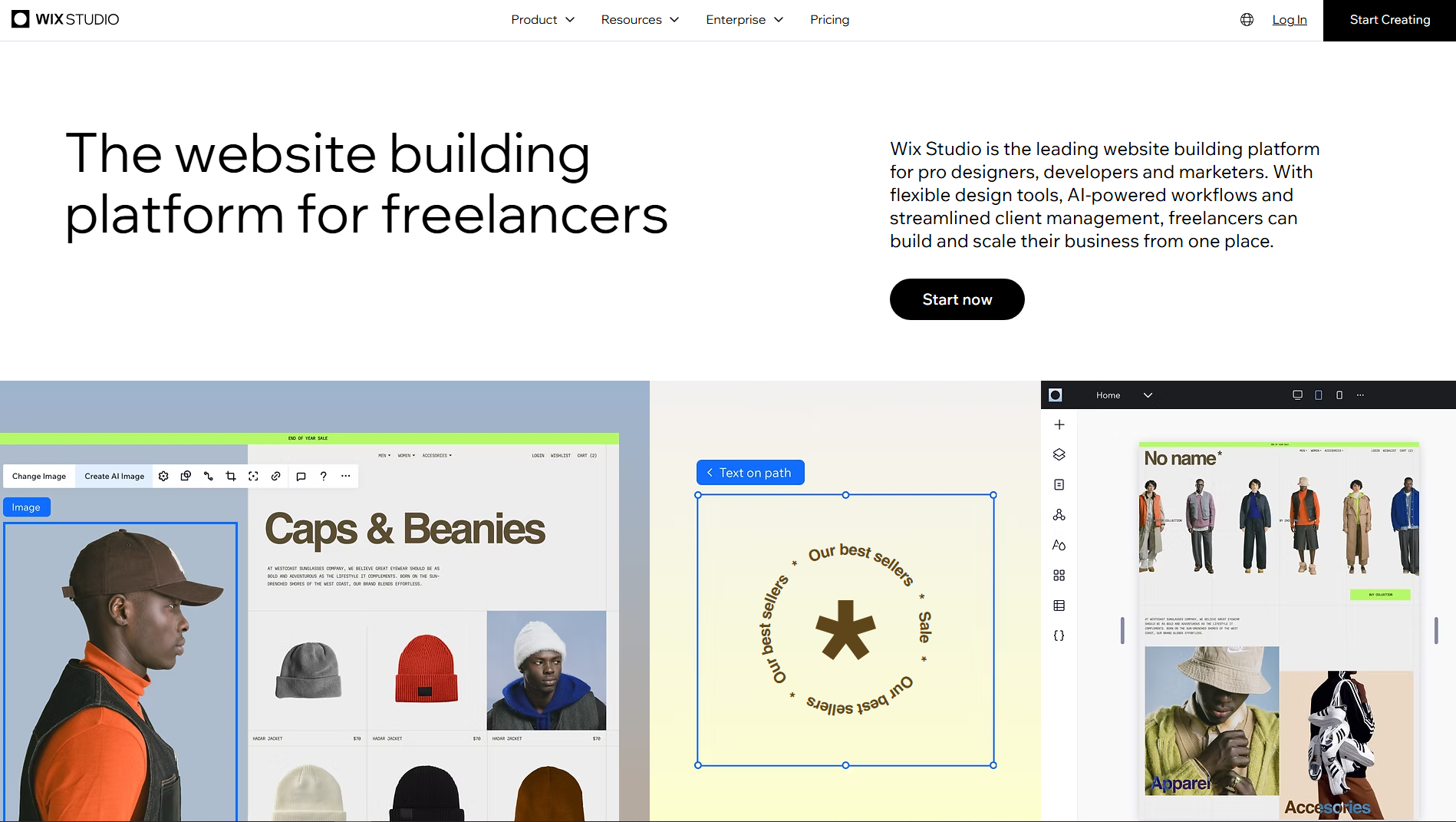
Wix is a cloud-based website development platform that combines a visual editor, AI-assisted site creation, and integrated business management tools. Its drag-and-drop editor provides detailed control over page elements, while Wix Studio offers additional responsive design capabilities. Freelancers can connect custom domains, manage client inquiries, and add business applications through its App Market.
Main features
Wix AI website creation: Generate a website structure using information about your freelance business and preferred features. Customize the resulting pages, content, and design through the visual editor.
Wix App Market: Add third-party applications for live chat, lead collection, marketing, and appointment booking. Connect additional functionality without developing every feature yourself.
CMS and dynamic pages: Store project details, service information, and testimonials in structured collections. Display this information automatically across multiple website pages.
Velo development environment: Add custom JavaScript functionality, backend code, and database connections. Build interactive features that go beyond the standard visual editor.
Suitable for
Virtual assistants managing client inquiries
Language tutors offering online lessons
Marketing freelancers collecting sales leads
Event planners displaying service packages
Webflow
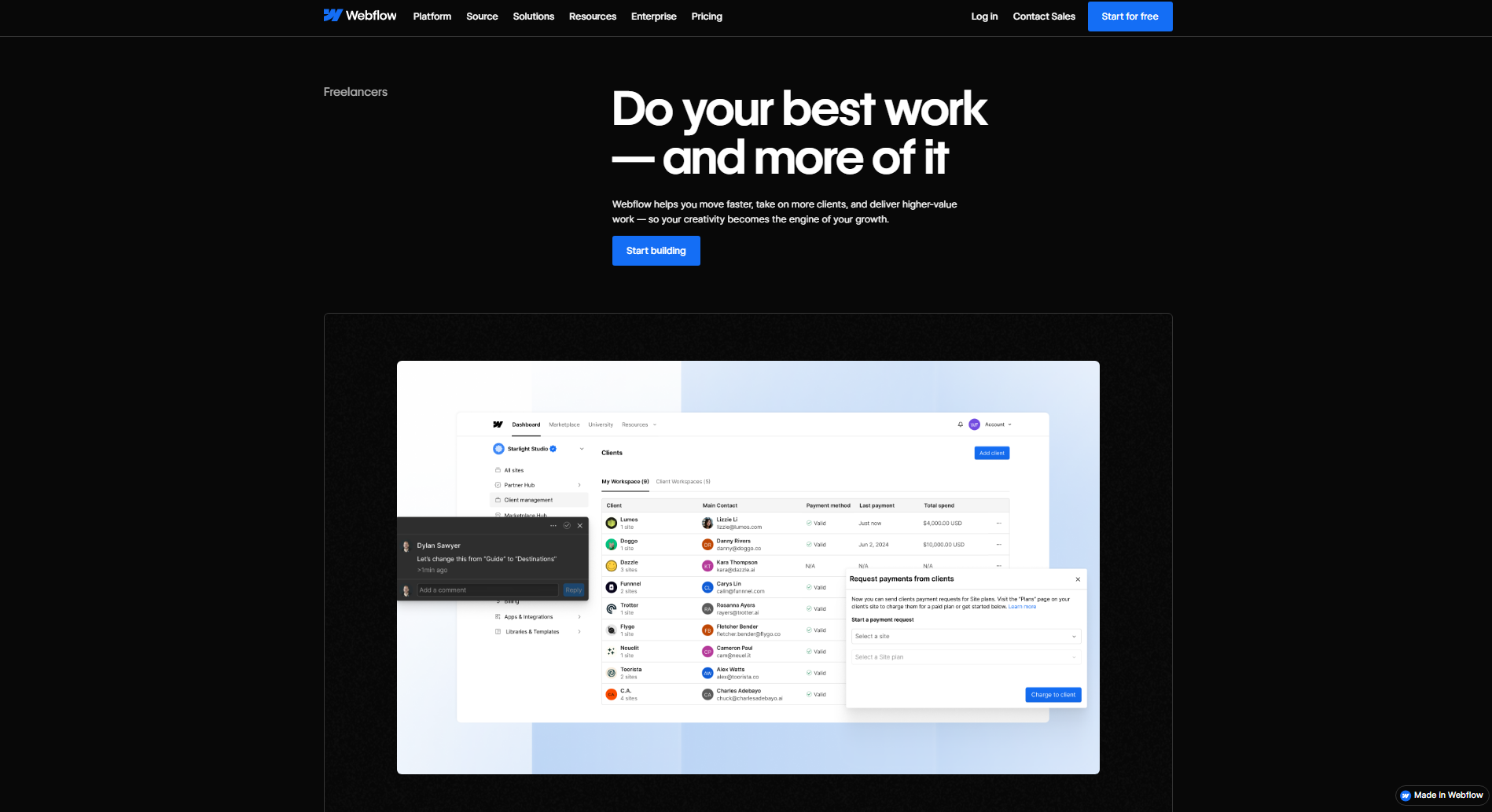
Webflow is a visual web development platform that gives freelancers detailed control over website structure, styling, and responsive behavior. Its Designer uses CSS-based controls for layouts, spacing, typography, and positioning, making it suitable for building highly customized websites. The platform also includes a visual CMS for managing structured content and reusable templates.
Main features
CSS-based visual Designer: Control flexbox, CSS grid, positioning, margins, padding, and breakpoints through visual settings. Create detailed layouts without switching constantly between the editor and code.
Visual CMS collections: Build structured content types for projects, articles, case studies, and testimonials. Connect collection fields to dynamic templates to generate consistent pages.
Interactions and animations: Configure scroll-triggered effects, hover animations, page transitions, and element interactions. Control animation timing and movement through the visual timeline.
Custom code integration: Add HTML, CSS, and JavaScript to specific pages or the entire website. Connect external services and extend features beyond Webflow's native capabilities.
Suitable for
UX researchers presenting detailed case studies
Motion designers creating animated portfolios
Brand strategists showcasing visual identity systems
Digital product designers building interactive showcases
Framer
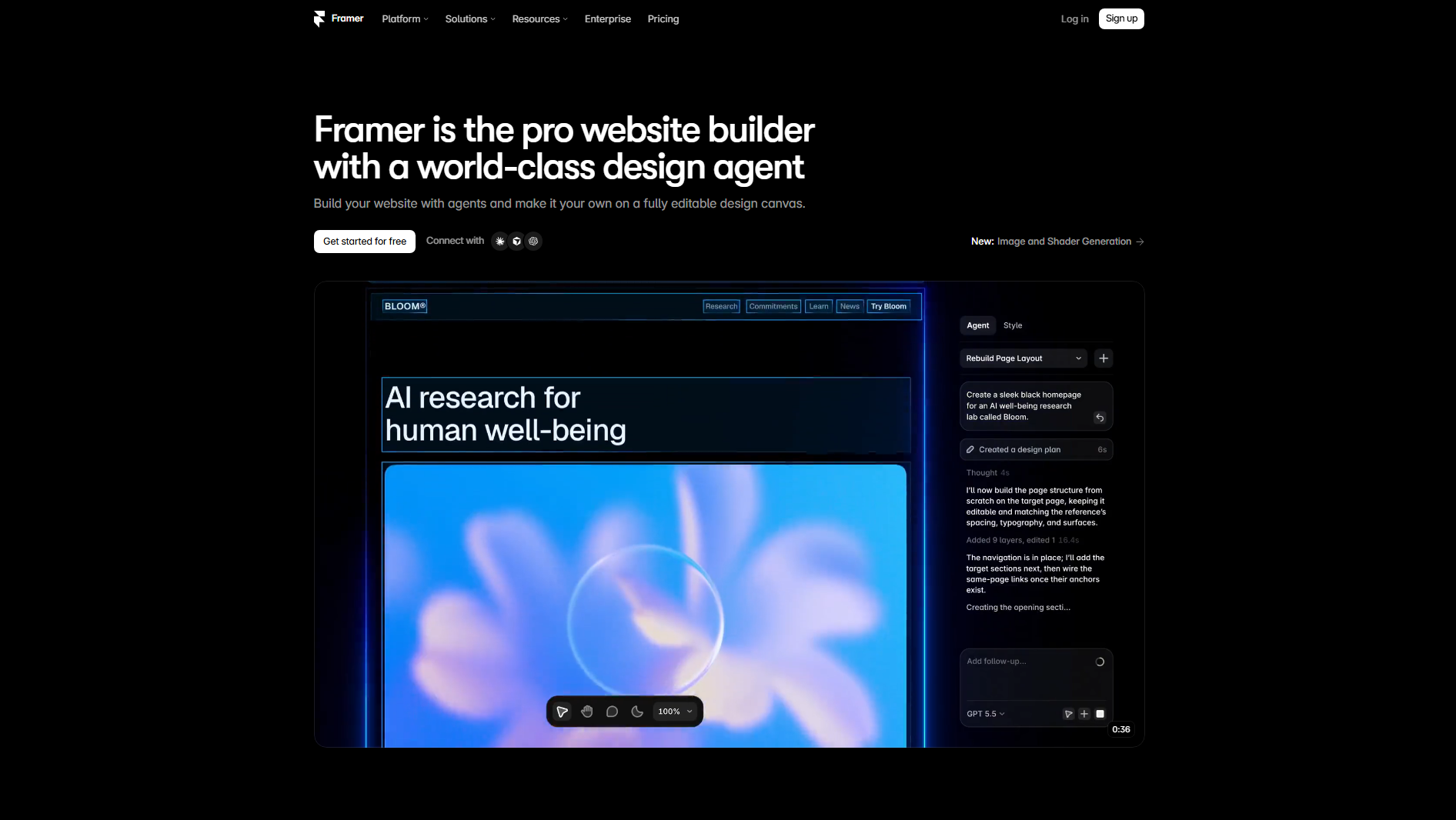
Framer is a visual website design and publishing platform with a strong focus on responsive layouts and interactive experiences. Its canvas-based editor allows freelancers to create pages using reusable components, layout stacks, and flexible positioning. The platform also includes a built-in CMS, localization features, and AI-assisted website generation.
Main features
Responsive layout system: Use stacks, grids, and breakpoints to control how page elements adapt to different screen sizes. Adjust layouts for desktop, tablet, and mobile views.
Component and variant system: Create reusable navigation bars, buttons, cards, and other interface elements. Use variants to manage different visual states within a single component.
Built-in CMS: Organize blog posts, projects, and other portfolio content into collections. Connect these collections to dynamic page templates for easier content updates.
Localization tools: Create translated versions of website pages and manage localized content. Adjust text and page elements for different language audiences.
Suitable for
UI designers showcasing interface concepts
Startup advisors presenting launch services
Art directors displaying creative campaigns
International consultants targeting multilingual audiences
WordPress
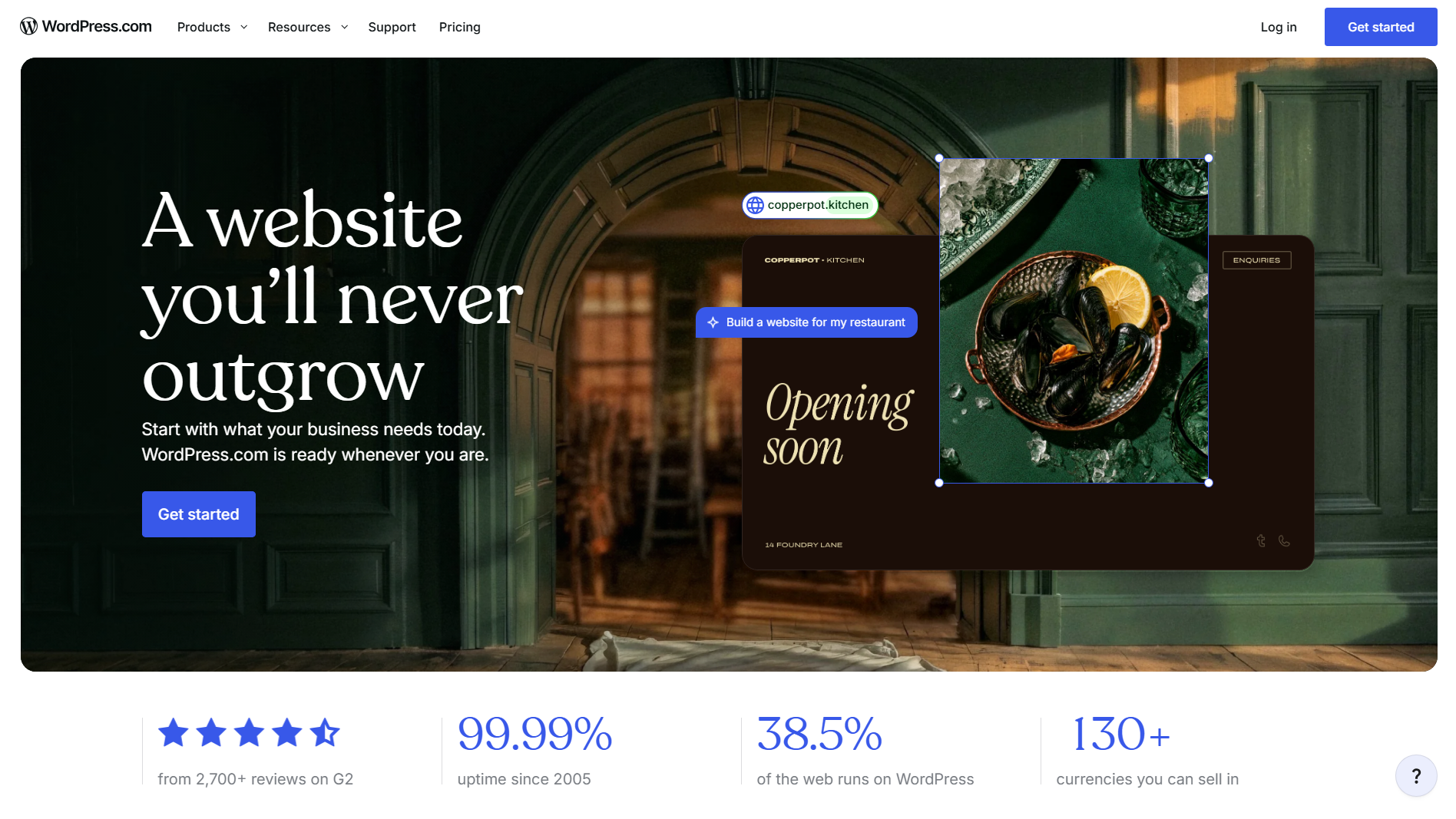
WordPress is an open-source content management system that lets freelancers build websites with extensive control over content, functionality, and hosting. Its block editor supports page creation using reusable content blocks, while themes control the overall website design. Freelancers can extend their websites through plugins for SEO, security, forms, analytics, and e-commerce.
Main features
Gutenberg block editor: Build pages using blocks for headings, galleries, buttons, columns, and embedded media. Save reusable blocks and patterns to maintain consistent page layouts.
Plugin ecosystem: Extend website functionality with plugins for SEO, contact forms, security, backups, and performance optimization. Configure additional features without building them from scratch.
Custom post types and taxonomies: Organize different content formats, such as projects, services, and testimonials. Create structured archives and templates for specific portfolio categories.
Theme and code customization: Modify website layouts through block themes, child themes, and custom CSS. Developers can also use PHP, JavaScript, and WordPress APIs for deeper customization.
Suitable for
Technical writers maintaining knowledge libraries
Affiliate publishers managing product reviews
Online educators organizing learning resources
Developers building custom client portals
Carrd
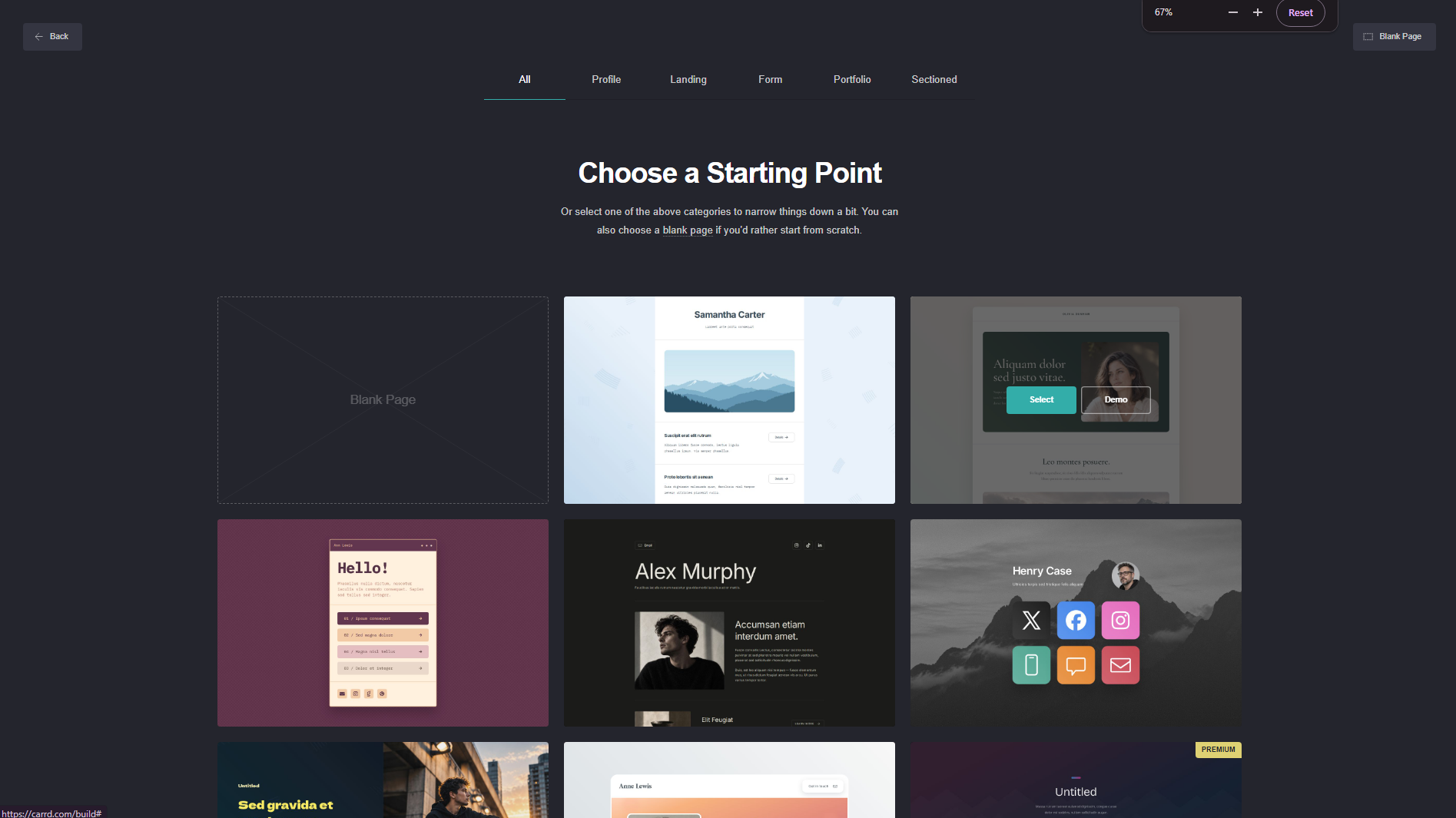
Carrd is a website builder for freelance writers to create responsive, single-page websites. Its visual editor lets freelancers arrange content sections, images, buttons, forms, and embedded elements using a simple interface. Users can customize page layouts, apply styling options, and connect external services through embeds.
Main features
Single-page website editor: Build compact websites using content sections, containers, columns, and control elements. Arrange everything into a continuous page rather than managing multiple URLs.
Custom domain support: Connect a registered domain to your published website with supported Pro features. Configure domain settings to give your freelance landing page a branded web address.
Advanced forms: Create contact and signup forms with configurable fields and submission settings. Connect supported form services to collect project inquiries and email subscriptions.
Embed and widget elements: Insert external HTML, scripts, and supported widgets into your pages. Add tools such as calendars, media players, and third-party forms.
Suitable for
Voice-over artists advertising demo reels
Resume writers displaying professional credentials
Freelance translators listing language pairs
Career coaches promoting consultation sessions
Hostinger Website Builder
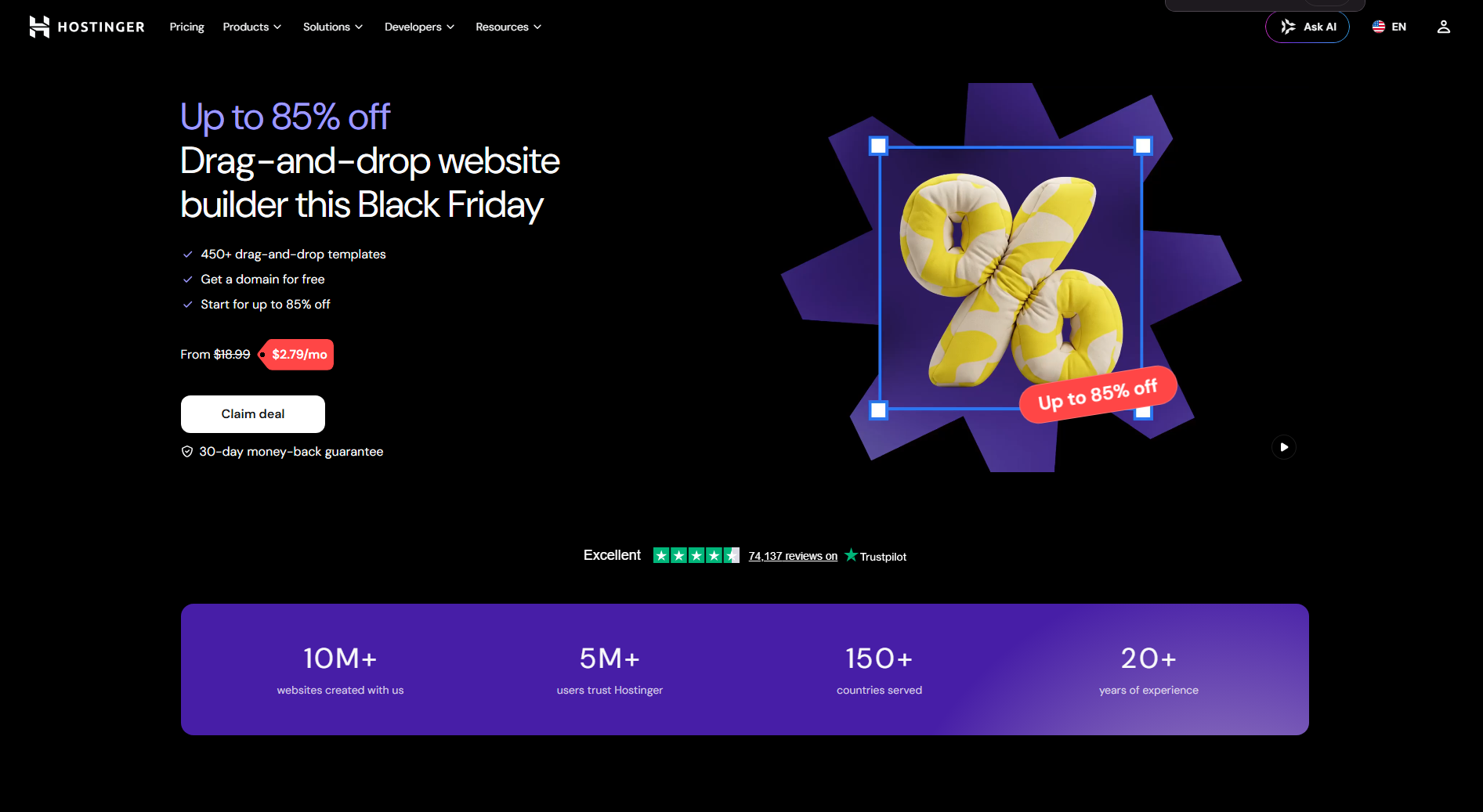
Hostinger Website Builder is an all-in-one website creation platform that combines AI tools, visual editing, and managed hosting. Freelancers can generate website layouts using text prompts and customize the results through its drag-and-drop editor. It includes built-in business features for managing products, forms, appointments, and website content.
Main features
AI website generation: Describe your freelance business, preferred design, and website requirements to generate an initial layout. Customize the generated pages using the visual editor.
AI content and image tools: Generate website copy and create or edit images using integrated AI features. Use these tools to prepare service descriptions, page headings, and supporting visuals.
Integrated e-commerce: Add product listings, configure prices, and manage orders through the store management system. Freelancers can use it to sell templates, guides, and other digital products.
Website analytics and SEO: Access website performance information and configure SEO settings, including meta titles, descriptions, and image alt text. Use the available data to understand visitor activity.
Suitable for
Virtual course creators selling educational materials
Financial consultants presenting advisory packages
Social media managers offering monthly retainers
Illustrators selling downloadable artwork
Format
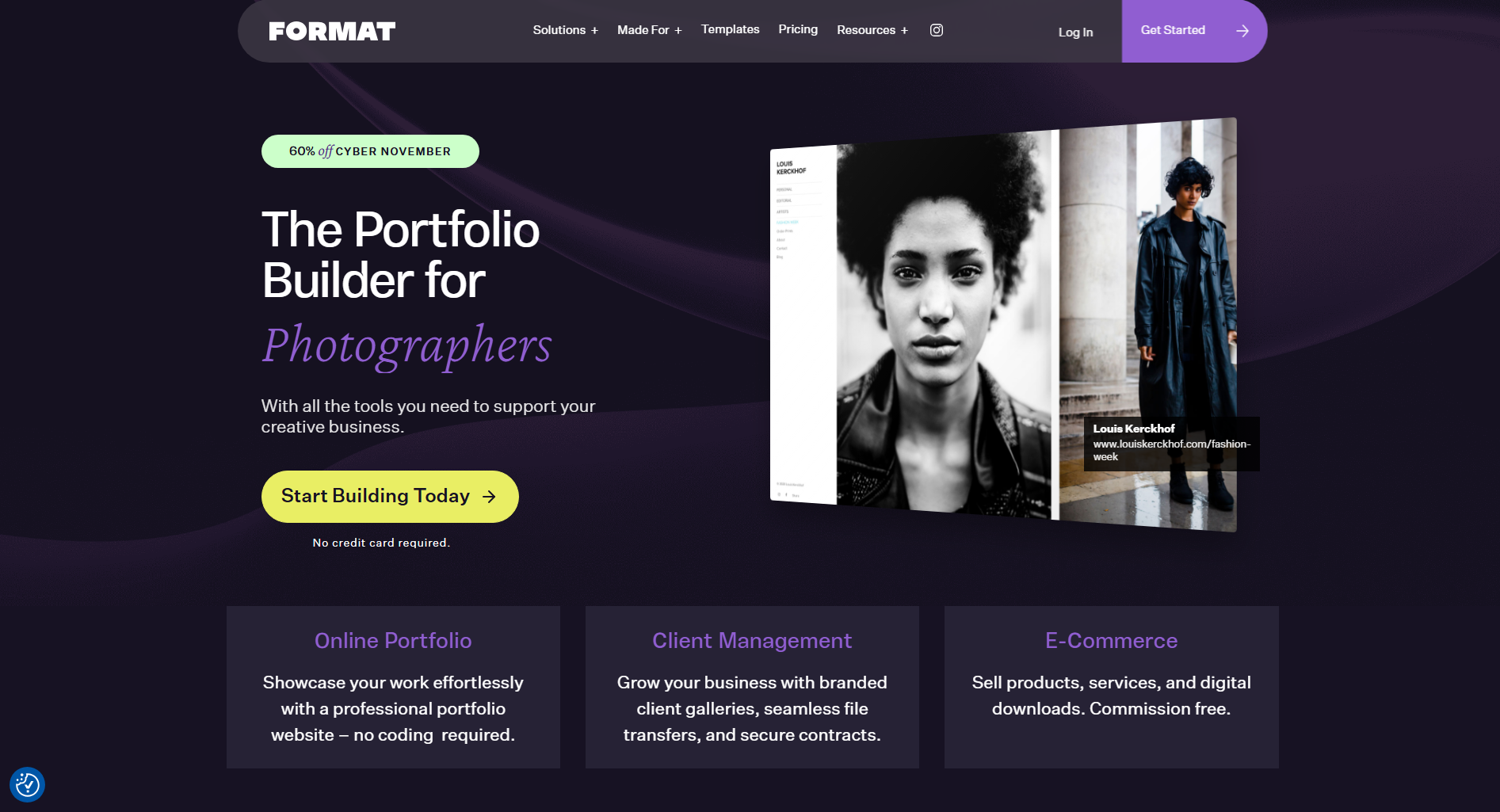
Format is a portfolio-focused website builder developed primarily for visual creatives and professional photographers. It provides specialized templates and gallery layouts for displaying high-quality images and creative projects. Freelancers can organize their work into separate collections, customize portfolio pages, and create client-facing galleries.
Main features
Portfolio gallery layouts: Organize photographs and creative projects into customizable galleries. Choose different display formats to control image arrangement and presentation.
Client proofing galleries: Share private galleries with clients so they can review and select images. Use proofing tools to collect feedback and manage image selections.
Photography e-commerce: Set up online stores to sell prints and other creative products. Configure product listings and manage customer orders through the platform.
Client management tools: Organize client information and manage business-related activities through supported workflow features. Keep project communication and client-facing work more structured.
Suitable for
Wedding photographers presenting event collections
Fashion photographers displaying editorial shoots
Landscape photographers organizing travel series
Fine artists exhibiting photographic compositions
Dorik
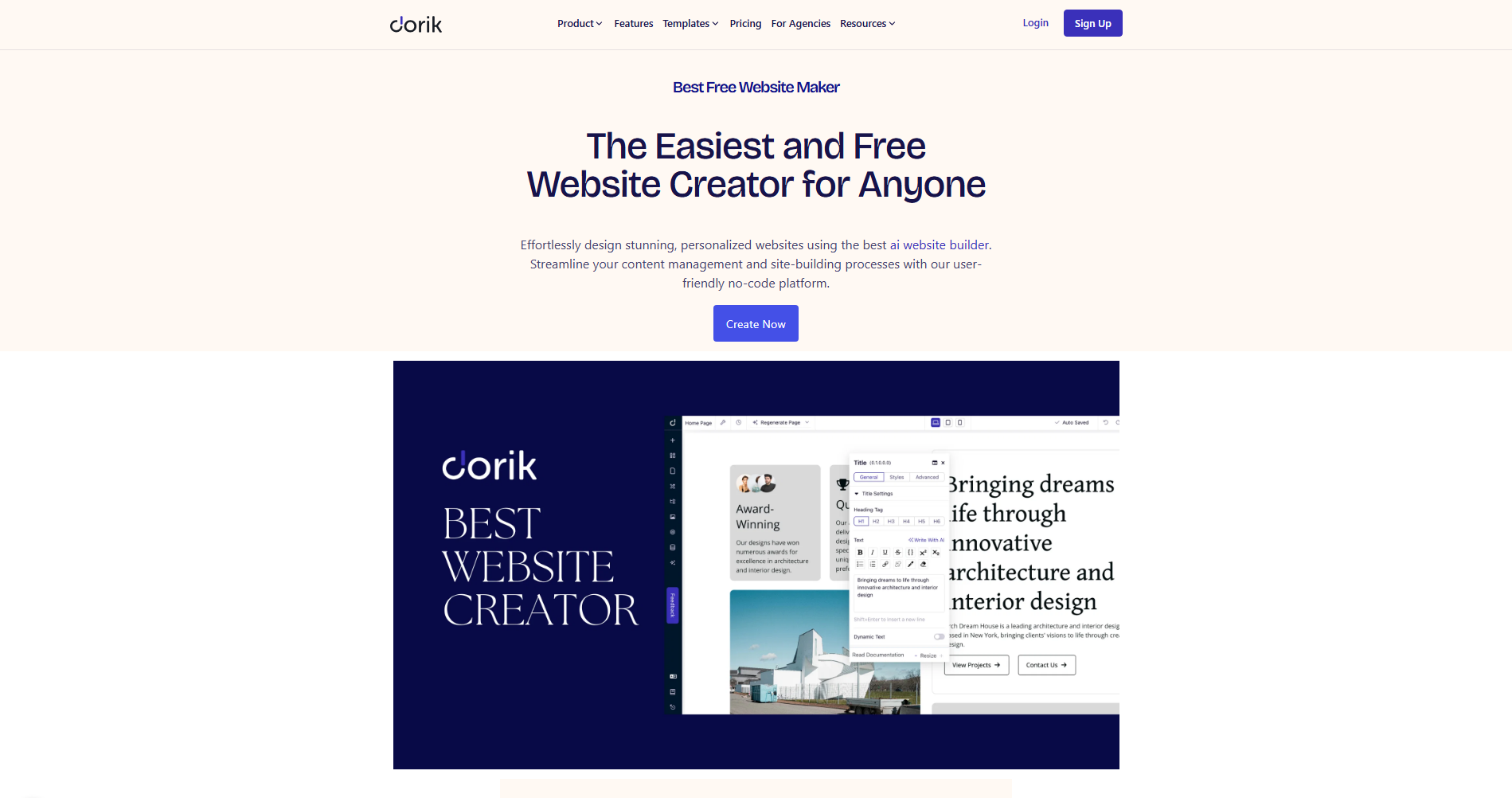
Dorik is a no-code website builder that combines visual page design, AI-assisted creation, and content management capabilities. Its drag-and-drop editor allows freelancers to build websites using pre-designed UI blocks and customizable sections. The platform supports multi-page websites, CMS collections, and membership functionality for different types of online projects.
Main features
Pre-built UI components: Create pages using ready-made sections, content blocks, and design elements. Customize their spacing, colors, typography, and layouts through the visual editor.
CMS collections: Create structured content collections for articles, resources, and other website information. Connect collection fields to dynamic pages to manage frequently updated content.
Membership functionality: Build gated content areas and membership-based websites using supported access controls. Provide registered users with access to restricted pages and resources.
Custom code and integrations: Add custom HTML, CSS, and JavaScript to extend website functionality. Connect external services through supported integrations and embedded tools.
Suitable for
Podcast producers publishing episode archives
Research consultants sharing industry reports
Community managers running private resource hubs
Business mentors distributing premium materials
How to pick a website builder for freelancers
The right website builder should do more than make your portfolio look good. It should help you present your work, connect with potential clients, and manage your online presence without unnecessary effort. Keep these important factors in mind when comparing different platforms.
Portfolio presentation
Choose a builder that offers image galleries, project cards, and dedicated portfolio pages. These features help you display completed projects and organize work samples by category. Visitors should be able to explore your experience without difficulty.
Customization and design flexibility
Look for options to adjust layouts, colors, fonts, spacing, and page sections. Drag-and-drop editors, CSS controls, and AI-based editing can help you create a website that matches your personal brand. You should also be able to update individual elements as your style changes.
Ease of use
Choose a platform with a simple editor and straightforward publishing tools. Ready-made templates, visual editing, and AI website generation can save time, especially if you have limited coding experience. Clear settings and accessible editing options also make regular website updates easier.
Contact and inquiry features
Check for customizable contact forms, email links, and appointment booking options. These features make it easier for potential clients to discuss projects and request your services. Automatic notifications and form integrations can also help you manage incoming inquiries.
Mobile responsiveness
Your website should display properly on smartphones, tablets, and desktops. Look for automatic layout adjustments and device previews to check how images, text, and navigation appear on different screens. This also helps ensure that buttons and forms remain easy to use.
Content and blogging support
If you regularly publish articles or industry insights, choose a builder with blogging and CMS features. Options such as categories, tags, scheduled publishing, and SEO settings help organize your content. Look for convenient editing tools that simplify managing and updating older posts.
Conclusion
Your website should reflect your skills and make it easier for clients to understand what you bring to the table. With so many website builders for freelancers available, you can find an option that suits your needs and budget. Focus on the features that matter most to your work. Want to get started without building everything from scratch? Try Kimi Build and create your own freelance website with AI.