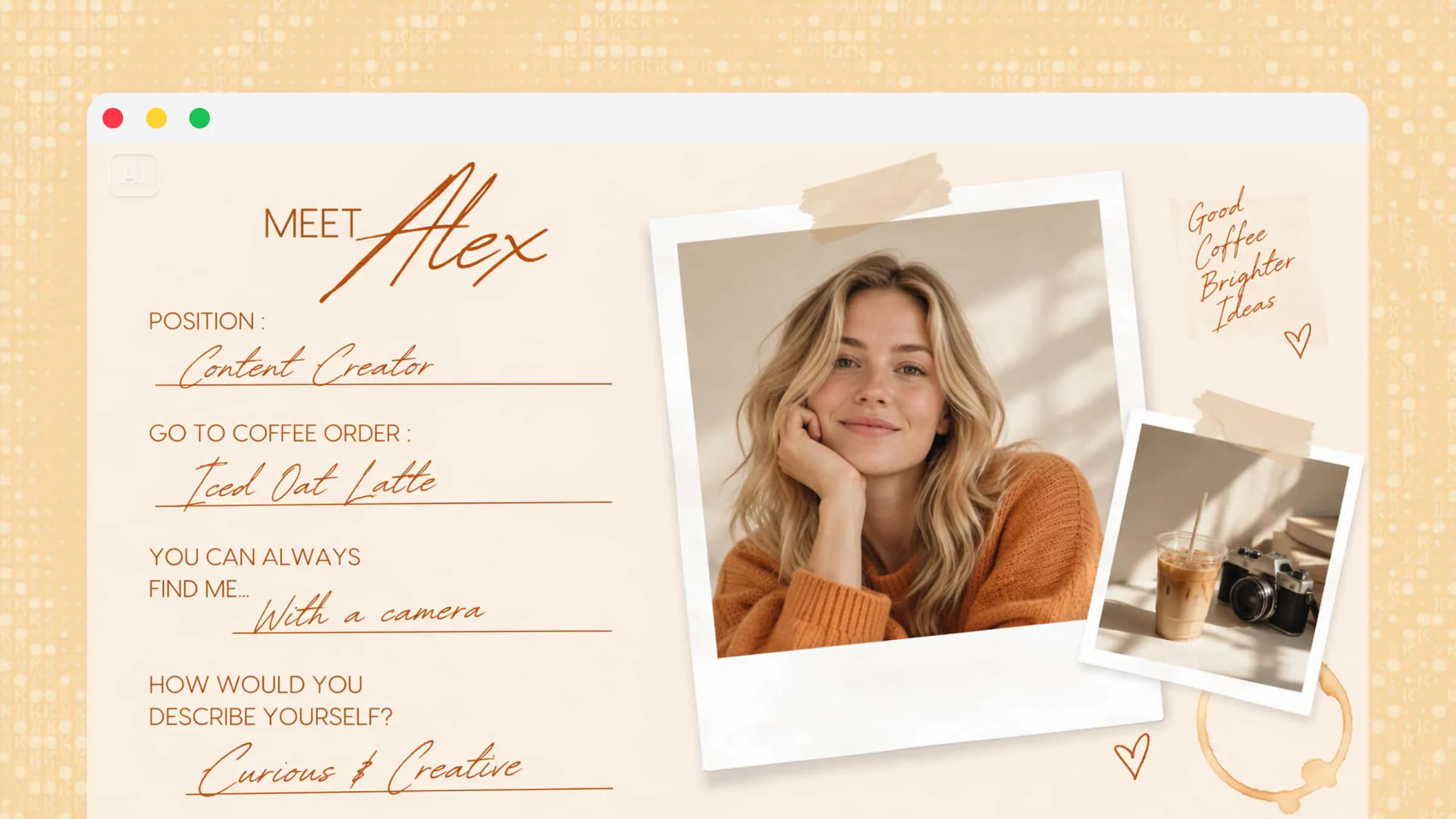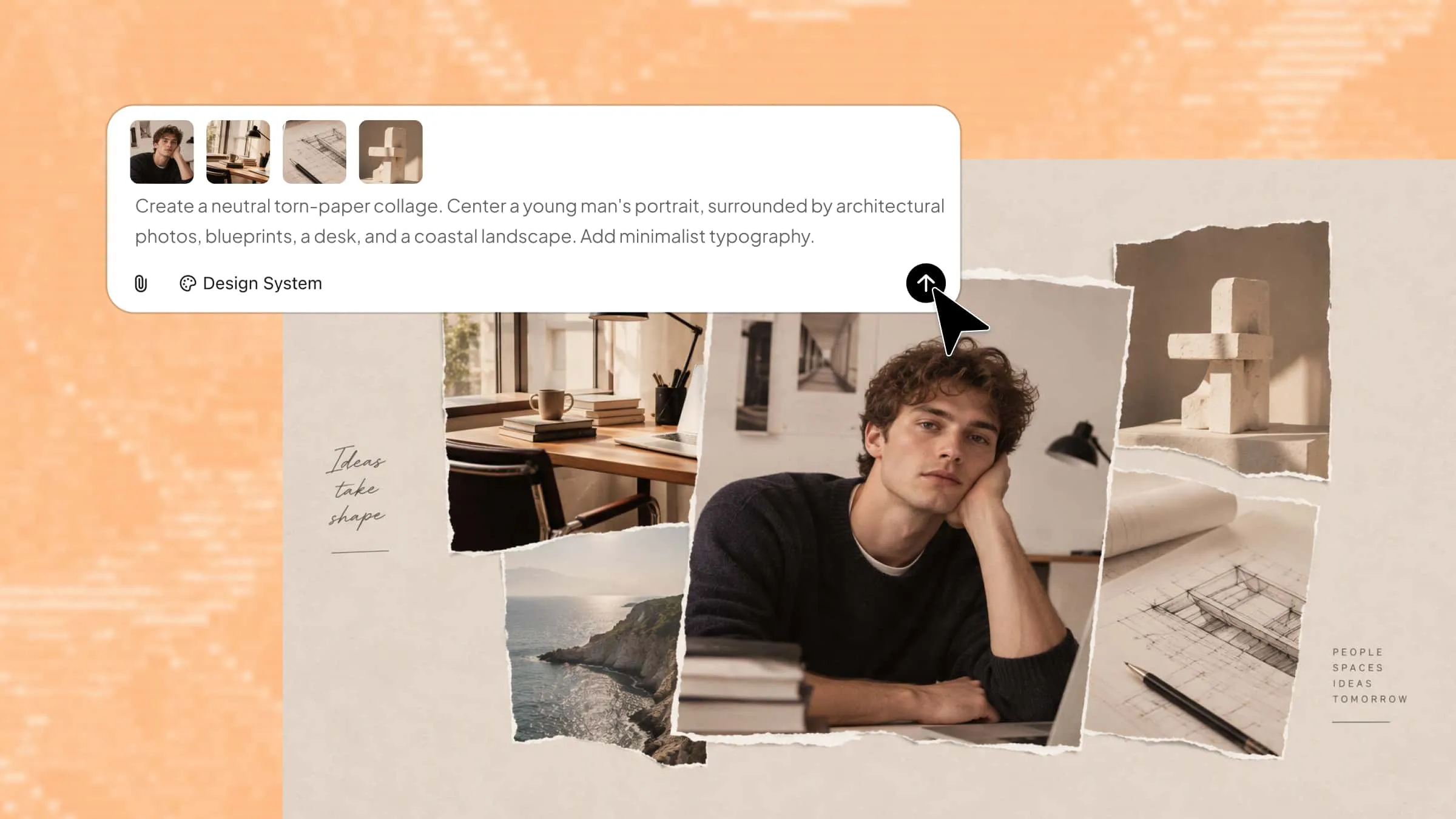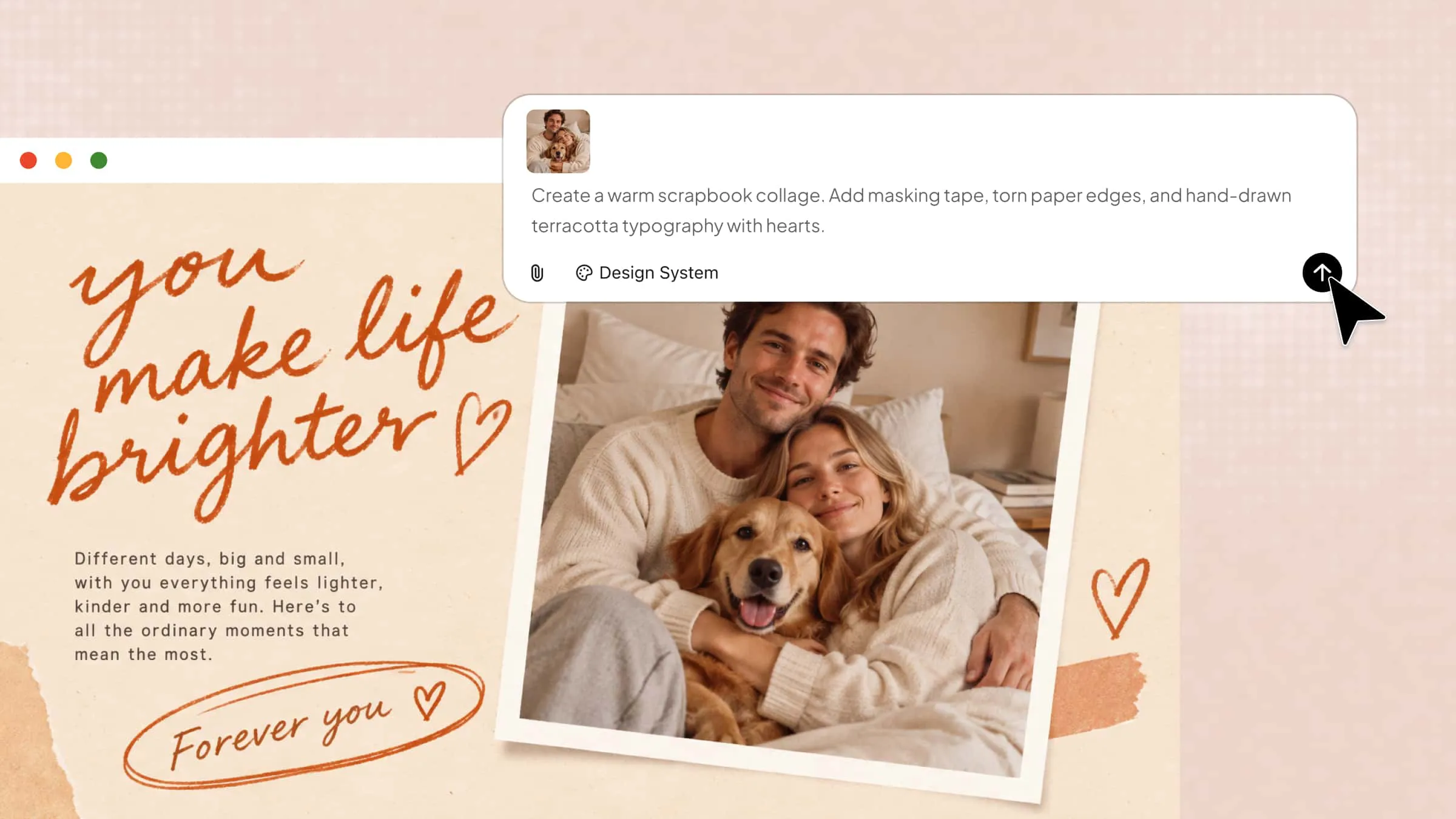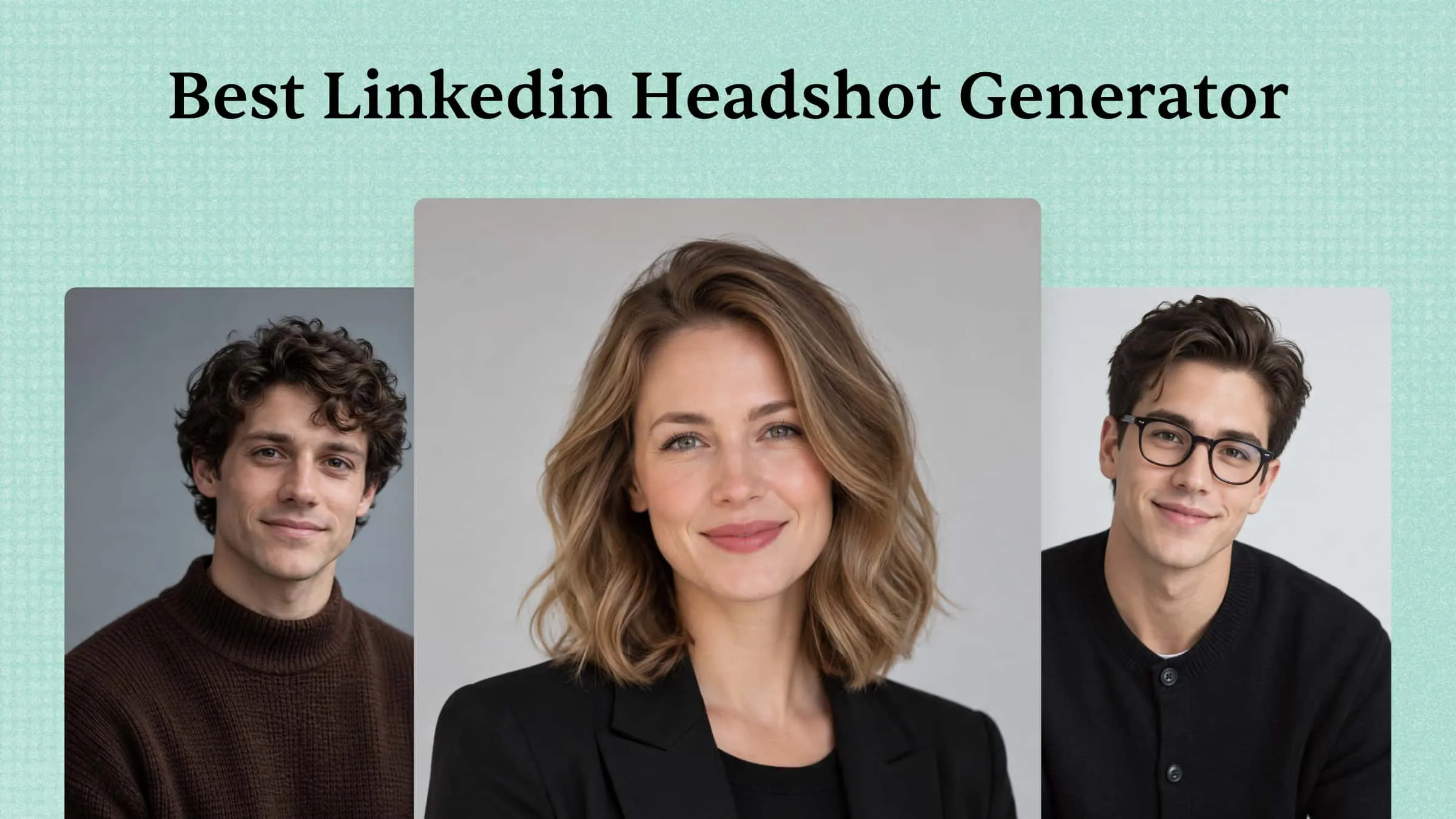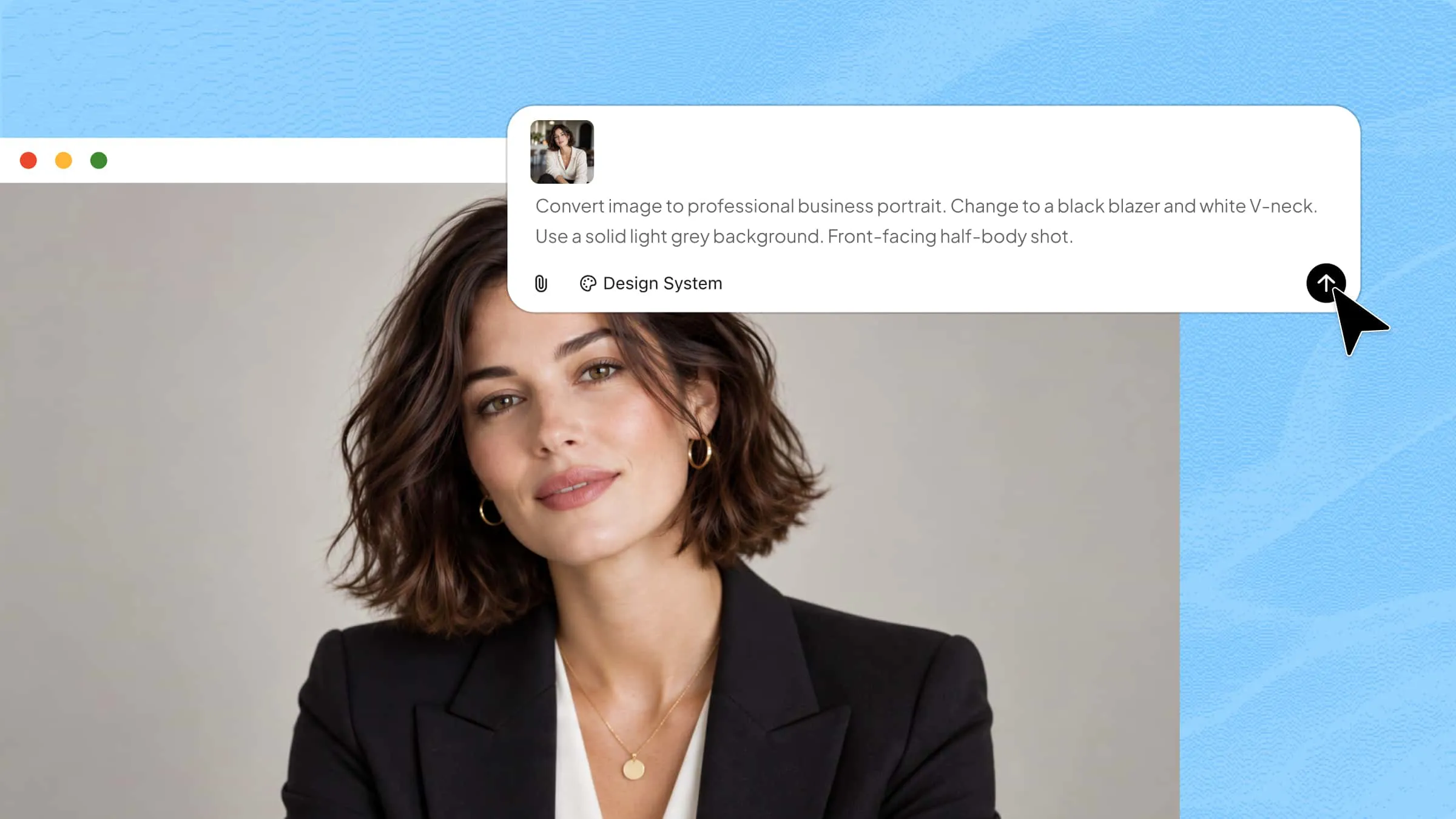
A professional headshot can make a big difference when someone views your LinkedIn profile, resume, or business website for the first time. However, getting the right photo often means finding a photographer, choosing an outfit, and spending time in front of a camera. With AI headshot generators, you can turn an ordinary selfie into a polished profile picture without going through all that effort. Let's explore 10 tools that make it easier to create natural-looking professional headshots and find the one that suits your needs best.
Overview of 10 AI headshot generators
AI headshot generators offer different approaches to creating and refining professional portraits. Some focus on generating personalized headshots from selfies, while others provide flexible image editing, background customization, or team photo processing. Below are 10 AI headshot tools and their key features to help you understand what each platform offers.
| Product | Headshot generation method | Key features | Suitable for |
|---|---|---|---|
| Kimi Design | Generates headshots from text prompts, with the option to upload reference photos. | Prompt-based generation, reference image uploads, flexible AI editing, multiple export formats and sizes. | LinkedIn profiles, resumes, company websites, freelancer profiles. |
| Recraft | Creates professional portraits using text prompts and image references. | AI image generation, targeted image editing, background removal, image upscaling. | Creative portraits, personal branding, business profile images, portfolios. |
| Picsart | Enhances existing portraits through AI-powered photo editing. | Background removal, AI image enhancement, face retouching, background replacement. | Existing headshot improvement, selfie background replacement, profile photo retouching. |
| Cloudinary | Processes and transforms uploaded headshots through automated image workflows and APIs. | Face-aware cropping, background removal, image transformation API, image optimization. | Bulk employee photo processing, standardized team portraits, website profile photos. |
| Monica | Transforms uploaded personal photos into professional-looking portraits. | AI headshot generation, multiple portrait styles, AI photo enhancement, customizable headshots. | LinkedIn profiles, job applications, business portraits, corporate team profiles. |
| Lift | Builds personalized AI models from uploaded selfies to generate professional headshots. | Custom AI headshot generation, multiple styles and backgrounds, facial detail preservation, image customization. | Job applications, LinkedIn portraits, freelancer profiles, professional networking. |
| PrismShot | Generates profession-specific portraits with customizable styles and backgrounds. | Profession-based portrait generation, professional style selection, background customization, facial detail preservation. | Professional profiles, business portraits, personal branding, online networking. |
| Fotor | Creates and enhances headshots using AI portrait tools and preset styles. | AI headshot styles, portrait customization, AI face enhancement, HD image export. | LinkedIn headshots, resume photos, portrait retouching, professional photo backgrounds. |
| Aragon AI | Generates multiple professional portrait variations from uploaded photos. | Multiple portrait variations, outfit selection, background customization, team headshot generation. | LinkedIn photos, corporate profiles, job applications, personal branding. |
| HeadshotPro | Creates individual and team headshots from users' uploaded photos. | Multiple headshot outputs, outfit and background selection, high-resolution downloads, commercial usage rights with eligible plans. | Employee headshots, LinkedIn photos, company directories, business website portraits. |
10 AI headshot creators to elevate your profile instantly
Not every AI headshot tool delivers the same results. Some focus on realistic portraits, while others offer different backgrounds and styles. Here are 10 AI headshot creators worth exploring to give your profile a polished, professional look.
Kimi Design
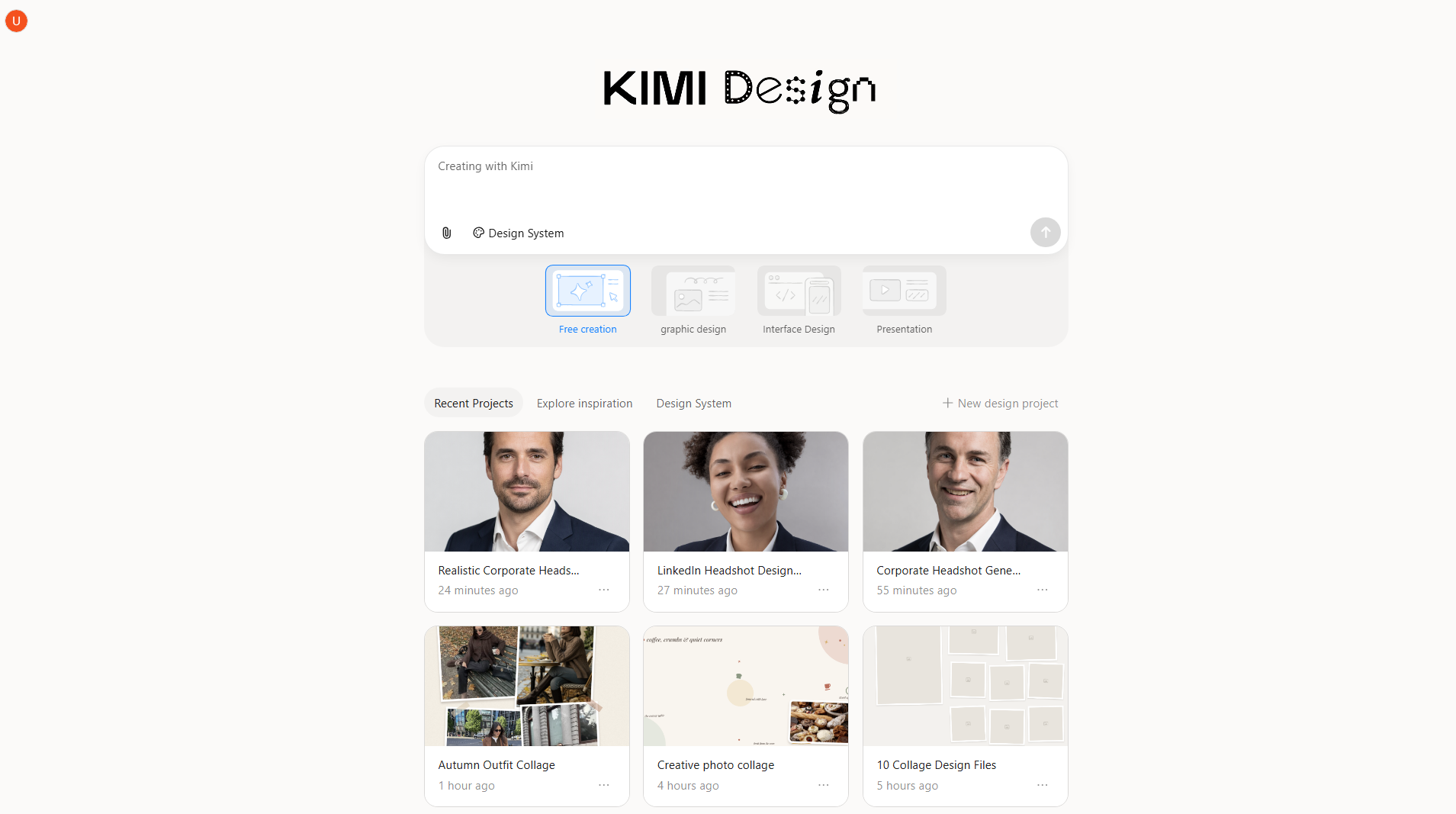
Kimi Design is an AI design generator that turns simple selfies into polished, professional-looking headshots. You can upload a photo, describe your preferred outfit, background, and lighting, and generate a personalized image with a natural look. It also lets you refine the results to better match your professional style and personal preferences.
Main features
Create professional headshots from text prompts and reference photos: Describe your desired headshot, including clothing, background, lighting, pose, and camera angle, or upload an existing photo as a visual reference. Kimi Design transforms your ideas and reference images into polished, personalized portraits that reflect your professional image.
Explore different headshot styles, sizes, and professional uses: Experiment with different AI-generated styles, from formal corporate portraits and business casual photos to creative personal branding images. Adjust portrait compositions and dimensions for LinkedIn profiles, resumes, company websites, business cards, and professional portfolios.
Customize AI headshots with flexible editing tools: Refine your portraits through natural-language prompts in the chat or comments on specific elements. You can also manually adjust images, text, colors, and backgrounds to achieve your preferred look. Use version history to revisit earlier designs and restore previous versions.
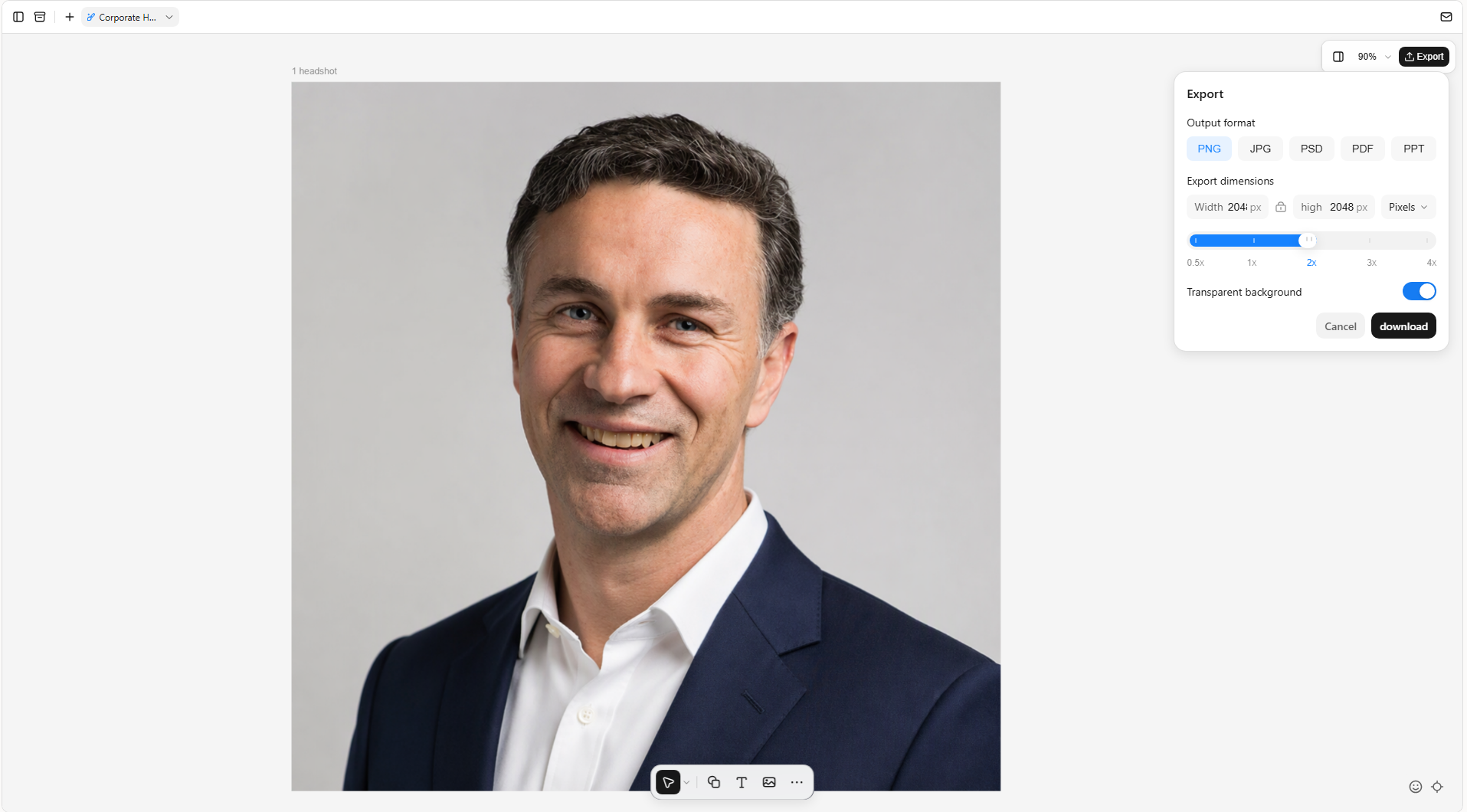
Export professional headshots in multiple formats and sizes: Export your finished headshots in PNG, JPG, or PSD formats for different professional needs. Customize PNG and JPG dimensions in pixels or centimeters to fit various platforms, or export PSD files with editable layers for further adjustments in compatible design software.
Suitable for
LinkedIn profile headshots
Resume and job application photos
Company website team portraits
Freelancer and business profile pictures
How to generate a headshot with Kimi Design
Creating a professional headshot with Kimi Design takes just a few simple steps. You only need a clear reference photo and a description of your preferred look. Follow the steps below to generate and customize your headshot:
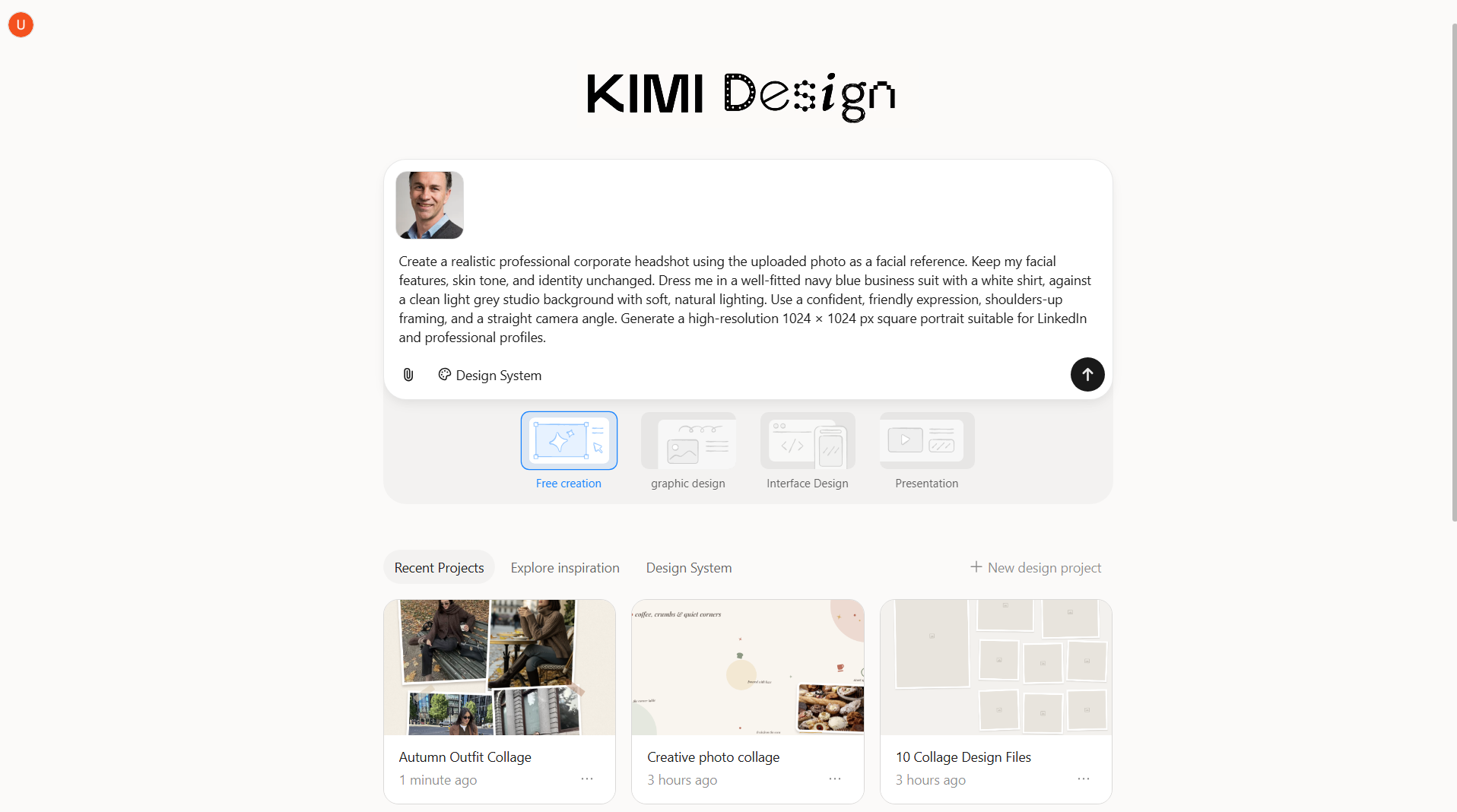
Step 1: Enter a clear prompt and upload your photo
Open Kimi Design, upload a clear selfie, and enter the example prompt below or customize it with your preferred clothing, background, and lighting. Submit your request to generate the initial headshot.
Example prompt:
Step 2: Edit and refine your headshot
Review the generated portrait and check whether the facial details, outfit, lighting, and background look natural. Use follow-up prompts to adjust specific elements, such as changing the background to white, improving lighting, or making the expression more professional.
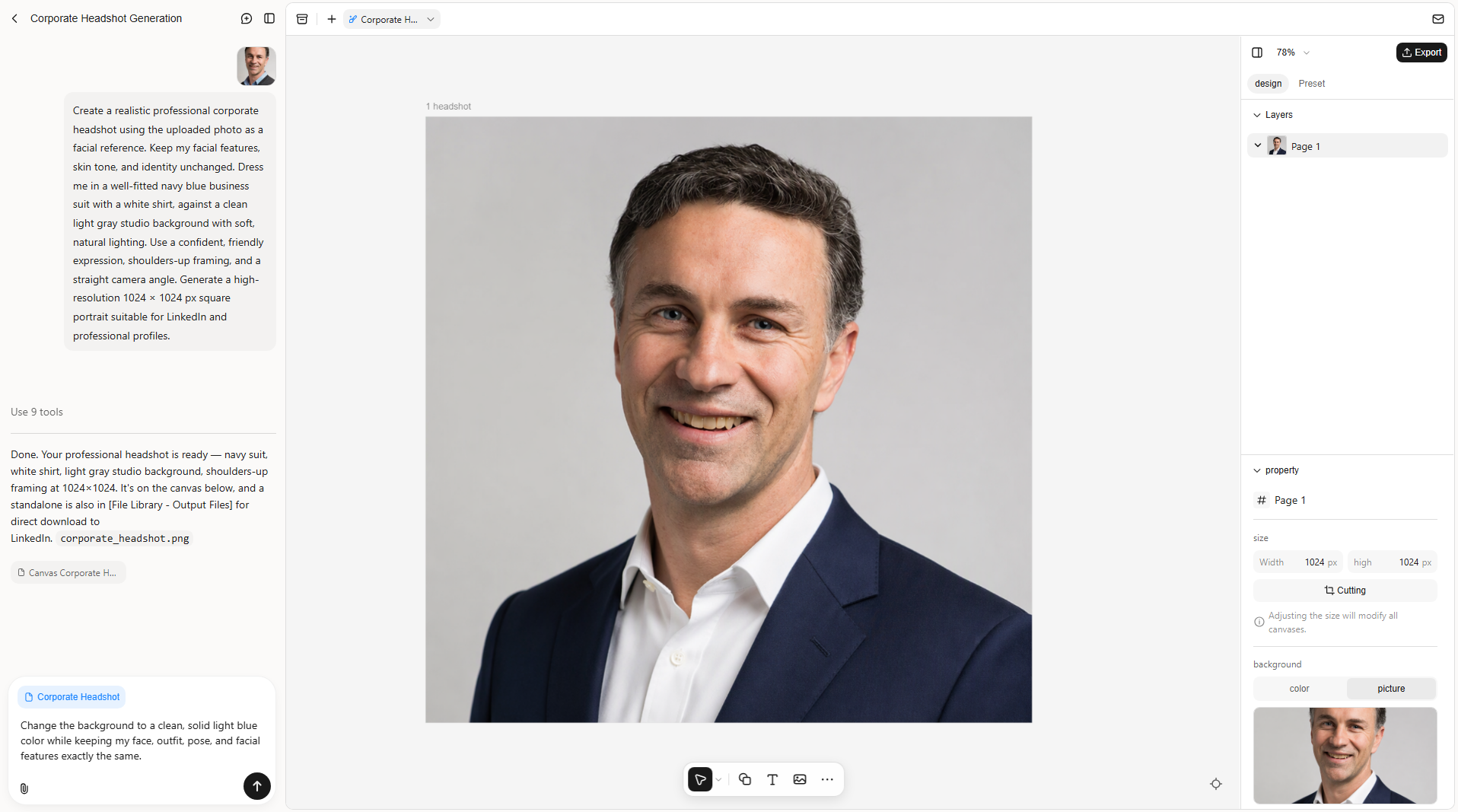
Step 3: Review and download the headshot
Check the final image for facial accuracy, sharpness, and unwanted visual details. Once satisfied, export it in PNG or JPG format at your preferred dimensions. Save the image and use it on LinkedIn, your resume, or other professional platforms.
Recraft
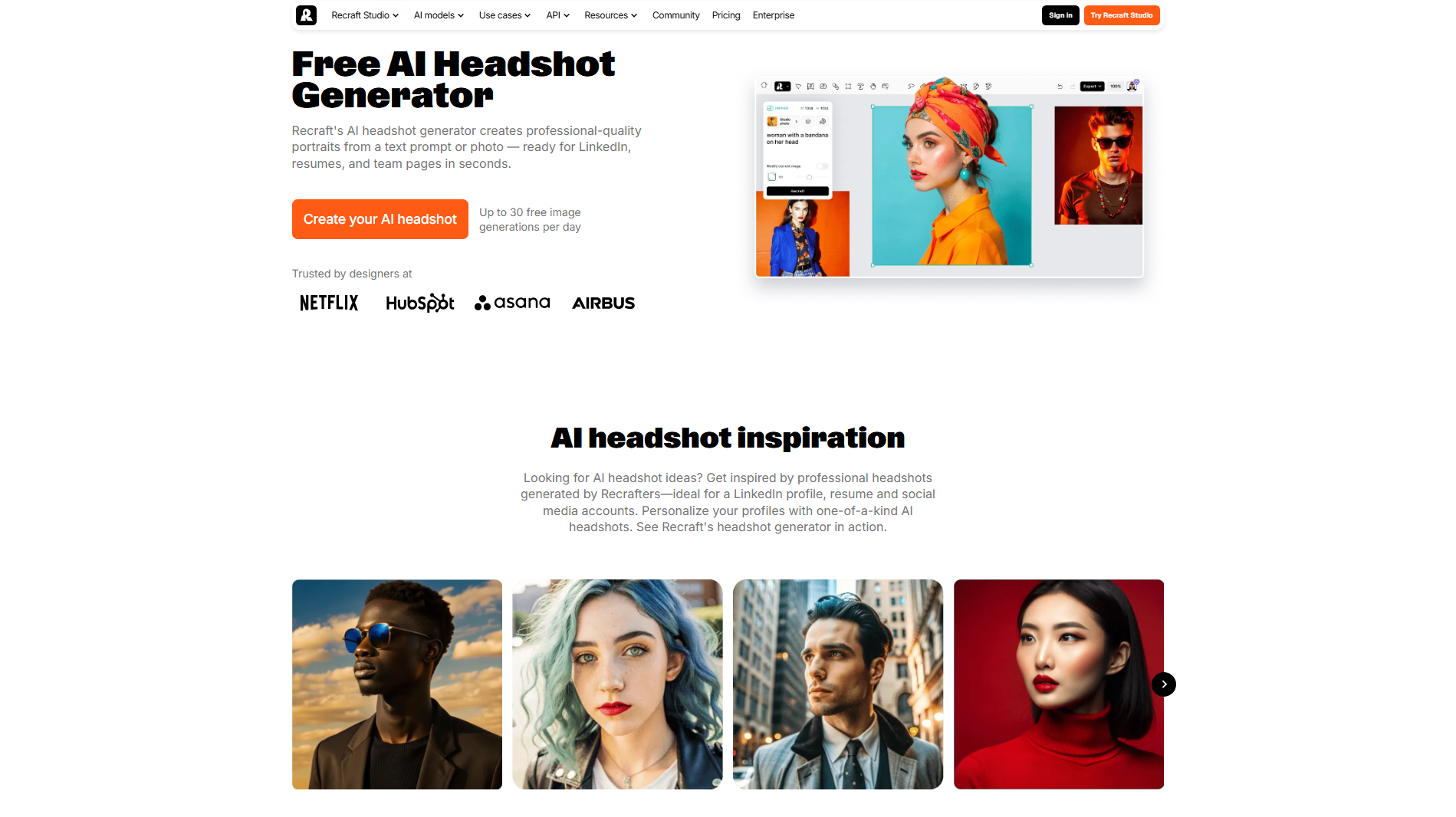
Recraft is a professional headshot generator that helps users create and edit professional visuals using text prompts and image references. It includes AI image generation, editing, and vector design capabilities for different creative needs. Users can adjust visual styles, modify image elements, and create consistent designs without advanced editing skills.
Main features
AI image generation: Creates images from text prompts and visual references, with options to control composition, style, and appearance.
AI image editing: Allows users to modify existing images, replace elements, and make targeted visual adjustments using text instructions.
Background removal: Separates subjects from image backgrounds, making it easier to prepare portraits for different professional settings.
Image upscaling: Improves image resolution and sharpness to produce clearer visuals suitable for digital profiles and professional use.
Suitable for
Creative professional profile portraits
Personal branding visuals
Custom business profile images
Portfolio design assets
Picsart
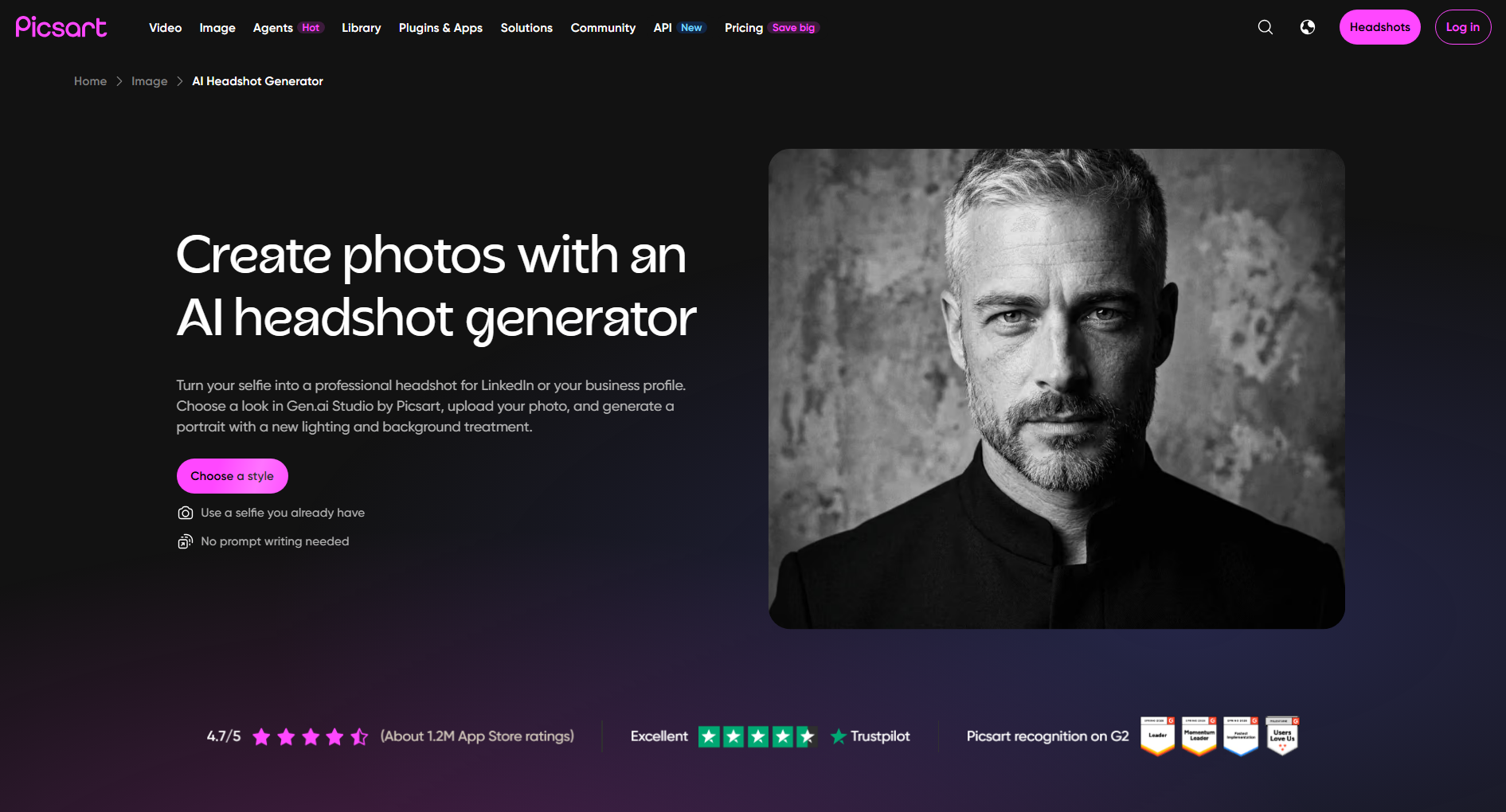
Picsart is an AI-powered photo editing and graphic design platform with tools for generating, enhancing, and transforming images. It combines traditional photo editing features with AI-powered effects, background editing, and image generation. Users can upload existing photos and make targeted changes without needing professional editing software.
Main features
AI background remover: Automatically detects subjects and separates them from the original background, allowing users to replace distracting surroundings.
AI image enhancement: Improves image resolution, sharpness, and clarity to make portraits look cleaner and more detailed.
Face retouching: Provides tools to adjust facial appearance, smooth skin, and refine portrait details while editing photos.
Background replacement: Allows users to add solid colors, custom images, or alternative settings behind their portraits.
Suitable for
Improving existing headshots
Replacing selfie backgrounds
Retouching professional profile photos
Creating social media portraits
Cloudinary
Cloudinary is a cloud-based media management platform that provides APIs and tools for uploading, storing, transforming, and delivering images. It supports automated image processing, allowing developers to apply edits and optimize photos through configurable transformations. Users can adjust image dimensions, crop portraits, remove backgrounds, and improve visual consistency through its media capabilities.
Main features
Face-aware cropping: Automatically detects faces and adjusts image positioning to keep subjects properly framed.
Background removal: Uses AI-based processing to separate subjects from backgrounds for further image editing.
Image transformation API: Supports automated cropping, resizing, format conversion, and other image adjustments through API parameters.
Image optimization: Converts and compresses images into suitable formats to balance visual quality and loading performance.
Suitable for
Processing employee headshots in bulk
Creating standardized team portraits
Preparing profile photos for websites
Automating headshot image workflows
Monica
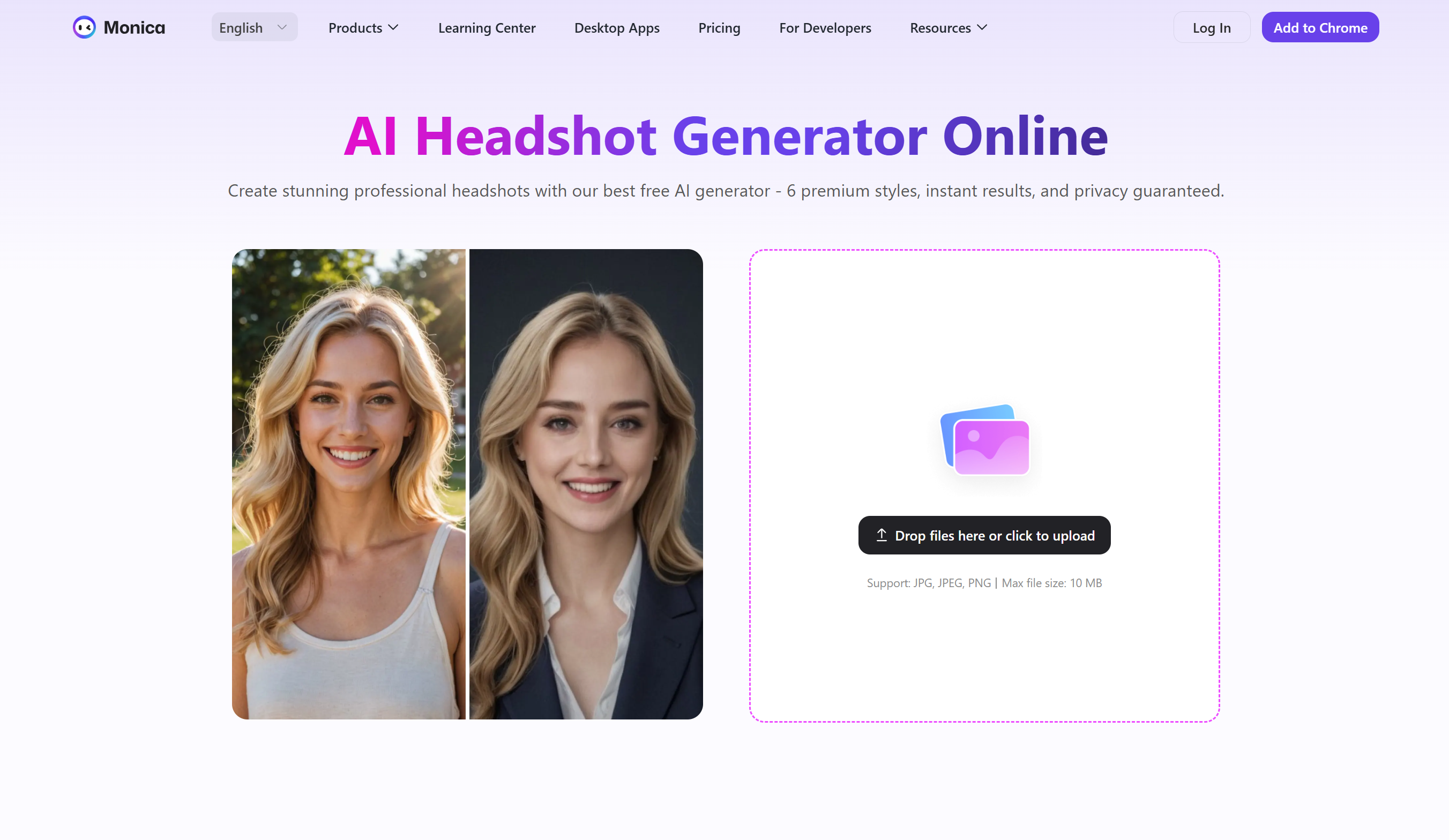
Monica is an AI headshot generator that transforms everyday photos into professional-looking portraits. It helps users create polished profile pictures without the need for a traditional photoshoot. Users can upload their photos and customize their headshots with different styles, outfits, and backgrounds to suit their needs. Monica is useful for creating professional portraits for job applications, LinkedIn profiles, business websites, and other personal or professional platforms.
Main features
AI headshot generation: Transforms uploaded photos into professional-looking headshots, helping users create polished portraits without a traditional photoshoot.
Multiple portrait styles: Offers different professional looks to suit various needs, including business profiles, corporate portraits, and personal branding.
AI photo enhancement: Refines portrait appearance to create cleaner, more polished profile pictures.
Customizable headshots: Allows users to explore different portrait looks and choose images that match their professional image.
Suitable for
LinkedIn profile pictures
Job application headshots
Professional business portraits
Corporate team profiles
Personal branding photos
Professional networking profiles
Lift
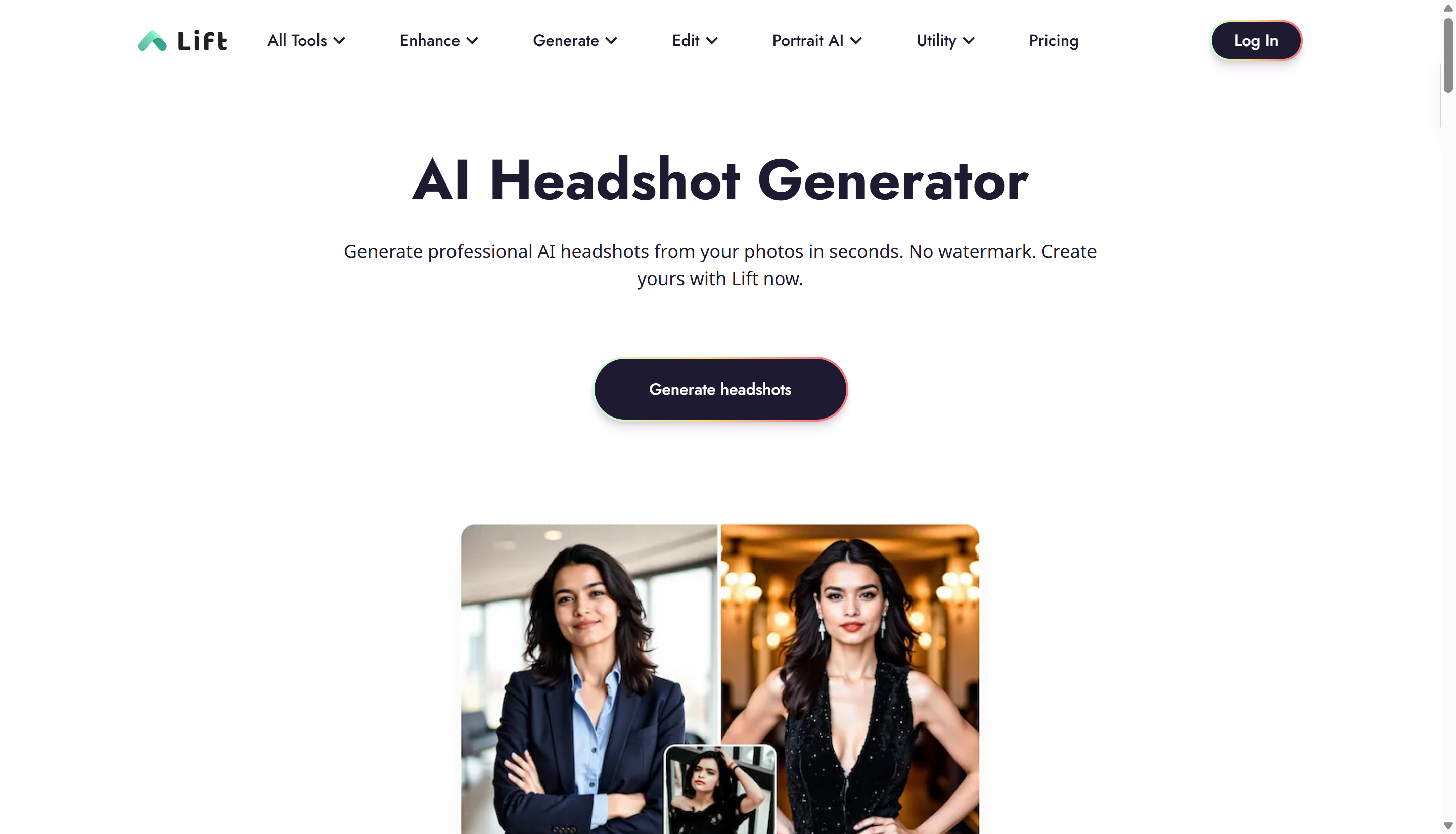
Lift is an AI-powered photo creation and editing platform that offers tools for generating professional headshots from personal photos. Its AI headshot generator allows users to upload selfies and create polished business portraits with different styles and backgrounds. By building a custom AI model based on uploaded photos, Lift helps preserve facial details while producing studio-quality headshots. Users can also make further adjustments and download their portraits for professional profiles, job applications, and social media without arranging a photo shoot.
Main features
Custom AI headshot generation: Creates a personalized AI model from uploaded selfies to generate professional-looking portraits that reflect the user's appearance.
Multiple styles and backgrounds: Generates headshots with different visual styles and backgrounds, giving users more options for professional portraits.
Facial detail preservation: Uses AI to retain important facial details and produce natural-looking portraits with attention to fine details such as hair and edges.
Image customization and downloads: Provides editing tools to fine-tune generated portraits and supports downloading high-resolution images for different uses.
Suitable for
Job seeker profile pictures
Resume and job application photos
LinkedIn profile portraits
Freelancer and personal branding photos
Professional networking profiles
PrismShot
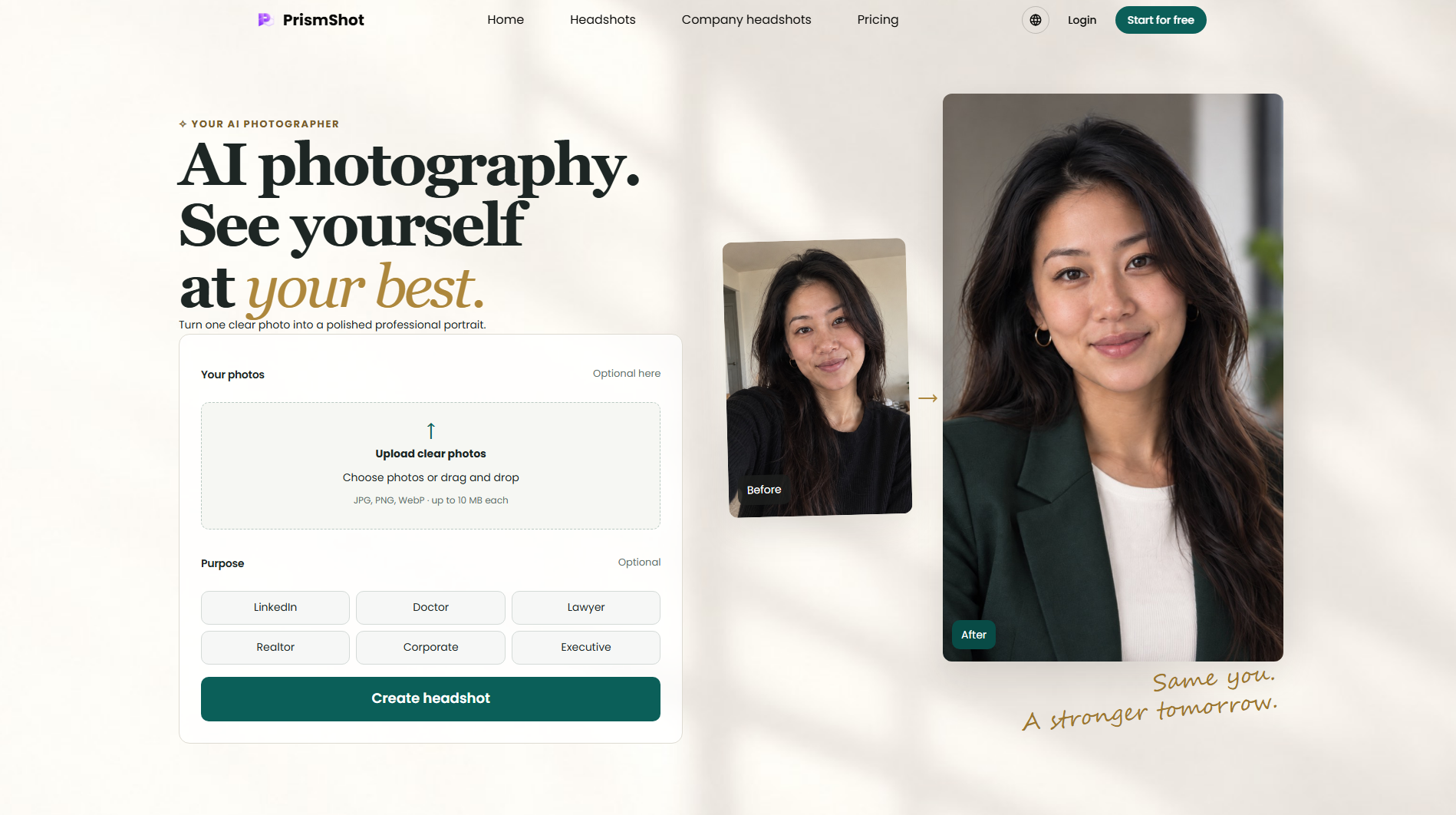
PrismShot is an AI headshot generation tool designed to create professional portraits from uploaded photos. It helps users transform everyday pictures into polished headshots without needing a professional camera setup. Its AI-based approach makes it easier to experiment with different portrait appearances and professional styles. It is a great option for individuals who need presentable headshots for online profiles and business use.
Main features
Purpose-based portrait generation: Offers portrait options for specific professions, including doctors, lawyers, realtors, and corporate professionals.
Professional style selection: Provides different portrait styles, such as studio, formal, modern, and business casual.
Background customization: Includes background choices such as bright offices, editorial studios, modern lobbies, and garden terraces.
Facial detail preservation: Focuses on retaining natural facial features and skin texture while applying professional lighting and portrait styling.
Suitable for
Professional profile pictures
Business portrait creation
Personal branding photos
Online networking headshots
Fotor
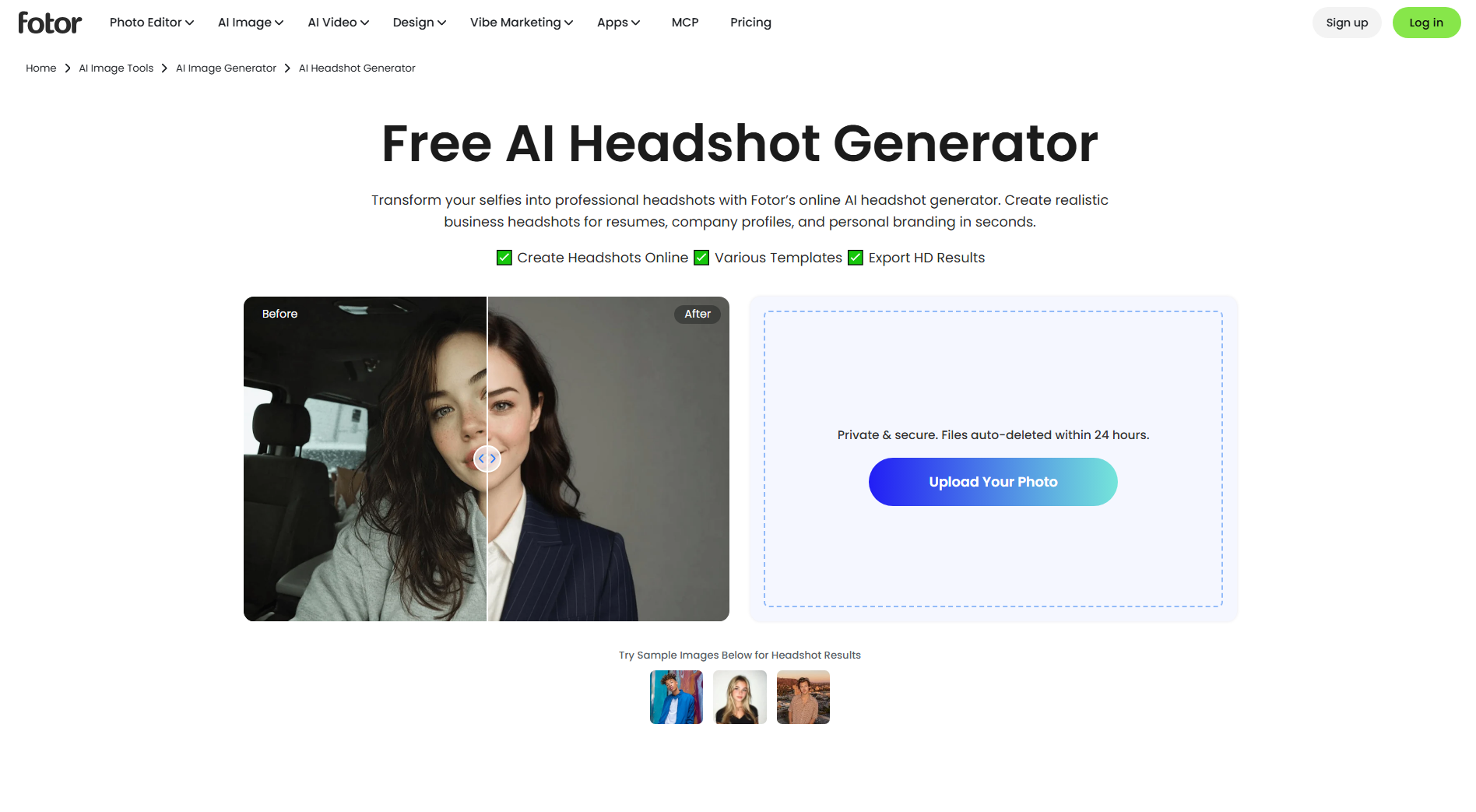
Fotor is an online photo editing and graphic design platform that combines traditional editing tools with AI-powered image generation and enhancement. It offers features for portrait retouching, background replacement, and image improvement. Users can upload their photos and apply different adjustments to create cleaner, more professional-looking portraits.
Main features
AI headshot templates: Provides ready-made portrait styles for corporate, executive, smart casual, and other professional appearances.
AI portrait customization: Allows users to adjust outfits, hairstyles, backgrounds, and expressions to personalize their headshots.
AI face enhancement: Uses facial analysis and image processing to improve portrait details, lighting, and sharpness.
HD image export: Supports downloading finished portraits in high resolution for resumes, LinkedIn profiles, and business websites.
Suitable for
LinkedIn and business headshots
Resume profile pictures
Portrait retouching
Professional photo backgrounds
Aragon AI
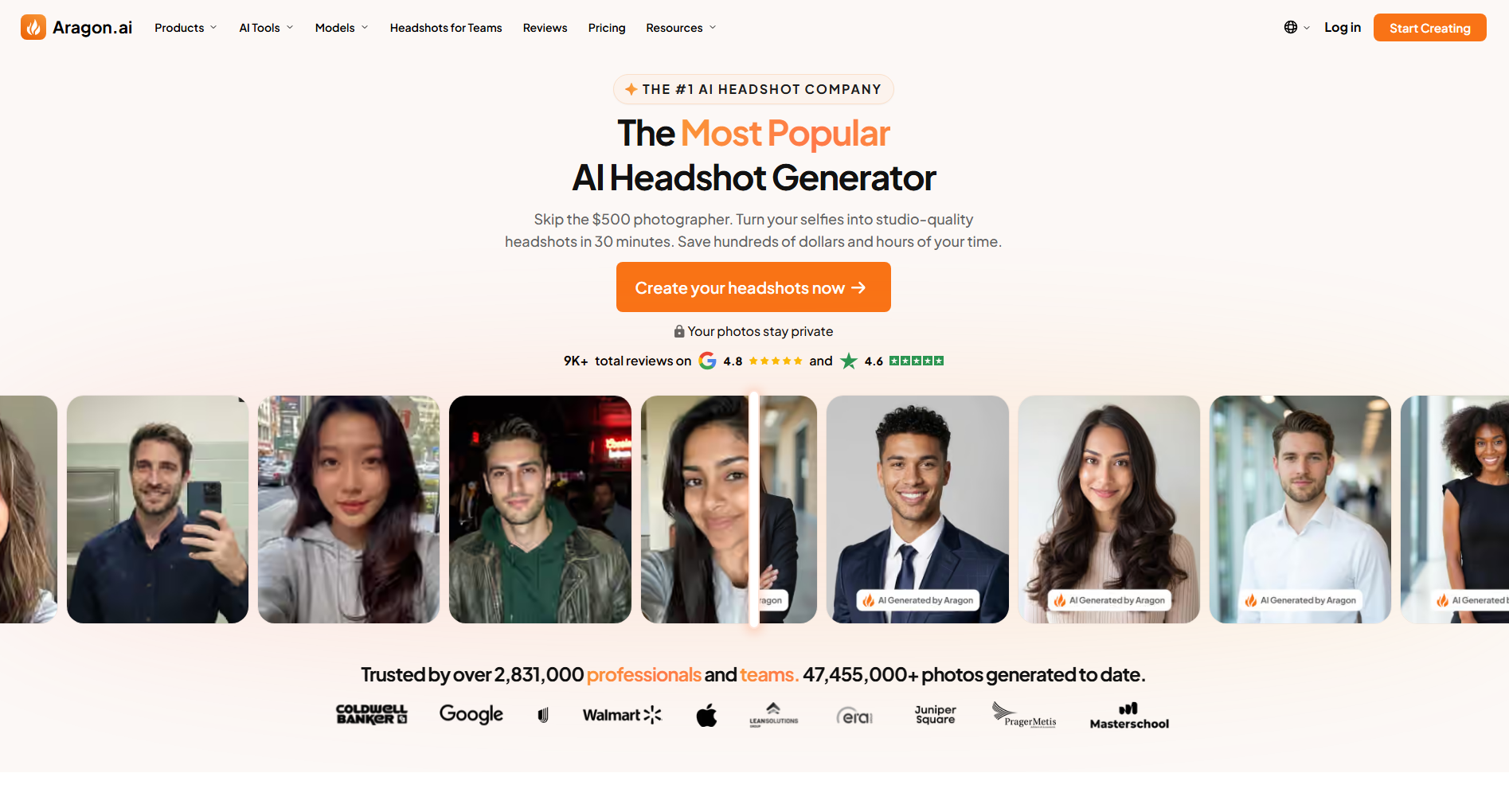
Aragon AI is an AI headshot generator that creates professional portraits from users' uploaded photos. It uses AI models to produce different headshot variations with professional clothing, backgrounds, and lighting. Instead of arranging a traditional photoshoot, users can generate multiple portraits and select the ones that best match their preferences.
Main features
Multiple portrait variations: Generates several professional headshot options from uploaded photos, giving users different results to choose from.
Outfit selection: Provides multiple clothing options, including professional attire, to match different workplace requirements.
Background customization: Allows users to select different portrait backgrounds to suit their preferred professional appearance.
Team headshot generation: Supports business and team workflows for creating consistent employee portraits across company profiles.
Suitable for
LinkedIn professional headshots
Corporate profile pictures
Job application portraits
Personal branding photos
HeadshotPro
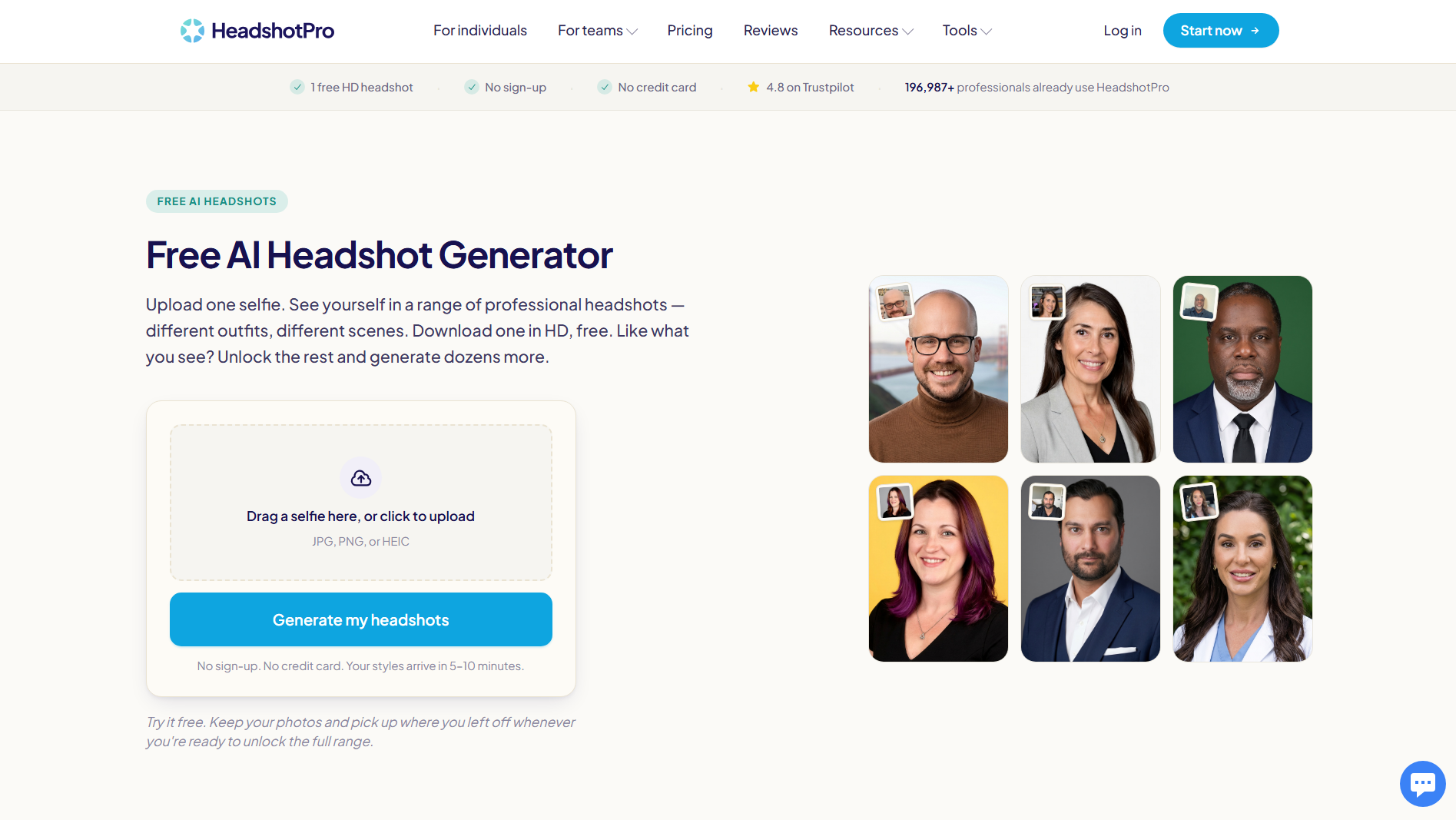
HeadshotPro is an AI headshot maker designed for individuals and businesses that need professional portraits without traditional photography sessions. Users upload their photos, select preferred styles, and receive AI-generated headshots with different outfits and backgrounds. The platform also supports team headshot creation, making it useful for companies that want consistent employee portraits.
Main features
Multiple headshot outputs: Generates batches of professional portraits from uploaded photos, with different variations to review and select.
Outfit and background selection: Lets users choose their preferred clothing and background styles before generating portraits.
High-resolution downloads: Provides high-resolution image exports suitable for professional profiles and business websites.
Commercial usage rights: Offers commercial usage rights with eligible plans, making the generated portraits suitable for business-related applications.
Suitable for
Corporate employee headshots
LinkedIn profile photos
Company team directories
Business website portraits
How to choose the right AI headshot generator
With so many tools available, picking one based only on its features can be confusing. The right choice depends on how realistic you want your portrait to look, how much control you need over its appearance, and where you plan to use it. Keep these important factors in mind before selecting an AI headshot generator.
Image quality and realism
Check whether the tool produces natural-looking faces, realistic skin textures, and balanced lighting. A good headshot should preserve your original facial features without making your face look overly smooth or artificial. Also, look for clear details around the eyes, hair, and clothing.
Customization and style options
Choose a tool that offers different outfits, backgrounds, poses, and lighting styles. These options help you create a portrait that suits your profession and personal preferences. For example, a corporate employee may prefer a formal studio portrait, while a freelancer might choose a more relaxed business casual look.
Text prompts and photo uploads
Check whether the headshot generator supports both text instructions and reference photo uploads. Reference images help the tool understand your appearance, while text prompts let you describe the exact portrait you want. Having both options gives you more control over the final result.
Editing and refinement capabilities
Look for editing features that let you change specific elements without generating an entirely new portrait. Options such as background replacement, facial retouching, lighting adjustments, and object removal can help improve the results.
Export formats and image resolution
Check which file formats the tool supports, such as PNG and JPG, and whether it offers high-resolution downloads. The image should be sharp enough for LinkedIn, resumes, company websites, and other professional platforms.
Conclusion
You don't need a professional camera or an expensive photoshoot to improve your online presence. With the right AI headshot generators, you can create portraits that feel polished and match your professional goals. The best choice depends on the look and flexibility you want. If you prefer creating portraits with your own instructions, try Kimi Design. Upload a photo, explore different styles, and create a headshot that feels right for you.