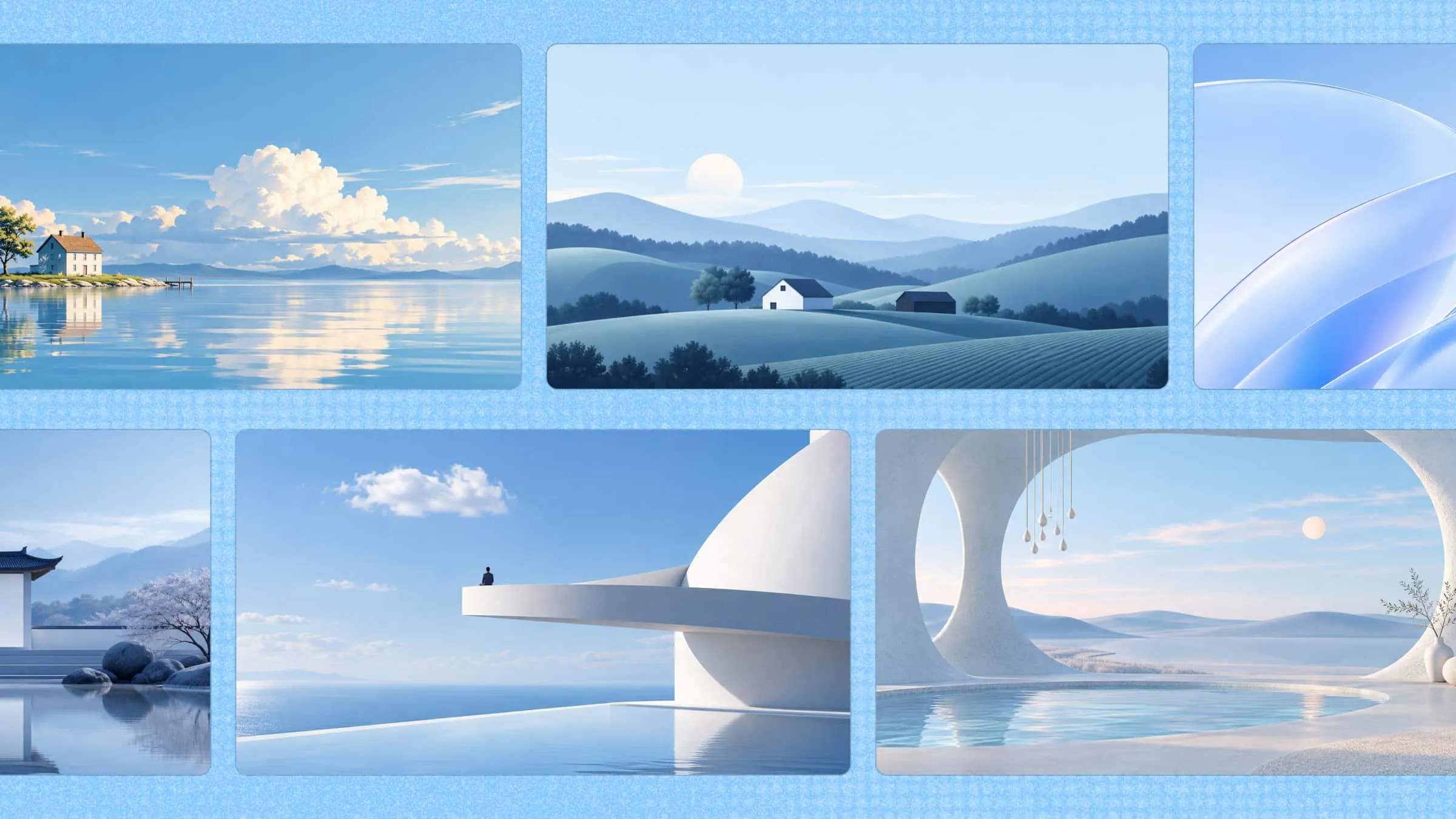
Your desktop wallpaper is one of the first things you see when you open your computer, so why settle for a plain background? The right desktop wallpaper templates can give your screen a fresh look, reflect your style, and make your workspace feel more personal. Whether you prefer clean layouts, creative designs, or something more colorful, there are plenty of ideas worth exploring. Let's look at 10 popular templates you can try.
A quick glance at 10 desktop background templates
Every wallpaper style offers a different way to personalize your desktop, depending on the look and atmosphere you prefer. Some designs focus on simplicity, while others bring more color, creativity, or personality to your screen. If you are unsure which one to try, the quick overview below will help you compare the options and find a style that matches your taste.
| Wallpaper style | Key visual elements | Color palette | Overall aesthetic |
|---|---|---|---|
| Chinese ink wash landscape | Misty mountains, flowing rivers, pine trees, waterfalls, drifting clouds | Sage green, ivory, pale beige, soft peach | Traditional, serene, poetic |
| Minimalist wallpaper | Sculptural geometric forms, subtle gradients, soft shadows, negative space | Warm ivory, beige, muted taupe | Clean, elegant, modern |
| Botanical scrapbook collage | Pressed flowers, botanical sketches, bird illustrations, torn-paper layers | Blush pink, dusty rose, cream | Delicate, dreamy, artistic |
| Anime wallpaper | Coastal cities, atmospheric clouds, distant mountains, glowing windows | Peach, muted blue, warm sunset tones | Cinematic, expressive, nostalgic |
| Surreal futuristic wallpaper | Icy landscapes, towering stone slabs, geometric cities, cratered moon | Icy blue, pale white, deep indigo | Mysterious, futuristic, surreal |
| Watercolor storybook aesthetic wallpaper | Cozy interiors, fireplaces, bookshelves, comfortable armchairs, snowy windows, vintage furnishings | Forest green, warm red, cream, golden orange, soft brown | Cozy, whimsical, nostalgic |
| Pastoral countryside clock wallpaper | Rolling green hills, red barn, grazing cows, fluffy clouds | Vivid green, sky blue, red, white | Fresh, peaceful, pastoral |
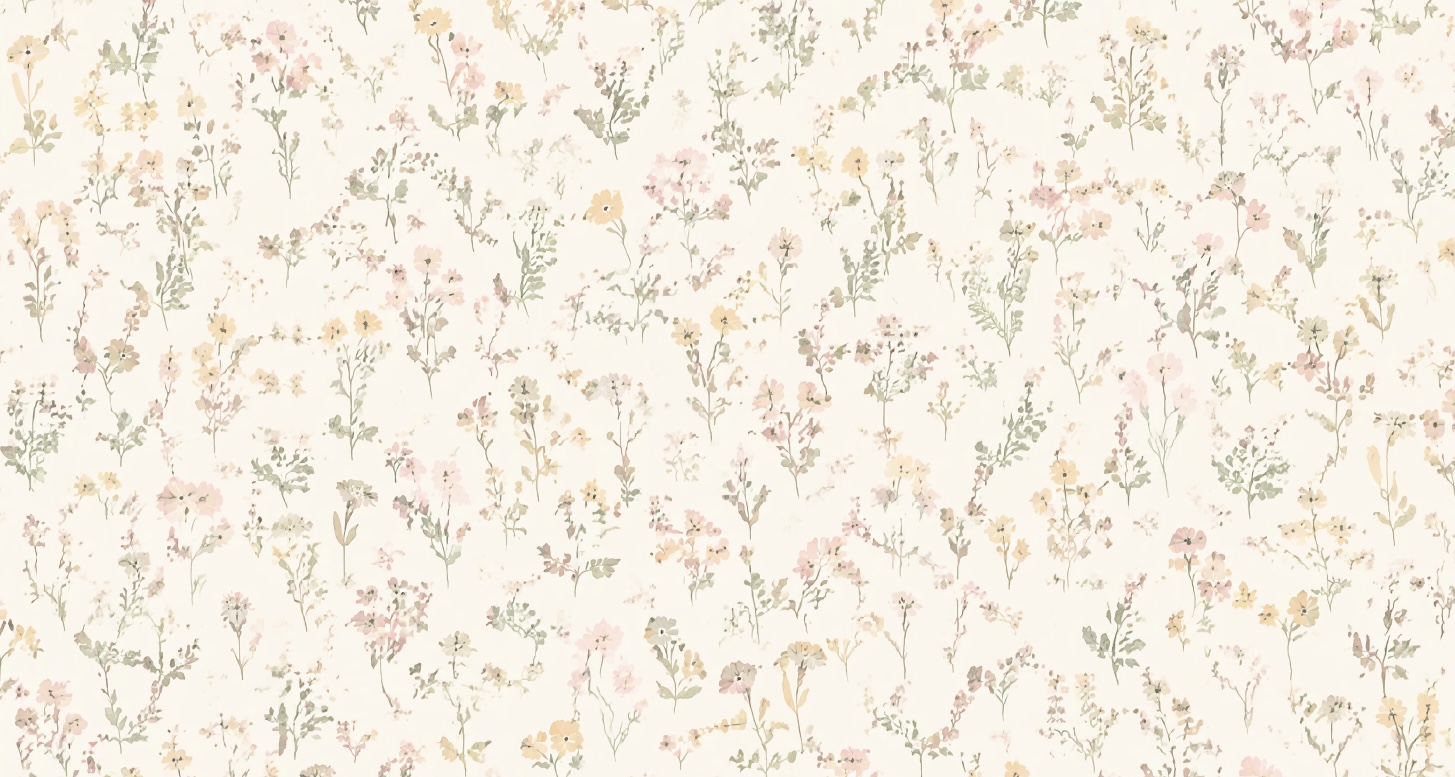
| Ditsy floral pattern wallpaper | Miniature wildflowers, delicate leaves, repeating botanical patterns | Sage green, dusty pink, butter yellow, ivory | Charming, soft, feminine |
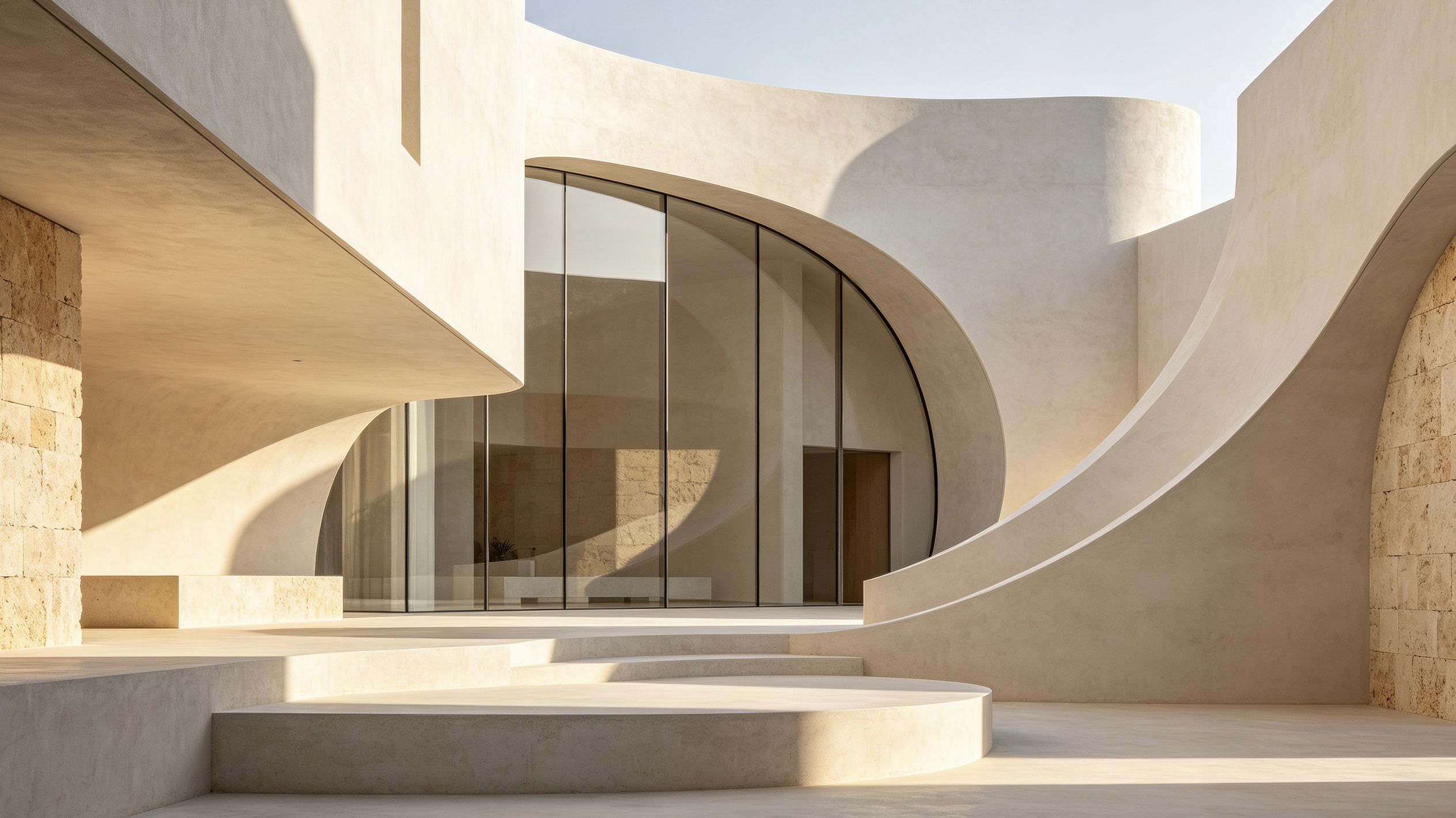
| Architectural aesthetic wallpaper | Sculptural concrete forms, curved walls, glass windows, geometric lines | Beige, ivory, sand, soft gray | Sophisticated, contemporary, minimalist |
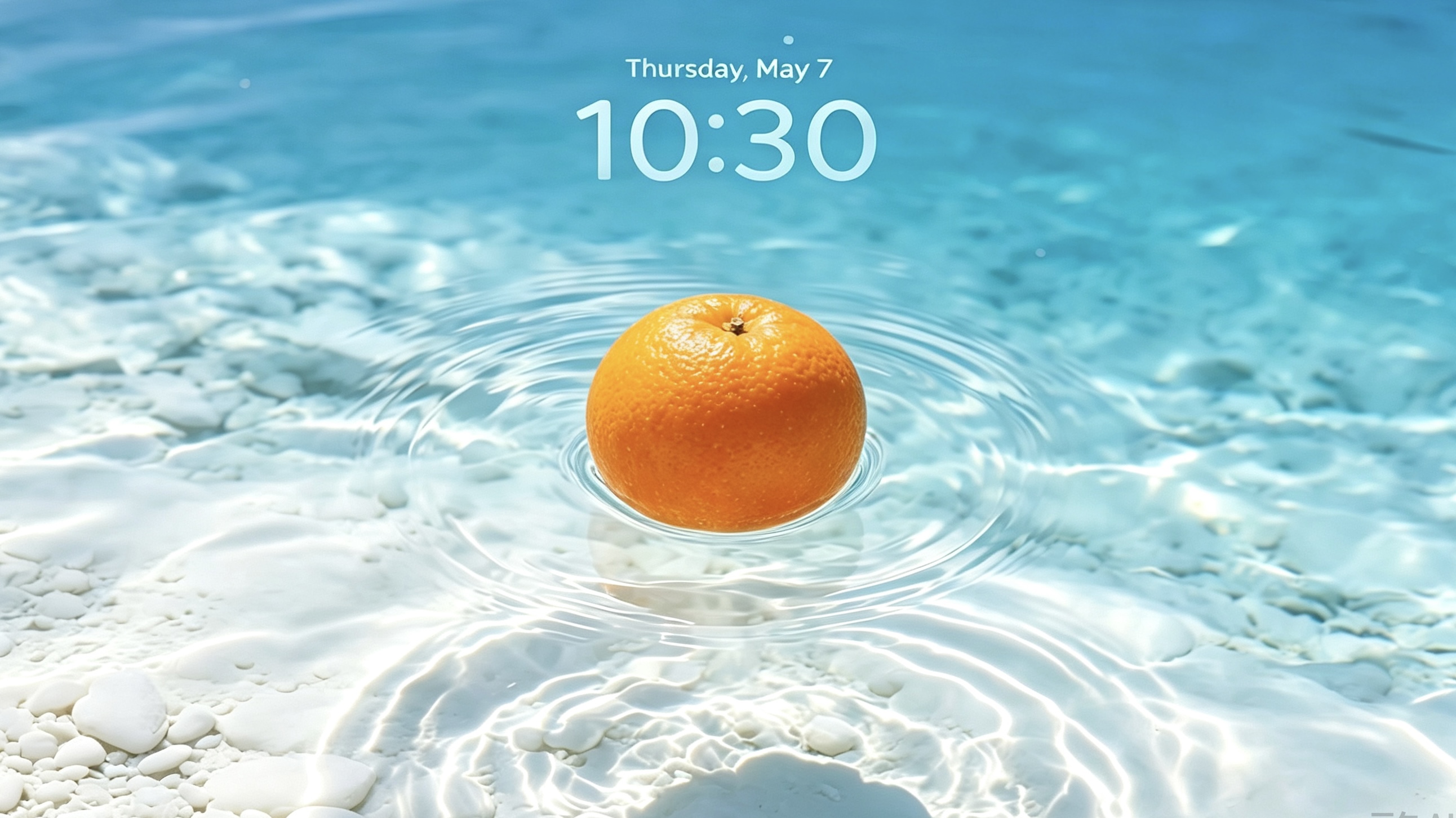
| Instagram-inspired summer aesthetic | Fresh fruit, turquoise water, sunlight, gentle ripples, underwater reflections | Vibrant orange, turquoise, aqua blue, sunny highlights | Bright, refreshing, playful |
Discover 10 appealing desktop wallpaper templates
Kimi Design, an AI design generator, makes it easy to create personalized wallpapers without needing advanced design skills. You can simply describe the look you want, choose a style, and let AI turn your idea into a ready-to-use design. From entering your prompt to reviewing and refining the final result, the process is simple and quick. Here are 10 wallpaper templates that are worth exploring.
Chinese ink wash landscape wallpaper
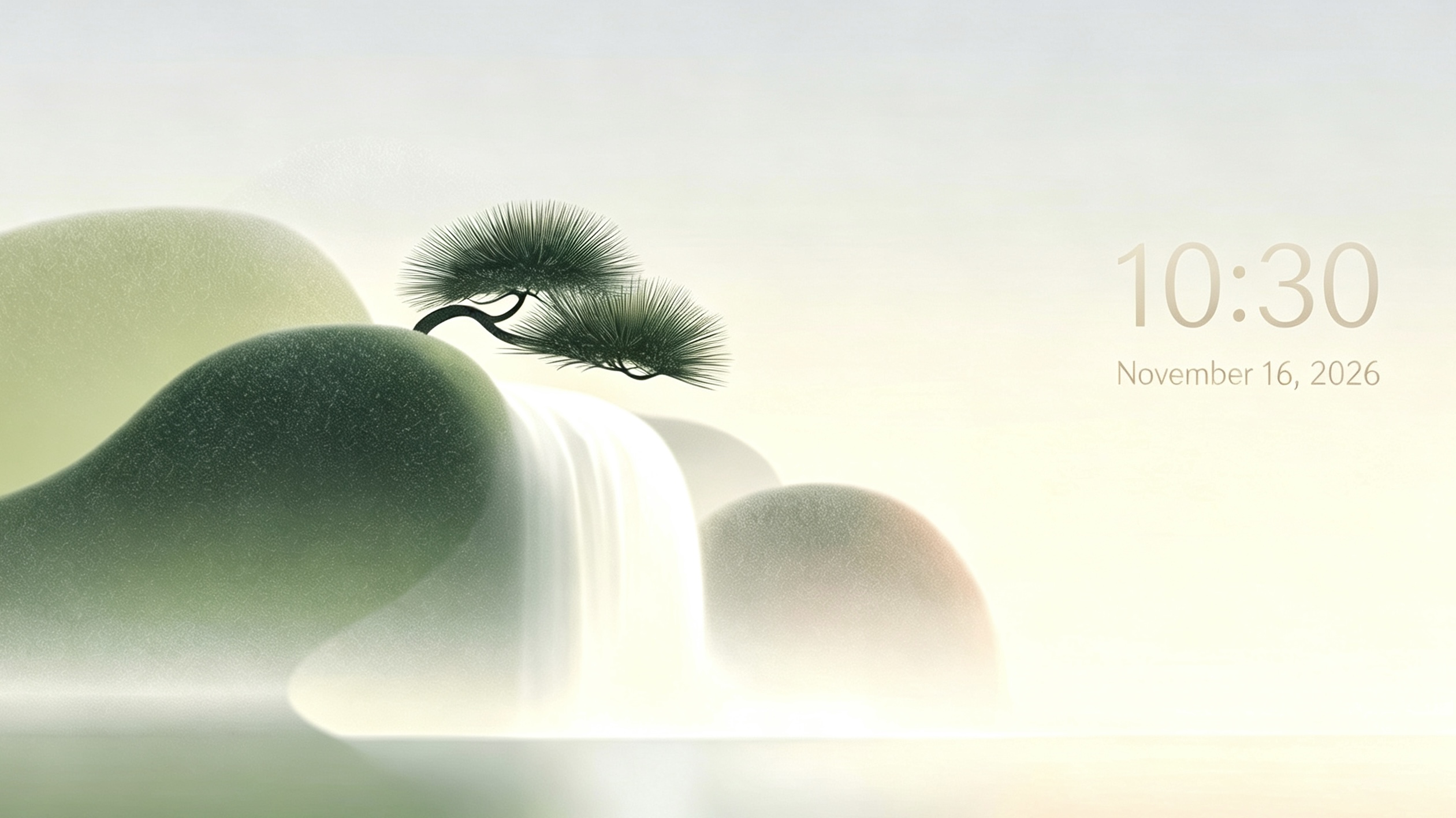
Bring the timeless beauty of traditional Chinese landscape painting to your desktop. Inspired by classical shanshui art, this wallpaper features mist-covered mountains, flowing rivers, distant peaks, and delicate ink brushstrokes. Soft layers of ink wash, subtle color accents, and poetic natural scenery create a tranquil atmosphere. You can also incorporate traditional Chinese elements, such as a red sun, drifting clouds, or a small pavilion, for a more expressive composition.
Prompt:
Minimalist wallpaper
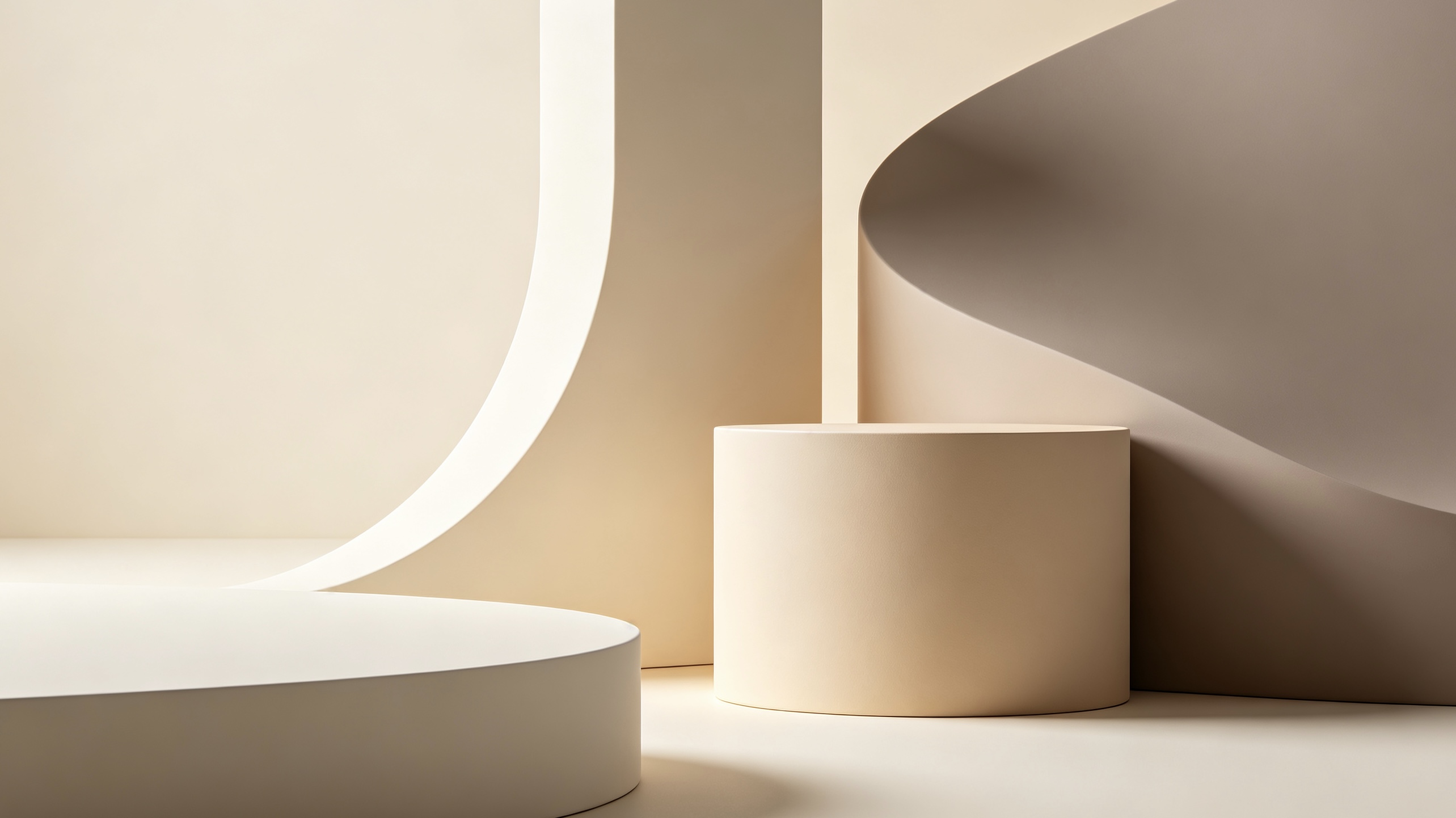
Minimalist wallpapers are perfect if you prefer a clean desktop without too many visual elements. They use simple shapes, soft colors, and plenty of empty space to create a calm and balanced look. Warm ivory, beige, and taupe tones make this design feel elegant without being boring. It is a great choice for anyone who likes a modern, clutter-free workspace.
Prompt:
Botanical scrapbook collage wallpaper
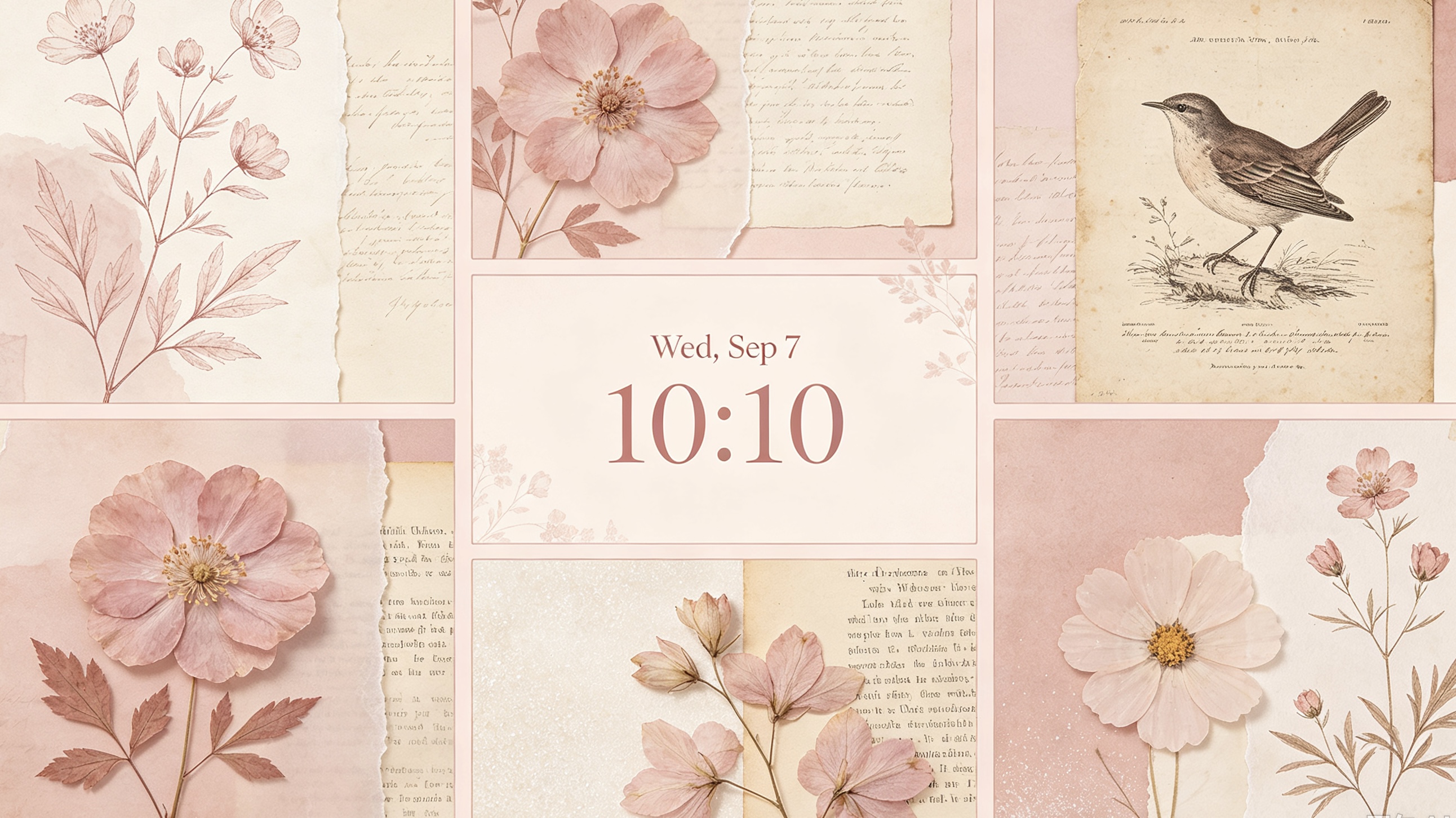
This botanical collage wallpaper adds a delicate artistic touch to your desktop. Pressed dried flowers, botanical sketches, and bird illustrations come together in a six-panel grid, layered with torn-paper details and subtle textures. A soft palette of blush pink, dusty rose, and cream creates a gentle, dreamy mood, while the centered clock and date elements add a decorative touch without detracting from the artwork.
Prompt:
Anime wallpaper
Anime wallpapers bring a touch of storytelling and artistic beauty to your desktop. They often feature detailed backgrounds, beautiful scenery, dramatic skies, and carefully balanced colors. A Japanese coastal city at sunset, for example, can create a cinematic atmosphere with warm skies and glowing buildings. This style is perfect for anime fans who want something expressive without making their desktop look too busy.
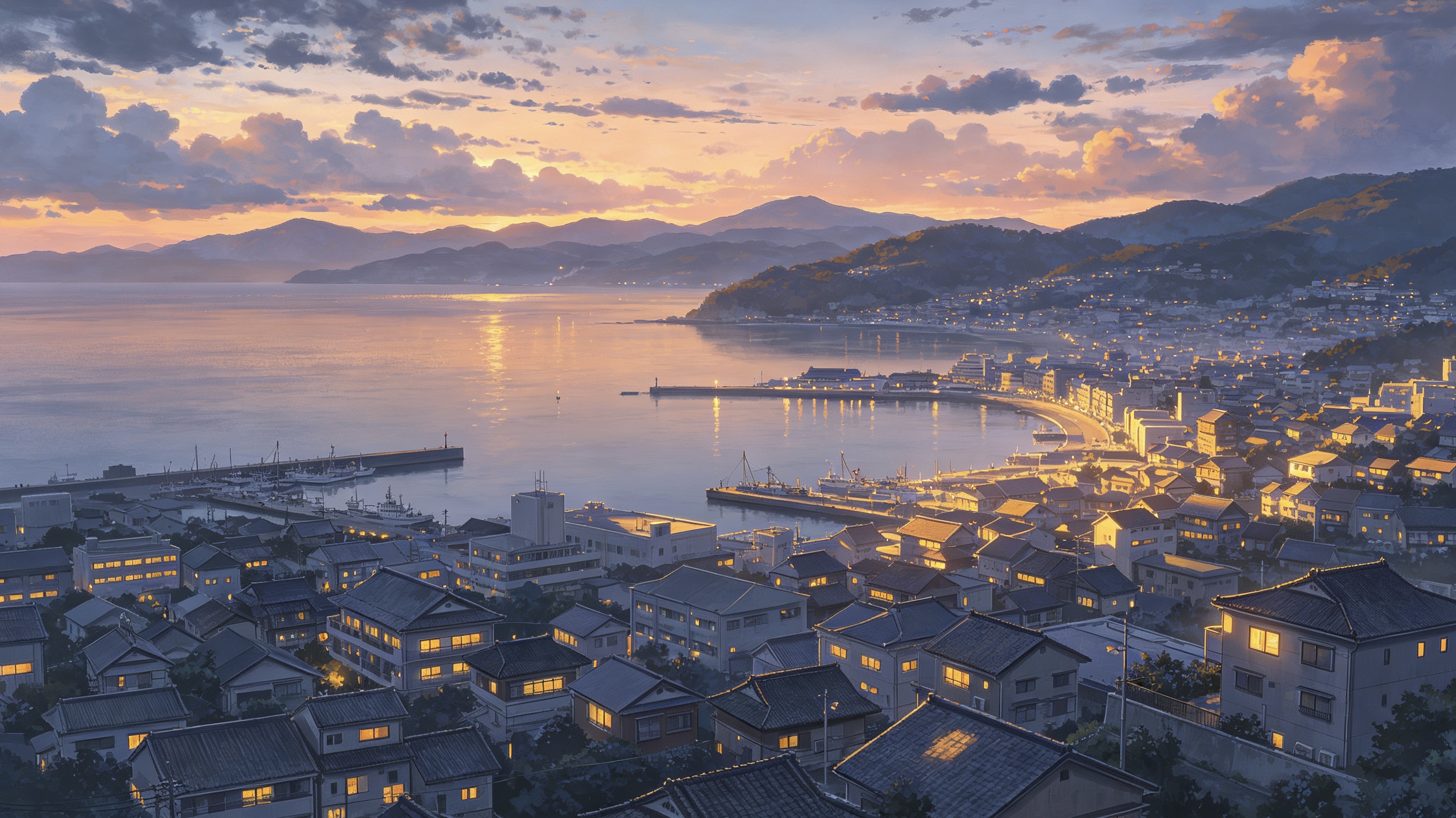
Prompt:
Surreal futuristic wallpaper
Surreal futuristic wallpapers offer an imaginative take on science fiction aesthetics, blending futuristic design with surreal artistic expression. This style moves beyond conventional landscapes, creating a sense of mystery, scale, and otherworldly beauty. Its cool-toned palette and minimalist visual language give the desktop a sleek, sophisticated feel, making it ideal for those who appreciate futuristic art and unconventional design.
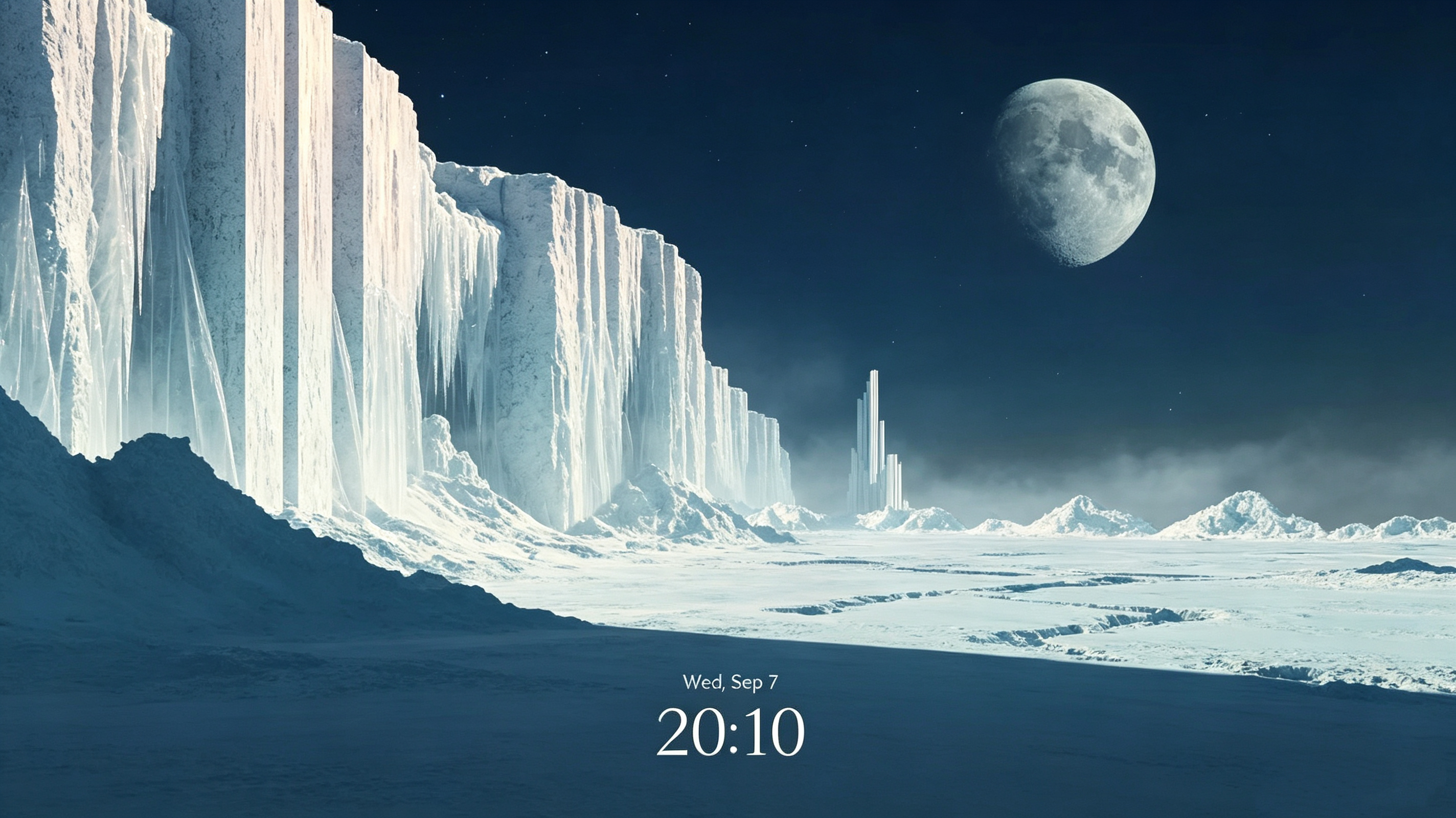
Prompt:
Watercolor storybook aesthetic wallpaper
Watercolor storybook wallpapers combine traditional illustration techniques with a cozy, nostalgic aesthetic. This style emphasizes artistic expression, soft textures, and gentle color transitions, offering a refreshing alternative to sleek digital designs. Its warm, inviting look creates a sense of comfort and creativity, making it a lovely choice for those who enjoy hand-painted artwork, whimsical themes, and a relaxed desktop atmosphere.
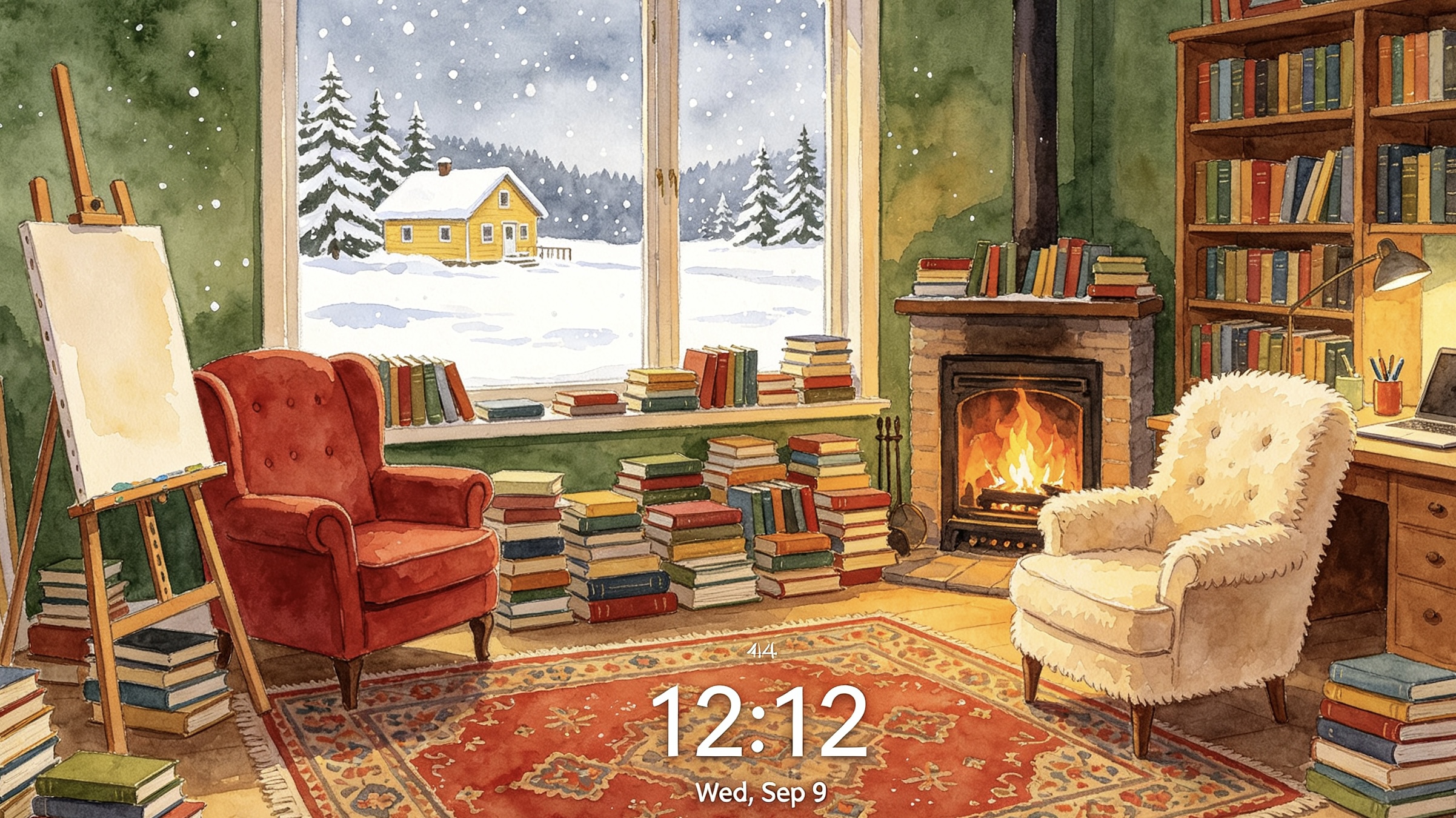
Prompt:
Pastoral countryside clock wallpaper
Pastoral countryside wallpapers bring a refreshing, nature-inspired aesthetic to desktop personalization. This style celebrates the simplicity of rural life, offering a cheerful alternative to busy digital designs. Its bright colors and relaxed atmosphere create a sense of openness and tranquility, making it ideal for those who enjoy natural scenery, rustic charm, and a lighthearted desktop environment. The integrated clock and date display also combines decorative appeal with everyday functionality.
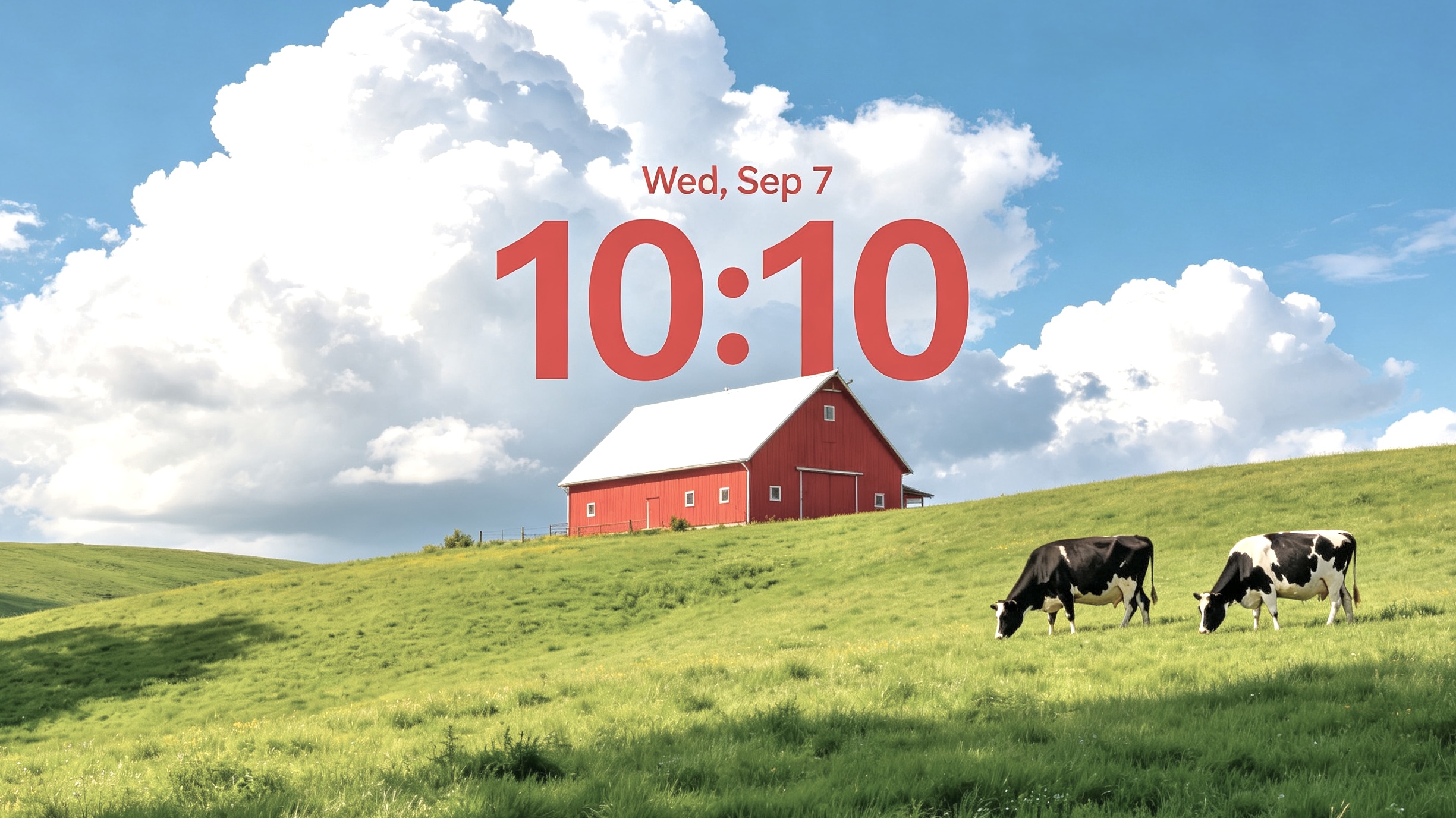
Prompt:
Ditsy floral pattern wallpaper
Ditsy floral wallpapers feature small flowers, delicate leaves, and repeating botanical patterns across the screen. Their soft colors and evenly spaced details create a gentle look without making the background feel crowded. Shades of sage green, dusty pink, butter yellow, and ivory give the design a fresh and elegant appearance. It is a great option if you enjoy nature-inspired patterns and softer desktop aesthetics.
Prompt:
Architectural aesthetic wallpaper
Architectural wallpapers focus on beautiful buildings, interesting structures, and creative use of space. Curved walls, glass windows, concrete surfaces, and geometric shapes can turn an ordinary building into an impressive visual design. Soft beige, sand, ivory, and gray tones keep the composition sophisticated and balanced. This style is appealing to people who appreciate modern architecture and clean visual details.
Prompt:
Instagram-inspired summer aesthetic wallpaper
Instagram-inspired summer wallpapers embrace a bright, playful, and effortlessly stylish visual aesthetic. This style draws inspiration from summer lifestyle photography and social media trends, combining vibrant colors with a fresh, sun-soaked feel. Its cheerful yet minimalist appeal makes it a great choice for those who enjoy contemporary aesthetics, vacation-inspired designs, and visually uplifting desktop backgrounds.
Prompt:
Why is Kimi Design a good choice for designing desktop wallpapers
Creating a wallpaper that matches your taste doesn't have to be complicated. Kimi Design makes it easier to turn simple ideas into personalized backgrounds. Here are some features that make it worth trying.
Create custom desktop wallpapers from your ideas
Describe your preferred wallpaper style, subject, color palette, and composition in natural language. Whether you want minimalist designs, natural landscapes, futuristic visuals, or architectural photography, Kimi Design turns your ideas into personalized wallpapers. You can also upload reference images to guide the visual direction and create designs that reflect your taste.
Explore different aesthetics and visual styles
Experiment with different design styles, from abstract gradients and cyberpunk visuals to vintage graphics, floral patterns, and modern architecture. Adjust colors, lighting, textures, and compositions to create wallpapers with a cohesive visual identity that complements your desktop setup.
Customize wallpaper designs with flexible editing tools
Refine generated wallpapers through natural-language prompts, comments on specific elements, or manual editing. Adjust individual images, shapes, colors, and layouts without starting over. Version history also lets you revisit previous designs and restore earlier versions when needed.
Create wallpapers for different screen sizes
Design desktop wallpapers with custom dimensions to suit different monitors and display requirements. Set the canvas size in pixels or centimeters, whether you're creating a standard Full HD wallpaper or a 4K background for a high-resolution display.
Export high-quality wallpapers in multiple formats
Export finished wallpapers in PNG, JPG, or PSD formats. Customize image dimensions when exporting PNG or JPG files, or choose PSD to preserve editable layers for further adjustments in compatible design software.
Essential tips for desktop wallpaper design
A good desktop wallpaper should look attractive while also making your screen comfortable to use every day. Small design choices, such as image size, colors, and element placement, can make a big difference in the final result. Keep the following tips in mind when creating or choosing your next desktop background.
Choose the right resolution and aspect ratio
Always consider your screen size before creating a wallpaper. Check your monitor's native resolution and aspect ratio before creating a wallpaper. For a 16:9 4K UHD display, 3840 × 2160 pixels is a common choice; for a 16:9 Full HD display, use 1920 × 1080 pixels. Matching the aspect ratio helps prevent unwanted cropping, empty bars, or distortion, while sufficient pixel resolution helps avoid blurriness.
Use a balanced color palette
Choose colors that work well together instead of mixing too many unrelated shades. Soft neutrals, muted pastels, or carefully selected bold colors can make your wallpaper look more polished. A consistent color palette also helps create a pleasant visual experience.
Consider contrast and readability
Good contrast makes desktop icons, file names, and other screen elements easier to recognize. For example, light-colored icons and text may disappear against a bright background. Choose a wallpaper with enough contrast to keep everything visible without making the design too harsh.
Keep the composition simple and uncluttered
Adding too many shapes, objects, or decorative details can make your desktop feel crowded. Focus on a few main elements and give them enough space to stand out. A simple composition often looks more professional and keeps your attention on the work you are doing.
Choose a style that suits your workspace
Think about how you use your computer and the kind of atmosphere you want to create. Minimalist and architectural wallpapers work well for professional setups, while abstract, anime, and sports designs add more personality. Choose something you enjoy looking at without distracting you from your daily tasks.
Conclusion
A well-designed desktop can make your everyday computer experience feel a little more enjoyable. The best desktop wallpaper templates are the ones that match your taste and make your screen feel like your own. You don't need advanced design skills to create something unique. Give Kimi Design a try and bring your wallpaper ideas to life. Start creating your own designs with Kimi Design.