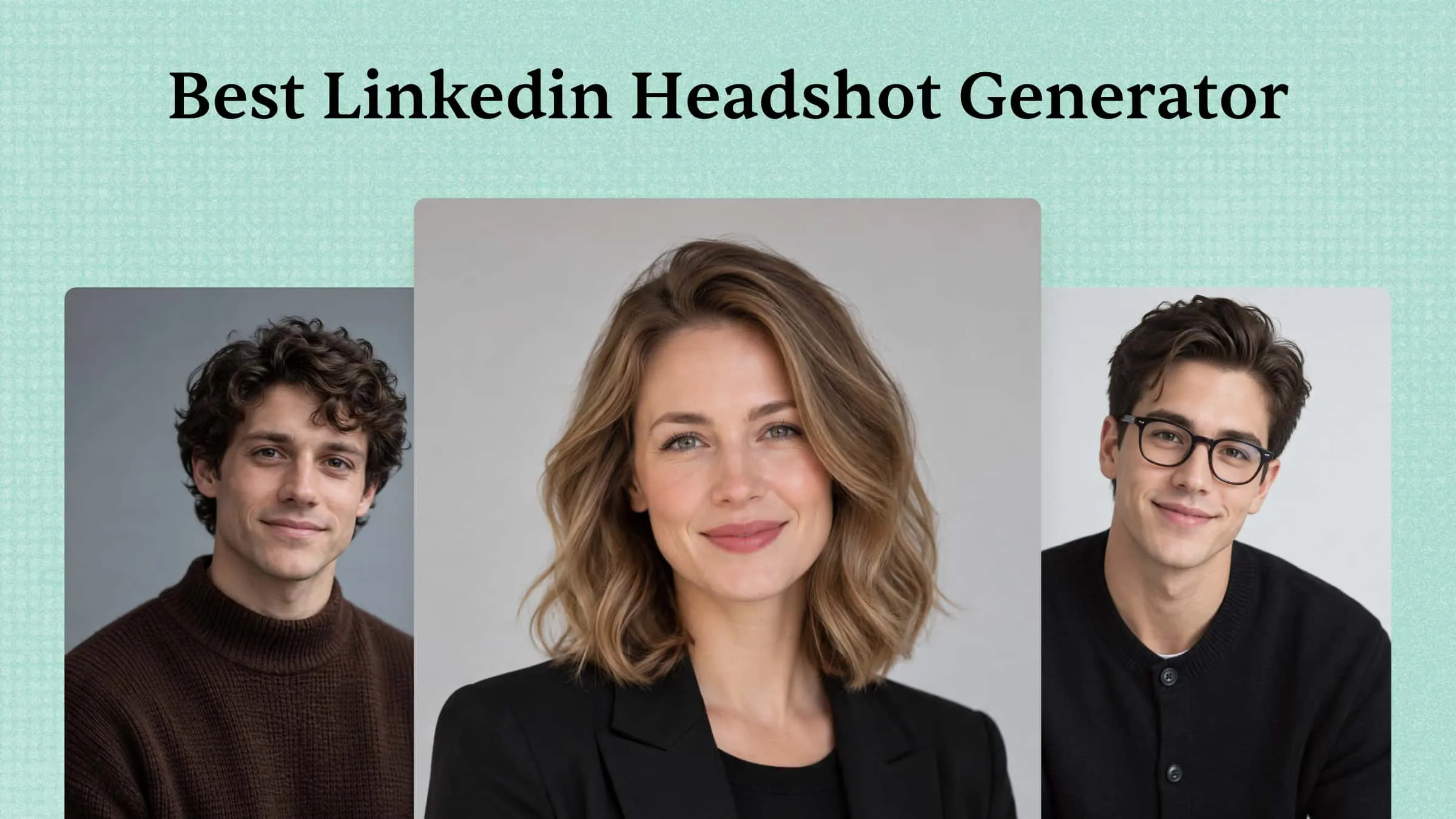
Your LinkedIn profile photo is often the first thing people notice, so a professional headshot can help you make a strong first impression. However, getting one taken professionally can be expensive and time-consuming. With AI headshot generators, you can create realistic profile photos using your own pictures and try different outfits and backgrounds. Let's explore 10 tools that can help you create the right headshot for your LinkedIn profile.
Overview of 10 free and paid LinkedIn headshot generators
AI LinkedIn headshot generators vary in how they create professional portraits, the level of customization they offer, and the types of users they serve. Some tools generate multiple headshots from uploaded selfies, while others support text prompts, reference photos, and further image editing. The following table compares 10 AI headshot generators based on their generation methods, key features, and suitable use cases to help you find an option that fits your needs.
| Product | Headshot generation method | Key features | Suitable for |
|---|---|---|---|
| Kimi Design | Generates headshots from text prompts and reference photos | AI generation, multiple portrait styles, prompt-based and manual editing, version history, PNG/JPG/PSD export | LinkedIn photos, corporate portraits, resumes, portfolios |
| HeadshotPro | Generates multiple professional portraits from uploaded selfies | Multiple poses and outfits, background selection, portrait editing, high-resolution downloads, optional 4K upscaling | LinkedIn profiles, business portraits, team photos, resumes |
| BetterPic | Creates headshots from uploaded personal photos and selected styles | 150+ styles, outfit and background changes, facial detail refinement, human editing services | Business headshots, professional outfits, detailed portrait editing |
| Secta Labs | Generates personalized portraits from uploaded photos and preset styles | Large style collection, multiple portrait variations, remix, hairstyle and clothing customization | Corporate portraits, executive headshots, personal branding |
| Dreamwave | Turns uploaded selfies into studio-style professional portraits | Business formal and casual styles, scene and pose options, prompt-based editing, image retouching | LinkedIn photos, website portraits, personal branding |
| Magic Studio | Generates headshot collections from around 10 uploaded photos | Around 50 headshots, five looks, preview before purchase, approximately 15-minute generation | Formal and casual profile photos, LinkedIn and social media |
| ProPhotos AI | Generates 40–200 headshots based on the selected package | Multiple outfit and background combinations, background changer, tiered packages | Corporate portraits, large headshot collections, LinkedIn and resumes |
| Canva | Transforms uploaded selfies into professional portraits | AI headshot generation, expression preservation, Magic Edit, Magic Eraser, JPG/PNG export | LinkedIn portraits, existing photo editing, resumes and portfolios |
| Monica | Uses an AI LinkedIn Photo Generator to transform uploaded pictures | Professional portrait styles, background replacement, image enhancement, upscaling | LinkedIn and business portraits, profile photo enhancement |
| Pixelbin | Generates headshots from uploaded photos and selected styles | Ready-made styles, prompt customization, clothing and background adjustments, lighting correction, upscaling up to 8× | Corporate headshots, professional websites, image enhancement |
Explore 10 AI LinkedIn headshot generators in 2026
From realistic business portraits to polished profile pictures, AI tools offer several ways to improve your LinkedIn appearance. Here are 10 headshot generators with different features and editing options to help you find one that suits your needs.
Kimi Design
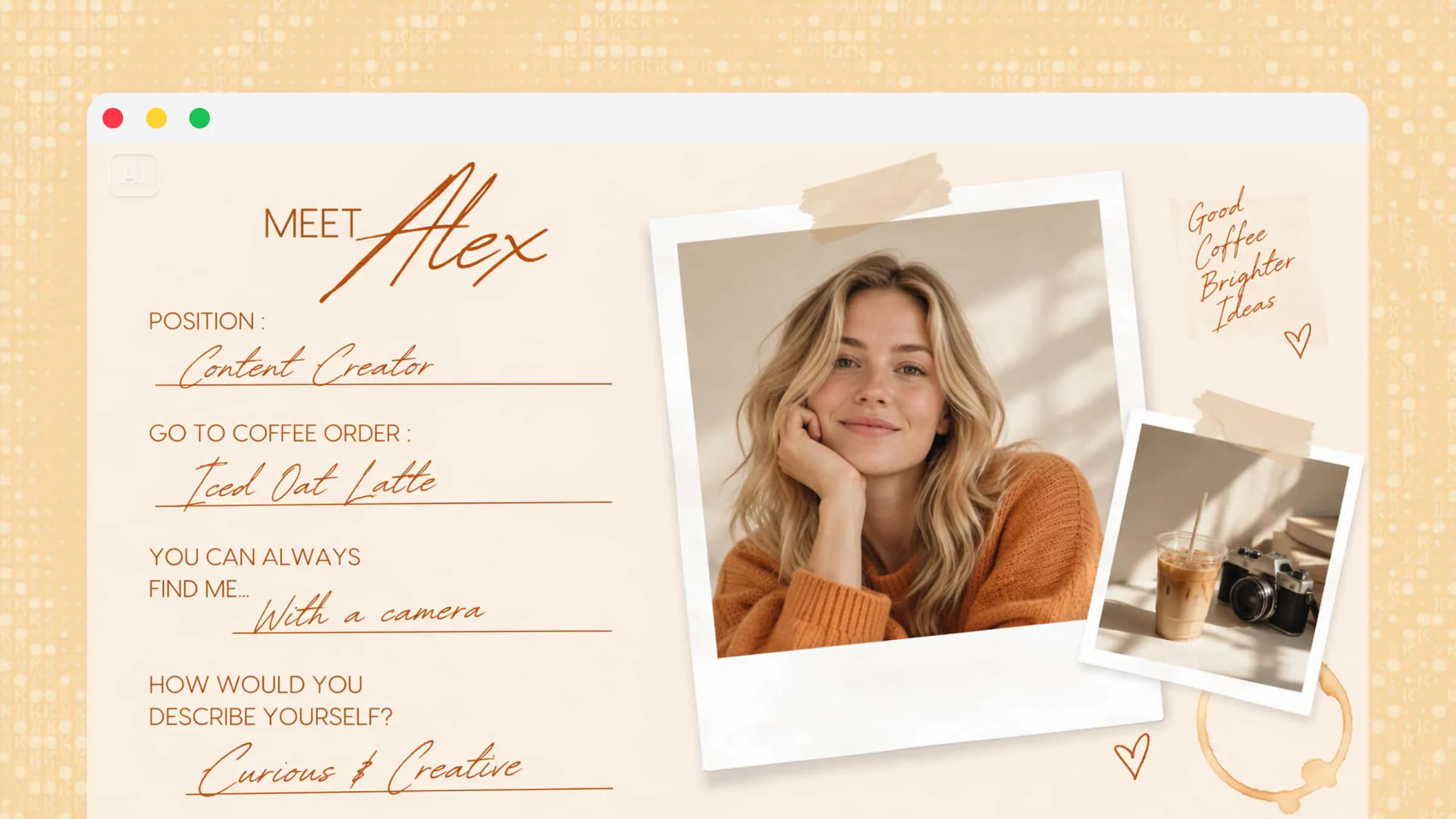
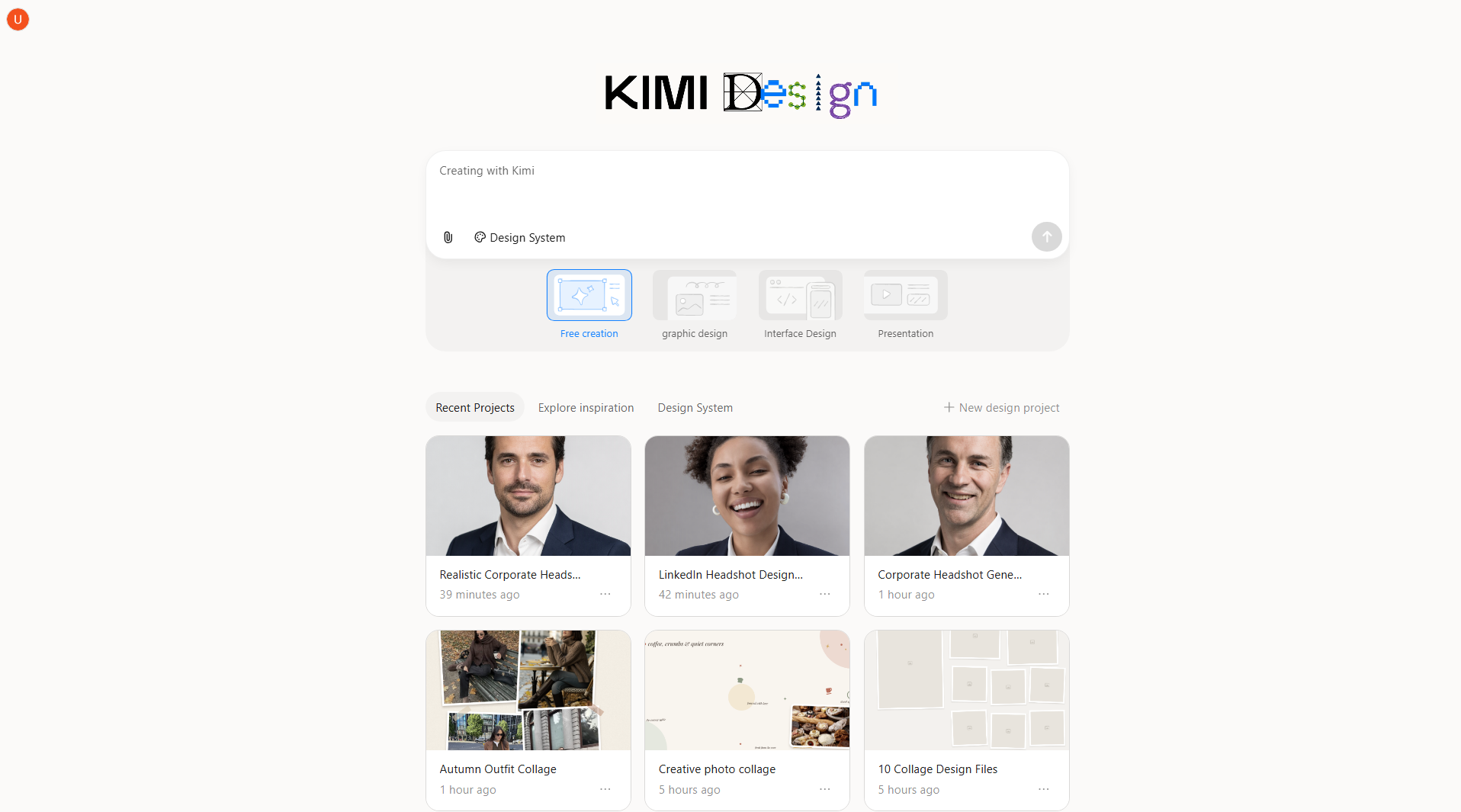
Kimi Design, an AI design generator, makes it easier to turn your everyday photos into professional-looking LinkedIn headshots without booking a photoshoot. You can use AI to create polished portraits with different outfits, backgrounds, and styles that suit your professional image. It offers a simple way to refresh your profile picture while keeping the results natural and personal.
Main features
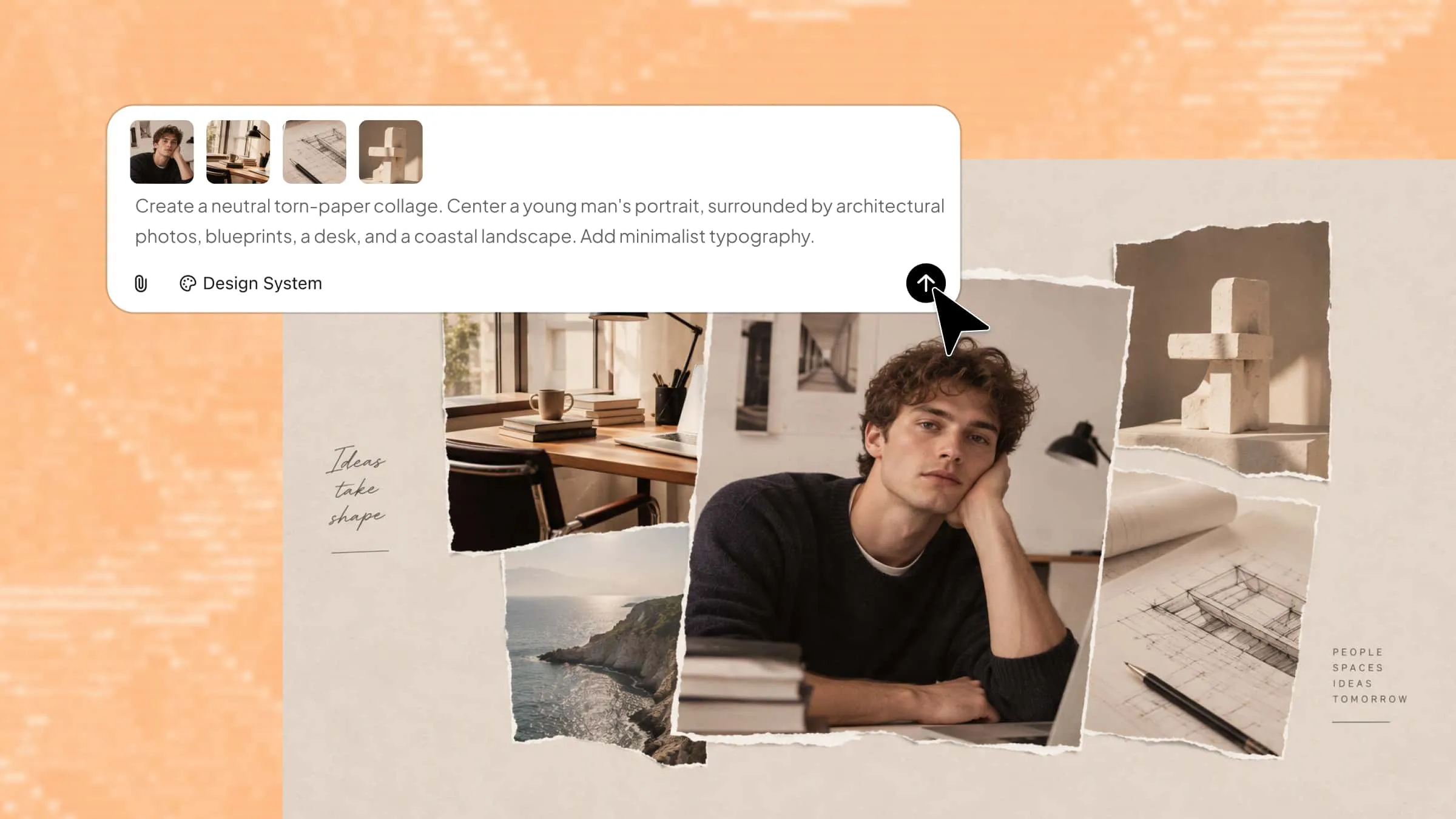
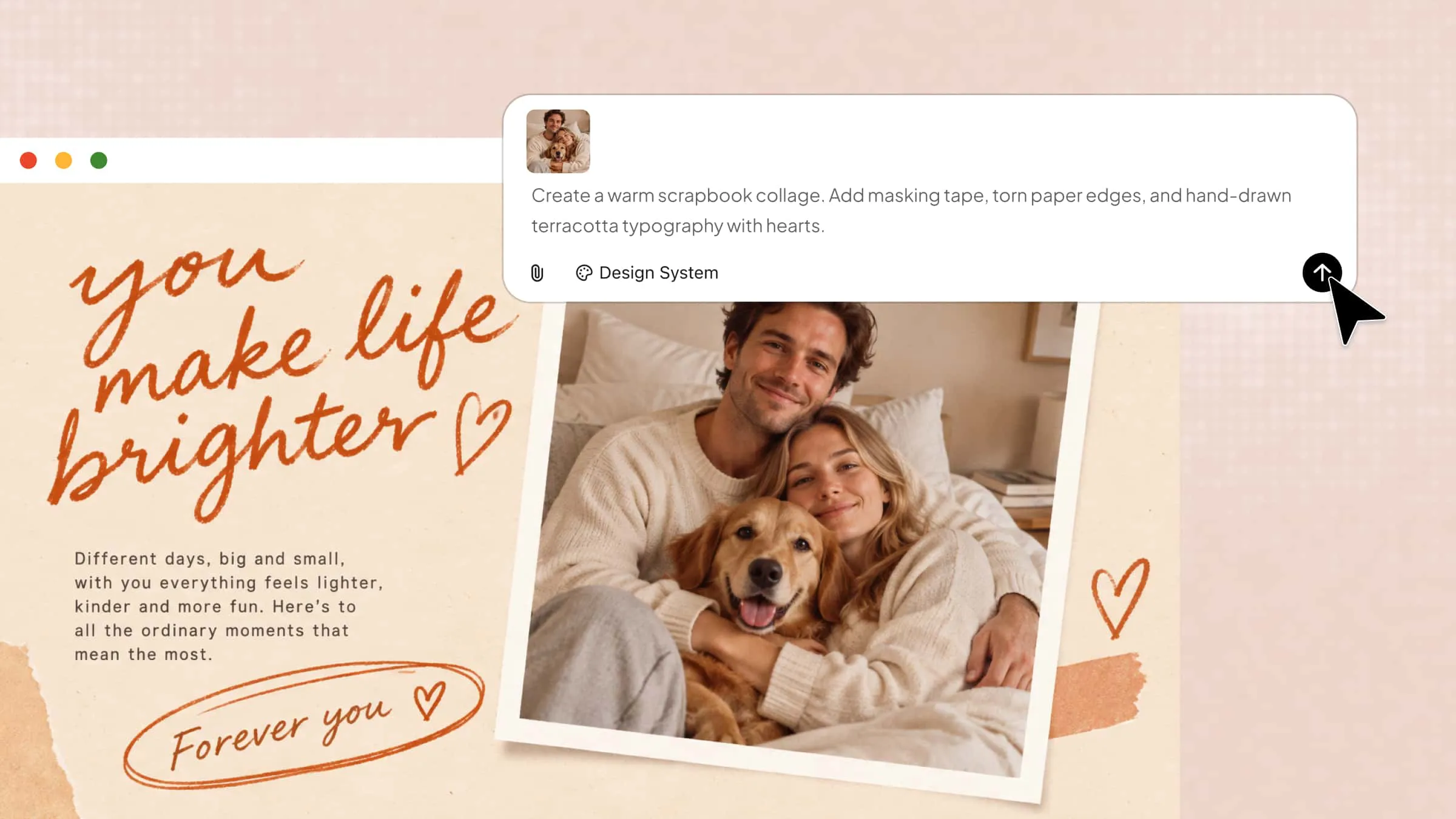
Create LinkedIn headshots from text prompts and reference photos: Describe your desired LinkedIn portrait, including professional attire, background, lighting, pose, and camera angle, or upload an existing selfie as a visual reference. Kimi Design transforms your ideas and reference images into polished headshots that reflect your professional identity and personal brand.
Explore different LinkedIn headshot styles and compositions: Experiment with different AI-generated looks, from formal corporate portraits and business casual photos to modern, approachable professional images. Adjust portrait compositions, backgrounds, and dimensions to create profile pictures that suit your industry, career level, and professional goals. Use version history to revisit earlier designs and restore previous versions while exploring different professional styles.
Customize AI-generated LinkedIn headshots with flexible editing tools: Refine your portraits through natural-language prompts in the chat or comments on specific elements. You can also manually adjust images, colors, and backgrounds to achieve your preferred look.
Export LinkedIn headshots in multiple formats and sizes: Export your finished portrait as a PNG or JPG for LinkedIn. You can export a PSD separately for further editing in compatible design software, but convert it to PNG or JPG before uploading it to LinkedIn.
Suitable for
Creating LinkedIn profile pictures from selfies
Designing corporate and business casual headshots
Trying different outfits and backgrounds
Preparing headshots for resumes and portfolios
How to create an AI headshot using Kimi Design
You don't need professional photography skills to get a polished headshot with Kimi Design. Just upload a photo, describe the look you want, and let AI handle the transformation. Here's how to create your own LinkedIn headshot step by step.
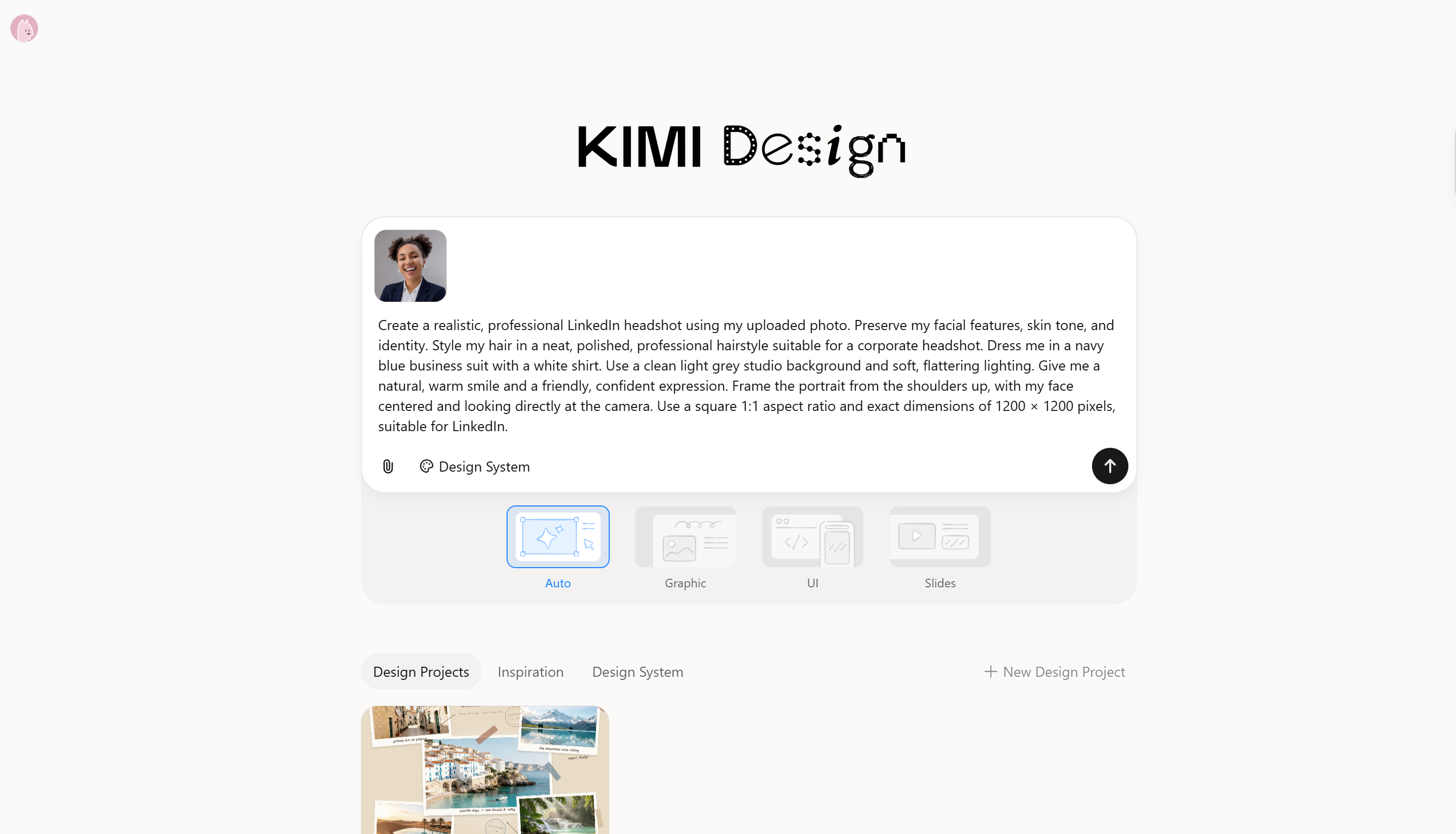
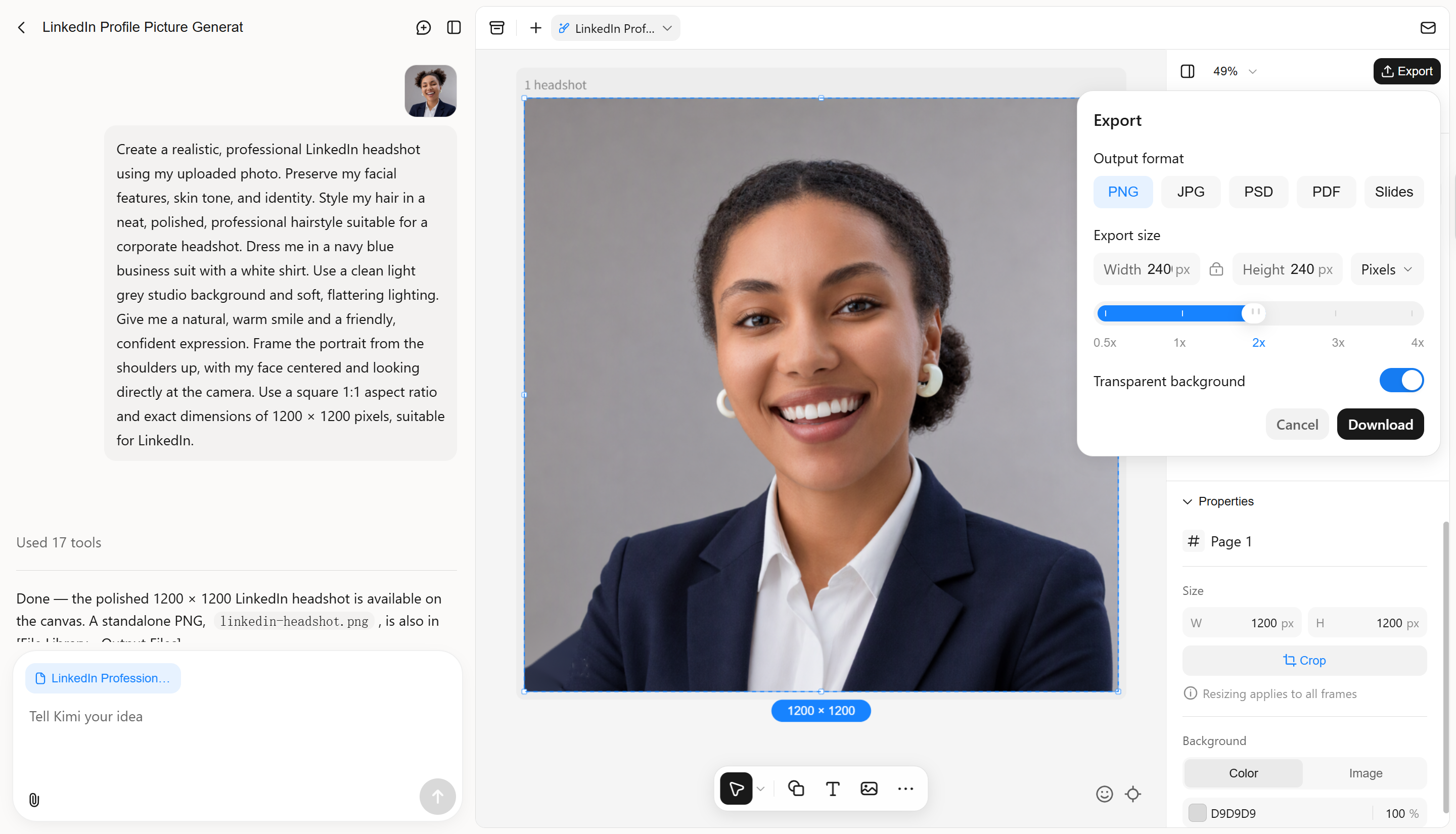
Step 1: Enter a clear prompt and upload your photo
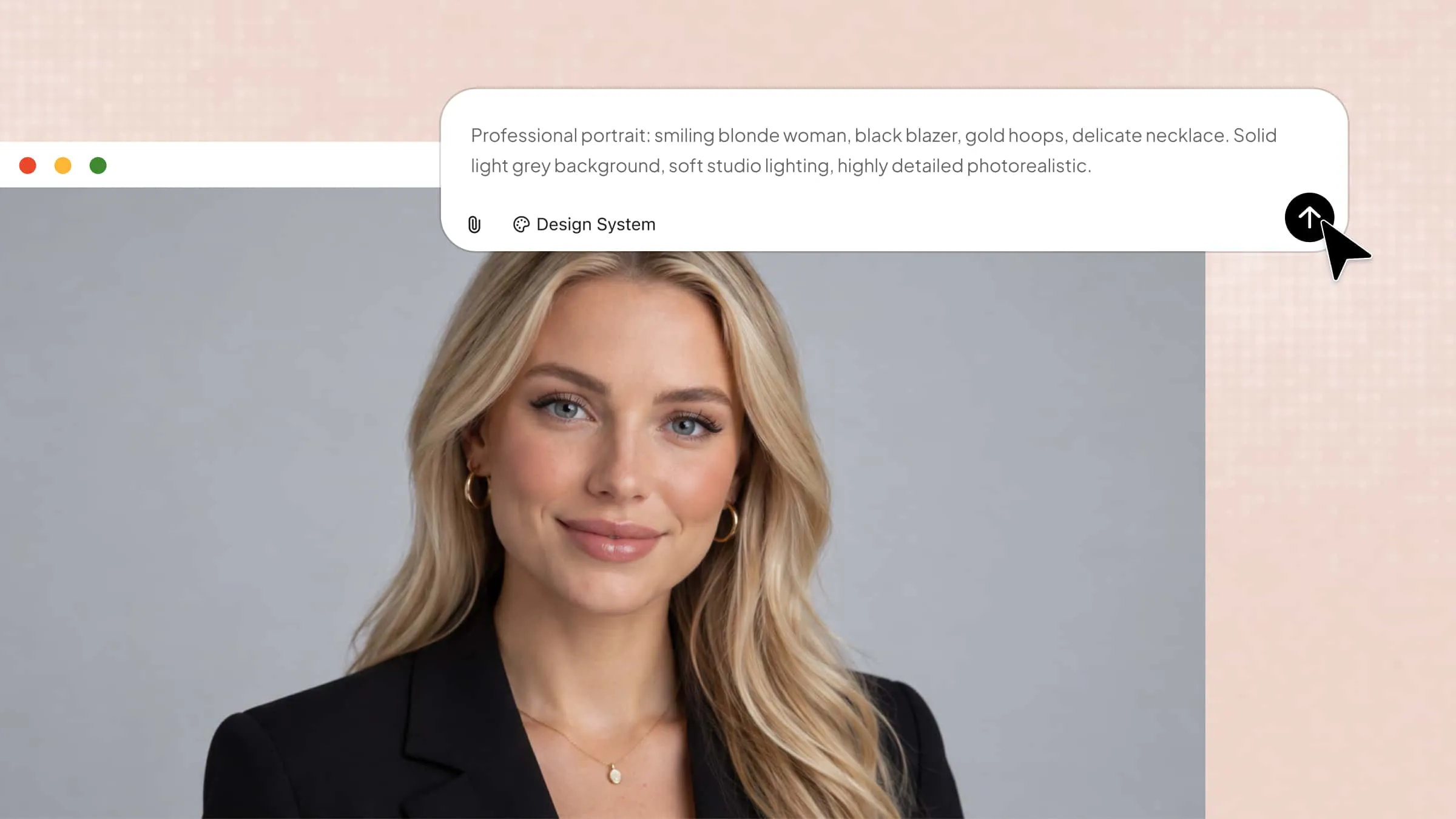
Open Kimi Design, upload a clear selfie, and describe the type of LinkedIn headshot you want. Include details about your outfit, background, lighting, and image size.
Example prompt:
Step 2: Edit and refine the headshot
Review the generated portrait and identify any details that need improvement. Use AI prompts to adjust elements such as your outfit, background, lighting, or facial expression. You can also manually edit individual elements, fine-tune image details, and adjust colors or other visual components directly. Try different edits until the headshot matches your preferred professional look.
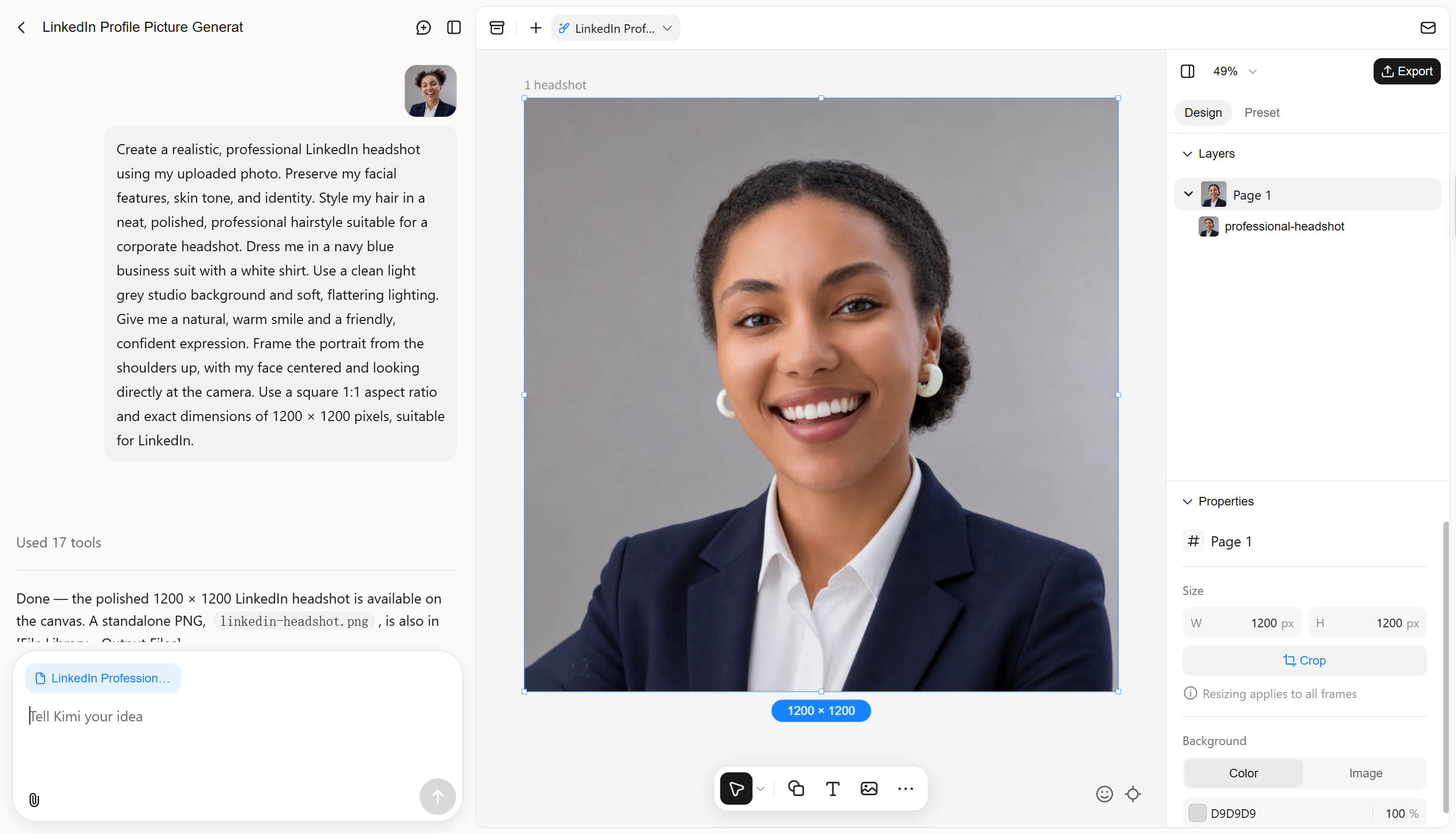
Step 3: Review and download your headshot
Check that your face looks natural, the lighting is balanced, and the image is properly framed. Once everything looks good, export your headshot in PNG or JPG format at 1200 × 1200 pixels for your LinkedIn profile.
HeadshotPro
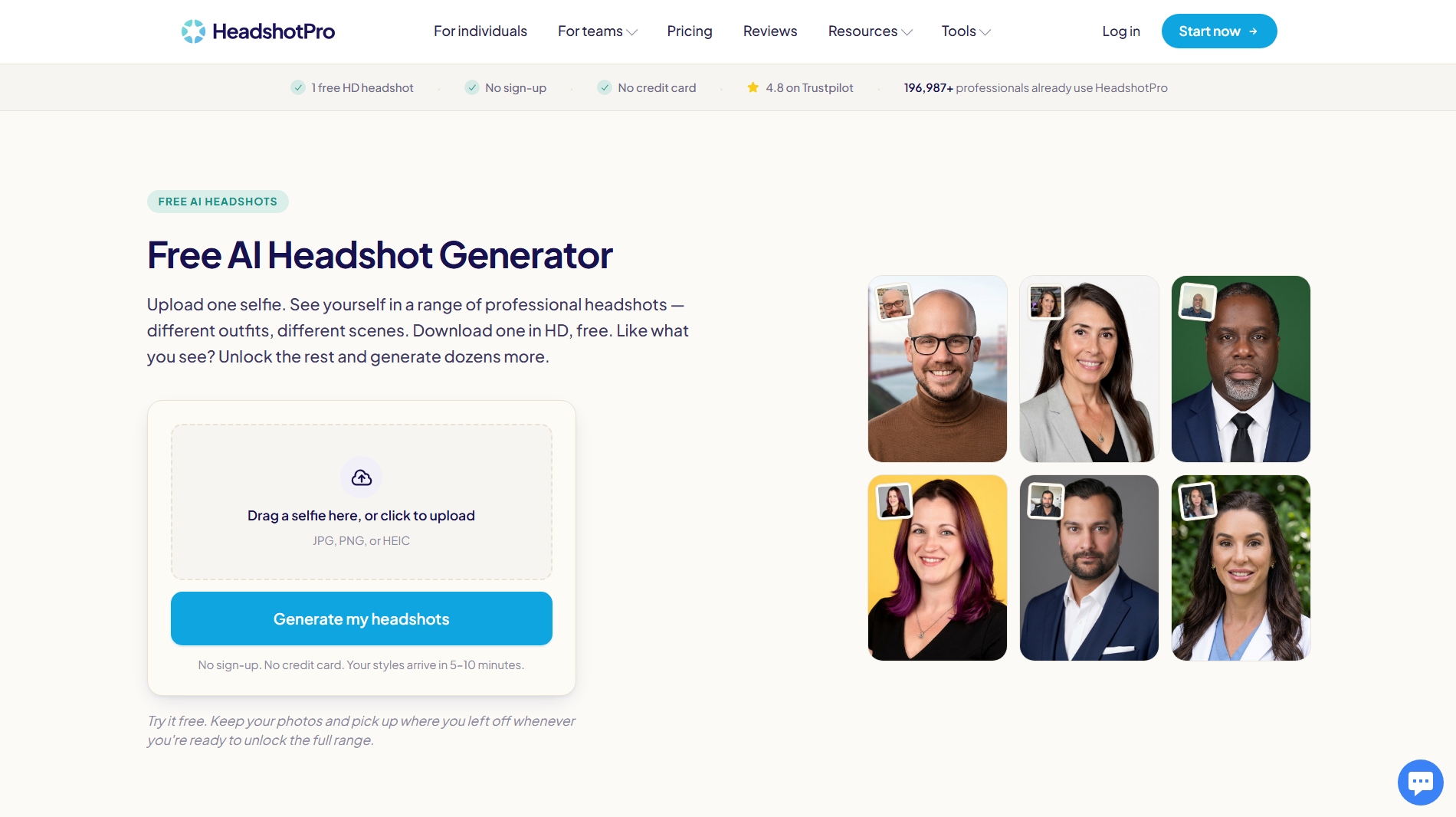
HeadshotPro is a LinkedIn headshot generator designed to turn a few personal selfies into business portraits. It generates multiple headshot variations without requiring a traditional photoshoot. Users can choose from different outfits, backgrounds, and portrait styles to match their professional image. Its editing and profile picture tools also make it useful for preparing photos for LinkedIn and other professional platforms.
Main features
Generate multiple professional headshots: Upload a few selfies and receive several AI-generated portraits with different poses, outfits, and backgrounds. This gives you multiple options to choose from.
Choose outfits and backgrounds: Explore different clothing styles and backdrop combinations, from formal business attire to more relaxed professional looks. You can also let AI select suitable combinations.
Edit and customize portraits: Change outfits, replace backgrounds, remove blemishes, or adjust the framing using built-in editing credits. You can refine your selected photo without starting over.
Download high-resolution images: Save individual headshots as JPEG files or download your complete collection. Optional 4K upscaling is also available.
Suitable for
Creating multiple LinkedIn headshots
Preparing professional business portraits
Updating company team profile photos
Generating headshots for resumes and websites
BetterPic
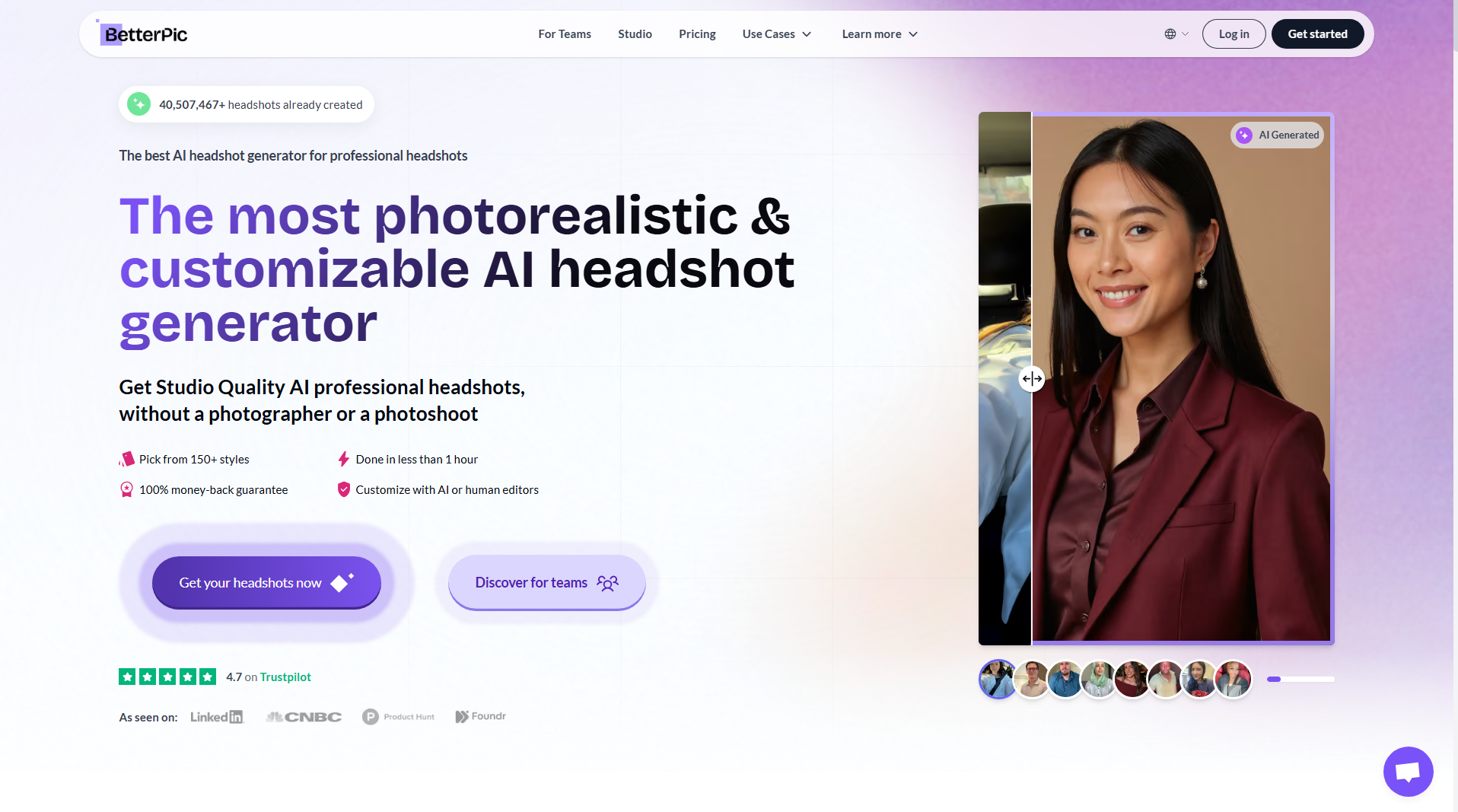
BetterPic combines AI headshot generation with a dedicated editing studio for more control over the final image. It allows users to upload personal photos and select from more than 150 professional styles. After generating portraits, you can make further changes to clothing, backgrounds, and facial details. The platform also offers human editing for users who want more specific adjustments to their selected headshots.
Main features
Choose from professional photo styles: Select from over 150 styles with different outfits, backgrounds, and portrait settings. This helps match your headshot to your industry and preferred appearance.
Change outfits and backgrounds: Use AI Studio to try different clothing and replace existing backgrounds. You can create a more formal or approachable look.
Refine facial details: Adjust skin appearance, eyes, and smaller image details with dedicated editing tools. The Magic Fix and Magic Eraser options help correct unwanted elements.
Request human photo editing: Send specific editing instructions to professional editors for more personalized changes. This is useful when automated adjustments aren't enough.
Suitable for
Creating realistic business headshots
Trying different professional outfits
Refining facial and background details
Preparing high-resolution LinkedIn portraits
Secta Labs
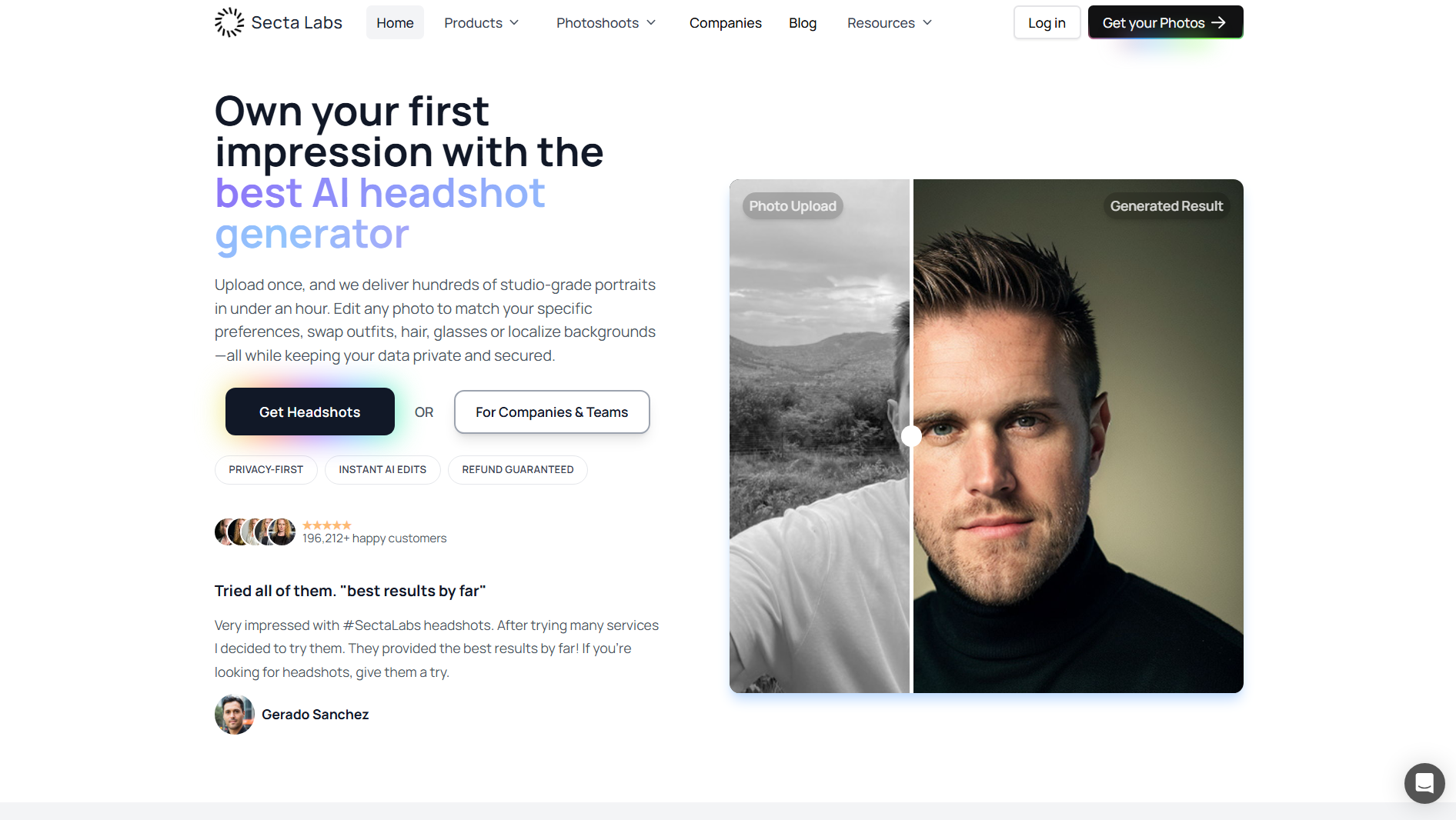
Secta Labs focuses on creating personalized AI portraits in a wide range of professional and creative styles. You can upload your photos and choose from ready-made styles to generate a collection of headshots. Its customization features make it possible to experiment with different clothing, lighting, hairstyles, and backgrounds. The platform also includes editing options for refining portraits after generation.
Main features
Explore a large style collection: Choose from different portrait styles, including corporate, professional, and modern office looks. This makes it easier to find a headshot that suits your career.
Generate multiple portrait variations: Create a collection of AI photos with different compositions and appearances. You can compare the results and select your preferred LinkedIn picture.
Customize portraits with remix: Make targeted changes to your generated images using AI editing. Adjust specific details without having to recreate the entire portrait.
Experiment with hairstyles and clothing: Try different hairstyles, outfits, and visual styles to personalize your headshots. These options help you explore different professional appearances.
Suitable for
Exploring different LinkedIn portrait styles
Creating corporate and executive headshots
Testing hairstyles and professional outfits
Generating multiple personal branding photos
Dreamwave
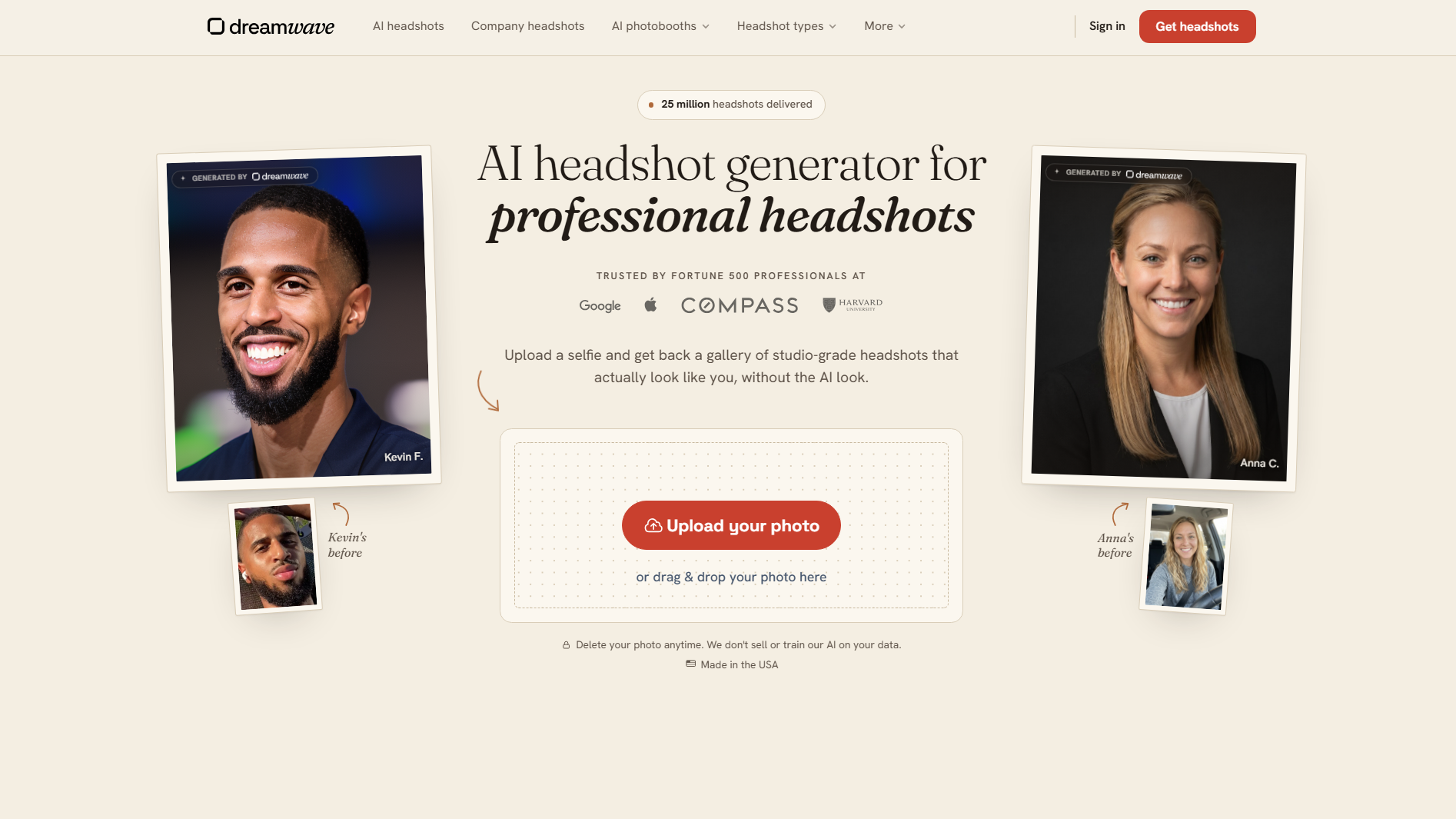
Dreamwave is an AI LinkedIn headshot generator that turns personal photos into studio-style professional portraits. It allows you to create different looks without arranging a physical photoshoot or hiring a photographer. You can explore business formal, business casual, and smart casual styles to match your LinkedIn profile.
Main features
Generate headshots from personal photos: Upload a clear selfie and let AI create a collection of professional portraits. You don't need to provide a large set of reference images.
Explore different professional styles: Choose business formal, business casual, or smart casual looks. You can also explore different scenes, poses, and backgrounds.
Change outfits and backgrounds: Use simple text prompts to replace clothing or create a different setting. This helps you adapt the same portrait to different professional needs.
Refine images with editing tools: Remove unwanted objects, improve details, and apply professional touch-ups. You can also request additional retouching for specific changes.
Suitable for
Creating realistic LinkedIn profile photos
Trying different business attire and styles
Updating professional website portraits
Preparing headshots for personal branding
Magic Studio
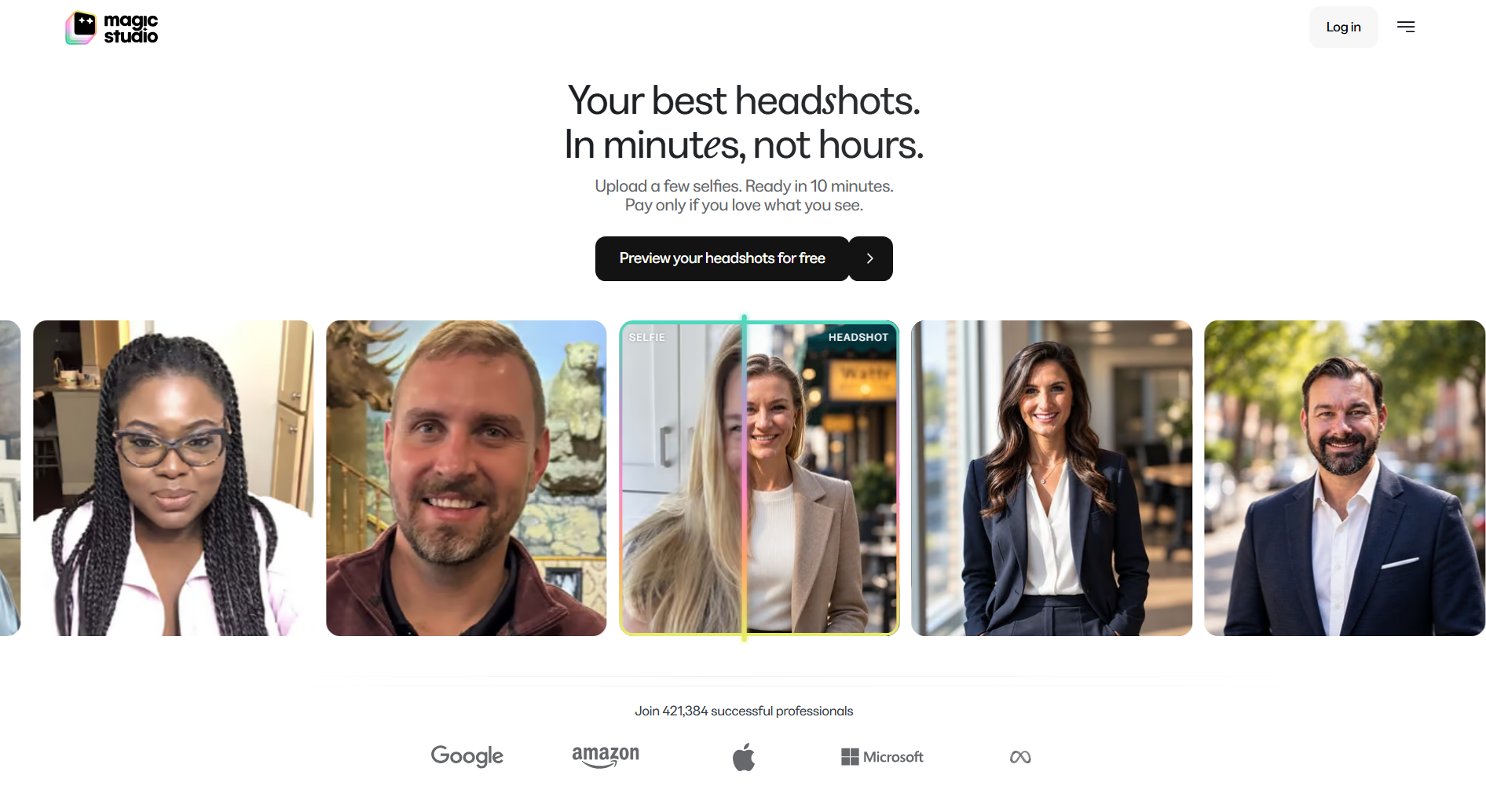
Magic Studio offers an AI headshot tool called Headshots that transforms your personal photos into professional portraits. It uses your uploaded images to create multiple variations across different looks, from casual to formal. One useful feature is that you can preview the generated headshots before making a purchase. This makes it easier to compare different results before choosing your preferred professional photo.
Main features
Generate multiple headshot options: Turn around 10 personal photos into a collection of 50 AI-generated headshots. You get several options to compare before selecting your favorite.
Choose from five different looks: Explore different styles ranging from casual to formal portraits. This gives you flexibility when creating a LinkedIn-ready appearance.
Preview images before purchasing: View your generated headshots before deciding whether to pay. You can check the results and choose the photos you like.
Create portraits quickly: Generate your headshot collection in approximately 15 minutes. This makes it useful when you need professional photos without a long wait.
Suitable for
Previewing AI headshots before purchasing
Creating formal and casual profile photos
Comparing multiple professional portraits
Updating LinkedIn and social media pictures
ProPhotos AI
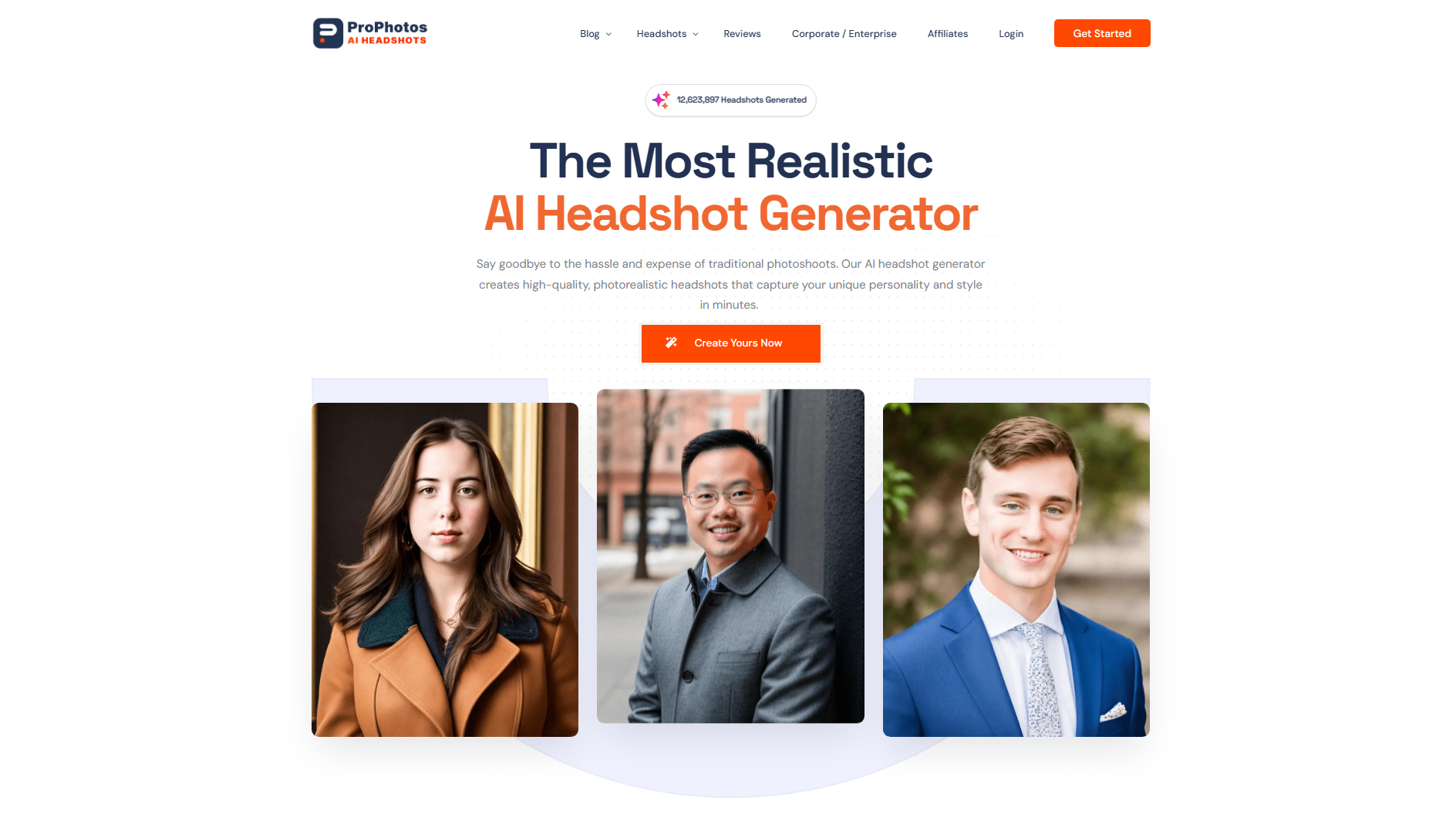
ProPhotos AI focuses on generating professional headshots for individuals who want polished business portraits without a studio session. The platform uses uploaded personal photos to create different versions with professional outfits and backgrounds. It offers multiple packages with varying numbers of headshots and styling options. You can use the generated images for LinkedIn, resumes, and company websites.
Main features
Create multiple AI headshots: Generate between 40 and 200 headshots depending on your selected package. This gives you a wider selection of professional portraits.
Try different outfits and backgrounds: Choose from multiple combinations to change your overall appearance. You can explore different business styles without changing your actual clothes.
Use the background changer: Replace the original background to give your portrait a cleaner, more professional appearance. This helps remove distracting surroundings.
Choose a package based on your needs: Select from Starter, Premium, and Professional packages with different image quantities and processing times. You can choose according to your budget and requirements.
Suitable for
Generating large collections of headshots
Creating business and corporate portraits
Trying different professional backgrounds
Preparing photos for LinkedIn and resumes
Canva
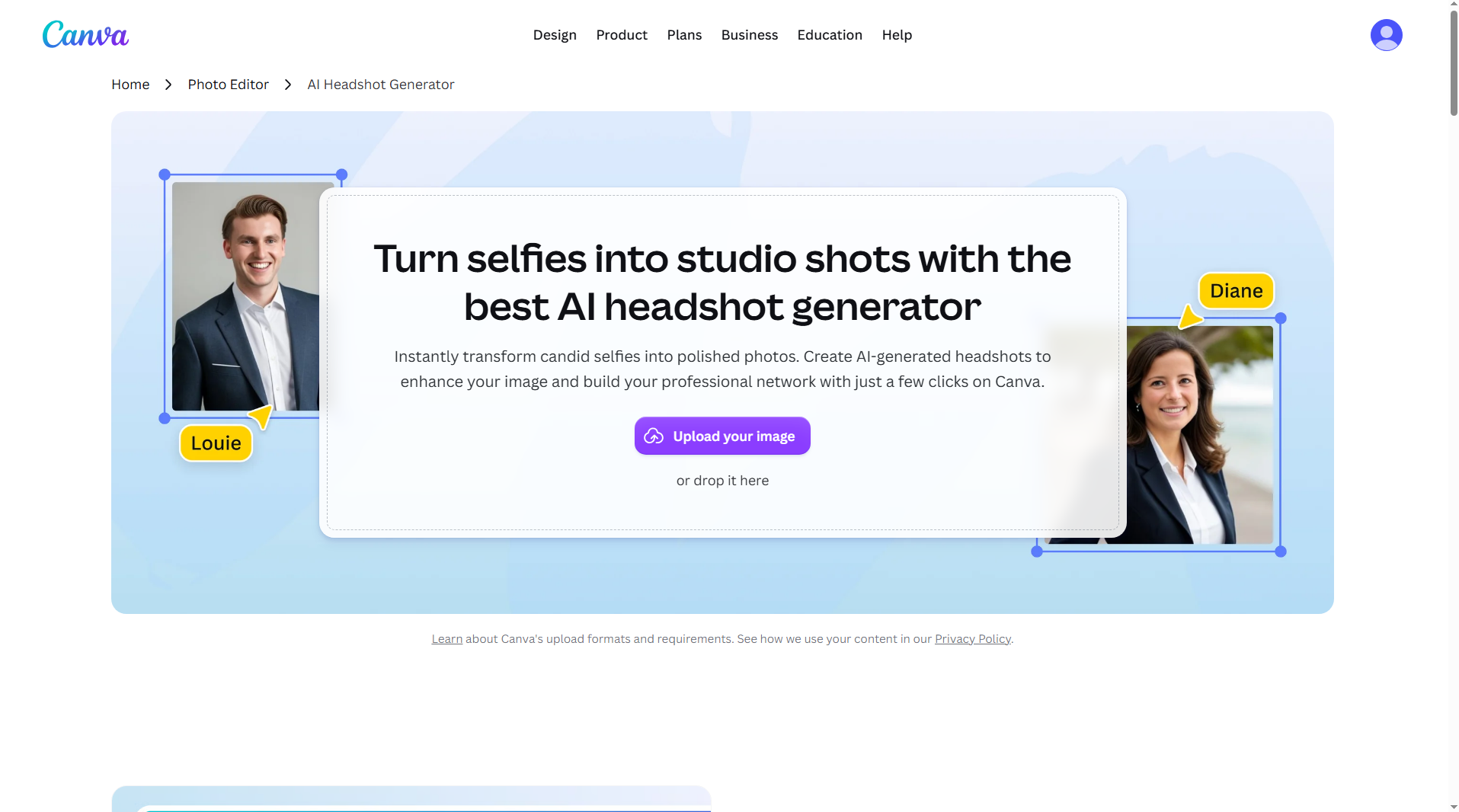
Canva combines AI headshot generation with its wider collection of photo editing and graphic design tools. Its AI headshot generator lets you upload a selfie and transform it into a polished professional portrait. You can further improve the result using filters, background editing, and other image enhancement options. It's useful if you want to create a headshot and prepare other professional graphics in the same workspace.
Main features
Turn selfies into professional portraits: Upload your photo and use AI to create a polished headshot with improved lighting and a professional background. You can use the result for LinkedIn and resumes.
Preserve your facial expression: Choose the option to retain your original facial expression during generation. This helps keep your portrait closer to your natural appearance.
Refine images with AI editing: Use Magic Edit, Magic Eraser, and other editing options to adjust your headshot. You can remove distractions and improve your overall appearance.
Export high-quality headshots: Download your finished portrait in JPG or PNG format. You can also publish it directly to LinkedIn and other social platforms.
Suitable for
Creating professional LinkedIn portraits
Editing and enhancing existing headshots
Designing matching profile graphics
Preparing images for resumes and portfolios
Monica
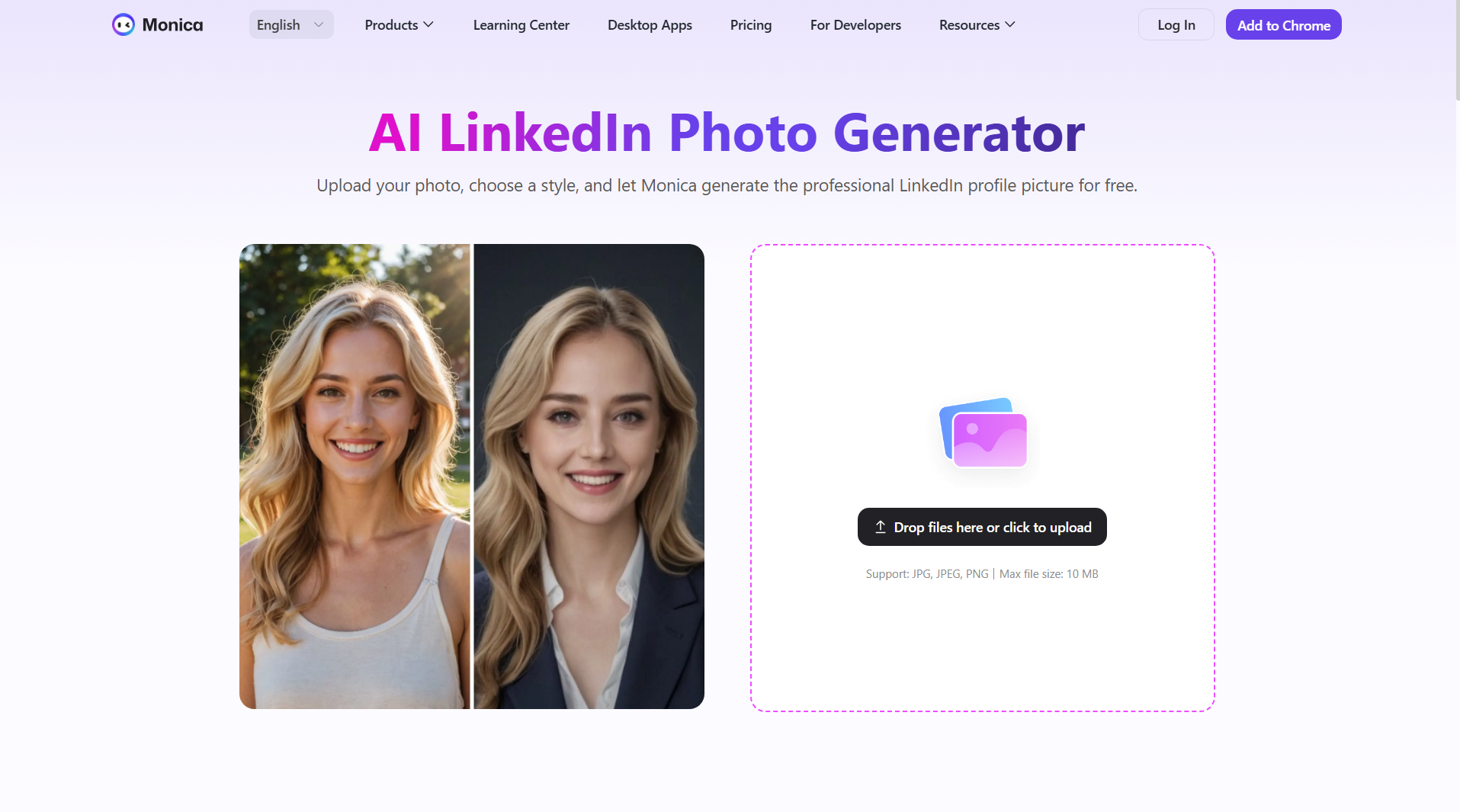
Monica brings AI headshot generation into an all-in-one creative platform that also includes image editing and generation tools. Its AI LinkedIn Photo Generator helps transform regular pictures into professional profile photos. You can explore different portrait styles and use additional image tools to improve the final result with greater control over your overall photo appearance.
Main features
Generate professional LinkedIn photos: Upload your picture and use the dedicated LinkedIn photo generator to create a more polished profile image. It provides a straightforward way to refresh your professional appearance.
Explore different portrait styles: Choose from professional, academic, technology, and studio-inspired looks. This helps you create a portrait that suits your career and personal brand.
Change image backgrounds: Use the background editing tool to replace distracting surroundings with cleaner settings. You can create a more suitable backdrop for your profile photo.
Enhance image quality: Use AI image enhancement and upscaling tools to improve clarity and visual details. These options help prepare your portrait for online use.
Suitable for
Creating LinkedIn and business portraits
Exploring different professional photo styles
Replacing distracting photo backgrounds
Enhancing existing profile pictures
Pixelbin
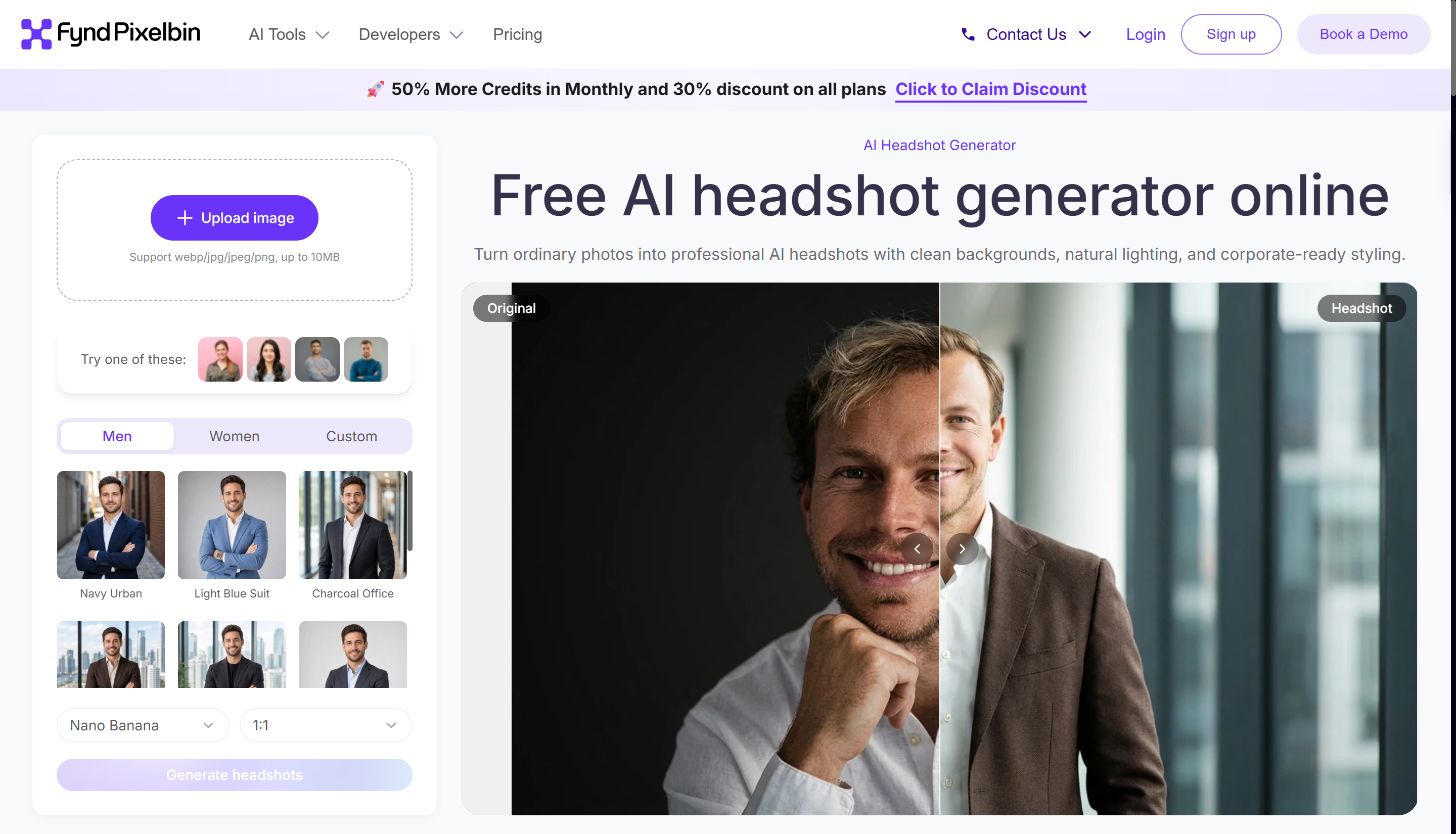
Pixelbin provides a browser-based AI headshot generator that turns ordinary photos into professional-looking portraits. You can upload an image, select a suitable style, and let AI adjust the overall appearance. Its tools focus on important headshot details, including facial positioning, clothing, lighting, and background selection. It also supports image upscaling, making it useful when you need sharper profile photos.
Main features
Create headshots with ready-made styles: Choose from corporate, personal branding, and lifestyle styles to create different professional looks. You can also use prompts to customize the appearance.
Adjust clothing and backgrounds: Apply professional attire and clean corporate backgrounds to your uploaded photo. This helps turn casual pictures into more suitable business portraits.
Improve lighting and facial positioning: Use AI adjustments to balance brightness and contrast and improve face alignment. These changes help create a more polished and natural-looking headshot.
Upscale images without watermarks: Increase image resolution by up to 8× to improve clarity and sharpness. You can download clean images without added logos or labels.
Suitable for
Creating corporate LinkedIn headshots
Turning casual photos into business portraits
Improving lighting and image resolution
Preparing profile photos for professional websites
How to choose an AI LinkedIn headshot generator
With so many AI headshot tools available, choosing one can take some thought. Focus on the features that matter most for your profile, from image quality to customization and pricing. Keep these points in mind when comparing your options.
Realistic facial features and image quality
Choose a tool that keeps your natural facial features instead of making your portrait look artificial. Check how well it preserves details such as your eyes, skin texture, face shape, and expression. High-resolution images also help keep your LinkedIn photo clear.
Professional styles and customization options
Look for different outfits, backgrounds, lighting conditions, and portrait styles. These options help you create a headshot that matches your industry and personal brand. More customization also gives you room to experiment with different looks.
AI editing and refinement features
Choose a generator that lets you adjust clothing, lighting, backgrounds, and facial details after generation. Natural-language editing is particularly useful because you can describe the changes you want. This saves time when refining your preferred portrait.
LinkedIn-friendly image dimensions and export quality
Make sure the tool supports square profile pictures and high-resolution downloads. Common formats such as PNG and JPG are useful for LinkedIn and other platforms. Proper framing also keeps your face clearly visible across different screens.
Conclusion
A professional LinkedIn photo doesn't have to involve an expensive photoshoot or complicated editing process. LinkedIn headshot generators make it easier to create a profile picture that reflects your professional image. The best choice depends on your preferred style, budget, and customization needs. If you want to create a personalized headshot with flexible prompts and editing options, give Kimi Design a try.