Every great game starts with an idea, but turning that idea into something people can actually play takes the right creative tools. From sketching characters and designing unique worlds to adding movement and interactive elements, each part of the process needs a little creativity and technical support. Game design software can help you handle these tasks without making development feel overwhelming. Read on to explore 10 tools that can help you turn your game ideas into reality.
Overview of 10 game design software tools
Game design software varies in its development approach, programming requirements, and supported platforms. Some tools offer visual, no-code workflows for beginners, while others provide advanced engines for building complex 2D and 3D games. The following table lists 10 popular options to help you understand their key strengths and find a tool that matches your skills and project needs.
| Software | Supported game genres | Development approach | Programming requirements | Key strength |
|---|---|---|---|---|
| Kimi Build | Puzzle, platformer, adventure, interactive simulations | AI-assisted creation | Natural-language prompts; no coding required for initial creation | AI-powered game prototyping and asset generation |
| Unity | 2D platformers, 3D action, RPG, simulation | Component-based development | C# | Versatile 2D/3D development and cross-platform support |
| Unreal Engine | Open-world, FPS, racing, cinematic adventure | Real-time 3D development | Blueprints or C++ | Advanced graphics and realistic 3D environments |
| Godot Engine | 2D platformers, puzzle, top-down adventure, indie 3D | Node-based development | GDScript or C# | Open-source flexibility and dedicated 2D tools |
| GameMaker | Arcade, fighting, shoot-'em-up, 2D adventure | Object-based 2D development | GML or visual actions | Sprite editing and streamlined 2D workflows |
| Construct 3 | Browser arcade, platformer, educational, party games | Event-based development | No-code visual logic | Browser-based editing and real-time previews |
| GDevelop | Casual, educational, adventure, interactive storytelling | Event-based development | No-code visual logic | Visual event system and integrated asset library |
| RPG Maker | Turn-based RPG, fantasy adventure, dungeon crawler | Prebuilt RPG development | Event commands or scripting | Ready-made RPG systems and map editor |
| Cocos Creator | HTML5, mobile puzzle, casual, multiplayer | Component-based development | TypeScript or JavaScript | Web and mobile game deployment |
| Defold | 2D platformers, arcade, casual, mobile games | Collection-based development | Lua | Lightweight performance and efficient workflows |
10 game design software for different game genres
Every game has its own creative needs, and the software that works for a 2D platformer may not be the best choice for a realistic 3D adventure. The tools below offer different features and creative options to help you find the right fit for your game idea.
Kimi Build
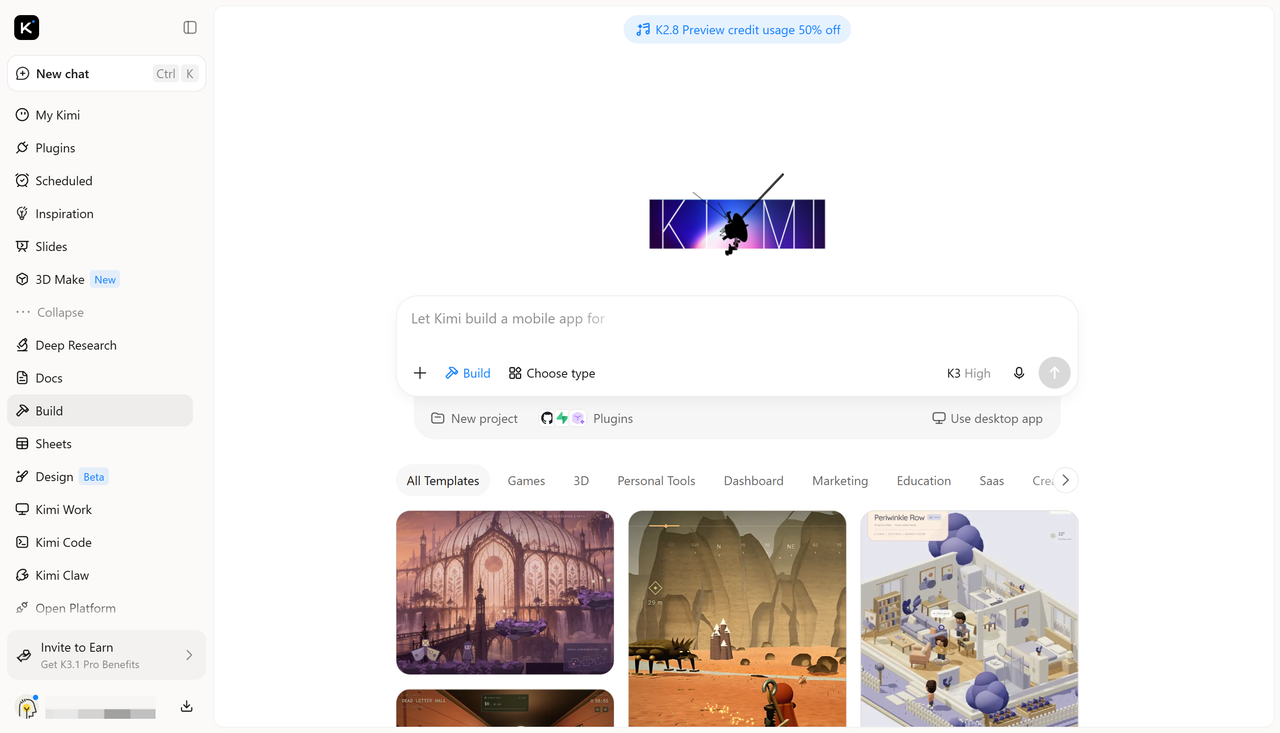
Kimi Build is an AI game maker that helps users transform game concepts into interactive prototypes and custom game interfaces. It can generate visual elements, design interactive layouts, and structure gameplay components based on text prompts, making it useful for exploring game mechanics and bringing early-stage game ideas to life.
Main features
Turn game ideas into playable experiences: Transform your game concepts into interactive experiences by describing your ideas in natural language. Create different types of game environments, levels, scenes, and gameplay elements without necessarily writing code. From platformers and puzzle games to adventure games and interactive simulations, build the foundations of your game with generated environments, characters, objects, obstacles, and interactive mechanics.
Shape your game's visual identity: Define the look and feel of your game. Customize environments, character appearances, colors, lighting, textures, backgrounds, and visual effects to match your creative direction. Whether you're developing a pixel-art platformer, a cartoon-style adventure, or a realistic 3D environment, maintain a consistent aesthetic across different game elements.
Create and customize game assets: Generate the visual and audio resources your game needs, including characters, enemies, props, backgrounds, animations, and sound effects. Adapt these assets to different gameplay scenarios and design requirements, making it easier to build distinctive game content without creating every element from scratch or sourcing resources separately.
Test, refine, and share your game: Preview your game as you build it and evaluate how its different elements work together. Make adjustments through prompts or manual editing, refine gameplay mechanics and visual details, and revisit previous versions to explore different approaches. When your game is ready, publish or share it through a link so others can try it across supported devices.
Suitable for
Creating interactive 2D game prototypes and puzzle games
Designing game levels, environments, and interactive scenes
Generating characters, objects, backgrounds, and visual assets
Testing gameplay mechanics and refining early game concepts
How to design a game with Kimi Build
You don't need to start with a fully developed game concept to explore what Kimi Build can create. A simple idea, a clear description, and a few design choices are enough to get started. Follow these steps to turn your game concept into an interactive prototype.
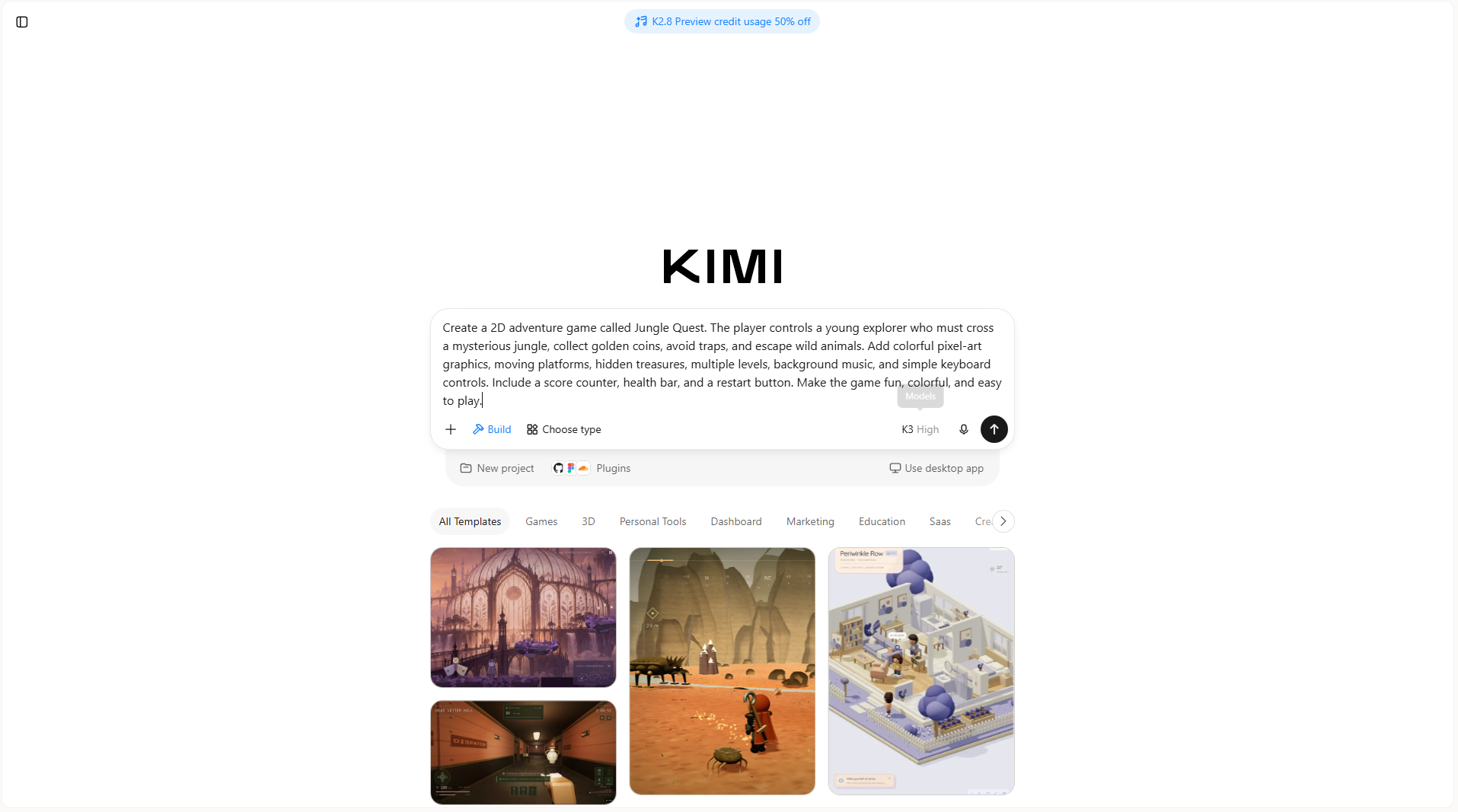
Step 1: Write a prompt
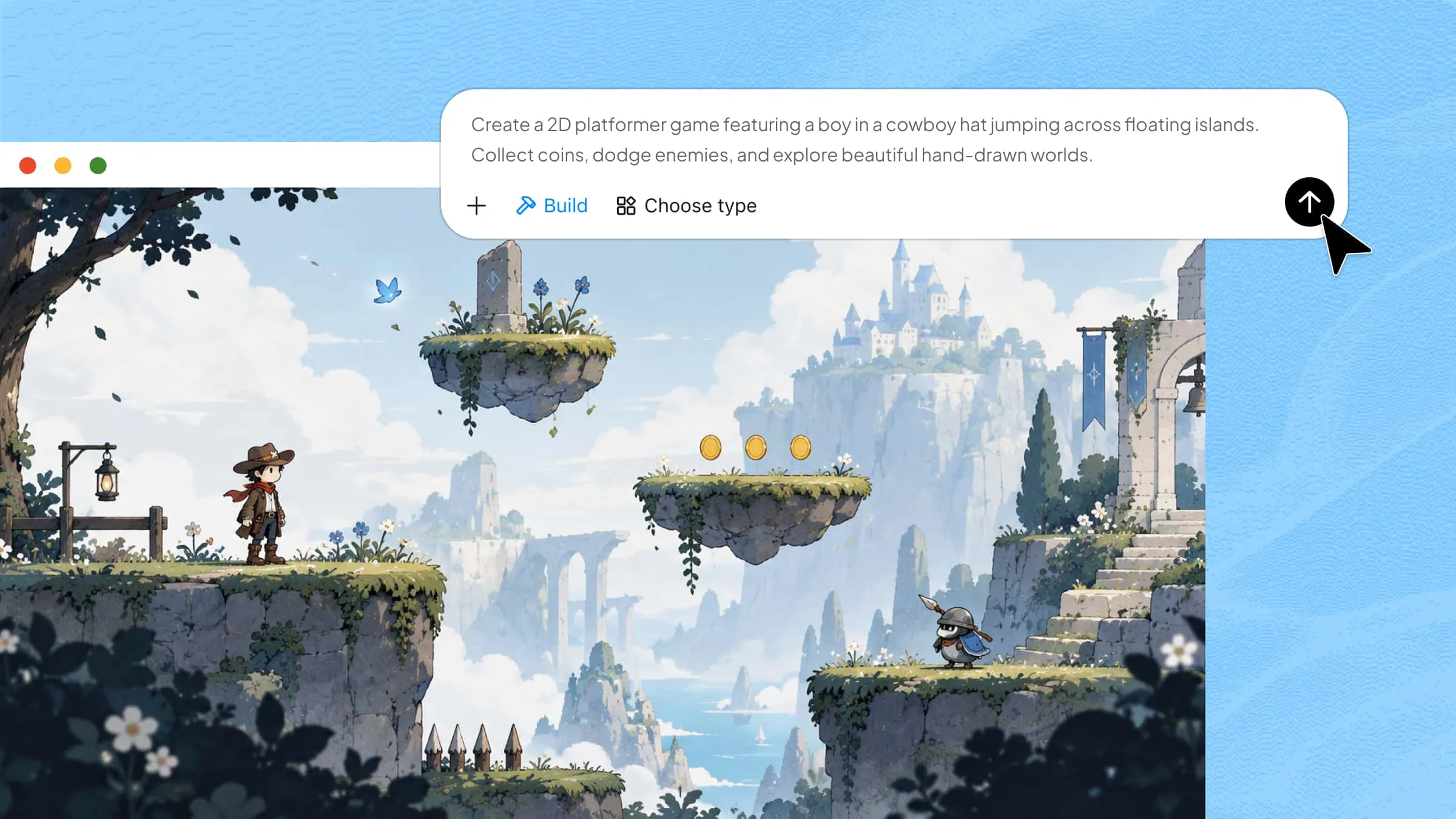
Open Kimi Build and describe the type of game you want to create. Include details about the setting, characters, objectives, controls, and visual style so the tool can understand your idea.
Example prompt:
Step 2: Edit your game
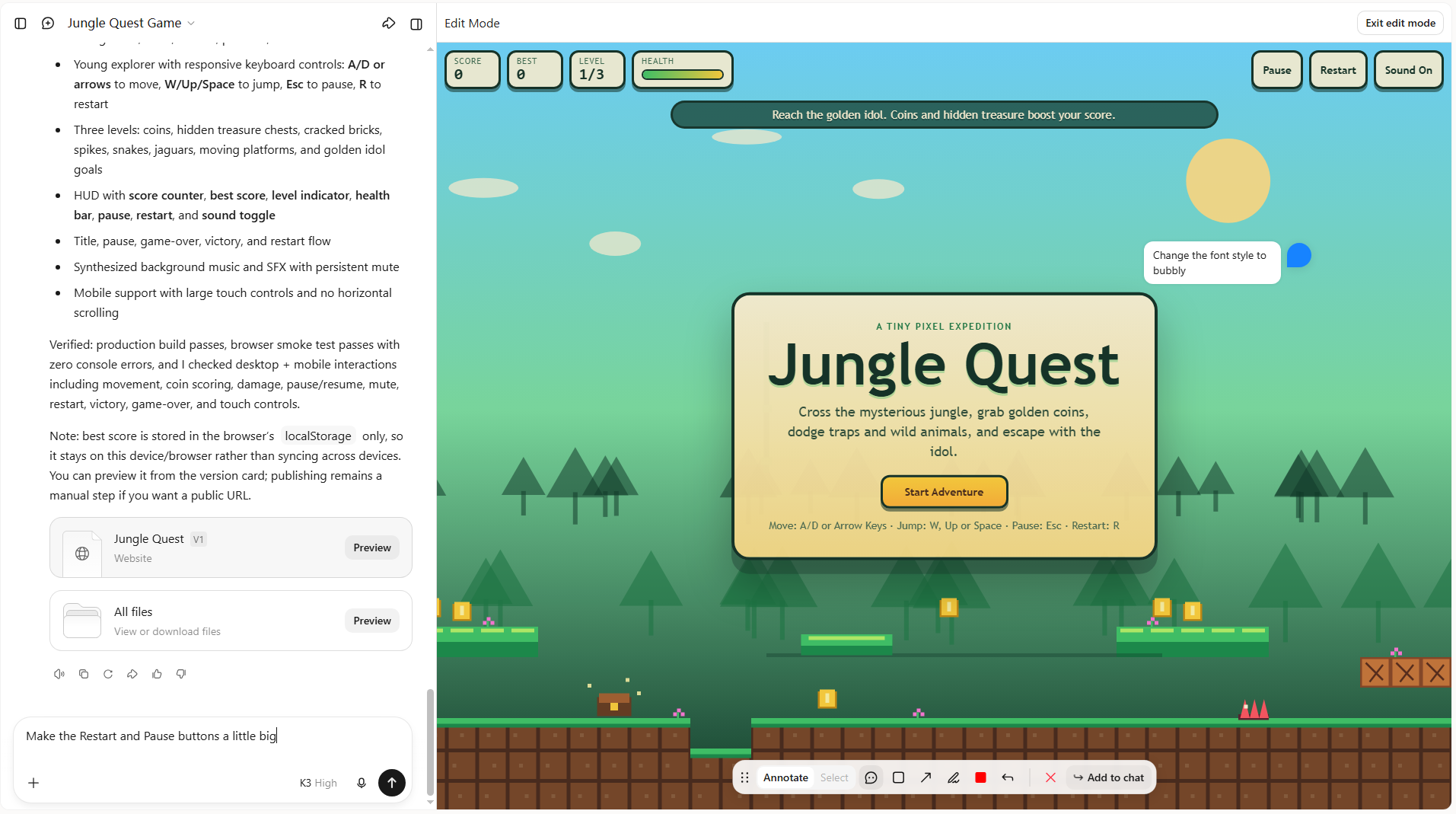
Once Kimi Build generates the initial version, play through the game and check how its controls, characters, and levels work. Use additional prompts to make changes, such as adding new obstacles, adjusting character movement, changing the background, or introducing new challenges.
Step 3: Review and publish
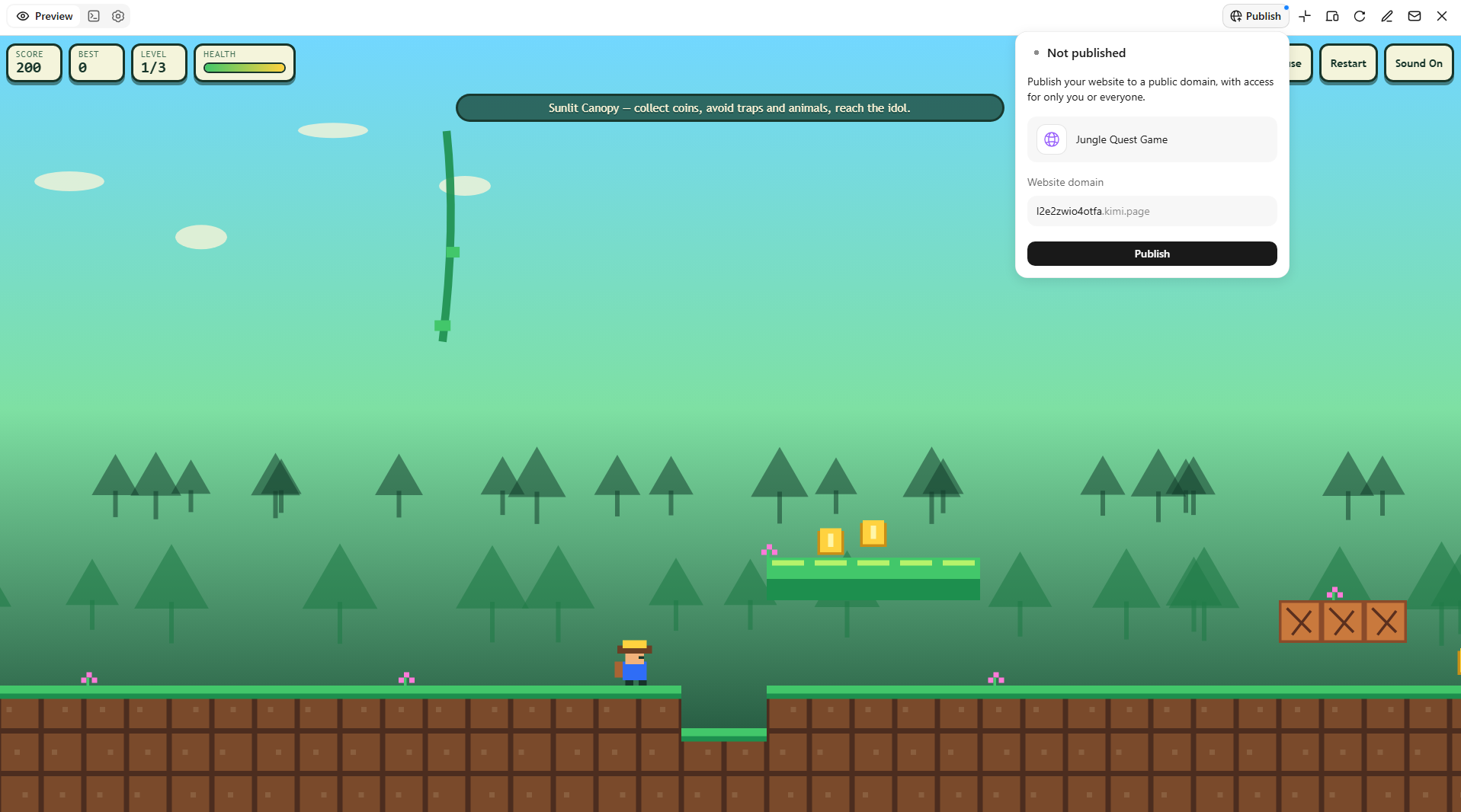
Test the updated game to make sure its features work as expected and the gameplay feels smooth. Fix any remaining issues, refine the visuals, and make final adjustments. Once you're happy with the result, publish or share your game through a link so others can try it.
Unity
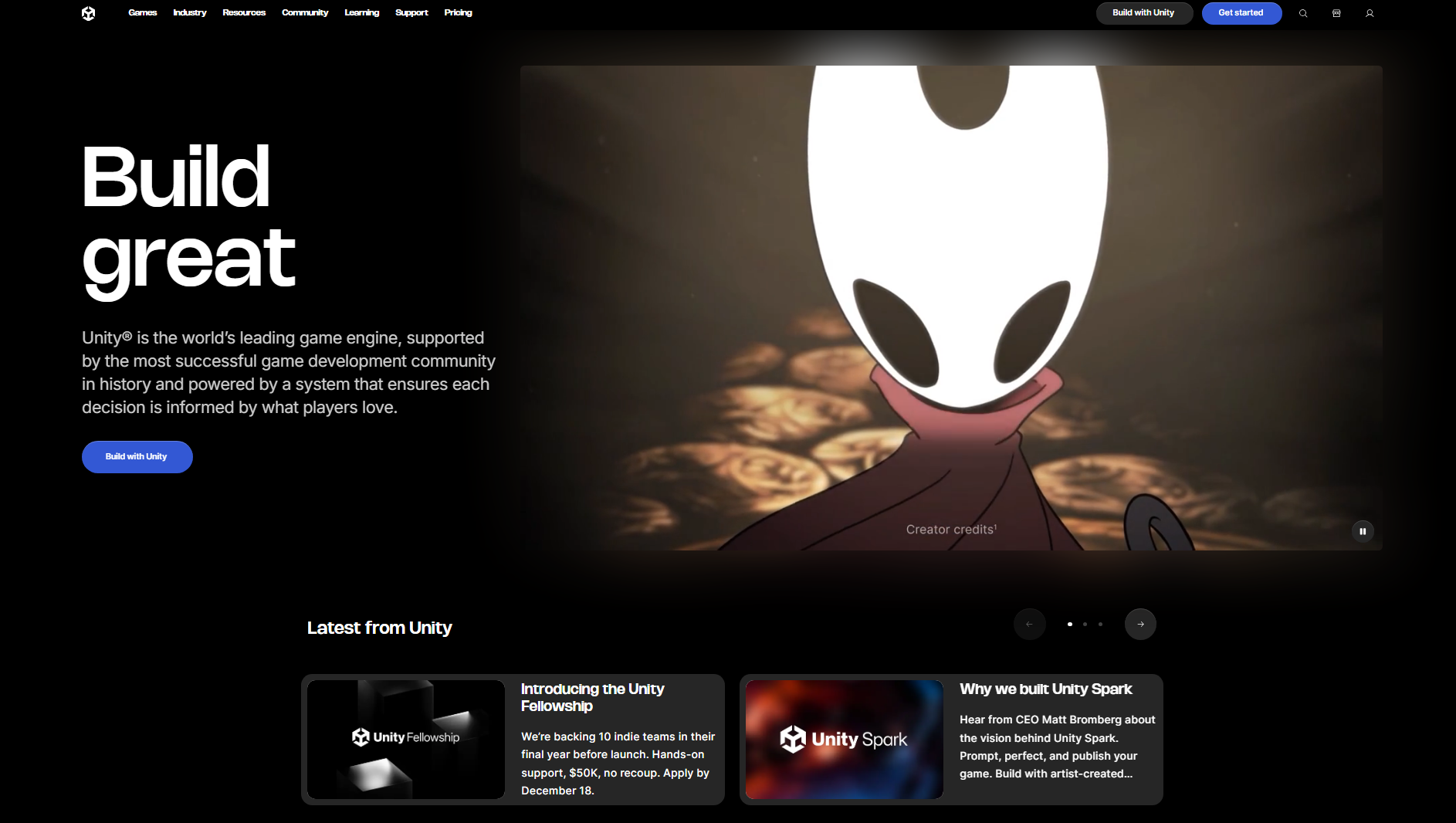
Unity is a cross-platform game development engine used to create 2D, 3D, and interactive experiences. It combines a visual editor with C# scripting to give developers control over gameplay, graphics, and physics. Its rendering tools support different visual styles, from simple mobile graphics to detailed 3D environments. Developers can also build games for PCs, consoles, mobile devices, and the web.
Main features
Visual Scene Editor: Arrange characters, objects, cameras, lights, and environments directly in the Scene view. Use the Inspector to adjust object properties and component settings.
C# Scripting: Write scripts to control player movement, enemy behavior, scoring, and game events. Attach scripts to GameObjects to organize gameplay logic.
Physics Engine: Use 2D and 3D physics systems with rigidbodies, colliders, and collision detection. Create realistic movement, jumping, and object interactions.
Animation System: Build character animations using Animator Controllers, states, and transitions. Connect animations to actions such as running, jumping, and attacking.
Suitable for
Developing 3D action, adventure, and role-playing games
Creating 2D platformers and side-scrolling games
Building cross-platform mobile games
Developing interactive simulations and augmented reality experiences
Unreal Engine
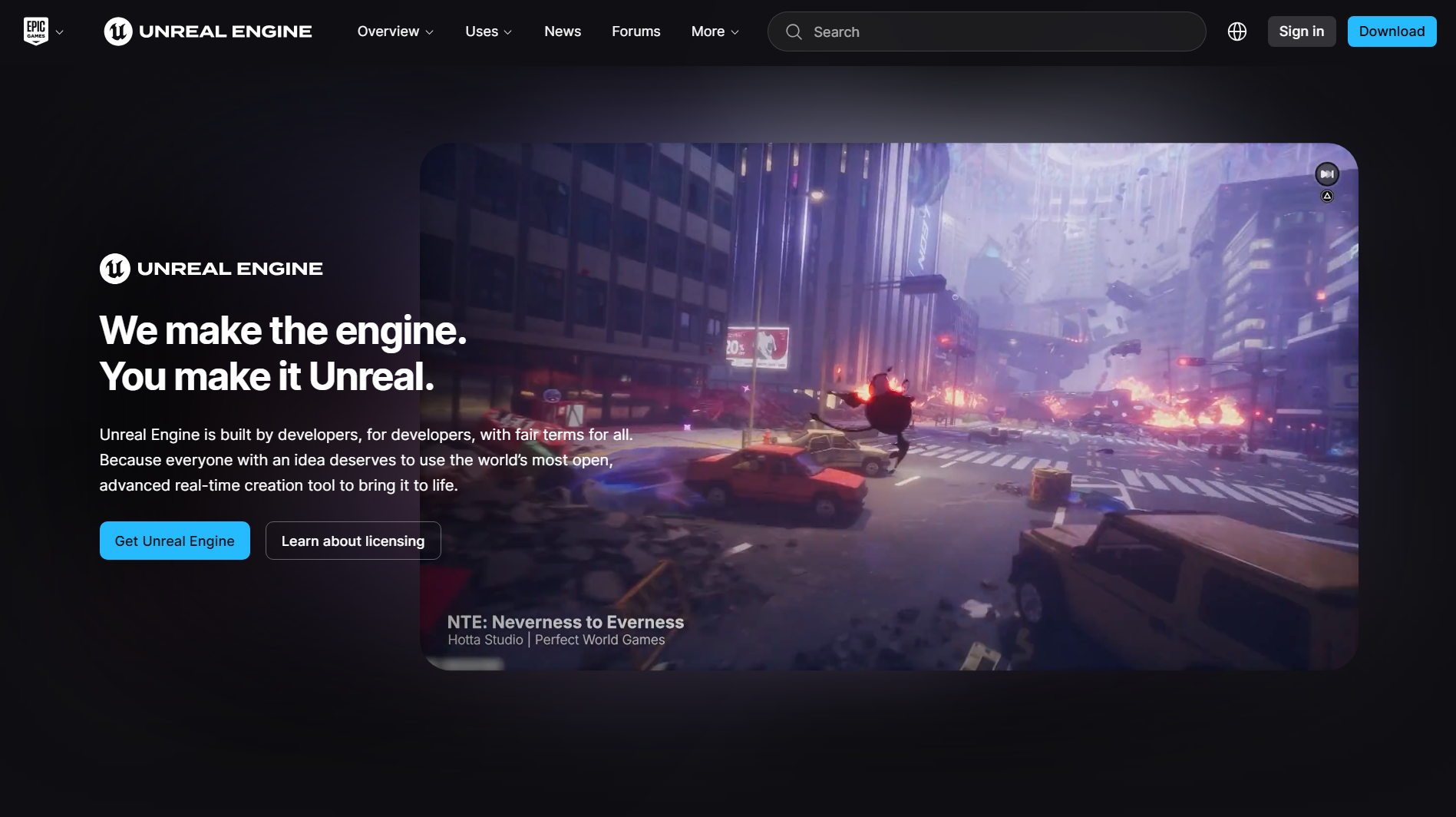
Unreal Engine is a real-time 3D video game design software known for its advanced graphics and rendering capabilities. It provides tools for building detailed game worlds, realistic characters, and complex interactive experiences. Developers can create gameplay logic using visual scripting or traditional C++ programming. Its production tools also support cinematic sequences, physics-based interactions, and large-scale environments.
Main features
Blueprint Visual Scripting: Create gameplay logic through connected visual nodes without writing every function in code. Use it for player controls, object interactions, and game events.
Nanite Virtualized Geometry: Render highly detailed 3D objects with complex geometry. This technology helps create detailed environments without manually building multiple levels of mesh detail.
Lumen Global Illumination: Add dynamic lighting and realistic reflections to game environments. Lighting changes can respond to moving objects and different environmental conditions.
MetaHuman Creator: Design realistic digital human characters with customizable facial features, hair, and appearance. Use the resulting characters in cinematic scenes and interactive games.
Suitable for
Creating realistic open-world adventure games
Developing high-end first-person and third-person shooters
Building cinematic storytelling and narrative games
Producing visually detailed racing and simulation games
Godot Engine
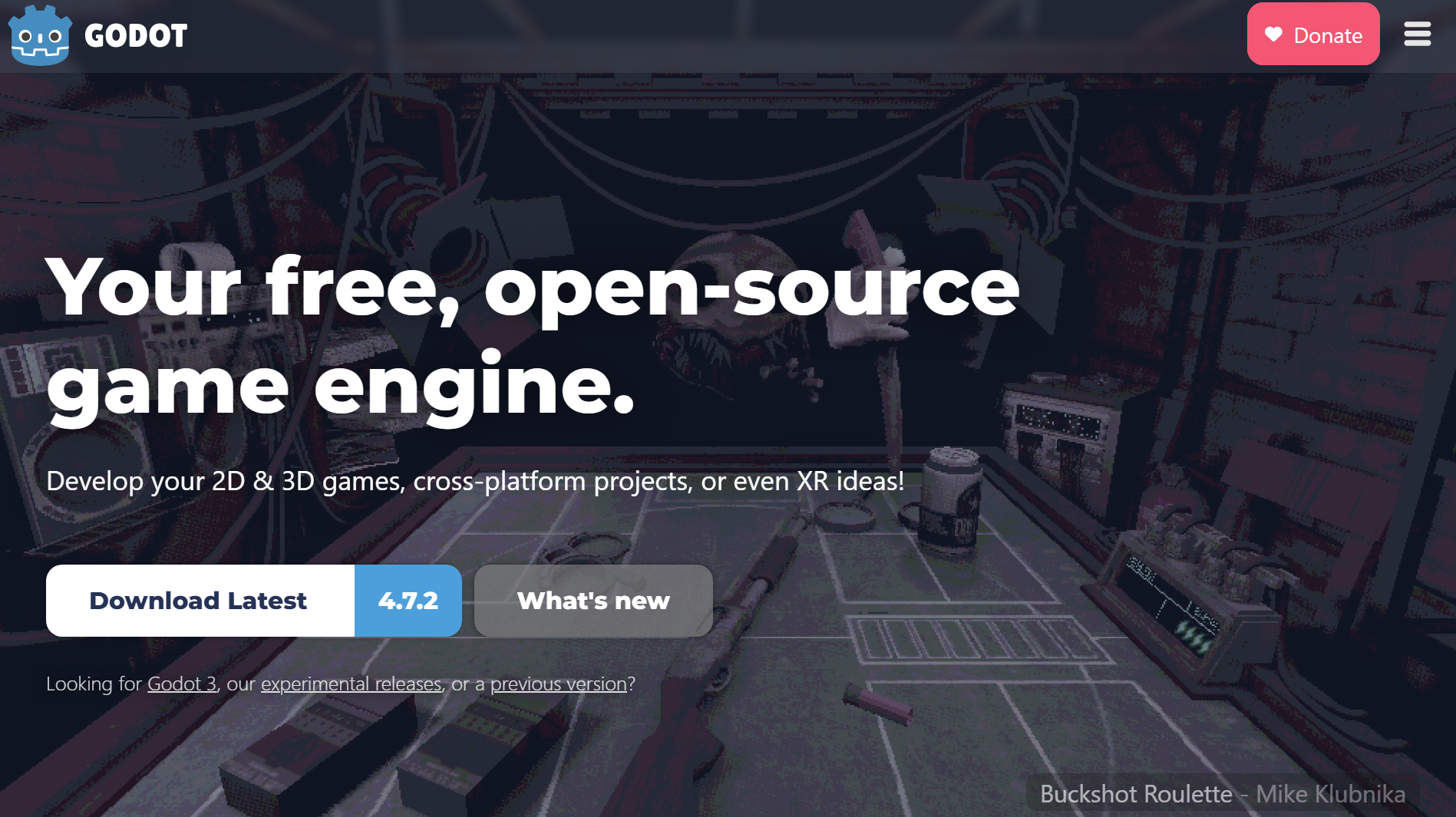
Godot Engine is an open-source game engine designed for both 2D and 3D development. It uses a node-based architecture that allows developers to organize game elements into reusable scenes. Its built-in scripting language, GDScript, provides a straightforward way to implement gameplay logic. Godot also supports C# and native extensions for developers who need additional flexibility.
Main features
Node and Scene System: Build games using reusable scenes made from different nodes. Organize characters, levels, cameras, and other game elements into manageable structures.
GDScript: Write gameplay logic using a Python-like scripting language. Use it to control characters, manage game events, and create interactive objects.
2D Rendering Engine: Work with dedicated 2D tools, including tilemaps, sprites, particles, and 2D lighting. These features support detailed side-scrolling and top-down games.
AnimationPlayer: Create animations by changing object properties over time. Animate character movements, UI elements, sprites, and environmental objects.
Suitable for
Developing pixel-art and retro-style games
Creating top-down adventure and exploration games
Building lightweight 2D puzzle games
Making independent 3D games with smaller development teams
GameMaker
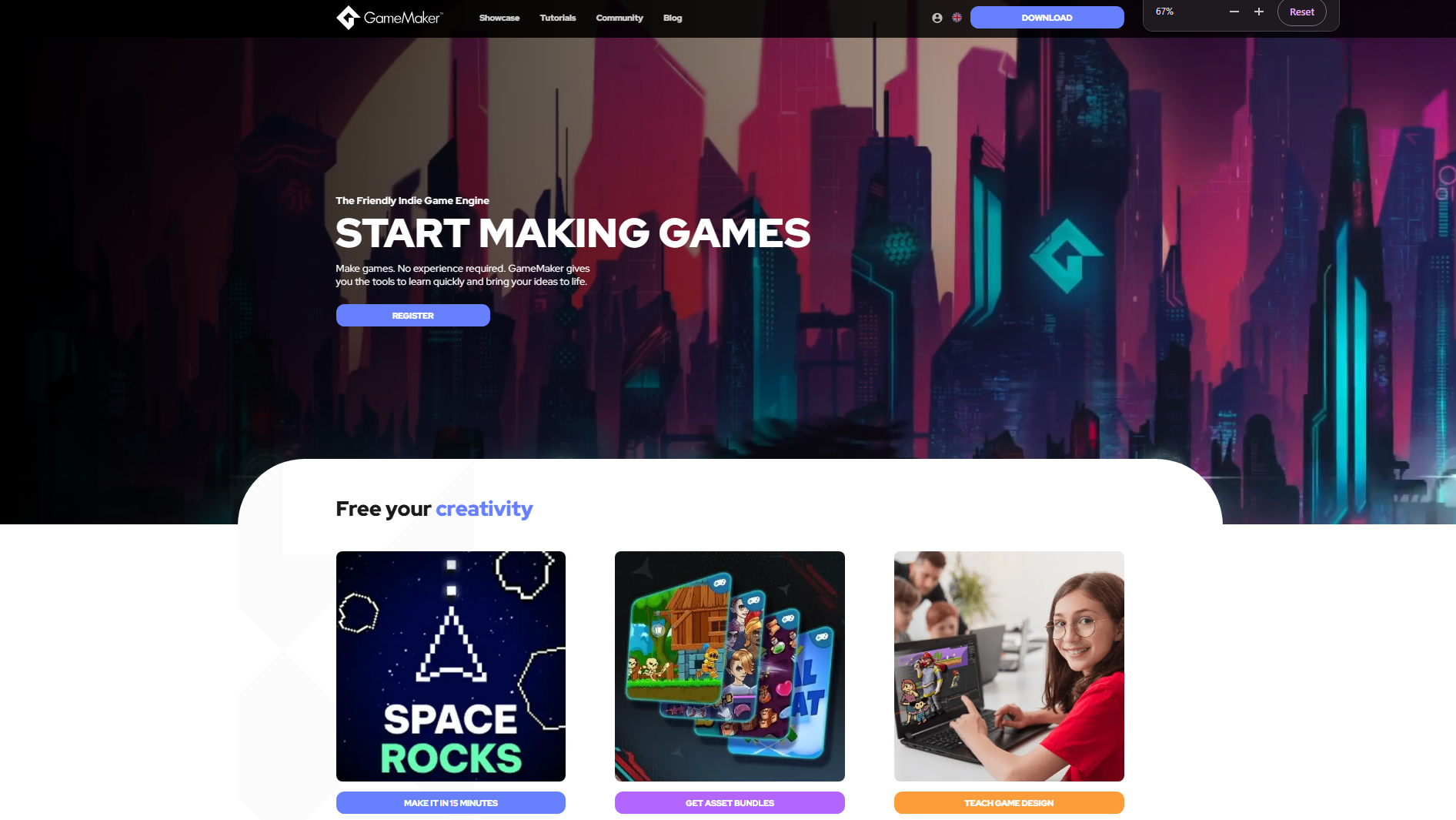
GameMaker is a 2D game design software focused primarily on creating 2D games. It provides a visual development environment alongside its GameMaker Language (GML) for implementing gameplay mechanics. Developers can organize characters, objects, rooms, and events through its built-in editor. Its dedicated 2D workflow makes it useful for creating sprite-based games without managing complex 3D systems.
Main features
Drag and Drop: Create gameplay interactions using visual actions instead of writing code for every task. Configure object behavior, movement, and collisions through the editor.
GameMaker Language: Use GML to implement custom mechanics, character controls, enemy AI, and scoring systems. It offers more control when projects require advanced logic.
Room Editor: Design individual game levels by placing sprites, objects, backgrounds, and instances. Configure room properties to control how each level is displayed.
Sprite Editor: Create and edit animated sprites using built-in drawing and animation tools. Set up sprite frames for character movements and visual effects.
Suitable for
Creating retro arcade and action games
Developing 2D fighting and beat-'em-up games
Building sprite-based adventure games
Designing fast-paced shoot-'em-up games
Construct 3
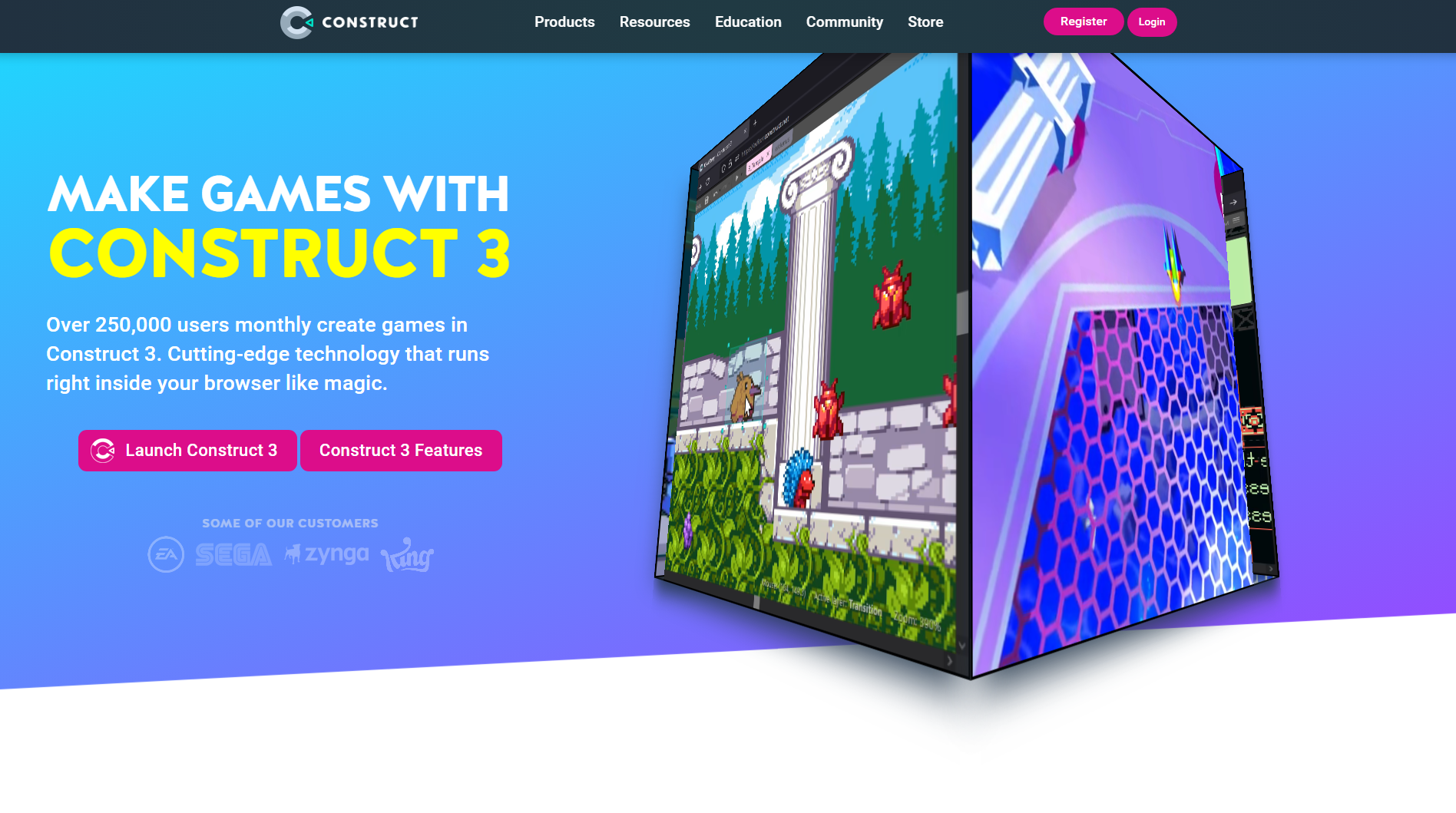
Construct 3 is an online game design software designed to make 2D game creation more accessible. It uses a visual event system that allows users to build gameplay without traditional programming. Its layout editor provides a workspace for arranging sprites, backgrounds, and interactive objects. Developers can preview their projects directly in the browser and export games to supported platforms.
Main features
Event Sheets: Create gameplay rules using conditions and actions instead of writing code. Set up player movement, enemy responses, scoring, and level progression.
Layout Editor: Arrange game objects, backgrounds, and visual elements on a 2D canvas. Create separate layouts for menus, levels, and game screens.
Built-in Behaviors: Add ready-made behaviors such as platform movement, physics, bullet movement, and pathfinding. Configure their properties without developing every mechanic manually.
Real-Time Preview: Test gameplay directly in the editor while making changes. Quickly identify issues with object movement, event logic, and level interactions.
Suitable for
Creating browser-based arcade games
Developing educational games and interactive learning activities
Building simple multiplayer party games
Designing 2D platformers without extensive coding
GDevelop
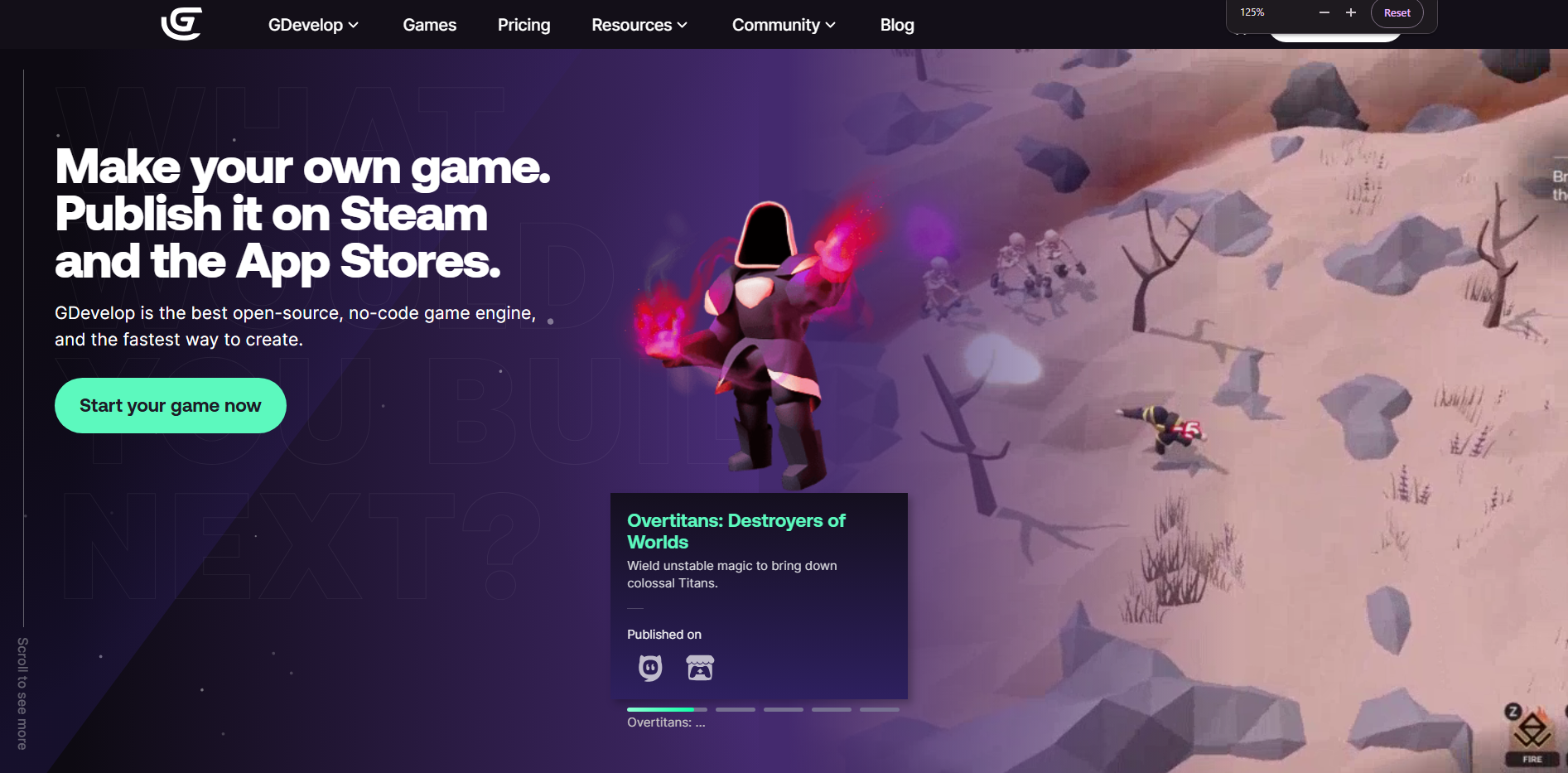
GDevelop is an open-source game engine that uses a visual event-based system to develop games. It allows creators to build gameplay mechanics through conditions, actions, and object behaviors rather than relying on traditional coding. The platform supports both 2D and 3D projects, with a strong focus on accessible game development. It also includes publishing and asset-management tools to support the development process.
Main features
Event-Based System: Create game logic using conditions and actions arranged in event sheets. Control player behavior, enemy interactions, and game progression visually.
Object Behaviors: Add predefined behaviors for platform movement, physics, pathfinding, and other interactions. Adjust their settings to match specific gameplay requirements.
Integrated Asset Store: Access ready-made sprites, animations, sound effects, and other game resources. Use these assets to build scenes without creating everything from scratch.
Cross-Platform Publishing: Export games to supported platforms, including web, desktop, and mobile. Prepare projects for browser-based play or distribution through supported stores.
Suitable for
Creating no-code 2D adventure games
Developing educational and quiz-based games
Building interactive storytelling experiences
Making casual mobile games with simple mechanics
RPG Maker
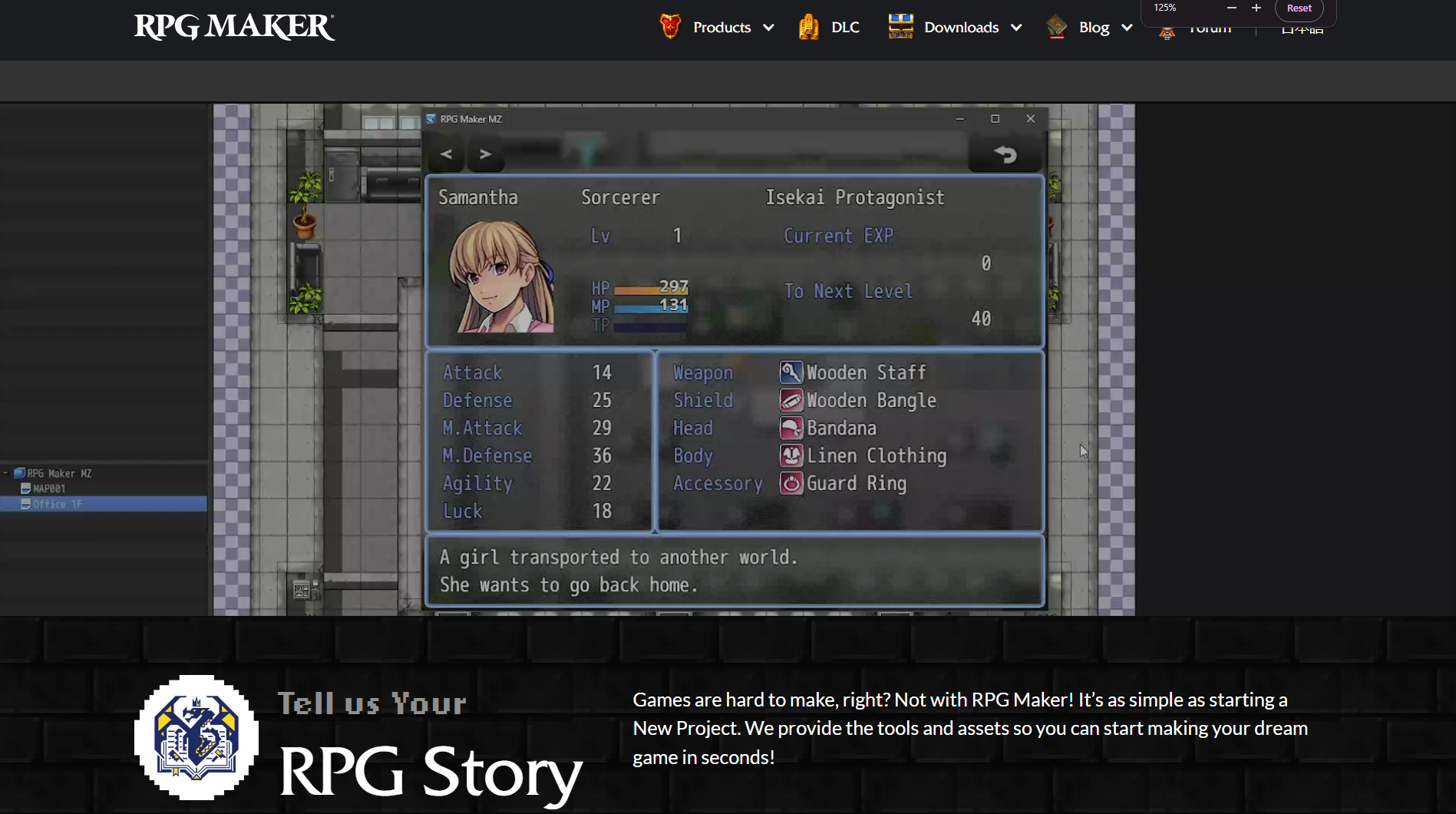
RPG Maker is a game design software for beginners to make role-playing games. It provides ready-made systems for building maps, managing characters, and developing turn-based combat. Its database editor lets developers configure items, weapons, skills, enemies, and character classes. Users can create complete RPG experiences through visual tools, with scripting options available for additional customization.
Main features
Map Editor: Design towns, dungeons, forests, and other game locations using tile-based maps. Place objects and events to create interactive environments.
Database Editor: Configure characters, classes, weapons, armor, skills, and enemies. Define the statistics and abilities that shape the game's combat system.
Event System: Create conversations, quests, treasure chests, and scripted story events. Use event commands to control how players interact with the game world.
Turn-Based Battle System: Set up combat encounters with customizable enemy groups, character skills, and battle commands. Manage damage, status effects, and rewards.
Suitable for
Creating classic turn-based fantasy RPGs
Developing story-driven Japanese-style RPGs
Building dungeon-crawling adventure games
Designing narrative games with quests and character progression
Cocos Creator
Cocos Creator is a cross-platform game development engine designed for creating interactive 2D and 3D experiences. It combines a visual editor with TypeScript and JavaScript scripting for implementing game mechanics. Its component-based architecture allows developers to organize scenes, objects, and reusable gameplay elements.
Main features
Scene Editor: Build game environments by arranging nodes, sprites, cameras, and other components. Organize different scenes for menus, levels, and gameplay.
TypeScript and JavaScript: Write scripts to control character movement, game events, animations, and object interactions. Use typed code to structure larger projects.
Animation Editor: Create animations using keyframes and property changes. Control sprite movements, visual transitions, and other animated game elements.
UI System: Design game menus, buttons, progress bars, and other interface components. Use layout tools to organize interfaces for different screen sizes.
Suitable for
Developing HTML5 browser games
Creating mobile puzzle and casual games
Building lightweight multiplayer games
Designing 2D and 3D games for mobile devices
Defold
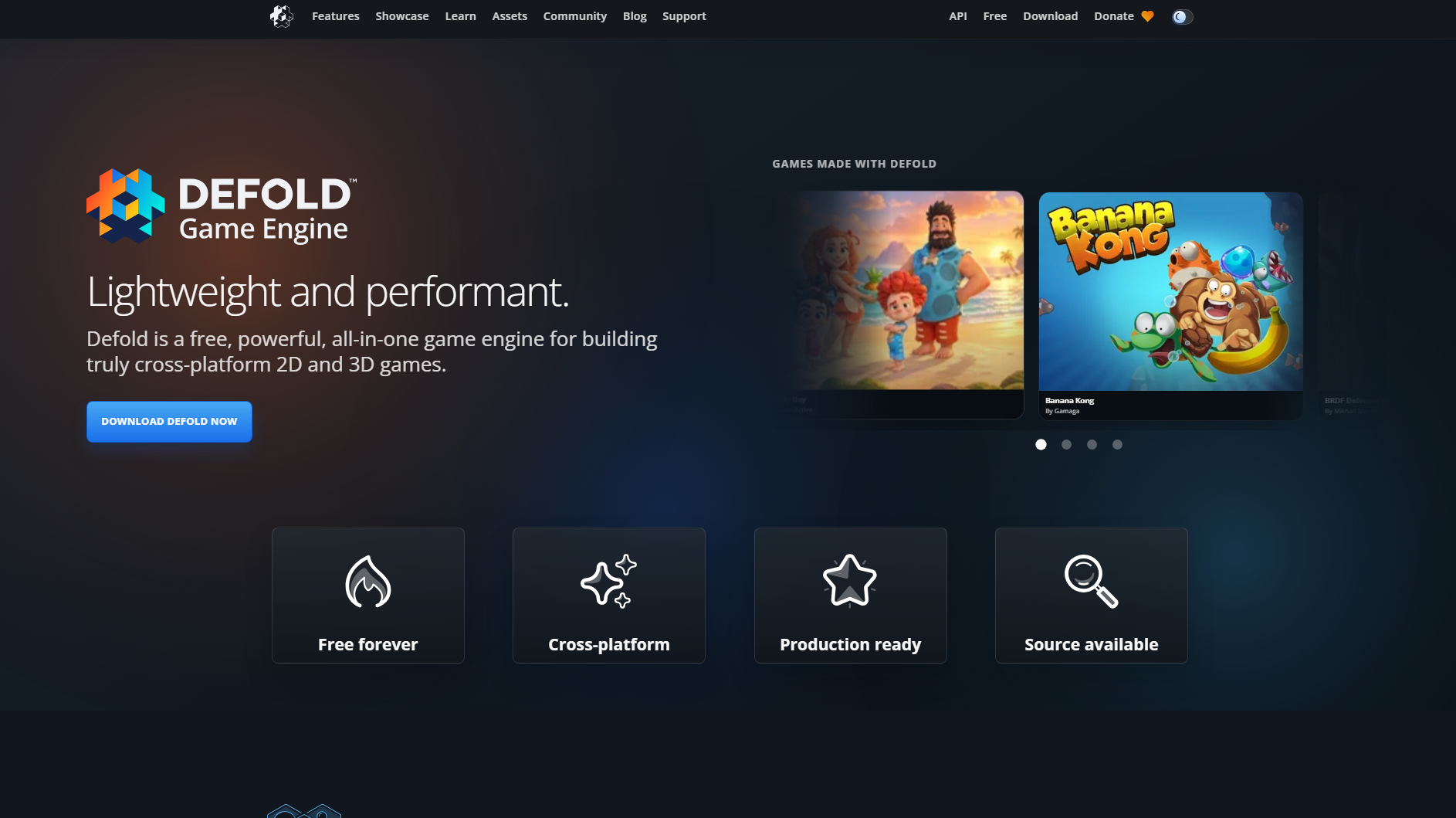
Defold is a lightweight, cross-platform game engine designed for efficient 2D and 3D development. It uses Lua scripting to implement gameplay mechanics and manage interactive objects. Its collection-based architecture helps developers organize game scenes, resources, and reusable components. The engine also includes tools for asset management, animation, and deployment across different platforms.
Main features
Collection System: Organize game objects, components, and nested collections into reusable structures. Manage different levels and game scenes within a project.
Lua Scripting: Use Lua to control gameplay behavior, character movement, object interactions, and game logic. Its scripting system supports lightweight and flexible development.
Tilemap Editor: Build 2D environments using tile sources and grid-based maps. Create platformer levels, backgrounds, and top-down game locations.
Particle FX Editor: Design visual effects such as explosions, smoke, sparks, and magic spells. Adjust particle movement, lifetime, and appearance to match gameplay actions.
Suitable for
Creating lightweight 2D mobile games
Developing precision-based platformers
Building small arcade and casual games
Making games for embedded and resource-constrained devices
How to choose a game design software for beginners
With so many game development tools available, choosing one can feel confusing when you're just starting out. Focus on your current skills, the type of game you want to create, and the features you'll need along the way. Here are some important things to consider before making your choice.
Ease of use and learning curve
Choose software with a simple layout, clear controls, and easy-to-understand tools. A beginner-friendly editor lets you focus on creating your game rather than learning complicated workflows. Construct 3 and GDevelop are good starting points for visual game development.
Coding requirements
Check whether the software requires programming or offers visual development tools. Kimi Build, Construct 3, and GDevelop let you create gameplay without traditional coding. Unity, Godot, and GameMaker offer scripting options for more control over game mechanics.
2D and 3D game development
Consider whether you want to create 2D games, 3D environments, or both. GameMaker and RPG Maker focus mainly on 2D development, while Unity, Unreal Engine, and Godot support both. Choose a tool that matches your creative goals.
Built-in assets and design tools
Look for ready-made characters, backgrounds, animations, and other resources that can speed up development. Features such as sprite editors, asset libraries, and animation tools also help you create game elements without starting from scratch.
Export options and platform compatibility
Check whether the software lets you publish games for your preferred platforms, including browsers, PCs, and mobile devices. Some tools also support console development. Choosing compatible software early makes it easier to share your finished game with players.
Conclusion
You don't need a perfect plan to begin creating your own game. Modern game design software can give you the tools and confidence to experiment with different ideas. Focus on learning through small projects and improve your designs with each attempt. For a simple way to explore your creativity, try Kimi Build. Describe your game idea and start turning it into an interactive experience.