A game engine provides the tools needed to create characters, design levels, add sound effects, and build game mechanics. However, beginners may find it difficult to choose a platform that matches their skills and project goals. Some engines use drag-and-drop features and visual scripting, while others provide programming tools for greater control over gameplay. This article explores 10 beginner-friendly game engines, covering their key features, supported game types, and ease of use to help you choose the right platform for your first project.
Overview of 10 game engines
Game development involves several technical aspects, including scripting gameplay, rendering graphics, managing assets, and preparing builds for different devices. Each engine handles these tasks through its own development environment and programming tools. The table lists 10 popular game engines with their primary applications, supported languages, and deployment platforms, which gives you a useful overview of their technical requirements.
| Game engine | Game development focus | Programming language | Key features | Suitable for |
|---|---|---|---|---|
| Unity | 2D and 3D games | C# | Component-based architecture, URP and HDRP rendering pipelines, Asset Store | Cross-platform games, mobile 3D adventures, VR, simulations |
| Unreal Engine | High-quality 3D games | C++, Blueprint visual scripting | Nanite, Lumen, Blueprint, Chaos Physics | Open-world games, photorealistic games, cinematic experiences |
| Godot | 2D and 3D games | GDScript, C#, C++ (via extensions) | Dedicated 2D tools, node-based architecture, integrated debugging | Indie games, pixel-art adventures, 2D puzzles |
| GameMaker | 2D games | GML, GML Visual | Sprite editor, room editor, sequence editor | Retro arcade games, platformers, 2D shooters |
| Construct 3 | No-code 2D game creation | Visual event system, optional JavaScript | Event sheets, browser-based editor, built-in behaviors, plugins | Educational games, browser puzzles, interactive projects |
| Cocos Creator | 2D and 3D games, especially mobile | TypeScript, JavaScript | Visual scene editor, animation system, 2D and 3D rendering | Casual mobile games, social games, web-based games |
| Defold | Lightweight 2D games | Lua | Collection-based structure, animation tools, cross-platform publishing | Lightweight mobile games, web arcade projects, resource-efficient games |
| Bevy | Performance-focused 2D and 3D games | Rust | ECS architecture, modular plugins, parallel processing | Rust game development, simulations, rendering experiments |
| Phaser | Browser-based 2D games | JavaScript, TypeScript | WebGL and Canvas rendering, physics integration, scene management | HTML5 games, browser puzzles, web-based action games |
| RPG Maker MZ | Story-driven RPGs | Event commands, JavaScript plugins | Map editor, character generator, game database, event system | Turn-based RPGs, fantasy adventures, classic Japanese RPGs |
Explore the 10 popular game engines in 2026
Each game engine provides different tools, features, and development options. Some focus on beginner-friendly design, while others provide advanced features for larger projects. Here are 10 game engines worth exploring.
Unity
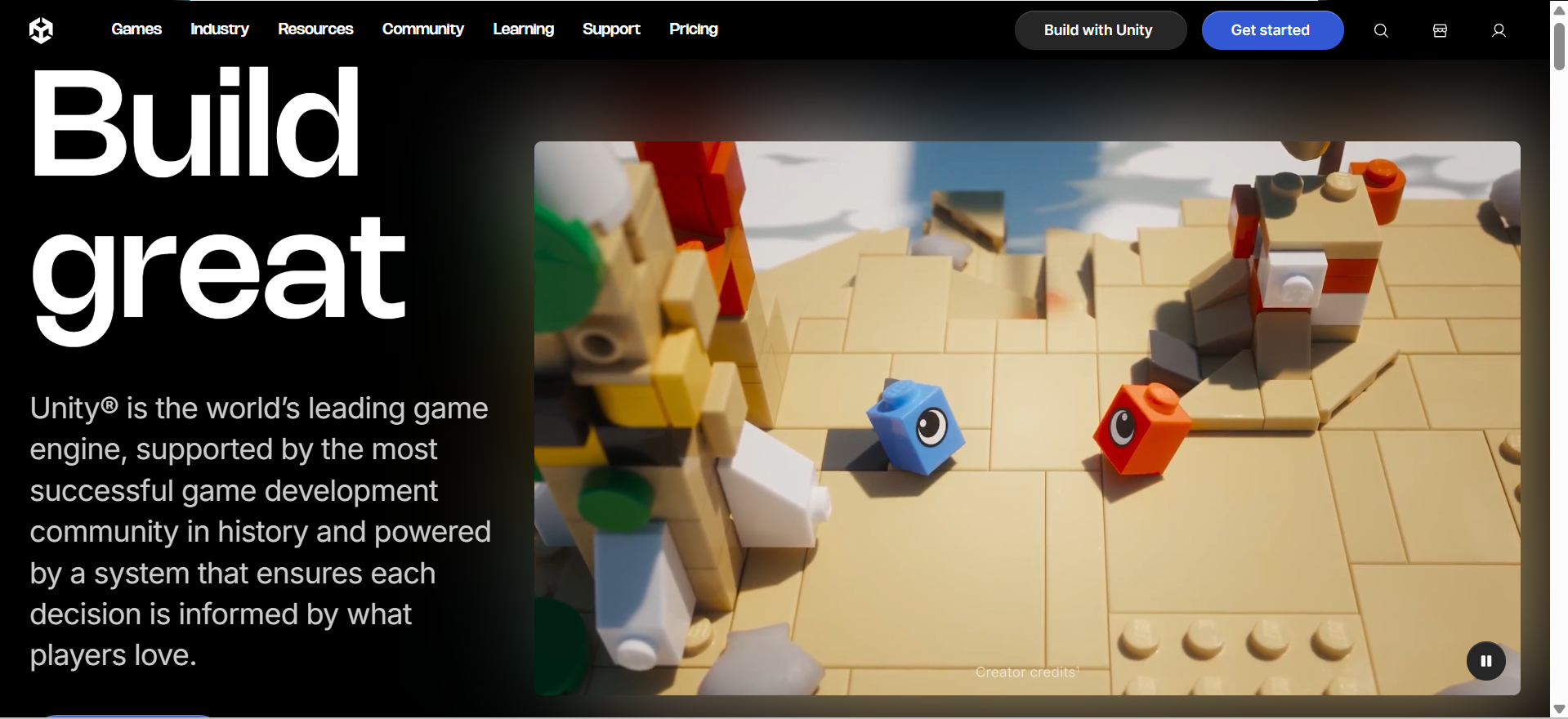
Unity is one of the most popular game engines for developing interactive 2D and 3D experiences. It provides a flexible development environment where creators can combine ready-made assets, custom scripts, animations, and physics to build games for different platforms. Its C# scripting support gives developers control over gameplay, while its Asset Store provides models, environments, and development resources.
Main features
2D and 3D Development: Provides dedicated tools for building two-dimensional and three-dimensional gaming environments.
Component-Based Architecture: Uses GameObjects and components to organize scenes, objects, and their behaviors.
C# Scripting: Supports C# programming for developing gameplay mechanics, interactions, and custom functions.
Advanced Rendering: Offers URP and HDRP rendering pipelines for different visual quality and performance requirements.
Suitable for
Cross-platform game production
Mobile 3D adventures
Virtual reality applications
Interactive simulation projects
Unreal Engine
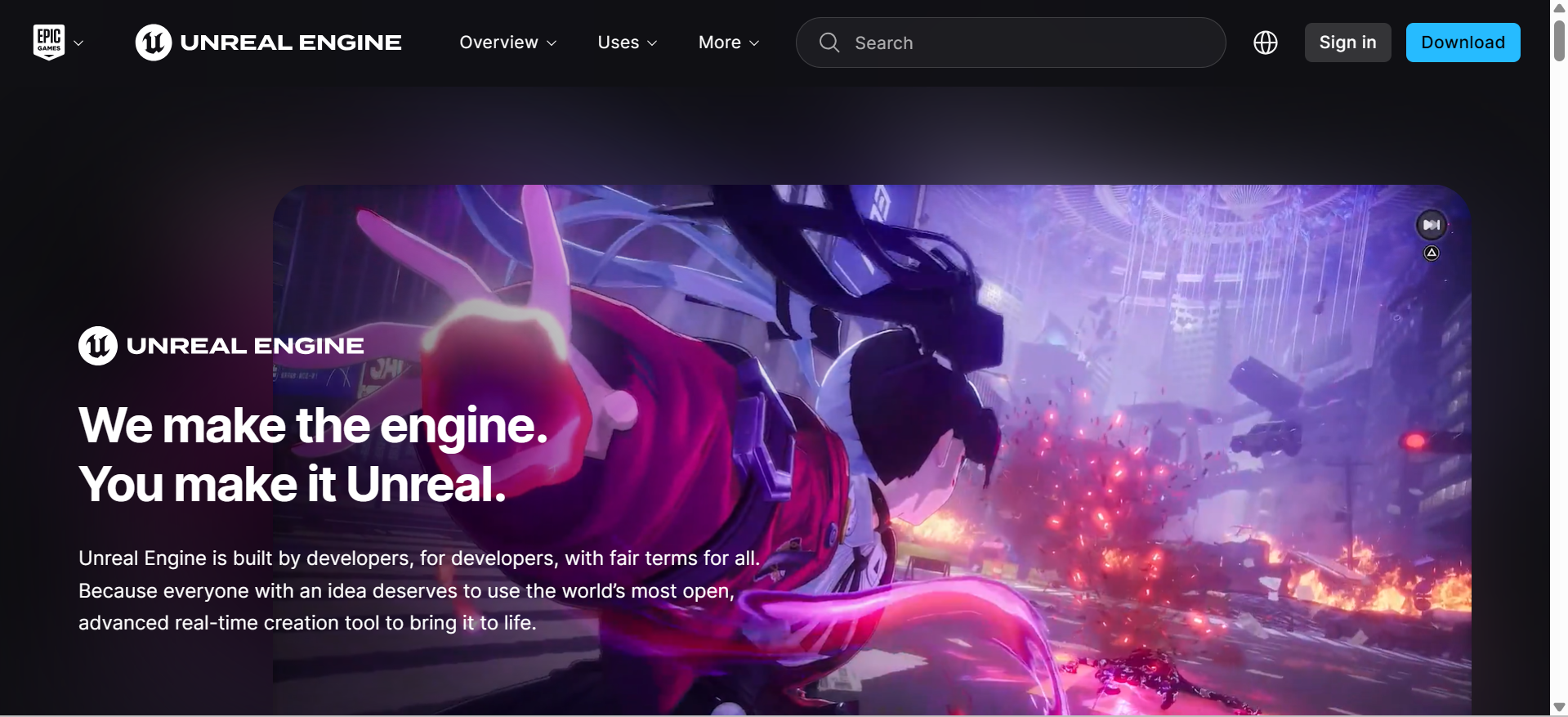
Unreal Engine is widely recognized for its advanced graphics technology and realistic visual effects. It uses Nanite to handle detailed 3D geometry and Lumen to create dynamic lighting and reflections. Developers can build gameplay through its visual Blueprint system or use C++ for more advanced customization. These capabilities make Unreal Engine a strong choice when comparing game engines for large-scale projects that require detailed environments and high-quality visuals.
Main features
Nanite Technology: Handles highly detailed 3D models and complex environmental geometry.
Lumen Lighting: Creates dynamic global illumination and realistic reflections across game environments.
Blueprint Visual Scripting: Allows developers to build gameplay logic through connected visual nodes.
Chaos Physics: Provides systems for destruction, cloth simulation, and realistic physical interactions.
Suitable for
Photorealistic action games
Open-world environments
Cinematic gaming experiences
Architectural visualizations
Godot
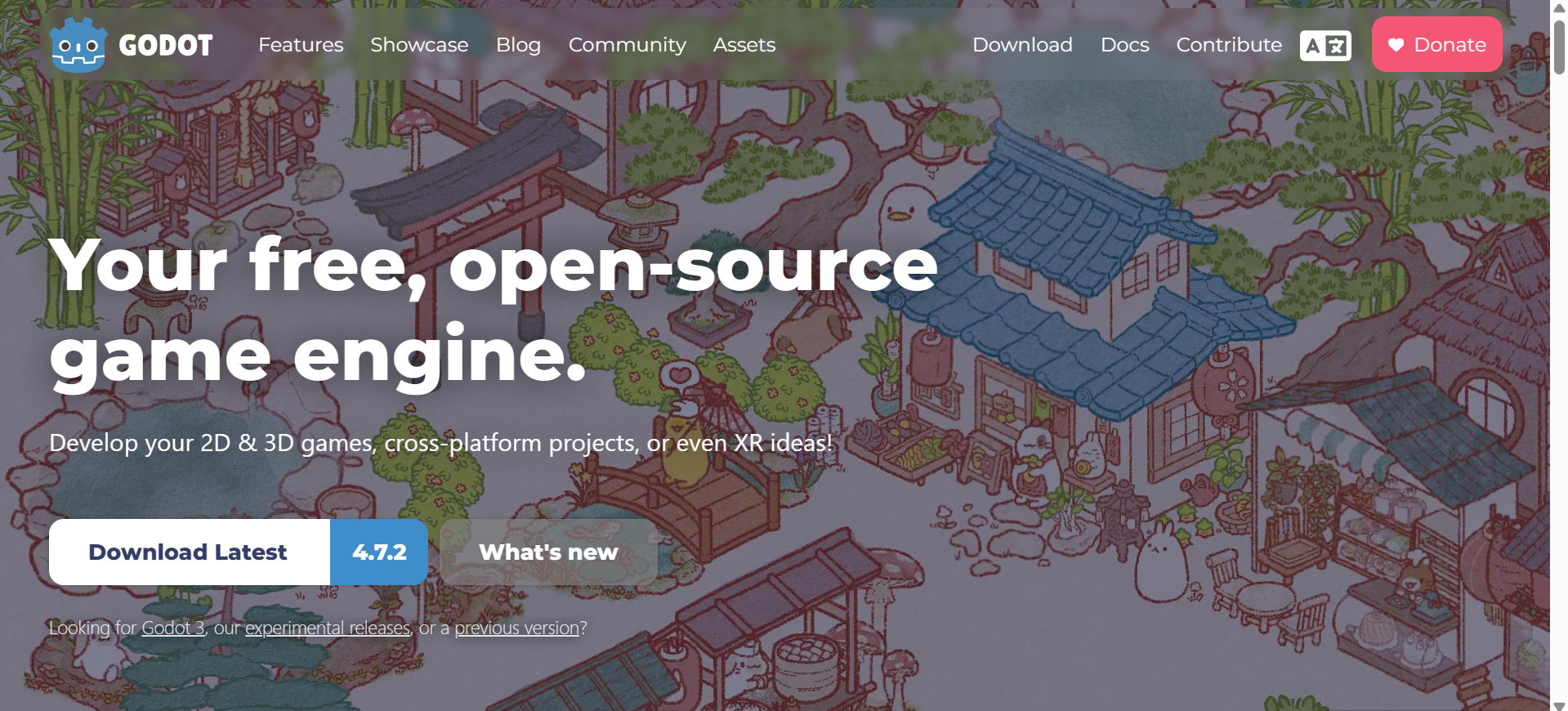
Godot is an open-source game engine that provides tools for creating both 2D and 3D games. Its scene-based structure allows developers to create reusable elements, such as characters, menus, and levels. It also offers a dedicated 2D workflow, built-in debugging tools, and support for GDScript and C#. Its accessible interface and lightweight design make it a practical option for developers who want to learn game development.
Main features
Dedicated 2D Engine: Includes specialized tools for sprites, tilemaps, and two-dimensional physics.
Node-Based Architecture: Organizes game elements into reusable scenes and individual nodes.
Multiple Programming Languages: Supports GDScript, C#, and C++ through extension options.
Integrated Development Tools: Includes debugging, animation editing, and visual shader creation features.
Suitable for
Independent game development
Pixel-art adventures
2D puzzle experiences
Lightweight platform games
GameMaker
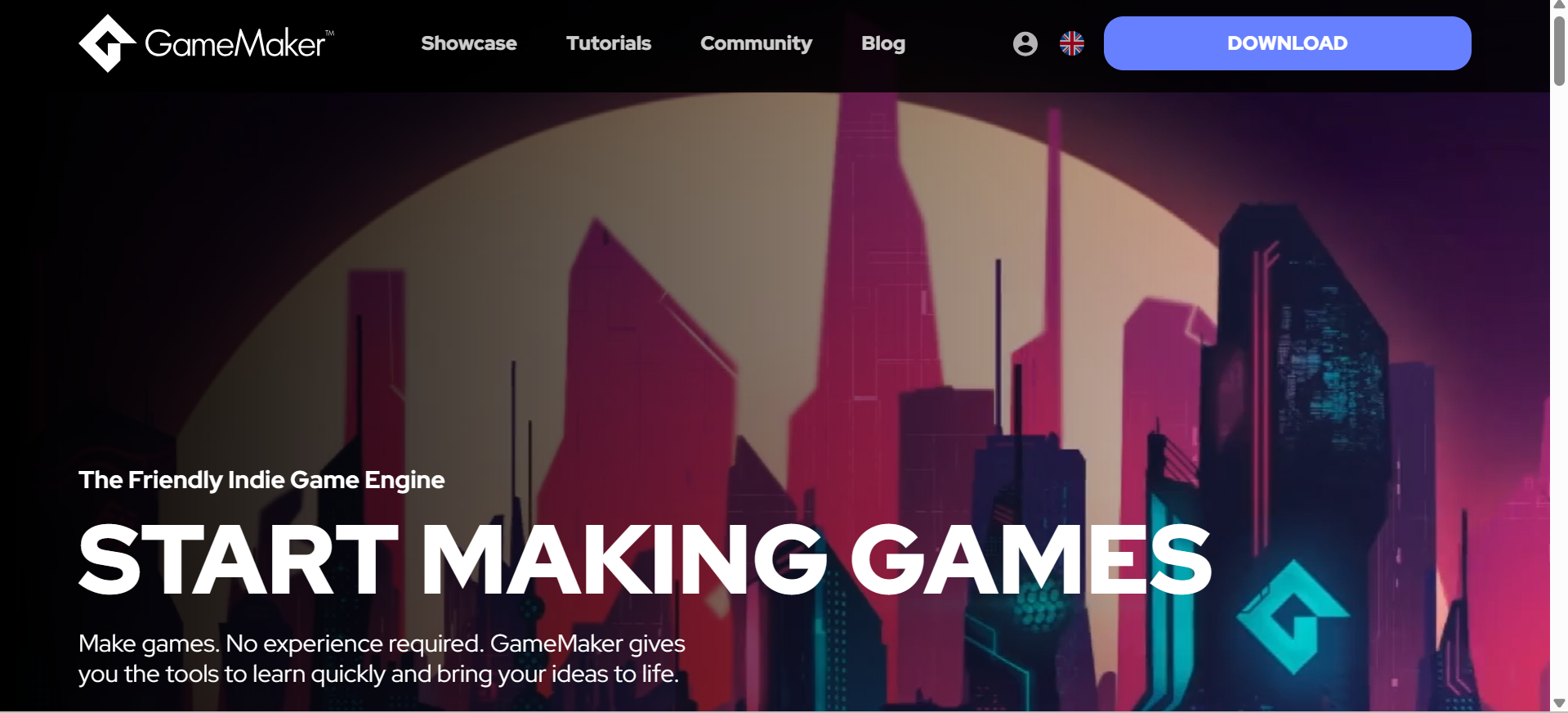
GameMaker focuses on 2D development and provides tools for designing sprites, creating animations, and arranging game levels. Developers can use its visual development features or write scripts in GameMaker Language (GML) to control gameplay. Its focused workflow makes it useful for creators who want to explore different game maker engines and develop pixel-art adventures, platformers, or arcade titles without the added complexity of a full 3D environment.
Main features
Visual and Text Programming: Offers GML Visual and GML Code for creating gameplay logic.
Sprite Editing: Includes tools for drawing, importing, and animating two-dimensional graphics.
Room Editor: Provides layered workspaces for arranging objects, backgrounds, and game levels.
Sequence Editor: Allows developers to create animations and coordinate visual elements through timelines.
Suitable for
Retro arcade games
Side-scrolling adventures
Pixel-art platformers
Classic 2D shooters
Construct 3
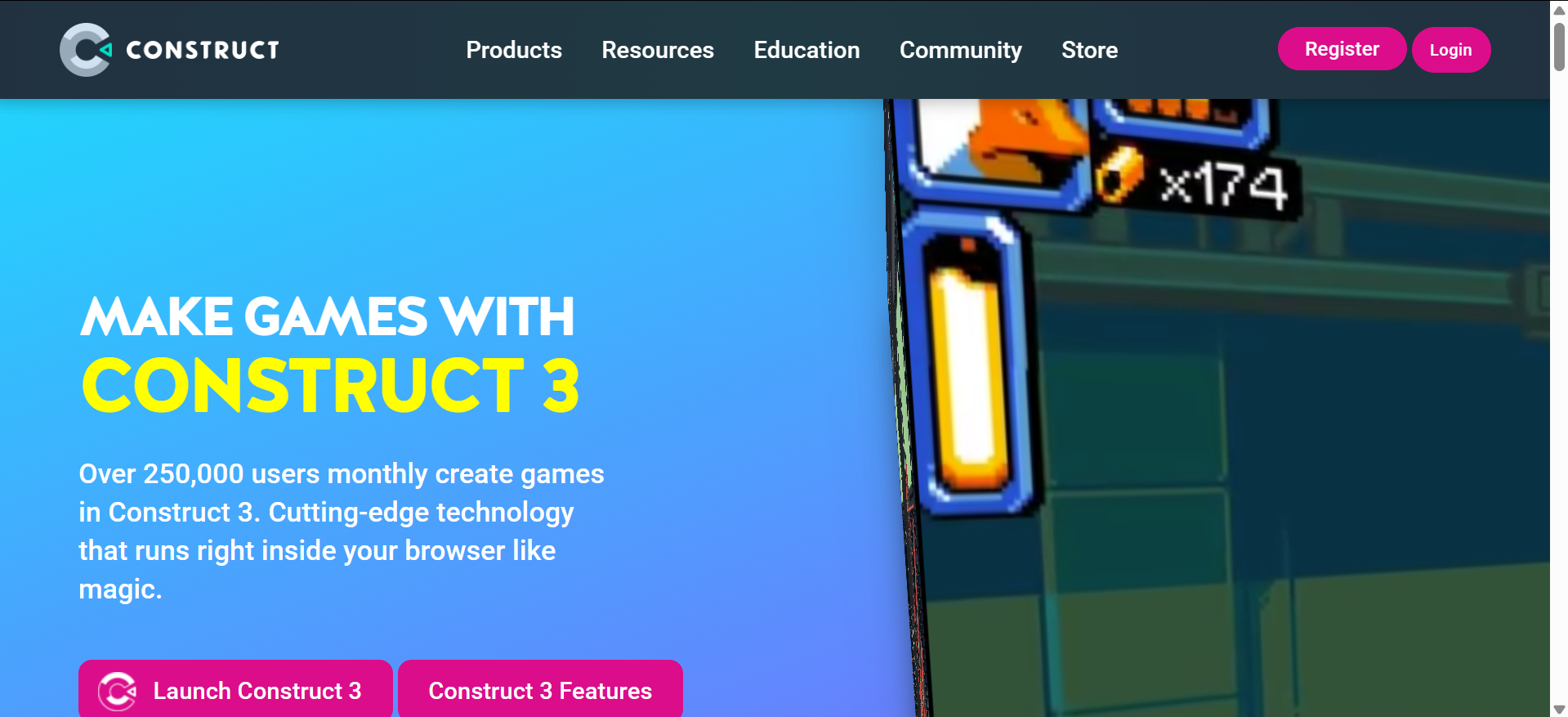
Construct 3 uses visual programming to make game creation more accessible, especially for users who have little coding experience. Its event-sheet system lets developers create conditions and actions for controlling characters, objects, and gameplay interactions. It also includes ready-made behaviors and browser-based editing tools. These features make it a suitable no-code game engine for building educational projects, interactive puzzles, and simple browser games.
Main features
Event-Based System: Uses conditions and actions to create game logic without traditional programming.
Browser-Based Editor: Provides an online development environment accessible through compatible web browsers.
Built-in Behaviors: Offers ready-made functions for movement, scrolling, and object interactions.
Plugin Support: Provides additional functions for audio, input, animations, and other game elements.
Suitable for
No-code game creation
Browser-based puzzle games
Classroom learning projects
Interactive educational activities
Cocos Creator
Cocos Creator combines a visual scene editor with a component-based development system. Developers can arrange game objects, attach scripts, and use TypeScript or JavaScript to control their behavior. Its animation, asset management, and rendering tools support both 2D and 3D projects, with a strong focus on mobile development. When exploring game engines for indie developers, Cocos Creator is worth considering for smaller teams working on mobile and web-based games.
Main features
Visual Scene Editor: Allows developers to arrange game objects and design interactive environments.
TypeScript and JavaScript: Supports both languages for programming gameplay mechanics and application logic.
Animation System: Includes timeline-based tools for controlling character movements and object transitions.
2D and 3D Rendering: Provides graphics tools for developing games with different visual dimensions.
Suitable for
Casual mobile games
Social gaming applications
Interactive 2D projects
Cross-platform entertainment apps
Defold
Defold is a lightweight development platform designed to create games with efficient performance and compact builds. It uses Lua scripting and a collection-based structure to organize scenes, objects, and resources. Its built-in editors support tilemaps, animations, and visual effects, while its publishing workflow covers several platforms. Developers working with limited hardware may find it useful when searching for a game engine for low-end PCs, particularly for lightweight 2D projects.
Main features
Collection-Based Structure: Organizes game objects and reusable components into manageable collections.
Lua Scripting: Uses Lua to control gameplay functions and interactive elements.
Animation and Effects: Provides editors for sprites, tilemaps, particles, and visual animations.
Cross-Platform Publishing: Supports building and deploying games across several desktop, mobile, and web platforms.
Suitable for
Lightweight mobile games
Resource-efficient applications
Web arcade projects
Compact multiplayer games
Bevy
Bevy is an open-source game engine built with Rust, designed around the Entity Component System (ECS) architecture. This data-driven approach organizes game objects as entities, uses components to store their data, and relies on systems to define their behavior. This structure helps developers keep game logic organized and build scalable projects. Bevy also features a modular plugin system, allowing developers to enable, extend, or replace components of the engine based on their needs. With built-in 2D and 3D rendering and automatic parallel system scheduling, it provides a flexible foundation for performance-focused game development, particularly for programmers who prefer working directly with Rust and having control over their projects.

Main features
Entity Component System: Organizes game data through entities, components, and systems.
Rust Programming: Uses Rust for memory safety, efficient resource management, and performance.
2D and 3D Rendering: Provides rendering capabilities for creating different types of visual environments.
Modular Plugin System: Allows developers to extend engine functionality through independent plugins.
Suitable for
Rust game development
Custom simulation software
Advanced rendering experiments
Performance-driven applications
Phaser
Phaser is a JavaScript-based framework for creating 2D games that run directly in web browsers. It provides built-in systems for managing scenes, physics, animations, sound, and player input. Developers can also use WebGL or Canvas to render game graphics across compatible browsers. These features make Phaser one of the most popular game engines for developers who want to create interactive browser games using web technologies.
Main features
JavaScript and TypeScript: Supports both languages for creating interactive browser-based games.
WebGL and Canvas Rendering: Displays game graphics through different browser rendering technologies.
Physics Integration: Includes Arcade Physics and Matter.js support for collisions and object movement.
Scene Management: Organizes game levels, loading processes, and gameplay states into separate scenes.
Suitable for
HTML5 arcade games
Browser puzzle experiences
Web-based action games
Lightweight multiplayer titles
RPG Maker MZ
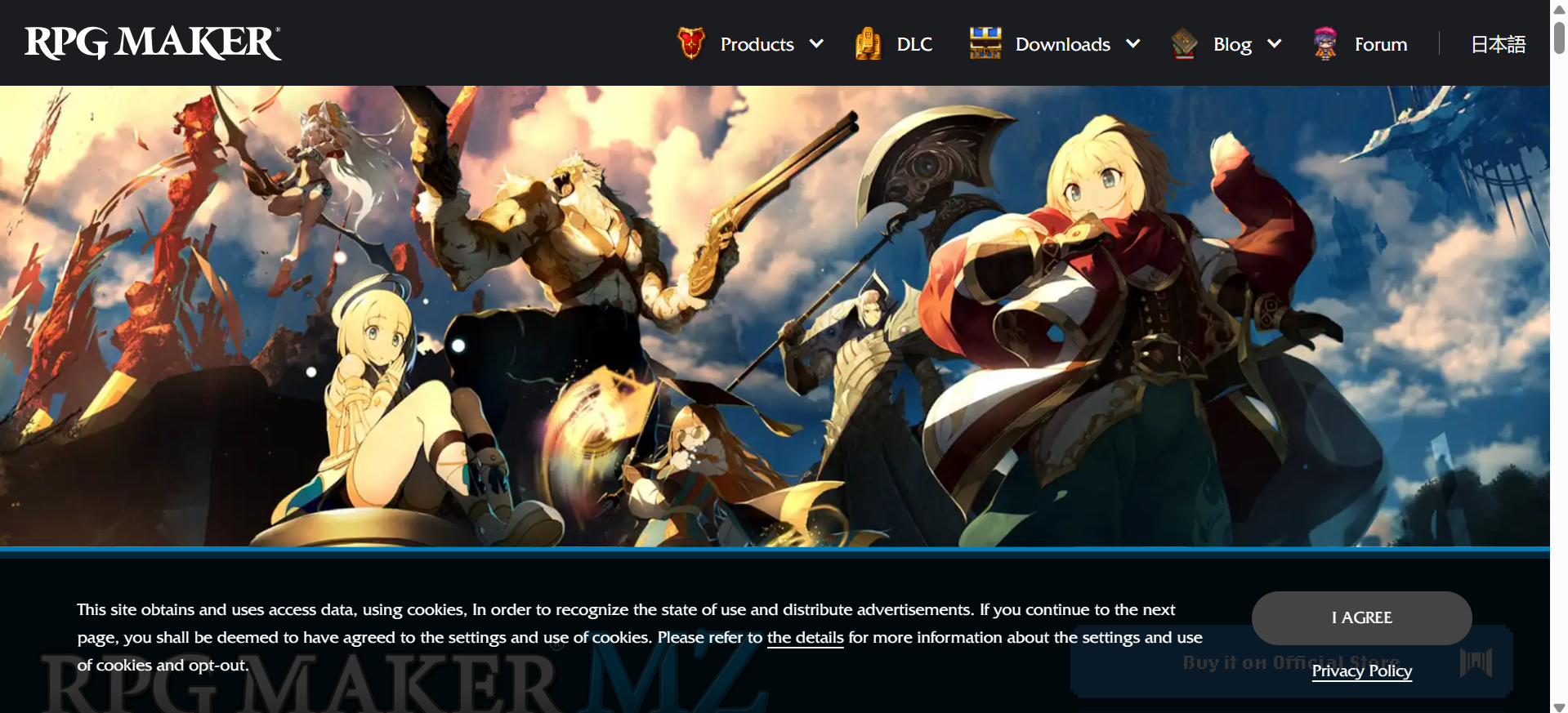
RPG Maker MZ is designed for creating role-playing games with storylines, character progression, quests, and turn-based battles. Its visual editors allow users to design maps, customize characters, manage game databases, and create interactions through event commands. It also supports JavaScript plugins for additional customization. Its ready-made tools and visual workflow make it a suitable game engine for beginners who want to develop story-driven RPGs without extensive programming experience.
Main features
Map Editor: Provides tile-based tools for designing towns, buildings, dungeons, and other locations.
Character Generator: Allows users to customize character appearances with different visual elements.
Game Database: Organizes characters, classes, equipment, enemies, skills, and battle settings.
Event Command System: Creates dialogues, quests, puzzles, and interactive scenes without requiring traditional coding.
Suitable for
Story-based role-playing games
Turn-based battle adventures
Fantasy world exploration
Classic Japanese RPGs
How to choose the right game engine for your project
Every game engine works differently, so the right choice depends on your project and development skills. Before making a decision, consider a few important factors that can affect your workflow and the final game.
Define your game type and scope
First, decide whether you are developing a 2D game, a 3D adventure, a racing simulator, or a multiplayer title. Each category has different requirements for level design, character movement, physics, and graphics. For example, a platformer needs accurate collision detection, while a racing game requires vehicle physics and track design tools.
Consider your programming experience
Your coding background can help narrow down the available engines. Unity uses C#, Unreal Engine supports C++ and Blueprint visual scripting, while Godot offers GDScript and C#. Compare these options based on your ability to write scripts, manage game logic, and troubleshoot errors.
Check platform compatibility
Decide where you want to release your game, whether on Windows, macOS, Android, iOS, or gaming consoles. Check the engine's export options and any additional requirements for your chosen platform. For example, mobile development requires touch input support, while console releases may involve separate licensing and approval.
Evaluate graphics and performance needs
Consider the graphical quality your project requires and the hardware on which it will run. Check support for real-time lighting, shadows, textures, particle effects, and 3D rendering. A detailed open-world game needs different processing capabilities than a simple mobile puzzle game.
Review available tools and features
Check whether the engine includes the development tools your project depends on, such as level editors, animation systems, physics simulation, and audio management. Also, review its asset library and plugin support. These resources can help when you need additional characters, environments, sound effects, or development extensions.
Build a small prototype first
Create a basic version of your planned game to test the engine before starting full development. Include a playable character, a simple level, and the main gameplay mechanic. Check how the controls, animations, physics, and graphics work together to identify any limitations early.
Bonus tip: Create games efficiently with AI game engine workflows
Game development often requires time-consuming work beyond designing gameplay, such as organizing project files, reviewing code, and managing documentation. AI-powered workflows can help handle some of these tasks to make the development process more efficient.
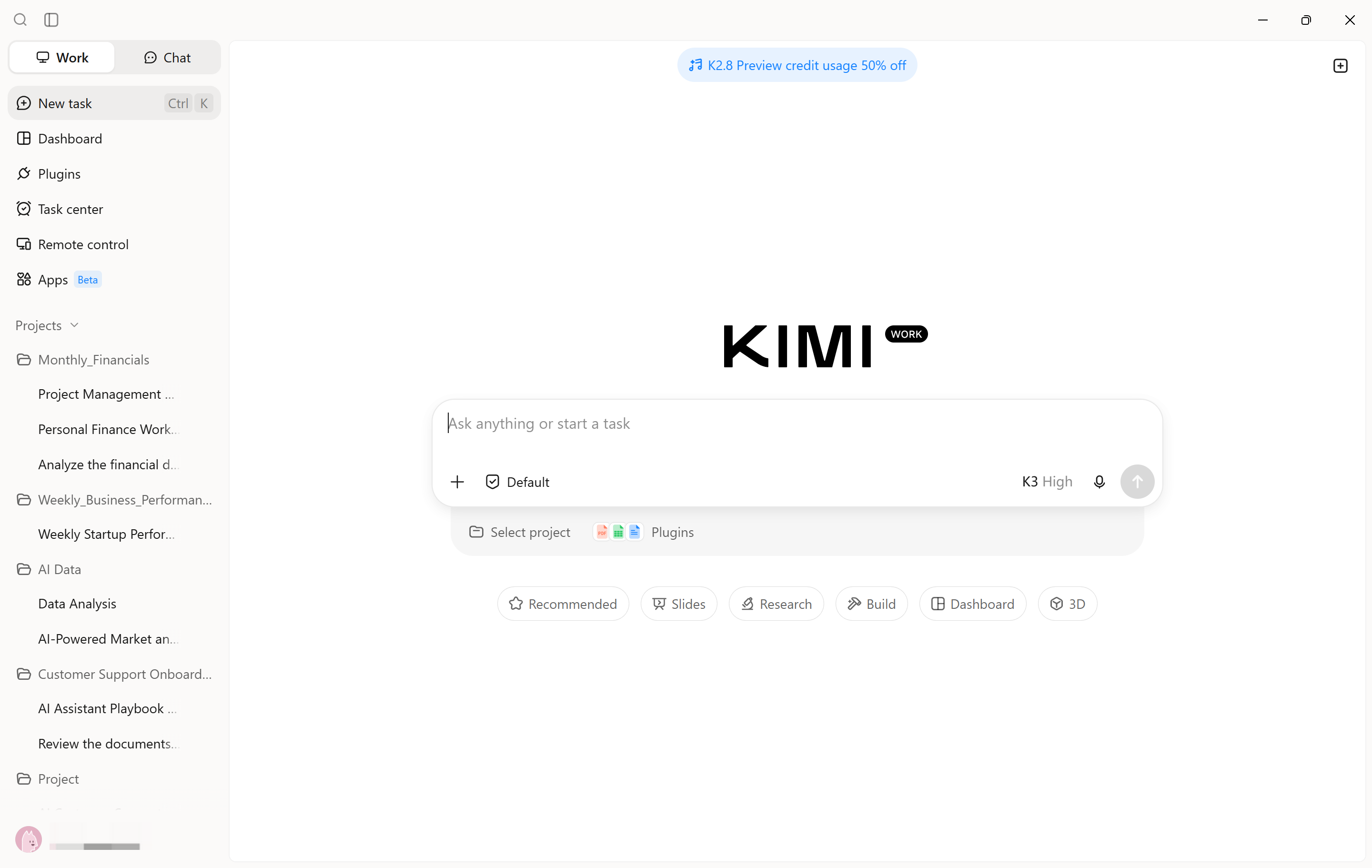
Kimi Work brings desktop automation and task management into game development workflows. Its agents can handle multi-step activities across supported applications, such as researching game mechanics, reviewing scripts, organizing asset references, and preparing technical documentation. Developers can also use scheduled tasks to manage recurring work and automate routine desktop activities. These capabilities help reduce the administrative work involved in game projects and keep development tasks on track.
Main features
Find and use game engine plugins in one workspace: Search for available game engine plugins directly in Kimi Work and choose one that fits your project. Instead of switching between multiple tools to explore development options, you can access compatible plugins within the same workspace and use them to support your game creation workflow.
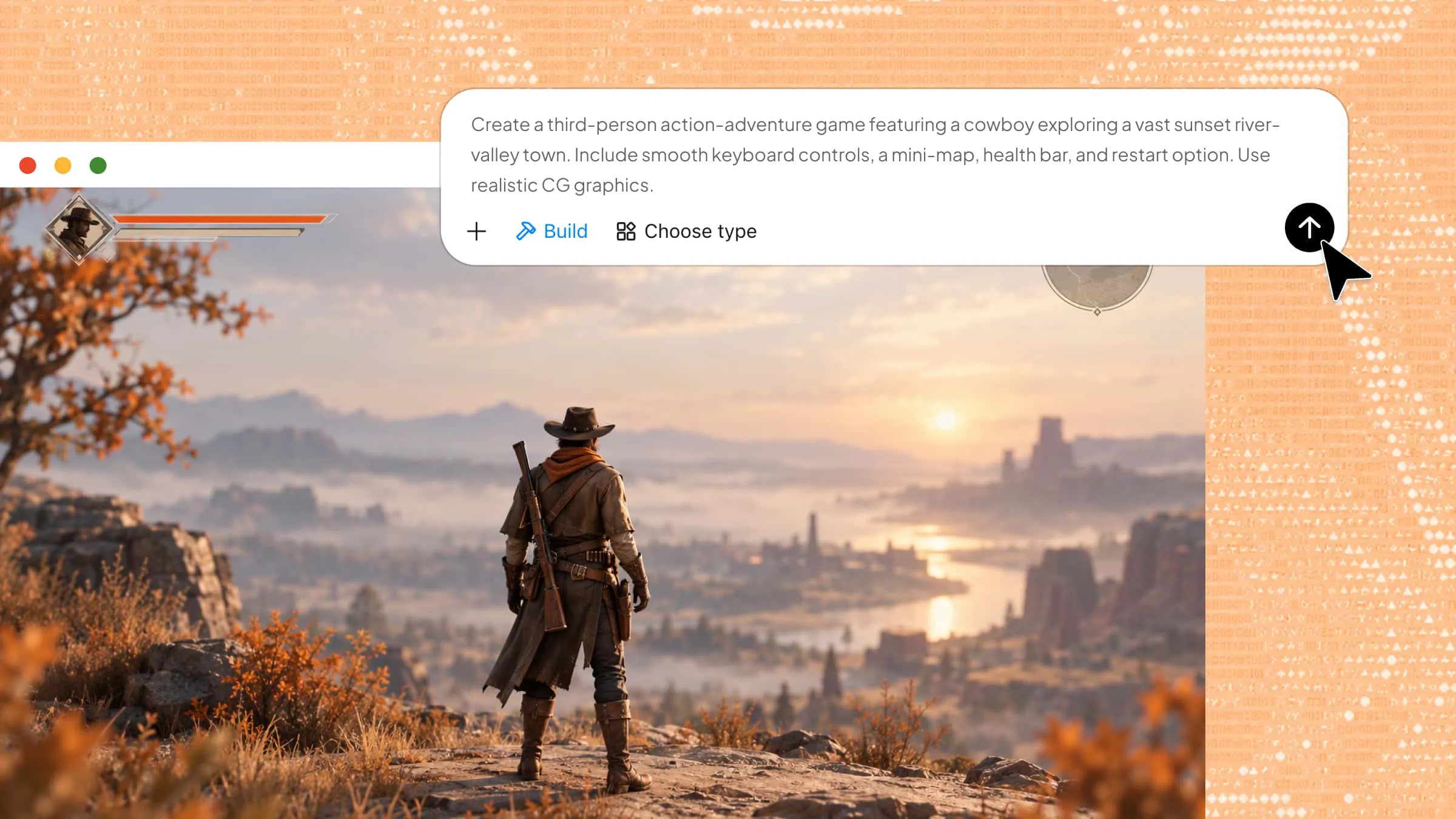
Turn game concepts into playable projects with AI assistance: Describe your game idea in natural language, including its genre, setting, characters, objectives, controls, and core mechanics. Kimi Work can help translate your requirements into development tasks and work with the selected game engine plugin to create an initial game project.
Develop different types of 2D and 3D games: Work on different game concepts based on the capabilities of your chosen engine. Whether you want to create a 2D platformer, a puzzle game, an adventure game, or a 3D interactive experience, you can provide specific instructions to guide the development process.
Customize gameplay and visual elements through follow-up instructions: Game development often involves multiple rounds of adjustments. You can ask Kimi Work to modify character movement, adjust game rules, add interactive objects, refine level layouts, or improve visual details. This makes it easier to iterate on the project without rewriting every instruction from scratch.
Prepare and publish games with the selected engine: After completing development and testing, use the game engine's available export or publishing features to prepare your project for its target platform. Depending on the engine, you may be able to package the game for desktop, mobile, or web distribution and share the finished experience with others.
How to build a game with Kimi Work
Here are the steps to get started with Kimi Work and use its tools to manage different tasks throughout your game development process.
Step 1: Select and use a game plugin
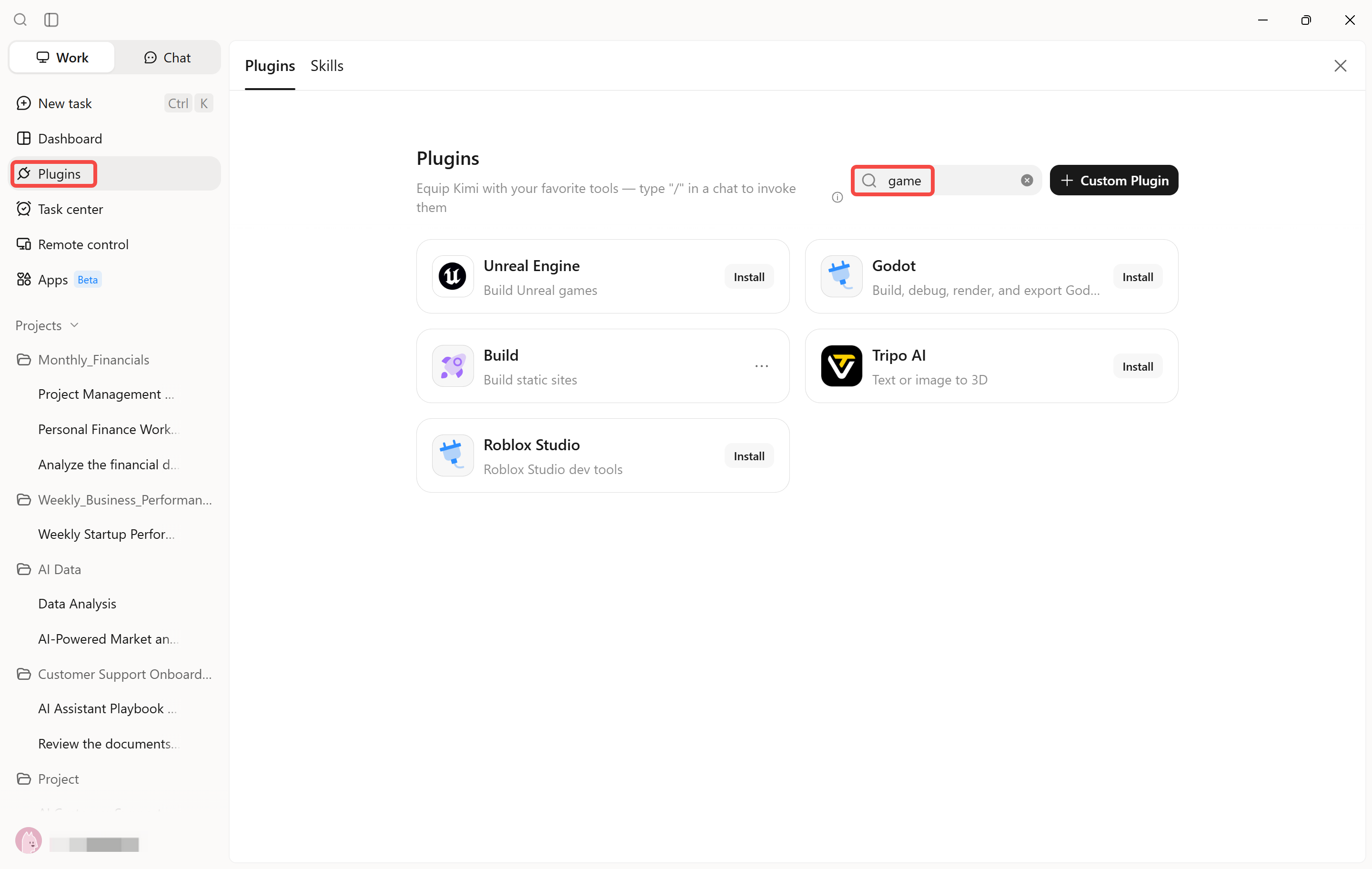
Open Kimi Work and navigate to the "Plugins" section. Search for a game development plugin and review its available features to find one that suits your project. For example, select "Unreal Engine," click "Install," and then click "Use" to start working with the plugin.
Step 2: Create your game with a prompt
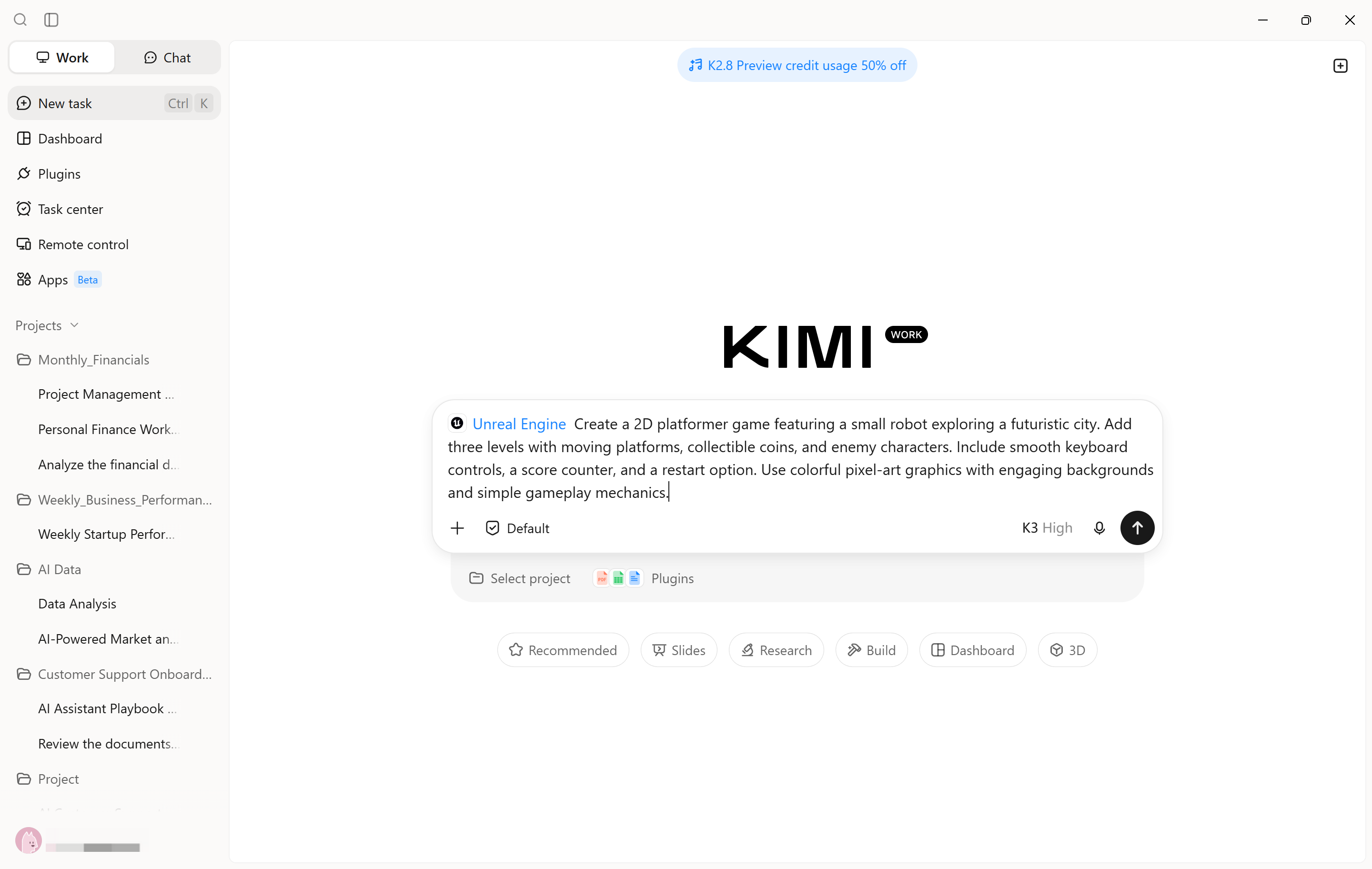
Start a new task and enter a prompt explaining the type of game you want to build. Include details about the characters, setting, gameplay, controls, and objectives. Be specific about the expected result, so the plugin has clear instructions.
Step 3: Edit and refine the game
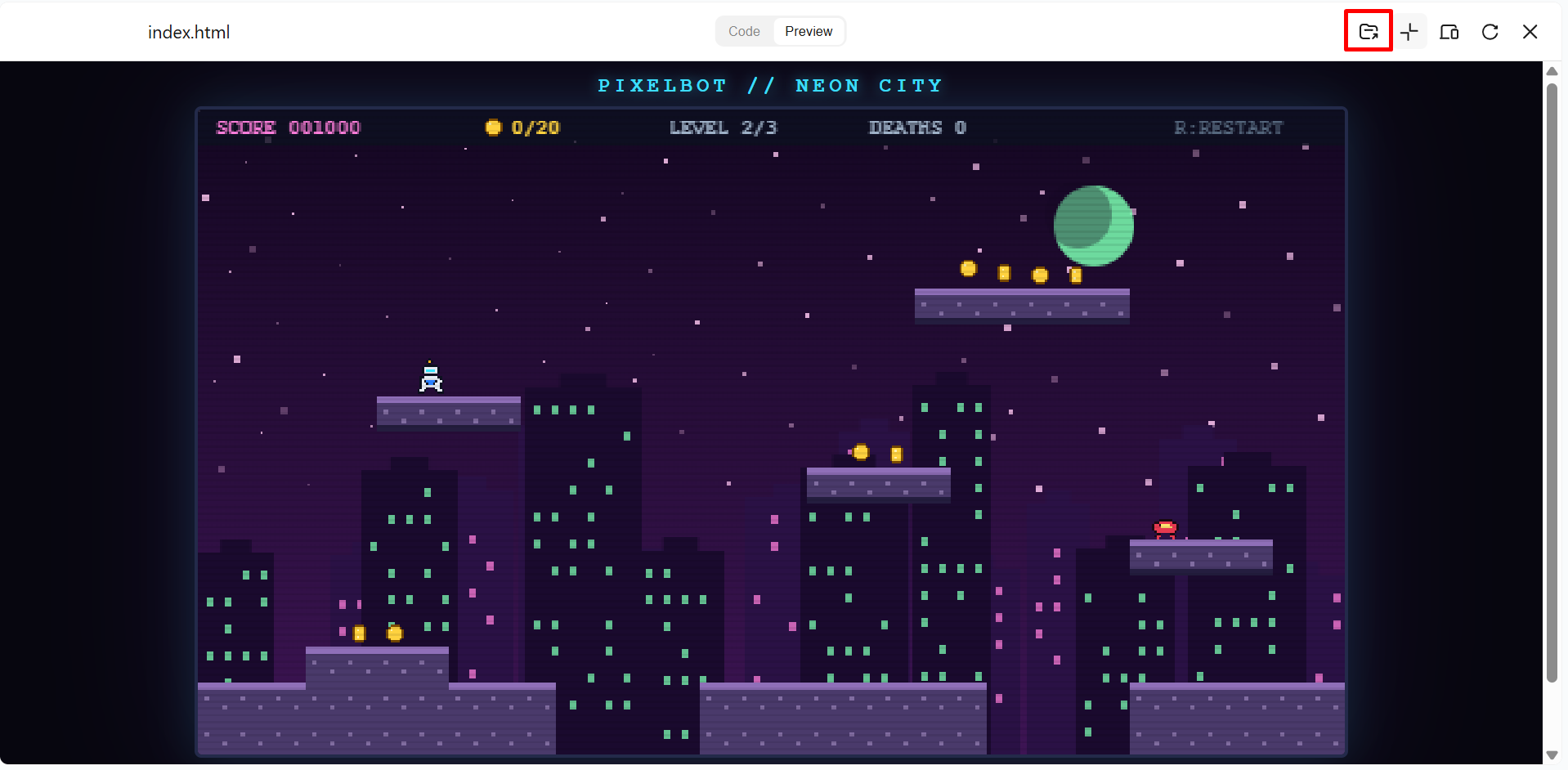
Run the game and check its controls, character movement, level design, and scoring system. Identify any errors or missing elements, then give Kimi Work clear instructions to make the required changes. Test the updated version to confirm that the changes work correctly.
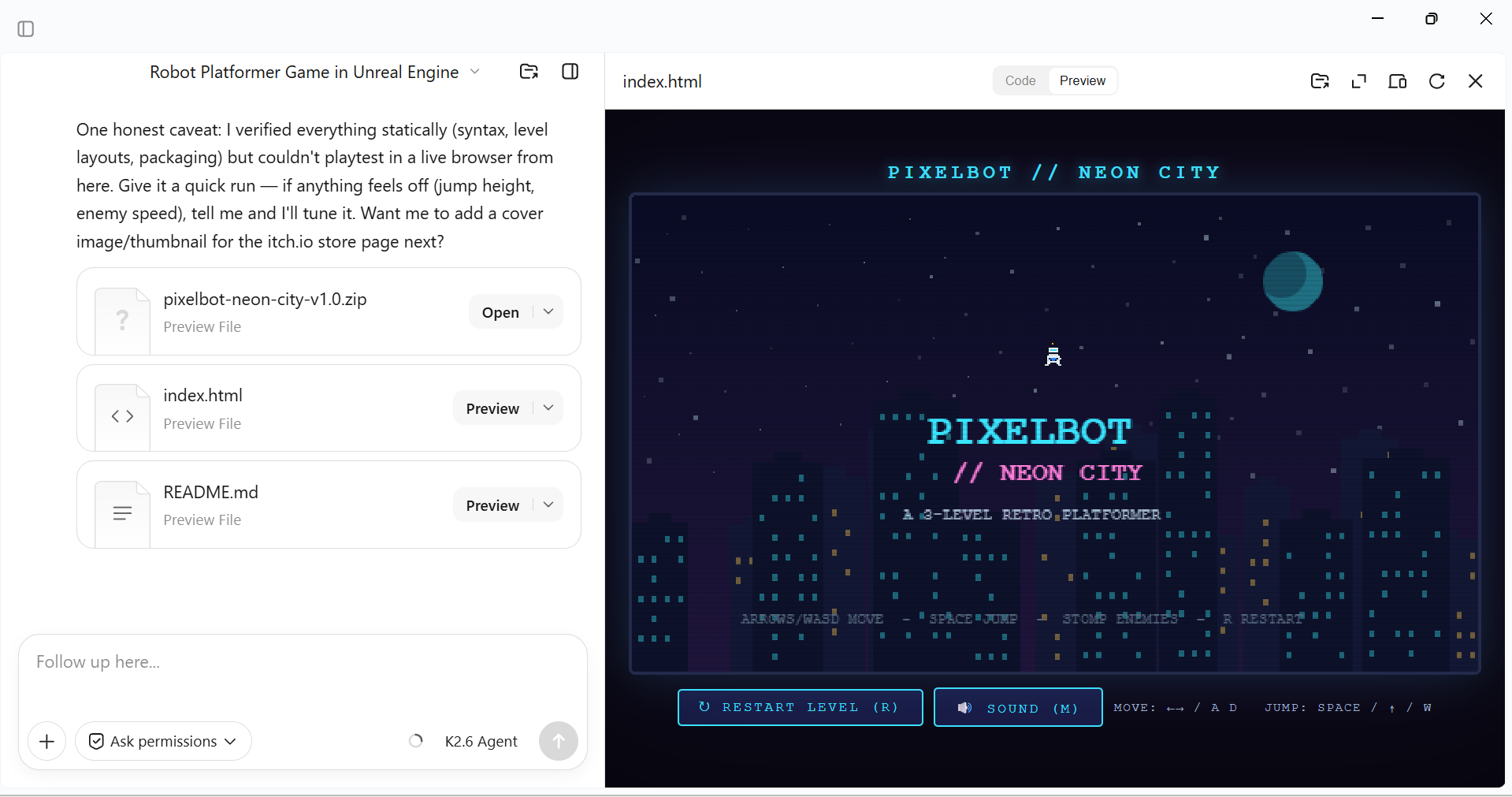
Step 4: Publish your game
Review the completed project and check that its scripts, images, audio, and other required files are included. Use the connected development tool to export the game in a supported format, such as HTML5 or a desktop build. Run the exported version to check its performance before sharing it.
Conclusion
The right game engine gives your ideas a place to take shape, whether you want to build a simple mobile game or a detailed PC experience. Your choice should match your creative goals, technical comfort, and long-term plans. If you want a different approach to game creation, Kimi Work uses an agent that can turn your instructions into a game and help refine the result. Explore the available options, experiment with your ideas, and start building a game of your own.