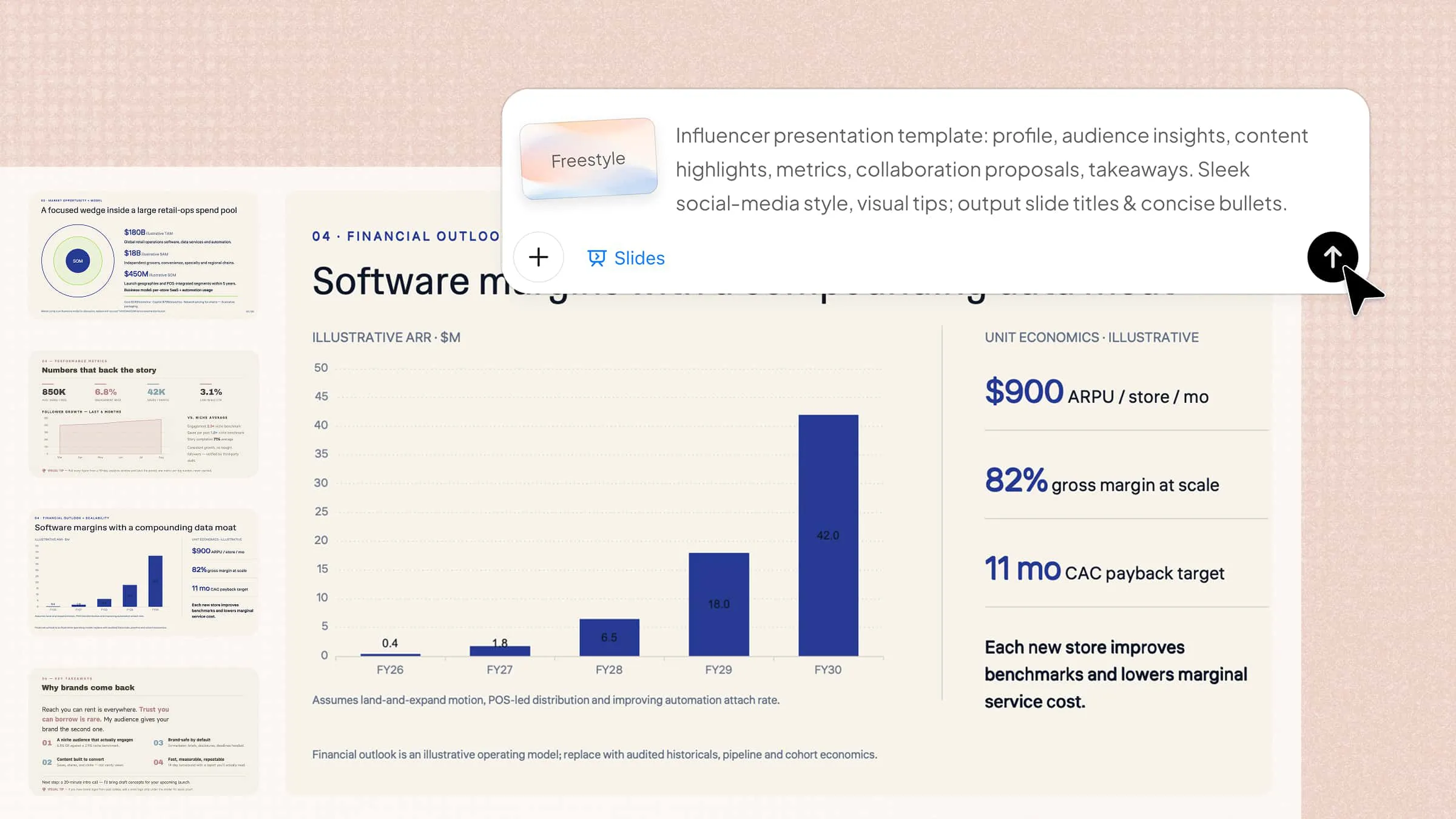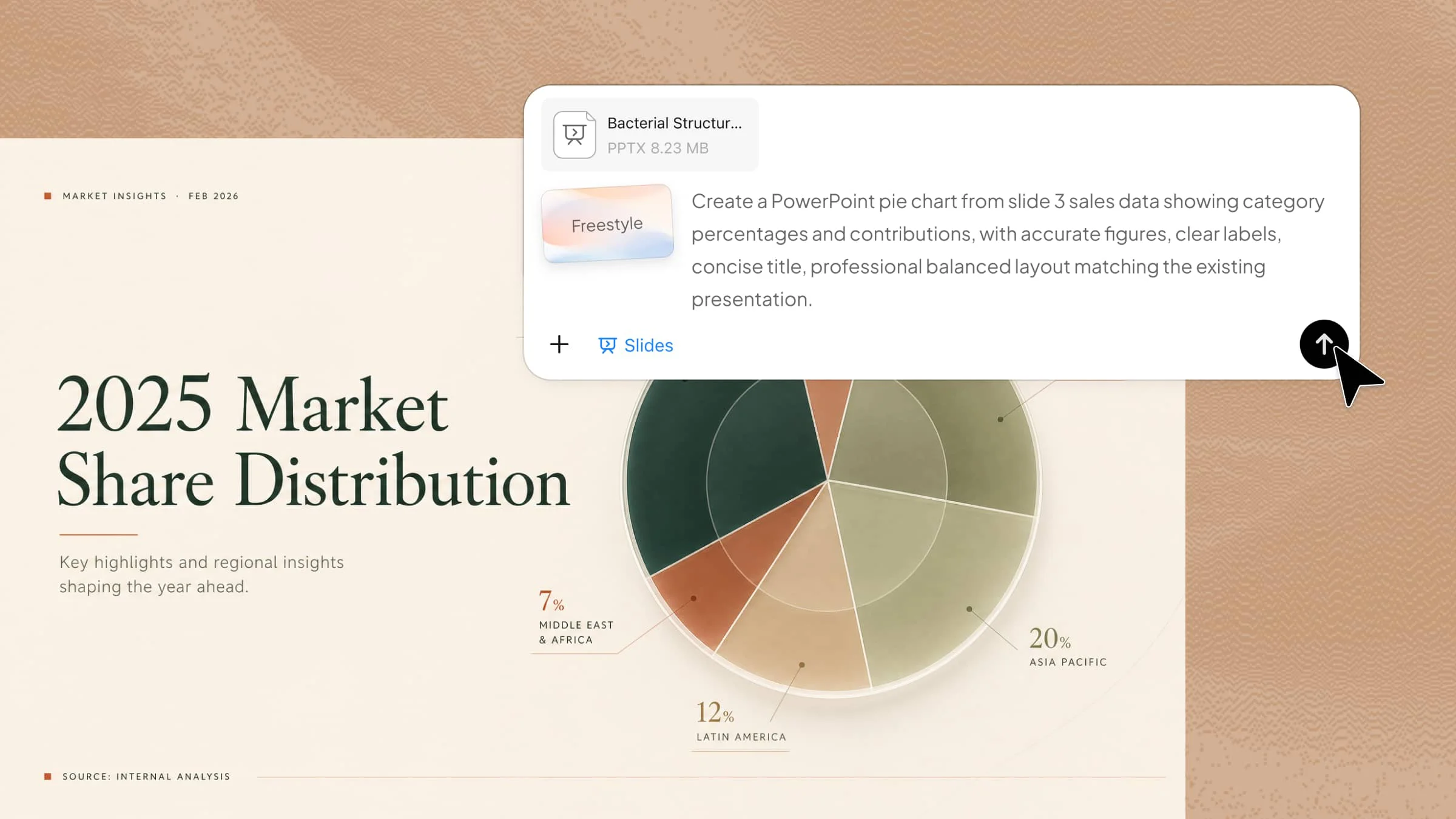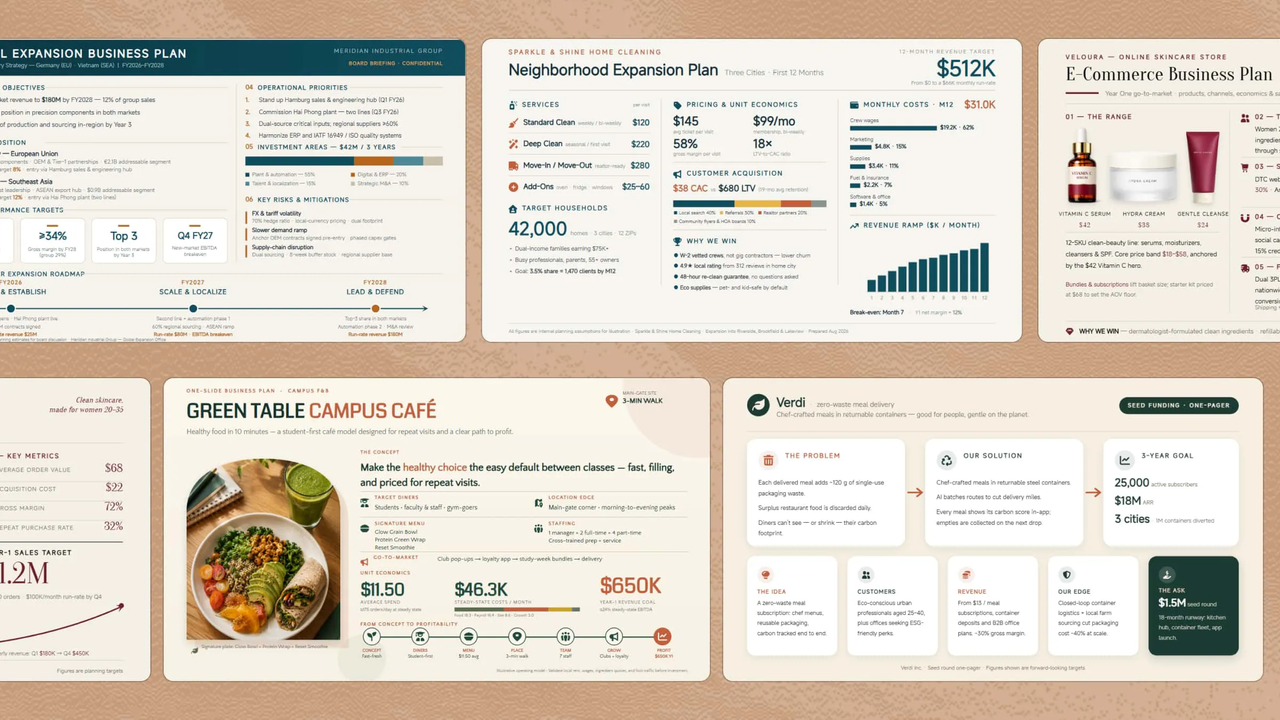
Whether you're presenting a startup idea or seeking funding, creating a clear and professional business plan presentation can be time-consuming. Choosing the right layout, organizing key details, and keeping slides engaging can make the process even harder. Ready-made designs can save time while helping you present your ideas in a clean and convincing way. Read this article to explore the business plan PPT templates that make your presentation easier to create.
Overview of 10 business plan presentation templates
Choosing the right business plan template can help you organize your ideas, highlight key strategies, and present your goals in a clear and professional way. Different templates focus on different business needs, such as startup pitches, market strategies, financial planning, and growth roadmaps. The table below compares 10 business plan PPT templates to help you choose the best format for your presentation.
| Business plan PPT template | Key content included | Visual style | Suitable for |
|---|---|---|---|
| Startup business plan | Business idea, target market, business model, funding needs, growth goals | Clean cards, icons, problem-to-solution flow, growth visuals | Startups seeking funding or explaining a new business idea |
| Small business plan | Customers, products/services, pricing, costs, operations, revenue targets | Service icons, financial highlights, growth sections | Small businesses planning growth or operations |
| Corporate business plan | Strategic goals, market position, financial direction, KPIs, expansion roadmap | Professional corporate layout, KPI cards, strategic timeline | Large companies presenting strategy and expansion plans |
| E-commerce business plan | Products, target customers, sales channels, pricing, marketing, fulfillment | Product visuals, shopping icons, sales metrics | Online stores and digital commerce businesses |
| Restaurant business plan | Concept, menu, customers, pricing, staffing, costs, revenue goals | Food imagery, restaurant icons, animated metrics | Restaurants, cafés, and food businesses |
| SaaS business plan | Product, target users, pricing model, acquisition strategy, growth metrics | Technology visuals, KPI cards, workflow elements | Software companies and subscription-based products |
| Nonprofit business plan | Mission, programs, funding sources, impact goals, sustainability plans | Education/social impact icons, statistics, mission flow | Nonprofit organizations and social impact projects |
| Retail business plan | Products, shoppers, inventory, pricing, sales channels, expansion plans | Product icons, inventory visuals, sales metrics | Retail stores and product-based businesses |
| Marketing business plan | Target audience, channels, budget, campaigns, lead goals, performance metrics | Funnel visuals, channel icons, performance dashboards | Marketing teams and campaign planning |
| Real estate business plan | Property strategy, target market, investment needs, revenue model, development timeline | Property icons, location visuals, financial figures, timelines | Property development and investment projects |
10 business plan PPT templates to grow your business
A strong business plan is easier to present with a clear structure and professional design. The right template can help you organize goals, strategies, and growth plans without starting from scratch. With Kimi Slides, an AI presentation maker, you can quickly create business plan PPT templates with AI-generated layouts and visuals. Here are 10 business plan presentation examples created with Kimi Slides to help you present your ideas clearly.
Startup business plan
A startup business plan presents a new company's idea, target market, business model, goals, and growth strategy. It is mainly used to explain how the startup will operate, make money, and attract investors or secure funding for growth.
How to use
Step 1: Enter your prompt
Paste a detailed prompt into Kimi Slides describing your startup idea, market, business model, funding needs, and growth goals.
Prompt:
Step 2: Let AI generate your PPT
Kimi Slides turns the prompt into a structured one-slide business plan with visuals, key points, and animations.
Step 3: Review and export the PPT
Check the business details, numbers, and animations, then make any edits before exporting the finished slide.
Small business plan
A small business plan outlines the goals, customers, products or services, costs, and daily operations of a smaller company. It is useful for planning growth, managing resources, and explaining the business to lenders or potential partners and investors.
How to use
Step 1: Enter your prompt
Describe the business, customers, services, pricing, operating costs, and short-term growth plans in your prompt.
Prompt:
Step 2: Let AI generate your PPT
Kimi Slides organizes business information into a concise slide with relevant visuals and motion effects.
Step 3: Review and export the PPT
Verify pricing, costs, targets, and service details, then adjust the design before exporting.
Corporate business plan
A corporate business plan gives a structured view of a large company's strategy, operations, financial direction, and long-term goals. It is commonly used for internal planning, expansion decisions, and communicating strategy to stakeholders and senior leadership teams.
How to use
Step 1: Enter your prompt
Provide the company's strategic priorities, market position, financial targets, departments, and expansion plans.
Prompt:
Step 2: Let AI generate your PPT
Kimi Slides converts the corporate strategy into a structured executive-level slide with visual hierarchy and animations.
Step 3: Review and export the PPT
Check strategic goals, KPIs, financial figures, and timelines before making final edits and exporting.
E-commerce business plan
An e-commerce business plan focuses on selling products through an online store and covers customers, products, marketing, sales, and fulfillment. It helps define how the store will attract buyers, generate revenue, and scale successfully in competitive online markets.
How to use
Step 1: Enter your prompt
Enter your product category, target shoppers, online sales channels, pricing, marketing strategy, and revenue goals.
Prompt:
Step 2: Let AI generate your PPT
Kimi Slides builds the slide around the store's products, customers, sales process, and growth strategy.
Step 3: Review and export the PPT
Check product information, pricing, sales targets, and customer strategy before exporting the final presentation.
Restaurant business plan
A restaurant business plan explains the concept, target customers, menu, pricing, operating model, and financial goals of a food business. It can help owners plan a new restaurant, secure funding, and manage future growth while controlling daily expenses.
How to use
Step 1: Enter your prompt
Describe the restaurant concept, menu, location, target diners, pricing, staffing, operating costs, and revenue expectations.
Prompt:
Step 2: Let AI generate your PPT
Kimi Slides arranges the restaurant concept, operations, finances, and growth plan into one visual slide.
Step 3: Review and export the PPT
Confirm menu, pricing, costs, staffing, and revenue figures, then refine the animations and export.
SaaS business plan
A SaaS business plan explains how a software company will attract users, generate recurring revenue, and grow its customer base. It usually covers the product, target market, pricing model, acquisition strategy, and key growth metrics for long-term success.
How to use
Step 1: Enter your prompt
Describe the software product, ideal customers, subscription tiers, acquisition channels, retention strategy, and revenue targets.
Prompt:
Step 2: Let AI generate your PPT
Kimi Slides turns the SaaS model into a concise visual summary covering product, customers, revenue, and growth.
Step 3: Review and export the PPT
Review subscription figures, customer targets, revenue metrics, and growth assumptions before exporting.
Nonprofit business plan
A nonprofit business plan focuses on an organization's mission, social impact, funding sources, programs, and long-term sustainability. It helps communicate how the organization will serve its community while maintaining stable operations and measuring meaningful results.
How to use
Step 1: Enter your prompt
Enter the nonprofit's mission, target community, programs, funding sources, impact goals, and operating needs.
Prompt:
Step 2: Let AI generate your PPT
Kimi Slides organizes the mission, programs, funding, and expected impact into a focused visual presentation.
Step 3: Review and export the PPT
Check funding figures, beneficiary numbers, impact targets, and program details before exporting.
Retail business plan
A retail business plan covers the products, customers, store operations, pricing, inventory, and sales strategy of a retail company. It helps owners plan store performance, manage stock, and identify opportunities for expansion across different sales channels.
How to use
Step 1: Enter your prompt
Describe the retail products, target shoppers, store model, pricing, inventory approach, sales channels, and growth targets.
Prompt:
Step 2: Let AI generate your PPT
Kimi Slides transforms the retail strategy into a visual slide covering products, customers, operations, and sales.
Step 3: Review and export the PPT
Verify inventory, pricing, sales targets, and expansion details, then make final design adjustments and export.
Marketing business plan
A marketing business plan outlines how a company will reach its target audience, promote its offerings, and generate leads or sales. It typically includes marketing channels, campaign goals, budgets, customer segments, and performance metrics for measuring results.
How to use
Step 1: Enter your prompt
Provide the target audience, campaign goals, marketing channels, budget, content strategy, and expected results.
Prompt:
Step 2: Let AI generate your PPT
Kimi Slides structures the marketing strategy into a visual funnel with channels, goals, budget, and expected results.
Step 3: Review and export the PPT
Check campaign targets, budget, channels, and expected conversions before refining and exporting the slide.
Real estate business plan
A real estate business plan explains the property strategy, target market, investment approach, revenue model, and growth goals of a real estate company. It can help investors and partners understand the opportunity, expected returns, and development plans before committing funds.
How to use
Step 1: Enter your prompt
Describe the property type, target buyers or tenants, location, investment needs, pricing, revenue model, and development goals.
Prompt:
Step 2: Let AI generate your PPT
Kimi Slides converts the property concept, financial plan, market details, and timeline into one structured slide.
Step 3: Review and export the PPT
Verify property costs, pricing, projected returns, and development dates before making final edits and exporting.
Why use Kimi Slides for creating a business plan PPT?
Building a business plan PPT from scratch can take time, especially when you need to balance content, structure, and visuals. Kimi Slides helps simplify this process with tools for creating and refining business presentations. Here's how it can make your workflow easier.
Create business plan slides based on your business context: Start with text, documents, images, or other reference materials, and turn them into structured presentation slides. You can also use company templates to maintain consistent branding and quickly build a professional business plan PPT without manually designing every section.
Organize business information into a clear structure: Kimi Slides helps arrange key sections such as business overview, market analysis, strategy, financial plans, and growth goals into a logical presentation flow.
Choose layouts that fit different business uses: Create suitable slide structures for charts, market insights, strategy frameworks, financial projections, and other business content, making complex information easier to organize and present.
Turn detailed plans into concise slide content: Transform lengthy business descriptions and research materials into focused points, helping each slide highlight the most important information.
Visualize business data and ideas with charts: Incorporate charts, images, icons, and other visual elements to present market trends, business models, strategies, and key insights more clearly instead of relying only on text.
Refine business plans with flexible editing: Select specific slide elements to make direct changes, or use natural-language instructions to adjust content, layouts, visuals, and overall presentation style. Save different versions to compare changes or return to previous versions.
Preview and export editable PPTX files: Preview your completed business plan presentation online before exporting it as a PPTX file. Continue editing text, charts, visuals, and other elements in PowerPoint to customize your slides before presenting.
Do's and don'ts when using business plan PPTs
A well-designed business plan PPT should make your ideas easier to follow, not harder to understand. A few simple presentation choices can improve clarity, strengthen your message, and help your audience focus on what matters most. Keep these do's and don'ts in mind when preparing your slides.
Do's
Keep data clear and simple
Present only the most important figures, facts, and insights on each slide. Use short labels and simple visuals so your audience can understand the data quickly.
Maintain a consistent slide style
Use the same fonts, colors, spacing, and visual style throughout the presentation. Consistency makes the business plan look polished and easier to follow.
Highlight key financial numbers
Make important figures such as revenue, costs, profit, and funding needs easy to notice. Use clear formatting or visual emphasis without filling the slide with numbers.
Tell a clear business story
Arrange your slides in a logical order, from the business idea and market to strategy, finances, and growth. This helps your audience understand how each part connects.
Don'ts
Don't overload slides with text
Avoid placing long paragraphs or too many details on one slide. Break complex information into short points and use visuals where they can communicate the idea better.
Don't skip the executive summary
Give your audience a quick overview of the business, its goals, market opportunity, and financial direction. This helps them understand the main idea before reviewing the details.
Don't use inconsistent design elements
Avoid mixing unrelated fonts, colors, layouts, or visual styles across your slides. A consistent design keeps the presentation professional and visually organized.
Don't ignore your target audience
Consider what investors, partners, lenders, or team members need to know before choosing your content. Focus the presentation on information that supports their questions and decisions.
Conclusion
A strong business plan presentation should make your ideas easy to understand and your goals easier to communicate. The right business plan PPT templates can give your content a clear direction while saving time on slide design. Choose a format that fits your business, audience, and purpose, then keep the message focused and easy to follow. For a faster way to turn your business ideas into polished slides, try Kimi Slides. It can help you build and refine your presentation with less effort.