A strong business presentation needs to look professional without taking hours to design. Choosing the right layout, arranging information, and keeping every slide consistent can quickly become a challenge. Business PowerPoint templates provide ready-made designs that make it easier to build clear and polished slides. You can adapt them for meetings, reports, pitches, and other business needs while saving valuable time. Read this article to find the right template for your next deck.
Overview of 10 business presentation templates
You can choose a business PowerPoint template based on your goals, audience, and presentation needs. Whether you need to present a strategy, showcase a product, analyze performance, or pitch a proposal, the right template helps you organize information clearly and create more impactful slides. Here are some common business PowerPoint templates and their best use cases.
| Template | Main focus | Ideal users | Suitable for |
|---|---|---|---|
| Business proposal template | Solutions, value, and outcomes | Service providers and consultants | Pitching ideas and winning opportunities |
| Business strategy template | Business goals and direction | Managers and founders | Strategic planning and decision-making |
| Product presentation template | Product features and value | Sales and product teams | Showcasing products and solutions |
| Company profile template | Company overview and identity | Businesses and agencies | Introducing a company to stakeholders |
| Executive summary template | Key insights and decisions | Executives and business leaders | Summarizing important information |
| SWOT analysis template | Strengths, weaknesses, opportunities, and threats | Business teams and strategists | Evaluating business positions |
| Sales report template | Sales performance and trends | Sales managers and teams | Tracking results and identifying growth opportunities |
| Marketing plan template | Marketing goals and campaigns | Marketing teams | Planning and organizing campaigns |
| Project timeline template | Project milestones and progress | Project managers and teams | Managing schedules and deadlines |
| Financial report template | Financial data and performance | Finance teams and analysts | Presenting financial insights |
10 business presentation templates for professional slides
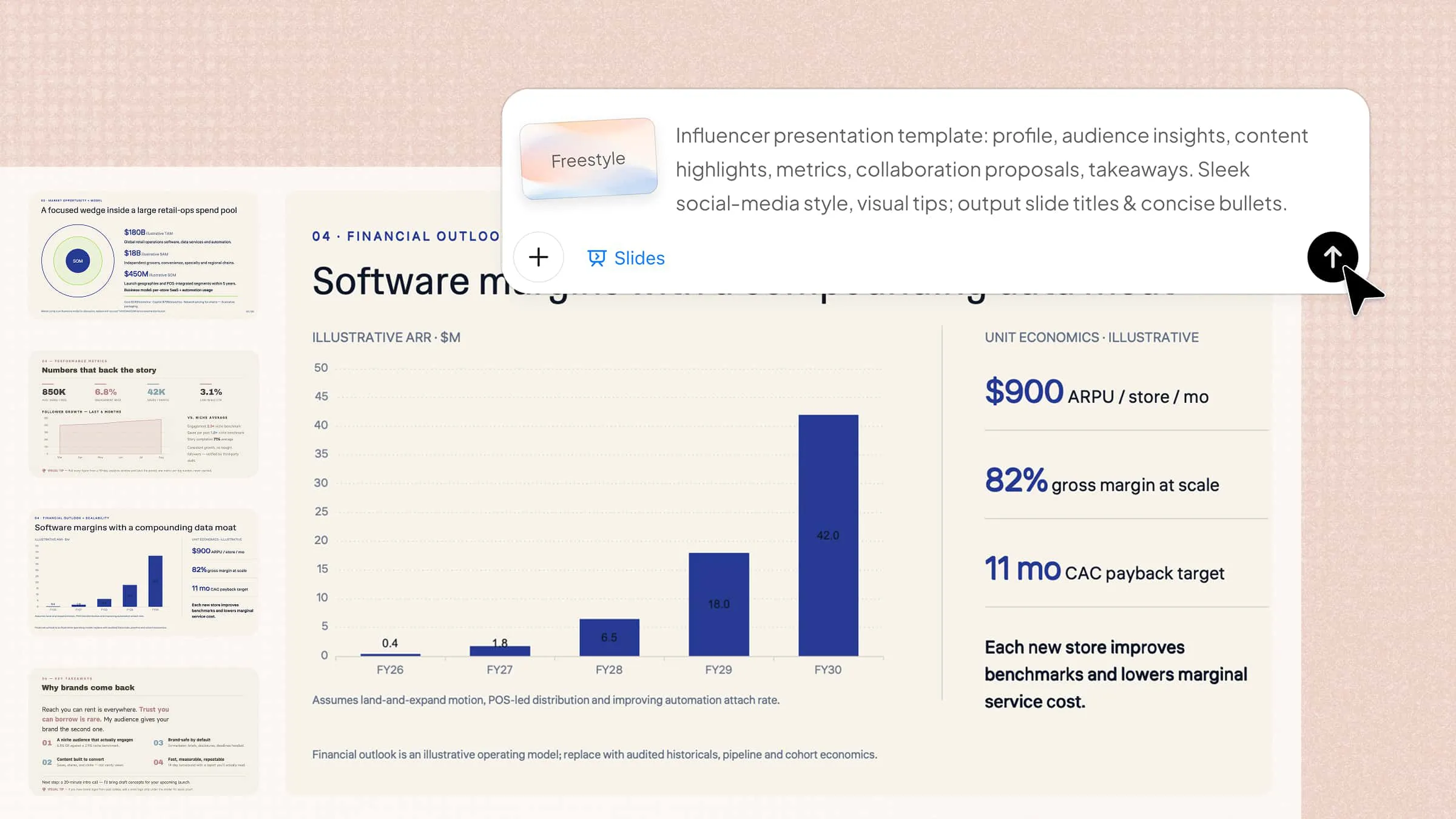
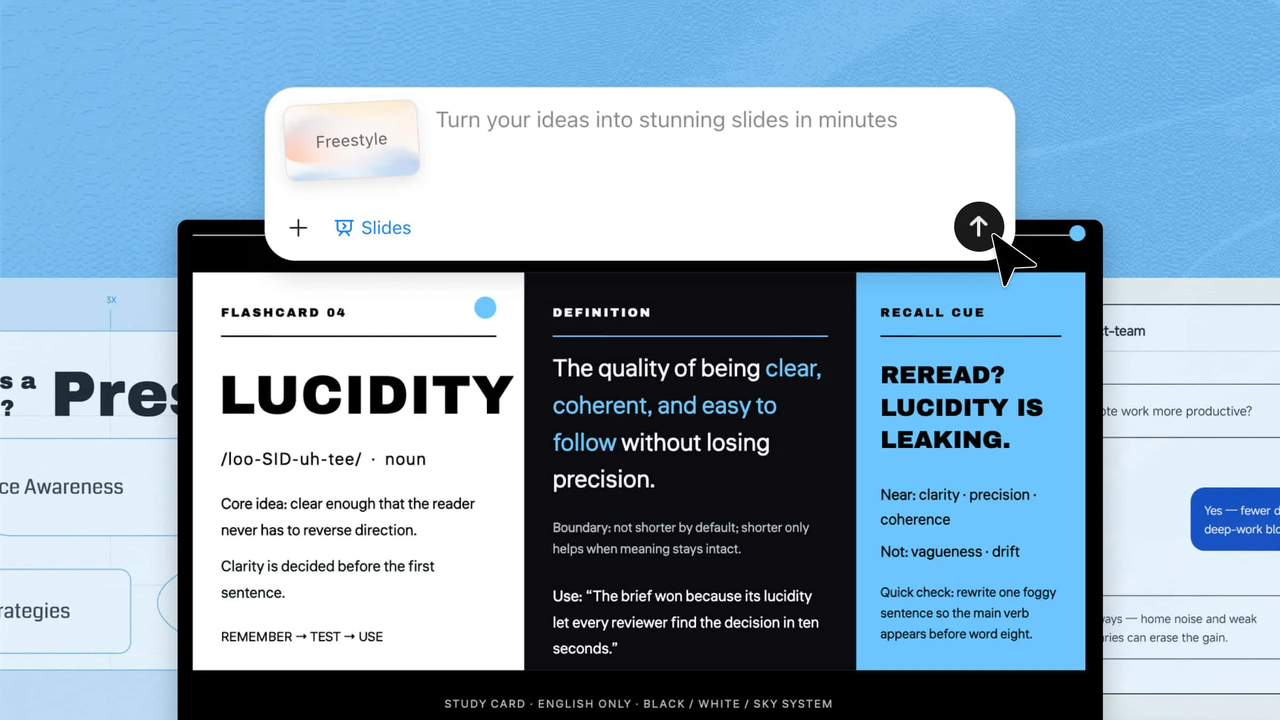
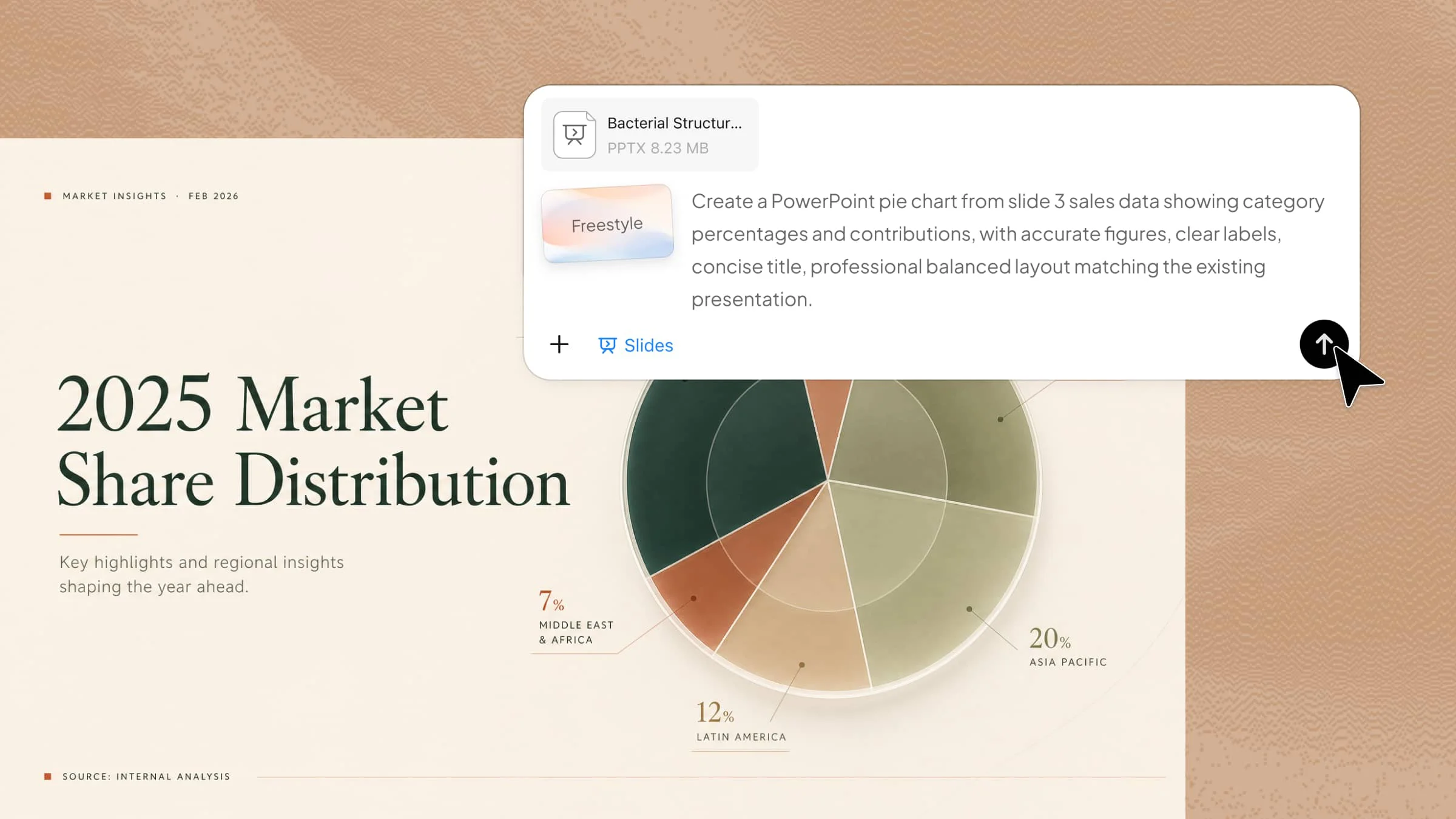
A professional presentation is easier to create when you start with a clear design direction. The right template can give your slides a polished look and help your audience follow your message more easily. With Kimi Slides, an AI presentation maker, you can quickly create business presentation templates with AI-generated layouts and professional designs. Here are 10 PowerPoint templates for business presentations created with Kimi Slides.
Business proposal template
A business proposal template presents a solution, explains its value, outlines deliverables, and provides pricing to a potential client or partner. It is especially useful for sales proposals, service agreements, and partnerships where a clear, persuasive presentation is essential.
How to use
Step 1: Enter your prompt
Describe the client's needs, proposed solution, deliverables, timeline, pricing, and expected business value.
Prompt:
Step 2: Let AI generate your PPT
Kimi Slides turns the proposal details into a client-ready presentation covering the solution, deliverables, pricing, and expected results.
Step 3: Review and export the PPT
Check the scope, pricing, timeline, and client details carefully before making final edits and exporting the proposal.
Business strategy template
A business strategy template helps present a company's goals, priorities, competitive position, and action plans in one clear deck. It is useful for strategy meetings, planning sessions, and aligning teams around long-term business objectives and measurable growth targets.
How to use
Step 1: Enter your prompt
Describe your company, strategic goals, target market, key priorities, and growth plans in Kimi Slides.
Prompt:
Step 2: Let AI generate your PPT
Kimi Slides organizes the strategy into structured slides with relevant layouts, visuals, and business charts.
Step 3: Review and export the PPT
Check the goals, figures, and strategic priorities, make any edits, then export the finished presentation.
Product presentation template
A product presentation template explains a product's value, features, benefits, and market position in a clear format. It works well for product launches, sales meetings, investor discussions, and customer demonstrations where strong product messaging matters.
How to use
Step 1: Enter your prompt
Provide product details, target audience, key features, pricing, and main selling points.
Prompt:
Step 2: Let AI generate your PPT
Kimi Slides turns product information into a structured deck with feature sections, comparisons, and benefit-focused slides.
Step 3: Review and export the PPT
Verify product details, pricing, and messaging before making final adjustments and exporting the deck.
Company profile template
A company profile template presents key information about a business, including its history, mission, services, achievements, and market presence. It is useful for introducing a company to clients, partners, investors, or potential employees in a professional way.
How to use
Step 1: Enter your prompt
Add your company background, mission, services, achievements, team information, and business highlights.
Prompt:
Step 2: Let AI generate your PPT
Kimi Slides arranges the company information into professional sections with suitable layouts and visual elements.
Step 3: Review and export the PPT
Check company facts, team details, statistics, and project information, then export the final profile.
Executive summary template
An executive summary template condenses important business information into a short, focused presentation for decision-makers. It is ideal for quickly communicating performance, priorities, risks, recommendations, and important next steps without overwhelming the audience.
How to use
Step 1: Enter your prompt
Enter the key business results, major findings, challenges, recommendations, and decisions that executives need to know.
Prompt:
Step 2: Let AI generate your PPT
Kimi Slides turns the main findings into concise executive slides with KPIs, charts, recommendations, and priorities.
Step 3: Review and export the PPT
Confirm the figures and recommendations, refine any key messages, and export the executive-ready deck.
SWOT analysis template
A SWOT analysis template organizes a business's strengths, weaknesses, opportunities, and threats into an easy-to-read format. It helps teams understand their current position, evaluate challenges, and identify practical strategic actions for future growth.
How to use
Step 1: Enter your prompt
Describe the company, market, competitors, internal capabilities, and current business challenges.
Prompt:
Step 2: Let AI generate your PPT
Kimi Slides organizes the findings into clear SWOT sections and connects them to strategic recommendations.
Step 3: Review and export the PPT
Check whether each factor is relevant and accurate, adjust priorities, then export the completed analysis.
Sales report template
A sales report template turns sales data into a clear view of revenue, targets, team performance, and sales trends. It is commonly used for weekly, monthly, or quarterly reviews to identify results, gaps, and opportunities for improvement.
How to use
Step 1: Enter your prompt
Provide sales figures, targets, product performance, regional results, and information about the sales team.
Prompt:
Step 2: Let AI generate your PPT
Kimi Slides converts the sales figures into KPI slides, performance charts, comparisons, and key findings.
Step 3: Review and export the PPT
Verify all sales numbers and comparisons, update any figures, and export the final report.
Marketing plan template
A marketing plan template brings together campaign goals, target audiences, channels, budgets, messaging, and performance measures. It helps marketing teams turn business objectives into organized campaigns with clear actions, timelines, and measurable results.
How to use
Step 1: Enter your prompt
Specify the product, target audience, marketing goals, channels, campaign budget, and expected results.
Prompt:
Step 2: Let AI generate your PPT
Kimi Slides structures the plan into audience, channel, campaign, budget, timeline, and KPI sections.
Step 3: Review and export the PPT
Check the campaign dates, budget allocation, targets, and channel strategy before exporting the presentation.
Project timeline template
A project timeline template shows major tasks, milestones, deadlines, and project phases in a visual sequence. It is useful for planning projects, tracking progress, assigning responsibilities, and keeping teams aligned throughout the delivery process.
How to use
Step 1: Enter your prompt
Enter the project phases, tasks, responsible teams, milestones, and expected completion dates.
Prompt:
Step 2: Let AI generate your PPT
Kimi Slides turns the project details into a visual timeline with phases, milestones, deadlines, and dependencies.
Step 3: Review and export the PPT
Confirm dates, task ownership, milestones, and dependencies, then export the timeline for project use.
Financial report template
A financial report template presents financial performance through revenue, expenses, profit, cash flow, and key financial indicators. It helps managers and stakeholders understand financial health, compare results, identify risks, and make informed business decisions.
How to use
Step 1: Enter your prompt
Provide the reporting period, revenue, expenses, profit figures, cash flow data, and financial targets.
Prompt:
Step 2: Let AI generate your PPT
Kimi Slides organizes the financial data into KPI summaries, charts, comparisons, and financial insights.
Step 3: Review and export the PPT
Double-check every figure and calculation, make necessary corrections, and export the final financial report.
Benefits of Kimi for making business PPT slides
Once you have the right business presentation PPT template, the next step is to make your slides faster without sacrificing quality. Kimi Slides helps turn your ideas and source materials into vibrant presentations. Here are the benefits of using Kimi Slides for business presentations.
Create business slides from your resources and templates: Upload text, images, videos, or existing company PPT templates to generate slides based on your content and brand style. This helps you quickly create ready-to-use decks for meetings, proposals, reports, and business updates without rebuilding layouts from scratch.
Create professional business layouts: Generate polished slide designs with balanced layouts, clear visual hierarchy, and consistent styling to make business presentations look more professional.
Turn complex information into a clear presentation structure: Transform lengthy business content into focused points and organize them into a logical slide flow. Kimi Slides helps highlight key findings, metrics, strategies, and recommendations while keeping your presentation easy to follow without overcrowding slides.
Visualize business data and ideas: Add charts, images, SmartArt, and other editable visual elements to make data, processes, products, and business concepts easier to understand. These elements can be further adjusted to fit your presentation needs.
Edit business slides with flexibility: Make direct changes to individual slide elements or use conversational AI to refine content, layouts, charts, and visuals. Save different versions as you iterate and switch between them anytime to compare changes or restore an earlier version.
Export and present your slides online: Export your finished presentation as an editable PPTX file so you can make final changes, add company-specific content, or prepare it for a meeting. You can also present your slides online directly, making it easier to share and deliver presentations without extra setup.
What makes a business slide template more engaging?
Engaging business slides need clear structure, useful visuals, and easy-to-read content. A business slide template works better when design elements support the message. The following tips can help you create more effective slides.
Create a clear visual hierarchy
A strong visual hierarchy guides the audience's attention toward the most important information first. A good business presentation PowerPoint template uses different sizes, spacing, and layouts to separate titles, key points, and supporting details. This makes slides easier to scan and helps the audience understand the main message.
Balance text with visuals
Too much text can make a presentation difficult to follow, while visuals can make information more engaging. Combining short points with charts, icons, images, or diagrams helps explain ideas faster. A balanced layout keeps the audience interested without making the slide feel crowded.
Use consistent branding
Consistent branding creates a professional and recognizable presentation style. Using the same colors, fonts, logos, and design elements across slides makes the deck look more organized. It also helps connect the presentation with your company identity and builds trust with your audience.
Choose readable typography
Clear typography ensures that your audience can easily read and understand your content. Select simple fonts, appropriate sizes, and proper spacing to improve readability on every screen. A professional template uses typography carefully to highlight important information without distracting from the message.
Use visuals that reinforce the message
Relevant visuals help explain complex ideas and make information easier to remember. Charts, images, and diagrams should support the content instead of being added only for decoration. The best slides use visuals that strengthen the main point and improve audience understanding.
Keep animations purposeful
Animations can make presentations more dynamic when they are used with a clear purpose. Simple transitions and effects can highlight important points or guide attention between sections. Avoid excessive animations because they can distract viewers and reduce the professional feel of your slides.
Conclusion
In conclusion, choosing the right design approach can make your presentations clearer and more impactful without adding extra effort. Business PowerPoint templates help you organize ideas and present information in a more professional way. With Kimi Slides, you can quickly turn your ideas into polished business decks with less manual work.