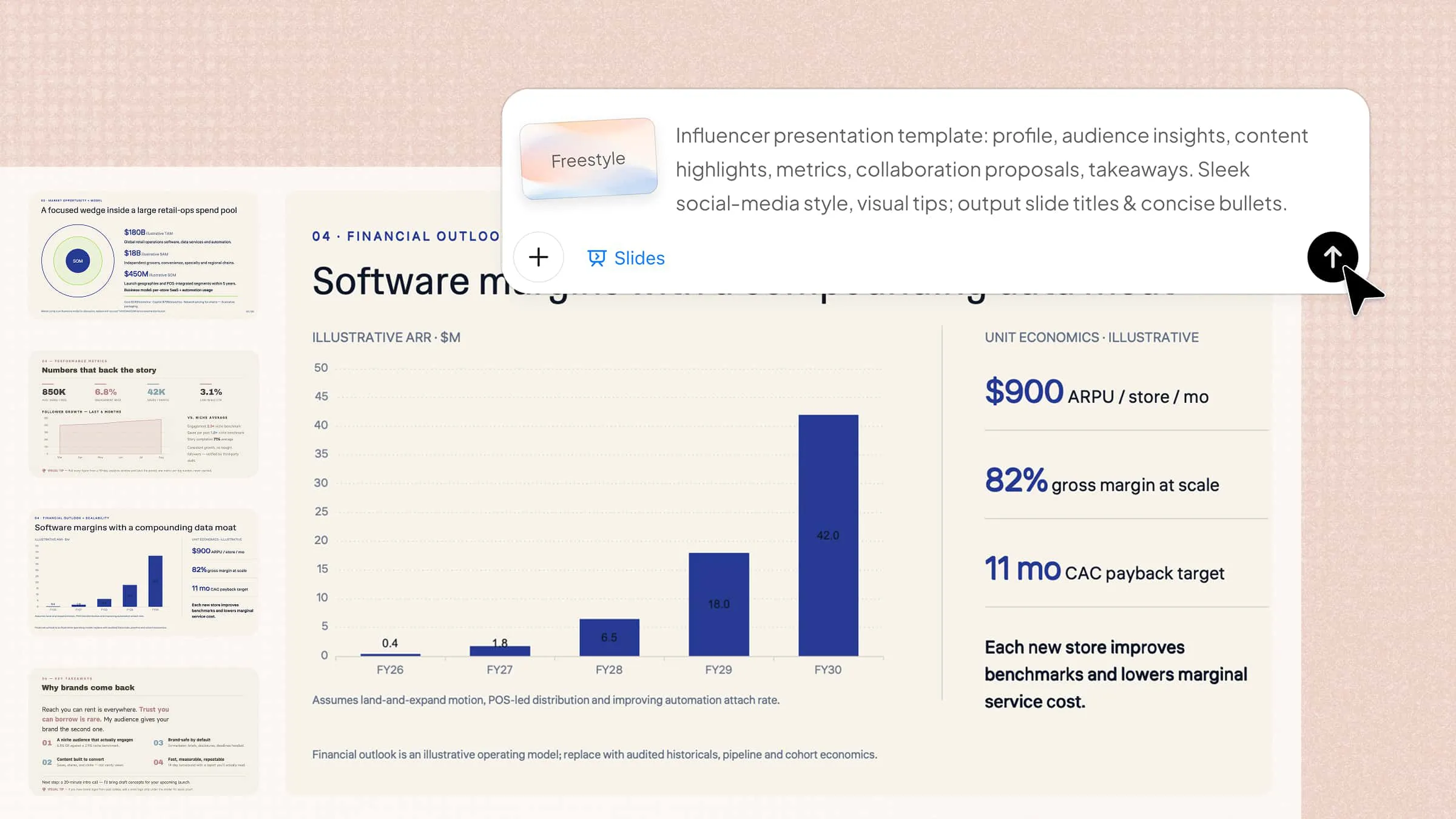
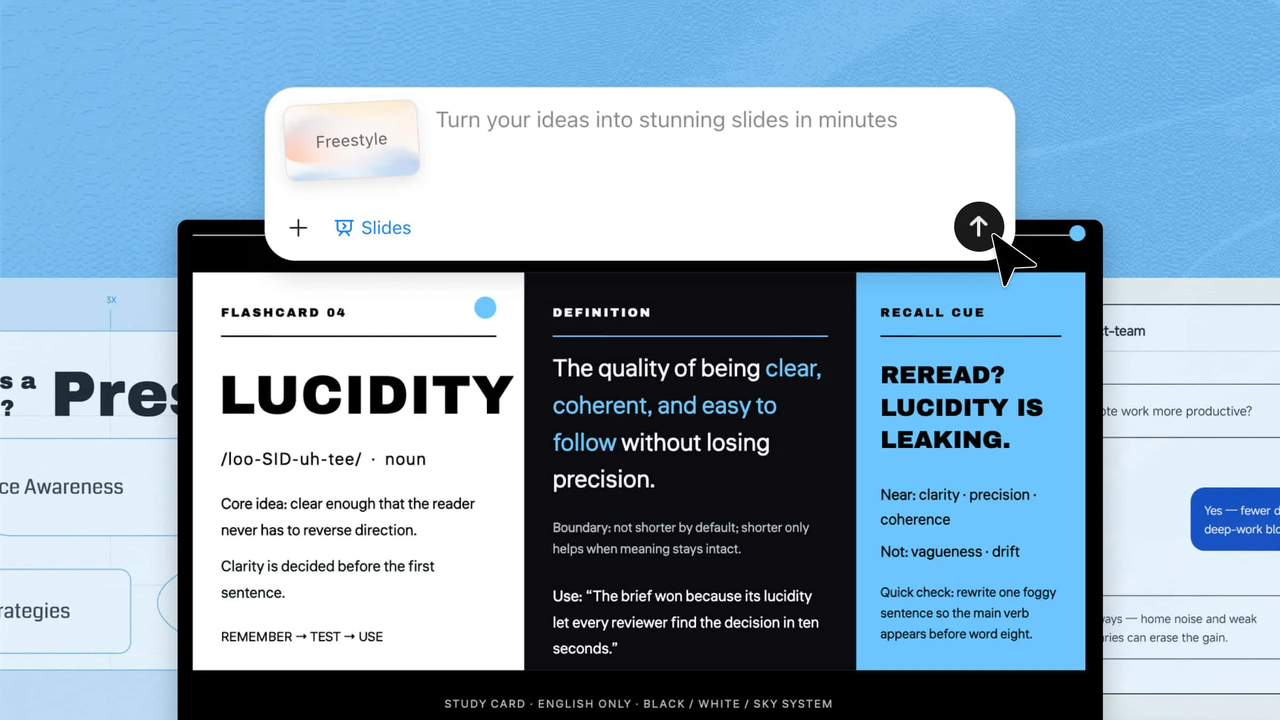
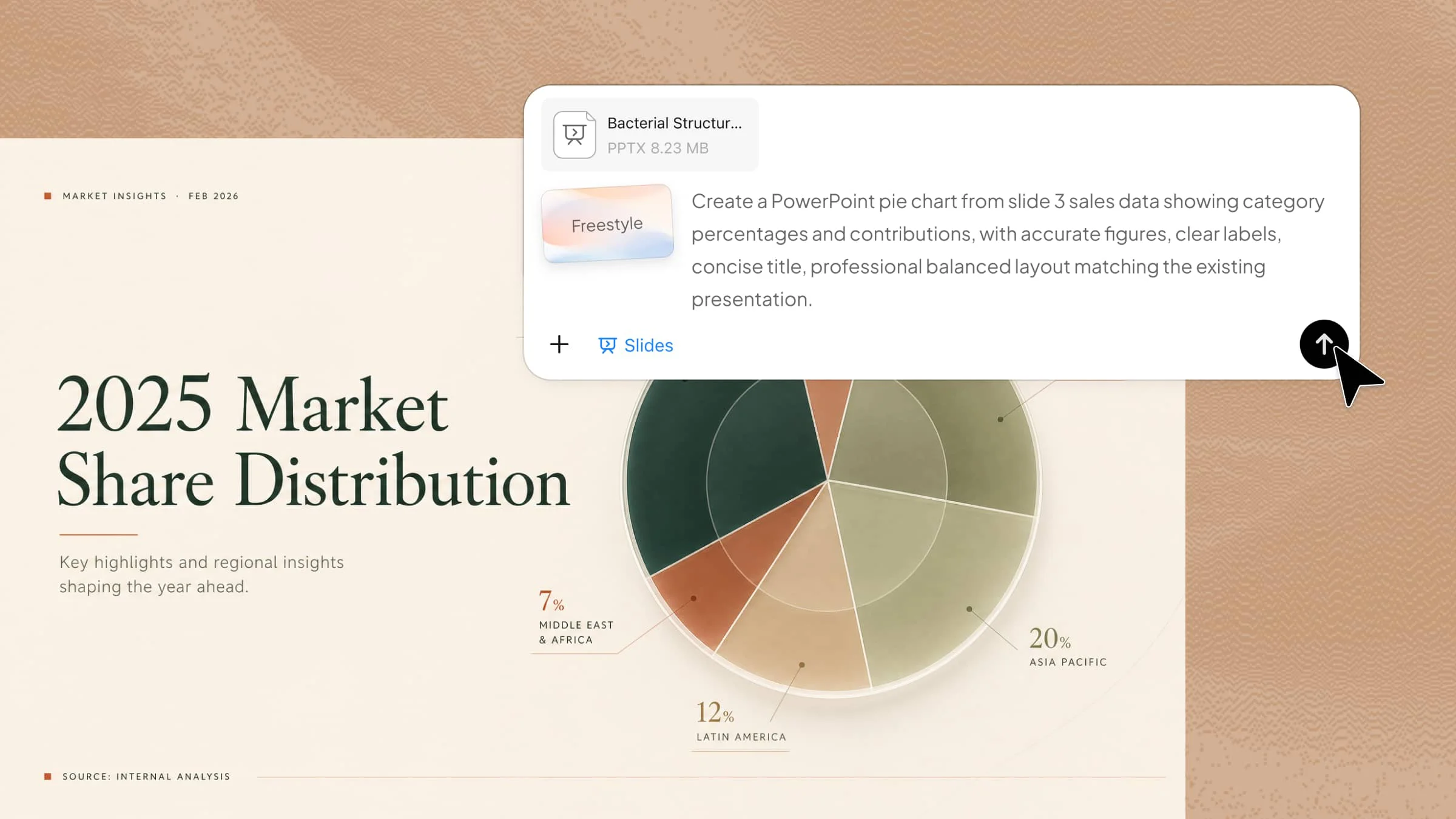
A well-crafted sales presentation can help you communicate your ideas, showcase your value, and build stronger connections with your audience. However, creating slides that balance clear messaging, engaging visuals, and professional design can take time. Sales presentation templates offer a practical starting point, helping you organize your content and create effective presentations more efficiently. This guide provides a collection of sales presentation templates to help you create professional slides for different sales scenarios.
Overview of 10 sales presentation templates
If you want to highlight a specific product, explore the product sales template first. If your goal is to pitch services, software, or business solutions, choose a template designed around customer value and business outcomes. For industry-specific presentations like healthcare, finance, automotive, or fashion, select a format that matches your audience and communication style.
| Template | Presentation goal | Content style | Recommended for |
|---|---|---|---|
| Product sales presentation | Showcase product value | Feature-driven storytelling | Product launches and demonstrations |
| Marketing sales presentation | Present marketing ideas | Data and campaign-focused content | Campaign proposals and strategy sharing |
| Retail sales presentation | Drive customer interest | Visual product storytelling | Store promotions and product collections |
| Service sales presentation | Explain solutions and expertise | Process and benefit-focused content | Professional service providers |
| Medical sales presentation | Build trust through information | Research and impact-based content | Healthcare products and solutions |
| Financial services sales presentation | Communicate value and credibility | Data-backed business content | Financial solutions and advisory services |
| Automotive sales presentation | Highlight vehicle advantages | Specification and lifestyle-focused content | Vehicle brands and dealerships |
| Fashion sales presentation | Present brand identity and trends | Visual and creative storytelling | Fashion brands and collections |
| Software sales presentation | Demonstrate software value | Feature and workflow-based content | SaaS and technology companies |
| B2B sales presentation | Present business impact | Strategic and solution-focused content | Business-to-business solutions |
10 professional sales presentation templates
Finding the right presentation style can make your sales ideas easier to understand and more memorable. With an AI presentation maker, you can turn your ideas into well-structured slides more efficiently. These 10 professional sales presentation templates provide flexible designs to help you create impressive presentations for meetings, proposals, and client discussions with confidence.
Product sales presentation template
A product sales presentation template helps businesses highlight a product's features, benefits, and unique value. It is mainly used for product launches, customer pitches, and sales meetings. The template organizes product details, pricing, and advantages in a clear visual format.
How to use
Step 1: Enter your prompt
Describe the product, target audience, key features, and presentation style you want AI to create.
Prompt:
Step 2: Let AI generate your PPT
AI creates a product-focused slide with visuals, feature highlights, and sales information based on your prompt.
Step 3: Review and export the PPT
Check product details, adjust visuals or text if needed, and export the final presentation for customer meetings.
Marketing sales presentation template
A marketing sales presentation template helps teams present campaigns, strategies, and promotional ideas professionally. It is useful for agencies and businesses pitching marketing plans to clients. The design focuses on audience insights, campaign goals, and expected outcomes.
How to use
Step 1: Enter your prompt
Add details about your campaign goals, target audience, marketing channels, and the visual style you need for your presentation.
Prompt:
Step 2: Let AI generate your PPT
AI transforms your campaign idea into a structured marketing slide with engaging visuals and organized information.
Step 3: Review and export the PPT
Review campaign details, refine the design, and export the completed slide for client presentations.
Retail sales presentation template
A retail sales presentation template is designed to showcase products, promotions, and customer buying experiences. It is commonly used by retail brands for sales plans, seasonal campaigns, and product collections. The layout helps present offers and sales information in an attractive way.
How to use
Step 1: Enter your prompt
Mention your retail products, promotional goals, customer type, and preferred design style to create a relevant sales slide.
Prompt:
Step 2: Let AI generate your PPT
AI creates a retail-focused slide with product displays, promotional details, and engaging shopping visuals.
Step 3: Review and export the PPT
Make final edits to products, offers, and branding before exporting the presentation.
Service sales presentation template
A service sales PPT template helps businesses explain their services, solutions, and customer benefits clearly. It is commonly used by agencies, consultants, and service providers to attract clients and showcase their expertise. The template focuses on service features, processes, pricing, and value propositions.
How to use
Step 1: Enter your prompt
Provide details about your service, target customers, key benefits, and the type of professional design you want for the presentation.
Prompt:
Step 2: Let AI generate your PPT
AI creates a service-focused slide that presents your solutions, process, and benefits in a visually organized way.
Step 3: Review and export the PPT
Review service details, update pricing or visuals, and export the final slide for client proposals.
Medical sales presentation template
A medical sales presentation template is designed to present healthcare products, equipment, or solutions professionally. It is useful for pharmaceutical companies, medical suppliers, and healthcare representatives during client meetings. The template helps explain product benefits, research, and patient-focused solutions.
How to use
Step 1: Enter your prompt
Add information about your medical product, healthcare audience, important features, and the professional style needed for your presentation.
Prompt:
Step 2: Let AI generate your PPT
AI generates a healthcare-focused slide with medical visuals, product information, and professional sales content.
Step 3: Review and export the PPT
Check medical information accuracy, refine the layout, and export the presentation for healthcare meetings.
Financial services sales presentation template
A financial services sales presentation template helps companies present banking, investment, insurance, and financial solutions. It is used to explain services, market insights, and customer benefits in a trustworthy way. The template creates a professional structure for financial pitches and client discussions.
How to use
Step 1: Enter your prompt
Describe your financial service, target clients, key offerings, and preferred business style for creating a professional presentation.
Prompt:
Step 2: Let AI generate your PPT
AI builds a finance-focused slide with organized data, service details, and professional visuals.
Step 3: Review and export the PPT
Verify financial details, customize branding elements, and export the final presentation for client meetings.
Automotive sales presentation template
A automotive sales presentation template helps brands showcase vehicles, features, and customer advantages. It is commonly used by car manufacturers, dealerships, and automotive sales teams. The template highlights specifications, performance, pricing, and unique selling points.
How to use
Step 1: Enter your prompt
Enter details about the vehicle, customer segment, key specifications, and visual theme you want for the sales presentation.
Prompt:
Step 2: Let AI generate your PPT
AI creates an automotive-focused slide featuring vehicle details, specifications, and attractive sales visuals.
Step 3: Review and export the PPT
Review car information, adjust design elements, and export the final slide for dealership or customer presentations.
Fashion sales presentation template
A fashion sales presentation template helps brands showcase clothing collections, trends, and product stories visually. It is useful for fashion designers, retailers, and brands presenting seasonal launches or sales campaigns. The template focuses on style, customer appeal, product details, and brand identity.
How to use
Step 1: Enter your prompt
Describe your fashion collection, target audience, product highlights, and preferred visual style for creating an attractive sales slide.
Prompt:
Step 2: Let AI generate your PPT
AI creates a fashion-focused slide with collection visuals, brand elements, and engaging sales information.
Step 3: Review and export the PPT
Check product details, customize branding, and export the final presentation for fashion pitches or client meetings.
Software sales presentation template
A software sales presentation template helps companies explain digital products, features, and business solutions. It is commonly used by SaaS companies and technology teams to demonstrate product value to potential customers. The template highlights software capabilities, user benefits, and performance results.
How to use
Step 1: Enter your prompt
Add information about your software, target users, main features, and the technology-focused design style you want for the slide.
Prompt:
Step 2: Let AI generate your PPT
AI creates a software-focused slide with product visuals, feature explanations, and customer value points.
Step 3: Review and export the PPT
Review software details, update screenshots or features, and export the final presentation for sales demonstrations.
B2B sales presentation template
A B2B sales presentation template is designed for businesses selling products or services to other companies. It helps sales teams present solutions, partnerships, and business benefits in a professional format. The template focuses on company value, market insights, solutions, and long-term results.
How to use
Step 1: Enter your prompt
Provide details about your business solution, target companies, industry challenges, and the professional tone needed for your presentation.
Prompt:
Step 2: Let AI generate your PPT
AI generates a B2B-focused slide with business insights, solution highlights, and professional sales visuals.
Step 3: Review and export the PPT
Review business information, adjust messaging, and export the final presentation for client negotiations or meetings.
Why use Kimi Slides for creating a sales presentation PPT?
Creating an effective sales deck requires clear messaging, strong visuals, and the right structure. As an AI PPT maker, Kimi Slides helps transform your sales ideas and materials into polished presentations faster, making it easier to organize key information and communicate your value. Discover how it can streamline your sales presentation workflow.
Create sales decks from product information and customer insights: Add product documents, sales materials, market research, customer notes, or other reference files, and turn them into a complete sales presentation with relevant sections and messaging.
Adapt presentations for different sales scenarios: Create customized decks for product demos, client meetings, investor conversations, partner presentations, or industry events with layouts that fit different communication goals.
Turn complex product details into easy-to-understand messages: Transform technical specifications, feature lists, and business data into concise slide content that highlights benefits, differentiators, and customer value.
Visualize sales data and business insights: Extract key data from files and transform it into polished tables, charts, and visual reports. Create data-driven slides with visualizations such as pie charts, line charts, bar charts, and Gantt charts to clearly present product performance, sales results, customer insights, and market opportunities.
Refine sales messages with flexible editing: Adjust specific slide elements directly or use natural-language instructions to improve copy, restructure sections, update visuals, and align the presentation with different audiences or sales strategies. Save multiple versions to compare different approaches.
Preview and export editable sales presentations: Review the final sales deck online before exporting it as a PPTX file. Continue editing text, visuals, charts, and other elements in PowerPoint to prepare a presentation that fits your sales process.
Tips for creating a sales presentation
A successful sales presentation is not just about sharing information. It is about connecting with your audience and guiding them toward a decision. The right structure, messaging, and visuals can make your presentation convincing and memorable. Follow these practical tips to create sales slides that communicate value effectively.
Start with the customer problem
Begin your presentation by focusing on the challenges your customers are facing. Clearly explaining their pain points helps create a connection and shows that you understand their needs. This makes your solution more relevant and easier for the audience to appreciate.
Use data and examples to build trust
Supporting your claims with real data, case studies, and examples makes your presentation more reliable. Numbers and customer results help demonstrate the value of your product or service. This builds confidence and gives your audience stronger reasons to consider your offer.
Keep each slide focused
Each slide should communicate one main idea instead of overwhelming viewers with too much information. A clear structure helps your audience follow your message and remember important points. Focused slides also make your presentation look more professional and easier to understand.
Use visuals to explain information
Visual elements such as charts, icons, images, and diagrams can make complex ideas easier to understand. They help break down information and keep your audience engaged throughout the presentation. Well-designed visuals can also highlight important details more effectively than text alone.
End with a clear next step
A strong sales presentation should guide your audience on what to do after viewing your offer. Include a clear call to action, such as scheduling a meeting, starting a trial, or discussing the next stage. A specific next step makes it easier to continue the sales conversation.
Conclusion
A well-structured sales presentation can help you communicate ideas clearly and create stronger connections with your audience. Sales pitch presentation templates make it easier to organize your message, present value, and build professional slides. Whether you are preparing a pitch, proposal, or client meeting, a suitable template can save time and improve your workflow. Try Kimi Slides to transform your sales content into polished presentations with less effort.